

💡 You’ve written a great blog post. It’s helpful, well-structured, and full of insights. But when you hit “publish,” it doesn’t perform the way you hoped for “few clicks, little traction, and even less visibility”. Sound familiar?
👉 The truth is, in today’s search landscape, good content isn’t enough. You need optimized content, the kind that connects with readers and search engines. That’s where AI content optimization tools for SaaS come in.
These tools don’t replace your creativity; they refine it. They help you understand what your audience is really looking for, show you the topics competitors are covering, and guide you in turning an average post into one that ranks, engages, and converts (then measures the uplift using AI content audit software).
In this guide, we’ll walk through the best content optimization tools that actually make a difference - what they do, who they’re for, and how to use them in a simple 20–30 minute workflow. Whether you’re a solo blogger, small business owner, or part of a growing content team, you’ll find exactly where to start (without the tech overwhelm).
Let’s dive in and find the tools that will help your content perform like it deserves to.
💡 TL;DR
- What these tools do: Content optimization tools scan top-ranking pages, reveal the topics and questions searchers expect, and show you exactly what to add, remove, or improve in your drafts.
- Who they’re for: Solo creators, SaaS teams, and agencies that already publish content but aren’t seeing enough rankings, clicks, or conversions.
- Biggest benefit: You stop guessing. Instead of rewriting an entire article, you make targeted updates that match search intent, improve structure, and strengthen topical authority.
- Top picks by use case:
- Clearscope / Surfer → fast refreshes of existing posts
- Frase / Contentpace → strong briefs, FAQs, and outlines
- MarketMuse → planning topic clusters and supporting articles
- Semrush Writing Assistant → teams already using Semrush
- NeuronWriter → budget-friendly optimization for solo writers
- Time to impact: With a simple 20–30 minute workflow, you can take one underperforming page at a time, close the gaps, and track uplift in impressions, clicks, and leads over the next 2–4 weeks.
What Is a Content Optimization Tool?
A content optimization tool helps you turn a draft (or existing page) into something more helpful and easier to rank. It scans top results, shows topics and questions people expect, suggests missing sections/terms, checks readability/structure, and helps you track results after you update (with AI content audit software). Think of it as a smart checklist that prevents guesswork and keeps your content focused on what readers actually need.
Top Content Optimization Tools for 2025
| Tool | Best For | Standout Strengths | Works With | Not Ideal For |
|---|---|---|---|---|
| Clearscope | Fast, high-quality refreshes | Clear scoring, reliable term suggestions | Google Docs, WP (via copy/paste) | Deep topic planning |
| Surfer | Optimization + on-page SEO | Optimization + on-page SEO | Google Docs, WP | Very advanced cluster planning |
| Frase | Briefs & FAQs | Fast outlines, questions coverage | Google Docs, WP | Heavy multi-site planning |
| MarketMuse | Topic clusters & authority | Inventory analysis, gap finding | Web app | Quick one-off refreshes |
| Semrush Writing Assistant | Existing Semrush users | Smooth add-on workflow | Google Docs, WP plugin | Full-funnel content planning |
| NeuronWriter | Budget-friendly | Useful SERP ideas at low cost | Web app | Large teams needing workflows |
| Contentpace | Team briefs & calendars | Collaborative planning, outlines | Web app | Deep semantic modeling |
1. Clearscope
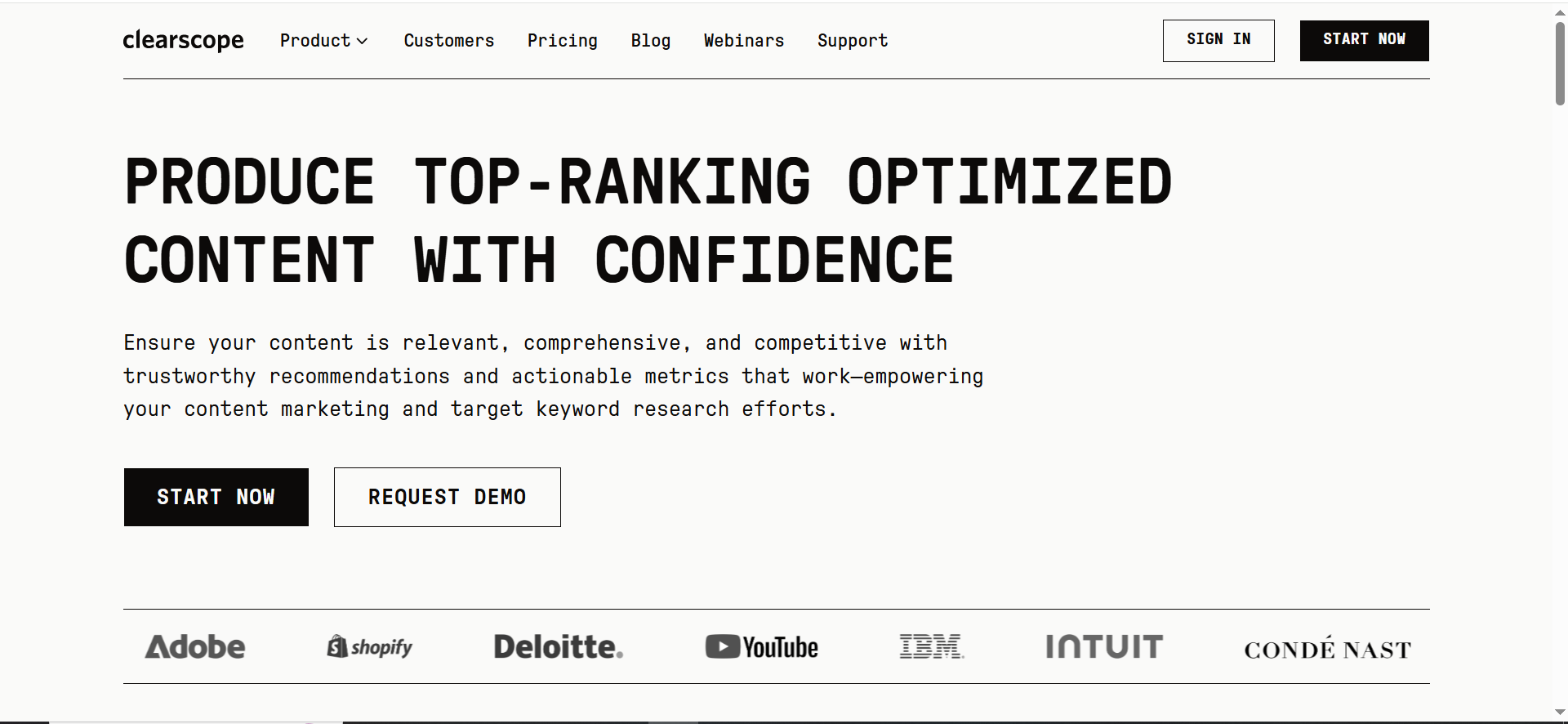
- Best for: Premium, accuracy-focused content teams
- Pricing: ≈ $129+/month
- Ease of use: Very easy
What is does: Clearscope is one of the cleanest and most reliable tools for content optimization. It scans top-ranking pages and gives you clear, easy-to-follow content grades and term suggestions. Writers love how intuitive it is, you can improve a piece without getting lost in data. It’s especially handy for content refreshes, where you’re improving older blogs that have lost traction.
Why people like it: The interface is minimal, the scoring is fair, and the recommendations are actionable even for non-technical writers.
Keep in mind: Clearscope doesn’t replace keyword research or content planning, it works best as your final optimization layer before publishing.
👉 Key takeaway: Use Clearscope when you already have a draft or existing article and you want a fast, reliable way to improve it without deep SEO knowledge.
Pricing tiers:
- Essentials – about $129/month
- Business – often from around $399/month depending on usage/seats
- Enterprise – custom quote
2. Surfer
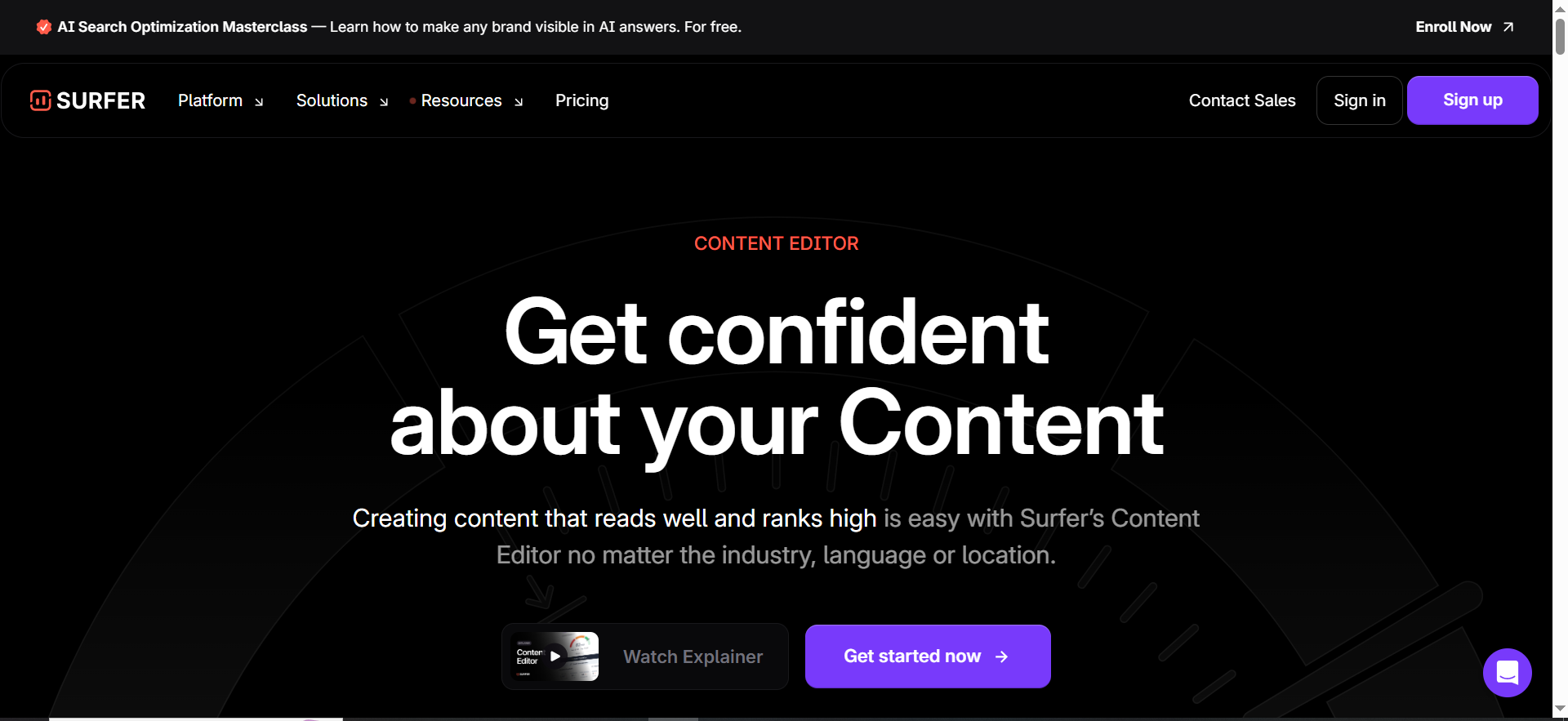
- Best for: All-in-one SEO + content workflows
- Pricing: From $79/month
- Ease of use: Moderate
What is does: Surfer takes optimization a step further by blending content scoring with on-page SEO features like internal link suggestions, SERP comparison, and content length guidance. It’s ideal for teams that want to handle everything “keyword targeting, briefs, optimization, and audits” in one workspace.
Why people like it: You get solid data-backed guidelines, easy-to-use dashboards, and workflow integrations with Google Docs and WordPress.
Keep in mind: While Surfer is feature-rich, you might still use separate tools for deep keyword research or technical SEO audits.
👉 Key takeaway: Choose Surfer if you publish often and want one workspace where your team can go from keyword → brief → optimized article → on-page tweaks.
Pricing tiers:
- Essential – $79/month
- Scale – $175/month
- Enterprise – $399/month
Click here to try Surfer for FREE!
3. Frase
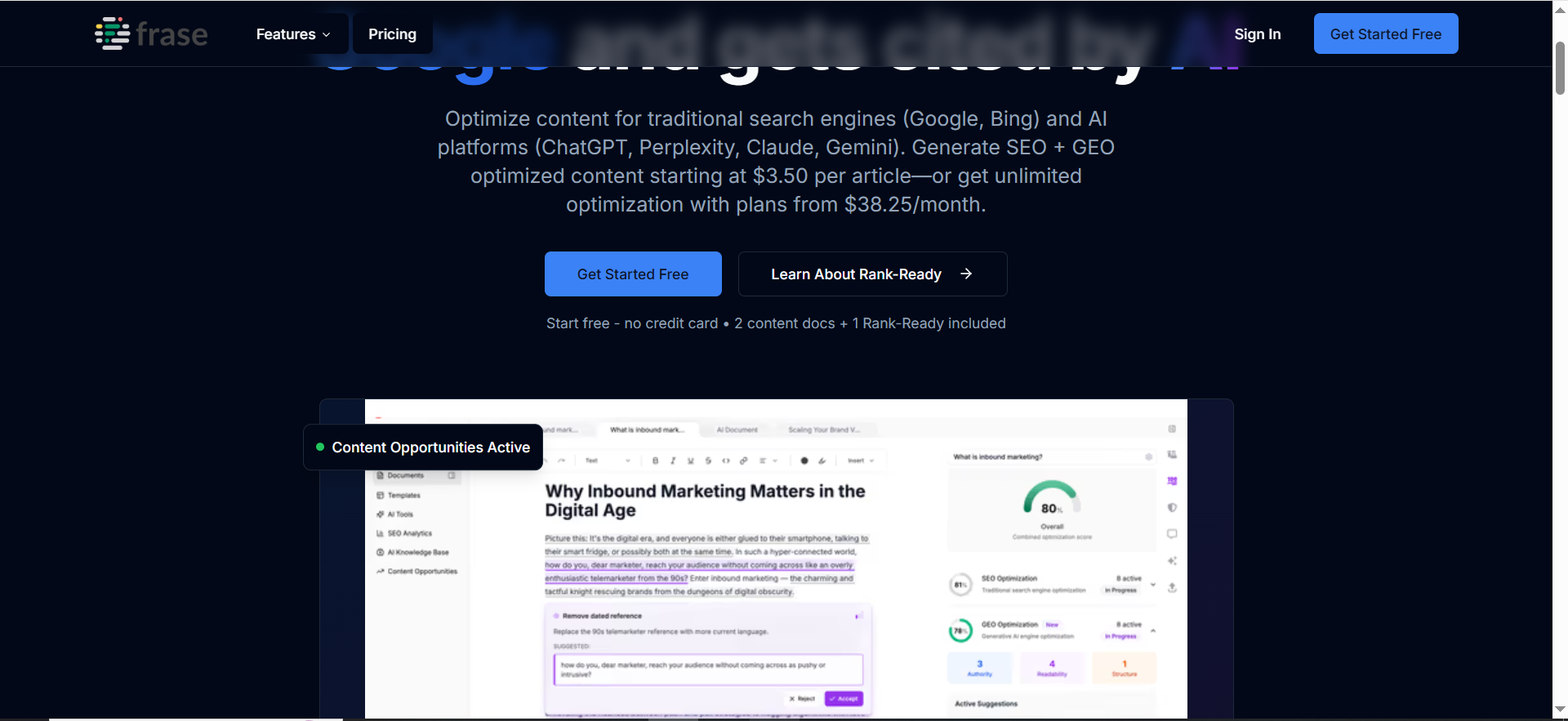
- Best for: Briefs, outlines, FAQs from SERPs
- Pricing: From ≈$98/month
- Ease of use: Easy
What is does: Frase shines during the early stage of content creation. It quickly summarizes top-ranking pages and highlights the exact questions and topics your post should answer. Writers and editors use it to build structured briefs and ensure each piece covers intent fully.
Why people like it: It’s fast, practical, and produces detailed outlines and FAQ lists that keep you aligned with search intent.
Keep in mind: Frase doesn’t track performance or offer deep SEO analytics, so it pairs well with rank trackers or platforms like Ahrefs.
👉 Key takeaway: Use Frase when you’re starting from a blank page and need fast, intent-aligned outlines and FAQs for new posts.
Pricing tiers:
- Starter / Solo – starts around $117/month (with annual billing; monthly a bit higher)
- Professional – $98/month
- Scale – $195/month
- Advanced – $178/month
4. MarketMuse
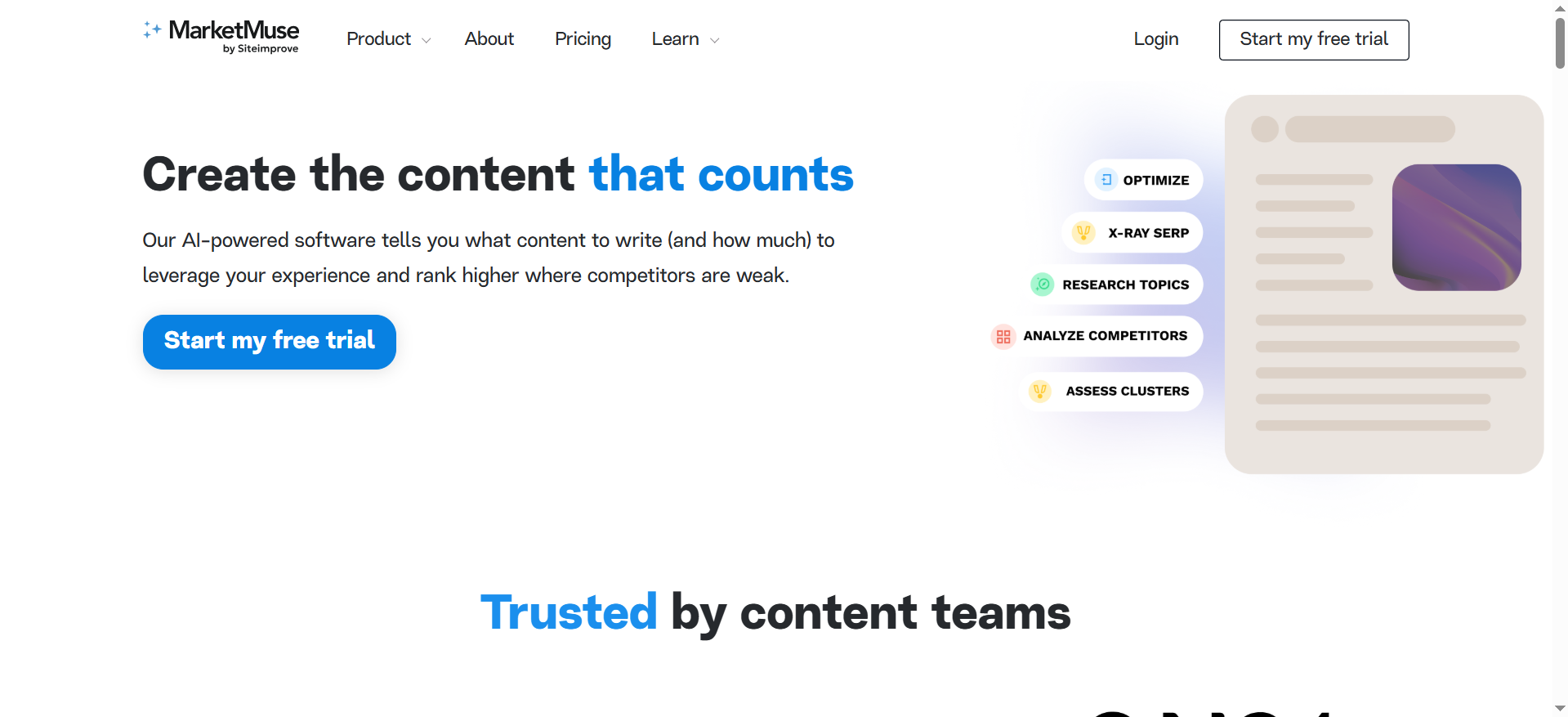
- Best for: Topic clusters, content inventory, strategy
- Pricing: Free, paid from ≈$149/month
- Ease of use: Moderate/advanced
What it does: MarketMuse goes beyond page-level optimization “it helps you map out topic clusters and internal linking strategies”. By analyzing your entire content inventory, it shows where you have gaps and how to structure new supporting content.
Why people like it: It gives a high-level view of your topical authority and helps build long-term SEO strategy for scaling SaaS blogs.
Keep in mind: It can feel heavy for small teams or infrequent publishers, as it’s best suited for strategic planning across multiple assets.
👉 Key takeaway: Choose MarketMuse when you’re planning long-term SaaS SEO and want to map out 10–20 supporting pages around your most important topics.
Pricing tiers:
- Free – $0/month
- Standard – about $149/month (or $1,500/year)
- Team – about $399/month (or $3,900/year)
- Premium / Enterprise – custom quote, often $999+/month for larger/unlimited packages
5. Semrush Writing Assistant
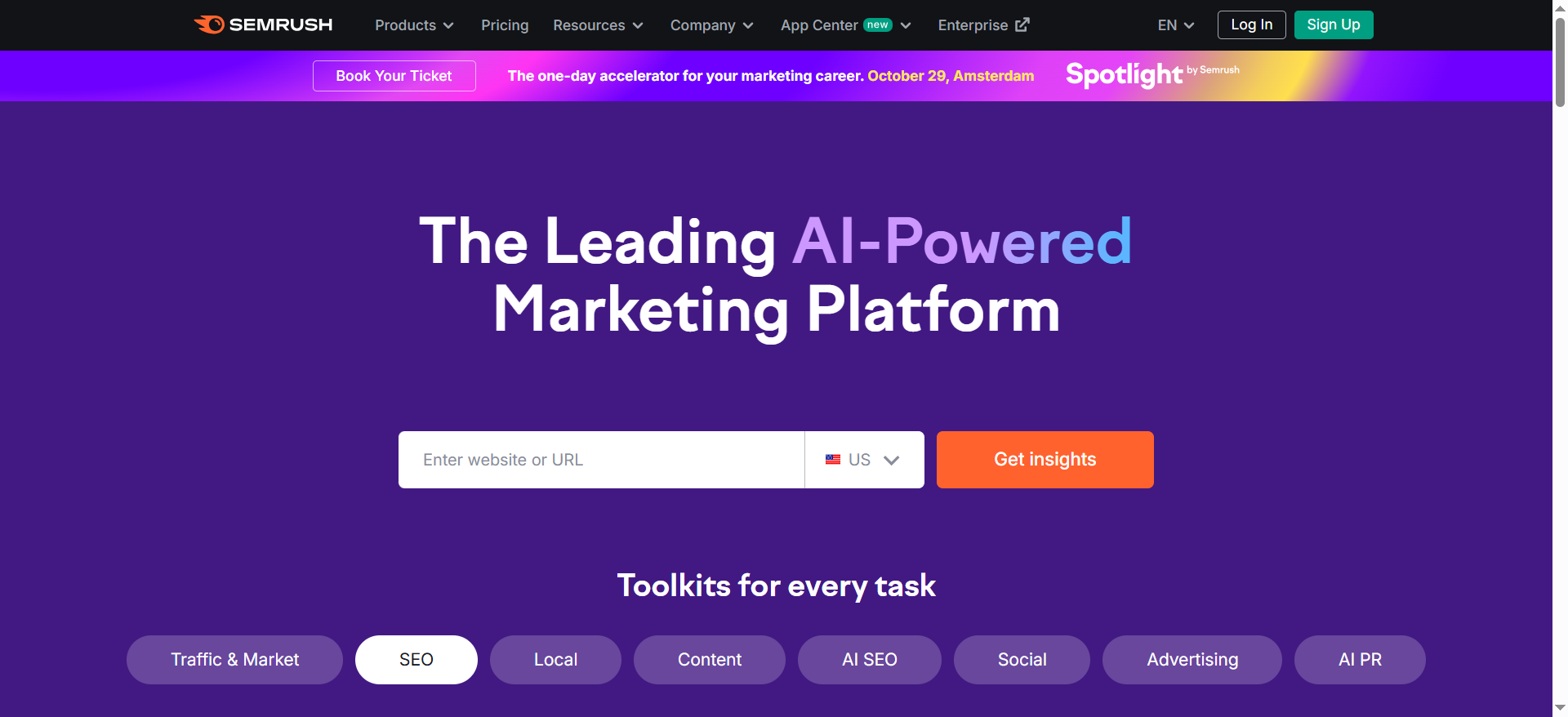
- Best for: Existing Semrush users writing in Docs/WP
- Pricing: Included in plans from $165/month
- Ease of use: Easy
What is does: If you’re already doing your research and audits in Semrush, this add-on keeps your writing aligned with the same data. The Semrush Writing Assistant integrates directly with Google Docs and WordPress, providing real-time feedback on readability, tone, and SEO optimization while you write.
Why people like it: It’s seamless, no need to switch between tools. It helps maintain consistent tone and technical accuracy across content.
Keep in mind: It’s not a standalone optimizer, it works best as part of your existing Semrush subscription.
👉 Key takeaway: If you live in Semrush for research and audits, this add-on is the easiest way to keep every draft aligned with your SEO strategy as you write.
Pricing tiers:
- Starter – $165/month
- Pro – $248/month
- Advanced – $455/month
6. NeuronWriter
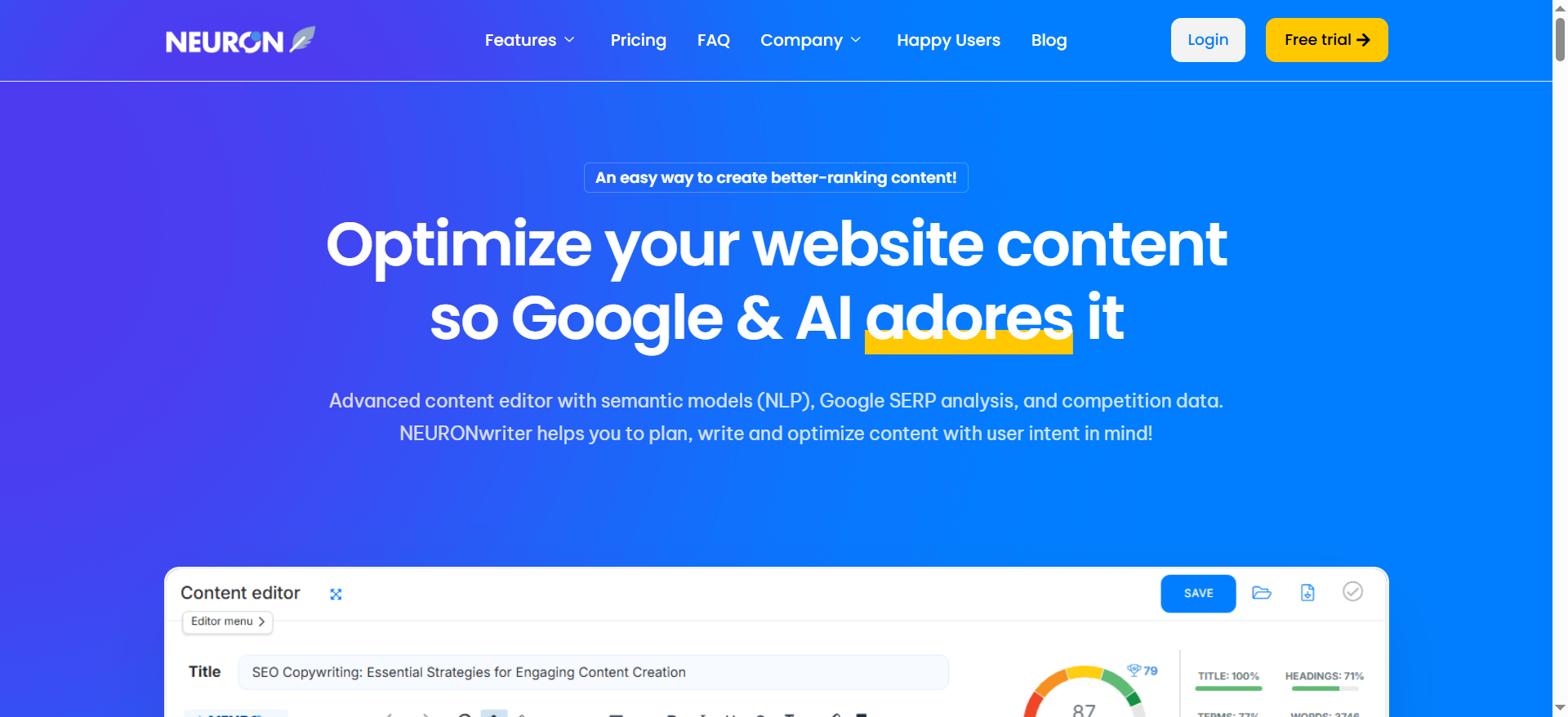
- Best for: Budget SERP-driven optimization
- Pricing: From $23/month
- Ease of use: Easy–moderate
What is does: NeuronWriter is a cost-effective alternative that still packs a solid punch. It analyzes SERPs, suggests relevant keywords and entities, and gives structure advice. For individual creators or startups, it’s a great way to access optimization insights without heavy costs.
Why people like it: Affordable pricing, practical recommendations, and simple reports make it perfect for lean teams.
Keep in mind: It doesn’t have advanced collaboration or reporting, so it’s not built for large-scale agency workflows.
👉 Key takeaway: Pick NeuronWriter if you’re a solo creator or small team that wants smart SERP-driven suggestions without enterprise-level pricing.
Pricing tiers:
- Bronze – $19.12/month
- Silver – $37.12/month
- Gold – $57.12/month
- Platinum – $77.12/month
- Diamond – $97.12/month
7. Contentpace
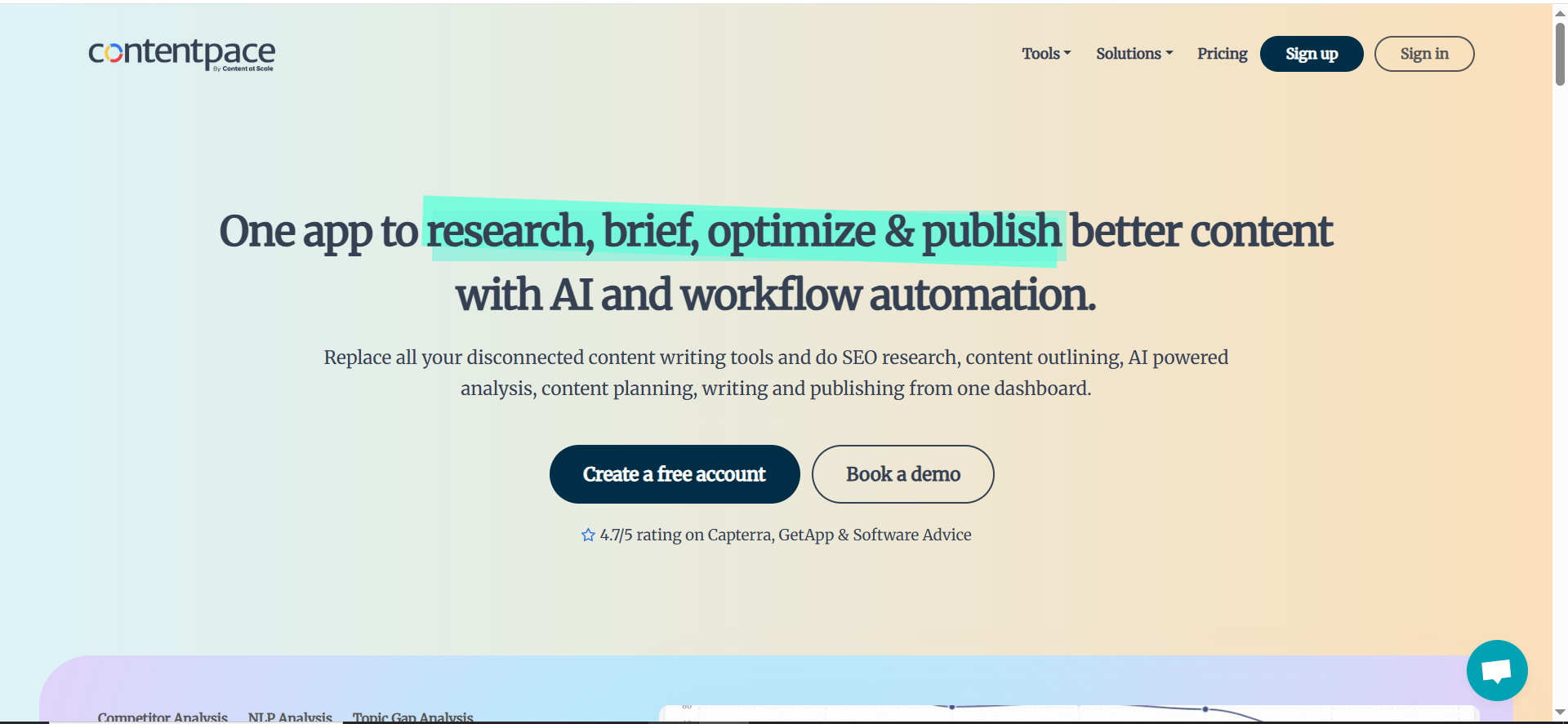
- Best for: Teams/agencies coordinating content production
- Pricing: From $27/month
- Ease of use: Easy
What is does: Contentpace focuses on team collaboration. It helps strategists, writers, and editors work from a single brief, keeping tone, structure, and target keywords aligned across all posts. The integrated calendar makes it easy to plan and monitor deadlines across teams.
Why people like it: It bridges strategy and execution, ensuring that each content piece fits the brand voice and goals.
Keep in mind: It’s not a deep semantic optimizer, so you might pair it with a tool like Clearscope or Surfer for keyword coverage.
👉 Key takeaway: Use Contentpace when your biggest challenge is coordination between multiple writers, and you want all briefs, outlines, and timelines in one place.
Pricing tiers:
- Essential – $27/month
- Team – $57/month
- Agency – $97/month
How to Choose a Tool in 2 Minutes
Pick by goal:
- Create new briefs fast → Frase, Contentpace
- Refresh old content → Clearscope, Surfer
- Build topic clusters → MarketMuse
- One tool for a small team → Surfer, Semrush Writing Assistant
- Budget/solo → NeuronWriter
Check these basics:
- Limits & price: Do credits/users match your monthly output?
- Integrations: Google Docs, WordPress, your CMS.
- Ease of use: Can a writer use it right away without training?
- Reporting: Before/after visibility—did your update move the needle?
▶️ Rule of thumb: If you publish a lot, ease of use matters most. If you manage a team, prioritize collaboration and editorial control.
A Simple 20–30 Minute Workflow (Copy This)
The goal here is speed and clarity: take one draft or live page, make it more useful for readers, and give it a better chance to rank without overthinking it.
1) Pick your page (2–3 mins)
Start with a page that matters. That could be a money page that drives sign-ups, or a post that used to perform but has slipped. A quick sniff test helps: does the title still match what searchers want? Has it gone 6–12 months without an update? If yes, add it to a small “Refresh Queue” so you’re not guessing next time.
💡 Good candidates: former traffic winners, page-2 rankings, key lead-gen posts.
💡 Keep a simple sheet with: URL, goal (traffic or leads), primary keyword, last updated.
2) Drop it into your tool (3–4 mins)
Open your optimizer (Clearscope, Surfer, Frase, etc.) and paste the URL or draft. In seconds you’ll see what top results consistently cover and what you’re missing. Don’t try to fix everything, pick two or three gaps you can close today. If you’re still deciding on a platform, shortlist with compare AI SEO tools.
Look for: missing topics/questions, suggested headings, readability flags.
Decide on 2–3 quick wins before you start editing.
- Look for: missing topics/questions, suggested headings, readability flags.
- Decide on 2–3 quick wins before you start editing.
3) Add what’s missing (7–8 mins)
Readers reward completeness. Add a short FAQ block answering the exact questions people ask, insert a mini example (or a quick checklist) to make the advice concrete, and cover any overlooked subtopic in a tight paragraph or two. Keep your tone simple and practical; clarity beats word count. Use the B2B SaaS content audit checklist to sanity-check what to add.
💡 Aim for: 2–4 Q&As, one concrete example, one overlooked subtopic covered.
4) Fix structure (4–5 mins)
Now make the page easy to skim. Turn your main ideas into clear H2s, break steps or comparisons into H3s, and keep paragraphs short. If the post is long, a tiny summary box near the top helps scanners decide to stay. A quick primer: follow the AEO-ready SaaS blog guide so headings and snippets satisfy answer-engine style results.
- Use action-style headings (“How to…”, “Best tools for…”, “Checklist”).
- Add bullets for lists and keep paragraphs to 2–4 lines.
5) Tidy up (3–4 mins)
Internal links are free leverage. Add two or three links to related guides or product pages, then plan one or two links from other pages back to this one after publishing. While you’re here, tighten the title and meta description so the value is obvious. Compress images and add descriptive (not spammy) alt text. Place one mid-post CTA and one end-post CTA that matches the page’s goal.
💡 Quick wins: 2–3 internal links, sharper title/meta, compressed images, clear CTAs.
6) Publish & track (3–4 mins)
Hit publish and log the update date, primary keyword, and the three to five queries you care about. In 2–4 weeks, check impressions, clicks, average position, and on-page engagement (set up tracking with a best SEO rank tracking tools pick). If you see small gains, run another mini round: add one new FAQ, one more internal link, and one fresh example.
💡 Review window: 14–28 days for early signals, then iterate lightly.
Best Tool Stacks (By Situation)
Not everyone needs the same setup. Pick the lightest stack that keeps you moving.
▶️ Solo blogger
Keep it nimble: NeuronWriter (or Frase) + Google Docs + your CMS. Set a weekly rhythm so you actually publish: one new outline, one draft-and-optimize session, and one quick refresh. Track it all in a simple sheet, nothing fancy required.
👉 Simple cadence: outline (Mon), draft + optimize (Wed), refresh an old post (Fri).
▶️ Small business
Surfer (or Clearscope) paired with WordPress/Shopify and Google Search Console gives you a steady engine. Plan two new posts and two refreshes each month. Add a “refresh day” at the end of the month to update titles, CTAs, and links across five to ten pages.
👉 Month plan: Week 1 plan, Weeks 2–3 publish, Week 4 refresh and interlink.
▶️ Agency/team
You’re optimizing at scale, so consistency matters. Use Surfer or Clearscope for the optimization layer, Contentpace for briefs and calendars, and a shared SOP to keep writers aligned. A lightweight dashboard that tracks pages updated, page-1 wins, and leads keeps everyone focused.
👉 Flow: brief → draft → optimize → QA (CTAs/links) → publish → log results.
Free & Low-Cost Ways to Start
You can test your way into the right workflow without a big commitment.
Try two free trials on the same post and choose the one that helped you publish faster.
In Google Search Console, filter by the page you’re updating and look for queries where you rank between positions 8 and 20, those are prime candidates for a quick win.
Use a free readability checker to trim dense paragraphs, and keep a basic spreadsheet to log what you changed and when you’ll review it.
▶️ GSC tip: compare last 28 days vs. previous 28 to spot content decay and set refresh priorities.
Common Mistakes (and Quick Fixes)
| Common Mistake | Why It Hurts | Quick Fix |
|---|---|---|
| Chasing a “100 score.” | You over-optimize for a tool’s metric instead of what readers (and Google) actually need. | Start with reader intent: add missing questions, examples, and clear steps. Treat the score as a guide, not the goal. |
| Over-optimizing | Stuffed terms and rigid phrasing reduce clarity and can trigger spam signals. | Write naturally. Use synonyms and variations. Read aloud once—if it sounds robotic, rewrite. |
| Ignoring old posts | Top pages decay over time, losing rankings and clicks you already earned. | Block a monthly refresh day. Update stats, add a mini-FAQ, improve internal links, and republish with the date. |
| No tracking | You can’t tell which edits worked, so you repeat guesswork. | Log before/after: title, date, primary keyword, target queries, and the exact changes. Review in 2–4 weeks. |
Frequently Asked Questions
Are these tools the same as AI writers?
Do I still need keyword research?
Will a higher score always rank better?
How often should I update old posts?
Which tool is best for beginners?
Can I use these tools for product or service pages?
Conclusion
Content optimization isn’t about chasing scores “it’s about creating content that meets people where they are and delivers exactly what they need”. The best tools don’t replace your voice; they sharpen it. They turn guesswork into strategy, helping every post you publish perform better, rank higher, and stay relevant longer.
Whether you’re using Frase to build smarter outlines, Clearscope to refresh aging posts, or Surfer to manage a full content workflow, the goal is the same: write for humans, optimize for search. If you need a concrete jumping-off point, study a focused win like our AI SEO BOFU case study, then decide if a time-boxed service like the SaaS content audit & fix sprint is the right next step for your site. For leaders weighing the strategic path, the CEO’s guide to SaaS content lays out how an organic engine compounds over time.
And if you’re not sure where to start - or want a done-for-you system that combines these tools with a proven SEO framework - The Rank Masters can help. Our team builds, optimizes, and refreshes content that ranks and converts, backed by data and strategy.
▶️ Ready to make your content work smarter?Let’s audit one of your pages and show you how optimization can turn it into a consistent traffic and lead generator.


