

A seed-stage SaaS team needs five free tools, not thirty. Google Keyword Planner covers demand, Screaming Frog covers audits, Ahrefs Free covers backlinks, Google Search Console covers rankings and Looker Studio covers reporting. That stack holds until a site outgrows 500 crawlable URLs or keyword lookups start throttling the content calendar.
This applies to one site in one market with fewer than about 50 published pages and under 10,000 monthly organic sessions, the range Averi's startup guide describes as more than enough for free tools.
Free tiers show your own site only, with no competitor gap analysis. Google's support page also says Keyword Planner needs a Google Ads account with billing information set up before it gives you keyword ideas.
If the first Screaming Frog crawl turns up more than your team has time to fix, our Technical SEO and AI Readiness work covers it.
1. Keyword Research Tools
▶️ Google Keyword Planner
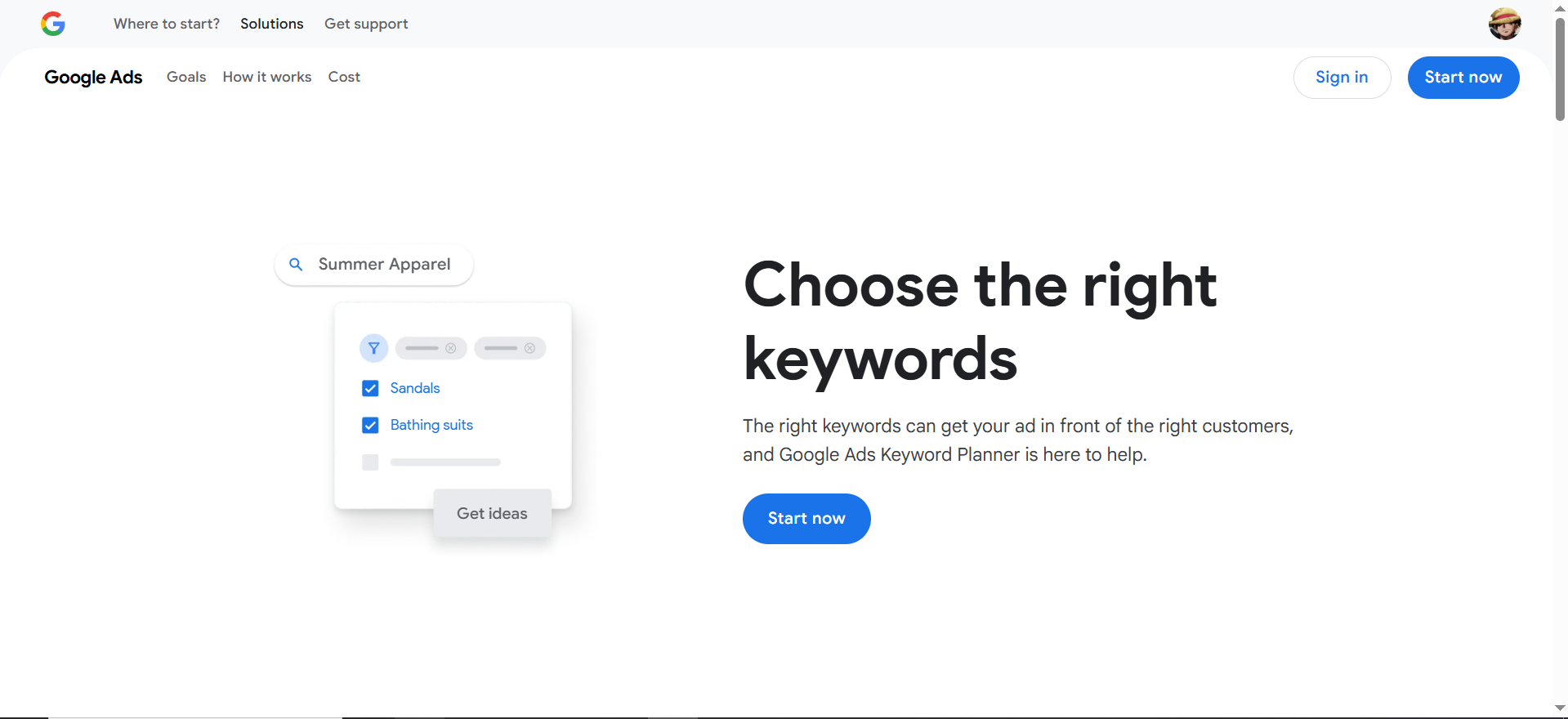
Google’s free keyword tool inside Ads provides search volume ranges, CPC data, and competition levels. It’s reliable for validating market demand, spotting seasonal trends, and clustering queries across awareness-to-decision stages, essential before investing in SaaS content or landing pages.
Best For: SaaS teams validating search demand before investing in content or feature-specific landing pages. It’s especially strong for mapping terms across the SaaS funnel:
- Problem-aware: “Reduce SaaS churn”
- Solution-aware: “Customer retention software”
- Product-aware: “Best SaaS analytics platform”
👉 Why SaaS Teams Should Care: Without demand validation, you risk creating content that drives traffic but not trials. Keyword Planner ensures your ICP is actively searching for the problems your product solves, so content can be tied directly to SQLs and ARR.
Limitations: Search volumes are shown as wide ranges (e.g., 1K–10K) unless linked to a paid ads account. It doesn’t calculate keyword difficulty or SERP competitiveness.
💡 Pro Tip: Use it to segment keywords into funnel stages (awareness, consideration, decision) and assign them to personas (e.g., CTO vs. Head of Product). This creates alignment between SEO and sales narratives.
▶️ Ubersuggest (Free Version)
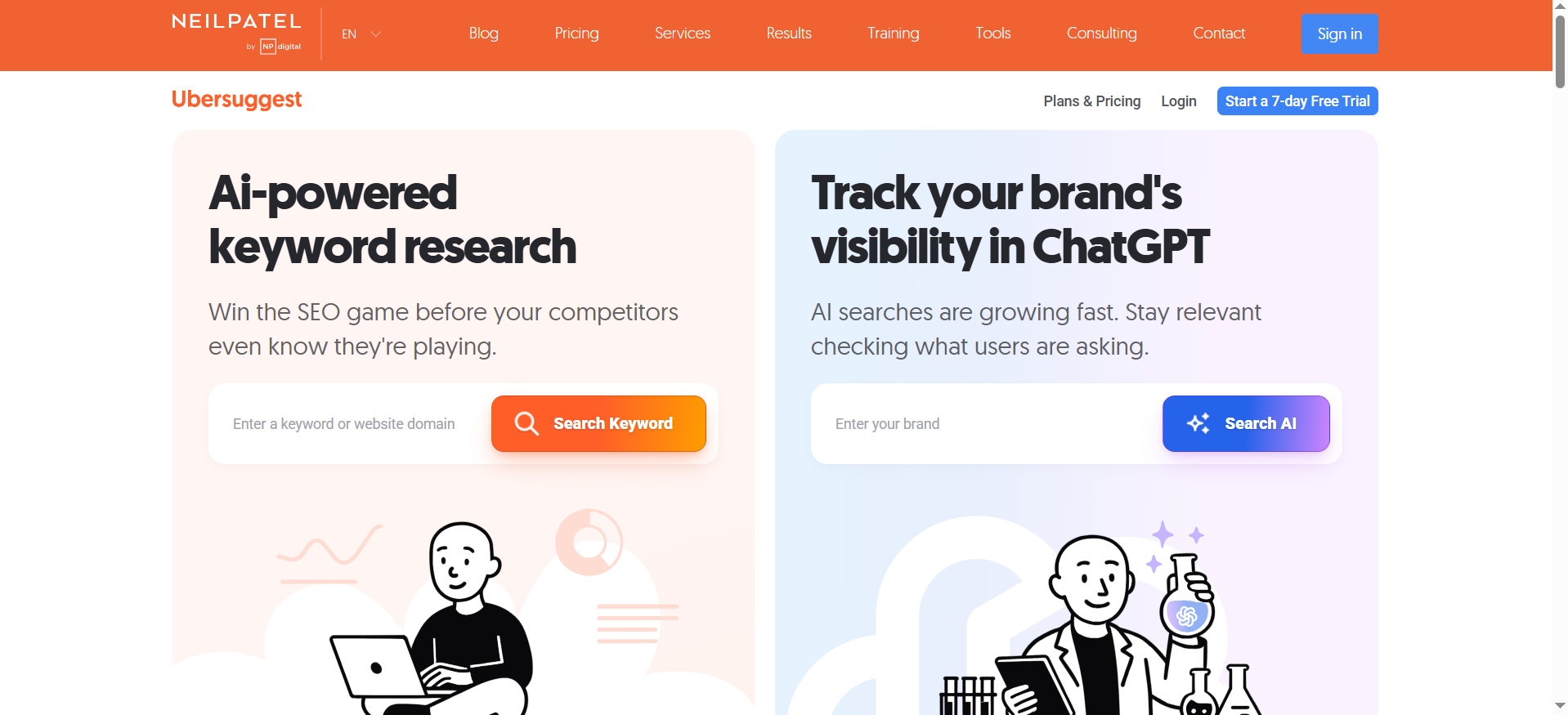
An all-in-one lite SEO tool that shows keyword ideas, difficulty scores, related terms, and domain-level insights. With 3 free searches daily, it’s useful for small teams exploring long-tail opportunities and quick editorial planning without committing to premium tools.
Best For: SaaS teams without budget for Ahrefs/SEMrush but who need quick insights into long-tail, lower-competition opportunities.
👉 Why SaaS Teams Should Care: Startups can’t always win on big head terms. Ubersuggest helps you identify high-intent long-tail queries like “analytics dashboard for SaaS founders” that incumbents overlook. These often convert better because they’re closer to the buying decision.
Limitations: Strict daily search caps, smaller keyword database, and less accurate traffic estimates than premium tools.
💡 Pro Tip: Prioritize terms with medium difficulty but strong buying intent over vanity metrics like raw volume.
▶️ AnswerThePublic
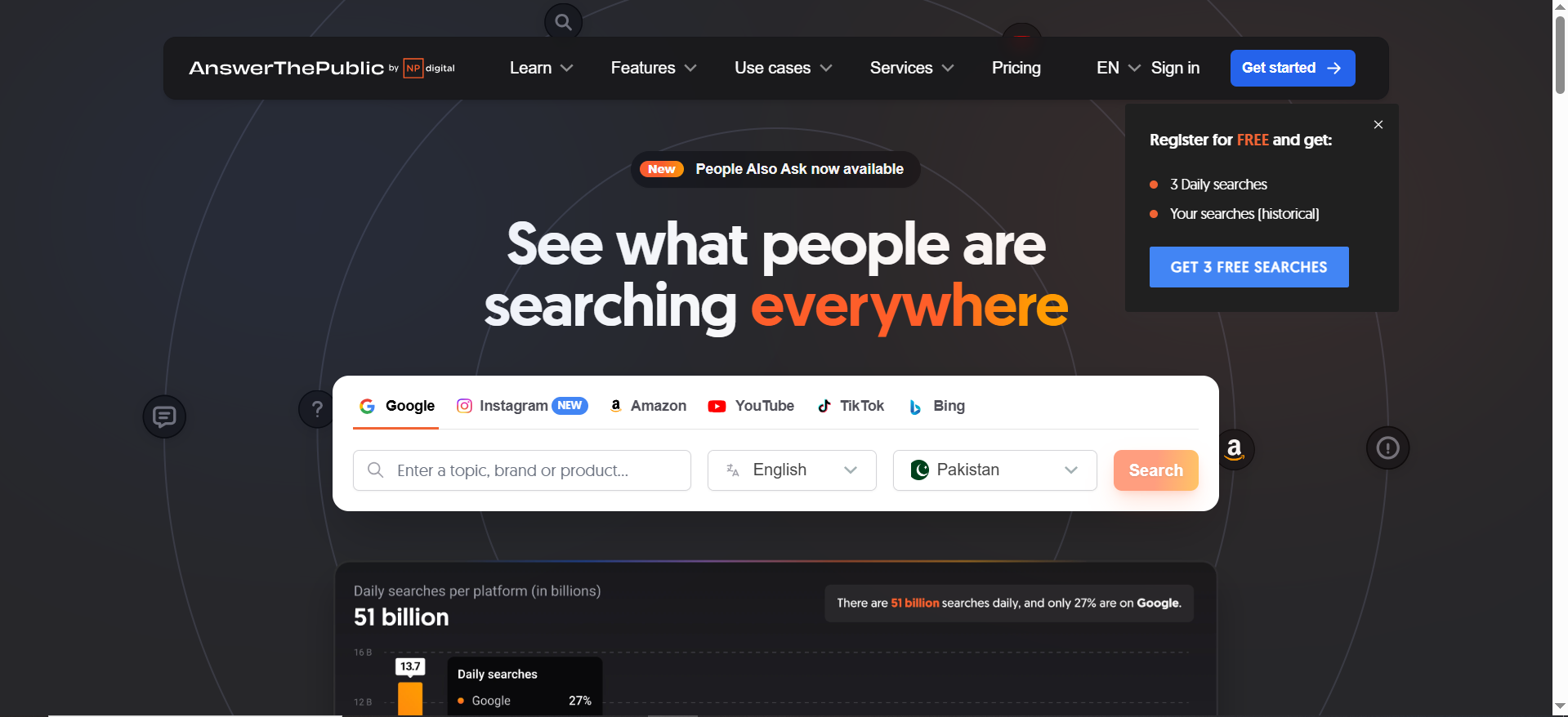
Transforms Google’s autocomplete data into a visual map of questions, comparisons, and intent phrases. SaaS teams can use it to surface problem-awareness queries and build educational blogs, FAQs, or guides that position their product as the solution.
Best For: Content-led growth strategies—building educational blog posts, FAQ hubs, or product-led guides that meet your ICP at the “problem-awareness” stage.
👉 Why SaaS Teams Should Care: Helps you intercept ICPs earlier in the buyer journey. For example, instead of targeting only “SaaS onboarding software,” you can create content around “why SaaS onboarding fails,” positioning your product as the solution.
Limitations: Limited free searches/day, no ranking/difficulty metrics.
💡 Pro Tip: Use ATP to build content clusters: 1 core guide + multiple Q&A posts. This strengthens topical authority and accelerates rankings.
2. On-Page SEO & Site Audit Tools
▶️ Google Search Console (GSC)
Direct access to how Google crawls, indexes, and ranks your site. It highlights coverage issues, indexing errors, mobile usability, and performance data, making it the most critical tool for ensuring trial/demo pages stay visible in search.
Best For: Detecting coverage errors, indexation issues, or content not appearing in SERPs.
👉 Why SaaS Teams Should Care: If your trial or demo page isn’t indexed, you’re literally invisible to buyers. GSC is your direct line to Google’s view of your SaaS platform, making it mission-critical for pipeline growth.
Limitations: Only shows your own site data, no competitor insights.
💡 Pro Tip: Use the Performance Report to find keywords with high impressions but low CTR. Rewrite metadata for quick ranking lifts.
▶️ Screaming Frog (Free Version)
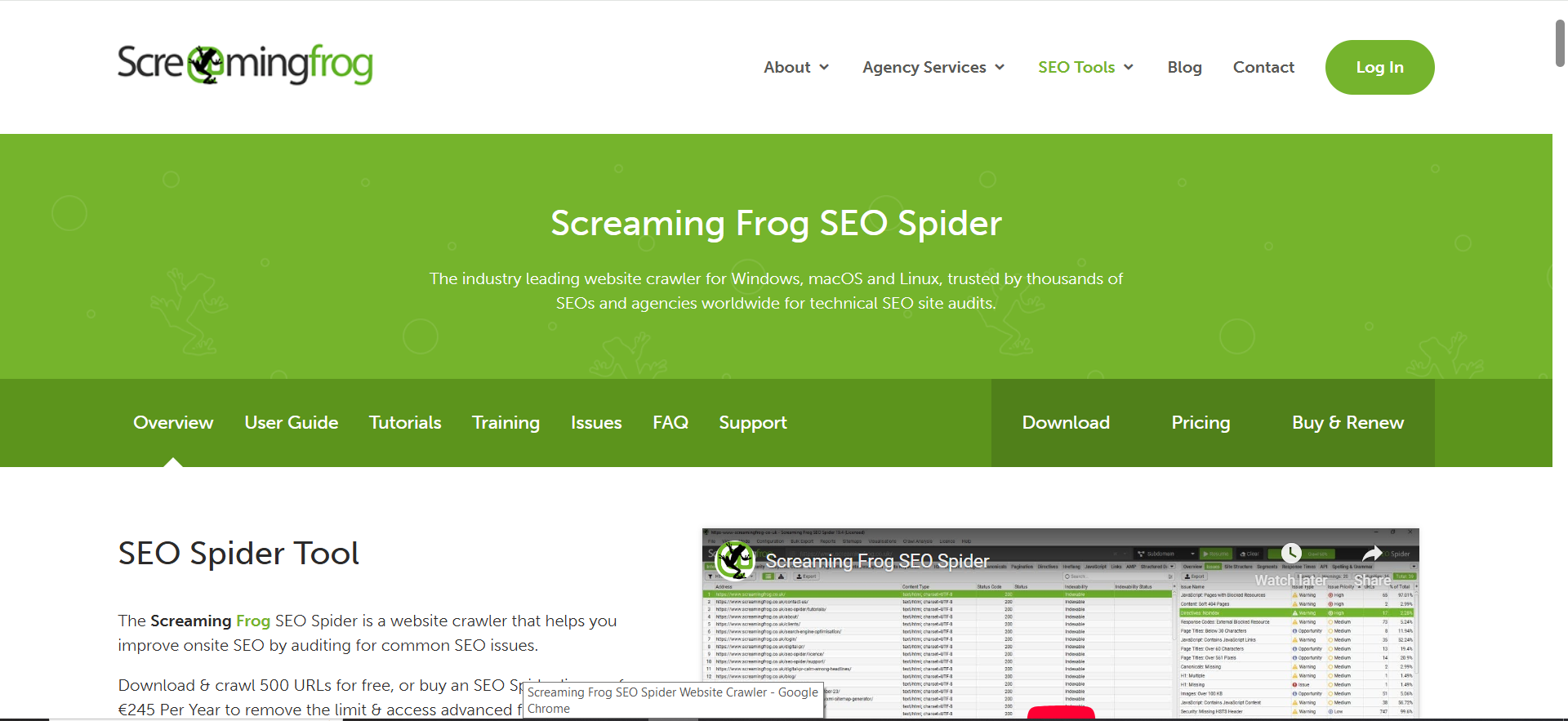
A desktop crawler that scans up to 500 URLs for broken links, duplicate metadata, missing tags, and redirect chains. For SaaS sites with growing blogs or product docs, it prevents technical SEO debt that silently drains traffic.
Best For: Running in-depth audits of SaaS websites, especially if you have product documentation, landing pages, or blog archives.
👉 Why SaaS Teams Should Care: Ensures your site structure is clean and scalable as you add content. Spotting duplicate titles, redirect chains, and 404 errors early saves you from traffic leaks.
Limitations: Free version has crawl caps and lacks integrations with GA/GSC.
💡 Pro Tip: Export crawl data and filter for 404 errors or missing meta descriptions—fixing these improves both UX and rankings.
▶️ SEOquake (Chrome Extension)
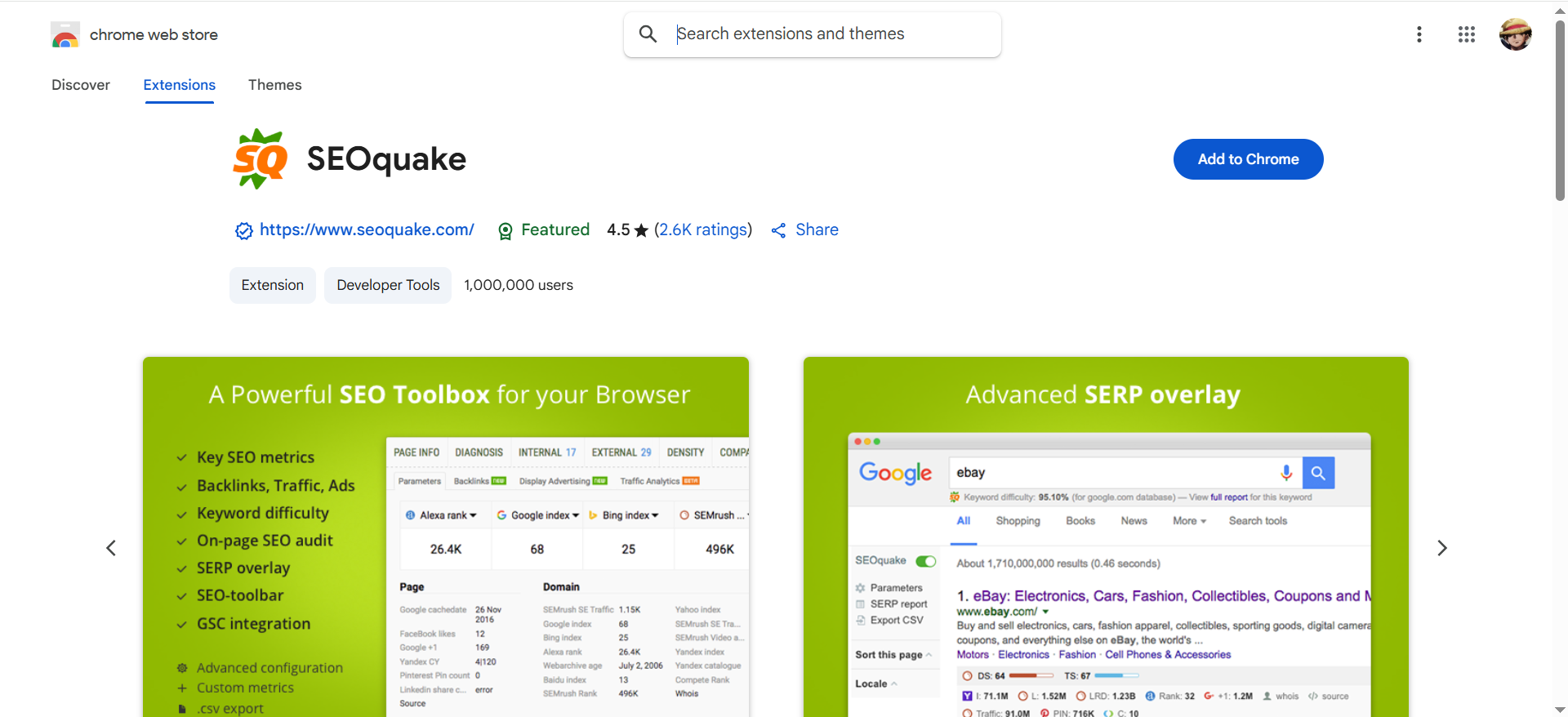
A lightweight browser extension delivering instant on-page audits, SERP insights, and competitor checks. It’s plug-and-play, making it ideal for quick validation of metadata and heading structures before publishing.
Best For: Fast checks on metadata, heading structure, or competitor SERPs. Useful for teams without time for full audits.
👉 Why SaaS Teams Should Care: A plug-and-play solution for marketing managers who need quick diagnostics before publishing pages or analyzing rivals.
Limitations: Lacks depth compared to Screaming Frog or paid suites.
💡 Pro Tip: Use it during content QA to make sure every page has proper titles, headings, and schema before launch.
3. Backlink Analysis Tools
▶️ Ahrefs Webmaster Tools (AWT)
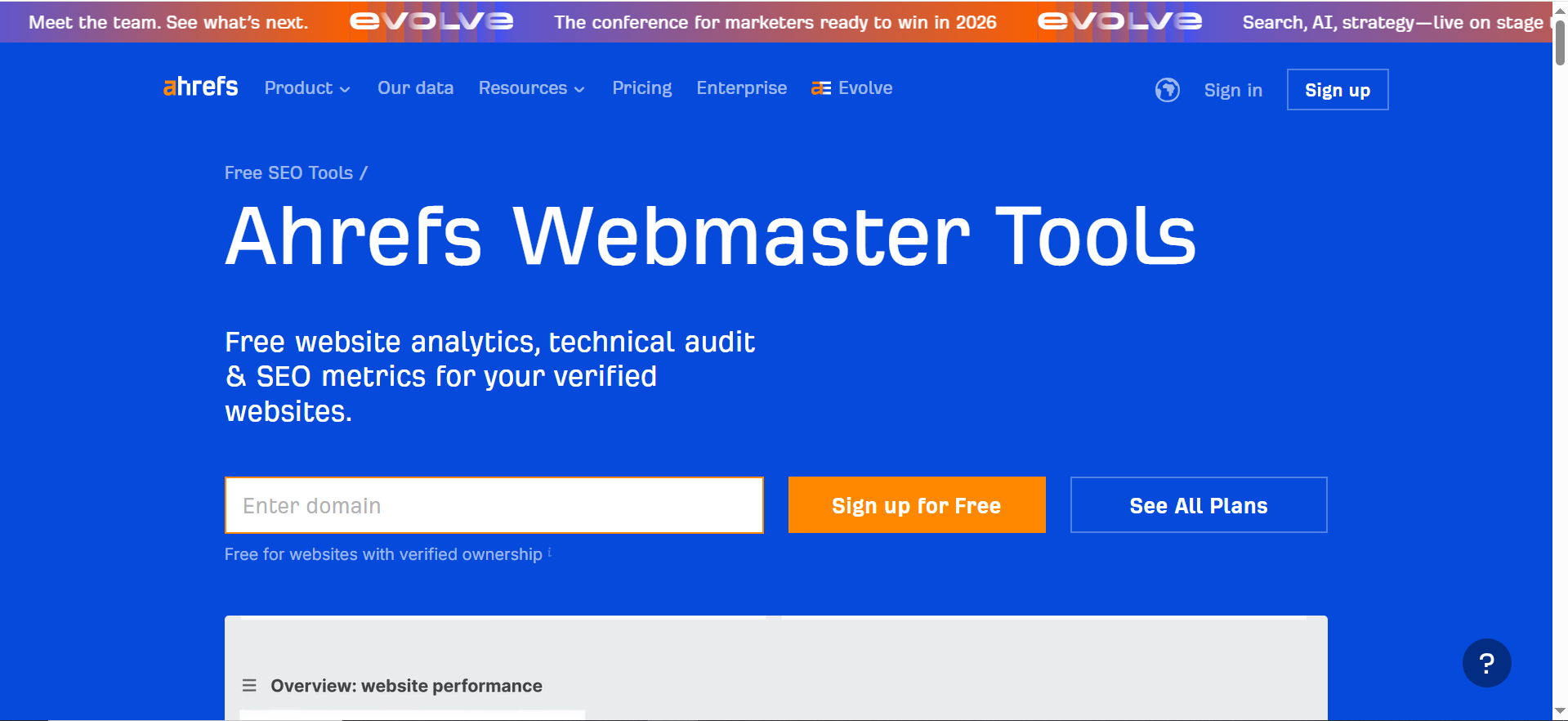
The free version of Ahrefs gives visibility into your site’s backlink profile, referring domains, and site health scores. It shows which assets earn links and where authority is being built, helping startups track progress without paying for the full suite.
Best For: Monitoring which content attracts links and spotting toxic backlinks.
👉 Why SaaS Teams Should Care: Backlinks are a core ranking signal. Tracking them helps you understand which assets drive authority (e.g., a research report, integration announcement).
Limitations: Free access is limited to your site only “no competitor gap analysis”.
💡 Pro Tip: Use the Top Linking Pages report to identify high-performing content, then double down with similar assets.
▶️ Moz Link Explorer (Free)
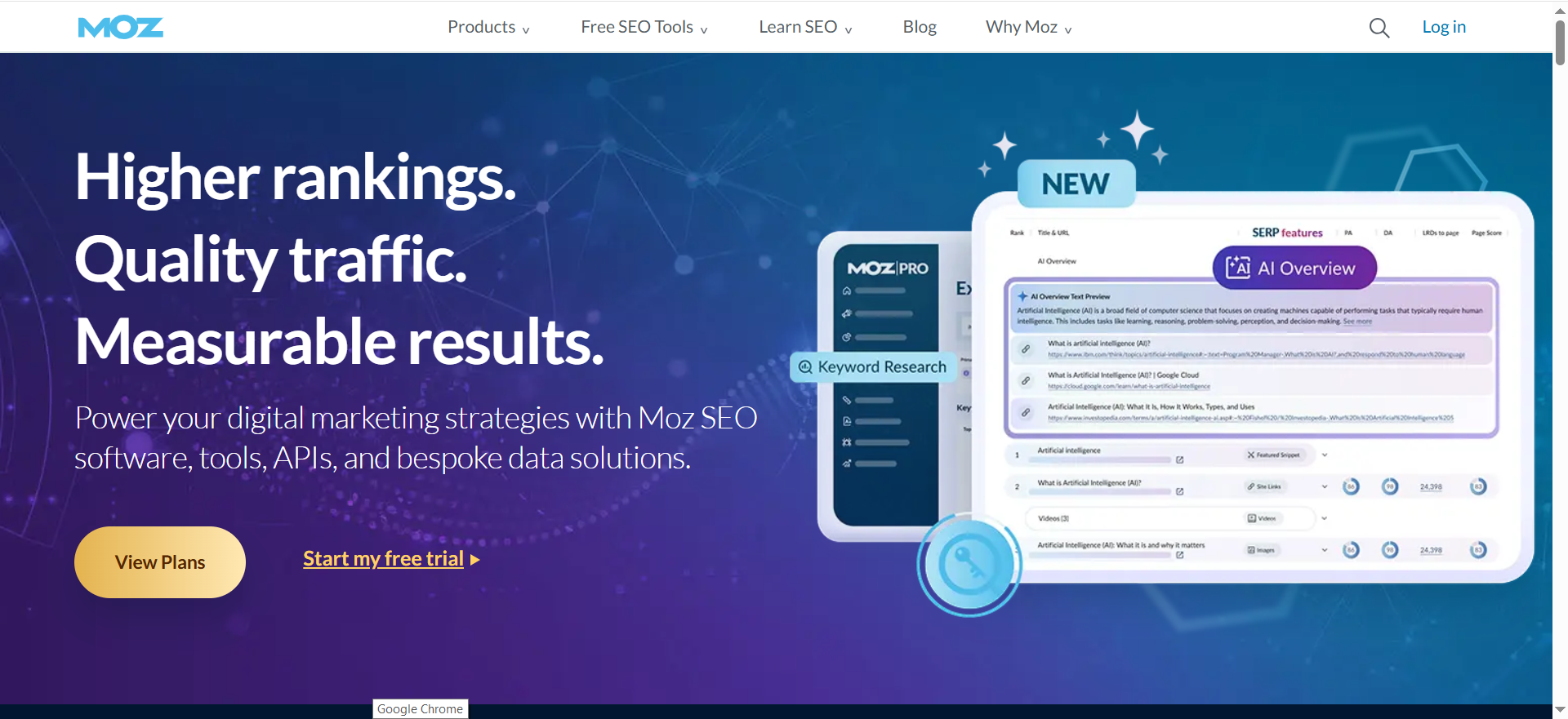
Provides quick checks on domain authority, inbound links, and spam scores. SaaS teams can benchmark against competitors, evaluate backlink quality, and identify potential outreach opportunities from domains linking to rivals.
Best For: Competitor benchmarking and quick backlink audits. Works well for startups keeping an eye on rival SaaS companies.
👉 Why SaaS Teams Should Care: Offers visibility into how competitors are building authority, which can shape your PR, integration, or content syndication strategy.
Limitations: Strict daily caps and limited export functionality.
💡 Pro Tip: Run a competitor’s domain, export top linking domains, and create a link outreach list for PR or partnerships.
4. Rank Tracking & Performance Tools
▶️ Google Search Console (Performance Reports)
Shows clicks, impressions, CTR, and positions for queries where your site appears in SERPs. It’s the most accurate way to measure how organic visibility translates into traffic and conversions for trial/demo pages.
Best For: Understanding which queries bring traffic → trial conversions and spotting keyword drops.
👉 Why SaaS Teams Should Care: Connects SEO performance to user acquisition by tying keyword rankings directly to landing pages and trial pages.
Limitations: Data is limited to your own site; can’t track competitors.
💡 Pro Tip: Filter for “queries with impressions but no clicks”—these are low-hanging fruit.
▶️ SERP Robot (Free)
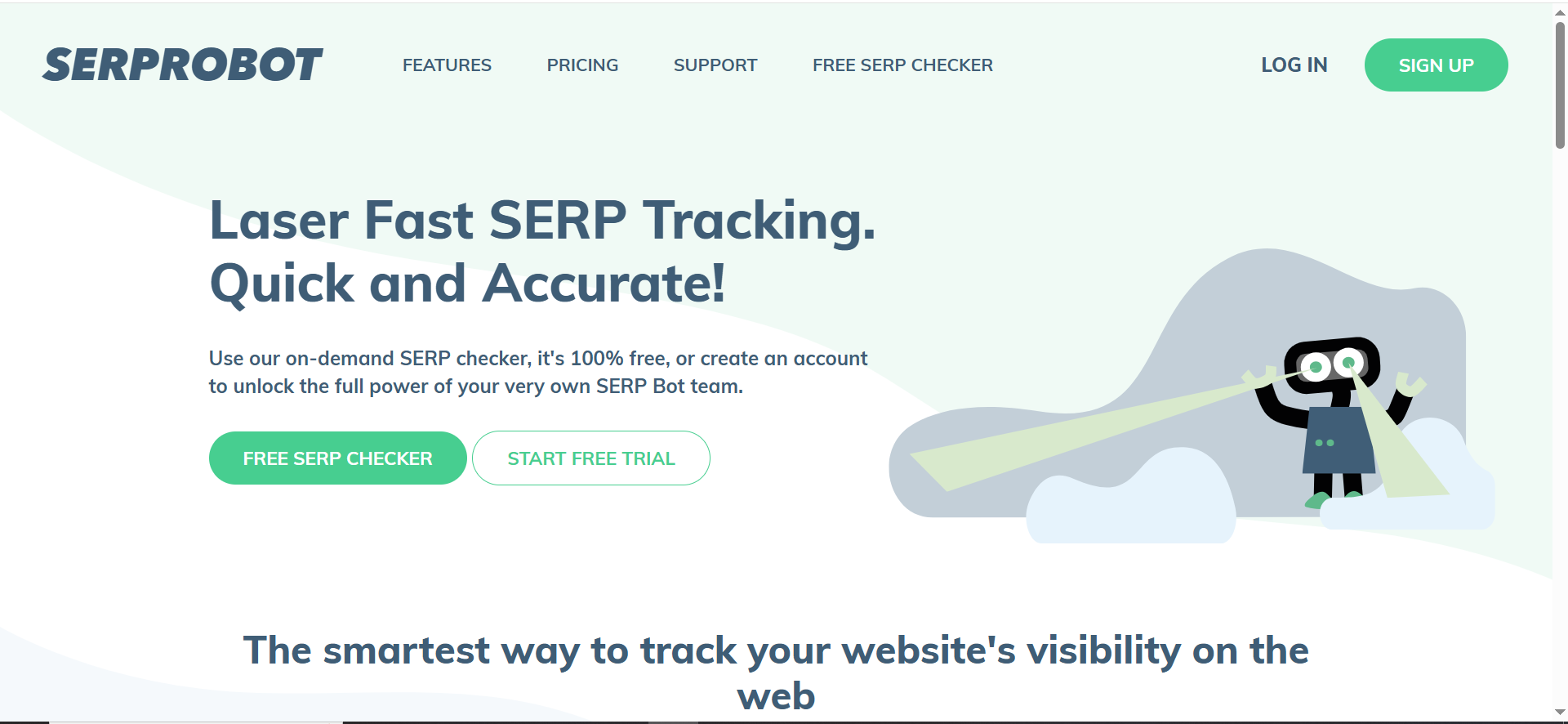
A fast, no-login rank checker for up to 10 keywords. Useful for spot-checking high-priority terms and validating movement in SERPs without heavy setup.
Best For: Lightweight tracking or one-off checks for high-priority terms.
👉 Why SaaS Teams Should Care: Great for early-stage SaaS teams validating a handful of money terms tied to trials and demos.
Limitations: Not scalable beyond a few keywords.
💡 Pro Tip: Use alongside GSC for a quick external check of priority terms.
▶️ Ubersuggest Rank Tracking (Free)
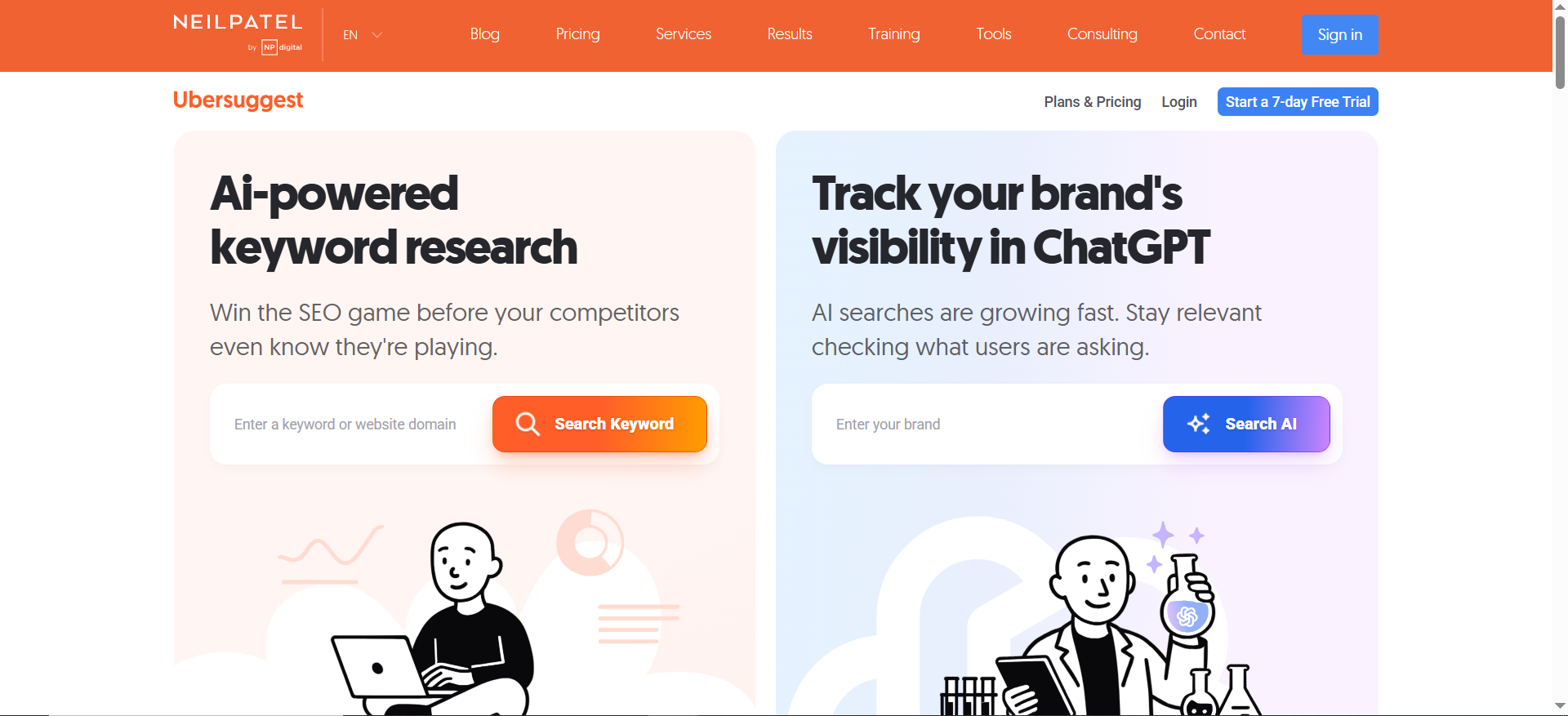
Tracks daily keyword rankings for a limited set of queries. It’s practical for monitoring performance of small keyword portfolios or newly published content over time.
Best For: Monitoring small keyword portfolios to track content performance.
👉 Why SaaS Teams Should Care: Helps startups ensure their core blog or landing pages maintain visibility over time.
Limitations: Caps number of keywords you can track without upgrading.
💡 Pro Tip: Track only conversion-oriented terms, not vanity keywords.
5. SEO Reporting & Dashboard Tools
▶️ Google Analytics 4 (GA4)
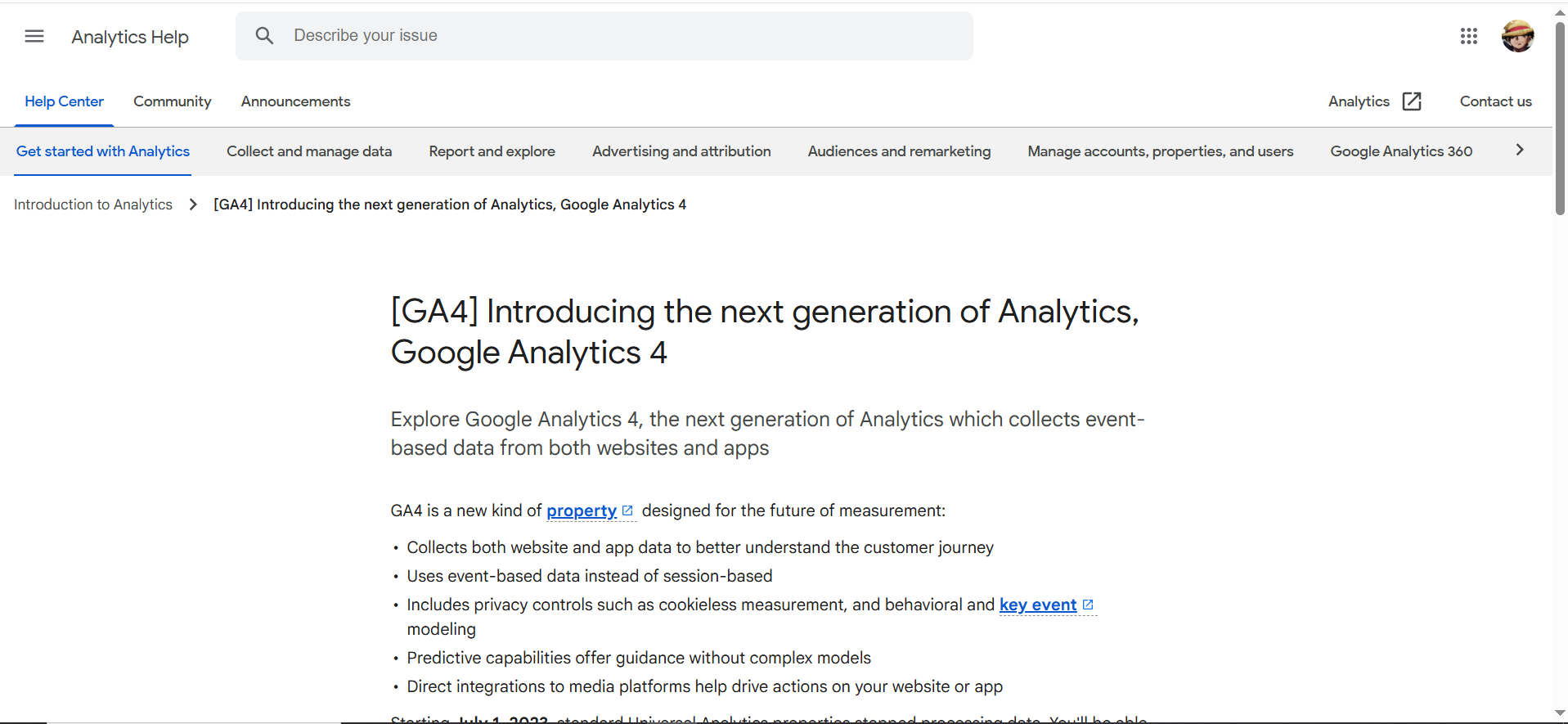
Google’s event-based analytics platform tracks traffic, engagement, and conversions across channels. With the right setup, SaaS teams can attribute organic traffic directly to trial signups, demo requests, and ARR influence.
Best For: Tracking how organic traffic contributes to trial activations, demo requests, and ARR impact.
👉 Why SaaS Teams Should Care: SEO success isn’t rankings “it’s revenue”. GA4 provides the attribution data needed to prove SEO’s role in pipeline growth.
Limitations: Complex setup; steep learning curve for non-analysts.
💡 Pro Tip: Set up trial/demo as conversions so you can directly attribute organic sessions to bottom-line outcomes.
▶️ Looker Studio (Google Data Studio)
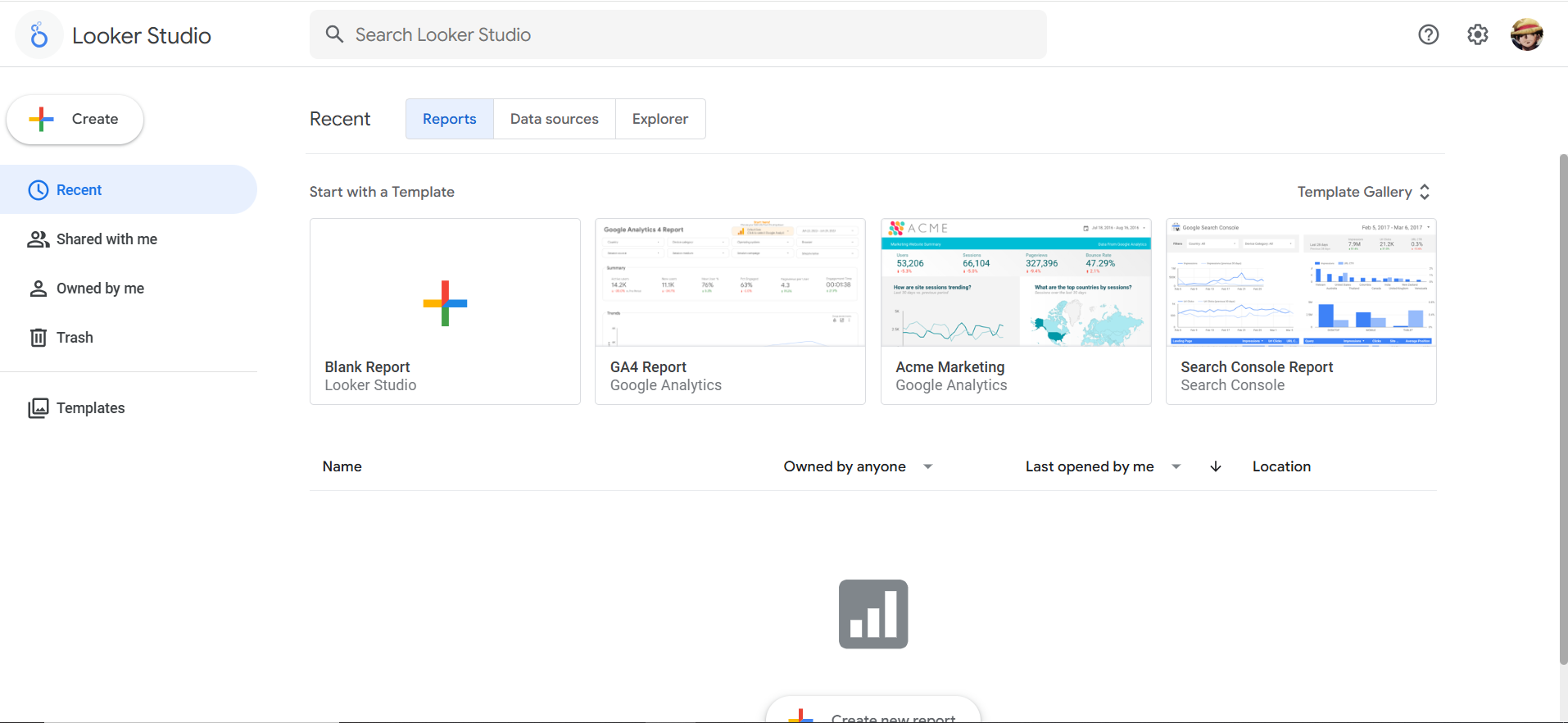
A free reporting tool that integrates GA4, GSC, and BigQuery into custom dashboards. It helps SaaS teams present SEO’s pipeline impact clearly to leadership, tying rankings and traffic to SQLs and revenue outcomes.
Best For: Building stakeholder-ready dashboards that combine traffic, rankings, and conversions in one view.
👉 Why SaaS Teams Should Care: Makes it easier to report to leadership, investors, or clients by connecting SEO metrics directly to SQLs, trials, and revenue outcomes.
Limitations: Requires setup and connectors; customization can be time-intensive.
💡 Pro Tip: Create a SaaS SEO KPI dashboard: impressions (GSC) → organic sessions (GA4) → trial signups (GA4 conversions).
📋 Get Listed / Advertise
We update this guide monthly. Want your tool featured? Contact: [email protected].
Best Free SEO Tools At A Glance
The stack is one tool per job, and each row states the free limit the way the vendor's own page gives it.
| Job | Tool | Free Limit As The Vendor States It | Not Published Or Not Included | Upgrade Signal |
|---|---|---|---|---|
| Keyword demand | Google Keyword Planner | Free, with a Google Ads account and billing information set up | Competitor keyword gaps are not included | Keyword lookups throttle the content calendar every week |
| Technical audits | Screaming Frog SEO Spider | Crawls up to 500 URLs | Crawling past 500 URLs needs the paid licence at EUR 245 per year | The crawl passes 500 URLs |
| Backlinks | Ahrefs Free | Limited access to Site Explorer and Site Audit for your own site | Competitor link data is not included, and access to both tools is limited | You need competitor link gaps |
| Rank and query tracking | Google Search Console | Free and first-party, for your own site | Competitor data and keyword lists you choose are not included | You need to track a keyword list you choose |
| Reporting | Looker Studio | Free to use | Whether connectors or data sources cost money is not stated by the vendor | Reporting outgrows a manual dashboard |
1. Google Keyword Planner: Best For Validating Search Demand
Google Keyword Planner is free, and it needs a Google Ads account with billing information set up before it gives you keyword ideas, as Google's support page states. That requirement is the whole catch. Once the account exists, you see what your buyers type into Google, from the company that runs the search engine.
Who it is for: SaaS teams that need to check demand before committing a month of writing to a topic. If you are choosing between ten blog topics, this is the cheapest way to find out which three have people behind them.
The table below sets out the plan, and the account requirement is the one on Google's help page.
| Plan | Price | Billing Basis | What It Includes |
|---|---|---|---|
| Keyword Planner | Free | Google Ads account with billing information set up | Basic features such as keyword ideas |
Free tier: Keyword ideas and the other basic features are free once the account and billing details are in place.
Strengths:
- It is free, and the data comes from Google, the search engine your buyers use.
- It suits the first decision in any content plan, which is which topics deserve a post at all.
- It lets you map every keyword to a funnel stage before anyone writes a word.
Trade-offs:
- You must set up a Google Ads account with billing information before you can use it.
- It tells you what people search for, not whether your site can rank for it.
- It shows no competitor keyword gaps, because none of the free tools in this stack does.
Key capabilities:
- Keyword ideas for the topics you feed it.
- Grouping those ideas by buyer awareness, so you publish for the right stage first.
- A starting list you can hand to a writer with a clear brief.
Map every keyword idea to a funnel stage before you write anything.
- Problem-aware: "Reduce SaaS churn"
- Solution-aware: "Customer retention software"
- Product-aware: "Best SaaS analytics platform"
Then turn the winners into a publishing plan, which is where our SaaS content marketing work picks up.
Good fit:
- Founders and SEO managers choosing topics for a new blog.
- Teams that already run Google Ads and have the billing set up.
Not a fit:
- Teams that will not create an ads account for a research task.
- Anyone who needs competitor keyword gaps.
Biggest limitation: The billing requirement makes Keyword Planner the only tool in this stack that asks for payment details before it gives you anything.
2. Screaming Frog SEO Spider: Best For Technical Audits Under 500 URLs
Screaming Frog SEO Spider crawls up to 500 URLs on its free version, and a paid licence costs EUR 245 per licence per year, according to Screaming Frog's pricing page. It is a desktop crawler, so it reads your site the way a search engine bot would and hands you the problems in a list.
Who it is for: SaaS teams with a blog, a docs section and a handful of landing pages, and nobody whose job is technical SEO. Run it on your own domain first and look for four things.
- Broken links and 404 errors.
- Duplicate page titles and meta descriptions.
- Missing tags, such as empty titles or headings.
- Redirect chains, where one redirect leads to another.
The table below comes from the vendor's page, and the Screaming Frog pricing page is where to check it.
| Plan | Price | Billing Basis | What It Includes |
|---|---|---|---|
| Free | Free | No billing | Crawl of up to 500 URLs |
| Paid licence | EUR 245 | Per licence per year, with bulk discounts for 5 or more licences | No URL cap, with the real maximum set by machine memory and storage |
Free tier: The free version crawls up to 500 URLs, and the crawl limit is its only stated boundary.
Strengths:
- It finds the unglamorous problems that quietly leak traffic.
- It runs on your own machine, so there is nothing to connect or configure first.
- The paid licence is EUR 245 per licence per year.
Trade-offs:
- The free crawl stops at 500 URLs, so a larger site is audited only in part.
- It produces a long list of issues and no priorities, so someone has to decide what matters.
- It audits your own site, not your competitors'.
Key capabilities:
- Crawling your pages and listing broken links, duplicate metadata, missing tags and redirect chains.
- Exporting the results so you can filter for 404 errors or missing meta descriptions.
- Running the same crawl every month to see whether the list is getting shorter.
500 URLs is the hard boundary. When a crawl reaches it, the free version has not covered the whole site, and you are auditing a sample. If that is where you are, read our site audit tools compared for the options beyond the cap.
Good fit:
- Sites under 500 URLs.
- Teams that want a monthly technical health check at no cost.
Not a fit:
- Large documentation sites or programmatic page sets.
- Teams that want audit results delivered to a dashboard without opening an app.
Biggest limitation: The 500-URL cap is the hard line, and past it the free crawl tells you about part of your site rather than all of it.
3. Ahrefs Free: Best For Backlinks And Site Health On Your Own Site
Ahrefs Free gives limited access to Site Explorer and Site Audit for your own site, according to Ahrefs' pricing page. Many readers still search for it as Ahrefs Webmaster Tools, which is the older name, but the vendor page now calls the free offer Ahrefs Free.
Who it is for: SaaS teams that want to know who links to them and which pages earn those links. If you have published a research report or an integration announcement, this is where you see whether anyone cared.
Access to both tools is limited, so treat the free tier as a window onto your own site rather than a fixed allowance.
| Plan | Price | Billing Basis | What It Includes |
|---|---|---|---|
| Ahrefs Free | Free | No billing | Limited access to Site Explorer and Site Audit for your own site |
Free tier: The free offer covers your own site, with limited access to both tools.
Strengths:
- Backlink data for your own site, at no cost.
- Site Audit gives a second view of technical health beside Screaming Frog.
- It shows which of your pages attract links, so you know what to make more of.
Trade-offs:
- It covers your own site only, so there is no competitor link gap.
- Access to both tools is limited, so treat the free tier as a window onto your own site rather than a fixed allowance.
- You cannot build a monthly workflow on a fixed allowance, so keep the routine light.
Key capabilities:
- Site Explorer, which is where Ahrefs shows who links to a site.
- Site Audit, for a technical check of your own site.
- A monthly look at which pages earned links, followed by more assets like them.
Backlink data is only useful if someone earns the links. If yours come in slowly, our earned mentions work is built for that gap. If you outgrow the free tier and want competitor link data, start with our Ahrefs alternatives.
Good fit:
- Teams that want to see their own backlink profile for the first time.
- Founders checking whether a launch or a report earned links.
Not a fit:
- Anyone who needs to see who links to competitors.
- Teams that need guaranteed crawl or project allowances.
Biggest limitation: Own site only, which means no competitor link gap and no way to find link targets by looking at rivals.
4. Google Search Console: Best For Query And Rank Tracking
Google Search Console is free and first-party, and its Performance report shows clicks, impressions, click-through rate and average position for your own site. For a team on a free stack, it is the rank tracker for every query you already appear for, and the best place to start.
Who it is for: Every site with a domain. If you do one thing from this list, verify your site here and open the Performance report.
The coverage and indexing reports tell you whether Google can find and index the pages you care about, such as the trial and demo pages. The Performance report tells you how those pages perform in search. Google's Search Console page offers the tool without a charge.
| Plan | Price | Billing Basis | What It Includes |
|---|---|---|---|
| Search Console | Free | No billing | Performance report with clicks, impressions, click-through rate and average position for your own site, plus coverage and indexing reports |
Free tier: There is no paid tier to compare against, and the tool is first-party Google data.
Strengths:
- It is first-party data, straight from Google.
- It shows the real queries you appear for, not an estimate.
- It tells you when a page is not indexed, which is the cheapest problem to fix.
Trade-offs:
- It reports your own site only, with no competitor data.
- It does not track a keyword list you choose, only the queries you already appear for.
- It shows impressions and clicks, not why a ranking moved.
Key capabilities:
- The Performance report, with clicks, impressions, click-through rate and average position.
- Coverage and indexing reports for finding pages Google has not picked up.
- A free view of your average position for every query that already brings you impressions.
The habit that pays fastest is to sort for high impressions and low click-through rate, then rewrite the title and meta description. This very guide is the example. Search Console showed it earning 21.1K impressions at an average position of 7.7, with a click-through rate of 0.05%. That is a page on page one that nobody clicks, and a title and description problem. If you need to track a keyword list you choose, read our guide to rank tracking software.
Good fit:
- Every SaaS site, from day one.
- Teams that want to find click-through rate problems on pages that already rank.
Not a fit:
- Anyone who needs competitor rankings.
- Teams that need a fixed keyword list tracked daily.
Biggest limitation: It reports only the queries your site already appears for, so it cannot tell you how you rank for a term you do not yet show up for.
5. Looker Studio: Best For Free SEO Reporting
Looker Studio is free to use, which also lists built-in and partner connectors. The page does not say whether connectors or data sources cost money, so check before you build a dashboard on a paid connector.
Who it is for: Teams that need to show leadership, investors or clients what organic search is doing, without a reporting tool on the budget.
Build the simplest KPI chain you can defend. It has three links, and each one comes from a tool already in this stack.
- Impressions from Search Console.
- Organic sessions from Google Analytics 4.
- Trial or demo signups from Google Analytics 4 conversions.
Google Analytics 4 is the data source here, not a sixth tool on the list.
| Plan | Price | Billing Basis | What It Includes |
|---|---|---|---|
| Looker Studio | Free | Free to use | Dashboards with built-in and partner connectors, connector costs not stated |
Free tier: The dashboard tool itself is free, and the connector costs are the part to check.
Strengths:
- It turns Search Console and Google Analytics 4 data into one page leadership will read.
- It removes the monthly export-and-paste routine.
- It costs nothing to start.
Trade-offs:
- It needs setup time before the first dashboard is useful.
- The product page does not say whether connectors or data sources cost money.
- A dashboard shows the numbers and does not explain them.
Key capabilities:
- Built-in and partner connectors for pulling in your data.
- A dashboard that lines impressions, sessions and signups up in one view.
- Sharing a link instead of sending a PDF.
When the dashboard needs a human to keep it alive, look at our guide to SEO automation tools as the next step.
Good fit:
- Teams reporting to investors or leadership on a monthly rhythm.
- Anyone already using Search Console and Google Analytics 4.
Not a fit:
- Teams that want the tool to interpret results for them.
- Dashboards that depend on a paid connector you have not priced.
Biggest limitation: The page does not say whether connectors cost money, so a dashboard built on one can acquire a bill you did not plan for.
📋 Get Listed / Advertise
We update this guide monthly. Want your tool featured? Contact: [email protected].
Free Tools That Almost Made The Cut
Three popular names offer a free account or trial, and none publishes a free limit you can plan around. Ubersuggest's pricing page shows a free account without stating the daily search limit, and paid plans range from US$29 to US$99. It lost the keyword slot to Keyword Planner, whose requirement is stated plainly.
AnswerThePublic's pricing page refers to a fair usage limit on the free plan with no number, and the Starter plan is US$10 per month billed yearly for 100 searches per month. It is good question research, and not a job the stack needs covered.
SERP Robot's pricing page lists a 14-day free trial with no payment required, then US$4.99 per bot per month for 75 keyword updates per 24 hours. That is a trial, not a free tier. Search Console tracks the queries you already appear for without an expiry date.
Moz Link Explorer and SEOquake are worth knowing about, and neither makes the list because Ahrefs Free and Screaming Frog already hold those jobs. Google Analytics 4 is covered under Looker Studio. For on-page checks, see our guide to using a free on-page SEO tool. For AI visibility tooling, which is out of scope here, read our AI SEO tools roundup.
What Counts As A Free SEO Tool
A free SEO tool is software you can use at no charge for a real SEO job, and the word covers three different things.
- Free tier that stays free: Google Search Console, Looker Studio, Screaming Frog under 500 URLs and Ahrefs Free all fall here.
- Free trial that ends: SERP Robot's 14 days is the example, and none of the five tools on this list is a trial.
- Free tool with a billed account behind it: Google Keyword Planner is the one, because it needs a Google Ads account with billing information set up.
How We Chose These Free SEO Tools
Four tests decided which tools made the five. Limits were read from each vendor's own page, and where a page did not state a limit, this article says so.
- Free tier that stays free: The tool must not expire or force a card before it does anything useful.
- One job nobody else on the list covers: Each tool owns a single job in the stack.
- A limit stated on the vendor page: Where the vendor publishes a number, we use it, and where it does not, we say so.
- A fit for a team with no SEO hire: One person with a few hours a month can run it.
How To Build The Free Stack By Job
Pick one tool per job and give each a clear output. Then run them in the same order every month.
- Demand: Use Google Keyword Planner to turn buyer problems into keyword ideas, and tag each by funnel stage. It owns this job because the data comes from Google and nothing else in the stack shows keyword ideas. The output is a short list of topics worth a post.
- Crawl and fix: Use Screaming Frog to crawl your site (up to 500 URLs on the free version) and fix broken links, duplicate metadata and redirect chains. It owns this job because it reads your site the way a search engine bot does, which Search Console cannot do for you. The output is a shorter issue list each month.
- Links: Use Ahrefs Free to see which pages earn links on your own site. It owns this job because it is the only tool here that reports who links to you. The output is a list of assets worth repeating.
- Track: Use Google Search Console to watch queries, impressions and click-through rate. It owns this job because it shows the real queries you appear for, straight from Google. The output is a list of pages with high impressions and low clicks to rewrite.
- Report: Use Looker Studio to chart impressions, organic sessions and signups in one dashboard. It owns this job because it is free and turns the other tools' numbers into one page. The output is one page leadership can read in a minute.
Assign the whole stack to one owner, usually the growth marketer or SEO lead. Without an owner, SEO becomes everyone's side project and nobody's priority. Run a light audit every month and a deeper review every quarter, looking at keyword movement, content return and technical health.
Tools are only half the stack. Once the free version is running, the paid version that follows is in our guide to the ROI-first SaaS SEO stack.
When Free Stops Being Enough
Pay when your crawl passes 500 URLs, when keyword lookups throttle your content calendar every week, or when you need competitor keyword gaps. Two published sources put the broader boundary in similar terms. Averi's startup guide describes free tools as more than enough below about 50 published pages and 10,000 monthly organic sessions, and that is one rule of thumb, not a law. Cadence SEO found that free tools fall short when a business audits many more pages, tracks multiple keyword sets or needs competitive benchmarks.
| Signal | Why It Matters | First Move |
|---|---|---|
| Your crawl passes 500 URLs | The free Screaming Frog crawl stops at its cap, so part of the site goes unaudited | Buy the Screaming Frog licence |
| Keyword lookups hit the cap weekly | Content research waits on the tool instead of the team | Move keyword research to a suite |
| You need competitor keyword gap analysis | Every free tool here reports your own site only | Trial a suite |
| You run more than one market | This stack is built for one site in one market | Move to a suite with multi-market tracking |
| Reporting outgrows a manual dashboard | Client or investor reporting needs more than a hand-built dashboard can keep up with | Look at automated reporting tools |
Now do the sum with your own numbers before you pay. The figures below are illustrative assumptions, so swap in yours.
- Monthly cost of the paid tool: $100
- Extra qualified organic leads you expect it to help produce each month: 2
- Close rate: 20%
- First-year contract value: $3,000
- Expected revenue per lead: 20% × $3,000 = $600
- Break-even: $100 ÷ $600 = 0.17 closed-won leads per month
If your own break-even number is well below what the tool could plausibly help you produce, pay. If you cannot name a lead the tool would help you win, wait. For where to look once a signal fires, see our guide to SEO tools for B2B teams.
Once one of these signals fires, the next question is what to buy and who sets it up. The GEO + SEO Growth Programme is where we run that work with you month to month.
What To Pay For First When Free Runs Out
Pay for the job that hit its limit, not for a suite. Match the signal to the purchase.
- If your crawl passes 500 URLs: Buy the Screaming Frog licence, which costs EUR 245 per licence per year according to Screaming Frog's pricing page. It is the cheapest fix because it removes the one cap that hit you and changes nothing else in your routine.
- If keyword lookups keep stalling your content calendar: Move keyword research to a suite. The reason is simple, because research is the job that waits on the tool, and a suite removes that wait.
- If you need rank lists or competitor gaps: Buy a suite, because no free tool in this stack provides either. A competitor gap is the one signal a bigger crawl or a better dashboard cannot fix.
- If reporting outgrows a manual dashboard: Look at automated reporting tools, because the cost you are paying is hours of hand-building, not data.
- If budget is the constraint: Start with the cheap SEO tools worth paying for before a full suite, so the first purchase solves one job at a small cost.
When you need a keyword list you choose, rank tracking across more than a handful of terms or competitor keyword gaps, the first suite worth a trial is Semrush, which covers keyword research, rank tracking, site audits and competitor analysis in one subscription. Ahrefs and Moz Pro are the other suites to compare. This list names no prices for any of them, so check each vendor's pricing page.
FAQs
Are There Any Truly Free SEO Tools?
What Is The Best Free SEO Tool For A Startup?
Does Google Have A Free SEO Tool?
How Do I Do SEO For Free?
Can I Do SEO On My Own?
Is Ahrefs Free For Small Sites?
Is The Screaming Frog Free Version Enough For A SaaS Blog?
Do I Need Google Analytics 4 As Well As Search Console?
How Many Keywords Can I Track For Free?
If you want a second pair of eyes on your stack, book a free 30-minute call. One of the founders takes it, and you leave knowing which tool to keep, which to retire and what to fix first.
📑 Disclosure!
Some links in this article are affiliate links. If you sign up through them, The Rank Masters may earn a commission at no additional cost to you. This does not influence which tools we recommend or what we say about them.