Most teams should start with a dedicated tracker that records Google AI Overview presence, citations and history, not a rank tracker with an AI flag bolted on. OtterlyAI suits small self-serve teams, SE Ranking suits teams that want AI Overview history inside an SEO suite, Promptmonitor suits multi-engine prompt programs, and Profound or Conductor suit enterprise governance.
That holds when you track a defined set of 25 to 50 prompts on a daily or weekly cadence and need to show citation history to leadership.
If you only need to know which keywords trigger an AI Overview, the flag in your existing rank tracker may be enough. Every plan listed here changes often, so confirm on the vendor's pricing page that the plan includes Google AI Overviews before you pay.
If you would rather have a team set up AI Overview tracking and act on what it finds, our Answer Engine Optimization service covers both.
📋 Get Listed / Advertise
We update this guide monthly. Want your tool featured? Contact: [email protected].
Google AI Overviews Tracking Tools At A Glance
Pick OtterlyAI if you are a small team that wants self-serve monitoring, SE Ranking if you already live in an SEO suite, Promptmonitor if you run prompts across several engines, Profound if governance drives the purchase, and Conductor if you are already a customer.
| Tool | Best For | Google AI Overviews Coverage | Entry Plan Price | Main Limitation |
|---|---|---|---|---|
| OtterlyAI | Low-cost self-serve monitoring | Monitors brand presence and cited links in Google AI Overviews | Lite at $29/month for 15 prompts | Prompt volume jumps from 15 to 100 between tiers |
| SE Ranking | AI Overview history inside an SEO suite | AI Results Tracker through the AI Search add-on | Core at $129/month plus add-on at $71.20/month | Add-on is annual billing only |
| Promptmonitor | Multi-engine prompt workflows | Google AI Overview and AI Mode alongside other engines | Pro at $129/month for 150 prompts | Starter and Growth plans do not list AI Overviews |
| Profound | Enterprise governance needs | Included in the free trial and the Enterprise plan | Free 7-day trial, paid plans on request | Paid pricing on request |
| Conductor | Teams already on an enterprise SEO suite | Named only in its free AI Visibility Report | Quote only | AI Overviews not listed as a tracked capability |
1. OtterlyAI: Best For Low-Cost Self-Serve Monitoring
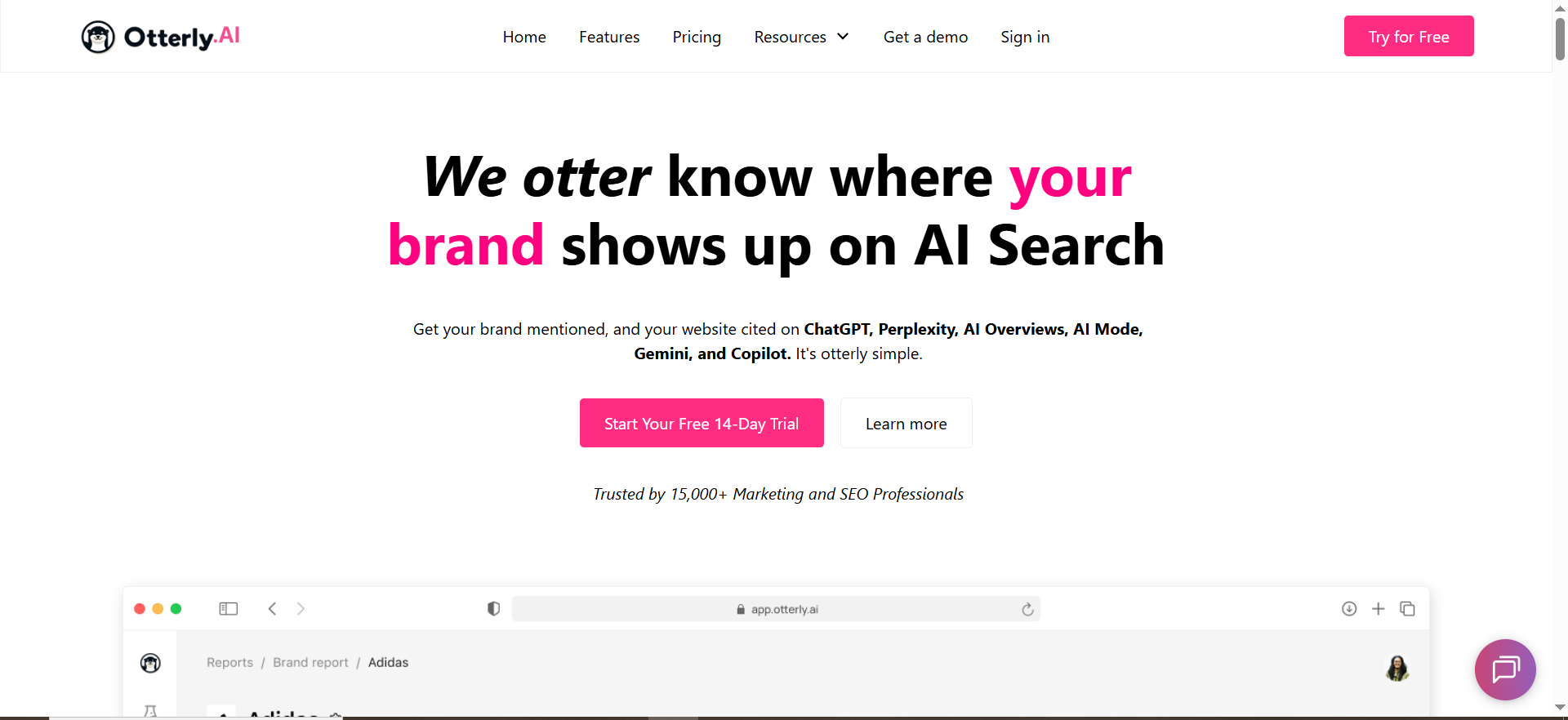
OtterlyAI monitors brand mentions and citations in Google AI Overviews, and its Lite plan costs $29 a month for 15 search prompts. It is the cheapest way on this list to get a working monitor in front of leadership.
It is built for small teams that want a self-serve dashboard and not a sales process. Unlimited team members on every plan means adding a colleague never changes the bill. Plans scale by the number of search prompts you track.
Here is what the vendor's pricing page lists.
| Plan | Price | Billing | Search Prompts | Includes |
|---|---|---|---|---|
| Lite | $29/month | Monthly | 15 | Unlimited team members |
| Standard | $189/month | Monthly | 100 | Unlimited team members, extra 100 prompts at $99/month |
| Premium | $489/month | Monthly | 400 | Unlimited team members |
| Enterprise | Custom | Custom | From 1,000 | Unlimited team members |
The same pricing page shows a second price block of $25, $160 and $422 for those plans. Confirm which figure applies at checkout. There is a free trial, and OtterlyAI's homepage does not state how long it lasts.
Strengths:
- Low entry price: $29 a month gets a team into Google AI Overview monitoring.
- Brand and citation view: It reports both brand presence and the links cited in the overview.
- No seat tax: Unlimited team members on every plan keeps reporting open to the whole team.
Trade-offs:
- Small starter set: Lite covers 15 prompts, which is below the 25 to 50 prompts most programs need to start.
- Big tier jump: The next plan up is 100 prompts at $189.
- Two price blocks: The vendor page shows two sets of figures, so the real price needs confirming.
Key capabilities:
- Google AI Overview monitoring with brand presence
- Cited link tracking per prompt
- Prompt-based plans from 15 prompts to 1,000 and above
Good fit:
- A B2B SaaS team tracking a small, defined prompt list on a daily or weekly cadence
- A marketer who needs to show leadership which prompts trigger an overview and who gets cited
Not a fit:
- A team that needs 25 to 50 prompts on a tight budget, because there is nothing between 15 and 100 prompts
- A team that wants AI Overview history inside an SEO suite, where SE Ranking fits better
The limitation that matters most is the prompt jump from 15 to 100 between Lite and Standard.
2. SE Ranking: Best For AI Overview History Inside An SEO Suite
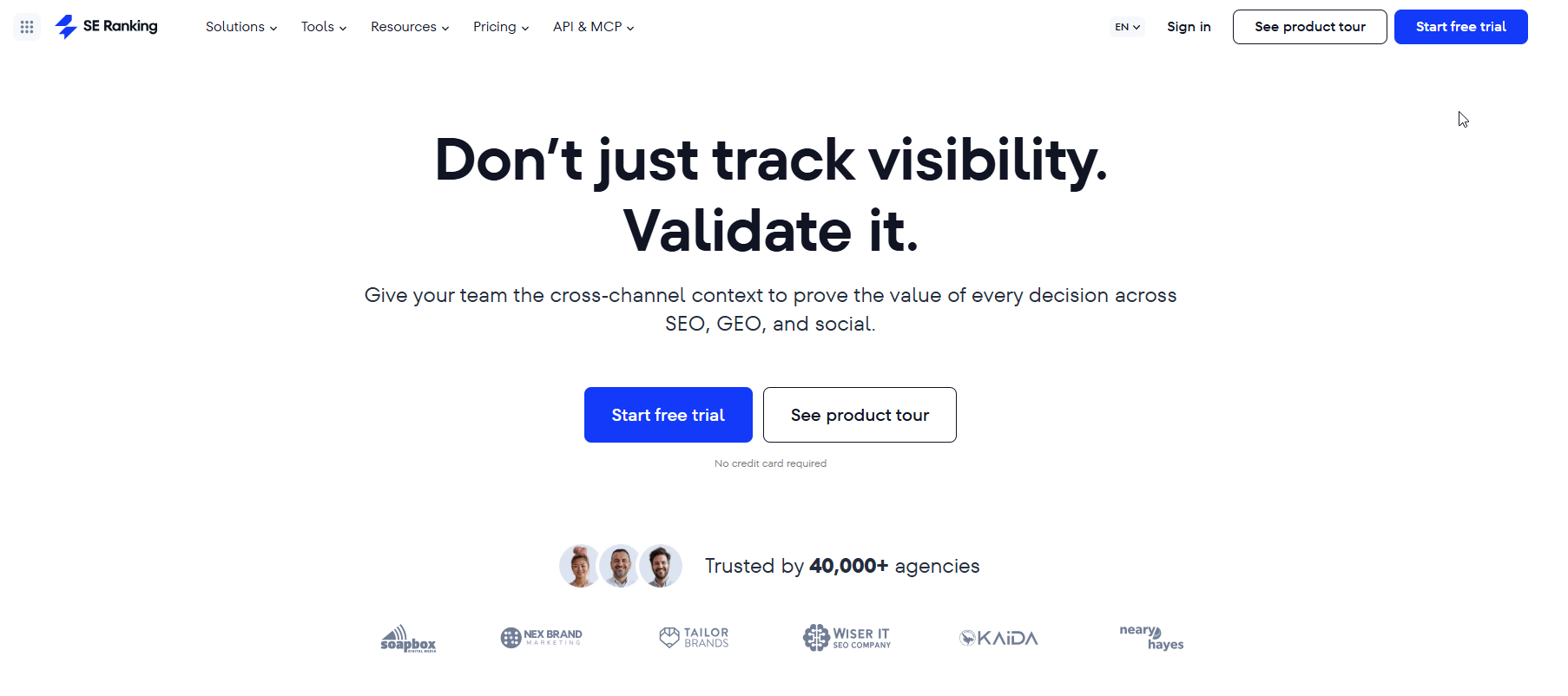
SE Ranking tracks AI Overviews inside its SEO platform through the AI Search add-on at $71.20 a month, which is available on annual billing only. The add-on is what turns a rank tracker into an AI Overview monitor.
It is for teams that already run keyword rankings, audits and reporting in one place and want AI Overview data next to them. SE Ranking's AI Overviews tracker page describes presence analytics, historical AI Overview data for keywords, and the source domains featured in the overview.
| Plan | Price | Billing | Includes |
|---|---|---|---|
| Core | $129/month ($103.20/month on the annual toggle) | Monthly or annual | 100 prompts tracked daily, 5 LLMs, 5 domains in AI competitive research |
| Growth | $279/month | Monthly or annual | 250 prompts, 15 domains, 3 manager seats |
| AI Search add-on | +$71.20/month | Annual only | AI Results Tracker covering AI Overviews, AI Mode, Perplexity and ChatGPT |
| Enterprise | Custom | Custom | Custom |
The vendor's pricing page is the figure to trust. Roundups quote other add-on prices, and we do not repeat them.
Strengths:
- History: Historical AI Overview data for keywords lets you see change over time without building your own log.
- One suite: Rank tracking, audits and AI Overview data sit in the same login.
- Markets and languages: Tracking spans markets and languages, which matters when you report by country.
Trade-offs:
- Add-on cost: The AI Overview tracker is an extra line on top of the plan.
- Annual commitment: The add-on is not sold monthly.
- Suite weight: You pay for a full SEO platform even if you only want AI Overview tracking.
Key capabilities:
- AI Overview presence analytics
- Historical AI Overview data for keywords
- Source domains featured in AI Overviews
- Tracking across markets and languages
Good fit:
- A team that already uses or wants a rank tracker
- An SEO manager who reports classic rankings and AI Overview presence in the same view
Not a fit:
- A team that wants prompt-first tracking only and no rank tracker
- A team that needs a month-to-month AI Overview add-on
The limitation that matters most is that the add-on is annual billing only.
3. Promptmonitor: Best For Multi-Engine Prompt Workflows
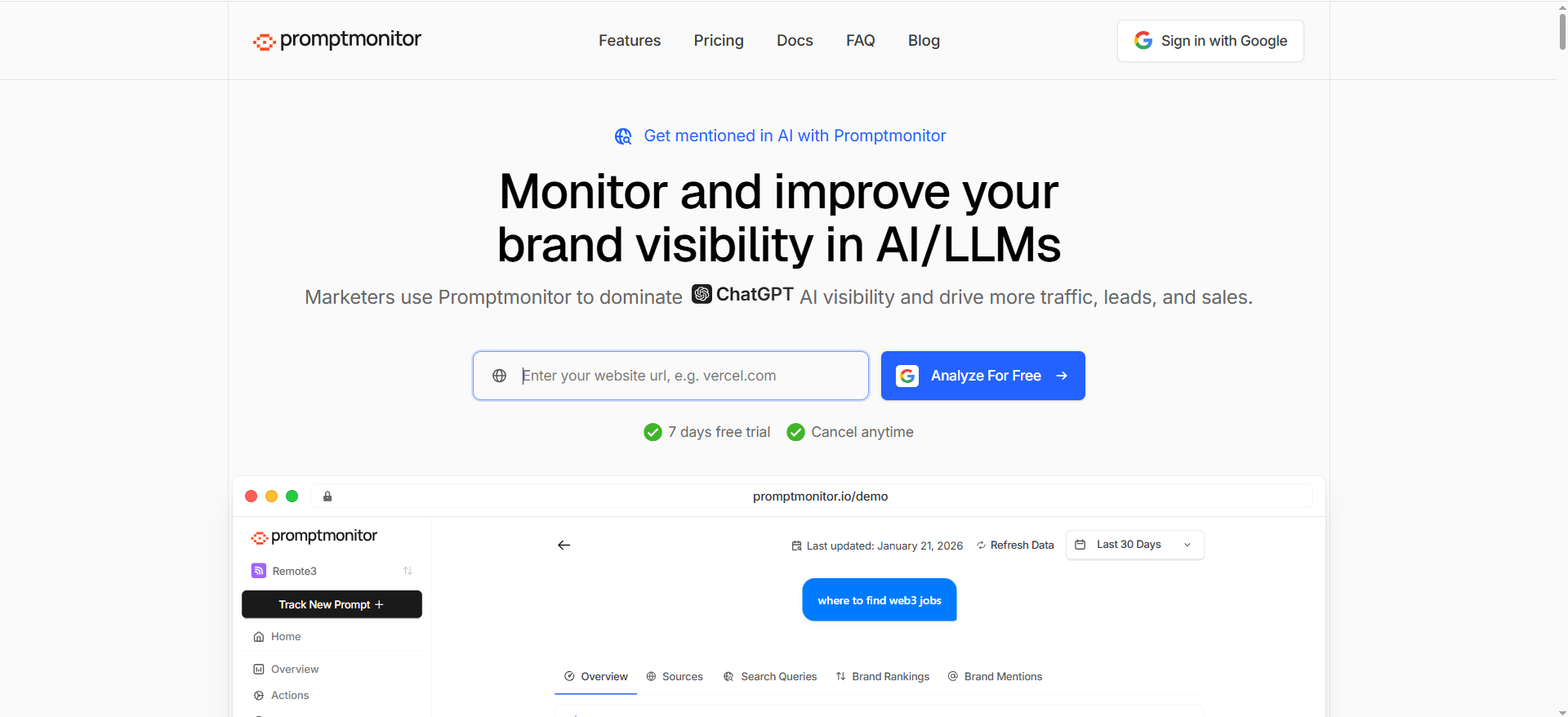
Promptmonitor tracks Google AI Overview and AI Mode alongside ChatGPT, Claude, Gemini, Perplexity, and others, and Google AI Overview first appears on the Pro plan at $129 a month for 150 prompts. Capture is a mix of scraping AI chat apps and using APIs.
The cheaper plans are the trap. Starter at $29 a month for 25 prompts and Growth at $39 for 50 prompts do not list AI Overviews, per Promptmonitor's pricing page. The first plan listing Google AI Overview is Pro at $129 a month.
| Plan | Price | Billing | Prompts | Google AI Overview |
|---|---|---|---|---|
| Starter | $29/month | Monthly | 25 | Not listed |
| Growth | $39/month | Monthly | 50 | Not listed |
| Pro | $129/month | Monthly | 150 | Included |
| Enterprise | Custom via sales | Custom | Custom | Ask sales |
The page also carries a second price set of $49, $66 and $219, so confirm the figure before you buy.
If your program goes beyond Google, our guide to tracking brand visibility in AI search covers the wider field.
Strengths:
- Engine spread: One tool covers Google AI Overview, AI Mode and the main chat engines.
- Prompt headroom: Pro gives 150 prompts, enough for a real prompt portfolio.
- One reporting home: Leadership gets a single view when they ask whether the brand shows up in AI.
Trade-offs:
- Entry gate: The first plan with Google AI Overview is $129 a month, four times the headline price.
- Mixed capture: Scraping plus APIs means you should ask how each engine is captured.
- Two price sets: The page shows two sets of figures.
Key capabilities:
- Google AI Overview and AI Mode tracking
- Coverage of ChatGPT, Claude, Gemini and Perplexity
- Plans from 25 to 150 prompts, with Enterprise on request
Good fit:
- A team running one prompt program across several answer engines
- A team that needs 100 or more prompts and wants Google AI Overview included
Not a fit:
- A small team that only needs AI Overviews on a handful of prompts
- A buyer who wants a $29 plan with AI Overviews, because that plan does not list it
The limitation that matters most is that Google AI Overview is gated behind the $129 Pro plan.
4. Profound: Best For Enterprise Governance Needs

Profound's free trial analyses 50 prompts daily for 7 days across ChatGPT, Gemini and Google AI Overviews, and its Enterprise plan lists Google AI Overviews among up to 9 engines. Paid plans are priced on request.
It is aimed at brands where AI visibility has become a board-level or brand-risk topic and the buyer needs governance, not just a dashboard. If you only need a lightweight tracker for a small prompt set, this is more tool than you need.
| Plan | Price | Billing | Includes |
|---|---|---|---|
| Free trial | Free | 7 days | 50 prompts analysed daily across ChatGPT, Gemini and Google AI Overviews |
| Agency Growth | Pricing on request | Self-serve | 400 credits per month per client workspace |
| Enterprise | Pricing on request | Custom | Google AI Overviews among up to 9 engines |
On security, Profound's homepage heading names SOC 2. The page gives no report or certification detail and does not state SSO, so ask for both in the demo before governance becomes part of your business case.
Strengths:
- Real trial: You can test 50 prompts daily for a week before talking to sales.
- Engine breadth: Enterprise lists up to 9 engines, with Google AI Overviews among them.
- Agency model: Agency Growth gives each client its own workspace and credit allowance.
Trade-offs:
- No public price: Every paid plan is priced on request.
- Security detail: SOC 2 is named, but the certification detail is not on the page.
- Overkill for small sets: A 25-prompt program does not need enterprise tooling.
Key capabilities:
- Google AI Overviews in the trial and in Enterprise
- Daily prompt analysis during the trial
- Per-client workspaces with monthly credits on Agency Growth
Good fit:
- An enterprise team with several business units that needs governance conversations settled before buying
- An agency that wants separate client workspaces
Not a fit:
- A team that needs a published price to get budget approved
- A team that wants a quick self-serve start on a small prompt list
The limitation that matters most is that no paid plan shows a price.
5. Conductor: Best For Teams Already On An Enterprise SEO Suite

Conductor is an enterprise SEO platform that adds AI visibility tracking, prices by quote, and names Google AI Overviews in its free AI Visibility Report. Google AI Overviews is named only in that report, not as a tracked capability.
That distinction matters. Conductor's homepage describes tracking across ChatGPT, Gemini, Copilot, Claude and traditional search. If your question is specifically whether Google AI Overviews are tracked prompt by prompt, ask for it in the demo.
| Plan | Price | Billing | Includes |
|---|---|---|---|
| Essentials | Free trial | Trial | Trial access, length not stated |
| Growth | Quote only | Usage-based | 2,500 AI Search Credits per year |
| Enterprise | Quote only | Usage-based | 2,500+ AI Search Credits per year |
Conductor's pricing page does not explain what a credit buys for AI Overviews. Ask that before you sign.
Strengths:
- One platform: Classic SEO and AI visibility sit in the same system.
- Engine range: Tracking spans ChatGPT, Gemini, Copilot, Claude and traditional search.
- Free report: The AI Visibility Report lets you see Google AI Overview findings before any commitment.
Trade-offs:
- Quote only: Growth and Enterprise have no listed price.
- Credit model: Usage-based credits make cost hard to forecast without a clear definition.
- AI Overviews not listed: The capability appears in the report, not as a tracked feature.
Key capabilities:
- AI visibility tracking across several AI engines and traditional search
- A free AI Visibility Report covering Google AI Overviews
- Annual AI Search Credits on paid plans
Good fit:
- An existing Conductor customer adding AI visibility to a program already in place
Not a fit:
- Anyone who needs only an AI Overview tracker
- A team without budget for an enterprise suite
The limitation that matters most is that Google AI Overviews is named in the free report and not as a tracked capability.
📋 Get Listed / Advertise
We update this guide monthly. Want your tool featured? Contact: [email protected].
What Google AI Overviews Tracking Actually Measures
Google AI Overviews tracking is the repeated measurement of four layers, which are whether an overview appears, whether your brand is in it, whether your pages are cited, and how all of that changes over time. It is closer to monitoring a moving answer than to checking a ranking.
- AI Overview presence: Does an AI Overview appear for the prompts you care about?
- Brand presence: Are you mentioned, recommended, compared or left out? A mention without a link still shapes perception.
- Citation presence: Is your domain cited, which competitors are cited, and which domains keep showing up?
- Change over time: Did the answer text, the citations or the presentation move from one run to the next?
There is no single stable AI Overview rank like a classic keyword position. Outputs can differ by location, language and device, so your tracking has to be built around baselines and segments, not one reading.
Google is also not the only engine that answers your buyers. ChatGPT, Perplexity and Gemini each need their own checks, and that wider work sits under generative engine optimization. This page stays on Google.
When Google AI Overviews Appear And What Google Publishes
Google does not publish a rule for which queries trigger an AI Overview. Anyone who gives you a clean rule is guessing.
In practice, the queries that trigger an overview tend to be complex, ambiguous or exploratory. Think comparisons, "best" lists, how-to questions and broad topics where people want an overview before they click. That is an observation from tracking, not a rule, and it can change without notice.
So treat "when do they show" as a metric you measure yourself.
- AIO Trigger Rate: The number of tracked prompts that show an AI Overview, divided by total tracked prompts, as a percentage.
Track it by segment, because the average hides the useful part.
- Country and language: Overviews can differ by market, so record the location of every run.
- Branded vs unbranded: Your own name and category terms behave differently.
- Funnel stage: Awareness, comparison and purchase prompts trigger overviews at different rates.
Availability varies by country. Check each market you sell in, and set your tracker's location to match.
How To Choose A Google AI Overviews Tracker: Criteria And Demo Checklist
Choose on three things, which are how big your team is, how many prompts you need to track, and who reads the report. The table maps those to the five tools using the plan limits above. It is reasoning from the vendor pages, not a ranking.
| Team Profile | Prompt Set | Reporting Need | Lean Toward | Reason |
|---|---|---|---|---|
| Small self-serve team | Under about 50 prompts | Citation list for leadership | OtterlyAI | Lite covers 15 prompts at $29/month, Standard covers 100 at $189/month |
| SEO suite user | 100 to 250 prompts | AI Overview history next to rank tracking | SE Ranking | Core covers 100 prompts, Growth covers 250, with the AI Search add-on |
| Multi-engine prompt program | About 150 prompts | AI Overviews, AI Mode and chat engines in one view | Promptmonitor | Pro at $129/month for 150 prompts includes Google AI Overview |
| Governance-heavy enterprise | Custom | Governance and many engines | Profound or Conductor | Profound Enterprise lists up to 9 engines, Conductor is quote only |
| Existing Conductor customer | Custom | AI visibility inside the current suite | Conductor | Extends a program already in place |
Run every vendor through the same demo. Ask each question, write down the answer, and compare the notes afterwards.
- Capture method: Does the tool read the real result page or approximate it through an API? Document the answer.
- History and diffs: Does it store every run and show what changed between them?
- Coverage: Does it explicitly support Google AI Overviews and AI Mode, or only name them in marketing? See which tools offer the widest AI engine coverage.
- Segmentation: Can you split by country, language and device?
- Citation extraction: Does it pull citations reliably and map them to URLs? Our guide to page-level citation attribution covers this.
- Export: Can you send data to a sheet, dashboard or BI tool?
- Governance: Which permissions, audit logs and SSO options exist, and can they show a report for any security claim?
Four mistakes come up again and again.
- Tracking too many prompts too soon: You drown in noise and never act on it.
- Reporting the wrong KPI: Leadership cares about citations and revenue pages, not mentions alone.
- No change management: You detect losses and have no playbook to respond.
- Not checking what counts as an AI Overview: Result layouts change, so the tool must define detection clearly.
Choosing the tool is the easy half. If you want the prompt set, the monthly reporting and the fixes run for you, the GEO + SEO Growth Programme is how we do it.
The Tracking Model: Prompt Set, Metrics And Cadence
Treat AI Overviews like rank tracking, but change the metrics. A position number tells you little here. Mentions, citations and volatility tell you a lot.
Start with 25 to 50 prompts, split into four buckets.
- Category: Definitions and "best tools for" questions in your space.
- Comparison: You vs a competitor, and best alternatives to a competitor.
- Problem: How do I solve a pain, and how do I track a metric.
- Buyer intent: Pricing, implementation, security and integrations.
To build the first prompt set from queries you already rank for, Semrush's keyword research and rank tracking give you the starting list, and you can keep tracking the same keywords as classic rankings next to your AI Overview checks.
Prompts that imply complexity, such as trade-offs, steps and "best for", are where overviews show up and where citations matter most.
Use these KPIs. If you want the wider set, see the tools that report share of answer metrics.
- AIO trigger rate: The percentage of tracked prompts where an AI Overview appears, by segment.
- Share of citation: Among prompts with an AI Overview, the percentage where your domain is cited.
- Share of mention: Among prompts with an AI Overview, the percentage where your brand is mentioned, linked or not. Share of mention depends on watching mentions across engines, which our list of brand mention tracking tools covers.
- Citation quality rubric: Whether each citation is primary (the first one or two), mid-pack, or buried.
- Volatility: The week-over-week change in AI Overview presence, citations and answer framing.
Pick a cadence that cuts noise without burning time.
- Weeks 1 to 2: Daily runs to build a baseline.
- Weeks 3 to 6: Two to three runs a week to build trend confidence.
- After that: Weekly for most prompts, with a daily hot set of 10 to 20 money prompts.
Citations first or mentions first? Citations. They link to pages you can fix and measure. Mentions come second.
How To Track Citations And Changes Over Time
Citation tracking is the core of AI Overview monitoring, because the overview is built to point to sources. Store the same record for every run so any two runs can be compared.
- Query: The exact prompt or keyword.
- Date and time: When the run happened.
- Location, language and device: The settings the check ran under.
- AI Overview present: Yes or no.
- Cited domains and URLs: The full lists.
- Brand cited: Yes or no.
- Brand mentioned: Yes or no.
There are three ways to collect that record.
- A tool with capture and history: Most teams choose this because logging by hand does not scale. The capability that matters is retention plus diffs, so you can see a URL swapped out or a competitor added. See our comparison of citation tracking tools.
- Manual tracking for 10 to 20 queries: Run each query in a clean browser session, log the citations in a sheet each week and screenshot the overview. It is slow, but it is useful for checking a tool's accuracy.
- A hybrid: The tool runs your whole portfolio and a person reviews only the high-stakes prompts when something big changes.
Metrics to report from citation tracking
- Share of Citation (SoC): % of AIO-present prompts where your domain is cited
- Top cited competitor domains: who appears most often
- Citation concentration: do a few domains dominate, or is it fragmented?
- URL-level winners: which pages are getting cited (and for which query themes)
Then watch four kinds of change. Tools that diff runs for you are covered in our guide to answer change detection tools.
- Answer text: New claims added or removed, a different definition of your category, or a reordered list of recommended tools.
- Citations: New domains added, your domain removed, the same domain with a different page, or your citation moving from top to buried.
- Layout: Whether the overview is collapsed or expanded, and where citations sit.
- Volatility: How often the answer changes, by query class such as definitions vs comparisons.
Citation changes are usually where authority and traffic shifts show up first. Set alerts for three things. You lose a citation on a money prompt, a competitor gains several citations in your core segment, or an overview starts triggering on a set that used to be stable.
How To Measure AI Overview Impact On Clicks
Two sources are worth building on. The first is a US panel study, so read the numbers as US figures.
In Pew Research Center's study, published 22 July 2025 from March 2025 browsing data for 900 US adults, the headline numbers were these.
- Searches with an AI summary: 18% of Google searches produced an AI summary, which was 12,593 of 68,879 unique searches.
- Clicks on traditional results: Users clicked a traditional result link in 8% of visits with a summary versus 15% of visits without one.
- Clicks inside the summary: Only 1% of visits to pages with a summary involved a click on a link inside it.
The second source is your own data. Google reports AI Overview and AI Mode traffic in the Search Console Performance report under the Web search type. That means the clicks are in your totals, so you compare periods instead of reading a separate line.
Here is how to do it.
- Pick the pages and queries: Use the ones tied to your tracked prompts.
- Mark the date: Note when your tracker first recorded an overview for those prompts.
- Compare equal windows: Look at clicks, impressions and click-through rate before and after that date.
- Be careful with the claim: A drop that lines up with an overview is a signal, not proof. Check seasonality and ranking changes first.
How To Report AI Overview Visibility To Stakeholders
Keep it to one page, weekly. Stakeholders want what changed and what you are doing about it, not a data dump.
- Summary line: One sentence on the trigger rate, your citation share and the week-over-week change.
- Wins: Prompts where you gained citations or mentions, with the page that was cited.
- Losses: Prompts where you lost ground, with the competitor domains that replaced you. A citation gap analysis shows what they have that you do not.
- Actions: Three to five fixes for the next sprint across content, internal linking, schema and page consolidation. The steps are in our guide on how to increase your visibility in Google AI Overviews.
- Risks: Segments with rising volatility, or a high trigger rate and low citation share.
Does this replace classic rank tracking? No. Keep both. If you would rather someone else run the report, we offer ongoing AI visibility reporting.
The Minimum Viable Stack For AI Overview Monitoring
You need four layers, and nothing more. The aim is consistent measurement plus action, without tool sprawl.
- Capture: A tracker or a manual log. It must answer whether an overview appears, what it says and who it cites.
- Analytics: Google Search Console. It must answer whether clicks and click-through rate moved.
- Reporting surface: A sheet or a dashboard. It must show trigger rate, share of citation, share of mention, top cited competitors and money prompts gained or lost.
- Action loop: An owner, a refresh queue of pages worth defending, and a weekly review of 30 to 45 minutes. It must answer who fixes what, and by when.
If you want to build your own capture layer, a SERP API is an option in general terms. You pay in engineering time and you own the maintenance when layouts change. For most teams, a tracker is cheaper than that time.
Manual tracking is enough when you watch 10 to 20 queries and review them weekly. Past that, the log becomes the job.
FAQs
Do All Keywords Trigger AI Overviews?
How Often Should I Monitor AI Overviews?
Will Tracking AI Overviews Replace Traditional Rank Tracking?
Are Google AI Overviews Available In Every Country?
Should I Track Mentions Or Citations First?
How Many Prompts Do I Need To Start?
Can I Rely On One Week Of Data?
Does Google Search Console Show AI Overview Data?
Do I Need A Paid Tool, Or Is Manual Tracking Enough?
Do These Tools Also Cover AI Mode And Other AI Engines?
If you have a shortlist and want a second opinion before you start a trial, book a thirty-minute call. One of the founders takes it, and you leave knowing which two tools to test first.
📑 Disclosure!
Some links in this article are affiliate links. If you sign up through them, The Rank Masters may earn a commission at no additional cost to you. This does not influence which tools we recommend or what we say about them.