

If you’ve spent any time researching SEO tools, you’ve probably noticed the same painful pattern: the best-known platforms are incredible… and incredibly expensive. Dropping $100–$300 every month on software just isn’t realistic for most freelancers, small businesses, or new agencies.
👉 The good news is you don’t need an enterprise budget to do serious SEO.
There are plenty of cheap (and even free) SEO tools that can help you find profitable keywords, optimize your content, audit your site, track rankings, and even keep an eye on your competitors.
▶️ The real challenge is knowing which tools are actually worth paying for and which ones look good on paper but never move the needle.
In this guide, we’ll walk through the best affordable SEO tools for every major task like keyword research, on-page SEO, technical audits, rank tracking, backlinks, and local SEO. You’ll also see ready-made “SEO stacks” for different budgets and scenarios, so you’re not guessing, overspending, or stuck in trial-and-error.
And if you’d rather skip the tool testing and get straight to results, you can partner with a dedicated SaaS SEO agency that already knows which tools work in the real world and how to plug them into your funnel.
At The Rank Masters, we work with brands at all stages “from solo founders to growing B2B SaaS teams” so we know exactly which tools deliver real value and which ones you can safely skip.
By the end of this article, you’ll know how to build a lean, cost-effective SEO toolkit that supports your growth instead of draining your budget and if you want expert help implementing it, you can Contact The Rank Masters to have our strategists build and run that stack for you.
💡 Key Takeaways – Best Cheap SEO Tools
- You don’t need expensive software to do serious SEO. A smart mix of cheap tools (like Ubersuggest, Mangools, Screaming Frog, Keywords Everywhere) plus free Google tools can easily cover keyword research, on-page SEO, technical audits, and rank tracking for most small to mid-sized sites.
- Free Google tools are your foundation. Google Search Console, Google Analytics, Keyword Planner, and Google Trends should be in every stack, no matter your budget. Paid tools are there to speed things up and add depth, not replace these essentials.
- Choose tools based on your stage and goals.
- Beginners / small businesses: One affordable all-in-one tool + free Google tools is usually enough.
- Freelancers / small agencies: A budget suite (like Mangools/SE Ranking/Serpstat) + a crawler (Screaming Frog/Sitebulb) + simple reporting gives you a professional setup without enterprise costs.
- Start lean, then upgrade when you truly outgrow your stack. If you’re not fully using a cheap, focused toolkit yet, you’re not ready for premium suites. Upgrade when you hit real limits—more sites, bigger clients, or deep backlink and competitive needs.
- You can buy tools, or you can buy results. Learning and managing tools yourself is great if you have time and interest. If you’d rather skip the learning curve, The Rank Masters can handle the tools, strategy, and execution for you, so your SEO spend goes into results, not just software.
Who This Guide Is For
This guide is perfect if you:
- Run a small business and want more organic traffic without paying enterprise software prices.
- Are a freelance SEO or consultant building your client base.
- Manage SEO as an in-house marketer with limited budget.
- Run a niche site or blog and want better rankings without burning cash.
- Are a small or new SEO agency that needs solid tools but still has to watch margins.
If that sounds like you, the key is simple:
You don’t need 10 expensive tools. You need a smart, lean stack that covers the essentials.
What Do We Mean by “Cheap SEO Tools”?
“Cheap” is relative, so let’s define it clearly.
In this guide, cheap SEO tools means:
- Tools with entry-level plans typically under $30–$50/month, or
- Tools that are freemium with a genuinely useful free tier, or
- Tools that offer strong value compared to the bigger suites.
You’ll also see some tools that are paid annually but still very affordable compared to the “big three” (Ahrefs, SEMrush, Moz).
If your entire tool stack costs less than one average client’s monthly fee, you’re in a good place.
That’s the mindset we use when building stacks for clients and for services like our SaaS content marketing: tools should amplify ROI, not quietly erase it.
Best Cheap SEO Tools (Hands-On Picks)
When you’re working with a limited budget, you don’t just need tools that are cheap, you need tools that actually help you find keywords, fix issues, and grow traffic. These four are great examples of affordable tools that punch above their price.
1. Ubersuggest – Simple, Affordable All-Rounder
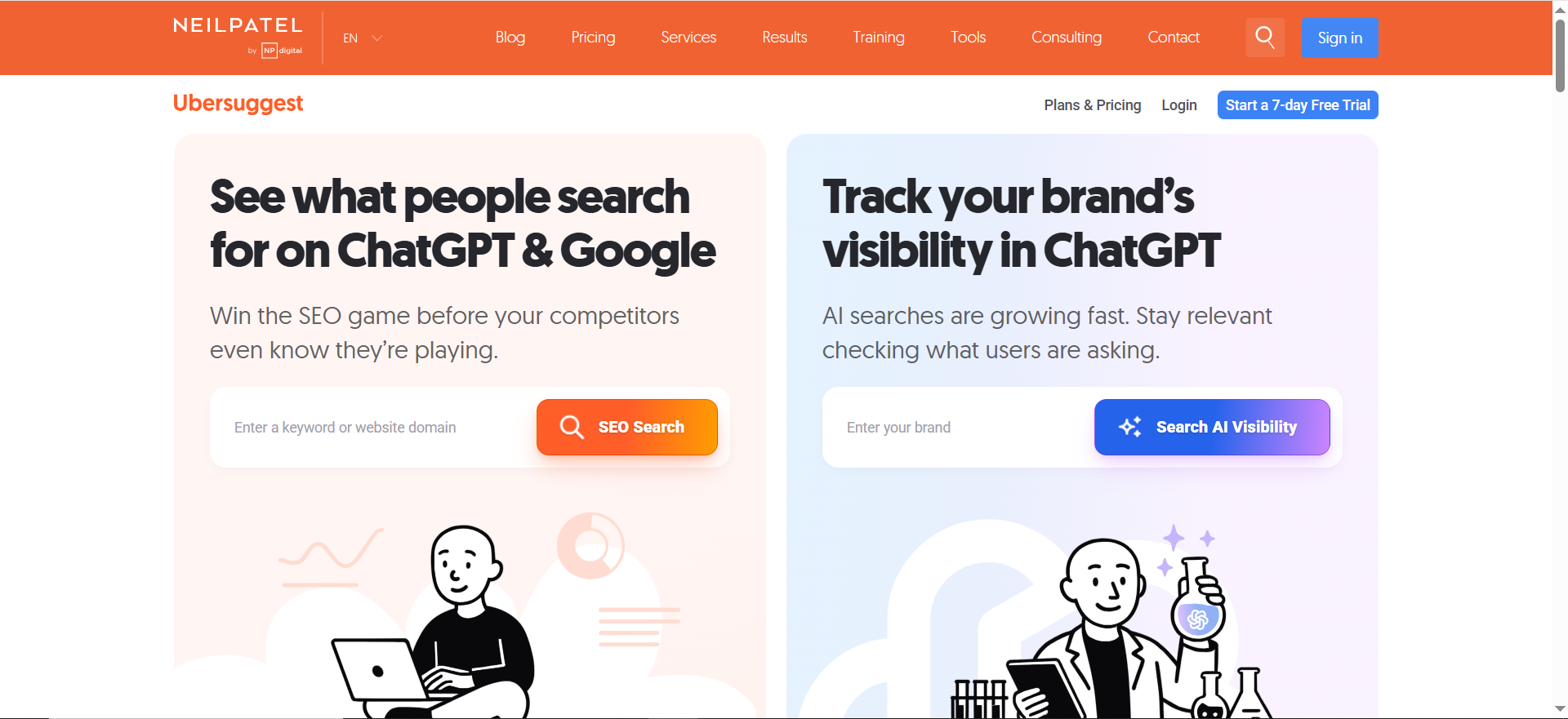
Ubersuggest is a budget-friendly, all-in-one SEO tool that helps you find keywords, analyze competitors, run basic site audits, and track rankings without the heavy price tag of enterprise suites. It’s ideal for beginners and small businesses who want a simple, affordable way to start doing real SEO.
Price
Free plan with limited daily searches, plus low-cost paid plans that are much cheaper than the big SEO suites.
Free tier? ✅ Yes, it has a free tier
Best for
Beginners, small business owners, and bloggers who want an easy, budget-friendly way to start doing “real” SEO.
What Ubersuggest Does Well
Ubersuggest is a great starting point if you want one tool that gives you a bit of everything without a steep learning curve:
- Keyword ideas with search volume and basic difficulty
- Content ideas based on top-performing pages in your niche
- A basic site audit that flags technical and on-page issues
- Rank tracking for your main keywords
- Simple competitor overviews (top pages, traffic estimates, etc.)
Pros
- Very beginner-friendly interface
- Combines research, audits, and tracking in one tool
- Noticeably cheaper than most big-name suites
- Data is good enough for most small and medium websites
Cons
- Data depth and accuracy can’t match premium enterprise tools
- Free plan comes with daily limits
- Advanced SEOs may eventually outgrow it
How We’d Use It at The Rank Masters
If you’re just starting out or managing a small website, Ubersuggest is a strong cheap “all-in-one” starter tool. It gives you enough keyword data, audits, and tracking to make smart decisions without overwhelming you. For early-stage businesses, we often recommend tools like this to get momentum first, then layer on heavier platforms later when the budget and complexity grow.
2. Mangools (KWFinder Suite) – Friendly UI, Strong Data, Still Affordable
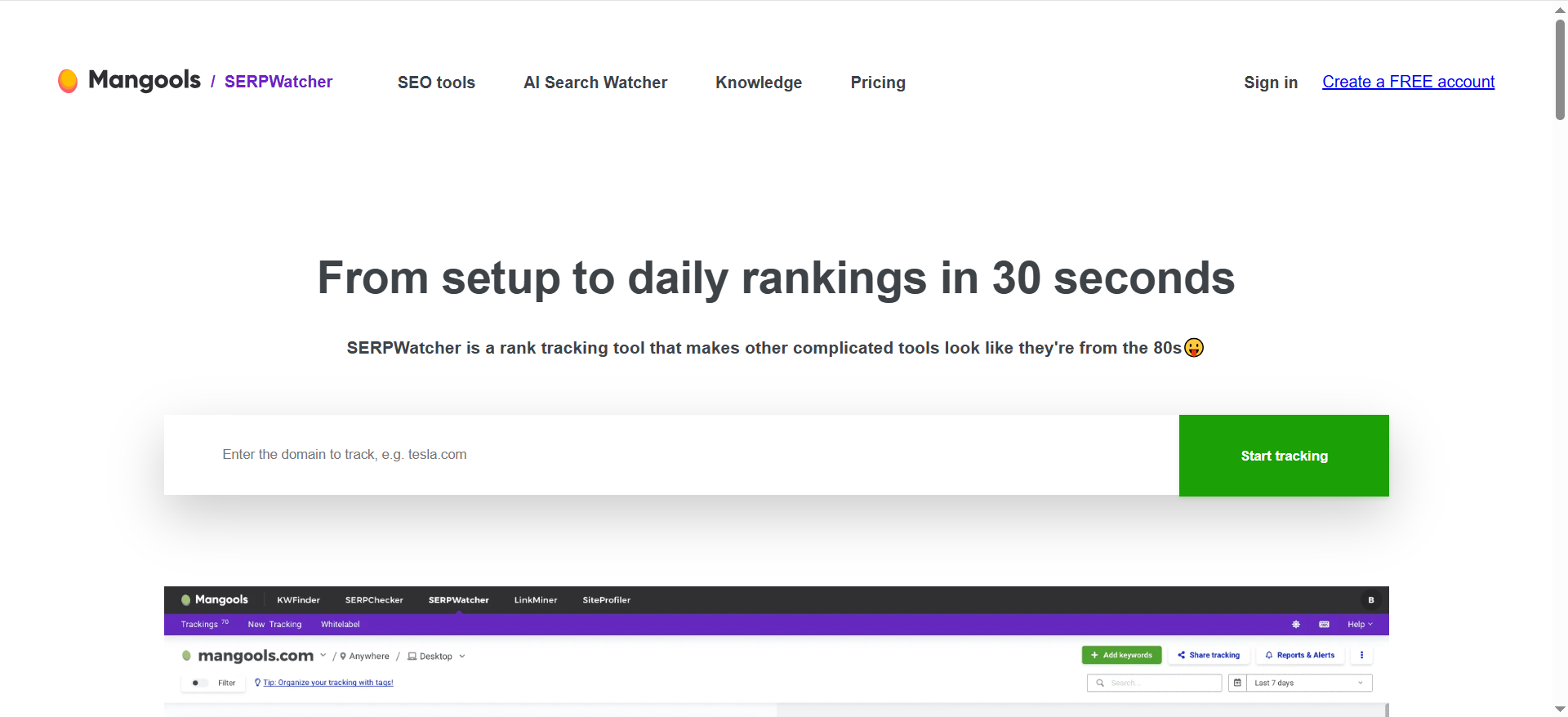
Mangools is an affordable mini-suite of SEO tools that covers keyword research, SERP analysis, rank tracking, basic backlink checks, and site profiling in one clean, user-friendly package. It’s a great choice for freelancers and small agencies who want stronger data and better UX than entry-level tools, while still keeping costs under control.
Price
Budget-friendly paid plans (especially on annual billing) that unlock an entire mini-suite of tools.
Free tier? 🟡 No true free tier, but has a trial
Best for
Freelancers, niche site builders, and small agencies who want a better balance of power, usability, and price than most entry-level tools offer.
What You Get in Mangools
Mangools includes five tools under one subscription:
- KWFinder – Keyword research with clear difficulty scores
- SERPChecker – SERP and competitor analysis
- SERPWatcher – Rank tracking over time
- LinkMiner – Basic backlink analysis
- SiteProfiler – Authority and top content snapshots
Together, they cover most of what a small team or solo SEO needs day to day.
Pros
- One of the most user-friendly interfaces in the SEO space
- Clear keyword difficulty metrics that are easy to understand
- Built-in rank tracking and backlink insights
- Great value for freelancers managing multiple smaller projects
Cons
- Backlink index is smaller than dedicated link tools and big suites
- Not ideal for very large, complex or enterprise-level sites
- Lower plans come with data and project limits
How We’d Use It at The Rank Masters
If you want something more powerful than Ubersuggest but still affordable, Mangools is a great option. It handles keyword research and rank tracking very well, with a smooth UX. For many early- to mid-growth clients, a combo like Mangools + a good technical crawler is more than enough—and it’s a stack we frequently recommend when budgets are tight but goals are big.
3. Screaming Frog SEO Spider – Deep Technical Audits on a Budget
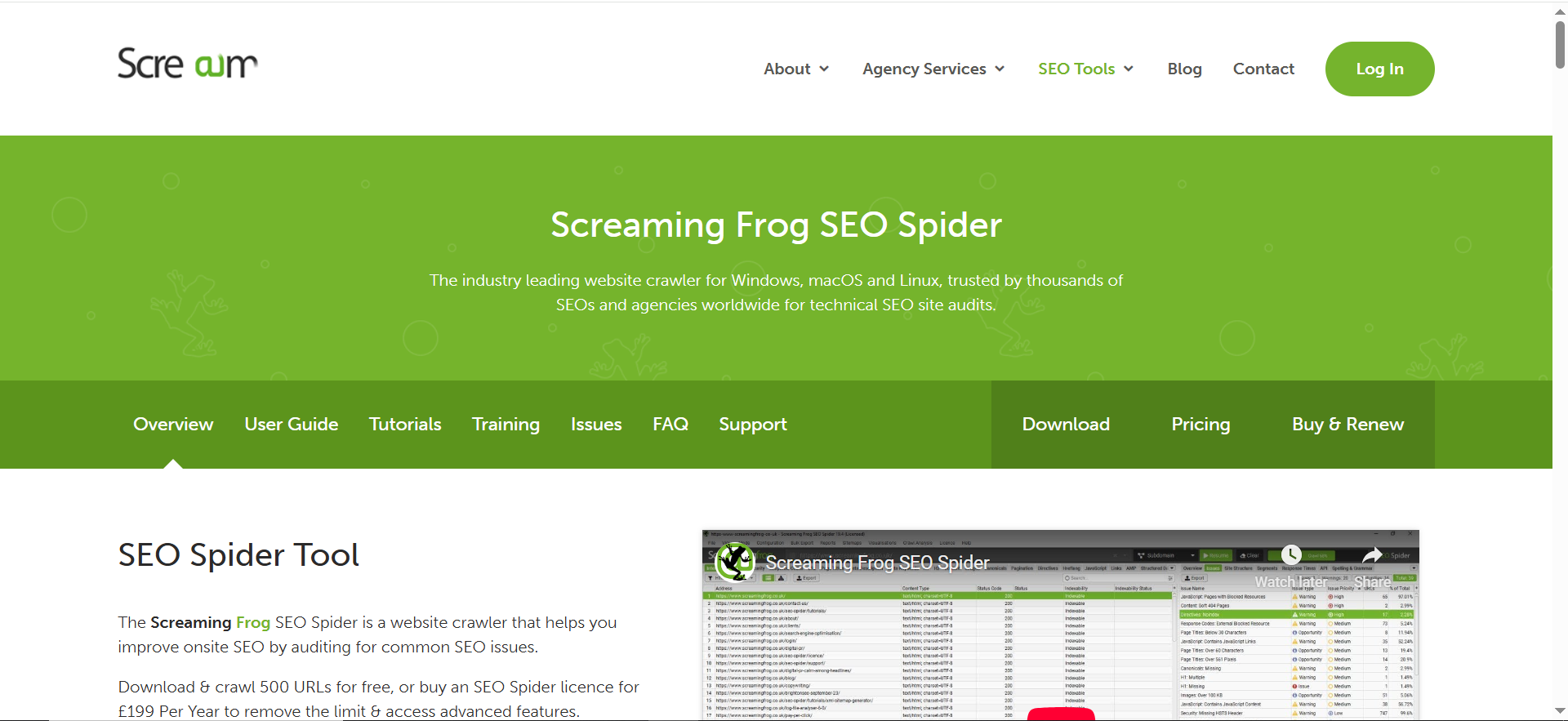
Screaming Frog is a low-cost desktop crawler that lets you audit your website like a search engine bot, uncovering issues like broken links, duplicate content, redirect chains, and on-page problems at scale. It’s one of the most cost-effective technical SEO tools for anyone serious about fixing site issues without paying for a full enterprise platform.
Price
Free version for smaller sites (up to a limited number of URLs), plus a reasonably priced annual license that’s very accessible for agencies and serious site owners.
Free tier? ✅ Yes, it has a free tier
Best for
Technical SEO, in-depth audits, and anyone who wants to find and fix crawling, indexing, and on-page issues without paying for an expensive suite.
What Screaming Frog Is Great At
Screaming Frog is a desktop crawler that behaves like a search engine bot. It doesn’t do keyword research, but it’s one of the most cost-effective ways to see your site the way Google does:
- Crawl your entire site like a bot
- Find broken links, redirect chains, duplicate content
- Check title tags, meta descriptions, and headers in bulk
- Audit status codes, canonicals, hreflang, and more
- Export data into Excel/Sheets for custom analysis and reports
Pros
- Industry-standard technical SEO tool at a low price point
- Extremely detailed data for technical audits
- Free version is enough for many smaller sites
- Runs locally, so you own and control the data
Cons
- Interface feels more “utility” than polished SaaS
- Steeper learning curve for non-technical users
- It’s not a keyword or content tool—strictly crawl/audit focused
How We’d Use It at The Rank Masters
For technical SEO, Screaming Frog is close to a must-have, even in a budget stack. It’s one of the cheapest ways to uncover issues that quietly kill rankings—like broken links, thin content, and redirect loops. We use this type of crawler in our audits even when we also have access to premium suites, because the control and depth you get for the cost is hard to beat.
4. Keywords Everywhere – Keyword Data Right Inside Your Browser
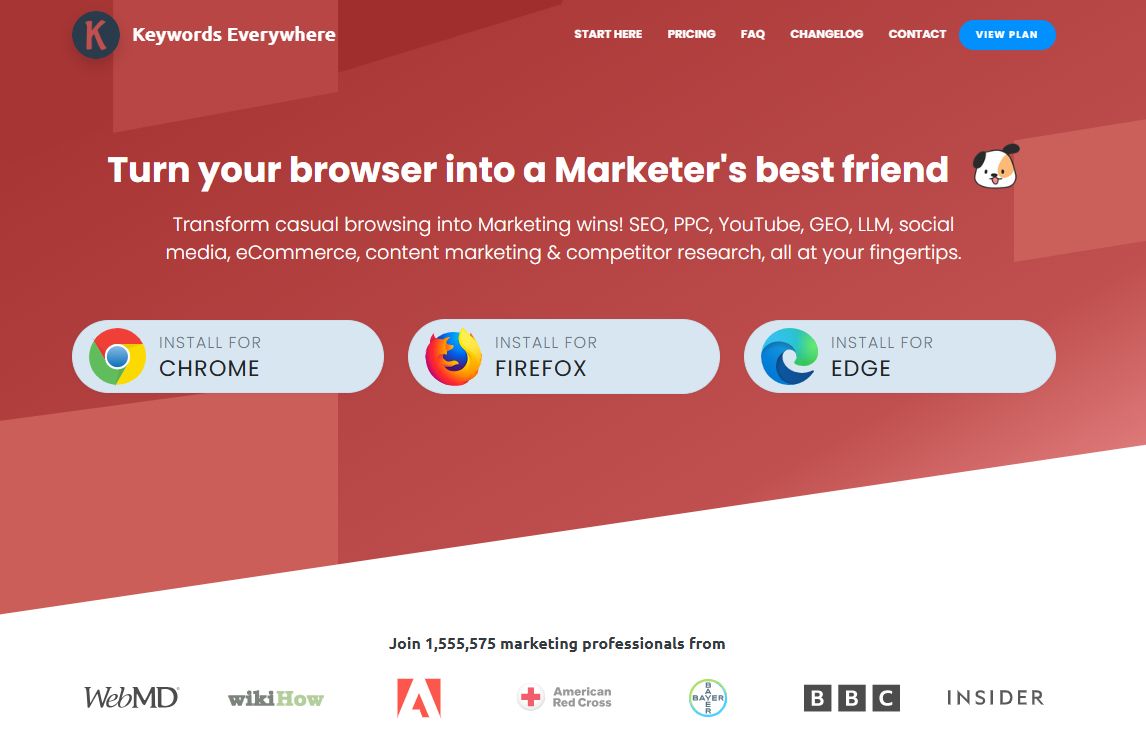
Keywords Everywhere is a browser extension that shows search volume, CPC, and competition data on the sites you already use, including Google, YouTube, Amazon, and Search Console. Instead of jumping between tools, you see keyword ideas and metrics while you search. It's one of the cheapest ways to add real keyword data to a budget SEO stack.
Price
Free version with 18 built-in features, plus annual plans starting at $7/month (Bronze, billed at $84/year for 100,000 credits).
Free tier? ✅ Yes, it has a free tier
Best for
Bloggers, small business owners, and freelancers who want keyword data while they browse without paying for a full SEO suite.
What Keywords Everywhere Does Well
Keywords Everywhere works in the background as you browse, turning everyday searches into keyword research.
- Search volume, CPC, and competition across 15+ sites like Google, YouTube, Bing, and Amazon
- Related, "People Also Search For," and long-tail keyword widgets next to Google results
- Website traffic and Moz link metrics (DA, backlinks) for any site, free
- Search Console visualization that makes your own query data easier to read
- Bulk keyword uploads and competitor gap analysis on paid plans
Pros
- Works inside the sites you already use, so there's almost no learning curve
- Credit-based pricing means you only pay for the data you pull
- The free version is genuinely useful, with traffic, link, and on-page metrics included
- Entry plan works out to $7/month, far below most SEO suites
Cons
- Search volume, CPC, and competition data need paid credits
- Plans are billed annually only, and credits expire after one year
- Works on Chrome, Firefox, and Edge only, and it's not a crawler, so technical audits need another tool
How We'd Use It at The Rank Masters
For lean stacks, Keywords Everywhere is one of the easiest ways to add keyword data without another big subscription. We like pairing it with Google Keyword Planner and Search Console for quick topic research, then using a crawler like Screaming Frog for technical fixes. It's especially handy for founders and writers who want to check search demand in the middle of their research, not in a separate tool.
Must-Use Free SEO Tools (Even If You Pay for Cheap Ones)
Paid tools are great, but the foundation of any budget-friendly SEO stack should still be free tools, especially the ones that give you data directly from Google.
1️⃣ Google Search Console
If you only use one SEO tool, this should be it.
- Shows the queries that bring impressions and clicks
- Reveals average positions and CTRs
- Highlights indexing and coverage problems
- Flags mobile and Core Web Vitals issues
- Lets you submit sitemaps and request indexing
Search Console is your direct view into how Google sees your site and is essential for spotting quick-win opportunities.
2️⃣ Google Analytics / GA4
- Tracks who visits your site and where they come from
- Shows which pages keep users engaged or make them bounce
- Helps you understand conversions and user behavior
- Lets you compare organic vs other channels
This is how you make sure your cheap tools are not just boosting traffic, but actually helping you generate leads and sales.
3️⃣ Google Keyword Planner & Google Trends
- Keyword Planner gives rough search volume ranges and related keyword ideas, plus CPC data that hints at commercial value.
- Google Trends shows how interest in topics changes over time and helps you spot seasonal or rising topics.
Together, they’re a powerful free combo for prioritizing the right topics.
4️⃣ Question Tools & Browser Extensions
- Tools like AnswerThePublic and “People Also Ask” scrapers turn real user questions into long-tail content ideas.
- Browser extensions (e.g., SEO Minion, Detailed SEO) let you quickly inspect on-page elements, check links, and preview SERP snippets—all for free.
These are perfect add-ons in a low-budget toolkit for quick checks and content planning.
5️⃣ AI Assistants (Like ChatGPT) for Ideation
AI won’t replace proper SEO tools, but it’s fantastic for:
- Brainstorming topic clusters and angles
- Drafting outlines and first drafts (with human editing)
- Producing title and meta description variations
At The Rank Masters, we treat AI as a supporting assistant, not the strategist. Pair AI with real data from Search Console and your cheap tools, and you can move much faster without sacrificing quality.
Budget SEO Tool Stacks You Can Steal
Instead of signing up for a random mix of tools, it’s smarter to build a lean, intentional stack based on your role and budget. Here are two ready-to-use setups.
✅ Budget Stack #1: Beginners & Small Business Owners
Perfect if you’re a solo founder, local business, or just getting serious about SEO.
Keyword Research
- Main tool: Ubersuggest or a low-tier Mangools plan
- Support: Google Keyword Planner + Google Trends (free)
Gives you enough data to choose realistic, valuable keywords and plan content around them.
On-Page SEO
- WordPress: Yoast SEO or Rank Math (free or low-cost)
- Use your main tool’s suggestions + AI to structure content.
Focus on:
- Clear, benefit-oriented titles and metas
- Natural keyword use in headings and body copy
- Readable pages (short paragraphs, bullets, subheadings)
Technical SEO & Health
- Must: Google Search Console
- Bonus: Screaming Frog free version
Helps you find and fix:
- Indexing issues
- Broken links and redirects
- Thin or duplicate pages
Rank Tracking
- Use your main tool’s built-in tracker or a tiny rank tracker for your top 20–50 keywords.
- Track what actually matters—core services, locations, and a few key content pieces.
Backlinks (Basic)
- Ahrefs Webmaster Tools (free for your own sites)
- Search Console “Links” report
Enough to see:
- Who links to you
- Whether your backlink profile is growing
- Any obvious spam patterns
Who this stack is for
- Local service businesses
- Solo professionals and coaches
- New eCommerce or niche sites
Cost: Often under the cost of one decent meal out per month.
If that still feels like too much to manage, The Rank Masters can run the tools and the strategy for you while you focus on day-to-day business.
✅ Budget Stack #2: Freelancers & Solo SEOs
Ideal if you manage SEO for multiple clients and need more power—without enterprise pricing.
Core SEO Suite
- Pick one: Mangools, SE Ranking, or Serpstat (entry or mid plan)
This covers:
- Keyword research across multiple sites
- Rank tracking by project
- Basic backlink and competitor insights
- Site audits
It becomes your main control panel for client work.
Technical SEO
- Crawler: Screaming Frog license or Sitebulb low plan
- Plus: Search Console for every client
Gives you:
- Professional-grade technical audits
- Repeatable checklists for new clients
- Data exports you can turn into reports or dashboards
On-Page & Content
- For WordPress clients: Rank Math Pro or Yoast Premium
- For content-heavy workflows: optionally add Surfer SEO or similar.
Standardize an on-page checklist to use across all clients—this saves time and keeps your work consistent.
Rank Tracking & Reporting
- Use your suite’s rank tracker or a dedicated low-cost tracker
- Build branded dashboards in Google Looker Studio using Search Console and Analytics
This lets you show clients:
- Ranking changes
- Traffic trends
- Conversions and leads
…and makes it much easier to justify your fee and retain clients.
Backlink & Competitor Insights
- Ahrefs Webmaster Tools for client domains
- Link and keyword data from Mangools / SE Ranking / Serpstat
More than enough to:
- Find content gaps
- See who’s ranking and why
- Plan realistic link and content strategies
Who this stack is for
- Freelance SEOs with 3–15 clients
- Small agencies in early growth
- Solo marketers who manage several brands
Cost: Still far below running full Ahrefs + SEMrush + multiple add-ons.
If you’ve got clients and tools but feel stuck on strategy, The Rank Masters can act as your behind-the-scenes strategy partner. You keep the client relationship; we help you unlock more value from the affordable stack you’re already paying for.
Cheap Tools vs Expensive Suites – What’s the Trade-Off?
Let’s be honest: premium suites like Ahrefs and SEMrush are fantastic. But do you need them?
| Aspect | Cheap / Free SEO Tools | Expensive SEO Suites (Ahrefs, SEMrush, etc.) |
|---|---|---|
| When they’re usually enough | You manage a handful of websites. | You manage lots of large, complex websites. |
| Typical use case | You mainly do basic keyword research, on-page SEO, and simple audits. | You need deep competitive research, large-scale content planning, and advanced analysis. |
| Type of clients | You’re focused on small to mid-sized businesses. | You work with bigger brands, international sites, or many high-value clients. |
| Data & features needed | You just need clear, practical data to take action—no complex APIs or custom reports. | You need huge backlink databases, advanced link intelligence, and custom reporting/APIs. |
| Team & usage | Often used by one person or a small team who needs simple, fast insights. | You have in-house teams who will fully use the advanced capabilities every day. |
| Cost vs. value trade-off | Usually give you 70–90% of what you need for a fraction of the cost. | Provide the last 10–30% of power and depth, which only matters if you’re big enough to use it. |
| How The Rank Masters uses them | Perfect for lean campaigns where budget matters but you still need solid SEO work. | We layer in premium platforms for campaigns that truly require deeper data and features. |
At The Rank Masters, we use a mix: for some campaigns, cheap tools are more than enough; for others, we layer in premium platforms. You don’t have to choose one side forever—you can grow into the heavier tools when it actually makes financial and strategic sense.
Core SEO Tasks You Must Cover (Even on a Budget)
No matter how tight your budget is “or which specific tools you choose” your stack needs to help you do these jobs. If a tool doesn’t meaningfully support at least one of these, it’s probably not worth paying for.
1. Keyword Research
Find what your audience is searching for, how often they search for it, and how competitive those terms are. This is the foundation for every blog post, landing page, and product-led content asset you create.
2. On-Page SEO & Content Optimization
Optimize titles, meta descriptions, headings, internal links, and content structure so search engines (and humans) understand your pages. This is where affordable tools pair really well with structured frameworks like the ones we use in our content audit & fix sprint.
3. Technical SEO & Site Audits
Fix issues with crawling, indexing, speed, redirects, duplicate content, and more. Even a cheap crawler plus Google Search Console can uncover the issues that quietly hold your rankings back.
4. Rank Tracking (Position Monitoring)
Track how your key keywords move over time so you can see what’s working, what’s stalling, and where to double down. You don’t need every keyword—just the ones that drive leads or revenue.
5. Backlink Analysis & Link Prospecting
Understand who links to you (and your competitors), spot risky patterns, and find new link opportunities. Budget tools may not have the largest link index, but they’re more than enough to guide smarter outreach and partnership decisions.
6. Local SEO (If You Serve Local Markets)
Manage and optimize Google Business Profiles, citations, and local rankings so you show up where it matters most - maps, local packs, and “near me” searches.
How to Choose the Right Cheap SEO Tools for You
Before you pull out your credit card, take a minute to match each tool to your budget, skills, and goals. The best cheap SEO tool isn’t the one with the longest feature list – it’s the one you’ll actually use every week to move revenue, not just rankings. And if you’re running a B2B SaaS company and want a done-with-you tool strategy, you can always lean on a specialist SaaS SEO agency instead of guessing alone.
1. Be honest about your budgetDecide what you can realistically spend each month on tools. It’s far better to use 2–3 affordable tools consistently than pay for 7 subscriptions you barely open. If your total stack costs less than one good client retainer, you’re in a healthy place.
2. Match tools to your skill level
- Beginner: Look for simple interfaces, clear guidance, and “done-for-you” style reports. Avoid tools that drown you in raw data.
- Intermediate/Advanced: You can handle more complex dashboards, filters, and exports, so don’t be afraid of tools with deeper features if you’ll use them.
3. Start from your main SEO goal
- More local leads? Prioritize local SEO tools (Google Business Profile, BrightLocal, Whitespark) and basic rank tracking so you can see how often you show up in “near me” searches.
- Content growth? Focus on keyword research + on-page tools (Ubersuggest, Mangools, content optimizers) and back them up with a strategy like our SaaS content marketing services if you want help turning data into pipeline.
- Technical cleanup? Put your money into crawlers and audit tools like Screaming Frog, plus strong use of Google Search Console or let a focused SaaS content audit & fix sprint do the heavy lifting.
When the tool is clearly tied to a business outcome, it’s much easier to justify—even on a tight budget.
4. Count how many sites you manage
- One website: An all-in-one cheap tool plus free Google tools (Search Console, Analytics, Keyword Planner) is usually plenty.
- Multiple websites/clients: You’ll want project-based tools, easy switching between sites, and good reporting options.
5. Ask: will I really use this every week? If the honest answer is “probably not,” reconsider the subscription or choose a smaller plan. Cheap tools only stay “cheap” if you’re getting real value from them.
💡 Simple rule of thumb:
Start lean. If you’re not maxing out a budget-friendly stack yet, you’re not ready to jump into expensive enterprise suites.
And if you’d like someone to sanity-check your current tool list or build a leaner one for you, you can always Contact The Rank Masters and have our team map your tools directly to your funnel and growth targets.
Frequently Asked Questions
Which type of business benefits the most from cheap SEO tools?
Do I really need SEO tools, or can I optimize my site manually?
Can inexpensive SEO tools help me compete with bigger brands?
Is it better to pay for one all-in-one tool or combine several cheap ones?
Can I rely only on free Google tools for a small website?
How do I know when it’s time to upgrade from cheap tools?
Final Thoughts – Grow With Tools, Not Because of Them
SEO tools are multipliers, not magic wands.
They won’t fix weak content, bad UX, or a non-existent strategy—but they will help you:
- Find better opportunities
- Make data-backed decisions
- Spot issues before they become disasters
- Track what’s actually working
You can absolutely do serious, profitable SEO with a carefully chosen set of cheap tools plus the free ecosystem from Google.
And if you don’t want to manage all of this yourself?
At The Rank Masters, we:
- Design the strategy
- Choose and manage the tools
- Run the audits, do the research, and implement the fixes
- Report in plain language so you know what’s happening and why
👉 Next step:
If you’d like help building or running a lean SEO setup tailored to your business and budget, contact The Rank Masters and we’ll map out your ideal “cheap but powerful” SEO stack, and show you how it can turn into real traffic, leads, and revenue.


