
Here’s the catch 👉 “organic traffic is still the #1 driver of pipeline, trials, and SQLs” but most small businesses and growth-stage SaaS teams don’t have the budget or bandwidth to compete head-on with enterprise players. Tools like Ahrefs or full-stack Semrush plans can run into thousands per year, and hiring an in-house SEO lead is often out of reach when you’re still navigating Seed to Series C.
So what happens?
- You rank for a few branded keywords but lose out on high-intent searches your buyers are making every day.
- Content gets published but doesn’t consistently convert into demos or trial activations “time for a SaaS content audit & fix sprint”.
- CAC creeps up as you lean harder on paid, while organic underperforms.
Sound familiar? If so, you’re not alone. This is the exact point where affordable, effective SEO tools can flip SEO from a “nice-to-have” to a repeatable growth engine.
In this guide, we’ll walk through the best SEO tools for small businesses in 2026, not bloated enterprise platforms, but lean, operator-grade solutions that help you:
- Identify the keywords your ICP is actually searching for (use our SaaS keyword research workflow”).
- Optimize content workflows so trials convert into paying users.
- Track rankings and ROI without extra overhead, using the best SEO rank tracking tools & best tools for tracking brand visibility in AI search.
- Capture local or niche demand if you’re expanding into new regions.
By the end, you’ll know exactly which tools to stack, how they fit into a content-led or PLG motion, and how to make SEO a driver of demos, ACV, and smooth growth in 2026.
Comparison of the Top SEO Tools for Small Businesses
| Tool | Best For | Key Features |
|---|---|---|
| Google Search Console | Site performance & indexing | Tracks impressions, clicks, indexing issues |
| Google Analytics 4 | Tracking conversions & journeys | User behavior, funnels, attribution |
| Google Business Profile | Local visibility & maps pack | Reviews, maps presence, updates |
| Ubersuggest | Budget-friendly keyword research | Keywords, audits, competitor analysis |
| AnswerThePublic | Content ideation from real queries | Visualizes search questions & topics |
| Seobility | Website audit | Rank and Backlinks Tracking, TF*IDF analysis, White-label reporting |
| Ahrefs | Backlink analysis & authority | Largest backlink index, technical audits |
| SE Ranking | Affordable all-in-one solution | Keywords, audits, reporting, rank tracking |
| SurferSEO | On-page content optimization | AI-driven SERP analysis, keyword usage |
| BrightLocal | Local SEO management | Listings, reviews, geo-rank tracking |
| Whitespark | Citation building & local listings | Directory consistency, citation management |
| Yoast SEO / Rank Math / AIOSEO | WordPress on-page SEO | Titles, schema, meta tags, sitemaps |
| MarketMuse | Content strategy & topic authority | AI topic modeling, gap analysis |
| Grammarly / Hemingway | Writing clarity & readability | Grammar, tone, readability scores |
| Screaming Frog | Deep technical SEO audits | Crawling, duplicate checks, redirect tracking |
| Sitebulb | Visual technical SEO audits | Site health scoring, visual reports |
| Google PageSpeed Insights | Speed & Core Web Vitals | Page load, UX metrics, improvement tips |
| Otterly.ai | AI search monitoring | Tracks brand mentions in AI answers |
Best Free and Affordable SEO Tools for Small Businesses
Here’s the list of top free and affordable SEO tools that small businesses can opt for.
1. Google Search Console
What it does
Google Search Console (GSC) is Google’s free platform for monitoring how your site performs in organic search. It shows the queries people use to find you, which pages get impressions and clicks, and how your rankings change over time. You can also see indexing and coverage issues, submit sitemaps, and debug structured data so your pages qualify for rich results. Overall, it’s the closest thing to a “source of truth” for your website’s visibility in Google Search.
Why teams use it
Small businesses love GSC because the data comes directly from Google, not estimates from third-party crawlers. It’s often the first tool SEOs open each morning to check for ranking drops, new queries, and coverage errors. Technical and content teams also rely on it to spot indexing problems and test individual URLs after they make changes. And because it’s free, it’s an easy win for budget-conscious teams who still want serious SEO insight.
Who is this tool for (ICP)?
Google Search Console is ideal if you:
- Small business owners who want to know “how we’re doing on Google” without paying for expensive tools.
- In-house marketers and content teams that need real search query and CTR data for optimization.
- SEO specialists and agencies who manage multiple sites and need accurate coverage and performance reports.
- Technical SEOs and developers who debug crawl errors, Core Web Vitals, and structured data at scale.
How this tool fits in this AI-first era
As Google shifts more clicks into AI Overviews and experimental AI-only search modes, the visibility of your content becomes harder to judge from generic rank trackers alone. GSC gives you first-party data on how often your pages still appear and get clicked, even as AI snippets compress traditional listings. That lets you measure the impact of AI changes on impressions and clicks, not just “average position.”
AI-powered search also leans heavily on entities, topics, and structured data to understand your site. GSC’s rich result and structured data reports help you validate that markup so your content can show up as FAQs, how-tos, products, or other enhanced formats—elements that AI systems often pull into summaries. Fixing those issues directly in GSC increases your chances of being referenced in AI Overviews.
Performance and UX signals matter more as AI systems try to surface “best answers” rather than just long lists of links. GSC integrates Core Web Vitals and Page Experience reporting, giving you a clear view of pages that may be held back by speed or usability problems. Those improvements don’t just help rankings—they improve how likely users are to stay and convert when they do click through.
Finally, GSC data can feed directly into your broader AI and SEO workflows. You can export query and page data into spreadsheets, BI tools, or AI content tools to build topic clusters, detect new search intents, or generate briefs grounded in real user demand. For small businesses, this turns GSC into both a measurement hub and a data source for AI-assisted strategy.
AI-era use cases at a glance
- Detect traffic drops tied to AI Overviews and adjust content accordingly.
- Optimize structured data so pages stay eligible for rich and AI-referenced results.
- Prioritize Core Web Vitals fixes that help both ranking and user experience.
- Export queries to fuel AI-assisted content ideation and clustering.
How does Google Search Console work?
You first verify ownership of your site (via DNS, HTML tag, file upload, or your domain registrar). Once verified, GSC starts collecting impressions, clicks, and ranking data for your pages. You can submit XML sitemaps, inspect individual URLs, and request indexing when you publish or update content. Over time, the Performance, Pages, and Enhancements reports highlight technical issues, coverage errors, and opportunities to improve your visibility.
Free tier?
Yes – Google Search Console is completely free with no paid upgrades.
Strengths
Because it’s Google’s own data source, GSC offers accuracy that third-party tools can’t match. It’s excellent for understanding which queries drive traffic, how your snippets perform, and where indexing or technical issues are blocking growth. The URL inspection, rich results, and coverage reports also make it a powerful diagnostic tool for developers and SEOs.
Key strengths:
- First-party search data directly from Google.
- Detailed query, page, and CTR reporting.
- Coverage, sitemap, and crawl issue diagnostics.
- Rich result and structured data validation reports.
- Free to use for unlimited properties.
Weaknesses
The main downside is a learning curve—it can feel overwhelming for beginners who aren’t familiar with SEO terminology. Data is delayed by 24–48 hours, so you can’t monitor changes in real time. It also covers only Google Search, not other search engines or broader analytics like conversions. And some advanced reports (e.g., Core Web Vitals) still push you into separate tools for deeper analysis.
Common limitations:
- 24–48 hour lag on performance data.
- Interface and terminology can be confusing for non-SEOs.
- Only covers Google, not Bing, social, or referral channels.
- Limited historical retention on some reports.
Key capabilities
Google Search Console gives you:
- Performance reporting – impressions, clicks, CTR, and positions by query, page, device, and country.
- Index coverage and sitemaps – see which URLs are indexed, blocked, or erroring.
- URL Inspection – inspect individual URLs, see live/ indexed status, and request indexing.
- Experience reports – Core Web Vitals and mobile usability issues for your pages.
- Enhancements & rich results – monitor and fix structured data to become eligible for rich snippets.
Pricing snapshot
- Google Search Console: Free for all verified properties.
- No paid upgrades or usage-based tiers.
Best for
GSC is best for any small business that cares about organic traffic—whether you’re just launching a new site or managing a mature content program. It’s the foundation you layer other tools on top of, because everything else is essentially interpreting the data Google gives you here. If you only adopt one SEO tool to start with, it should almost always be Search Console.
G2 Rating
G2: 4.7 / 5 based on ~438 reviews, with strong marks for insights and SEO monitoring.
2. Google Analytics 4 (GA4)
What it does
Google Analytics 4 (GA4) tracks what users do on your website and apps, from page views and events to conversions and revenue. Instead of the old “sessions and pageviews” model, GA4 uses an event-based approach, letting you track more granular interactions like button clicks, scrolls, and video plays. It unifies web and app data into a single property, so you get a clearer view of the full customer journey.
Why teams use it
Teams rely on GA4 to answer questions like “Which channels actually drive sales?” and “Which pages or campaigns are underperforming?” It integrates closely with Google Ads and Search Console, making it easier to understand the ROI of SEO, paid search, and other campaigns. Built-in funnels, attribution reports, and audiences help marketers optimize both traffic and conversions. And because GA4 is free for most small businesses, it provides serious analytics power without a big price tag.
Who is this tool for (ICP)?
- Small business owners who want to link marketing spend to leads, calls, or sales.
- Marketing managers and growth teams running multichannel campaigns (SEO, PPC, email, socials).
- Ecommerce brands that need granular conversion tracking and funnel insights.
- Agencies and consultants who manage multiple client sites and want standardized reporting.
How this tool fits in this AI-first era
In an AI-driven world, decisions need to be more data-backed than ever, and GA4’s predictive metrics are designed exactly for that. Using machine learning, GA4 predicts the likelihood of a user purchasing, churning, or returning, based on their behavior. That allows small businesses to build AI-ready audiences—like “likely 7-day purchasers”—and target them more efficiently with Ads and email.
As Google Search and ad placements shift toward AI Overviews and Gemini-powered experiences, understanding engagement quality becomes more important than raw traffic numbers. GA4’s engagement and retention metrics (engaged sessions, average engagement time, etc.) show not just who arrives on your site, but how deeply they interact. This helps you adapt content for users coming from AI-generated snippets, who often skim faster and expect clearer answers.
GA4 also integrates well with modern AI analytics workflows. You can export data into BigQuery to run custom models, connect GA4 data to AI tools for LTV modeling, or feed performance data into AI content tools to prioritize topics that truly convert. For small businesses, this puts “enterprise-grade” data science within reach—even if you start with simple dashboards and work up from there.
Finally, as Google experiments with AI-only search modes behind paywalled subscriptions, attribution becomes more fuzzy across the funnel. GA4’s cross-platform tracking helps you see where users first discovered you, which touchpoints matter most, and which channels still deserve investment in a world where fewer people click traditional links. It becomes your control tower for all marketing, not just SEO.
AI-era use cases at a glance
- Build predictive audiences (likely purchasers / churners) and sync to Google Ads.
- Measure how users from AI Overviews behave vs. “classic” organic visitors.
- Export GA4 data to BigQuery and BI tools for AI-powered modeling.
- Use events and funnels to refine landing pages for AI-driven queries.
How does GA4 work?
You implement GA4 by adding a tag (via gtag.js or Google Tag Manager) to your website or integrating the SDK in your app. GA4 automatically tracks core events (page_view, session_start, first_visit) and lets you define custom events like form_submit or add_to_cart. The interface then groups these events into reports for acquisition, engagement, monetization, and retention. Over time, machine learning layers on predictive metrics and automated insights, surfacing trends you might otherwise miss.
Free tier?
Yes – GA4 is free for most businesses. There is a premium Google Analytics 360 version for enterprises with very high volumes and advanced needs.
Strengths
GA4’s event-based model is flexible and future-proof, letting you measure exactly the interactions that matter to your business. Its native integration with Google Ads, Search Console, and BigQuery makes it a central analytics hub. Predictive metrics, advanced funnels, and cross-device tracking give you capabilities that used to require costly enterprise tools.
Key strengths:
- Free, powerful analytics for most SMBs.
- Event-based tracking for granular behavior analysis.
- Strong integration with Google Ads, GSC, BigQuery.
- Predictive metrics and AI-powered insights.
Weaknesses
The biggest complaint is the steep learning curve, especially for teams migrating from Universal Analytics. Some familiar reports are gone or rearranged, and customizing events and conversions can feel intimidating. Limits on data retention (e.g., 14 months for detailed data) complicate long-term analysis unless you export to BigQuery. And because it’s highly configurable, mis-configured properties can yield confusing or misleading data.
Common limitations:
- Complex setup and UI for beginners
- Limited default data retention.
- Requires planning for event schemas and parameters.
Key capabilities
- Acquisition & traffic reports – see where users come from and which campaigns work.
- Engagement & funnels – measure key events, scroll depth, and conversion steps.
- Predictive metrics & audiences – create AI-based audiences (e.g., purchase probability).
- Cross-platform tracking – unify website and app data in a single property.
- BigQuery export – raw event export for advanced analysis and AI modeling.
Pricing snapshot
- GA4 standard: Free.
- Google Analytics 360 (enterprise): custom pricing, typically tens of thousands of dollars per year.
Best for
GA4 is best for small and growing businesses ready to go beyond “how much traffic did we get?” and into “which marketing actually makes us money?” If you run ads, sell online, or depend on inbound marketing, GA4 should be part of your default stack. It becomes even more valuable as you plug it into AI tools and build predictive, audience-driven campaigns.
G2 Rating
G2: 4.5 / 5 based on ~6,500+ reviews (Google Analytics overall, including GA4).
3. Google Business Profile
What it does
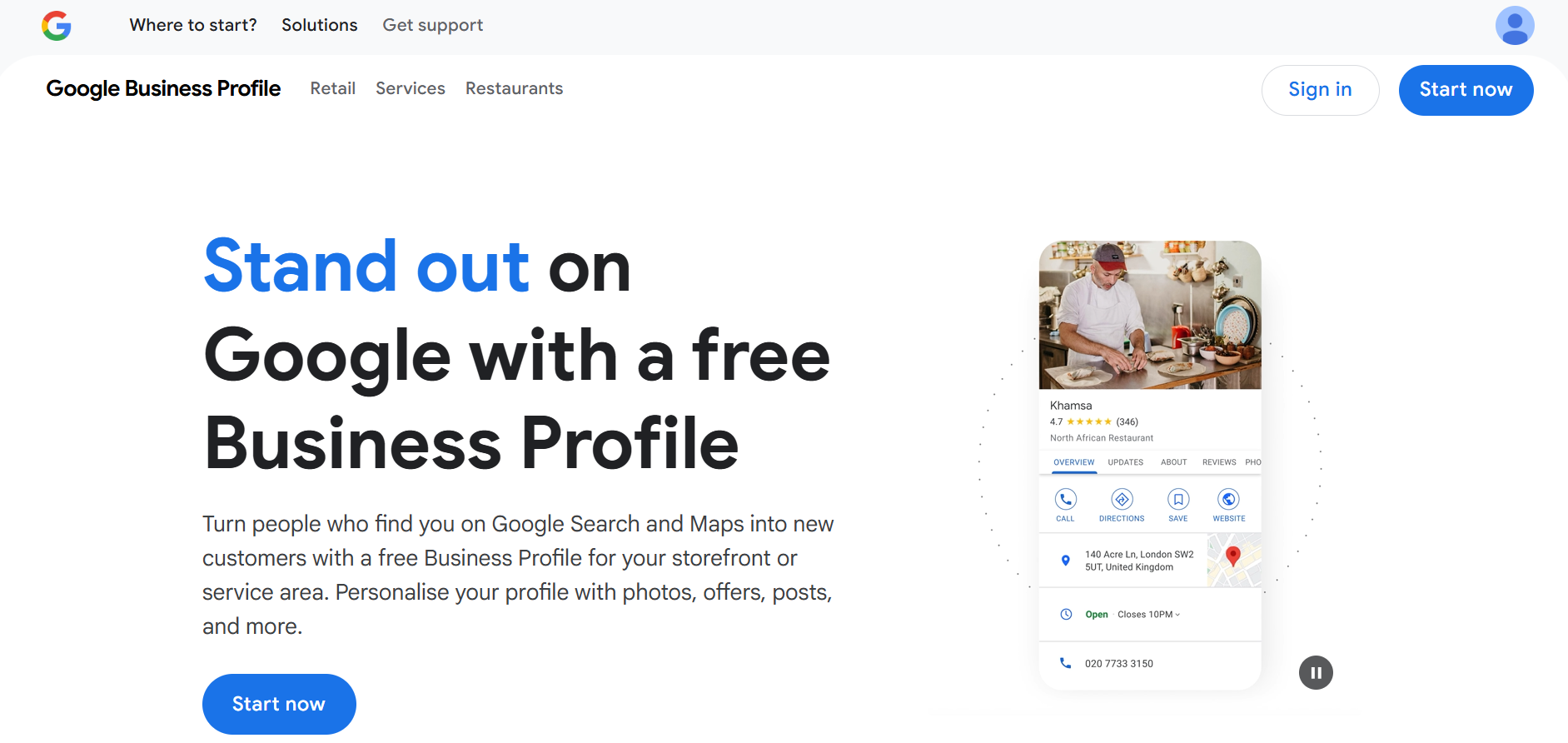
Google Business Profile (GBP) is Google’s free listing platform that controls how your business appears in Google Maps and local search results. It lets you manage your name, address, phone number, website, hours, services, photos, and reviews in one place. For many local searches, GBP is the first thing customers see—sometimes before they even scroll to organic results.
Why teams use it
Local businesses use GBP because it can directly drive calls, directions, bookings, and website visits. A well-optimized profile with good reviews and accurate info can dramatically improve your visibility in the “local pack” and on Maps. Marketing teams also rely on GBP to collect and respond to reviews, post updates, and track basic actions like phone calls and direction requests. Best of all, it’s free and often produces ROI faster than most other SEO tactics.
Who is this tool for (ICP)?
- Local service businesses (plumbers, dentists, lawyers, home services, etc.).
- Brick-and-mortar shops, salons, gyms, and clinics that rely on foot traffic.
- Multi-location brands that want consistent profiles across many branches.
- Agencies that manage local SEO and reputation for small business clients.
How this tool fits in this AI-first era
As AI Overviews roll out, many “near me” and local intent queries now show an AI summary plus a tight selection of nearby businesses. A strong Google Business Profile helps you remain visible in those shortlists by giving Google clear, trustworthy entity data about your business: categories, services, reviews, and photos. If you ignore GBP, you risk being filtered out of both classic local packs and AI-enhanced local answers.
AI systems also lean heavily on user sentiment, and GBP reviews are one of the richest sources of public feedback. By actively collecting and responding to reviews, you help Google and AI models see your business as credible and customer-centric. That reputation layer increasingly affects not just rankings but how your brand is described in AI-generated answers.
Even as Google has retired some legacy messaging features from Business Profiles, third-party AI chat tools are stepping in to connect with visitors who find you through Maps or Search. You can plug GBP into appointment, review, and CRM systems that then use AI to triage leads, send confirmations, and follow up automatically. For small teams, this combines local search visibility with lightweight automation.
Finally, GBP analytics—like queries used, popular times, and actions taken—offer a simple, privacy-friendly way to see how AI-era searchers discover and interact with you. Combining these insights with GA4 and GSC helps you build an integrated view of local SEO performance in a world where fewer people ever reach your homepage first.
AI-era use cases at a glance
- Optimize categories, services, and descriptions so AI Overviews recognize your niche.
- Use reviews and photos to strengthen trust signals AI models pick up on.
- Connect GBP with booking and messaging tools that leverage AI for lead handling.
- Analyze GBP insights alongside GA4 to see how local discovery turns into revenue.
How does Google Business Profile work?
You claim or create your profile, verify your business (often via postcard, phone, or video), then fill in core details: categories, hours, phone, website, services, and attributes. You can add photos, respond to reviews, publish posts or offers, and connect booking or ordering integrations. Google then shows this information in Maps, local packs, and branded searches, updating it as you or users suggest edits. Insights within GBP show how many people called, requested directions, or visited your site from your profile.
Free tier?
Yes – Google Business Profile is completely free. Some third-party tools charge to manage multiple profiles or add extra reporting.
Strengths
GBP puts your business in front of people who are actively searching with purchase intent (e.g., “dentist near me,” “pizza open now”). It’s easy to set up, highly visible on mobile, and pairs organic visibility with direct actions like calls and bookings. For many small businesses, improving their GBP has a faster ROI than traditional SEO.
Key strengths:
- Free, high-intent local visibility in Maps and search.
- Direct actions: calls, directions, website clicks, bookings.
- Strong influence from reviews and photos.
- Basic but useful insights into local search behavior.
Weaknesses
You have limited control over how and when Google shows your profile, and changes may be overwritten by user suggestions or automated updates. Reviews can be stressful to manage, and spam reviews or competitors’ attacks sometimes slip through moderation. Multi-location management and reporting can also be clunky without extra tools.
Common limitations:
- Google ultimately controls visibility and layout.
- Review moderation can be slow or imperfect.
- Overlapping or duplicate profiles can create confusion.
Key capabilities
- Business info management – name, address, phone, website, categories, attributes.
- Local visibility – presence in Maps, local packs, and branded search.
- Reviews & reputation – collect, display, and respond to customer reviews.
- Photos, posts, and offers – showcase your brand and promotions.
- Insights – see search queries, views, and actions (calls, direction requests).
Pricing snapshot
- Google Business Profile: Free for all eligible businesses.
Best for
GBP is essential for any local business—it’s effectively your new homepage for “near me” and branded searches. If you serve customers in a specific area, this is not optional; it’s the foundation of local SEO and a key way to stay visible as AI compresses search results.
4. Ubersuggest
What it does
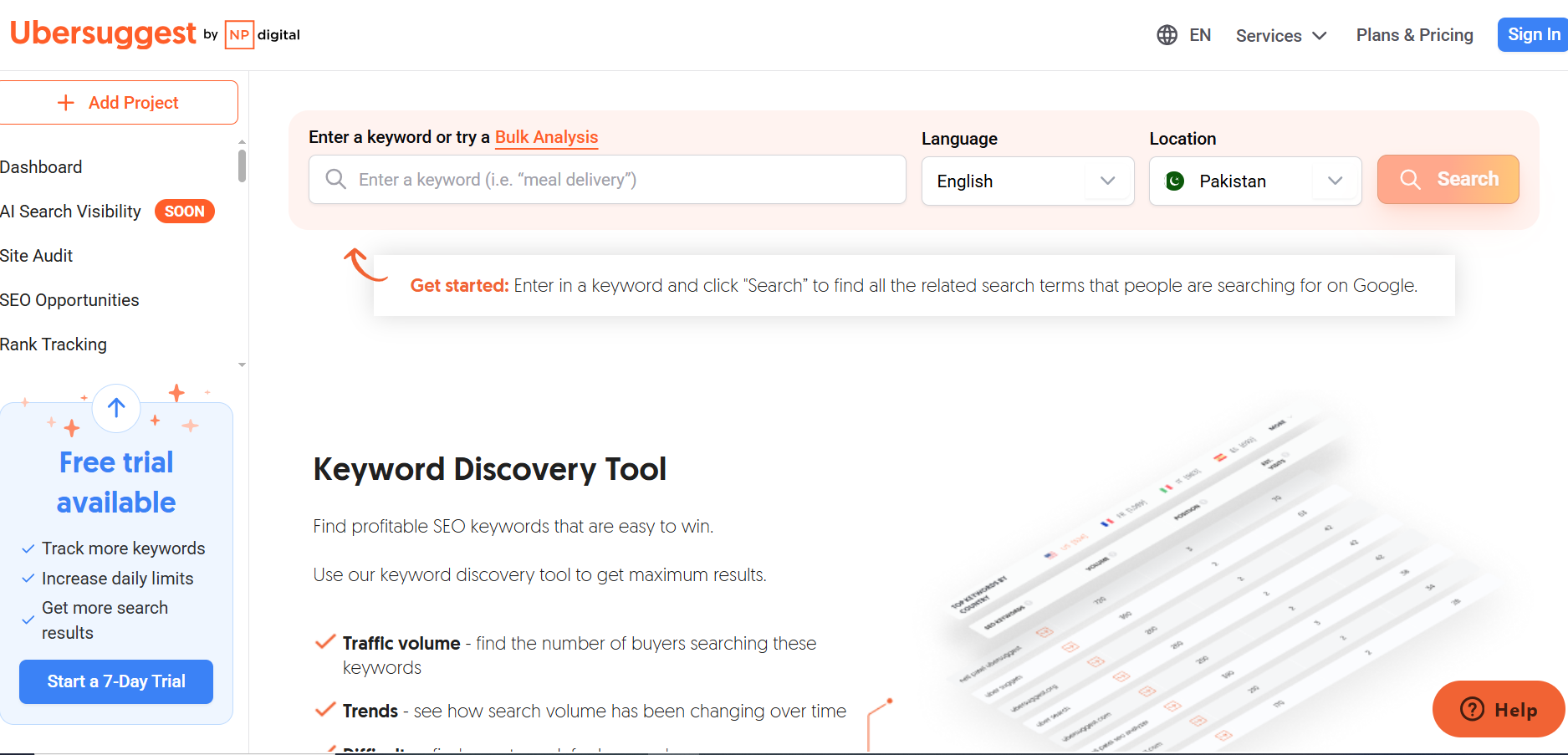
Ubersuggest is an affordable all-in-one SEO tool focused on keyword research, site audits, rank tracking, and basic backlink analysis. It’s designed to give small businesses a simple way to find content ideas, estimate keyword difficulty, and monitor their rankings without the complexity of enterprise platforms. It also offers lifetime pricing options, which is unusual in the SEO tool space.
Why teams use it
Teams use Ubersuggest because it delivers “good enough” data at a fraction of the cost of tools like Semrush or Ahrefs. The interface is beginner-friendly, with clear SEO health scores, content ideas, and competitor comparisons. For solo founders, coaches, and small agencies, Ubersuggest often becomes the first paid SEO tool they adopt before graduating to more advanced suites.
Who is this tool for (ICP)?
- Solo founders, creators, and consultants who want a gentle introduction to SEO tools.
- Small businesses and startups who can’t justify $100–$200+/month on Semrush or Ahrefs.
- Agencies serving micro-businesses on tight retainers.
- Bloggers and niche site owners who need keyword and content ideas without heavy technical features.
How this tool fits in this AI-first era
AI search is surfacing more long-tail, conversational queries, and Ubersuggest shines at uncovering these lower-volume opportunities. Its keyword ideas and content suggestions help small teams build topic clusters around questions and phrases that AI Overviews and chat-style engines are likely to surface. For businesses that can’t compete on the biggest head terms, this long-tail focus is a big advantage.
The tool also makes it easy to produce SEO-friendly content briefs with basic on-page recommendations. While Ubersuggest’s AI features aren’t as advanced as fully AI-native platforms, you can use its data as input to AI writing tools—ensuring your AI-generated content is grounded in real search demand. For many small teams that rely heavily on ChatGPT-style tools, Ubersuggest acts as a reality check on what people actually search.
In a world where AI Overviews can siphon clicks away from top results, knowing where you still have a realistic chance to win clicks is crucial. Ubersuggest’s difficulty metrics and basic SERP analysis help identify keywords where your domain strength is sufficient to compete, rather than chasing impossible terms. That’s especially useful for small businesses building authority step by step.
Finally, its pricing model—particularly the lifetime deal—makes experimentation much less risky. You can invest once, then use the tool for ongoing maintenance: periodically checking rankings, auditing your site, and guiding AI-assisted content updates as search evolves. For SMBs that don’t want another big monthly subscription, this is a compelling way to stay in the game.
AI-era use cases at a glance
- Find long-tail, conversational keywords aligned with AI-style queries.
- Generate content ideas and outlines, then refine with AI writing tools.
- Use difficulty metrics to avoid head-term traps in an AI-crowded SERP.
- Lock in a low lifetime cost and use Ubersuggest as your ongoing “SEO radar.”
How does Ubersuggest work?
Once you create an account, you plug in your domain and target keywords. Ubersuggest runs a site audit to flag technical issues, generates keyword ideas with search volume and difficulty scores, and shows which pages rank for those terms. Rank tracking lets you monitor positions over time, while the content ideas and backlinks sections highlight topics and sites worth targeting. For most tasks, the workflow is wizard-style and guided, which keeps things approachable.
Free tier?
Ubersuggest offers limited free access with caps on daily searches and reports, plus a 7-day free trial on paid plans. The current pricing focuses on low-cost monthly tiers and lifetime options rather than a fully free ongoing tier.
Strengths
Ubersuggest’s biggest strength is value for money. You get keyword research, site audits, and rank tracking in one place at a fraction of the cost of most competitors. The UI is friendly, the learning curve is gentle, and support content is geared toward beginners, not just pro SEOs.
Key strengths:
- Very affordable monthly and lifetime options.
- Beginner-friendly interface and workflows.
- Solid long-tail keyword suggestions and basic competitor data.
Weaknesses
The trade-off is data depth and accuracy. Ubersuggest’s keyword volumes and backlink data can lag behind bigger players, and serious SEOs often double-check numbers in Ahrefs or Semrush. Limits on projects, queries, and tracked keywords are also tighter than in enterprise tools. For very competitive niches, you may outgrow Ubersuggest’s capabilities.
Common limitations:
- Less accurate / smaller data sets than top-tier suites.
- Lower limits on tracked keywords and projects at each tier.
- Fewer advanced features for technical SEO or complex link analysis.
Key capabilities
- Keyword research – find new ideas with volume, CPC, and difficulty.
- Site audit – identify on-page and technical SEO issues.
- Rank tracking – monitor rankings for chosen keywords.
- Content ideas – discover top pages and topics for inspiration.
- Backlink overview – see referring domains and basic link metrics.
Pricing snapshot
- Individual – around $12/month (1 site).
- Business – around $20/month (2–7 sites).
- Enterprise – around $40/month (8–15 sites).
- Lifetime options – commonly ~$120 / $200 / $400 one-time, depending on tier.
Best for
Ubersuggest is best for budget-conscious small businesses, solo founders, and early-stage agencies who need an all-in-one SEO tool without a heavy bill. It’s especially useful if you’re just getting serious about SEO and want something friendlier than the enterprise-grade alternatives.
G2 Rating
G2: Around 4.2–4.4 / 5, with users praising affordability and ease of use.
5. AnswerThePublic
What it does
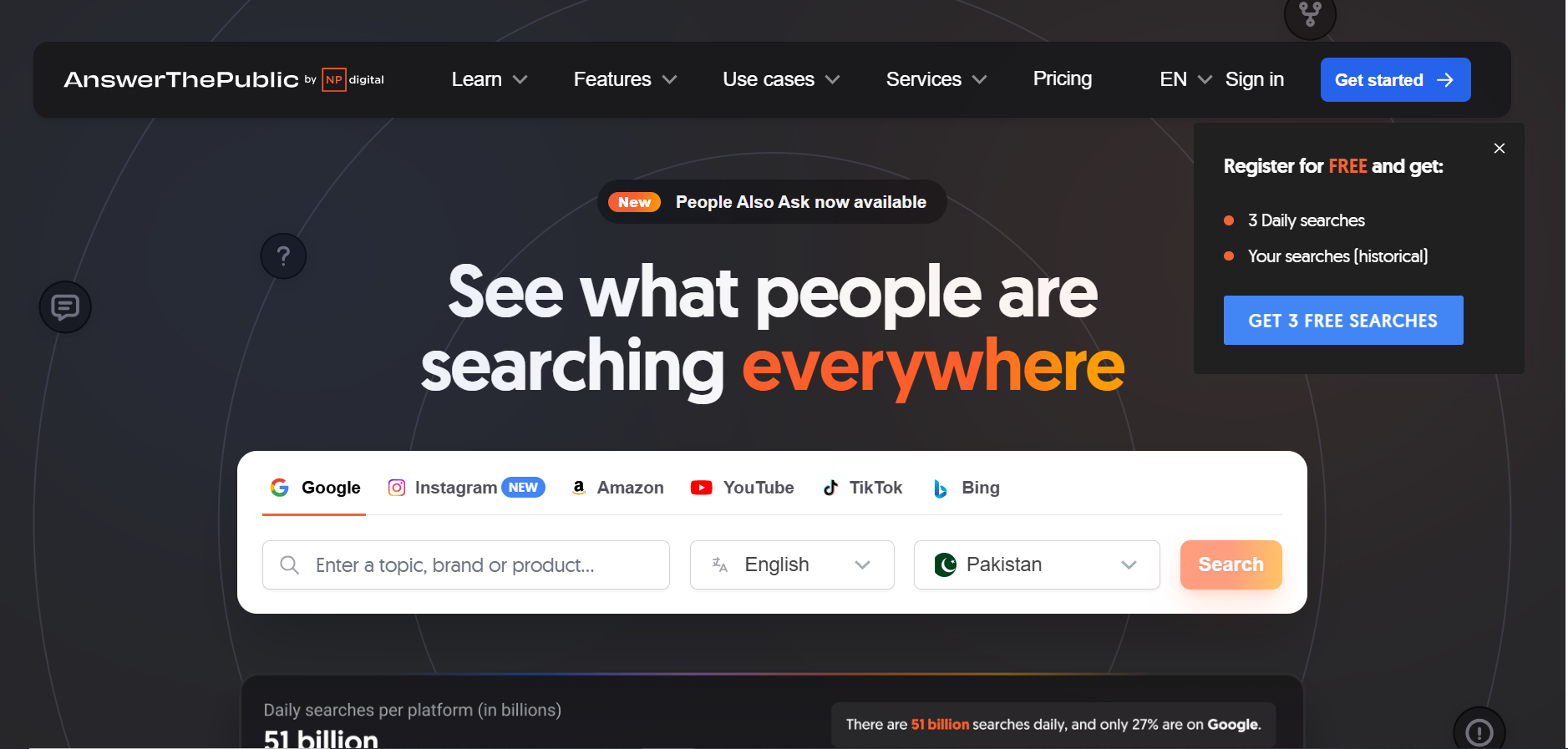
AnswerThePublic is a search-listening tool that transforms autocomplete data into visual maps of questions, prepositions, and comparisons people type into Google. Instead of giving you just a keyword list, it shows the full spectrum of how people phrase their problems and curiosities around a topic. It’s fantastic for uncovering content ideas, FAQs, and angles you might never think of on your own.
Why teams use it
Teams use AnswerThePublic to build content that actually matches user language. It’s a fast way to brainstorm blog posts, pillar pages, FAQ sections, and social content around what people truly ask—rather than what marketers think they ask. Many content marketers drop its exports straight into their editorial calendar or use them as prompts for AI writing tools.
Who is this tool for (ICP)?
- Content marketers who need ongoing, high-quality topic ideas.
- SEO strategists building topic clusters and FAQ-rich pages.
- Agencies that deliver content roadmaps and blog calendars.
- Small business owners who want to answer real customer questions in their content.
How this tool fits in this AI-first era
AI Overviews, chatbots, and voice assistants are fueled by natural language questions, and AnswerThePublic is built exactly around that. Its “who, what, why, how” question wheels mirror the way users phrase prompts to AI systems. That makes it an ideal starting point for planning content that’s likely to be summarized, cited, or referenced in AI responses.
As search experiences become more conversational, understanding the full intent spectrum around a topic is crucial. AnswerThePublic doesn’t just show one “main” keyword; it reveals associated worries, comparisons, and objections. You can use these clusters to structure long-form guides with sections that address each sub-question—exactly the kind of comprehensive content AI models prefer to reference.
The tool also pairs nicely with AI writers. You can paste its question lists into ChatGPT-style tools as a structured outline, ensuring your AI-generated content follows real user intent rather than vague prompts. This helps prevent generic, shallow articles and instead produces content aligned with how people actually think and search.
Finally, in an era where AI can reduce clicks to individual sites, owning the best possible answer becomes a defensive strategy. AnswerThePublic helps you build content that thoroughly addresses user questions, making your pages strong candidates for both classic featured snippets and AI-summarized answers.
AI-era use cases at a glance
- Generate question clusters for AI-friendly long-form content.
- Use exports as structured prompts for AI content tools.
- Build FAQ sections that map to conversational queries used in AI search.
- Discover comparison/intention queries (e.g., “[tool] vs [tool]”) for MOFU content.
How does AnswerThePublic work?
You enter a seed keyword, choose a country and language, and AnswerThePublic pulls autocomplete suggestions from search engines. It then organizes them into visual wheels and lists grouped by question type (how, what, why, where), prepositions (for, with, without), and comparisons (vs, like, or). You can export this data as CSV or images and plug it into your content planning process.
Free tier?
Historically, AnswerThePublic offered a limited free tier with a small number of searches per day; current pricing emphasizes free access with caps and low-cost paid plans starting from around $5/month depending on promos and region.
Strengths
AnswerThePublic excels at turning raw search data into human-readable insights that inspire content. It’s incredibly fast—one query can unlock dozens of article ideas and hundreds of FAQ angles. For non-technical marketers, the visual wheels are much easier to digest than large keyword spreadsheets.
Key strengths:
- Deep question-level insight into how people search.
- Great for ideation, FAQs, and topic clustering.
- Easy exports to CSV and simple UI.
Weaknesses
The tool doesn’t provide full SEO metrics like difficulty scores, CTR estimates, or robust SERP analysis. You’ll usually pair it with another SEO suite (or GSC data) to prioritize ideas. Data can also feel repetitive or noisy, and it doesn’t provide time-based trends or context for when interest spikes.
Common limitations:
- No built-in keyword difficulty or traffic projections.
- Limited context around trends, seasons, or intent strength.
- Search limits on lower-tier plans.
Key capabilities
- Question discovery – “who/what/why/how” questions around a topic.
- Preposition queries – “for/with/without/near” searches.
- Comparison & vs terms – x vs y, best x for y, etc.
- Visual wheels & lists – exportable in multiple formats.
Pricing snapshot
- Free usage with tight daily query caps.
- Paid plans from around $5–$15/month depending on promo, region, and NP Digital offers.
Best for
AnswerThePublic is best for content-first teams and SMBs who want to produce helpful, question-driven content that lines up with how people naturally talk and search. It’s especially useful when your biggest bottleneck is “What should we write about next?” rather than tools or budget.
Capterra / G2 rating
- G2: reported ratings around 4.5 / 5 across ~30+ reviews.
- Capterra: 4.6 / 5, with praise for simplicity and idea generation.
All-in-One SEO Platforms That Deliver Power at an Affordable Price
Here’s the list for all-in-one SEO platforms that are not free because they combine keyword research, competitor tracking, site audits, and reporting in one place (and do this at scale).
1. Seobility
What it does
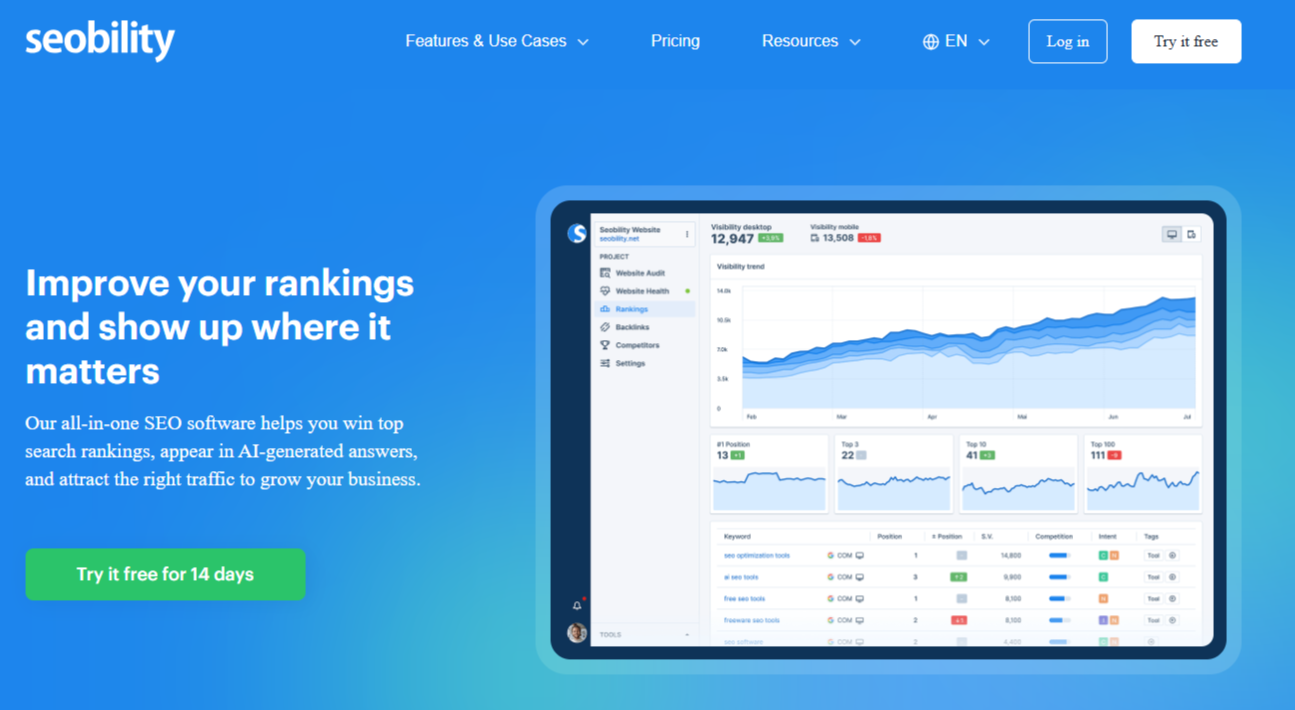
Seobility is an all-in-one SEO platform for small businesses (and the agencies or freelancers supporting them), combining website auditing, keyword rank tracking, backlink monitoring, and competitor analysis in one suite. Its crawl-based Website Audit scans your site and turns findings into structured reports across technical setup, site structure, and content.
Why teams use it
Teams use Seobility because it keeps SEO work simple: run audits, fix issues in priority order, track keyword performance over time (including AI Overviews), and share progress with clients or stakeholders. It also scales beyond one website with multi-project support and optional add-ons for extra projects and keywords.
Who is this tool for (ICP)?
Seobility is a strong fit for:
- Small and mid-size businesses that want an all-in-one SEO tool with a friendly learning curve.
- Local businesses that need location-aware rank tracking (country/city) and visibility into local intent performance.
- Freelancers and small agencies managing multiple client sites who want structured audits and white-label reporting.
- Lean marketing teams that need actionable priorities rather than endless dashboards.
How this tool fits in this AI-first era?
In 2026, many keywords trigger AI Overviews, which can change click-through behavior even when your “classic” rankings look stable. Seobility’s Ranking Monitoring includes AI Overview tracking so you can see when an AI Overview appears for tracked keywords and review the AI answer text, cited sources, and each source’s position inside the AI Overview.
AI search also increases the importance of fundamentals: accessibility, crawlability, and site quality. Seobility’s Website Audit is designed to uncover technical and on-page issues and prioritize what matters most, helping small teams keep their site “AI-ready” without needing a full-time technical SEO.
Finally, Seobility ties together backlinks (authority signals) and TF*IDF/content tools (semantic relevance), giving small businesses a practical workflow to improve the chances of being referenced and cited in AI-driven results.
AI-era use cases at a glance
- Track which keywords trigger AI Overviews, then audit whether you’re cited (and why not).
- Use Website Audit priorities to fix technical issues that block visibility in classic and AI search.
- Monitor location-aware rankings as AI reshapes local SERPs.
- Use TF*IDF/content tools to strengthen topical coverage and semantic relevance.
How does Seobility work?
You create a project for your website, and Seobility’s crawler visits your pages and follows internal links (similar to how search engines analyze a site). The results are organized into 100+ audit reports with an SEO score and issue lists you can work through step by step. On paid plans, you can enable regular crawling; on the free plan, crawls must be started manually, and there’s a waiting period between crawls.
For rank tracking, you add your target keywords, choose the country, and (on paid plans) optionally set city/state localization for more precise local ranking data. Seobility then checks desktop rankings daily and mobile rankings every few days, so you can watch trends, benchmark competitors, and report on progress.
Free tier?
Yes. Seobility offers a forever-free Basic plan and a 14-day free trial on the Premium plan. The Basic plan is limited (1 project, crawl caps, manual crawling with a waiting period, and reduced reporting), while Premium has no feature limitations and is positioned as the best fit for small and mid-size businesses.
Strength
In reviews, Seobility is frequently described as easy to learn and easy to use, with a wide feature set that’s not overwhelming, and a very good Website Audit.
Users also highlight good value for money (often calling out the price-to-feature ratio) and that it brings many core SEO tasks into one place, supported by clear guidance and tutorials.
Key strengths:
- Beginner-friendly UI and quick setup.
- Crawl-based Website Audit with clear prioritization and explanations.
- Practical rank tracking for SMBs, including AI Overview visibility tracking.
- White-label reporting and multi-project support for client work.
- Strong value for an all-in-one tool (plus a free Basic plan).
Weaknesses
Some users note “depth” limits compared to the biggest enterprise suites. Some reviewers also call out workflow frictions like wanting faster keyword research or more flexibility in subscription structures.
Common limitations:
- Like many other SEO sites, free Basic plan is restrictive (caps + no automated crawling + limited reporting).
- Exporting and data handling can feel limited in some reports, based on user feedback.
- Larger sites may need add-ons or a higher tier to avoid running into plan limits.
Key capabilities
Seobility gives you:
- Website Audit: crawl-based technical + on-page audits, 100+ reports, prioritized fixes, regular crawling.
- Ranking Monitoring: desktop and mobile rank tracking, location-based tracking (country/city), competitor monitoring, AI Overview tracking.
- Backlink Monitoring & Analysis: track new/lost/broken links and review anchor/profile trends.
- Competitor Analysis: compare visibility and find ranking/backlink gaps.
- Keyword research & content tools: keyword research data plus TF*IDF/content tools for semantic coverage.
Pricing snapshot (monthly)
- Basic: Free.
- Premium: 14-day free trial, then $50/month.
- Enterprise & Agency: $200/month.
- Add-ons: additional projects and additional keyword packages are available.
- 20% discount when choosing a yearly plan
Best for
Seobility is best for small businesses that want audits + rank tracking + backlinks + competitor monitoring in one platform, without the cost or complexity of enterprise suites. It’s also a strong option for freelancers and small agencies who need multi-project management and white-label reporting to communicate results.
Capterra / G2 rating
- G2: 4.6 / 5 (401 reviews)
- Capterra: 4.6 / 5 (62 reviews)
2. Ahrefs
What it does
Ahrefs is a premium SEO platform known for its massive backlink index, accurate keyword data, and powerful competitive research tools. It started as a link analysis tool and has evolved into a full suite covering keyword research, site audits, rank tracking, content exploration, and more. In 2025, Ahrefs rebranded around an AI marketing platform positioning, emphasizing visibility across AI search, SEO, and social.
Why teams use it
Teams choose Ahrefs when data quality—especially for backlinks and keyword metrics—is a top priority. Many SEOs trust its link index and keyword difficulty scores more than competing tools, using it as their “source of truth” for competitive analysis and link-building campaigns. Content marketers use Content Explorer to find top-performing pages by topic and identify outreach targets. While it’s pricier than some alternatives, pro users often feel the accuracy and depth justify the investment.
Who is this tool for (ICP)?
Ahrefs is ideal for:
- SEO professionals who need best-in-class backlink and keyword data.
- Agencies and consultants running deep competitive audits and link-building campaigns.
- Content-led brands that want to discover high-performing content and topics in their niche.
- Growing businesses ready to invest in a premium SEO platform with advanced capabilities.
How this tool fits in this AI-first era
Ahrefs now explicitly positions itself as an AI marketing platform powered by big data, with tools to track brand visibility across AI search and LLM-powered experiences. That means you’re not just measuring blue links—you’re tracking how often your brand appears in AI-driven answers, chat interfaces, and SERP features. This is increasingly important as more queries are answered directly by AI.
Its data-rich approach also makes it a strong backbone for your own AI workflows. You can export keyword, backlink, and content data into BI tools or custom notebooks and use AI to cluster topics, predict value, or surface new opportunities. Rather than replacing Ahrefs, AI tools sit on top of it as analytical layers, using its data as reliable fuel.
Ahrefs’ emphasis on entities, topics, and content coverage aligns well with how AI search engines evaluate authority. By using Content Explorer and Site Explorer together, you can see which topics you’re under-covered on, then build content and link strategies that strengthen your topical graph—exactly the kind of signal AI models use to choose “trusted” sources.
Finally, as AI search compresses traffic for high-volume head terms, the platform’s detailed long-tail data helps you find pockets of opportunity where humans still click. By pairing its rank tracking and competitive views with AI-aware reporting, you can see where to double down and where to pivot in your SEO strategy.
AI-era use cases at a glance
- Monitor brand visibility across AI search and SERP features, not just classic rankings.
- Export data into AI/ML pipelines for clustering, forecasting, and opportunity scoring.
- Use Content Explorer to build topic clusters that strengthen entity-based authority.
- Focus on long-tail and mid-tail keywords where AI hasn’t fully eroded click-through.
How does Ahrefs work?
After subscribing, you add your projects and verified sites, then use Site Explorer to analyze your domain and competitors. Ahrefs crawls the web continuously, feeding its backlink index and keyword database, so you can see referring domains, anchor text, top pages, and ranking keywords for almost any site. The platform also offers Site Audit, Rank Tracker, and Content Explorer, giving you a full toolkit for technical SEO, content planning, and ongoing monitoring.
Free tier?
Yes – Ahrefs Webmaster Tools (AWT) is a free tier that provides limited access to Site Audit, Site Explorer for your verified sites, and web analytics. Full competitive research and advanced features require a paid plan.
Strengths
Ahrefs’ core strength is data. Its backlink index and keyword metrics are widely regarded as some of the most accurate and comprehensive on the market. The interface is designed for power users but remains surprisingly intuitive once you learn the basics. For serious SEO work—especially link building and competitive analysis—it’s often considered the gold standard.
Key strengths:
- Industry-leading backlink database and link analysis.
- Robust keyword and SERP analysis tools.
- Content Explorer for topic research and link prospecting.
- Solid technical SEO capabilities via Site Audit.
Weaknesses
Ahrefs is one of the more expensive SEO tools, and the newer credit-based system can feel complex and restrictive for some teams. Entry-level plans limit the number of users, projects, and queries, which can be challenging for agencies and fast-growing teams. There’s also a learning curve for beginners due to the depth of the tools and reports.
Common limitations:
- Higher starting price than many SMB options.
- Credit/usage model can feel restrictive on lower tiers.
- Overwhelming for non-specialists or teams brand new to SEO.
Key capabilities
- Site Explorer – deep competitive analysis of backlinks, organic keywords, and traffic.
- Keywords Explorer – advanced keyword research with difficulty, volume, and SERP analysis.
- Site Audit – comprehensive technical SEO scanning and issue reporting.
- Rank Tracker – monitor rankings over time across multiple locations.
- Content Explorer – discover top-performing content and link-building opportunities.
Pricing snapshot (typical ranges)
Published 2026 pricing shows:
- Ahrefs Webmaster Tools – Free (limited, for your verified sites).
- Starter – around $29/month (1 project, limited credits).
- Lite – around $129/month (or ~$108/mo annual) for 5 projects.
- Standard – around $249/month (or ~$208/mo annual).
- Advanced – around $449/month (or ~$374/mo annual).
- Enterprise – from about $1,249–$1,499/month, typically with annual commitment.
Best for
Ahrefs is best for teams who are serious about SEO and link building and willing to pay for premium data. If your strategy relies heavily on competitive research, digital PR, and content-led growth, Ahrefs is often the backbone of the stack. Smaller businesses with modest budgets might start with AWT and upgrade once SEO becomes a central growth channel.
Capterra / G2 rating
- G2: about 4.5 / 5 (hundreds of reviews).
- Capterra: about 4.7 / 5, with strong praise for data quality.
3. SE Ranking
What it does
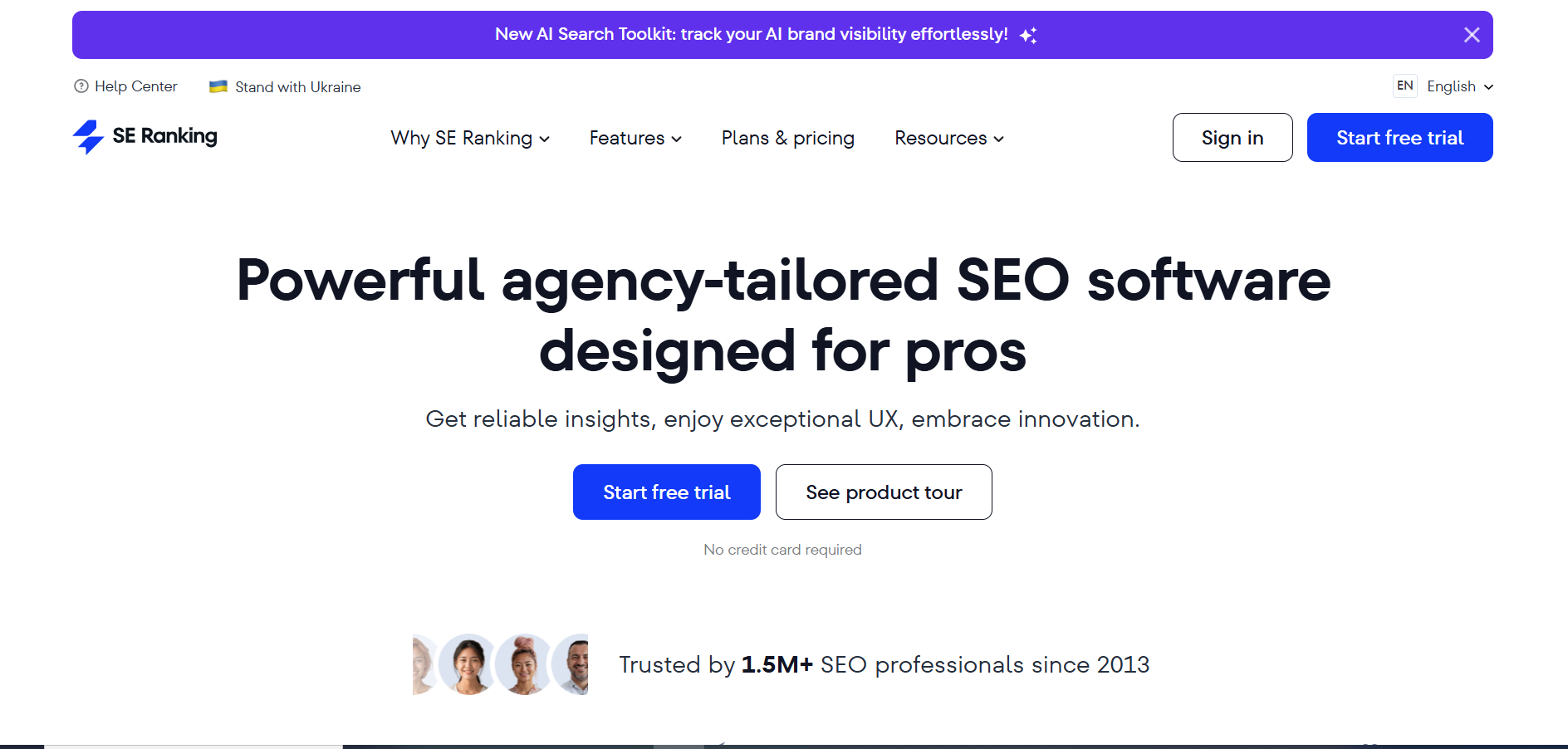
SE Ranking is a cloud-based, all-in-one SEO platform built with small businesses and agencies in mind. It covers rank tracking, keyword research, site audits, backlink monitoring, content and on-page analysis, and competitive research. It’s known for being easier to use and more affordable than some of the “big two” (Semrush and Ahrefs) while still offering a very complete toolset.
Why teams use it
Teams use SE Ranking because it hits a sweet spot between feature depth and price. Many users mention that it offers “everything we actually need” for daily SEO work—accurate rank tracking, solid keyword data, and clear site audits—without the sticker shock. Reviewers consistently praise its usability, responsive support, and the pace at which the product improves.
Who is this tool for (ICP)?
SE Ranking is especially good for:
- Small to mid-sized businesses that need a serious SEO platform but can’t stretch to Semrush/Ahrefs prices.
- Agencies managing dozens of projects where fair pricing and flexible limits really matter.
- In-house marketers who want an approachable UI and fast setup.
- Freelancers and consultants who want to offer full SEO services without high software overhead.
How this tool fits in this AI-first era
SE Ranking explicitly positions itself as a platform for both traditional SEO and AI visibility, helping marketers track performance across Google’s top 100 results and AI-infused SERP features. That means you can see whether AI-driven layouts, rich results, or new SERP elements are pushing your site up or down in the results stack.
The platform’s rank tracking and competitive research tools also give you granular keyword and SERP data that can feed into AI-assisted workflows. You can export ranking, keyword, and competitor data into AI tools to cluster topics, generate briefs, or identify gaps that deserve new content. This turns SE Ranking into a reliable data engine behind your AI content experiments.
Because SE Ranking is priced more accessibly, smaller teams can afford to keep it running continuously as an early-warning system for AI-era fluctuations. When AI Overviews or SERP changes impact visibility, you’re more likely to spot the trend via steady rank tracking and competitive comparisons, even if you don’t have a dedicated SEO team.
The company is also actively producing content and product updates around AI SEO, making it easier for less-technical teams to adapt their strategies. Combined with consistently high user ratings, this suggests SE Ranking is keeping pace with how search and AI are evolving, not standing still.
AI-era use cases at a glance
- Track rankings and visibility across classic and AI-influenced SERPs.
- Use exported data to power AI-generated content briefs and topic clusters.
- Monitor competitors that seem to benefit from AI Overviews and adjust strategy.
- Keep a cost-effective, always-on SEO “radar” even on a small budget.
How does SE Ranking work?
You sign up, add projects (domains), and configure your target keywords and locations. SE Ranking then tracks your rankings, crawls your site for technical and on-page issues, and pulls in competitor and backlink data. Dashboards let you quickly see visibility trends, keyword movements, and health scores, while individual modules guide you through fixing problems and planning content.
Free tier?
SE Ranking does not have a full, permanent free plan, but it offers a free trial so you can test features and data quality before subscribing.
Strengths
The platform stands out for offering a very complete set of tools at a reasonable price, backed by strong user reviews. Many marketers highlight the accuracy of rank tracking, the clarity of the interface, and responsive support. It’s powerful enough for agencies, but still friendly for non-expert users.
Key strengths:
- Excellent price-to-feature ratio for SMBs and agencies.
- Accurate rank tracking and flexible reporting.
- Intuitive UI and low learning curve.
- Highly rated support and ongoing product improvements.
Weaknesses
Compared to Semrush or Ahrefs, SE Ranking’s databases can be smaller in some markets, which may matter for very large or highly competitive sites. It doesn’t have quite as many “extra” toolkits (PR, social, ads) built in as Semrush. Some users also note that advanced power users may want deeper filters or more granular data in certain reports.
Common limitations:
- Slightly less depth in some keyword / backlink datasets compared to top-tier giants.
- Fewer non-SEO marketing extras (e.g., advanced social or ads tools).
- Some advanced users may outgrow the UI’s simplicity.
Key capabilities
- Rank tracking – monitor keyword positions across locations and devices.
- Website audit – detect technical and on-page issues.
- Keyword & competitive research – discover keywords and analyze competitor performance.
- Backlink monitoring – track referring domains and link dynamics.
- Reporting & white-label – create branded reports for clients and stakeholders.
Pricing snapshot (typical monthly, standard plans)
Public info and SE Ranking materials show:
- Essential – from around $65/month.
- Pro – from around $119/month.
- Business – from around $259/month.
(Pricing varies by keyword volume, projects, and billing cycle.)
Best for
SE Ranking is best for small and mid-sized businesses and agencies that want 90% of what the big suites offer at a more accessible price. If you care about rank tracking, audits, and competitive research but don’t need a massive all-in-one marketing cloud, SE Ranking is an excellent balance of power and practicality.
Capterra / G2 rating
- G2: about 4.8 / 5, among the highest ratings for all-in-one SEO tools.
- Capterra: about 4.7 / 5 overall.
4. SurferSEO
What it does
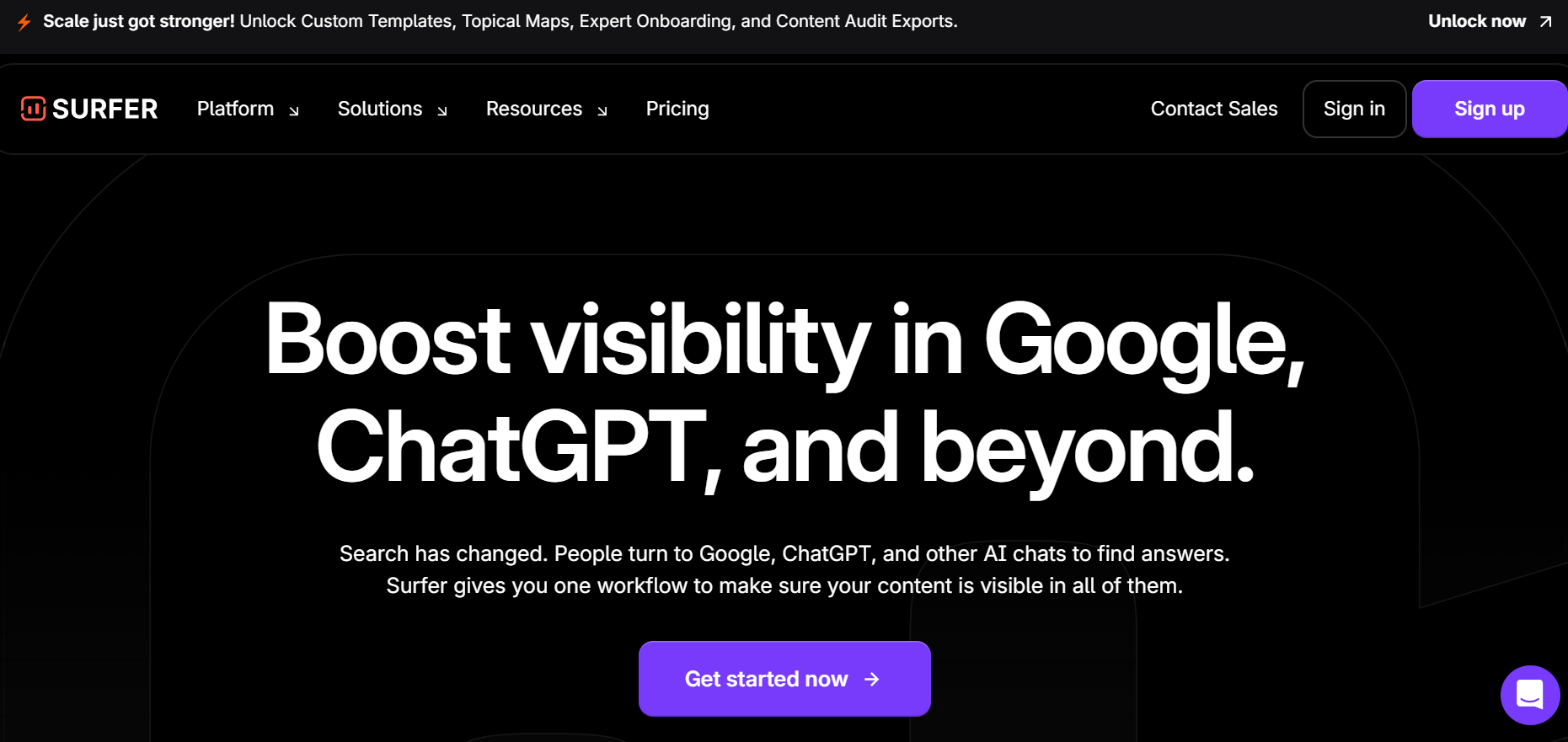
SurferSEO is a content and on-page optimization platform that analyzes top-ranking pages and gives data-driven recommendations for structure, headings, keywords, and entities. Its Content Editor and audits help writers and SEOs create articles that align closely with what currently performs in the SERPs. In recent years, Surfer has added AI writing (Surfer AI) and deeper entity/“SEO for AI search” features, positioning itself as an optimization layer for both Google and AI chats.
Why teams use it
Teams use Surfer to remove guesswork from on-page SEO and make content optimization more systematic. Writers draft directly in Content Editor and watch a live “content score” update as they add recommended terms, adjust headings, and tweak length. SEO teams appreciate that Surfer translates complex NLP and entity analysis into simple, actionable suggestions. For many, it becomes the default environment for planning and optimizing blog posts, landing pages, and long-form guides.
Who is this tool for (ICP)?
SurferSEO is a great fit for:
- Content marketers and SEO writers who want clear, real-time optimization guidance.
- Agencies that produce large volumes of SEO content and need standardized quality.
- Niche site owners and publishers who live and die by organic search performance.
- In-house marketing teams that want better collaboration between writers and SEOs.
How this tool fits in this AI-first era
Surfer explicitly optimizes for “what Google and AI chats are actually looking for,” focusing on entities, topical coverage, and factual completeness. Its algorithms analyze top-ranking pages and surface the entities, phrases, and structures that correlate with high visibility in both search results and AI-generated answers. This makes it a natural fit for brands trying to stay visible in AI Overviews and chat-based search.
The Content Editor and Surfer AI workflows are built around real-time metrics like word count, heading depth, NLP-ready keywords, and content score. As you write, these tools nudge you toward content that is more likely to be understood—and surfaced—by modern search and AI systems, not just stuffed with keywords. This is particularly useful when you’re tailoring content for long-tail, question-based queries that AI often summarizes.
Surfer’s focus on NLP and entities helps you future-proof content by aligning it with how algorithms understand meaning rather than just exact-match phrases. Instead of writing for a single keyword, you build robust topical coverage that answers multiple related questions, boosting your chances of being included in AI-generated overviews and follow-up suggestions.
Finally, Surfer AI speeds up content production while still basing drafts on SERP data. You can generate ready-to-rank articles in minutes, then refine them inside Content Editor to hit entity, structure, and internal linking targets. For small teams, this combination of AI generation plus strict optimization creates a scalable workflow that keeps quality and relevance high.
AI-era use cases at a glance
- Use Content Editor to optimize for entities and topics that AI systems care about.
- Generate first drafts with Surfer AI, then refine them to hit content score targets.
- Build comprehensive guides and clusters that answer many related questions in one place.
- Improve or refresh older content to stay competitive as AI Overviews roll out.
How does SurferSEO work?
You start by creating a Content Editor for a target keyword and location. Surfer analyzes the current SERP, selects relevant competitors, and generates guidelines for word count, headings, entities, and terms. Writers draft directly in the editor (or via integrations like Google Docs and WordPress), watching the content score and suggestions update in real time. You can also run audits on existing URLs to see what to add, remove, or restructure to close the gap with top performers.
Free tier?
Surfer does not offer a full-featured permanent free plan, but it provides trials, occasional free tools, and limited-time offers. Most serious use requires a paid subscription.
Strengths
Surfer excels at turning complex SEO signals into clear, real-time guidance for writers. The content score, suggested terms, and structure recommendations make optimization accessible even to non-technical content creators. Its AI features, entity focus, and integrations with popular writing environments make it a practical everyday tool rather than a separate “SEO-only” interface.
Key strengths:
- Strong on-page and content optimization based on live SERP analysis.
- Clear content scoring and entity recommendations.
- Surfer AI for rapid, data-informed content generation.
- Integrations with Google Docs, WordPress, and other writing environments.
Weaknesses
Surfer isn’t a full all-in-one SEO suite: it’s primarily focused on content and on-page optimization. You’ll still need separate tools for deep backlink analysis, comprehensive technical SEO, and broader marketing analytics. Some users also find pricing steep if they only publish a handful of articles per month, and aggressive optimization can tempt teams into over-optimizing or writing “for the score” instead of users.
Common limitations:
- Limited backlink and broader technical SEO capabilities compared to Semrush/Ahrefs.
- Pricing can feel high for very small content operations.
- Risk of over-optimization if teams chase the score instead of editorial judgment.
Key capabilities
- Content Editor – real-time optimization suggestions, entity terms, and content scoring.
- Surfer AI – generate ready-to-rank articles in minutes based on SERP data.
- Content audits – analyze existing pages and identify gaps vs. top competitors.
- NLP/entity analysis – optimize around entities and topics instead of just keywords.
Pricing snapshot (typical monthly)
Recent public info shows:
- Essential – around $99/month (discounted to ~$79/mo when billed annually).
- Scale – around $219/month (often ~$175/mo on annual billing).
- Enterprise – custom pricing for large teams with higher limits.
Best for
SurferSEO is best for content-heavy teams who see SEO as a core growth channel and want to systematize on-page optimization. If you already have a basic SEO stack and want a specialized layer to make every article more competitive—especially in an AI- and entity-driven search landscape—Surfer is a strong addition.
G2 Rating
G2: around 4.8 / 5 based on several hundred reviews.
Local SEO Tools That Help Small Businesses Dominate Their Markets
Local visibility can make or break growth for SMBs and even SaaS businesses targeting specific geographies.
The tools here focus on helping you stand out in “Google Maps and local search results”, the places where high-intent buyers are most likely to click.
1. Google Business Profile
Google Business Profile remains the cornerstone. It makes sure your business information is accurate, your reviews are visible, and you’re positioned for local searches. Think of it as your digital storefront on Google.
2. BrightLocal
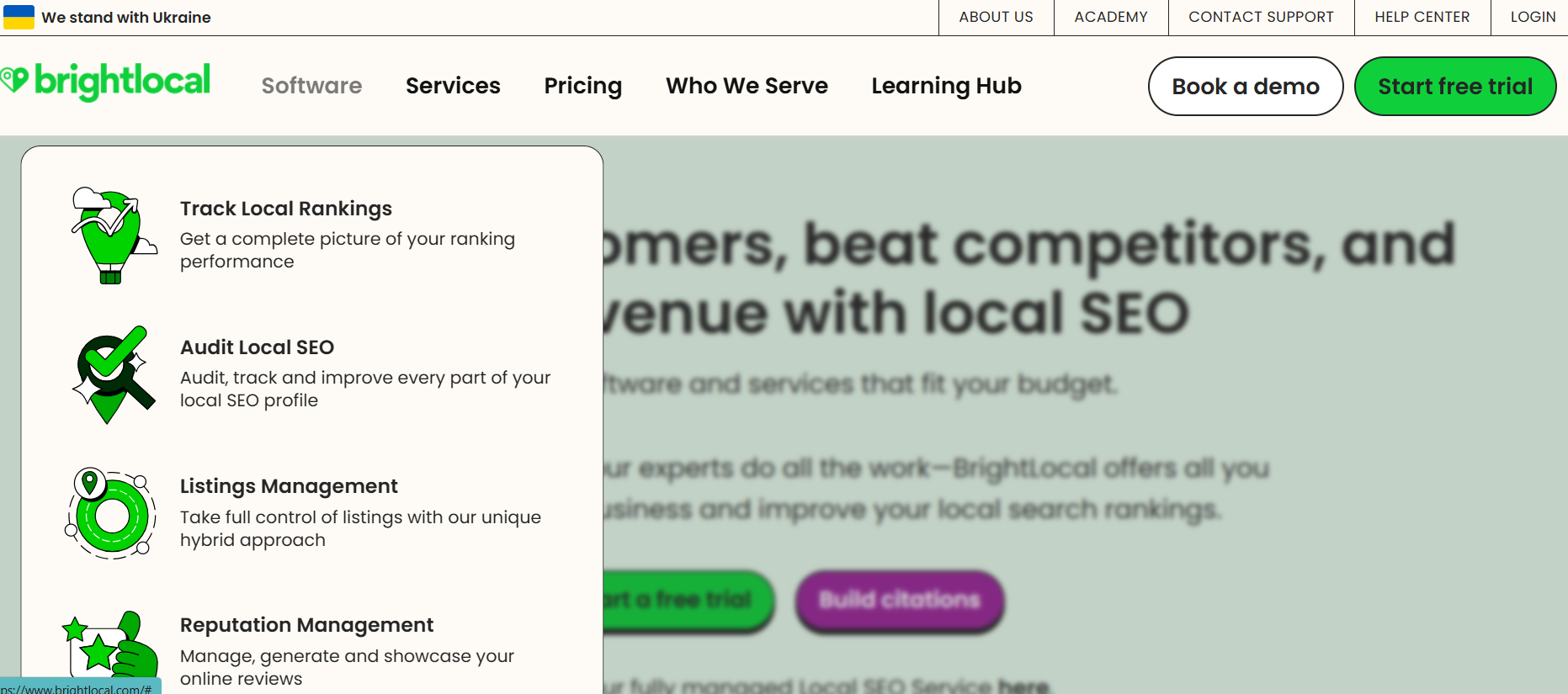
Building on that foundation, tools like BrightLocal make managing local listings and customer reviews simple.
Instead of manually checking every directory, BrightLocal centralizes your data and helps you monitor how your business is performing in local search. This is especially valuable for service-driven SMBs where reputation and proximity drive sales.
3. Whitespark
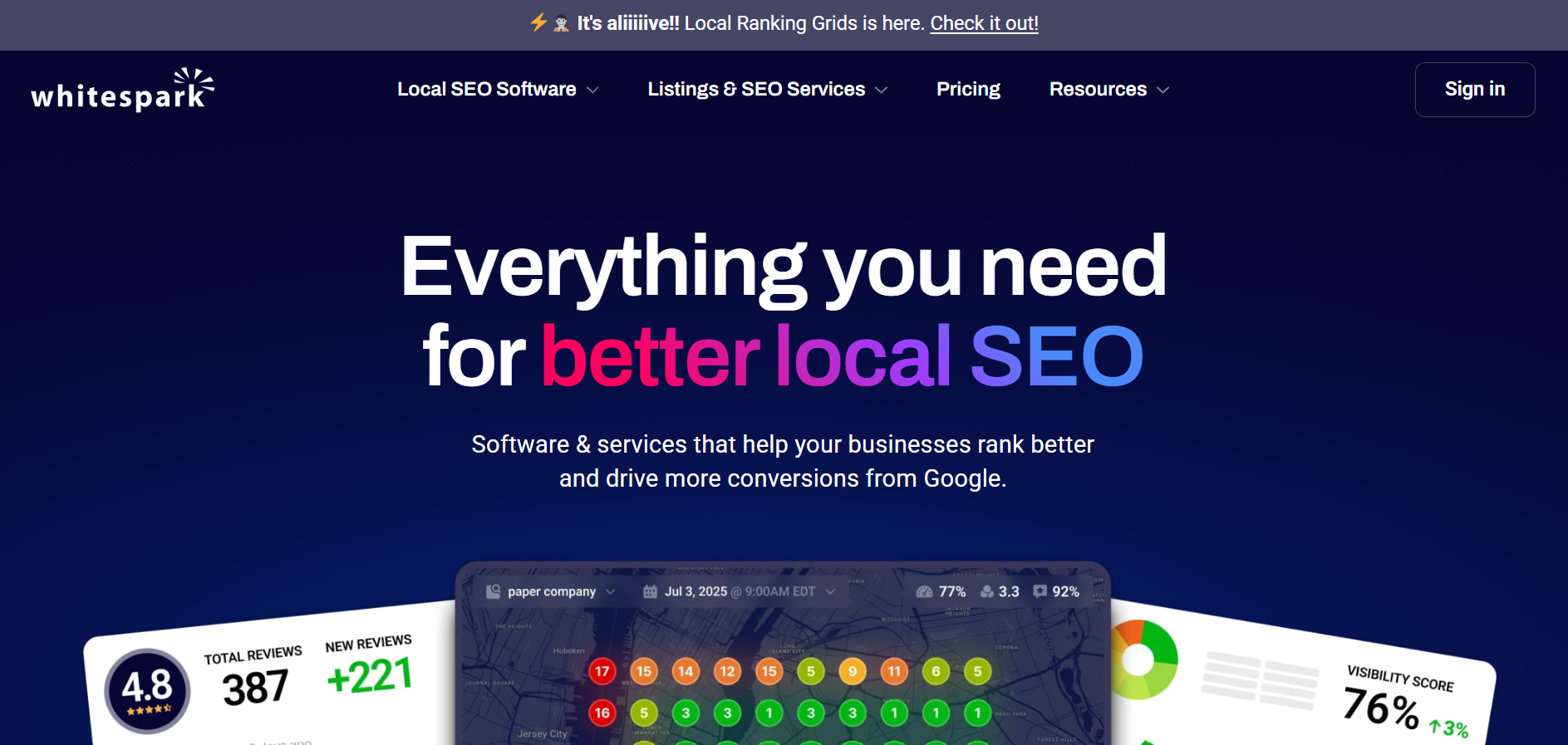
For citation management, making sure your business is consistently listed across hundreds of directories “Whitespark is the go-to”.
Inconsistent citations confuse search engines, but Whitespark helps you fix those gaps quickly, improving your chances of appearing in the coveted local pack.
A case in point: one regional SaaS coworking company improved its visibility by 32% in just 90 days using BrightLocal to streamline reviews and citations. That’s the power of local SEO done right.
Content and On-Page SEO Tools That Make Optimization Simple and Effective
SEO isn’t just about being found “it’s about being understood”. This is where content and on-page SEO tools shine.
1. Yoast SEO / Rank Math / AIOSEO
If your site runs on WordPress, plugins like Yoast SEO, Rank Math, or AIOSEO are essentials. They guide you step by step in optimizing titles, meta descriptions, schema, and sitemaps, no technical expertise required.
▶️ For small businesses and SaaS teams without a dedicated SEO manager, these plugins act as a built-in coach, making optimization part of your publishing workflow.
2. SurferSEO & MarketMuse
For more advanced content optimization, tools like SurferSEO and MarketMuse step in. They analyze top-ranking content and give actionable recommendations on word count, headings, and semantic keywords.
💡 Instead of guessing what Google wants, you create content backed by data. For SaaS companies, this means producing blog posts and product pages that don’t just drive traffic “they convert into trials and demos”.
3. Grammarly & Hemingway
And let’s not forget about writing quality. Tools like Grammarly and Hemingway might not scream “SEO,” but they ensure your content is clear, concise, and engaging.
Because let’s face it: even if you rank #1, it won’t matter if readers bounce after the first paragraph.
Technical SEO Tools That Keep Your Website Healthy and Search-Ready
The most beautiful content strategy in the world won’t work if your site is slow, broken, or unreadable by search engines. Technical SEO tools help you spot and fix these hidden blockers.
1. Screaming Frog
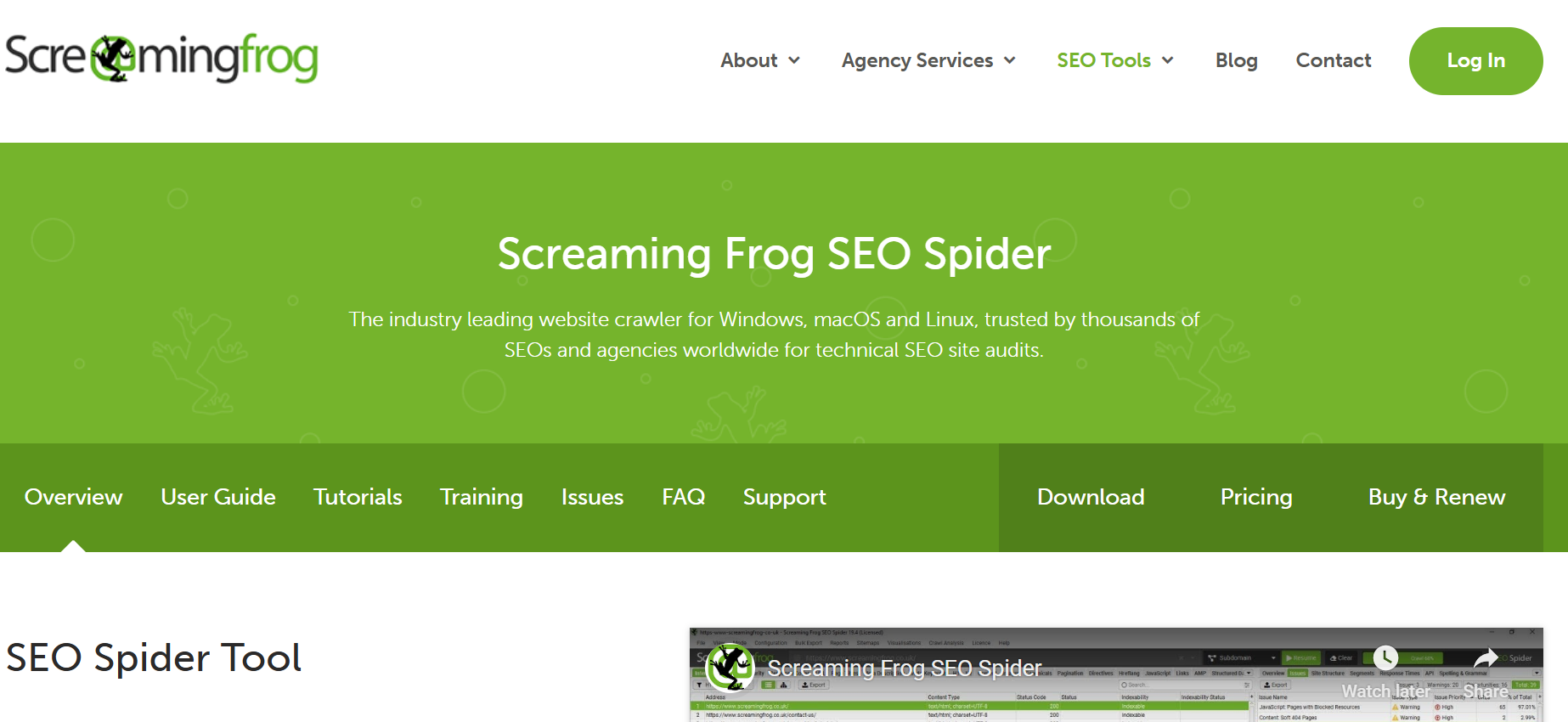
Screaming Frog is a workhorse in this space. It crawls your website just like Google does, flagging broken links, duplicate content, and redirect errors. For SaaS sites with hundreds of product or documentation pages, it’s a lifesaver.
2. Sitebulb
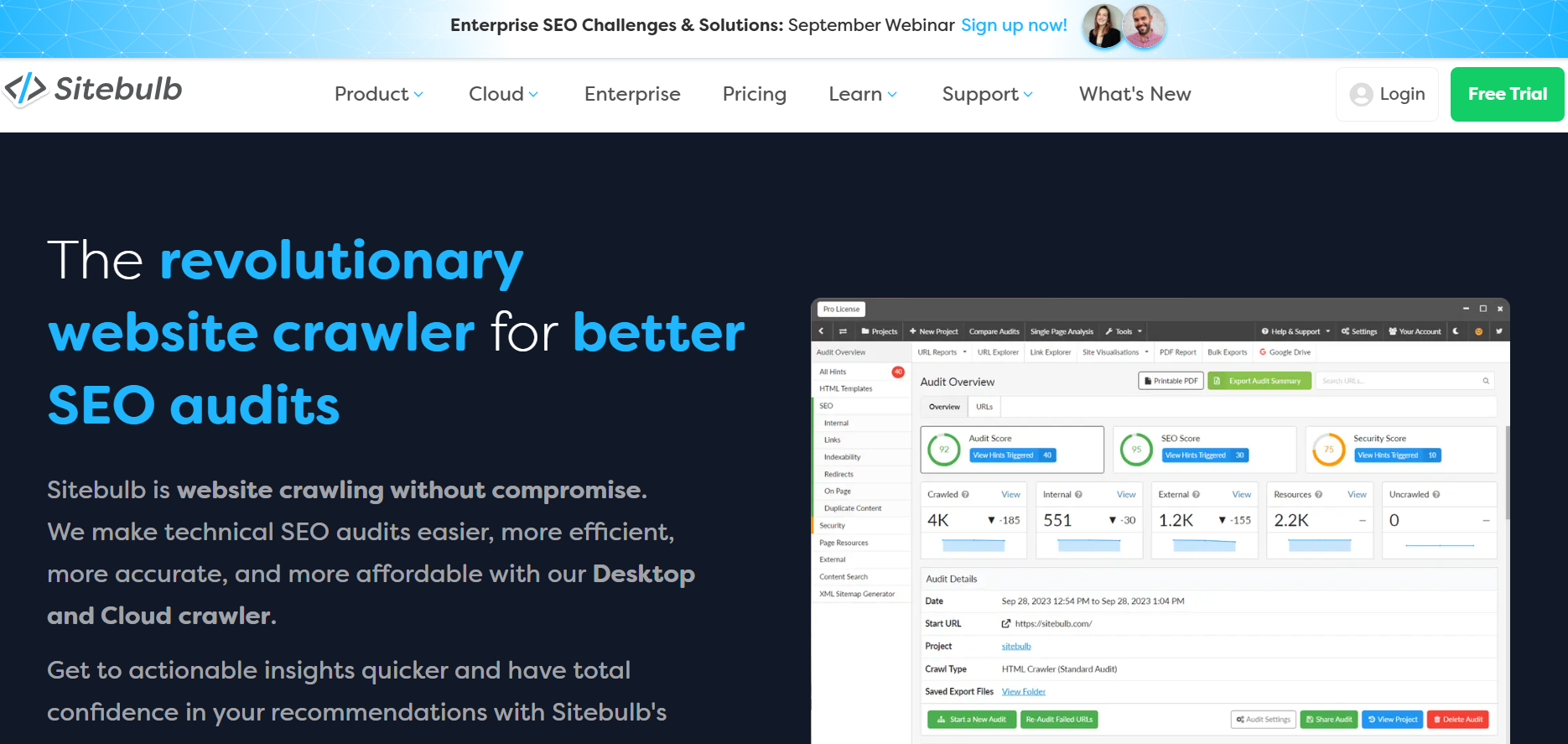
If Screaming Frog feels too technical, Sitebulb offers a more visual and beginner-friendly alternative.
It highlights the same issues but presents them in a way that’s easy for non-technical marketers to understand.
3. Google PageSpeed Insights
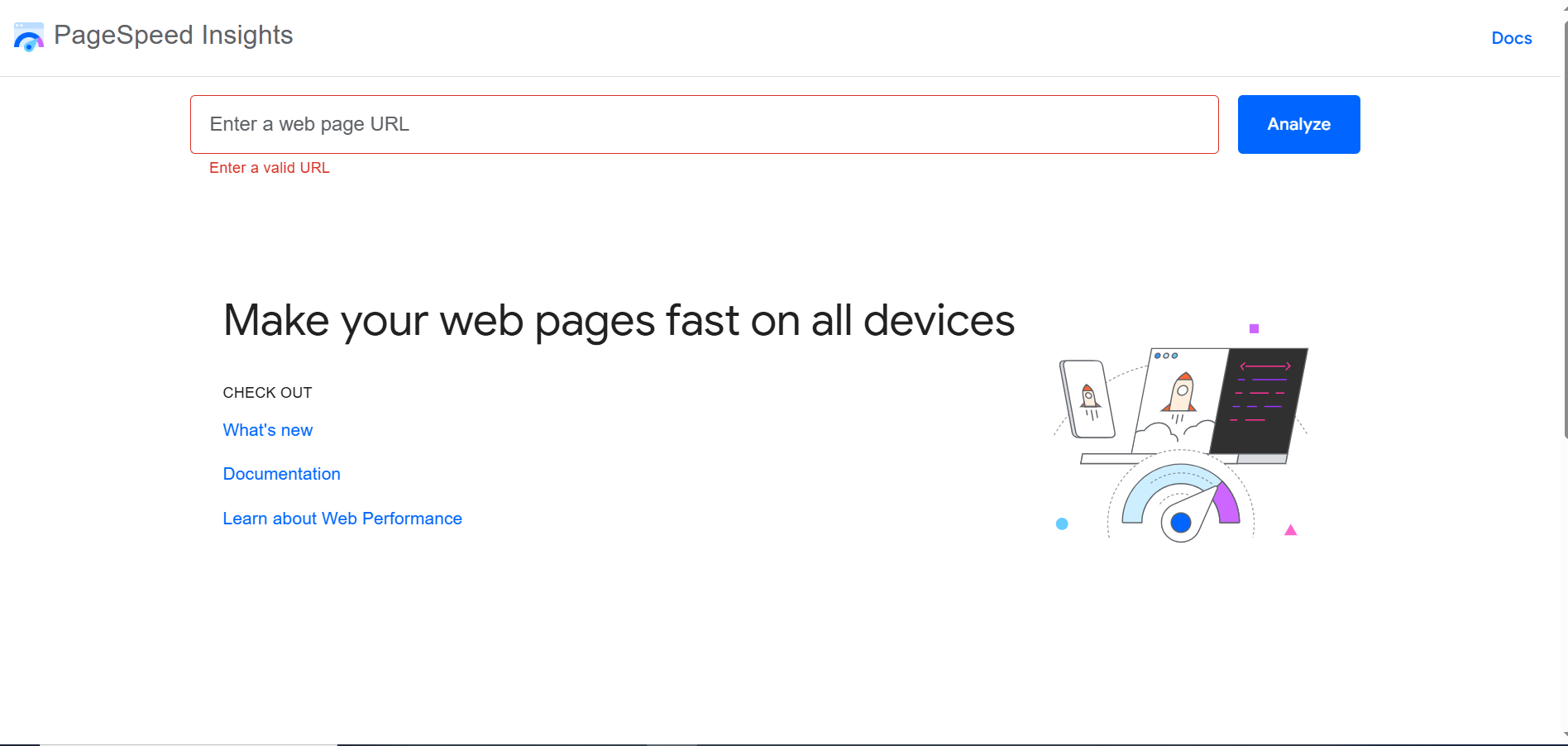
And then there’s Google PageSpeed Insights, which focuses specifically on speed and Core Web Vitals.
Site performance isn’t just a technical metric “it directly impacts user experience”. Slow-loading product pages often mean lost trials, while a fast site can significantly improve trial→paid conversions.
Future-Proofing Your Business with SEO Tools Built for AI Search Engines
Here’s where things get really interesting. Search in 2026 isn’t just about blue links “it’s about AI-generated answers”. Google’s AI Overviews, ChatGPT, and Bing Copilot are already reshaping how people find information.
1. Otterly.ai
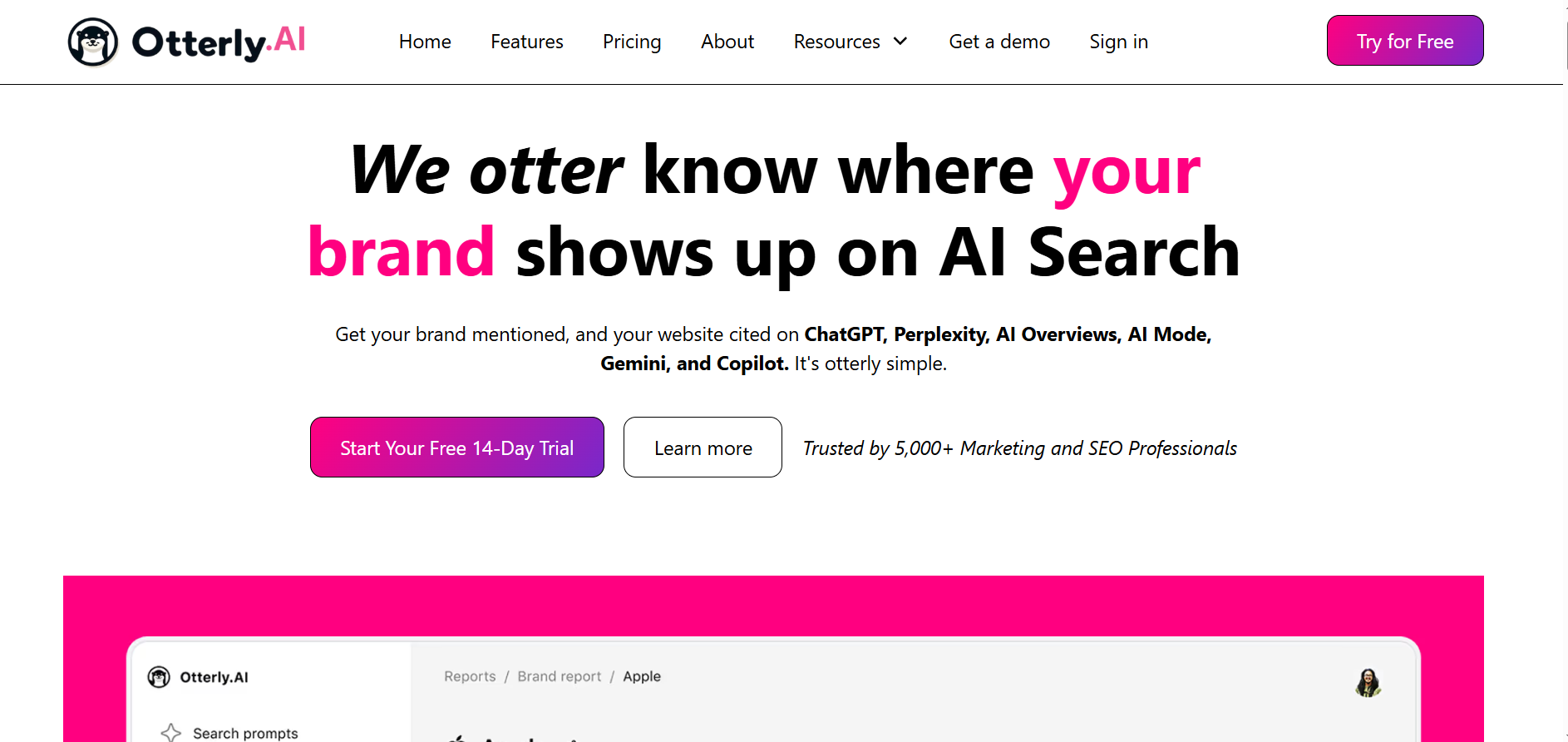
To prepare, businesses need to adopt Answer Engine Optimization (AEO), structuring content to be easily pulled into AI answers. This means writing clear, concise, question-driven content, and using schema to signal relevance.
💡 Tools like Otterly.ai are emerging to monitor how your brand shows up in AI-generated responses, giving you visibility into a space most competitors aren’t even thinking about yet.
2. SurferSEO (AI Features)
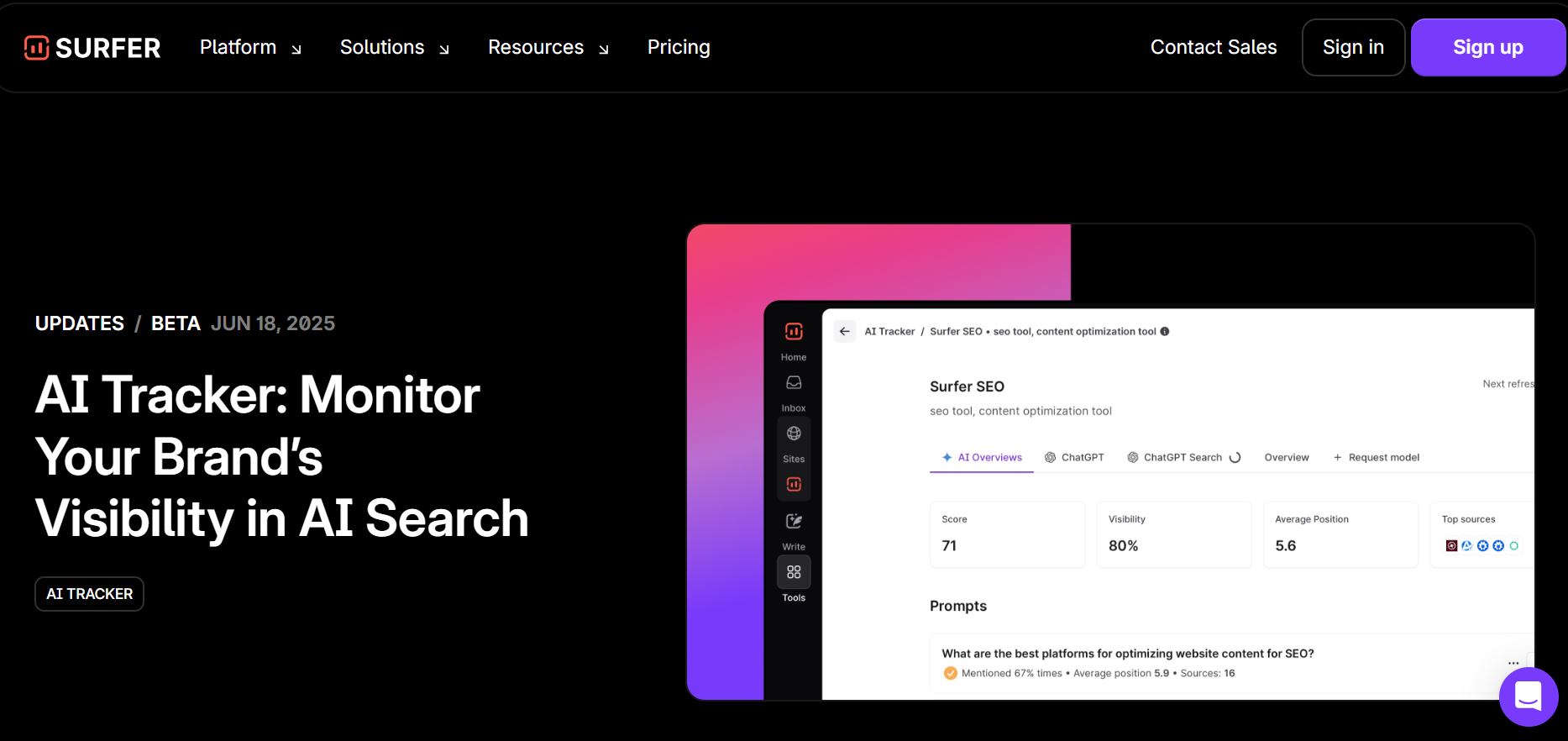
Similarly, platforms like SurferSEO, with AI-driven features, are evolving to help content rank not just in search results but in answer engines as well.
The takeaway? The earlier you adapt, the more you’ll stand out in this new search environment. For small businesses and SaaS companies alike, future-proofing now makes sure you won’t get left behind as AI search becomes mainstream.
Why SEO Tools Are Essential for Small Businesses in 2026
If you’re running a small business or an early-stage SaaS company, chances are you don’t have an enterprise SEO budget, or an in-house team of five analysts running keyword gap studies all day. Still, your buyers are out there searching. The question is: will they find you, or your competitors?
Here’s the reality:
- SEO = visibility → traffic → customers. The more you show up for the right keywords, the more at-bats you get for demos, trials, and SQLs, starting with a proven SaaS SEO keyword strategy.
- Big brands dominate search. They have content machines, huge backlink profiles, and budget to burn. But the right affordable, smart tools let small businesses and growth-stage SaaS players punch above their weight, consider an ROI-first SEO tool stack for SaaS.
- Without SEO tools, you’re flying blind. You end up wasting ad spend, missing local or niche demand, and plateauing organic growth because you can’t measure, optimize, or scale efficiently “tighten your SEO content operations to fix that”.
How to Choose the Right SEO Tool for Your Business
Choosing the right SEO tool isn’t about grabbing the fanciest platform “it’s about finding the one that fits your stage of growth, your goals, and your budget”. Let’s break it down.
1. Budget Check: Free vs. Paid
Start with an honest question: What can you realistically invest in SEO right now?
If you’re just getting started and need visibility fast, free tools like Google Search Console, GA4, and Google Business Profile are enough to build a foundation.
They won’t overwhelm you with data, and they cover the essentials “tracking, indexing, and visibility”.
But if you’re already publishing content regularly or running growth campaigns, moving to a paid platform makes sense, use our SaaS SEO software recommendations to pick the right stack. Paid tools save time, consolidate insights, and often pay for themselves within a quarter (see SaaS blog ROI timeline for expectations).
2. Business Model Fit
This is where many small businesses and SaaS teams get it wrong. The right tool depends on how you grow.
- Local SMB → Google Business Profile + BrightLocal: If you’re a local service provider or a business with regional offices, start here. GBP makes sure you’re visible in Google Maps, while BrightLocal helps you manage reviews and track local rankings. Together, they’re like a turbocharger for local demand.
- Content-Led SaaS → Semrush + SurferSEO: For SaaS teams relying on blogs, guides, and product-led content, you need tools that make research and optimization seamless. Semrush helps you uncover the right keywords and track competitors, while SurferSEO ensures every article is structured to rank and convert “back it with SaaS content marketing services for execution support”.
- Lean Startup → Ubersuggest + GA4: If you’re early-stage and need traction without overspending, this combo works wonders. Ubersuggest gives you affordable keyword research and audits, while GA4 tracks whether that traffic actually converts into trials, pair with SaaS blog quick fixes to turn traffic into signups fast. It’s lean, simple, and effective.
3. Scalability: Start Small, Upgrade as ARR Grows
Here’s the golden rule: don’t overbuy too early. It’s tempting to jump straight into enterprise tools, but if you’re not publishing enough content or building links yet, most of those features will sit unused.
Instead, start small with the essentials. Once you see SEO delivering a pipeline “more demos, more trial signups, more SQLs upgrade”. That way, your SEO stack grows in step with your ARR, not ahead of it.
Overcoming Common Objections About Using SEO Tools
Whenever SEO comes up in small business or SaaS growth discussions, the same objections tend to surface. Let’s address them head-on.
1️⃣ “SEO tools are too expensive.”
Not anymore. While enterprise platforms like Ahrefs or advanced Semrush plans can cost hundreds each month, many effective alternatives start under $40/month. Tools like SE Ranking, Ubersuggest, and even BrightLocal are designed specifically for small businesses and lean SaaS teams.
💡 They give you 80% of the features at 20% of the cost, enough to move the needle without breaking your budget “see our best SEO tools for SaaS growth” for a lean stack that actually fits a startup budget.
2️⃣ “Too technical for our team.”
This is one of the biggest myths. Tools like SurferSEO and BrightLocal are built with non-SEOs in mind. They give you step-by-step guidance, clear dashboards, and even AI-driven recommendations.
You don’t need to know how to crawl a site or analyze log files to use them proactively. If you can follow a checklist, you can use these tools, and if you want a guided setup that ties tools to sign-ups, our product-led content CRO services plug straight into your content workflow.
3️⃣ “SEO takes too long.”
Yes, “SEO is a long game” but that doesn’t mean you won’t see results quickly. Case data consistently shows measurable lifts within 90 days when the right stack is in place.
👉 Whether it’s ranking for long-tail keywords, improving site speed, or optimizing content for conversions, the early wins start stacking fast.
Think of SEO like compound interest, the earlier you start, the faster the growth snowballs. Calibrate expectations with how long SaaS blogs take to show results so the team knows what “fast” actually looks like.
Simple Action Plan and Checklist to Get Started with SEO Tools
If you’re ready to stop debating and start acting, here’s a simple, no-fluff plan to get moving today.
- Claim your Google Business Profile. It takes less than an hour, it’s free, and it instantly improves local visibility.
- Set up Google Search Console + GA4. These free tools give you the baseline data you need “what’s ranking, who’s visiting, and how those visits convert”.
- Pick one affordable all-in-one tool. Start with something like SE Ranking if you’re budget-conscious, or Semrush if you need deeper competitive insights. Don’t overbuy, one tool is enough to start.
- Layer in SurferSEO for content optimization. Every blog post, landing page, or resource should be optimized to rank and convert. Surfer makes this step simple and actionable.
- Run a 90-day experiment. Track progress from traffic → trials → SQLs. Look for early signals: improved rankings, more organic demo requests, and lower CAC. Use this SEO rank tracking software comparison to measure the lift without bloated cost.
👉 Ready to scale your organic growth without enterprise costs? Free SEO Audit (form)


