
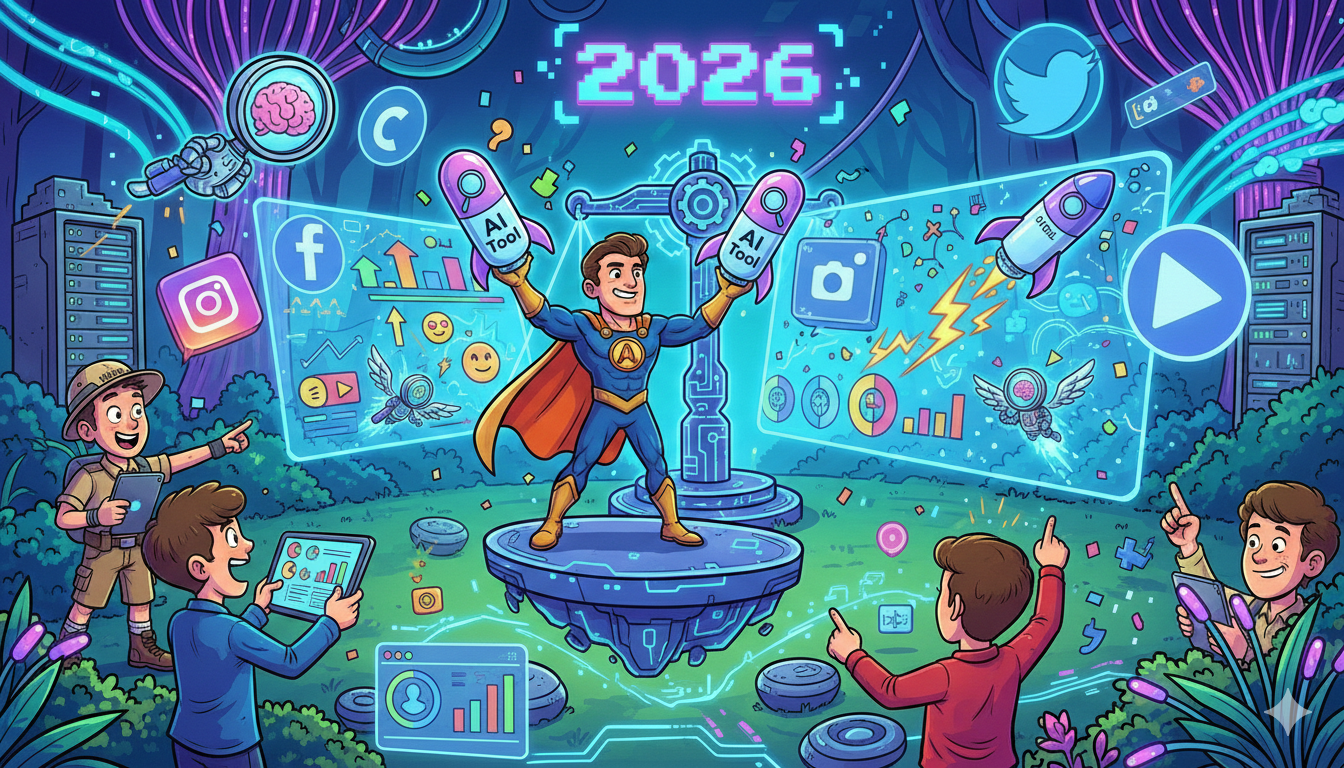
Social media in 2026 isn’t won by the brands that “post every day.” It’s won by the brands that can turn insight into content—fast: spot what the market is talking about, write a hook that stops the scroll, package it into something that looks native, publish on schedule, and measure what actually moved the needle.
That’s the real reason people search best AI marketing tools for social media. You’re not shopping for software—you’re shopping for leverage.
In this guide, I’m keeping it brutally practical: only 5 tools, chosen to cover the full workflow end-to-end—ideation, design, scheduling/inbox, social listening, and ad/UGC creative testing. You’ll get a clear “what it is / what it does” breakdown for each tool, plus a simple way to use them together as a repeatable system your team can run every week.
If you want help setting this up for your team (stack + workflow + what to measure), book a 30-minute consult. Prefer proof first? Browse the case studies.
What Are AI Marketing Tools for Social Media, and Why Do They Matter?
AI marketing tools for social media are platforms that use AI to make social easier and faster—helping you plan content, write hooks and captions, repurpose long-form assets into posts, create visuals or short videos, schedule consistently, monitor mentions, and summarize performance.
In simple terms, they help you:
- Create content faster (ideas → drafts → variations)
- Produce better assets (design/video support)
- Publish and manage engagement (scheduling + inbox)
- Improve strategy with signals (listening + reporting)
They matter in 2026 because social is more competitive and output-heavy than ever. AI tools give you leverage to publish consistently without burnout, stay on-brand across channels, and learn what works faster—so social becomes a repeatable growth engine, not a constant scramble.
👉 If your goal isn’t just “more posts” but content that converts, you’ll like this approach to CRO product-led content.
Quick Take: The 2026 “Starter Stack” for Most SaaS Teams
If you want a simple, high-leverage setup:
- Ideation & brand voice: ChatGPT + (optional) Jasper
- Design & short-form video: Canva + CapCut (or Descript for editing-heavy teams)
- Scheduling & inbox: Buffer (lean) or Agorapulse (team workflows)
- Listening: Brand24 (mid-market) or Talkwalker/Meltwater (enterprise)
- Reporting: Socialinsider or Rival IQ (competitive + audit-ready)
You’ll see those tools (and alternatives) broken down below.
The 5 best AI marketing tools for social media (2026 picks)
| Tool | Best for | Category coverage | Free tier/trial |
|---|---|---|---|
| ChatGPT | Hooks, repurposing, calendars | Ideation + hooks | Free available |
| Canva | Carousels, templates, lightweight video | Design + (some) video | Canva Free exists |
| Sprout Social | Publishing + inbox + reporting at scale | Scheduling + inbox + reporting | 30-day trial |
| Brand24 | Listening + sentiment + alerts | Social listening | Trial exists (varies) |
| AdCreative.ai | Rapid ad creative variation for tests | UGC/ad creative | Free trial available |
1) ChatGPT
What it is: ChatGPT is an AI assistant from OpenAI that you can talk to like a strategist and copywriter in one, using prompts and follow-up questions to shape content.
What it does: It helps you generate social media hooks, post ideas, captions, threads, carousel outlines, and content calendars, and it’s especially useful for repurposing long-form assets (blogs, webinars, case studies) into multiple platform-ready variations while keeping the message consistent.
Best for: turning product insight + customer pain into hooks, captions, threads, carousel outlines, and weekly calendars—fast.
Key AI features (what actually saves time):
- Hook generation (10–30 angles per topic)
- Repurposing (blog/webinar → multi-post set)
- Tone rewrites (more direct, more punchy, more executive)
- Drafting “first pass” content that a human can sharpen
Integrations: Depends on your workflow (Docs/Notion/Sheets/etc.). For teams, ChatGPT Business supports a shared workspace and admin controls.
Free tier: Yes—free version exists.
Pricing tier: Plus is $20/month; Business is $25/seat/mo annually or $30/seat/mo monthly (per OpenAI help article).
Strengths:
- Best “blank page destroyer” on this list
- Fastest way to turn raw ideas into structured drafts
Trade-offs:
- You must validate facts/claims (don’t let AI invent numbers or case studies
- Without a brand voice doc, outputs can feel generic
Use it like this (micro-workflow):
- Paste: ICP + offer + 5 common objections + 3 proof points.
- Ask: “Give me 25 hooks—10 objection-led, 10 curiosity-led, 5 contrarian.”
- Convert top 10 hooks into: (a) LinkedIn post (b) carousel outline (c) 30–45s video script.
- Pick 5 winners and send to Canva for visuals.
2) Canva
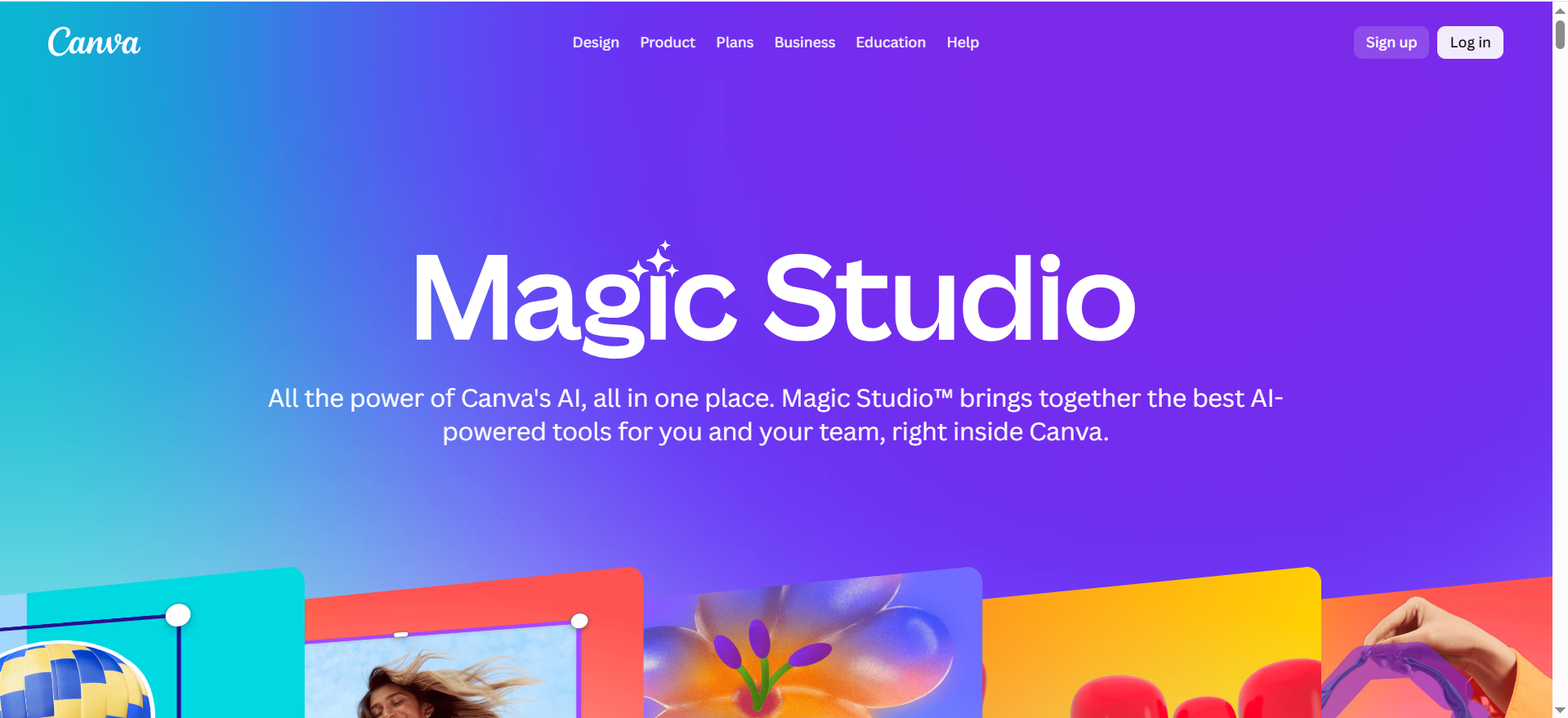
What it is: Canva is an online design platform made for creating social media visuals, templates, and lightweight videos quickly—even if you’re not a designer.
What it does: It lets you build branded social assets like LinkedIn carousels, Instagram posts, Stories, thumbnails, and promo creatives using templates and drag-and-drop editing, so you can turn approved copy into polished visuals fast and maintain brand consistency across every post.
Best for: carousels, social templates, brand kits, and fast visual production (plus basic video editing if you want to keep your stack lean).
Key AI features (practical use cases):
- Auto-layout help and template-driven design speed
- AI-powered features are included in Pro messaging (Canva references “25+ AI-powered design features” on Canva Pro).
Integrations: Commonly used alongside schedulers (export assets, upload to publisher), plus brand kits for team consistency.
Free tier: Canva Free is positioned as a “design basics” plan.
Pricing tier (note): Canva’s exact pricing varies by region and can change; third-party breakdowns commonly cite ~$12.99/mo for Pro in the US and team pricing starting around $14.99/mo for up to 5 users (confirm in your locale).
Strengths:
- Best speed-to-asset for non-designers
- Templates + brand kits make “on-brand” more repeatable
Trade-offs:
- Template output can look generic unless you customize
- Advanced motion/video work is better in a dedicated editor
Use it like this (micro-workflow):
- Create 3 reusable carousel templates: Problem → Framework → Proof → CTA.
- Every week: drop in copy from ChatGPT, keep fonts/colors locked.
- Export: LinkedIn carousel + IG carousel + story variant.
- Store “winning slides” in a swipe folder to reuse.
3) Sprout Social
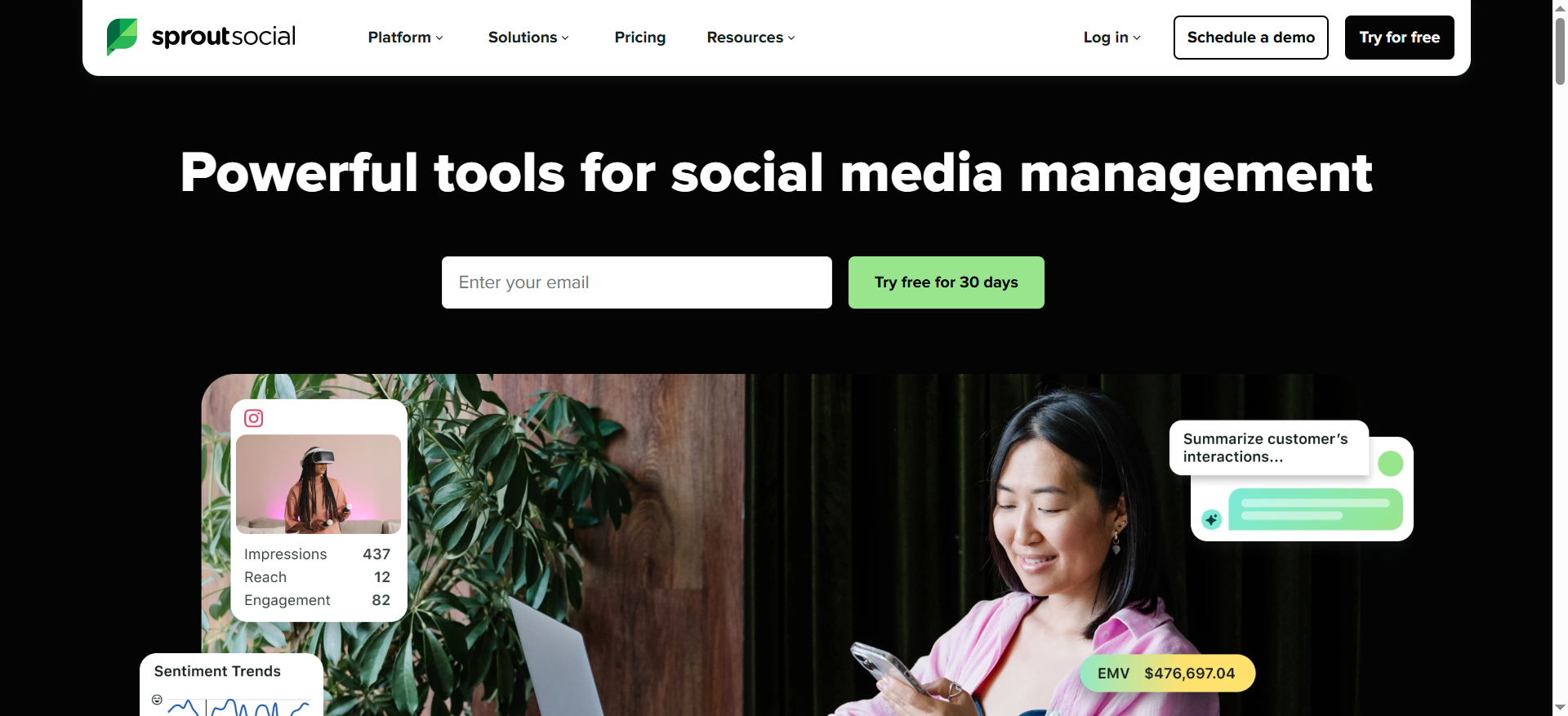
What it is: Sprout Social is an all-in-one social media management platform built for teams that need publishing, engagement, and analytics in one place.
What it does: It helps you schedule and publish content at scale, manage comments and messages through a unified inbox, collaborate with approvals and workflows, and report performance with analytics designed to show what’s working (and why), which is especially useful for brands that need structure and accountability.
Best for: teams that need serious workflow: publishing, approvals, engagement inbox, and reporting in one system.
Key AI features:
- Sprout supports an OpenAI integration and “Enhance by AI Assist” in Smart Inbox (available on the Advanced plan per Sprout support).
Integrations: Sprout’s positioning and resources emphasize scaling across publishing/engagement/analytics and broader integrations (varies by plan).
Free tier: No free tier, but there is a 30-day free trial.
Pricing tier: Sprout’s pricing page states pricing starts at $199 per month.
Strengths:
- Strong operational control (great when “posting” isn’t the hard part—coordination is)
- Inbox workflows + reporting help tie social activity to decisions
Trade-offs:
- Per-seat pricing gets expensive as the team grows
- Some advanced capabilities (like listening) may be add-ons depending on plan
Use it like this (micro-workflow):
- Create a tagging system: product area / ICP / funnel stage / objection.
- Route inbox: support questions → CS; product questions → PMM; leads → sales.
- Weekly: pull a report of top tags and build next week’s content around what people actually asked.
- Use AI Assist to speed up response drafting (then edit for brand/legal).
4) Brand24
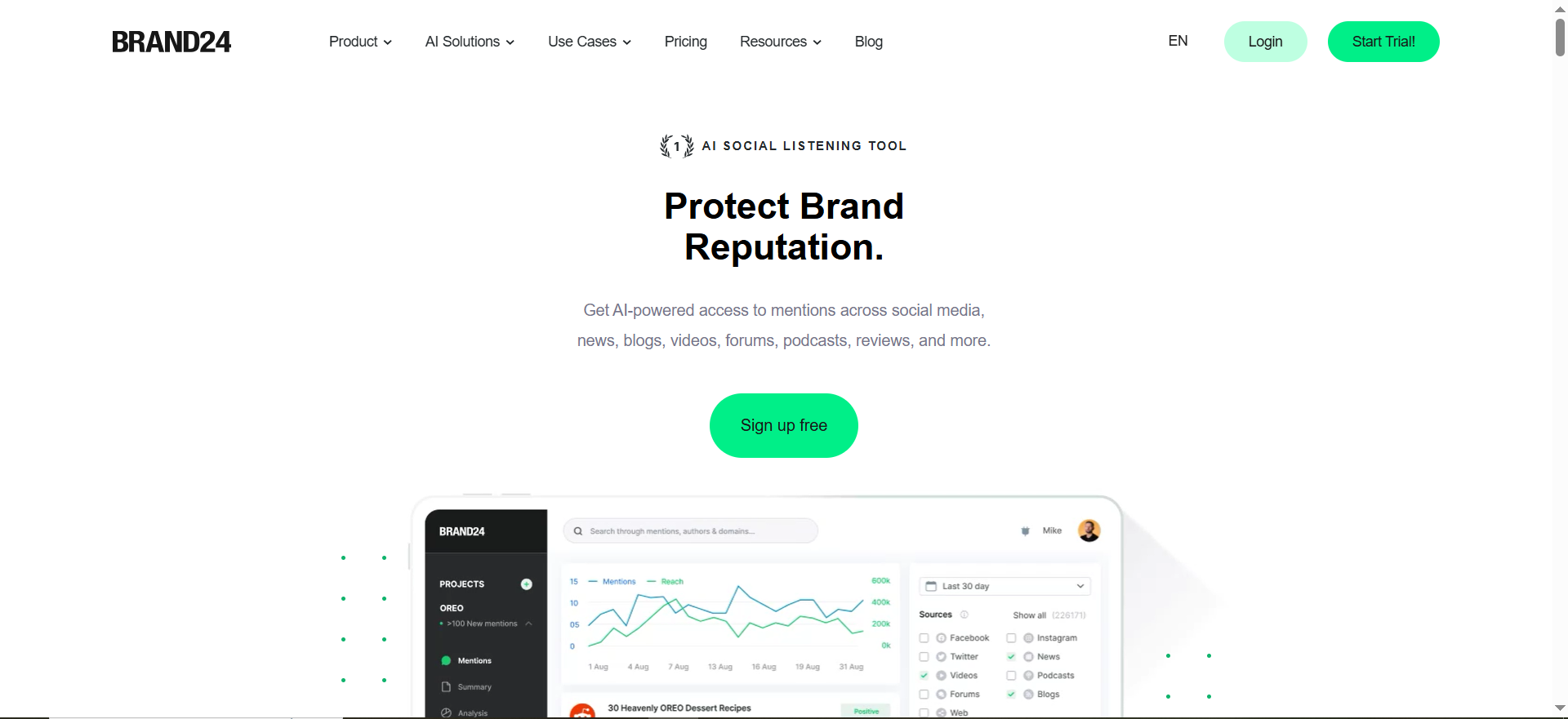
What it is: Brand24 is an AI-driven social listening and brand monitoring tool that tracks mentions and sentiment across online sources.
What it does: It helps you understand what people are saying about your brand, competitors, and keywords in real time, spot trends and sentiment changes early, and turn those insights into content ideas, response strategies, and campaign angles—so your social strategy is driven by actual market conversation.
Best for: brand monitoring + category intelligence when you want to stop guessing what the market cares about.
Key AI features:
- Brand24 plans highlight AI Sentiment Analysis (listed on pricing page).
Integrations: Listening tools typically export insights to your team workflow (Slack/email alerts, reports); confirm exact integrations for your plan.
Free tier: Not typically free; trials exist (varies by promo/channel).
Pricing tier: Brand24 pricing page shows $199/mo (and $149/mo billed annually) for Individual in one view.
Strengths:
- Turns “random content ideas” into signal-driven content
- Great for competitor tracking, spikes, and sentiment shifts
Trade-offs:
- Requires good query setup (keywords + exclusions) or you’ll drown in noise
- Listening ≠ strategy: you still need to translate insights into content bets
Use it like this (micro-workflow):
- Track: your brand + 3 competitors + 10 category keywords.
- Create alerts for spikes and negative sentiment.
- Every Friday: export the top 10 recurring questions/complaints.
- Next week’s content = answers + proof + CTA.
5) AdCreative.ai
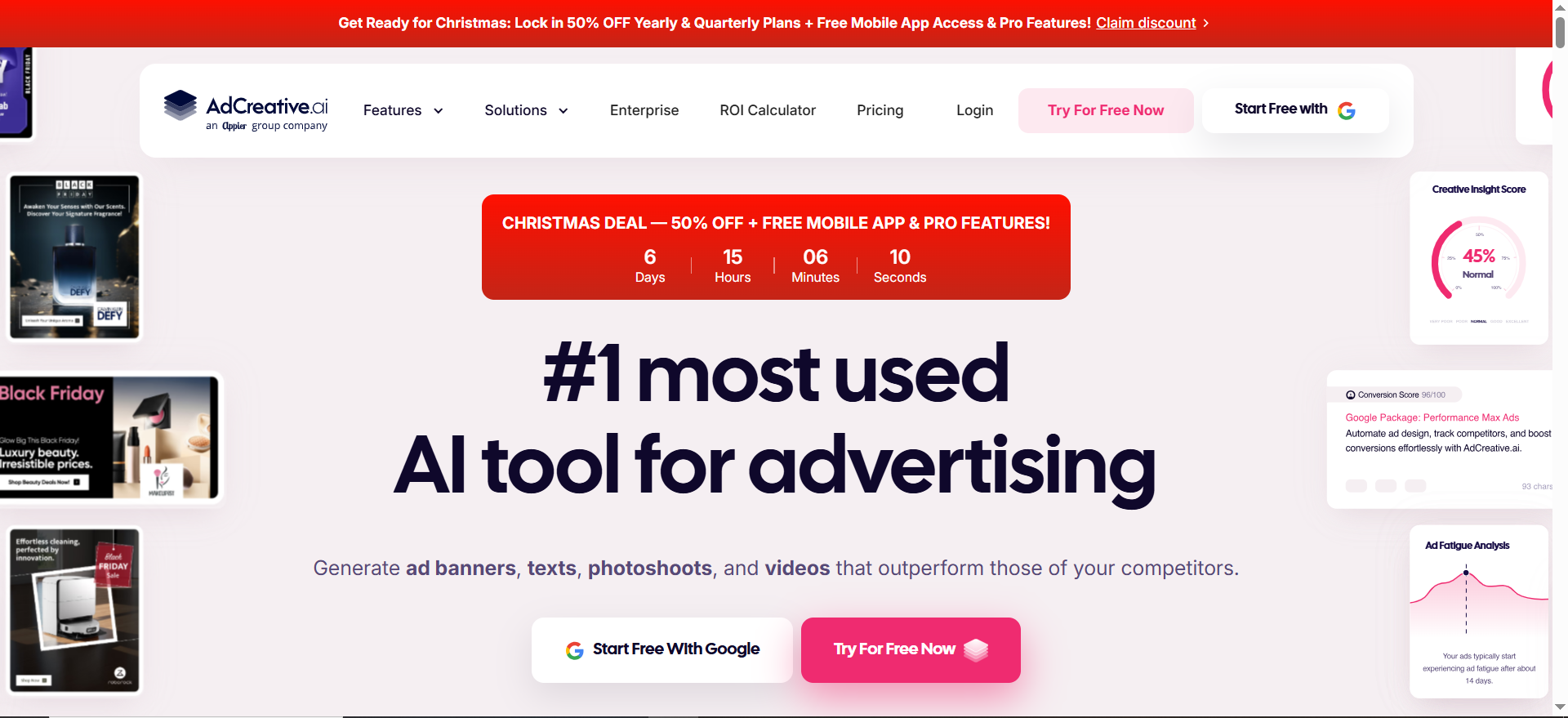
What it is: AdCreative.ai is an AI ad creative generator designed to produce conversion-focused advertising creatives quickly.
What it does: It helps you create many ad variations (visuals and messaging) in minutes so you can test different hooks, layouts, and angles faster, identify winning creatives sooner, and scale paid social campaigns without relying entirely on manual design cycles.
Best for: producing many ad creative variations quickly so you can test hooks/angles without burning your design team.
Key AI features (from vendor messaging):
- “Generate conversion-focused ad creatives”
- “Ad text-trained AI” and creative scoring concepts are promoted on the site.
Integrations: Designed for advertising workflows; confirm your ad platform connections and export formats during trial.
Free tier: Trial is commonly listed on software marketplaces.
Pricing tier: Third-party pricing pages commonly list ranges from ~$29 up to $399+ depending on credits/tier (verify current pricing in your account).
Strengths:
- Great for creative testing velocity (especially paid social)
- Helps you explore angles you wouldn’t manually design
Trade-offs:
- “More variations” doesn’t fix a weak offer or unclear positioning
- Best results still require a human to pick winners and refine messaging
Use it like this (micro-workflow):
- Input: offer + ICP pain + proof points + CTA.
- Generate 20 creatives across 3 angles (problem-first / proof-first / demo-first).
- Test with small budgets, identify winners.
- Convert the winning angle into organic posts (ChatGPT + Canva) so paid + organic reinforce each other.
How to Evaluate AI Social Media Tools (Use This Checklist)
Before you buy anything, score each tool against:
- Channels supported: LinkedIn, X, Instagram, TikTok, YouTube, etc.
- AI that saves real time: hooks, rewrites, repurposing, auto-highlights, sentiment summaries
- Integrations: Canva/Adobe, Google Drive, Slack, CRM, analytics, ads
- Workflow & governance: approvals, roles, audit logs, client workspaces
- Listening + reporting depth: competitor benchmarking, exportable reports
- Total cost: seats + channels + add-ons + “hidden” limits (credits, exports, data retention)
Common Mistakes to Avoid When Using AI Marketing Tools for Social Media
| Common mistake | Why it hurts | What to do instead |
|---|---|---|
| Buying tools before a workflow | You pay, but nothing improves | Define a simple loop: Listen → Create → Schedule → Measure |
| Letting AI write everything | Content feels generic | Use AI for drafts, add POV + proof + examples |
| No brand voice guidelines | Inconsistent tone across posts | Create a tone + do/don’t one-pager |
| Not repurposing content | You create too little output | Turn 1 asset into 5–10 posts |
| No consistent posting cadence | Momentum never builds | Batch plan and schedule weekly |
| Skipping listening/insights | You guess topics | Monitor brand + competitors + keywords |
| Reporting vanity metrics only | Hard to justify ROI | Track themes, clicks/UTMs, leads (where possible) |
| Testing too many tools at once | Adoption fails | Pick one tool per job for 30 days |
Frequently Asked Questions
Do I Need an All-in-One Tool or a Modular Stack?
Which Tools are Best For Linkedin-First B2B SaaS Social?
What Should I Look For in AI “Content Generators” So They Don’t Sound Generic?
Are Social Listening Tools Worth it For Smaller Brands?
Bottom Line
In 2026, the best AI marketing tools for social media are the ones that help you publish faster, stay on-brand, and prove results.
This 5-tool stack covers the full workflow: ChatGPT for ideas and repurposing, Canva for visuals, Sprout Social for scheduling/inbox/reporting, Brand24 for listening and insights, and AdCreative.ai for scaling ad creative tests.
▶️ Want help turning this into a simple, repeatable weekly system (workflow + templates + what to track)? Book a 30-minute Growth / AI Visibility consult.
Prefer proof first? See case studies.


