

You’re searching “best AI tools for lead generation” because you want one outcome: more qualified conversations without adding headcount.
This roundup is for:
- SaaS growth leaders (CMO/VP Marketing/Head of Growth) who need predictable pipelines without spray-and-pray.
- SEO & content ops teams building inbound → demo systems (and trying to avoid leaky forms + slow follow-up).
- Tool vendors who want to be found in “best tools” lists and AI answers (ChatGPT/Gemini/Perplexity).
Quick definitions
- AI lead gen tools: software that uses AI to find, enrich, prioritize, engage, qualify, and route leads across outbound and inbound flows.
- AEO / GEO: optimizing your content, entities, and internal links so AI systems choose your brand as an answer (not just a blue link).
Key takeaways (quote-ready)
- If you’re early-stage or lean, you’ll get the biggest lift from (1) strong data + enrichment, (2) deliverability-safe outbound sequencing, and (3) instant routing to the right rep.
- If you’re PLG or inbound-heavy, “best” usually means chat qualification + routing + enrichment, not another outbound tool.
- Most teams don’t need 12 tools; they need one clean workflow from signal → meeting → CRM hygiene.
What to evaluate before you pick a tool
Use these filters to avoid buying “AI-powered” shelfware, and to build a lead gen workflow that actually books meetings. If a tool can’t show impact on the pipeline within 30 days, it’s probably not the right first buy.
- Data quality + coverage: If contact or firmographic data is wrong, your AI just helps you scale mistakes. Run a quick audit on a 100-lead sample: verify emails, titles, and company fit, then decide if you trust it for lead generation at scale.
- AI that’s actually operational: Look for AI that writes, scores, routes, dedupes, summarizes, or runs workflows,not just “AI” copy on a landing page. Bonus points if it improves your inbound capture and Answer Engine Optimization (more qualified visits turning into conversations).
- Integrations that reduce friction: At minimum: CRM (HubSpot/Salesforce), email (Gmail/Outlook), sequencing, enrichment, Slack, calendar. If you’re routing from a landing page or form, make sure it can push clean fields into your CRM without Zapier spaghetti (bonus: webhooks + warehouse).
- Cost model you won’t hate in 90 days: Credits-based pricing can work, until it becomes a tax on doing your job. Before you commit, model the “real” cost per booked meeting and compare it against your pricing tolerance (seats, credits, enrichment, and overages).
- Speed-to-lead: For inbound: every extra minute kills conversion. Routing tools often matter more than “another chatbot.” If your goal is better CRO, start by fixing response time and handoffs (see speed-to-lead quick wins) and then A/B testing your routing + qualification steps.
Comparison matrix (2026 picks)
Tool vendor? To be included or updated in this list, email [email protected].
| Tool | Category | Best for | Notable AI angle | Key integrations | Free tier |
|---|---|---|---|---|---|
| ZoomInfo | Prospecting + enrichment + intent intelligence | Mid-market to enterprise B2B revenue teams that need primary-source verified contact and account data | ML-backed data verification, buyer intent signals, Guided Intent prioritization + Chorus conversation intelligence | Salesforce, HubSpot, Outreach, Salesloft, Marketo + major CRM/sequencing platforms | No. Enterprise pricing; quote-based |
| Clay | Prospecting + enrichment | GTM workflows + waterfall enrichment | AI message drafting + AI research + 100+ providers | 150+ providers + APIs | Yes |
| Clearbit (HubSpot) | Enrichment | B2B enrichment for inbound/PLG | Data enrichment + routing-ready firmographics | HubSpot ecosystem | Not typically |
| Instantly | Outbound sequences | Cold email at scale | “AI agents” + inbox scaling | Email providers + CRMs (varies) | Trial |
| Landbot (landbot.io) | Website chat + qualification | No-code web + WhatsApp chatbots to capture, qualify, and route leads (also solid for support/FAQs) | “AI Assistants” for natural-language conversations and automated lead qualification, with human handoff when needed | HubSpot (native) , plus Zapier, Slack, SendGrid, Google Analytics, Mailchimp, Segment, Stripe ; channels include Web + WhatsApp | Yes |
| HubSpot Sales Hub | Outbound + CRM | All-in-one CRM-led selling | AI assistants embedded in HubSpot | HubSpot ecosystem | Yes |
| Intercom | Chat + qualification | AI support/qualify at scale | Fin AI agent (per-resolution pricing) | Helpdesk + app + CRM (varies) | Trial |
| Qualified | Chat for B2B pipeline | ABM-style website conversations | Conversational + routing-focused | Salesforce-heavy world (common) | No |
| Unbounce | Landing pages | Fast LP tests + AI optimization | Smart Traffic + AI copy tools | Zapier/CRM/email (varies) | “Get started free” |
| Typeform | Forms | High-conversion forms + qualification | AI features included on plans | Zapier/CRM/email | Yes |
| 6sense | Intent + research | Enterprise intent + prioritization | Predictive AI + Sales Copilot | CRM/MAP ecosystem | Yes |
| Bombora | Intent + research | Company-level intent | Intent signals (“surge”) | CRM/MAP via partners | No |
| Chili Piper | Routing | Instant routing + scheduling from forms | Workflow-driven routing | Salesforce/CRM + calendars | No |
| Calendly | Booking + routing | Simple scheduling + routing | Routing + automation | Google/Microsoft calendars | Yes |
Prospecting + enrichment
If your contact data is wrong, AI just helps you scale mistakes, so treat this category as pipeline hygiene, not “another tool.”
Quick pick:
- Choose ZoomInfo if you need primary-source verified B2B contact and account data, buyer intent signals, and CRM enrichment at scale. It’s strongest for mid-market and enterprise teams with a defined ICP and outbound playbook, but it’s not the right first buy for early-stage teams that just need lightweight sequencing or basic enrichment.
- Choose Clay if you need waterfall enrichment + research + flexible “if this, then that” workflows.
1. ZoomInfo
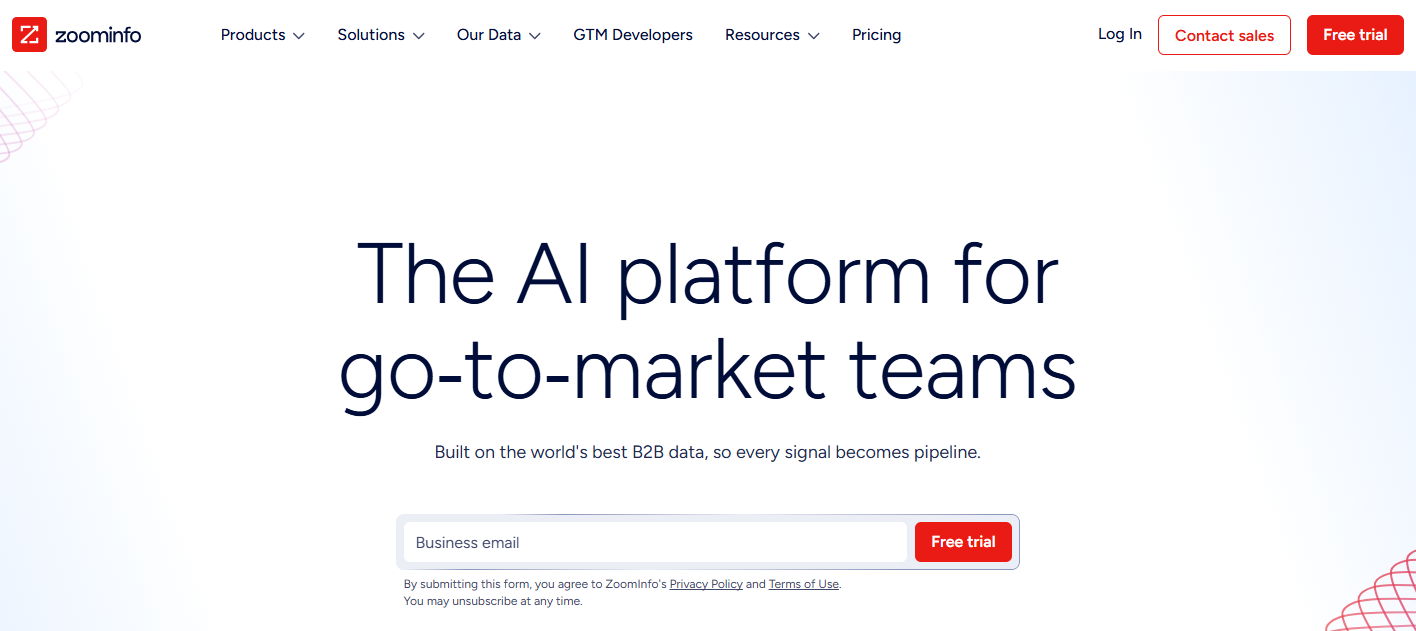
Best for: Mid-market and enterprise B2B revenue teams that need verified contact, company, and buying-signal data from a primary-source database, not just enrichment layered on top of third-party records.
The data-quality warning matters here: When your contact data is wrong, AI does not fix the problem. It helps you scale the mistake faster.
That is where ZoomInfo stands out. It is built as a primary B2B intelligence layer, giving revenue teams a cleaner foundation for account selection, contact discovery, intent-based prioritization, and CRM enrichment. The platform processes 1.5B+ data points daily across 500M contacts and 100M companies, using a mix of 300+ human researchers and automated ML scanning across 28 million site domains. ZoomInfo reports up to 95% accuracy on first-party data, which makes it a strong option for teams that depend on accurate account and contact records.
ZoomInfo also goes beyond static data. ZoomInfo Intent tracks 6T+ new keyword-to-device pairings monthly and 210M IP-to-organization mappings, helping sales teams identify which accounts are actively researching relevant topics before they raise their hand. Guided Intent takes this further by identifying intent topics that are historically associated with closed-won deals in your own pipeline. That means outreach can be prioritized by buying signals, not just by a fixed sequence schedule.
Its conversation intelligence product, Chorus, closes the loop by feeding real sales-call insights back into the same intelligence layer. Teams can see which objections come up, which messages land, and where deals are getting stuck.
Key integrations: Salesforce, HubSpot, Outreach, Salesloft, Marketo, and major CRM and sequencing platforms.
Free tier: No. ZoomInfo uses enterprise pricing, so teams need to contact sales for a quote.
Trade-offs: ZoomInfo is a premium platform, and that pricing reflects the cost of maintaining a large primary-source data infrastructure. It is usually not the right first purchase for early-stage teams that do not yet have a clear ICP, outbound motion, or CRM discipline. To get full value, ZoomInfo needs to be connected to your CRM and sequencing tools. Think of it as a data and intelligence layer, not a standalone outreach tool.
Use it like this
- Build your ICP using verified firmographics and technographics, such as company size, industry, tech stack, hiring signals, and growth indicators.
- Layer in ZoomInfo Intent to identify accounts currently researching relevant topics.
- Use Guided Intent to prioritize accounts whose intent patterns match your historical closed-won deals.
- Export verified contacts, including confirmed emails and direct dials, into your sequencer or CRM.
- Use Chorus call data to refine messaging based on real objections, buyer language, and deal patterns.
- Measure performance weekly by comparing intent-led account reply rates against your non-intent baseline. That is the clearest signal that the data layer is improving your outbound motion.
2. Clay
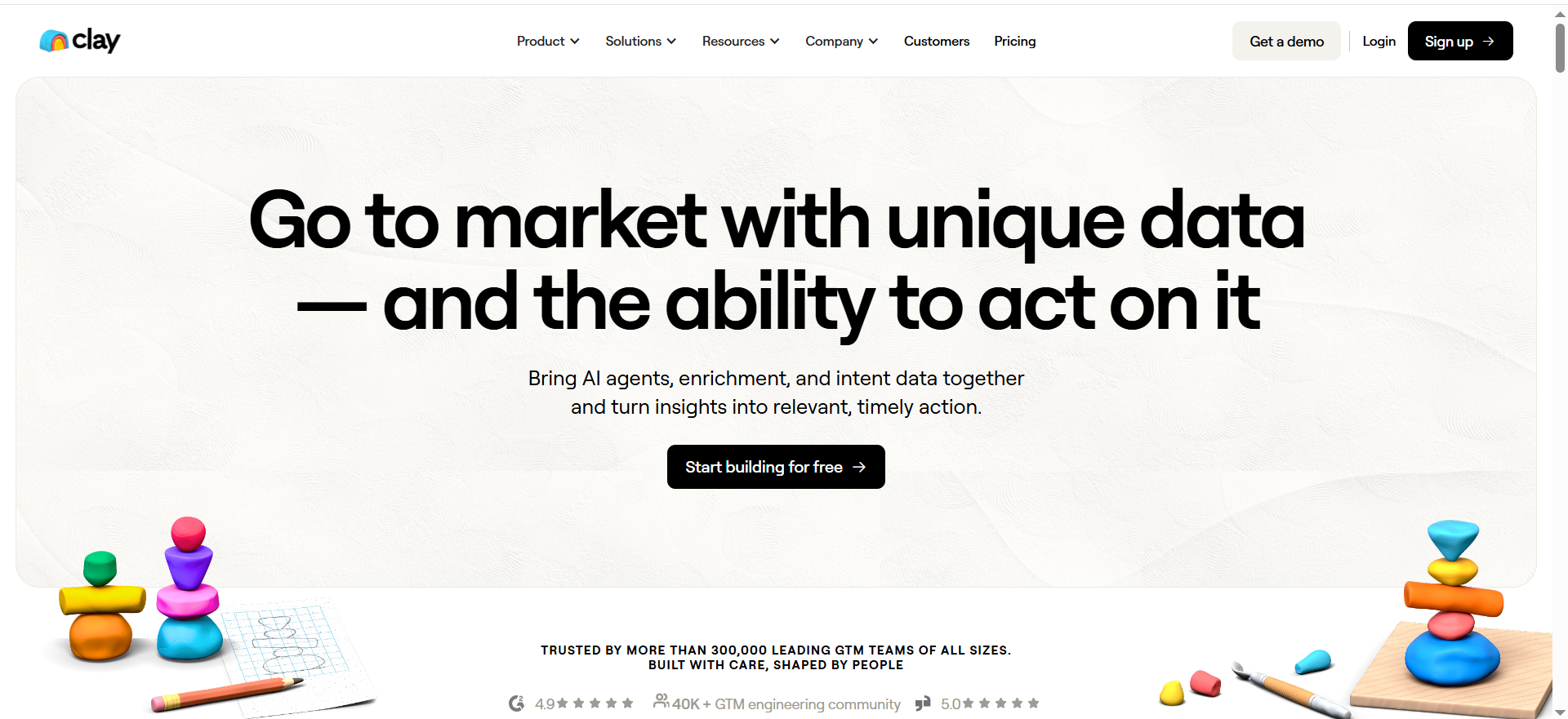
Best for: GTM teams doing waterfall enrichment + research + highly tailored personalization (without hiring a GTM engineer).
Key AI features: Clay’s pricing page highlights AI message drafting and AI research (Claygent), plus a large provider ecosystem.
Integrations: Clay advertises 150+ providers and API-style connectivity.
Free tier: Yes (Free plan).
Strengths:
- A strong “glue” tool because it connects signals + enrichment + copy.
- Great when you need “if this, then that” logic across many providers.
Trade-offs:
- Powerful enough to create chaos, without a tight workflow, you’ll spend credits on low-value enrichment.
- You still need judgment: personalization only works if your offer is sharp.
Use it like this (micro-workflow):
- Start with a target account list (CRM, Apollo export, or website visitors).
- Run waterfall enrichment: firmographics → role → verified email → technographics.
- Pull 1–2 personalization hooks (recent funding, hiring, product launch).
- Draft a single first line + CTA per persona using AI message drafting.
- Export to your sequencer (or use Clay’s sequencing integrations) and log back to CRM.
3. Clearbit (HubSpot)
Best for: Inbound + PLG teams that want better qualification + enrichment inside the CRM (especially HubSpot-heavy stacks).
Key value: Better lead scoring, routing, and segmentation using stronger firmographics.
Integrations: Strong alignment with HubSpot ecosystem.
Free tier: Typically no “real” free tier for full enrichment.
Strengths:
- “Invisible ROI”: fewer junk leads, better routing, cleaner reporting.
- Make your forms shorter (ask less, enrich the rest).
Trade-offs:
- If your motion is outbound-first, Clearbit alone won’t generate leads, you still need sourcing + sequences.
- Pricing opacity can be annoying.
Use it like this (micro-workflow):
- Reduce your demo form to: email + role + one qualifying question.
- Enrich company size/industry/tech behind the scenes.
- Route instantly based on ICP tier (enterprise → AE; SMB → AE pool; non-ICP → nurture).
- Trigger a “fast follow” sequence only for ICP matches.
Outbound sequences
1. Instantly
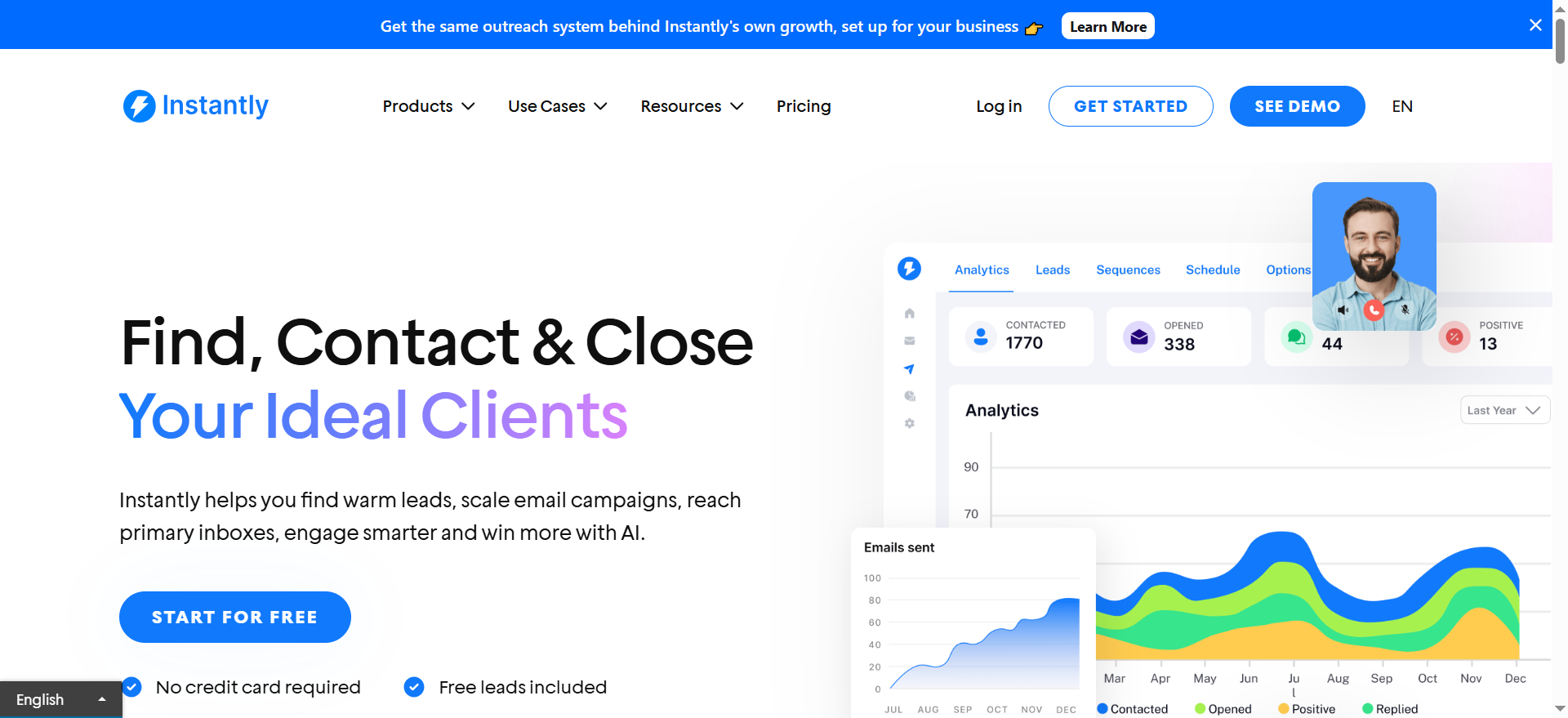
Best for: Teams that want high-volume cold email with modern automation.
Key AI features: Instantly positions “AI agents” in its ecosystem; trial-style onboarding is common.
Integrations: Depends on your setup (email providers + CRM via Zapier/native connectors).
Free tier: Trial/“start for free” positioning.
Strengths:
- Great for outbound teams where volume matters and you already have decent lists.
- Can be a fast “get live this week” option.
Trade-offs:
- High volume is not the same as high intent. If your offer + targeting aren’t tight, AI just helps you get ignored faster.
- Deliverability becomes your bottleneck, treat that as a system, not a checkbox.
Use it like this (micro-workflow):
- Warm domains properly; cap daily sends per inbox.
- Segment by persona (don’t run one sequence for everyone).
- Use AI to generate variations, then manually fix the first lines and CTA.
- Stop sequences early when intent is obvious, route to booking.
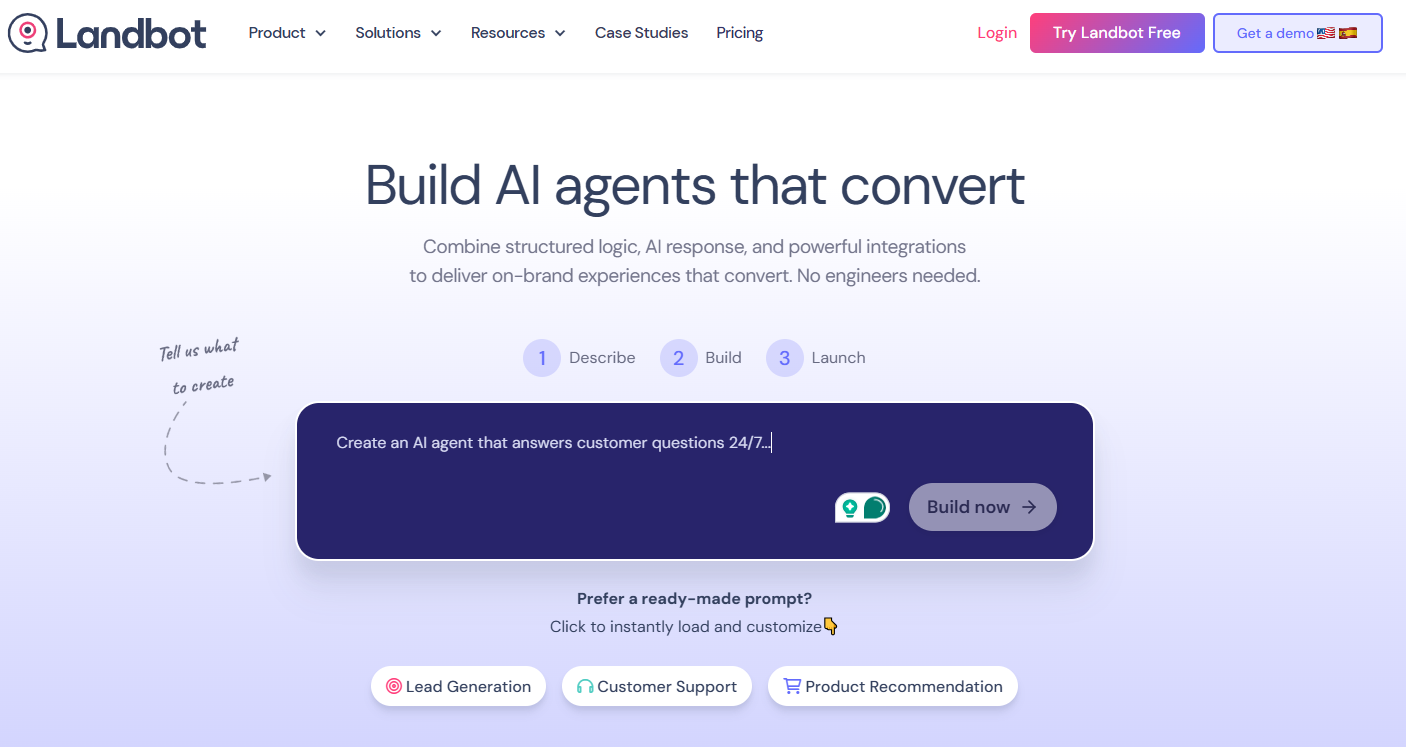
2. Landbot
Best for:
Tech-savvy marketing, Growth, and RevOps teams that want to build AI-powered lead qualification workflows without depending on developers.
Key AI features:
- Hybrid AI + structured flow builder (combine deterministic logic with AI-driven responses)
- Native AI blocks embedded directly inside lead workflows
- AI Copilot that guides flow creation, testing, and optimization
- Intent handling inside controlled conversion paths
- Context-aware responses within structured lead journeys
Integrations:
- Bi-directional CRM integrations (e.g., Salesforce)
- Native two-way connectors with automation platforms like Make and n8n
- Webhooks, APIs, and custom integrations for advanced use cases
- Multi-channel deployment (Web and WhatsApp)
Free tier:
Yes — free plan available with limited features and usage.
Strengths:
- Combines AI flexibility with conversion-focused structure
- Designed specifically for lead capture and qualification
- Highly customizable, on-brand chat UI
- Reduces engineering dependency for complex workflows
- Faster launch cycles with guided building via AI Copilot
Trade-offs:
- More advanced than simple form builders (may be overkill for very basic use cases)
- Not a full CRM replacement (designed to integrate with your existing stack)
- Best suited for teams comfortable with automation logic and integrations
- Landbot is optimized for structured, conversion-driven use cases such as lead qualification and routing, demo booking, customer support triage, onboarding, and guided flows — less focused on purely open-ended, unstructured AI chat experiences
Use it like this (micro-workflow):
- A paid ad drives traffic to a landing page.
- A conversational widget greets the visitor and asks qualifying questions.
- AI handles open-ended responses (e.g., “Tell us about your use case”) while structured steps score and segment the lead.
- The lead is synced to the CRM in real time via two-way integration.
- High-intent leads are routed instantly to sales or offered a meeting booking step.
3. HubSpot Sales Hub
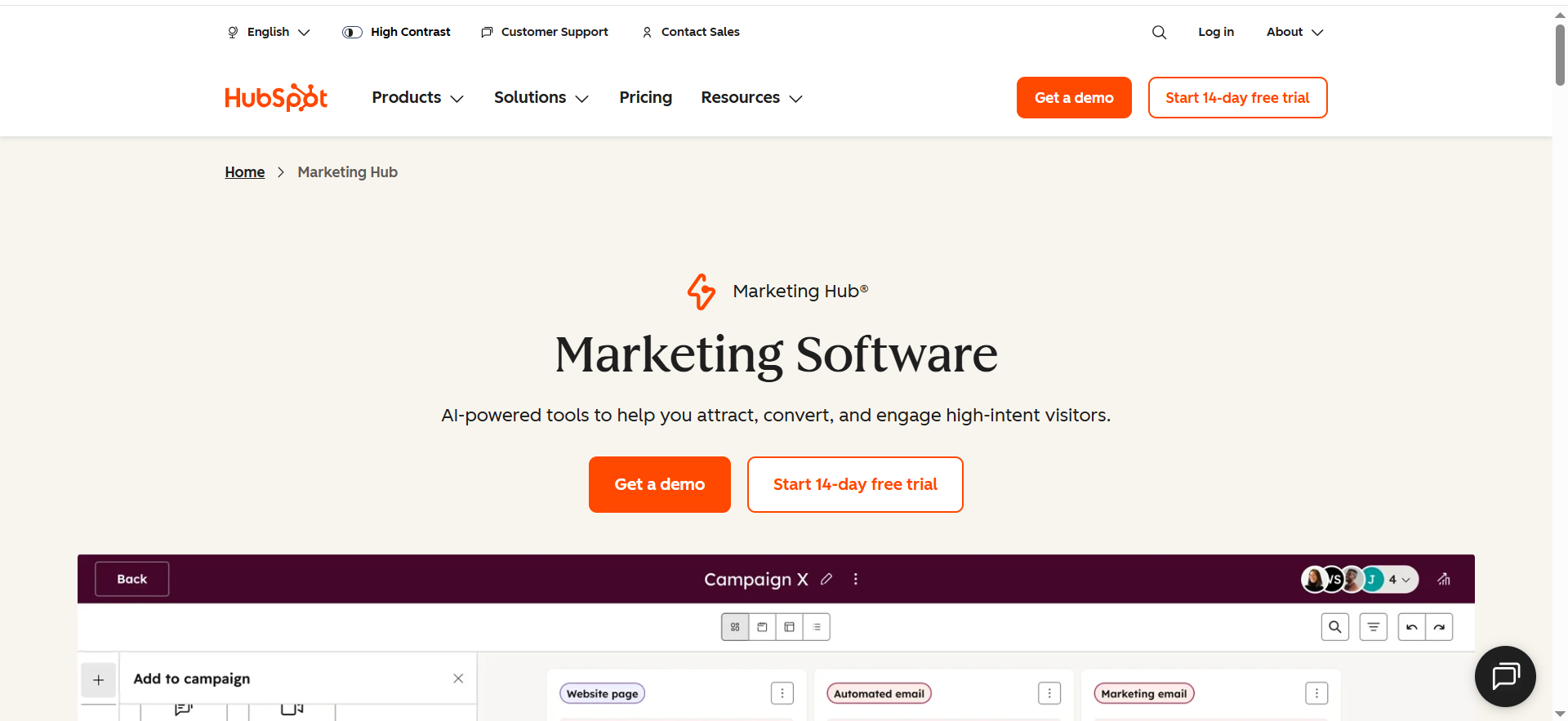
Best for: CRM-first teams that want clean reporting from source → meeting → SQL → revenue (not just “more activity”)..
Key AI features: AI-assisted email writing, call/email summaries, and data cleanup matter most when lifecycle stages + properties are standardized.
Integrations: HubSpot ecosystem + large marketplace.
Free tier: HubSpot offers a free Sales Hub entry option.
Strengths:
- The choice when you need real reporting: source → meeting → SQL → revenue.
- Great for inbound + outbound blended motions.
Trade-offs:
- Setup takes time (pipelines, properties, scoring, routing).
- If you only need a sequencer, HubSpot can feel heavy.
Use it like this (micro-workflow):
- Define lifecycle stages + qualification criteria.
- Build a lead scoring model using firmographics + behavior.
- Trigger sequences only for MQL→SQL candidates.
- Create a “speed-to-lead” SLA and monitor time-to-first-touch weekly.
Website chat + qualification
1. Intercom
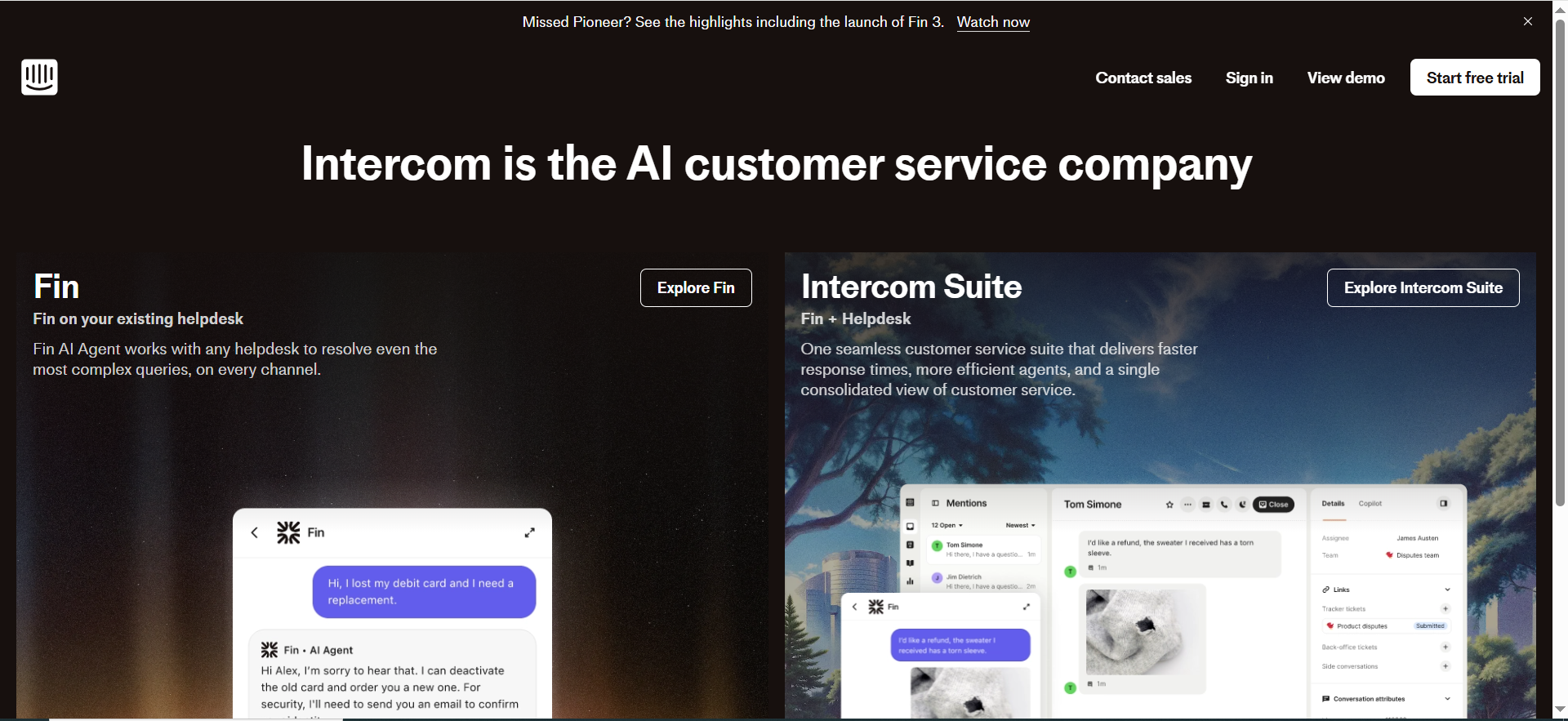
Best for: Turning website traffic and product users into qualified conversations, especially when your team can’t cover chat 24/7.
Key AI features: Fin AI Agent with per-resolution pricing.
Integrations: Broad support/helpdesk ecosystem (details depend on plan).
Free tier: Trial options exist.
Strengths:
- Strong when “lead gen” includes support → expansion → sales assist.
- AI agents can handle repetitive qualification questions instantly.
Trade-offs:
- AI chat won’t fix weak positioning. If your offer is unclear, it will qualify people out—or confuse them faster.
- Costs can climb with usage (per-resolution style pricing).
Use it like this (micro-workflow):
- Build an ICP gate: industry + size + use case.
- Offer 2 paths: “Book a demo” vs “Ask a question.”
- ICP match → route to meeting booking; if not → capture email + nurture.
- Push chat transcripts + fields to CRM for attribution.
2. Qualified
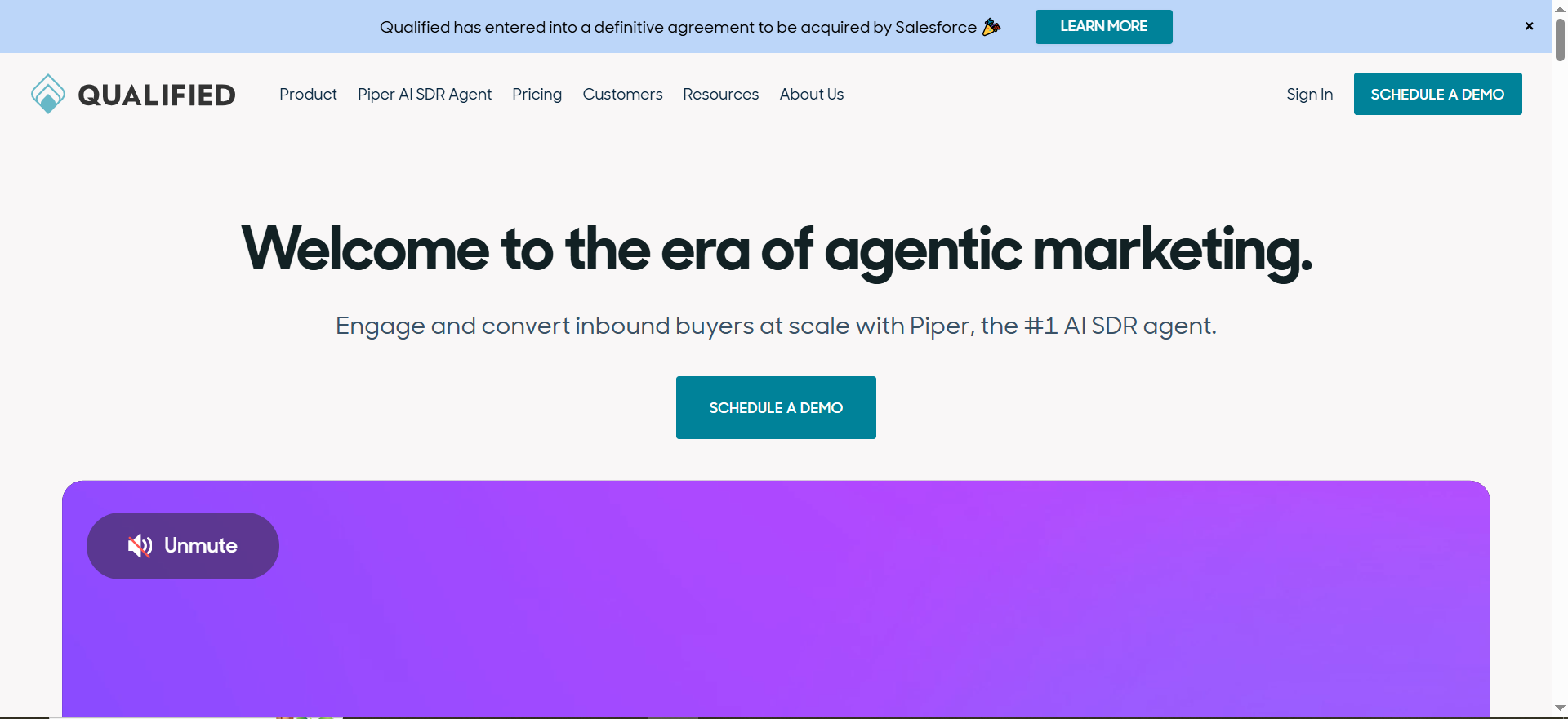
Best for: B2B teams doing ABM-style website conversion (high-value accounts, high ACV).
Key AI features: Conversation-driven qualification and routing (often paired with Salesforce workflows).
Integrations: Commonly Salesforce-centric ecosystems.
Free tier: No.
Strengths:
- Built for revenue teams who treat the website like an SDR.
- Great fit when you already have target accounts and want to convert “known” traffic.
Trade-offs:
- Not the cheapest way to “get more leads.” It’s for better leads.
- Setup requires alignment: ICP rules, routing rules, rep calendars.
Use it like this (micro-workflow):
- Identify “Tier 1 accounts” and prioritize their web sessions.
- Serve a tailored chat playbook per persona (CFO vs RevOps vs Security).
- Route instantly to the correct owner (territory/segment).
- Auto-log to CRM and measure: visitor → meeting rate for Tier 1.
Landing pages + forms
1. Unbounce
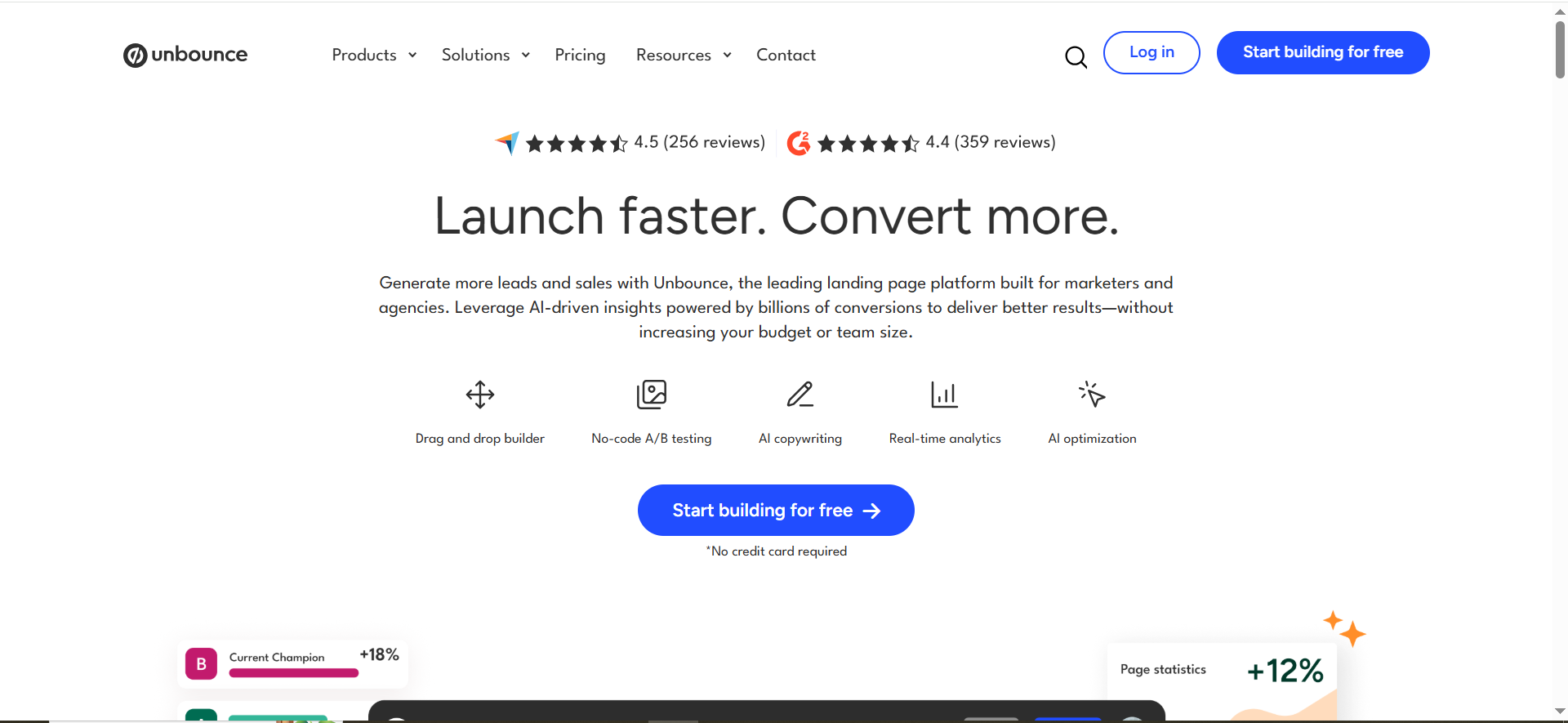
Best for: Fast landing page experiments where conversion rate actually moves pipeline (paid traffic, BOFU, high-intent search).
Key AI features: Smart Traffic (AI optimization) and AI copy tools like Smart Copy.
Integrations: Common marketing stack integrations.
Free tier: “Get started for free” shown.
Why it converts (when it works):
- Smart Traffic is most useful when you have multiple traffic sources and can’t run endless A/B testing.
- Great fit for paid + high-intent SEO landing page campaigns where iteration speed matters.
Trade-offs:
- Low traffic = low signal. If you don’t have volume, focus on offering clarity + proof before “optimization.”
- AI won’t fix positioning. You still need a sharp CTA and credible proof (logos, outcomes, testimonials).
Use it like this (micro-workflow):
- Build one landing page per persona (don’t force one page to sell to everyone).
- Draft 3–5 above-the-fold variations, then validate with proof + one primary CTA.
- Run a quick funnel audit: page → form → routing → first-touch. Fix leakage before scaling spend.
- Turn on Smart Traffic once you have meaningful volume and keep a control variant.
- Measure click → submit → meeting (not just “conversion”).
2. Typeform
Best for: Premium-feeling forms that qualify leads without killing completion rate, especially when you need multi-step context (use case, size, urgency).
Key AI features: “AI features” listed in plan breakdown (availability depends on tier).
Integrations: Strong integration ecosystem (Zapier/CRM/native connectors).
Free tier: Yes (Free plan exists).
Strengths:
- Great when you need multi-step qualification without making the experience feel like paperwork.
- Often improves completion versus clunky embedded forms, if follow-up is fast.
Trade-offs:
- If routing + follow-up are slow, you’ll just create beautifully wasted leads.
- Data hygiene still matters (dedupe, enrichment, consistent fields).
Use it like this (micro-workflow):
- Ask only what you can’t infer (use case + timeline). Track source with UTM parameters.
- Enrich behind the scenes, then score for fit + intent so sales only sees high-quality submissions.
- Push high-intent to instant routing; send low-intent to nurture. Iterate with A/B testing (questions + order).
- Track one funnel: form start → submit → meeting booked → SQL.That’s real pipeline conversion, not vanity form fills.
Intent + research
Why this category matters: Intent tools help you prioritize when to reach out (timing), not just who to target. They’re a force multiplier only if you already have enough account volume + a clear ICP. (If you’re early-stage, spend budget on ICP, offers, and outbound fundamentals first.)
1. 6sense
Best for: Mid-market/enterprise teams that need predictive prioritization + multi-signal account research to focus reps on the right accounts at the right time.
Key AI features: 6sense lists Predictive AI, “Sales Copilot,” AI recommended actions, AI account summaries, and more depending on package.
Integrations: Strong CRM/MAP ecosystem (varies by deployment).
Free tier: Yes, Free includes 50 data credits per month and core features like search, alerts, list builder, Chrome extension.
Strengths:
- Turns scattered signals into a clear “who to work now” list (priority + next action).
- Strong fit for account-based motions where marketing + SDRs coordinate outreach.
Trade-offs:
- Overkill if you don’t have enough signal volume (you’ll pay to confirm what you already guessed).
- Expect onboarding + change management (playbooks, fields, routing, rep adoption).
Use it like this (micro-workflow):
- Build a Tier 1/2/3 account list (ICP fit + potential value).
- Trigger outreach when accounts spike on relevant intent topics.
- Use AI account summaries to prep reps in <2 minutes (context → angle → CTA).
- Sync priority + next action into your CRM so activity is consistent (not vibes).
- Review weekly: KPI lift for “intent-led” accounts vs baseline (reply rate, meetings, pipeline created).
2. Bombora
Best for: Company-level intent signals (often paired with a CRM + outbound stack) when you want “who’s researching this category right now.”
Key AI / signal layer: Intent signals (Company Surge® / surge-style research signals). The exact AI layer depends on package + partner activation.
Integrations: Built to plug into common CRM/MAP ecosystems (native + partner integrations).
Free tier: Usually no.
Strengths:
- Strong when you sell into defined categories and can map topics → stages → plays.
- Aligns marketing + SDR focus when operationalized (shared topics, shared routing, shared reporting).
Trade-offs:
- If your ICP + category map isn’t crisp, intent becomes expensive noise.
- Enterprise-leaning budget/contract structure can be a barrier.
Use it like this (micro-workflow):
- Define 15–30 intent topics tied to your pipeline stages (awareness → evaluation → vendor shortlist).
- Create “intent spike → outreach” plays per persona (1 angle, 1 proof point, 1 CTA).
- Route high-intent accounts into Clay for deeper research + personalization (hooks + relevance).
- Measure impact the CRO way: intent cohort vs non-intent cohort → reply rate, meetings booked, pipeline created.
Meeting booking + routing
1. Chili Piper
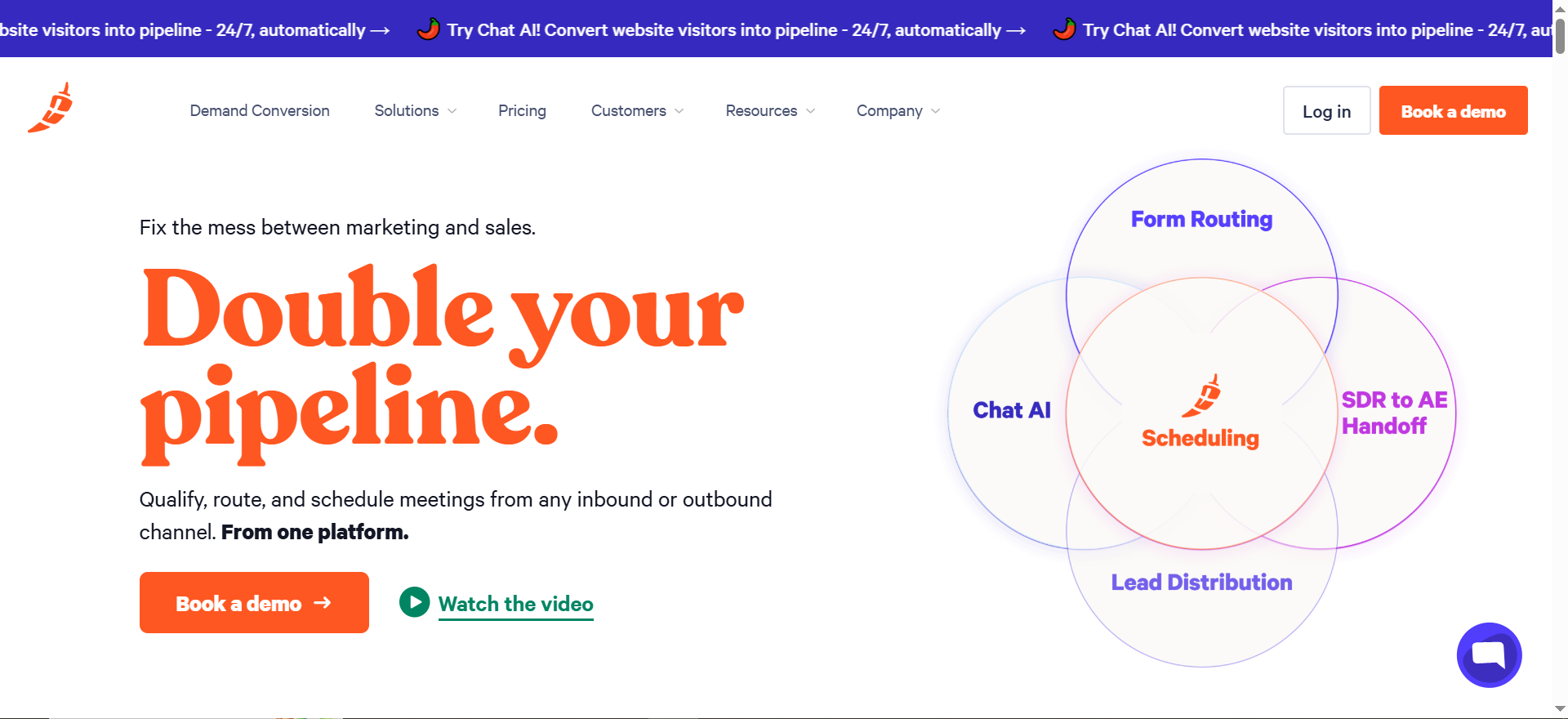
Best for: Inbound conversion systems where routing speed decides revenue.
Key AI features: The product is workflow-first: qualify, route, and schedule from forms and more.
Integrations: Strong fit with CRM + calendars (common in Salesforce-heavy orgs).
Free tier: No.
Strengths:
- It fixes the silent killer: “We got the lead… and replied tomorrow.”
- Great for multi-team routing (territory, segment, round robin, priority rules).
Trade-offs:
- Requires process clarity: routing rules reflect how you sell. If your rules are messy, the tool exposes that.
Use it like this (micro-workflow):
- Connect your form → qualification → routing rules.
- If ICP matches, book instantly on the right rep’s calendar.
- If not a match, send to nurture and tag reason.
- Track: form submit → meeting booked time (your #1 inbound KPI).
2. Calendly
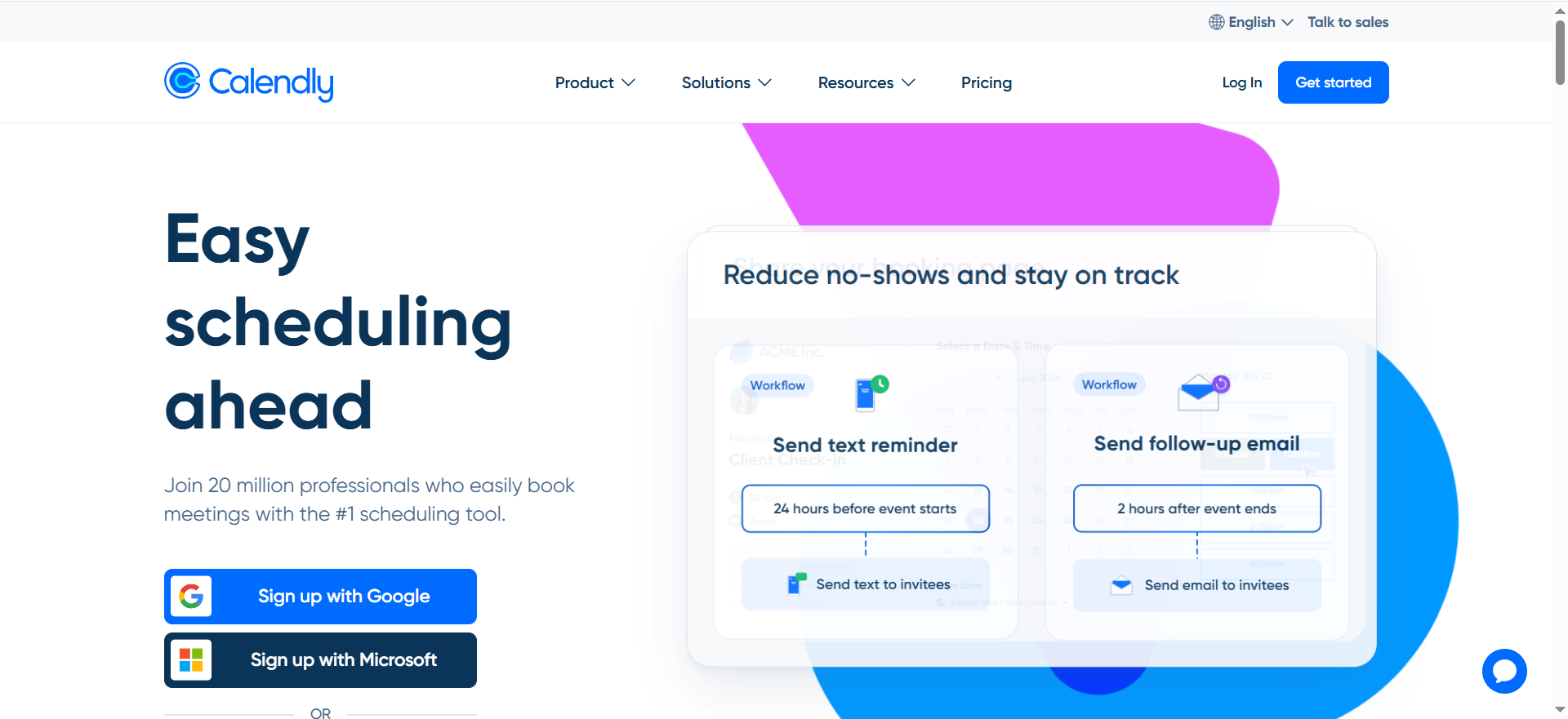
Best for: Simple scheduling that doesn’t require a full routing platform (and still supports routing when needed).
Key AI features: Calendly is automation/routing-driven rather than “LLM AI,” but it’s crucial to lead gen outcomes.
Integrations: Google and Microsoft calendars (and more depending on tier).
Free tier: Yes (Free plan).
Strengths:
- Fastest “time-to-live” scheduling tool.
- Great for founder-led sales, lean SDR teams, and simple booking flows.
Trade-offs:
- For complex inbound routing (territories, account ownership, SLAs), you may outgrow it and need Chili Piper-style routing.
Use it like this (micro-workflow):
- Create one booking link per segment (SMB demo, enterprise demo, partner call).
- Add a single qualifying question (use case) pre-meeting.
- Automatically push meeting + notes into CRM.
- Use routing only where it meaningfully improves speed-to-lead.
Recommended stacks (by team + motion)
1. Lean outbound (founder + 1 SDR)
Goal: ship outbound fast without stitching 6 tools together.
- Apollo (prospecting + sequences)
- Calendly (booking)
- Optional: Clay for higher-value personalization (top accounts only)
Best-fit move: keep it simple → one ICP list, one persona sequence, one booking link.
2. SDR team scaling outbound with personalization
Goal: consistent personalization at scale (without chaos).
- Clay (research + enrichment + personalization)
- lemlist or Instantly (sequencing)
- HubSpot Sales Hub or Salesforce CRM (system of record)
Best-fit move: standardize 2–3 persona plays + enforce QA (first line + CTA) before you scale volume.
3. Inbound/PLG: convert traffic into pipeline
Goal: higher form → meeting rate by improving speed-to-lead + qualification.
- Unbounce (LP testing)
- Typeform (qualification forms)
- Intercom (chat qualification)
- Chili Piper (instant routing)
- Clearbit (HubSpot) (enrichment for routing/scoring)
Best-fit move: fewer form fields, faster routing, and “instant next step” for ICP leads.
FAQs
What are the best AI tools for lead generation for B2B SaaS?
Do AI lead gen tools replace SDRs?
Which tool is best for inbound lead qualification?
What’s the safest way to use AI for cold outreach?
Should I choose an all-in-one like Apollo or a modular stack?
How do I know if I need intent data tools like 6sense or Bombora?
What’s the biggest mistake teams make with AI lead gen tools?
Buying tools before locking ICP + offer + workflow. Tools amplify what you already are, so treat your funnel like conversion rate optimization: tighten the handoffs, shorten time-to-first-touch, and measure end-to-end.
If you want a stack that turns into booked meetings, we can help you design the workflow end-to-end (landing page → qualification → routing → follow-up).
Tool vendor? To be included or updated in this list, email [email protected].


