

This roundup is for ecommerce operators and marketing leads (Shopify/Shopify Plus, WooCommerce, BigCommerce, headless) who want AI tools that map to real money outcomes:
- More product discovery (search, recommendations, merch, content that ranks)
- Higher conversion rate (CVR) (better creatives, better landing/product pages, better support)
- Higher AOV (bundles, upsells, smarter offers)
- More repeat purchases (email/SMS flows, loyalty, review loops)
It’s not for teams looking for “one magic AI tool” to replace strategy. AI tools amplify a system. If your tracking is broken, your catalog data is messy, or your offer isn’t compelling, AI will mostly help you produce more mediocrity, faster.
Quick picks (best tools by job-to-be-done)
If you want the short version, pick the one bottleneck you’re fixing this month (PDP clarity → retention → discovery), then ship improvements fast.
- Fast, in-admin ecommerce copy: Shopify Magic
- Bulk catalog descriptions at scale: Hypotenuse AI
- SEO content system (brief → draft → optimize): Semrush Content Toolkit
- Brand-controlled marketing writing: Jasper
- Listing image production (speed + batch): Photoroom / Pixelcut
- Email/SMS revenue engine (flows + segmentation): Klaviyo / Omnisend
- Shopify-first SMS: Postscript
- Catalog ad creative control: Marpipe
- Personalized recommendations: Nosto
- AI search + recommend infrastructure: Algolia
- Support automation that can also sell: Gorgias
Not sure what to pick? Use this order (most stores win fastest):
PDP clarity (copy + images) → 2) Retention flows (email/SMS) → 3) Discovery (search/recs)
If you’re a tool vendor and want to be included (or updated) in this list, contact us at [email protected].
Comparison matrix (2026)
Pricing and packaging change often, use this matrix to shortlist, then verify on vendor p
Product copy + SEO tools
| Tool | Best for | Shopify integration | Free tier / trial |
|---|---|---|---|
| Shopify Magic | In-admin copy + quick drafts | ✅ Native | Included in Shopify |
| Hypotenuse AI | Bulk product descriptions | ✅ | Trial available |
| Semrush Content Toolkit | Brief → draft → optimize workflow | Via CMS/exports | 7-day trial |
| Jasper | Brand voice + team workflows | Integrations via workflows | Trial available |
Images
| Tool | Best for | Shopify integration | Free tier / trial |
|---|---|---|---|
| Canva | Templates + fast variations | Indirect | Free plan |
| Adobe Firefly | Commercial-safe gen + Adobe ecosystem | Indirect | Free use + trials |
| Photoroom | Background removal + batch exports | Indirect/API | Free plan |
| Pixelcut | Fast ecommerce edits | Indirect | Free version |
Email/SMS flows
| Tool | Best for | Shopify integration | Free tier / trial |
|---|---|---|---|
| Klaviyo | Lifecycle automation + segmentation | ✅ | Entry options |
| Omnisend | Omnichannel ecommerce flows | ✅ | Free plan |
| Postscript | Shopify-first SMS performance | ✅ Native | Free trial |
| Attentive | Enterprise messaging (SMS/RCS/email) | ✅ | Demo/quote |
Customer support + reviews
| Tool | Best for | Shopify integration | Free tier / trial |
|---|---|---|---|
| Gorgias | Support automation + sales assist | ✅ Native | Free trial |
| Intercom (Fin) | AI agent priced per resolution | Integrates with helpdesks | Trial |
| Yotpo | Reviews + retention ecosystem | ✅ | Varies |
Ads creative + catalog ads
| Tool | Best for | Shopify integration | Free tier / trial |
|---|---|---|---|
| Airpost | AI video ads + managed creative production | Indirect | Trial available |
| AdCreative.ai | Rapid creative variants | Indirect | Trial available |
| Marpipe | Catalog ads + feed enrichment | ✅ Shopify app | Free to install |
| Smartly.io | Enterprise orchestration | Indirect | Varies |
Personalization + recommendations
| Tool | Best for | Shopify integration | Free tier / trial |
|---|---|---|---|
| Nosto | Recs + merchandising + search | ✅ | Demo/quote |
| Dynamic Yield | Personalization + experimentation | ✅/varies | Demo/quote |
| Algolia | Search + recommendations infra | ✅ (app + API) | Free tiers exist |
1) Shopify Magic
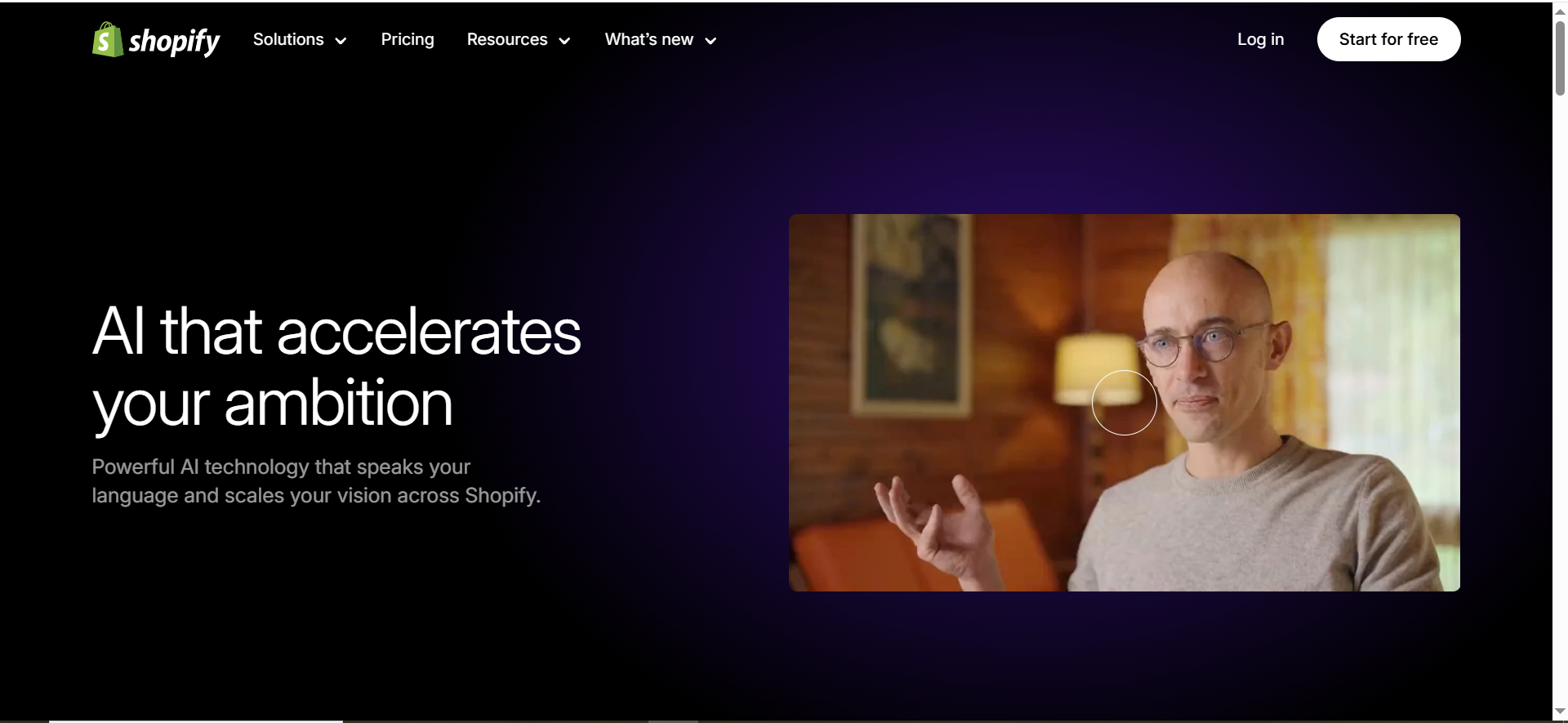
Best for: Shopify merchants who want decent copy fast,without leaving admin.
Key AI features: Email subject/body generation + campaign drafting; store-aware suggestions.
Integrations: ✅ Native Shopify (no extra connectors).
Free tier: Included with Shopify (no separate signup)
Why you’d pick it
- Lowest-friction way to ship “80% drafts” for PDP copy and campaign starters.
- Great when the bottleneck is speed, not strategy.
Biggest strengths
- Fast drafting inside the workflow (no tab-hopping).
- Works well for lean teams who need momentum more than perfection.
Biggest trade-offs (so you don’t get disappointed)
- Outputs go generic if you don’t feed positioning + proof + differentiation.
- Doesn’t replace SEO strategy or information architecture
Use it like this (micro-workflow)
- Pick 10 top SKUs and write 3 bullet points: pain → mechanism → proof.
- Generate 2–3 variants in Shopify Magic.
- Manually add: sizing/fit, shipping/returns, social proof line.
- A/B test hero bullet order (not just adjectives).
2) Hypotenuse AI
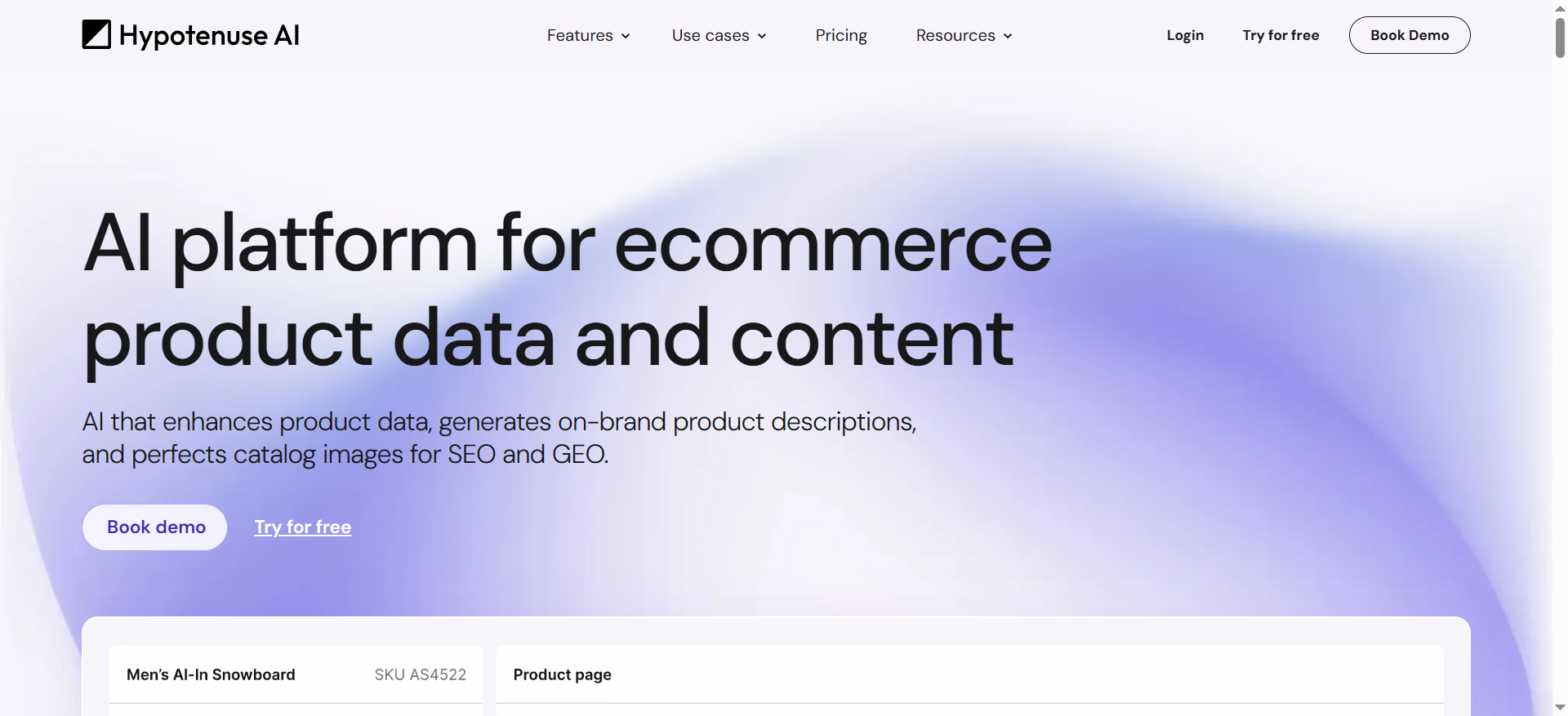
Best for: Teams with large catalogs who need bulk descriptions that stay on-brand.
Key AI features: Ecommerce-focused generation + bulk workflows; Shopify-specific description generation and publishing back to store.
Integrations: Shopify integration available.
Free tier: Free trial available (“Try for free”).
Why you’d pick it
- Your pain isn’t “writing” — it’s catalog hygiene at scale (hundreds/thousands of SKUs).
Biggest strengths
- Bulk generation is the win (saves weeks, not hours).
- Better than generalist AI writers when you need structured, repeatable SKU outputs.
Biggest trade-offs (read this before you blame the tool)
- If your product data is messy (missing attributes), output quality drops fast.
- Still needs human QA for claims, compliance, and tone.
Use it like this
- Export catalog with normalized attributes (material, use case, warranty, care).
- Define a brand voice template (tone, taboo words, proof types).
- Bulk-generate descriptions + titles + tags in Hypotenuse AI.
- QA 20 items, refine prompt rules, then scale to the full catalog.
3) Semrush Content Toolkit
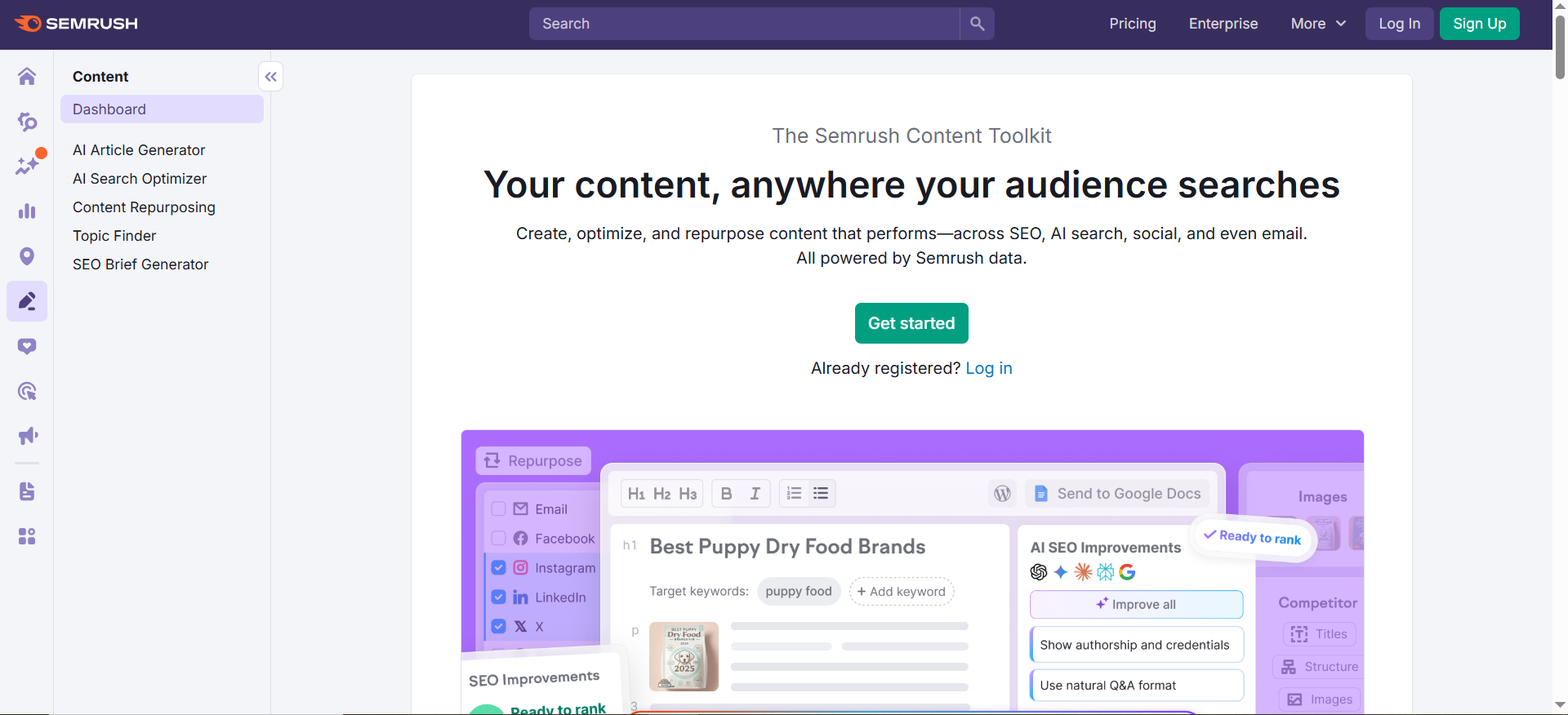
Best for: SEO-driven ecommerce brands building collections/category pages, buying guides, and discovery content.
Key AI features: SEO briefs + AI article generation + optimization; marketed as a toolkit that helps rank in Google and AI search.
Integrations: Exports + CMS workflows (varies).
Free tier: 7-day trial.
Why you’d pick it
- You don’t need an “instant copy.” You need a repeatable SEO publishing system that won’t drift off-topic.
Biggest strengths
- Strong end-to-end workflow when publishing at scale: brief → draft → optimize.
- More defensible than raw AI writing because it’s tied to SEO ops.
Biggest trade-offs (so it doesn’t turn into content bloat)
- Not a one-click ranking button—still needs real positioning + internal linking.
- Can create bloat if you publish pages that don’t improve product discovery.
Use it like this
- Build a “money keyword map” (category → subcategory → product).
- Create briefs for collection pages + buying guides in Semrush Content Toolkit.
- Write human intros + product POV; let AI handle repetitive sections.
- Add internal links: guide → collection → PDP.
4) Jasper
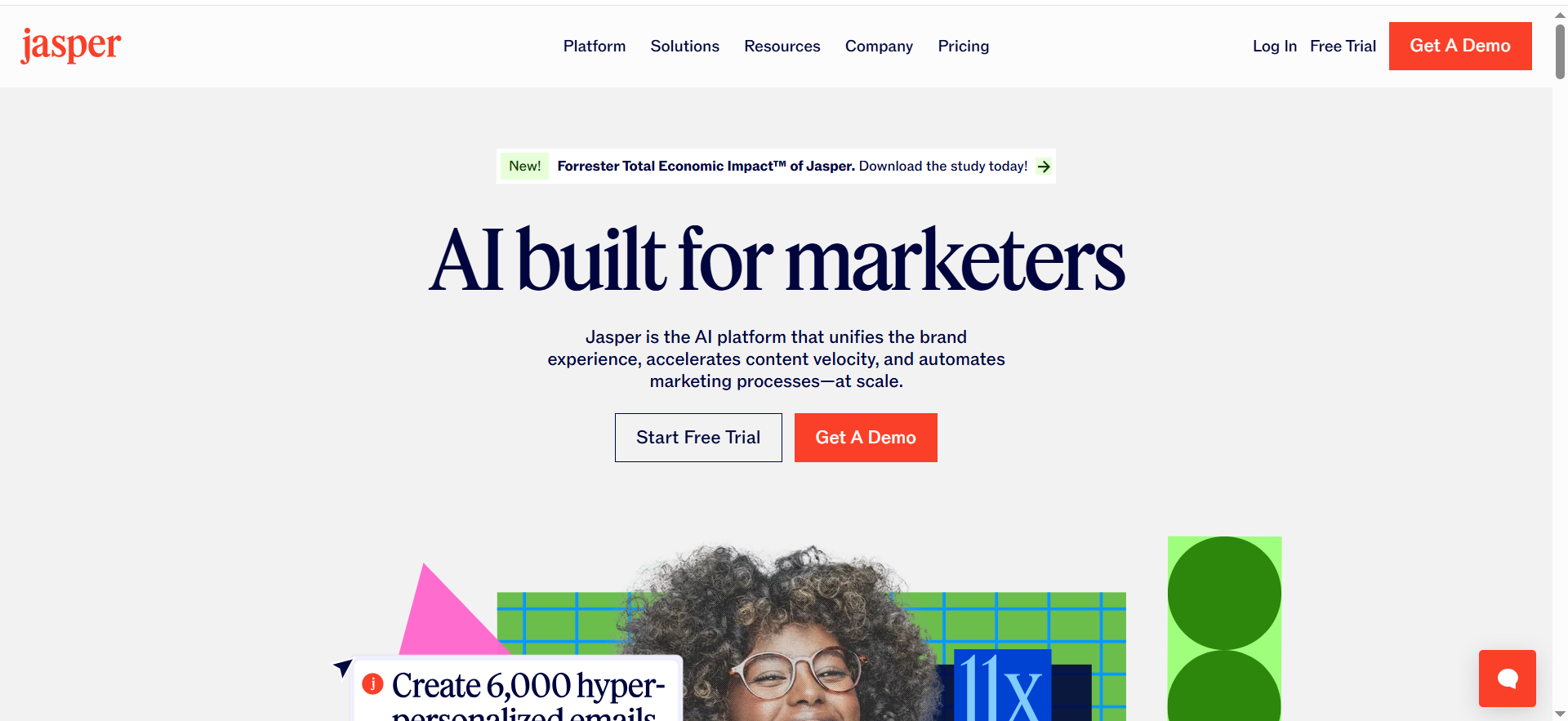
Best for: Teams that care about brand control across ads, email, landing pages, and PDP copy.
Key AI features: Brand voice / settings to keep output consistent.
Integrations: Varies by plan + workflows.
Free tier: 7-day trial for Pro plan.
Why teams buy it (strengths)
- Brand governance is the differentiator: tone, style rules, and guardrails that reduce “random AI voice.”
- Works best when copy is produced by multiple stakeholders and still needs to sound unified.
What to watch (trade-offs)
- Seat costs can add up as the team grows.
- Without clear editorial standards, you’ll still get brand-flavored noise (consistent… but not persuasive)
Use it like this
- Create a brand voice with examples of winning PDPs and ads.
- Save reusable templates: PDP hero, benefit bullets, objection handling, FAQ.
- Create a “launch kit workflow” (email + ad copy + PDP refresh).
- Run weekly: pick 1 collection → refresh 1–2 PDPs → test (headline, bullets, FAQ order).
- This aligns with how conversion rate optimization actually compounds: small, measured iterations.
Image generation for listings
5) Canva (Magic Studio)
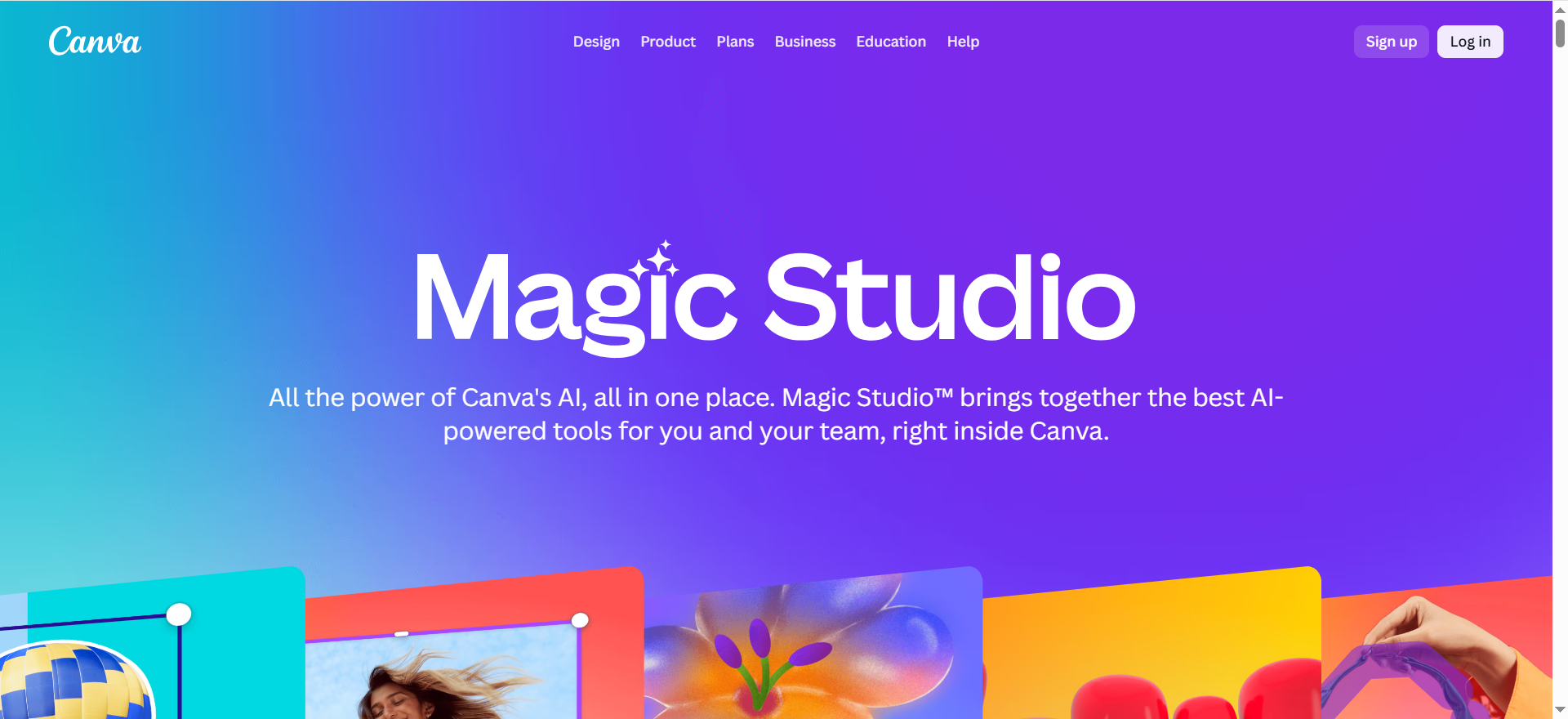
Best for: On-brand creative production for banners, social, and simple product creatives.
Key AI features: Magic Studio tools (Magic Edit/Erase/Expand, Magic Media, etc.).
Integrations: Indirect (export assets, brand kits, templates).
Free tier: Canva Free exists; AI access varies by plan.
Strengths
- Best “non-designer” tool to keep assets consistent with brand templates.
- Great for fast iteration on promos (seasonal, bundles, drops).
Trade-offs
- Not ideal for high-end product realism or complex composites.
- AI limits can be a surprise if you rely heavily on AI features.
Use it like this
- Create 5 reusable promo templates (hero, carousel, story, email banner, PDP badge).
- Use Magic tools to generate variations (headline, layout, background).
- Export consistent sizes for Meta + TikTok + email.
- Keep a “winners folder” for reuse (reduce creative fatigue).
6) Adobe Firefly
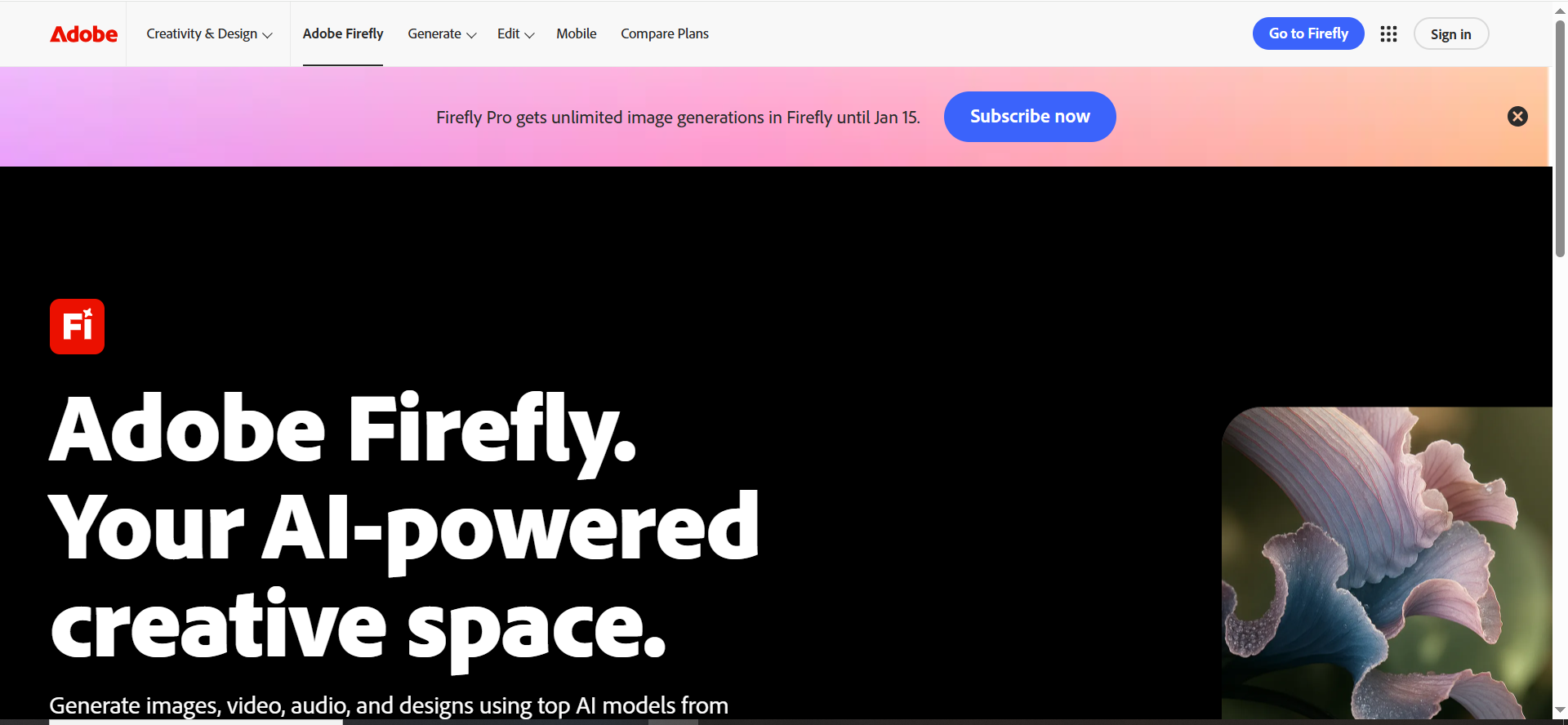
Best for: Brands that want commercial-friendly generation + pro creative workflows.
Key AI features: Image/video generation in Firefly ecosystem; plan comparison lists Firefly tiers and “generative credits” system.
Integrations: Strong if you use Adobe tools (Photoshop, Express, Creative Cloud).
Free tier: Free use exists; paid plans unlock more.
Strengths
- Deep creative suite compatibility.
- Better for teams already in Adobe workflows.
Trade-offs
- Credits-based packaging can be confusing across apps.
- Overkill if you only need background removal and quick listing edits.
Use it like this
- Create 10 “scene prompts” for lifestyle variants (kitchen, gym bag, desk setup).
- Generate backgrounds, then composite product shots (Photoshop/Express).
- Output 3 image sets per SKU: marketplace clean, lifestyle, feature callouts.
- Reuse style presets to keep brand consistency.
7) Photoroom
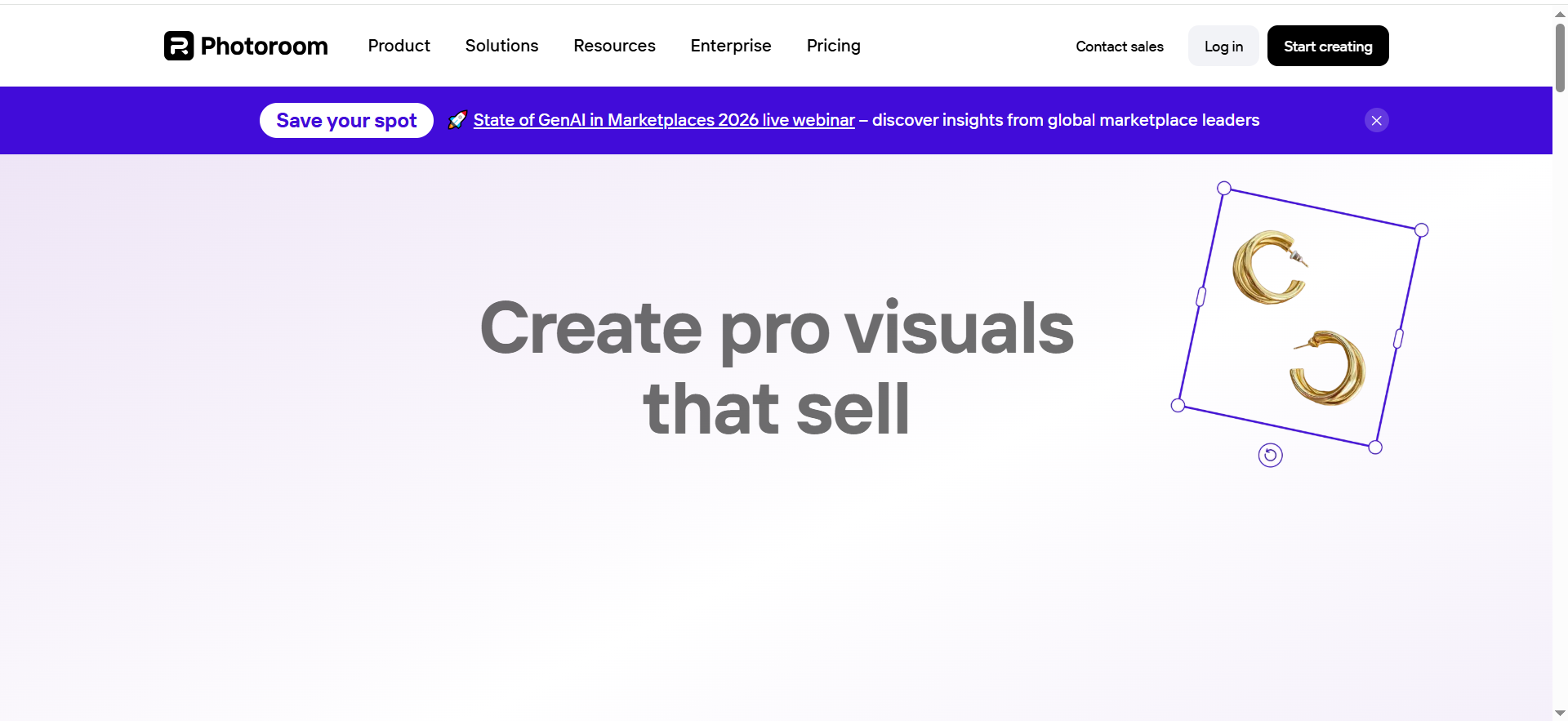
Best for: Marketplace/Shopify sellers who need fast product-photo cleanup and batch exports.
Key AI features: Background removal, retouch, templates; Free plan includes limited AI access and export quota.
Integrations: Web + mobile; dev teams can plug into the Photoroom API (remove background + image editing workflows).
Free tier: Free plan with export limits.
Strengths
- Best “speed-to-listing” tool for cleaning product images.
- Great for teams producing dozens of variants quickly.
Trade-offs
- If you need pixel-perfect art direction, you’ll outgrow it into Adobe.
Use it like this
- Shoot on a simple background (phone is fine).
- Batch background remove + light retouch (dust, glare, edges).
- Lock 1 consistent shadow/reflection style per category (so your grid looks “brand-owned”).
- Export marketplace + social sizes in one go, then rotate creatives monthly to prevent fatigue.
8) Pixelcut
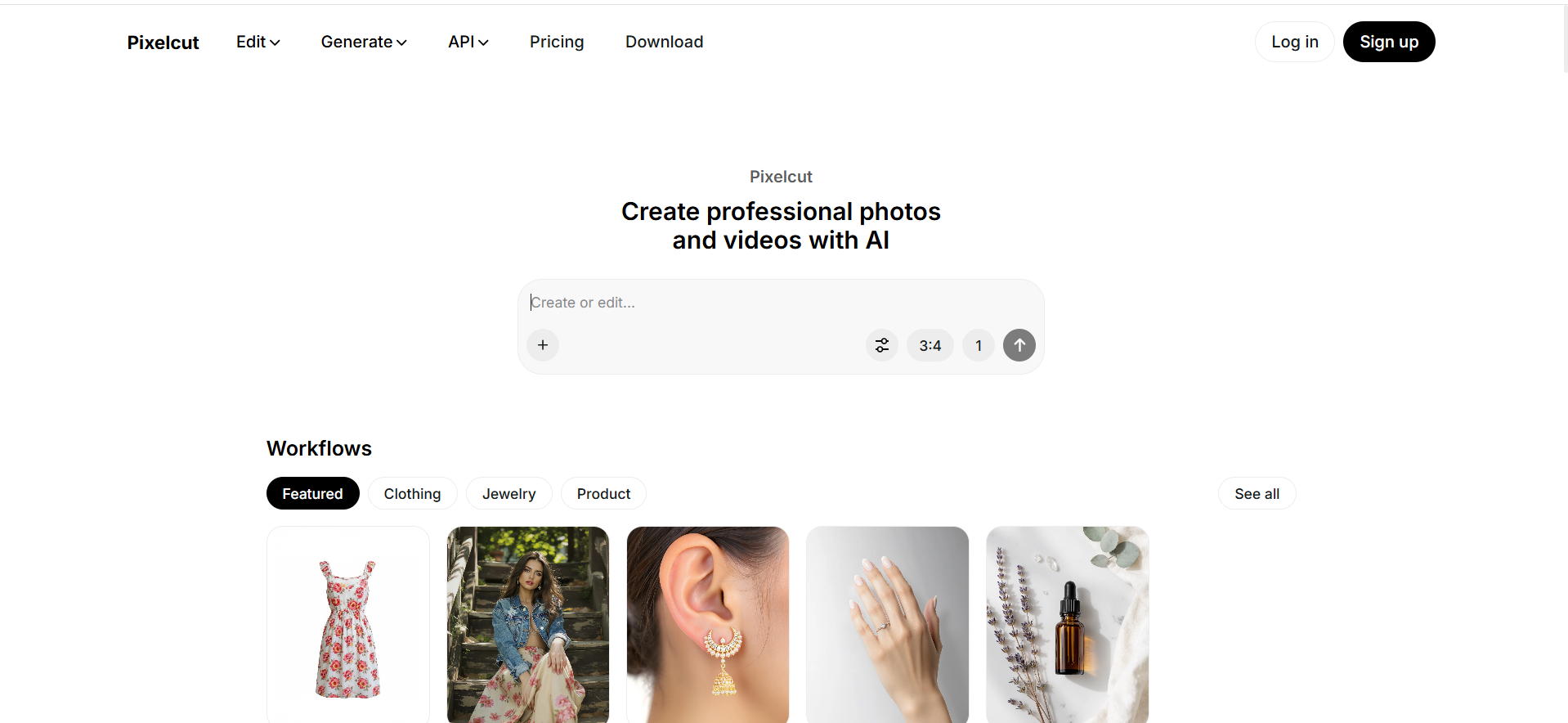
Best for: Quick ecommerce photo edits, batch processing, HD exports.
Key AI features: Background removal, retouch, expand/upscale; Pro unlocks batch and HD exports.
Integrations: Mobile + browser; developers can use the Pixelcut API when you want edits inside your pipeline.
Free tier: Free version exists.
Strengths
- Very fast for operators who don’t want to learn a full design suite.
- Good for “good enough, consistently” product imagery.
Trade-offs
- Less control than Adobe for complex composites or high-end brand visuals.
Use it like this
- Create 3 standard looks: white background, lifestyle, feature callout.
- Batch-edit your top 20 SKUs first (Pareto), then expand to the long tail.
- Refresh creatives monthly to avoid ad fatigue; track CTR + CVR by creative style.
9) Klaviyo
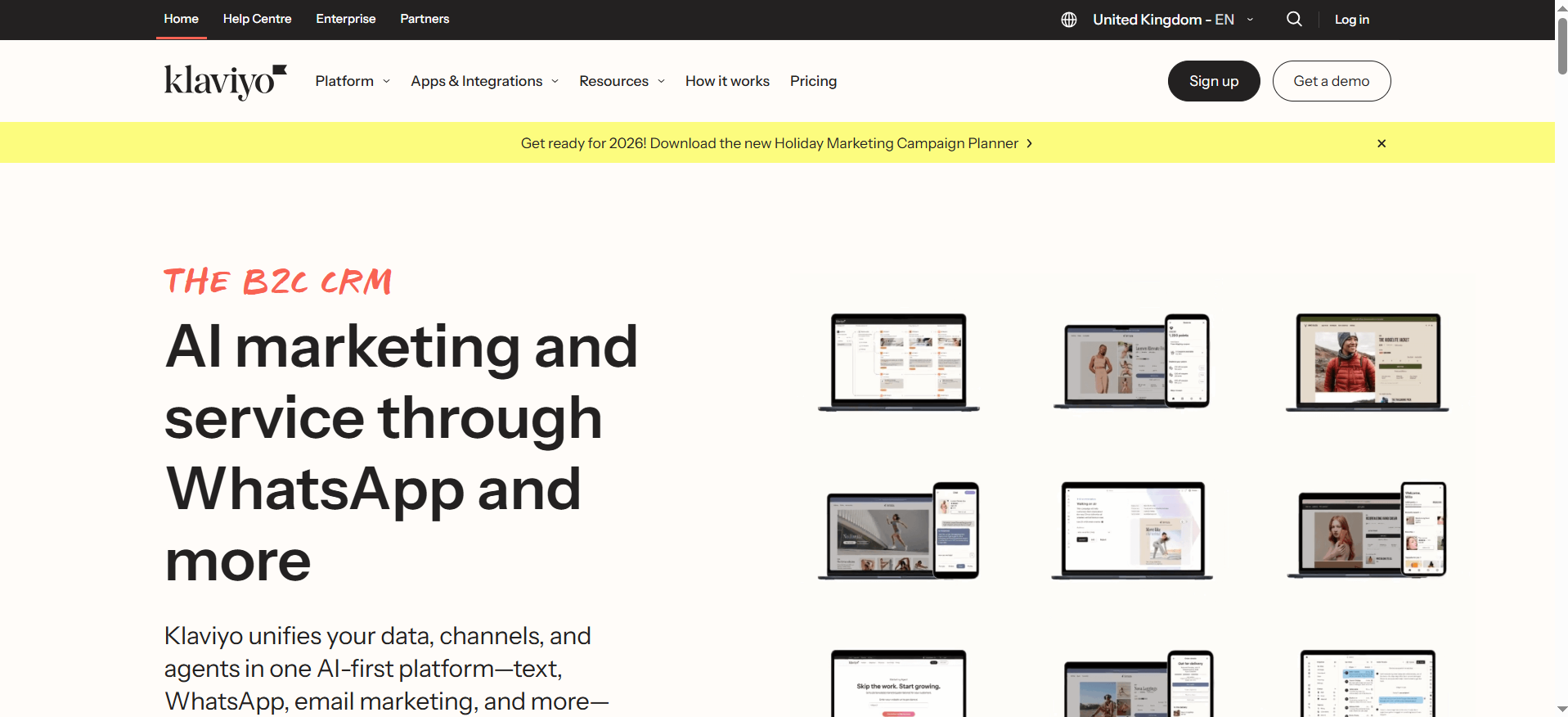
Best for: Ecommerce brands that need deep segmentation + automation tied to customer data.
Key AI features: Klaviyo’s Pricing page calls out Generative AI and a Marketing Agent (plus “350+ built-in integrations”).
Integrations: 350+ built-in integrations
Free tier: Entry/free options exist depending on package (varies).
Strengths
- The “CRM-ish” data layer is why Klaviyo wins (events, segments, personalization).
- Best-in-class lifecycle automation for many ecommerce stacks.
Trade-offs
- Costs climb as contacts grow, forecast that early.
- Easy to build a “flow museum” (lots of flows, mediocre creative) unless you iterate monthly.
Use it like this
- Build the “core 6” flows: welcome, browse, cart, post-purchase, replenishment, winback.
- Use AI for first drafts only; add: proof, objections, and offer logic.
- Run monthly flow sprints: pick 1 flow → improve subject + offer + product blocks.
- Measure revenue per recipient (not open).
10) Omnisend
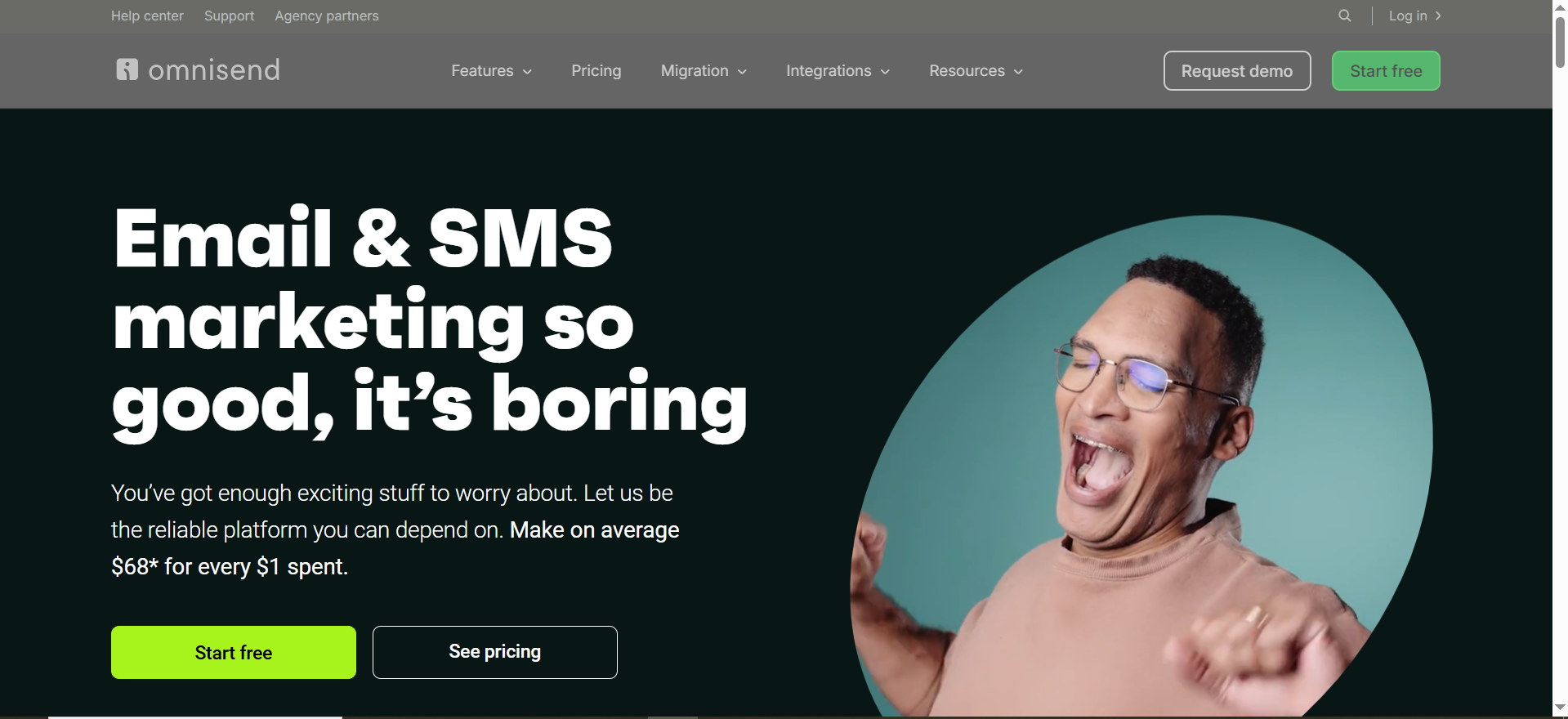
Best for: Ecommerce teams that want email + SMS + push in one platform with a simpler learning curve.
Key AI/automation features: Omnichannel automation focus
Integrations: Strong ecommerce integrations (Shopify, etc.).
Free tier: Free plan exists
Strengths
- Strong value for smaller teams who need omnichannel without complexity.
- Quick time-to-launch for flows.
Trade-offs
- Some brands eventually “graduate” into Klaviyo when segmentation needs to get advanced.
Use it like this
- Launch welcome + cart abandon + post-purchase first.
- Add SMS only where it matters: abandon cart, shipping updates, VIP drops.
- Build a “promo calendar” with reusable blocks and dynamic product picks.
- Review deliverability monthly (list hygiene is non-negotiable).
11) Postscript
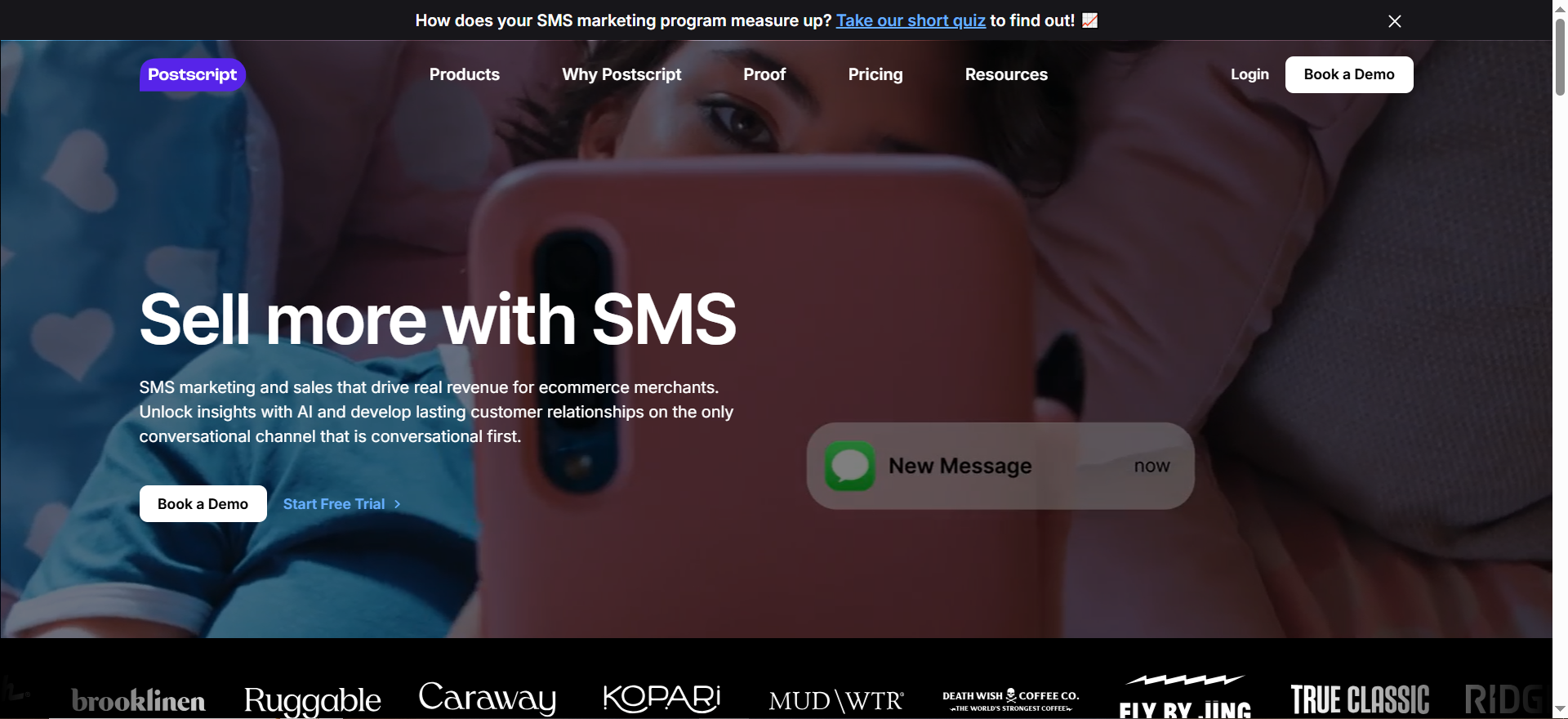
Best for: Shopify-first brands that want SMS to be a profit center, not a side channel.
Key AI features: Positioned as AI that learns/adapts for higher ROI messaging.
Integrations: Shopify native.
Free tier: 30-day free trial
Strengths
- Shopify-native workflows + SMS focus.
- Strong for list growth + abandon flows when offers are tight.
Trade-offs
- SMS fatigue is real; without testing and segmentation, you’ll burn trust fast.
- Compliance and consent management require rigor.
Use it like this
- Set opt-in moments: checkout, post-purchase, quiz, back-in-stock.
- Build 3 flows: abandon checkout, shipping exception, winback.
- Segment by margin and purchase frequency (protect profit).
- Rotate creative: 2 messages/month per segment, max; unless buyers opt into more.
To keep SMS from becoming noise, run it like A/B testing: one variable at a time (offer vs hook vs timing), then lock winners.
12) Attentive
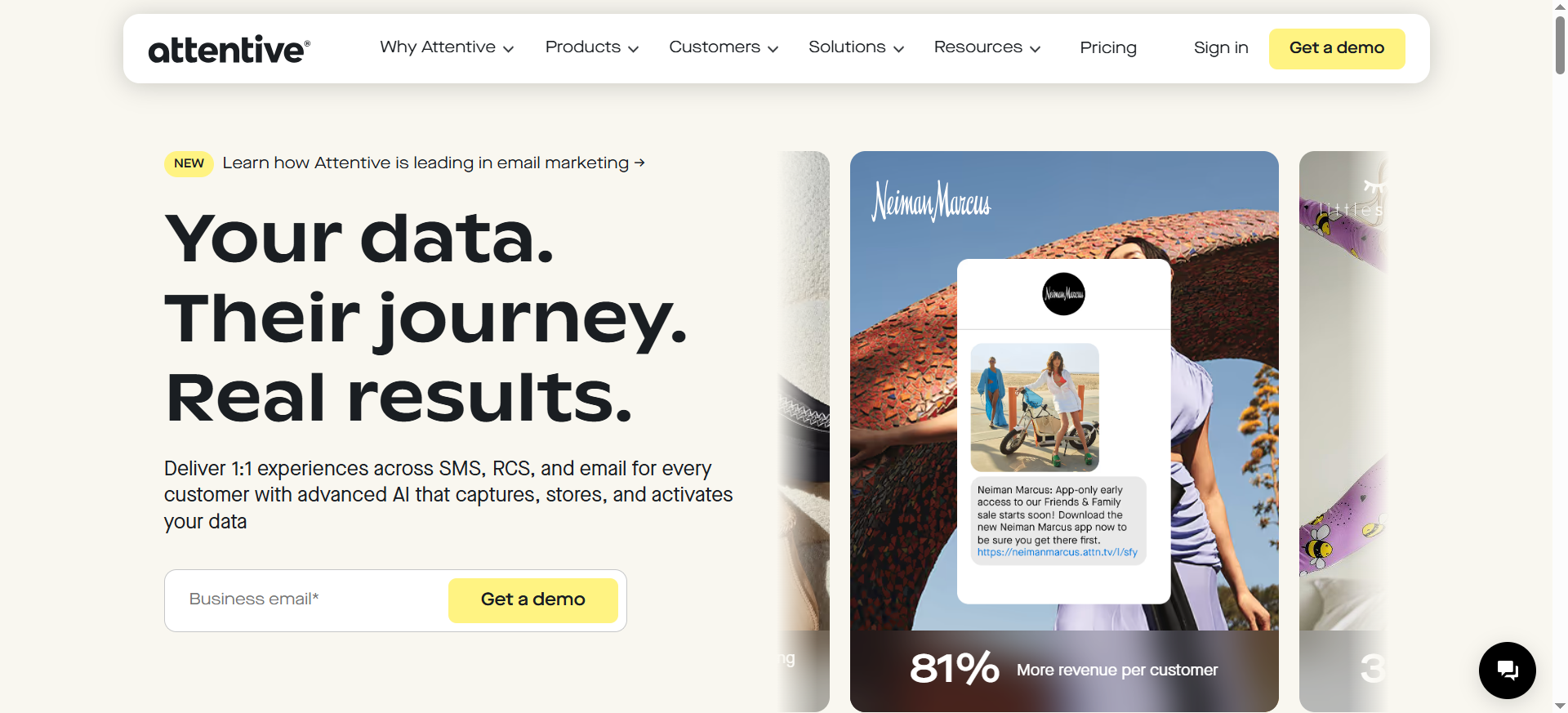
Best for: Larger brands needing enterprise messaging across SMS/RCS/email with advanced data activation.
Key AI features: Marketed as AI-powered messaging and 1:1 experiences across channels.
Integrations: Enterprise ecosystem (varies).
Free tier: Typically demo/quote.
Strengths
- Strong enterprise posture (deliverability, scale, support).
- Good if you need multi-channel orchestration and governance.
Trade-offs
- Not built for “I need a cheap SMS tool this week.”
Use it like this
- Map your lifecycle events (VIP, churn risk, replenishment).
- Personalize by product interest + predicted timing.
- Use RCS where available for richer experiences.
- Hold out a control group, prove incrementality.
13) Airpost
Best for: Ecommerce brands that want AI-assisted video ads with hands-on creative support, rather than self-serve catalog copy generation.
Key AI features: AI-generated ad creation with expert-managed creative strategy; positioned as a “no prompting required” workflow.
Why you’d pick it
Your pain isn’t writing product copy. It’s producing ad creative fast without building a full internal creative engine.
Biggest strengths
- Managed service angle is the differentiator if you want outcomes, not another prompt box.
- Strong fit for teams that want AI-assisted ad production with strategic oversight.
Biggest trade-offs (read this before you blame the tool)
This does not look like the right pick for bulk SKU description generation.
If you need structured product titles, descriptions, and tags pushed across a large catalog, you’ll likely want a catalog-copy tool instead.
Use it like this
- Start with a creative brief and performance goals.
- Use Airpost to generate and refine ad concepts.
- Review outputs with your team, then iterate on winners rather than treating it as a catalog-enrichment workflow.
14) AdCreative.ai
Best for: Small teams needing lots of ad variations quickly.
Key AI features: Creative generation at volume; pricing tiers widely listed.
Integrations: Export into ad platforms (varies).
Free tier: Free trial available (per listing).
Strengths
- If you struggle with “creative throughput,” it’s a quick fix.
- Useful for ideation + iteration, not just final assets.
Trade-offs
- Output quality depends on your prompts, brand kit, and source assets.
- Easy to spam variants without learning what actually works.
Use it like this
- Feed it: 10 product images + 5 brand examples + 3 winning angles.
- Generate 50 variants, then shortlist 10 manually (brand QA).
- Test 3 hooks × 3 formats × 2 CTAs.
- Keep a “winners library” of angles, not just images.
15) Marpipe
Best for: Brands running catalog / dynamic product ads who want control of the creative layer.
Key AI features: Positions around improving creativity for DPAs, feed enrichment, and scalable catalog creative workflows.
Integrations: Shopify app + feeds.
Free tier: Shopify app is “free to install” (verify plan needs).
Strengths
- Makes DPAs feel less like “feed spam,” more like designed ads.
- Great when you have many SKUs and need structured testing.
Trade-offs
- You still need testing discipline: hypotheses, naming, budgets, and iteration cadence.
Use it like this
- Enrich feed fields: benefit line, use case, margin tier, inventory status.
- Build 3 creative templates: discount, new arrival, best seller social proof.
- Run creative tests by category (not whole catalog at once).
- Promote winners into evergreen templates.
16) Smartly.io
Best for: Enterprise teams orchestrating creative + media across channels (multi-market, many approvals, high volume).
Key AI features: Marketed as an AI advertising platform that speeds cross-channel ad building.
Integrations: Broad ad ecosystem.
Free tier: Varies.
Strengths
- Built for scale: processes, approvals, multiple markets, many channels.
- Great when creative ops (not ideas) is the bottleneck.
Trade-offs
- Often overkill under meaningful spend/complexity.
- Implementation overhead.
Use it like this
- Centralize brand templates + localization rules.
- Use modular creative blocks tied to catalog fields.
- Automate resizing + placements across channels.
- Use performance learnings to update templates monthly.
17) Nosto
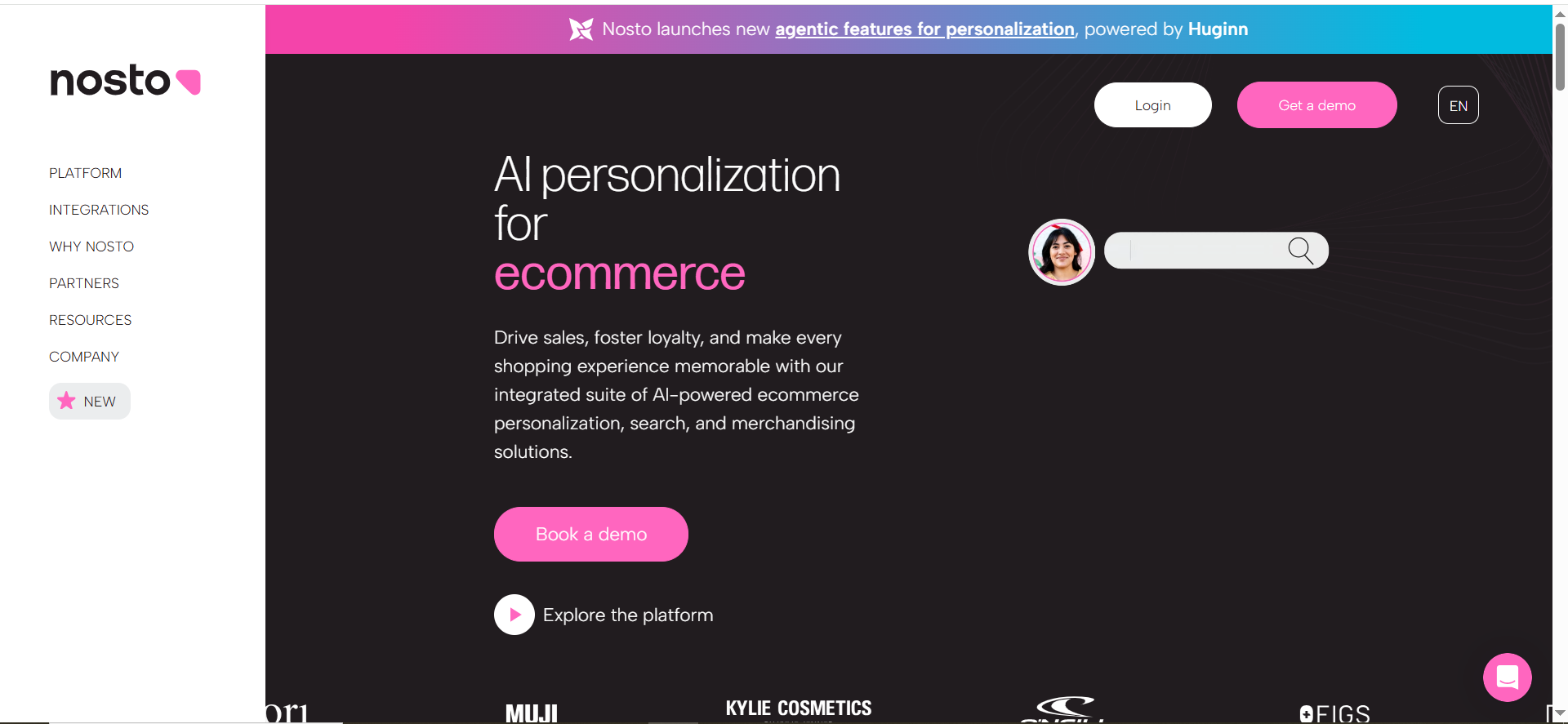
Best for: Ecommerce personalization that touches recommendations, merchandising, and discovery.
Key AI features: Product recommendations and predictive AI positioning.
Integrations: Shopify ecosystem
Free tier: Typically demo/quote.
Free tier: Typically Demo/quote
Strengths
- Direct line to revenue levers: product discovery + upsell/cross-sell.
- Strong when you have enough traffic/data to learn patterns.
Trade-offs
- Needs setup and ongoing merch strategy (it’s not a magic widget).
- Can be expensive if you only use 10% of capabilities.
Use it like this
- Start with 3 placements: PDP “You may also like,” cart upsell, homepage trending.
- Add business rules (margin, inventory, excluded collections).
- Run a monthly “merch review”: replace underperforming placements.
- Measure lift vs control.
18) Dynamic Yield
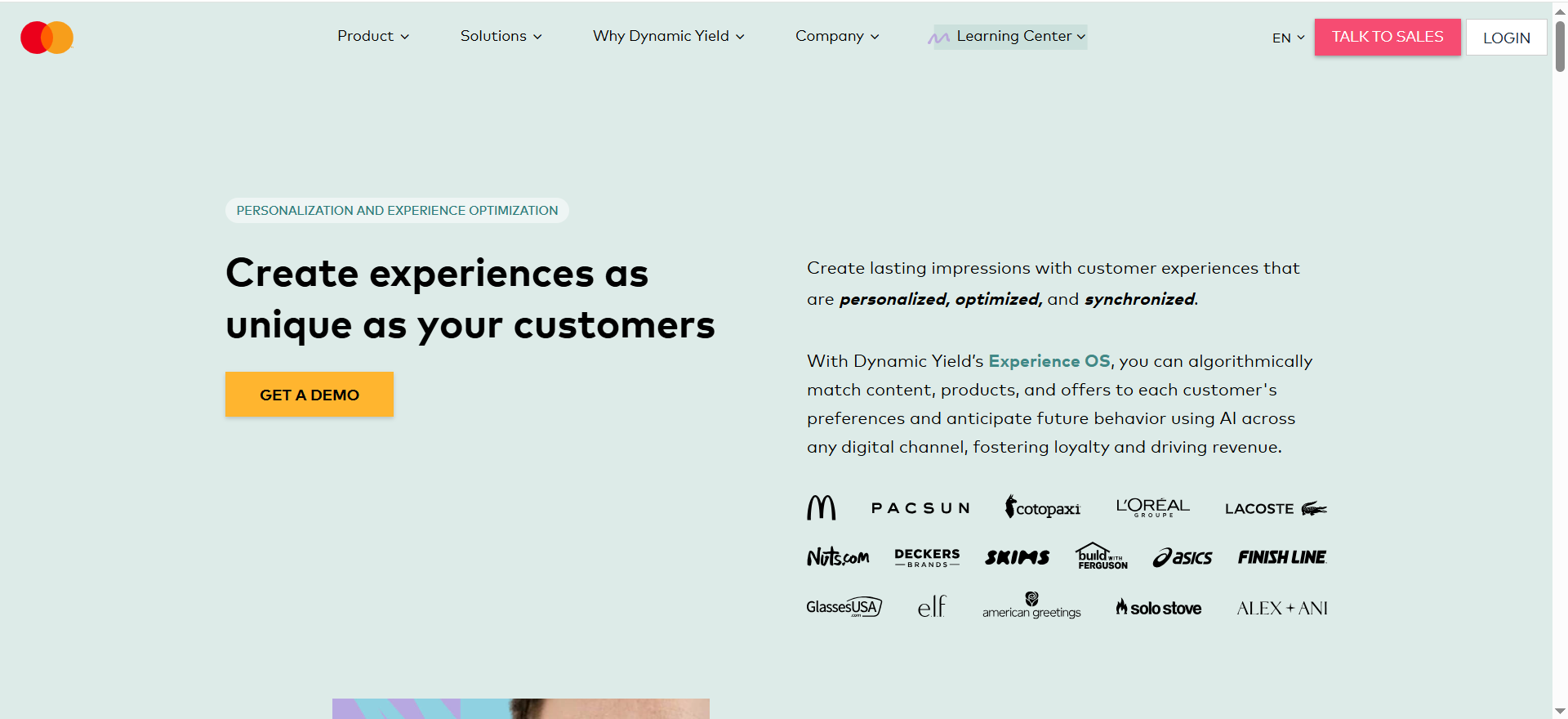
Best for: Teams that want personalization + experimentation (testing) across experiences.
Key AI features: AI-driven matching of content/products/offers across channels.
Integrations: Platform-dependent; often enterprise implementations.
Free tier: Demo/quote
Strengths
- Powerful decisioning + testing approach.
- Strong for mature teams who want a personalization “operating system.”
Trade-offs
- Needs technical resources and a testing roadmap.
- If you don’t run experiments, you won’t capture value.
Use it like this
- Define 3 “moments”: first visit, returning browse, cart.
- Personalize one element per moment (headline, product block, offer).
- Test 2 variants + holdout.
- Roll winners into always-on logic.
19) Algolia (AI Search + Recommendations)
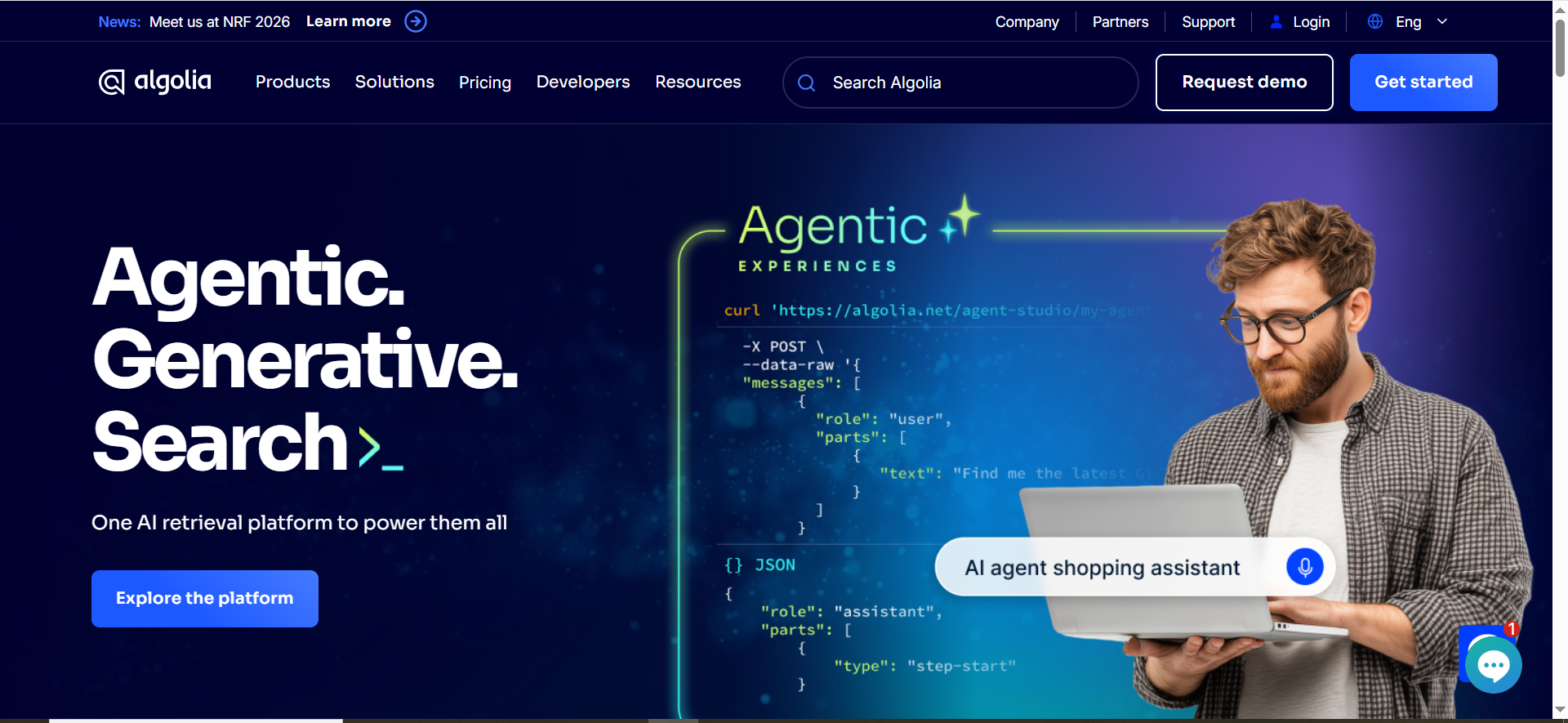
Best for: Brands where on-site search and discovery materially impact revenue.
Key AI features: Hybrid keyword + vector/semantic search (AI Search); AI Recommendations product.
Integrations: Shopify app + API-first.
Free tier: Shopify app shows free usage thresholds and overages.
Strengths
- If search is bad, nothing else matters, Algolia can be a real unlock.
- Strong for large catalogs, synonyms, and relevance tuning.
Trade-offs
- Costs scale with records/requests; requires monitoring
- Needs thoughtful taxonomy and relevance tuning.
Use it like this
- Fix taxonomy: attributes, synonyms, collections, “common misspellings.”
- Ship AI searches for top categories first.
- Add “no results” recovery: recommended products, collections, guides.
- Track: search conversion rate + revenue per search session.
20) Gorgias
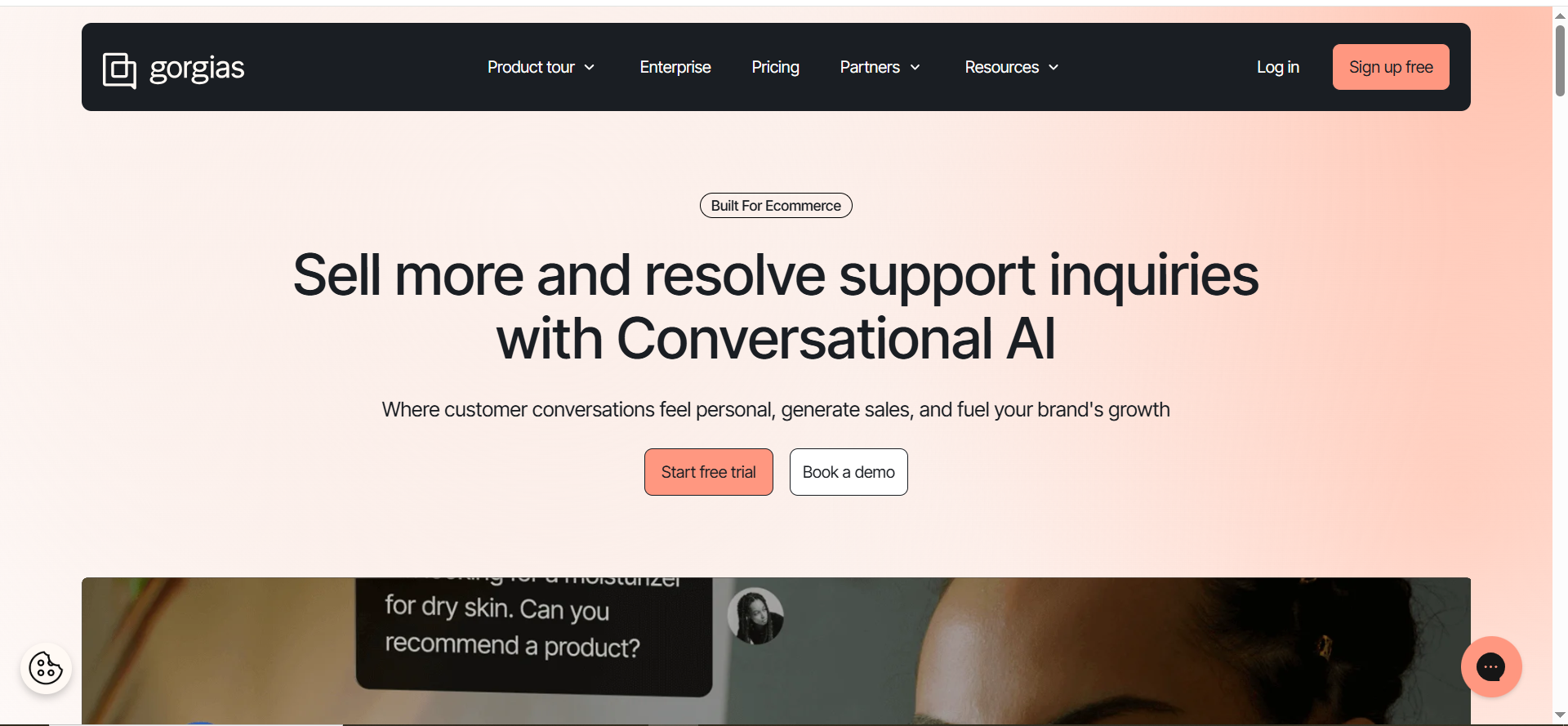
Best for: Shopify brands that want support automation + sales assist in one help desk.
Key AI features: AI Agent trained on store policies/data; AI Agent pricing per interaction listed.
Integrations: Shopify-native helpdesk + stack integrations.
Free tier: Free trial available; Shopify app lists “from $10/month.”
Strengths
- “Built for Shopify” is real, order info, macros, and workflows fit ecommerce.
- Can reduce repetitive tickets and support pre-purchase conversion.
Trade-offs
- AI costs can be surprising if you don’t manage deflection intelligently.
- Needs a clean knowledge base (returns, shipping, sizing).
Use it like this
- Write 15 “gold answers” (returns, shipping, warranty, sizing, order edits).
- Train AI Agent on policies + FAQs; set boundaries (when to escalate).
- Add sales skills: product recs for common intents.
- Review weekly: deflection rate + CSAT + refund/save rate.
21) Intercom (Fin)
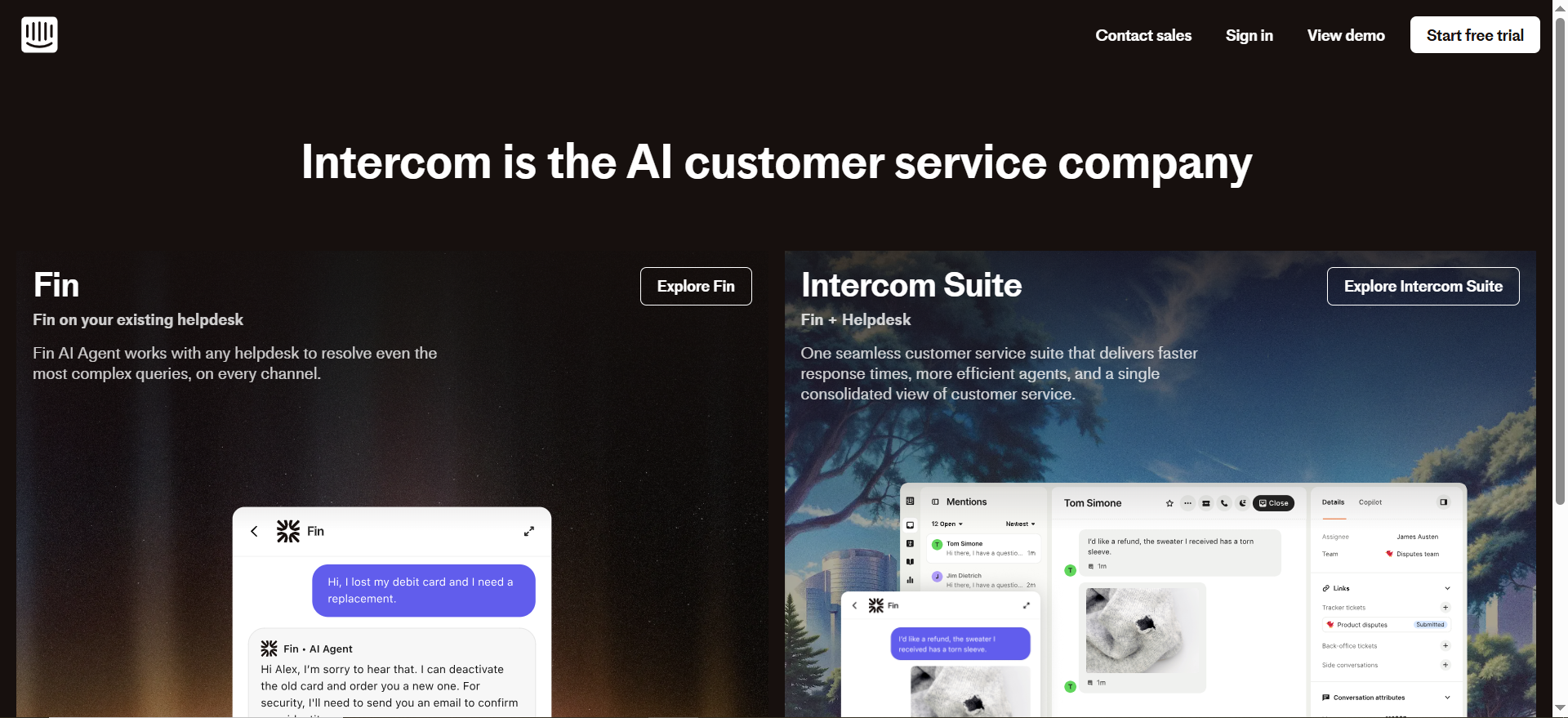
Best for: Teams that want an AI agent with resolution-based pricing and strong service workflows.
Key AI features: Fin AI Agent priced at $0.99 per resolution (plus seats).
Integrations: Can be used with existing helpdesks (not just Intercom).
Free tier: Trial available.
Strengths
- Clear cost-per-outcome model.
- Strong ecosystem for customer messaging.
Trade-offs
- High volume can get expensive; you need strong self-serve to keep “resolutions” efficient.
- Requires careful definition of what should count as a “resolved” interaction.
Use it like this
- Start with low-risk intents: order status, returns, shipping policy.
- Add account-based routing for VIPs.
- Use Fin for deflection; route edge cases to humans fast.
- Monitor: cost per resolution vs agent time saved.
22) Yotpo (Reviews + retention ecosystem)
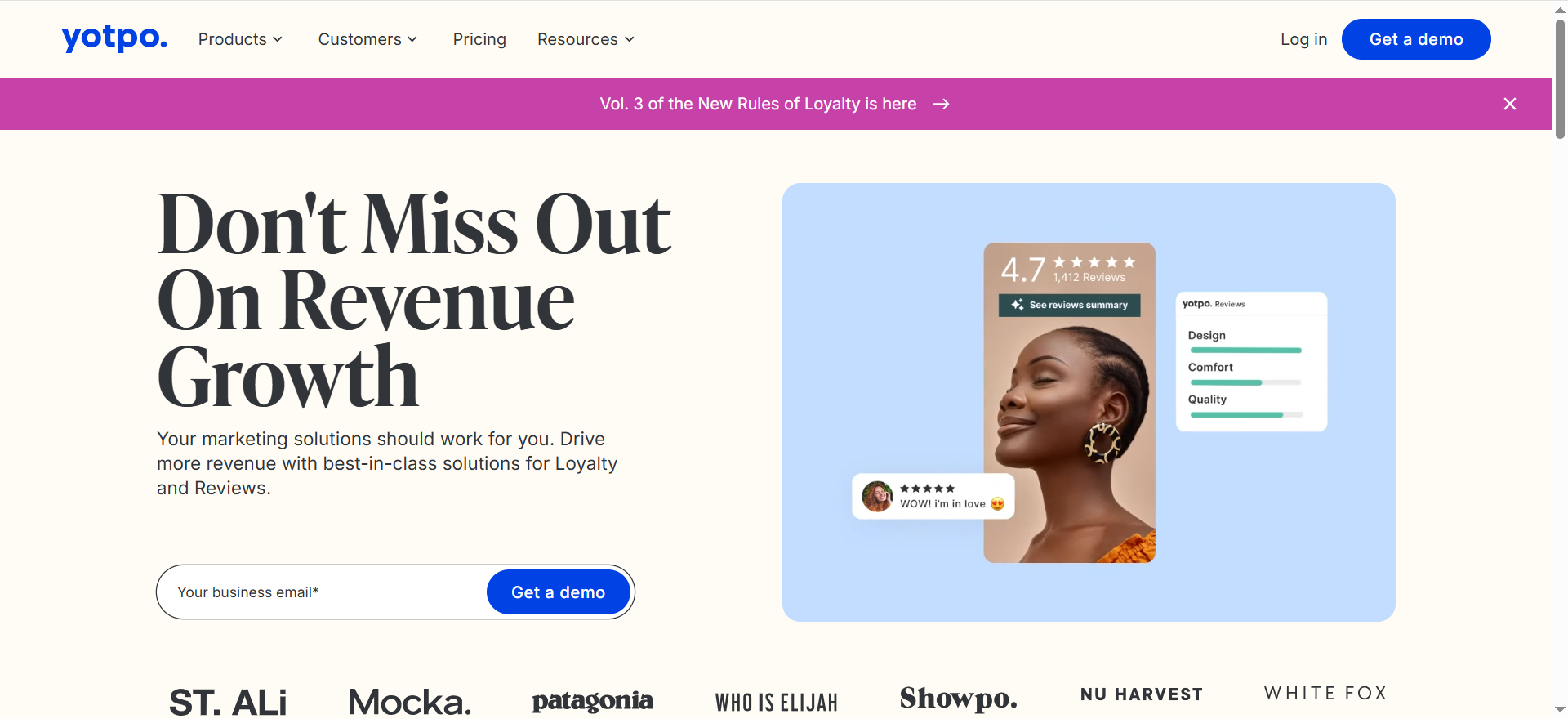
Best for: Brands treating reviews/UGC as a conversion and repeat-purchase lever.
Key capabilities: Reviews + retention stack positioning is frequently cited by users (reviews, loyalty, email/SMS depending on package).
Integrations: Shopify ecosystem.
Free tier: Varies by product.
Strengths
- Reviews drive conversion (trust), and UGC fuels ads/email creative.
- Consolidation can reduce tool sprawl for some stacks.
Trade-offs
- Suite pricing can feel heavy if you only need one module.
- Operational success depends on review generation strategy (post-purchase timing, incentives, moderation).
Use it like this
- Trigger review request at “product delivered + usage window.”
- Segment: first-time buyers vs repeat buyers (different messaging).
- Reuse top UGC in ads + PDP galleries + email blocks.
- Track impact the right way: CVR lift on PDPs with UGC vs without (hold a baseline).
What to evaluate before you pick tools (revenue levers + checklist)
Before you buy anything, use this simple evaluation frame:
1) Product discovery (findability + relevance)
If buyers can’t find the right product fast, nothing downstream matters.
Evaluate tools on whether they:
- Improve on-site search and product recommendations (not just keyword matching)
- Help you ship SEO-ready category pages and product copy at scale, not one-offs
- Connect cleanly to your catalog feed (attributes, variants, inventory)
2) Conversion rate (clarity + trust + friction removal)
Traffic doesn’t convert because pages are vague, unconvincing, or slow to answer objections.
Evaluate tools on whether they can:
- Produce benefit-led PDP content that matches how real buyers decide
- Generate high-quality listing imagery quickly without breaking brand consistency
- Reduce support friction (order status, returns, sizing, FAQs) before checkout
Conversion gains come from clarity + trust, not clever copy. This is the same principle we apply in CRO-focused product-led content.
3) AOV (upsells + merchandising + bundles)
AOV doesn’t increase by “adding recommendations.” It increases when offers feel relevant and timely.
Evaluate tools on whether they:
- Support cross-sell and upsell logic (rules + learning, not just “related products”)
- Personalize bundles or offers without being creepy or breaking compliance
If a tool can’t explain why it’s showing an upsell, it’s probably guessing, and guessing rarely lifts revenue.
4) Repeat purchases (flows + feedback loops)
Retention is where AI tools usually overpromise and underdeliver.
Evaluate tools on whether they can:
- Power core lifecycle flows: welcome, browse abandon, cart abandon, post-purchase, winback
- Turn reviews and UGC into conversion assets, not just star ratings
Strong repeat purchase systems rely on feedback loops, not blast campaigns; an approach aligned with answer-engine–ready content and trust signals.
The “don’t get burned” checklist
Most tool regret comes from ignoring these basics:
- Integrations: Shopify, Klaviyo, Meta, Google Merchant feed, GA4, helpdesk
- Data quality: clean product attributes, variants, inventory, pricing
- Control: brand voice, prompt templates, approvals, permissions
- Cost model: seats vs usage vs “per resolution” vs surprise credit limits
- Compliance: SMS consent, GDPR/CCPA, ad platform policies
- Workflow fit: who owns this weekly, and what gets deprioritized?
If no one owns the tool operationally, it becomes shelfware.
FAQ
What are the best AI marketing tools for ecommerce in 2026?
Which AI tools help most with ecommerce conversion rate (CVR)?
Are AI-generated product descriptions bad for SEO?
What should I automate first: ads creative or email flows?
How do I avoid “generic AI creative” that hurts my brand?
Do I need personalization tools if I’m under 50k sessions/month?
How do I choose the right tools without buying the wrong stack?
Work backwards from one KPI (CVR, AOV, repeat rate, or discovery). Shortlist tools that directly influence that lever, then evaluate integrations, cost model, and operational ownership.
If you’re a tool vendor and want to be included (or updated) in this list, contact us at [email protected].


