
- Best for in-person team conversations: DeepL Voice (Conversations); real-time captions, privacy-forward, built for frontline workflows.
- Best “works almost anywhere” option: Google Translate (Conversation mode); broad language coverage and the easiest default.
- Best privacy-first for Apple-standardized teams: Apple Live Translation with AirPods; designed to start quickly from AirPods/Translate.
- Best travel/onsite hardware: Timekettle X1; dedicated interpreter hub + multi-person modes for field and events.
- Best for product/SDK integration: Azure AI Speech Translation (Speech SDK); real-time speech translation for streaming audio in apps.
📋 Get Listed / Advertisement
We update this AI tool guide monthly. Want your tool featured? Contact us: [email protected]
Best tools (quick comparison)
| Tool | Best for | Why it wins |
|---|---|---|
| DeepL Voice (Conversations + Meetings) | Frontline + meetings | On-device option for conversations; Teams/Zoom meeting layer |
| Google Translate (Conversation mode) | General live conversations | Broad language coverage; fastest to deploy |
| Apple Live Translation with AirPods | Apple-first, privacy-sensitive teams | Low-friction AirPods workflow; Apple ecosystem |
| Timekettle X1 (Interpreter Hub / earbuds) | Travel + onsite events | Dedicated hardware; multi-person modes |
| Azure AI Speech Translation (Speech SDK) | Product integration (SDK/API) | Real-time speech translation for audio streams; enterprise-ready surface |
📋 Get Listed / Advertisement
We update this AI tool guide monthly. Want your tool featured? Contact us: [email protected].
1. DeepL Voice (Conversations + Meetings)

What it does
DeepL Voice provides real-time speech translation through translated captions. DeepL markets an on-device, privacy-forward experience for in-person conversations and a meeting workflow for Teams/Zoom.
Why teams use it
Teams use it when they need a repeatable workflow (frontline or meetings) and want stronger business/privacy posture than consumer apps.
Best for
Frontline/field teams, onsite onboarding, implementations, global teams running recurring meetings.
When it’s a good fit
You need a structured rollout (admin controls, policies) and your language set is within DeepL Voice availability.
When it’s not a good fit
You need maximum language breadth across long-tail languages today, or you require speech-to-speech voice output rather than captions.
How to use it
Start with a 5-session pilot: (1) validate your top 5 languages, (2) test 2 noisy + 2 normal environments, (3) document the in-person and meeting workflows, then roll out to the most multilingual teams first.
Key capabilities
- Real-time translated captions for in-person conversations
- Meeting translation layer for Teams/Zoom
- Privacy-forward positioning for on-device conversation workflows
Pricing
DeepL Voice pricing is tailored to each customer’s needs and is available by quote through DeepL sales.
Free tier?
DeepL Voice doesn’t publicly offer a free tier; you’ll need to contact sales for a demo and quote.
Downsides / limitations
Language availability for the Voice feature can differ from standard text translation; validate early. For some use cases, captions are enough, for others you may need full speech-to-speech output.
2. Google Translate (Conversation mode)
What it does
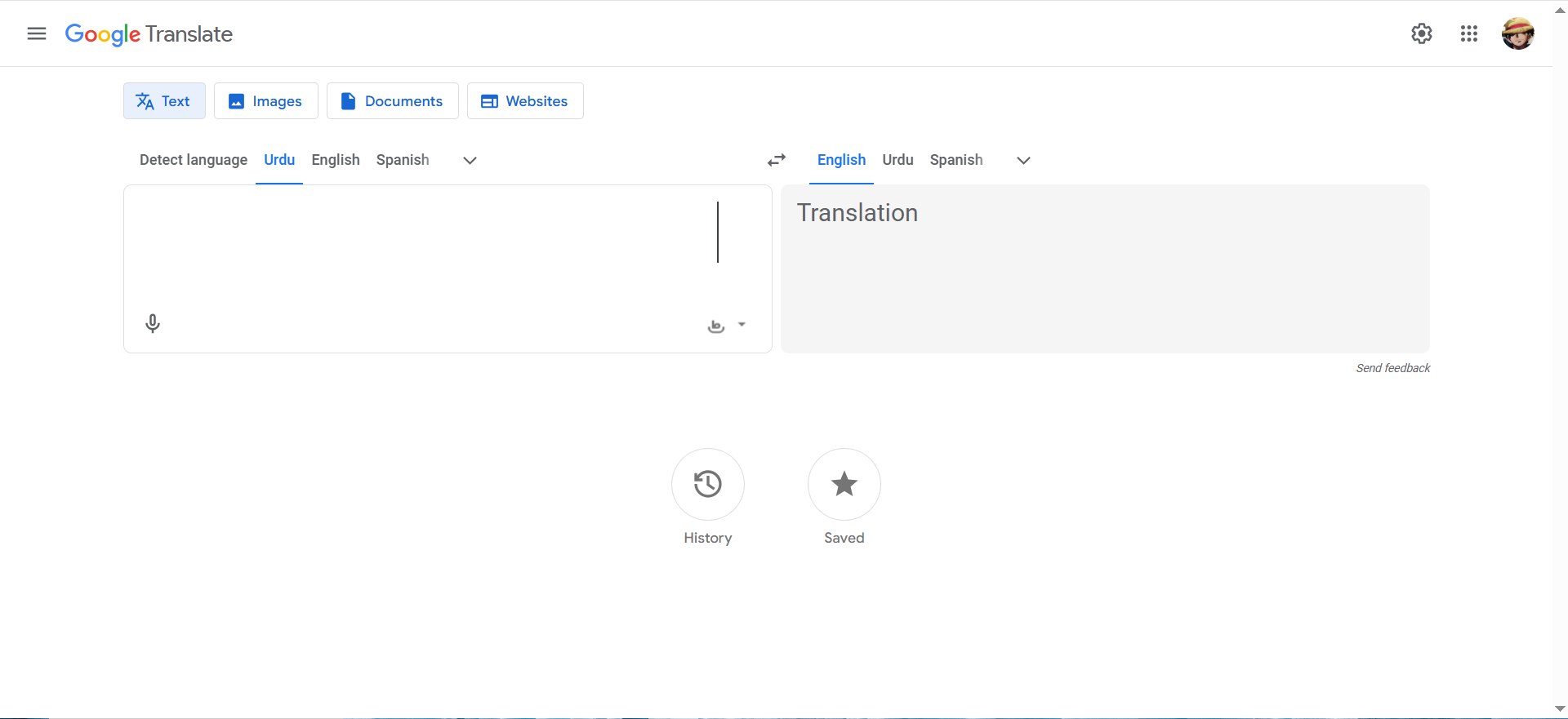
Google Translate remains the fastest “works anywhere” option for live, face-to-face conversations on mobile devices, with a conversation-style workflow.
Why teams use it
It wins on availability and broad language coverage, which is why it is the default for travel and ad-hoc team needs.
Best for
Individuals and small teams who need quick coverage across many languages; travel-heavy prospecting or fieldwork.
When it’s a good fit
You need something deployed today with minimal setup and you are not under strict enterprise governance constraints.
When it’s not a good fit
You need enterprise controls, SSO, strict retention guarantees, or formal privacy/compliance commitments for customer conversations.
How to use it
Standardize: (1) which conversation mode to use, (2) mic placement and turn-taking, and (3) a “do not use for” list (legal/medical/high-stakes) unless validated.
Key capabilities
- Mobile-first conversation workflow
- Broad language coverage
- Low friction for pilots
Pricing
Google Translate (including Conversation mode) is free to use in the consumer app.
Free tier?
Google Translate offers a free tier (it’s free).
Downsides / limitations
Privacy posture depends on the workflow and policy; treat consumer translation as distinct from enterprise-grade controls.
3. Apple Live Translation with AirPods
What it does
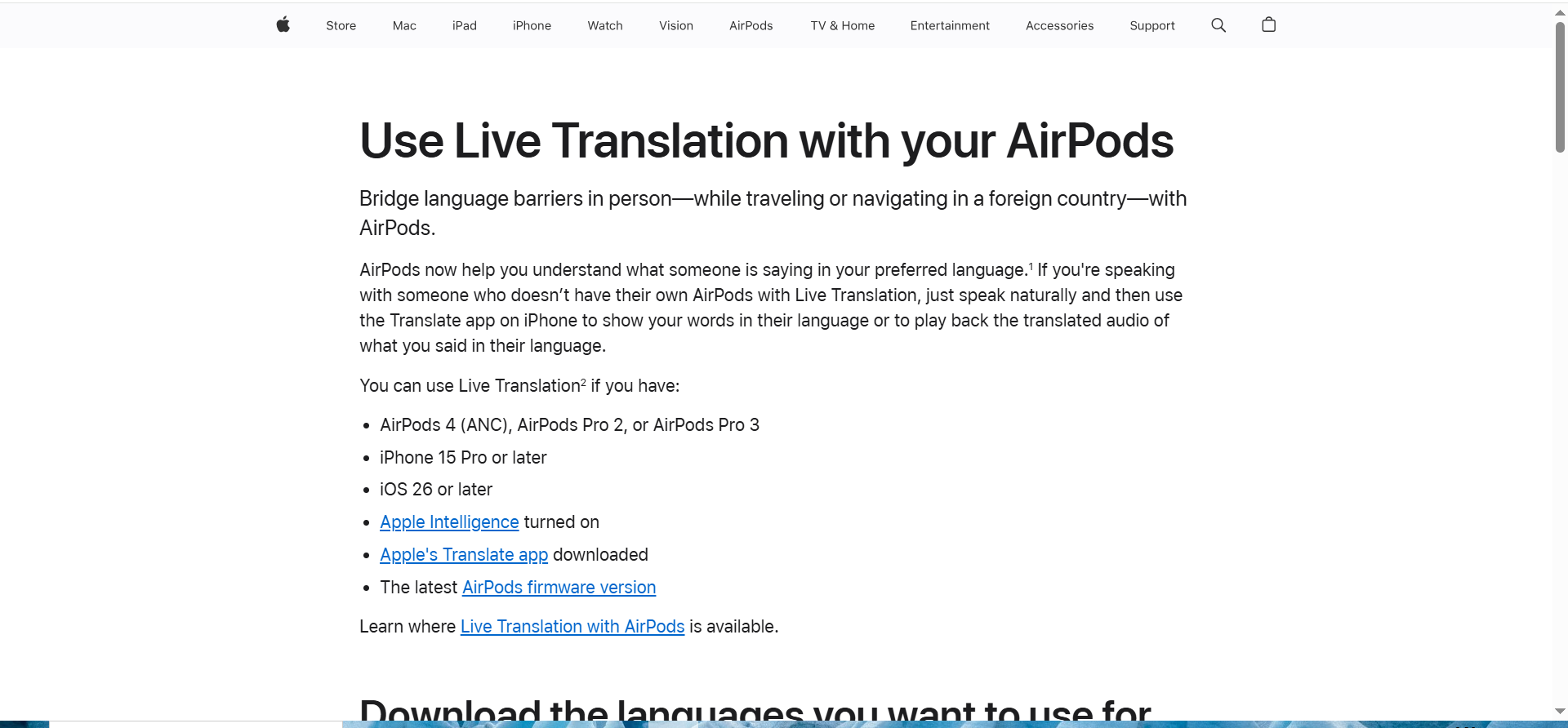
Apple provides Live Translation that can be started from the Translate app, Siri, or AirPods gestures for supported devices and languages.
Why teams use it
It’s compelling when your team is already standardized on iPhone and supported AirPods and you want a low-friction, privacy-forward workflow inside the Apple ecosystem.
Best for
Apple-first orgs; privacy-sensitive travel and onsite conversations where a simple UX matters.
When it’s a good fit
Your required languages are supported and your device fleet meets Apple requirements (iOS + Apple Intelligence + supported AirPods models).
When it’s not a good fit
You need cross-platform rollout across mixed devices, or you need broad language coverage beyond Apple’s current Live Translation set.
How to use it
Pilot with 10 users: document “how to start” (Action button, AirPods gesture, or Translate app), test your 3 most common scenarios, then create a 1-page SOP for the team.
Key capabilities
- Start Live Translation from Translate/Siri/AirPods gesture
- Strong ecosystem UX for iPhone + AirPods
- Good option for privacy-sensitive teams (validate requirements)
Pricing
Apple Live Translation is included as an Apple ecosystem feature—there’s no separate paid app price, but you need compatible AirPods and an iPhone that supports the feature.
Free tier?
Apple Live Translation isn’t a separate subscription, but it isn’t a standalone free tier either, it’s available with compatible Apple devices.
Downsides / limitations
Feature availability varies by region, language, and device; verify before committing.
4. Timekettle X1 (Interpreter Hub / earbuds)
What it does
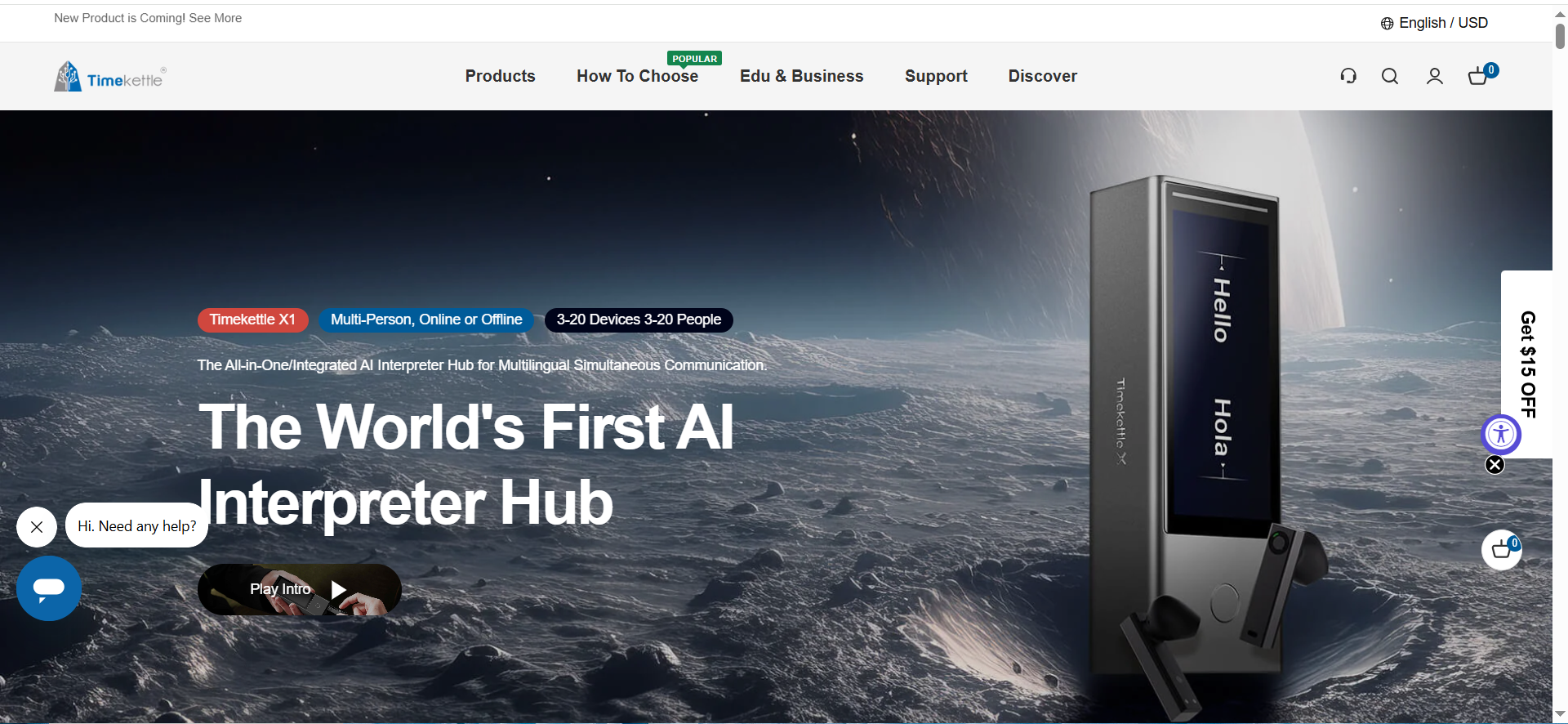
Timekettle offers dedicated translation hardware (Interpreter Hub + earbuds) designed for in-person and group scenarios where you want less phone juggling.
Why teams use it
Hardware can improve capture and usability in noisy, on-the-go environments (events, conferences, factory walkthroughs) and can be easier to hand off to non-technical teammates.
Best for
Travel-heavy teams, onsite workshops, events, and multi-person conversations.
When it’s a good fit
You want a dedicated device for field use and your scenarios benefit from specialized modes (one-on-one, multi-person).
When it’s not a good fit
You need enterprise governance, audit logs, SSO/admin controls, or deep integrations with your product stack.
How to use it
Standardize: (1) who carries devices, (2) charging/firmware checks, and (3) a playbook for noisy environments (positioning + turn-taking).
Key capabilities
- Dedicated interpreter hardware for onsite use
- Multi-person conversation modes (device-dependent)
- Useful for noisy environments vs phone mic constraints
Pricing
Timekettle’s X1 AI Interpreter Hub is $300 as a one-time hardware purchase on Timekettle’s site.
Free tier?
Timekettle X1 doesn’t offer a free tier (it’s a paid hardware product).
Downsides / limitations
Hardware logistics (charging, loss/damage) and weaker governance compared to SDK/enterprise stacks.
5. Azure AI Speech Translation (Speech SDK)
What it does
Azure Speech supports real-time speech translation of audio streams, including speech-to-speech and speech-to-text translation via SDK and tools.
Why teams use it
It’s a strong choice when translation is a product feature: you can control latency budgets, security, retention, and integrations in a governed environment.
Best for
B2B SaaS teams building multilingual voices into support, meetings, telephony, events, or internal tools.
When it’s a good fit
You need an SDK surface for streaming audio, enterprise deployment, and measurable reliability with logging and guardrails.
When it’s not a good fit
You only need ad-hoc in-person translation for travel; an app or hardware device is usually simpler.
How to use it
Build a thin prototype first: streaming audio in → translated text/voice out. Add governance next (PII redaction, retention, access logs), then scale languages in priority order.
Key capabilities
- Real-time speech translation for audio streams
- SDK-first integration path
- Enterprise-friendly controls when implemented with governance
Pricing
Azure Speech Translation is usage-based and billed for speech translation, and (depending on your setup) you may also be charged for speech-to-text and text translation per target language; rates vary by region and are listed in Azure’s pricing table rather than a single fixed “starting at” plan.
Free tier?
Azure Speech Translation offers a free tier (F0) that includes 5 audio hours free per month.
Downsides / limitations
Requires engineering effort and careful latency/privacy architecture to feel “live” in production.
Recommended setups (starter / pro / enterprise)
Starter setup (working this week):
- Google Translate for broad coverage and quick pilots
- Apple Live Translation for Apple-standardized teams who want a simple workflow
- Timekettle X1 for travel/on-site where hardware reduces friction
Pro setup (repeatable frontline + meetings):
- DeepL Voice for Conversations for frontline/onsite workflows
- DeepL Voice for Meetings for recurring multilingual calls
Enterprise setup (product + governance):
- Azure AI Speech Translation (Speech SDK) for streaming translation inside your product
- DeepL Voice for employee-facing in-person/meeting workflows when needed
- Governance layer: PII redaction, retention limits, access logs, escalation path for high-stakes conversations
FAQs
What is the best AI voice translator right now?
Is translated captions the same as voice translation?
Which option is best for privacy?
How accurate are AI voice translators in real environments?
When should we use hardware instead of an app?
When should we build with an SDK?
📋 Get Listed / Advertisement
We update this AI tool guide monthly. Want your tool featured? Contact us: [email protected].


