
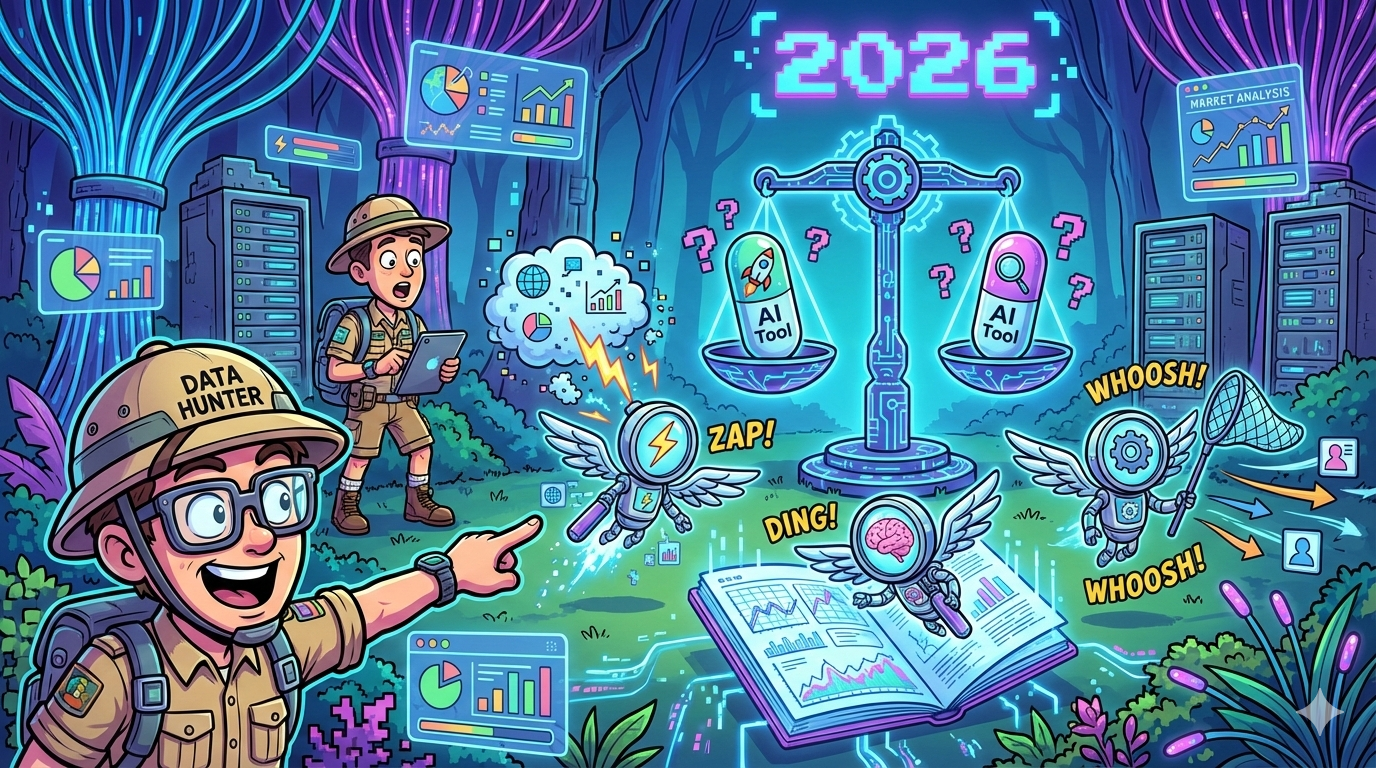
If you searched for the best ai tools for marketing automation, you’re probably not looking for “cool AI features.” You’re looking for outcomes:
- More qualified pipeline (not just more leads)
- Faster campaign execution with fewer manual steps
- Personalization at scale that doesn’t wreck your brand voice
- Clean CRM + analytics so you can prove ROI and defend budget
This is a 3,000+ word roundup built for B2B SaaS CMOs, Growth Leaders, and Marketing Ops, and it’s structured to be easy for both humans and answer engines to parse.
Quick Takeaways (for Skimmers + AI Overviews)
- If you want fast wins: HubSpot + Zapier + Clearbit is a common “start here” combo for lean teams.
- If you’re data-warehouse-first: Segment + Hightouch + a workflow builder (n8n/Workato) tends to scale cleaner.
- If you’re ABM-heavy: Demandbase or 6sense can power intent + scoring—but only if your ICP + routing rules are already mature.
- If you can’t prove ROI: Dreamdata or HockeyStack can tighten attribution and pipeline reporting (especially when CRM is messy).
- If you’re B2C/ecom: Klaviyo’s K:AI is purpose-built for campaign + flow automation.
The 5 Best AI Tools for Marketing Automation (2026 Picks)
If you only want five tools that cover 80–90% of marketing automation needs for most growth teams, choose this stack:
- HubSpot (Breeze AI) → core CRM + automation engine
- Zapier → workflow glue (connect everything)
- Twilio Segment → clean event/customer data foundation
- Clearbit → enrichment + intent signals for smarter routing
- Dreamdata → attribution + ROI reporting you can defend
| Tool | Category it covers | Best for | What the “AI” actually does | Typical fit |
|---|---|---|---|---|
| HubSpot (Breeze) | CRM + automation | inbound + lifecycle + sales handoff | assists content/workflows, improves GTM ops | SMB → midmarket |
| Zapier | Workflow builder | connecting stack fast | “agent-like” task execution + automation building | SMB → midmarket |
| Segment | CDP | reliable event + identity plumbing | makes data usable across tools (“AI-ready” data workflows) | midmarket → enterprise |
| Clearbit | Enrichment | routing + segmentation | enriches firmographics/intent for smarter automation | SMB → enterprise |
| Dreamdata | Attribution | pipeline + ROI proof | maps journeys, surfaces revenue influence | B2B SaaS teams |
1) HubSpot Marketing Hub + Breeze AI
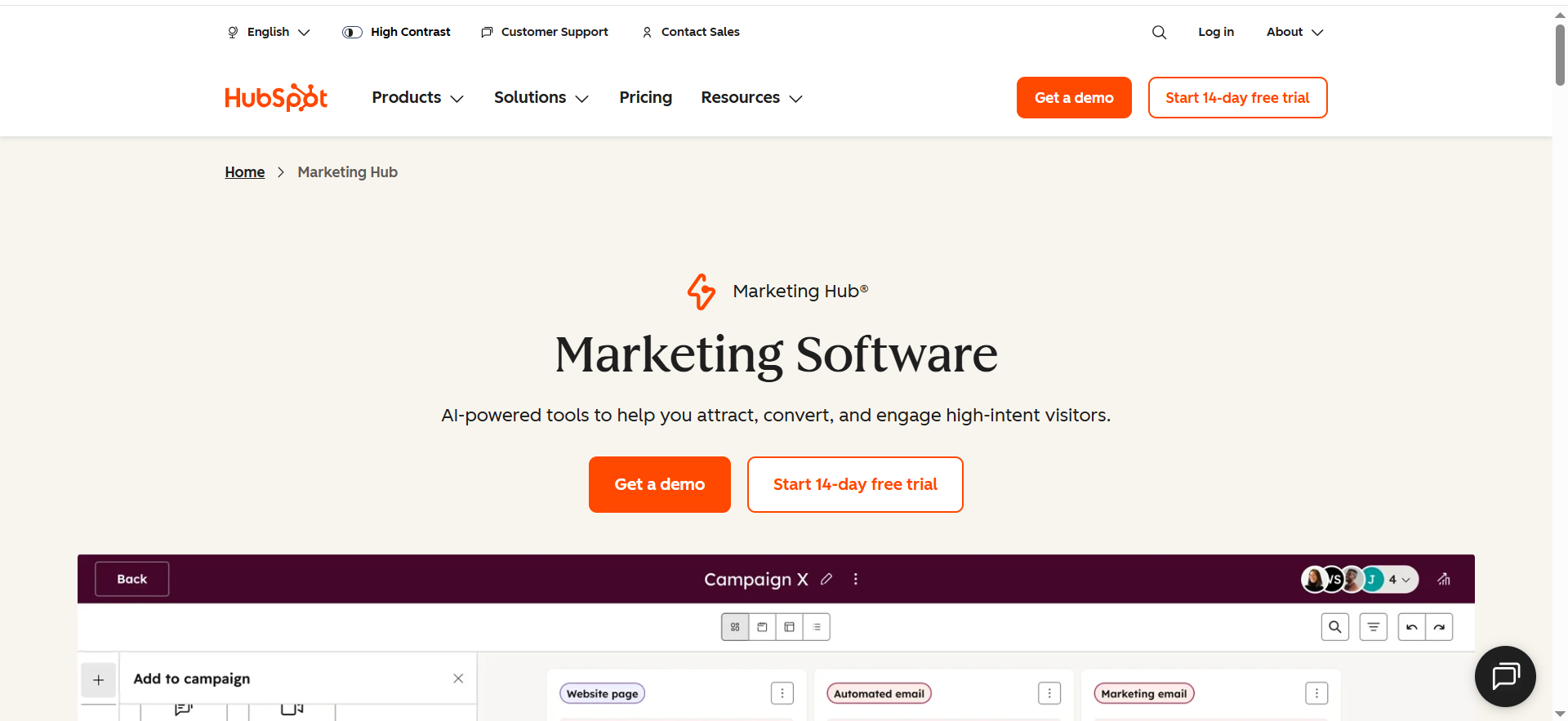
HubSpot is an all-in-one CRM + marketing automation platform. It’s where your contacts, companies, deals, emails, workflows, landing pages, and reporting can live in one system—so marketing and sales operate from the same dataset.
What it does (in marketing automation terms)
- Captures leads (forms/landing pages), stores them in the CRM
- Runs automated workflows (nurture sequences, lead routing, lifecycle changes)
- Tracks engagement and ties activity back to pipeline outcomes
Best for: teams that want one place to run CRM + email + workflows + lifecycle automation without a complex build.
What it’s best at (in real life)
- Turning inbound traffic into segmented lifecycle journeys
- Keeping marketing + sales aligned because the CRM is native
- Shipping automations fast (nurture, lead routing, pipeline follow-up)
Key AI value (what to expect)
- Faster campaign creation and workflow setup
- Faster content and follow-up drafting inside your GTM process
- Better operational speed (less time stuck in “blank page” mode)
Must-have integrations (simple but powerful)
- Ads: Google/Meta/LinkedIn (for audience sync + conversion feedback loops)
- Data: forms/landing pages + basic enrichment
- Workflow glue: Zapier for the edges of your stack (webinar tools, sheets, Slack, etc.)
Strengths
- Time-to-value is very high for most SMB/midmarket teams
- Great for lifecycle basics: lead capture → nurture → sales handoff
Trade-offs
- Costs can rise as contacts/seats/features scale
- Advanced setups still need ops discipline (naming conventions, governance, QA)
Pro tip: Start with two lanes only (Fast lane / Nurture lane). Most teams over-branch early and create automation debt.
2) Zapier
Zapier is a workflow automation connector (often called an iPaaS-lite). It connects your apps and lets you trigger actions across tools without code.
What it does
- Moves data between tools (forms → CRM, CRM → Slack, webinar → email platform, etc.)
- Automates repetitive ops tasks (create records, send alerts, update fields, log events)
- Helps you build multi-step workflows that make your stack behave like one system
- Adds AI-assisted building/agent-like execution for certain tasks (depending on the feature set you use)
Best for: connecting tools quickly when your stack is spread out (forms, webinar tools, Slack, Sheets, calendar apps, etc.).
What it’s best at
- Eliminating manual ops work (copy/paste between tools)
- Building “glue workflows” that turn scattered systems into one process
Key AI value
- Helps speed up building and maintaining workflows
- Can reduce the “ops bottleneck” by automating repetitive tasks
Great use cases
- Lead routing alerts (Slack + CRM assignment)
- Ticket creation + tagging
- Automatic follow-ups, reminders, enrichment calls, and QA checks
Strengths
- Biggest integration library (usually you can connect anything)
- Quickest path from idea → working automation
Trade-offs
- “Zap sprawl” happens fast (duplicate flows, unclear ownership)
- Complex workflows can become harder to debug and more expensive
Pro tip: Create one shared doc: “Automation Registry” (owner, purpose, trigger, last updated). This alone prevents chaos.
3) Twilio Segment (CDP)
Segment is a Customer Data Platform (CDP). Think of it as your “event and identity plumbing” layer that standardizes customer activity across your website, product, mobile app, and marketing tools.
What it does
- Collects and standardizes events (signup, activation, trial usage, key actions)
- Unifies identities (same person across devices + tools)
- Builds audiences from behavior and sends them to downstream tools (CRM, ads, email, analytics)
- Makes personalization and attribution more accurate because everyone uses the same “truth”
Best for: teams that need clean event data + identity resolution so personalization and attribution don’t break.
What it’s best at
- Unifying customer activity across product, website, and marketing channels
- Making triggers consistent (activation events, churn risk signals, trial behaviors)
Key AI value (practical outcome)
- Not “AI copy”—it’s AI-ready data: reliable profiles and events so automation is accurate.
When Segment is worth it
- Your product has meaningful usage signals (PLG/hybrid GTM)
- You’re running multiple tools that need the same event truth
- You want personalization/attribution that isn’t a guessing game
Strengths
- Fixes the #1 hidden automation killer: fragmented data
- Creates a foundation for better scoring, segmentation, and journey design
Trade-offs
- Requires event taxonomy discipline (naming, properties, ownership)
- If instrumentation is weak, implementation can drag
Pro tip: Start with 10–15 events max that map to revenue. Don’t try to track everything first.
4) Clearbit
Clearbit is a B2B data enrichment platform. It enriches leads/companies with firmographics (industry, size, location, role) and can help with “who is this?” and “is this ICP?” questions.
What it does
- Enriches lead and company records so your CRM is usable
- Improves segmentation (tier 1/2/3 accounts, persona tags, geo rules)
- Supports smarter routing (send high-fit leads to sales fast; nurture the rest)
- Helps reduce form friction by enriching data you would otherwise ask users to type
Best for: enrichment + intent signals that improve routing, segmentation, and personalization.
What it’s best at
- Turning partial leads into usable profiles (company, role, size, industry)
- Improving “who should we talk to?” and “how should we message them?”
Key AI value
- Enrichment + intent-style signals make automations smarter (less generic)
- Helps prevent wasted SDR cycles on low-fit leads
Common workflows where it shines
- “High-fit lead” detection + SDR routing
- Form shortening (ask less, enrich more)
- Account-based segmentation for outbound + nurture
Strengths
- Immediately improves ICP segmentation + lead routing quality
- Often boosts conversion simply by reducing friction + improving follow-up relevance
Trade-offs
- Enrichment doesn’t create pipeline by itself—routing rules do
- Needs periodic QA to avoid duplicates and bad matches
Pro tip: Don’t over-engineer scoring. Start with ICP tier + role + intent and refine after 2–4 weeks of results.
5) Dreamdata
Dreamdata is a B2B attribution + revenue analytics platform. It connects your GTM tools (CRM, ads, web, email) and maps buyer journeys to pipeline and revenue.
What it does
- Shows which channels and sequences influence pipeline (not just last-click)
- Connects touchpoints into journeys (ads → content → email → demo → opportunity)
- Helps you identify what to scale/cut based on revenue impact
- Creates a feedback loop: learn what drives revenue → refine automation → measure lift
Best for: B2B teams that need to prove pipeline impact and stop guessing what’s working.
What it’s best at
- Connecting touchpoints into journeys (ads → content → email → demo → pipeline)
- Making reporting more credible than “last click”
Key AI value (what you’ll feel)
- Faster insight into which journeys influence pipeline
- Better visibility into what to scale, cut, or fix in your automations
Strengths
- Helps you defend spend with revenue-linked reporting
- Enables a feedback loop: learn → refine workflows → measure lift
Trade-offs
- Attribution depends on tracking discipline (UTMs, CRM hygiene, naming)
- Needs clear definitions (source vs influence vs assist)
Pro tip: The fastest ROI comes from fixing one journey (e.g., demo request → SQL) and measuring lift, rather than trying to attribute everything.
The 6 Things to Evaluate Before you Buy Anything
Use this as your mental model (and as the buying checklist you can download)
- Orchestration power: Can it run multi-step workflows across apps (and recover gracefully)?
- Data quality: Does it improve your CRM/warehouse—or pollute it?
- AI that actually ships outcomes: scoring, optimization, routing, personalization—not just “AI copy.”
- Integrations: native connectors + webhooks + APIs + warehouse support.
- Governance: roles/permissions, logs, approvals, SOC2/ISO/controls (where applicable).
- Attribution & feedback loops: can you pipe conversion signals back into ads, email, and scoring models?
💡 Tip (reduces buyer’s remorse): If a tool can’t show how it impacts conversion rate or support basic conversion rate optimization and A/B testing, it’s usually a “nice-to-have,” not a revenue lever.
What “Best” Means in this Guide (so you Pick the Right Tool)
Most “best tools” lists fail because they assume one reader. In reality, “best” depends on which constraint is killing you right now:
If you’re a SaaS growth leader
“Best” = highest impact on pipeline efficiency: better lead/account scoring, smarter routing, tighter sales/marketing alignment.
If you run marketing ops
“Best” = reliability + governance: fewer brittle zaps, auditable data movement, predictable cost, strong integrations.
If you’re an SEO/AI visibility-led marketer
“Best” = tools that help you turn attention into measurable revenue and report it cleanly to leadership (and to answer engines). Pair this with Answer Engine Optimization if your goal is to show up in AI summaries and prove pipeline impact.
How to Choose the Best AI Marketing Automation Tool (Quick Framework)
1) Decide What Owns “Truth” in your Stack
Pick your system of record first (or you’ll automate chaos):
- CRM-first (HubSpot / Salesforce): best for pipeline + sales handoff.
- Warehouse-first (Snowflake/BigQuery + activation): best for data-mature teams.
- Lifecycle-first (Braze/Customer.io/Iterable): best for retention + usage-based triggers.
2) Identify your Biggest Bottleneck (Pick One)
Your “best tool” depends on what’s losing you revenue right now:
- Orchestration: too many manual steps → use workflow builders (Zapier/Make/n8n/Workato)
- Data: messy fields/identity → use CDP + activation + enrichment (Segment/Hightouch/Clearbit)
- Personalization: weak segmentation + timing → use lifecycle platforms (Customer.io/Braze/Iterable/Klaviyo)
- Measurement: unclear ROI → use attribution (Dreamdata/HockeyStack)
🤙 If you’re stuck choosing: book a fast diagnostic—Book a call.
3) Use These Stack Recipes (Most Teams Need a Combo)
A) Fast wins (lean team, weeks not months)
HubSpot (or ActiveCampaign) + Zapier/Make + Clearbit/Apollo
- Start with: lead routing + instant follow-up + one nurture sequence
B) Warehouse-first RevOps (scale cleanly)
Segment + Hightouch + n8n (control) or Workato (governance)
- Start with: 2–3 warehouse audiences synced to CRM + ads
C) ABM-heavy (pipeline quality > volume)
6sense or Demandbase + workflow builder + CRM
- Start with: “intent surge → SDR routing → tailored journey”
D) ROI pressure (prove impact)
Dreamdata or HockeyStack + clean UTM parameters + CRM stage hygiene
- Start with: pipeline created/influenced dashboards + feedback loop
Common Mistakes (and Quick Fixes)
- No lifecycle definitions → define 3–5 stages tied to actions (not opinions)
- “AI copy” ≠ personalization → personalize by fit + intent + stage
- Enrichment without routing rules → write simple “if ICP tier X then Y” rules
- No feedback loop → push closed-won signals back into scoring/audiences monthly
- Automation sprawl → assign one owner + run a monthly “automation hygiene” review
Vanity metrics → track time-to-first-touch, stage conversion, stage velocity, pipeline impact
Frequently Asked Questions
Do I need a CDP like Segment if I already use HubSpot?
How do I prevent AI automations from breaking (or creating bad data)?
What’s the fastest way to prove ROI from marketing automation?
Final Thoughts
AI won’t magically fix a messy funnel—but it will amplify whatever system you already have. The winners in 2026 aren’t the teams with the most tools; they’re the teams with the cleanest loop:
capture signals → enrich context → automate actions → orchestrate handoffs → measure revenue → improve
If you want, we’ll help you set up that loop quickly and safely with a 30-minute Growth / AI Visibility Consult— and you can grab the checklist download to evaluate your stack, tighten your automation, and turn AI into a measurable pipeline (not just more activity).
▶️ Want the “AI visibility” piece to compound too? Pair your automation stack with Answer Engine Optimization so AI summaries and search visibility connect to revenue—not vanity metrics.
See results from real teams in our case studies.


