

According to W3Techs, as of June 2026 WordPress runs 59.3% of every site using a known content management system, yet that lead has eroded from a 65.2% peak in 2022 as SaaS builders and headless platforms pull share away.
The best content management system is no longer the one with the biggest market share. It is the one whose architecture matches how your team publishes, how your buyers search, and how your content needs to surface inside Google and AI answer engines.
For a B2B SaaS marketing team, that decision now carries measurable weight on page performance, security exposure, editorial velocity, and whether your pages get cited in AI Overviews at all. This guide ranks top content management systems that lead distinct slices of that market, with the verified 2026 pricing, the architecture trade-offs, and the buyer-fit logic you need to choose quickly.
▶️ If your ranked pages are not showing up in AI answers and you want a content system that fixes that, book a SaaS content strategy call.
The Best Content Management Systems at a Glance
WordPress is the best overall content management system for most B2B SaaS teams in 2026 because of its plugin depth, talent pool, and flexibility, while Webflow leads for design-controlled marketing sites and Contentful and Sanity lead the headless tier for omnichannel and developer-first builds. The shortlist below names the strongest pick in each category so the answer is usable before you read a single platform section.
- Best overall and most flexible: WordPress
- Best for design-led marketing sites: Webflow
- Best CMS tied to CRM and automation: HubSpot Content Hub
- Best enterprise headless platform: Contentful
- Best developer-first headless platform: Sanity
How We Selected and Ranked These CMS Platforms
We selected these ten content management systems by weighing five criteria that matter to a B2B SaaS content operation, namely flexibility and ecosystem, editorial experience, performance and clean markup, total cost including maintenance, and fit with AI search visibility. The list is organized by use case rather than a single ranked order, because the best CMS for a developer-led omnichannel brand is not the best CMS for a two-person marketing team.
The selection criteria, in the weighting we applied, were the following.
- Flexibility and ecosystem: Depth of plugins, integrations, themes, and available talent to build and maintain the platform.
- Editorial experience: How quickly non-technical marketers can publish, edit, and structure content without developer dependency.
- Performance and markup quality: Render speed, Core Web Vitals behavior, and how cleanly the platform outputs HTML and schema for crawlers and AI engines.
- Total cost of ownership: Entry pricing plus the realistic cost of hosting, plugins, seats, and ongoing maintenance, verified against each vendor's 2026 pricing.
- AI search and SEO readiness: Native support for metadata, structured data, fast indexing, and the clean content structure that earns citations in AI answers.
Pricing in every section below is verified against each vendor's current pricing page and reported with its 2026 reporting year. Market-share figures are drawn from W3Techs as of June 2026. Where a platform is open source, we note that the software is free and that real cost sits in hosting, development, and maintenance.
Comparison of the Best Content Management Systems (2026)
The table below maps all ten platforms to their best-fit segment, architecture, entry price, and standout strength, so you can shortlist before reading the dedicated sections. Pricing reflects entry-level plans on annual billing where applicable.
| Architecture | Best For | Architecture | Entry Price (2026) | Standout Strength |
|---|---|---|---|---|
| WordPress | Maximum flexibility and ownership | Traditional, open source | Software free, self-hosted; WordPress.com from $9/mo | Largest plugin ecosystem and talent pool |
| Webflow | Design-led marketing sites | Hosted visual builder | Premium $25/mo (annual) | Visual control with clean exported code |
| HubSpot Content Hub | CMS tied to CRM and automation | All-in-one SaaS | Starter $15/mo (annual) | Native CRM, personalization, AI tools |
| Contentful | Enterprise omnichannel content | Headless, API-first | Free tier; paid plans scale up | Enterprise governance and localization |
| Sanity | Developer-first structured content | Headless, schema-as-code | Free; Growth $15/seat/mo | Real-time collaboration and GROQ queries |
1. WordPress: Best Overall Content Management System
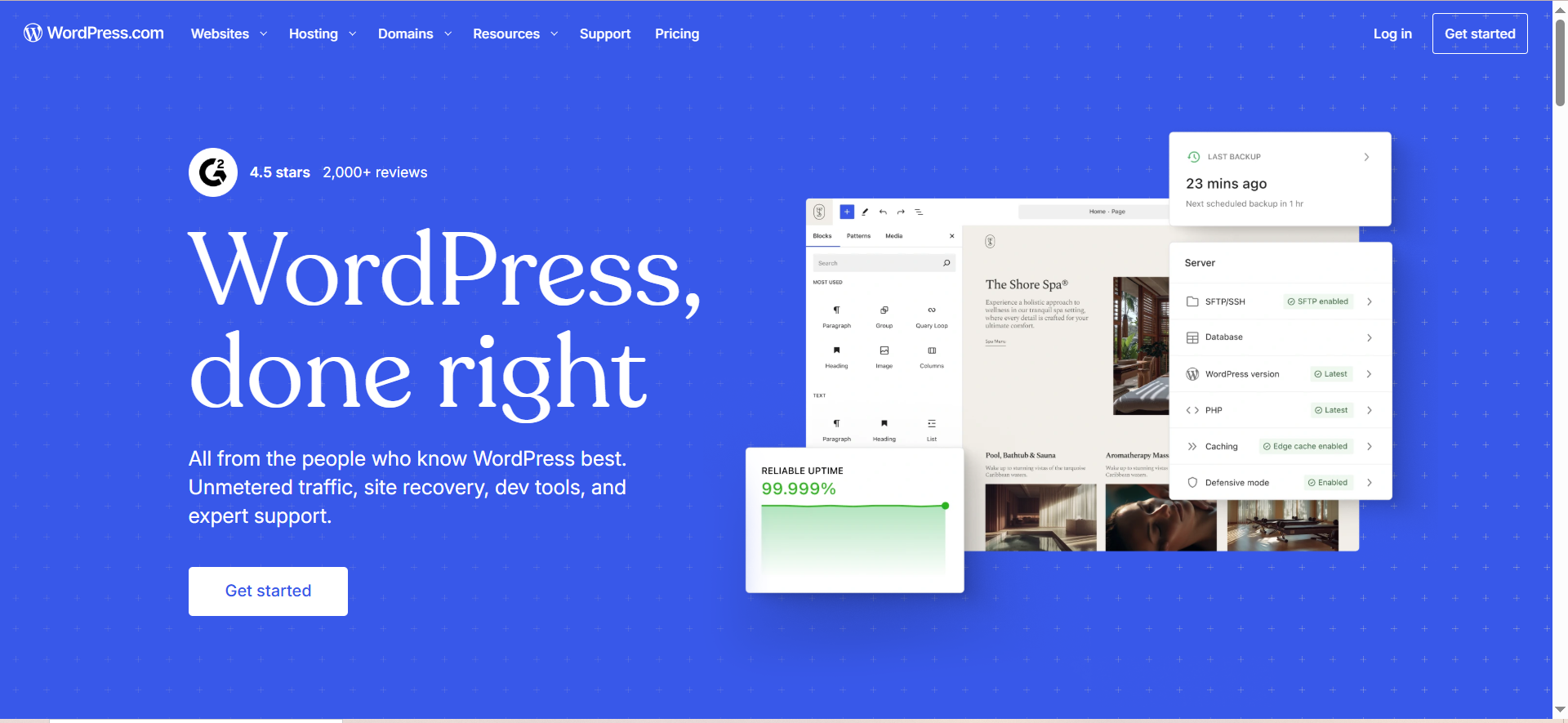
WordPress is best for teams that want maximum flexibility, the deepest plugin ecosystem, and full ownership of their stack. It remains the default choice for a majority of the web and the safest pick when you are unsure what you will need in two years.
WordPress is an open-source platform, available as self-hosted WordPress.org software or as the managed WordPress.com service operated by Automattic. It powers more sites than every other CMS combined, which is both its strength and the reason it is the most attacked platform on the web.
Key capabilities map cleanly to the entity-attribute-value model that crawlers and AI engines parse.
- Ecosystem depth: WordPress offers tens of thousands of themes and more than 60,000 plugins, which lets a team add SEO, caching, membership, or commerce without custom development.
- Market position: WordPress holds a 59.3% share of CMS-powered sites as of June 2026 per W3Techs, so the talent pool, documentation, and integration support are unmatched.
- Content ownership: Self-hosted WordPress gives you full control of your database, files, and hosting, with no platform lock-in.
- Headless flexibility: WordPress can run headless through its REST API or GraphQL, so it doubles as a content backend for a custom front-end.
Pricing (2026): The WordPress.org software is free, with real cost in hosting that can start at a few dollars per month. The managed WordPress.com plans run from a free tier through Personal at $9 per month, Premium at $18 per month, Business at $40 per month, and Commerce at $70 per month, with custom enterprise pricing above.
Pros and cons: WordPress wins on flexibility, ecosystem, cost control, and hiring, and it is the most portable choice for a growing content library. The trade-off is maintenance, because plugins, core updates, and security hardening are your responsibility on self-hosted installs, and performance depends heavily on how well the site is built.
When to choose it: Pick WordPress when you want one platform that can grow from a simple blog into a complex marketing site, and you have, or can hire, the discipline to maintain it well. Many of the patterns in our CEO guide to content marketing for SaaS assume a flexible, well-maintained CMS of exactly this type.
2. Webflow: Best for Design-Led Marketing Sites
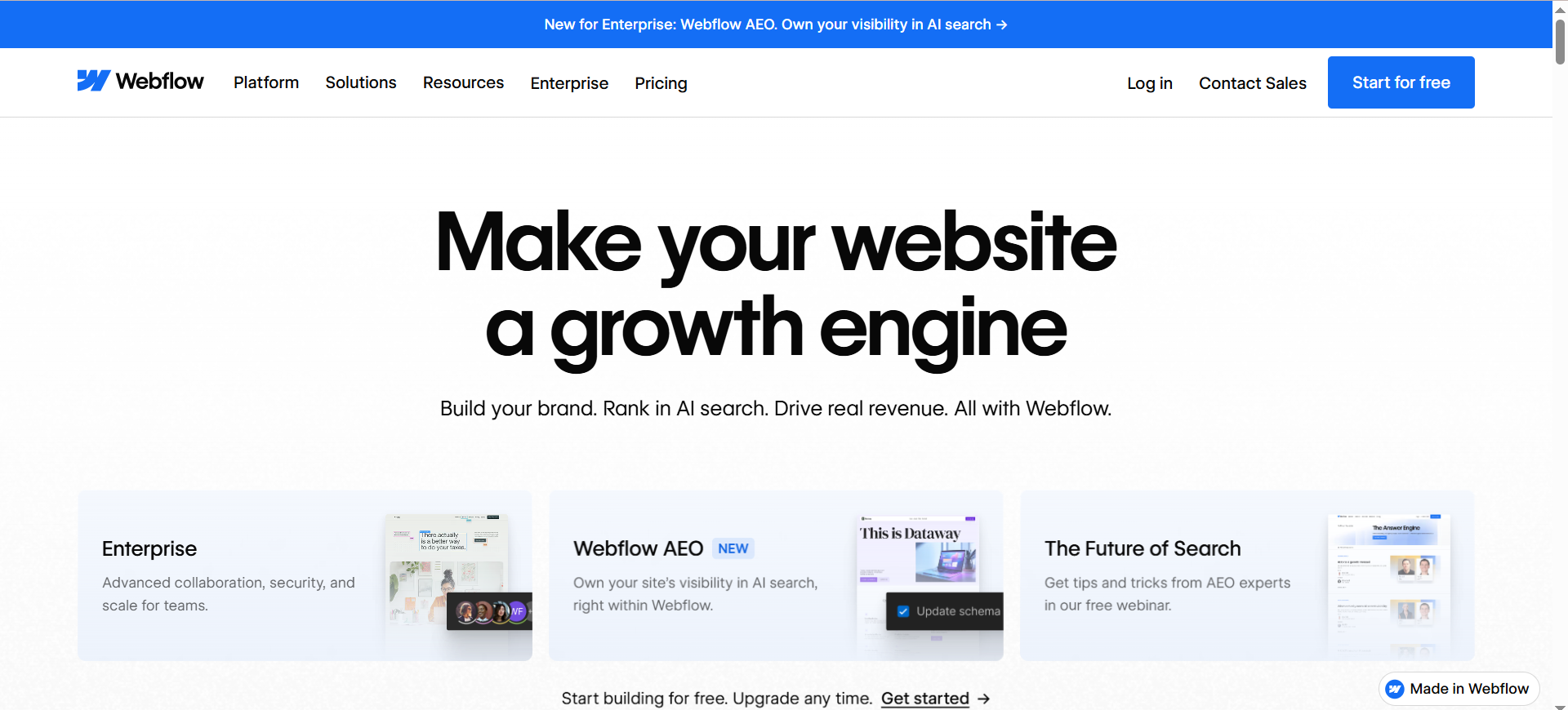
Webflow is best for design-led marketing teams and SaaS companies that want full visual control over the site without writing front-end code or relying on a developer for every change. It sits between a website builder and a developer tool.
Webflow is a hosted visual development platform that generates clean, production-grade HTML, CSS, and JavaScript from a visual canvas, with a built-in CMS, hosting, and CDN. In 2026 it added answer-engine optimization features aimed at AI search visibility, a signal of where the platform is heading.
- Visual control with clean output: Webflow lets designers build pixel-precise, responsive pages visually while exporting semantic code that crawlers and AI engines parse well.
- CMS capacity: The current Premium Site plan includes 20,000 CMS items and 40 CMS Collections, which is ample for a content-heavy marketing site.
- Bundled infrastructure: Hosting, SSL, CDN, and SEO controls are included, which consolidates several tools into one platform and one bill.
- AI and AEO features: Webflow's newer Analyze and AEO capabilities surface LLM visibility and AI-agent traffic, aligning the platform with AI-first discovery.
Pricing (2026): Webflow restructured its Site plans in May 2026. Basic costs $15 per month and Premium costs $25 per month, both on annual billing, with a free Starter plan for prototyping and custom Enterprise pricing above. A realistic team setup also adds a Workspace plan and per-seat costs, so model the full picture before budgeting.
Pros and cons: Webflow wins on design freedom, hosting consolidation, and clean markup, and it removes the maintenance burden of self-hosted platforms. The trade-offs are a steeper learning curve than a basic builder and a layered pricing model where Site plans, Workspace plans, and seats stack.
When to choose it: Choose Webflow when design quality is a competitive asset, your marketing team wants to ship and edit pages without a developer queue, and you value clean code that AI engines can read.
3. HubSpot Content Hub: Best CMS Tied to CRM and Automation
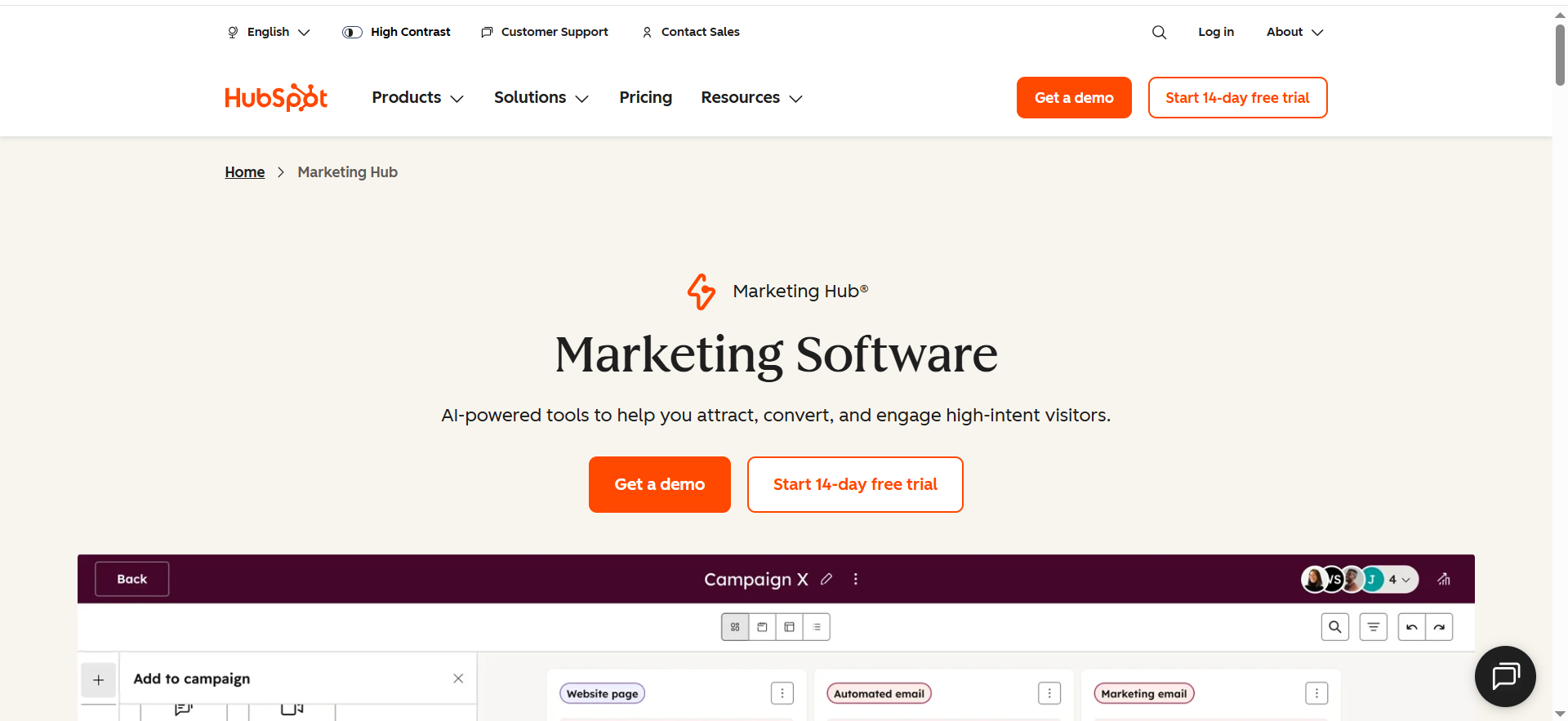
HubSpot Content Hub is best for B2B teams that want their CMS fused with CRM, email, and marketing automation in a single platform, so content, leads, and pipeline live in one system. It is a content engine inside a customer platform.
Content Hub is the content management product within HubSpot's customer platform, formerly known as CMS Hub. Its differentiator is not raw flexibility but integration, because every page, form, and blog post connects natively to HubSpot's CRM, personalization, and reporting.
- Native CRM connection: Content created in Content Hub ties directly to contact records, so personalization and attribution work without third-party glue.
- Smart content and personalization: Pages and blog content can adapt to contact properties or device type, which supports account-based and lifecycle marketing.
- AI content and SEO tooling: Higher tiers add AI content tools, SEO recommendations, and A/B testing aimed at content performance at scale.
- Managed hosting and security: HubSpot hosts and secures the platform, removing the patching and maintenance overhead of self-hosted systems.
Pricing (2026): HubSpot Content Hub offers free CMS tools, a Starter tier at $15 per month on annual billing, a Professional tier at $450 per month, and an Enterprise tier at $1,500 per month. The gap between Starter and Professional is large, so map your feature needs before committing.
Pros and cons: Content Hub wins for teams already standardized on HubSpot, because the CRM-to-content integration and unified reporting are genuinely hard to replicate by stitching tools together. The trade-offs are cost at the Professional tier and less raw design and code flexibility than WordPress or Webflow.
When to choose it: Choose Content Hub when your go-to-market already runs on HubSpot and you want content, personalization, and pipeline measurement in one place rather than wired together across vendors.
4. Contentful: Best Enterprise Headless CMS
Contentful is best for enterprises that need to manage and deliver structured content across web, mobile apps, and other channels from one API-first backend. It is the headless platform most associated with large-scale, governed content operations.
Contentful is an API-first headless CMS that stores content as structured, reusable entries and delivers them to any front-end through its content APIs. It separates content from presentation entirely, which is the core advantage of the headless model for omnichannel brands.
- API-first delivery: Content is modeled once and delivered everywhere through REST and GraphQL APIs, which suits brands serving multiple channels and front-ends.
- Enterprise governance: Higher tiers add SSO, custom roles, localized workflows, and content governance features built for large, distributed teams.
- Localization at scale: Contentful's localization and workflow tooling is a frequent reason enterprises choose it for multi-market content.
- Composable architecture: Contentful slots into a microservices and composable stack, which is why it features prominently among high-traffic enterprise sites.
Pricing (2026): Contentful offers a Free tier that includes up to 10 platform users, a paid Lite tier for single-project commercial use, and custom-quoted Premium and Enterprise plans that scale into the thousands of dollars per month. Many teams note the steep jump from the Free tier to the first paid plan, so model usage before adopting.
Pros and cons: Contentful wins on enterprise governance, localization, and omnichannel delivery, and it is a mature platform with a large vendor behind it. The trade-offs are cost and complexity, because the platform assumes developer resources and the pricing model jumps sharply once you exceed free limits.
When to choose it: Choose Contentful when you are an enterprise serving content to multiple channels, you need governance and localization at scale, and you have the engineering capacity to build and maintain the front-ends it feeds.
5. Sanity: Best Developer-First Headless CMS
Sanity is best for developer-led teams that want a fully customizable, structured content backend with real-time collaboration and complete control over the editing experience. It is the most flexible headless option for engineering-heavy organizations.
Sanity is a headless CMS built around a content lake that stores everything as structured JSON, with schemas defined in code and an editing interface, the Studio, that is itself a customizable React application. Its query language, GROQ, handles complex content relationships in a single request.
- Schema-as-code modeling: Content models are defined in TypeScript, so engineering teams version, extend, and control the entire content structure.
- Real-time collaboration: Real-time editing and updates are built into the Studio without add-ons, which suits fast-moving product and content teams.
- Customizable editing interface: The React-based Studio can be extended or rebuilt, so the editorial experience is tailored rather than fixed.
- Predictable per-seat pricing: Sanity charges per seat with no per-record storage fees, which scales more gradually than tiered competitors for many teams.
Pricing (2026): Sanity offers a production-viable Free tier, a Growth plan at $15 per seat per month, and custom Enterprise pricing that adds SSO, advanced audit logs, and custom data retention. Note that enterprise-grade SSO sits behind a significant add-on or the Enterprise tier.
Pros and cons: Sanity wins on developer flexibility, real-time collaboration, and structured content control, and its free tier carries many early-stage teams through production. The trade-off is that its flexibility requires developer time to configure well, and non-technical editors used to opinionated interfaces may need onboarding.
When to choose it: Choose Sanity when you have engineering resources, complex and evolving content models, and a need for real-time collaboration plus full control over both the schema and the editing experience.
How to Choose a CMS for a B2B SaaS Content Team
Choose a CMS by matching three things in order, namely who will publish, what your buyers and AI engines need to find, and what you can realistically maintain. Most mismatched purchases come from optimizing for features no one on the team will use.
Work through the following questions before you shortlist, because each one eliminates whole categories of platform.
- Who publishes, and how technical are they? If marketers must publish without developer help, favor WordPress, Webflow, Wix, Squarespace, or a visual headless tool like Storyblok over a pure-API platform.
- Do you serve more than the web? If you deliver content to apps or connected channels, a headless platform like Contentful or Sanity earns its complexity. If not, a traditional or hybrid platform is simpler and cheaper.
- What is the true cost of ownership? Add hosting, plugins, seats, and maintenance to the entry price, because an open-source platform with low license cost can carry high build and upkeep cost.
- How does the CMS affect AI search visibility? Favor platforms that output clean, semantic HTML and support structured data, then optimize the content itself for retrieval.
That last point is where platform choice meets content strategy, and where most teams underinvest. A clean CMS is necessary but not sufficient, because AI engines cite content that is structured, sourced, and genuinely answer-shaped.
Building that layer well, mapping each topic cluster to a money page and structuring pages for citation, is exactly the gap The Rank Masters closes for B2B SaaS teams, building an ICP-led content system rather than publishing posts that never convert. Our guide to AEO-ready SaaS blogs walks through the structural patterns that make content quotable by AI engines, and the broader Insights library covers the strategy that sits on top of whichever platform you choose.
What Is a Content Management System?
A content management system is software that lets non-developers create, edit, organize, and publish website content without writing the underlying code for every page. The platform separates the act of writing from the act of building, so editors work in a dashboard while the system renders, stores, and serves the pages.
The category is broader than most buyers assume. W3Techs counts wikis, blog engines, static site generators, website builders, and headless content APIs as content management systems, alongside the traditional database-driven platforms. That breadth matters for selection, because a newsletter publisher, a Fortune 500 omnichannel brand, and a solo founder building a landing page all need a CMS, but almost never the same one.
Three architectural families now dominate practitioner choice, and naming them early prevents most mismatched purchases.
| CMS Architecture | How It Works | Best Suited To |
|---|---|---|
| Traditional (coupled) | Content, database, and front-end rendering live in one system, as with WordPress or Drupal. | Teams that want one platform, themes, and a large plugin ecosystem. |
| Headless (decoupled) | Content lives in an API-first backend, as with Contentful or Sanity, and is delivered to any front-end. | Omnichannel brands and developer-led teams serving web, app, and IoT. |
| Hosted builder | An all-in-one platform bundles hosting, design, and editing, as with Wix, Squarespace, or Webflow. | Small teams and marketers who want speed and no maintenance overhead. |
Why Choosing the Right CMS Matters in 2026
Choosing the right CMS in 2026 matters because the platform now shapes whether your content is fast, secure, and structured cleanly enough to be retrieved by AI answer engines, not just ranked by Google. The decision has shifted from preference to performance architecture.
The market itself is in visible motion. W3Techs data from June 2026 shows WordPress at a 59.3% share of CMS-powered sites, down from its 2022 high, while around 30% of all websites still run on no monitored CMS at all. Beneath that headline, the fastest-moving money is in the API-first tier. The global headless CMS software market was valued at USD 1.75 billion in 2025 and is projected by Grand View Research to reach USD 6.23 billion by 2033, a compound annual growth rate of 17.5% from 2026 onward, driven by demand for omnichannel delivery and microservices architecture.
For a B2B SaaS team, three operational realities follow from that shift, and each one maps to a platform attribute you can evaluate.
- Page speed and Core Web Vitals: Slow templates and plugin bloat suppress both rankings and conversion, so render performance is a selection criterion, not an afterthought.
- AI discoverability: Clean, semantically structured HTML is what AI answer engines parse, so a CMS that produces tidy markup and supports schema gives your pages a better chance of citation. Teams serious about this layer should pair platform choice with a deliberate answer engine optimization approach.
- Security and maintenance: The most widely used platforms are also the most attacked, so the ongoing cost of updates, patching, and monitoring belongs in your total cost of ownership.
Our own B2B SaaS content benchmarks reinforce the point that publishing velocity and content quality, not the logo on your CMS, drive the results that compound over time. The platform is the foundation. What you build on it decides the outcome.
Headless vs Traditional CMS: Which Is Right for You?
A headless CMS is right when you serve content to multiple channels or want full front-end freedom, while a traditional CMS is right when you want one integrated platform with themes and plugins and the fastest path to a working site. The choice is about delivery model, not quality.
The distinction comes down to where the front-end lives. A traditional, coupled CMS like WordPress or Drupal renders the website itself. A headless CMS like Contentful, Sanity, or Storyblok exposes content through an API and leaves rendering to a separate front-end the team builds. The table below frames the trade-off in selection terms.
| Decision Factor | Traditional CMS | Headless CMS |
|---|---|---|
| Setup speed | Faster, since themes render the site out of the box. | Slower, since the front-end must be built and connected. |
| Channel delivery | Constrained by themes and the platform's renderer. | Complete, since any framework can consume the API. |
| Channel delivery | Primarily web-focused. | Omnichannel across web, app, and connected devices. |
| Required skills | Lower, accessible to marketers and generalists. | Higher, dependent on developer resources. |
| Maintenance model | One platform to maintain and secure. | Backend and one or more front-ends to maintain. |
Hybrid platforms blur the line. Webflow delivers a hosted, visually built site yet exposes content APIs, and WordPress, Drupal, and Ghost can all run headless when needed. For most B2B SaaS marketing teams without dedicated front-end engineers, a traditional or hybrid platform ships faster and costs less to run. Go headless when omnichannel delivery, scale, or front-end control genuinely justify the added engineering.
Does Your CMS Affect AI Search and SEO Visibility?
Your CMS affects AI search and SEO visibility because it controls page speed, markup cleanliness, and structured-data support, which are the technical conditions AI answer engines and crawlers depend on to parse and cite your pages. The platform sets the ceiling, and the content decides how close you get to it.
The mechanism is concrete. AI engines and search crawlers struggle with bloated, JavaScript-dependent rendering and reward fast, semantically clean HTML. A CMS that produces tidy markup, supports schema, and indexes new content quickly gives every page a structural advantage. WordPress with disciplined optimization, Webflow's clean exported code, and Ghost's lightweight output all serve this well, while heavy, plugin-laden or poorly built sites of any platform suppress it.
The decisive variable, though, is not the logo on your CMS. It is whether the content itself is structured to be retrieved, with direct answers, named sources, and clean heading architecture.
That is why teams comparing platforms should also compare how they will execute, a theme we cover in our breakdown of the best B2B SaaS marketing approaches and in the question of whether a SaaS blog is still worth it in an AI-first search environment. The honest answer is that the right CMS removes friction, and the right content strategy creates the citations.
Frequently Asked Questions
What Is the Best Content Management System Overall in 2026?
What Is the Difference Between a Headless CMS and a Traditional CMS?
How Much Does a Content Management System Cost in 2026?
Which CMS Is Best for a B2B SaaS Marketing Team?
Is WordPress Still the Most Popular CMS?
Which CMS Is Best for a B2B SaaS Marketing Team?
Can You Migrate From One CMS to Another?
Build a Content System on Top of Your CMS
Choosing the right content management system removes friction, but the platform alone does not produce pipeline. If your pages rank yet never get cited in AI answers, or your content drives traffic that never converts, book a SaaS content strategy call and we will map your highest-intent topics to revenue across Google and AI search.



