

If you’re a small business, “marketing” usually means doing ten jobs at once “writing content, posting on social media, sending emails, updating the website, following up with leads, and somehow proving what worked”. AI can help, but only if you choose tools that deliver fast wins without adding a new layer of complexity.
This guide covers the best AI marketing tools for small business in 2026 - picked for low learning curve, realistic pricing, and time-to-value. You’ll get a clear comparison matrix, simple “use it like this” workflows, and a lean 5-tool stack that helps you go from publish → capture → nurture → book calls (and track it end-to-end).
Who this is for: small business owners, solo marketers, local businesses, consultants, agencies serving SMBs, and early-stage SaaS teams that need results without a full marketing department.
What are AI Marketing Tools (for Small Businesses)?
AI marketing tools are software that uses machine learning or generative AI to help you create, personalize, automate, and measure marketing—faster and often with fewer people.
In 2026, the tools that matter most for SMBs typically focus on:
- Content production (copy, images, variations)
- Campaign automation (email sequences, lead routing)
- On-site conversion (landing pages, A/B testing)
- Reporting (dashboards, insights, anomaly detection)
And increasingly, they also influence AI search visibility—how often your brand gets mentioned in AI-driven results like Google AI Overviews and answer engines. If you’re optimizing for that layer too, explore Answer Engine Optimization and how answer engines surface brands in responses.
The 5 best AI Marketing Tools for Small Business (2026 picks)
| Tool | Category | Best for | Free tier? |
|---|---|---|---|
| HubSpot Starter | All-in-one CRM + marketing | Leads → follow-up → pipeline | ✅ |
| Canva | Design + creative | Fast on-brand visuals + lead magnets | ✅ |
| Brevo | Email + automation | Budget email + nurture sequences | ✅ |
| Buffer | Social scheduling | Consistent posting + batching | ✅ |
| Google Analytics (GA4) | Analytics | Tracking what drives signups/bookings | ✅ |
1 — HubSpot (Starter Customer Platform)
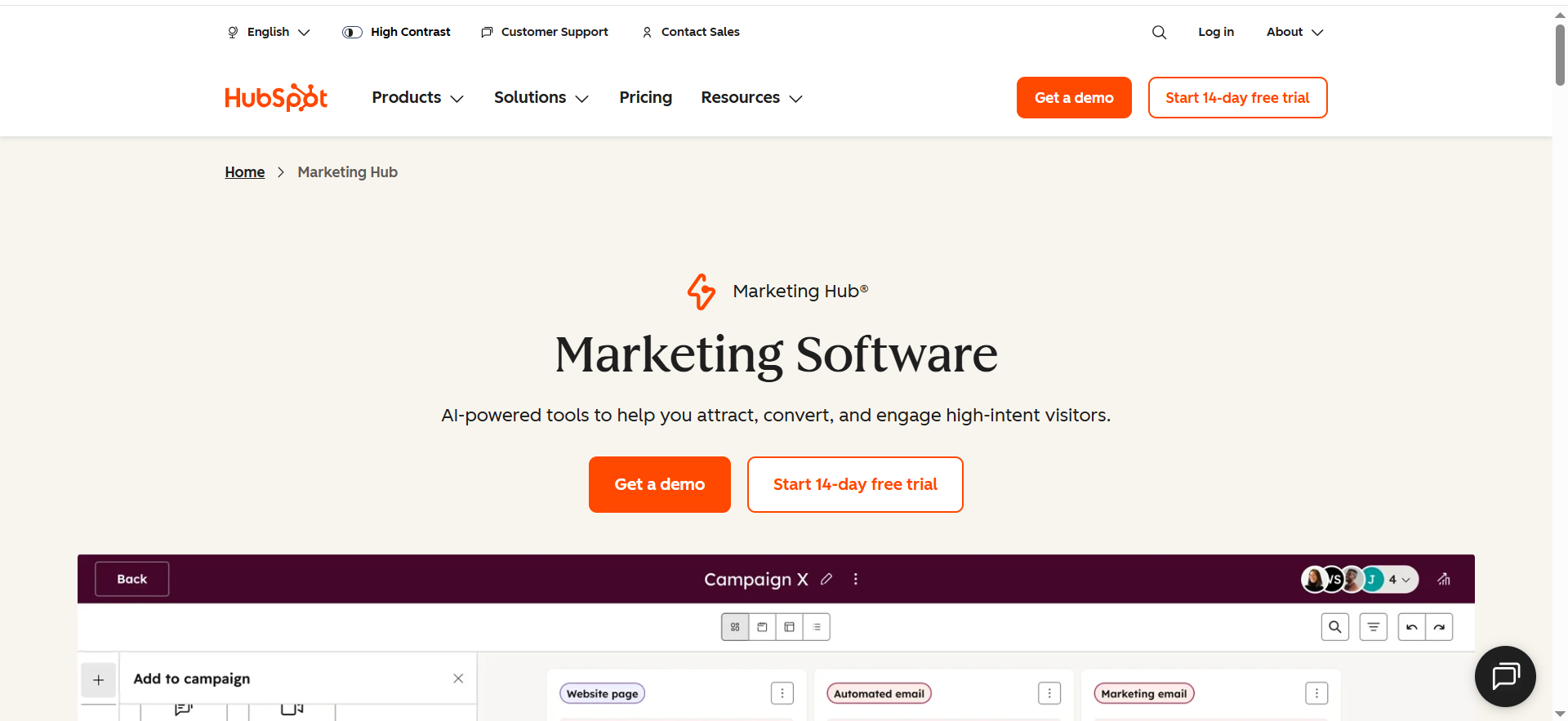
HubSpot is an all-in-one CRM and marketing platform that helps small businesses capture leads, follow up automatically, and track deals in one place. It’s best when you want your blog traffic and campaigns to turn into measurable pipeline—not just clicks.
Best for: Small businesses that want an all-in-one system (CRM + marketing + sales follow-up) without juggling 6 tools.
At a glance
- Category: All-in-one suite (CRM-first)
- Free tier: Yes — HubSpot CRM is “100% free. Forever.”
- Starting price: Starter Customer Platform bundle $20/month
- Learning curve: Medium (worth it if you want pipeline clarity)
Key AI capabilities you’ll actually use
- Faster drafting of emails, landing copy, and campaign variations (AI assistance varies by hub/tier).
- Smarter workflow setup (turn “if X then Y” into automated follow-ups).
Top integrations
- Website forms, email, calendars/meetings, ad platforms, and a large app ecosystem (great for growing teams).
Strengths
- One source of truth for leads → deals → customers.
- Helps your marketing drive booked calls and pipeline, not just “traffic.”
Trade-offs
- Can get expensive as you scale features/seats.
- Needs simple governance (naming conventions, lifecycle stages).
Use it like this (micro-workflow: “Roundup traffic → booked consult”)
- Add a checklist opt-in form to this blog post.
- Auto-send Email #1 (deliver checklist).
- Email #2 (day 2): “3 quick wins.”
- Email #3 (day 5): book a 30-minute consultation.
- Track: post → signup → booking, inside the CRM.
Pro tip: If you’re starting lean, use free CRM first, then upgrade only when you need automation + reporting depth.
2 — Canva (Canva Business / Pro)
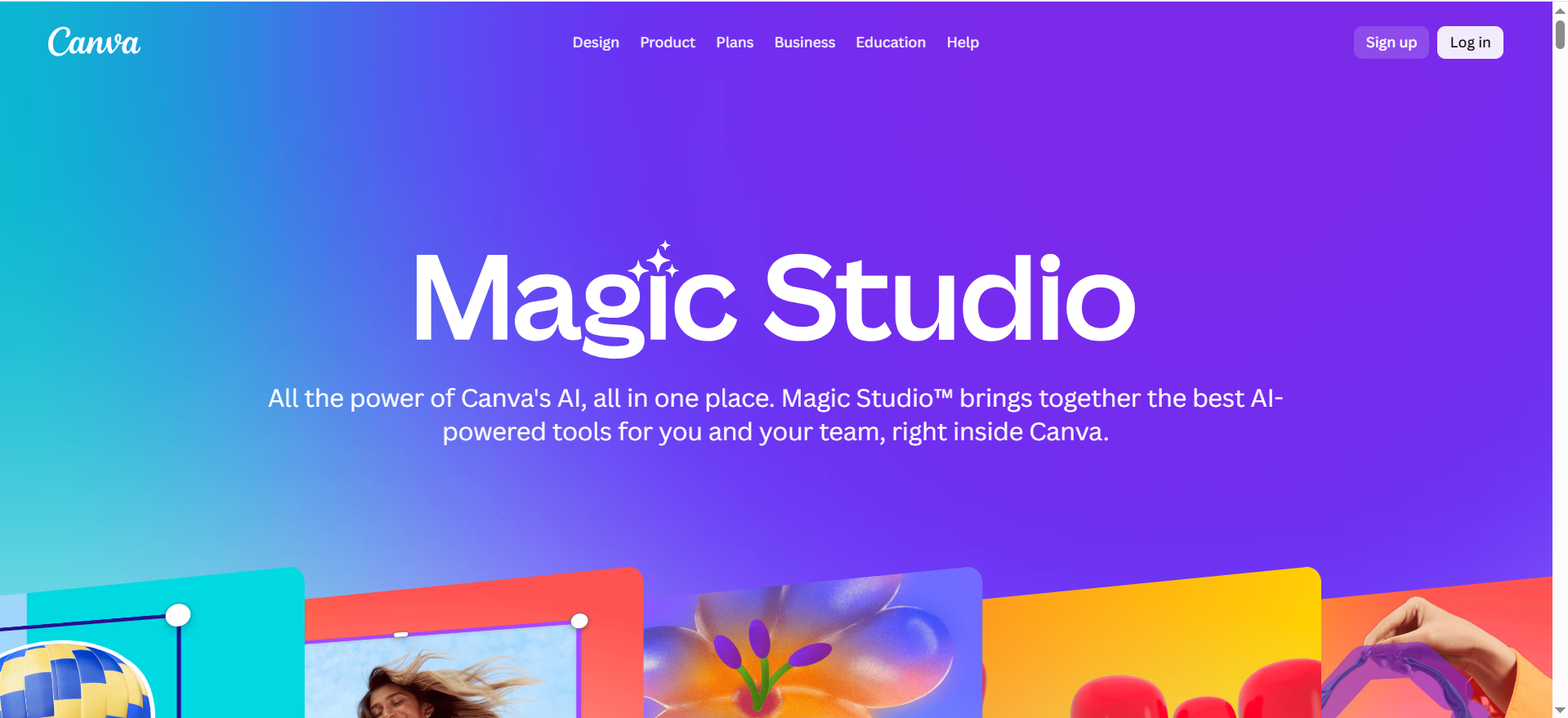
Canva is a design tool that lets you create professional marketing visuals (social posts, ads, lead magnets, one-pagers) without a designer. Its built-in AI features help you generate and repurpose creative faster so you can publish consistently.
Best for: Small teams that need high-volume creative (social posts, ads, carousels, lead magnets) without a designer.
At a glance
- Category: Content + design
- Pricing anchor: Canva introduced Canva Business at $20/person/month, no seat minimum
- Learning curve: Low (fastest “ship today” tool)
Key AI capabilities you’ll actually use
- AI-assisted design generation and creative variations (Magic tools inside the workflow).
- Rapid repurposing: turn one message into multiple layouts and sizes.
Top integrations
- Works smoothly with social schedulers, downloads/export, team folders, and basic brand governance.
Strengths
- Fastest path to “looks professional.”
- Templates help small teams stay consistent.
Trade-offs
- Easy to look generic if you don’t lock a brand kit + templates.
- AI is best for drafts/variations—your positioning still has to be human.
Use it like this (micro-workflow: “One blog → 12 assets”)
- Pull 5 key takeaways from this article.
- Create 3 templates: tip, mistake, CTA.
- Generate 4 variations per template (headlines + layouts).
- Export and schedule across 2 weeks.
Pro tip: Create a “Roundup Creative Kit” folder so every new roundup gets plug-and-play assets.
3 — Brevo
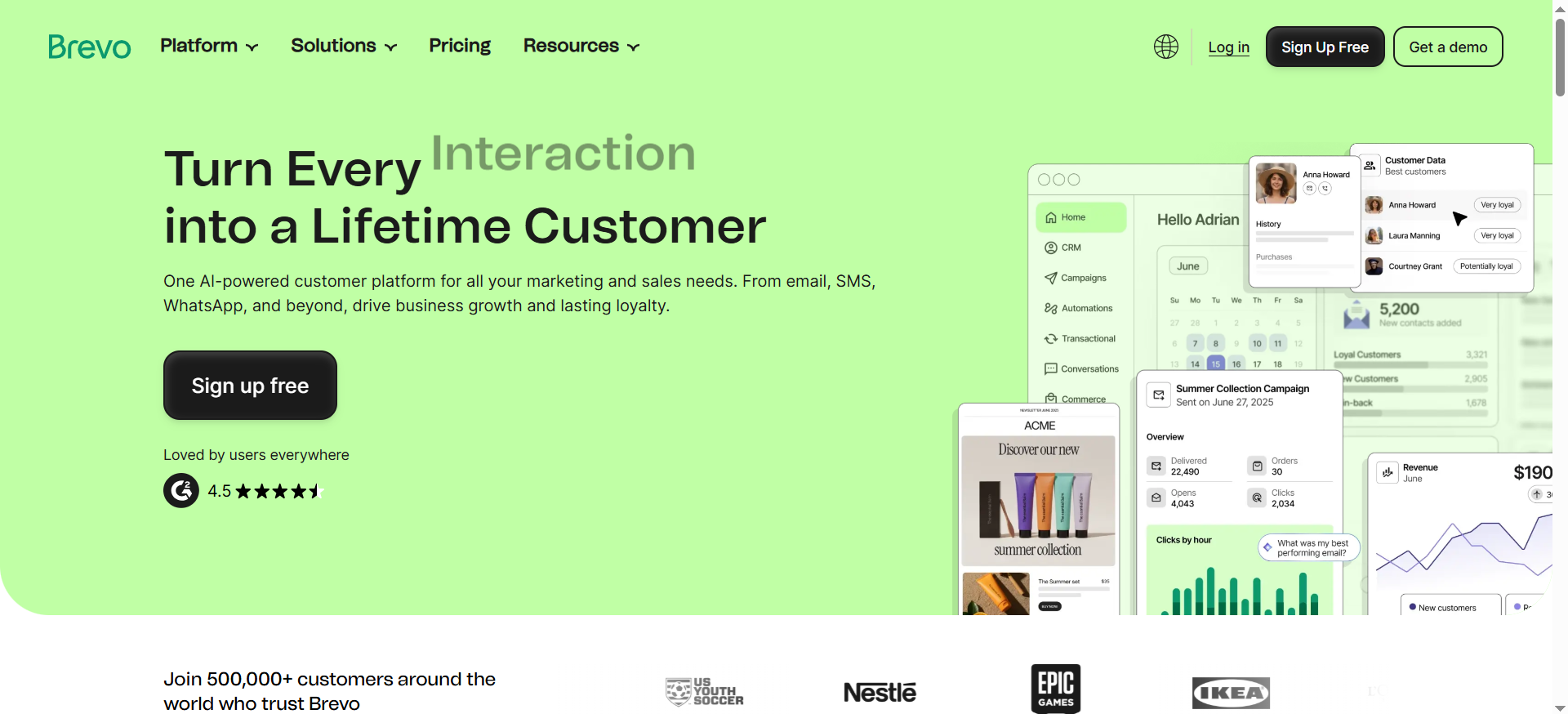
Brevo is an email marketing and automation platform built for small businesses that want strong value without complexity. You can send newsletters, build simple nurture sequences, and segment leads so you’re not blasting the same message to everyone.
Best for: SMBs who want email marketing + automation with a meaningful free plan (and upgrade only when growth demands it).
At a glance
- Category: Email + automation
- Free tier: Includes 300 daily email sends (no rollover)
- Learning curve: Low–Medium
Key AI capabilities you’ll actually use
- Brevo’s pricing materials reference an AI content generator (plan-dependent).
- Draft faster: subject lines, intros, offer angles.
Top integrations
- Common ecommerce/website tools + Zapier for everything else.
Strengths
- Strong value for newsletters + simple automations.
- Practical upgrade path as your list grows.
Trade-offs
- Daily send cap on free plan means you’ll upgrade once your list gets active.
- Advanced automation/reporting improves in higher tiers.
Use it like this (micro-workflow: “Checklist → nurture → consult”)
- Build a 2-step opt-in: email → one qualifying question.
- Deliver the checklist instantly.
- Run a 5-email nurture: quick win → mistake → case study → tools → consult CTA.
- Tag anyone who clicks “consult” and follow up personally.
Pro tip: Add one email that asks people to reply with their biggest marketing bottleneck—this increases engagement and deliverability.
4 — Buffer
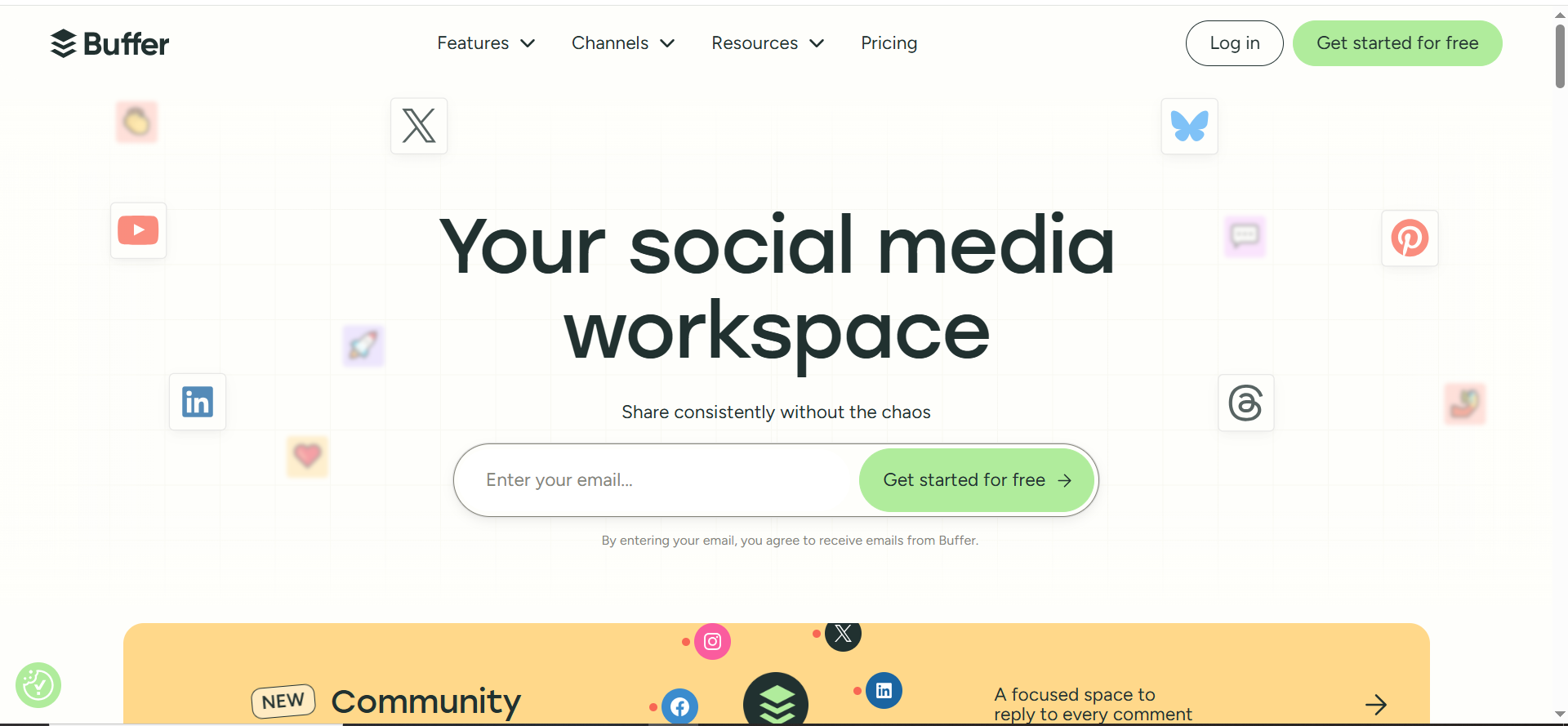
Buffer is a simple social scheduling tool that helps you plan and publish posts across channels without manually posting every day. It’s ideal for batching content once a week and keeping a consistent presence with minimal effort.
Best for: Small businesses that need consistent social publishing without a complicated social suite.
At a glance
- Category: Social scheduling
- Paid starting point: Buffer pricing shows Essentials at $5/month (per channel)
- Learning curve: Low
Key AI capabilities you’ll actually use
- AI helps for hooks, rewrites, and post variations (useful for speed + consistency).
Free plan usefulness
- Buffer notes the Free plan lets you schedule 10 posts per channel, up to 30 total with three channels connected.
- Buffer also lists Free: connect up to 3 channels on pricing.
Strengths
- Simple, predictable, low friction.
- Great for batching (1 hour/week can cover your entire calendar).
Trade-offs
- Deep analytics and collaboration features are limited vs enterprise suites.
- Posting more ≠ better results (you still need a clear offer + CTA).
Use it like this (micro-workflow: “30 posts in 45 minutes”)
- Define 3 weekly content types: tips, proof, offer.
- Write 10 posts using a simple structure: Hook → Value → CTA.
- Schedule 2 weeks ahead.
- Repost the top performer next month with a new hook.
Pro tip: Save your best 10 posts as a “Swipe File” so you’re never starting from scratch.
5 — Google Analytics (GA4)
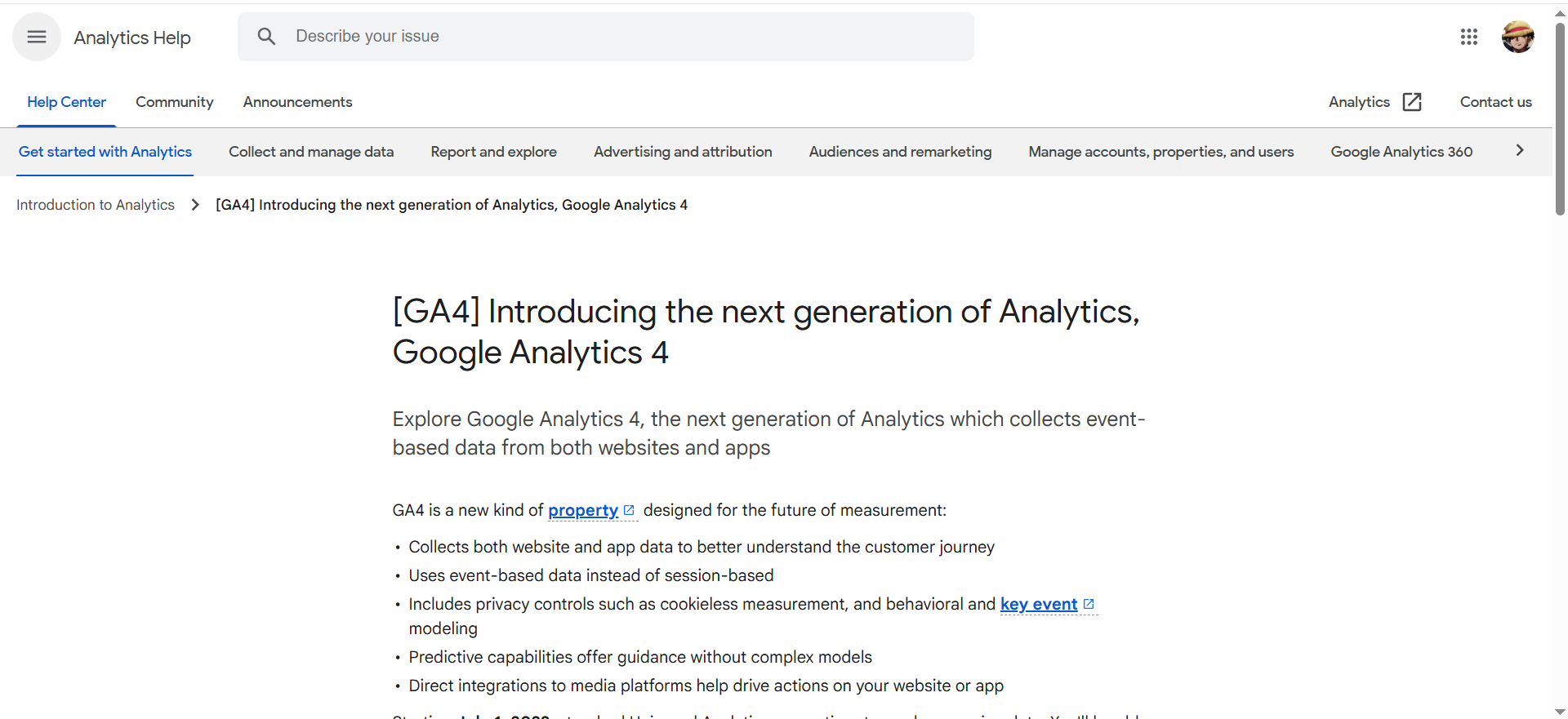
GA4 is Google’s analytics platform for tracking how people find and use your website and which pages lead to conversions. It helps you measure what content and channels drive checklist downloads, consult clicks, and booked calls so you can double down on what works.
Best for: Every SMB that wants to measure what works (traffic → leads → bookings) without paying for analytics software.
At a glance
- Category: Analytics + reporting
- Pricing: Google Analytics gives you tools “free of charge”
- Learning curve: Medium (setup matters)
Key AI capabilities you’ll actually use
- Google positions Analytics insights and prediction capabilities powered by Google AI (e.g., anticipating opportunities).
- GA4 also has “Analytics Intelligence” insights using machine learning to help you act on data.
Strengths
- Best baseline measurement for the price ($0).
- Essential for proving ROI from SEO/content.
Trade-offs
- If you don’t configure conversions, GA becomes “interesting charts.”
- Requires ongoing habit: weekly review + action.
Use it like this (micro-workflow: “Know what’s working in 20 minutes/week”)
- Track 3 conversions: checklist download, consult click, consult booked.
- Weekly: review conversions by channel and top landing pages.
- Improve one page each week (CTA clarity, proof, FAQs).
- Double down on the channel that drives bookings (not just clicks).
Pro tip: Keep KPIs minimal (3–5). If you track 25 events, you’ll track nothing.
How to Choose the Right Tools (Quick Evaluation Checklist)
Before you buy anything, rate each tool on these 6 criteria. The “best” tool for a small business is the one you’ll use weekly—and that pays for itself fast.
- Speed to value (week-1 results)Can you set it up and launch something real in 60–120 minutes (a campaign, a landing page, a workflow, a report)?
- Learning curve (low friction wins)If it needs hours of training or a certification to get value, it’s probably not SMB-friendly—unless it replaces multiple tools.
- Integration fit (does it plug into your stack?)Does it connect to your CRM, website/forms, calendar/booking, and (if relevant) ad accounts—without messy workarounds?
- Realistic total cost (not just “starting at…”)What happens when you add contacts, seats, channels, or automation volume? Check the upgrade cliff before you commit.
- Workflow clarity (repeatable execution)Does it help you run marketing as a system—templates, automation triggers, checklists, and “next steps”—not just one-off tasks?
- Trust + control (brand-safe output)Can you easily review/edit AI outputs, keep a consistent brand voice, and avoid generic or inaccurate content?
💡 Quick rule: if a tool doesn’t improve speed, consistency, or measurement, it’s not a priority for a small business stack.
▶️ See pricing & engagement options
Frequently Asked Questions
Do AI Marketing Tools Replace a Marketer?
Are These Tools Good for Google AI Overviews and AI Search Visibility?
Should I Choose an all-in-one Suite or Best-of-Breed Tools?
What’s the Biggest Mistake Small Businesses Make with AI Marketing Tools?
Do I Need Dashboards Like Databox?
How do I Know if a Tool is “Worth it”?
Want a Smarter Stack + Better AI Visibility?
The best AI marketing tools for small business aren’t the fanciest—they’re the ones you’ll actually use every week to produce more output, generate more leads, and make decisions with real data. If your stack feels complicated, you won’t run it consistently, and inconsistent marketing doesn’t compound.
That’s why this guide focuses on a simple 5-tool system: HubSpot Starter to capture and track leads, Canva to ship creative fast, Brevo to nurture automatically, Buffer to stay consistent on social, and GA4 to measure what’s driving signups and bookings. When these tools work together, you stop “doing marketing” and start running a repeatable loop: publish → capture → follow up → improve.
If you want help choosing the right setup for your business (and getting it implemented without guesswork), book a 30-minute Growth / AI Visibility consult and grab the checklist download—we’ll map a lean stack to your funnel, fix the tracking, and give you a clear next-step plan you can execute immediately.


