

Schema markup isn’t just an SEO checkbox anymore, it’s one of the cleanest ways to make your content machine-readable for search engines and answer engines and AI systems that extract entities, facts, and relationships. Your goal in 2026 isn’t “add some JSON-LD.”Your goal is AI-ready structured data: consistent entity definitions, correct required properties, and a validation + monitoring loop that prevents schema drift over time.
If you need enterprise governance + knowledge-graph-level control, start with Schema App. IIf you want a fast, free way to generate JSON-LD for common types, use Merkle-style generators (and validate with Google + Schema.org tools). For WordPress, Rank Math and Yoast are the practical defaults, Rank Math for flexible schema controls, Yoast for a connected schema graph approach.And if you need to validate and QA schema across an entire site, Screaming Frog is the workhorse for crawling + structured data issue reporting at scale.
📋 Get Listed / Advertisement
We update this guide monthly. Want your tool featured? Contact: [email protected].
Best 5 Tools for Schema Markup Generation & Validation (Quick Comparison)
| Tool | Best for | What it’s strongest at | Typical cost |
|---|---|---|---|
| Schema App | Enterprise teams | Governance, scalable deployment, knowledge graph approach | Custom pricing |
| Merkle Schema Tools | Fast implementation | Quick JSON-LD generation for common types | Free (tool-based) |
| Rank Math | WordPress sites | Schema module + custom schema builder workflows | Freemium / plugin pricing |
| Yoast SEO | WordPress sites | Connected “schema graph” output + strong defaults | Freemium / plugin pricing |
| Screaming Frog | Any site at scale | Crawl-based schema validation + issue exports | Paid desktop app (limited free version) |
📋 Get Listed / Advertisement
We update this guide monthly. Want your tool featured? Contact: [email protected].
1. Schema App
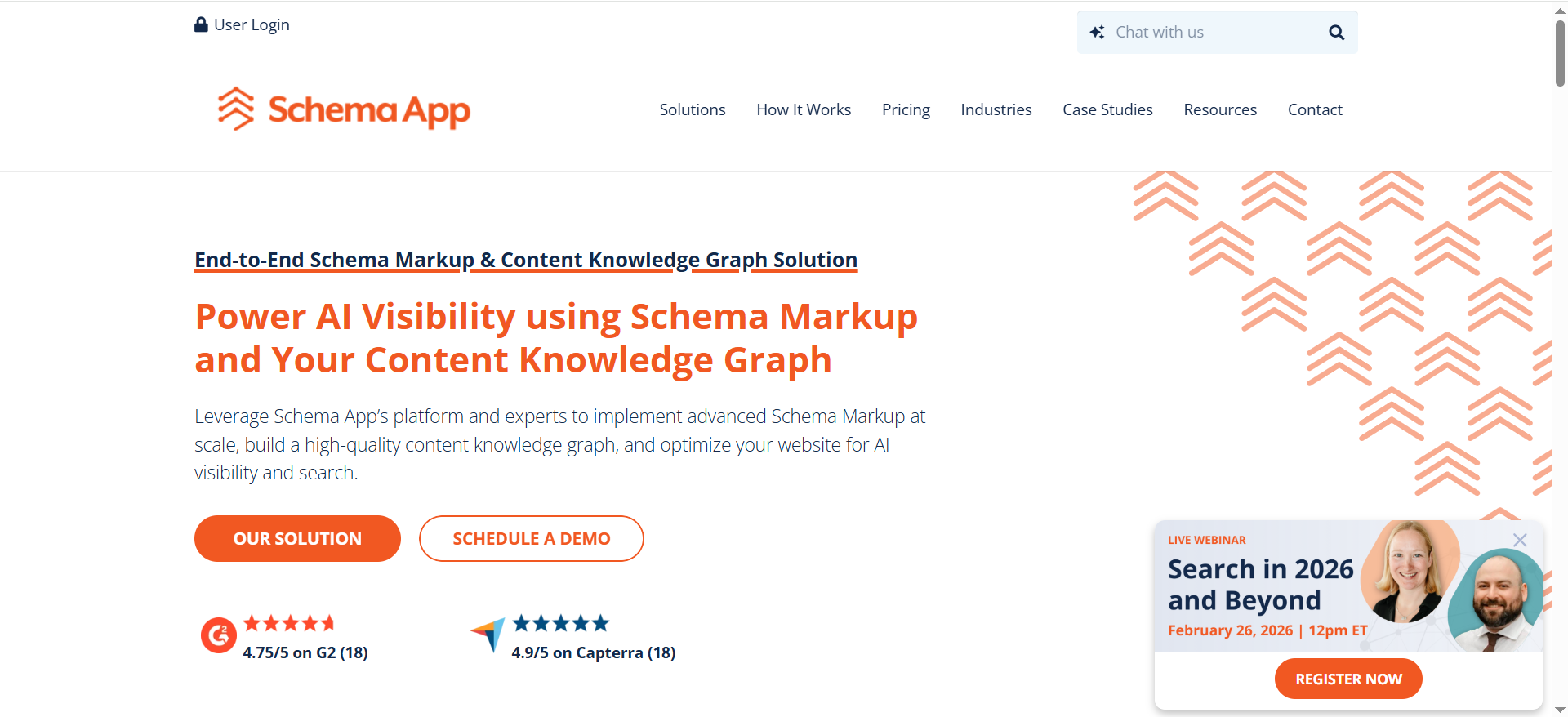
What it does
Schema App positions itself as an end-to-end schema markup solution for organizations that want structured data implemented with governance, scalability, and (often) a knowledge-graph mindset.
Why teams use it
Because schema breaks in real life, not when you publish the first JSON-LD block, but when templates change, content changes, multiple teams ship pages, and markup becomes inconsistent. Schema App is built for teams that need repeatable processes and control tent types.
What it’s good for
- Enterprise or fast-growing sites with lots of templates (collections, faceted pages, large content libraries)
- Brands that need consistent entity definitions (Organization, authors, locations, products) to reduce ambiguity
- Teams that want a structured-data system that can evolve beyond “rich results,” toward broader machine understanding
When it’s a good fit
- You have 1,000s of pages and schema must stay consistent across teams
- You need schema templates and repeatable deployment patterns
- You treat schema as a strategic asset (entity clarity + content knowledge graph)
When it’s not a good fit
- You only need schema on a small blog or a simple brochure site
- You want a free or “one-and-done” generator without governance overhead
- Your team can implement clean JSON-LD with a CMS + a validator loop
How to use it
- Start with baseline entity markup: Organization, WebSite, WebPage.
- Add template-level schema for your main page types (Article, Product, LocalBusiness, etc.).
- Define “single source of truth” fields for critical properties (name, URL, logo, sameAs, brand, author).
- Set QA gates: validate against Schema.org + test for Google rich result eligibility (more on this below).
- Monitor crawl output for drift (new warnings, missing required fields, invalid values).
Key capabilities
- Template-based deployment (can you map schema to templates, not pages?)
- Entity governance (can you manage Organization/Brand/Author entities centrally?)
- Change management (does markup update when content updates?)
- Reporting/visibility into markup coverage and issues
Pricing
Schema App’s pricing is not publicly listed; it’s available by quote.
Free tier?
Schema App doesn’t offer a free tier, and it doesn’t offer a free trial for its enterprise subscription, but it does offer a demo.
Downsides / limitations
- Overkill for small sites
- Requires process maturity (taxonomy, templates, governance) to get full value
- Cost can be a constraint compared to plugin + validator workflows
2. Merkle Schema Tools

What it does
“Merkle schema tools” is commonly used as shorthand for quick, form-based schema generators that output JSON-LD for common schema types (FAQ, HowTo, Product, Article, LocalBusiness, etc.). Many SEOs use these as the fastest on-ramp to “valid enough JSON-LD,” then validate using the official validators.
Why teams use it
- Speed: you can produce first-pass JSON-LD in minutes
- Accessibility: non-developers can generate markup without writing code
- Great for prototypes, MVPs, and “prove it works” pilots
What it’s good for
- Creating JSON-LD blocks for individual pages (especially content types with predictable fields)
- Training content teams on what schema is and what properties matter
- Filling schema gaps quickly (e.g., FAQ schema on support pages)
When it’s a good fit
- You need schema now, and engineering time is limited
- You’re implementing schema on a handful of high-value templates
- You’ll still run everything through validators before shipping
When it’s not a good fit
- You need automated deployment across thousands of pages (you’ll want CMS templating or a platform)
- Your markup needs a governed entity layer (Organization/Brand/Author reused across the site)
- You need monitoring; generators don’t watch for drift
How to use it
- Choose the schema type that matches the page’s primary intent (Product for PDP, Article for blog, LocalBusiness for location, etc.).
- Fill in fields carefully, most schema issues come from sloppy values (bad URLs, wrong formats, empty arrays).
- Export JSON-LD and add it to the page template (preferably not hard-coded per page unless necessary).
- Validate with:
- Google Rich Results Test (for Google eligibility)
- Schema Markup Validator (for Schema.org validity)
Key capabilities
- Which schema types are supported out-of-the-box
- Whether it includes required properties for rich results (varies by generator)
- Output quality (clean JSON-LD, correct nesting, consistent IDs)
Pricing
Merkle-style schema generator tools are free to use.
Free tier?
Yes, these tools are free (tool-based), with no paid tier required.
Downsides / limitations
- “Output” is not “implementation.” You still need deployment + QA + monitoring.
- Easy to generate markup that is technically valid but semantically weak (more on that in the AI-ready framework section).
3. Rank Math
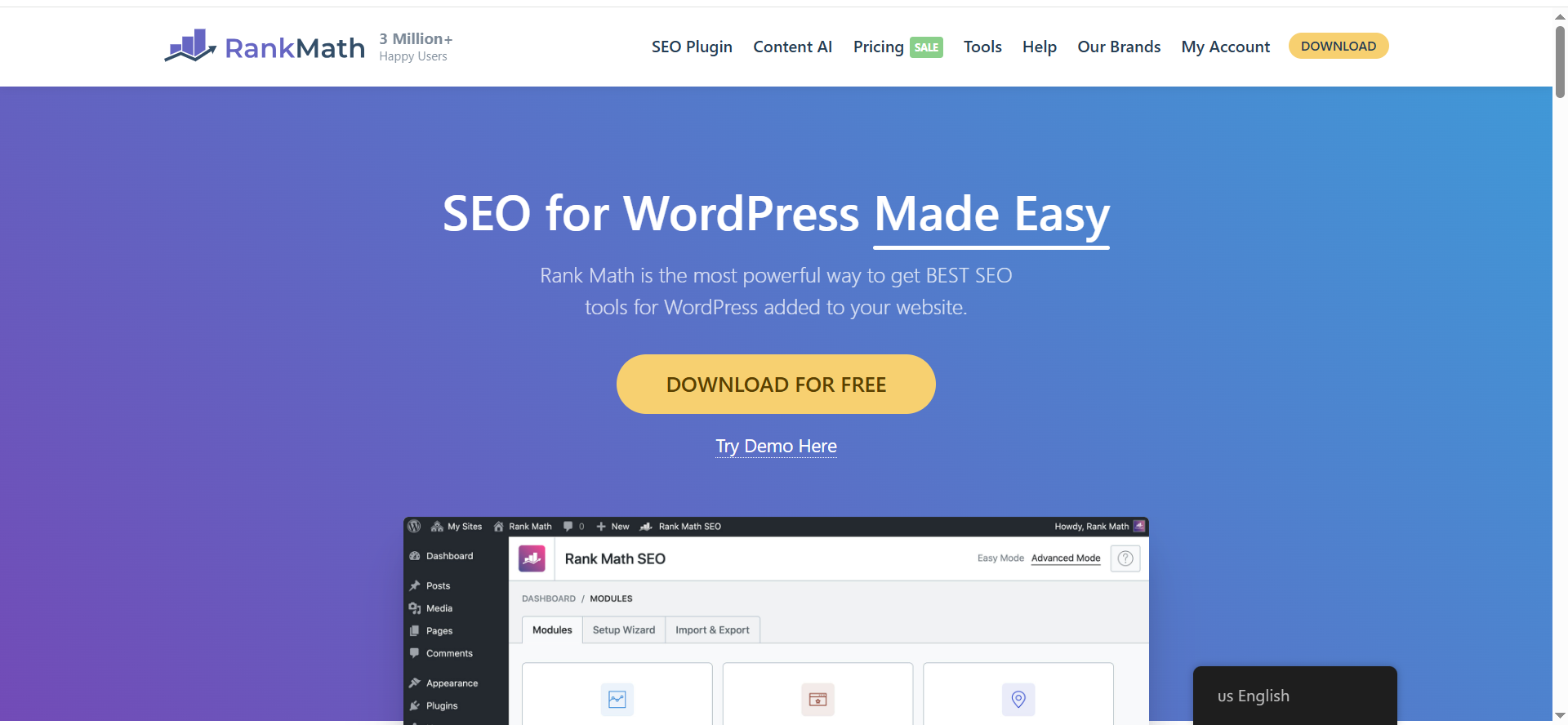
What it does
Rank Math is a WordPress SEO plugin with a Schema (Structured Data) module and a custom schema builder workflow, which can help teams implement structured data without custom development.
Why teams use it
- Practical WordPress control over schema types, templates, and page-level overrides
- Helpful for teams that want “enough structure” without becoming schema engineers
- Fits content ops: editors can manage markup with fields instead of code
What it’s good for
- WordPress blogs and marketing sites that need Article, FAQ, HowTo, Product-ish templates
- Teams running programmatic or template-driven landing pages inside WordPress
- Quick iteration: you can adjust schema implementation as you learn
When it’s a good fit
- WordPress is your main CMS and you want a schema workflow integrated into it
- You need some ability to customize schema beyond “defaults”
- Your team can enforce plugin governance (avoid multiple schema plugins fighting)
When it’s not a good fit
- You need deep enterprise-level schema governance across multiple properties
- You have headless or custom CMS (Rank Math is WP-specific)
- You can’t control plugin sprawl (conflicting schema output is common in WP stacks)
How to use it
- Enable the Schema module and define default schema types per page/post types.
- Standardize your “entity layer” fields: Organization name, logo, URL, social profiles.
- Use consistent IDs for entities when possible (stable URLs for @id).
- Validate a sample of each template type before rolling across the whole site (use Rich Results Test + Schema Markup Validator).
Key capabilities
- Schema module toggle + configuration
- Custom schema builder for unusual cases (where you need more than defaults)
- Page-level overrides and reusable patterns (depending on site build)
Pricing
Rank Math’s paid plans start at $7.99/month (billed annually, ex. VAT) for the PRO plan.
Free tier?
Yes, Rank Math offers a free plugin, plus a demo.
Downsides / limitations
- Still requires QA discipline (bad values and conflicts can pass unnoticed)
- Plugin conflicts: if you run multiple plugins that output schema, you can create duplicate/conflicting graphs
4. Yoast
What it does
Yoast SEO automatically generates Schema.org structured data and emphasizes a connected “schema graph” approach that ties entities and page relationships together (rather than isolated blobs of JSON-LD).
Why teams use it
- Strong defaults (especially for standard content sites)
- The schema graph concept helps maintain consistency (Organization ↔ WebSite ↔ WebPage ↔ Article ↔ Author)
- Lower operational burden for content teams that want “good structured data hygiene” with minimal configuration
What it’s good for
- WordPress blogs and brand sites where core schema types cover most needs
- Teams that want an opinionated, consistent structure that reduces weird edge cases
- Organizations that care about entity connectivity (a key ingredient in AI extraction)
When it’s a good fit
- You want stable baseline schema without building everything custom
- Your site benefits from connected entity relationships (author, organization, web page graph)
- You value consistency more than endless customization
When it’s not a good fit
- You need highly customized schema templates for complex templates
- You need deep product schema control beyond plugin defaults
- You’re not on WordPress
How to use it
- Configure Organization / Person settings carefully (brand name, logo, profiles).
- Ensure author bios and editorial structure are complete, schema can only reflect what exists
- Add schema-enhanced blocks or features (where applicable) to generate the right content-type markup.
- Validate key templates with Google + Schema.org validators.
Key capabilities
- Unified / connected schema graph output
- Automatic generation for common content types
- Strong baseline for entity clarity
Pricing
Yoast SEO Premium costs $118.80/year (ex. VAT).
Free tier?
Yes, Yoast SEO has a free version (and Premium is paid).
Downsides / limitations
- As with any plugin: if other plugins/themes also output schema, you can accidentally duplicate markup
- Custom edge cases may require dev work or additional tooling
5. Screaming Frog
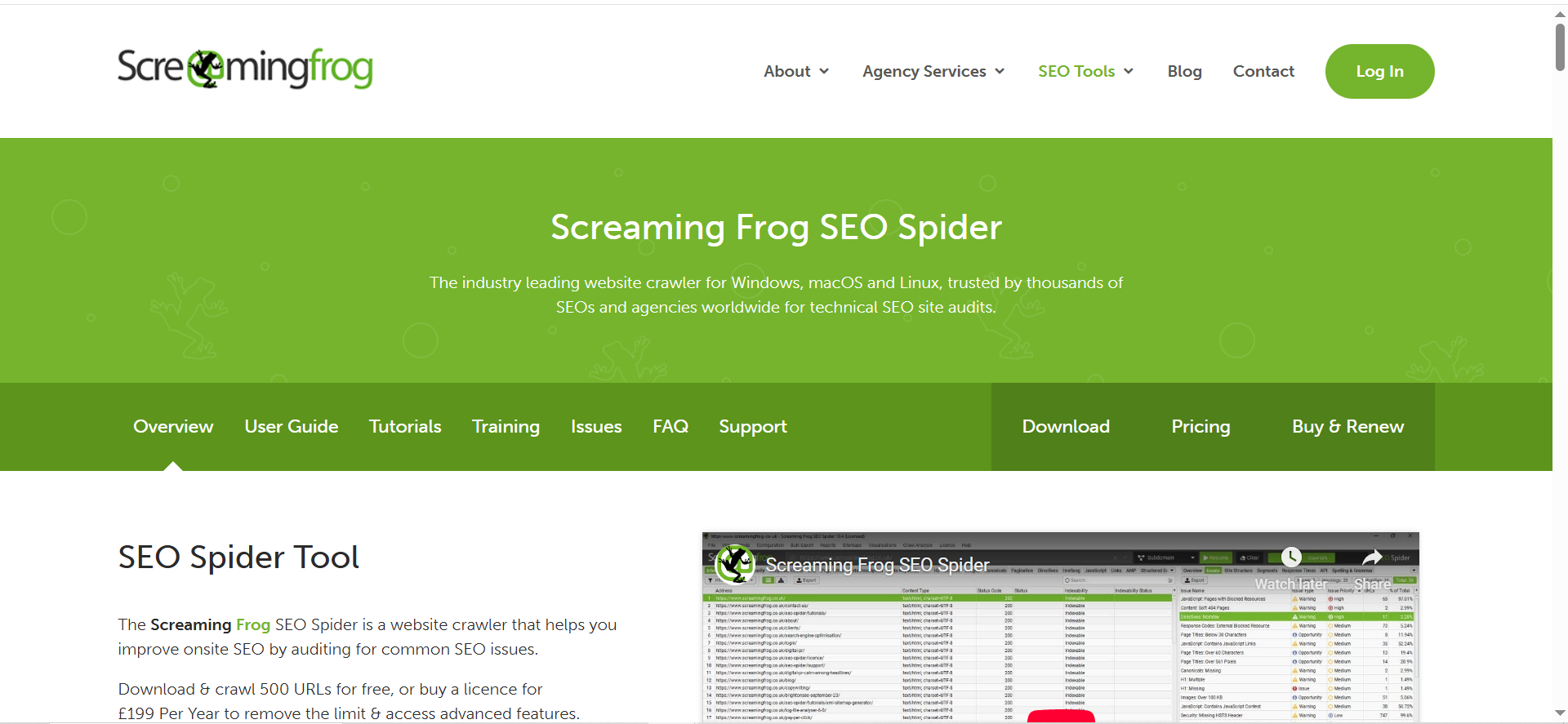
What it does
Screaming Frog SEO Spider crawls your website and can extract and validate structured data, checking markup against Schema.org specifications and also surfacing rich result feature validation issues depending on configuration.
Why teams use it
Because it solves the hardest schema problem: QA at scale.
Most schema errors aren’t discovered by generators or plugins. They’re discovered when you crawl 5,000 URLs and realize 30% have missing required properties, invalid values, or inconsistent markup output due to templates, conditionals, or plugin conflicts.
What it’s good for
- Auditing structured data across a whole site (not just one URL)
- Exporting validation errors/warnings for engineering or content ops fix queues
- Ongoing monitoring: “what changed since the last release?”
When it’s a good fit
- You have hundreds+ of URLs where schema exists (or should exist)
- You release often and want schema QA in your release checklist
- You need concrete exports: URL → error → fix
When it’s not a good fit
- You only need to validate one URL occasionally (use free validators)
- Your team won’t operationalize the outputs (crawler findings need ownership)
How to use it
- Enable structured data extraction and schema validation in configuration.
- Crawl the site (start with a directory or a template set).
- Review the Structured Data tabs/filters for:
- Validation Errors (Schema.org)
- Validation Warnings (Schema.org)
- Rich Result Validation Errors/Warnings (Google feature-level)
- Export issues and fix in batches by template (not URL-by-URL).
- Re-crawl after fixes and keep a “schema health” report for every release cycle
Key capabilities
- Validation error discovery at scale
- Rich result feature validation issue surfacing
- Repeatable crawling and exports that become part of ops
Pricing
Screaming Frog SEO Spider costs £199 per year for a license.
Free tier?
Yes, the free version is limited to crawling up to 500 URLs per crawl.
Downsides / limitations
- Desktop-based workflow (teams sometimes need shared reporting pipelines)
- Requires someone to own the process and translate findings into fixes
The “AI-ready structured data” framework (schema that supports extraction)
Your Excel brief angle is spot-on: “Schema that supports AI extraction.” Here’s what that means in practice.
AI systems (and modern search systems) don’t just look for “is JSON-LD present?” They benefit most when your markup:
1) Makes entities unambiguous
- Use stable identifiers (@id) for Organization, Author, Product, Location
- Keep names, URLs, and sameAs links consistent across templates
- Avoid multiple conflicting definitions of the same entity
Why it matters: AI extraction is essentially “entity resolution.” If your brand is described three different ways across pages, you create ambiguity.
2) Connects relationships, not just fields
Graph-style schema (explicit relationships) helps machines understand “who is who” and “what relates to what.” Yoast’s emphasis on a connected schema graph is an example of this principle.
3) Prioritizes “truthy” properties that power answers
For each schema type, focus on the properties that support extraction and eligibility:
- Organization: name, url, logo, sameAs
- Article: headline, author, datePublished, dateModified
- Product: name, image, brand, offers (price, currency, availability), aggregateRating (when legitimate)
- LocalBusiness: address, geo, openingHours, telephone
- BreadcrumbList: clean hierarchy and consistent URLs
4) Separates two kinds of validation
This is where teams get confused:
- Schema.org validity: “Is this markup syntactically/semantically valid Schema.org?”
- Google eligibility: “Does this markup meet Google’s requirements for a specific rich result feature?”
Google explicitly points to using Rich Results Test and Schema Markup Validator, and notes the migration away from Google-specific validation in the old Structured Data Testing Tool.
5) Adds monitoring (or schema decays)
Schema drift is real: new templates ship, fields become empty, plugins update, and suddenly “required properties” go missing.
That’s why crawl-based monitoring (e.g., Screaming Frog) is part of an AI-ready schema stack.
Essential free validators you should use with any generator
Even if your “top 5” stack is set, these validators are the safety rails:
Google Rich Results Test
Google’s Rich Results Test checks which rich results can be generated from a page’s structured data and is the official Google tool for this purpose.
Use it when: your goal is rich-result eligibility and you want Google’s perspective on required/recommended fields.
Schema Markup Validator
Google’s Search Central documentation references the Schema Markup Validator as part of its structured data testing toolkit and explains the migration from the older tool.
Use it when: you want Schema.org validity checks independent of a single search engine’s feature requirements.
Pro tip: In real workflows, teams run both: Schema.org validity first, then Google eligibility.
A practical workflow: Generate → validate → deploy → crawl → monitor
If you want schema that actually stays clean enough to support extraction, here’s a practical loop:
Step 1: Generate (choose one path)
- Platform path: Schema App for governed deployment
- CMS path: Rank Math or Yoast if WordPress
- Quick-start path: Merkle-style generator for initial JSON-LD
Step 2: Validate (two validators, two jobs)
- Schema Markup Validator → schema correctness
- Rich Results Test → feature eligibility
Step 3: Deploy via templates, not copy/paste
If you’re past the prototype stage, copy/paste markup becomes unmaintainable. Move to:
- CMS fields → template output
- Plugin configuration → consistent page-type defaults
- Platform templates/rules for large-scale sites
Step 4: Crawl to QA at scale
Run Screaming Frog on:
- New templates after releases
- A sample set by page type weekly
- Full-site monthly (depending on site size)
This is where you catch the issues that single-URL validators will never reveal.
Step 5: Monitor schema health as an ops metric.
At minimum, track:
- % of pages with valid Organization/WebSite/WebPage baseline
- Error counts by schema type (Product errors, Article errors, LocalBusiness errors)
- “Rich result validation errors” trend over time
Common schema mistakes (and how to catch them fast)
Mistake 1: Conflicting schema from multiple sources
Example: theme outputs Article schema, plugin outputs Article schema, custom code outputs Article schema. Result: duplicates, conflicting values, weird graphs.
Fix: Pick one “schema owner” per page type (plugin OR custom OR platform), and disable the rest.
Mistake 2: “Valid JSON” but semantically weak markup
You can be syntactically correct and still unhelpful:
- Missing sameAs for brand identity
- Empty authors
- Product offers missing currency/availability
- Organization missing stable identifiers
Fix: Build a schema checklist per page type with required “extraction-critical” properties.
Mistake 3: Missing required properties for rich results
Google rich result validation errors often map directly to missing required properties.
Fix: Use Rich Results Test on representative templates and fix at the template level.
Mistake 4: No monitoring → schema decays quietly
Screaming Frog documentation notes you only discover validation issues if extraction + validation are enabled, and it provides exports for issues.
Fix: Bake crawling into release QA and monthly audits.
How to choose your schema stack (decision tree by CMS + scale)
If you’re WordPress
- Need strong defaults + connected graph: Yoast
- Need more schema flexibility/custom building: Rank Math
- Regardless: validate with Rich Results Test + Schema Markup Validator, and crawl with Screaming Frog when you scale.
If you’re enterprise / multi-property / many templates
- Schema App becomes compelling because governance and repeatability matter more than “can I generate JSON-LD once.”
- Still keep validators + crawl QA.
If you’re small site / MVP
- Use a fast generator (Merkle-style) + validators.
- Add monitoring when you hit “enough pages that stuff breaks.”
What’s the best schema markup generator in 2026?
“Best” depends on scale + governance needs, so here’s the practical way to think about it in 2026:
Best overall for enterprise / multi-template sites: Schema App
If you’re dealing with many templates, frequent releases, or multiple teams touching pages, schema breaks unless you have governance + repeatable deployment rules, which is exactly what teams expect from a SaaS SEO agency. Tools like Schema App are built for that model, treating structured data as an organized, connected graph (often knowledge-graph-oriented) rather than one-off JSON blobs.
Pick Schema App when:
- You need reusable entity definitions (Organization, Brand, Author) across the entire site
- You want consistent @id patterns (critical for entity clarity and reusability)
- You’re implementing schema across thousands of URLs and don’t want drift
Best for WordPress teams: Rank Math (flexibility) or Yoast (strong defaults)
On WordPress, schema is usually a plugin decision:
- Rank Math tends to be chosen when teams want more control (custom schema templates/building patterns).
- Yoast is a strong choice when teams want stable defaults and a coherent schema graph-style output (less tinkering).
Best “fast start” generator: Merkle-style schema generators
If you just need to correct JSON-LD quickly for a handful of pages (or to prototype schema types), generators are great, but they don’t solve deployment + monitoring.
The realistic 2026 takeaway:
- Generator = quickest code output
- Platform/plugin = sustainable deployment
- Crawler/monitoring = keeps it valid long term
What’s the best schema validator (Schema.org vs Google rich results)?
There isn’t one “best” validator, because there are two different validation goals:
1) Validate Schema.org correctness: Schema Markup Validator
Use the Schema Markup Validator when you want to know if your markup is valid according to Schema.org vocabulary/structure (independent of any search feature).
What it answers:
- Is the JSON-LD syntactically valid?
- Are the types/properties valid Schema.org terms?
- Are you nesting items properly?
2) Validate Google rich result eligibility: Google Rich Results Test
Use the Rich Results Test when your goal is Google’s rich result features (Product, FAQ, Recipe, etc.). Google explicitly positions it as the official way to test what rich results can be generated from a page.
What it answers:
- Is the markup eligible for Google rich results?
- Are required fields missing for that feature?
- Which warnings could reduce eligibility?
The best practice workflow
- Schema Markup Validator (correctness)
- Rich Results Test (eligibility)
This is also how Google frames structured data testing: schema correctness + rich result testing are separate concerns.
Which schema types matter most for AI extraction (entities + attributes)?
For AI extraction, the schema types that matter most are the ones that define core entities clearly and connect them consistently.
Priority 1: Entity “identity” types (brand + people + content ownership)
These reduce ambiguity and support consistent extraction across your site:
- Organization (your brand entity), supports key identity details like sameAs (official profiles, references)
- Person (authors, leadership, experts)
- WebSite / WebPage (context and canonical relationships)
Why this matters: sameAs is explicitly meant to point to a reference page that unambiguously indicates identity (e.g., Wikidata/Wikipedia/official site). That’s foundational for entity disambiguation and AI extraction.
Priority 2: Commercial / offering types (what you sell)
- Product (+ Offer) for commerce and software products
- Service (where Product isn’t a perfect fit)
- LocalBusiness (for locations, offices, regional entities)
These are the types most likely to generate structured attributes AI systems can reuse (pricing, availability, service area, location details).
Priority 3: Content types that structure answers
- Article (blog, editorial, news)
- FAQPage (when legitimate and aligned with visible content)
- HowTo (instructional content)
The “AI extraction” attributes that matter most
Regardless of type, the properties below are what makes extraction reliable:
- Stable identifiers: @id (critical for linking and reusing entity definitions)
- Identity links: url, sameAs
- Ownership/attribution: author, publisher (for Articles)
- Commercial facts: offers.price, offers.priceCurrency, offers.availability (for Products)
- Hierarchy signals: BreadcrumbList (for content structure)
How do I monitor schema errors across thousands of URLs?
At scale, single-page validators aren’t enough,you need crawl-based monitoring.
The most practical solution: Screaming Frog structured data validation
Screaming Frog can discover structured data validation issues at scale and aggregate unique validation errors/warnings using built-in reports.
What it’s good at:
- Finding Schema.org validation errors across the site
- Surfacing Google rich result validation errors/warnings (feature-specific issues)
- Exporting aggregated issue summaries so you can fix by template, not URL-by-URL
A clean monitoring loop
- Baseline crawl (full site or key directories)
- Export: “Validation Errors & Warnings Summary” and prioritize by template groups
- Fix template logic / plugin configuration
- Re-crawl to verify issue reduction
- Repeat on a cadence (release QA + monthly health check)
Pro tip: monitor changes, not just totals
Schema “health” is best tracked as a trend line:
- New errors introduced after releases
- Error concentration by template
- Rich result feature warnings vs errors (warnings may not block eligibility but indicate weakness)
How do I keep the schema updated when page content changes (dynamic schema)?
Dynamic schema is about one thing: schema must reflect what users see on the page and update when content updates.
The best pattern: “single source of truth” fields → template-generated schema
Instead of hard-coding JSON-LD, map schema properties to the same structured fields that render your UI:
- Product name, price, availability → pulled from product data
- Author name, bio, profile → pulled from author data
- Opening hours, address → pulled from location data
Use stable identifiers to reduce schema churn
When entities persist (Organization, Author, Product), keep @id stable so pages can reference the same entity consistently. Schema tooling guidance commonly emphasizes @id in JSON-LD as the key to unambiguous identification and linking within a schema graph.
Add “schema QA gates” to releases
Every time you ship template changes:
- Validate a staging URL using Schema Markup Validator + Rich Results Test
- Run a targeted crawl (directory/template sample) in Screaming Frog to catch drift
Common dynamic schema triggers to handle explicitly
- Conditional content blocks (FAQ modules, review modules)
- Out-of-stock states (Product availability changes)
- Localization (address formats, currencies)
- Pagination and faceted navigation (BreadcrumbList + canonical alignment)
What are the most common schema anti-patterns that break extraction?
These are the patterns that most often reduce machine extraction quality (and create validator headaches):
1) Conflicting or duplicate schema graphs
Example: theme outputs Article schema + plugin outputs Article schema + custom script outputs Article schema.
Why it breaks extraction: machines see inconsistent values and multiple competing “truths.”
Fix: choose one source of schema output per template type and disable the rest.
2) “Schema says X” but visible page content doesn’t support it
Google and validators can flag this, and it can undermine trust.
Fix: only mark up content that is visibly present and accurate.
3) Missing identity signals for key entities
No stable @id, no sameAs, inconsistent Organization naming across pages.
Why it breaks extraction: the system can’t reliably resolve entities.
Fix: use identity properties like sameAs to point to pages that unambiguously indicate identity.
4) Incorrect property formats (silent killers)
Common examples:
- Prices as strings with symbols instead of numbers
- Wrong date formats
- URLs missing protocol
- Arrays where a single value is expected (or vice versa)
Fix: validate on representative templates, then crawl to catch scale issues.
5) Implementing schema only on “random pages,” not templates
That leads to inconsistency, gaps, and drift.
Fix: implement schema at the template level and monitor coverage by template group.
6) Treating “Schema.org valid” as “rich result eligible”
Schema can be valid but still fail rich result requirements.
Fix: use Schema Markup Validator for correctness and Rich Results Test for feature eligibility.
FAQs
What replaced Google’s Structured Data Testing Tool?
Do I need both Schema Markup Validator and Rich Results Test?
Which schema format should I use, JSON-LD, Microdata, or RDFa?
Can schema markup improve AI Overviews or AI answers?
What’s the easiest way to monitor schema errors across thousands of pages?
Why does Google show “missing field” errors even when my JSON-LD is valid?
Can I use Rank Math or Yoast together?
What schema types should I implement first?
📋 Get Listed / Advertisement
We update this guide monthly. Want your tool featured? Contact: [email protected].


