

If you’re Googling “SE Ranking alternatives”, you’re not browsing for fun, you’re actively looking for a better fit.
Maybe you’ve hit keyword limits, outgrown the reporting, or you’re being asked to drive more pipeline from SEO on the same (or smaller) budget. Or the AI wave has you wondering whether your current stack is really built for how search works now, not how it worked three years ago.
▶️ The good news: SE Ranking is far from your only option. From heavyweight suites like Semrush and Ahrefs, to lean tools like Mangools and Ubersuggest, to AI-first platforms like Writesonic and content specialists like Surfer, there’s a realistic upgrade or sidegrade for every team and budget.
👉 The real question isn’t “Is there an alternative?” it’s which SEO tool actually fits your workflows, data needs, and AI plans.
This guide cuts through the noise. We’ll break down the best SE Ranking alternatives by what they do, why teams use them, who they’re really for, and how they plug into an AI-first SEO stack where visibility now spans Google, AI search, and chat interfaces.
💡 By the end, you’ll know exactly which tools deserve a trial, and which ones you can safely ignore. If you’d rather skip the tool maze entirely, you can also talk to a dedicated SaaS SEO agency about building the right stack for your growth goals.
Table of Contents
What Is SE Ranking & Who Actually Needs an Alternative?
Quick recap – what SE Ranking does
SE Ranking is an all-in-one SEO platform with tools for keyword research, rank tracking, site audits, backlink analysis, and competitor research, plus reporting and agency features.
It’s popular because it packs most “big-tool” features into a more affordable package than giants like Semrush and Ahrefs.
Common reasons people look for SE Ranking alternatives
Typical reasons you might be shopping around:
- You want deeper backlink or keyword data than SE Ranking provides.
- Your team needs stronger reporting/white-label capabilities for clients.
- You’re outgrowing it and need enterprise-level data (traffic intel, PPC, multi-channel).
- Or, the opposite: you want something simpler or cheaper for a small site or side project.
- You want AI-enhanced content optimization or SEO workflows that SE Ranking doesn’t focus on as much.
The upside is that there are now plenty of mature alternatives for every one of these scenarios. Reviews and comparison guides frequently highlight Semrush, Ahrefs, Moz Pro, Serpstat, Mangools, Ubersuggest, Surfer, Similarweb, and AgencyAnalytics as top SE Ranking competitors, plus AI-first SEO stacks you can compare in our guides on the ROI-first SaaS SEO stack and AI SEO tools and workflows.
Best SE Ranking Alternatives at a Glance
Here are the top alternatives most often recommended across comparison sites and review platforms:
- Semrush – Best all-in-one SEO & marketing suite
- Ahrefs – Best for backlink & competitor research
- Moz Pro – Best for usability & education
- Serpstat – Best value for agencies & growth teams
- Mangools (KWFinder suite) – Best for bloggers & small businesses
- Ubersuggest – Best ultra-budget option
- Similarweb Platform – Best for traffic & market intelligence
- AgencyAnalytics – Best for agencies needing reporting dashboards
- Surfer – Best for AI-assisted on-page/content optimization
- Writesonic SEO AI Agent – Best AI-first SEO workflow
- Google Search Console + free Google tools – Best free alternative for core SEO data
Use the rest of this guide to pick the single best fit for your stack.
1. Semrush
What it does?
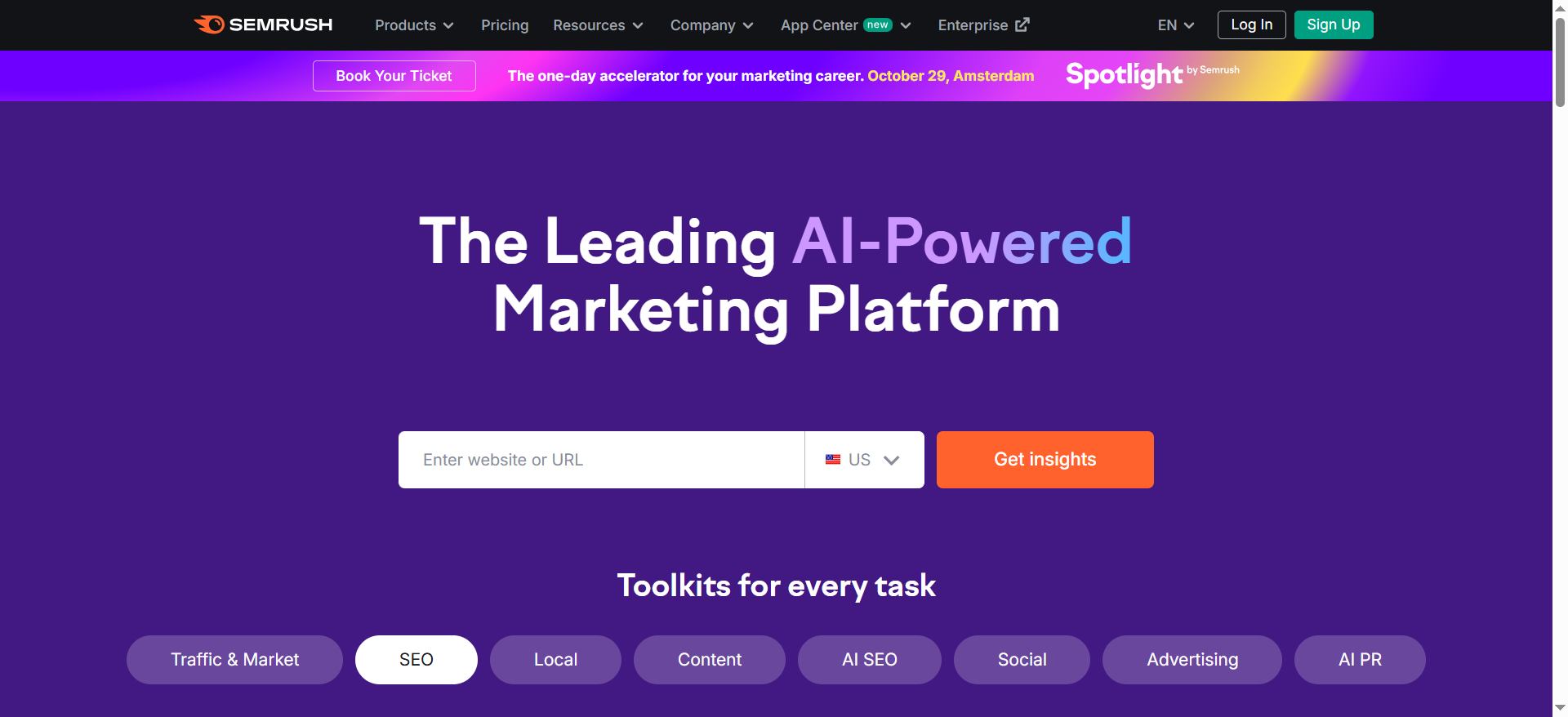
Semrush is an all-in-one SEO and marketing platform covering keyword research, rank tracking, site audits, backlinks, and competitive research. It also layers on PPC, social media, and content marketing tools so teams can manage multiple channels in one place. Large data sets and detailed SERP insights make it a go-to for serious SEO programs. For many teams, it becomes the central “visibility command center.”
Why teams use it?
Teams use Semrush to consolidate multiple point tools into a single, powerful suite. It helps them discover opportunities, monitor rankings, and track competitors across organic and paid channels. Agencies love its reporting features and project structure for managing many clients. In-house teams use it to connect SEO work directly to traffic and revenue.
Who is this tool for (ICP)?
Great for teams that want one main SEO + marketing workbench.
- In-house SEO / growth teams at SMBs and mid-market
- Performance and full-service agencies
- Content teams that own SEO strategy and execution
- Businesses running both SEO and PPC campaigns
How this tool fits in this AI-first era?
Semrush adds AI-assisted keyword research, content briefs, and on-page suggestions so teams move from data to action faster. It also tracks SERP features and evolving search behavior, which is critical as AI overviews and rich results change click patterns. That makes it a strong “data backbone” for any AI-assisted SEO workflow.
- AI features to speed up research and brief creation
- Visibility tracking where AI/featured snippets reduce clicks
- Data source you can plug into internal AI tools and agents
How does Semrush work?
You create projects for your sites, add target keywords, and configure rank tracking and audits. Semrush crawls your site, pulls keyword and backlink data from its own index, and benchmarks you against competitors. You then use dashboards, reports, and content tools to plan initiatives and measure impact. Most teams integrate it with analytics and search console data for deeper insights.
Free tier? Yes/No
Yes (limited free account).
Strengths?
Ideal if you value breadth and deep data.
- Very strong keyword and backlink databases
- True “all-in-one” across SEO, PPC, and content
- Robust reporting and project management
- Huge library of workflows and templates
Weaknesses?
The power comes with trade-offs.
- Expensive for small teams and high usage
- Can feel overwhelming for beginners
- Some advanced datasets and add-ons cost extra
Key Capabilities?
Covers almost everything you’d expect from a flagship SEO suite.
- Keyword research and topic discovery
- Technical site audits and site health scoring
- Rank tracking by device, country, and SERP feature
- Backlink analytics and link-building workflows
- Content marketing toolkit and PPC tools
Pricing snapshot? (check site for latest)
- Pro – from ~$130–150/month
- Guru – from ~$250–300/month
- Business – from ~$450–550/month
Best for?
Best for teams that want to standardize on a single, enterprise-grade SEO and marketing platform. If you’re managing multiple domains or channels and need strong competitive and reporting capabilities, Semrush is usually a top candidate.
2. Ahrefs
What it does?
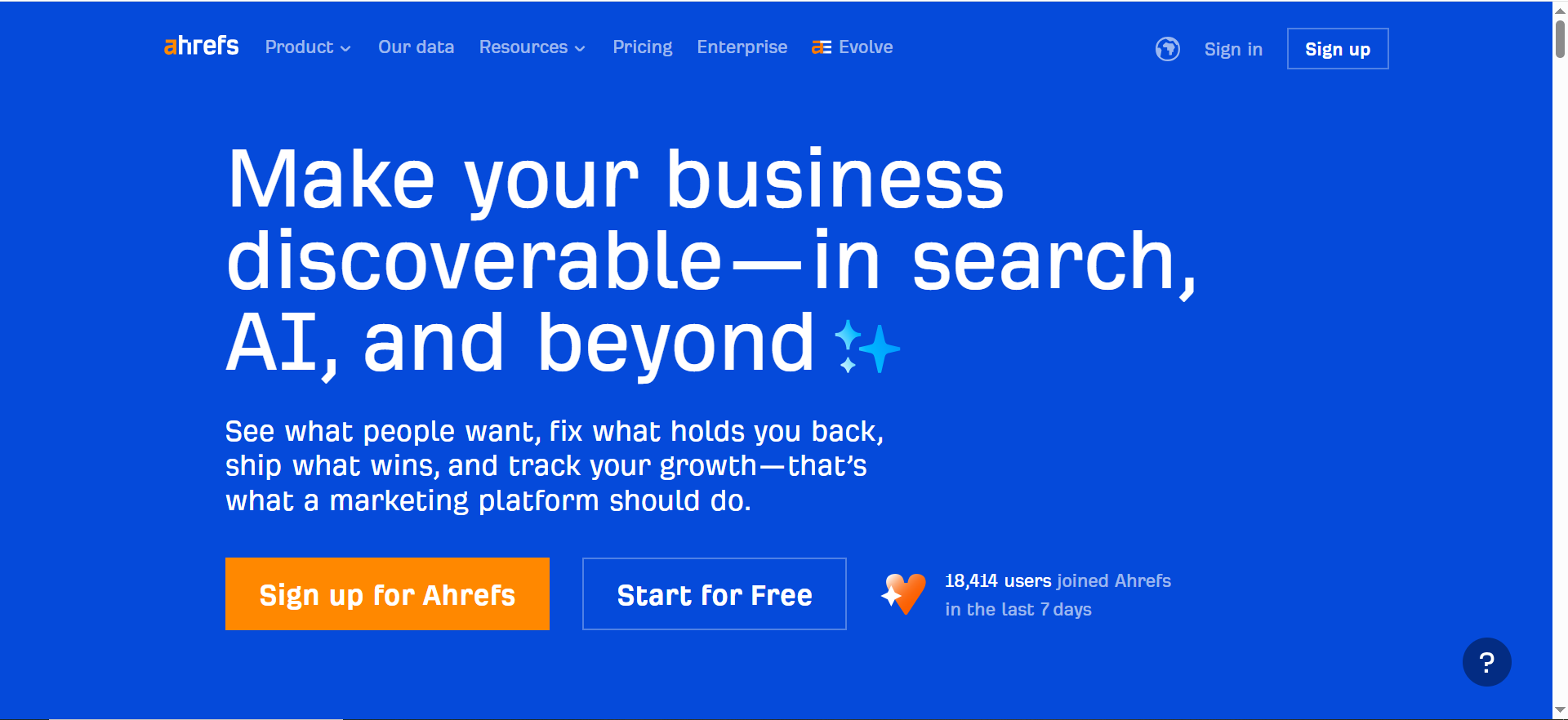
Ahrefs is a specialist SEO suite known for its massive backlink index and powerful competitor analysis. It focuses on keywords, links, site audits, and content research rather than broader marketing channels. SEOs rely on it for deep, accurate insights into what’s ranking and why. It’s considered a gold standard for link data.
Why teams use it?
Teams use Ahrefs when they need serious SEO firepower, especially for link building and competitive research. The tools make it easy to uncover content gaps, high-value keywords, and link opportunities. Its crawler and index are fast and frequently updated. Advanced SEOs appreciate the depth and flexibility of its reports.
Who is this tool for (ICP)?
Perfect for technically minded SEO pros.
- In-house SEO teams with strong technical needs
- Agencies focused on link building and digital PR
- Niche site and publisher teams who live in the data
- Advanced practitioners who prefer depth over “all-in-one” marketing features
How this tool fits in this AI-first era?
Ahrefs gives you granular keyword and link data that AI tools alone can’t replicate. As AI answers change SERPs, you still need a detailed view of where clicks and links come from. Many teams use Ahrefs as the main data source feeding their own AI scripts and internal SEO agents.
- High-quality link and keyword data for AI workflows
- Helps identify keywords where organic clicks still exist
- Robust API/export capabilities for custom tooling
How does Ahrefs work?
You start by putting a domain into Site Explorer to see its backlinks, top pages, and ranking keywords. Keywords Explorer helps you research opportunities across multiple search engines. Site Audit crawls your site and flags issues, while Rank Tracker monitors target keywords over time. Content gap and competitive reports reveal where competitors beat you.
Free tier? Yes/No
Yes (Ahrefs Webmaster Tools for your own sites; full suite is paid).
Strengths?
- Industry-leading backlink database
- Great competitive and content gap analysis
- Powerful site audits and crawling
- Strong API and export options
Weaknesses?
- Not an all-in-one marketing platform (no serious PPC/social tools)
- Pricing and usage limits can be high for small teams
- UI and concepts can be intimidating for non-specialists
Key Capabilities?
- Site Explorer (domain and page analysis)
- Keywords Explorer (multi-engine keyword research)
- Site Audit (technical SEO)
- Rank Tracker
- Advanced comparison tools (content gap, link intersect)
Pricing snapshot?
- Lite – around $100/month
- Standard – around $200/month
- Advanced – around $400/month
- Enterprise – custom / higher
Best for?
Best for experienced SEOs and agencies that need the best possible backlink and competitor data. If your main work is technical SEO and link building, Ahrefs is often worth the investment.
3. Moz Pro
What it does?
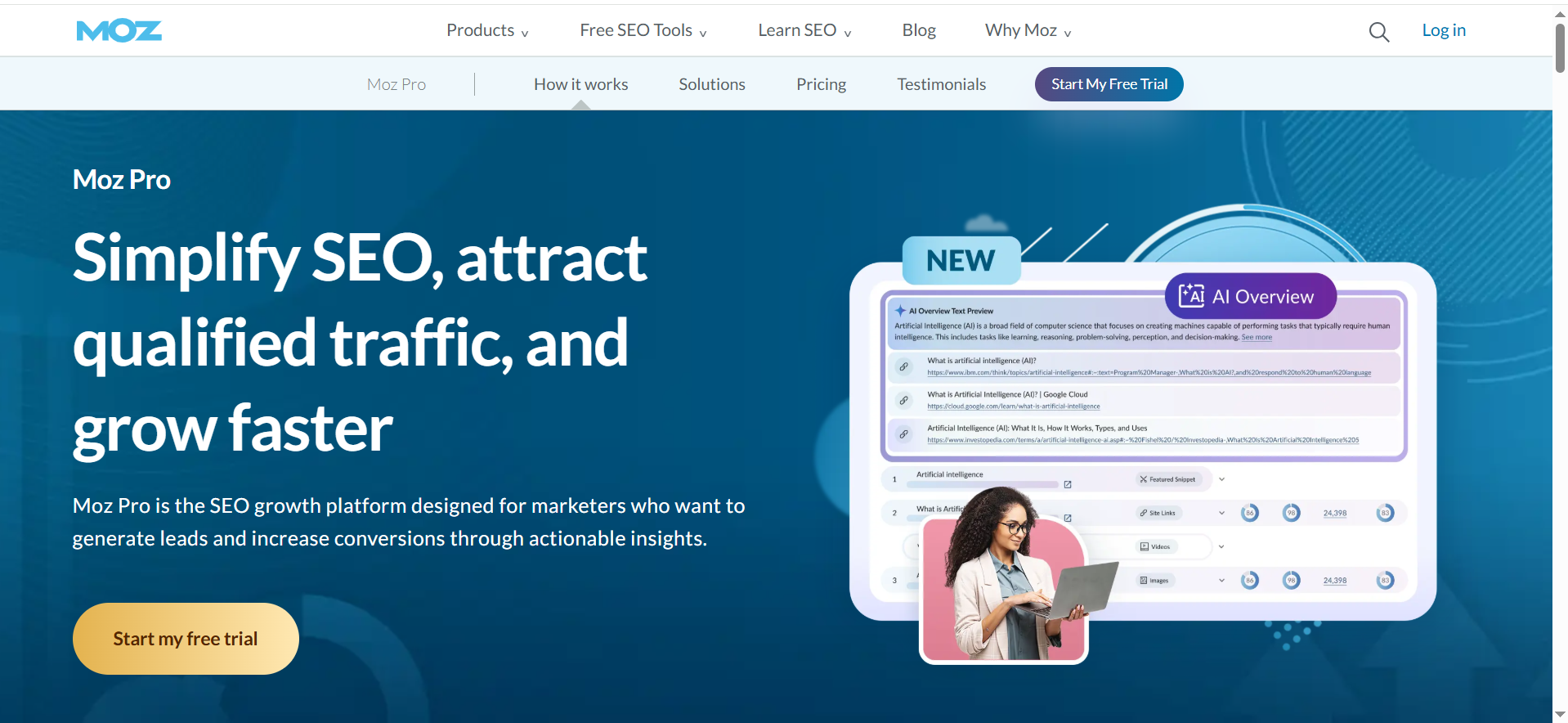
Moz Pro is an SEO platform that bundles keyword research, rank tracking, site audits, and link metrics like Domain Authority. It’s designed to be approachable and backed by a strong education ecosystem. Compared to more complex suites, Moz Pro emphasizes clarity and best practices. It’s often a first “serious” SEO tool for many teams.
Why teams use it?
Teams use Moz Pro when they want solid SEO tooling plus guidance. The UI is less intimidating than some enterprise tools, and the metrics are widely recognized. Moz’s content, webinars, and community help non-specialists ramp up. It fits well in marketing teams where SEO is important but not the only focus.
Who is this tool for (ICP)?
- Small to mid-sized businesses with lean marketing teams
- Agencies with modest client rosters
- Content marketers who also handle SEO
- Teams who value training and best-practice guidance
How this tool fits in this AI-first era?
Moz Pro keeps you focused on fundamentals—technical health, intent, and link equity—while AI changes the surface of search. Its tools help you ensure AI-generated content still respects core SEO principles. The structured metrics and exports also make it useful as clean input for AI-powered analysis.
- Helps keep AI content aligned with SEO basics
- Trusted authority/link metrics to feed AI tools
- Education that helps teams navigate AI hype sanely
How does Moz Pro work?
You set up campaigns, add keywords, and connect analytics if needed. Moz Pro crawls your site for technical issues, tracks rankings, and suggests keyword targets. Link Explorer shows your link profile and competitors’ authority. On-page tools grade specific URLs for optimization opportunities.
Free tier? Yes/No
No permanent free plan (free trial + some standalone free tools).
Strengths?
- Beginner-friendly interface
- Widely recognized metrics like DA/PA
- Balanced feature set for most SMB SEO needs
- Strong educational resources
Weaknesses?
- Data depth can lag behind the biggest suites
- Fewer cross-channel and enterprise features
- Some SEOs outgrow it as their programs become more advanced
Key Capabilities?
- Campaign-based tracking with site audits
- Keyword Explorer
- Rank tracking
- Link Explorer with authority metrics
- On-page optimization tools
Pricing snapshot?
- Entry/Standard – roughly $80–100/month
- Mid-tier – around $180/month
- Higher tiers – $300+/month
Best for?
Best for SMBs and generalist marketing teams that want reliable SEO tooling without steep complexity. It’s a good “first upgrade” from only using free Google tools.
4. Serpstat
What it does?
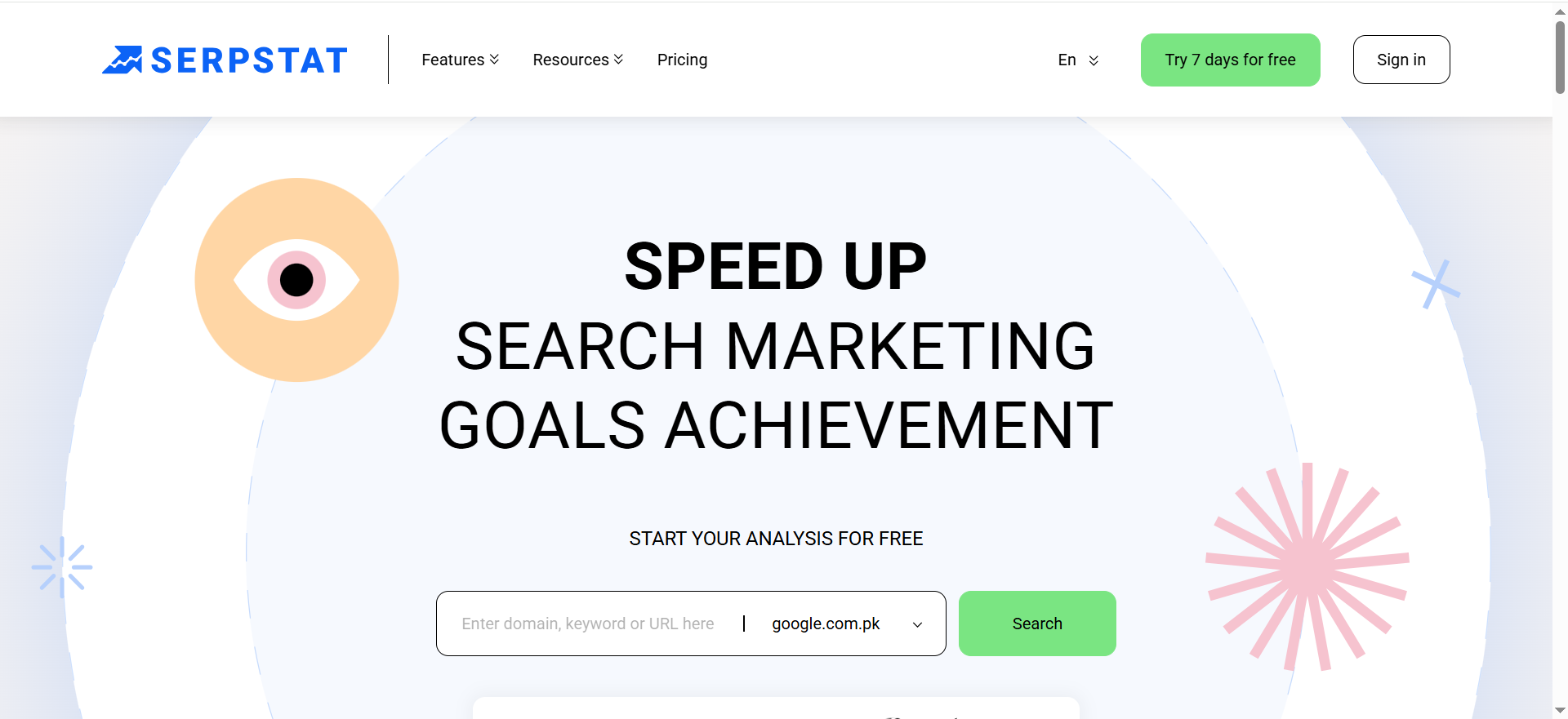
Serpstat is an all-in-one SEO platform with keyword research, rank tracking, site audits, and backlink analysis. It positions itself as a more affordable alternative to big suites while still offering broad coverage. Agencies and growth teams like it because plans often include generous limits.
Why teams use it?
Teams use Serpstat when they need good coverage of core SEO tasks but are budget-conscious. It offers solid keyword and rank data across many regions, plus audits and backlink tools. White-label reporting and API access make it attractive for agencies. Overall, it delivers strong value for the price.
Who is this tool for (ICP)?
- Small and mid-size agencies
- Freelancers with many sites to track
- In-house teams in cost-sensitive markets
- Users who want lots of credits at a lower price
How this tool fits in this AI-first era?
Serpstat gives you enough data and limits to support AI-driven SEO at scale without breaking the bank. Its newer AI/LLM visibility features help you understand how brands show up in AI systems. That makes it a cost-effective data source for teams experimenting with AI workflows.
- Budget-friendly data for AI-powered analysis
- AI/LLM visibility monitoring emerging in the toolset
- API and exports suitable for custom AI scripts
How does Serpstat work?
You create projects, add domains and keywords, and configure rank tracking and audits. Serpstat then pulls data from its indices and surfaces issues and opportunities. Reports can be white-labeled and scheduled, and the API lets you pull data into your own dashboards or tools.
Free tier? Yes/No
Yes (limited free access + trial).
Strengths?
- Very competitive pricing for the feature set
- Generous limits on keywords, audits, and rank tracking
- White-label reporting and API at non-enterprise levels
- Good multi-regional coverage
Weaknesses?
- Interface is less polished than top-tier suites
- Data depth can be weaker in some regions vs Semrush/Ahrefs
- Credit/limits model takes some learning
Key Capabilities?
- Keyword research and clustering
- Rank tracking
- Site audits
- Backlink analysis
- Reporting and API access
Pricing snapshot?
- Individual / Lite tiers – ~$60–70/month
- Team – ~$120–130/month
- Agency / higher tiers – $400+/month
Best for?
Best for agencies and teams that need “good enough plus lots of usage” rather than maximum depth at any cost. It’s also a smart second data source alongside another tool.
5. Mangools (KWFinder Suite)
What it does?
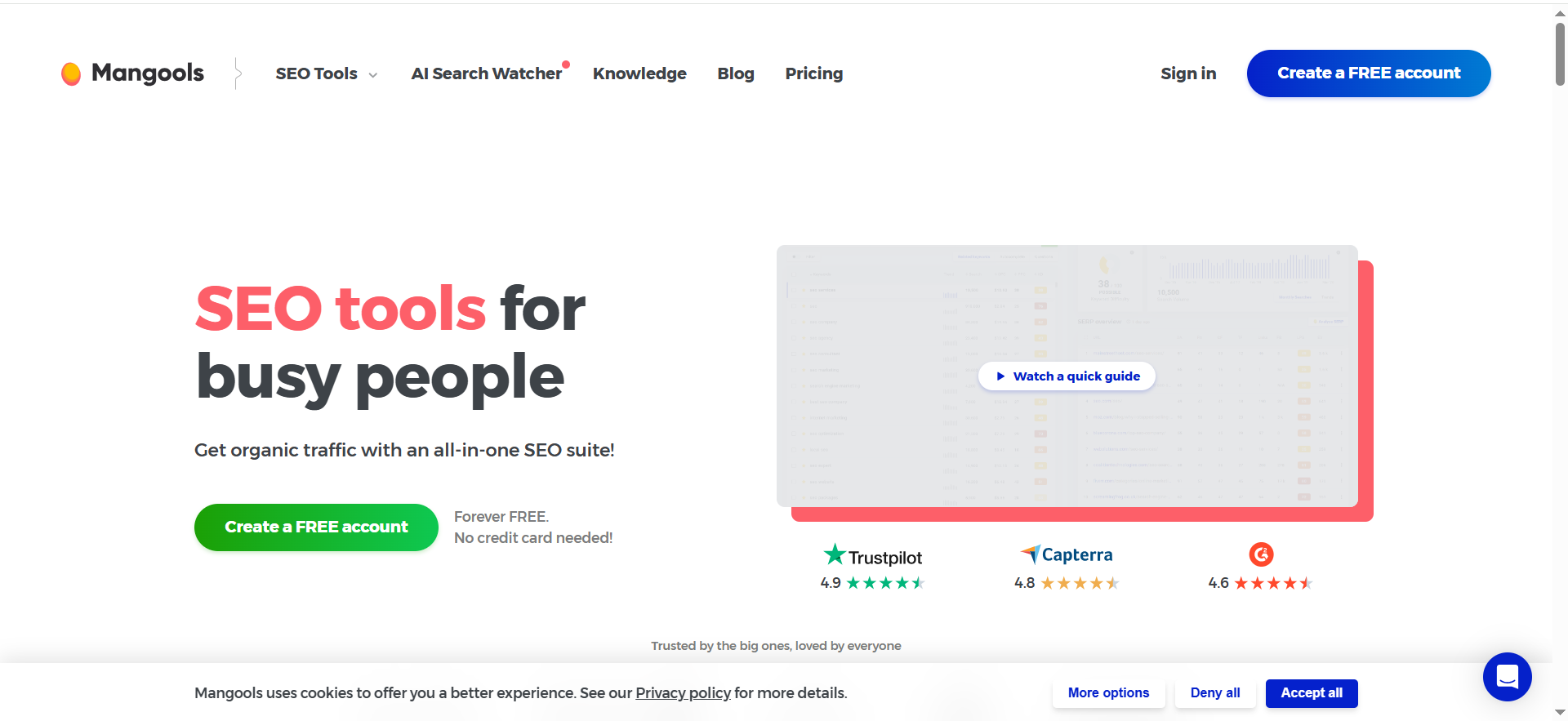
Mangools is a lightweight SEO toolkit that includes KWFinder, SERPChecker, SERPWatcher, LinkMiner, and SiteProfiler. It focuses on easy keyword research, rank tracking, and basic link and domain analysis. The entire suite is designed to be simple and visually clear. It’s particularly popular with bloggers and small businesses.
Why teams use it?
Teams use Mangools when they want straightforward, no-drama SEO tools. KWFinder makes long-tail keyword discovery simple and unintimidating. The rank tracking and SERP analysis tools are easy for non-experts to understand. Its pricing is friendly, especially for solo creators and small teams.
Who is this tool for (ICP)?
- Bloggers, niche site owners, and creators
- Small businesses with basic SEO needs
- Agencies needing an “easy mode” tool for junior staff
- Teams that mostly care about keywords + rankings
How this tool fits in this AI-first era?
Mangools’ clear long-tail research and SERP snapshots pair well with AI writers. You can validate AI-generated topic ideas against real search data before drafting. Newer AI search monitoring features help smaller teams keep an eye on how AI changes SERPs without heavy enterprise tools.
- Quick keyword validation before using AI to write
- Simple SERP/AI-search monitoring for non-experts
- Affordable way to support AI+SEO workflows
How does Mangools work?
You research topics in KWFinder, inspect SERPs in SERPChecker, and set up rank tracking in SERPWatcher. LinkMiner and SiteProfiler provide basic link and authority insights. All modules share a single subscription and a consistent, easy-to-learn UI.
Free tier? Yes/No
Yes (limited free account + trials).
Strengths?
- Very user-friendly
- Strong long-tail keyword discovery
- Integrated mini-suite of tools
- Affordable for individuals and small teams
Weaknesses?
- Smaller data sets than big enterprise suites
- Limited technical SEO and large-site features
- Not designed for complex agency or enterprise workflows
Key Capabilities?
- Keyword research and SERP analysis
- Rank tracking
- Basic backlink analysis
- Domain metrics and simple competitor insights
- Emerging AI search monitoring utilities
Pricing snapshot?
- Basic – ~$30/month
- Premium – ~$45/month
- Agency – ~$90/month
Best for?
Best for content-led small sites and teams that want SEO tools that “just make sense” without a big learning curve. Ideal as a companion to AI writing tools for long-tail content.
6. Ubersuggest
What it does?
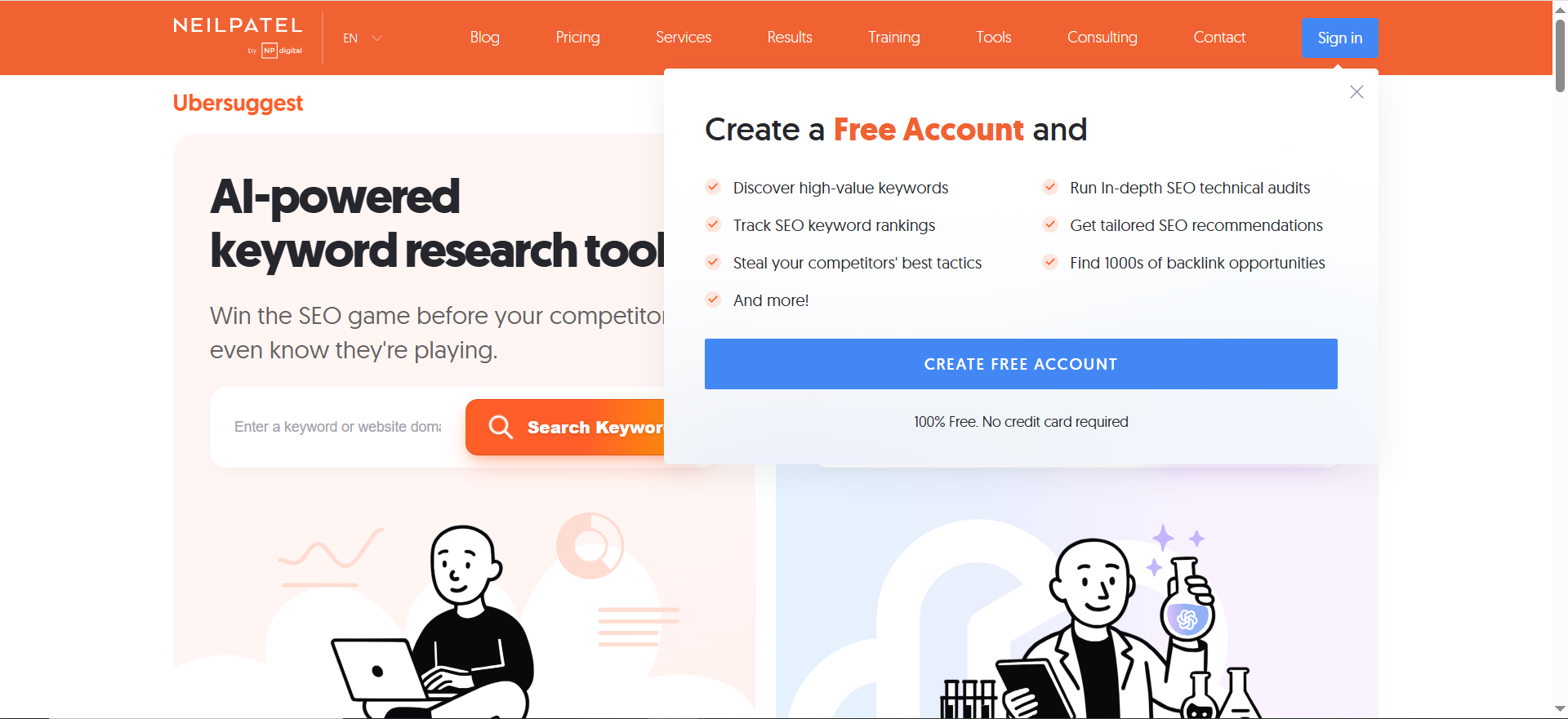
Ubersuggest is a budget-friendly SEO and content tool with keyword research, site audits, rank tracking, and content ideas. It focuses on being easy to use and accessible for beginners. The interface emphasizes simple recommendations over deep configuration. It’s often a first paid SEO tool after free Google tools.
Why teams use it?
Teams use Ubersuggest when they want basic SEO guidance without a big price tag or steep learning curve. It helps find keywords, generate content ideas, and keep an eye on site health. Small businesses and freelancers appreciate the low cost and lifetime deal options. It’s a gentle step up from purely free tooling.
Who is this tool for (ICP)?
- Solo founders and very small businesses
- Freelancers and small agencies with local clients
- Content marketers at early-stage startups
- Users new to SEO who want clear direction
How this tool fits in this AI-first era?
Ubersuggest is a simple way to validate AI-generated content ideas and check if AI-written pages are performing. Its audits and rank tracking show whether quick AI experiments actually move the needle. That makes it a good “sanity check” layer in low-budget AI+SEO workflows.
- Topic validation before you invest AI + human time
- Simple site audits for AI-heavy content sites
- Low-cost entry for AI-curious small teams
How does Ubersuggest work?
You enter keywords or domains and the tool returns keyword ideas, volumes, difficulty, and content suggestions. Site audits flag on-page and technical issues. Rank tracking monitors progress for chosen keywords. The UI guides you toward a list of recommended next steps.
Free tier? Yes/No
Yes (meaningful free tier with daily limits).
Strengths?
- Very affordable, including lifetime deals
- Easy to learn and use
- Good for content ideas and simple audits
- Solid value for very small teams
Weaknesses?
- Data depth and freshness are behind top-tier tools
- Limited advanced technical and enterprise features
- Reporting and collaboration are basic
Key Capabilities?
- Keyword and content idea research
- Site audits
- Rank tracking
- Basic backlink and competitor views
Pricing snapshot?
- Entry/Individual – often around $20–30/month
- Business – ~$50–70/month
- Enterprise / Lifetime – higher one-time or monthly plans
Best for?
Best for small businesses and freelancers who need basic SEO support and content direction at low cost. Once traffic and complexity grow, most teams will pair it with or upgrade to a more advanced suite.
7. Similarweb
What it does?
Similarweb is a digital intelligence platform that estimates web and app traffic, engagement, and channel mix across millions of sites. It’s used for market research, competitive analysis, and strategic planning. SEO-focused packages add keyword and ranking insights. It’s more about market-level visibility than detailed technical SEO.
Why teams use it?
Teams use Similarweb when they need to understand markets, not just their own site. It shows where competitors get traffic, which channels are growing, and how audiences behave. This helps with investment decisions, market entry, and channel strategy. SEO teams use it alongside other tools for high-level competitive context.
Who is this tool for (ICP)?
- Mid-market and enterprise marketing/growth teams
- Strategy, BI, and research teams
- Larger agencies doing high-level digital strategy
- SEO teams that care about market share and category trends
How this tool fits in this AI-first era?
Similarweb helps you see how traffic shifts as AI and new formats reshape discovery. It’s adding AI-based insights and AI-visibility modules so you can understand brand presence beyond classic SERPs. That’s valuable when deciding where to move budget as traditional SEO/ads evolve.
- Market-level view of changing user journeys
- AI-enhanced insights and GenAI visibility features
- Data feeds that power internal AI and analytics stacks
How does Similarweb work?
You select competitors, industries, and domains of interest. Similarweb aggregates data from multiple sources and shows traffic volumes, sources, engagement, and keyword insights. In SEO-focused plans, you also get ranking and site-level SEO metrics. Dashboards and exports support cross-team decision-making.
Free tier? Yes/No
Yes (limited free access; advanced plans are paid and usually annual).
Strengths?
- Excellent competitive and market-level visibility
- Multi-channel perspective (organic, paid, social, referrals, etc.)
- Enterprise-friendly with data feeds and APIs
- Useful for strategic decisions beyond SEO
Weaknesses?
- Pricing can be high and geared toward larger companies
- Free/lower tiers are quite limited
- Not a full replacement for a dedicated SEO suite
Key Capabilities?
- Traffic and engagement intelligence
- Channel and audience insights
- SEO modules (keyword and ranking insights in certain tiers)
- AI/GenAI visibility tools
- Data feeds and API access
Pricing snapshot?
- Starter/Competitive packages – from low-hundreds/month equivalent
- Full Competitive + SEO + Ads suites – higher monthly/annual
- Enterprise/custom – multi-thousand per year
Best for?
Best for mid-to-large organizations that make strategy and budget decisions based on market data. It complements, rather than replaces, SEO tools like SE Ranking.
8. AgencyAnalytics
What it does?
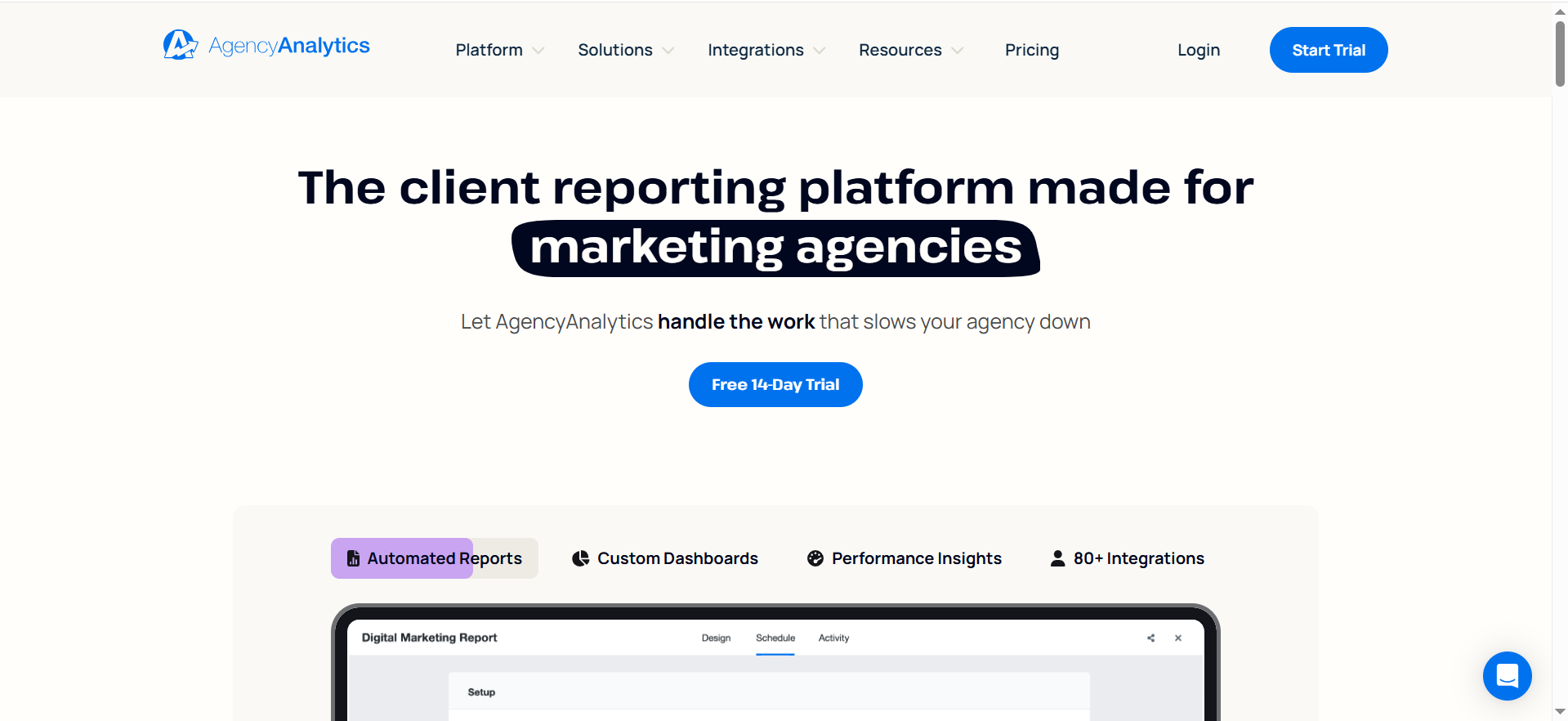
AgencyAnalytics is a client reporting and dashboard platform built for agencies. It connects to SEO, PPC, social, email, and call tracking tools to create white-label dashboards and scheduled reports. It includes basic SEO modules (rank tracking, site audits) but its main value is reporting, not deep analysis.
Why teams use it?
Agencies use AgencyAnalytics to stop building reports manually in spreadsheets or generic BI tools. It saves hours by automating recurring reports across many accounts. Client portals and white-label branding help agencies look more professional. Non-technical account managers can create and manage dashboards easily.
Who is this tool for (ICP)?
- SEO and full-service agencies with multiple clients
- Freelancers managing several retainers
- In-house teams acting as internal “agencies” to stakeholders
- Anyone needing automated, multi-channel marketing reports
How this tool fits in this AI-first era?
AgencyAnalytics is rolling AI into summaries, forecasting, and anomaly detection, which turns raw data into client-ready narratives. As AI creates more campaigns and content, the platform becomes a single pane to monitor their performance. It also makes it easier to prove the ROI of AI experiments to clients.
- AI-driven summaries and insights in client reports
- One hub to monitor AI-driven SEO, ads, and content
- Reporting layer that can feed internal AI agents
How does AgencyAnalytics work?
You connect your clients’ tools (analytics, SEO suites, ad platforms, social, etc.), group them into campaigns, and build dashboards with drag-and-drop widgets. Reports are scheduled or shared via client portals. Some agencies use its rank tracking and audits, but most pair it with dedicated SEO tools.
Free tier? Yes/No
No (paid plans + free trial).
Strengths?
- Excellent white-label dashboards and reports
- 80+ integrations across channels
- Easy for non-technical users to manage
- Purpose-built for agency workflows and client portals
Weaknesses?
- Not a deep SEO analysis tool on its own
- Pricing scales with client count
- Requires setup time to design dashboards
Key Capabilities?
- Multi-channel, white-label reporting
- Dashboards and client portals
- Rank tracking and basic SEO widgets
- AI summaries, forecasts, and anomaly alerts
Pricing snapshot?
- Freelancer – from ~$60–80/month (few clients)
- Agency – from ~$180–250/month (more clients)
- Higher tiers – $300+/month and custom
Best for?
Best for agencies that already use SE Ranking or similar and want to professionalize reporting. It’s a complement to SEO platforms, not a direct functional replacement.
9. Surfer (SurferSEO)
What it does?
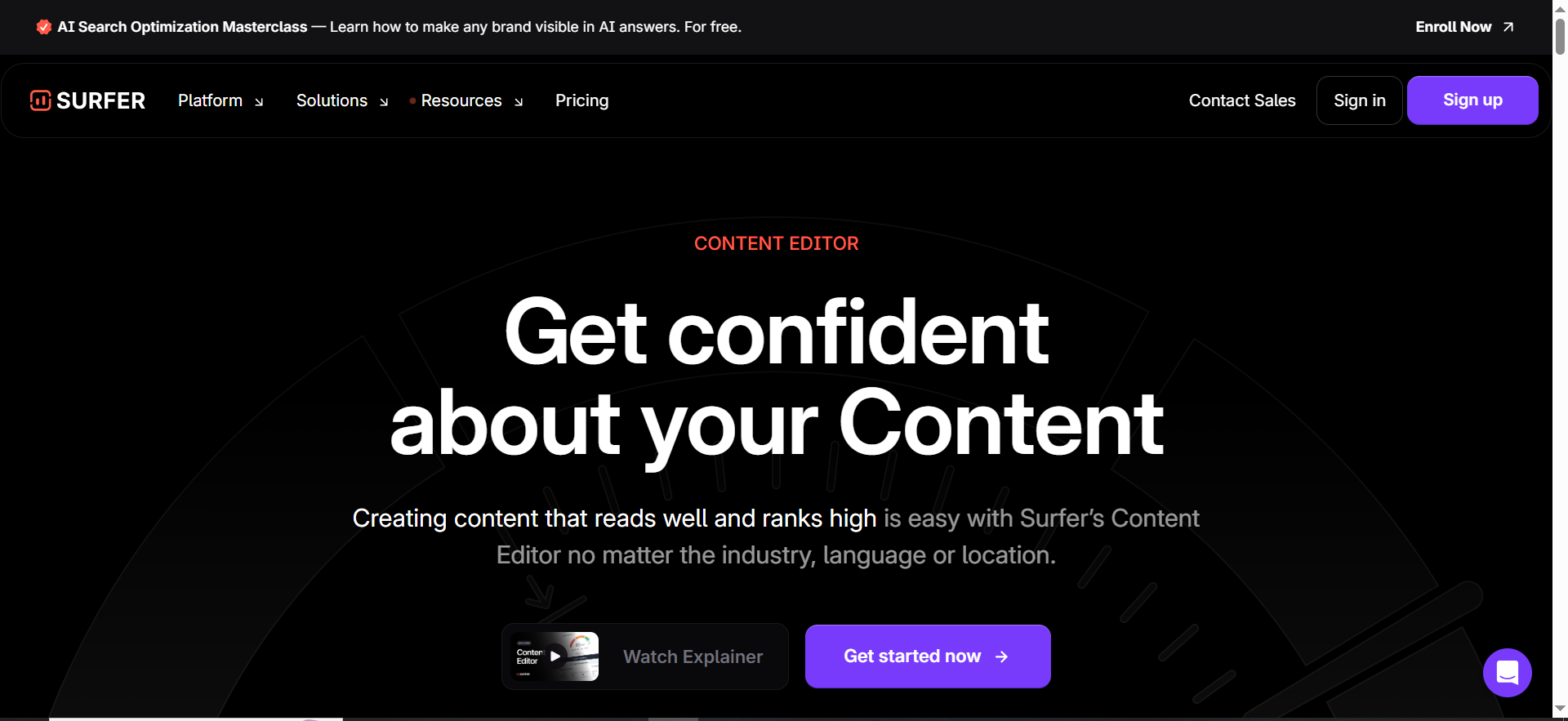
Surfer is a content optimization platform that analyzes top-ranking pages and turns them into concrete on-page recommendations. It provides a content editor with target word counts, headings, and suggested terms. It also includes keyword research and content planning. The goal is to help you create content that better matches winning SERP patterns.
Why teams use it?
Teams use Surfer when they want a data-driven way to brief writers and optimize content. It translates SERP analysis into guidelines editors can follow. Content agencies like the repeatable workflow it offers across dozens or hundreds of articles. It’s especially useful for refreshing existing content.
Who is this tool for (ICP)?
- Content teams producing SEO content at scale
- Agencies delivering SEO content packages
- Niche site owners focusing on content-driven growth
- SEOs wanting structured on-page optimization
How this tool fits in this AI-first era?
Surfer is a natural companion to AI writing tools: it gives the structure and constraints AI often lacks. You can generate drafts with AI, then refine them using Surfer’s content scores and suggestions. This helps avoid generic or keyword-stuffed AI content.
- Turns SERP data into guardrails for AI writers
- Helps prioritize updates to AI-written and legacy content
- Fits neatly into AI-assisted editorial workflows
How does Surfer work?
You pick target keywords and Surfer analyzes the current SERP. It builds a content editor with recommended sections, terms, and length. As you write or paste content, Surfer scores it and shows where you’re under- or over-optimized. Other modules help with keyword ideas, clusters, and URL audits.
Free tier? Yes/No
No (paid plans with guarantee/trial windows).
Strengths?
- Very actionable on-page recommendations
- Great for briefs, optimization, and refreshes
- Strong fit with AI content workflows
- Helpful content scoring to guide editors
Weaknesses?
- Not a full SEO suite (you still need other tools)
- Pricing can feel high for very small teams
- Can encourage over-optimization if followed blindly
Key Capabilities?
- SERP-based content editor and scoring
- On-page audits for existing URLs
- Keyword and topic discovery
- AI-assisted writing features
Pricing snapshot?
- Entry/Essential – around $90–100/month
- Higher tiers – $200+/month
- Enterprise – custom
Best for?
Best for content-heavy SEO programs that need a repeatable, measurable way to write and improve pages. Works very well as a plug-in to your existing SEO and AI-writing stack.
10. Writesonic (AI SEO & Visibility Platform)
What it does?
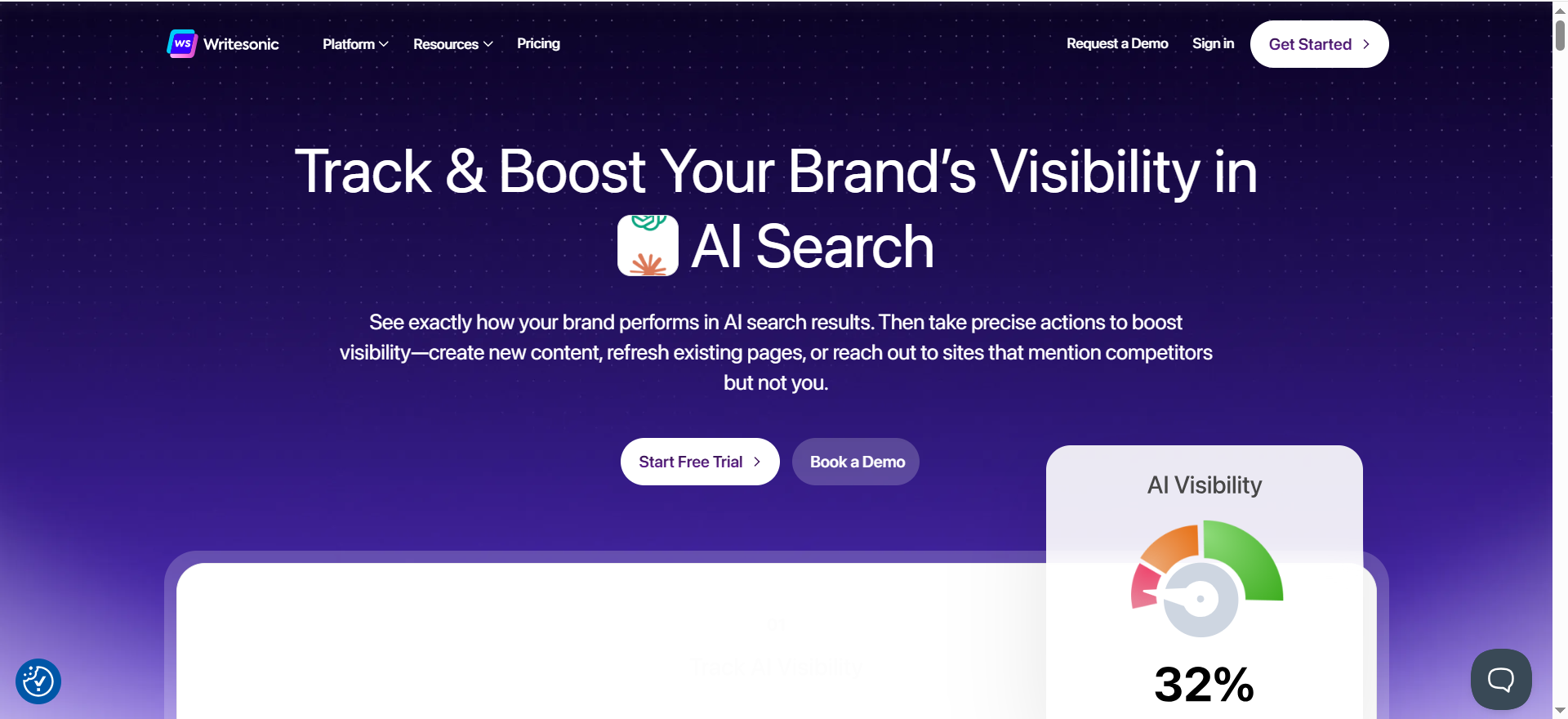
Writesonic combines AI content creation with SEO and AI-search visibility tracking. It helps you plan topics, generate and optimize content, and understand how your brand shows up in AI chat/search platforms. It also includes auditing and internal-linking helpers.
Why teams use it?
Teams use Writesonic when they want a single place to handle AI writing and AI-aware SEO. It simplifies going from keyword to draft to optimized article. The AI visibility features help marketers see whether they’re being cited in AI systems, not just Google. That’s attractive to brands worried about being “invisible” in the AI layer.
Who is this tool for (ICP)?
- Content-heavy startups and SaaS companies
- Agencies offering AI-powered SEO and content services
- SEO teams experimenting heavily with AI-generated content
- Brands serious about their presence in AI chat/search results
How this tool fits in this AI-first era?
Writesonic is explicitly built for AI-era search, tracking citations in major AI platforms and combining that with classic SEO metrics. It helps you generate content designed to perform in both Google and AI search experiences. That makes it useful as both content engine and visibility radar.
- AI visibility tracking across major LLMs
- SEO-aware AI content generation and refresh
- AI-assisted audits and internal linking
How does Writesonic work?
You define sites and topics, and Writesonic pulls SEO data and AI visibility insights. Its AI engine generates drafts, updates content, and suggests optimizations. Dashboards show rankings, traffic, and AI search presence, while audits and internal-link suggestions help polish your site structure.
Free tier? Yes/No
Yes (limited free plan, then paid tiers).
Strengths?
- Unique focus on AI search visibility
- Strong AI writing with SEO context
- Useful for tracking AI citations and opportunities
- Well-rated by users for quality and UX
Weaknesses?
- Still maturing as a full SEO suite
- Heavy AI reliance requires good human QA
- Feature set and pricing can change quickly as it evolves
Key Capabilities?
- AI search/LLM visibility tracking
- AI-driven content planning and writing
- SEO and technical checks with AI fix suggestions
- Analytics and AI agents for insights
Pricing snapshot?
- Free – $0
- Lower tiers – roughly $15–40/month
- Business/advanced SEO plans – $50+/month and up
Best for?
Best for teams that want to go “all-in” on AI content while staying grounded in SEO and AI visibility data. It works particularly well as an AI-first alternative or complement to traditional SEO suites.
11. Free Google SEO Stack (GSC, GA, Keyword Planner, Looker Studio)
What it does?
The free Google stack combines Search Console, Analytics/GA4, Keyword Planner, and Looker Studio. Together they show how your site appears in Google, how users behave, what queries drive traffic, and let you build custom reports. They form the “source of truth” for most SEO measurement.
Why teams use it?
Teams use it because it’s free, integrated directly with Google, and widely supported by other tools. GSC shows impressions, clicks, and indexing issues. GA shows engagement and conversions. Keyword Planner offers search demand data, and Looker Studio lets you combine all of this into dashboards.
Who is this tool for (ICP)?
- Literally every website doing SEO
- Early-stage teams with minimal tool budgets
- Analysts who build their own dashboards
- Agencies that need reliable, first-party data
How this tool fits in this AI-first era?
Even as AI changes how results are shown, Google is still a huge discovery channel. The free stack shows how your impressions, clicks, and query mix shift over time. It also provides first-party data that you can safely feed into internal AI assistants and analytics.
- Baseline data to validate AI tools and experiments
- Inputs for internal AI agents and summaries
- Flexible dashboards for AI-enhanced reporting
How does the stack work?
You verify your site in Search Console and implement Analytics tracking. GSC then reports search queries and index status; GA reports behavior and conversions. Keyword Planner gives volume and CPC estimates. Looker Studio connects to these sources (plus others) to create reports and dashboards.
Free tier? Yes/No
Yes (all core tools are free).
Strengths?
- Completely free
- Direct, first-party data from Google
- Highly flexible when combined in Looker Studio
- Forms the backbone of almost any SEO stack
Weaknesses?
- No classic rank tracker (only sampled average positions)
- Limited competitor data
- GA4 and dashboards can be complex for beginners
Key Capabilities?
- GSC: queries, positions, CTR, coverage
- GA/GA4: sessions, engagement, conversions
- Keyword Planner: search demand and CPC estimates
- Looker Studio: custom data blending and dashboards
Pricing snapshot?
- Search Console – Free
- GA/GA4 – Free (enterprise 360 is paid)
- Keyword Planner – Free via Google Ads
- Looker Studio – Free (Pro is paid)
Best for?
Best for everyone, from beginners to enterprises. Third-party SEO tools build on this; they don’t replace it. You should always have this stack configured alongside SE Ranking or any alternative.
SE Ranking vs Its Top Competitors (Quick Comparison)
When SE Ranking Is Still the Right Choice
SE Ranking is still a solid pick if you want balanced, hassle-free SEO without paying enterprise prices. It gives you rank tracking, keyword research, site audits, and reporting in a single, familiar interface. For many lean teams, the value-per-dollar is hard to beat.
Stick with (or choose) SE Ranking if you:
- Need a balanced all-in-one suite at mid-range pricing.
- Want rank tracking + audits + keyword research without enterprise costs.
- Work at a small to mid-size agency that likes its reporting and “marketing plan” guidance.
When You Should Switch to Something Else
If you’re constantly bumping into limits or compensating with extra tools, that’s a sign it’s time to switch (or at least stack) something on top of SE Ranking. Different alternatives solve different pain points, so match them to your biggest constraint.
Consider switching if:
- You need maximum data depth → choose Semrush or Ahrefs.
- You’re heavily content-driven → add or move to Surfer / Writesonic.
- You’re a small site on a tight budget → go for Mangools, Ubersuggest, or the free Google stack.
- You want high-end market intel & multi-channel analytics → look at Similarweb or higher Semrush tiers.
- You’re an agency drowning in manual reporting → bring in AgencyAnalytics as your reporting layer.
How to Choose the Right SE Ranking Alternative
Start with your use case (not the tool)
Before you look at logos, decide:
- Who’s using it? Solo blogger, in-house SEO, agency, enterprise marketing team?
- What’s mission-critical? Backlink data, keyword research, content optimization, local SEO, client reporting, or market intel?
- How many projects / domains? Rank tracking limits and user seats can become your biggest bottleneck.
This helps filter tools into “overkill,” “perfect fit,” or “too basic” categories very quickly.
Key features to compare
When you shortlist 2–3 tools, compare them on the same criteria so it’s a fair fight.
👉 Data depth & coverage
- Keyword database size and freshness
- Backlink index size and update frequency
- SERP features and markets/countries tracked
👉 Core tools
- Rank tracking, site audit, keyword research
- Backlink analysis and competitor research
- Content optimization tools and reporting/white-label options
👉 AI & automation
- AI content briefs and on-page suggestions
- AI-assisted audits and prioritization
- AI search/visibility features and reporting
👉 Ease of use & onboarding
- Intuitive UI vs steep learning curve
- Templates, wizards, and in-app guidance
- Quality of docs, tutorials, and support
👉 Pricing & scaling
- Monthly vs annual discounts and hidden add-ons
- User seats, extra projects, and keyword limits
- API access or data export costs
Use SE Ranking’s mid-tier pricing (around the “affordable all-in-one” range) as your benchmark, then ask what each alternative gives you more or less of for the price.
Budget, size, and “how serious” you are
You’ll get better fit (and better ROI) if you map tools to your stage and ambition instead of chasing what’s “popular.”
- Side projects & small sites → Mangools, Ubersuggest, or the free Google stack.
- Growing teams & agencies → Semrush, Ahrefs, Serpstat, AgencyAnalytics (and for SaaS teams, a dedicated SEO tool stack for SaaS can be a helpful benchmark).
- Enterprise & market-intel heavy → Similarweb, higher-tier Semrush, sometimes HubSpot Marketing Hub.
- Content-driven teams → Surfer, Writesonic, MarketMuse/Clearscope-style tools, plus dedicated AI SEO tools.
Once you know which bucket you’re in, you’re not picking from “every SEO tool ever”—you’re choosing between 2–3 realistic SE Ranking alternatives that actually match your goals.
Step-by-Step: How to Migrate From SE Ranking to an Alternative
Switching SEO tools doesn’t have to mean losing data, confusing your team, or stalling campaigns.
Treat it like a mini-project with a clear checklist, defined tests, and a clean handover, and you’ll know fast whether an alternative really beats SE Ranking for your workflows. Use the steps below as your migration playbook.
1. Audit Your Current SE Ranking Setup
List out:
- Projects, domains, and key segments.
- Active rank tracking (keywords + locations).
- Custom reports and dashboards you depend on.
- Any integrations (GA, GSC, CRM, etc.) you’re using.
▶️ This becomes your migration checklist. Anything a new tool can’t replicate or improve should be treated as a red flag. If you want a more systematic way to evaluate tools, keep your audit next to our ROI-first SEO tool stack for SaaS framework.
2. Run Structured Trials With 1–3 Alternatives
For each shortlisted tool:
- Recreate one or two main projects.
- Import or re-add tracked keywords and locations.
- Run a site audit and compare findings with SE Ranking’s.
- Test everyday workflows: keyword research, reporting, content planning, etc.
Take notes: what’s faster, what’s missing, what feels confusing?
3. Plan a Smooth Handover
- Set a switch date where the new tool becomes your source of truth.
- Keep SE Ranking running for 1–2 overlap billing cycles so you don’t lose historic rank data.
- Update process docs and SOPs to reflect new tool workflows.
- Train your team or clients with simple Loom videos or live walkthroughs.
👉 If you don’t have time to own the migration internally, consider partnering with a specialist SaaS SEO agency that can design your stack, run the trials, and manage the switchover without slowing down your pipeline.
Frequently Asked Questions
For most growing teams, Semrush is the closest “do everything” alternative, with the deepest blend of SEO, PPC, competitive intel, and AI-era visibility features.
Ahrefs is considered one of the strongest for backlink analysis and competitor link intelligence, with a large and frequently updated index.
For paid tools, Ubersuggest and Mangools are often the most budget-friendly. If you’re willing to sacrifice some data depth, they can cover the basics at a lower cost.
You won’t get an identical replacement for free, but Google Search Console, Google Analytics, and Google Keyword Planner together can cover performance tracking, basic keyword research, and technical issues at zero cost.
Surfer and Writesonic SEO AI Agent are strong for content optimization and AI-assisted writing. Many teams pair them with a general SEO suite like Semrush or Ahrefs.
Final Thoughts
You don’t need “more tools.” You need the right mix of tools that match your traffic goals, team size, and budget in a world where Google, AI overviews, and LLMs are all competing for the same click.
For some teams, that means graduating from SE Ranking to a flagship suite like Semrush or Ahrefs.
For others, it’s switching to value-first platforms like Serpstat, pairing SE Ranking with Surfer for content, or adding an AI-first tool like Writesonic after you’ve compared options in a dedicated AI SEO tools comparison.
The key is to choose based on how you actually work, not what’s trending on LinkedIn:
- If you live and die by client reports → bring in an agency-focused reporting layer like AgencyAnalytics.
- If you’re content-led → layer Surfer or an AI-first platform and benchmark with the best AI SEO tools roundup.
- If budget is king → lean on Mangools, Ubersuggest, and the free Google stack, guided by a ROI-first SEO tool stack for SaaS.
No tool will magically fix weak strategy, thin content, or broken tracking, but the right SE Ranking alternative can make it dramatically easier to find opportunities, ship better content faster, and prove what’s working across both classic SEO and the emerging AI discovery layer.
Pick one or two contenders that match your ICP, run a real trial for 30–60 days, and let the data decide. And if you’d rather shortcut the trial-and-error, talk to a specialist SaaS SEO agency that can design, implement, and optimize the stack that actually fits your next stage of growth.