
If you’re searching “which platform excels in AI visibility metrics”, you’re probably doing one of these:
- Buying an AI visibility platform (for a SaaS brand, an agency, or a portfolio of sites).
- Selling one (and you want to understand what serious buyers will check).
- Or you’re trying to build a credible comparison without turning it into a biased “winner takes all” post.
TRM’s approach is simple: evaluate vendors on criteria, not vibes - data quality, coverage, UX, integrations, support, pricing bands, and fit for SaaS teams.
This guide gives you a full framework you can use to:
- shortlist vendors quickly,
- run a proof-of-concept that doesn’t get fooled by “demo magic,”
- and stay vendor-collab friendly (so vendors want to share data and updates).
🤙 If you want TRM to validate the shortlist + run the POC with you, Book a call.
Table of Contents
Quick Decision Summary (Copy/Paste For Your Team)
The platform that “excels” is the one that matches your goal: monitoring, optimization, market intel, or reputation/risk—not whichever has the prettiest dashboard.
Prioritize evaluation in this order:
- Accuracy + methodology
- Coverage (engines, geo/language, prompts)
- Refresh rate + alerting
- UX + reporting
- Integrations + workflows
💡 Why this matters: “Visibility” is increasingly about being referenced/cited inside the AI answer—not only ranking below it. That’s why your evaluation must match your strategy for Answer Engine Optimization.
Non-negotiable: Ask vendors for a standard Data Pack (engines, cadence, sampling, exports, integrations) before you believe any chart.
Choose your path (intent splitter)
👉 If you’re a SaaS team evaluating tools: Jump to “The scoring rubric” and “2-week POC plan.”
👉 If you’re a vendor: Jump to “Vendor Data Pack template” and “How vendors can collaborate (without bias).”
▶️ Not ready for a call yet? Do a quick trust check: Case studies and Pricing. Or if you have one question before you proceed: Contact us.
Best AI Visibility Platforms to Track Mentions, Citations & Share of Voice
💡 Key takeaways
- Semrush (AI Visibility Toolkit): Best for quick, exec-friendly monitoring and reporting—especially if your SEO team already lives in Semrush.
- Ahrefs (Brand Radar): Best for category-scale competitive intelligence and market-level AI visibility signals; AI tracking is positioned as add-ons.
- Similarweb (AI Brand Visibility): Best for market intelligence + stakeholder alignment when AI visibility needs to be framed as competitive positioning (often enterprise-fit).
- SE Ranking: Best for a cost-effective, all-in-one SEO suite (rank tracking + audits + backlinks/competitors) with strong reporting/white-labeling and multi-user + client access—a great fit for SMBs and agencies. It also offers AI search visibility tracking in its rank tracker, and “enterprise” scalability is more about API + Looker Studio/BI integrations than heavy governance workflows.
- AIclicks: Best for teams that want actionable AI visibility optimization tied to brand performance (share of voice, citations, message pull-through), not just tracking.
Rule of thumb: Suites (Semrush/Ahrefs/SE Ranking/Similarweb) win on reporting + scale, while dedicated tools (OtterlyAI) win on speed and prompt-level monitoring.
1) Semrush — AI Visibility Toolkit
What it does?
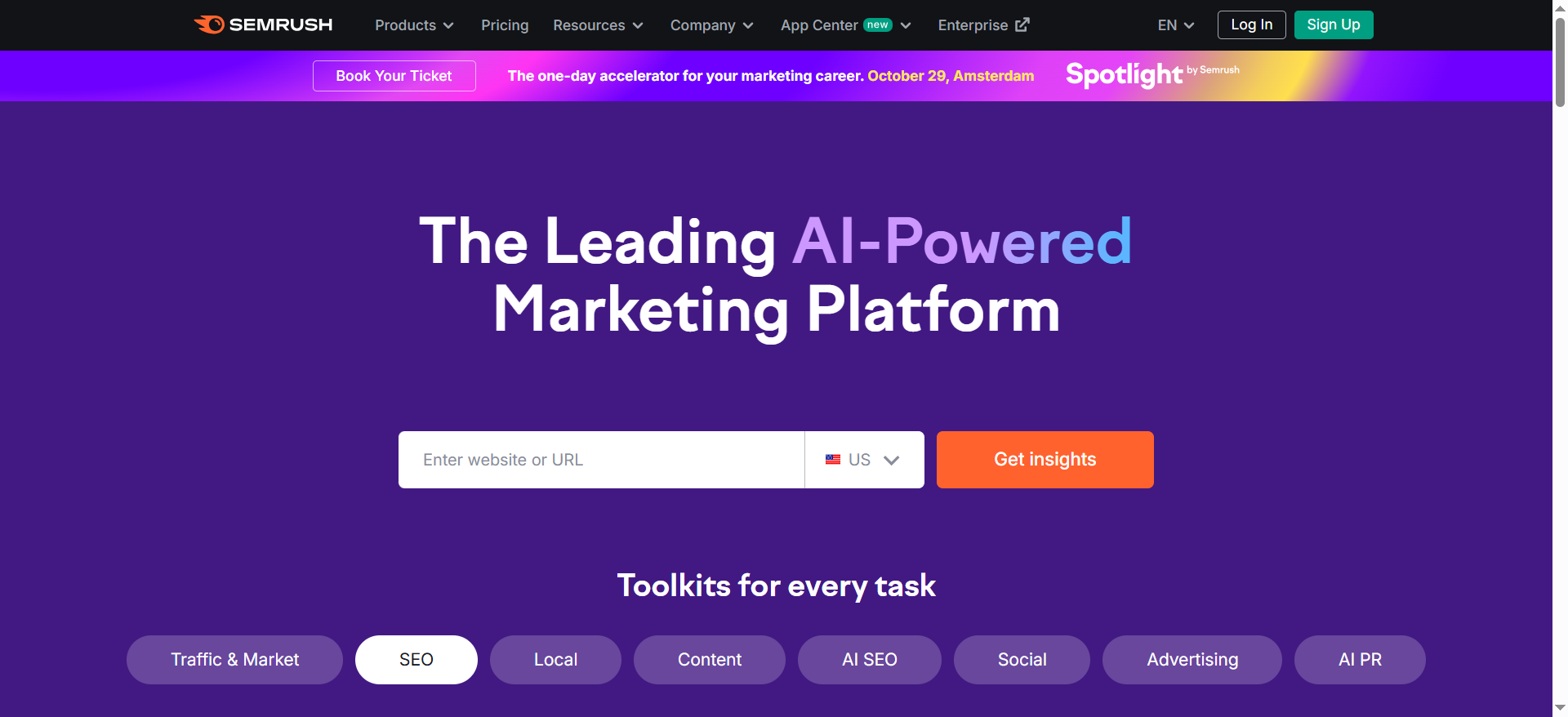
Tracks your brand + competitors across AI experiences and summarizes visibility trends in dashboards. It’s positioned as a reporting layer that’s easy to adopt if you already use Semrush. Useful for ongoing monitoring and stakeholder updates.
Why teams use it?
Teams use it to operationalize AI visibility fast without building custom tracking. It’s helpful for weekly reporting and competitive comparisons. It also keeps AI visibility close to your SEO workflow.
Who is this tool for (ICP)?
Best when you want quick adoption and reporting clarity.
- SaaS SEO leads already using Semrush
- Content ops teams needing weekly dashboards
- Agencies reporting across clients
How this tool fits in this AI-first era?
AI visibility has become a KPI alongside rankings, because AI answers can surface only a few brands. Semrush fits teams that want consistent, shareable reporting rather than deep experimentation. It’s practical for tracking directionally: are we appearing more, less, and vs whom? It also supports decision-making by keeping competitive context visible.
Helps you:
- Track AI visibility trends weekly
- Compare visibility vs competitors
- Socialize AI visibility internally
How does the Semrush work?
Set brand/competitors → configure tracking scope → dashboards update → export/share reporting.
Free tier? No (Semrush notes no free trial for this toolkit).
Strengths?
- Easy reporting workflows
- Competitive context built in
Weaknesses?
- May feel limited for highly custom experimentation
- Still needs manual validation for high-stakes accuracy
Key Capabilities?
You’re mainly buying monitoring + reporting.
- AI visibility dashboards
- Competitive comparisons
Pricing snapshot?
- AI Visibility Toolkit — $99/month
Best for?
Best for SEO teams that want AI visibility reporting they’ll actually maintain weekly. Great starter layer if you’re already inside Semrush.
2) Ahrefs — Brand Radar (AI visibility)
What it does?
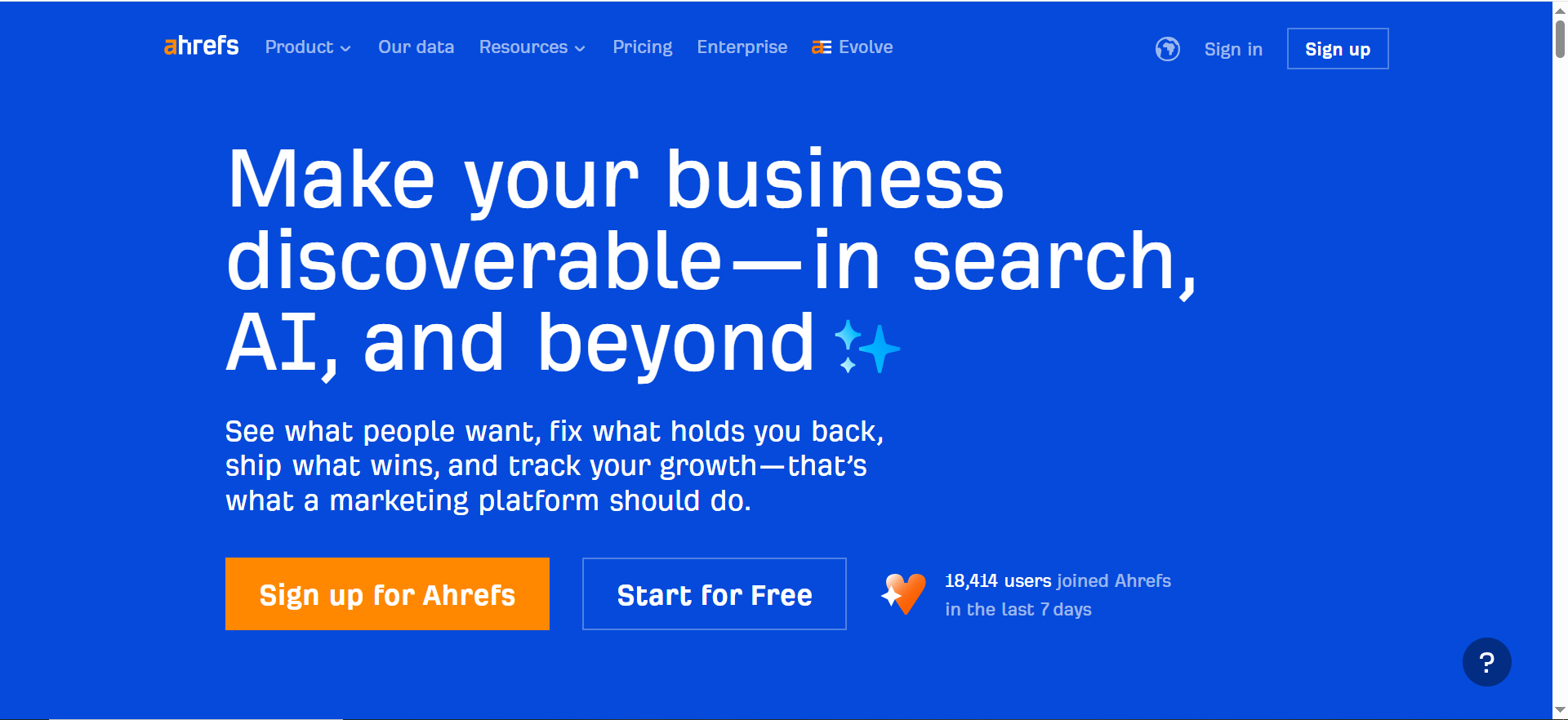
Tracks brand visibility across search/AI with AI tracking offered as add-ons. It leans toward category-scale and competitive visibility intelligence. Best when you want market-level signals, not just a tiny prompt list.
Why teams use it?
Teams use it for competitive intelligence and category visibility storytelling. It’s also a natural fit if your SEO research already runs in Ahrefs. Useful for “are we present vs competitors?” conversations.
Who is this tool for (ICP)?
Great for scale + category intelligence.
- SEO strategists using Ahrefs
- Product marketing / competitive intel teams
- CMOs wanting market-level visibility signals
How this tool fits in this AI-first era?
AI visibility is increasingly about category shortlists, not just SERP positions. Brand Radar fits by focusing on visibility as a market signal that shifts over time. It helps you understand where competitors are gaining presence so you don’t overreact to isolated prompts. It’s also useful for planning what topics and comparisons to prioritize.
Helps you:
- Track category visibility vs competitors
- Find gaps in topic/segment presence
- Guide strategy priorities
How does the Ahrefs work?
Use Brand Radar for brand tracking → enable AI tracking add-ons → monitor competitive movement → export insights.
Free tier? Yes (Brand Radar is available to free + paid Ahrefs users, but add-ons may be paid).
Strengths?
- Market-level visibility intelligence
- Clear AI add-on positioning
Weaknesses?
- Add-on pricing/packaging can complicate forecasting
- May need a separate tool for tight prompt-by-prompt ops
Key Capabilities?
- Brand visibility tracking (incl. AI add-ons)
- Competitive visibility insights
Pricing snapshot?
- AI Overviews add-on — $199/month
- “All platforms” add-on — shown on Ahrefs pages (varies)
Best for?
Best for teams using Ahrefs who want AI visibility as competitive/category intelligence (then pair with an ops tool if needed).
3) Similarweb — AI Brand Visibility
What it does?
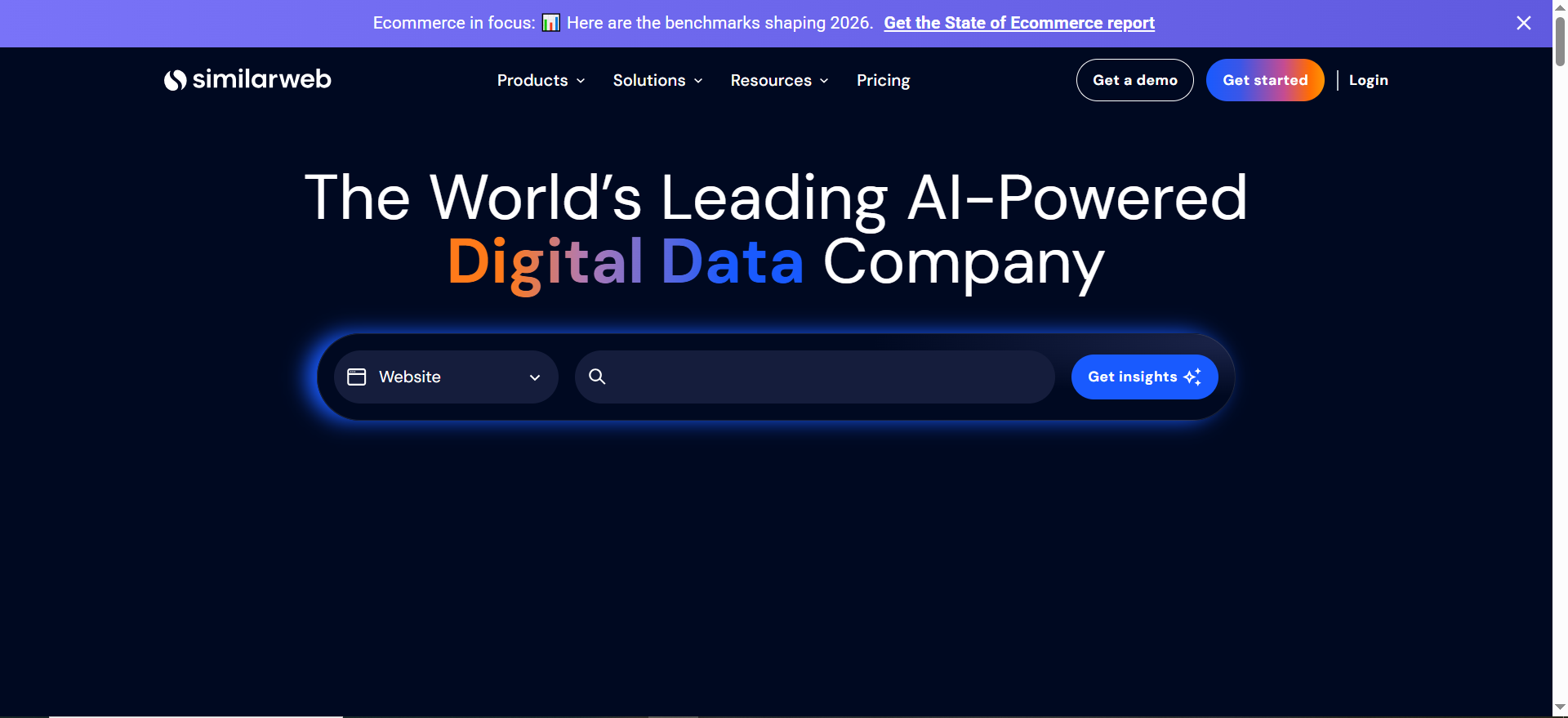
Monitors brand presence across AI experiences with an emphasis on visibility and competitive intelligence. It’s positioned more like market intelligence than rank tracking. Useful for cross-functional reporting.
Why teams use it?
Teams use it to connect AI visibility to broader competitive and market context. It’s easier to socialize across growth, marketing, and leadership. Often chosen by teams already using Similarweb.
Who is this tool for (ICP)?
Best for AI visibility as market intel.
- Growth leadership and PMM teams
- Enterprise digital strategy teams
- Companies already on Similarweb
How this tool fits in this AI-first era?
AI answers shape early-stage shortlists, so visibility becomes a market signal. Similarweb fits teams that want a “what’s happening in the category?” view. It supports stakeholder alignment because it speaks competitive positioning language. It’s useful to separate “we slipped” from “the market shifted.”
Helps you:
- Track competitors gaining AI presence
- Build exec-friendly narratives
- Align SEO + PMM + leadership
How does the Similarweb work?
Configure brand/competitors → monitor AI visibility dashboards → analyze shifts → export reports.
Free tier? No (typically demo-led; may offer trial depending on package).
Strengths?
- Competitive context and reporting
- Cross-functional stakeholder fit
Weaknesses?
- Sales-led pricing
- Overkill if you only want lightweight prompt tracking
Key Capabilities?
- AI brand visibility monitoring
- Competitive movement insights
Pricing snapshot?
- AI Brand Visibility — Contact sales
Best for?
Best for mid-market/enterprise teams that treat AI visibility as competitive intelligence and need cross-functional reporting.
4) SE Ranking — AI Search Toolkit
What it does?
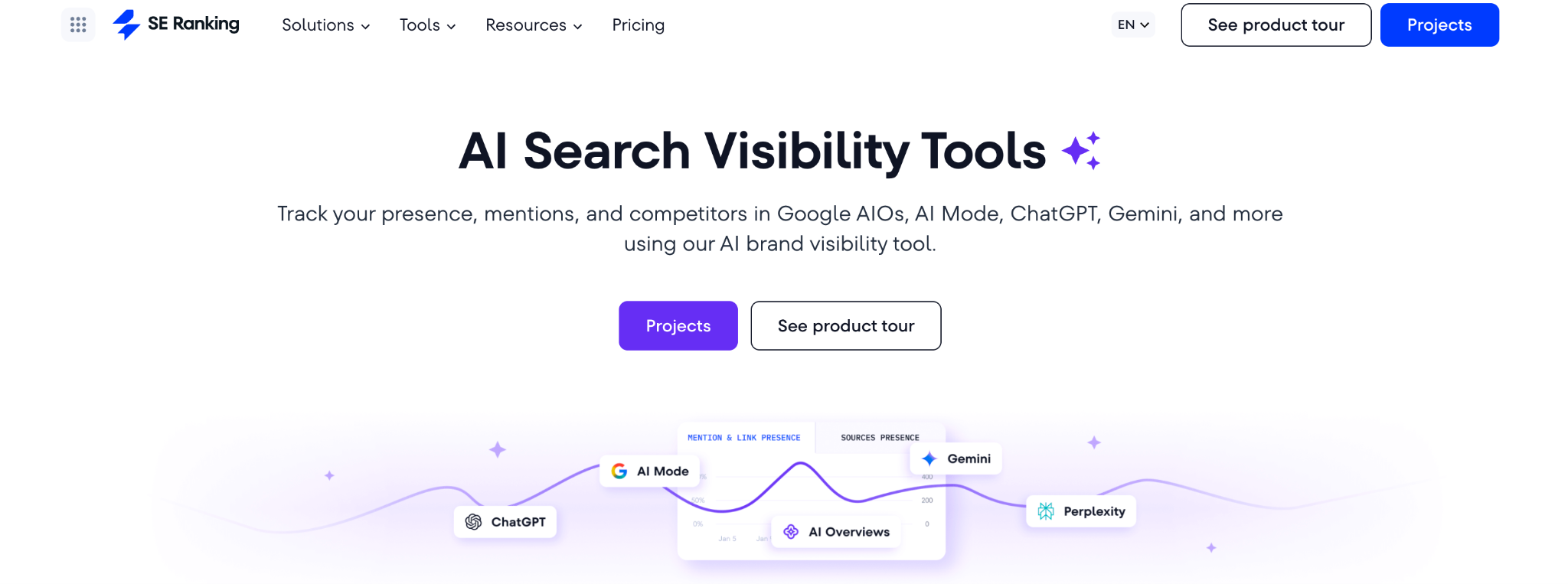
SE Ranking tracks your brand mentions and website links across Google AI Overviews, AI Mode, Gemini, Perplexity, and ChatGPT. It shows where you appear in AI answers, how your visibility changes, and who else shows up alongside you. Its AI search tracking capabilities are integrated into the broader SEO platform, so it offers both traditional engines and LLMs.
Why teams use it?
Teams use SE Ranking to bring AI visibility directly into their SEO workflows. Also, because it goes deeper than dashboards. You get placement data, cached copies of AI responses, and competitor side-by-side comparisons.
Who is this tool for (ICP)?
Built for SEO-focused teams who want actionable data.
- SEO professionals and teams looking to integrate AI tracking into existing workflows
- Content strategists prioritizing visibility in AI answers
- Agencies needing reliable multi-client AI search monitoring and reporting
How this tool fits in this AI-first era?
SE Ranking fits by giving you the context behind visibility: what AI actually says about you, where your links land, and which competitors get cited instead. It helps you treat AI visibility like a measurable SEO KPI and move from just tracking appearance to optimizing your presence.
Helps you:
- Track brand mentions and links across multiple AI platforms
- Benchmark your AI visibility against competitors
- Identify which sources AI cites most
How does the SE Ranking work?
Set up a project → Add AI prompts for tracking → view daily updates on mentions, links, and positions → compare against competitors → export or share data → use other SE Ranking SEO tools to optimize your presence in AI search.
Free tier? Yes, a 14-day free trial with limits to check out the functionality.
Strengths?
- Cross-platform AI tracking with historical data
- Integrated into SE Ranking’s broader SEO suite
Weaknesses?
- No sentiment analysis (yet)
- Some platform learning may be needed
Key Capabilities?
- Multi-platform AI tracking
- Position and link placement analysis
- Competitor benchmarking
Pricing snapshot?
- Pro — $119/month
- Business — $259/month
- AI Search add-on — $89/mont
Best for?
Best for SEO teams that want both AI and traditional visibility tracking. Strong fit if you need precision tracking, competitor context, and don't want to manage a separate tool outside your SEO stack.
5) Aiclicks — Actionable AI visibility optimization
What it does?
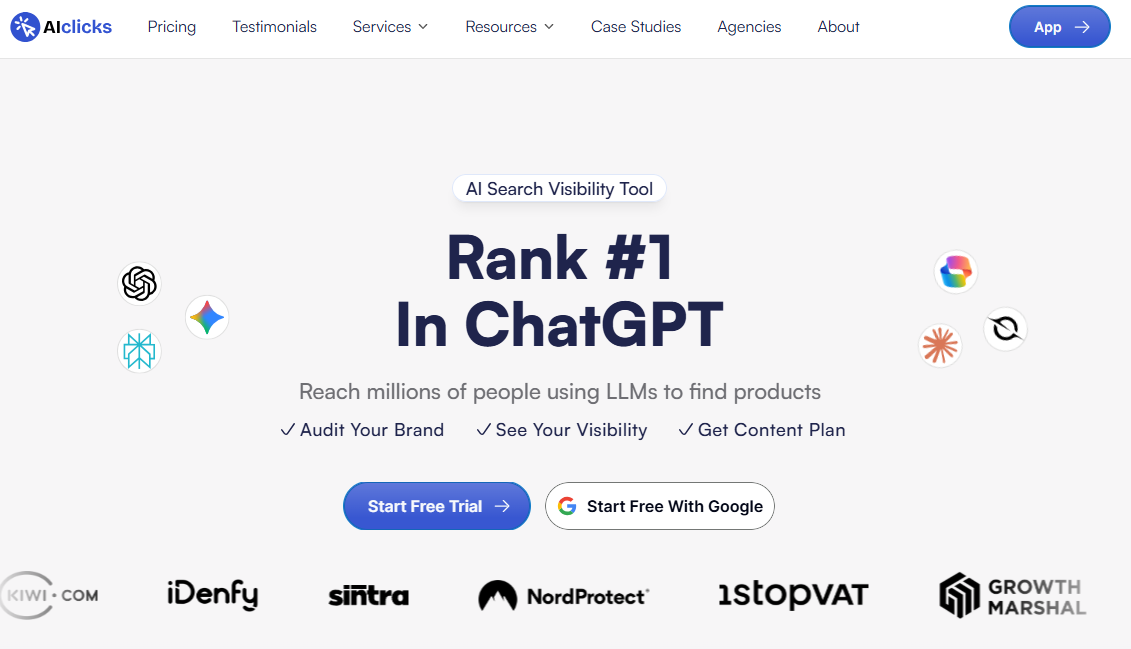
AIclicks is a live AI visibility platform focused on optimization, not just monitoring. It tracks where your brand shows up in AI answers across leading LLMs, then turns those results into a clear action plan to improve mentions, citations, and overall AI visibility.
Why teams use it?
Teams use AIclicks when they want visibility gains they can actually influence. Instead of staring at charts, you can see gaps by topic cluster, benchmark competitors, and get a prioritized list of actions - content production, get mentioned in top sources or join social media conversations.
Who is this tool for (ICP)?
Best fit for Generative engine optimization specialist who run AI visibility like a performance channel and need repeatable workflows. Also useful for teams that are not sure what steps to take in order to get the most of AI.
How this tool fits in this AI-first era?
AI answers change fast and rankings alone do not explain why you are missing from the shortlist. AIclicks helps you measure brand presence from live collected prompts and then fix the inputs that drive visibility. It is designed for teams that care about outcomes, not vanity dashboards.
Helps you:
- Track AI mentions and citations across major LLMs using real prompts
- Benchmark share of voice against competitors inside AI answers
- Identify high-impact topic clusters where you are missing citations
- Catch visibility drops early with trend tracking
- Build an action backlog for content updates, new assets, and authority plays
Free tier?
Yes, 3-day trial.
Strengths?
Strong optimization workflow. Clear action planning. Built to move from insight to execution quickly.
Weaknesses?
You still need consistent execution to turn recommendations into results. The best outcomes come when teams treat it as a weekly operating cadence.
Pricing snapshot
Starts from $59/month. Pricing scales based on prompt volume and domains tracked
What are AI Visibility Metrics?
AI search visibility means how often and in what way a brand appears across AI-powered search experiences—AI Overviews, AI Mode, and chat/answer engines (ChatGPT, Gemini, Perplexity, etc.).
AI visibility metrics are the measurements platforms use to quantify that presence. so you can track mentions, citations, competitive share, and brand portrayal over time.
If you’re trying to build an AI visibility program that actually drives pipeline, anchor it in Answer Engine Optimization and AI-first SEO—not vanity dashboards.
Layer A: Presence Metrics (Do We Show Up?)
- Mention rate: % of tracked prompts where your brand appears
- Non-brand presence: visibility on prompts that don’t include your name (category discovery prompts)
- Prompt coverage: how many topics, use cases, and funnel stages you’re present in
Layer B: Prominence + Proof Metrics (How “Strong” Is The Appearance?)
- Share of voice (AI SOV): your brand’s visibility share across a prompt set (usually relative to competitors)
- Citation/source visibility: how often you’re linked or referenced as a source (especially important when the engine supports citations)
- Competitive positioning: whether you’re “top set,” “mentioned,” or “excluded” on key prompts
Layer C: Portrayal Metrics (What Does AI Say About Us?)
- Sentiment/portrayal: positive/neutral/negative, or “recommended vs warned against
- Message accuracy: whether product claims are correct (pricing, integrations, capabilities)
- Positioning context: what category/use case the AI places you in
If a vendor can’t explain which layer they measure well (and which they don’t), they’re not ready for enterprise buying—or for a credible “platform excels” claim.
Why AI Visibility Is Different From “Normal SEO”
Google’s AI Overviews are designed to provide AI-generated snapshots with links to explore more on the web—and Google’s Search Central documentation frames AI features (AI Overviews and AI Mode) from a site owner’s inclusion perspective.
Google has also published guidance emphasizing that AI Overviews and AI Mode show links in multiple ways and can surface a wider range of sources on the results page.
Separately, Perplexity explicitly describes its product as returning answers where every answer includes citations linking to original sources—which changes what “winning”s of visibility” looks like.
So the measurement problem changes:
In Traditional SEO, You Optimize For:
- rankings
- clicks
- traffic
In AI answers, You Also Have to Optimize For:
- being included in the answer
- being cited as a source (where the experience supports citations/links)
- being described accurately and consistently
▶️ That’s why AI visibility platforms exist—and why vendor evaluation must be stricter than “the dashboard looks good.” If you want practical next steps, see Audit brand visibility in LLMs and Best tools tracking brand visibility in AI search.
The 5 Vendor Evaluation Criteria (With a Scoring Rubric)
Here’s the rubric buyers should use (and vendors should expect).
Criterion 1: Accuracy + Methodology (Highest Weight)
If the data is wrong, every feature is noise.
What to verify
- Entity matching: does it correctly detect your brand, product names, and variations?
- Context parsing: can it distinguish “recommended” vs “not recommended” mentions?
- Repeatability: can it show stable trends (vs random swings) when prompts are re-run?
Vendor questions (non-negotiable)
- How do you handle prompt variance (rephrasing, model changes, conversation context)?
- What’s your sampling design (how many prompts per topic, how are they rotated)?
- Can I access response snapshots for spot-checking?
Red flag: a single “visibility score” without an audit trail of what responses were captured and when.
▶️ Vendor-friendly note: you don’t need to reveal proprietary sauce—just enough to prove your measurement isn’t arbitrary.
Criterion 2: Coverage (Engines + Geo/Language + Prompt Set)
Coverage is where most “platform excels” debates go wrong.
Engine coverageGoogle AI Overviews/AI Mode are distinct experiences from chat engines—buyers need to know what’s actually supported and how it’s measured.
Prompt/query coverageDo you track your category’s real demand (comparisons, “best,” “alternatives,” implementation prompts), or only a tiny prompt list?
Some vendors position around extremely large prompt databases for market-level coverage—Ahrefs’ Brand Radar describes itself as a large AI visibility database and publishes methodology on how it collects/models AI visibility data.
Questions to ask
- Which engines are tracked natively, and which are approximated?
- Do you support geo + language differences?
- Can you add custom prompts (critical for pipeline-driving queries)?
Criterion 3: Refresh Rate + Alerting
AI answers drift. Your metrics need to refresh frequently enough to matter.
What matters
- default cadence (daily / weekly / monthly)
- ability to increase cadence for “money prompts” (high-intent buyer queries)
- alerting for sudden drops/spikes
Why this is real: Semrush has published studies using weekly snapshots across large prompt sets (e.g., analyzing citations across 230K prompts over 13 weeks), which highlights how quickly the citation landscape can move.
Criterion 4: Ux + Reporting (Stakeholder Fit)
Most teams need two modes:
Exec mode
- simple trendlines (up/down)
- competitor context
- “what changed + why it matters”
Operator mode
- drill-down by prompt, engine, persona, intent
- response snapshots and diffs
- recommendations + next actions
If you’re a SaaS team, dashboards must translate into pipeline conversations:
- “We’re missing in ‘best X’ prompts where buyers start shortlists.”
- “We’re cited less often than competitor Y, even when we’re mentioned.”
- “The AI is misrepresenting our integration story.”
Criterion 5: Integrations + Workflows (The “Will This Stick?” Test)
The best platform isn’t the one with the most charts—it’s the one that fits into your operating system.
Check for
- CSV exports you can actually use
- API (if you’ll unify reporting)
- integrations into BI, Slack, project management, or SEO workflows
- multi-team collaboration (SEO + content + product marketing + PR)
SaaS reality: if it can’t pipe data into weekly growth reporting, it becomes “another tab” and dies.
▶️ If you want a criteria-first shortlist and a proof-based evaluation (not demo-led), Book a call. Prefer to vet TRM first? Start with Case studies and Pricing, or Contact us with your current vendor list.
A Simple Scoring Rubric (Copy/Paste)
Score each criterion 1–5, multiply by weight:
| Criterion | Weight | What “5/5” looks like |
|---|---|---|
| Accuracy & methodology | 30% | Clear sampling, response snapshots, strong entity/context parsing |
| Coverage | 25% | Multi-engine + geo/language + custom prompts + citation tracking |
| Refresh rate & alerts | 15% | Daily+ configurable cadence + anomaly alerts |
| UX & reporting | 15% | Exec summaries + drill-down + clean exports |
| Integrations & workflows | 15% | API/export + stack integrations + collaboration features |
Decision rule: If a vendor is <3/5 on accuracy or coverage, don’t overthink it—move on.
A 2-Week POC Plan (Buyers Can Actually Run)
This is the exact 14-day POC we run to shortlist AI visibility platforms without getting hypnotized by demos—and to make sure the winner fits your pipeline goals, not just your reporting preferences.
If your team is building an evaluation tied to Answer Engine Optimization outcomes, this plan keeps you criteria-first from Day 1.
Week 0 (Prep): Define What “Visibility” Means For Pipeline
Before you talk to vendors, align on:
- which personas you sell to (CMO, SEO lead, practitioner, technical evaluator)
- your highest-value use cases
- what “winning” means (mention? citation? top recommendation? correct portrayal?)
Pro tip: If you can’t explain “what we’re trying to become the answer for,” every vendor demo will feel impressive—and none will be decisive. To sharpen that, use Structuring AI-era AEO content as a quick alignment guide.
Step 1: Build A Prompt Set that Matches Pipeline Reality (30–80 Prompts)
Organize prompts by:
Persona (ICP)
- CMO / VP Marketing
- SEO lead / content ops
- practitioner / end-user
- technical evaluator
Intent (funnel stage)
- “best tools,” “alternatives,” “vs,” “pricing”
- “how to implement,” “templates,” “examples”
- “is it worth it,” “does X integrate with Y”
Category + competitor set
- category terms
- top 5–10 competitors (the ones you lose deals to)
Output: a spreadsheet with columns like:
- Prompt
- Persona
- Intent stage
- Category cluster
- Competitors included
- Engine priority (Google AI / Chat engines / both)
- “Money prompt?” (Y/N)
👉 If you want a simple starting point for building your tracking sheet + governance, grab TRM Free resources
Step 2: Define Success Metrics Before The Demo (3–5 Kpis)
Pick KPIs that represent visibility units you actually care about:
- AI share of voice across the prompt set
- citation/source visibility (where supported)
- non-brand category visibility (discovery prompts)
- portrayal accuracy (are claims correct?)
- alert usefulness (cadence + anomaly detection)
Step 3: Run Dual-Track Validation (Tool + Manual Spot Checks)
For 2 weeks:
- Let each tool run at its recommended cadence
- Manually spot-check ~10 prompts twice per week:
- Mentions detected correctly
- Citations captured correctly (if claimed)
- Portrayal classification is sane
- Response snapshots are accessible + timestamped
▶️ If a platform can’t provide traceability + reproducibility, you’re buying pretty charts, not measurement. For a baseline on what to look for in LLM outputs, see Audit brand visibility in LLMs.
Step 4: Pressure-Test Exports + Integrations
Before you buy, test:
- CSV export quality (clean rows, stable IDs, usable fields)
- API availability (if needed)
- Slack/email alerting
- ability to tag prompts by persona/intent
- multi-brand / multi-region reporting (if relevant)
Step 5: Score vendors with the rubric (and decide fast)
Use the weighted rubric above. If it’s accurate, covers what you need, and fits your workflow: shortlist it.
If not: cut it. The category moves fast—don’t get stuck in evaluation paralysis. If you want a broader view of the market before shortlisting, use Best tools for tracking brand visibility in AI search.
The Vendor Data Pack (Copy/Paste Request)
Copy/paste this into your vendor outreach:
Subject: AI Visibility Platform Evaluation — Request for Data Pack
Hi [Vendor Name],
We’re evaluating AI visibility vendors for a shortlisting process and potential inclusion in our AI Search Visibility hub.
To ensure a fair, criteria-based comparison, can you share a Vendor Data Pack with:
Coverage statement
- Supported engines (Google AI Overviews/AI Mode, ChatGPT, Gemini, Perplexity, etc.)
- Regions/languages supported
- Any limitations (geo, device, personalization constraints)
Data collection & methodology overview
- How prompts are sourced/selected
- Sampling design and de-duplication
- How often prompts are re-run
- How response snapshots are stored and validated
Accuracy approach
- Entity matching logic (brand/product variants)
- Handling ambiguity and false positives
- Spot-check / QA workflow features
Refresh cadence & alerting
- Default cadence
- Configurable frequency options
- Alerts/anomaly detection approach
Outputs & integrations
- Sample exports (CSV)
- API availability and docs
- BI/Slack/project management integrations
Pricing model
- What drives cost (prompts, seats, engines, frequency)
90-day roadmap
- What’s shipping next and what’s changing
We’ll use the same rubric for all vendors. If you’re open to it, we also welcome anonymized performance or case-study data we can reference in future updates.
Thanks,[Your Name]
💡 Vendor note: If you want to be included in TRM’s future tool roundups and comparisons, email your Data Pack to [email protected] or Contact us.
Common Traps Buyers Fall Into (And How To Avoid Them)
Trap 1: Believing a Single “AI Visibility Score”
Scores can be useful trendlines—but they hide:
- prompt bias (what prompts were included)
- engine coverage gaps
- refresh limitations
- methodology differences
Fix: require snapshots + prompt-level drill-down + methodology summary.
Trap 2: Comparing Vendors Without a Consistent Prompt Set
If one vendor tracks 30 prompts and another tracks 300, your comparison is meaningless unless you normalize.
Fix: run the same 30–80 prompt set across vendors during POC.
Trap 3: Confusing “Reputation Monitoring” with “Optimization”
Some platforms excel at detecting risk and routing alerts (valuable), but won’t help improve category prompt coverage (also valuable).
Fix: pick the platform type based on your job-to-be-done (monitoring, workflow, risk).
Trap 4: Treating Google AI Overviews Like Every Other Engine
Google’s AI features have their own inclusion framing and link formats (and they evolve), so don’t assume what works in one engine translates 1:1 to another.
What to Do Next
▶️ If you’re a SaaS team buying a platform
- Build your prompt set (30–80 prompts)
- Shortlist 2–3 vendors across different platform types
- Run the 2-week POC + rubric scoring
- Choose the tool that fits your workflow and reporting needs
If you want TRM to run this as a done-for-you evaluation, Book a call. Prefer to vet TRM first? Case studies and Pricing.
▶️ If you’re a vendor
Want coverage, partnerships, and inclusion in our upcoming “Best AI Visibility Tools” hub/listicle?
👉 Send your Vendor Data Pack + coverage proof to [email protected] or Contact TRM.
Frequently Asked Questions
Accuracy and methodology. If the tool can’t reliably capture and classify AI responses over time, every report and recommendation becomes untrustworthy.
Some do, but coverage varies. Google provides documentation on AI features (AI Overviews and AI Mode) from a site-owner perspective, and vendors differ in how they collect visibility data for those experiences.
In many AI experiences, citations/links are the strongest “proof signal” because they connect your brand to the referenced source. Perplexity explicitly states answers include citations, and Google describes AI Overviews as including links to dig deeper.
Monitoring tools usually track a defined prompt set for your business. Prompt databases focus on market-level intelligence by tracking a huge corpus of prompts/responses; Ahrefs describes Brand Radar as a large AI visibility database and publishes its data collection methodology.
Two weeks is a practical minimum: long enough to see volatility, validate accuracy with spot checks, and test exports/integrations.
Yes—use a standardized Vendor Data Pack, apply the same rubric to all vendors, and disclose any partnerships while keeping the evaluation criteria consistent.
No. It expands what “visibility” means. AI experiences can answer directly while linking to sources, so classic SEO remains foundational—and AI visibility tracking adds a new measurement layer.
Conclusion
There isn’t one universal “best” platform for AI visibility metrics—because AI visibility isn’t one job.
Some teams need reliable monitoring + share-of-voice reporting. Others need workflow-driven optimization. Some need market-level prompt intelligence, and some need reputation/risk coverage. The platform that excels is the one that matches your objective—and proves it with transparent methodology, strong coverage, and repeatable results.
If you take only one thing from this guide, make it this: evaluate vendors on criteria, not vibes. Start with accuracy and methodology, confirm coverage across the AI experiences your buyers actually use, validate refresh cadence and alerting, and only then judge UX and integrations.
Run a short, structured POC with a consistent prompt set and manual spot checks—because in this category, “demo magic” is easy and measurement drift is real.
▶️ Ready to make a decision without the demo fog?
If you want TRM to shortlist vendors and run a criteria-based POC with you, Book a call.
Prefer to review proof first? See Case studies and Pricing, or Contact us with your current vendor shortlist.