

If you want a clean, exec-friendly way to track Share of Answer / AI Share of Voice, start with Peec for straightforward visibility tracking and competitive share, and look at Profound if you need more enterprise-scale insight and “big picture” brand performance across AI discovery. Akii, OtterlyAI, and Promptmonitor round out the top options depending on whether your priority is coverage, workflows, or optimization loops across multiple AI engines.
📋 Get Listed / Advertisement
We update this guide monthly. Want your tool featured? Contact: [email protected].
Best Tools for Share of Answer / Share of Voice (Quick Comparison)
| Tool | Best for | Standout for SoA/SoV | Notes |
|---|---|---|---|
| Peec | Teams starting SoV tracking | Prompts → visibility tracking + share vs competitors | Strong “get started” workflow |
| Profound | Enterprise brand intelligence | Macro visibility + performance tracking across AI discovery | Built for scale & insights |
| Akii | Cross-engine AI visibility tracking | Tracks mentions/recommendations/citations across major engines | Emphasizes visibility metrics |
| OtterlyAI | Visibility monitoring + audits | Monitoring across ChatGPT/Perplexity/Google AI surfaces | Clear visibility toolkit positioning |
| Promptmonitor | Mention tracking + “how to improve” loop | Focus on getting mentioned + source discovery | Positioned around visibility optimization |
📋 Get Listed / Advertisement
We update this guide monthly. Want your tool featured? Contact: [email protected]
1. Peec
What it does
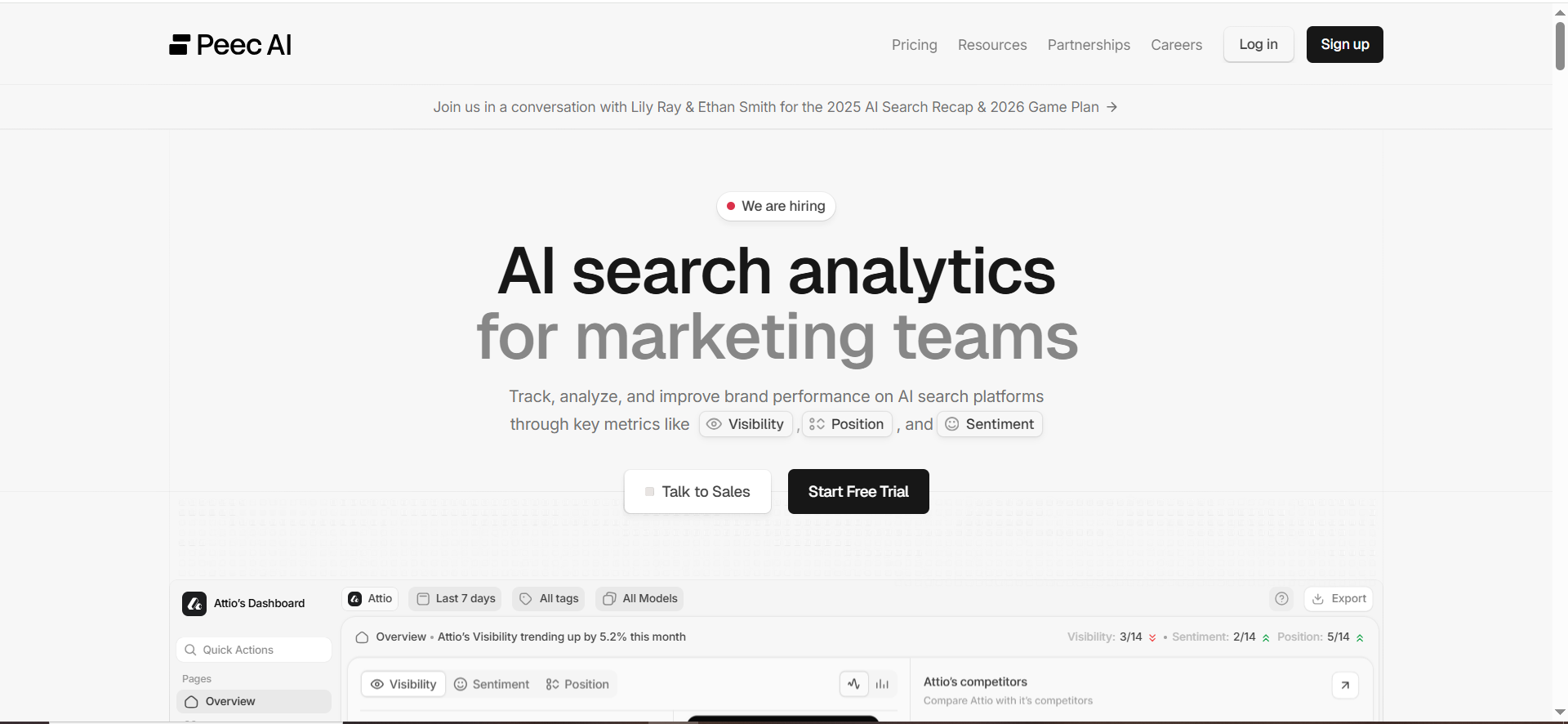
Peec positions itself as an AI search analytics platform where you define the prompts that matter and then monitor how AI systems respond, particularly whether your brand is present, and how that compares to competitors.
Why teams use it
Most teams don’t need 40 dashboards to begin. They need:
- A consistent prompt set
- A visibility signal they can trend
- A simple way to show “we’re winning/losing share”
Peec’s messaging and product focus map well to that “commercial investigation” moment where you’re trying to turn AI visibility into a measurable KPI.
What it’s good for
- Share-of-voice baselining: establish a starting line, then measure lift
- Competitive visibility: see where competitors show up instead of you
- Prompt-led reporting: tracking the questions that drive recommendations, not just keywords
When it’s a good fit
Pick Peec if you’re:
- A growth-stage B2B SaaS team building a GEO/AEO program from scratch
- An SEO team that wants an “AI layer” on top of keyword strategy
- A marketing org that needs exec-readable outputs quickly
When it’s not a good fit
Peec may be less ideal if you need:
- Deep governance workflows, multi-region compliance, or custom data pipelines on day one
- Heavily customized measurement frameworks with internal model scoring (you can still do it, but it’s extra ops)
How to use it
- Start with 30–50 prompts across your highest-value product categories and competitor comparisons.
- Tag prompts by intent (e.g., “alternatives”, “best X”, “pricing”, “integration”).
- Track weekly for 4 weeks to establish variance, then decide if you need daily monitoring.
- Export a simple exec view: “Share of Answer overall” + “Share by category” + “Top prompts we’re losing.
Key capabilities
When evaluating Peec specifically for Share of Answer / SoV, validate that you can:
- Group prompts into categories and competitor sets
- Trend visibility over time
- Segment by engine/surface (as supported)
- Export results for dashboards
Pricing
Peec’s pricing starts at €89/month, with enterprise pricing available by quote.
Free tier?
Peec doesn’t offer a free tier, but it does offer a free trial.
Downsides / limitations
The biggest limitation (for any entry-level tool) is usually measurement nuance: if your exec team expects a “perfect” single KPI, you’ll still need your own definitions for weighting, prominence, and prompt volume. That’s not a Peec-only issue, it’s the nature of the category.
2. Profound
What it does
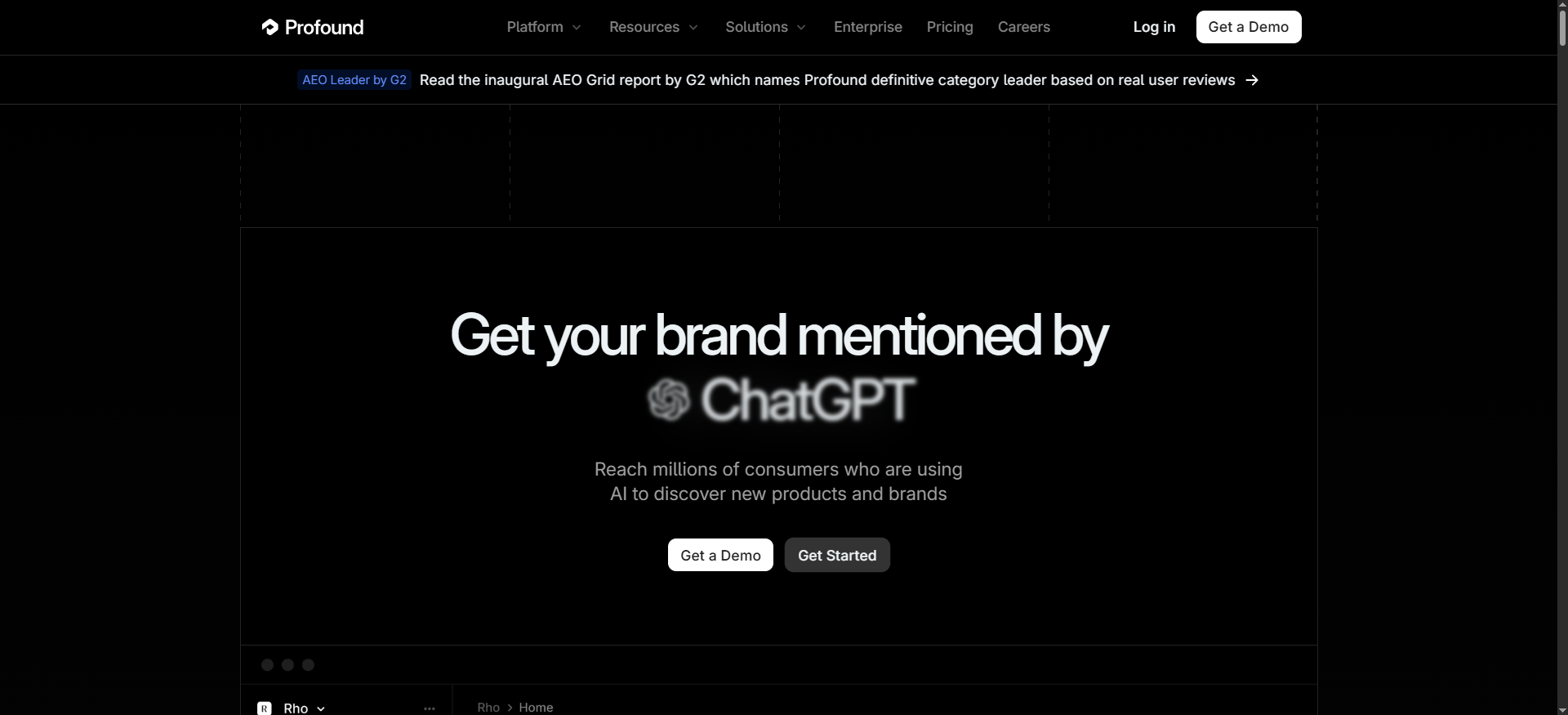
Profound frames the problem as optimizing brand visibility in AI search by understanding what people ask about AI and then tracking performance across those AI-driven discovery moments.
Why teams use it
If Peec is often the “start measuring now” option, Profound is often evaluated when teams ask:
- “Can we measure this at enterprise scale?”
- “Can we connect this to category strategy and market perception?”
- “Can we operationalize AI visibility as a durable program, not a one-off experiment?”
Profound’s positioning (“discover what millions of people ask about AI” + “track performance”) appeals to organizations treating AI visibility as a strategic channel.
What it’s good for
- Market-level SoV narratives: showing visibility by theme/category
- Leadership reporting: building a story about brand representation and opportunity areas
- Scaling prompt strategy: moving from a small prompt list to a broader prompt universe
When it’s a good fit
Profound tends to make sense if you’re:
- Enterprise or late-stage growth
- Supporting multiple product lines/regions
- Expected to deliver board-ready reporting on “AI channel health”
When it’s not a good fit
If you just need:
- A small number of prompts
- A lightweight visibility score
- A scrappy workflow for a single brand
How to use it
- Define your categories (what you want to “own” in AI answers).
- Build a prompt universe that maps to those categories.
- Establish competitor sets per category (not one global set).
- Report SoV at 3 levels: overall → category → prompt cluster.
Key capabilities
Look for:
- Category/group reporting (not just prompt lists)
- Clear visibility trend reporting
- Competitive benchmarking views
- Export options for internal BI
Pricing
Profound’s pricing starts at $99 per month.
Free tier?
Profound doesn’t offer a public free tier, but it does offer demos/assessments.
Downsides / limitations
The main risk at the high end is tool adoption. If you buy an enterprise platform but don’t invest in prompt taxonomy, governance, and reporting habits, SoV data becomes “interesting charts” instead of decision-making fuel.
3. Akii
What it does
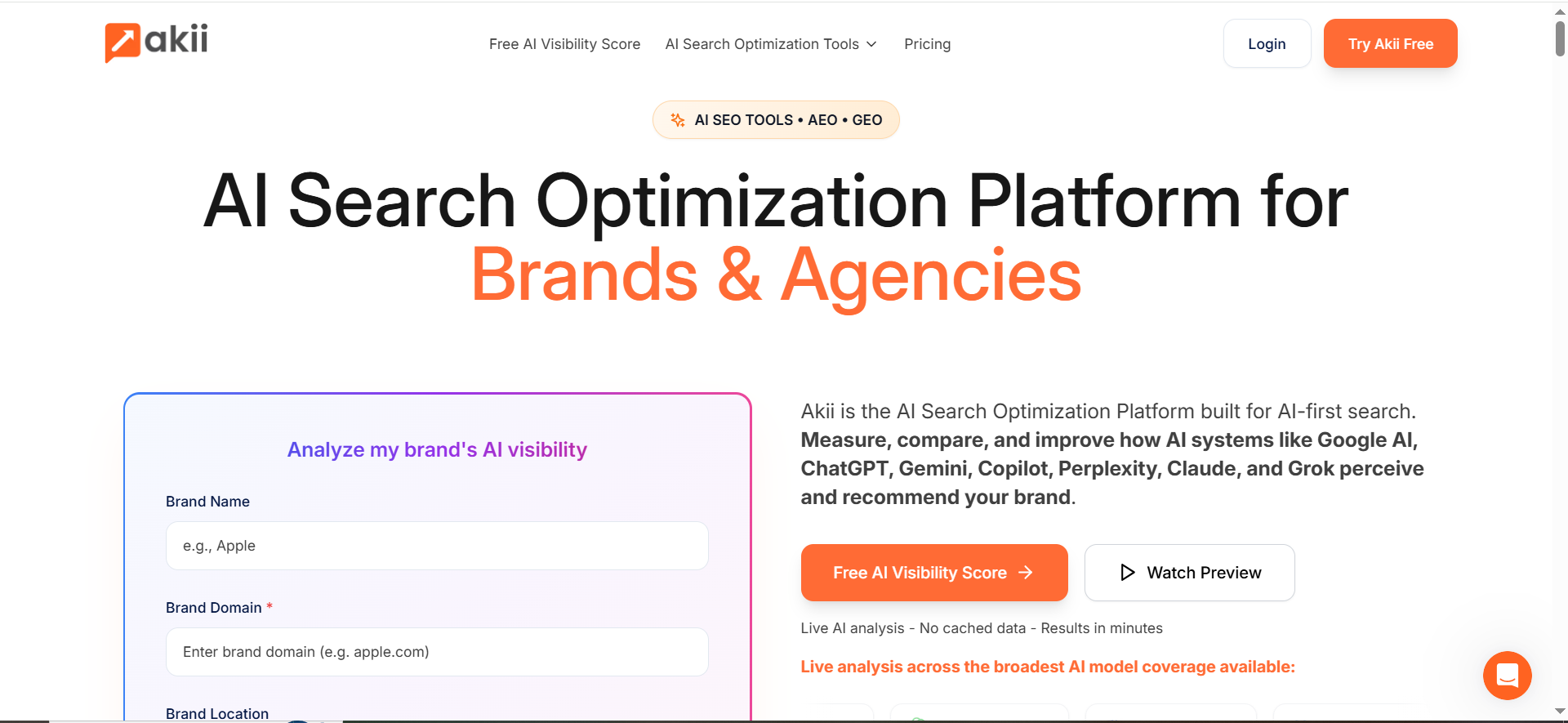
Akii markets an AI Search Tracker that monitors how often AI models mention, recommend, or cite your brand across engines such as Google AI, ChatGPT, and Perplexity.
Why teams use it
Share of Answer / SoV lives or dies on two realities:
- AI answers vary, and
- “Being mentioned” isn’t binary, prominence and context matter.
Akii’s public messaging emphasizes visibility measurement beyond traditional SEO notions and focuses on brand presence inside AI responses.
What it’s good for
- Cross-engine mention tracking: visibility trends across major AI surfaces
- Competitive positioning: understanding who is recommended “instead of you”
- Visibility narratives: turning mention data into a storyline (wins, gaps, priorities)
When it’s a good fit
Akii is a fit when you need:
- A multi-engine view for a global or multi-market brand
- A visibility score you can use as a top-line KPI (with drill-downs)
- A programmatic way to monitor “recommendation presence”
When it’s not a good fit
If your program is mainly about:
- Link/citation acquisition workflows
- Deep SEO crawling + page-level technical fixes
How to use it
- Import your “money topics” (the prompts that decide deals).
- Create clusters: “alternatives”, “best”, “integration”, “pricing”, “use case”.
- Track SoV weekly, plus daily runs for launch periods.
- Add a prominence rule: top-of-answer mentions count more than “buried” mentions.
Key capabilities
Evaluate whether Akii supports:
- Engine coverage aligned to your market
- Prompt clustering/tagging
- Competitor sets by category
- Exportable reporting
Pricing
Akii’s pricing starts at $49/month.
Free tier?
Akii doesn’t offer a permanent free tier, but it does offer a 14-day free trial.
Downsides / limitations
All SoV tools share a limitation: results are only as defensible as your prompt universe and weighting. Akii can provide the tracking, but you still need a measurement policy (defined below) to avoid misleading trends.
4. OtterlyAI
What it does
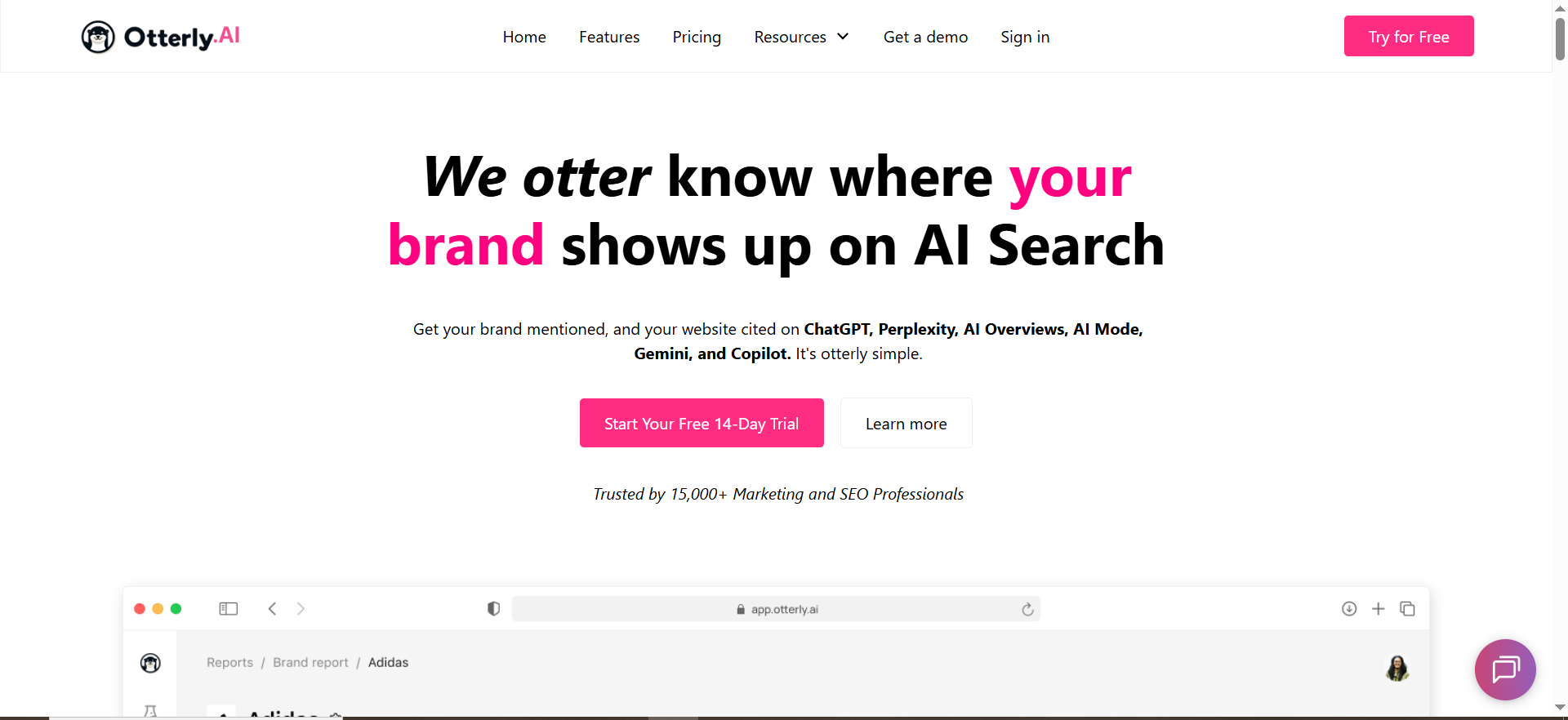
OtterlyAI frames itself as an AI visibility tracker that runs prompts against AI search engines (e.g., ChatGPT, Perplexity, Google AI surfaces) and analyzes responses for brand mentions and related insights.
Why teams use it
OtterlyAI is often chosen when teams want:
- A clear “AI visibility toolkit” approach
- Workspaces/client-style organization
- Monitoring that supports both internal teams and agencies
What it’s good for
- Monitoring and reporting: dashboards that show visibility shifts
- Operational workflows: organizing prompts and brands
- Audit-style insights: helpful for diagnosing “why aren’t we showing up?”
When it’s a good fit
- Agencies managing multiple brands or business units
- SEO teams needing an AI-monitoring layer tied to content updates
- Marketing teams that want a clean path from monitoring → recommendations
When it’s not a good fit
If you need a deeply customized enterprise data pipeline, you might outgrow a more product-led workflow and require heavier integrations.
How to use it
- Convert your high-intent keywords into prompts (buyer language).
- Run prompts weekly for baseline; daily for launches or volatility periods.
- Track: mentions, recommendation context, and competitor substitution prompts.
- Use your findings to prioritize content updates and authority building.
Key capabilities
Look for:
- Workspace support (multi-brand)
- Prompt management and reporting
- Coverage across the AI surfaces you care about
Pricing
OtterlyAI’s Lite plan starts at $29/month.
Free tier?
OtterlyAI doesn’t offer a free tier, but it does offer a free trial.
Downsides / limitations
As with all tools: visibility tracking doesn’t automatically tell you the fix. You still need a playbook (content, citations, PR, technical) to convert SoV insights into outcomes.
5. Promptmonitor
What it does
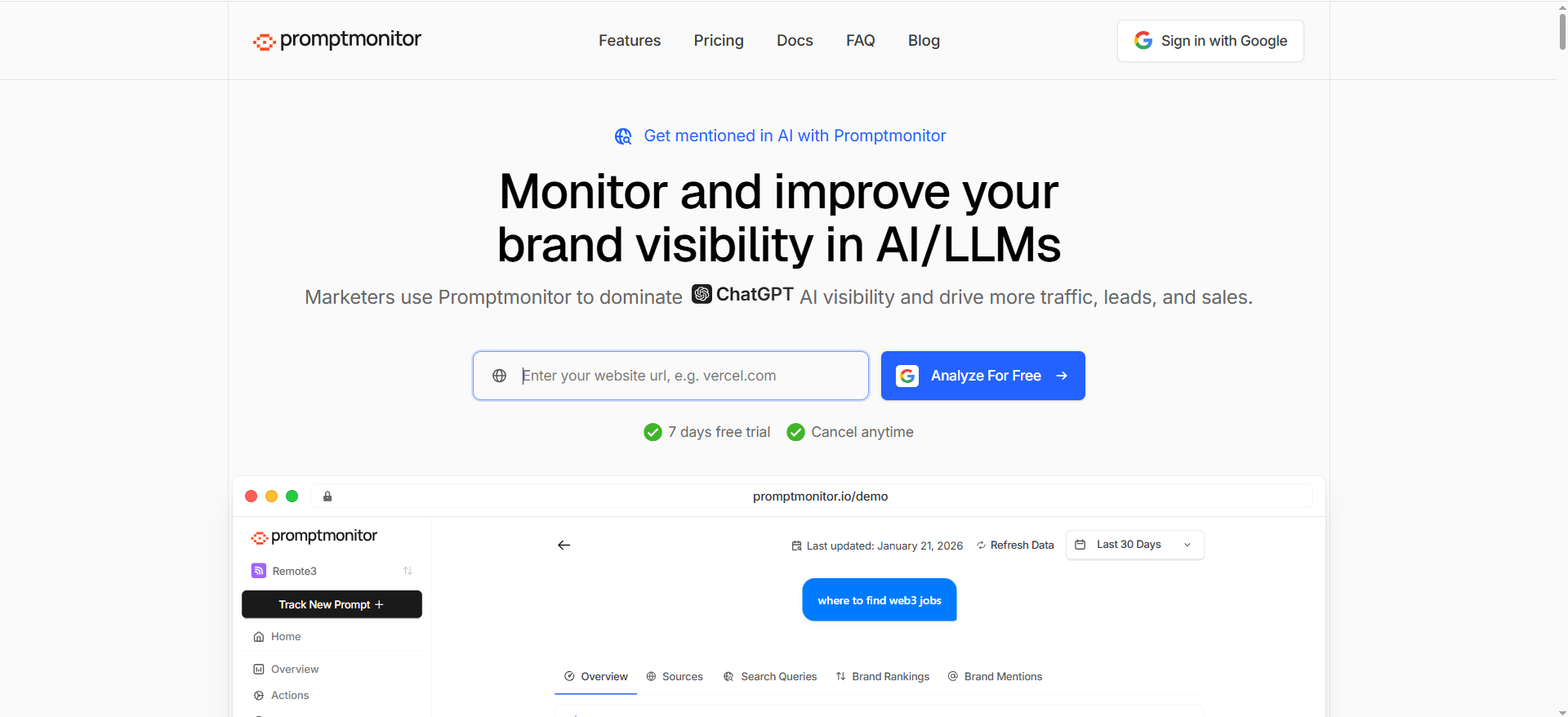
PromptMonitor positions itself around tracking and improving company visibility across LLMs (e.g., ChatGPT, Perplexity), with a strong emphasis on “getting mentioned” and learning what sources AI uses.
Why teams use it
Some teams want SoV numbers; others want a tight action loop:
- “Where are we not mentioned?”
- “Which sources does AI trust?”
- “What do we change or earn to move the needle?”
Promptmonitor’s positioning leans into that improvement cycle.
What it’s good for
- Mention tracking: are you present, absent, or substituted?
- Source discovery: what domains show up in AI answers for your category
- Prioritization: turning missing prompts into action items
When it’s a good fit
- Teams building an outreach + content strategy to earn visibility
- Early-stage programs where “actionable insights” matter more than perfect measurement nuance
- Brands where competitor substitution is frequent (AI recommends others)
When it’s not a good fit
If you need advanced enterprise governance, custom weighting models, or extensive BI integration, confirm capabilities early.
How to use it
- Start with 20–30 high-intent prompts.
- Identify “lost prompts” (competitors mentioned, you absent).
- Extract likely source patterns (domains/topics AI cites).
- Build a content + authority plan tied to those sources and topics.
Key capabilities
Confirm:
- Prompt tracking cadence and history
- Competitor sets
- Export/reporting workflow
Pricing
Promptmonitor’s Starter plan starts at $29/month.
Free tier?
Promptmonitor doesn’t offer a free tier, but it does offer a 7-day free trial.
Downsides / limitations
If your leadership expects a “single SoV number” that is perfectly stable, you’ll need to implement variance control (multiple runs, averaging, weighting). Tools can support this,but your policy makes it credible.
What “Share of Answer” and “Share of Voice” mean in AI search
Your content team already knows “Share of Voice” from SEO (SERP visibility share) and from paid (impression share). In AI search, the unit isn’t a blue link. It’s an answer.
Share of Answer vs Share of Voice vs “Visibility Index”
In practice, teams use these terms interchangeably. Here’s a clean way to define them:
- Share of Answer (SoA): The percentage of tracked prompts where your brand appears in the AI answer (as a mention, recommendation, or citation, depending on your rule set).
- AI Share of Voice (AI SoV): The same concept, but usually framed competitively: your appearance rate relative to a competitor set.
- Visibility Index: A weighted version of SoA/SoV that may include prompt volume, prominence, sentiment, or other factors (some platforms explicitly market a “visibility score”).
What counts as an “answer”?
Before you buy any tool (or present any numbers), decide what counts. Common options:
- Mention-only rule: Your brand appears anywhere in the response.
- Recommendation rule: Your brand is recommended as an option (stronger than mention).
- Citation rule: Your domain/URL is used as a source link (strong authority signal).
- Top-of-answer rule: Only counts if you appear in the first X lines / first paragraph (a proxy for prominence).
A practical approach: track two numbers, SoA (Mention) and SoA (Strong) where “Strong” = recommended and/or cited and/or top-of-answer.
The executive reporting framework (the “TRM SoA Scorecard”)
The “ideal angle” for this post is to define Share of Answer and show how to report it to execs. Here’s a framework you can directly use.
The 3 numbers execs actually care about
Execs don’t want 400 prompt rows. They want three lines:
- Overall Share of Answer (this month vs last month)
- Category Share (your 3–5 most important product/use-case categories)
- Competitive delta (who is gaining/losing share vs you)
Everything else is drill-down.
A simple weighting model (prompt volume + prominence)
Unweighted SoA is useful, but it can be misleading, but it can be misleading. A better “Share of Voice” model uses two weights:
1) Prompt volume weight
Not all prompts matter equally. A prompt asked 10× more often should matter more. If you can’t get real prompt volume, approximate it using:
- Google keyword volume as a proxy (for equivalent queries)
- Internal search / site search volume
- Sales call tags (“how often this question appears”)
2) Prominence weight
A mention buried in a long answer is not equal to “recommended first.”A simple prominence scoring rubric:
- 3 points: recommended first / featured prominently
- 2 points: recommended in top half
- 1 point: mentioned but not recommended / buried
- 0 points: not present
Then compute:
Weighted Share of Answer = (Σ brand points) / (Σ max points)
This is how you turn messy AI responses into an executive KPI without lying.
The dashboard layout to steal
Your exec dashboard should be one page:
- Top-left: Overall Weighted SoA (trendline)
- Top-right: Competitive SoV (stacked area or bars)
- Bottom: Category SoA table (5 rows max), with “biggest movers”
If your tool doesn’t provide this view, export to your BI tool and build it yourself.
How to build a prompt universe that makes your SoV defensible
Your Share of Answer number is only as credible as your prompt universe.
Prompt coverage % (the hidden KPI)
Prompt coverage % = “How much of our market question-space are we actually measuring?.
If you track 20 prompts, your SoV can swing wildly and mislead leadership. If you track 200–500 prompts across categories, your SoV becomes stable enough to make decisions.
A simple coverage ladder:
- Pilot: 30–50 prompts (find signal + define rules)
- Program: 150–300 prompts (category reporting + stable trends)
- Enterprise: 500–2,000 prompts (regional + multi-segment coverage)
Tagging taxonomy (intent × funnel × category)
To make reports useful, tag prompts across three dimensions:
Intent tags
- “Best X” / “Top X”
- “X alternatives”
- “X vs Y”
- “Pricing”
- “Integration”
- “Use case / how-to”
- “Reviews / trust”
Funnel tags
- Awareness (problem framing)
- Consideration (shortlists, comparisons)
- Decision (pricing, implementation, vendor selection)
Category tags
- Product line / solution
- Industry (if relevant)
- Region (if relevant)
This is the difference between “AI visibility data” and “AI visibility decisions.”
Competitor set rules
AI answers can include:
- Direct competitors
- Adjacent tools (category neighbors)
- Platforms (e.g., “Google/Microsoft” type mentions)
- Content sites (lists, directories)
So define competitor sets by category, not globally:
- Core set: direct alternatives in deals
- Adjacent set: tools AI recommends but sales doesn’t see (yet)
- Aspirational set: bigger brands you want to displace over time
What to look for in a tool (SOV scoring, prompt coverage %, competitive share)
Use this checklist to evaluate any AI visibility platform specifically for SoA/SoV reporting:
- Prompt management at scale: bulk upload, tagging, clustering
- Competitor sets: category-based competitor lists (not just global)
- Variance control: ability to run prompts multiple times and average
- Prominence support: does it capture “where” you appear, not just “if”?
- Engine/surface coverage: ChatGPT, Perplexity, Google AI surfaces, etc.
- Exports/API: you’ll want BI integration if exec reporting matters
- Client/workspace workflow: crucial for agencies and multi-brand orgs
- Alerts: notification when visibility drops on key prompt clusters
- Evidence hooks: screenshotting or archiving answer outputs for QA/auditing
- Governance: audit trails, permissions, and reporting consistency
If a tool nails 1–4, it will usually support meaningful SoV measurement. If it nails 5–10 too, it’s a platform you can run as a program.
Common pitfalls (and how to avoid bad decisions)
Pitfall 1: Treating AI answers like stable SERPs
AI systems are non-deterministic. Two runs can differ. Fix:
- Run prompts multiple times
- Report rolling averages (7-day / 28-day)
- Only act on trends that persist across multiple weeks
Pitfall 2: Using too few prompts
If your prompt universe is tiny, SoV volatility will look like “wins/losses” when it’s just noise. Fix: expand prompt coverage and cluster reporting.
Pitfall 3: Not separating “mention” from “recommendation”
Execs hear “we’re in the answer” and assume “we’re being recommended.” Fix: track both (SoA Mention vs SoA Strong).
Pitfall 4: No definition for competitor sets
If competitor sets aren’t defined, SoV becomes a vanity metric. Fix: define category competitor sets aligned to deals.
Pitfall 5: Reporting SoV without actions
SoV without action loops becomes a dashboard hobby. Fix: every monthly report should include:
- Top 10 prompts to win
- 3 content priorities
- 3 authority/citation targets
- One experiment to run next month
Implementation checklist (30 / 60 / 90 days)
Days 0–30: Pilot (define the metric)
- Pick 30–50 prompts (high intent)
- Define your “counts as present” rule
- Build competitor sets
- Establish baseline variance (weekly runs)
Days 31–60: Program (make it reportable)
- Expand to 150–300 prompts
- Implement tagging taxonomy
- Start category dashboards
- Add prominence scoring (simple rubric)
Days 61–90: Optimization (make it actionable)
- Identify lost prompt clusters
- Build an action backlog: content, citations, PR, technical
- Tie SoV changes to business proxies (demo requests, branded search lift, pipeline influence)
Share of Answer vs citations: What’s the difference?
They’re related, but they’re not the same, mixing them up is one of the fastest ways to create misleading dashboards.
Share of Answer (SoA)
SoA measures presence inside the answer, regardless of whether the AI cites your site.
SoA answers the question:
“Do we show up when people ask AI about this topic?”
This includes:
- Brand mentions
- Product recommendations
- Comparisons (vs competitors)
- Inclusion in lists
Citation tracking
Citation tracking measures whether the AI system references a specific source URL/domain (your website, press, third-party review sites, documentation pages, etc.)
Citation tracking answers the question:
“Does AI trust our content (or a source about us) enough to cite it?”
Why this matters
You can have:
- High SoA but low citations (you’re mentioned, but AI is citing other sources)
- High citations but low SoA (your content is cited in the topic area, but your brand isn’t positioned as the recommended choice)
Best practice: report both
Most teams should track:
- SoA (Mention)
- SoA (Strong recommendation/top-of-answer)
- Citation Share (how often your domain is cited vs competitor domains)
That gives you both the visibility layer and the authority layer, and helps you decide whether the fix is brand positioning/content, or authority/citation acquisition.
How many prompts do you need for accurate Share of Voice?
The honest answer: it depends on how granular you want your reporting to be, but there are strong patterns.
Prompt universe sizes that work in real programs
- 30–50 prompts (Pilot): enough to find signal, define rules, and test tools
- 150–300 prompts (Program): enough for category-level reporting and stable trends
- 500–2,000 prompts (Enterprise): enough for multi-region, multi-product, multi-segment visibility
The “accuracy” issue: variance + coverage
AI answers vary. A small prompt set exaggerates that variance, which makes your SoV look like it’s swinging wildly even when nothing meaningful changed.
Accuracy comes from:
- Coverage (enough prompts to represent your market)
- Repetition (running prompts multiple times and averaging)
- Clustering (reporting by category/intent, not just one giant average)
A practical benchmark
If you want to present SoV to leadership monthly without embarrassment:
- Aim for 150+ prompts
- Cluster them into 5–10 categories
- Run each prompt multiple times (or at least on a consistent cadence) to reduce noise
One more rule: avoid “prompt bias”
If your prompt list is mostly “best tools for X,” your SoV will over-weight comparison prompts. If it’s mostly “how to do X,” your SoV will favor educational content.
Build balance across:
- “best/top/alternatives” (commercial)
- “how-to” (informational)
- “pricing/integrations” (decision)
What are the limitations of AI visibility tools today?
AI visibility tooling is improving fast, but there are still real constraints. If you understand these upfront, you’ll avoid overpromising internally.
1) AI answers are non-deterministic
The same prompt can produce different outputs across runs. Causes include:
- model randomness
- changes to model versions
- personalization/context effects
- retrieval changes in AI engines
What to do: run prompts multiple times and report averages/trends, not single snapshots.
2) Engines and surfaces change constantly
Google AI surfaces, model behaviors, and result layouts evolve quickly. Tools must keep up, and sometimes metrics shift because the surface changed, not because your brand did.
What to do: document tool changes and keep a changelog in your reporting.
3) “Presence” is not impact
A mention buried at the bottom is not equal to being the top recommendation. Many tools still simplify this into a binary “mentioned/not mentioned.”
What to do: use prominence scoring (even a simple rubric) and separate SoA (Mention) vs SoA (Strong).
4) Prompt universes can be biased
Your SoV depends on what you measure. If your prompt list overrepresents one intent (e.g., “best tools”), your visibility score will skew.
What to do: design prompt universes by category + funnel intent, and track coverage %.
5) Attribution is messy
Even if SoA improves, tying it directly to pipeline can be hard because:
- AI engines don’t send clean referral data in the same way as SERPs
- discovery journeys are multi-touch and cross-channel
What to do: treat SoA as an upstream visibility KPI and pair it with proxies (brand search lift, direct traffic patterns, assisted conversions, sales call mentions).
6) Citation data isn’t always available or consistent
Not all engines cite sources the same way. Citation reporting can be incomplete or inconsistent across surfaces.
What to do: treat citations as “authority signals,” not the only KPI, and validate coverage by engine.
FAQs
How many prompts do I need for reliable Share of Voice reporting?
Should I measure mentions, recommendations, or citations?
How often should prompts be run, daily or weekly?
Can I weight the Share of Voice by prompt importance?
Do these tools replace SEO platforms like Semrush/Ahrefs?
What’s the fastest way to improve Share of Answer?
📋 Get Listed / Advertisement
We update this guide monthly. Want your tool featured? Contact: [email protected].


