

TL;DR
If you want the fastest path to an AI phone agent with minimal setup, start with Dialpad or Aircall (great for small teams that want something “ready-to-run”). If you want maximum flexibility and you have technical help, Twilio is the most configurable. If you’re building a purpose-built voice agent workflow (and care about fast iteration), Retell AI is strong. If you want a developer-first toolkit for custom agents and experimentation, Vapi is the most hands-on.
📋 Get Listed / Advertisement
We update this guide monthly. Want your tool featured? Contact: [email protected].
Best AI Voice Assistants (Quick Comparison)
| Tool | Best for | Pricing model (typical) | Notes |
|---|---|---|---|
| Aircall AI Voice Agent | SMBs that want AI on top of a phone system | Usage-based (minutes) + plan | Strong for inbound automation + routing with existing business numbers |
| Dialpad (Ai Voice/CCaaS) | “All-in-one” voice + AI for small teams | Per-seat + add-ons | Good default pick if you want fewer moving parts |
| Twilio (Flex/Voice/AI) | Custom contact center + integrations | Usage-based + build costs | Most flexible; best with technical support |
| Retell AI | Fast iteration on voice agent flows | Usage-based (minutes) | Great for building specific call workflows quickly |
| Vapi | Developer-first voice agent building | Usage-based + platform fees | Best for teams that want to experiment and customize deeply |
“Pick this if…” shortcuts
- Pick Dialpad if you want the simplest “one vendor” path (phone + AI + reporting).
- Pick Aircall if your team already lives in a modern cloud phone tool and wants AI call handling layered in.
- Pick Twilio if you need unique routing logic, complex integrations, or a bespoke contact center.
- Pick Retell AI if you want a dedicated voice agent platform for fast flow iteration and QA loops.
- Pick Vapi if you have dev resources and want maximum control over agent behavior and tooling.
📋 Get Listed / Advertisement
We update this guide monthly. Want your tool featured? Contact: [email protected].
1. Aircall AI Voice Agent
What it does
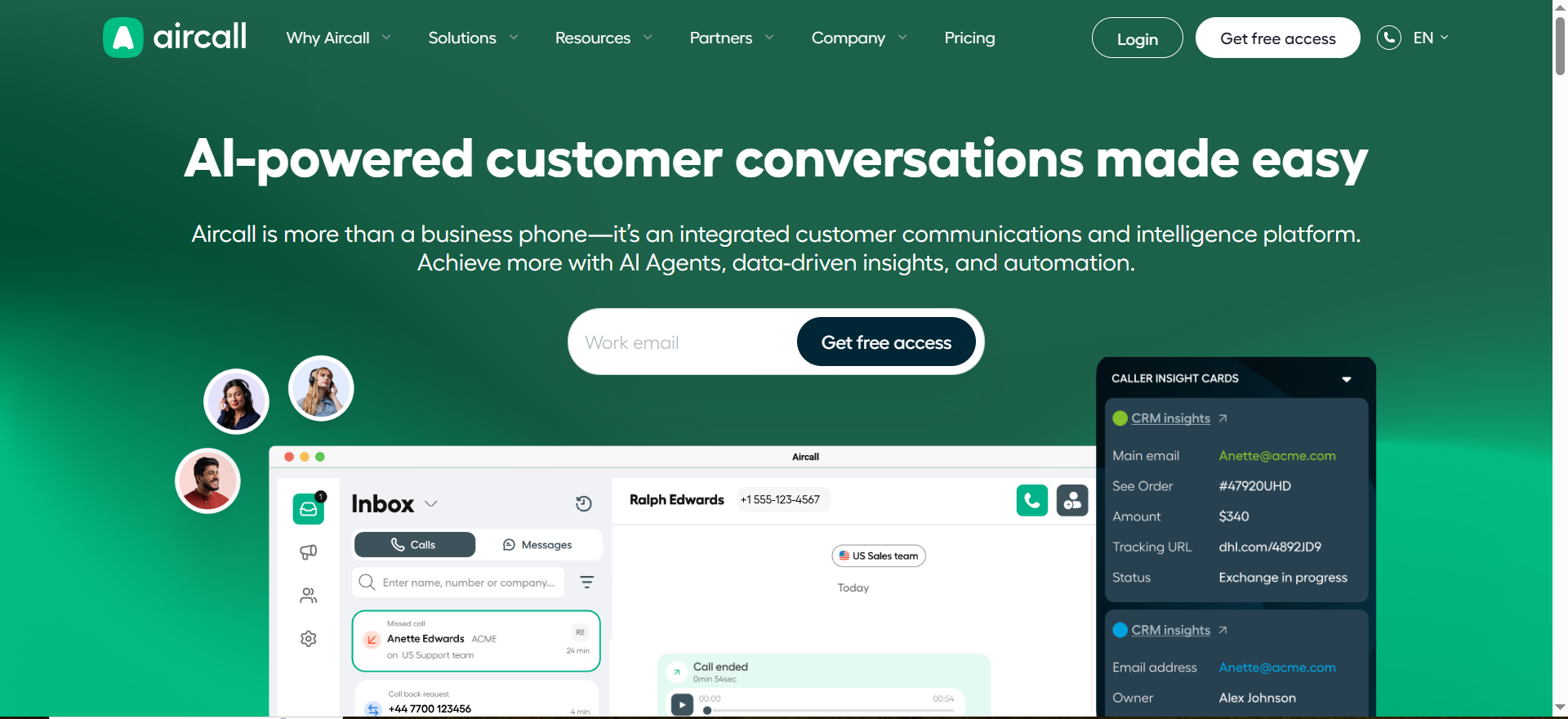
Aircall provides a business phone system and adds AI voice agent capabilities for automating parts of inbound customer calls, answering common questions, routing callers, capturing details, and escalating to humans.
Why teams use it
Small teams use Aircall when they want a “business phone + automations” setup that doesn’t feel like building a contact center from scratch.
What it’s good for
- First-line call answering (hours, policies, simple troubleshooting)
- Intake and routing (collect reason for call → send to right queue)
- Capturing structured information (name, order ID, address, preferred time)
When it’s a good fit
- You already need a modern SMB phone system
- Your calls are fairly repeatable (same top 10–30 questions)
- You want quick deployment with minimal engineering
When it’s not a good fit
- You need highly customized workflows across many backend systems
- You run a complex contact center with deep WFM/QA requirements
- Your calls frequently require nuanced judgment or negotiation
How to use it
- Map your top 20 call reasons (billing, reschedule, status, cancellations).
- Decide which ones the AI can fully resolve vs. partially resolve vs. must hand off.
- Build call flows: greeting → identity capture → intent capture → resolution/routing.
- Run an internal pilot using test scripts (including edge cases).
- Roll out gradually and review call transcripts weekly to refine prompts and rules.
Key capabilities
- Call routing and triage
- FAQ-style responses (using your policies/knowledge)
- Structured data capture for humans (so handoffs are faster)
- Analytics on call reasons and outcomes (varies by plan)
Pricing
Aircall’s AI Voice Agent pricing starts at $0.99/minute (after the first 50 free minutes each month), with lower per-minute rates at higher usage.
Free tier?
Aircall doesn’t offer a free tier, but it includes 50 free AI Voice Agent minutes per account per month (plus extra minutes at sign-up).
Downsides / limitations
- “Easy setup” often means less customization than developer-first stacks
- You still need QA rules and escalation logic to prevent bad experiences
- Complex integrations may require additional tooling or services
2. Dialpad (AI Voice + Contact Center)
What it does
Dialpad offers cloud calling and contact-center options with built-in AI features for transcriptions, summaries, coaching signals, and AI-assisted call handling in supported products/packages.
Why teams use it
Teams pick Dialpad when they want one vendor for calling + AI insights + reporting, and they prefer “configured” features over building.
What it’s good for
- SMB support lines that need reliable call handling + AI summaries
- Sales/support teams that want searchable call transcripts and analytics
- Teams that want lower ops overhead and fewer vendors
When it’s a good fit
- You want an all-in-one platform and predictable administration
- You need fast onboarding for new reps
- You value built-in reporting and consistent UI
When it’s not a good fit
- You want full control over agent tools, models, and orchestration
- You need custom call flows that change frequently
- You’re building a unique product-like voice experience
How to use it
- Define your call routing (hours, queues, priority customers).
- Turn on transcription/summaries and set QA review workflows.
- Add “AI containment” rules (what AI can/can’t do) and always include human escalation.
- Create a weekly call review loop: top issues, wrong answers, missed escalations.
Key capabilities
- Cloud phone system + contact center options
- AI summaries, transcription, searchable calls
- Team coaching and performance insights (depending on plan)
- Admin controls and routing
Pricing
Dialpad Support (contact center) pricing starts at $80/user/month on annual billing (or $95/user/month on monthly billing), and enterprise pricing is custom/quote-based.
Free tier?
Dialpad doesn’t offer a free tier, but it does offer a free trial.
Downsides / limitations
- Less flexibility than developer-first stacks
- Some advanced workflows require workarounds or external tools
- If you outgrow the default patterns, switching later can be painful
3. Twilio (Flex + Programmable Voice + AI Assistants)
What it does
Twilio provides programmable telephony and a contact-center platform (Flex) that can be combined with AI assistant capabilities and custom integrations. It’s the “build exactly what you want” option.
Why teams use it
Teams use Twilio when the phone experience is mission-critical and must connect to many systems (CRM, order systems, internal tools) with precise logic.
What it’s good for
- Custom inbound routing, IVR replacements, and voice agent workflows
- Integrations with proprietary systems (or complicated stacks)
- High-control call flows with strict governance and monitoring
When it’s a good fit
- You have engineering resources (or a partner) to build and maintain
- You need custom logic, custom tools, and deep integrations
- You expect to iterate continuously and measure outcomes precisely
When it’s not a good fit
- You want “ready-to-go” with minimal setup
- You don’t have technical ownership for ongoing changes
- Your call flow is simple and doesn’t justify build cost
How to use it
- Start with one narrow workflow (e.g., order status + human escalation).
- Build guardrails first: identity verification, fallback behavior, escalation thresholds.
- Integrate one system at a time (CRM → ticketing → billing).
- Add monitoring: call outcomes, customer sentiment, QA flags, escalation rate, and real-time dashboards.
- Expand to more intents only after the first workflow hits target KPIs.
Key capabilities
- Programmable voice and routing logic
- Custom contact center UI/agent tooling (Flex)
- Integrations and event-based workflows
- Fine-grained monitoring and analytics (with additional setup)
Pricing
Twilio Flex pricing starts at $1 per active user hour or $150 per named user/month, and Twilio Voice API usage starts at $0.0085/min to receive calls and $0.014/min to make calls (U.S.).
Free tier?
Twilio doesn’t offer a free tier, but it does offer a free trial (including 5,000 free Flex active user hours).
Downsides / limitations
- Higher implementation and maintenance cost
- Requires ongoing technical ownership
- Easy to overbuild if you don’t start with a narrow use case
4. Retell AI
What it does
Retell AI is a voice agent platform designed for building and deploying AI phone agents with controllable flows and a strong iteration loop (test, review, refine).
Why teams use it
It’s popular for teams that want voice automation beyond basic IVR, but don’t want to build everything from raw telephony primitives.
What it’s good for
- Inbound FAQ + triage agents (with strong escalation)
- Outbound workflows like appointment confirmations and follow-ups
- Structured intake: capture details → create ticket → route to human
When it’s a good fit
- You want to ship and improve call flows quickly
- You want a dedicated “voice agent” product vs. a general phone system
- You can invest in QA review and prompt/flow tuning
When it’s not a good fit
- You want a single-vendor phone system for your whole company
- You need a complete contact center suite out of the box
- Your use case requires extremely complex back-office orchestration
How to use it
- Write your “truth” policies: refunds, cancellations, scheduling rules, escalation rules.
- Build flows for your top 5 intents first.
- Add hard stops: if uncertain → escalate; if customer angry → escalate.
- Review failures weekly and update prompts/flows with a change log.
- Expand coverage only when containment and CSAT are stable.
Key capabilities
- Voice agent flow design and testing
- Tool calling / integrations (depending on your setup)
- Logs/transcripts for QA iteration
- Control over what the agent can say/do
Pricing
Retell AI is pay-as-you-go, with AI voice agents starting at $0.07+ per minute.
Free tier?
Retell AI doesn’t offer a free tier, but it includes $10 in free credits to start.
Downsides / limitations
- Requires disciplined QA to prevent poor calls
- Integrations and data security still need work (your responsibility).
- Best results require ongoing iteration, not “set and forget”
5. Vapi
What it does
Vapi is a developer-first platform for building voice agents with deep customization, useful if you want to control tools, orchestration, prompts, and behavior at a granular level.
Why teams use it
Teams choose Vapi when they want to experiment quickly, integrate custom tools, and iterate like a product team (not like a traditional contact center admin).
What it’s good for
- Custom agent workflows and prototypes
- Product-led experiences where voice is part of the product
- Teams that want to control their agent’s tools and logic
When it’s a good fit
- You have engineering support
- You want maximum flexibility and fast iteration
- You’re building unique logic (not a standard “support line”)
When it’s not a good fit
- You want a turnkey “business phone system”
- You need enterprise-grade contact center management features
- You don’t want to own reliability and maintenance
How to use it
- Define strict tool boundaries (what the agent can call, read, or modify).
- Implement identity verification if the agent touches sensitive data.
- Build a fallback path that always routes to a human safely.
- Add monitoring (hallucination triggers, sentiment triggers, repeated loops).
- Ship one narrow flow, measure, then expand.
Key capabilities
- Developer-first agent configuration
- Tool calling and integrations (customizable)
- Fine control over prompts, flows, and safety behavior
- Logging for iteration and debugging
Pricing
Vapi’s pay-as-you-go pricing starts at $0.05 per minute for calls, and enterprise pricing is custom/quote-based.
Free tier?
Vapi doesn’t offer a free tier, but it does offer starter credit (starting with $10 free).
Downsides / limitations
- Requires technical ownership
- More moving parts than turnkey platforms
- Reliability depends on your implementation and monitoring
How to Choose the Right AI Voice Assistant (Decision Framework)
The 5 questions to answer first
- What are your top 10 call intents? If you can’t list them, you’re not ready.
- What must never be automated? (refund approvals, legal claims, medical advice, pricing exceptions, etc.)
- Do you need “phone system + AI” or “AI agent only”?
- How technical is your team? (admin-led vs. dev-led)
- What is success? (Containment rate, booked appointments, reduced hold time, lower ticket backlog)
Fit-by-scenario table
| Scenario | Best picks | Why | Watch-outs |
|---|---|---|---|
| “We want something turnkey” | Dialpad, Aircall | Faster setup, fewer vendors | Less customization |
| “We need custom routing + integrations” | Twilio | Most flexible and integratable | Build/maintenance cost |
| “We want rapid iteration on call flows” | Retell AI | Strong flow iteration loop | Needs QA discipline |
| “We want developer control + experimentation” | Vapi | Deep customization | Requires engineering |
| “We only want basic triage + handoff” | Aircall, Dialpad | Simple containment + routing | Don’t over-automate |
What “good automation” looks like
Good voice automation feels like a helpful receptionist: it answers straightforward questions, collects context, and routes the caller correctly. It does not argue, negotiate, or invent policy. Your best outcome is often “AI handles 30–60% of calls cleanly” rather than “AI replaces humans.”
KPIs + Reporting (What to Measure)
Core operational KPIs
- Containment rate: % calls resolved without human
- Escalation rate: % calls routed to human (by intent)
- Average handle time (AHT): total time (AI + human)
- First contact resolution (FCR): resolved without follow-up
Conversion KPIs (if booking/sales)
- Booked appointments per 100 calls
- Qualified leads captured
- Show rate / cancellation rate changes
QA + risk KPIs
- Hallucination flags: “made up policy” or “incorrect promise”
- Repeat loops: same question asked 3+ times
- Negative sentiment escalation: did it escalate fast enough?
KPI tracking table
| KPI | Target (starter) | How to measure | Action if off-target |
|---|---|---|---|
| Containment rate | 30–60% | Call outcomes | Reduce scope or improve knowledge |
| Escalation accuracy | High | QA sample reviews | Adjust routing triggers |
| Hallucination flags | Near-zero | Transcript labeling | Add guardrails + hard rules |
| Booked calls | #NAME? | Booking system | Improve intent capture |
FAQs
What’s the difference between an AI voice assistant and an IVR?
Is it safe to let an AI voice agent talk to customers?
How much do AI voice assistants cost for a small business?
What integrations matter most?
When should you avoid AI voice automation?
How do we prevent hallucinations?
Final Recommendation (By Use Case)
- Default pick for most small teams: Dialpad (all-in-one simplicity) or Aircall (SMB phone + AI layering)
- Most customizable (best with engineering): Twilio
- Best for fast voice workflow iteration: Retell AI
- Best for developer experimentation and control: Vapi
What to do next
Pick one workflow, not ten. Start with a call reason that’s frequent, low-risk, and easy to measure (hours/location, appointment booking, order status). Pilot for 2–4 weeks, then expand only if the KPIs hold.
📋 Get Listed / Advertisement
We update this guide monthly. Want your tool featured? Contact: [email protected].


