

If you want voice AI + CRM integration in 2026, start with a shortlist that matches your actual workflow.
- Need fast call logging + CRM syncing for SDR teams? Aircall or Dialpad are often the simplest “phone-first” routes.
- Need enterprise-grade telephony or contact center workflows? RingCentral or Zoom Contact Center are stronger for complex routing and scale.
- Need better coaching, revenue insights, and CRM cleanliness from recorded calls? Gong is best when conversation intelligence is the priority over “AI agent” automation.
📋 Get Listed / Advertisement
We update this guide monthly. Want your tool featured? Contact: [email protected].
Best Voice AI CRM Integration Solutions (Quick Comparison)
| Tool | Best for | CRM depth | Notes |
|---|---|---|---|
| Aircall | Sales teams that need clean call logging + workflows | Medium–High | Strong CRM app ecosystem; good speed-to-value |
| Dialpad Ai | Calling + AI summaries with CRM sync | Medium | Built-in AI; good for sales + support teams |
| RingCentral | Enterprise telephony / contact center | High | Broad integrations; strong admin + scale |
| Gong | Conversation intelligence + CRM hygiene | Medium | Best for insights, coaching, and pipeline accuracy |
| Zoom Contact Center | Modern contact center + CRM integrations | High | Good for omnichannel and larger support orgs |
How to read this table: “CRM depth” = how well the product can reliably write back into CRM objects (notes, tasks, fields, outcomes) vs only “log call” data.
📋 Get Listed / Advertisement
We update this guide monthly. Want your tool featured? Contact: [email protected].
1. Aircall + CRM Integrations (Salesforce / HubSpot)
What it does
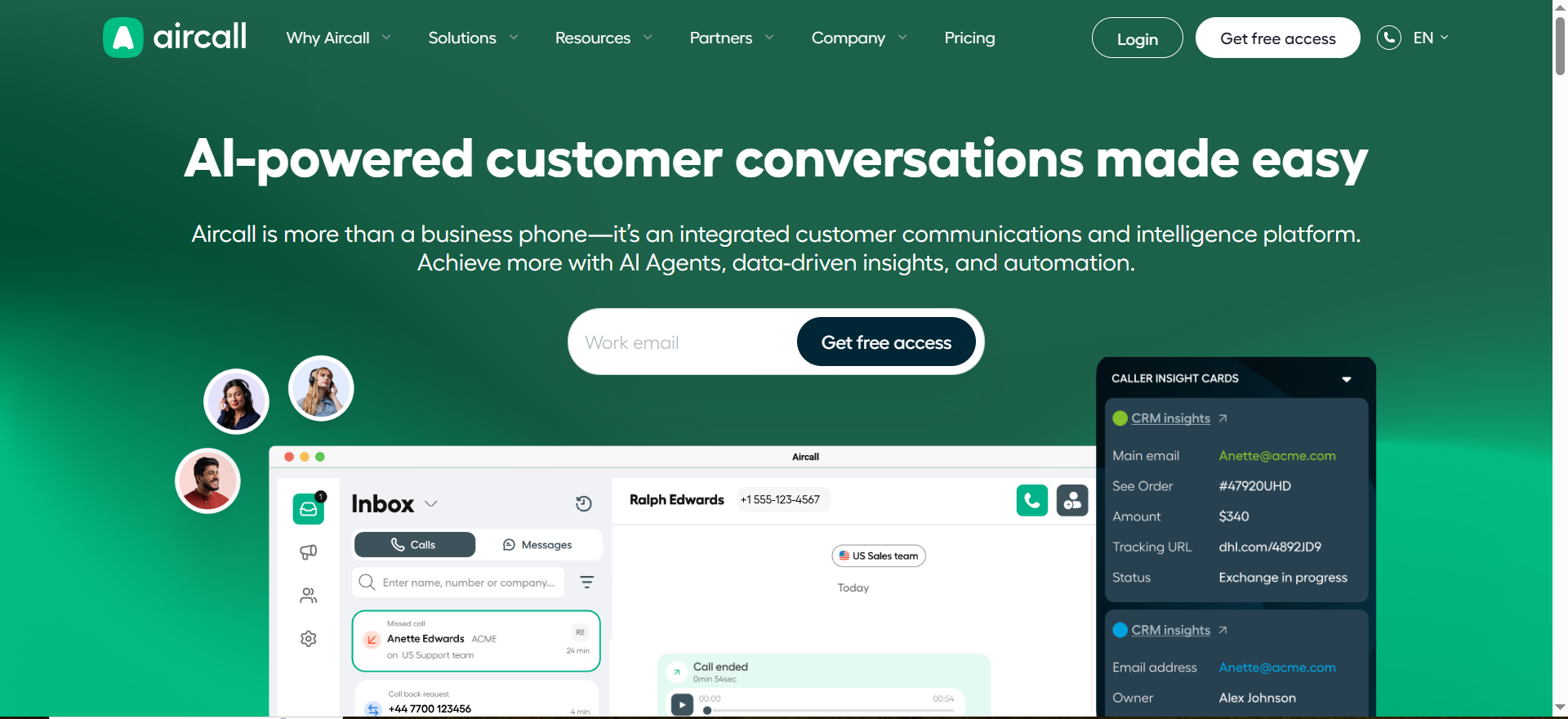
Aircall is a cloud phone system designed for sales and support. Its CRM integrations focus on logging calls, associating calls with contacts/accounts, and triggering workflows from call outcomes.
Why teams use it
Teams pick Aircall when they want fast deployment, predictable call logging, and less “CRM hygiene” work for reps.
What it’s good for
- Logging inbound/outbound calls to CRM records
- Creating follow-up tasks automatically
- Lightweight call routing based on team setup
When it’s a good fit
- You run a sales-led motion with SDR/AE calling volume
- You care about consistent call records and notes in CRM
- You want an integration you can administer without a heavy ops lift
When it’s not a good fit
- You need complex contact center workflows or omnichannel routing
- You require deep field-level writeback across many custom objects
How to use it
- Connect Aircall to your CRM (Salesforce/HubSpot)
- Map number ownership and team routing
- Decide what gets logged (calls, recordings, notes, tags)
- Configure automations (tasks, sequences, alerts)
Key capabilities
- CRM contact matching
- Call logging + activity timelines
- Dispositions/tags and follow-up task creation
- Team-based routing and permissions
Pricing
Aircall’s pricing starts at $30/user/month for Essentials (billed annually), with Professional at $50/user/month and Custom pricing available by quote.
Free tier?
Aircall doesn’t offer a free tier, but it does offer a 7-day free trial.
Downsides / limitations
- Integration depth depends on CRM setup and object model
- Advanced workflows may require additional tooling or admin work
2. Dialpad AI + CRM Integrations
What it does
Dialpad combines calling with AI features (summaries, transcription, search) and integrates with CRMs for call logging and activity syncing.
Why teams use it
Teams like Dialpad when they want native AI assistance tied to calling, without buying a separate conversation intelligence platform.
What it’s good for
- AI call summaries and searchable transcripts
- CRM activity logging to support pipeline visibility
- Sales + support teams that want one platform
When it’s a good fit
- You want AI summaries immediately available to reps/managers
- You’re optimizing for speed and simplicity in stack design
When it’s not a good fit
- You need best-in-class coaching analytics or deal intelligence
- You require highly customized CRM writeback workflows
How to use it
- Connect Dialpad to your CRM
- Validate contact matching rules
- Choose what to log (summary, transcript, recording links)
- Train teams on outcomes/dispositions and QA review
Key capabilities
- AI summaries/transcription
- Call dispositioning and logging
- Admin controls for recording and retention (plan-dependent)
Pricing
Dialpad pricing starts at $15/user/month for Dialpad Connect, while Dialpad Support (contact center) starts at $80/user/month (both billed annually); enterprise pricing is quote-based.
Free tier?
Dialpad doesn’t offer a free tier, but it does offer a 14-day free trial.
Downsides / limitations
- AI outputs still require QA for high-stakes workflows
- CRM field-level mapping may be limited vs enterprise contact center tools
3. RingCentral (MVP / Contact Center) + CRM Integrations
What it does
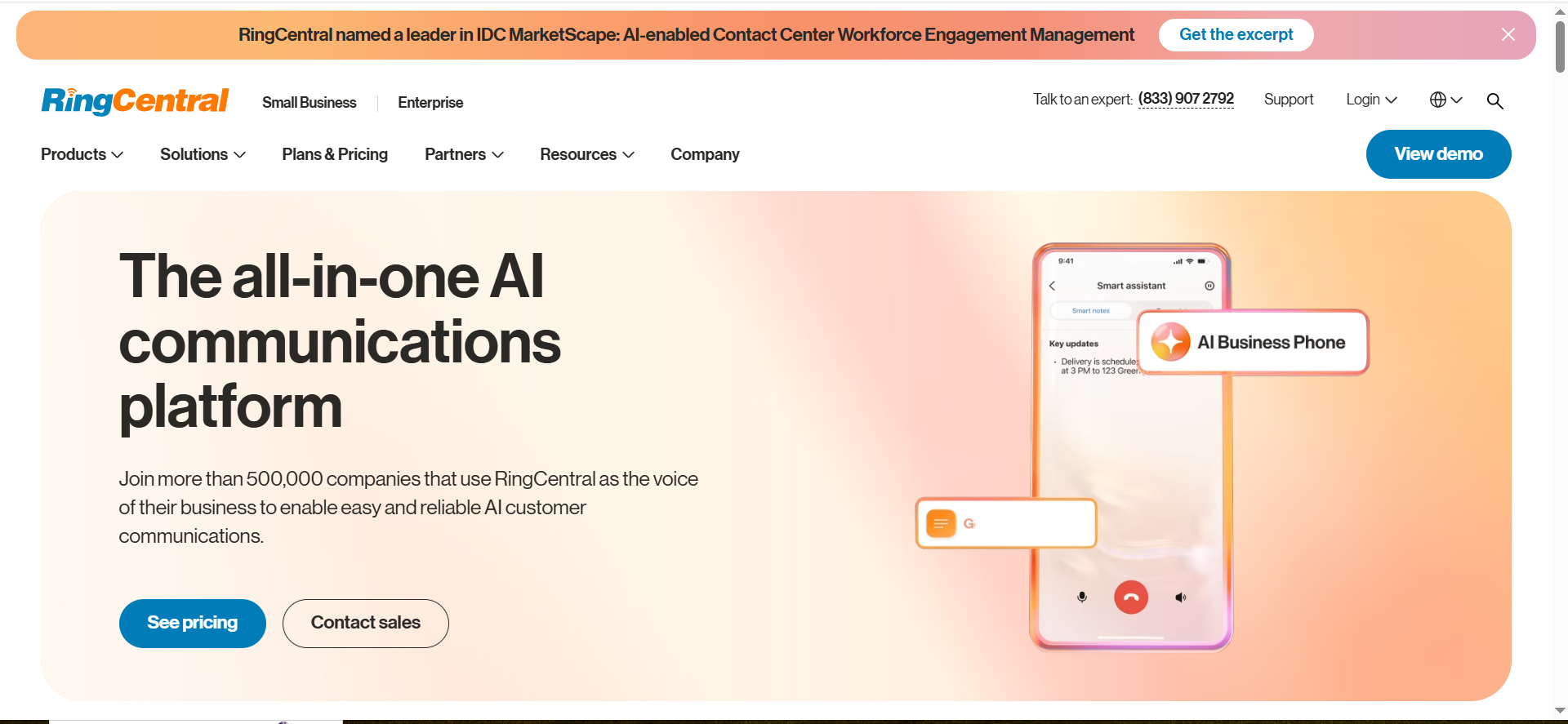
RingCentral provides enterprise telephony and contact center capabilities, with broad CRM integrations for logging, routing, and workflow alignment.
Why teams use it
Enterprises choose RingCentral for reliability, governance, and complex operating models (multiple teams, regions, compliance constraints).
What it’s good for
- Large-scale calling operations with routing and queueing
- Deeper admin control and auditing
- Standardized operations across sales/support
When it’s a good fit
- You’re scaling to multiple teams/regions
- You need strong admin and compliance controls
- You want a vendor built for uptime and governance
When it’s not a good fit
- You want the fastest lightweight setup for a small team
- You’re highly price-sensitive at low seat counts
How to use it
- Define queues, routing rules, and ownership
- Connect CRM and configure matching/association
- Validate writeback behavior in a sandbox
- Roll out by team and monitor call outcomes + data integrity
Key capabilities
- Contact center routing and queues
- Broad CRM integration coverage
- Admin controls, auditability, and scale features
Pricing
RingCentral RingEX pricing starts at $20/user/month for the Core plan (billed annually), with higher tiers like Advanced ($25/user/month) and Ultra ($35/user/month).
Free tier?
RingCentral doesn’t offer a free tier, but it does offer a 14-day free trial.
Downsides / limitations
- Setup complexity can be higher than “phone-first” tools
- Total cost can rise with enterprise requirements
4. Gong (Conversation Intelligence) + CRM Sync
What it does
Gong records and analyzes sales calls to surface insights and improve pipeline accuracy. Its CRM sync focuses on keeping call data, notes, and key fields aligned, so the CRM reflects reality.
Why teams use it
Teams use Gong when the goal is better forecasting, coaching, and deal execution, not necessarily “AI agents making calls.”
What it’s good for
- Coaching and call libraries
- Deal risk signals and pipeline inspection
- Improving CRM hygiene via structured call insights
When it’s a good fit
- You want to scale revenue management and coaching
- Your CRM data quality is inconsistent
- Leadership needs better visibility into deal health
When it’s not a good fit
- You primarily want a voice AI agent to automate outbound calling
- You need a telephony/contact center replacement
How to use it
- Connect Gong to your CRM and call systems
- Confirm which fields and notes sync back
- Align internal definitions (stages, outcomes, risk signals)
- Train reps/managers on review and action workflows
Key capabilities
- Call recording + transcription
- Deal and pipeline insights
- CRM activity and note syncing
- Team coaching workflows
Pricing
Gong’s pricing isn’t listed as a public starting monthly price; it’s priced per user plus a platform fee and provided via a customized proposal.
Free tier?
Gong doesn’t offer a free tier, but it does offer demos.
Downsides / limitations
- Not a phone system replacement on its own
- Requires enablement to drive adoption and consistent workflows
5. Zoom Contact Center + CRM Integrations
What it does
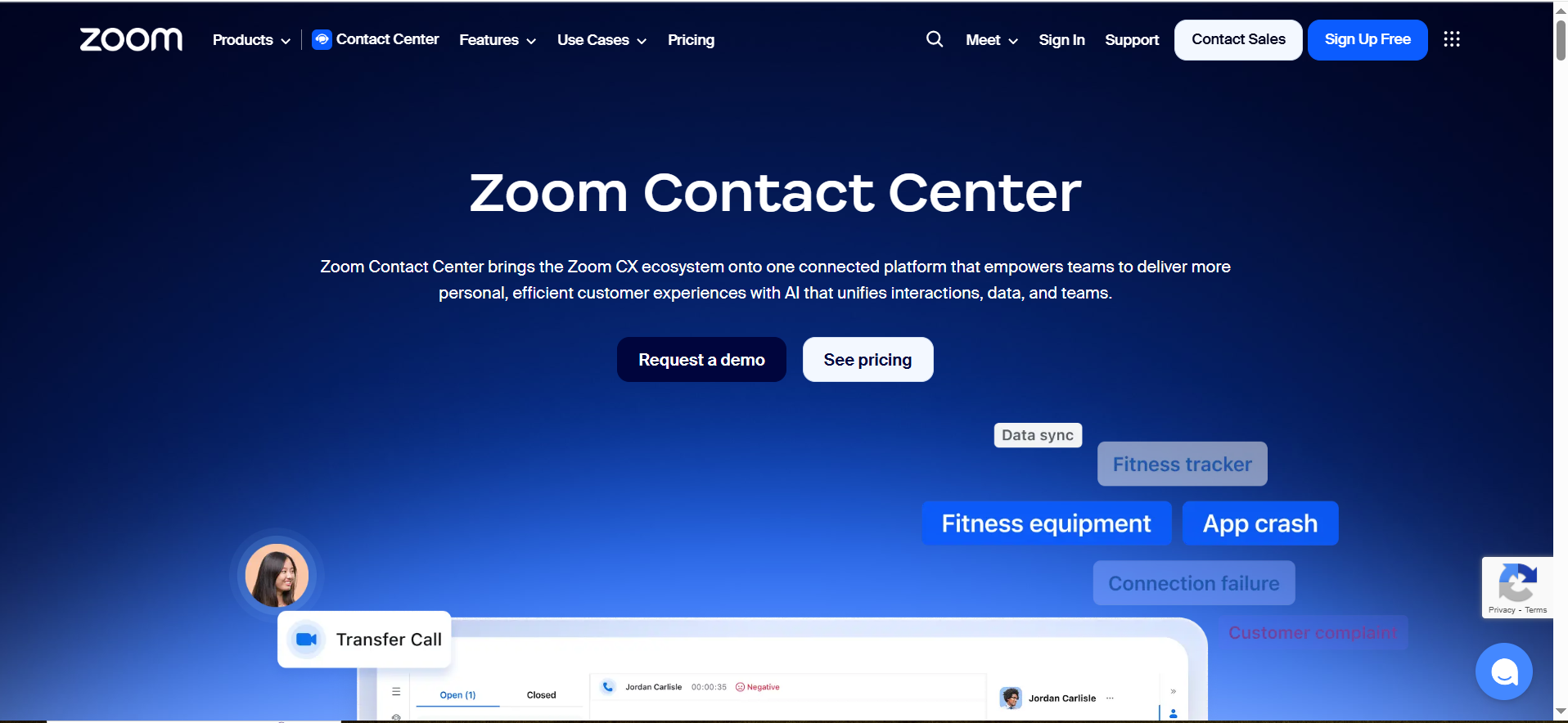
Zoom Contact Center supports omnichannel support operations and integrates with CRMs to align customer context, routing, and activity logging.
Why teams use it
Organizations using Zoom often consider Zoom Contact Center when they want a cohesive communications stack with contact center features.
What it’s good for
- Support orgs needing omnichannel and scaling workflows
- CRM-connected routing and agent context
- Teams already standardized on Zoom
When it’s a good fit
- You run a support-heavy motion
- You want contact center capabilities with a modern UI
- You prefer consolidating vendors around Zoom
When it’s not a good fit
- You only need lightweight outbound calling for SDRs
- You want a pure conversation intelligence system first
How to use it
- Map customer identity resolution (how records match)
- Configure queues, routing rules, and CRM screen pops
- Confirm what gets logged and where
- QA recordings/retention and reporting outputs
Key capabilities
- Omnichannel support (plan-dependent)
- CRM-integrated routing and context
- Reporting dashboards and QA workflows
Pricing
Zoom Contact Center pricing starts at $69/month/user (billed annually) for the Essentials plan, with higher tiers like Premium starting at $99/month/user.
Free tier?
Zoom Contact Center doesn’t offer a free tier, but it does offer a free trial.
Downsides / limitations
- Contact center implementations require more planning
- CRM logging quality depends on mapping and governance
How to Choose a Voice AI CRM Integration (Decision Checklist)
Integration depth: read/write vs. “log-only”
If your “integration” only logs calls, you still need reps to update stages, next steps, and outcomes. The best setups write back the fields you use to run revenue.
Data model: contacts, accounts, deals, tickets
Decide which objects matter most:
- Sales: contacts + accounts + opportunities
- Support: contacts + tickets + SLAs
- Hybrid: both plus custom objects
Workflow: routing, sequences, follow-ups
Your integration should support:
- Routing logic (owner, territory, stage, plan)
- Automatic tasks and reminders
- Consistent call dispositions/outcomes
Compliance: consent, call recording, retention
Confirm:
- Recording consent requirements by region
- Storage location and retention duration
- Audit logs and access control
Reliability: monitoring, retries, audit logs
Look for:
- Sync status visibility
- Retry rules on failures
- Admin-accessible logs for troubleshooting
Implementation Plan (Fast Path)
Step 1: Define call outcomes and CRM objects
Write down the 5–10 call outcomes you actually use (e.g., “Connected — booked,” “No answer,” “Bad fit”) and map them to CRM fields.
Step 2: Map events to fields and automations
Decide what happens automatically:
- Create a task?
- Update deal stage?
- Add a note/transcript link?
- Notify Slack?
Step 3: Test logging + task creation in sandbox
Run a test day with real calls and verify correct record matching:
- Correct record matching
- Correct field writeback
- Correct reporting visibility
Step 4: Roll out gradually and monitor QA
Start with one team, then expand. Audit:
- % of calls correctly attached to CRM records
- % of calls resulting in next-step tasks
- Rep adoption and manager usage
FAQs
What is the best voice AI CRM integration for Salesforce?
What is the best voice AI CRM integration for HubSpot?
Can voice AI automatically create tasks and update deal stages in CRM?
How do you log calls, transcripts, and dispositions into a CRM?
What’s the difference between voice AI agents vs conversation intelligence tools?
What compliance requirements matter for voice AI call recording and storage?
How do you route calls using CRM fields (territory, owner, stage)?
What is the typical implementation time for voice AI + CRM integration?
📋 Get Listed / Advertisement
We update this guide monthly. Want your tool featured? Contact: [email protected].


