
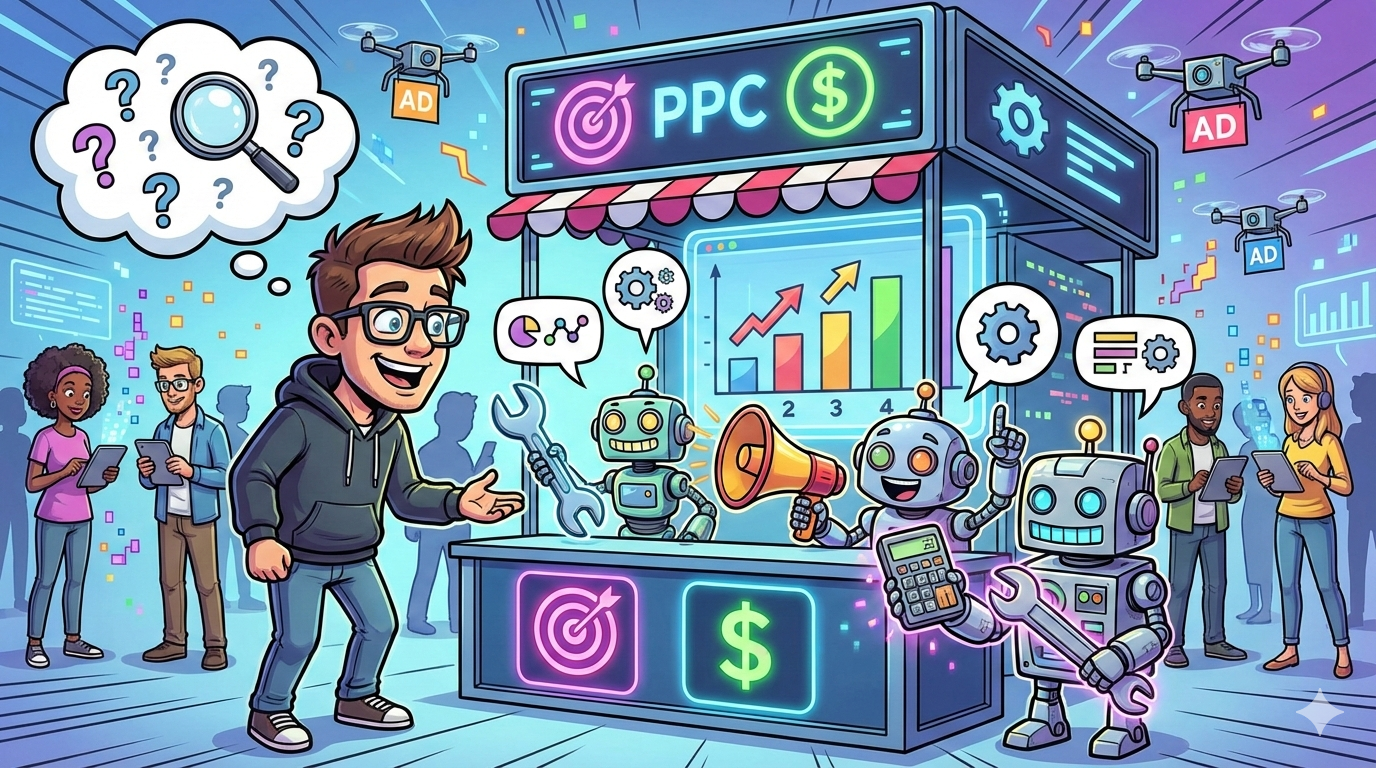
If you searched for the best AI tools for PPC marketing, you’re not looking for “cool AI.”
You’re looking for pipeline outcomes:
- More qualified conversions (demos, trials, SQLs) from the same spend
- Faster iteration (more experiments per week without breaking governance)
- Less wasted budget (query drift, junk placements, misaligned landing pages)
- Cleaner measurement (so PPC can defend budget in the next pipeline review)
If landing page message match is your bottleneck, this is also a conversion rate optimization problem. We’ve included a few tools and workflows that speed up CRO without sacrificing governance.
What “Best” Means in this Guide?
The best AI PPC tools reliably do at least one of these:
- Create leverage (10x more keyword/ad/creative iterations, with guardrails)
- Improve decision quality (better prioritization: what to pause, scale, negate, or test next)
- Integrate cleanly (Google Ads + Microsoft + Meta/LinkedIn + analytics/CRM/reporting)
- Keep humans in control (audits, approvals, and explainability—not black-box chaos)
That’s the lens we used, criteria, not vibes.
Quick Picks: The “Shortlist” Most SaaS Teams End Up With
If you just want the fast answer:
- Best all-around PPC optimizer (rules + pacing + audits): Optmyzr
- Best for search terms → negatives + ongoing PPC QA: Adalysis
- Best built-in bid automation (if tracking is solid): Google Ads Smart Bidding
- Best for landing page routing without endless A/B tests: Unbounce Smart Traffic
- Best for AI-assisted creative/ad production inside one suite: Semrush Ads Launch Assistant
- Best “predictive” copy testing (pre-flight scoring): Anyword
- Best reporting plumbing for cross-channel dashboards: Supermetrics + Looker Studio
How To Choose The Right AI PPC Tools (Without Building a Frankenstack)
Before you buy anything, diagnose the real constraint in your PPC program. Most teams don’t need “more tools”, they need one bottleneck removed.
Step 1: Pick Your Bottleneck (don’t guess)
1) If your problem is “we waste spend”
Your leak is usually search term chaos + weak guardrails. Prioritize:
- negative keyword automation + query mining (to stop junk traffic)
- budget pacing + anomaly alerts
- recurring audit checks (so drift doesn’t come back)
2) If your problem is “we can’t produce enough tests”
Your leak is speed (not strategy). Prioritize:
- ad copy/creative generation + workflow automation
- stronger landing page alignment (message match)
- conversion-focused iteration (not “more variants”)
3) If your problem is “we can’t prove PPC impact”
Your leak is measurement credibility. Prioritize:
- clean data connectors + reporting
- scripts + naming/UTM hygiene
- CRM-ready attribution tied to GA4 (so pipeline/revenue is defensible)
Step 2: Build a “3-layer” Stack (so it doesn’t become a mess)
To avoid a Frankenstack, choose one tool per layer:
- Control layer: query control + pacing + governance
- Production layer: ad/creative + workflow speed
- Proof layer: reporting + attribution
If you want help mapping your stack to your exact bottleneck, Book a call.
Comparison matrix (2026)
Legend: ✅ strong fit, ⚠️ possible but not primary, not a focus
| Tool | Keyword mining | Ad copy + variants | Negative keywords | Bid/budget optimization | Landing page alignment | Reporting + scripts | Free tier/trial | Pricing band* |
|---|---|---|---|---|---|---|---|---|
| Semrush Ads Launch Assistant | ✅ | ✅ | ⚠️ | ⚠️ | — | ⚠️ | Trial | $$ |
| Ahrefs | ✅ | ⚠️ | — | — | — | ⚠️ | Limited/free tools | $$ |
| ChatGPT | ✅ | ✅ | ✅ | ⚠️ | ⚠️ | ✅ | Paid tiers | $–$$ |
| Anyword | ⚠️ | ✅ | — | — | ⚠️ | ⚠️ | Trial (varies) | $$ |
| Adalysis | ✅ | ⚠️ | ✅ | ⚠️ | ⚠️ | ✅ | 30-day trial | $$ |
| Google Ads AI (Smart Bidding + text customization) | ⚠️ | ✅ | ⚠️ | ✅ | — | ⚠️ | Built-in | $ |
| Unbounce Smart Traffic | — | — | — | — | ✅ | ⚠️ | Trial | $$ |
| Supermetrics | — | — | — | — | — | ✅ | Trial (often) | $$ |
| Google Ads Scripts | — | — | ⚠️ | ✅ | — | ✅ |
Quick “stack recipes” (so you don’t overbuy tools):
- Search-heavy (control wasted spend): Ahrefs + Adalysis + Optmyzr
- Speed (ship more tests): Semrush Ads Launch Assistant + Anyword + Unbounce Smart Traffic
- Reporting-first (prove pipeline impact): Supermetrics + Google Ads Scripts + ChatGPT for analysis + summaries
*Pricing band is relative (from $ to $$$). Always confirm current pricing before purchase.
The Best AI Tools for PPC Marketing (by category)
1) Keyword mining (and competitor intelligence)
Quick decision rule
- Pick Semrush Ads Launch Assistant if you need research → keywords → launch-ready assets in one flow (speed + structure).
- Pick Ahrefs if you want clean keyword discovery + competitor paid visibility and you already have execution covered in Google Ads.
Semrush Advertising Toolkit / Ads Launch Assistant
Best for: Teams that want a single workspace to go from competitor research → keyword ideas → launch-ready campaigns and creative assets.
Key AI features: AI-generated ad copy, images, templates, video-ready assets, plus suggested keyword lists and negatives inside Ads Launch Assistant.
Integrations: Connects to Google and Meta ad accounts (within the toolkit flow).
Free tier / trial: Trial available (Semrush trial periods vary by product).
Pricing tier: Semrush plans vary; Advertising Toolkit has Base/Pro options.
Why teams buy it (real-world win)
- Fast “from URL to campaign assets” workflow (good for lean teams).
- Useful when you need creative + structure, not just keyword lists.
When it’s not the right fit
- It won’t replace solid measurement and in-platform learning, your conversion tracking still decides if Smart Bidding improves or melts down.
- Teams with deep experimentation frameworks can outgrow it.
Use it like this (micro-workflow)
- Pick one core offer and one target landing page URL
- Generate: headlines/descriptions + sitelinks/callouts + image assets in Ads Launch Assistant.
- Export 3–5 ad “angles” (pain-led, outcome-led, proof-led, competitor-led).
- Launch with conservative budgets; measure by trial/demo rate, not CTR.
- Feed winners into your “governed” stack (Adalysis/Optmyzr + reporting).
Ahrefs (Keywords Explorer + paid search analysis)
Best for: PPC teams who want clean keyword discovery + competitor paid search visibility without drowning in noise.
Key AI features: Ahrefs supports keyword expansion and clustering workflows; it also provides paid search analysis in Site Explorer for competitors.
Integrations: Mostly a research platform; you’ll export into Google Ads / Sheets.
Free tier / trial: Limited free tools exist; full access is paid.
Pricing tier: Paid plans on Ahrefs pricing page; costs vary by tier and usage.
Why teams buy it
- Great for building a keyword universe around problems, use cases, and competitor comparisons.
- Competitor paid insights can reveal what they’re betting budget on.
Trade-offs
- Not a PPC management tool; it won’t fix query drift, bidding, or budgets.
- Best when paired with a negative/audit tool (Adalysis or Optmyzr).
Use it like this
- Pull competitor paid keywords + top paid pages.
- Cluster by intent: solution-aware, problem-aware, switching, pricing, integration.
- Build a test plan: 5 clusters → 5 ad groups → 5 landing page variants (or 2 variants + Smart Traffic).
- Hand off to your execution stack.
ChatGPT (as a keyword + intent co-pilot)
Best for: Turning messy keyword exports into intent clusters, ad angles, and negatives, fast
Key AI features: Natural-language clustering, intent labeling, ad angle generation, negative keyword suggestions (with human review).
Integrations: Everywhere via copy/paste; best when combined with Sheets + scripts.
Free tier / trial: Varies by plan.
Why teams use it
- fastest path from “10,000 keywords” to “7 testable themes’’.
- Great at consistent naming + structure (campaign taxonomy) so reporting doesn’t become guesswork.
Trade-offs
- Output quality depends on input quality; it will happily “sound confident” about nonsense.
- Needs guardrails: deny-lists, compliance rules, brand constraints.
Use it like this
- Paste 200–500 keywords at a time (or a representative sample).
- Prompt (copy/paste):
- “Cluster by intent, label each cluster, suggest match types, and propose negatives that block B2C/student/job-seeker traffic. Output as a table: Cluster | Intent | Example keywords | Match-type suggestion | Negatives | Landing page angle.”
- Generate 3 ad angles per cluster + 10 RSA headline ideas each (then edit for real-world claims).
- Export negatives to Adalysis/Optmyzr for enforcement.
2) Ad copy + variants (without shipping garbage)
Anyword (predictive performance scoring)
Best for: Performance marketers who want pre-flight scoring of copy, before spending budget to learn.
Key AI features: Predictive Performance Score (0–100) and channel-specific scoring; claims AI trained on large ad datasets and can be trained on your best campaigns.
Integrations: Varies by workflow.
Free tier / trial: Trial availability varies.
Pricing tier: Plan-based.
Strengths
- Helps avoid testing 100 weak variants instead of 10 strong ones.
- Standardizes copy QA across a team.
Trade-offs
- Predictive scores aren’t reality, treat them as prioritization signals.
- If you don’t have clear ICP + offer messaging, it will “optimize” bland copy.
Use it like this
- Feed it your top 10 historical ads + the landing page.
- Generate 30 variants across 3 angles (pain/outcome/proof).
- Shortlist top 5 by score; rewrite manually for compliance + brand voice.
- Launch as controlled RSAs; measure by qualified conversion rate, not CTR.
3) Negative keywords (and query drift control)
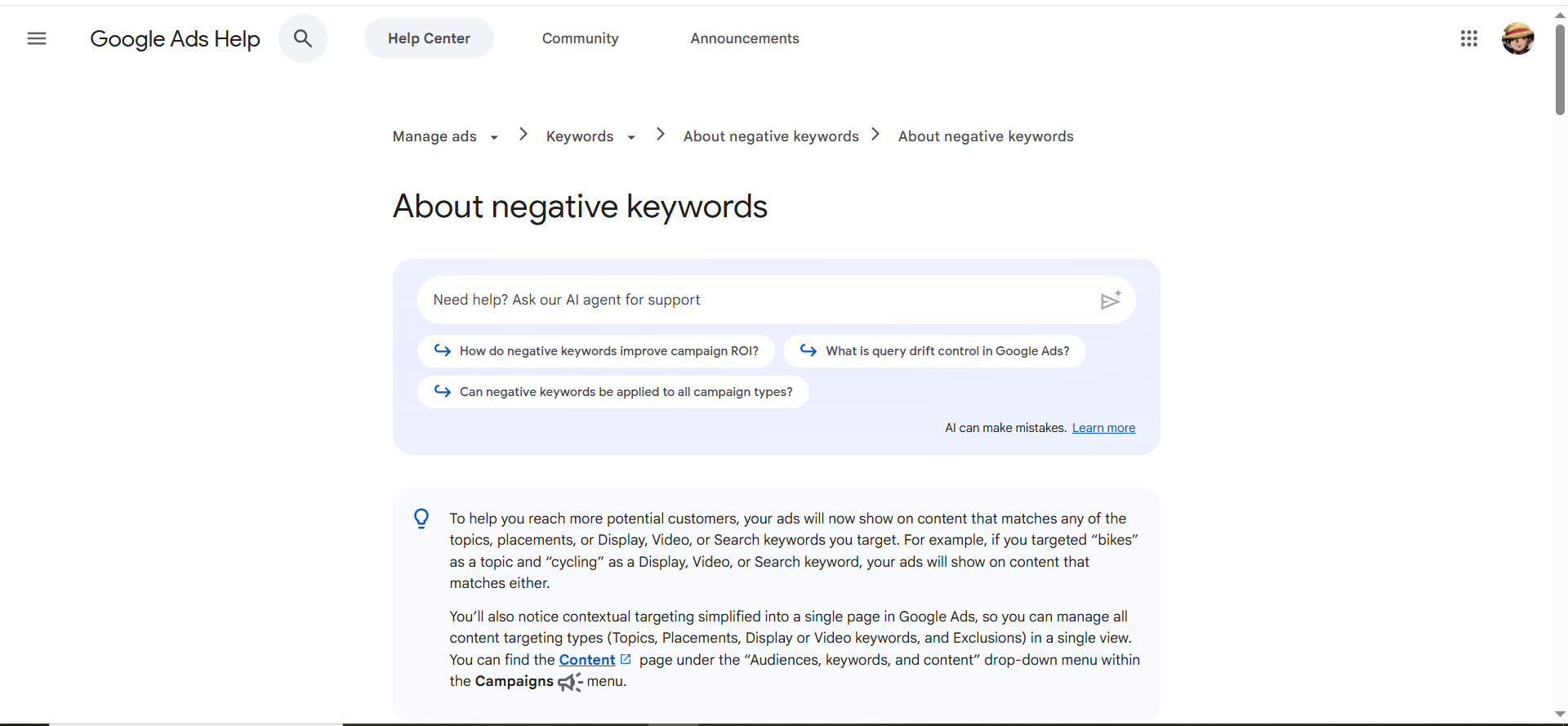
If you run Search-led PPC, query drift is the silent killer: you start paying higher CPC for lower-intent query patterns, and your real buyers get diluted.
Pick the tool based on your bottleneck:
- Choose Adalysis when you need tighter search terms → negative control and an always-on QA layer.
- Choose Optmyzr when you need governed automation (rules, approvals) plus pacing and cross-platform ops.
Adalysis (search terms + n-grams + automated checks)
Best for: Search-heavy accounts where query control + PPC QA is the difference between profit and pain.
Why it improves conversion performance:
When you reduce irrelevant traffic, your lead quality and on-site conversion rate typically improves, because you’re matching intent, not just winning auctions.
Key AI/automation features: Search terms tooling with n-grams; keyword/negative automation (“autopilot” concepts).
Integrations: Works with PPC accounts; alerts via Slack/email (commonly used)..
Free tier / trial: 30-day trial.
Pricing tier: Starts around $149/month (scales with spend).
Strengths
- One of the best “always-on QA” layers: audits, checks, alerts, and query mining.
- Excellent for agencies and in-house teams juggling many accounts.
Trade-offs
- Can feel like “a lot” if your account is small or you don’t operationalize alerts.
- Still needs human strategy: what queries are bad, vs good but misrouted.
Use it like this
- Run search term n-grams weekly; tag patterns by intent (jobs, free, templates, students, etc.).
- Add negatives in batches with review rules.
- Set alerts for brand safety + sudden query drift.
- Monthly: export “top wasted spend queries” into a landing page + message-match backlog.
4) Bid/budget optimization
Google Ads AI (Smart Bidding + text customization)
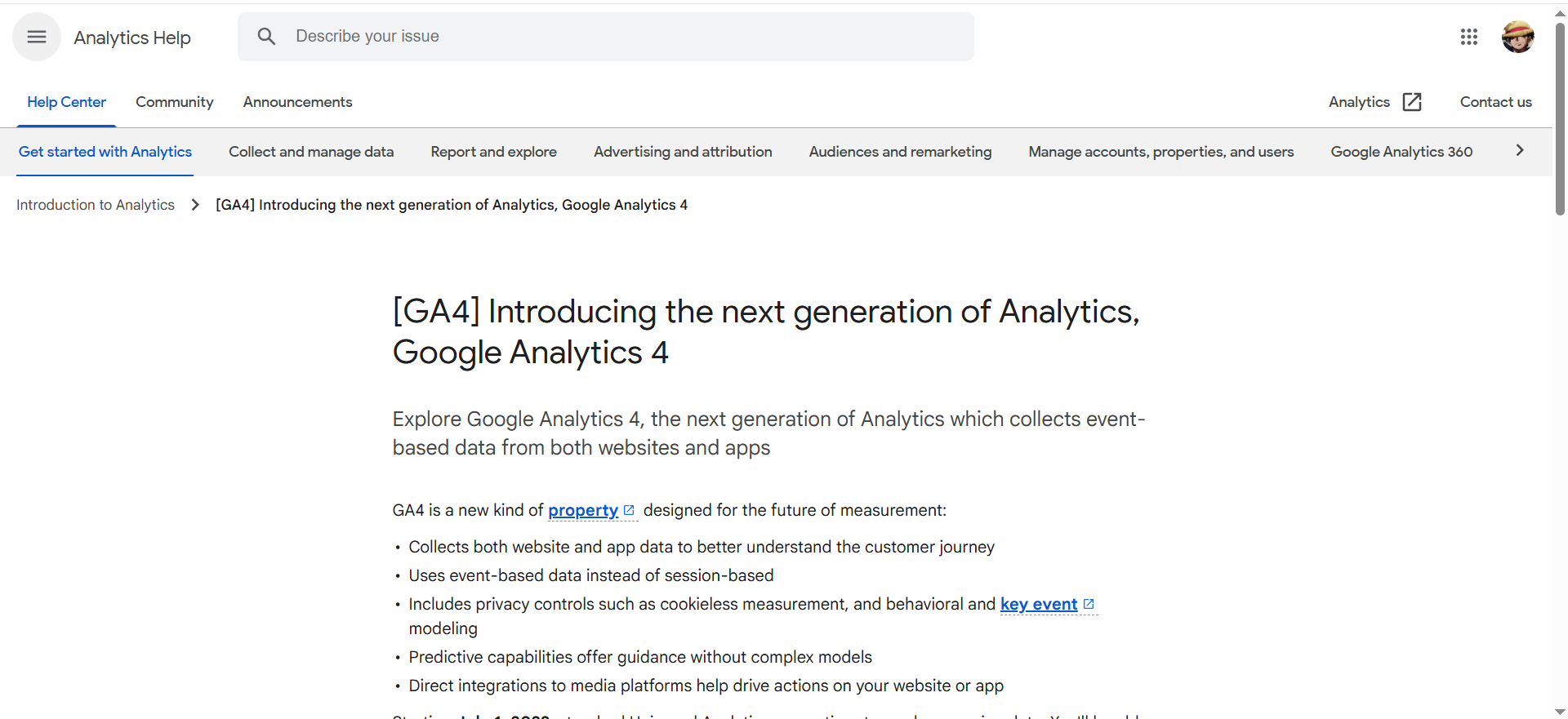
Best for: Most PPC accounts once tracking is clean and you have enough conversion volume for auction-time learning (especially if you can pass pipeline quality signals).
Key AI features:
- Smart Bidding: auction-time bidding toward conversions or conversion value (when values are imported).
- Text customization (formerly automatically created assets): generates additional ad text based on your site and ad content (use with strict review).
Integrations: Native to Google Ads.
Free tier: Built-in.
Pricing tier: Included; the real cost is learning time + measurement requirements.
Strengths
- Scales better than manual bidding across large query space (especially long-tail).
- Standardizes performance when you optimize to qualified stages, not just raw leads.
- Speeds iteration with creative assistance (with governance).
Trade-offs
- Smart Bidding is only as good as your conversion definitions and value signals.
- It can chase low-quality “conversions” if your funnel tracking is sloppy.
- Frequent target/budget changes can increase volatility and reset learning.
Use it like this
- Fix measurement first: set up GA4 + Google Tag Manager, then import qualified conversions (demo booked, SQL, paid) and pass values where possible.
- Start with Maximize Conversions, then move to tCPA/tROAS once stable; hold targets steady through a learning cycle.
- Use text customization selectively with strict brand/compliance reviews and an approved claims list.
- Add guardrails: pair with Adalysis/Optmyzr for search terms, pacing, anomalies.
- Close the loop weekly: map wasted spend to landing page and offer fixes; track conversion rate by funnel stage.
5) Landing page alignment (message match that converts)
Unbounce Smart Traffic
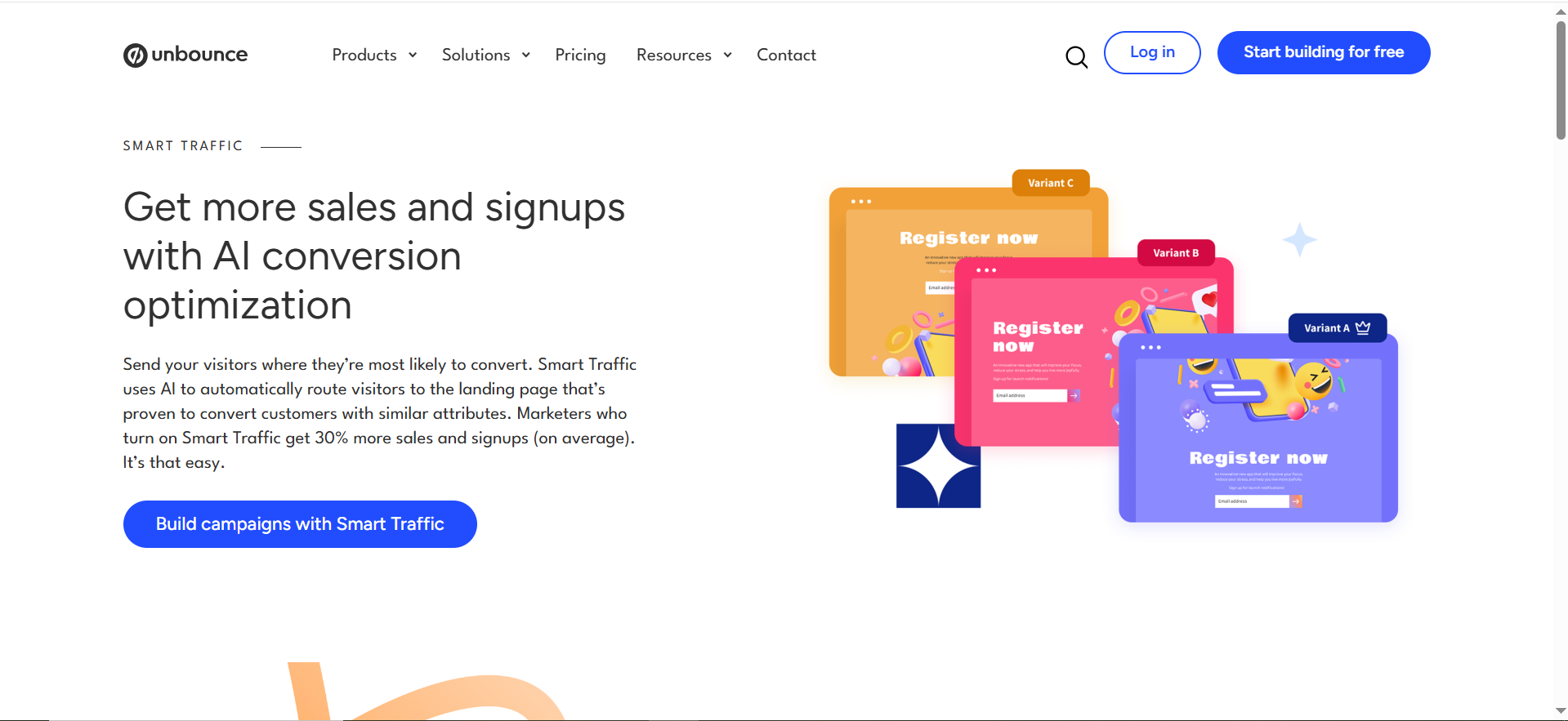
Best for: Routing different audiences to the best variant without endless manual A/B tests.
Key AI features: Routes visitors to variants based on what’s converting best for similar visitors.
Integrations: Common ad + analytics stacks; depends on setup.
Free tier / trial: Free trial (plan-dependent).
Pricing tier: Plan-based.
- Solves the “multiple personas/offers but one landing page” problem.
- Speeds messaging tests for SaaS with varied use cases.
Trade-offs:
- Routing won’t save a weak offer or unclear value prop.
- Still needs clean conversion tracking and enough traffic.
Use it like this
- Build 3 variants: persona-led (CMO vs RevOps), use-case-led, proof-led. Keep each variant to one primary CTA and one job-to-be-done.
- Send all paid clicks to the Smart Traffic page set and label campaigns with UTM parameters so reporting stays clean.
- After learning stabilizes, lock the top variant as your “control,” then refresh the other two monthly (new proof, new objection, new angle).
- Mirror the winning message back into your ads to tighten the conversion rate optimization loop (ads ↔ page).
- Treat this as CRO: reduce friction, increase proof, and clarify the offer. Smart routing can’t save a confusing page.
6) Reporting + scripts (turn PPC into something finance believes)
Supermetrics (connectors + marketing data platform)
Best for: Pulling ad data into Looker Studio, Sheets, BigQuery, or warehouses so PPC reporting isn’t a manual nightmare, and so you can defend budget with pipeline + revenue.
Key capabilities: Connects ad platform data, blends cross-channel sources, pushes clean datasets into BI/warehouses.
Integrations: Looker Studio, BigQuery, Snowflake, Redshift, Sheets, Power BI (among others).
Free tier / trial: Typically trial-based.
Pricing tier: Plan-based; costs scale with complexity.
Strengths
- Turns “reporting chaos” into a repeatable KPI system
- Makes it easier to report PPC by funnel stage: click → lead → MQL → SQL → revenue.
Trade-offs
- Costs scale with complexity (sources, destinations, users).
- Data cleanliness still matters (UTM parameters, naming, conversion mapping).
Use it like this
- Define a single “source of truth” dashboard: Spend, CAC, pipeline, ROI by channel and campaign.
- Pipe data into Looker Studio or a warehouse.
- Join with CRM data (HubSpot/Salesforce) to show pipeline impact.
- Add weekly hygiene checks: broken UTMs, missing conversions, and spend spikes.
Google Ads Scripts (automation + reporting at scale)
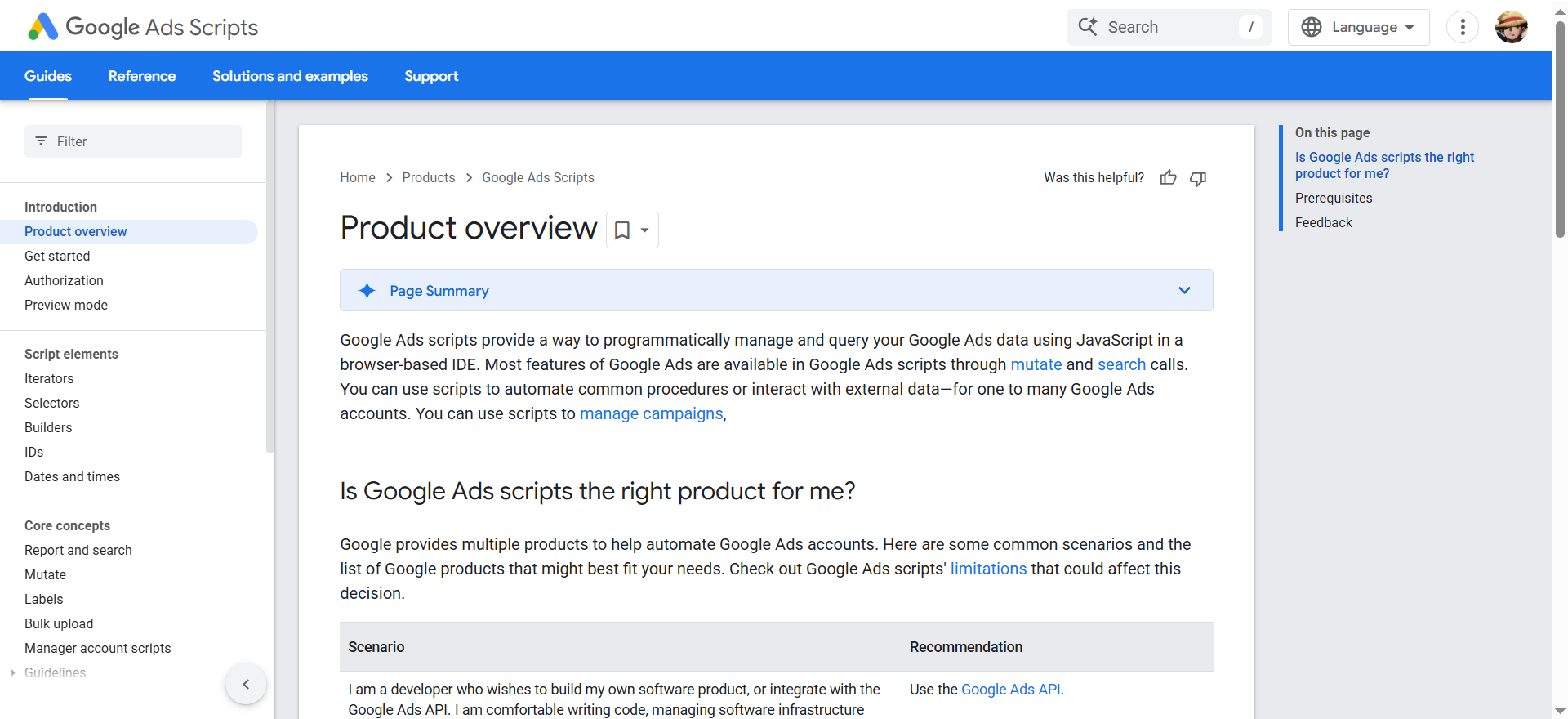
If you’re past “manual tweaks” and need repeatable automation with guardrails, Google Ads scripts are the cleanest way to scale hygiene + reporting without buying another tool.
Best for: Custom automation for reporting, pacing, bid adjustments, and hygiene checks (especially across many accounts).
Key capabilities: Automate changes using JavaScript; manage/report across accounts.
Integrations: Native to Google Ads; can interact with external data sources.
Free tier: Free (engineering time is the cost).
Strengths
- Highly customizable; great for edge cases tools don’t cover.
- Automates repetitive PPC tasks cleanly, pacing, alerts, labeling, audits.
Trade-offs
- Requires engineering comfort (or a reliable operator).
- Poorly written scripts can create account risk, use approvals and logs.
Use it like this
- Start with reporting scripts: daily spend pacing + anomalies into Sheets/Slack.
- Add guardrails: max bid caps, pause rules, labeling.
- Draft code with AI, but review carefully before running in production.
- Keep a change log and rollback process.
How To Pick Your PPC AI Stack (3 practical bundles)
Bundle A: Lean SaaS team (speed > complexity)
- Google Ads AI (Smart Bidding + text customization)
- Anyword or Jasper for copy QA and variants
- Unbounce Smart Traffic for message match
- Supermetrics + Looker Studio for reporting
Bundle B: Search-heavy SaaS (control wasted spend)
- Adalysis for negatives + audits
- Optmyzr for pacing + automation governance
- Ahrefs/Semrush for research
- Scripts for pacing + anomaly detection
Bundle C: Multi-channel team (scale + governance)
- Optmyzr as the PPC ops layer
- Instapage for post-click systems
- Supermetrics to warehouse + BI
Common Mistakes Teams Make With AI PPC Tools (and how to avoid them)
AI doesn’t “fix” PPC, it amplifies whatever system you already have. Here’s how to keep it from amplifying waste.
1. They automate before measurement is correct
Do this instead: lock tracking before you scale automation. Validate events in GA4, confirm CRM stage mapping, and only then let bidding/automation run.
2. They generate 100 variants with no strategy.
Do this instead: start with 3 angles × 3 personas × 2 offers (18 tests). Write one sentence per test: “If we lead with X proof for Y persona, we’ll increase qualified demos.”
3. They don’t control query drift.
Do this instead: pair automation with a weekly search-term/negative cadence. Build a drift list (jobs, free, templates, students, support, DIY) and enforce it with negatives + audits (Adalysis/Optmyzr).
4. They optimize for CTR instead of qualified conversion rate.
Do this instead: make CTR a diagnostic, not a goal. Optimize to qualified outcomes and track conversion rate by stage (lead → SQL → pipeline).
5. They treat AI like a replacement for positioning.
Do this instead: feed the model your ICP, “who it’s not for,” proof points, compliance rules, and disallowed claims, then generate within guardrails.


