
Want a tighter stack that drives the pipeline, not more tools? This guide ranks AI marketing tools by the jobs SaaS teams actually need done: get discovered, convert demand, retain users, and prove impact.
This roundup is built for fast decisions: clear definitions, short paragraphs, and a real comparison table that’s easy for humans to skim, and for answer engines to quote.
How We Evaluated Tools
We scored tools using a simple, criteria-based framework so you can shortlist options quickly without relying on generic praise.
- Data advantage: Does it use real marketing data (rankings, ads, events), or just generate text?
- Workflow fit: Does it reduce cycle time (brief → publish, idea → ad, insight → action)?
- Integrations: Does it plug into your system of record (HubSpot/Salesforce), analytics like GA4, and ops tools like Slack?
- Quality + controls:Can you steer output, prevent hallucinations, and keep brand voice consistent?
- ROI visibility: Can you measure lift without a science project, using decision-ready metrics like conversion rate?
- Pricing sanity: Can a SaaS team justify it versus hiring (or adding process + governance to what you already own)?
Quick Comparison Matrix (2026)
| Tool | Category | Best for | Pricing band | Free tier | Notable integrations |
|---|---|---|---|---|---|
| Semrush | SEO + AI visibility | All-in-one SEO + AI visibility tracking | $$–$$$ | Trial | GSC, GA, Looker, etc. |
| Ahrefs | SEO | Competitive research + links | $$–$$$ | Limited tools | GSC (some flows), exports |
| Profound | AI visibility | Track how LLMs talk about your brand | Quote-based | Demo | Varies |
| Google Ads | PPC | Scaled campaign automation | Spend-based | N/A | GA4, GMP, CRM uploads |
| HubSpot | Lifecycle + CRM | End-to-end marketing + CRM | $$$–$$$$ | Free CRM | Massive ecosystem |
| Buffer | Social | Simple scheduling + AI assist | $–$$ | Free plan | Major social networks |
| Zapier | Automation | No-code automation + AI steps | $–$$$ | Free plan | 6,000+ apps |
| GA4 | Analytics | Source-of-truth web analytics | Free | Yes | Google stack |
Key takeaway
If you’re a SaaS team, your core stack is usually:
1 SEO suite + 1 lifecycle platform + 1 automation layer + 1 analytics layer. Everything else is optional, and should only be added when it removes a clear bottleneck (creative throughput, AI visibility monitoring, or attribution).
SEO & AI search visibility tools
Why this category matters more in 2026: marketing discovery is splitting across traditional search and AI-generated answers. Tools like Semrush and Surfer now explicitly ship AI visibility tracking to measure how brands appear in AI systems.
Semrush (incl. AI Visibility Toolkit)
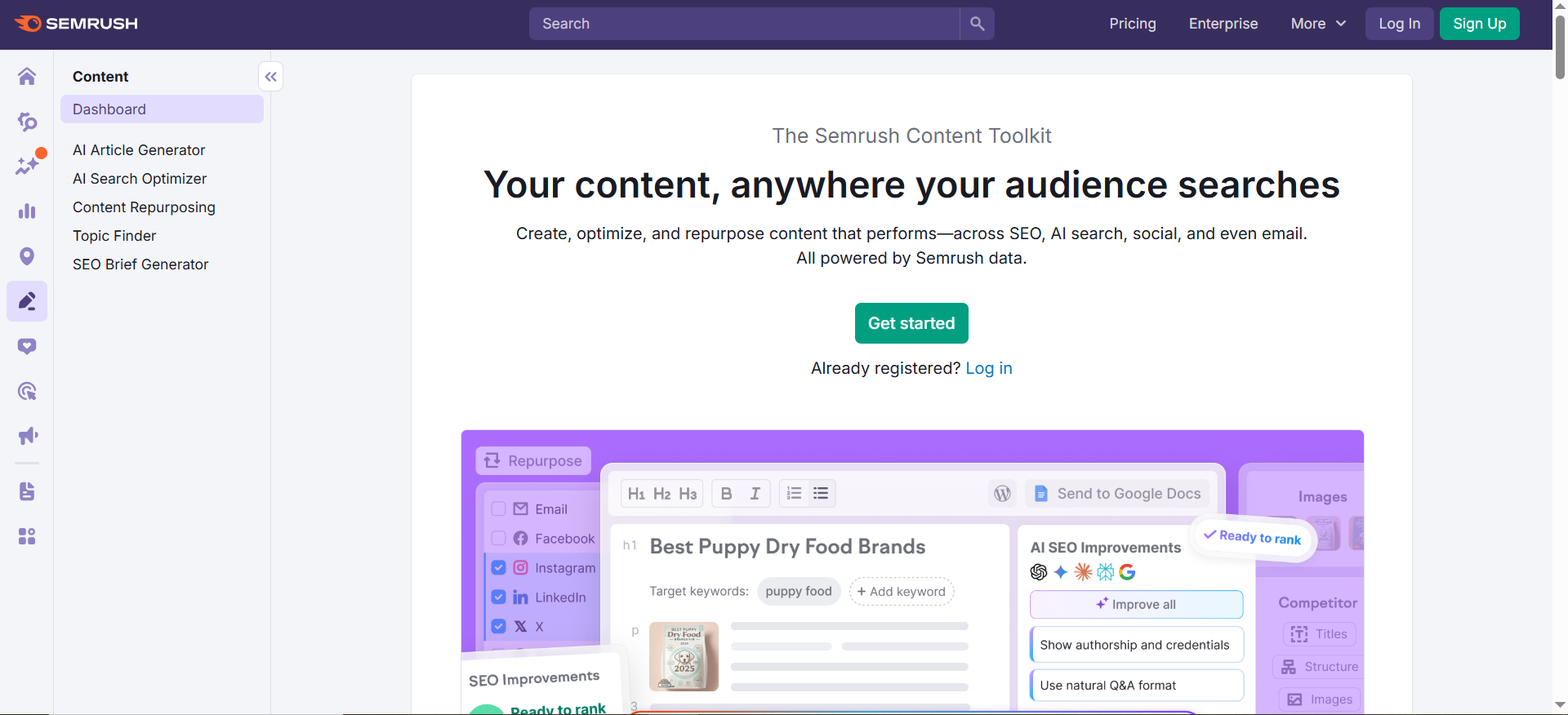
Best for: Teams that want one platform for SEO research + reporting, plus AI visibility tracking.
Key AI features: Semrush’s AI Visibility Toolkit is built to track how brands show up in AI-generated answers, benchmark competitors, monitor prompts, and find visibility gaps.
Integrations: Commonly includes Google properties (GSC/GA) + reporting exports; ecosystem varies by plan.
Free tier: Typically a trial (plan-dependent).
Pricing tier: Mid-to-high (suite pricing); AI visibility may be packaged separately depending on plan.
Strengths: Broad coverage, strong competitive workflows, and exec-friendly reporting.
Trade-offs: It’s not the cheapest; power users can get lost in features.
Use it like this (micro-workflow):
- Build a keyword universe (money keywords + problem keywords).
- Map keywords → pages and identify cannibalization.
- Track AI visibility prompts alongside rankings (what gets cited vs. what ranks).
- Export a “visibility gaps” list → content backlog + PR/link targets.
Ahrefs
Best for: fast link intelligence + competitor research when you want clarity (not 30 tabs).
Why teams pick it in 2026: Ahrefs is still a specialist SEO tool where the core advantage is data + competitive clarity.
Key AI features (reality check): Ahrefs has added AI assists across workflows (the exact feature set changes over time), but don’t buy it for AI, buy it for research speed and dependable SEO intel.
Integrations: Commonly used via exports + reporting workflows, then paired with Google Search Console and GA4 reporting elsewhere.
Free tier: Limited free tools (varies by region/product).
Pricing tier: Mid-to-high.
Strengths: Backlink research, competitive content discovery, strong UI.
Trade-offs: If you need end-to-end marketing automation, Ahrefs isn’t that, it’s an SEO specialist tool.
Use it like this (micro-workflow that produces pipeline pages:
- Pull competitors’ top pages by organic value.
- Run a link intersect to find sites linking to them (not you).
- Build one linkable asset plan: stats page, comparison page, or data study (then publish + promote).
- Re-run monthly to track gap closure and prioritize next outreach targets.
Profound

Best for: Teams serious about AI search visibility, tracking how LLMs describe you, which sources they cite, and how your brand gets framed across buyer-intent prompts.
Key AI features: Visibility tracking for brand mentions, citations / sources, and “how AI talks about your brand” insights (positioning, accuracy, gaps).
Integrations: Typically enterprise-style onboarding; varies by team and scope.
Free tier: Usually demo-led.
Pricing tier: Quote-based.
Strengths: Purpose-built for answer engine optimization, not just blue-link SEO reporting.
Trade-offs: If you haven’t nailed fundamentals; technical SEO, clear positioning pages, and authority, this can turn into “interesting data” without clear next actions.
Use it like this (micro-workflow):
- Track your brand + 3 competitors across buyer-intent prompts (category, alternatives, “best for X,” “pricing,” “vs”).
- Identify missing inclusion topics (“we never show up for X problem”) → turn them into pages and sections.
- Build a citation strategy: decide which pages (yours) and proof sources (benchmarks, docs, studies) LLMs should reference.
- Run monthly and report inclusion, accuracy, and competitor share-of-voice, and tie wins to pages shipped.
PPC + ad creative tools
AI in paid media is now table stakes, especially for campaign automation and creative iteration. The catch: automation only works if your measurement is clean. If your conversions are messy, the algorithm will still “win”… just for the wrong KPI.
Google Ads (AI-powered campaigns)
Best for: Scaling spend while letting the platform automate bidding/targeting, when you already know what a “good conversion” is.
Key AI features: Automated bidding, creative combinations, and campaign types that lean heavily on automation (capabilities change constantly).
Integrations: GA4, conversion APIs/imports, and CRM offline conversions.
Free tier: N/A (ad spend).
Pricing tier: Spend-based.
Strengths: Reach + intent capture; automation can unlock scale fast.
Trade-offs: You must build measurement discipline (clean conversions) or automation optimizes for the wrong thing.
Use it like this:
- Fix conversion tracking first: define primary vs. secondary conversions and align them to your funnel.
- Launch a constrained test: one ICP, one offer, one landing page.
- Feed offline conversions (SQL/closed-won) where possible so Smart Bidding can optimize toward revenue, not just form fills.
- Iterate weekly on conversion quality, not CTR.
Email + lifecycle tools
Lifecycle is where SaaS teams quietly win, onboarding, activation, retention, expansion; because it’s the only channel that compounds after the click. The “AI” upside here is real only when it’s fed by real event data (product + CRM signals), not generic copy prompts
HubSpot Marketing Hub
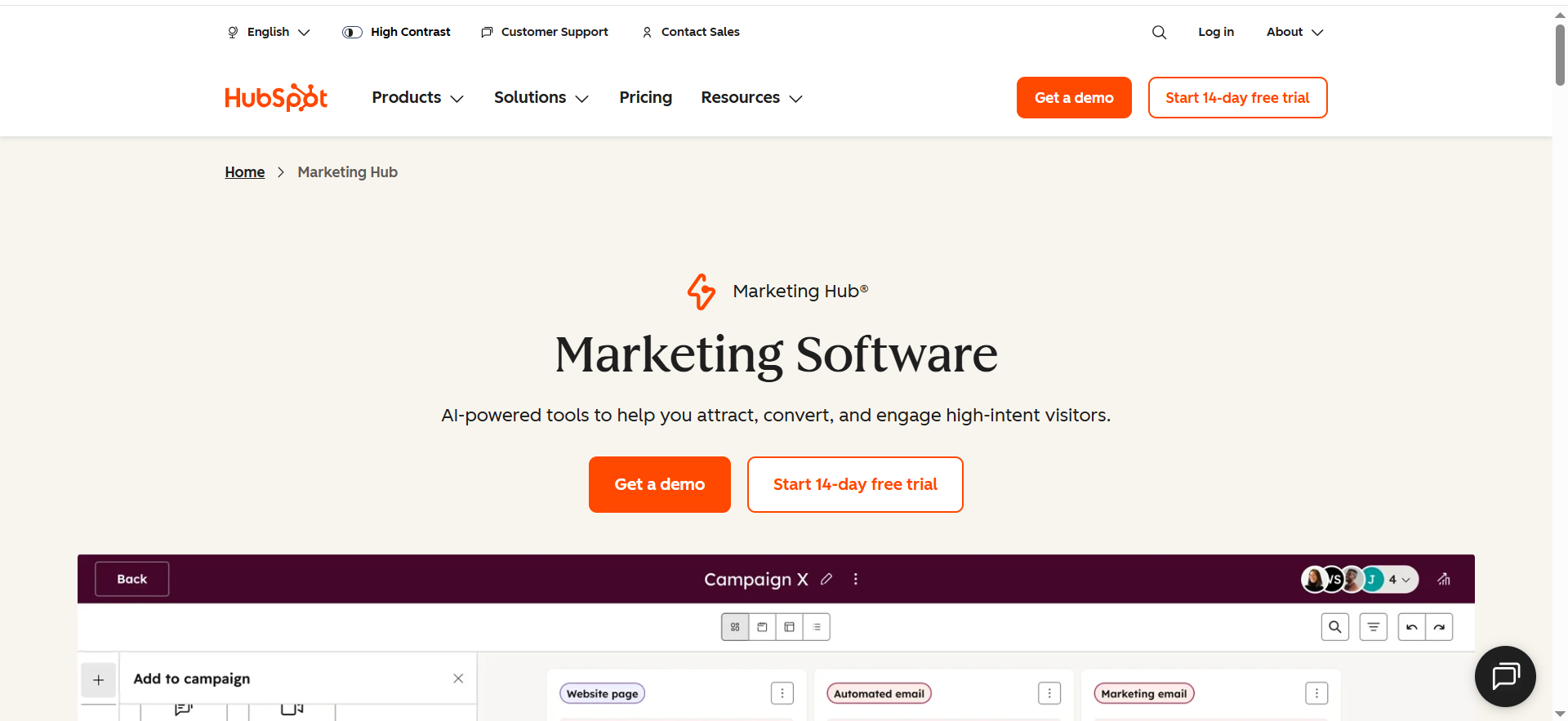
Best for: B2B SaaS that wants one place for email, automation, CRM alignment, and reporting; without stitching five systems together.
Key AI features: HubSpot keeps expanding AI across content + productivity (feature sets evolve by plan), so treat AI as an accelerator, not the strategy.
Integrations: One of the strongest ecosystems in marketing.
Free tier: Free CRM exists; Marketing Hub is paid.
Pricing tier: Mid-to-enterprise.
Strengths: CRM-native lifecycle, strong workflows, sales/marketing alignment.
Trade-offs: Costs scale; you need governance or portals get messy.
Use it like this (lifecycle setup)
- Define lifecycle stages + handoff rules (MQL → SQL).
- Build three core journeys that move revenue: onboarding, trial-to-paid, churn prevention.
- Use AI to draft variants, but keep the proof points human (specific outcomes, differentiators, real examples).
- Review monthly: conversion rates by stage + cohort retention, and prune what doesn’t move the needle.
Social + content repurposing tools
AI shines here when it turns one asset into many, without hiring a mini media team.
Buffer
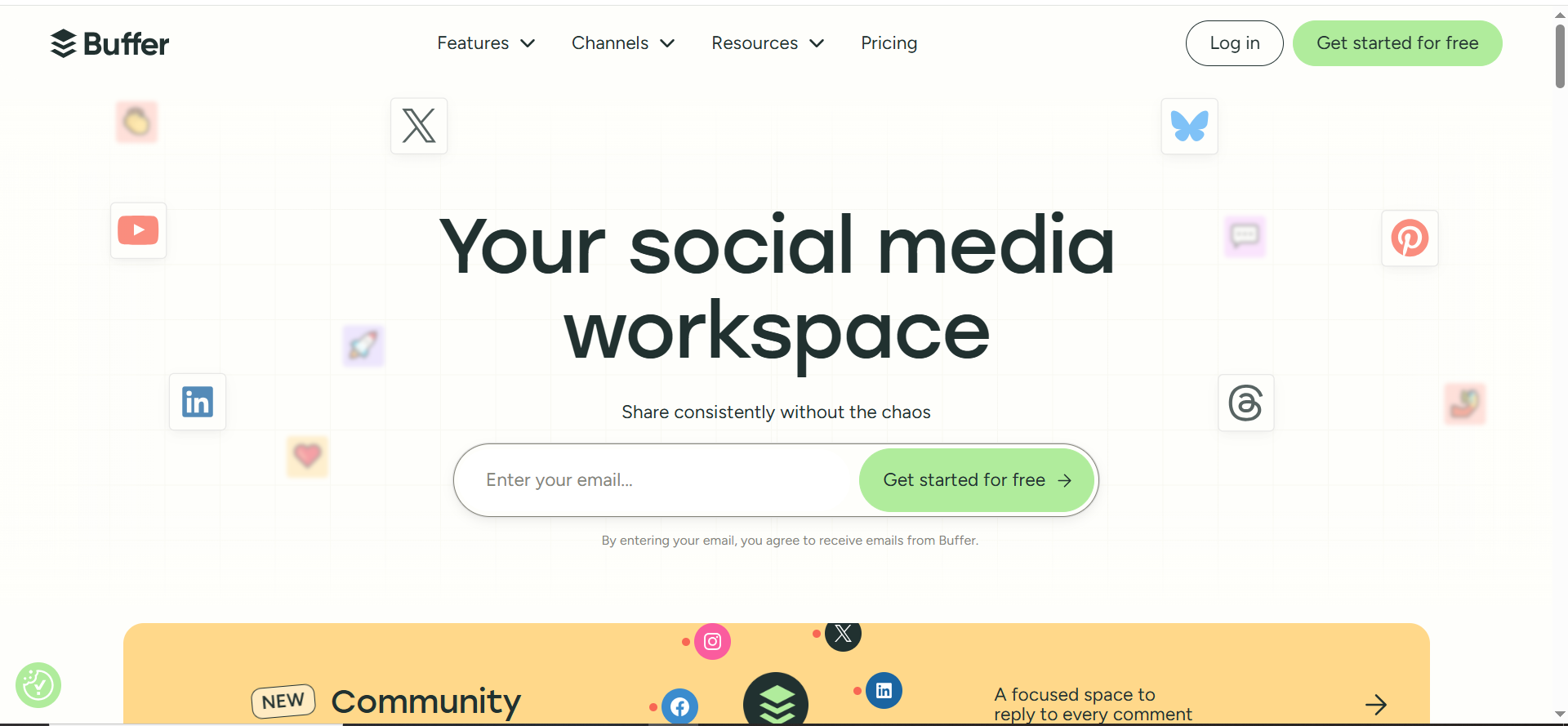
Best for: Lean teams that want simple scheduling and workflow clarity.
Key AI features: Buffer has publicly discussed its AI Assistant (useful for drafting variants and prompts, but the strategy still needs to be yours).
Integrations: Major social networks.
Free tier: Yes (plan-dependent).
Pricing tier: Low.
Strengths: Clean UX, easy scheduling.
Trade-offs: Not built for heavy enterprise governance (approvals, complex permissions, deep compliance flows).
Use it like this (repurposing loop that compounds)
- Write one pillar post: a hard-earned insight, a framework, or a mini case study.
- Generate 5–10 social variants (different hooks + formats) so you’re testing messaging, not just reposting.
- Schedule across 2–3 networks for 2 weeks.
- Recycle winners quarterly with an updated POV, and link them back to a conversion asset (comparison page, demo page, or a lead magnet).
Automation + CRM tools
This layer is what turns “AI outputs” into operational reality, routing, enrichment, alerts, cleanup. In other words: it’s how ideas become revenue workflows.
Zapier
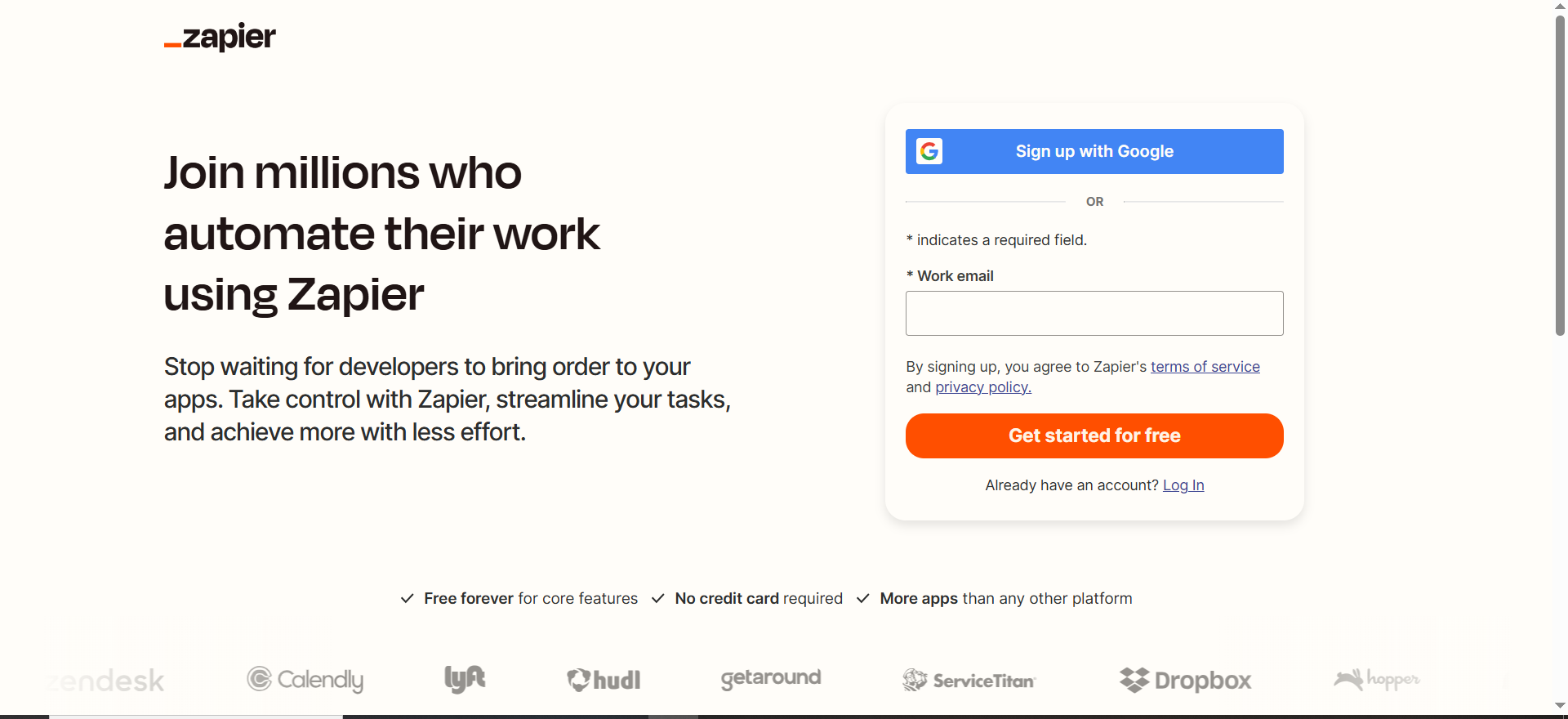
Best for: Quick no-code automation across a massive app ecosystem.
Key AI features: Zapier has been expanding AI-based automation building (capabilities evolve), which can speed up setup.
Integrations: Very broad ecosystem
Free tier: Yes (limited).
Pricing tier: Low-to-mid; scales by tasks.
Strengths: Fast time-to-value.
Trade-offs: Complex workflows can get fragile without naming conventions and error handling.
Use it like this (revenue-safe automation pattern)
- When a lead submits a form → enrich → push to CRM.
- If lead matches ICP → notify Slack + assign owner (speed-to-lead matters).
- If lead source = “AI visibility” → tag + start nurture tied to the same pain → outcome messaging.
- Weekly: run an “error digest” + fix broken Zaps before they silently leak leads.
Analytics + attribution tools
If you can’t measure, AI will optimize the wrong KPI; especially in paid media and lifecycle automation. Build measurement first, then scale spend and workflows.
Google Analytics 4 (GA4)
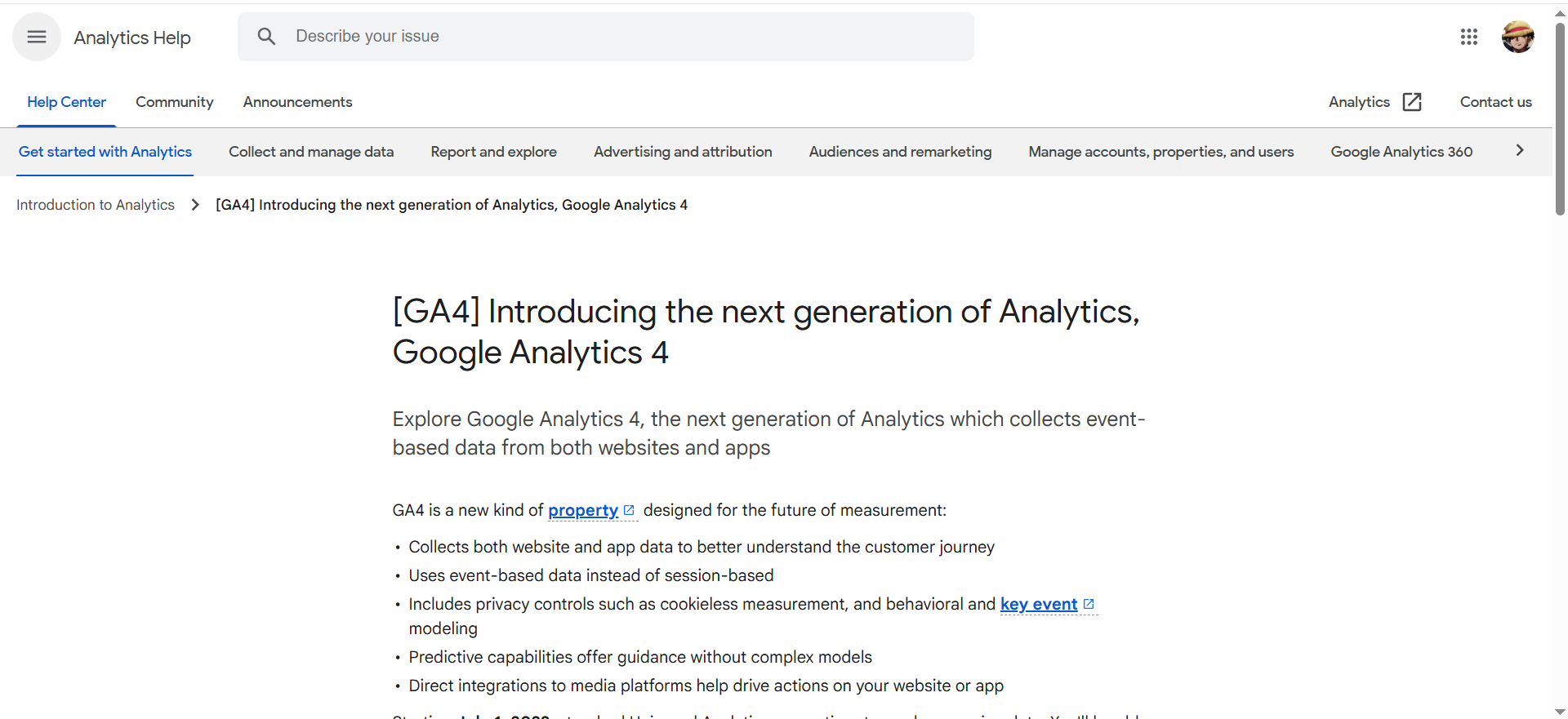
Best for: Baseline website analytics + traffic attribution (what channels drive sessions, leads, and key actions).
Integrations: Built for the Google ecosystem, especially Google Ads and Google Tag Manager workflows.
Free tier: Yes (GA4).
Pricing tier: Free (GA4). Enterprise tier exists as Google Analytics 360.
Strengths: Ubiquitous, quick to implement, and easy to connect to Google Ads for conversion optimization.
Trade-offs:Attribution gets messy fast (cross-device, consent gaps). Outcomes depend heavily on implementation quality.
Use it like this:
- Audit events + conversions and make them business-meaningful (no “button_click_42” as a success metric).
- Separate primary conversions (demo booked, trial started) from micro conversions (scroll, video play).
- Build landing-page performance by intent / ICP.
- Use UTM parameters so paid + social traffic can be traced to outcomes.
How to choose your stack (without buying 12 tools)
If you’re building a B2B SaaS marketing stack for 2026, the goal isn’t “more AI.” It’s fewer tools that improve conversion rate, speed up execution, and keep reporting decision-grade.
Stage 1: Lean team (4-tool core)
Build a tight “spine” first,so every new tool has somewhere to plug in.
- 1 SEO platform: Semrush or Ahrefs
- 1 lifecycle platform: HubSpot or Customer.io
- 1 automation layer: Zapier or Make
- 1 analytics foundation: GA4 + one product analytics tool if you’re PLG (e.g., Mixpanel or Amplitude)
Stage 2: Scaling (add only when you feel the pain)
Once you’re publishing consistently and your tracking is clean, add “specialists.”
- Add AI search visibility tracking when being omitted/misquoted in LLM answers becomes a real cost: Semrush AI visibility tooling, Surfer AI tracking, Profound, etc.
- Add attribution when your channel mix gets complex and you need “what drives revenue” clarity across marketing + sales touches.
The mistake we see constantly
Teams buy “AI copy tools” before they have:
- a clear intent model (what the buyer is trying to do),
- clean conversion tracking and KPIs
- and a repeatable content system
FAQs
What are the best AI tools for digital marketing in 2026?
Are “AI search visibility” tools actually worth it?
Can AI tools replace a marketing team?
What’s the biggest risk of using AI in marketing?
Do I need both GA4 and product analytics (Mixpanel/Amplitude)?
What’s the fastest way to improve AI search visibility?
How many tools should a B2B SaaS team use?
Fewer than you think. Start with 4–6 core tools, master them, then add specialists only when you have a specific bottleneck (creative throughput, AI visibility tracking, attribution, etc.).
If you want to know whether you’re actually showing up in ChatGPT / AI Overviews / answer engines,and what to fix, TRM can run an AI Search Visibility Audit.
You can also book a strategy call.



