
Choose a newsletter platform by list size and by whether you will charge. Feature count comes last. Kit's free plan carries up to 10,000 subscribers, beehiiv's free plan up to 2,500 and its paid plans take no cut of subscriptions, and Substack is free to start and keeps 10% of paid-subscription revenue.
That rule holds for a solo writer or small publisher sending one newsletter in USD. A team running ecommerce or lifecycle email needs an email marketing platform instead.
Plan limits and prices change often, so check each vendor's pricing page before you commit. Substack's 10% figure comes from its homepage, because its fees page would not load.
If your newsletter archive is meant to bring in search traffic, see how our SaaS content marketing work approaches it.
📋 Get Listed / Advertise
We update this guide monthly. Want your tool featured? Contact: [email protected].
Newsletter Platforms At A Glance
Five platforms, each pinned to the job it does best. The table comes first because that is what you came for.
| Platform | Best For | Free Plan | Entry Paid Price | Fee On Paid Subscriptions |
|---|---|---|---|---|
| beehiiv | Monetizing a growing newsletter | Up to 2,500 subscribers | Lite, $49 a month billed yearly | 0% on Lite and Pro |
| Kit | The largest free plan | Up to 10,000 subscribers | Creator, $33 a month | A fee applies, see Kit's pricing page |
| Substack | Writers who want to start free | Free to publish | None, 10% of paid revenue | 10% of paid-subscription revenue |
| Ghost | Owning your site and archive | None | Starter, $18 a month billed yearly | 0% from Ghost on Publisher and above, processor fees apply |
| MailerLite | Simple sending on a small list | Up to 250 subscribers | Comfort, from $12 a month | Confirm with the vendor |
Prices are read from each vendor's pricing page; see the tool sections for links. Subscribers have to come from somewhere before any of this matters, and AI tools for social media are one place to start looking.
Answer these three questions in order and stop at the first platform that fits. The full rule is further down.
- Subscribers now: Up to 250, MailerLite's free plan works. Up to 2,500, beehiiv's free plan works. Up to 10,000, Kit's free plan works.
- Charging readers: If yes, compare beehiiv Lite at $49 a month, Ghost Publisher at $29 a month and Substack's 10% cut.
- Free plan needed: If you must pay nothing at all, rule out Ghost, because Ghost's pricing page lists no free plan.
1. Beehiiv: Best For Monetizing A Growing Newsletter
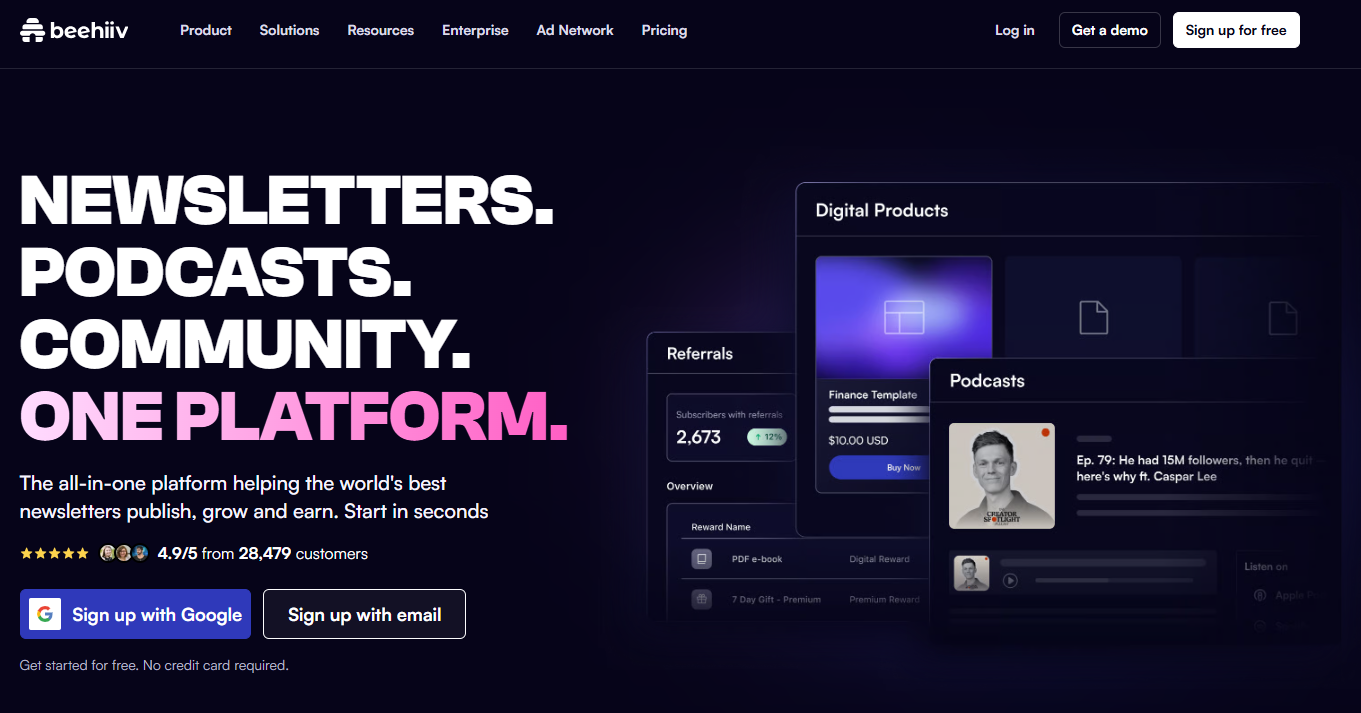
What it does: Beehiiv is a newsletter platform built around growing a list and earning from it. The free plan covers up to 2,500 subscribers with unlimited sends, one publication and one team seat. The paid plans add paid subscriptions and ad monetization.
Who it is for: A writer whose list is growing and who plans to charge. beehiiv is best for that writer because the plan is free to 2,500 subscribers, Lite covers up to 100,000, and beehiiv takes a 0% take rate on paid subscriptions on Lite and Pro.
Pricing:
| Plan | Price | Billing Basis | Subscriber Limit | What It Includes |
|---|---|---|---|---|
| Free | $0 | Not applicable | Up to 2,500 | Unlimited sends, 1 publication, 1 team seat, 30-day analytics, beehiiv branding |
| Lite | $49 a month | Yearly | Up to 100,000 | Paid subscriptions at a 0% take rate, ad monetization |
| Pro | $95 a month | Yearly | Up to 250,000 | Paid subscriptions at a 0% take rate, ad monetization |
| Enterprise | Custom | Custom | Custom | Custom |
Lite at $49 and Pro at $95 are the yearly-billing prices on beehiiv's pricing page. The free plan is a real plan with no price, and it stays free until the list passes 2,500.
Strengths:
- A 0% take rate on paid subscriptions on Lite and Pro, so your revenue stays yours.
- A free plan that holds 2,500 subscribers with unlimited sends.
- Ad monetization sits in the same paid plans as paid subscriptions.
- A clear step from Lite to Pro as the list grows past 100,000.
Trade-offs:
- The free plan carries beehiiv branding and only 30 days of analytics.
- The free plan listing does not include paid subscriptions, so charging means moving up to Lite.
- Payment-processor fees are not stated on the pricing page, so ask before you model the real cost.
- Kit's free plan holds four times as many subscribers.
Key capabilities:
- Unlimited sends on the free plan.
- One publication and one team seat on the free plan.
- Paid subscriptions on Lite and Pro.
- Ad monetization on Lite and Pro.
- 30-day analytics on the free plan.
Good fit:
- A growing newsletter that will charge readers and wants no revenue share.
- A list between 2,500 and 100,000 subscribers.
- A writer who wants ad income and subscription income in one tool.
Not a fit:
- Anyone who needs a free plan above 2,500 subscribers.
- A writer who will never charge and only wants the cheapest sending.
The limitation that matters most is that the prices shown are yearly-billing prices, so check the live page for what you would pay on any other billing basis before you commit.
2. Kit: Best For The Largest Free Plan
What it does: Kit is an email platform for creators who sell to their list. Its free plan holds up to 10,000 subscribers, the largest of the five platforms in this guide, and that makes it the easiest place to start if you already have a list to import.
Who it is for: Creators selling digital products. The pricing page lists a fee on digital product sales and subscriptions, which tells you who Kit is built for.
Pricing:
| Plan | Price | Billing Basis | Subscriber Limit | What It Includes |
|---|---|---|---|---|
| Free | $0 | Not applicable | Up to 10,000 | 1 user, no visual automations or email sequences, 2 subject lines for A/B testing, Kit branding |
| Creator | $33 a month or $390 a year | Monthly or yearly | Starting at 1,000 | 2 users |
| Pro | $50 a month, regularly $66 | Monthly price shown | Starting at 1,000 | Unlimited users |
Creator at $33 a month or $390 a year, and Pro at $50 a month, are the prices on Kit's pricing page. Pro is shown at a discount from its regular $66.
Strengths:
- A free plan for up to 10,000 subscribers, the biggest cap in this guide.
- A cheap step up, with Creator at $33 a month.
- Unlimited users on Pro for a team that grows.
- Two subject lines for A/B testing even on the free plan.
Trade-offs:
- The free plan has no visual automations and no email sequences.
- The free plan carries Kit branding and allows one user.
- Pro is shown at a discount from its regular price, so plan around the regular figure.
- A fee applies to sales, which makes Kit a poor pick if you only want to send.
Key capabilities:
- Up to 10,000 subscribers on the free plan.
- Two subject lines for A/B testing on the free plan.
- Two users on Creator, unlimited users on Pro.
- Paid tiers that start at 1,000 subscribers.
Good fit:
- A creator with a big list and a small budget.
- Someone who sells digital products to the list.
- A writer who wants to import 5,000 subscribers and pay nothing for now.
Not a fit:
- Anyone who needs sequences or visual automations without paying.
- A writer who wants to charge readers and is counting every percentage point of fees.
The limitation that matters most is the fee. Kit's pricing page lists a transaction fee on digital products and subscriptions, and the figures on it do not agree with each other, so this guide says only that a fee applies. Read that line on the page before you sell anything.
3. Substack: Best For Writers Who Want To Pay Nothing Up Front
What it does: Substack lets you start a newsletter for nothing. It is free to start and keeps 10% of paid-subscription revenue, so the platform earns only when you do.
Who it is for: A writer who is not sure the newsletter will earn and does not want a bill while finding out. The trade makes sense when your paid revenue is small, because 10% of a small number is a small cost. It makes less sense as the revenue grows, which the break-even later in this guide puts a number on.
Pricing:
| Plan | Price | Fee | Billing Basis |
|---|---|---|---|
| Free publishing | Free to start | 10% of paid-subscription revenue | Percentage of paid revenue |
The 10% figure comes from Substack's homepage. Check the fees page for payment-processing costs before you rely on 10% as the whole bill.
Strengths:
- Free to start, which removes the risk from a first newsletter.
- A 10% share of paid-subscription revenue, so the platform earns when you do.
- One flat percentage is easy to model, with no plan tiers to compare.
- A flat percentage, so there is no plan tier to outgrow.
Trade-offs:
- The 10% grows with your revenue, so it costs more every month the newsletter succeeds.
- Payment-processing costs sit on the fees page, so check it before you sell.
- The percentage is flat, so the only way to cut the cost is to move platforms.
Key capabilities:
- Free to start.
- A 10% share of paid-subscription revenue.
- A single flat fee rather than tiers.
Good fit:
- A writer launching a first newsletter with no budget.
- Someone who wants to charge readers from day one on a flat percentage.
- A writer whose paid revenue will stay modest.
Not a fit:
- A newsletter earning more than $490 a month from paid subscriptions, where beehiiv Lite costs less.
- A writer who wants to own a branded site and archive, where Ghost fits better.
The limitation that matters most is that the cost rises with every dollar of revenue, so work out your break-even before you commit.
4. Ghost: Best For Owning Your Site And Archive
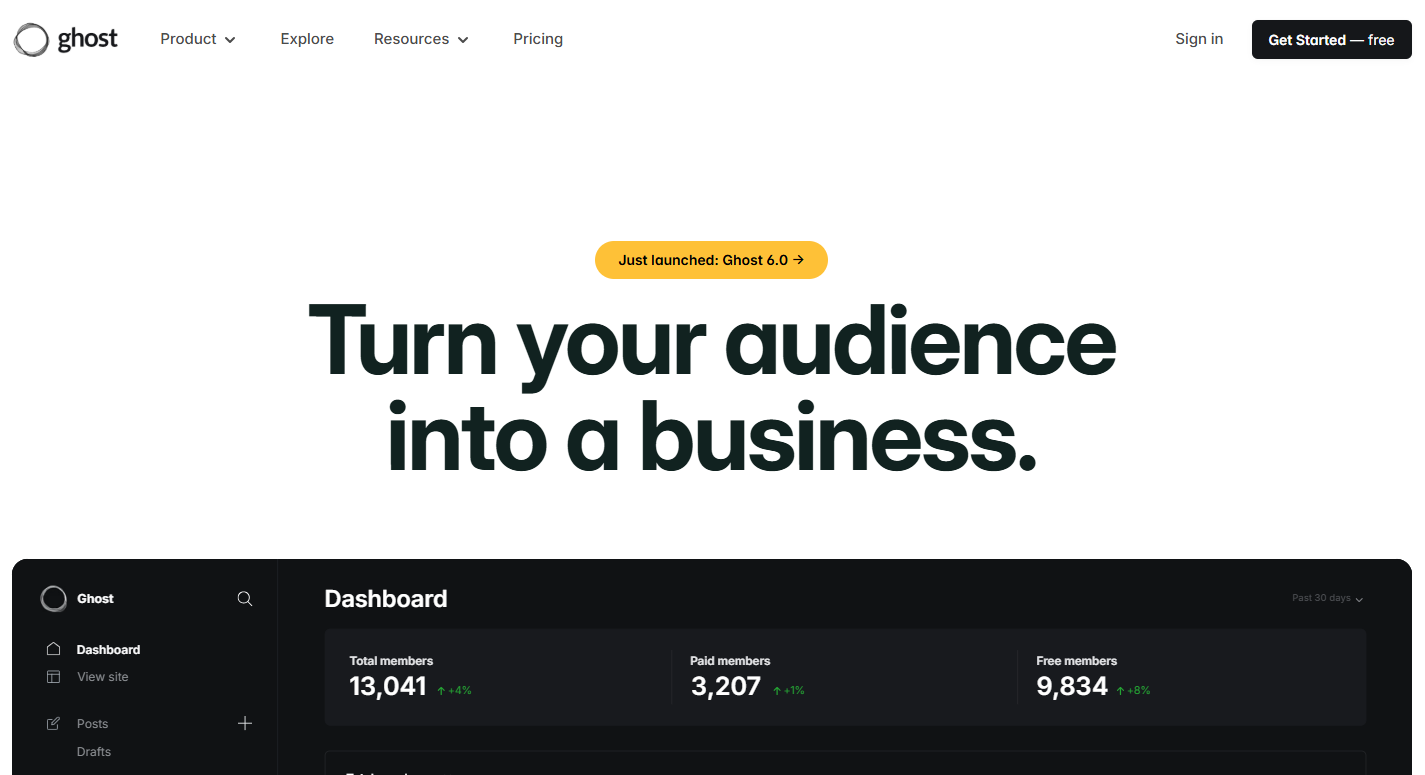
What it does: Ghost is a publishing platform that pairs a site with a newsletter. Starter is $18 a month billed yearly with 1,000 members and unlimited newsletter sending, but no paid memberships. Paid memberships begin at Publisher.
Who it is for: A writer who wants a site, an archive and a newsletter in one place and is happy to pay a monthly fee for it. There is no free plan, so Ghost suits someone who already knows the newsletter is worth paying for.
Pricing:
| Plan | Price | Billing Basis | What It Includes |
|---|---|---|---|
| Starter | $18 a month | Yearly | 1,000 members, unlimited newsletter sending, no paid memberships |
| Publisher | $29 a month | Yearly | Paid memberships, 0% Ghost transaction fee, processor fees apply |
| Business | $199 a month | Yearly | Member limit shown on the pricing page |
| Custom | By quote | Quote | Agreed with Ghost |
Paid memberships start at Publisher at $29 a month billed yearly, with a 0% Ghost transaction fee, and payment-processor fees still apply, according to Ghost's pricing page. Business is $199 a month billed yearly, and its member limit is on the same page.
Strengths:
- A 0% Ghost transaction fee on Publisher and above.
- A site and archive you own alongside the newsletter.
- Unlimited newsletter sending on Starter.
- A low fixed entry price, with Starter at $18 a month billed yearly.
Trade-offs:
- There is no free plan in the pricing page's plan list.
- Starter has no paid memberships, so charging starts at $29 a month.
- Payment-processor fees apply on top of the 0% Ghost fee.
- Starter is capped at 1,000 members, which a growing list passes quickly.
Key capabilities:
- Unlimited newsletter sending on Starter.
- Paid memberships from Publisher.
- A 0% Ghost transaction fee on Publisher.
- Four plan levels, from Starter to a custom quote.
Good fit:
- A writer who wants the site, archive and newsletter in one place.
- Someone who will charge readers and wants no revenue share.
- A publisher ready to pay a fixed monthly fee.
Not a fit:
- Anyone who needs a free plan.
- A writer who wants to charge readers but only has a Starter budget.
The limitation that matters most is that the Business member limit appears two different ways on the page, so this guide leaves it out. See the pricing page for the figure.
5. MailerLite: Best For Simple Sending On A Small List
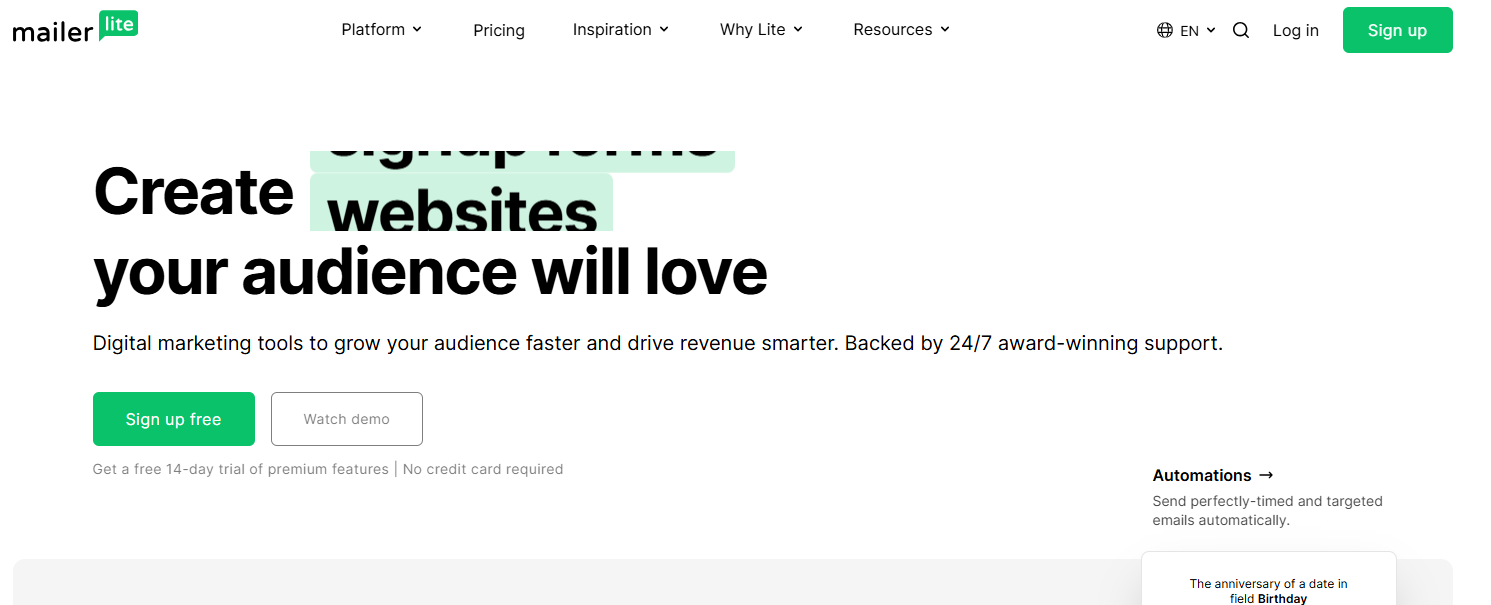
What it does: MailerLite is a low-cost sending tool for small lists. Its free plan covers up to 250 subscribers, 2,500 emails a month, three automations, one website and one landing page, with two seats.
Who it is for: A small list that wants low cost and an easy setup. If you are sending to a few hundred people and not charging, MailerLite does the job without much to learn.
Pricing:
| Plan | Price | Billing Basis | Subscriber Range | What It Includes |
|---|---|---|---|---|
| Free | $0 | Not applicable | Up to 250 | 3 automations, 1 website, 1 landing page, 2,500 emails a month, 2 seats |
| Comfort | From $12 a month | Tiered by subscribers | Tiered by subscribers | Paid plan |
| Power | From $25 a month | Tiered by subscribers | Tiered by subscribers | Paid plan |
Comfort from $12 a month and Power from $25 a month are the from-prices on MailerLite's pricing page, tiered by subscribers.
Strengths:
- A low entry price, with Comfort from $12 a month.
- Three automations on the free plan.
- A website and a landing page included free.
- Two seats on the free plan.
Trade-offs:
- The free plan stops at 250 subscribers, the smallest cap in this guide.
- Sending locks above 250 subscribers on the free plan.
- Prices are tiered by subscriber count, so check the pricing page for your list size before you budget.
- Confirm MailerLite's paid-subscription fee with the vendor before charging, because it is a weak pick for a paid newsletter until you do.
Key capabilities:
- 2,500 emails a month on the free plan.
- Three automations on the free plan.
- One website and one landing page on the free plan.
- Two seats on the free plan.
Good fit:
- A small list that wants low cost and ease.
- A writer testing an idea before the list grows.
- A sender who wants automations without paying.
Not a fit:
- A list above 250 subscribers that wants to stay on the free plan.
- A writer who wants to charge readers and needs the fee confirmed first.
The limitation that matters most is the 250-subscriber lock on sending. Third-party roundups quote other free limits, but the vendor page governs, and it says 250.
📋 Get Listed / Advertise
We update this guide monthly. Want your tool featured? Contact: [email protected].
Best Free Newsletter Platforms By Subscriber Limit
Free plans are where most writers start, and the cap is the number that matters. Here are the five platforms side by side.
| Platform | Free Option | Subscriber Limit | What Is Left Out |
|---|---|---|---|
| Kit | Free plan | Up to 10,000 | No visual automations or email sequences |
| beehiiv | Free plan | Up to 2,500 | Carries beehiiv branding, 30-day analytics |
| MailerLite | Free plan | Up to 250 | Sending locks above 250 subscribers |
| Substack | Free to publish | Not applicable | 10% of paid-subscription revenue once readers pay |
| Ghost | None | Not applicable | No free plan in the plan list |
Ranked by free subscriber cap, Kit comes first at 10,000, beehiiv second at 2,500 and MailerLite third at 250. Substack is free to publish and takes 10% of paid-subscription revenue, so it sits outside a subscriber-cap ranking, and Ghost has no free plan to rank.
MailerLite is the clearest case of what happens at the cap. Its free plan locks sending above 250 subscribers, so a list that grows past the cap cannot send until you pay. Kit and beehiiv state the cap on their pricing pages; check each page for what changes past it. Move before you hit the number, not after.
Caps move, and a free plan can shrink without much notice. Mailchimp cut its free plan in 2022, according to BigMailer's 2026 roundup, and its own pricing page now lists 250 contacts on the free plan. A Sender roundup also lists Mailchimp's free plan at 250 subscribers, while an older TechRepublic roundup says 500.
That gap is why roundups disagree. An older roundup keeps quoting the number from before a change. The vendor's page is the figure to trust, so read it on the day you sign up. If the free plan is a stepping stone while you build a budget, the cheap SEO tools around the newsletter are worth pricing too.
Best Newsletter Platforms For Writers And Authors
Writers and authors pick a newsletter platform for different reasons, and the reasons map cleanly to a platform. Here is the routing in three lines.
- Wants to start with no bill: Use Substack, because it is free to start and keeps 10% of paid-subscription revenue.
- Wants a site and archive they own: Use Ghost, because Starter is $18 a month billed yearly and Publisher is $29 a month with a 0% Ghost transaction fee.
- Wants monetization tools: Use beehiiv, because Lite is $49 a month billed yearly with a 0% take rate on paid subscriptions.
An author has one asset that outlasts every issue, which is the archive. Each past issue is a page that can rank for a topic you wrote about, long after the send. If you publish it on a site you own, those pages can bring in new readers every month. Free options such as the best free SEO tools help you see which issues earn traffic, and the best AI SEO tools help you tighten the pages that almost rank.
If you want the archive to bring in readers from search, Semrush's keyword research shows which topics people search for before you write the issue. If you also want those archive pages cited in AI answers, Generative Engine Optimization is the work involved.
A book author is the same case as any writer, with one extra question. Do you want readers to find the archive without you promoting it? If yes, own the site. If no, the cheapest start wins.
Best Newsletter Platforms For Charging Subscribers
The fee a platform takes on paid subscriptions is the number that separates the options once you decide to charge.
| Platform | Fee On Paid Subscriptions | Cheapest Plan That Takes Paid Subscriptions |
|---|---|---|
| beehiiv | 0% take rate | Lite, $49 a month billed yearly |
| Ghost | 0% from Ghost, processor fees apply | Publisher, $29 a month billed yearly |
| Substack | 10% of paid-subscription revenue | Free to start |
| Kit | A transaction fee applies, see the pricing page | Not compared here |
| MailerLite | Confirm with the vendor | Not compared here |
Kit and MailerLite are in this guide for sending. This section does not rank them for charging. Check Kit's fee line on its pricing page and confirm MailerLite's paid-subscription fee with the vendor before you sell.
Here is the break-even against beehiiv Lite, in numbers you can replace with your own.
- Substack's cut: 10% of monthly paid-subscription revenue.
- beehiiv Lite: $49 a month on yearly billing, with a 0% take rate.
- Break-even: $49 divided by 10% is $490 a month in paid-subscription revenue.
Substack's 10% costs more than beehiiv Lite's $49 once paid-subscription revenue passes $490 a month. At $1,000 a month in paid subscriptions, Substack's cut is $100 against $49 for Lite. Ghost Publisher at $29 breaks even against Substack at $290 a month.
Payment-processor fees come on top and are left out of every figure here. Put your own monthly paid revenue in place of $490, and the cheaper platform is obvious. Below the break-even, start free. Above it, pay the flat fee.
What Newsletter Platforms Cost As Your List Grows
Platforms bill by subscriber count, so list size drives the plan you pay for. Every row below states its billing basis so the rows compare fairly.
| Platform | Plan | Price | Billing Basis | Subscriber Range |
|---|---|---|---|---|
| beehiiv | Lite | $49 a month | Yearly | Up to 100,000 |
| Kit | Creator | $33 a month or $390 a year | Monthly or yearly | Starting at 1,000 |
| Ghost | Starter | $18 a month | Yearly | 1,000 members |
| Ghost | Publisher | $29 a month | Yearly | See the pricing page |
| MailerLite | Comfort | From $12 a month | Tiered by subscribers | Tiered by subscribers |
| Substack | Free to start | 10% of paid revenue | Not applicable | Not applicable |
The entry prices are beehiiv Lite at $49, Kit Creator at $33, Ghost Starter at $18 and MailerLite Comfort from $12. They are not like for like, because the billing basis and subscriber range differ, which is why the table spells both out.
Move from a free plan to a paid one when one of three things happens. You pass the free cap, you need something the free plan leaves out such as Kit's sequences, or charging readers would cost less on a paid plan than on a revenue share. Anything else is a reason to stay put.
If you want a newsletter archive that keeps earning search and AI-answer traffic, the ongoing work is what the GEO + SEO Growth Programme covers. We start from the pages that already get clicks.
What Is A Newsletter Platform?
A newsletter platform is a tool that stores your subscribers, sends each issue and takes payments when you charge. Many also host an archive of past issues on pages that readers and search engines can find. Platforms bill by subscriber count, so the size of your list sets the plan you pay for.
It differs from a lifecycle email marketing platform. A newsletter platform is built around one publication sent to one list. A lifecycle platform is built around automated email triggered by what customers do, such as onboarding or abandoned carts. A solo writer needs the first. It sits inside a wider marketing set, and AI tools for digital marketing cover the rest of it.
How We Evaluated These Newsletter Platforms
These are the five criteria, in the order they weigh. Prices come from each vendor's own page, never from a roundup.
- Free-plan limit: The subscriber cap on the free plan, read from the vendor's pricing page.
- Price where published: The entry paid price and its billing basis, read from the vendor's pricing page.
- Fee on paid subscriptions: What the platform takes when you charge, read from the vendor's page.
- Archive and site: Whether the platform hosts a site and archive, or only sends email.
- Template and design control: How much of the look you can change, which this guide does not rank because the pages it read say little on it.
The same attribute set applies to every platform, so no tool gets a longer list of strengths than another. It is the same approach behind the comparison pages in our SaaS content marketing programme.
How To Pick A Newsletter Platform In Three Questions
The rule is short. Count your subscribers, decide whether you will charge, and decide whether you need a free plan.
- Subscribers now: Up to 250, MailerLite's free plan works with its 250-subscriber cap. Up to 2,500, beehiiv's free plan works. Up to 10,000, Kit's free plan works.
- Will you charge: If yes, compare beehiiv Lite at $49 a month, Ghost Publisher at $29 a month and Substack's 10% cut. Below $490 a month in paid revenue, Substack costs less than Lite.
- Free plan needed: If you must pay nothing, rule out Ghost, which has no free plan. Pick from Kit, beehiiv, MailerLite or Substack by the first two answers.
Here is a worked example. This is an invented case, not data. You have 1,500 subscribers and you will charge.
- Rule out: MailerLite's free plan, because 1,500 is above its 250 cap.
- Revenue assumption: 100 of your 1,500 subscribers pay $6 a month, which is $600 a month.
- Substack: 10% of $600 is $60 a month.
- beehiiv Lite: $49 a month on yearly billing.
- Ghost Publisher: $29 a month on yearly billing, which is cheaper still if its member limit covers 1,500, and the pricing page says whether it does.
At that revenue beehiiv Lite wins narrowly over Substack and Ghost wins on cost if the limit fits. Change the revenue and the answer changes with it, which is the point of doing the sum. Once you have chosen, the next decision is the rest of the stack, and AI marketing tools for small business is a sensible place to look.
Switching Platforms And Moving Your List
Moving is easier than most writers fear, and easier still if you move before you are forced to. Follow these steps.
- Export your subscriber list from the old platform as a file.
- Check what the new platform imports, then import the file and confirm the count matches.
- Send one issue from both platforms so no one misses it.
- Update the signup form on your site and in your social bios.
- Close the old account only after the new platform has sent a full issue.
Free-plan caps can lock sending on the old platform, so move before you hit them. MailerLite, for one, locks sending above 250 subscribers on its free plan, which turns a planned move into an emergency one.
FAQs
Is Substack Really Free?
Which Newsletter Platform Has The Biggest Free Plan?
Can I Charge For A Newsletter On A Free Plan?
What Happens When My List Outgrows The Free Plan?
Do I Need A Separate Website For My Newsletter?
What Is The Difference Between A Newsletter Platform And An Email Marketing Platform?
Which Newsletter Platform Is Best For A Book Author?
How Do I Move My Subscribers From One Platform To Another?
When Should I Move From A Free Plan To A Paid One?
Why Do Roundups Disagree On Free-Plan Limits?
If you would rather talk the choice through with someone who has run this decision before, book a thirty-minute call. One of the founders takes it, and you leave knowing what we would fix first.
📑 Disclosure!
Some links in this article are affiliate links. If you sign up through them, The Rank Masters may earn a commission at no additional cost to you. This does not influence which tools we recommend or what we say about them.