

Start with a free CRM, a design tool, a free-tier email platform, a scheduler and Google Analytics, and pay for nothing until one of them hits a limit. A small business needs five tools that connect into one weekly loop, not a long list of AI features. Buy for the bottleneck you have today.
That holds for owners and solo marketers with no marketing team and a tight monthly budget, because HubSpot, Canva, Brevo, Buffer and Google Analytics each have a free or low-cost entry point.
Free plans cap volume (Brevo sends 300 emails a day, Buffer schedules 10 posts per channel), so a growing list or a busy social calendar will push you to pay. Prices change, so check each pricing page before you buy.
Who this is for: Owners, solo marketers and anyone running marketing alone on a tight budget. You get five picks, a rule for choosing by bottleneck, and one weekly loop that ties the tools together.
If you also want these tools to help your business show up when people ask ChatGPT or Google's AI Overviews for a recommendation, our answer engine optimization work is where we would begin. See what it covers.
📋 Get Listed / Advertise
We update this guide monthly. Want your tool featured? Contact: [email protected].
The 5 best AI Marketing Tools for Small Business (2026 picks)
| Tool | Category | Best for | Free tier? |
|---|---|---|---|
| HubSpot Starter | All-in-one CRM + marketing | Leads → follow-up → pipeline | ✅ |
| Canva | Design + creative | Fast on-brand visuals + lead magnets | ✅ |
| Brevo | Email + automation | Budget email + nurture sequences | ✅ |
| Buffer | Social scheduling | Consistent posting + batching | ✅ |
| Google Analytics (GA4) | Analytics | Tracking what drives signups/bookings | ✅ |
1 — HubSpot (Starter Customer Platform)
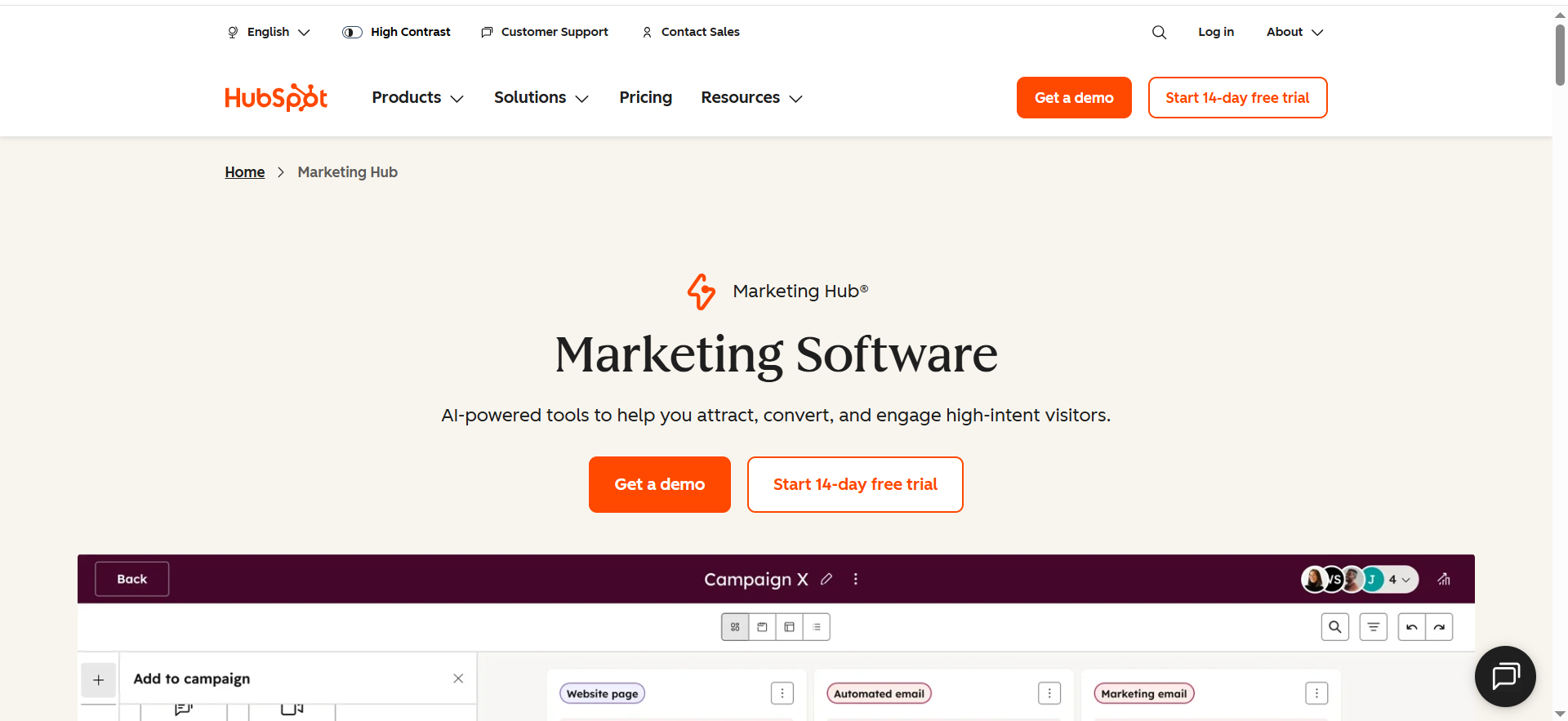
HubSpot is an all-in-one CRM and marketing platform that helps small businesses capture leads, follow up automatically, and track deals in one place. It’s best when you want your blog traffic and campaigns to turn into measurable pipeline—not just clicks.
Best for: Small businesses that want an all-in-one system (CRM + marketing + sales follow-up) without juggling 6 tools.
At a glance
- Category: All-in-one suite (CRM-first)
- Free tier: Yes — HubSpot CRM is “100% free. Forever.”
- Starting price: Starter Customer Platform bundle $20/month
- Learning curve: Medium (worth it if you want pipeline clarity)
Key AI capabilities you’ll actually use
- Faster drafting of emails, landing copy, and campaign variations (AI assistance varies by hub/tier).
- Smarter workflow setup (turn “if X then Y” into automated follow-ups).
Top integrations
- Website forms, email, calendars/meetings, ad platforms, and a large app ecosystem (great for growing teams).
Strengths
- One source of truth for leads → deals → customers.
- Helps your marketing drive booked calls and pipeline, not just “traffic.”
Trade-offs
- Can get expensive as you scale features/seats.
- Needs simple governance (naming conventions, lifecycle stages).
Use it like this (micro-workflow: “Roundup traffic → booked consult”)
- Add a checklist opt-in form to this blog post.
- Auto-send Email #1 (deliver checklist).
- Email #2 (day 2): “3 quick wins.”
- Email #3 (day 5): book a 30-minute consultation.
- Track: post → signup → booking, inside the CRM.
Pro tip: If you’re starting lean, use free CRM first, then upgrade only when you need automation + reporting depth.
Free tier limits: HubSpot's pricing page shows the free CRM is free for up to 2 users, with 2,000 email sends per month.
2 — Canva (Canva Business / Pro)
Canva is a design tool that lets you create professional marketing visuals (social posts, ads, lead magnets, one-pagers) without a designer. Its built-in AI features help you generate and repurpose creative faster so you can publish consistently.
Best for: Small teams that need high-volume creative (social posts, ads, carousels, lead magnets) without a designer.
At a glance
- Category: Content + design
- Pricing anchor: Canva introduced Canva Business at $20/person/month, no seat minimum
- Learning curve: Low (fastest “ship today” tool)
Key AI capabilities you’ll actually use
- AI-assisted design generation and creative variations (Magic tools inside the workflow).
- Rapid repurposing: turn one message into multiple layouts and sizes.
Top integrations
- Works smoothly with social schedulers, downloads/export, team folders, and basic brand governance.
Strengths
- Fastest path to “looks professional.”
- Templates help small teams stay consistent.
Trade-offs
- Easy to look generic if you don’t lock a brand kit + templates.
- AI is best for drafts/variations—your positioning still has to be human.
Use it like this (micro-workflow: “One blog → 12 assets”)
- Pull 5 key takeaways from this article.
- Create 3 templates: tip, mistake, CTA.
- Generate 4 variations per template (headlines + layouts).
- Export and schedule across 2 weeks.
Pro tip: Create a “Roundup Creative Kit” folder so every new roundup gets plug-and-play assets.
3 — Brevo
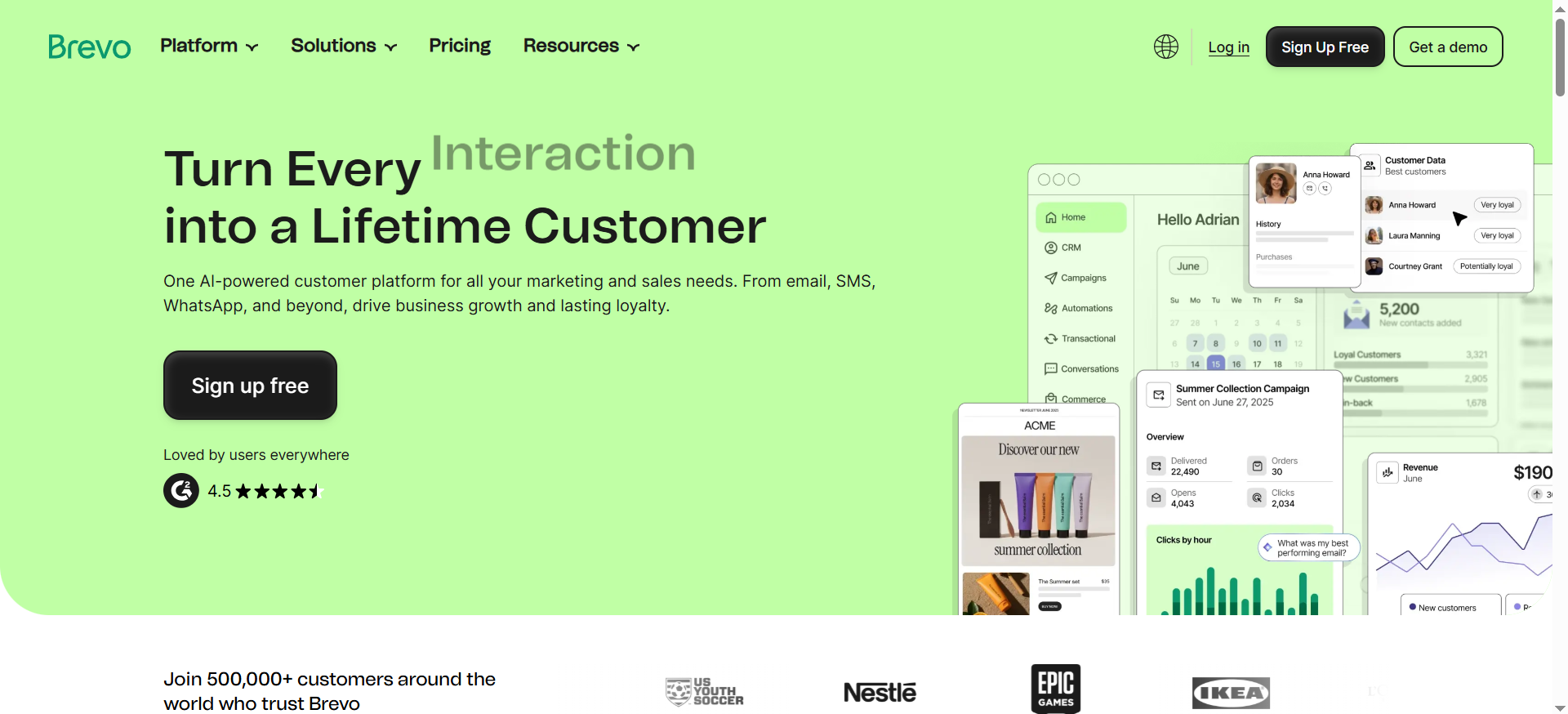
Brevo is an email marketing and automation platform built for small businesses that want strong value without complexity. You can send newsletters, build simple nurture sequences, and segment leads so you’re not blasting the same message to everyone.
Best for: SMBs who want email marketing + automation with a meaningful free plan (and upgrade only when growth demands it).
At a glance
- Category: Email + automation
- Free tier: Includes 300 daily email sends (no rollover)
- Learning curve: Low–Medium
Key AI capabilities you’ll actually use
- Brevo’s pricing materials reference an AI content generator (plan-dependent).
- Draft faster: subject lines, intros, offer angles.
Top integrations
- Common ecommerce/website tools + Zapier for everything else.
Strengths
- Strong value for newsletters + simple automations.
- Practical upgrade path as your list grows.
Trade-offs
- Daily send cap on free plan means you’ll upgrade once your list gets active.
- Advanced automation/reporting improves in higher tiers.
Use it like this (micro-workflow: “Checklist → nurture → consult”)
- Build a 2-step opt-in: email → one qualifying question.
- Deliver the checklist instantly.
- Run a 5-email nurture: quick win → mistake → case study → tools → consult CTA.
- Tag anyone who clicks “consult” and follow up personally.
Pro tip: Add one email that asks people to reply with their biggest marketing bottleneck—this increases engagement and deliverability.
Free tier limits: Brevo's pricing page lists up to 300 emails per day on the Free plan, after account approval.
| Plan | Price | AI content generator |
|---|---|---|
| Free | Free | Not included |
| Starter | See Brevo's pricing page | Included |
The AI content generator is included from the Starter plan upward and not on the Free plan, as Brevo's pricing page shows.
4 — Buffer
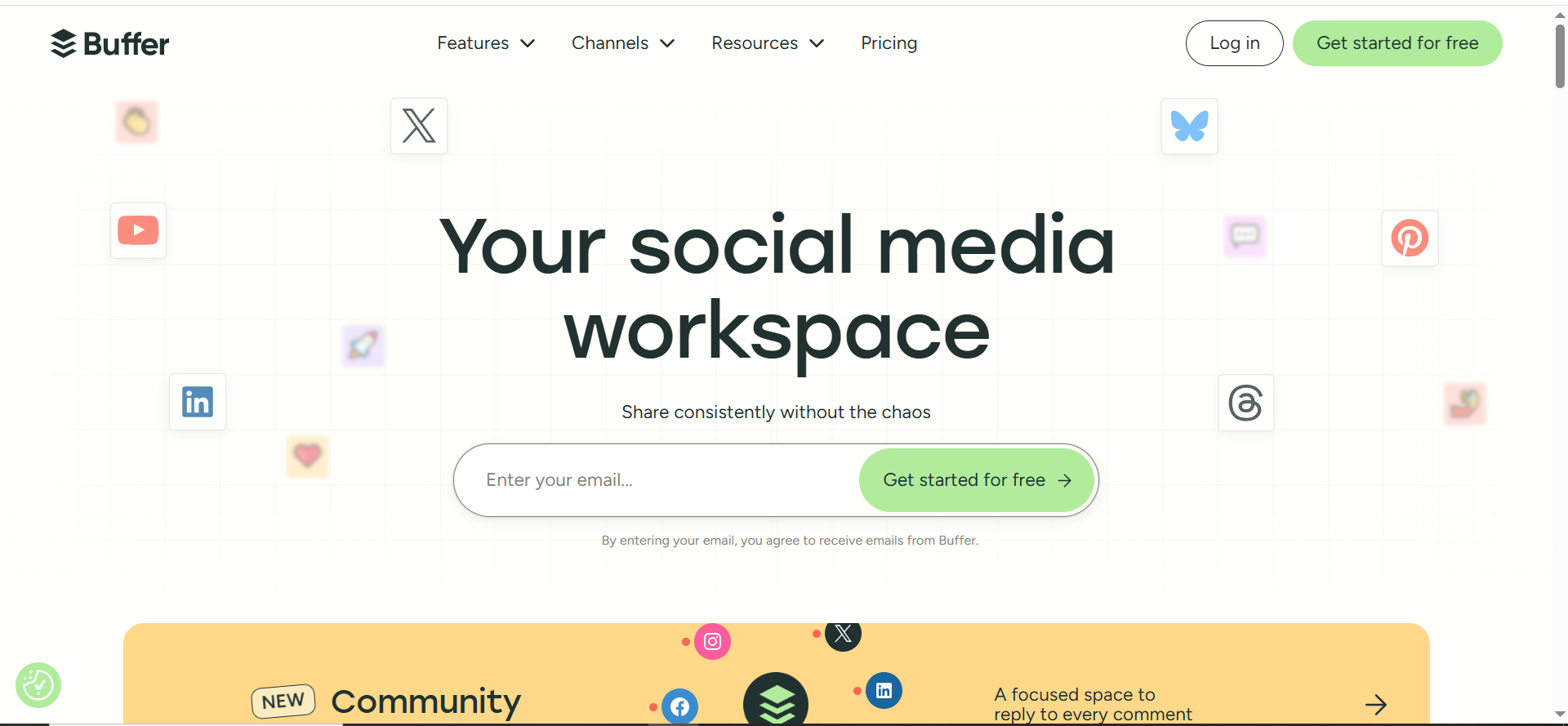
Buffer is a simple social scheduling tool that helps you plan and publish posts across channels without manually posting every day. It’s ideal for batching content once a week and keeping a consistent presence with minimal effort.
Best for: Small businesses that need consistent social publishing without a complicated social suite.
At a glance
- Category: Social scheduling
- Paid starting point: Buffer pricing shows Essentials at $5/month (per channel)
- Learning curve: Low
Key AI capabilities you’ll actually use
- AI helps for hooks, rewrites, and post variations (useful for speed + consistency).
Free plan usefulness
- Buffer notes the Free plan lets you schedule 10 posts per channel, up to 30 total with three channels connected.
- Buffer also lists Free: connect up to 3 channels on pricing.
Strengths
- Simple, predictable, low friction.
- Great for batching (1 hour/week can cover your entire calendar).
Trade-offs
- Deep analytics and collaboration features are limited vs enterprise suites.
- Posting more ≠ better results (you still need a clear offer + CTA).
Use it like this (micro-workflow: “30 posts in 45 minutes”)
- Define 3 weekly content types: tips, proof, offer.
- Write 10 posts using a simple structure: Hook → Value → CTA.
- Schedule 2 weeks ahead.
- Repost the top performer next month with a new hook.
Pro tip: Save your best 10 posts as a “Swipe File” so you’re never starting from scratch.
| Plan | Price | Limits |
|---|---|---|
| Free | Free | Up to 3 channels, 10 scheduled posts per channel |
| Essentials | $5 per channel per month ($60 per channel per year billed yearly) | 1 user |
Buffer's pricing page lists both plans with these limits.
5 — Google Analytics (GA4)
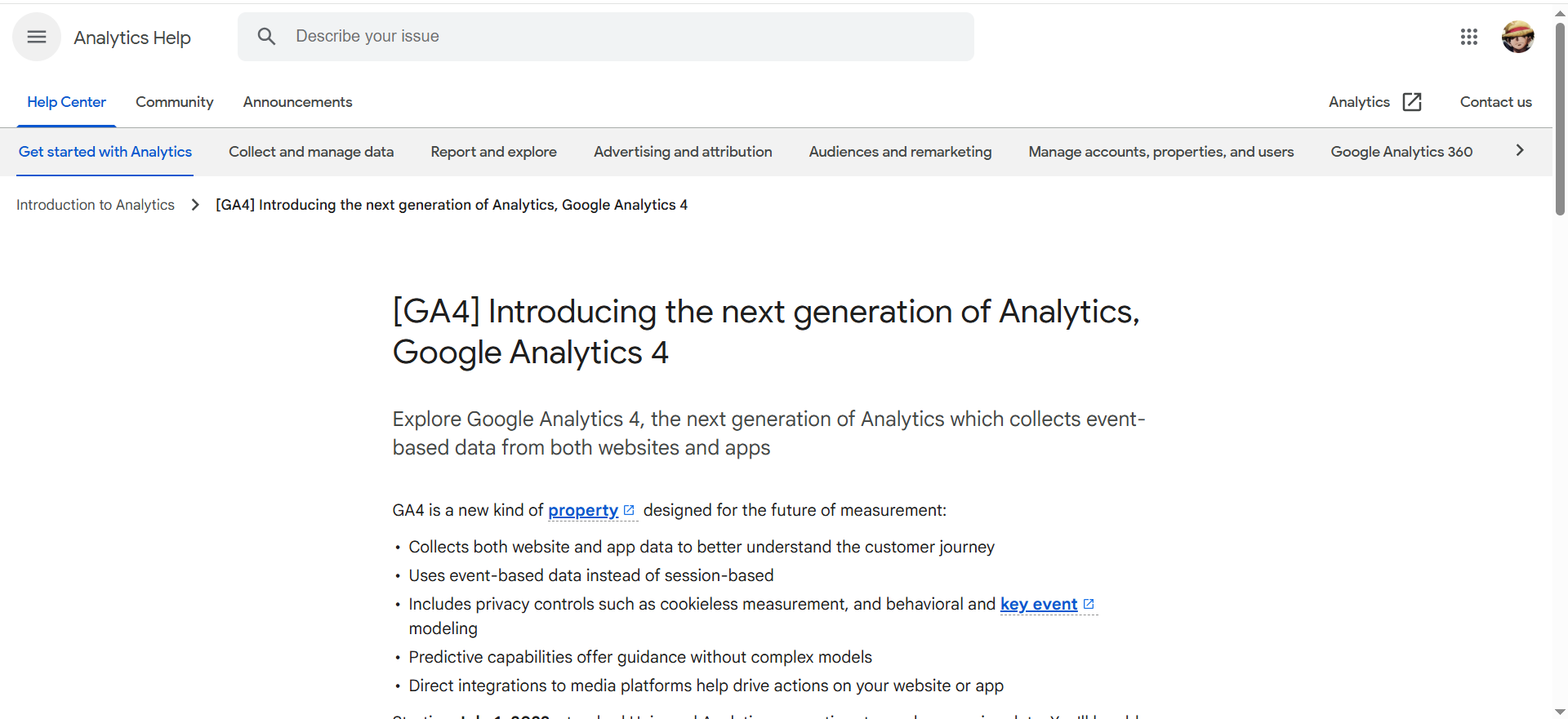
GA4 is Google’s analytics platform for tracking how people find and use your website and which pages lead to conversions. It helps you measure what content and channels drive checklist downloads, consult clicks, and booked calls so you can double down on what works.
Best for: Every SMB that wants to measure what works (traffic → leads → bookings) without paying for analytics software.
At a glance
- Category: Analytics + reporting
- Pricing: Google Analytics gives you tools “free of charge”
- Learning curve: Medium (setup matters)
Key AI capabilities you’ll actually use
- Google positions Analytics insights and prediction capabilities powered by Google AI (e.g., anticipating opportunities).
- GA4 also has “Analytics Intelligence” insights using machine learning to help you act on data.
Strengths
- Best baseline measurement for the price ($0).
- Essential for proving ROI from SEO/content.
Trade-offs
- If you don’t configure conversions, GA becomes “interesting charts.”
- Requires ongoing habit: weekly review + action.
Use it like this (micro-workflow: “Know what’s working in 20 minutes/week”)
- Track 3 conversions: checklist download, consult click, consult booked.
- Weekly: review conversions by channel and top landing pages.
- Improve one page each week (CTA clarity, proof, FAQs).
- Double down on the channel that drives bookings (not just clicks).
Pro tip: Keep KPIs minimal (3–5). If you track 25 events, you’ll track nothing.
Free tier: Google Analytics is free of charge.
📋 Get Listed / Advertise
We update this guide monthly. Want your tool featured? Contact: [email protected].
Pick The Tool For Your Bottleneck
Fix the stage where leads leak first. That one rule beats buying the tool with the longest feature list.
Name your single biggest bottleneck this month. Set up only the tool that fixes it. Add the next one when the first is running without you thinking about it. Five half-configured tools do less than two that work.
| Bottleneck | Symptom | First tool | Limit or cost to watch |
|---|---|---|---|
| Capture | Visitors read a post and leave without a trace | HubSpot | Free CRM covers 2 users and 2,000 email sends per month |
| Creative | Posts go out late or look inconsistent | Canva | Business plan is $20 per person per month |
| Nurture | Signups never hear from you again | Brevo, plus Buffer for social reach | Brevo sends 300 emails per day, Buffer schedules 10 posts per channel |
| Measurement | You cannot say which post produced a booking | Google Analytics | Free of charge, so the cost is setup time |
Capture is the first stage to check, because every other stage depends on having a contact to work with. If you want a wider field of options for that stage, our guide to AI tools for lead generation covers it. If your leak comes after the signup, the comparison of AI tools for email marketing goes deeper on nurture.
Do not try to fix two stages in the same month. You will not know which change moved the number.
The Weekly Publish, Capture, Nurture, Book Loop
The five tools are one routine, not five separate jobs. You publish something, cut it into assets, schedule them, catch the visitors it brings, email them, and read the result. Here is a weekly version you can run alone.
- Monday, Canva (30 minutes): Take your latest post and cut it into five assets, such as a tip, a mistake and a call to action, using the three templates you reuse every week. The output is five finished images.
- Tuesday, Buffer (20 minutes): Schedule the assets across the week, with the consult link in the final post of each batch. The output is a full week queued.
- Wednesday, HubSpot (15 minutes): Check that the form on your post still feeds the CRM and that last week's signups carry a source. The output is clean contact records.
- Thursday, Brevo (30 minutes): Write or tune one email in the nurture sequence, ending on a link to book a call. The output is one improved email.
- Friday, Google Analytics (20 minutes): Read conversions by channel and by landing page, then pick one page to improve next week. The output is one decision.
- Friday, HubSpot (10 minutes): Follow up personally with anyone who booked or clicked the consult link. The output is calls on the calendar.
That adds up to about two hours a week once everything is set up. The first pass takes longer, because you build the forms, templates and sequence once.
The loop breaks when a step depends on a person remembering it. When that happens, the next step up is marketing automation tools, which trigger the follow-up for you.
What Are AI Marketing Tools For Small Business?
AI marketing tools for small business are software that uses machine learning or generative AI to create, personalise, automate and measure marketing for owners and small teams. They take on the drafting, scheduling, follow-up and reporting that a company without a marketing department would otherwise do by hand.
The tools that matter most for small businesses focus on four jobs.
- Content production: Copy, images and variations.
- Campaign automation: Email sequences and lead routing.
- On-site conversion: Landing pages and A/B testing.
- Reporting: Dashboards, insights and anomaly detection.
These tools also touch AI search visibility, which is how often your brand gets mentioned in results from Google AI Overviews, ChatGPT and other answer engines. None of the five picks measures that directly. If you want to work on it, read about how answer engines surface brands in their responses. For the wider field of tools beyond a small business stack, see our roundup of AI tools for digital marketing.
Free Vs Paid: What Is Worth Paying For
Stay on the free plan until a limit blocks a weekly task. Pay then, not before. The table shows where each free plan stops and what the first paid step looks like.
| Tool | What the free plan covers | Limit that forces an upgrade | First paid step |
|---|---|---|---|
| HubSpot CRM | Free for up to 2 users, 2,000 email sends per month | A third user or more than 2,000 sends | See HubSpot's pricing page |
| Brevo | Up to 300 emails per day, no AI content generator | The daily send cap, or wanting the AI generator | Starter, see Brevo's pricing page |
| Buffer | Up to 3 channels, 10 scheduled posts per channel | A fourth channel or an eleventh queued post | Essentials, $5 per channel per month |
| Google Analytics | Free of charge | None on price | None on the free product |
| Zapier | 100 tasks per month | More than 100 tasks in a month | Professional, from $19.99 per month for one user |
HubSpot's pricing page lists the free CRM at 2 users and 2,000 email sends per month. Brevo's pricing page lists 300 emails per day on Free and the AI content generator from Starter upward. Buffer's pricing page lists Essentials at $5 per channel per month, or $60 per channel per year billed yearly. Zapier's pricing page lists 100 tasks per month on Free and Professional from $19.99 per month for a single user. Google's Analytics page calls the product free of charge.
The paying test: Upgrade when a limit blocks a weekly task, or when the tool saves you three or more hours a month, or produces at least one extra qualified lead a month. Track your hours and leads for 30 days before and after to find out.
Run the numbers before you upgrade, using your own figures.
- Monthly cost: The plan price times your channels or seats. Three channels on Buffer Essentials at $5 per channel per month is $15 per month.
- Extra leads per month: Your honest estimate of the additional leads the tool produces.
- Value per lead: What one lead is worth to your business, in dollars.
- Break-even: Monthly cost divided by value per lead gives the extra leads the tool must produce. At $15 and an illustrative $50 per lead, that is 0.3 leads, so one extra lead a month covers it.
If you are weighing a done-for-you programme instead of tools, our pricing and engagement options show how that works.
If you would rather not run this stack yourself, the GEO + SEO Growth Programme covers the content, tracking and AI visibility work on an ongoing basis. See how it is set up.
Where AI Writing And SEO Tools Fit
A general chat assistant or a writing tool is optional once the five picks are running. It pays for owners who write a lot every week and lose hours on first drafts. If you publish once a month, the time saved will not cover the subscription. OpenAI's pricing page lists ChatGPT Plus at $20 per user per month, and Jasper's pricing page lists Jasper Pro at $69 per seat per month billed monthly or $59 per seat per month billed annually. Copy.ai is another tool in the same category.
If you would rather hand the writing off than learn another tool, our SEO content writing services cover that. The roundup of AI marketing tools for content marketing compares the writing tools in more depth.
An SEO content tool is a different job. If you write your own pages, Surfer scores a draft against the pages already ranking for the same query and shows which terms to add. Surfer's pricing page lists the Discovery plan at $49 a month billed yearly. It suits owners who publish their own pages and want a check against what already ranks. It does not suit anyone whose bottleneck is leads or follow-up, because it improves a page and does nothing for what happens after the visit.
How To Choose: Six Checks And Five Mistakes
Before you buy anything, rate each tool on six checks. The best tool for a small business is the one you use weekly and that pays for itself fast.
- Speed to value: Can you set it up and launch something real, such as a campaign, a landing page, a workflow or a report, in 60 to 120 minutes?
- Learning curve: If it needs hours of training or a certification to get value, it is probably not built for a small business, unless it replaces several tools.
- Integration fit: Does it connect to your CRM, website forms, calendar or booking tool, and ad accounts if you run them, without messy workarounds?
- Realistic total cost: What happens when you add contacts, seats, channels or automation volume? Check the upgrade cliff before you commit.
- Workflow clarity: Does it help you run marketing as a system, with templates, automation triggers and next steps, rather than one-off tasks?
- Trust and control: Can you review and edit AI output easily, keep a consistent brand voice, and avoid generic or inaccurate content?
Quick rule: If a tool does not improve speed, consistency or measurement, it is not a priority for a small business stack.
Five mistakes are worth avoiding before you spend anything.
- Buying before defining the weekly process: If you cannot describe how you publish, capture, follow up and measure, no tool will fix it.
- Adding too many tools at once: You cannot tell which one helped, and none of them gets set up properly.
- Skipping conversions in GA4: Without them you will see traffic and never see bookings.
- Treating AI drafts as finished: Output needs your positioning, your proof and a read-through before it goes out.
- Paying before a free limit is hit: A paid plan you do not need is the easiest cost to cut.
Stack Picks By Business Type
The five picks stay the same. What changes is which one you set up first.
- Local service business: Start with HubSpot, because missed enquiries cost more than missing posts. Add Brevo next so every enquiry gets a follow-up sequence.
- Consultant or solo marketer: Start with Google Analytics and Brevo. You already have a service to sell, so you need to see which post produces a booking and then nurture the people who sign up.
- Online store: Start with Brevo for abandoned-cart and repeat-purchase email, then add Canva for product creative. The roundup of AI marketing tools for ecommerce covers the full list.
- Social-heavy brand: Start with Canva and Buffer, because volume and consistency are the job. Move to HubSpot once posts start producing leads you need to track. For tools beyond Buffer, see AI marketing tools for social media.
Measure Results And AI Search Impact
Three GA4 conversions show whether each tool earns its place.
- Lead-form submit: Proves capture works, which is the HubSpot form on your post.
- Consult click: Proves your emails and posts make people want to talk.
- Consult booked: Proves the whole loop ends in a conversation.
Review them once a week for 20 minutes. Look at conversions by channel and by landing page, then change one thing. If a tool does not move one of these three numbers within about a month, it is a candidate to cancel. For tools built around reporting, the roundup of AI tools for marketing research is a good next read.
On AI search, the five tools help indirectly. They keep you publishing clear pages on a regular schedule, and they do not track whether Google AI Overviews or ChatGPT mention your brand. GA4 shows what visitors do once they arrive but not how you rank for the queries you want, so a keyword research and rank tracking tool such as Semrush fills that gap and can also track how your brand appears in AI answers against competitors. If AI visibility is a priority, our work on generative engine optimization is the next step.
FAQs
Do AI Marketing Tools Replace A Marketer?
Are These Tools Good For Google AI Overviews And AI Search Visibility?
Should I Choose An All-In-One Suite Or Best-Of-Breed Tools?
What's The Biggest Mistake Small Businesses Make With AI Marketing Tools?
Do I Need Dashboards Like Databox?
How Do I Know If A Tool Is "Worth It"?
How Much Should A Small Business Spend On AI Marketing Tools Each Month?
Are Free Plans Enough To Start With?
Do I Need ChatGPT Or Jasper On Top Of These Five Tools?
Which Tool Should I Set Up First?
Book a free 30-minute call and one of the founders will look at the tools you already use, tell you which bottleneck to fix first, and leave you with a clear next step.
📑 Disclosure!
Some links in this article are affiliate links. If you sign up through them, The Rank Masters may earn a commission at no additional cost to you. This does not influence which tools we recommend or what we say about them.