

TL;DR
Agencies don’t need “another AI tool.” They need an AI stack that survives real agency constraints:
- Multi-client context switching without quality falling off a cliff
- Approvals that don’t live in email threads and screenshots
- Brand consistency across writers, designers, and account teams
- Reporting at scale (dashboards, rollups, templated insights)
- Governance (who can publish, what’s allowed, what’s auditable)
That’s why this roundup is structured around the way agencies actually work—rather than “cool AI features.”
🤙 Want a second opinion on your stack? Book a 30-minute growth/AI visibility consultation with The Rank Masters and grab the Agency AI Tool Stack Checklist download.
💡 Who this is for
- Marketing agencies managing 5–50+ client accounts (content, paid media, creative, lifecycle).
- B2B SaaS-focused teams needing repeatable systems (pipelines, MRR narratives, PLG pages, retainer reporting).
Agency operators who want an AI stack that reduces turnaround time without creating compliance risk.
The 2026 Agency AI Stack in One View (Quick Picks)
💡 Key takeaways (tool + stack level)
- Content ops: Jasper + Copy.ai help agencies produce more content faster without reinventing the process for every client.
- Creative production: Canva + Adobe Firefly speed up asset creation and variations, especially when clients want “just one more version.”
- Reporting: Databox + AgencyAnalytics make multi-client dashboards and monthly reporting more repeatable and easier to explain.
- Approvals: Filestage + Frame.io reduce revision chaos by centralizing feedback and creating clear sign-off trails.
- Automation: Zapier + Make connect your tools so onboarding, handoffs, reminders, and reporting steps run automatically.
- Proposals: PandaDoc + Qwilr help you standardize proposals, close faster, and reduce back-and-forth on scope and pricing.
Category 1: Multi-Client Content Ops
1) Jasper
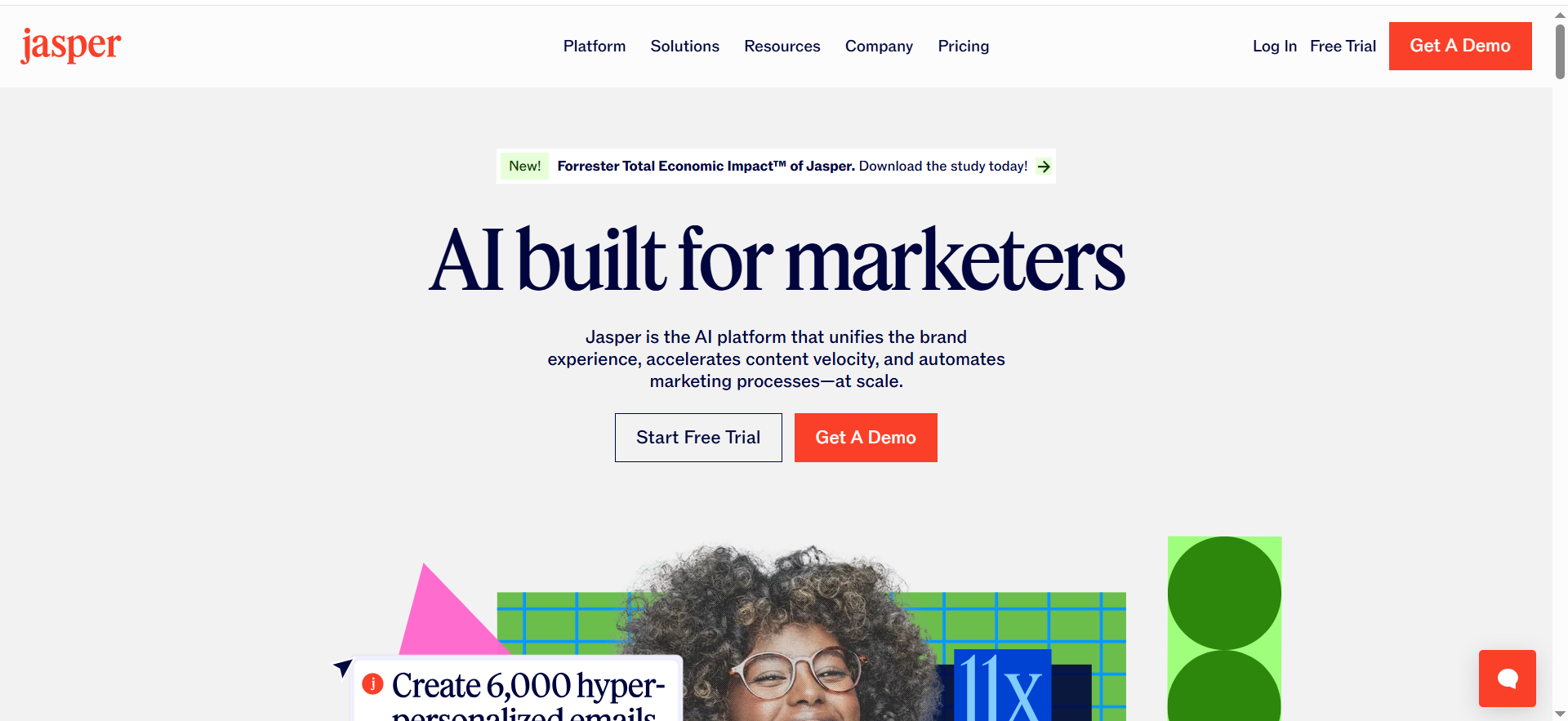
Jasper is an AI writing platform built for marketing teams that need consistent messaging. It helps agencies generate on-brand blog posts, landing pages, ads, and email copy faster by using brand voice settings and reusable workflows.
Best for: Agencies producing high-volume blog, landing page, and campaign copy while enforcing brand voice across multiple clients.
Key AI features (agency-relevant)
- Brand voice + knowledge assets (reduce “writer drift” across account teams)
- Campaign-focused content workflows (less blank-page prompting)
- Governance features are stronger on the Business tier (role controls, etc.)
Integrations (what matters to agencies)
Usually most valuable when connected to: Google Docs/Drive workflows, your PM tool, and whatever you use for editorial QA.
Free tier / trial
- Jasper offers a 7-day free trial for Pro
Pricing tier (indicative)
- Pro is listed at $59/seat/month (billed monthly; annual options exist).
Strengths
- Strong fit when you need repeatable on-brand output for multiple clients, not just “one-off copy.”
- Better for agencies with clear positioning and documented messaging frameworks.
Trade-offs
- You still need human strategy: Jasper won’t fix unclear positioning, weak offers, or thin research.
- Seat-based pricing can sting if you want every account manager inside the tool.
2) Copy.ai
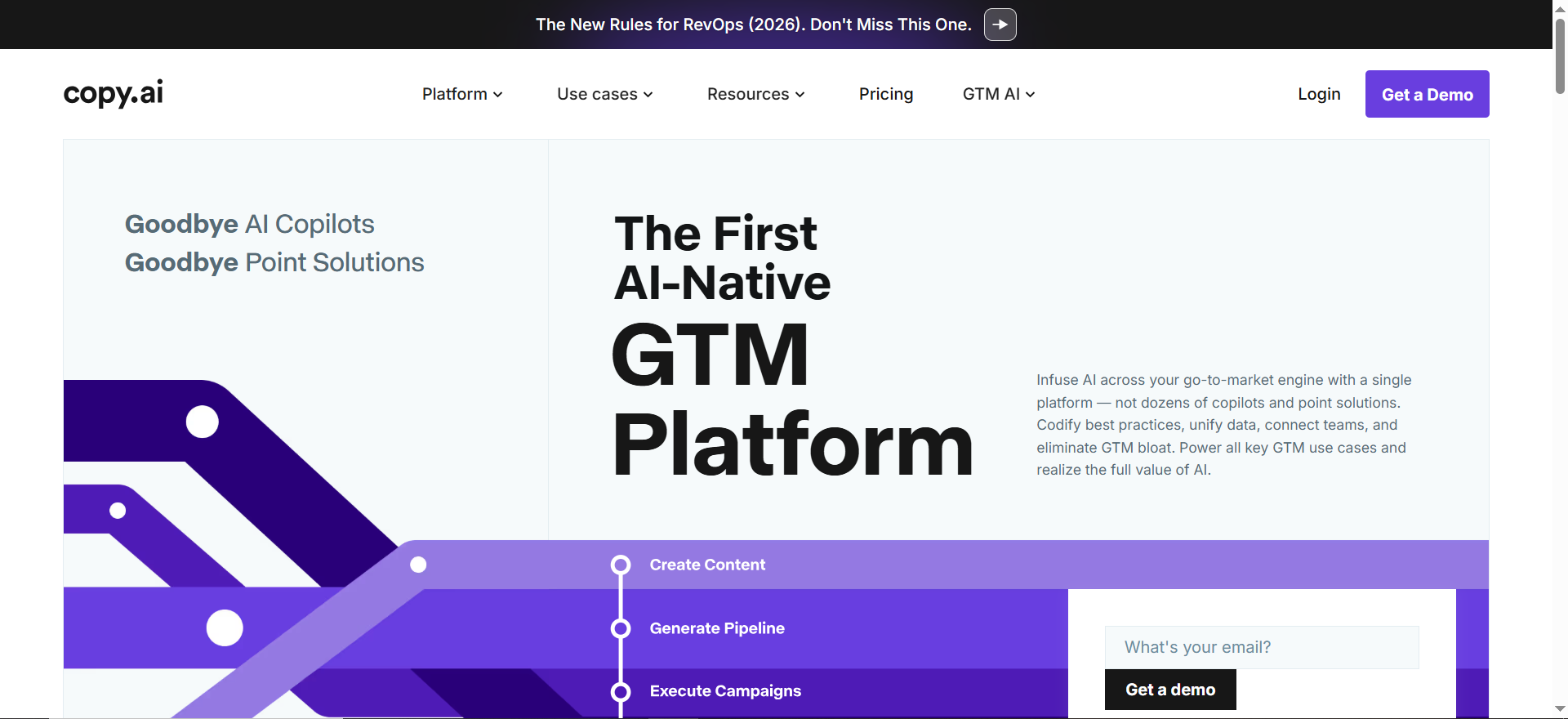
Copy.ai is an AI content and go-to-market platform that focuses on repeatable workflows—not just one-off writing. Agencies use it to turn inputs (a brief, offer, or webinar) into multiple deliverables like blogs, social posts, ad variants, and emails in a structured process.
Best for: Agencies that want repeatable workflows (and agents) for marketing content—especially when you’re turning the same service into deliverables across many clients.
Key AI features (agency-relevant)
- “Chat” for ad-hoc generation, plus agent/workflow approach for repeatability.
- Plans highlight access to multiple model providers and workflow credits for automation-style runs.
Integrations
Best used when tied into your automation layer (Zapier/Make) and content storage (Drive/Notion) so it becomes “systemic” instead of “another tab.”
Free tier / trial
Copy.ai’s current positioning emphasizes paid tiers; confirm availability of free usage in your region/account.
Pricing tier (indicative)
- Chat plan: $29/mo
- Agents plan: $249/mo
Strengths
- Excellent when your agency sells productized deliverables and needs consistent throughput.
- A better fit than many “AI writers” if you care about workflow automation, not just text generation.
Trade-offs
- You’ll need to design workflows thoughtfully (inputs, guardrails, QA checks).
- Without a strong brief, the tool can generate confident “average” output fast.
Category 2: Creative Production
3) Canva (for agencies)
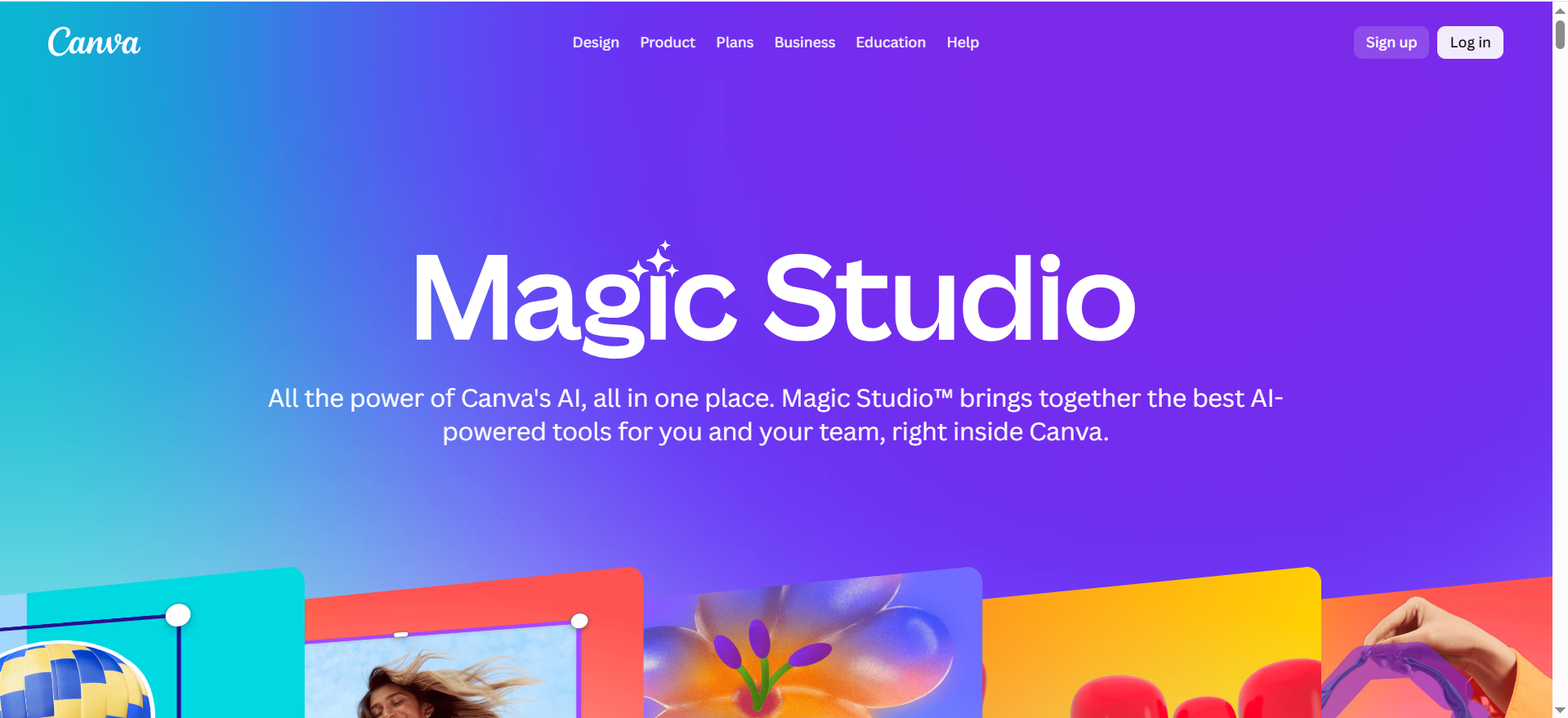
Canva is a design platform agencies use to create social graphics, ads, decks, and client-ready visuals quickly. Its AI-assisted features help teams generate layouts, assets, and variations faster—especially useful when you’re producing lots of creative across many client accounts.
Best for: Agencies shipping lots of “good enough, on-brand” creative: social posts, paid ad variants, decks, thumbnails, simple landing visuals.
Key AI features (agency-relevant)
Canva’s AI features evolve quickly (Magic Studio, AI-assisted layout/content), but the agency value is still:
- Template systems
- Brand kits
- Collaboration + handoffs across account/design teams
Integrations
Common wins: Drive asset libraries, social schedulers, and approval tools.
Free tier / trial
Canva has a free tier and paid tiers; exact packaging varies by region and plan type.
Pricing tier (what agencies should note)
- Canva Teams pricing has shifted for some users; reporting indicates ~$10 per user/month for Teams in the US (new pricing) with minimum seats, while older plans saw significant increases.
Strengths
- Fast creative throughput for account teams.
- Easiest way to maintain brand consistency when designers aren’t available for every request.
Trade-offs
- Not ideal for high-end design systems work (advanced typography/layout, complex illustration).
- If you don’t build a strong template library, Canva becomes chaotic fast.
4) Adobe Firefly
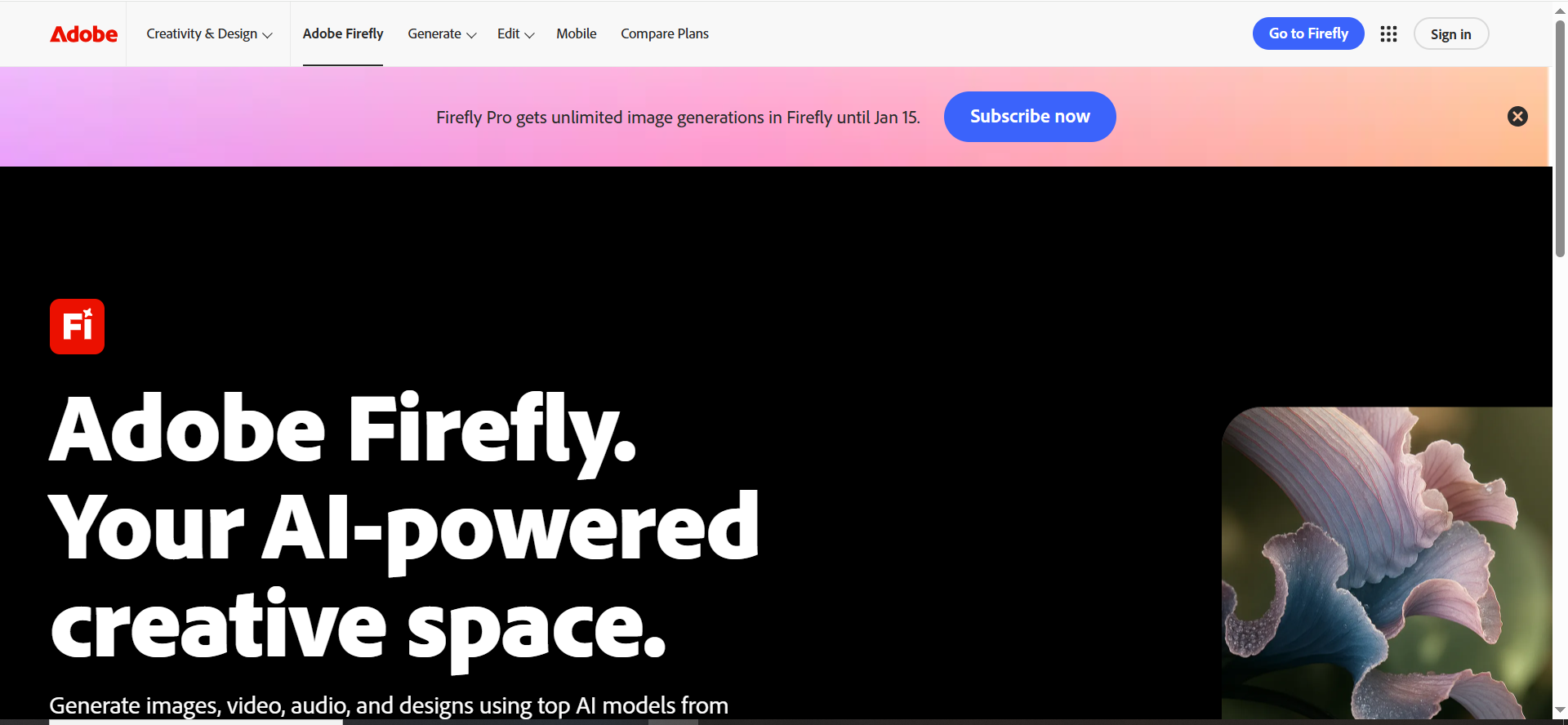
Adobe Firefly is Adobe’s generative AI creative suite for producing and editing images (and related creative outputs) inside Adobe workflows. Agencies use it to generate design concepts and variations faster, then refine them in tools like Photoshop or Express for polished, brand-ready assets.
Best for: Agencies already in the Adobe ecosystem who want generative creative with clearer governance (credits, feature tiers) and stronger production workflows.
Key AI features (agency-relevant)
- Adobe separates generations into Standard vs Premium features and uses generative credits for premium usage.
- Paid plans can include unlimited standard generations while premium generations draw from credits.
- Adobe has expanded Firefly with partner models in some contexts (useful, but review brand/legal constraints).
Integrations
Best with Photoshop / Express / Premiere workflows—especially if your agency already operates there.
Free tier / trial
Firefly offers free usage with limits; paid plans increase credits and unlock capabilities.
Pricing tier (indicative)
Adobe has publicly stated Firefly plans start with Firefly Standard at US$9.99/mo (starting point).
Strengths
- Better alignment with “production” workflows than many standalone generators.
- Credit system can help agencies budget and control usage across teams.
Trade-offs
- Credit mechanics can confuse teams if you don’t document what “costs” what.
- You still need asset governance (where outputs live, who approves, licensing rules).
Category 3: Reporting Dashboards
5) Databox
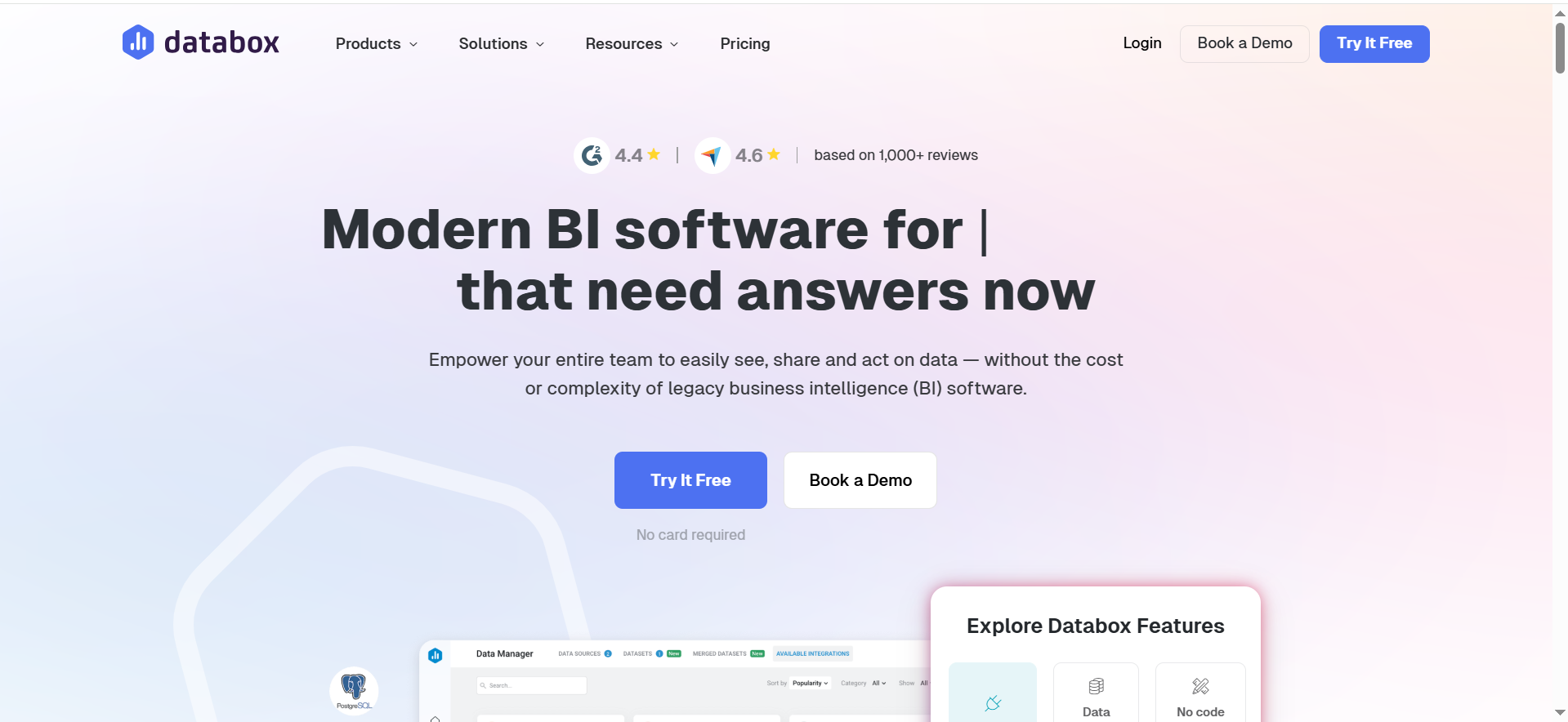
Databox is a reporting and dashboard tool that pulls marketing data into one place for client-friendly performance views. Agencies use it to build dashboards, track KPIs, and create recurring reporting that’s easier to share and explain to stakeholders.
Best for: Agencies that want cross-client dashboards with templating and AI-generated performance summaries for faster monthly reporting.
Key AI features (agency-relevant)
- Databox includes AI performance summaries on higher tiers (positioned as explaining trends + next steps)
Integrations
Databox connects to many marketing sources; it also references connecting data via Zapier/Make for broader coverage.
Free tier / trial
- Databox pricing notes a 14-day trial (Growth plan trial mentioned).
- Databox sunset its Free plan (announced in 2025), so agencies should assume paid usage for ongoing reporting.
Pricing tier (indicative)
Databox lists plans such as Professional ($159), Growth ($399), Premium ($799) (per month) on its pricing page.
Strengths
Great for agencies that want:
- dashboard templates
- multi-client rollups
- consistent reporting delivery
Trade-offs
- You’ll still need a human narrative layer for exec stakeholders (“so what / now what”).
- Costs can scale with data sources depending on your setup.
6) AgencyAnalytics
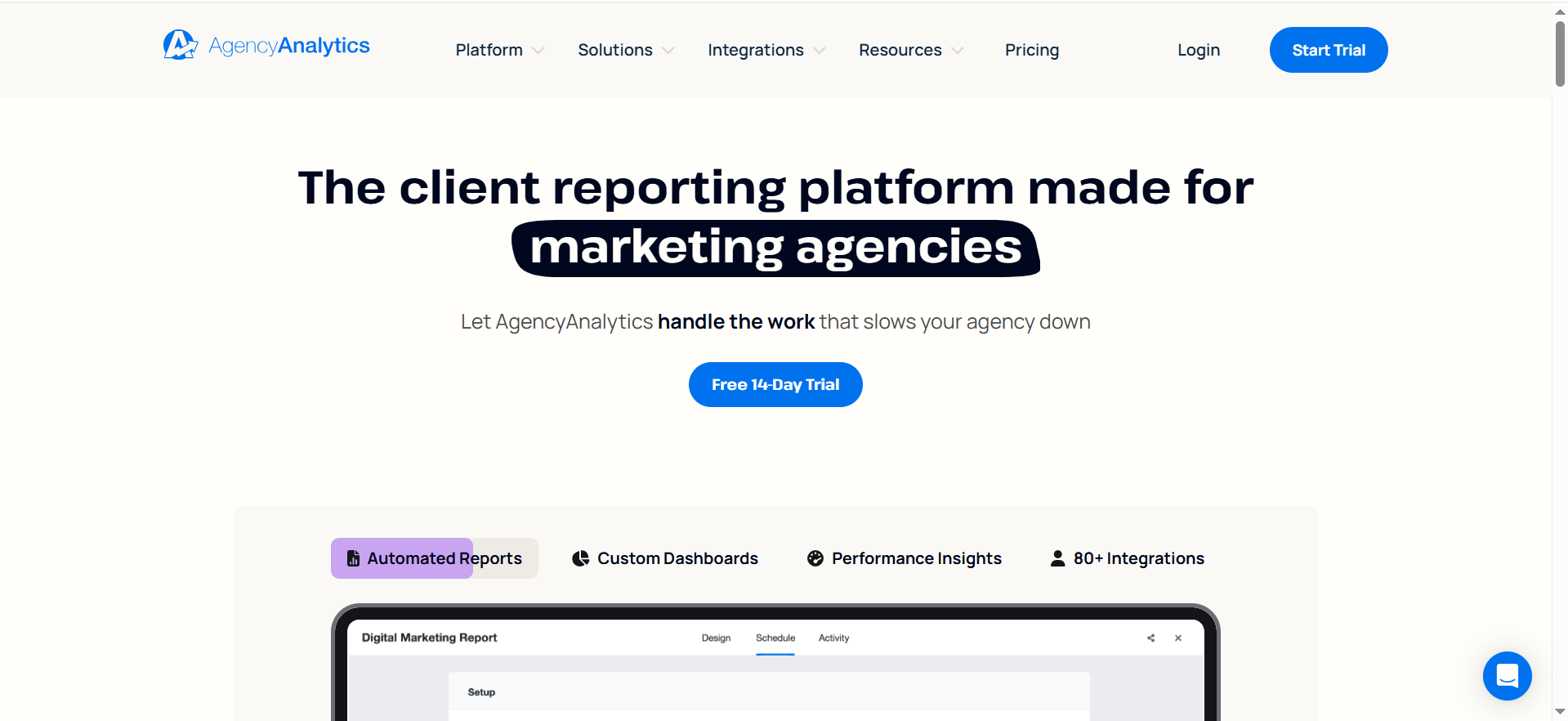
AgencyAnalytics is a reporting platform designed specifically for marketing agencies and multi-client reporting. It helps you build templated dashboards, manage multiple client profiles, and deliver recurring reports without rebuilding everything from scratch each month.
Best for: Agencies that want client-ready marketing reporting with a portal-style experience and agency-centric packaging.
Key AI features (agency-relevant)
Some plans list AI elements such as AI summary/Ask AI on certain tiers (confirm availability for your plan).
Integrations
Designed for marketing reporting; prioritize the sources you sell (GA4, GSC, Ads, etc.).
Free tier / trial
Many directories note trials; confirm in-product for your region.
Pricing tier (indicative)
AgencyAnalytics is commonly presented as:
- Freelancer $79/mo
- Agency $239/mo
- Agency Pro $479/mo
Strengths
- Packaging is naturally aligned to agencies (clients-based tiers, portal expectations).
- Helps standardize reporting delivery across account managers.
Trade-offs
- If you need advanced BI/warehouse workflows, you may outgrow it.
- Like all reporting tools: garbage in, garbage out—tracking quality still matters.
Category 4: Collaboration + Approvals
7) Filestage
AgencyAnalytics is a reporting platform designed specifically for marketing agencies and multi-client reporting. It helps you build templated dashboards, manage multiple client profiles, and deliver recurring reports without rebuilding everything from scratch each month.
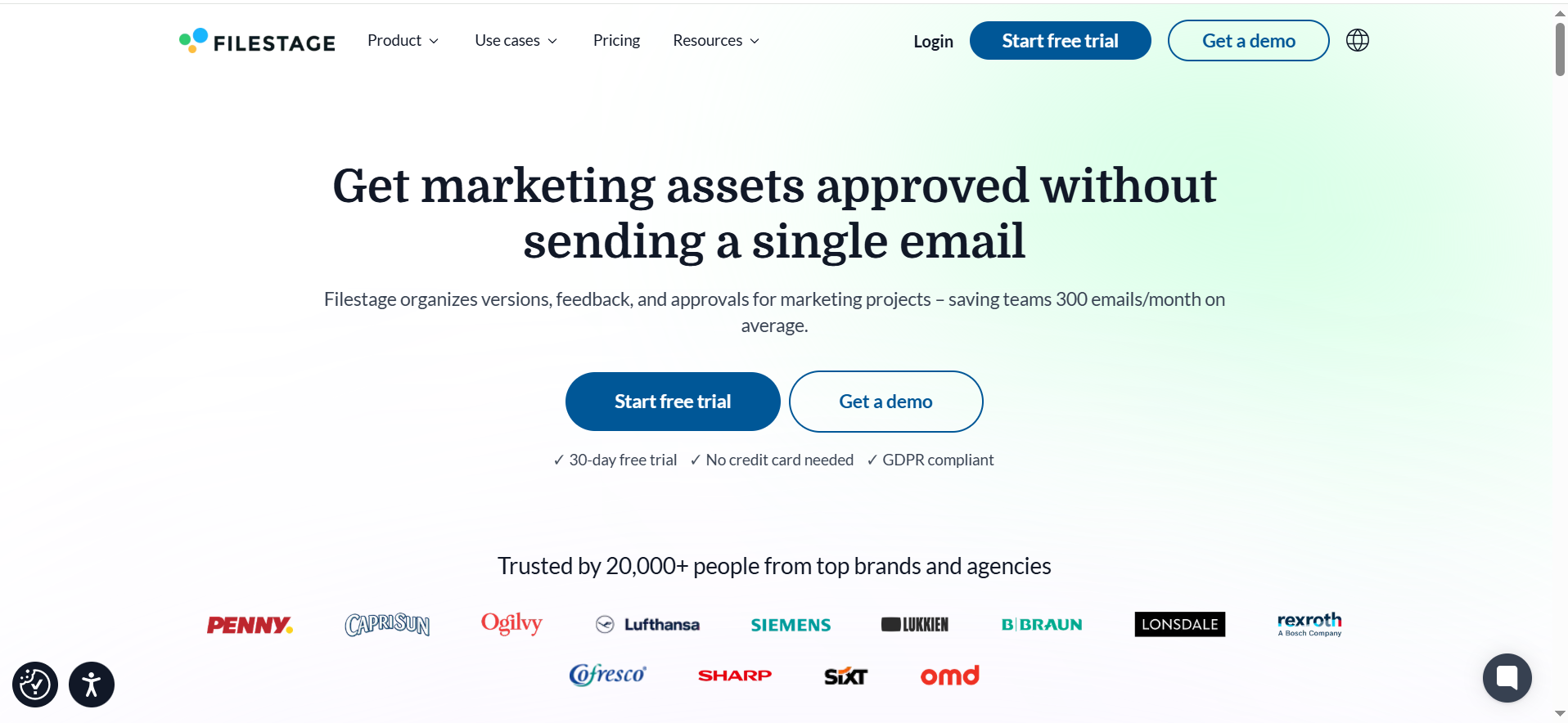
Best for: Agencies that need structured review and approval across clients—without inbox chaos.
Key AI features
Filestage is less about “AI generation” and more about approval operations (which is what most agencies actually break on).
Integrations
Common wins: Slack/Email notifications + storage (Drive) + PM tool.
Free tier / trial
- Filestage offers a 30-day free trial (no credit card messaging appears on their pages).
- Filestage states you’ll roll to a Free plan after the trial unless you upgrade.
Pricing tier
Filestage pricing depends on projects/features (they emphasize those two drivers).
Strengths
- Agencies win when approvals become a system, not a scramble.
- Strong for compliance-heavy or brand-sensitive clients.
Trade-offs
- You still need to enforce the policy: “If it’s not approved in Filestage, it’s not approved.”
8) Frame.io
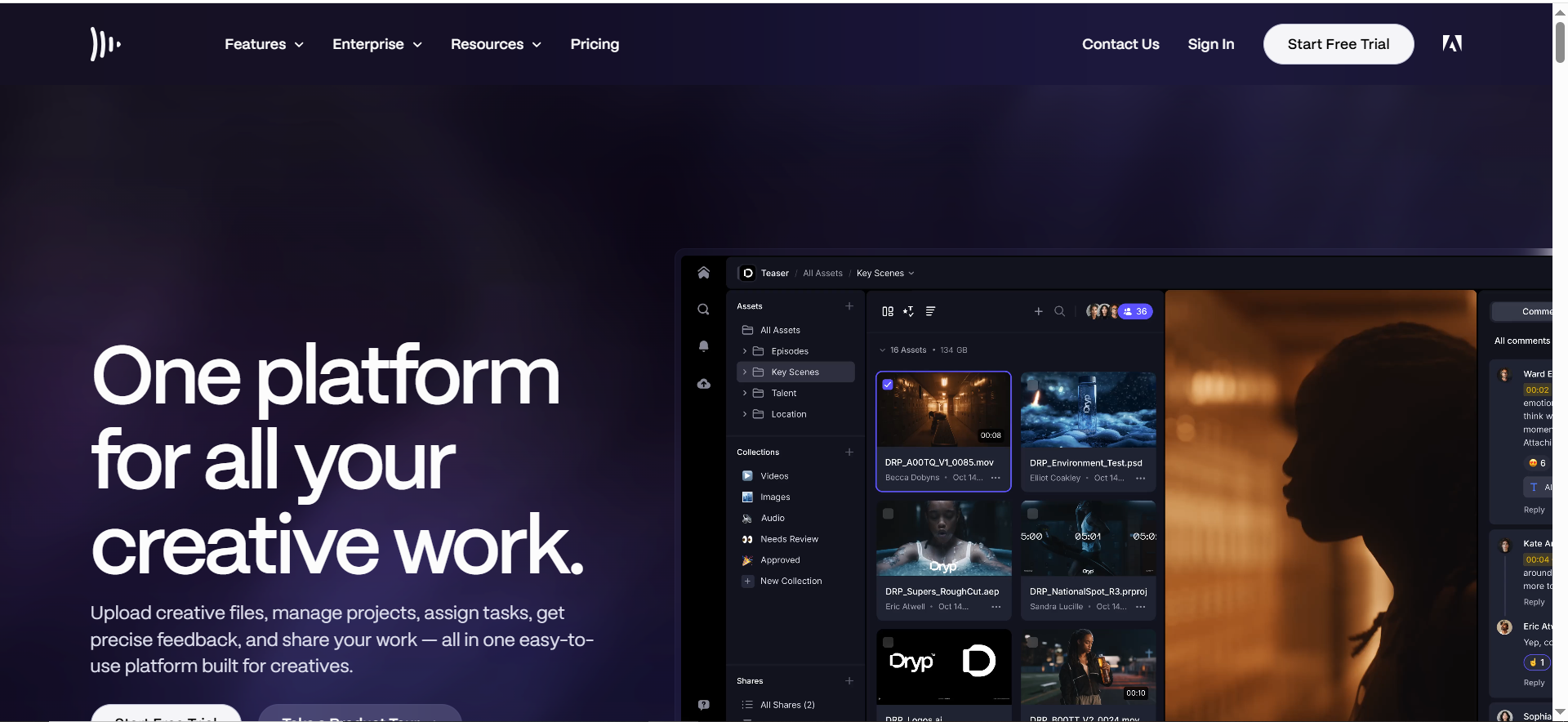
Frame.io is a collaboration and review platform built for video workflows. Agencies use it to share cuts with clients, collect time-stamped feedback, manage versions, and speed up approvals without endless email threads.
Best for: Agencies producing video-heavy deliverables who need frame-accurate feedback, comments, and review workflows.
Key AI features
Frame.io’s core value is review collaboration (not flashy “write my ad” AI). That said, speed and clarity here are what unlock scale.
Integrations
Often used alongside editing tools and cloud workflows (and fits best when your video pipeline is already structured).
Free tier / trial
Frame.io’s help center describes a Free plan including up to 2 members, 2GB storage, and up to 2 projects.
Pricing tier
Frame.io has paid plans (Pro/Team/Enterprise) with more storage, branding, security; confirm current pricing on their site for accuracy (it changes over time).
Strengths
- Removes ambiguity from video feedback.
- Makes client reviews faster and less painful.
Trade-offs
- If your agency doesn’t have a real video production pipeline, adding Frame.io won’t fix the underlying process.
Category 5: Automation + Integrations
9) Zapier
Zapier is an automation tool that connects your apps so work moves automatically between them. Agencies use it to automate repetitive tasks like client onboarding steps, task creation, notifications, and routing drafts or approvals across tools.
Best for: Agencies that want quick automation wins across tools (forms → CRM → Slack → reporting → task creation).
Key AI features (agency-relevant)
Zapier increasingly positions around AI-powered workflows, but the practical agency win is still:
- remove manual handoffs
- enforce consistency
- reduce missed steps
Integrations
Zapier emphasizes unlimited app integrations across plans.
Free tier / trial
- Zapier has a Free plan.
Pricing tier (indicative)
- Professional starts at $19.99/mo billed annually.
Strengths
- Fast to deploy.
- Great for agencies that want “glue” without engineering.
Trade-offs
- Complex workflows can become fragile if you don’t document and monitor them.
10) Make
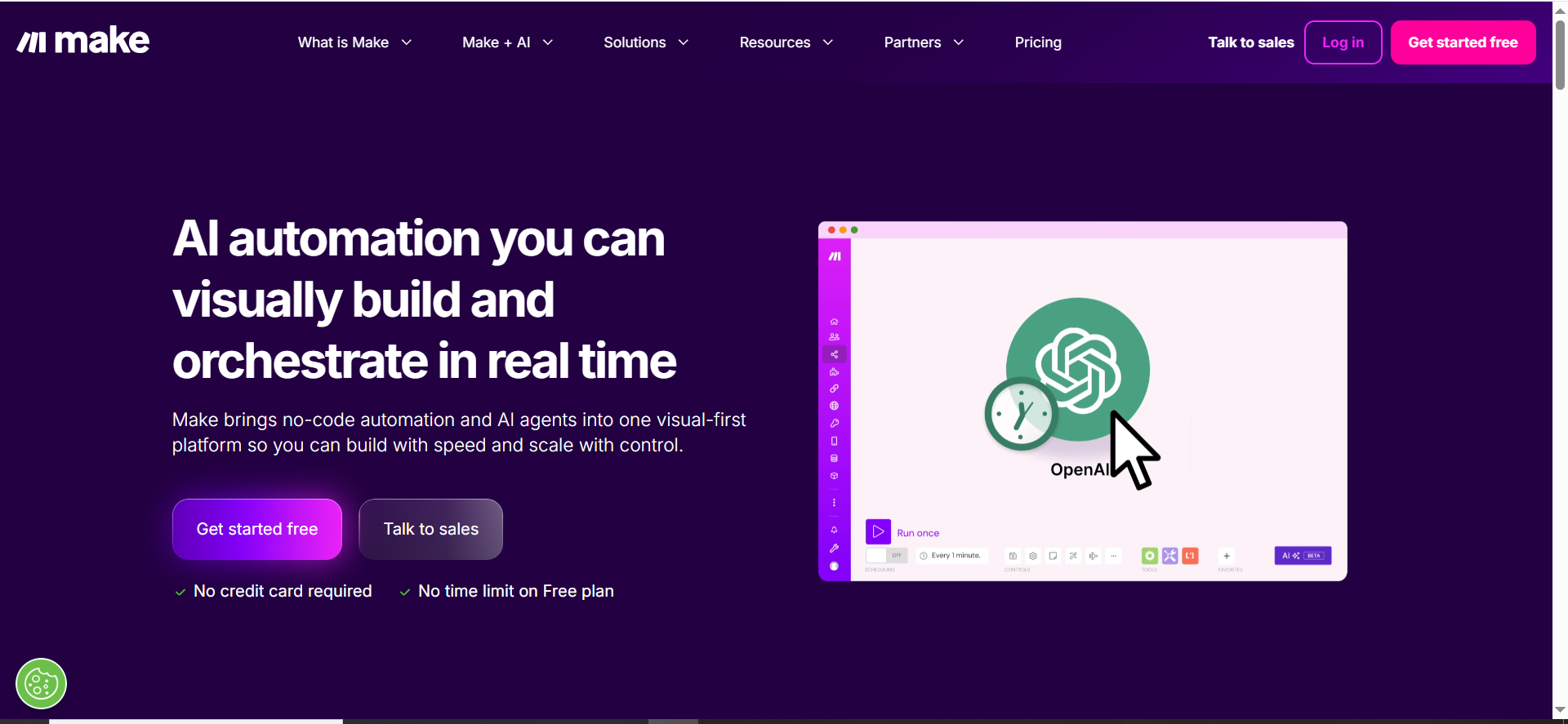
Make is a visual automation platform for building more complex workflows across many apps. Agencies use it to create multi-step, logic-based automations (like content pipelines, reporting flows, or client operations systems) that are hard to manage manually.
Best for: Agencies that want more control and complexity than Zapier—especially multi-step scenarios and data handling.
Key AI/automation features (agency-relevant)
Make’s advantage is the visual scenario builder and more granular workflow control.
Integrations
Make highlights 3000+ apps and scenario routing/filters.
Free tier / trial
- Make offers a Free plan (with monthly credit limits).
Pricing tier (indicative)
- Core starts at $9/mo (for a given credit level).
Strengths
- Better for agencies building repeatable “systems” (not just one-off zaps).
- Can reduce ops cost significantly once stable.
Trade-offs
- More powerful = more ways to break it if you don’t have ownership and QA.
Category 6: Proposal/pricing Helpers
11) PandaDoc
PandaDoc is a proposal and document workflow tool that helps agencies create, send, approve, and e-sign proposals and contracts. It’s often used to standardize proposal templates, speed up approvals, and track engagement so deals move faster.
Best for: Agencies that want proposals + e-sign + approval workflows tied to a content library.
Key AI features
The bigger “AI” win here is operational: faster proposal assembly, fewer errors, reusable blocks.
Integrations
PandaDoc highlights CRM integrations and workflow features on higher tiers.
Free tier / trial
PandaDoc lists a Free option (with document limits) and free trials on paid plans.
Pricing tier (indicative)
- Starter: $19/seat/mo
- Business: $49/seat/mo
Strengths
- Strong when you have multiple service lines and need consistent packaging.
- Helps reduce “random proposal chaos.”
Trade-offs
- Needs ownership (templates, pricing rules, approvals) to stay clean.
12) Qwilr
Qwilr is an interactive proposal tool that turns proposals into modern web pages instead of PDFs. Agencies use it to present pricing and scope clearly, add proof (case studies, timelines), and track what clients viewed so follow-ups are more timely and relevant.
Best for: Agencies that want interactive, web-based proposals with analytics (what clients read, what they ignore).
Key AI/automation features
Qwilr’s main strength is proposal experience + tracking; use automation around it.
Integrations
Qwilr highlights CRM usage (HubSpot is mentioned) and integrations.
Free tier / trial
Qwilr notes a 14-day trial of the Business plan.
Pricing tier (indicative)
- Business: $35/person/month
- Enterprise: $59/person/month
Strengths
- Great for agencies selling strategy + retainers where presentation matters.
- Proposal analytics can improve close rate and follow-up timing.
Trade-offs
- If your offer is unclear, no proposal tool fixes that. You still need positioning.
Recommended “Stacks” by Agency Type
Pick the stack that matches your delivery model (not the fanciest AI feature). These are “one tool per job” stacks designed to reduce revision chaos, speed up multi-client throughput, and keep reporting clean.
If you’re a Content-heavy SEO Agency
Goal: ship consistent content + pages fast, with predictable approvals and reporting.
- Jasper → brand-consistent drafts
- Filestage → client approvals + version history
- AgencyAnalytics → multi-client portal + recurring reports
- Make → automation backbone (handoffs, reminders, reporting pulls)
If your main KPI is organic growth + AI visibility, pair the stack with SaaS-content-marketing and answer-engine-optimization so the output is built to rank and get cited.
If you’re a Creative + Paid Media Agency
Goal: rapid variant production + clean feedback loops + performance reporting.
- Canva → fast creative variants
- Adobe Firefly → higher-end generation for premium creative
- Filestage → approvals (no inbox chaos)
- Databox → dashboards + summary-ready reporting
If you’re an Operator-led Growth Agency (systems-first)
Goal: repeatable workflows that scale across accounts without tool sprawl.
- Copy.ai → workflows/agents for repeatable deliverables
- Make → scenarios + routing (automation + integrations)
- Databox → templates + insights (client-ready reporting)
- PandaDoc / Qwilr → proposals that close faster
For service packaging + scope clarity, align this with your pricing so the stack supports the way you sell (not the other way around).
How To Choose The Right AI Marketing Tools For Your Agency
Choose tools based on the bottleneck costing you the most time and margin—not what looks most “AI.”
Best AI Marketing Tools for Age…
- If approvals are slow → start with an approvals platform.
- If reporting eats month-end → start with dashboards.
- If content production is the constraint → pick one content engine and standardize it before adding anything else.
Simple rule: one tool per job. Agencies get tool sprawl when they buy overlapping platforms and never build repeatable workflows.
Best AI Marketing Tools for Age…
Your shortlist should score high on:
- Client separation (workspaces, permissions)
- Templates you can clone
- Brand guardrails
- Clear approvals + versioning
- Reporting consistency
- Integrations with CMS, Drive, Slack, PM tool, CRM, ads/analytics
If your stack touches PLG pages or conversion-critical landing pages, make sure the workflow includes cro-product-led-content so you don’t “automate output” while leaving conversions behind.
Run a 14-day pilot (before rolling out to every client)
Test with 1–2 clients + one service line, then track:
- Turnaround time
- Revision rounds
- Reporting time
If those don’t improve, the tool isn’t earning its seat.
▶️ Want us to sanity-check your stack + rollout plan? book-a-call and grab additional templates from free-resources.
Frequently Asked Questions
1) What are the best AI marketing tools for agencies in 2026?
2) Do I need more than one AI writing tool?
3) Which tool gives the fastest ROI for agencies?
4) How do I avoid overpaying as we scale?
Conclusion
The “best” AI tools are the ones that make your agency more predictable: faster delivery, fewer revisions, cleaner reporting, and smoother handoffs across clients.
If you want help choosing the right stack and setting it up properly, book a 30-minute growth/AI visibility consult and grab the Agency AI Tool Stack Checklist.
Tool vendors: to be included or updated, email [email protected]


