
HeyGen wins for avatar-led social ads. Synthesia wins for recurring presenter video. Runway wins for cinematic product demos. InVideo AI wins for fast, template-based social cuts. No single AI video generator covers every marketing deliverable, so match the tool to the specific video you need to make this quarter, not to a feature count.
This applies when you are choosing a first tool to trial this quarter for one specific deliverable, not when you are building an in-house production pipeline from scratch.
Pricing, credit allowances and plan limits change often, so confirm the current figure on the vendor's own pricing page before committing a budget.
TRM builds the content programmes that sit around video like this, from the brief through to promotion. See how a SaaS content programme is put together.
📋 Get Listed / Advertise
We update this guide monthly. Want your tool featured? Contact: [email protected].
Best AI Video Generator At A Glance
Every ranked roundup in this space scores tools by feature count. That's the wrong lens for a marketing team with a specific deliverable due this week. The table below starts from the job, not the spec sheet.
| Tool | Best For | Starting Price | Free Plan |
|---|---|---|---|
| HeyGen | Paid social ads with AI avatars | $29/mo (Creator) | 3 videos/mo, up to 1 minute, 720p |
| Runway | Cinematic product demos and launch videos | $12/mo billed annually (Standard) | 125 one-time credits, no expiry |
| Synthesia | Presenter, training and localized video | $29/mo (Starter) | 10 minutes of video creation or dubbing |
| Canva | Branded promo templates and brand control | $144/yr per person (Pro) | Up to 20 Standard or Premium AI uses a year |
| InVideo AI | Fast template-based social video at scale | $20/seat/mo, or $10/seat/mo billed annually (Starter) | No stand-alone free plan; Starter is the entry tier |
HeyGen starts at $29/mo, Runway at $12/mo billed annually, Synthesia at $29/mo, Canva Pro at $144/yr per person, and InVideo AI at $20/seat/mo (or $10/seat/mo billed annually), and each one is built for a different deliverable rather than competing head-to-head on the same job.
1. HeyGen: Best For Paid Social Ads With AI Avatars
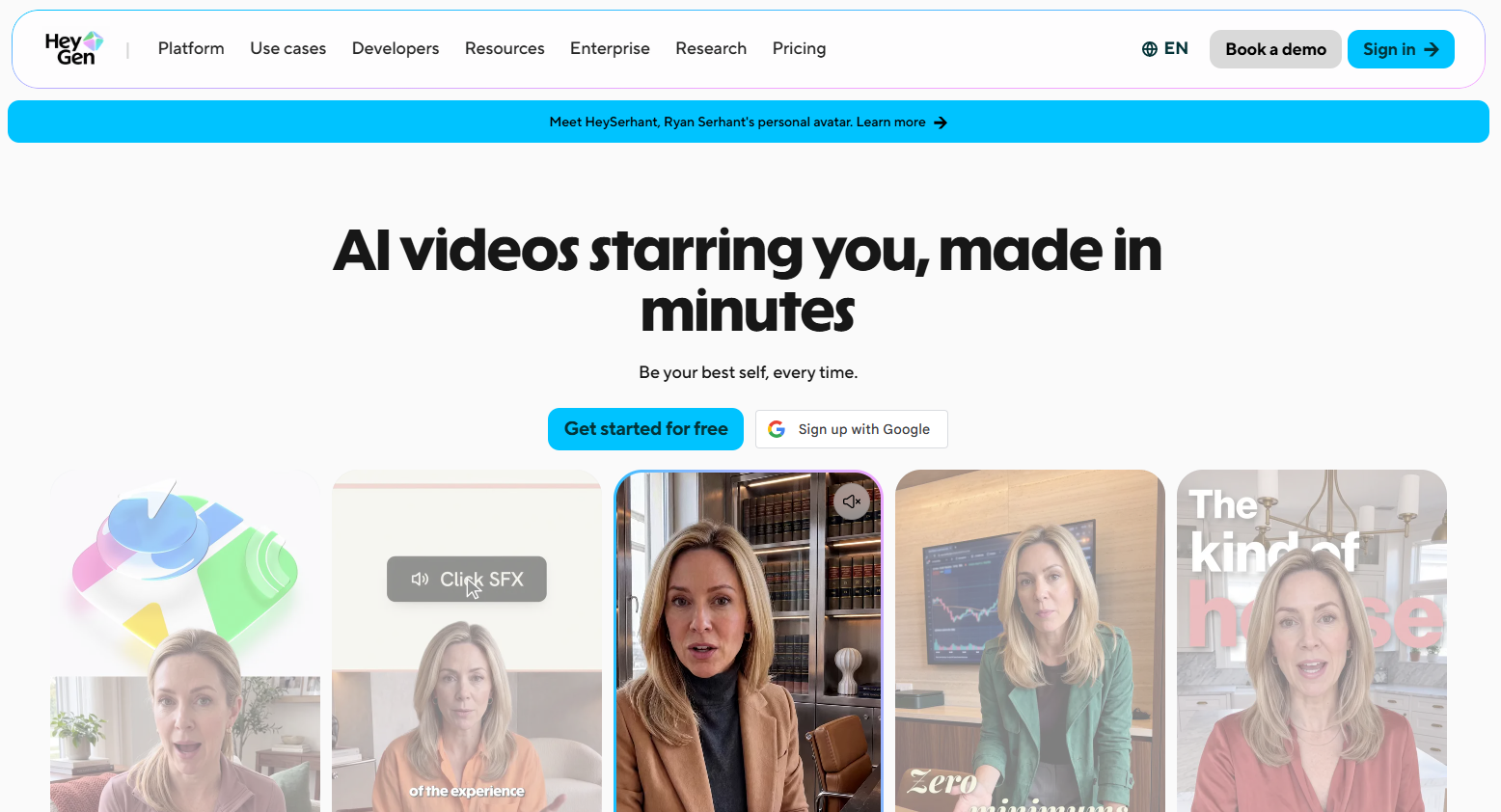
HeyGen is the pick for a marketing team producing avatar-led paid social ads, with paid plans starting at $29/mo on the Creator tier. It turns a script into a presenter-led video using a stock or cloned avatar, a format a lot of paid social teams are testing instead of static text-on-screen creative.
It's built for teams running always-on paid social, where a new ad variant is due every week and booking a shoot for each one isn't realistic. If you want more avatar options than HeyGen's own library, TRM's comparison of AI avatars with voice cloning covers the wider field, and because paid social ad video overlaps heavily with paid search creative, our roundup of AI tools for PPC marketing is worth a look if you're running both channels.
Pricing
| Plan | Price | Billing | What You Get |
|---|---|---|---|
| Free | $0/mo | N/A | 3 videos/mo, up to 1 minute, 720p |
| Creator | $29/mo, or $24/mo billed annually | Monthly or annual | 600 credits/mo, videos up to 30 minutes at 1080p |
| Pro | $49/mo | Monthly | 1,000 credits/mo, videos up to 30 minutes at 4K |
| Business | $149/mo | Monthly | 1,500 credits/mo, videos up to 60 minutes at 4K, workspace collaboration |
Full pricing and the current feature breakdown are on HeyGen's own pricing page.
Strengths
- The largest avatar library of the five tools here. 1,000+ stock avatars and 100+ templates built specifically for ads, social, demos and explainers, according to HeyGen's own product page.
- Commercial use is allowed on every paid plan, which removes a legal question before you spend media budget.
- Creator's $29/mo entry price is low relative to its 30-minute, 1080p output ceiling.
Trade-Offs
- The free plan's 3 videos/mo cap, each under a minute at 720p, is enough to test the avatar format but not to produce a usable first ad.
- Annual pricing is only published for the Creator tier ($24/mo). Pro and Business annual rates aren't listed on HeyGen's pricing page, so get those numbers from sales before budgeting past Creator.
- Supported-language counts vary across HeyGen's own marketing pages, so don't lock a localization decision to a specific number without checking directly with HeyGen for your target languages.
Key Capabilities
- 1,000+ stock avatars spanning a wide range of styles and demographics.
- 100+ templates purpose-built for ads, social posts, demos and explainers.
- Commercial usage rights included from the Creator plan upward.
Good Fit
- Marketing teams producing avatar-led paid social ads on a weekly or faster cadence.
- Teams who need commercial-use certainty in writing before they run paid media.
Not A Fit
- Teams who need cinematic, non-avatar visuals for a product demo. Runway fits that job better.
- Teams testing on a near-zero budget who need more than 3 videos a month to validate a concept.
The Limitation: HeyGen's free plan gives you three one-minute, 720p videos, which is enough to see whether the avatar format fits your brand but not enough to actually validate an ad.
2. Runway: Best For Cinematic Product Demos And Launch Videos
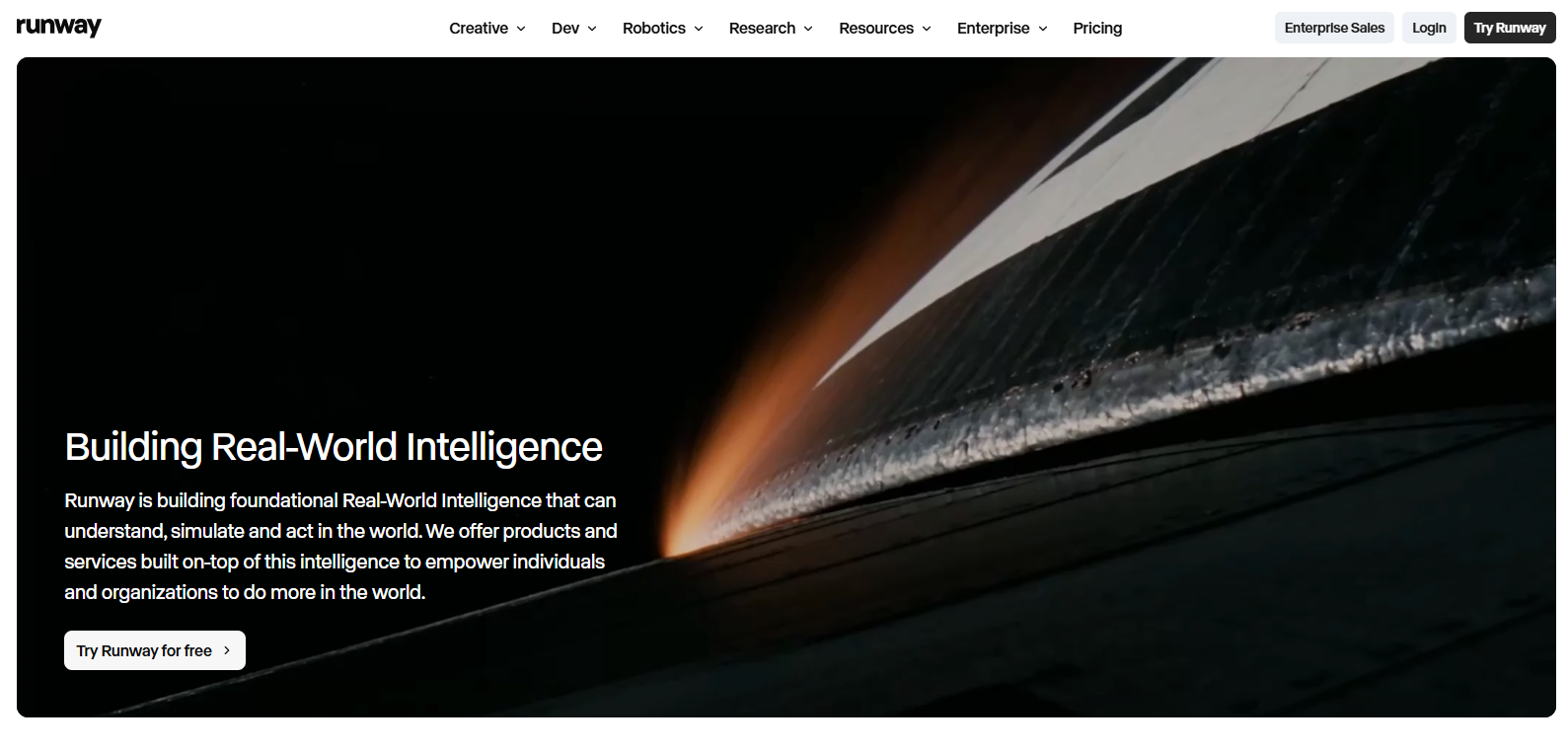
Runway is the pick for a product demo or launch video that needs to look like it came out of a production studio rather than a template library, with paid plans starting at $12/mo billed annually on the Standard tier. It generates video from a text or image prompt, which suits a single higher-production-value shot far better than a high-volume batch of social cuts.
It's built for teams shipping fewer, more polished videos. A product launch film, a hero demo for a landing page, a presenter-free brand spot, rather than a weekly drumbeat of ad variants.
Pricing
| Plan | Price | Billing | Credits |
|---|---|---|---|
| Free | $0/mo | N/A | 125 one-time credits, no expiry |
| Standard | $12/mo | Billed annually | 625 credits/mo |
| Pro | $28/mo | Billed annually | 2,250 credits/mo |
| Max | $76/mo | Billed annually | 9,500 credits/mo |
Current plan details and credit pricing are on Runway's own pricing page.
Strengths
- The highest monthly credit ceiling of the five tools reviewed here. 9,500 credits/mo on Max, for teams that need real output volume at the high end.
- Purchased top-up credits never expire (1,000-credit minimum purchase), so a one-off demo push doesn't force a plan upgrade.
- Free-plan credits don't expire either, so a team can evaluate output quality on its own timeline before committing budget.
Trade-Offs
- Standard and Pro credits don't roll over month to month, so an unused monthly allowance is simply lost.
- Every advertised price is the annual-billed rate. Runway doesn't publish a monthly-billed figure for any paid plan, so confirm the actual month-to-month cost with sales before signing an annual contract.
- A first credit top-up requires a 1,000-credit minimum purchase, a real up-front spend beyond the monthly plan price.
Key Capabilities
- Generates video from a text or image prompt, suited to cinematic, higher-production-value shots.
- Credit top-ups let a team scale output for a one-off push without changing plan tier.
- One month of credit rollover on the Max plan only, so unused Max capacity isn't lost immediately.
Good Fit
- Marketing teams who need fewer, higher-production-value videos (launch films, hero demos) rather than high-volume social cuts.
- Teams willing to commit annually to get the lower per-month rate.
Not A Fit
- Teams who want an avatar presenter front and centre. HeyGen or Synthesia fit that job better.
- Teams who want to see a true month-to-month price before talking to sales.
The Limitation: Runway only publishes annual-billed prices, so a team that wants to pay month to month has to ask sales for the real number before budgeting.
3. Synthesia: Best For Presenter, Training And Localized Video
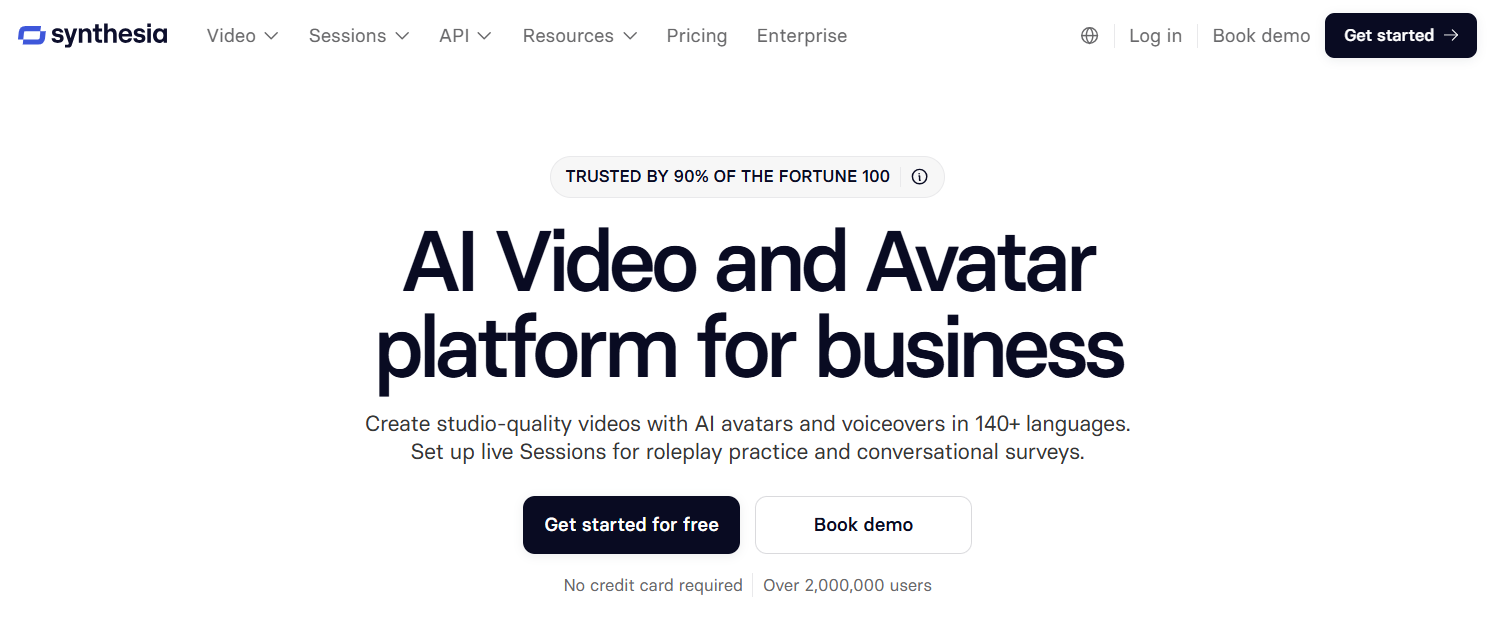
Synthesia is the pick for recurring presenter or training video, and the one tool in this set built for localized campaign video too, with paid plans starting at $29/mo on the Starter tier. It's an avatar-presenter format first, which suits a talking-head update or a training module that gets reused far more than a one-off ad.
It also does something none of the other four tools here publish. One-click translation into 140+ languages with AI dubbing and lip-sync, which is what a genuinely localized campaign needs rather than subtitles bolted on afterward. For readers comparing more multilingual avatar options specifically, TRM's roundup of multilingual AI avatar tools covers that ground in more depth.
Pricing
| Plan | Price | What You Get |
|---|---|---|
| Basic | Free | 10 minutes of video creation or dubbing |
| Starter | $29/mo | About 12 extra minutes on top of the free allowance |
| Pro | $89/mo | About 60 extra minutes on top of the free allowance |
| Enterprise | Custom | Unlimited video minutes, with custom editors and guests |
Current plan details are on Synthesia's own pricing page.
Strengths
- The only tool in this set with one-click translation into 140+ languages, AI dubbing and lip-sync, per Synthesia's own feature page, which is exactly what a localized campaign needs.
- Brand kits apply brand colours, fonts and logos automatically to every video, so a training or presenter series stays on-brand without a design pass each time.
- The free Basic plan's 10 minutes of video creation or dubbing is enough to pilot one presenter video before paying anything.
Trade-Offs
- 140+ language dubbing with lip-sync is labelled an Enterprise feature, not available on Starter or Pro.
- Starter's $29/mo plan adds only about 12 minutes on top of the free allowance, tight for a weekly or biweekly training-video schedule.
- Enterprise is custom-priced, so a team that specifically needs the multilingual dubbing feature has to go through a sales conversation to get a real number.
Key Capabilities
- One-click translation into 140+ languages with AI dubbing and lip-sync (Enterprise).
- Brand kits that apply brand colours, fonts and logos automatically to any video.
- Custom editors and guests on Enterprise, for teams collaborating on presenter content at scale.
Good Fit
- Teams running a recurring presenter or training series with one avatar reused repeatedly, no reshoot needed.
- Teams localizing one campaign into multiple languages and markets, once they're on Enterprise.
Not A Fit
- Teams on a Starter or Pro budget who specifically need the multilingual dubbing feature. It's Enterprise-only.
- Teams wanting cinematic b-roll or product-demo footage rather than a presenter format.
The Limitation: The headline localization feature, 140+ language dubbing with lip-sync, only ships on the custom-priced Enterprise plan, not on Starter or Pro.
4. Canva: Best For Branded Promo Templates And Brand Control
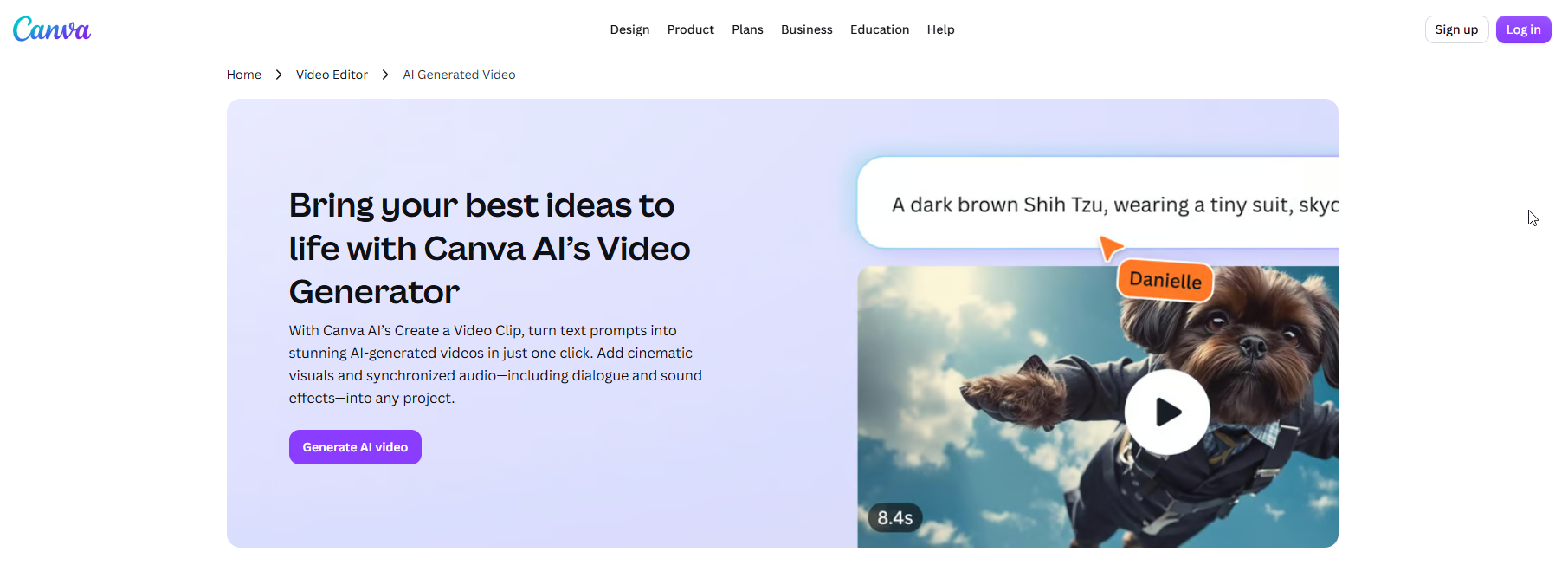
Canva is the pick for a branded promo template that has to stay locked to brand colours, fonts and logo across a team or multiple clients, with Pro priced at $144/yr per person on Canva's own pricing page. Its AI video feature sits inside the design tool most marketing teams already have seats in, rather than asking you to adopt a new standalone app.
It's built for teams who need the template and brand-control layer first, with AI video generation as an added capability rather than the whole product. For teams running heavy promo-template volume in ecommerce specifically, TRM's roundup of AI marketing tools for ecommerce is worth checking alongside this one.
Pricing
| Plan | Price | AI Video Allowance | Brand Kits |
|---|---|---|---|
| Free | $0 | Up to 20 Standard or Premium AI uses a year | 1 Brand Kit, 3 colours |
| Pro | $144/yr per person | Up to 20 Ultra AI uses | 5 Brand Kits |
| Business | $250/yr per person | Up to 40 Ultra AI uses | 100 Brand Kits, plus approvals and team admin |
Full plan details are on Canva's own pricing page.
Strengths
- Branded templates and Brand Kits are Canva's core strength. Output stays on-brand without a separate design review.
- The "Create a Video Clip" tool turns a text prompt into AI video with dialogue and sound effects, built on Google's Veo-3 model.
- Already the design tool most marketing teams have seats in, so there's no new tool to onboard just for template work.
Trade-Offs
- AI video generation is metered tightly. 20 Ultra AI uses a year on Pro is a handful of attempts, not a production pipeline.
- Business's jump to 100 Brand Kits and 40 uses costs meaningfully more per seat than Pro.
- Canva's commercial-use terms for AI-generated video specifically weren't confirmed on the pages checked for this guide, so confirm that in writing before running paid media with it.
Key Capabilities
- Create a Video Clip, turning text prompts into AI video with dialogue and sound effects, built on Google Veo-3.
- Brand Kits scaling from 1 (Free) to 5 (Pro) to 100 (Business), for multi-brand or multi-client control.
- Ultra AI usage metered a year rather than a month (20 on Pro, 40 on Business).
Good Fit
- Multi-brand or agency-style teams who need many Brand Kits enforced across templates.
- Teams who already use Canva for static creative and want one added AI video capability, not a dedicated video tool.
Not A Fit
- Teams needing more than a handful of AI video generations a month. Pro's 20-a-year allowance is thin for that.
- Teams whose primary deliverable is presenter-led or cinematic video rather than a branded template.
The Limitation: Canva's Ultra AI video uses are capped per year, not per month, so a Pro seat gets roughly one generation every few weeks if used evenly across the year.
5. InVideo AI: Best For Fast Template-Based Social Video At Scale
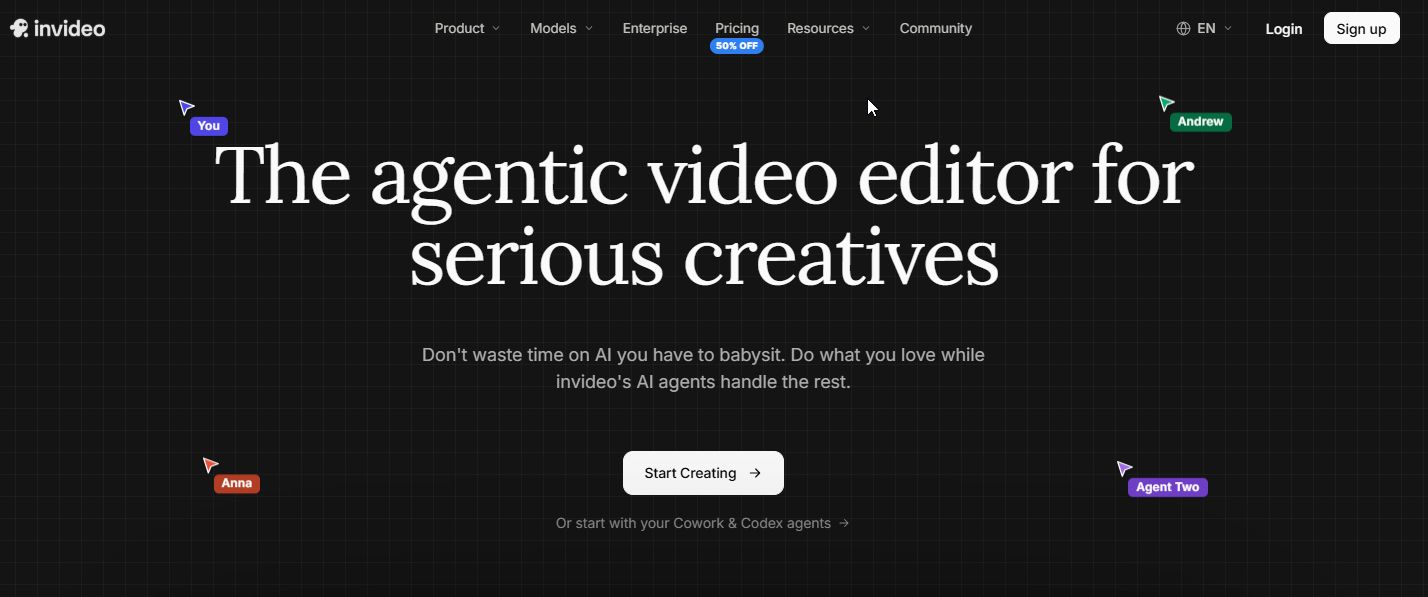
InVideo AI is the pick for producing a high volume of fast, template-based social cuts, with plans starting at $20/seat/mo billed monthly, or $10/seat/mo billed annually, on the Starter tier. One text prompt generates a script, AI visuals and a voiceover together, which is the fastest path from brief to a first-cut video of the five tools covered here.
It's built for a team producing social video in volume, with more than one editor working at once. For teams who want more control over the voiceover layer specifically, TRM's comparison of AI voice tools for video narration is a useful companion piece.
Pricing
| Plan | Price | Billing | Credits & Seats |
|---|---|---|---|
| Starter | $20/seat/mo, or $10/seat/mo annual | Monthly or annual | 400 credits/seat/mo, up to 5 editor seats |
| Plus | $60/seat/mo, or $30/seat/mo annual | Monthly or annual | 2,000 credits/seat/mo, up to 10 editor seats |
| Max | $150/seat/mo, or $75/seat/mo annual | Monthly or annual | 5,000 credits/seat/mo, up to 20 editor seats |
Current plan details are on InVideo AI's own pricing page.
Strengths
- One prompt producing a full draft. Script, visuals, voiceover, subtitles and music together, per InVideo AI's own product page, the fastest brief-to-first-cut path of the five tools here.
- Real-time multiplayer editing, so more than one person on the team can work the same project at once.
- Annual billing roughly halves the per-seat price across all three tiers.
Trade-Offs
- Pricing is per seat, so a small team pays for every editor added, unlike a flat-fee tool.
- Output length, resolution and watermark limits per plan aren't published, so confirm the output spec fits your deliverable before paying.
- Starter's 5-seat cap can be tight for an in-house team supporting more than one brand.
Key Capabilities
- Generates a script, AI visuals and a voiceover from a single text prompt, with subtitles and music added automatically.
- Real-time multiplayer editing across the team.
- Credits and seats both scale by plan, from 400 credits on up to 5 seats (Starter) to 5,000 credits on up to 20 seats (Max).
Good Fit
- Marketing teams producing a high volume of fast, template-based social cuts with more than one editor working at once.
- Teams who want the script and voiceover generated alongside the visuals, from a single prompt.
Not A Fit
- Solo marketers who don't need multiplayer editing and would be paying for seats they won't use.
- Teams who need cinematic production value over speed. Runway fits that job better.
The Limitation: InVideo AI doesn't publish output length, resolution or watermark limits per plan, so confirm those specs directly with the vendor before committing a plan to a specific deliverable.
📋 Get Listed / Advertise
We update this guide monthly. Want your tool featured? Contact: [email protected].
What Is An AI Video Generator? (And How It's Different From An AI Video Editor)
An AI video generator creates new video from a prompt, script or image. It's starting from nothing and building the shot, the avatar, the scene from that input. An AI video editor works the other way. It takes footage that already exists and trims, enhances or restructures it.
The five tools in this guide, HeyGen, Runway, Synthesia, Canva and InVideo AI, are all generators in that sense, even though some of them (Canva especially) also carry conventional editing tools in the same product. If what you actually need is to clean up, caption or restructure footage you've already shot, that's a different category, and TRM covers AI video editors in a separate guide rather than folding them into this one.
How We Evaluated These AI Video Generators For Marketing Teams
This article judged each tool against what a marketing team, not a filmmaker or hobbyist, actually needs to ship this quarter.
- Marketing-use-case fit: Does the tool map cleanly to a deliverable a marketing team is briefed on? An avatar for social, a presenter for training, a template for a promo.
- Output quality: Does a first pass look usable, or does it read as obviously synthetic? TRM's own guide on how to make AI video look real covers this in more depth.
- Brand controls: Can the team lock colours, fonts and logo across every output without a manual pass each time?
- Team collaboration: Can more than one person work a project? Synthesia's Enterprise tier, for example, adds custom editors and guests for exactly this reason.
- Commercial licensing: Can the finished video run in a paid ad or client campaign without a separate legal check? HeyGen states plainly that paid-plan videos may be used commercially, not every vendor is that explicit.
- Cost per usable video: Not the plan price, but what it actually costs once failed renders and re-runs are counted, covered in full in the next section.
Evaluating creative software against output quality, brand controls, collaboration and cost per usable unit is standard buying practice when you're shortlisting for a team rather than yourself. It's also the practice most of the nine-to-sixteen-tool feature-count roundups skip. For the wider AI stack a video tool usually sits inside, TRM's roundup of AI tools for digital marketing is a useful next read.
How Much Does An AI Video Generator Really Cost Per Usable Video?
Cost per usable video is driven by how many takes it takes to get a clip you'd actually ship, not by the plan's list price.
LTX Studio publishes hosted-API rates of $0.09 to $0.37 per generated second across 720p to 4K output, and the company itself models usable-minute cost as a function of iteration rate rather than per-second price. Scaled to a finished minute, that puts the generation layer at roughly $13 to $220, depending on how many takes it takes to land something usable. That figure is LTX Studio's own hosted-API rate, not a measurement of HeyGen, Runway, Synthesia, Canva or InVideo AI specifically, and it shouldn't be read as any of their actual costs. It's useful here purely as an illustration of how iteration rate, not sticker price, is what actually drives the final number.
Compare that against the cost of not using AI at all. Wyzowl's survey of 116 production-company quotes puts the median price of a one-minute animated explainer at $5,400, with a trimmed mean of $8,457. Even at the high end of the illustrative generation-layer model, a marketing team re-running a prompt a dozen times to land a usable social cut is still spending a fraction of a traditional production quote. The number that should worry you isn't the plan price. It's how many re-runs your team is actually doing to get one video you'd ship, and whether that number is improving or climbing.
That's also why cost per video only matters if the finished clip turns into traffic and pipeline, which is the focus of TRM's ongoing SEO and AI-visibility work.
If the real bottleneck is turning finished videos into traffic and qualified pipeline rather than just producing them, that is the gap our GEO + SEO Growth Programme closes. Take a look at how the programme runs.
Buying Guide: Picking The Right AI Video Generator For Your Marketing Deliverable
49% of marketers worldwide already use AI daily for image and video generation, according to a Morning Consult survey of 2,400 marketing leaders commissioned by Canva. The question for most marketing teams isn't whether to adopt an AI video generator. It's which one fits the deliverable actually due this week. Here's the rule, deliverable by deliverable.
- Paid social ad: Test HeyGen first, on the free plan's 3 videos/mo allowance. Build one avatar-led ad script and watch the output against a real ad you'd run. If the avatar reads as obviously synthetic to your own team, or the 720p free-tier resolution looks weak in-feed, that's the signal to look at InVideo AI's template-based cuts instead rather than paying up for HeyGen's higher tiers.
- Product demo or launch video: Test Runway on its free 125-credit allowance with one real product shot. If the output needs more iteration than your credit budget can absorb on Standard, that's the signal you need Pro or Max, not a different tool.
- Avatar or presenter update: Test Synthesia on the free Basic plan's 10 minutes. If the free allowance covers one script comfortably and the brand-kit styling looks right, Starter's extra 12 minutes is usually enough for a monthly cadence; if you need more than that, go straight to Pro rather than stacking Starter months.
- Branded promo template: Test Canva's free tier against your actual brand kit first. If you're burning through the 20 Standard or Premium AI uses a year before you've even finished a campaign, that's the tell you need Pro, and if you're managing more than five sub-brands or clients, Business's 100 Brand Kits is the real reason to upgrade, not the AI allowance.
- Localized campaign video: There's effectively one tool here. Synthesia's 140+ language dubbing with lip-sync is Enterprise-only, so if localization is a real requirement rather than a nice-to-have, budget for Enterprise from the start instead of discovering the gate on Starter or Pro.
Video rarely sits on its own. It's one deliverable inside a wider SaaS content plan that also covers the channels a video actually needs to reach an audience, which is why TRM's roundups of AI tools for social media marketing and AI tools for content marketing are worth reading alongside this one, not instead of it.
FAQs
What's The Best Free AI Video Generator For Marketing Teams?
Can I Use AI-Generated Video In Paid Ads And Commercial Campaigns?
Which AI Video Generator Is Best For Social Ads Specifically?
Which AI Video Generator Is Best For Product Demos?
Which Tool Is Best For A Talking-Head Or Presenter-Style Update?
How Much Does An AI Video Generator Cost Per Month?
Do AI Video Generators Support Multiple Languages For Localized Campaigns?
How Many Credits Or Videos Do I Get On A Free Plan?
Can AI Video Tools Fully Replace A Video Production Agency Or Freelancer?
What Should I Test First Before Committing To A Paid Plan?
If you would rather have a team map your own marketing deliverables to the right AI video tool, book a thirty-minute call. A founder takes it, and you leave knowing what we would test first.