
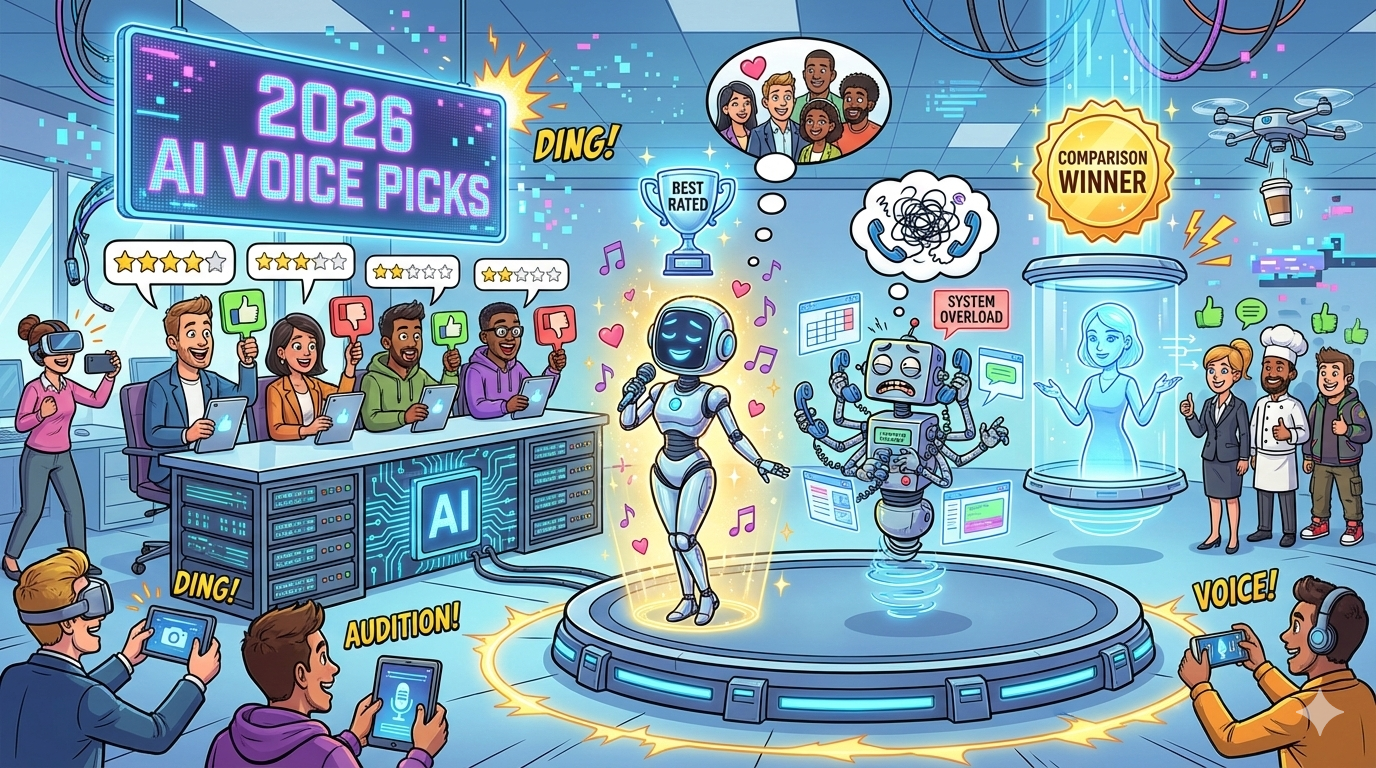
Picks + Comparison)
If you want an AI voice receptionist that can book meetings end-to-end without engineering, start with Synthflow. If you already run inbound calls on a modern phone system and want AI without rebuilding your stack, Aircall (sales/support) or RingCentral (routing-first) are the safest paths. For enterprise CX with governance and deep escalation controls, Talkdesk Autopilot is the strongest fit. If you need custom workflows and tool-calling (lookups, ticket creation, complex routing) and have engineering support, build on Vapi.
📋 Get Listed / Advertisement
We update this guide monthly, browse more vendor comparisons and playbooks in Insights. Want your tool featured? Contact: [email protected].
Best AI Virtual Receptionist Voice Tools (Quick Comparison)
| Tool | Best for | Key strengths | Watch-outs |
|---|---|---|---|
| Synthflow | No-code booking + structured intake | Booking-first flows, fast setup, ops-owned | Spam/abuse controls depend on setup; QA booking edge cases (time zones, reschedules) |
| Aircall (AI) | Teams already on Aircall | Native routing/queues + existing call ops; strong workflow integrations | Validate booking depth + CRM write-back end-to-end; plan/feature availability varies |
| RingCentral (AI) | Routing + reliability-first orgs | Strong routing/escalation patterns; admin controls; uptime focus | Autonomous booking often needs an add-on/integration; routing design drives outcomes |
| Talkdesk Autopilot | Enterprise CX/contact center | Governance, containment, escalation depth at scale | Implementation is a project (journey design, integrations, QA); heavier ops lift |
| Vapi | Developer-built custom agents | Maximum flexibility; tool-calling for workflows | Requires engineering ownership, monitoring, fallbacks, and ongoing maintenance |
📋 Get Listed / Advertisement
We update this guide monthly, browse more vendor comparisons and playbooks in Insights. Want your tool featured? Contact: [email protected].
1. Synthflow
What it does
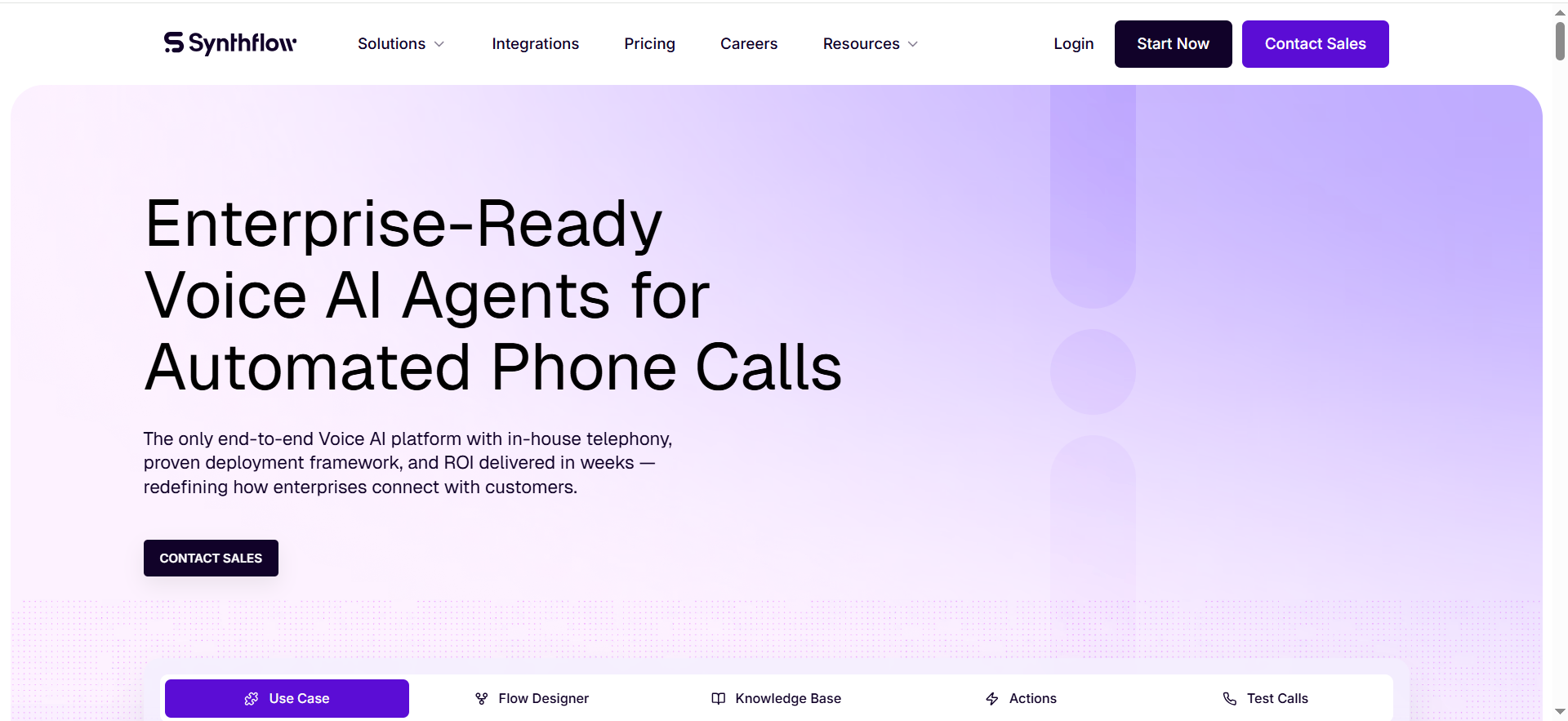
Synthflow is a no-code AI voice agent focused on receptionist workflows: answer inbound calls, qualify intent, and book meetings by checking real-time calendar availability.
Why teams use it
Teams choose it when the outcome is “more meetings booked” and they want operations to own the flow without engineers maintaining telephony glue.
What it’s good for
Inbound lead capture, appointment booking, after-hours coverage, and structured intake that writes back to a CRM.
When it’s a good fit
Booking is your primary KPI and your workflow can be expressed as clear rules (who to book, when to escalate, what to collect).
When it’s not a good fit
You need contact-center-grade governance across many departments or extremely custom integrations and logic.
How to use it
Connect a dedicated number (or forward an existing line). Connect calendars used for scheduling. Create an intake script (intent → qualify → book/route). Add strict escalation rules (pricing/security/legal, angry callers, repeat confusion). Pilot after-hours first and review transcripts and outcomes weekly.
Key capabilities
Real-time calendar checks and booking; structured qualification; routing rules and fallbacks; CRM write-back via integrations/automation; monitoring and policy controls.
Pricing
Synthflow’s pricing starts at $0/month on its Pay As You Go plan, with usage billed at $0.15–$0.24 per minute (Enterprise pricing is custom/quote-based).
Free tier?
Synthflow doesn’t offer a free tier, but it does offer a free trial with limited trial minutes (up to 200 minutes, depending on how the plan is configured).
Downsides / limitations
Spam handling depends on your setup. Edge cases still require human fallback. You must QA booking accuracy (time zones, reschedules, double-booking).
2. Aircall (AI voice agent / AI add-ons)
What it does
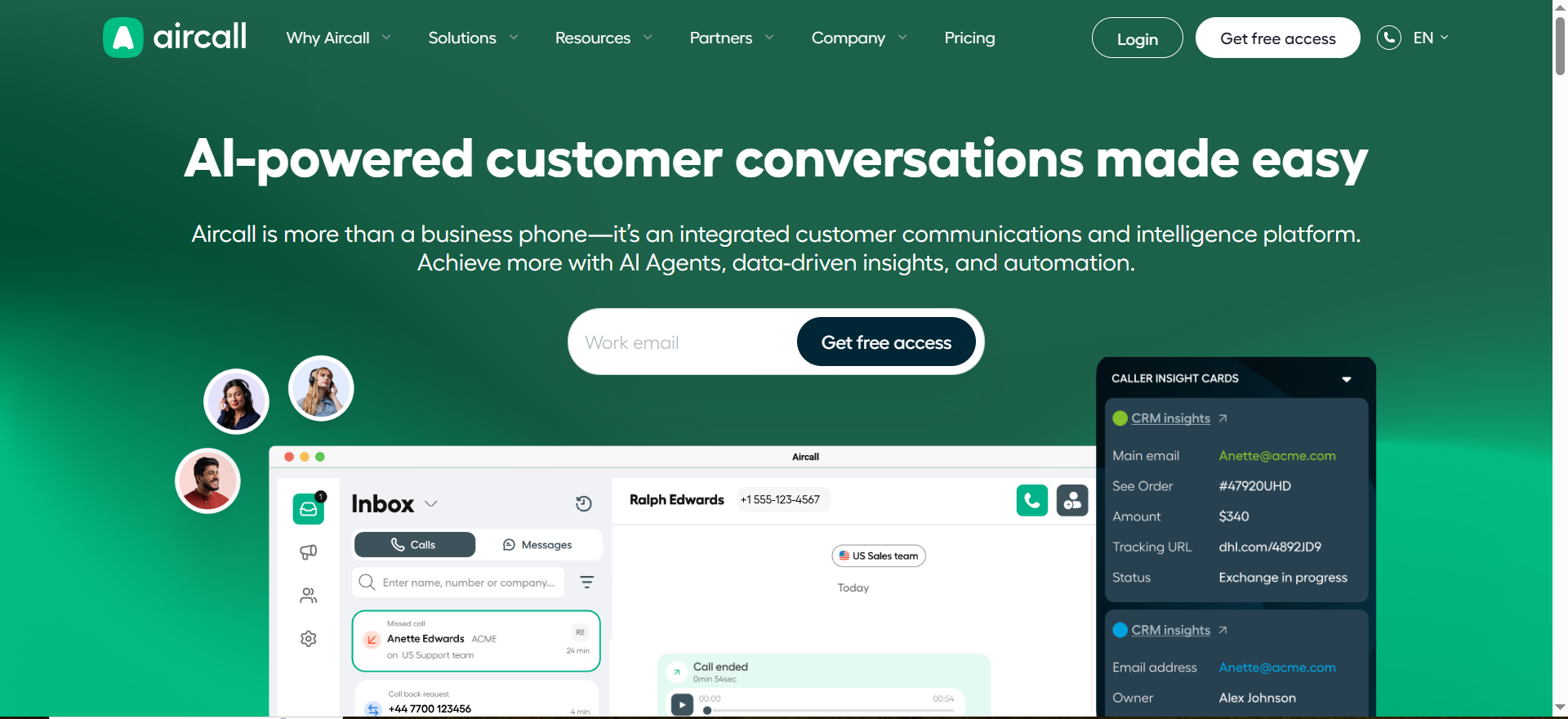
A phone-system-first option for teams already running inbound on Aircall, with AI features for triage, coverage, and better routing.
Why teams use it
It reduces vendor risk because routing, queues, and integrations live inside the system the team already uses.
What it’s good for
Inbound sales/support triage, overflow handling, after-hours coverage, and clean handoff to queues and reps.
When it’s a good fit
You already use Aircall and your priority is reliable routing + CRM/helpdesk logging with safe AI coverage.
When it’s not a good fit
You want autonomous booking to be the core experience and prefer a booking-first agent to own the flow.
How to use it
Map queues and owners first. Turn on AI coverage for overflow/after-hours. Define escalation triggers and enable warm transfer with a summary. Validate CRM logging and measure time-to-human and misroutes weekly.
Key capabilities
Queues and routing; CRM/helpdesk integrations (plan dependent); after-hours rules; analytics and outcomes; handoff patterns.
Pricing
Aircall AI Voice Agent pricing starts at $0.99 per minute for the first 500 minutes, with volume discounts down to $0.49 per minute at higher usage.
Free tier?
Aircall doesn’t offer a free tier, but it includes 50 free AI Voice Agent minutes per account per month.
Downsides / limitations
Booking depth varies. AI behavior varies by language/accent and call quality. Avoid over-automation of high-stakes calls without strict escalation.
3. RingCentral (AI receptionist / routing-first)
What it does
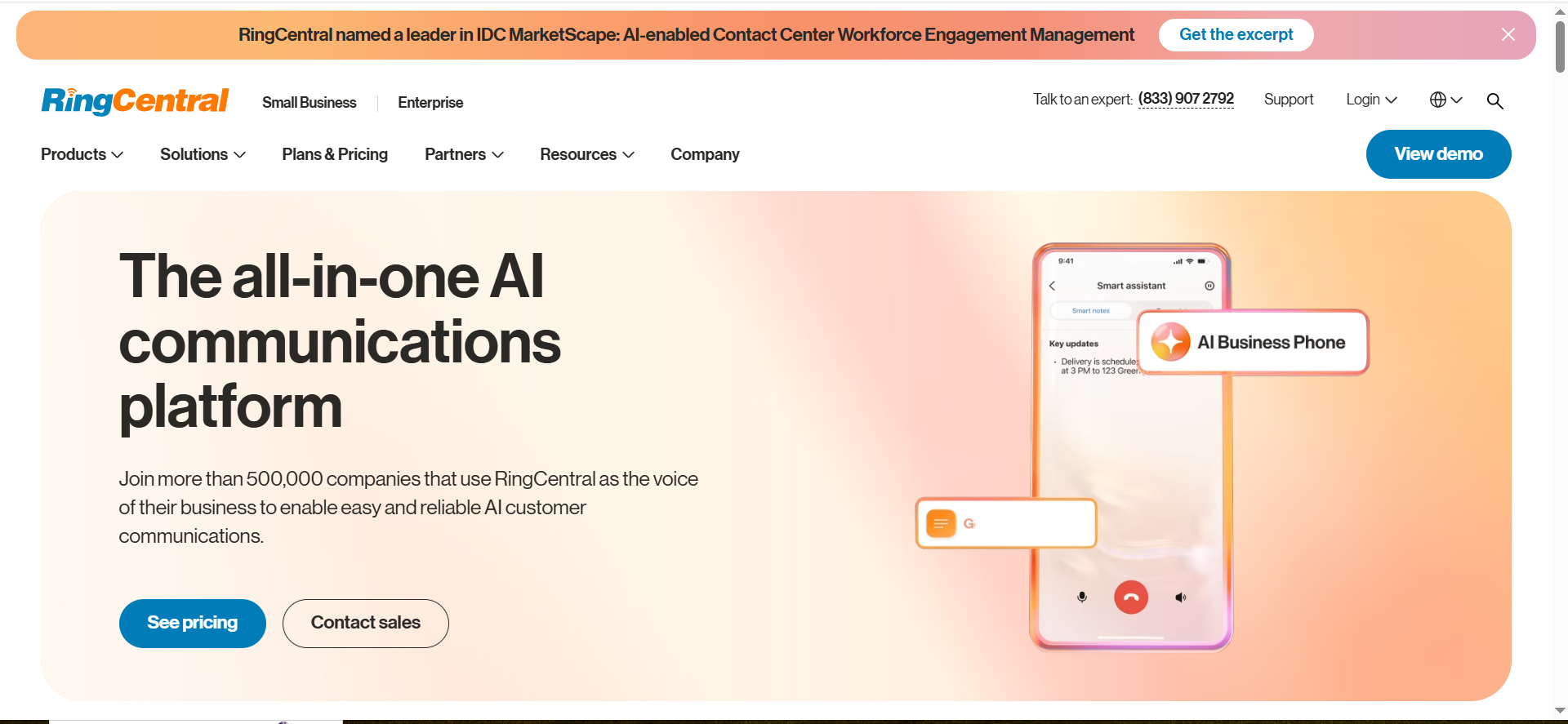
A communications suite where receptionist value is anchored in routing reliability and escalation controls, with AI layered in for triage and self-service.
Why teams use it
Teams pick it when phones are business-critical and they want stability, governance, and one vendor accountable for routing and uptime.
What it’s good for
Switchboard-style routing, departmental queues, and reliable escalation where humans must take over quickly.
When it’s a good fit
You want telephony fundamentals and admin controls first, then add AI where it’s safe.
When it’s not a good fit
You want a lightweight booking bot experience as the default and do not want add-ons for scheduling.
How to use it
Design routing and escalation first. Add AI triage on low-risk paths. Connect scheduling if booking is required and test write-back. Pilot after-hours/overflow before expanding.
Key capabilities
Routing and queues; escalation and transfer controls; admin governance and reporting; ecosystem integrations; reliability features.
Pricing
RingCentral AI Receptionist pricing starts at $39/month, which includes 100 minutes of usage (with additional minutes sold in bundles).
Free tier?
RingCentral AI Receptionist doesn’t offer a free tier, but it does offer a demo/sales-led evaluation.
Downsides / limitations
Autonomous booking usually requires extra integration. Poor routing design causes most failures.
4. Talkdesk Autopilot (enterprise CX)
What it does
An enterprise virtual-agent layer designed for high-volume self-service and smart escalation in contact-center environments.
Why teams use it
Teams choose it for governance, QA, and consistent context handoff when scale and risk management matter.
What it’s good for
Enterprise support intake, routine request deflection, and consistent escalation with guardrails across multiple queues.
When it’s a good fit
You can treat implementation as a project (journey design, integrations, QA, ongoing tuning).
When it’s not a good fit
You need a lightweight, ops-led deployment in a day or two or you have low call volume.
How to use it
Start with 3–5 intents. Integrate CRM + ticketing and validate context passing. Design containment vs transfer thresholds. Launch one queue/region first and review weekly: containment, time-to-human, misroutes, CSAT.
Key capabilities
Enterprise controls; deeper escalation; context handoff to agents; integrations; analytics for containment and outcomes.
Pricing
Talkdesk Autopilot pricing is not publicly listed; it’s available by quote. Talkdesk’s contact center plans start at $85 per seat per month.
Free tier?
Talkdesk Autopilot doesn’t offer a free tier, but it does offer demos.
Downsides / limitations
Implementation takes time. Outcomes depend on journey design and clean backend data. Not ideal without QA/monitoring capacity.
5. Vapi (developer-built agents)
What it does
A developer platform for building custom voice receptionist agents that can call tools (look up customers, create tickets, route calls, book meetings).
Why teams use it
It’s chosen for maximum workflow control when you can commit engineering time to testing, monitoring, and iteration.
What it’s good for
Custom qualification, account lookup, ticket creation, bespoke routing logic, and “voice → action” workflows across systems.
When it’s a good fit
Your receptionist must do real work in your systems and you have engineering ownership for reliability.
When it’s not a good fit
You need a low-maintenance, no-code solution fully owned by ops.
How to use it
Define flows as states. Implement tool calls with strict schemas. Add guardrails, retries, and safe fallbacks. Run a test suite including adversarial cases. Monitor failures and handoff quality weekly.
Key capabilities
Tool calling; full prompt/policy and routing control; strict escalation and fallbacks; rapid iteration for new intents; extensibility.
Pricing
Vapi’s pricing starts at $0.05 per minute for calls (with Enterprise pricing sold via annual contract).
Free tier?
Vapi doesn’t offer a free tier, but it does offer $10 in free credit to start.
Downsides / limitations
Reliability is on you (monitoring, fallbacks, alerting). More moving parts than phone-system-native options. Requires ongoing maintenance.
Recommended setups (starter, pro, enterprise, dev/custom)
Starter (booking-first):
Synthflow + Google/M365 Calendar + HubSpot write-back for booked meetings and structured intake.
Pro (routing-first):
Aircall or RingCentral as phone backbone + AI coverage for overflow/after-hours + strict CRM logging rules.
Enterprise:
Talkdesk Autopilot + CRM + ticketing + QA workflow and monitoring dashboards.
Dev/custom:
Vapi + internal tools (CRM lookup, ticket creation, calendar booking) + observability and alerts.
Implementation mini-playbook (7 steps)
- Define scope (3–5 tasks max) and what always escalates to a human.
- Write persona + policy (tone, compliance, allowed actions, escalation criteria).
- Design escalation rules like revenue depends on it (keywords, uncertainty, repetition, anger).
- Connect calendar + CRM and validate write-back end-to-end.
- Add spam/abuse guardrails (blocklists, callback confirmation, gating, retry limits).
- Pilot on after-hours or overflow first with live transfer always available.
- Instrument outcomes and review weekly (bookings, show rate, misroutes, time-to-human, write-back accuracy).
FAQs
What is an AI virtual receptionist voice?
Can an AI receptionist book appointments in real time?
How do I prevent mishandling high-value sales calls?
Do I need a developer to deploy this?
What should I measure to know it’s working?
How do I handle spam and robocalls?
📋 Get Listed / Advertisement
We update this guide monthly, browse more vendor comparisons and playbooks in Insights Want your tool featured? Contact: [email protected].


