
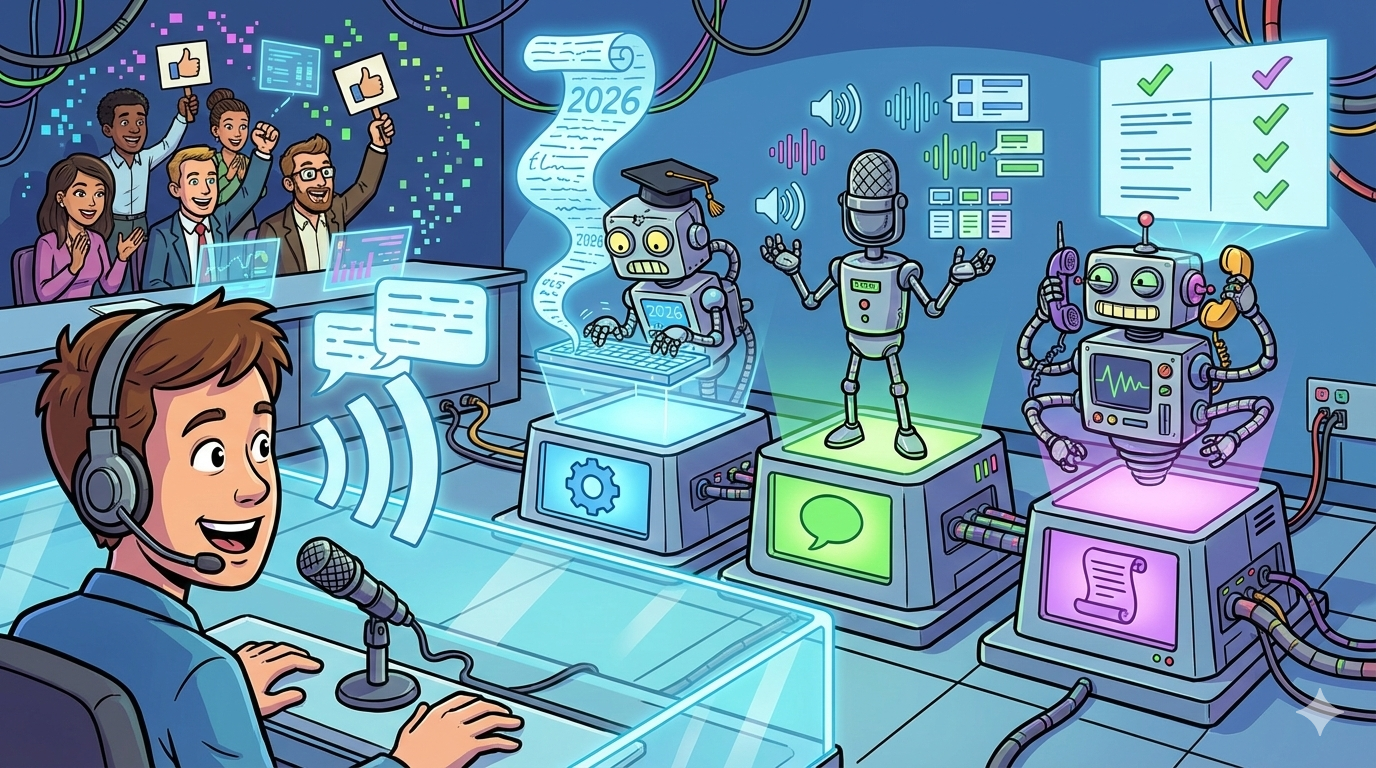
If you want transcripts + support-ready insights with minimal workflow build, start with Amazon Transcribe Call Analytics (AWS) or Deepgram / AssemblyAI (API-first). If your priority is QA, coaching, and program-level reporting at scale, shortlist Observe.AI or CallMiner. Run a 50-call bake-off using your real audio, grade diarization + summary correctness (not just word accuracy), and pick the tool that fits your capture + compliance needs.
📋 Get Listed / Advertisement
We update this guide monthly. Want your tool featured? Contact us: [email protected].
Best Tools for Customer Support Call Transcription (Quick Comparison)
| Tool | Best for | Why it is on the list | Typical fit |
|---|---|---|---|
| Amazon Transcribe Call Analytics | AWS-native support analytics | Support-focused call analytics + summaries + PII options | Teams building on AWS |
| Deepgram | Dev-first STT + diarization + summaries | Fast to integrate, good controls for structured outputs | Teams with an engineer owner |
| AssemblyAI | Structured transcript outputs | Strong diarization + action-item style structuring | Teams building workflows on APIs |
| Observe.AI | QA + coaching workflows | Conversation intelligence built for contact centers | Mid-market to enterprise support orgs |
| CallMiner | Enterprise VoC + compliance programs | Program-level analytics across 100% interactions | Large/regulated support operations |
📋 Get Listed / Advertisement
We update this guide monthly. Want your tool featured? Contact us: [email protected].
1. Amazon Transcribe Call Analytics
What it does
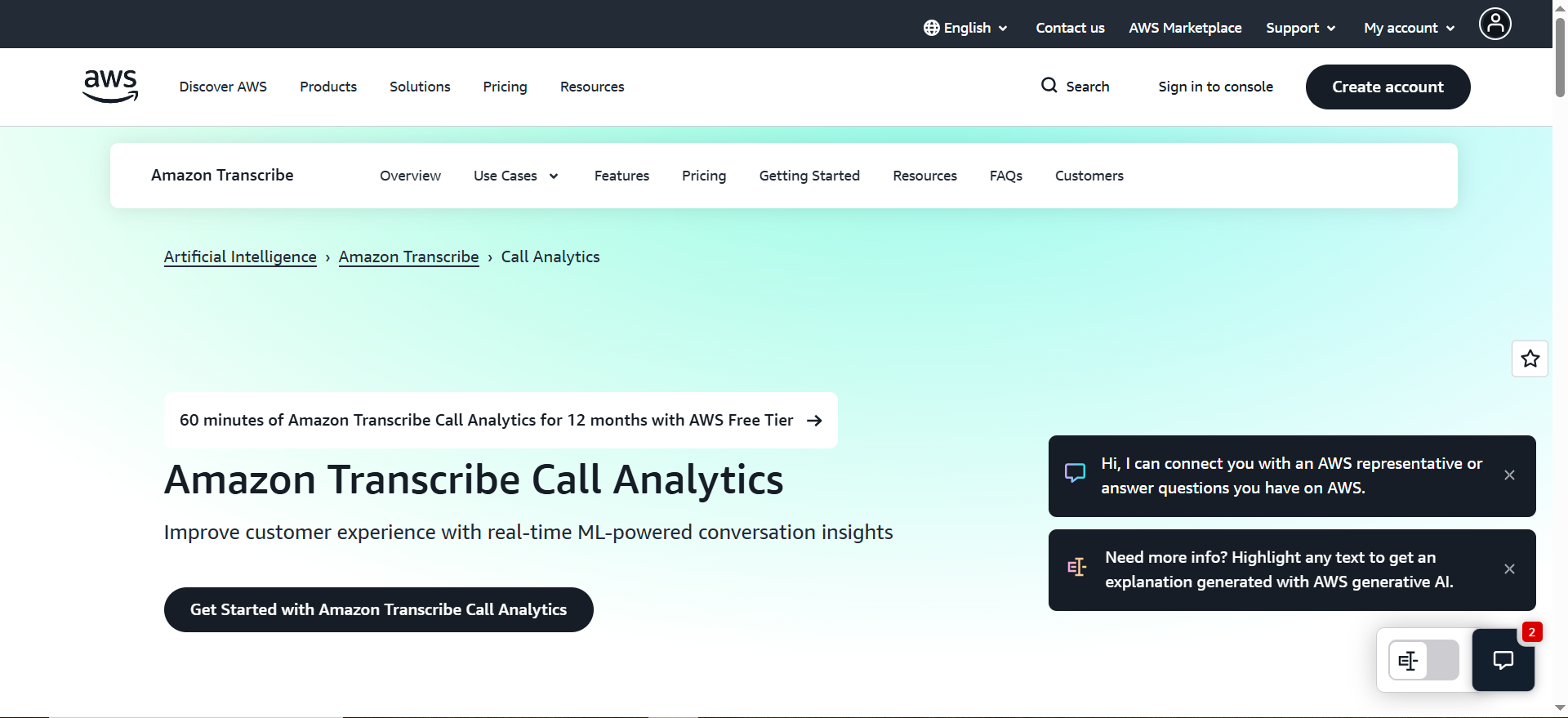
Amazon Transcribe Call Analytics is an AWS speech-to-text and post-call analytics API built for customer service audio. It generates transcripts and can also produce structured outputs like summaries, categories, and redaction-ready text depending on your setup.
Why teams use it
It’s a common choice for teams already on AWS who want support-focused outputs without buying a full conversation intelligence platform.
What it’s good for
It’s strong for post-call summaries, issue/outcome extraction, and PII-aware workflows.It also fits teams that want to store transcripts in S3 and analyze them later in a warehouse or BI tool.
When it’s a good fit
Choose it if you control call recordings, can integrate via API, and want control over storage, retention, and analytics with a scalable building-block approach.
When it’s not a good fit
Skip it if you need an out-of-the-box supervisor UI with QA scorecards and coaching workflows, or if you don’t have engineering time to build and maintain integrations.
How to use it
Export recordings from your CCaaS/VoIP system, run a ~50-call pilot, and score diarization + summary correctness against a fixed template. Then push summaries into ticket notes, measure ACW impact, and lock retention/redaction rules before scaling.
Key capabilities
Test performance on low-bitrate VoIP audio, diarization during cross-talk/transfers, summary template consistency (reason → steps → outcome → next steps), PII handling, and ticketing exports/webhooks.
Pricing
Amazon Transcribe Call Analytics pricing starts at $0.0300 per minute for post-call analytics (Tier 1 example), with volume discounts at higher usage. Generative call summarization and custom language models are billed separately.
Free tier?
Amazon Transcribe Call Analytics includes an AWS Free Tier offer of 60 minutes per month for the first 12 months.
Downsides / limitations
You still need to build the workflow layer (routing, QA sampling, dashboards), and results depend heavily on audio capture quality.
2. Deepgram
What it does
Deepgram is an API-first speech-to-text platform that can generate transcripts with options for diarization and summary-style outputs, designed for teams that want to build their own workflows.
Why teams use it
Teams choose Deepgram when they want fast integration, flexibility, and control over how transcripts and summaries are produced and routed into their systems.
What it’s good for
It’s strong for high-volume transcription, diarization for multi-speaker calls, and generating structured outputs that can be pushed into helpdesks, CRMs, or internal dashboards.
When it’s a good fit
It’s a good fit if you have an engineering owner, want customization (templates, schemas, pipelines), and prefer an API approach over a full platform.
When it’s not a good fit
It’s not ideal if you need a turnkey QA/coaching product with supervisor workflows and minimal setup.
How to use it
Define a support-summary template, run a pilot on real calls (including noisy audio and interruptions), then automate delivery into tickets. Add QA sampling and tune your template monthly.
Key capabilities
Check diarization quality under cross-talk, timestamp accuracy, summary correctness against your template, throughput/latency for your call volume, and retention/redaction options.
Pricing
Deepgram’s Speech-to-Text pricing starts at $0.0058/minute (Nova 1 & 2) on pay-as-you-go; enterprise pricing is available by quote.
Free tier?
Deepgram offers a Free plan with $200 in credits; after the credit is used, you pay as you go.
Downsides / limitations
Because it’s API-first, you must design adoption (where outputs live, how QA works), and summaries typically need monitoring to avoid confident-but-wrong results.
3. AssemblyAI
What it does
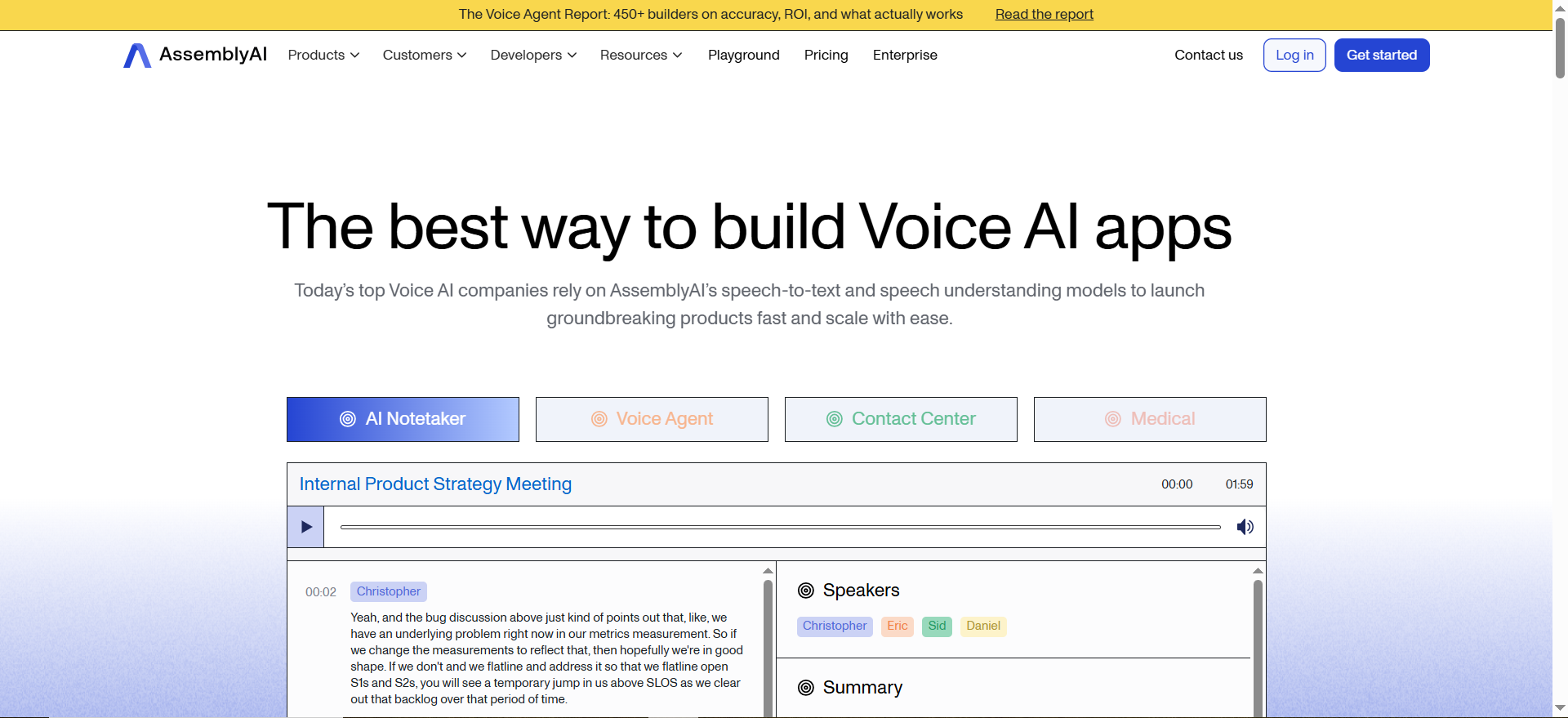
AssemblyAI is an AI speech platform that generates transcripts and offers higher-level structure like diarization and summary-style outputs, suitable for building support workflows.
Why teams use it
Teams shortlist AssemblyAI when they want strong transcript outputs plus structured fields for handoffs, reporting, and ticket enrichment, without committing to a full platform.
What it’s good for
It’s good for diarization-heavy calls, structured summaries/action items, and pushing outputs into Zendesk/Intercom/Salesforce or a data warehouse for reporting.
When it’s a good fit
Choose it if you can run a pilot and tune templates over time, want control over what gets generated and stored, and plan to integrate outputs into your support stack.
When it’s not a good fit
It’s not the best fit if you need out-of-the-box QA scorecards, coaching workflows, and supervisor tooling with little to no engineering effort.
How to use it
Start with one workflow (after-call summary into tickets), run a 50-call bake-off, track failure modes (names, numbers, overtalk), then expand into tagging reasons/outcomes once accuracy is reliable.
Key capabilities
Validate diarization in messy calls, consistency of action items, export/webhook reliability, and data handling controls for security/compliance.
Pricing
AssemblyAI’s Speech-to-Text pricing starts at $0.15/hour on pay-as-you-go; custom pricing is available by quote.
Free tier?
AssemblyAI offers a free tier that includes up to 185 hours of pre-recorded transcription and 333 hours of streaming transcription.
Downsides / limitations
Without strict templates, summaries can become generic. You’ll also need an ongoing QA loop to maintain quality as products, terminology, and call types change.
4. Observe.AI
What it does
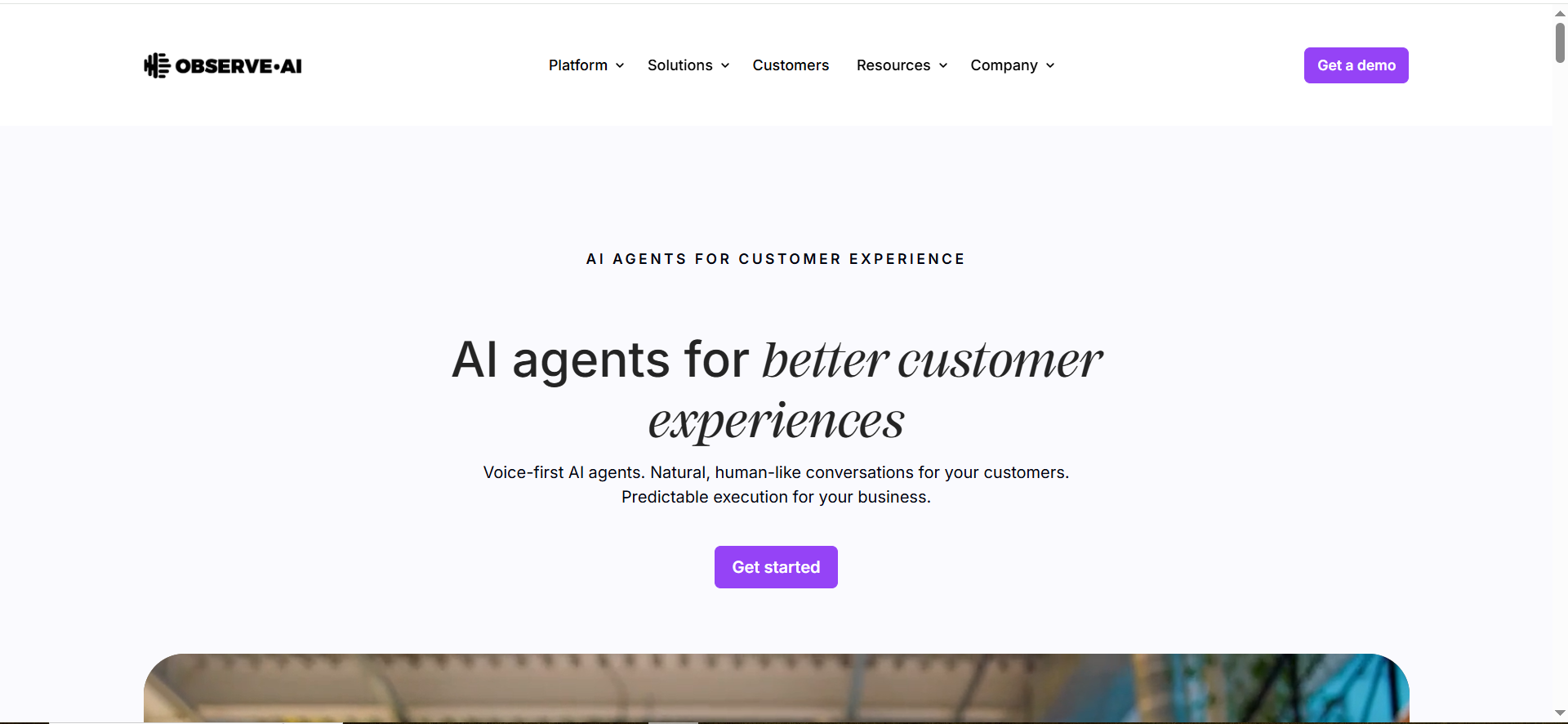
Observe.AI is a contact-center conversation intelligence platform that combines transcription with workflows for QA, coaching, and program-level reporting.
Why teams use it
Teams use Observe.AI when they want supervisors and QA leads to work in a purpose-built UI, with structured workflows that are hard to replicate using only APIs.
What it’s good for
It’s strong for QA scorecards, coaching loops, supervisor review, trend reporting, and scaling consistent quality standards across many agents.
When it’s a good fit
It’s a good fit for growing or enterprise support orgs that want faster time-to-value, standardized QA, and less engineering work building internal tooling.
When it’s not a good fit
It may be overkill if you only need transcripts and summaries exported into your own systems, or if you prefer maximum flexibility via custom pipelines.
How to use it
Define your QA rubric first, pilot with 1–3 teams, validate summary correctness and review workflows, then roll out with clear governance around retention, redaction, and access.
Key capabilities
Test QA workflow depth (calibration, coaching), reporting coverage, integrations with CCaaS/helpdesk/CRM, and security controls that match your compliance needs.
Pricing
Observe.AI’s pricing is not publicly listed; plans are sold via quote.
Free tier?
Observe.AI doesn’t offer a free tier, but it may offer a time-limited free trial or demo.
Downsides / limitations
You may pay for platform features you don’t use if your needs are simple. Adoption also depends on having a solid QA/coaching operating model.
5. CallMiner
What it does
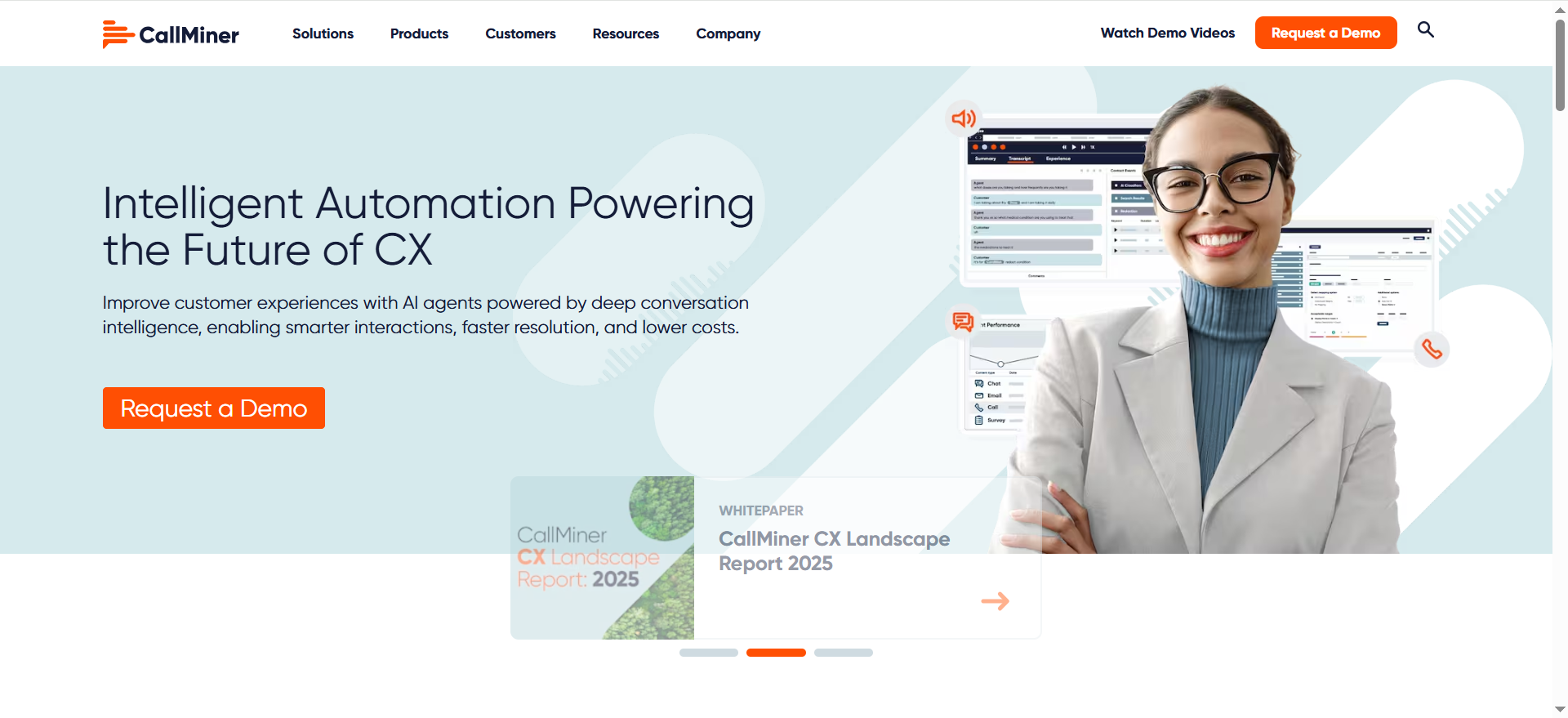
CallMiner is an enterprise conversation analytics platform used to analyze large volumes of customer interactions for compliance, CX insights, and operational improvements.
Why teams use it
Teams choose CallMiner when they need enterprise-grade analytics and governance, especially for compliance-heavy or large-scale voice-of-customer programs.
What it’s good for
It’s strong for program-level trend analysis, compliance monitoring, enterprise reporting, and rolling up insights across many teams and interaction types.
When it’s a good fit
It’s a good fit if you have a dedicated analytics/program owner, need governance and auditability, and want org-wide taxonomy and reporting.
When it’s not a good fit
It’s not ideal for small teams looking for a lightweight transcript tool or for teams that primarily want an API-only solution with minimal platform overhead.
How to use it
Start with a clear set of business questions, build a taxonomy for reasons/outcomes, validate with QA, then integrate insights into dashboards and operational reviews before expanding coverage.
Key capabilities
Validate taxonomy management, audit trails and governance, BI/warehouse integrations, and whether it supports your rollout needs across teams and regions.
Pricing
CallMiner’s pricing is not publicly listed; it’s quote-based and depends on factors like user count and interaction volume.
Free tier?
CallMiner doesn’t offer a free tier, but it may offer a pilot program for evaluation in certain cases.
Downsides / limitations
Implementation is usually a longer program (process + governance), so time-to-value can be slower than API-first options.
Recommended Setups (starter, pro, enterprise)
Starter (lean SaaS support, <20 agents)
Goal: get accurate transcripts + structured summaries into your helpdesk with minimal build.
Capture: existing CCaaS/VoIP recording export
Transcription: Deepgram or AssemblyAI
Workflow: push summary + next steps into Zendesk/Intercom ticket notes; post a link in Slack.
Ops: weekly QA sampling and template tuning
Pro (growing support org, 20-200 agents)
Goal: reduce after-call work and standardize QA while keeping flexibility.Transcription + insights: Amazon Transcribe Call Analytics (AWS)
Data layer: store outputs in S3, report in BI/warehouse
Ops: reason/outcome taxonomy, redaction policy, supervisor review workflow
Enterprise (regulated/global, 200+ agents)
Goal: contact-center intelligence with governance + scale.
Platform: Observe.AI or CallMiner
Governance: retention windows, access controls, audit trails, PII handling
Integrations: CRM/helpdesk + warehouse + compliance tooling
Implementation Mini-Playbook (pilot to rollout)
Step 1: Define success metrics (ACW, QA coverage, FCR).
Step 2: Fix capture (dual-channel, timestamps, consistent format).
Step 3: Select 50 real calls (noise, accents, interruptions).
Step 4: Run each tool on the same call set.
Step 5: Score diarization + summary correctness against your template
| Call ID | Tool | Diarization (1-5) | Summary correctness (1-5) | PII handling issues? | Notes / failure modes |
|---|---|---|---|---|---|
| 1 | |||||
| 2 | |||||
| 3 |
Step 6: Push summaries into ticket notes and measure ACW change.
Step 7: Finalize retention/redaction rules before scaling.
Step 8: Roll out in phases with QA sampling and monitoring.
FAQ
What is the difference between speech-to-text and conversation intelligence?
Do we need speaker diarization for support calls?
How accurate does transcription need to be for customer support?
Should we store audio, transcripts, or just summaries?
How do we prevent summaries that sound good but miss key details?
What is the fastest path to value?
Final Recommendation + Next Step
Choose an API-first approach (Amazon Transcribe Call Analytics, Deepgram, AssemblyAI) if you want flexibility and can own integration.
Choose a platform (Observe.AI, CallMiner) if you need QA/coaching workflows and enterprise reporting with less build. Either way, run a real-audio pilot, grade summary correctness, and only then scale.
📋 Get Listed / Advertisement
We update this guide monthly. Want your tool featured? Contact us: [email protected].



