

If your goal is to turn phone calls into qualified contacts and booked meetings, start with a tool that can: (1) capture contact details accurately, (2) route or book the next step, and (3) write structured outcomes to your CRM. For most B2B SaaS teams in 2026, Bland AI is the best overall starting point for inbound + outbound qualification, while Retell AI is the best choice when you want cost-efficient, usage-based scaling. If you need maximum customization, choose Vapi; if you want no-code setup, choose Synthflow; and if you want inbound lead capture inside a dialer, choose JustCall.
📋 Get Listed / Advertisement
We update this guide monthly. Want your tool featured? Contact: [email protected].
Best Voice AI Tools for Generating Contact Leads (Quick Comparison)
| Tool | Best for | Why it makes the shortlist | Pricing model (check current) |
|---|---|---|---|
| Bland AI | Inbound + outbound qualification with live transfer | Strong “AI SDR” workflow patterns, webhooks for CRM updates | Usage-based / per-minute |
| Retell AI | Cost-efficient scaling | Pay-as-you-go voice agents; solid testing + deployment loop | Usage-based / per-minute |
| Vapi | Custom lead-gen calling for dev teams | Build exact routing, guardrails, and integrations you need | Platform + telephony + model costs |
| Synthflow | No-code voice agents + integrations | Fast setup for non-technical teams; automation-friendly | Tiered + usage (varies) |
| JustCall AI Voice Agent | Inbound lead capture inside a dialer | Simple setup if you already live in a dialer tool | Plan + per-minute add-on |
📋 Get Listed / Advertisement
We update this guide monthly. Want your tool featured? Contact: [email protected].
1. Bland AI
What it does
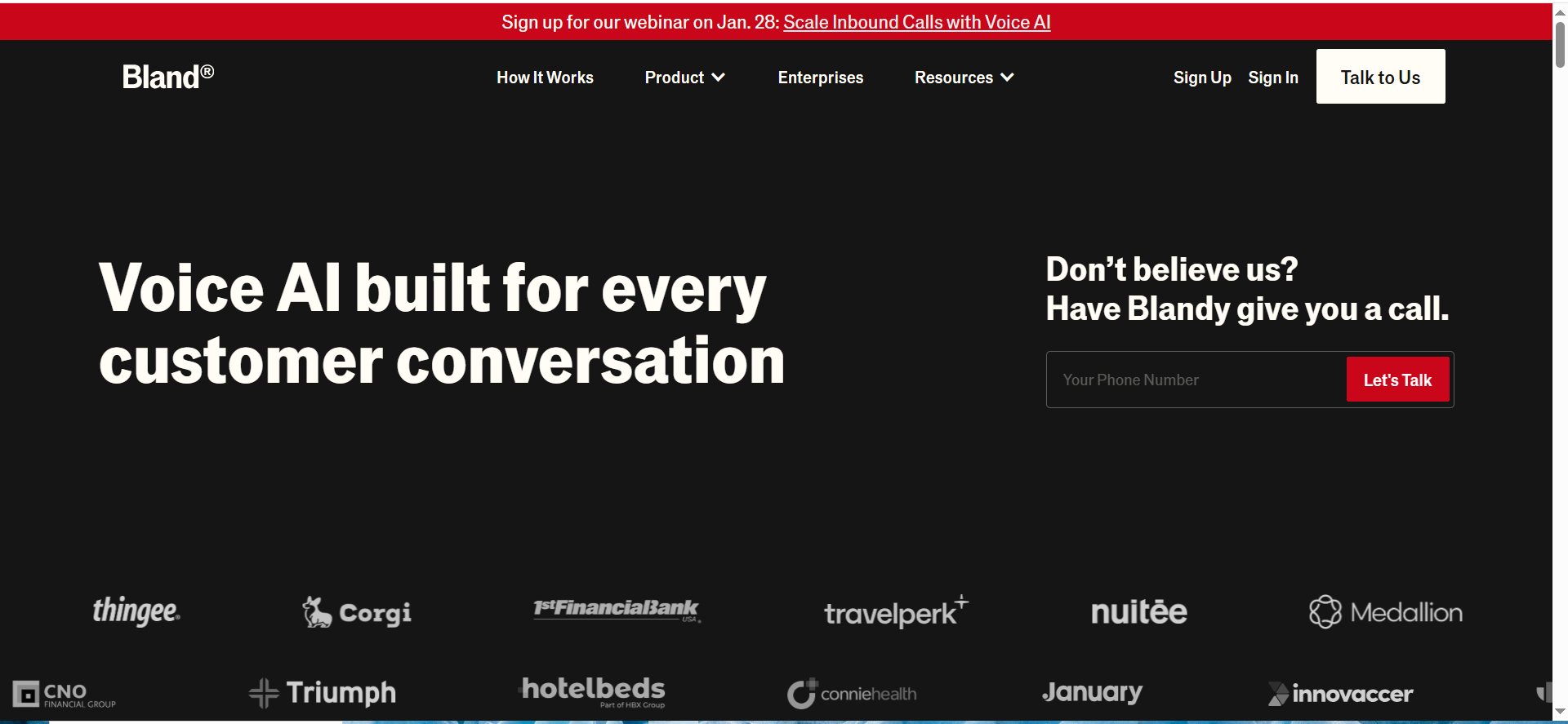
A voice AI calling platform that can run inbound and outbound conversations and trigger downstream actions (like CRM updates or routing) via APIs and webhooks.
Why teams use it
- It matches the “AI SDR” pattern: qualify quickly, capture details, then transfer or book the next step.
- Webhook-first workflows make it straightforward to push outcomes into a CRM and trigger follow-up automations.
- Live transfer keeps humans in the loop when intent spikes.
What it is good for
Teams that want fast time-to-value for qualification and meeting-setting without building everything from scratch.
When it is a good fit
You need both inbound capture and outbound qualification, and you can invest time in scripts, routing rules, and CRM fields.
When it is not a good fit
You want an all-in-one contact center with deep enterprise governance out of the box, or you cannot support basic workflow configuration.
How to use it for lead capture
- Define your “qualified lead” fields (company, role, use case, timeline, next step).
- Write a short qualification script and add a permission check + clear disclosures.
- Configure warm-transfer rules (e.g., transfer when fit = high and timeline <= 30 days).
- Send post-call results to HubSpot/Salesforce via webhook -> create/update contact + log structured fields.
- Run 20-40 QA calls, then ramp volume while monitoring capture rate and complaints.
Key capabilities
- Inbound and outbound calling flows
- Post-call webhooks / integrations for CRM updates
- Warm transfer and meeting booking patterns
- Custom prompts, guardrails, and structured outputs (depending on your setup)
Pricing
Bland AI’s pricing starts at $0/month for the Start plan, with usage billed at $0.14 per connected minute. Paid plans start at $299/month with lower per-minute rates.
Free tier?
Bland AI offers a free tier (the Start plan), but usage is still billed per minute.
Downsides / limitations
- Performance depends on list quality, call timing, and how well you define qualification rules.
- Usage-based billing can feel unpredictable until you measure real minutes per meeting.
- Compliance controls are partly on you (consent, disclosures, retention, opt-out).
2. Retell AI
What it does
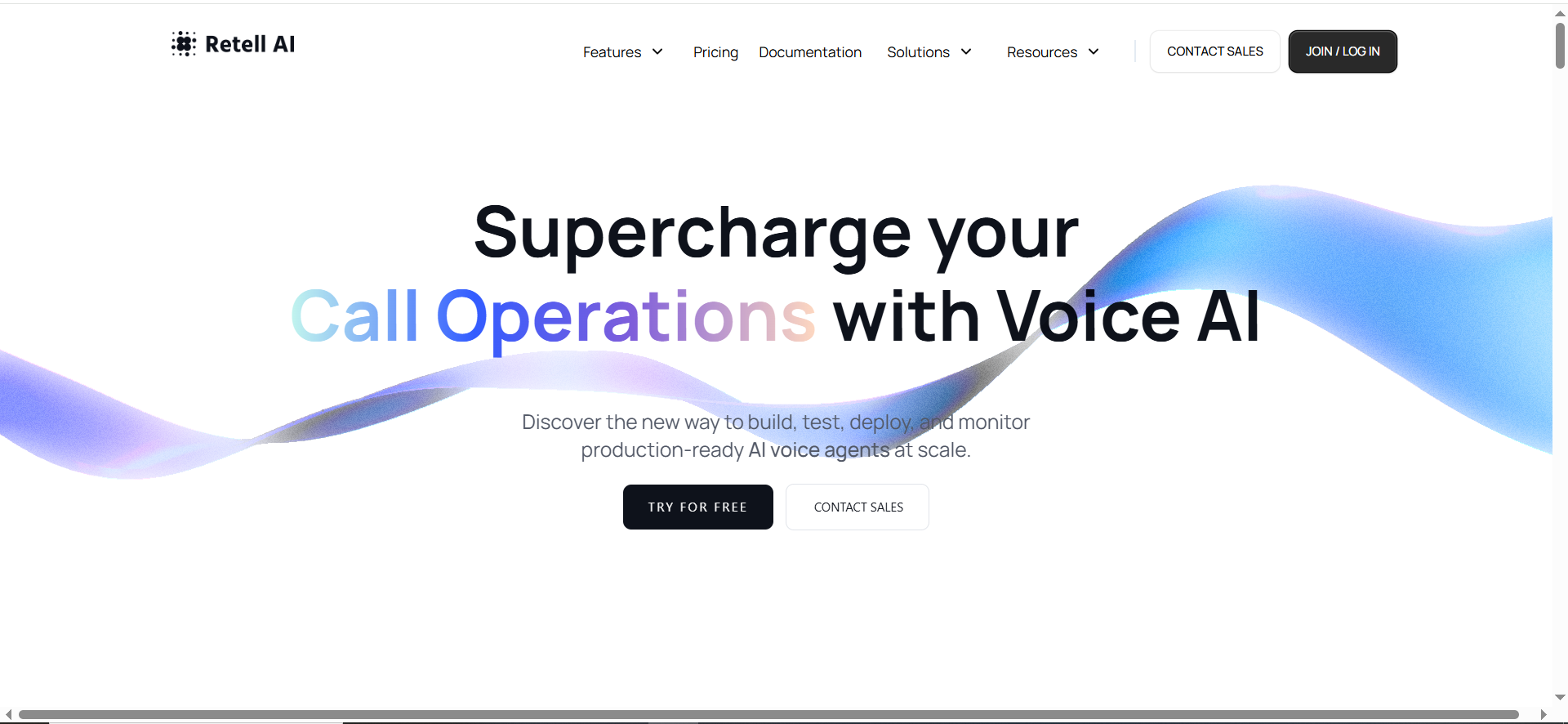
A voice agent platform focused on building, testing, and deploying agents at scale with usage-based pricing.
Why teams use it
- Good choice when you want to scale gradually without committing to a large platform fee.
- Strong fit when you already have a clear workflow and just need the voice layer to run it.
What it is good for
Cost-efficient inbound qualification and appointment-setting at scale.
When it is a good fit
You want a predictable per-minute model and are comfortable wiring your own CRM and routing logic.
When it is not a good fit
You need a fully packaged dialer + CRM workflow with minimal configuration, or your org requires heavy enterprise governance.
How to use it for lead capture
- Start inbound-first: answer missed calls, qualify, then book a call or route to a rep.
- Design a structured JSON-like outcome (fit, intent, next step, contact fields).
- Send outcomes to your CRM via your integration layer (Zapier/Make/webhooks/custom).
- Add a QA loop: review transcripts weekly and update prompts and disambiguation questions.
Key capabilities
- Agent testing and iteration workflow
- Deployable voice agents with usage pricing
- Integrates through APIs/webhooks (implementation varies)
- Works well as a voice layer inside a broader stack
Pricing
Retell AI is pay-as-you-go, with AI voice agents starting at $0.07+ per minute.
Free tier?
Retell AI doesn’t offer a permanent free tier, but it includes $10 in free credits to start.
Downsides / limitations
- You still need to build the CRM spine (fields, logging, routing).
- Total cost depends on voice/model choices and call volumes.
- Compliance remains an implementation requirement (consent, opt-out, recording disclosures).
3. Vapi
What it does
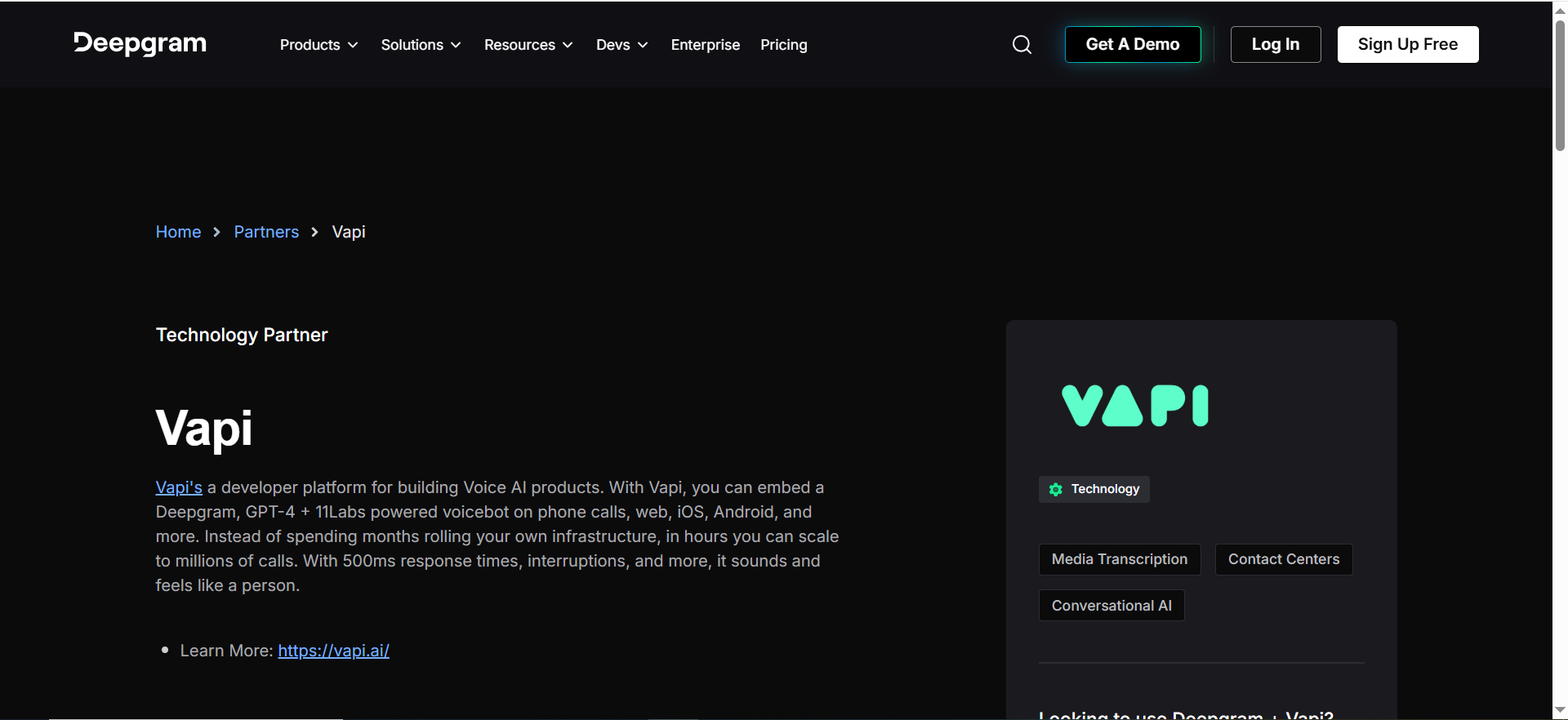
A developer platform for building, testing, and deploying voice AI agents with full control over logic, integrations, and guardrails.
Why teams use it
- Best when your workflow is unique: custom routing, enrichment, strict guardrails, or multi-step qualification.
- Lets engineers own the experience end-to-end instead of adapting to a fixed product UI.
What it is good for
Custom qualification logic, enrichment, multi-step routing, and deep CRM integrations.
When it is a good fit
You have engineering support and want to treat voice lead gen as a product surface (measured, iterated, and owned).
When it is not a good fit
You want a no-code tool with instant deployment and minimal maintenance.
How to use it for lead capture
- Define the call state machine (disclosure -> permission -> qualify -> next step).
- Implement structured extraction for name/email/company and confirmation loops (“Did I get that right?”).
- Connect telephony and route hot leads to live reps; log everything to CRM as structured fields.
- Add safety: forbidden claims, escalation rules, and a “human takeover” path.
- Ship v1 to inbound calls first, then expand to outbound if your compliance posture is ready.
Key capabilities
- Programmable call flows and tool/function calling
- Custom integrations (CRM, calendar, enrichment, routing)
- Fine-grained guardrails and logging
- Works with a bring-your-own telephony/model stack
Pricing
Vapi’s pay-as-you-go pricing bills $0.05 per minute for calls, and it charges extra for higher call concurrency (additional lines are priced per month). Enterprise pricing is custom/quote-based.
Free tier?
Vapi doesn’t offer a free tier, but it does start you with $10 in free credits.
Downsides / limitations
- More setup and maintenance than packaged tools.
- Cost forecasting requires tracking multiple components.
- You own compliance, retention, and auditability requirements.
4. Synthflow
What it does
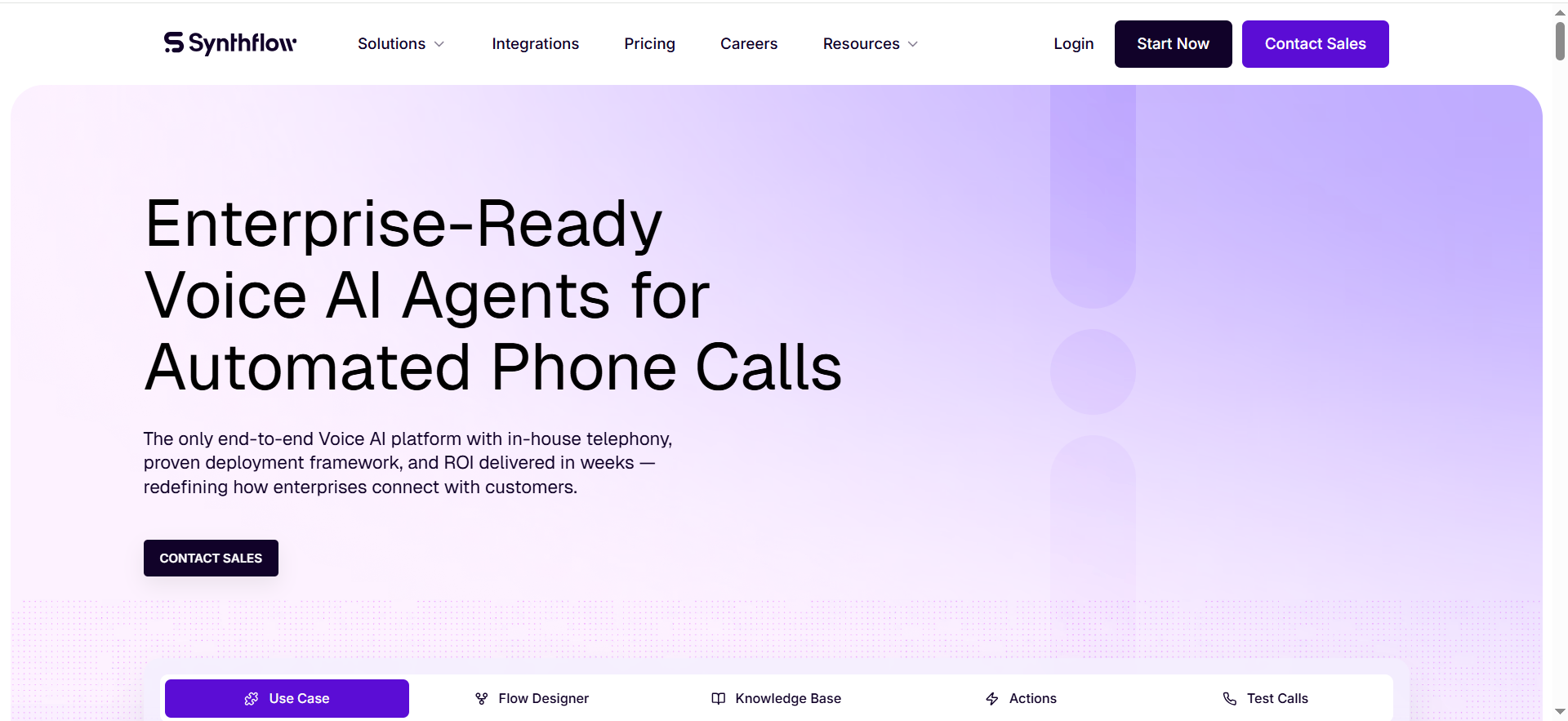
A no-code voice agent builder designed to automate phone conversations and connect outcomes to other tools in your stack.
Why teams use it
- Good fit when you want to move fast without engineering.
- Works well for straightforward qualification + booking workflows.
What it is good for
Inbound lead capture, qualification, meeting booking, and simple outbound experiments.
When it is a good fit
You want a “builder” workflow and can keep routing logic relatively simple.
When it is not a good fit
You need complex branching logic, strict auditability, or deep custom integrations beyond what the platform supports.
How to use it for lead capture
- Start with an inbound missed-call agent: qualify, then book or route.
- Map your required CRM fields and ensure the agent collects and confirms each one.
- Connect to calendar and CRM, then test with real accents/noise to catch edge cases.
- Add an escalation rule: transfer to a rep when intent or urgency is high.
Key capabilities
- No-code agent builder
- Workflow connections to common tools (availability varies)
- Rapid iteration for scripts and prompts
- Works best with a clear, repeatable qualification flow
Pricing
Synthflow’s Pay As You Go plan starts at $0/month, with usage billed at $0.15–$0.24 per minute; Enterprise pricing is custom/quote-based.
Free tier?
Synthflow doesn’t offer a free tier, but it does offer a free trial with limited trial minutes (up to 200 minutes).
Downsides / limitations
- No-code tools can hit ceilings for complex routing or strict governance.
- Validate retention/audit needs if you operate in regulated environments.
- Outbound performance still depends on list quality and caller ID trust.
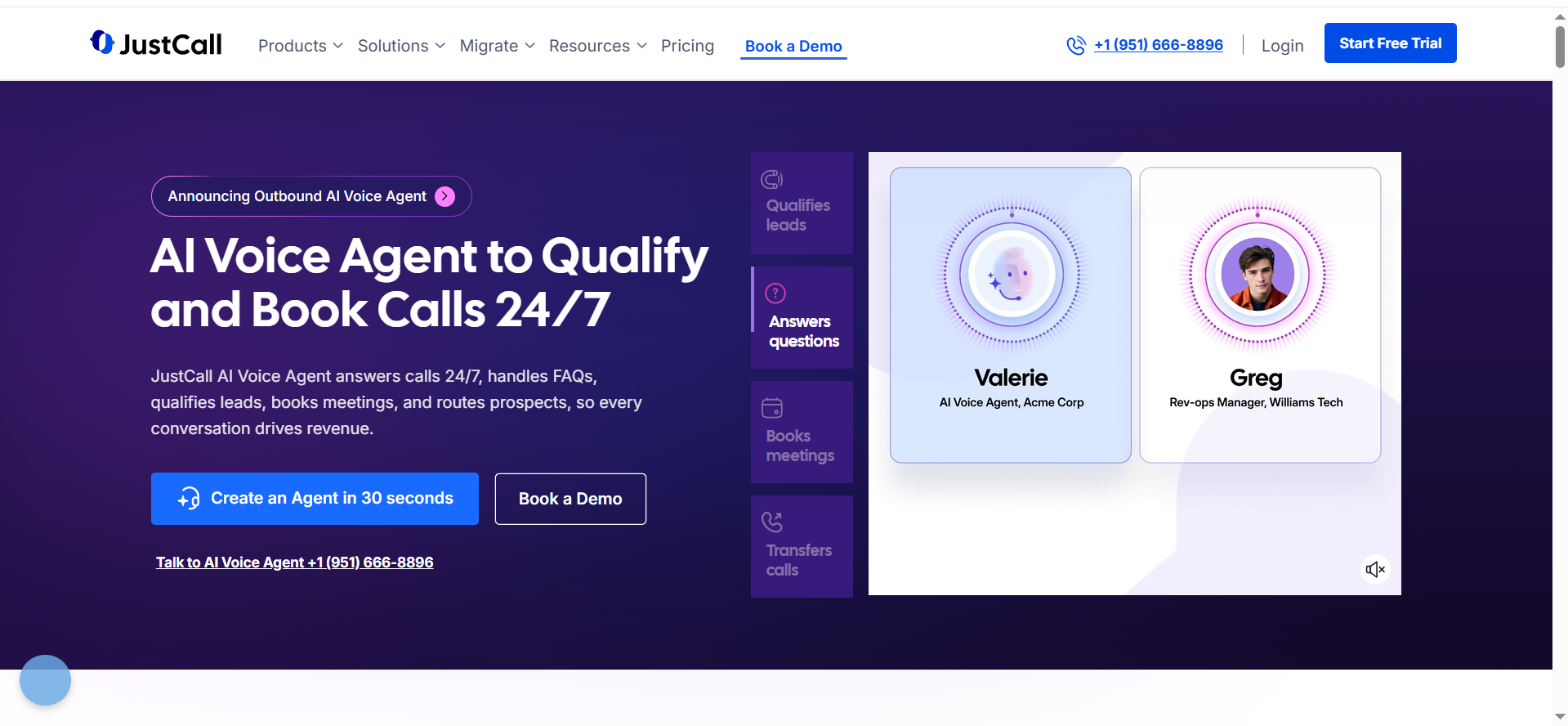
5. JustCall AI Voice Agent
What it does
A voice agent product inside a calling/dialer platform that focuses on answering and qualifying inbound calls, booking, and routing.
Why teams use it
- Simplifies deployment if your team already uses a dialer for inbound handling.
- Good for small-to-mid teams that want quick lead capture without a custom build.
What it is good for
Inbound qualification for demo requests, pricing calls, and missed calls - with quick scheduling or warm transfer.
When it is a good fit
You want a packaged dialer + voice agent experience and straightforward setup.
When it is not a good fit
You need heavy custom logic or a highly bespoke tech stack integration.
How to use it for lead capture
- Identify your inbound call types (pricing, demo, support spillover) and route appropriately.
- Collect and confirm contact fields, then book a meeting or warm-transfer.
- Sync outcomes to your CRM and notify a rep in Slack for hot leads.
- Review call summaries weekly to improve question order and disambiguation.
Key capabilities
- Inbound qualification and scheduling
- Dialer-native calling workflows
- CRM integrations (varies by plan)
- Team workflows (assignments, notifications)
Pricing
JustCall’s AI Voice Agent pricing starts at $0.99 per minute on pay-as-you-go. Monthly plans start at $99/month and include a bundle of minutes, with additional usage billed per minute.
Free tier?
JustCall doesn’t offer a free tier, but it does offer a 14-day free trial.
Downsides / limitations
- May be less flexible than developer platforms for custom logic.
- Outbound capabilities may vary; confirm if outbound is critical.
- Compliance controls still require process (disclosures, opt-out handling, logging).
How to choose the right voice AI for lead gen
Starter vs Pro vs Enterprise patterns
- Starter (7 days): inbound missed-call capture + calendar booking. Prioritize setup speed and CRM logging.
- Pro (2-4 weeks): inbound + outbound qualification with structured CRM fields, routing rules, and a QA loop.
- Enterprise (4-8+ weeks): multi-region governance, strict retention, role-based access, and auditable workflows.
Integration checklist (CRM + calendar + routing)
- Create/update Contact and Company records
- Log call outcome, qualification fields, and summary
- Create meeting + assign owner + notify in Slack
- Trigger follow-up (email/SMS) based on outcome and consent
- Track attribution: source, campaign, and call disposition
Compliance and risk checklist (operational, not legal advice)
Voice lead gen can create real risk if you treat it like email automation. Build a baseline process before scaling.
- Consent and disclosures: clearly identify the caller and how the call is handled; include opt-out language where appropriate.
- DNC and calling rules: implement do-not-call logic and honor internal suppression lists.
- Call recording: confirm one-party vs two-party consent rules for the regions you call and add appropriate disclosures.
- Data retention: decide how long you store transcripts and recordings and who can access them.
- Spam labeling and caller ID trust: monitor answer rates and complaint rates; ramp slowly.
FAQs
Is voice AI actually good at generating contact leads?
What is the best voice AI for outbound lead generation?
What is the easiest voice AI to set up without engineering?
How do I keep voice AI lead gen compliant?
What should I connect first: CRM or calendar?
How much does a voice AI agent cost per month?
Can voice AI replace SDRs?
Final recommendation + next step
If you want the fastest path to results, start inbound-first, instrument your CRM fields, and add warm transfer for high-intent moments, then book a call to pressure-test your workflow before scaling. Then scale only after you have stable capture and meeting rates.
📋 Get Listed / Advertisement
We update this guide monthly. Want your tool featured? Contact: [email protected].


