

If you want the “best” voice AI for a healthcare front desk in 2026, start by matching the tool to your highest-volume workflow: scheduling, call deflection (FAQs + routing), or intake. For enterprise health systems prioritizing reliability, governance, and tight controls, tools like Syllable and Infinitus often show up on shortlists. If your focus is patient access workflows and front-desk throughput, Phreesia VoiceAI and Notable Assistant are commonly evaluated. For conversational routing and self-service experiences across departments, Hyro (Healthcare) is frequently considered.
📋 Get Listed / Advertisement
We update this guide monthly. Want your tool featured? Contact: [email protected].
Best Tools for Healthcare Front-Desk Voice AI (Quick Comparison)
| Tool | Best for | Strengths (high level) | Watch-outs |
|---|---|---|---|
| Syllable | Enterprise patient access + tightly controlled automation | Governance-first deployments, structured call flows, strong handoff patterns | Longer evaluation cycles; may be “too heavy” for small clinics |
| Phreesia VoiceAI | Front-desk throughput, appointment flows, patient access | Patient access focus; often evaluated for deflection + scheduling workflows | Verify integration fit with your scheduling/EHR stack |
| Notable Assistant | Broad patient communication + operational automation | Automation breadth; useful when you want assistant-like experiences across workflows | Confirm safety boundaries + escalation behavior in demos |
| Hyro (Healthcare) | Conversational self-service + routing across departments | Good for “find the right place” routing, FAQs, and structured journeys | Needs clear content ownership + routing governance to avoid drift |
| Infinitus | Safety-first automation for sensitive workflows | Emphasis on risk controls, validation, and operational guardrails | Ensure it meets your UX needs (voice experience, routing depth) |
📋 Get Listed / Advertisement
We update this guide monthly. Want your tool featured? Contact: [email protected].
1. Syllable
What it does
Syllable is typically evaluated as a voice AI layer for patient access, handling common calls (hours, directions, basic info), routing, and certain scheduling/intake tasks with strict guardrails.
Why teams use it
Teams consider it when they need enterprise-grade control: consistent call handling, predictable escalations, and centralized governance across many locations.
What it’s good for
- High-volume call deflection without “creative” responses
- Department routing with clear rules
- Standardized after-hours handling and callback flows
When it’s a good fit
- You’re rolling out across multiple clinics/sites
- You have clear policies for what the assistant may or may not do
- You can support change management and ongoing QA
When it’s not a good fit
- A single-location clinic with limited IT/support bandwidth
- You want an assistant to “wing it” conversationally without strict scripting
How to use it
Start with one call type (e.g., “appointment requests”), define safe intents + hard stops, then expand to FAQs and routing once transfers are stable.
Key capabilities
- Intent-based routing and deflection
- Human handoffs (transfer/callback/ticket)
- Policy-driven constraints (what it can’t answer)
Security & compliance notes
For any tool, validate: BAA availability, PHI handling rules, retention controls, audit logs, access controls, and how the vendor prevents medical advice.
Pricing
Syllable’s pricing starts at $0.04 per minute on its Scale tier (the Trial tier includes 110 free minutes). The Enterprise tier is $0.06 per minute.
Free tier?
Syllable offers a free tier (its Trial tier).
Downsides / limitations
Expect heavier implementation effort:policies, routing logic, and QA must be well-owned internally.
2. Phreesia VoiceAI
What it does
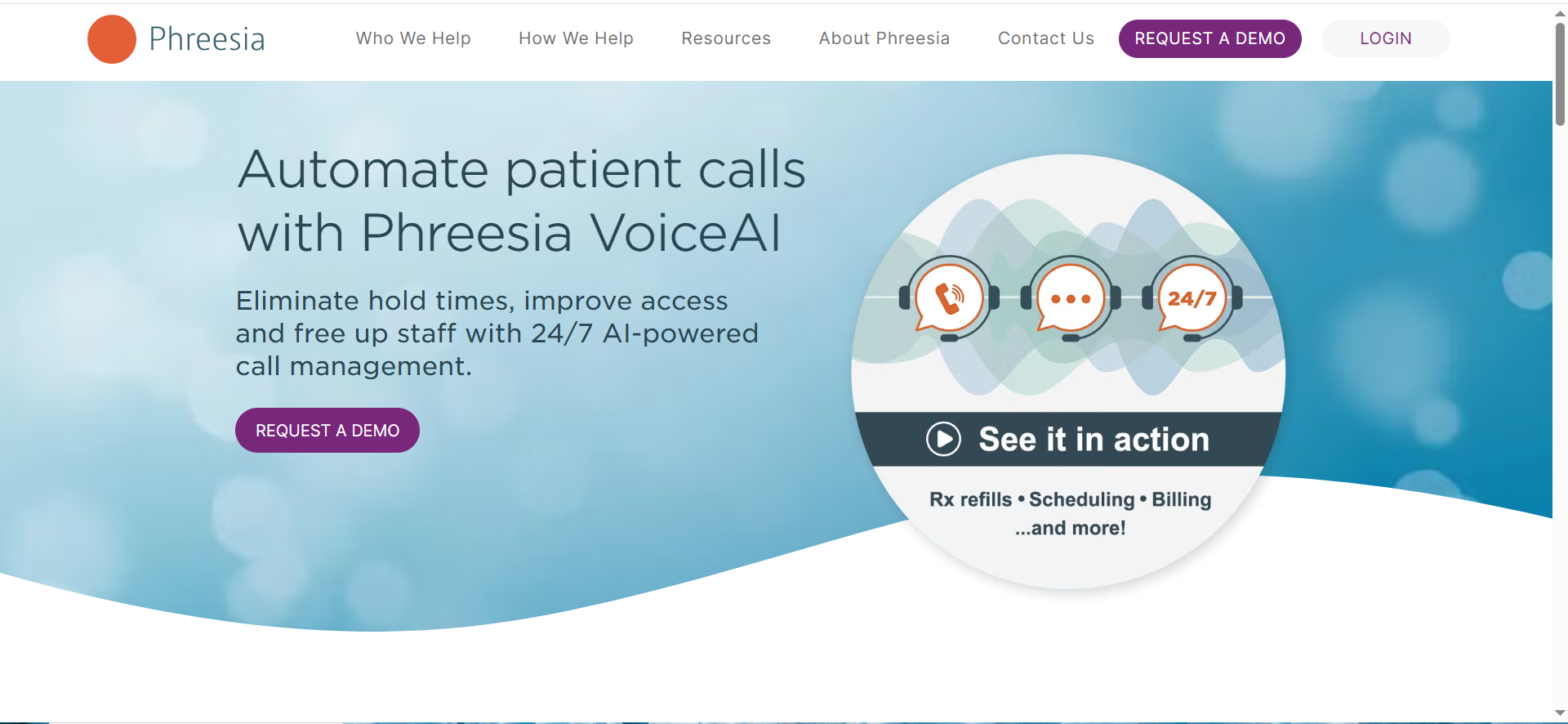
Phreesia VoiceAI is often evaluated for patient access automation, front-desk calls, appointment-related workflows, and deflection for common questions.
Why teams use it
Teams consider it when they want a solution aligned to patient access operations rather than a generic conversational bot.
What it’s good for
- Appointment request triage and routing
- Reducing hold time and abandoned calls
- Standardized answers to repetitive questions
When it’s a good fit
- Scheduling is the #1 pain point
- You can define what “success” means (deflection %, transfer stability, callback SLAs)
- Your team can own clinic-by-clinic rollout
When it’s not a good fit
- You need complex, custom call journeys across many departments without clear ownership
- Your scheduling stack is highly bespoke and hard to integrate
How to use it
Pilot on a subset of call types and one location, then expand by adding intents once you’ve stabilized transfers and reduced failures.
Key capabilities
- Patient-access oriented call handling
- Routing and deflection for common intents
- Operational reporting varies, so validate exact metrics in a demo.
Security & compliance notes
Confirm: identity verification approach, what it collects, what it never asks, and how it handles sensitive requests (medication, symptoms, emergencies).
Pricing
Phreesia VoiceAI pricing isn’t publicly listed; it’s available by quote.
Free tier?
Phreesia VoiceAI doesn’t offer a free tier, but it does offer a demo.
Downsides / limitations
If your biggest need is “super flexible conversational design,” you may need additional tooling or customization.
3. Notable Assistant
What it does
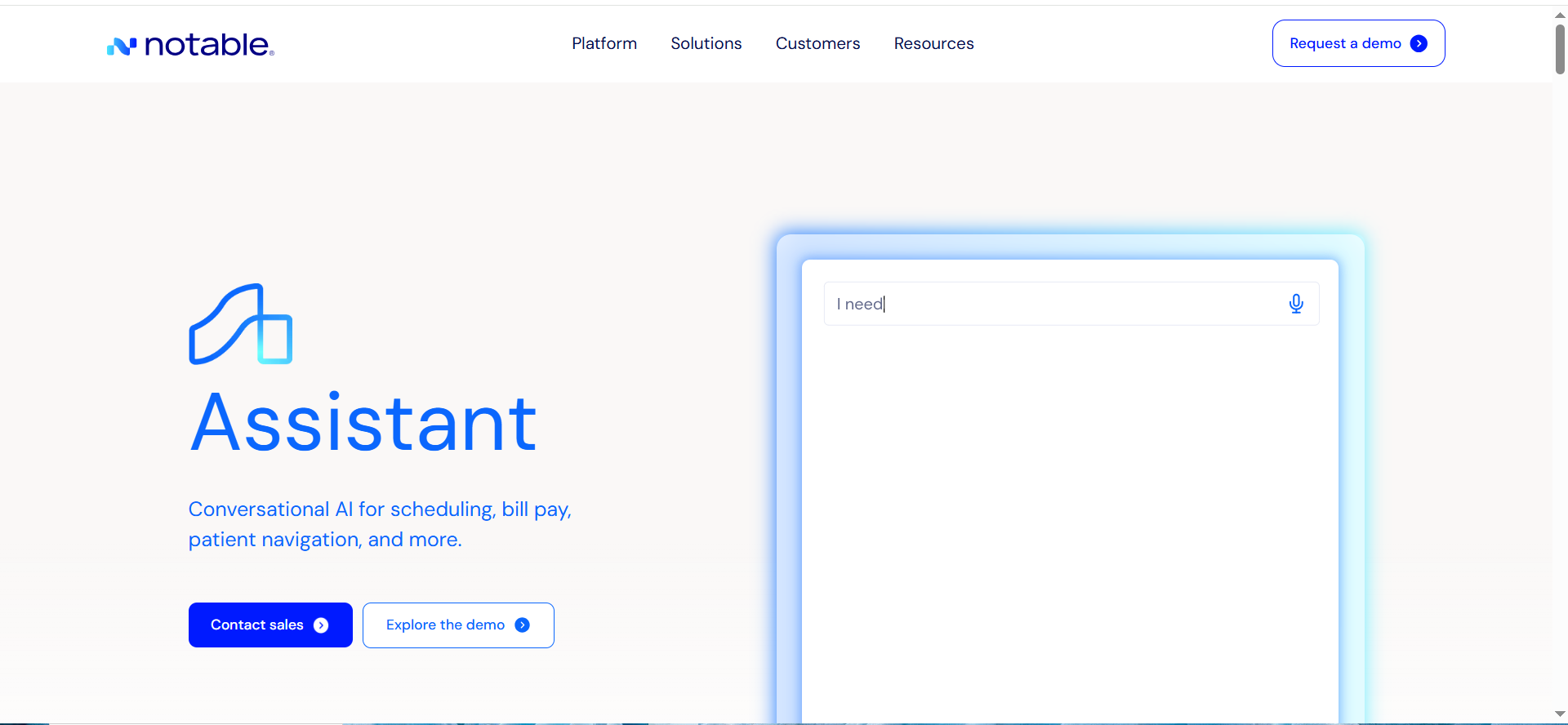
Notable Assistant is evaluated as an automation layer that can support patient-facing conversations and operational workflows (including front-desk-related tasks).
Why teams use it
Teams like it when they want broader automation beyond just a single “phone deflection” use case.
What it’s good for
- Scaling repetitive operational workflows
- Extending beyond one channel (depending on your deployment)
- Standardizing how requests are captured and routed
When it’s a good fit
- You want a platform approach (multiple workflows)
- You have stakeholder alignment on policies and ownership
- You can run a structured evaluation and QA process
When it’s not a good fit
- You only need a simple phone tree replacement
- You don’t have resources to maintain and govern multiple workflows
How to use it
Define a “safe workflow catalog” (what it may do), set escalation rules, then launch a narrow pilot before expanding scope.
Key capabilities
- Workflow automation + routing
- Intake/capture patterns (validate specifics)
- Reporting and operational visibility (validate specifics)
Security & compliance notes
Demand clarity on: PHI handling, access control, auditability, retention, and how the assistant avoids unsafe medical guidance.
Pricing
Notable Assistant pricing isn’t publicly listed; it’s available by quote through sales.
Free tier?
Notable Assistant doesn’t offer a free tier, but it does offer a demo.
Downsides / limitations
Broader platforms can sprawl, if you don’t set governance early, you’ll get inconsistent experiences across departments.
4. Hyro (Healthcare)
What it does
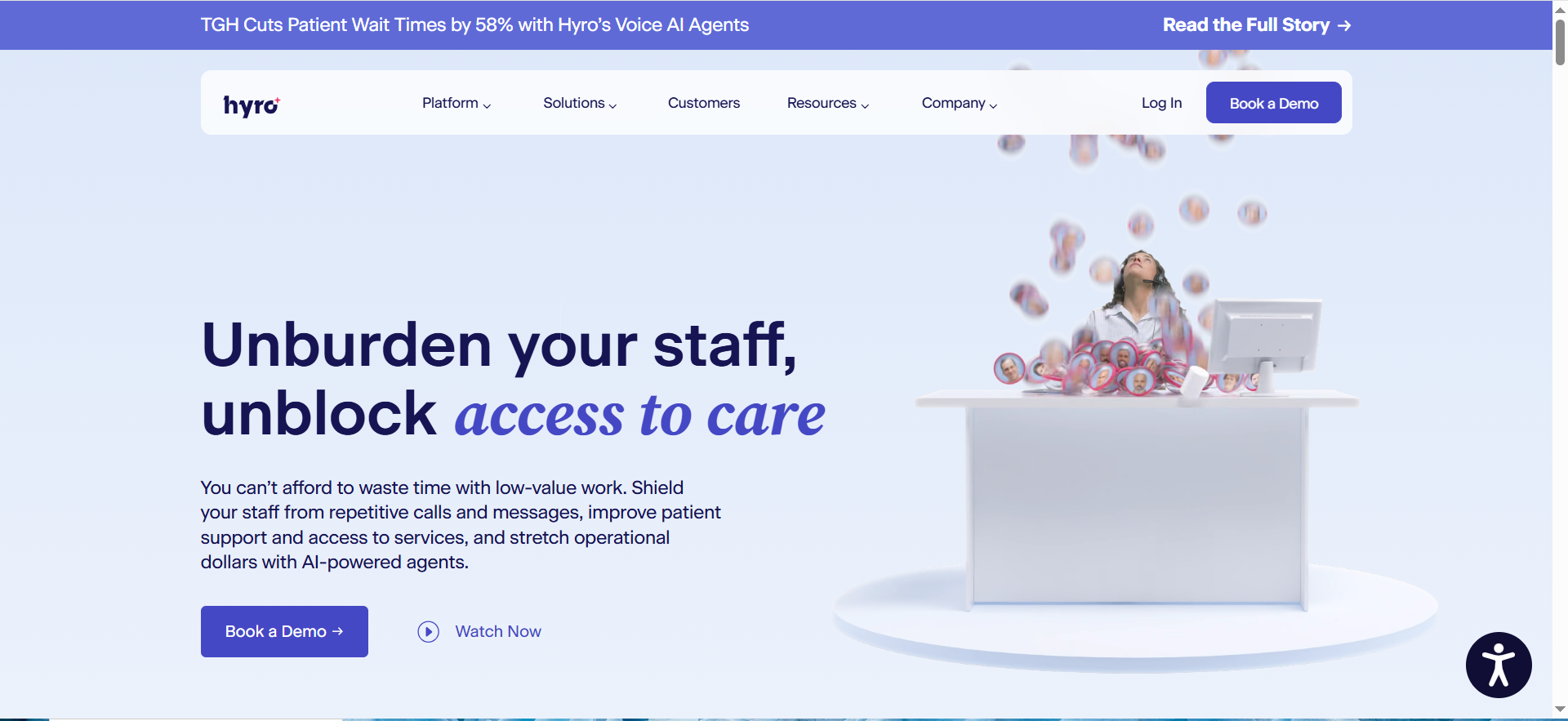
Hyro needs clear content ownership + routing governance to avoid drift, helping patients find the right department, answer FAQs, and follow structured journeys.
Why teams use it
Useful when the main problem is “routing chaos” across departments and locations, especially when content is scattered.
What it’s good for
- Department routing and structured FAQs
- Standardizing answers and directing callers to the correct destination
- Reducing misroutes and repeat calls
When it’s a good fit
- Your org has many departments and high misroute rates
- You can assign content ownership (who maintains answers)
- You can align on escalation rules
When it’s not a good fit
- You want deep scheduling actions more than routing/deflection
- No one can own content, routing rules, and ongoing QA
How to use it
Start with routing + top FAQs, then add structured flows.Track misroutes, abandoned calls, and handoff success.
Key capabilities
- Conversational routing flows
- Knowledge-base-driven answers (validate)
- Handoff patterns (transfer/callback/ticket depending on setup)
Security & compliance notes
Confirm what information it collects, how it confirms identity (if at all), and where PHI can appear in transcripts/logs.
Pricing
Hyro’s pricing isn’t publicly listed; you’ll need to book a demo to get a quote.
Free tier?
Hyro doesn’t offer a free tier, but it does offer a demo.
Downsides / limitations
If the routing rules and knowledge base aren’t maintained, performance decays, governance matters as much as the tool.
5. Infinitus
What it does
Infinitus is often evaluated for risk-controlled automation in sensitive, regulated contexts, where guardrails and validation are a first-class concern.
Why teams use it
Teams shortlist it when leadership’s #1 concern is safety, control, and predictable behavior under edge cases.
What it’s good for
- Deflection + routing with strict constraints
- Sensitive workflows that require conservative behavior
- High emphasis on auditing and governance (validate capabilities)
When it’s a good fit
- You have strict policies and want the system to enforce them
- You need strong escalation behavior and failure modes
- You’re prepared to run structured QA
When it’s not a good fit
- Your priority is a highly “human-like” assistant experience over strict control
- You want minimal setup and no governance work
How to use it
Define prohibited intents (medical advice, diagnosis), set hard-stop language, and test failure modes aggressively before launch.
Key capabilities
- Guardrails and risk controls
- Workflow routing + structured capture
- Monitoring and operational review loops (validate)
Security & compliance notes
Ask for specifics on: PHI handling, retention options, audit logs, and admin change control.
Pricing
Infinitus pricing isn’t publicly listed; it’s available by quote based on products, volume, and deployment needs.
Free tier?
Infinitus doesn’t offer a free tier, but it does offer demos.
Downsides / limitations
Stronger controls can mean more configuration and a narrower “conversational” feel, be clear about what experience you want.
How to choose (a simple decision framework)
Scheduling depth vs deflection vs intake
Pick the tool that wins your top workflow:
- If scheduling is the main pain: prioritize appointment actions, accurate confirmations, and scheduling-system integration.
- If deflection is the main pain: prioritize knowledge accuracy, clear disclaimers, and safe routing.
- If intake is the main pain: prioritize structured data capture, identity checks (if needed), and compliant storage.
Risk boundaries and “hard stops”
Your assistant should have “non-negotiables,” like:
- Never provide medical advice or interpret symptoms.
- Always route emergencies to emergency services (and/or defined clinical escalation).
- Always hand off when identity/PHI risk is unclear.
Integration checklist (EHR, scheduling, telephony)
Make or break items:
- Scheduling system support (create/modify/cancel, rules, provider availability)
- Telephony/IVR integration and transfer reliability
- Reporting hooks (deflection, transfers, time-to-answer, reasons)
- Admin controls (who changes prompts, how changes are reviewed)
FAQs
Is voice AI safe for healthcare front desks?
Can these tools schedule appointments end-to-end?
What’s the #1 compliance mistake teams make?
How do I prevent medical advice?
What KPIs should I track?
How long does rollout take?
📋 Get Listed / Advertise
We update this guide monthly. Want your tool featured? Contact: [email protected].


