

If you need enterprise-grade voice AI in 2026, start with a cloud-native option that matches your identity, compliance, and contact center stack: Azure (Microsoft-first), Google (Google Cloud CX), or AWS (Amazon Connect). If your priority is the most natural speech-to-speech experience, shortlist the OpenAI Realtime API (but put governance and redaction in front of audio). If you mainly need high-performance real-time transcription and call analytics pipelines, Deepgram is a strong default.Use the checklist and rubric below to narrow to two finalists and pilot with real call audio before scaling.
📋 Get Listed / Advertisement
We update this guide monthly. Want your tool featured? Contact us: [email protected].
Best Voice AI Providers for Enterprise Solutions (Quick Comparison)
| Provider | Best for | Strengths to verify | Watch-outs |
|---|---|---|---|
| Microsoft Azure AI Speech | Microsoft-first enterprises | Enterprise governance + broad compliance ecosystem | Region availability and layered costs |
| Google Cloud STT + Dialogflow CX | Google Cloud CX stacks | End-to-end path from STT to orchestration | Test on noisy real calls; pricing complexity |
| AWS (Transcribe + Lex V2 + Connect) | AWS-native contact centers | Procurement-friendly for AWS shops; Connect integration | Layered costs; Lex V1 is end-of-support |
| OpenAI Realtime API | Natural speech-to-speech agents | Low-latency speech in/out via WebRTC/WebSocket/SIP | Governance, redaction, and agreements drive compliance |
| Deepgram | Production STT + call pipelines | Strong real-time transcription performance focus | Validate retention/redaction defaults and contracts |
📋 Get Listed / Advertisement
We update this guide monthly. Want your tool featured? Contact us: [email protected].
1. Microsoft Azure AI Speech
What it does
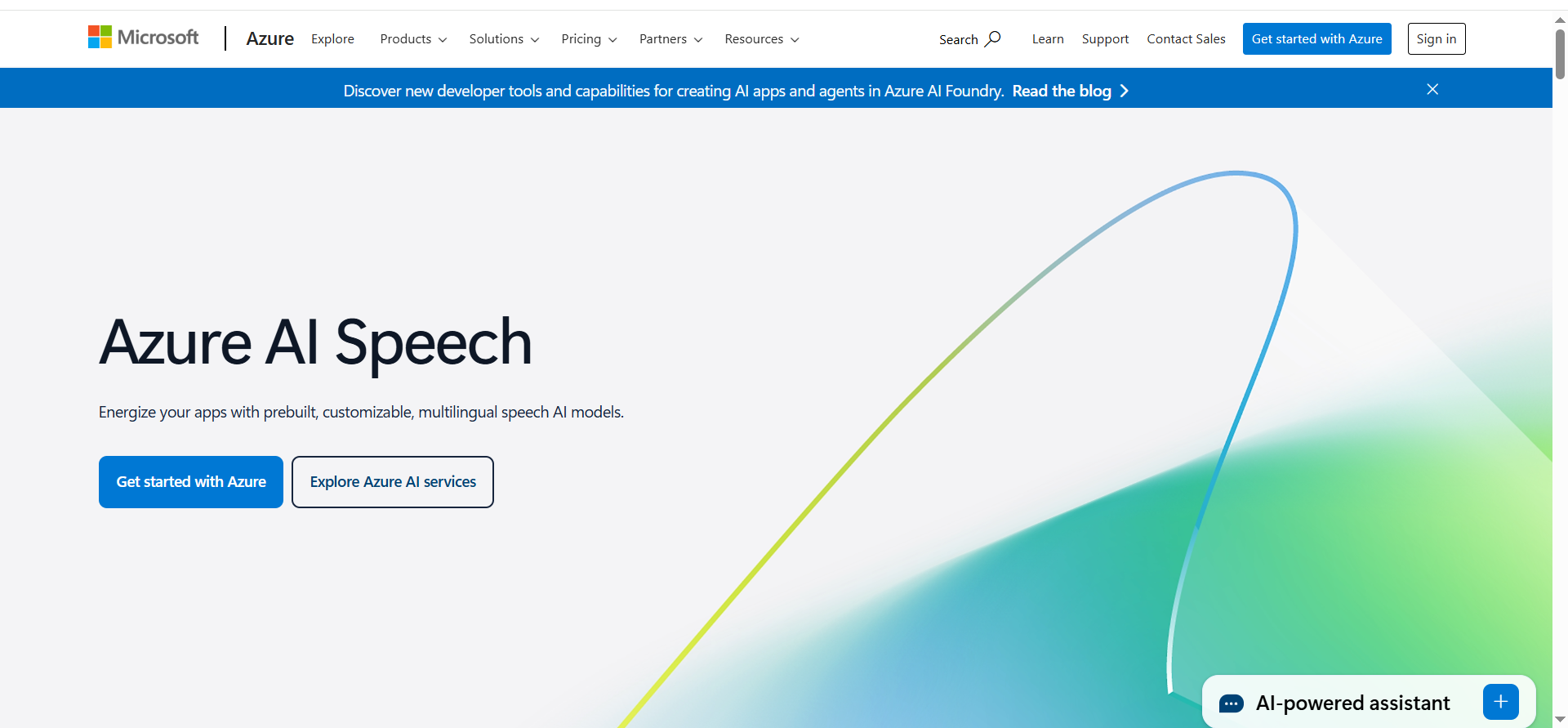
Speech-to-text and text-to-speech services you can pair with Azure-native identity, logging, and (optionally) low-latency agent experiences when combined with real-time LLM capabilities in your Azure stack.
Why teams use it
It is often the fastest procurement and governance path when your enterprise already standardizes on Azure for identity, compliance, and platform operations.
Best for
- Regulated enterprises already standardized on Azure
- Teams modernizing IVR with Microsoft identity and governance
- Central platform teams building a reusable voice capability
When it is a good fit
- You need SSO/RBAC, auditability, and centralized policy controls by default.
- You want to keep vendor sprawl low by staying inside one cloud ecosystem.
When it is not a good fit
- You want a single turnkey “voice agent” platform without engineering effort.
- You cannot use Azure regions that meet your residency requirements.
Key capabilities
- Streaming STT accuracy on noisy call audio (accents, overlap, hold music).
- Barge-in behavior (caller interrupts the agent).
- Multilingual and domain vocabulary handling.
Integrations to check
- CCaaS/contact center routing (your provider + SIP/telephony layer).
- CRM and ticketing (Salesforce, Dynamics, Zendesk).
- Knowledge base / RAG connector patterns.
Security/compliance
- Confirm SOC/ISO controls and region-by-region data handling in your security packet.
- Define retention and redaction defaults before any pilot expands.
Pricing
Azure AI Speech (Speech-to-Text) pricing starts at about $0.80 per audio hour on Azure commitment tiers (for example, $1,600 for 2,000 hours).
Free Tier?
Azure doesn’t clearly list an always-free Speech-to-Text tier; new Azure accounts get $200 in Azure credit for the first 30 days.
Downsides / limitations
- Some capabilities vary by region and by the specific services you enable.
- Cost modeling can be complex across multiple Azure services.
2. Google Cloud Speech-to-Text + Dialogflow CX
What it does
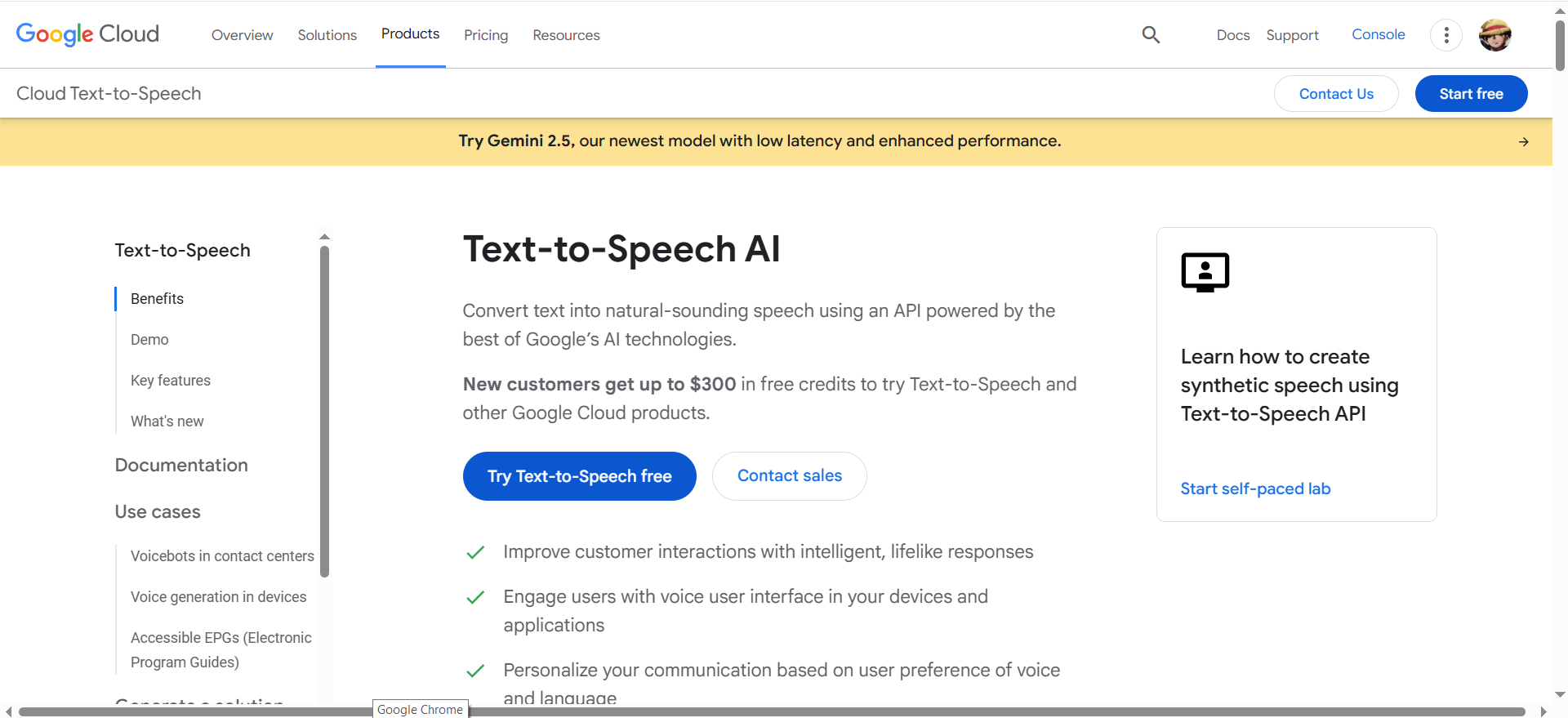
A Google-native path from enterprise speech recognition to conversational orchestration, typically used to build voice bots and route calls through your telephony/contact center layer.
Why teams use it
Teams pick it when they want one platform family for STT + bot building and already run core CX workloads on Google Cloud.
Best for
- Enterprises building voice bots on Google Cloud
- Teams that want bot orchestration plus enterprise speech in one stack
- Organizations that value Google Cloud operational tooling
When it is a good fit
- You want a single vendor path from STT to conversation design and lifecycle management.
- Your teams can run disciplined evaluations on real call audio, not just demos.
When it is not a good fit
- You need a heavily customized speech stack deployed on-prem by default.
- You want a pure speech API without bot/orchestration components.
Key capabilities
- Streaming STT on real call audio (noise, accents, overlap).
- NLU/flow robustness on long-tail intents and edge cases.
- Escalation design: clean handoff to agents with context.
Integrations to check
- Telephony/CCaaS (SIP trunks, routing, agent handoff).
- CRM/ITSM systems for case creation and lookups.
- Data platforms for transcript analytics and QA.
Security/compliance
- Confirm data location, retention controls, and whether audio/transcripts are stored by default in your chosen configuration.
- Map your data flow (audio, transcripts, summaries) per region and per environment.
Pricing
Google Cloud Speech-to-Text pricing starts at $0.016/min after the first 60 free minutes per month. Dialogflow CX pricing starts at $0.007 per text request (or $0.06/min for audio input/output).
Free Tier?
Speech-to-Text includes 60 free minutes per month, and Dialogflow CX offers a $600 credit for a $0 trial for new customers.
Downsides / limitations
- Clean sample audio can overstate accuracy; evaluate on in-the-wild calls.
- Multiple services can make billing and ownership unclear without a platform team.
3. AWS (Amazon Transcribe + Amazon Lex V2 + Amazon Connect)
What it does
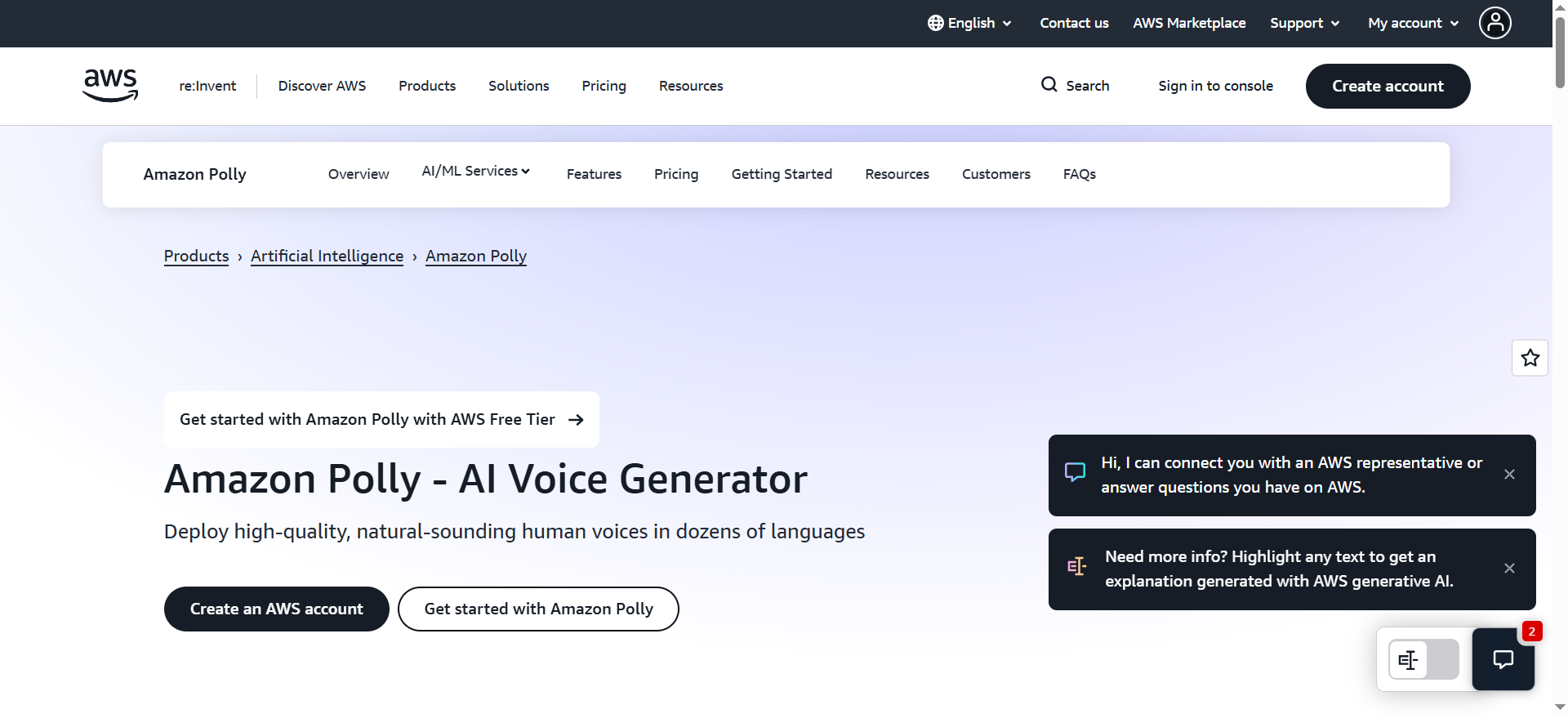
An AWS-native stack for speech transcription, conversational bots (Lex V2), and contact-center routing/workflows (Amazon Connect).
Why teams use it
It is a common enterprise choice when Amazon Connect is already the contact center, or when AWS procurement and platform controls are non-negotiable.
Best for
- Enterprises already on Amazon Connect
- AWS-first orgs that want an end-to-end contact-center architecture
- Teams needing clear platform-level compliance documentation
When it is a good fit
- Your contact center is (or will be) Amazon Connect and you want the lowest integration friction.
- You have a platform team to manage shared logging, evaluation, and change control.
When it is not a good fit
- You need the most natural speech-to-speech agent experience as the primary differentiator.
- You want a single SKU that bundles everything without layered billing.
Key capabilities
- Transcription latency at peak concurrency.
- Lex V2 flow robustness + fallback logic.
- Agent handoff and context transfer inside Connect.
Integrations to check
- Amazon Connect routing, WFM/QM, and analytics workflows.
- CRM connectors and screen-pop workflows.
- Central observability (CloudWatch + your SIEM/data warehouse).
Security/compliance
- Plan Lex V2 by default: AWS ended Lex V1 support on 2025-09-15 (AWS documentation).
- Confirm retention/redaction and who can access recordings/transcripts by role.
Pricing
Amazon Transcribe pricing starts at $0.024/min (standard batch, Tier 1). Amazon Lex starts at $0.004 per speech request (or $0.00075 per text request), and Amazon Connect service usage starts at $0.038/min for voice (region-dependent, plus telephony charges).
Free Tier?
AWS offers free-tier allowances for 12 months, including 60 minutes/month of Transcribe, 10,000 Lex text requests and 5,000 Lex speech requests per month, and 90 minutes/month of Amazon Connect service usage.
Downsides / limitations
- Complexity grows quickly if multiple teams build agents without a shared standard.
- Cost surprise risk if call durations or transcript analytics grow over time.
4. Open AI Realtime API
What it does
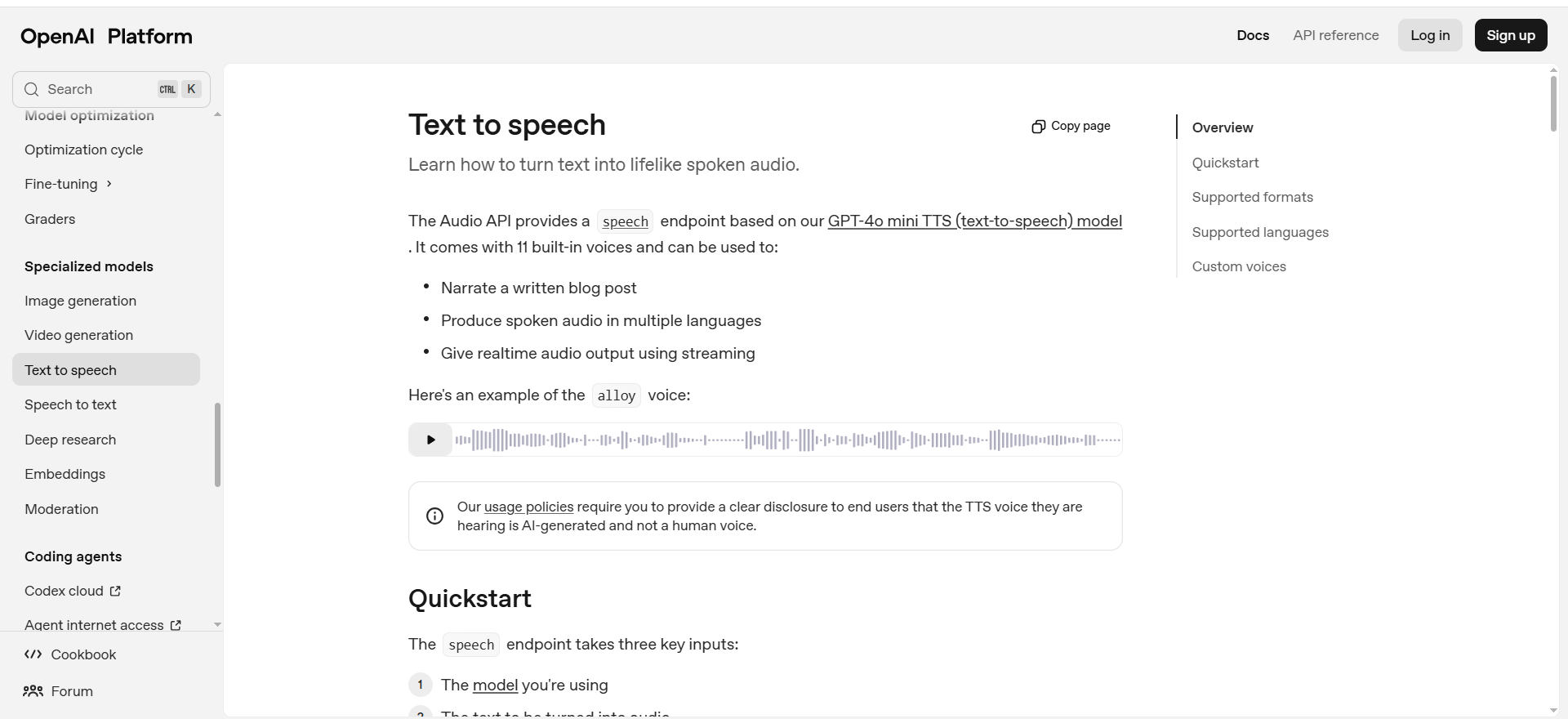
A low-latency API for real-time interactions where audio can go in and audio can come out, designed for natural turn-taking and fast response in conversational experiences.
Why teams use it
Teams pick it when experience quality is the product (concierge, scheduling, triage), and they want a modern speech-to-speech interface rather than stitching multiple components together.
Best for
- Premium, natural voice assistants where latency matters
- Teams that can enforce strict governance (allowlists, tool policies, redaction)
- Rapid prototyping and iteration on conversation design
When it is a good fit
- You can place governance controls before audio leaves your environment (PII redaction, tool allowlists, logging).
- You want real-time interfaces such as WebRTC/WebSocket/SIP patterns for audio (per Open AI docs).
When it is not a good fit
- Your procurement requires a fully managed, end-to-end contact center AI platform in one contract.
- You cannot meet your compliance requirements with your chosen deployment and agreements.
Key capabilities
- End-to-end latency (speech in to speech out) under realistic network conditions.
- Turn-taking and barge-in behavior.
- Tool calling reliability (CRM lookups, scheduling, knowledge retrieval).
Integrations to check
- Telephony bridging: WebRTC/WebSocket/SIP gateway options.
- Your orchestration layer (policies, evaluation harness, logging).
- Contact-center handoff patterns and transcript storage.
Security/compliance
- Treat compliance posture as deployment-dependent; build a security review packet early.
- Put redaction and retention defaults in architecture, not per-agent configuration.
Pricing
OpenAI’s Realtime API pricing starts at $10 per 1M audio input tokens on gpt-realtime-mini (or $0.60 per 1M text input tokens).
Free Tier?
OpenAI doesn’t offer a free tier for the Realtime API; it’s billed per token and the Realtime API is for paid developers.
Downsides / limitations
- You own more of the architecture (telephony, routing, evaluation, monitoring) unless paired with additional platforms.
- Governance work is mandatory; skipping it creates outsized risk.
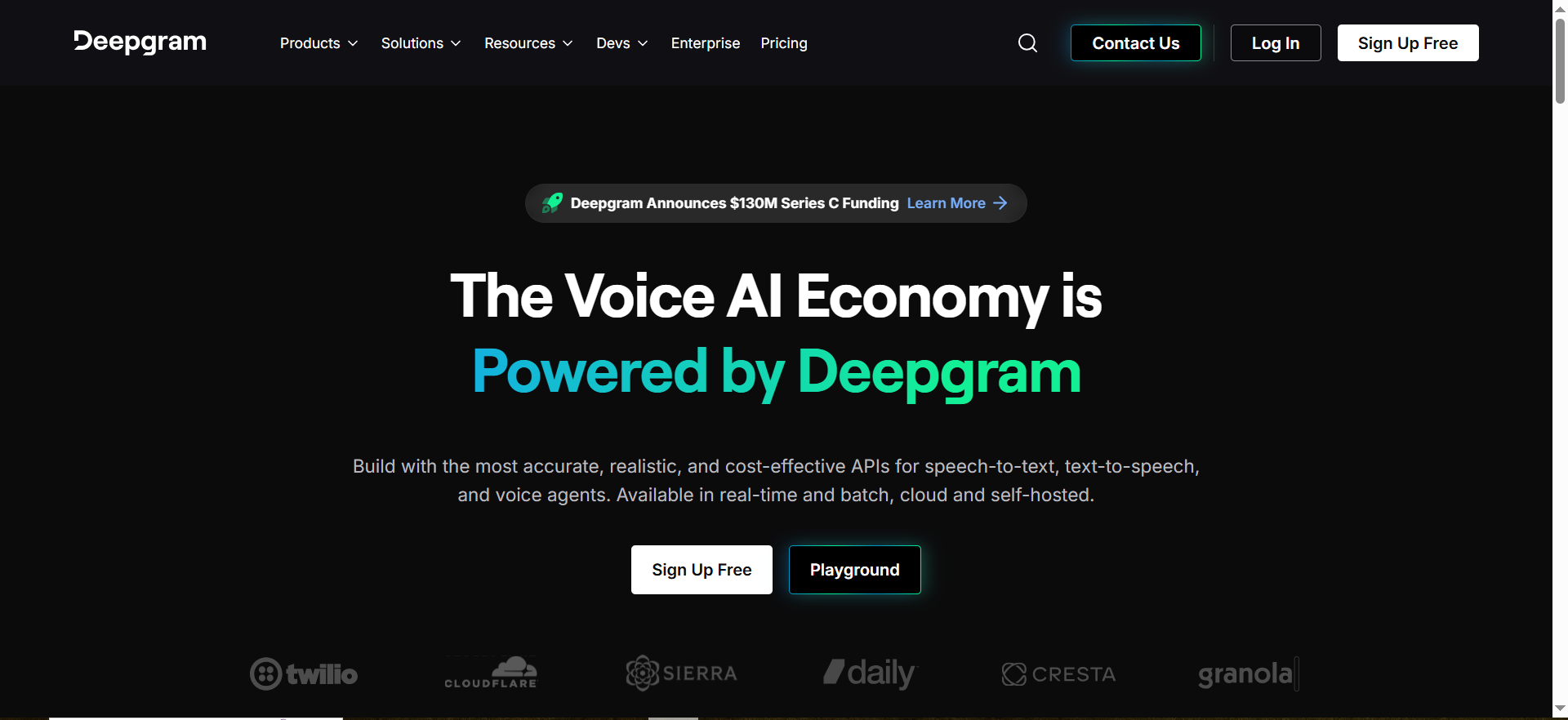
5. Deepgram
What it does
A speech-to-text focused provider often used for real-time transcription, call analytics pipelines, and voice data processing in production environments.
Why teams use it
Teams use it when transcription quality and latency are the core requirements and they want a vendor that is easy to evaluate for enterprise adoption.
Best for
- Real-time transcription at scale
- Post-call analytics and QA workflows
- Teams building custom voice stacks (choose your own agent/orchestration layer)
When it is a good fit
- Your primary need is high-quality STT that can plug into multiple downstream systems.
- You can run a structured evaluation harness on your domain audio before rollout.
When it is not a good fit
- You need a full contact-center agent platform with routing, workforce tooling, and bot management in one package.
- You require on-prem deployment as the default.
Key capabilities
- Accuracy on your domain jargon and accents.
- Latency under peak concurrency.
- Speaker diarization and punctuation for analytics and QA.
Integrations to check
- Data warehouse and BI (for transcript analytics).
- Call recording systems and CCaaS exports.
- Observability and alerting for pipeline failures.
Security/compliance
- Confirm retention defaults, redaction options, and contractual controls early in procurement.
- Require a clear data flow diagram for audio vs transcripts vs derived summaries.
Pricing
Deepgram’s pay-as-you-go speech-to-text pricing starts at $0.0077/min (Flux model).
Free Tier?
Deepgram offers a free tier with $200 of credit, then pay-as-you-go.
Downsides / limitations
- You still need an orchestration layer if you want a full voice agent.
- Performance claims should be validated on your own call audio set.
Enterprise requirements checklist
Before you scale any voice AI pilot, pass these gates. Green = scale, Yellow = fix, Red = pause.
- SSO + RBAC + audit logs (admin actions and access to recordings/transcripts)
- Data residency and documented data flows (what leaves the region, what never does)
- Retention controls and PII redaction (architectural defaults, not per-app)
- DPAs/BAAs (where relevant) and security documentation available before expansion
- Incident runbooks and rollback plan for misroutes, outages, and unsafe behavior
- Cost guardrails: budgets, alerts, and cost attribution per team
Evaluation rubric
| Category | What to test | Evidence to capture |
|---|---|---|
| Speech quality | WER on real call audio; barge-in; overlap/noise | Evaluation dataset + scorecard results |
| Latency | End-to-end latency under load | Load test logs + percentiles |
| Integrations | CCaaS/telephony, CRM, KB/RAG, observability | Integration checklist + PoC notes |
| Governance | SSO/RBAC, audit logs, policy controls | Screenshots/config export + audit log sample |
| Compliance | Residency, retention, redaction, security docs | Vendor security packet + data flow diagram |
| Pricing | Unit economics and predictability | Cost model spreadsheet + guardrail plan |
Recommended reference architectures (starter / multi-team / regulated)
Starter (single team pilot, 2–6 weeks)
- Ship 3–5 high-volume intents, safe escalation to humans, and a weekly scorecard (containment, latency, QA).
- Use your existing CCaaS/telephony layer and pick one STT provider, one orchestration approach, and one analytics sink.
- Set retention/redaction defaults once and reuse them everywhere.
Multi-team (platform standard, 6–16 weeks)
- Create a “golden path” template (prompt/tool patterns, monitoring dashboards, escalation rules).
- Centralize evaluation harness + QA scripts so every team ships with the same gates.
- Publish ownership (RACI) and change control to avoid pilot sprawl.
Regulated / multi-region (enterprise scale, 8–24 weeks)
- Add region-by-region data flow diagrams and audit-ready logs as required deliverables.
- Prefer architectures that can enforce residency and retention contractually.
- Run disaster/incident drills for misroutes, outages, and unsafe responses.
FAQs
What is the best voice AI provider for enterprise solutions in 2026?
What should enterprises prioritize first: accuracy or compliance?
How do we prevent voice AI pilot sprawl across teams?
Do we need a contact center platform to deploy voice agents?
What security artifacts should procurement request from voice AI vendors?
Is Amazon Lex V1 still supported?
Is Twilio Conversational Intelligence PCI compliant?
📋 Get Listed / Advertisement
We update this guide monthly. Want your tool featured? Contact us: [email protected].


