

Remember when “research” meant switching 15 browser tabs, skimming three blog posts, one Reddit thread, and a five-year-old Quora answer… just to get a half-decent overview?
👉 Those days are disappearing fast.
The best AI search engines don’t just find links “they actually think with you”. They read the web, compare sources, synthesize insights, and hand you a clear, conversational answer (with citations) in seconds.
Instead of wrestling with keywords and SEO tricks, you can ask questions the way you’d talk to a smart colleague: “Compare Perplexity vs ChatGPT Search for product research, give me pros/cons and a quick table.”
▶️ From AI-native tools like Perplexity, Phind, You.com, Kagi, Komo, and Consensus to AI layers inside Google, Microsoft Copilot, Brave, Claude, ChatGPT, and DeepSeek-powered tools, the search landscape has quietly flipped. AI is turning search results into answer engines, and if you run a B2B SaaS, you also need a plan for answer engine SEO so you still show up when AI does the talking.
In this guide, we’ll break down what each AI search engine does, why teams actually use it, who it’s for, and how it fits into an AI-first tech stack—so you can stop guessing and start using the right tool on purpose. And if you’d rather have a specialist do the heavy lifting, The Rank Masters is a B2B SaaS SEO agency built for exactly this AI-era shift in search.
Table of Contents
What Is an AI Search Engine?
An AI search engine is a search tool that uses advanced AI models (especially large language models, or LLMs) plus semantic / vector search to understand your question, fetch relevant sources, and then summarize an answer in natural language, often with citations.
Unlike old-school keyword search, AI search engines can:
- Interpret natural, conversational queries (“Compare Claude vs ChatGPT for coding, and give a pros/cons table”).
- Synthesize information from multiple sources into a coherent answer.
- Keep track of context across follow-up questions.
- Show links and citations so you can check the underlying sources.
For B2B SaaS brands, that also means your content has to be structured so AI can easily understand and reuse it. If you’re not sure how to do that, this guide on structuring AI-era content for answer engines is a helpful next step.
▶️ AI search vs traditional search
Traditional search (the “10 blue links” model):
- Matches keywords
- Ranks pages
- Makes you do the reading and synthesis
AI search:
- Interprets intent, not just keywords
- Retrieves top documents, then has an AI model read them
- Produces a summary answer, often with:
- Bullet points
- Comparison tables
- Step-by-step guides
- Inline citations
Google’s AI Overviews in Search are a good example of this shift: they show an AI-written snapshot answer at the top of the results, with links to sources underneath. If you want to see what that looks like for real B2B SaaS bottom-of-funnel queries, check out this AI Overviews SEO case study where we turned answer boxes into sign-ups in just a few weeks.
Quick Comparison: Best AI Search Engines at a Glance
Top picks by use case
Based on patterns across multiple 2024–2025 comparison guides and hands-on testing reports:
- Best overall for everyday AI search: Perplexity
- Best for conversational “Google replacement”: ChatGPT Search
- Best if you live in Google’s ecosystem: Google AI Mode / AI Overviews
- Best if you live in Microsoft’s ecosystem: Microsoft Copilot (Bing)
- Best for privacy-conscious users: Brave Search + Leo
- Best for AI-power users who want apps & tools: You.com
- Best for niche, thoughtful answers (paid): Kagi
- Best for scientific & academic research: Consensus
- Best for developer & technical queries: Phind
- Best minimalist AI search alternative: Komo
- Best for “Claude first” fans: Claude’s Web Search / Claude-powered search experiences
1. Perplexity AI
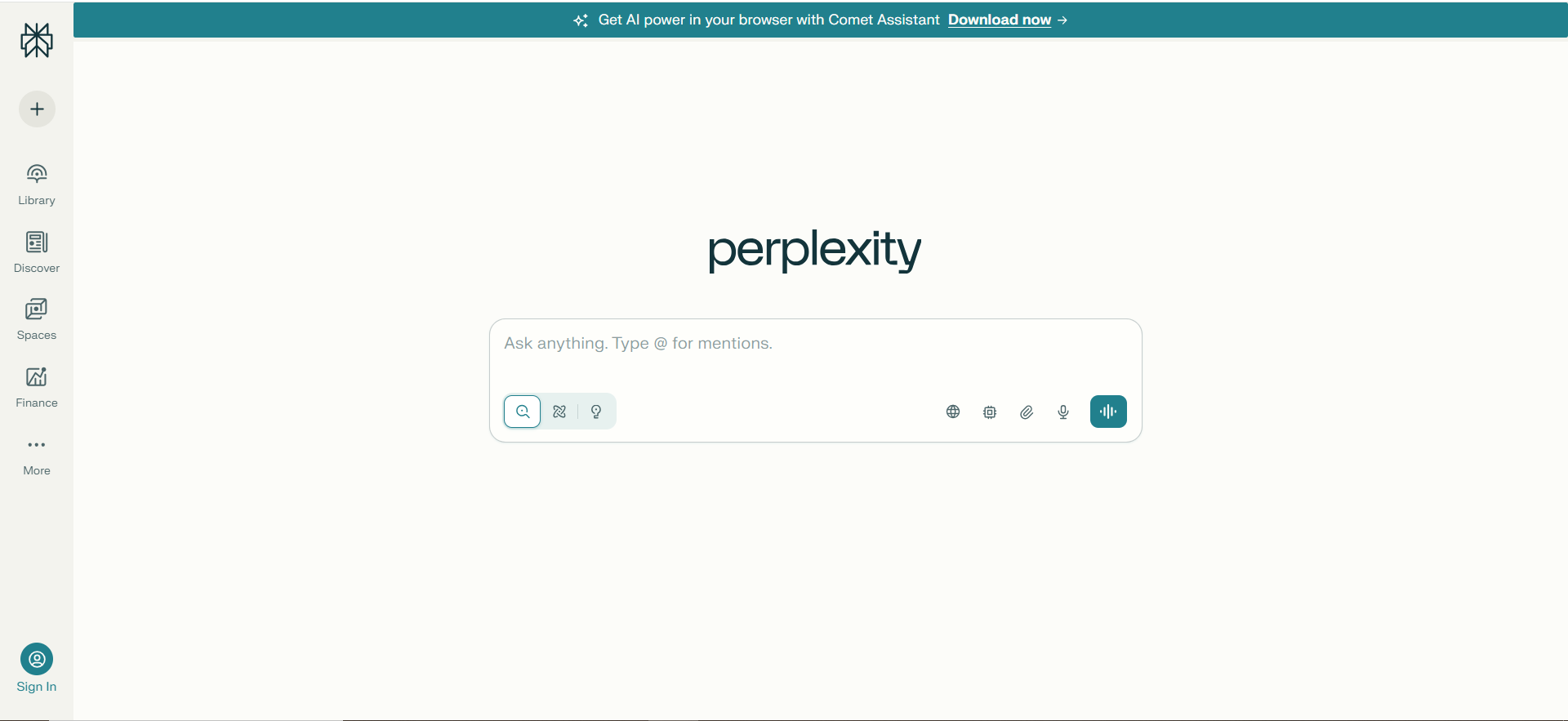
What it does?
Perplexity is an AI-native answer engine that combines large language models with live web search. Instead of a list of links, it gives concise, citation-rich answers. Users can drill down with follow-up questions or run “deep research” for longer reports.
Why teams use it?
Teams use Perplexity to replace manual Googling and tab overload with one focused research workspace. It’s popular for content, product, strategy, and technical research where sourced information matters. Because answers are grounded in real pages and papers, it’s easier to trust than a pure chatbot.
Who is this tool for (ICP)?
Perplexity is ideal for anyone who lives in research and synthesis.
- Content, SEO, and research teams
- PMs, strategists, and consultants
- Engineers exploring new tech or tools
- Founders and small teams needing a “research brain” on demand
How this tool fits in this AI-first era?
Perplexity represents the shift from “search results” to “answer engines.” It sits on top of the web and does the reading, summarizing, and citing for you. In AI-first workflows, it becomes the research layer every other tool leans on.
- Turns unstructured web pages into structured, summarized insights
- Reduces time-to-insight for complex, multi-source questions
- Encourages citation-aware AI use rather than blind trust
How does Perplexity work?
You ask a natural-language question, Perplexity searches the web, ranks relevant sources, and has an AI model synthesize an answer with inline citations. You can then refine with follow-up questions, open sources, or invoke deeper multi-step “Copilot/Deep Research” modes.
Free tier?
Yes.
Strengths
Perplexity shines at fast, trustworthy web-grounded research.
- Clean, citation-first answers
- Strong performance on current topics and news
- Deep Research for long-form digests and reports
Weaknesses
- Can still misread or over-trust weak sources
- Some of the best features are paywalled
- Overkill for very simple, one-line lookups
Key Capabilities
It’s built around serious research workflows.
- AI answers with inline citations and source panels
- Deep Research and focus modes (academic, code, writing)
- Browser extensions and apps for “research anywhere”
Pricing snapshot?
- Standard (Free) – $0/month
- Pro – ~$20/month or ~$200/year
- Education Pro – Discounted (~$4.99/month after promo)
- Max / Enterprise – Higher, custom pricing tiers
Best for?
Perplexity is best for knowledge workers who research all day and want to stop drowning in tabs. It’s particularly strong for content, research, and strategy roles that need both speed and source transparency. For many users it quietly replaces a big chunk of “classic Google + manual reading.”
2. ChatGPT (with Search / Advanced Search)
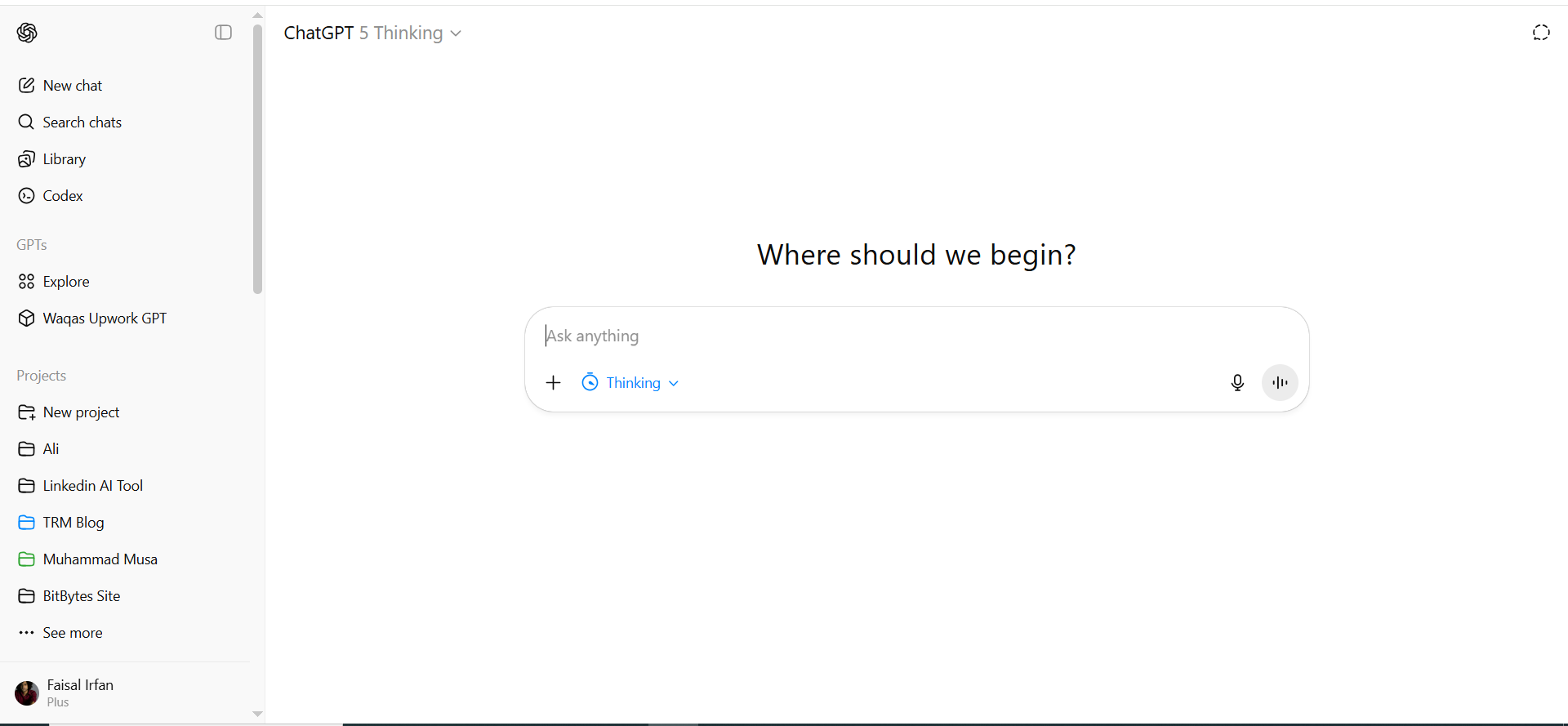
What it does?
ChatGPT is a general AI assistant that can now also search the web and perform deep research. It writes, codes, reasons, summarizes, and pulls in live information when needed. It behaves more like a smart coworker than a traditional search box.
Why teams use it?
Teams use ChatGPT because it covers a huge range of use cases in one place: drafting, brainstorming, coding, analysis, and search. With Business/Enterprise tiers, it can safely touch company data and tools. It quickly becomes the default place people go when they’re not sure “which tool” to open.
Who is this tool for (ICP)?
ChatGPT is horizontal by design.
- Individual professionals across functions (marketing, ops, product, sales)
- Engineering and data teams for code and analysis
- Startups/SMBs standardizing on one AI platform
- Larger orgs adopting Business/Enterprise workspaces
How this tool fits in this AI-first era?
ChatGPT is becoming the operating system for everyday AI work. Instead of switching between dozens of niche apps, people stay in ChatGPT and let it call tools and search. It’s the main interface where AI models, data, and workflows meet.
- Centralizes “ask, create, search, automate” in one place
- Supports agentic, multi-step workflows over simple Q&A
- Scales from individual use to governed enterprise deployment
How does ChatGPT work?
You talk to it in natural language; under the hood it uses powerful LLMs, and when allowed, tools like web search, code execution, and file analysis. It stitches tool outputs into a single conversational answer and keeps context over long sessions or projects.
Free tier?
Yes.
Strengths
Its biggest strength is breadth plus depth.
- Handles content, code, data, and search in one interface
- Very strong reasoning and summarization capabilities
- Rich ecosystem of custom GPTs and integrations
Weaknesses
- Free plan can throttle or feel limited at peak times
- Still prone to hallucinations if you don’t ask for citations
- Requires governance so sensitive data doesn’t leak into personal accounts
Key Capabilities
- Web-enabled search and deep research
- Multi-modal understanding (text, images, files)
- Workspace, admin controls, and collaboration features
- Integrations with major business tools
Pricing snapshot?
- Free – $0
- Plus – ~$20/month (individual advanced access)
- Pro – Higher-priced power tier
- Business – Per-user/month (team features & controls)
- Enterprise – Custom
Best for?
ChatGPT is best for organizations that want one AI platform to standardize on instead of a patchwork of tools. It’s great for teams that need flexible, cross-functional help: writing, coding, searching, and planning. It’s also ideal for experimenting with internal workflows via custom GPTs and integrations.
3. Google Search with AI Overviews
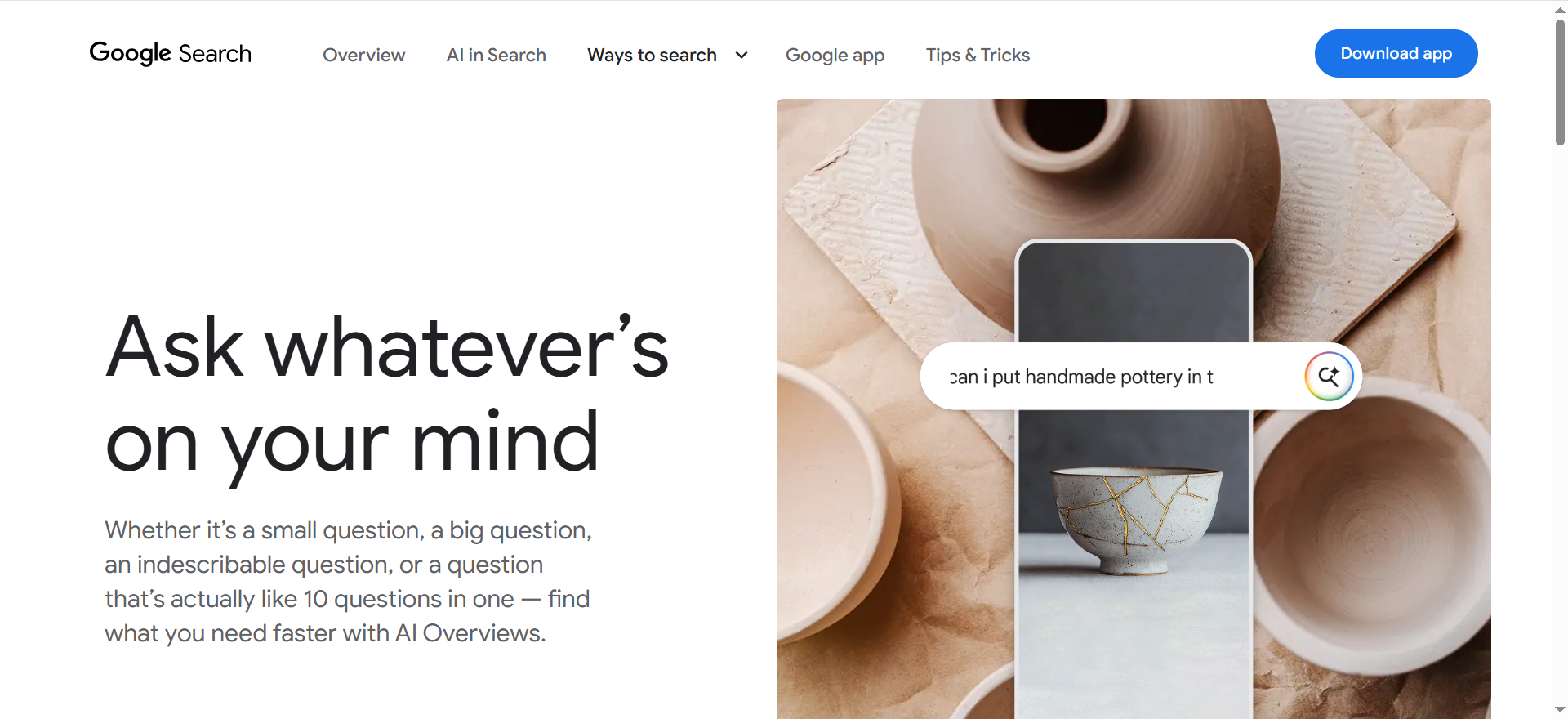
What it does?
Google’s AI Overviews layer AI-generated summaries on top of standard search results. For many queries, users see a short, synthesized answer with supporting links. It keeps the familiar Google experience but adds an AI “snapshot” at the top.
Why teams use it?
Teams don’t “adopt” it so much as encounter it in everyday search. Marketers and SEOs watch AI Overviews to see how Google is interpreting topics and which pages it trusts. For individuals, it’s a faster way to get a gist answer without reading multiple pages.
Who is this tool for (ICP)?
It’s primarily mass-market, but important for digital pros.
- Everyday consumers searching for quick answers
- SEO, content, and growth teams watching visibility changes
- Product and strategy teams monitoring how their brand appears
- Publishers who care about how their content is summarized
How this tool fits in this AI-first era?
AI Overviews show how incumbents are turning search engines into answer engines. Google is blending classic rankings with AI summaries to keep users in its ecosystem. For brands, it marks a shift from “rankings only” to “ranking + being cited in AI answers.”
- Moves search UX toward AI-first without new user behavior
- Forces SEO/content teams to think about answer and snippet optimization
- Signals long-term convergence of search, chat, and knowledge panels
How does Google AI Overviews work?
For supported queries, Google’s systems choose relevant sources, then a Gemini-based model summarizes them into an AI Overview at the top of the SERP. Users can expand citations, tap follow-up questions, or scroll down to classic organic results.
Free tier?
Yes (part of normal Google Search).
Strengths
- Zero friction—built into what people already use
- Massive topic coverage thanks to Google’s index
- Helpful for quick, shallow answers and overviews
Weaknesses
- Limited control; you can’t steer models like in dedicated AI tools
- Potential inaccuracies in edge cases
- Can reduce organic traffic for publishers it summarizes
Key Capabilities
- AI-generated overview box at the top of search results
- Inline links to supporting pages
- Follow-up question suggestions and conversational refinements
Pricing snapshot?
- Included in standard Google Search; monetized via ads, not subscription plans.
Best for?
AI Overviews are best for fast everyday lookups where you just want the summary. For teams, it’s more of a “must-understand environment” than a standalone tool, especially if you rely on organic search. It’s where a big chunk of consumer discovery now starts.
4. Microsoft Copilot (Bing / Edge / M365)
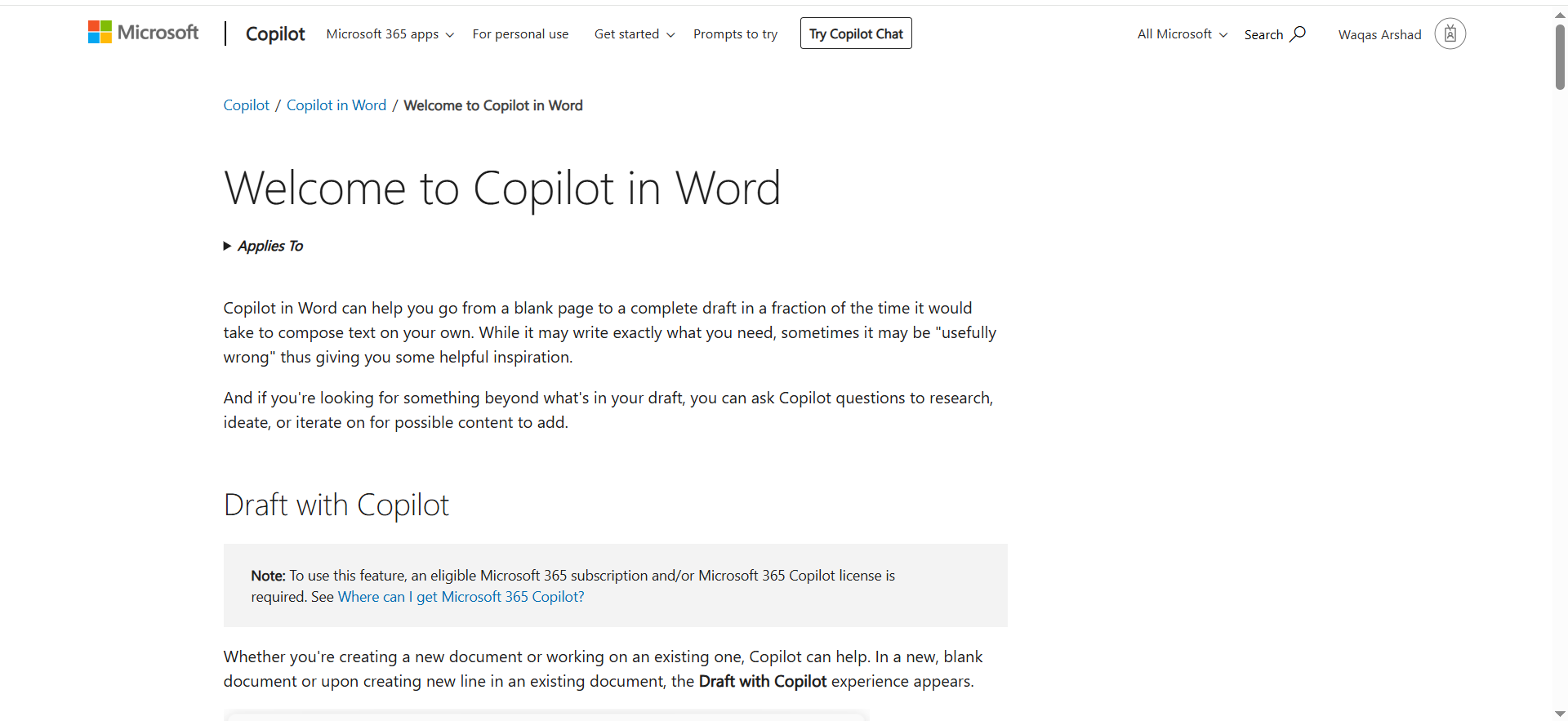
What it does?
Microsoft Copilot is an AI assistant that spans Bing search, the Edge browser, Windows, and Microsoft 365 apps. It can answer web queries, summarize content, draft emails, rewrite docs, and analyze spreadsheets. It’s essentially an AI layer over both the web and your Microsoft files.
Why teams use it?
Teams already on Microsoft 365 like Copilot because it meets them where they work—Outlook, Teams, Word, Excel, and PowerPoint. It reduces context switching and lets people get AI help inside existing flows. IT teams appreciate having identity, compliance, and admin controls in one vendor stack.
Who is this tool for (ICP)?
- Organizations standardized on Microsoft 365 and Windows
- Knowledge workers who live in Outlook, Excel, and PowerPoint
- IT and security teams needing enterprise-grade controls
- Larger orgs that want AI adoption without adding many new tools
How this tool fits in this AI-first era?
Copilot shows what “AI inside the suite” looks like. Instead of being a separate destination, AI shows up next to your email, documents, and meetings to summarize, draft, and answer questions. It’s a preview of a world where AI assistance is ambient across all enterprise software.
- Embeds AI into core productivity tools instead of separate apps
- Uses your org’s documents and conversations as context (with permissions)
- Offers an enterprise-first story around security, governance, and identity
How does Microsoft Copilot work?
You access it in Bing, Edge, Windows, or Microsoft 365 apps. Copilot uses LLMs plus connectors to your content (SharePoint, OneDrive, Outlook, Teams) to answer questions or generate content, always respecting permissions and tenant policies set by admins.
Free tier?
Yes (basic Copilot via Bing/Edge); advanced Microsoft 365 capabilities are paid.
Strengths
- Deep integration into Microsoft 365 and Windows
- Good at summarizing long emails, meetings, and documents
- Strong enterprise security and admin features
Weaknesses
- Best features require Microsoft 365 and extra Copilot SKUs
- Experience can feel uneven across apps and contexts
- Less relevant for Google Workspace–first organizations
Key Capabilities
- Web search and chat via Bing/Edge
- In-app assistance in Word, Excel, PowerPoint, Outlook, Team
- Meeting recap, action extraction, and email drafting
- Admin and governance tooling for enterprise rollout
Pricing snapshot?
- Copilot in Bing/Edge – Free
- Copilot for M365 – Per-user/month add-on
- Enterprise bundles – Pricing depends on Microsoft licensing
Best for?
Copilot is best for Microsoft-first organizations that want to infuse AI into the tools employees already use. It’s especially valuable for summarization, drafting, and follow-ups in the flow of Outlook, Teams, and Office documents. For many enterprises, it’s the default starting point for AI.
5. Brave Search + Leo
What it does?
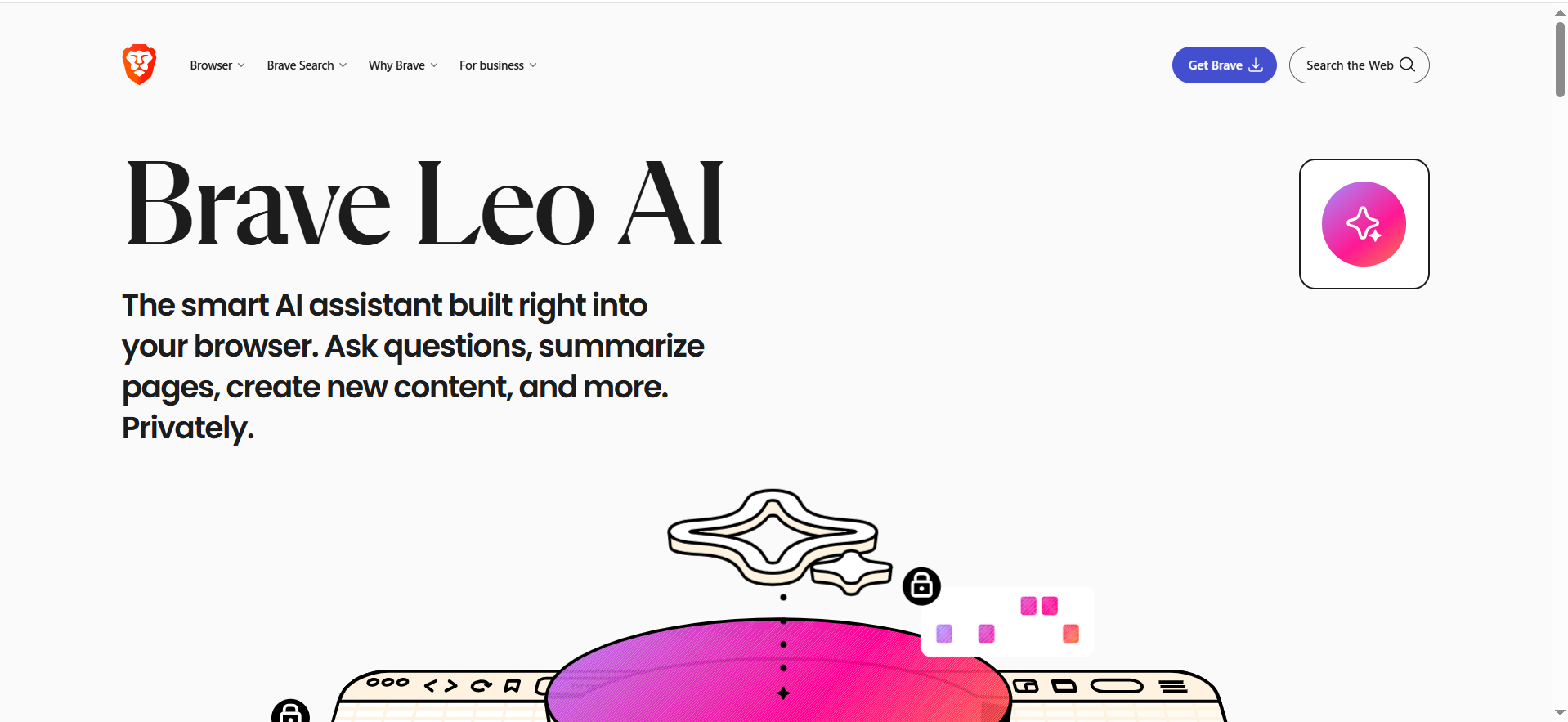
Brave Search is a private search engine with its own index, and Leo is Brave’s AI assistant embedded in the browser. Together, they let users search with minimal tracking and then summarize, explain, or generate content on top of what they see. It’s “private search + private AI” bundled into the browser.
Why teams use it?
Privacy-conscious individuals and teams like Brave because it blocks trackers and limits data collection. Leo then provides AI help without relying on ad-heavy, big-tech ecosystems. It’s popular among developers, security folks, and users who want more control over their browsing data.
Who is this tool for (ICP)?
- Developers and security pros who care about tracking and fingerprinting
- Journalists, activists, and high-risk users
- Tech-savvy individuals wanting AI in the browser, not in a separate app
- Teams building a privacy-first tool stack
How this tool fits in this AI-first era?
Brave shows that AI and privacy can coexist. Instead of shipping all data off to third-party platforms, it turns the browser into an AI host. That’s an important counterweight in a world of increasingly data-hungry AI tools.
- Embeds AI directly at the browser and page level
- Relies on an independent search index instead of re-skinned Google/Bing
- Appeals to users and orgs wary of large-scale data harvesting
How does Brave Leo work?
You enable Leo in the Brave browser and invoke it from the sidebar or page context. Leo uses selected models to summarize or answer questions about the current page or your input, with Brave adding privacy protections like unlinkable tokens and limited logging.
Free tier?
Yes (with optional paid Leo Premium).
Strengths
- Strong, opinionated privacy stance
- AI assistance available exactly where you browse
- Independent search index via Brave Search
Weaknesses
- Less feature-rich than full AI suites (ChatGPT/Claude)
- Smaller search market share and ecosystem
- Not tailored for enterprise deployment at the same level as Microsoft/Google
Key Capabilities
- Private search with Brave Search
- On-page summarization and Q&A via Leo
- General chat, code help, and drafting
- Leo Premium with stronger models and higher limits
Pricing snapshot?
- Brave Search – Free
- Leo (Free) – Included with Brave
- Leo Premium – ~$14.99/month or ~$149.99/year
Best for?
Brave + Leo is best for users who want AI and search without feeling surveilled. It makes sense as a default browser choice for privacy-conscious developers, security teams, and individuals. For orgs, it’s a good secondary environment when working with sensitive research.
6. You.com
What it does?
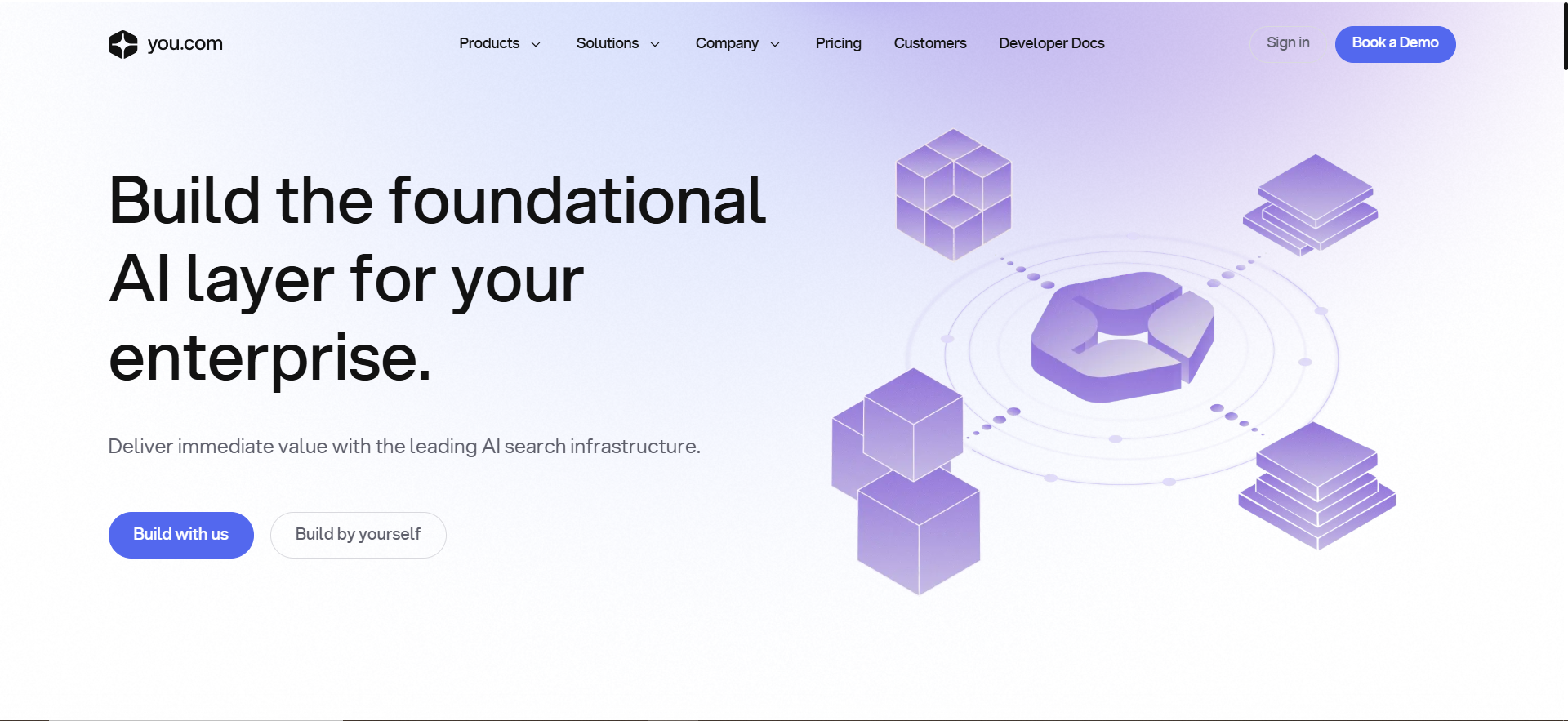
You.com is an AI-centric search and agent platform that combines web search, chat, and specialized AI agents. It can research, summarize, generate content, and run workflows using multiple underlying models. It pitches itself as a customizable AI workspace rather than just a search bar.
Why teams use it?
Teams use You.com when they want structured agents and workflows instead of ad-hoc prompts. It’s attractive for research and content teams who want reusable AI “routines” grounded in current web data. Multi-model support appeals to power users who want choice and flexibility.
Who is this tool for (ICP)?
- Startups and growth teams doing lots of research and writing
- Data- and AI-savvy organizations wanting agent-like workflows
- Users who want control over which models and agents they use
- Teams that find consumer chatbots too limited or too rigid
How this tool fits in this AI-first era?
You.com leans into AI agents as the next step beyond single-shot chat. It lets teams build and reuse specialized agents for tasks like research, summarization, or competitor tracking. In a multi-model world, it becomes an orchestration layer for different models and tools.
- Focuses on reusable agents and workflows, not just Q&A
- Aggregates multiple top models under one UX
- Anchors agents in live web data for up-to-date answers
How does You.com work?
You interact via chat or search, optionally picking a specific agent. You.com routes your request to the right models and tools (search, scraping, etc.), chains steps, and returns answers or drafts. Paid tiers unlock more usage, features, and customization.
Free tier?
Yes.
Strengths
- Agent-centric design for repeatable tasks
- Multi-model routing (GPT, Claude, etc.) in one place
- Good blend of consumer UX and pro features
Weaknesses
- Smaller ecosystem and brand vs. ChatGPT/Google
- Pricing and plans can feel complex to casual user
- Enterprise story is still developing
Key Capabilities
- AI agents for research, content, and automation
- Web-grounded search and document summarization
- Multi-model support and custom agents
- Team-oriented features for collaborative use
Pricing snapshot?
- Free – $0
- Pro – Roughly mid-teens/month (varies by promo)
- Max – Higher tier with more usage and features
- Enterprise – Custom
Best for?
You.com is best for teams who like the idea of reusable AI agents built around their workflows. It fits those who want more control than a simple chatbot but don’t want to build a full internal platform. It’s especially good for research-heavy marketing and product teams.
7. Kagi
What it does?
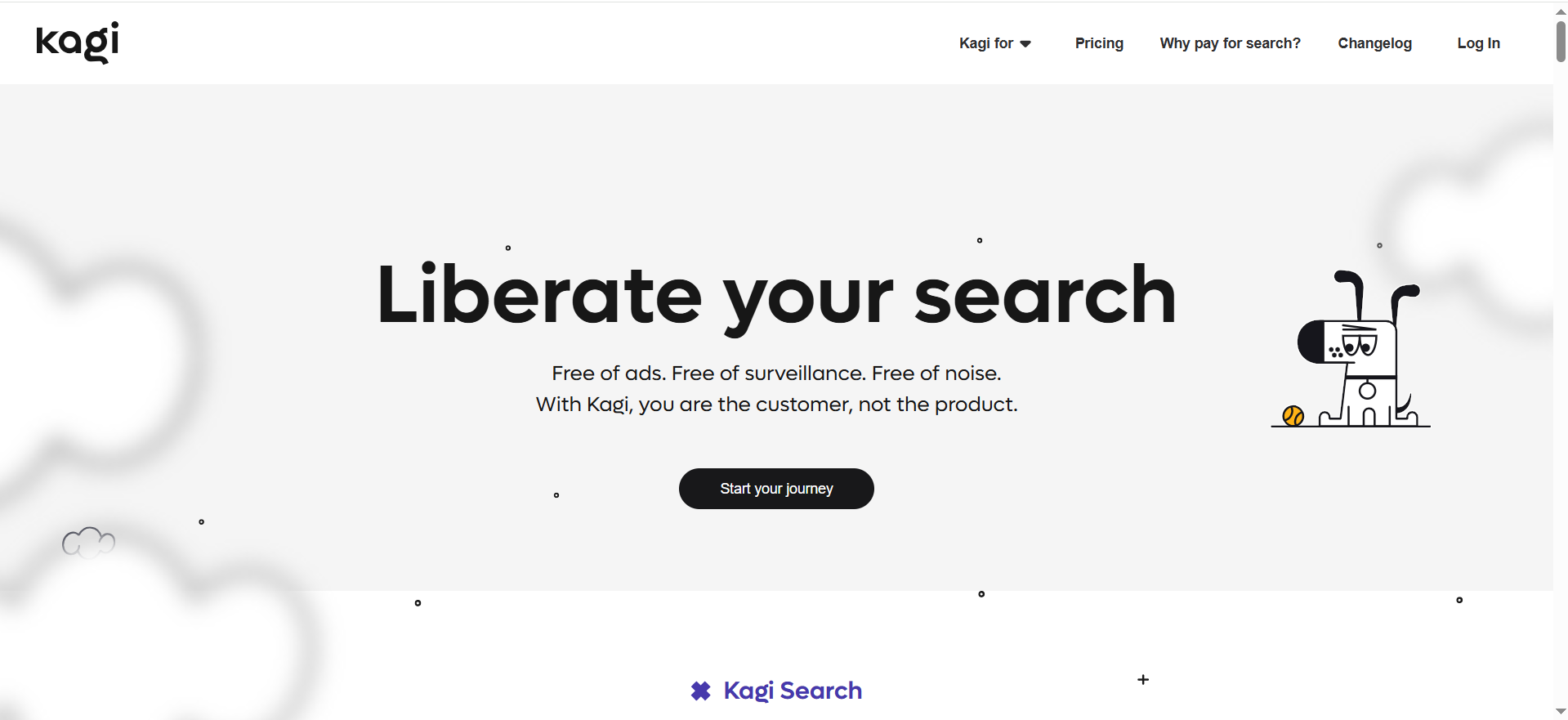
Kagi is a premium, subscription-based search engine that emphasizes quality, speed, and privacy. It runs its own search stack, removes ads, and layers in AI-powered summaries and an assistant. Users pay for better rankings and cleaner results.
Why teams use it?
Power users and teams adopt Kagi when they’re frustrated by noisy, ad-filled SERPs. For developers, analysts, and researchers, the time saved on each search can be worth the subscription. Its assistant can also serve as a clean grounding layer for other AI tools.
Who is this tool for (ICP)?
- Developers and technical power users
- Writers, analysts, and researchers who search constantly
- Privacy-conscious individuals willing to pay for quality
- Small teams that see search as a productivity multiplier
How this tool fits in this AI-first era?
Kagi bets that search quality will matter even more as AI floods the web with low-value content. By curating results and charging users directly, it tries to keep incentives aligned. It also doubles as a high-quality substrate for LLM assistants.
- Offers high-signal search in a spammy, AI-cluttered web
- Aligns incentives by charging users, not advertisers
- Provides an AI assistant grounded in its own curated index
How does Kagi work?
You sign up, choose a plan, and use Kagi as your default search engine. It serves ad-free results with its own ranking and allows AI summarization/assistant features. Monthly search quotas and AI usage depend on your plan.
Free tier?
Trial only (then paid).
Strengths
- Very clean, high-quality results
- Strong privacy positioning
- Integrated AI assistant tuned to better search results
Weaknesses
- Paid-only for long-term use; quotas may feel tight
- Smaller ecosystem and mindshare vs. big engines
- Not a fit for casual users who rarely search
Key Capabilities
- Ad-free, high-quality search
- Kagi Assistant for AI Q&A and summarization
- Multi-model access and customization options
- Ranking controls and personalization for power users
Pricing snapshot?
- Trial – ~100 searches & basic AI, free
- Starter – ~300 searches/month for ~$5/month
- Ultimate – Unlimited searches & premium AI for ~$25/month
- Enterprise – Custom
Best for?
Kagi is best for people and small teams who live in search and care about quality and privacy enough to pay for them. It’s particularly good for engineers, researchers, and writers who want cleaner, faster discovery with minimal noise. Think of it as “search for professionals,” not for casual browsing.
8. Phind
What it does?
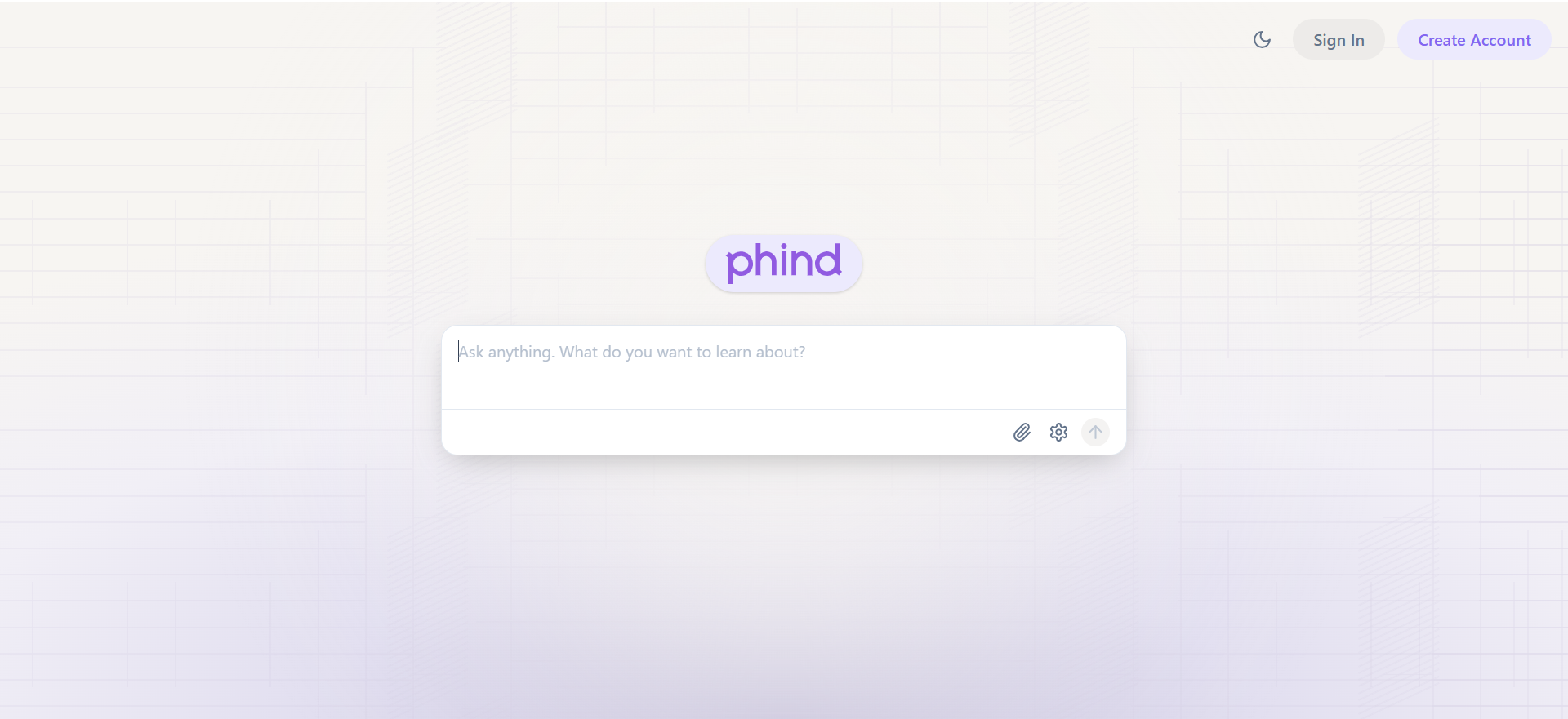
Phind is a developer-focused AI search engine and coding assistant. It combines web search with code generation, explanation, and debugging to answer technical questions. It also integrates into editors like VS Code for context-aware help.
Why teams use it?
Engineering teams use Phind to reduce time spent hunting through docs, GitHub issues, and Stack Overflow threads. It answers “how do I do X in framework Y?” questions with concrete code and explanation. Pro features offer deeper, multi-step reasoning for gnarlier problems.
Who is this tool for (ICP)?
- Software engineers and backend/frontend devs
- DevOps/SRE teams troubleshooting infra and pipelines
- Tech leads and architects researching patterns and trade-offs
- Students learning to code who want guided explanations
How this tool fits in this AI-first era?
Phind is a good example of vertical AI search: it doesn’t try to do everything, just development extremely well. By living in the IDE, it turns AI from “a separate chat tab” into a coding companion. That’s the direction serious professional tools are heading.
- Verticalizes AI for developer workflows
- Moves AI into the IDE where context is richest
- Prioritizes correctness and reasoning over generic chat flair
How does Phind work?You ask technical questions in the Phind UI or VS Code extension. It searches the web and technical sources, then uses AI to synthesize explanations and code. Pro users get more powerful models, automatic multi-search, and deep research capabilities.
Free tier?
Yes.
Strengths
- Tuned specifically for coding and technical questions
- Editor integration for in-context help
- Strong early user sentiment for quality of answers
Weaknesses
- Narrow focus; not a fit for non-technical work
- Free tier may feel limited for heavy professional use
- Relatively small review base compared to big AI tools
Key Capabilities
- AI search focused on dev content
- Code generation, explanation, and refactoring
- VS Code and repo context support
- Deep research for complex issues
Pricing snapshot?
- Free – $0
- Phind Pro – ~$20/month for stronger models and deeper search
- Team/Enterprise – Evolving; likely custom
Best for?
Phind is best for engineers and dev teams who want a dedicated coding search companion instead of a generic chatbot. It shines when you’re deep in a codebase and need highly specific, stack-aware answers. It’s a strong complement to, not replacement for, general-purpose AI tools.
9. Komo AI
What it does?
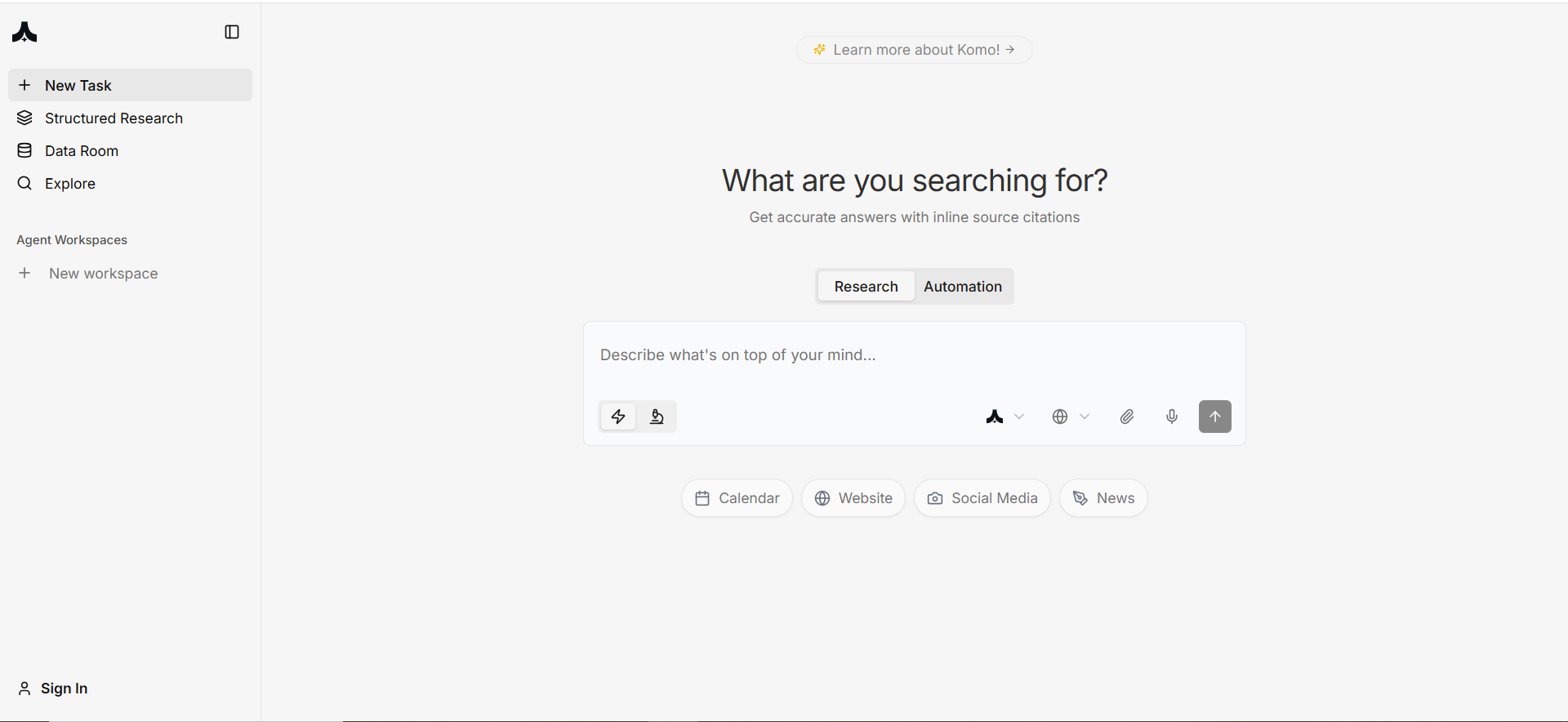
Komo positions itself as an AI search and automation platform for professionals and businesses. It blends AI-powered search with workflow-focused capabilities designed to offload routine research and information-heavy tasks. Think “AI search box plus business modules.”
Why teams use it?
Teams use Komo when they want something more structured and configurable than consumer AI search. Its modular pricing and solution approach makes it attractive for orgs that want vendor support and tailored setups. It’s less about casual lookups and more about recurring, defined research workflows.
Who is this tool for (ICP)?
- Mid-market and enterprise teams with formal research/ops processes
- PMO, ops, and research functions needing repeatable flows
- Buyers who prefer solution-led implementations over pure self-serve tools
- Organizations planning broader AI transformation projects
How this tool fits in this AI-first era?
Komo reflects how AI search is turning into business infrastructure. It’s designed for workflows, modules, and automation, not just ad-hoc questions. That matches the direction many enterprises are moving in—tying AI into processes, not just chat windows.
- Treats AI search as a workflow engine, not just a UI
- Uses modular pricing/capabilities that align with enterprise buying patterns
- Focuses on offloading recurring knowledge tasks, not only “one-offs”
How does Komo work?
Organizations start with a core Komo module and then add additional feature modules as needed. The platform uses AI search and automation under the hood to power research, summarization, and workflow steps, with vendor support for configuration and rollout.
Free tier?
Yes (for basic search); advanced business features are paid.
Strengths
- Business- and workflow-centric, not just consumer search
- Modular, “pay for what you need” pricing and capabilities
- Strong fit for orgs wanting guided, vendor-led implementations
Weaknesses
- Pricing and offerings are less transparent/self-serve
- Limited public reviews compared to big-name tools
- Overkill for individual or casual users
Key Capabilities
- AI-powered search tuned for professional use
- Workflow automation and routine research offloading
- Modular architecture for features and integrations
- Services/consulting for implementation
Pricing snapshot?
- Free – Core search tier
- Pro/Business – “Competitive rate” tiers (via sales)
- Enterprise – Fully modular, bespoke pricing
Best for?
Komo AI is best for organizations that see AI search as part of process automation rather than just a help-me-think tool. It’s a fit when you want vendor-supported configuration and modules mapped to your internal workflows. For individuals, it’s likely more than they need.
10. Consensus
What it does?
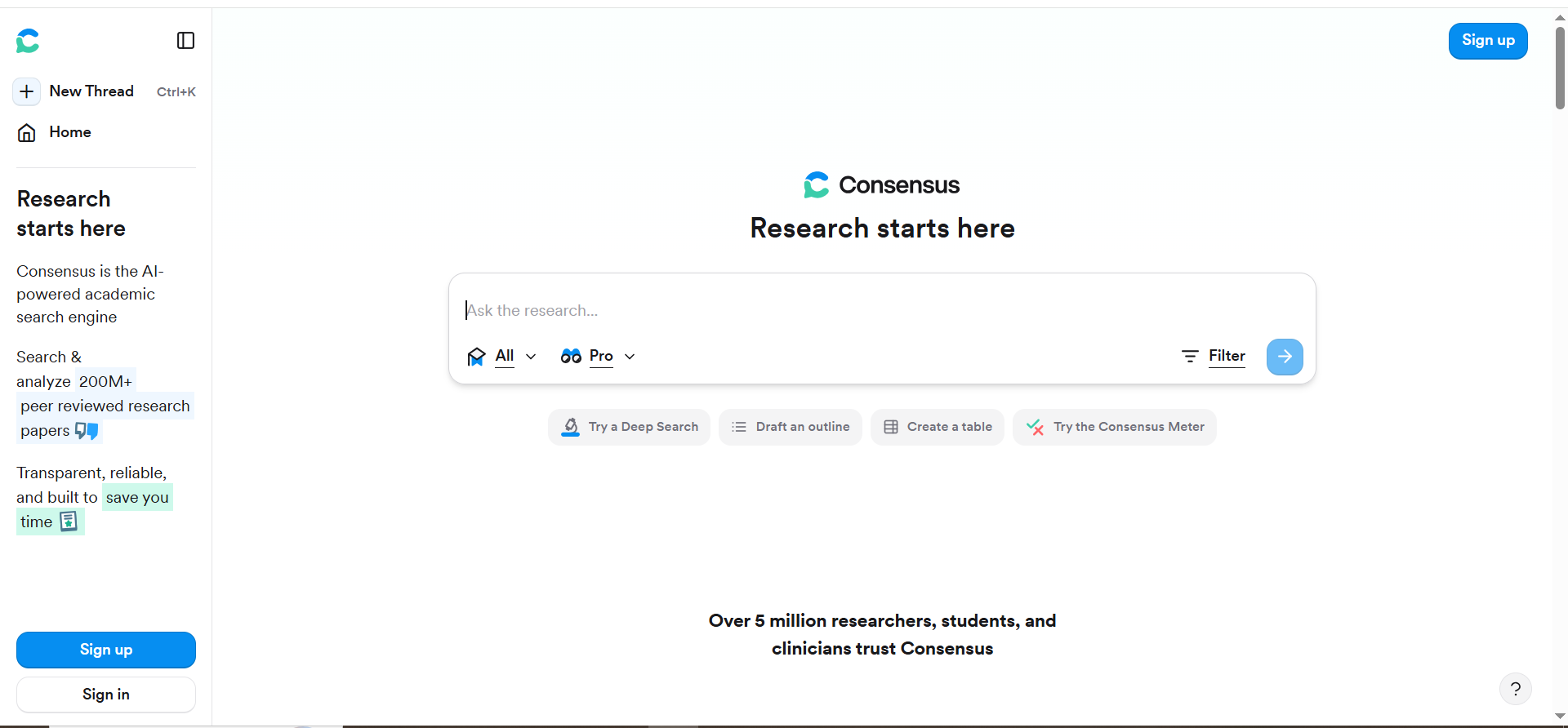
Consensus is an AI search engine for scientific research. It searches academic papers, extracts key findings, and summarizes what the evidence says in plain language. Instead of generic web answers, it focuses on peer-reviewed sources.
Why teams use it?
Teams use Consensus when “what does the research say?” really matters—academia, healthcare, policy, and evidence-based content. It dramatically speeds up the early stages of literature review. Compared to general AI chat, its constrained scope reduces hallucination risk.
Who is this tool for (ICP)?
- Researchers, PhD students, and academics
- Clinicians and healthcare professionals
- Policy analysts and think tanks
- Content teams that must cite scientific evidence
How this tool fits in this AI-first era?
Consensus tackles one of AI’s biggest problems: making up facts. By staying inside scientific literature, it offers a safer, more rigorous way to use AI for knowledge work. It’s a great example of domain-specific, constrained AI.
- Constrains AI to peer-reviewed sources for reliability
- Speeds up literature review and evidence scanning
- Bridges the gap between dense research and usable insights
How does Consensus work?
You ask a research-style question, Consensus searches scientific databases, and AI reads abstracts (and sometimes full texts) to extract key conclusions. It then aggregates those into a summary and lets you drill into underlying papers, with Pro features adding deeper analyses and filters.
Free tier?
Yes.
Strengths
- Evidence-focused and citation-heavy
- Greatly accelerates discovery of relevant research
- High user satisfaction in research-heavy roles
Weaknesses
- Limited to domains with enough published literature
- Not a general-purpose assistant for everyday queries
- Pro pricing may be a hurdle for some students
Key Capabilities
- AI search over scientific literature, not general web
- Study-level summaries and evidence aggregation
- Deep Searches and Pro Analyses for advanced users
- Study libraries, bookmarking, and paper-centric chat
Pricing snapshot?
- Free – $0
- Pro – ~$15/month or ~$120/year
- Institutional/Enterprise – Custom
Best for?
Consensus is best for anyone whose work depends on what rigorous research actually shows—academics, clinicians, policy teams, and evidence-based content creators. It’s not a replacement for domain expertise, but it’s a powerful accelerator and a guardrail against AI hallucinations.
11. Claude (with Web Search)

What it does?
Claude is Anthropic’s AI assistant, optimized for careful reasoning, long documents, and professional use. It can read large inputs, reason over them, generate content, and (in some modes) search the web. Plans range from free to enterprise with admin controls.
Why teams use it?
Teams use Claude when they want a thoughtful, long-context AI collaborator rather than just a quick chatbot. It’s strong for policy, legal, research, product, and engineering use cases that involve big documents or multi-step reasoning. The Team/Enterprise tiers add security, SSO, and usage controls.
Who is this tool for (ICP)?
- Knowledge workers handling long or complex documents
- Legal, compliance, and policy teams
- Product, data, and engineering teams doing structured thinking
- Organizations that value safety and governance messaging
How this tool fits in this AI-first era?
Claude focuses on “reasoning-grade” AI and long-context understanding, two big needs for serious professional workflows. Anthropic also leans into safety and constitutional AI, aligning with growing regulatory pressure. In AI-first orgs, it’s often the “thinking partner” choice.
- Optimized for deep reasoning and long documents
- Positioned as a safer, policy-aware assistant
- Offers multi-seat, admin-friendly plans for business use
How does Claude work?
You use Claude via web, desktop, or mobile, upload documents or paste text, and optionally connect external tools. It uses Anthropic’s Haiku/Sonnet/Opus models to analyze, summarize, and reason, sometimes calling web search when available and allowed by the plan.
Free tier?
Yes.
Strengths
- Great at long-context reading and structured analysis
- Strong safety posture and “constitutional” guardrails
- Clear plan ladder from individual to enterprise
Weaknesses
- Free usage is more limited than some competitors
- Web search capabilities vary by plan and context
- Ecosystem and integrations are still growing vs. larger incumbents
Key Capabilities
- Multiple model sizes tuned for different workloads
- Long-context processing for big documents and code
- Web search add-ons in some modes
- Team & Enterprise management, SSO, and governance
Pricing snapshot?
- Free – $0
- Pro – ~$17/month (annual) or ~$20/month (monthly)
- Max – ~$100/user/month
- Team – $25–150/user/month depending on tier
- Enterprise – Custom
Best for?
Claude is best for teams that regularly deal with long or complex information and need an AI partner that won’t shortcut the reasoning. Legal, policy, research, and product orgs benefit a lot. It’s a strong second anchor alongside something like ChatGPT in a multi-tool stack.
12. DeepSeek & Emerging AI Search Models
What it does?
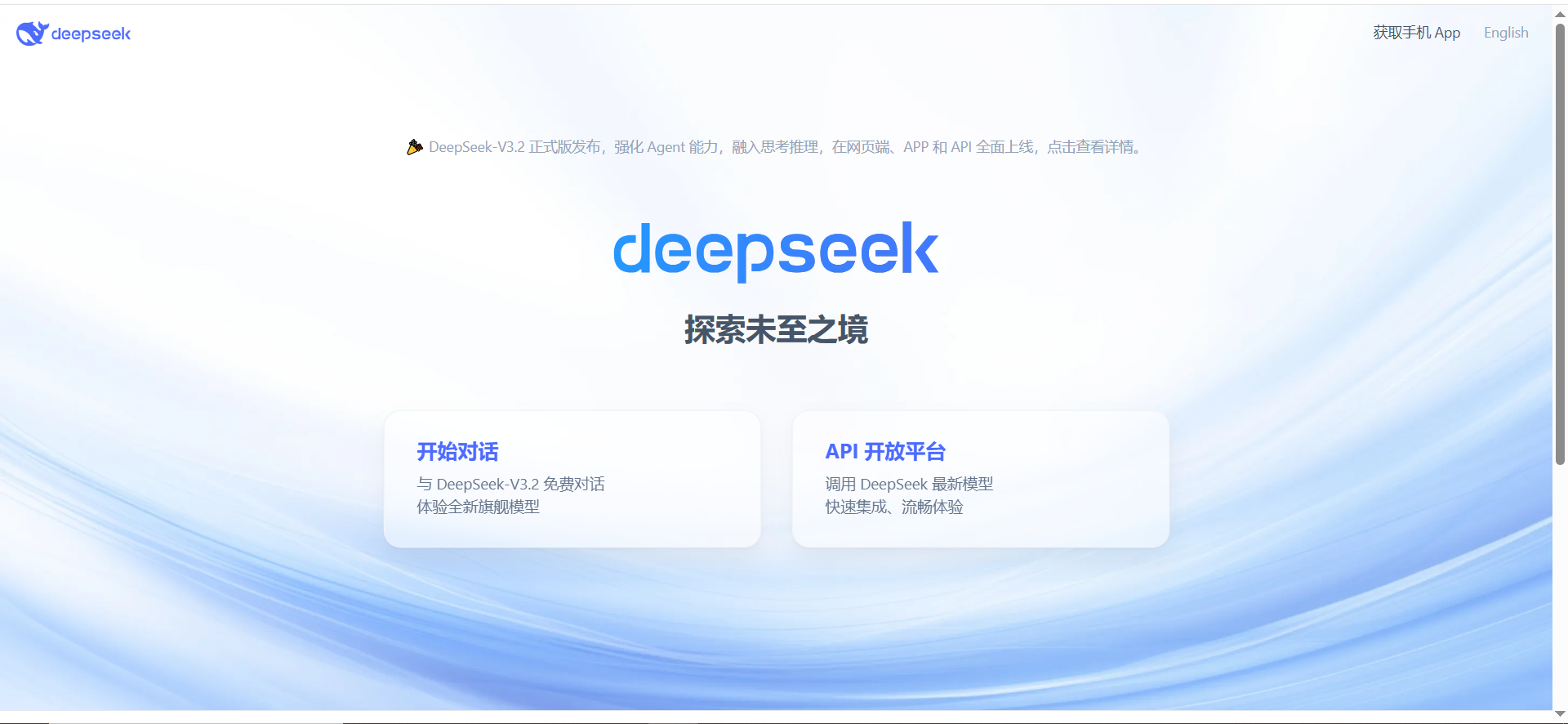
DeepSeek offers very cost-efficient, high-performing models (like V3 and R1) accessible via a free chat app and cheap API. While not a classic search engine, people increasingly use its assistant as a primary way to ask questions and get web-like answers, and its models power other tools behind the scenes.
Why teams use it?
Teams and developers use DeepSeek because it’s dramatically cheaper than many Western competitors at the API level while remaining competitive in quality. It’s attractive for high-volume workloads and experimentation. It also diversifies model portfolios beyond just OpenAI and Anthropic.
Who is this tool for (ICP)?
- Developers running large inference workloads
- Startups and scale-ups with cost-sensitive AI usage
- Teams adopting multi-model strategies
- Users in regions where DeepSeek has strong local fit
How this tool fits in this AI-first era?
DeepSeek shows that “good-enough and cheap” models will play a huge role as AI scales. It also highlights the rise of non-US AI vendors shaping the global model ecosystem. Many AI search and assistant tools will quietly rely on models like this under the hood.
- Drives down per-token costs for AI workloads
- Encourages multi-vendor, multi-model architectures
- Provides backend models for other AI search/assistant products
How does DeepSeek work?
End users can access a free chat interface, while developers hit an OpenAI-compatible API with low per-token pricing. Models support longer context, tools/function calling, and various output formats. Some platforms (like Azure) also host DeepSeek models as options.
Free tier
Yes (free chat; pay-as-you-go API).
Strengths
- Extremely low API pricing
- Solid general-purpose performance
- Free chat experience for everyday use
Weaknesses
- Data residency and regulatory concerns in some regions
- Enterprise ecosystem and compliance not as mature as incumbents
- Documentation/community still evolving
Key Capabilities
- General-purpose chat and reasoning
- Low-cost text generation via API
- Long-context and function calling support
- Integration into other platforms as a backend model
Pricing snapshot?
- Free Chat – $0 (fair-use limits)
- API – Usage-based, very low per-million-token pricing
- Enterprise – Custom deals incl. private deployments
Best for?
DeepSeek is best for developers and teams building AI-heavy features who need to keep costs in check, or who want a second/third model provider. It’s less about polished end-user “search” UX and more about powering other experiences, including AI search engines and assistants.
Types of AI Search Engines
1. AI-native search engines
These tools were built around AI from day one. They usually:
- Open with a chat-style answer
- Emphasize citations
- Offer features like “deep research” or “co-pilot” modes
Examples we’ll cover:
- Perplexity
- You.com
- Komo
- Phind
- Andi
- Consensus (research-focused)
Many “best AI search engines” roundups rank Perplexity, You.com, Andi, Komo, Phind, and Consensus among the top AI-native options. These are also the kinds of engines where answer engine optimisation services really matter—because they decide which brands get quoted, cited, and clicked.
2. Traditional search with an AI layer
Here, the underlying engine is still a classic web index, but the UX is AI-enhanced.
Key examples:
- Google AI Mode / AI Overviews (Gemini-powered)
- Microsoft Copilot (Bing)
- Brave Search + Leo
- DuckDuckGo AI answers
These typically show AI summaries on top of or alongside traditional results. Google’s AI Mode can even switch to an “AI-only” view where the summary replaces the list of links for some users. If you want to know how this plays out for SaaS traffic specifically, this breakdown of Google SGE and SEO shows exactly how generative search experiences change rankings and clicks.
3. Specialized AI search engines
These focus on a narrower domain:
- Academic/scientific search: Consensus, Elicit, scite (papers & trials)
- Developer & technical search: Phind, some modes of Perplexity
- Enterprise/knowledge-base search: internal AI search tools tied to your docs
These matter if you do a lot of research-intensive work and care more about rigor than about casual browsing.
How AI Search Engines Work
Step 1 – Understand your question
When you type or speak a query, the system:
- Uses natural language processing (NLP) to parse what you mean.
- Interprets intent (e.g., “comparison”, “definition”, “how-to”).
- Expands your query with related concepts and synonyms.
Step 2 – Retrieve relevant sources
Behind the scenes, AI search engines use:
- Vector search / semantic search (turning text into embeddings).
- Traditional inverted indexes and ranking signals (links, freshness, etc.).
- Custom filters (e.g., limit to research papers, docs, news).
👉 This retrieval step is where tools like Google, Bing, Brave, and Perplexity really differ in depth and quality. If your content isn’t technically discoverable here, no model—no matter how advanced—will be able to pull you into its answers. For a deeper dive into how to structure content for this retrieval layer, this guide on structuring AI-era content is a great next read.
Step 3 – Generate an answer (with citations)
Once sources are retrieved, a large language model:
- Read the relevant passages.
- Combine them into a coherent summary.
- Generates an answer, often with citations and links.
Many systems use retrieval-augmented generation (RAG) to anchor the model to real documents and reduce hallucinations.
How to Choose the Right AI Search Engine for You
There’s no single “best” AI search engine—only the best fit for your use cases, stack, and risk profile. A quick way to narrow the field:
1. Clarify your main use cases
Ask yourself:
- Mostly quick factual lookups? → Perplexity, Google AI Mode.
- Deep multi-step research & writing? → ChatGPT Search, Claude.
- Developer-heavy work? → Phind, You.com dev tools.
- Academic research? → Consensus, Elicit.
- Strong privacy needs? → Brave + Leo, Kagi.
If you’re choosing tools primarily to power your SEO and content engine, it’s worth pairing this with a dedicated tool comparison. This Best AI SEO tools roundup and compare AI SEO tools guide give you a solid benchmark.
2. Evaluate key criteria
From multiple comparison guides, these criteria show up repeatedly:
- Accuracy & citations
- Freshness (how well it handles breaking news)
- Privacy policy
- Speed & limits on the free tier
- Ecosystem integration (Google, Microsoft, etc.)
- Pricing for heavy users or teams
3. Match tools to your workflow
- If you live in Google Workspace → try Google AI Mode + Gemini.
- If you live in Microsoft 365 → Copilot (Bing + Office).
- If you spend your life in a browser → Perplexity extension, Brave + Leo, or You.com.
- If you’re building or optimizing websites → test how your content appears in multiple AI search engines, not just Google.
Best Practices: Getting the Most Out of AI Search
Prompting tips for better answers
- Be specific: “Compare Perplexity vs ChatGPT Search for news and citations” beats “Which is better?”
- Set the format: “Give me a table with columns for accuracy, price, privacy.”
- Use follow-ups: “Now explain that for a non-technical audience.”
Always verify important information
- Click through to sources for any high-stakes decision.
- Cross-check with at least two independent sources for medical, financial, or legal topics.
- Be cautious when AI answers conflict with official documentation.
Combine AI search with your own judgment
Think of AI search as:
- A research assistant, not a final authority.
- A powerful way to shortlist options and concepts.
- A tool you audit rather than blindly trust.
▶️ If you want to see how this looks inside a real SEO process, this AI SEO tools agile workflow playbook walks through how to bake AI search into sprints, QA, and strategy without giving up control.
How AI Search Engines Are Changing SEO (and What To Do About It)
From “10 blue links” to answer engines
AI Overviews, AI Mode, Perplexity, ChatGPT Search, and others are quietly changing what a “search result” even is. For a growing chunk of queries, users see one rich AI summary instead of scrolling through pages of blue links. The click happens after the answer—if it happens at all.
Impact on SEO:
- Fewer clicks on some informational queries, even if you still “rank.”
- More users skimming AI summaries than carefully reading SERPs.
- New surface area for visibility: being quoted, cited, or linked inside AI answers.
You’re no longer just competing for positions 1–3. You’re competing to be part of the answer block. Our breakdown of Google SGE SaaS blog traffic impact shows how quickly this shift can hit B2B SaaS blogs in the real world.
How to optimize for AI search engines
Most serious SEO and AI-search playbooks now converge on a familiar set of principles. The twist: you’re not just optimizing for humans and crawlers—you’re optimizing for LLMs that need clean, structured facts.
1. Double down on E-E-A-T
Search engines and AI models both favor content that looks credible and accountable.
- Clear author bios with real experience and credentials
- Transparent sources and references
- Up-to-date, evidence-backed claims
If you’re wondering how E-E-A-T holds up in the age of SGE and AI, this deep dive on does E-E-A-T still matter after SGE? breaks it down with practical examples.
2. Make structure your superpower
AI models love pages they can parse at a glance.
- Descriptive H2/H3 headings that map to real questions
- FAQs, comparison tables, and checklists
- Clean internal linking so topics are easy to follow
3. Answer the actual question (fast)
The first 2–4 sentences often become the model’s summary.
- Lead with a direct, concise answer, then elaborate
- Use simple language and avoid fluff
- Add variations of key questions as subheadings and FAQs
4. Use schema and structured data
You’re not just decorating SERPs—you’re feeding machines.
- Implement FAQ, HowTo, Product, Organization, Review, Article schema where relevant
- Keep structured data consistent with on-page content
- Mark up key entities (brand, organization, person) clearly
5. Build topical depth, not just single pages
AI search engines reward topical authority, not one-off posts.
- Cover related subtopics in a cluster (guides, use cases, comparisons)
- Link them with hub-and-spoke internal linking
- Update cornerstone pieces so they stay current and trustworthy
👉 If you want help operationalizing all of this for SaaS, our answer engine SEO services are designed specifically to make your content “AI-overview-ready” and visible inside these new answer blocks.
Measuring Performance in an AI-First World
Traditional SEO metrics don’t tell the whole story anymore. You can lose clicks while still winning visibility and brand impressions inside AI answers.
What to track and test:
- Impressions vs. clicks in Search Console & analytics
- A drop in clicks with steady or rising impressions can signal AI summarization.
- Brand queries and direct traffic
- If AI answers mention your brand, people may search you by name or go direct.
- Presence inside AI search engines themselves
- Regularly test key topics in Perplexity, ChatGPT Search, Google AI Overviews, Bing/Copilot, etc.
- Check:
- Does your brand/content appear or get cited?
- How are your ideas and data being paraphrased?
In other words: don’t just ask, “Where do we rank?”
Ask, “Are we part of the answer, and do we like how we’re being quoted?”
▶️ To go deeper, you can use specialized measurement content like our guides on brand visibility in AI search and brand visibility audit with LLMs to build dashboards and audits that actually reflect this new reality.
Frequently Asked Questions
There’s no universal winner, but Perplexity is often ranked #1 for general users, while ChatGPT Search, Google AI Mode, Microsoft Copilot, Brave, You.com, and Kagi excel for different ecosystems and preferences.
Most offer a free tier with limits, plus paid plans for higher usage, more advanced models, or enterprise features.
They’re very good for many everyday questions, but can still hallucinate or oversimplify. For important decisions, always verify sources and consult expert/official guidance.
Probably not completely. Instead, we’re seeing hybrid models where AI answers sit on top of or alongside classic search results.
Yes, to varying degrees. Tools like Brave and Kagi emphasize privacy, while others allow you to manage history, personalization, and data retention in settings.
Focus on high-quality, well-structured content, clear E-E-A-T signals, schema markup, and answering user questions directly. Think “would this page be easy for an AI to summarize accurately?”
Wrap Up
AI search engines aren’t just a shiny layer on top of Google anymore, they’re quietly becoming the front door to how your team thinks, researches, and executes.
The real advantage doesn’t come from picking one “winner” and forcing everyone to use it. It comes from building a small, intentional stack:
- A primary answer engine (like Perplexity or ChatGPT Search) for everyday research
- An ecosystem-native assistant (Google AI Overviews or Microsoft Copilot) for in-tool workflows
- A specialist engine (Phind for devs, Consensus for research, Kagi/Brave for privacy and quality) for critical use cases
▶️ If you treat AI search as a toy, you’ll get toy-level results. But if you treat it as core infrastructure for decisions and content, it becomes a force multiplier: faster briefs, sharper strategy, deeper research, and far fewer wasted hours in tab hell. This is exactly where The Rank Masters, B2B SaaS SEO Agency comes in, helping SaaS teams turn AI search from a novelty into a repeatable growth channel.
The next step isn’t to sign up for every tool on this list. Pick two or three that match your stack, roll them out to a pilot group, and document the workflows that actually move the needle such as research templates, prompt patterns, QA checklists, and reporting habits. Then scale those playbooks to the rest of the team, or bring in SaaS SEO specialists to help you operationalize it faster.
Search is no longer “type, click, hope.”
🤙 In the AI era, it’s ask, understand, act and the teams who master that loop first will own the next wave of growth. If you’re ready to make that shift, now is the right time to speak with our SEO strategists and design an AI-ready search strategy around your product, not just your keywords.