
No single AI visibility tool is right for every team, and a dashboard count of brand mentions is not a result until someone has read the answers behind the count. For most B2B SaaS teams, start with a tool that lets you open the answer behind each count, and check that in the trial. Peec AI, OtterlyAI and Semrush are the entry points we would test first, then run 25 prompts before you report anything.
That holds for teams reporting AI visibility to a CMO or board on 25 to 100 prompts with a budget of roughly $30 to $200 a month. Agencies, multi-market programmes and teams that want raw API data need the criteria further down.
AI answers change by run, location and wording, so every count is an estimate and no tool can guarantee that your brand will be cited.
If you would rather have a team set up the tracking and act on what it shows, our Generative Engine Optimization service covers both. We start from the prompts your buyers actually ask.
TL;DR (read this first)
AI brand mention tracking in 2026 requires tooling that separates signal from noise across a fragmented answer-engine landscape. ChatGPT, Perplexity, Google AI Overviews, Gemini, and Copilot now generate over 40% of product-discovery interactions for B2B buyers, according to Gartner's 2025 Digital Buying Behavior survey.
Tracking whether your brand appears in these answers, and whether the mention is a recommendation, a neutral listing, or a warning, is the operational baseline for any marketing team running a visibility program.
Raw mention counts are unreliable 👉 a Princeton and Georgia Tech GEO study demonstrated that incorporating authoritative citations into web content increases the probability of LLM extraction by 30% to 40%, meaning the tools you use must differentiate between shallow name-drops and citation-backed recommendations.
This guide evaluates top tools — OtterlyAI, Peec AI, SE Ranking, Semrush, Scrunch AI, Writesonic, and if you're building instead of buying, then cloro — on the metrics that matter, i.e., entity disambiguation accuracy, citation-vs-mention separation, multi-engine coverage, competitive benchmarking depth, and actionable reporting for stakeholders.
Semrush pairs AI mention tracking — citations, sentiment, and share of answer — across major AI surfaces — with the SEO and content tools to act on findings; plans start at $139/month, with bundled SEO + AI tiers available.
📋 Get Listed / Advertise
We update this guide monthly. Want your tool featured? Contact: [email protected].
Best AI Visibility Tools For Brand Mention Tracking (Quick Comparison)
| Tool | Best for | Engine coverage (high level) | Starting price (publicly available) | G2 Rating |
|---|---|---|---|---|
| OtterlyAI | Prompt-based monitoring on a small budget | ChatGPT, Perplexity, AI Overviews, AI Mode, Gemini and Copilot named on the homepage | $29 a month on Lite (15 search prompts), $25 on the page's second price set | 4.7/5 (54 reviews) |
| Peec AI | Marketing team dashboards and reporting | ChatGPT, Perplexity and Gemini named on the homepage | Pricing on request (Starter, 50 prompts) | 4.7/5 (21 reviews) |
| SE Visible | Sentiment, share of voice and source depth as a standalone program | ChatGPT, Gemini, AI Mode, AI Overviews, Perplexity — all engines on every plan, no add-ons | $99/month | 4.7/5 for SE Ranking that built SE Visible (1,605 reviews) |
| Semrush | Mention tracking + SEO action levers | ChatGPT, Perplexity, Gemini, Google AI Mode, Copilot | From $139/month (SEO); bundled SEO + AI plans available | 4.5/5 (~2,200 reviews) |
| Ahrefs Brand Radar | Index research plus tracking your own prompts | AI Overviews, AI Mode, ChatGPT, Perplexity, Gemini and Copilot (Claude on custom prompts) | From $199 a month for index research | 4.5/5 for Ahrefs overall (717 reviews); Brand Radar has no separate G2 listing |
| Writesonic | Content creation plus AI visibility | ChatGPT, Gemini and AI Overviews on Starter, all eight platforms on Enterprise | $79 a month billed annually (Starter, 50 prompts) | 4.7/5 (2,146 reviews) |
| cloro (API, not a dashboard) | Teams building their own mention tracking | ChatGPT, Perplexity, Gemini, Copilot, Grok, Google AI Overview, Google AI Mode | Free tier (500 credits/mo), then $30/mo | 4.7/5 (55 reviews) |
Prices in the table are read from each vendor's own page, and the pages were not all read on the same day. G2 ratings and review counts are each vendor's own current G2 listing; Ahrefs' figure is for the whole platform since Brand Radar has no separate listing.
Tool #1 — OtterlyAI
Best for: Prompt-based monitoring on a small budget
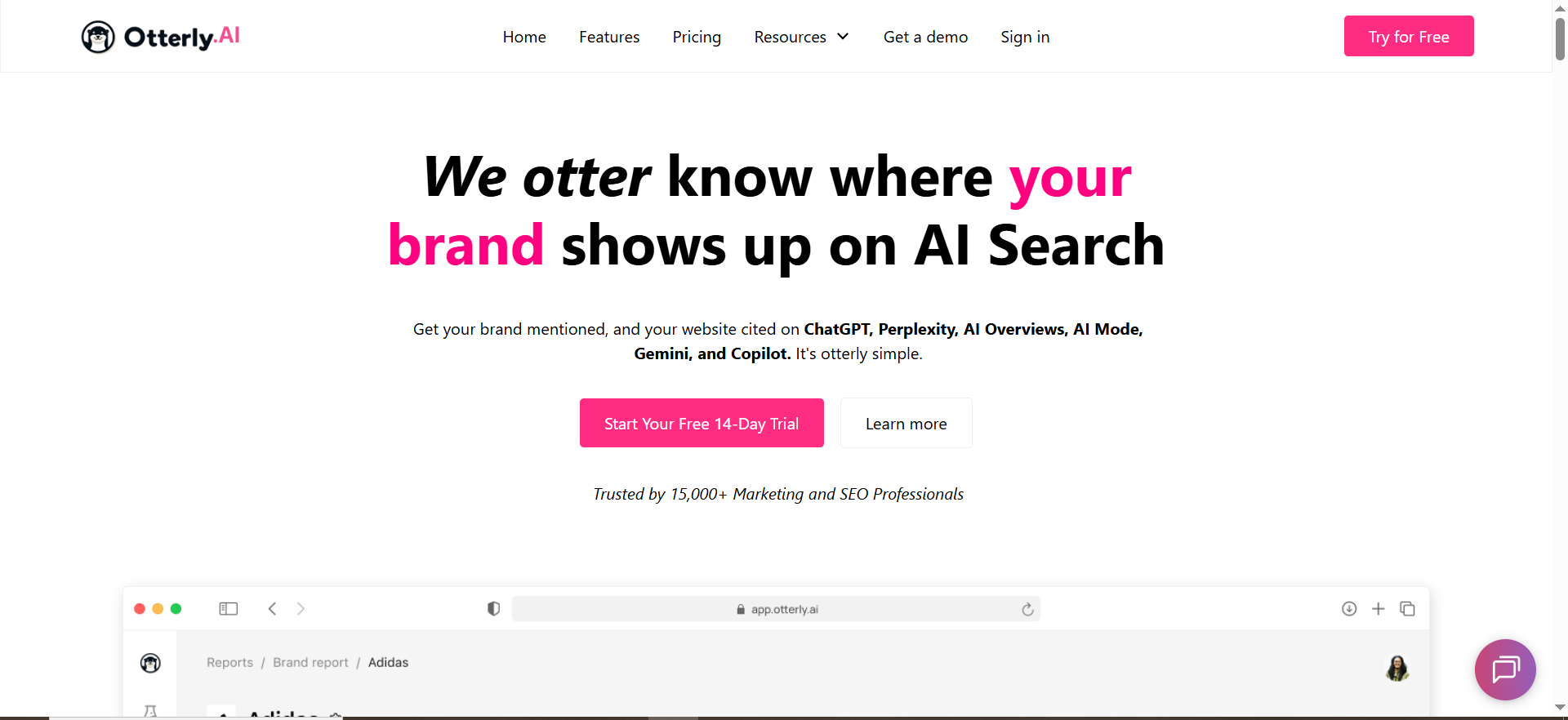
OtterlyAI is a prompt-based monitoring tool, and its pricing page lists the Lite plan at $29 a month for 15 search prompts on ChatGPT, AI Overviews, Perplexity and Copilot. It suits an SEO manager or growth lead who wants a baseline and a month-on-month trend without buying a full suite.
The homepage mentions an API and MCP but no CSV export, so a team that lives in spreadsheets should check that before signing up. Everything below comes from the vendor's own pages. Those pages do not say whether you can open the full answer text behind a mention, so test that in the trial.
OtterlyAI's pricing page shows two price sets for every paid plan, and it labels annual billing as 15 percent off. Both sets are shown here as listed, so confirm which one applies at checkout.
| Plan | Price Per Month (Both Sets Listed) | Search Prompts | Team Members |
|---|---|---|---|
| Lite | $29 or $25 | 15 | Unlimited |
| Standard | $189 or $160 | 100 | Unlimited |
| Premium | $489 or $422 | 400 | Unlimited |
| Enterprise | Custom | From 1,000 | Unlimited |
OtterlyAI's homepage names ChatGPT, Perplexity, AI Overviews, AI Mode, Gemini and Copilot, with a Claude API in the dashboard. The metrics it lists are mentions against competitors, average brand position, coverage over time and website citations, with sentiment analysis described in its FAQ.
Strengths
- Low entry price: Lite starts at $29 a month, or $25 on the second price set, the lowest entry figure among the dashboards in this guide.
- Competitor view: It reports your mentions against competitors, plus average brand position and coverage over time.
- Citations and sentiment: Website citations sit alongside sentiment analysis, so a mention can be read for tone.
- Alerts: It sends alerts when mentions change, which saves you checking the dashboard daily.
- Open access: A public API covers brand reports, prompts and citations, and there is an MCP server and a Marketplace.
Trade-Offs
- Thin entry tier: 15 prompts on Lite is a spot check. It will not cover a category with several buyer intents and a few variants each.
- Two price sets: The pricing page shows two figures for each paid plan, so budget with the higher one until you have confirmed.
- No CSV export mentioned: The homepage names an API and MCP but no CSV export.
- Engine detail: The pricing page lists four engines on plans, while the homepage names six plus a Claude API. Confirm which engines your plan includes.
Key Capabilities
- Engines: Six named on the homepage, with Claude through the dashboard API.
- Metrics: Mentions against competitors, average brand position, coverage over time, website citations and sentiment.
- Alerts: Notifications when mentions change.
- Integrations: Public API, MCP and a Marketplace.
Good Fit
- Small teams: SEO managers and growth leads who need a weekly answer to whether they appear more or less than last month.
- Budget-limited programmes: Teams starting with a 15 to 100 prompt baseline.
- Tool-connected workflows: Anyone who wants to pull data through an API or MCP.
Not A Fit
- Spreadsheet-first reporting: Teams that need a CSV export from the tool itself.
- Large prompt libraries: Programmes above 400 prompts need Enterprise, which is custom priced.
- Fixed budgets: Anyone who needs one confirmed price per plan.
The limitation that matters most is the prompt cap, because 15 prompts on Lite is too few to say anything reliable about a whole category.
Tool #2 — Peec AI
Best for: Marketing team dashboards and AI visibility reporting
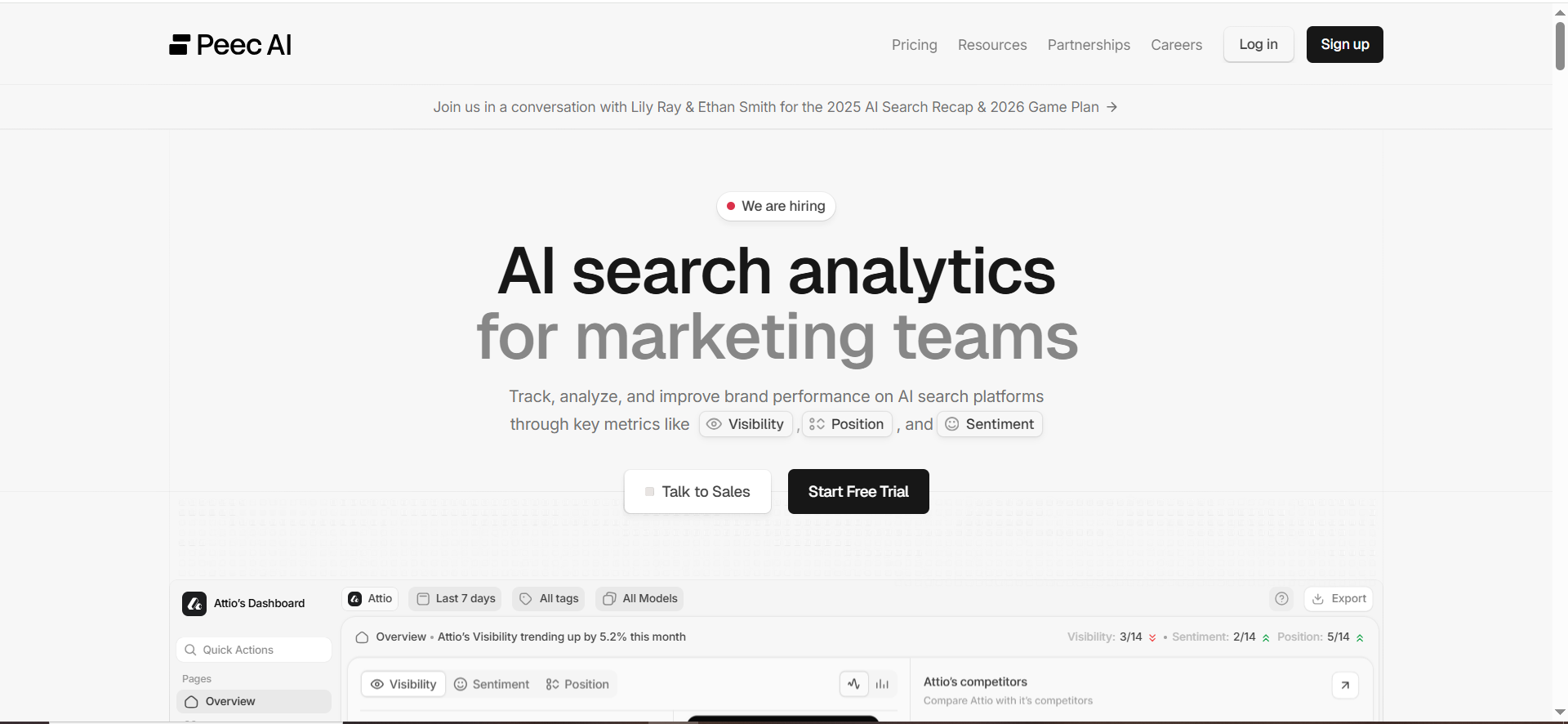
Peec AI is a reporting dashboard for marketing teams that measures visibility as the share of chats mentioning your brand, along with position, sentiment and citations, and its pricing page publishes no monthly prices. That makes it easy to evaluate on features and impossible to budget from the website alone.
Peec AI's pricing page lists Starter at 50 prompts, Pro at 150 and Advanced at 350, each with a choice of three models. Enterprise is custom and uses API-based models, and unlimited team members are included on every plan. Because the page gives no figures, the table below says "Pricing on request" and nothing more about cost.
| Plan | Price | Prompts | Models |
|---|---|---|---|
| Starter | Pricing on request | 50 | 3 of your choice |
| Pro | Pricing on request | 150 | 3 of your choice |
| Advanced | Pricing on request | 350 | 3 of your choice |
| Enterprise | Pricing on request | Custom | API-based models |
Peec AI's homepage names ChatGPT, Perplexity and Gemini. It measures visibility as the share of chats that mention the brand, and it reports position, sentiment and citations at domain and URL level. For exports it lists CSV, a Looker Studio connector, a REST API and MCP. The page does not say whether you can open the full answer text behind a chat, so check that in the trial.
Strengths
- Clear headline metric: Visibility is the share of chats mentioning your brand, which is easy to explain to a CMO.
- Citation depth: Citations are reported at domain and URL level, so you can see which page an answer leaned on.
- Export options: CSV, a Looker Studio connector, a REST API and MCP cover most reporting setups.
- Team access: Unlimited team members on all plans, so reporting does not stall on seat counts.
Trade-Offs
- No published prices: You cannot compare cost until you ask, which slows a shortlist.
- Three models per plan: Each plan lets you choose three models, so coverage depends on what you pick.
- Narrow engine list on the homepage: Only ChatGPT, Perplexity and Gemini are named there, so check Google AI Overviews coverage before you buy.
Key Capabilities
- Visibility: Share of chats mentioning the brand.
- Context: Position and sentiment.
- Sources: Citations at domain and URL level.
- Output: CSV, Looker Studio connector, REST API and MCP.
Good Fit
- Marketing teams: Groups that report AI visibility as a recurring program to leadership.
- Teams that export: Anyone feeding results into Looker Studio or their own tables.
- Larger groups: Companies where many people need access without per-seat costs.
Not A Fit
- Teams that must price in advance: There is no monthly figure to put in a business case.
- Buyers who need Google AI Overviews confirmed: The homepage does not name it.
- Content-execution buyers: Nothing on the pages read points to writing or publishing tools.
The limitation that matters most is the missing price, because it forces a sales conversation before you can compare Peec AI with anything else on this list.
Tool #3 — SE Visible
Best for: Teams that need sentiment, share of voice, and the sources behind the answer, as a standalone workstream
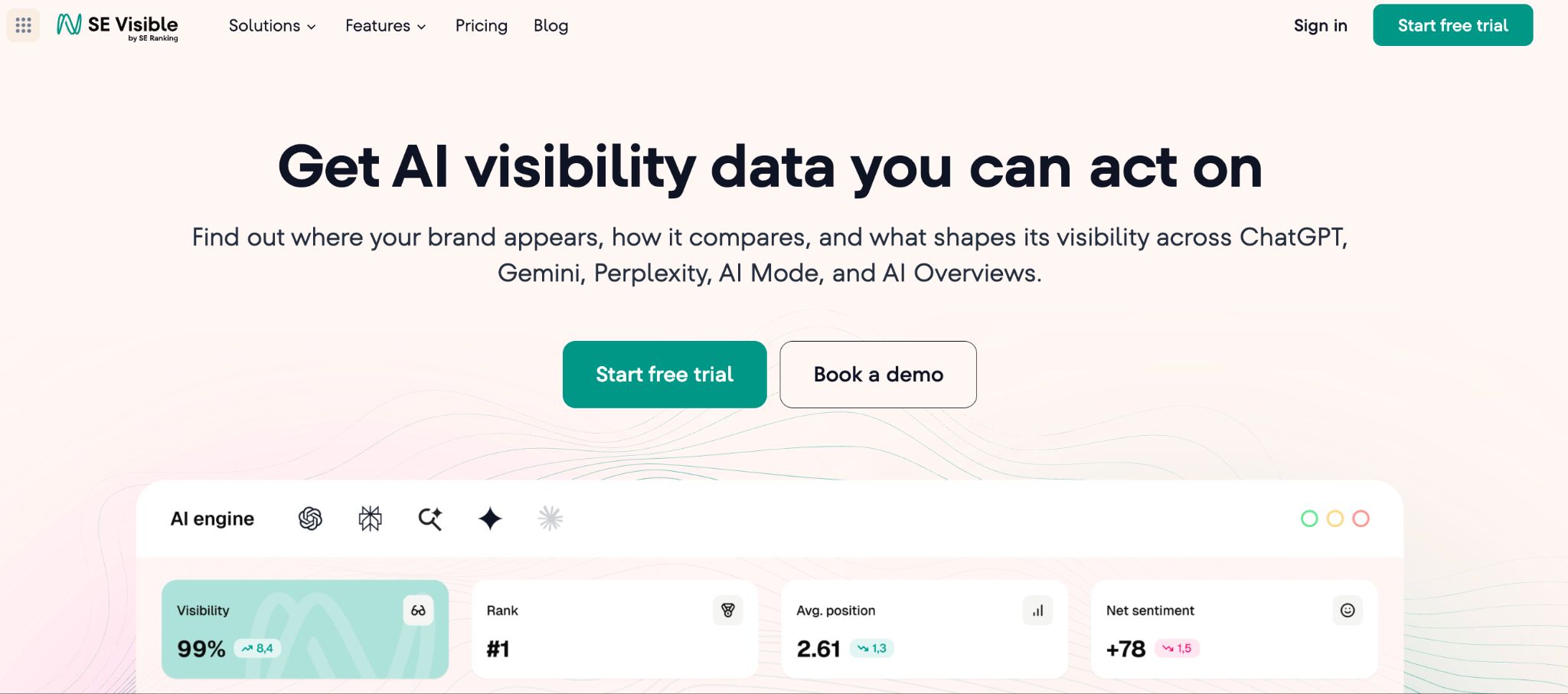
SE Visible by SE Ranking is a standalone AI brand-visibility platform. It tracks how a brand appears in AI-generated answers across ChatGPT, Gemini, Google AI Mode, Google AI Overviews, and Perplexity, covering mentions, share of voice, sentiment, citations, and the domains and URLs those answers lean on.
- AI Engine Coverage: SE Visible tracks ChatGPT, Gemini, AI Mode, AI Overviews, and Perplexity on all plans. No engine add-ons and no model tiering, so the engine list does not change with the tier you buy.
- Collection Methodology: SE Visible collects responses through a real browser session in the graphical interface, the same surface a person uses, not API calls, and not answers reconstructed after the fact.
- Sentiment and Share of Voice: The dashboard reports visibility percentage, average position, share of voice and sentiment as one picture or broken down by engine.
- Source Analysis: SE Visible surfaces the domains and URLs AI relies on when answering, including the sources that cite competitors but not you, turning monitoring output into a PR, content and partnership target list.
- Competitive Benchmarking: Competitors are auto-suggested at setup, then benchmarked on visibility, share of voice and sentiment topic by topic and source by source, so you can see which topics a rival owns rather than only that they outrank you overall.
- Daily and Local Tracking: Metrics refresh daily, and tracking can be scoped to any country, city or region.
- Reporting: Visibility percentage, position trends, sentiment, and competitor deltas pipe into Data Studio for auto-refreshing client reports.
- Pricing Structure: Plans are Basic ($99/mo), Core ($189/mo), and Plus ($355/mo), with all AI engines included on each.
When SE Visible Is a Good Fit
Agencies of 11–100+ running AI visibility across a client book, and in-house search, content and brand teams. Particularly strong where the monthly readout has to answer what AI says about the brand and where that answer came from, not only whether the brand appeared.
When SE Visible Is Not a Good Fit
Teams looking for one platform to cover AI visibility alongside rank tracking, site audits, keyword research and backlinks will not find them here. Those sit in the SE Ranking SEO platform, and SE Visible deliberately stays on AI visibility. The same applies to content generation: it identifies the prompts, topics and sources to act on, but does not write the assets. Users can cover these with SE Ranking.
Tool #4 — Semrush
Best for: Mention tracking + citations + sentiment, plus SEO action levers
What it does
Semrush is a search visibility platform that tracks brand mentions, citations, and sentiment in AI-generated answers across ChatGPT, Perplexity, Gemini, Google AI Mode, and Copilot. Its AI Visibility Toolkit pairs that mention data with the SEO, content, and site-audit tools needed to act on what you find.
Why teams use it
Teams pick Semrush when they want:
- mention tracking that separates presence from quality (sentiment, citation context, share of answer) instead of inflating dashboards with raw counts, and
- the ability to act on findings inside the same platform — SEO fixes, content updates, site-audit checks — instead of running two stacks.
Semrush used these tools internally and grew its own AI share of voice from 13% to 32% in one month.
What it's good for
- Mention quality, not just count: tracks sentiment alongside presence (positive / neutral / negative)
- Citation visibility: identifies which sources AI cites when your brand is referenced — or when competitors are recommended instead
- Multi-engine coverage in one report: ChatGPT, Perplexity, Gemini, Google AI Mode, Copilot
- Action stack: connects mention data to the SEO, content, and AI site audit tools needed to fix what's broken
- Multi-market reporting: 38 countries and 28 languages via Enterprise AIO
When it's a good fit
Choose Semrush when:
- You need mention quality data (sentiment, citation context) — not just "did we appear?"
- You have an SEO or content team that's going to act on the findings
- You want unified reporting on AI visibility + traditional search performance
- You're tracking across multiple markets, languages, or product lines
When it's not a good fit
Semrush may be overkill if:
- You only want raw mention counts on a small prompt set
- You don't have any SEO or content workflows to consolidate with AI tracking
- Your budget tops out at sub-$50/month tooling
How to use it for brand mention tracking
- Build a prompt library of 25–100 prompts mapped to your buyer funnel (discovery, comparison, evaluation, switching).
- Add up to 9 competitors so each tracked prompt returns share-of-answer comparison data.
- Run a baseline across the supported AI platforms to capture mentions, citations, and sentiment per prompt.
- Tag every mention by quality (recommended / neutral / negative) using the sentiment data attached to each result.
- Pull the citation data to identify which domains AI cites when competitors are recommended — feed those into your PR and content backlog.
- For multi-market or multi-brand programs, scale the same workflow through Enterprise AIO with country- and language-level segmentation.
Key capabilities
- Visibility Score (0–100) across the major AI platforms
- Mention tracking with sentiment classification (positive / neutral / negative)
- Citation tracking (which sources AI cites when answering)
- Share-of-answer comparison vs up to 9 competitors
- AI site audit (technical checks for AI crawler accessibility)
- 261M+ prompts database for prompt research
Free tier?
Semrush doesn't offer a free tier, but it does offer a free trial on most plans and a free Enterprise AIO demo.
Downsides / limitations
- Broader platform vs pure-play specialist: if you only need lightweight mention monitoring without SEO workflows, a $29/month tool is simpler.
- Learning curve: more surface area than single-purpose AI tools.
- Pure-play AI tools can match Semrush on enterprise depth for AI specifically; Semrush's edge is the combined SEO + AI scope.
AI prompt tracking on Semrush's pricing page starts at the Starter plan, and the SEO plan carries none.
| Plan | List Price Per Month | Annual Price Per Month | AI Prompts Per Day |
|---|---|---|---|
| SEO | $139 | $117.33 | None |
| Starter | $199 | $165.17 | 50 |
| Pro+ | $299 | $248.17 | 100 |
| Advanced | $549 | $455.67 | 200 |
| Enterprise | Custom | Custom | Custom |
Tool #5 — Ahrefs Brand Radar
Best for: Researching any brand across a large prompt index, plus tracking your own prompts
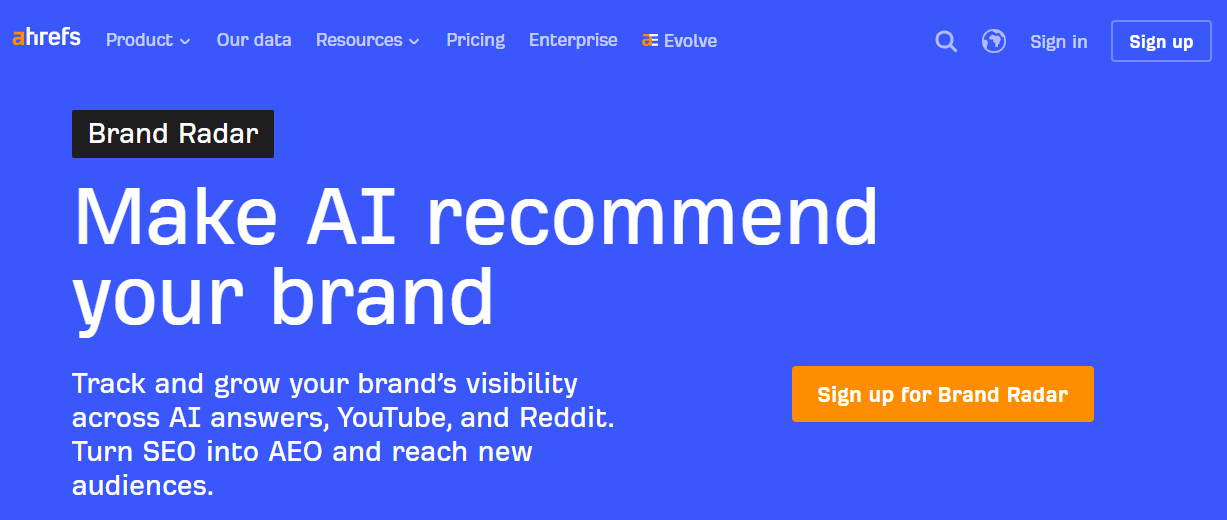
Ahrefs Brand Radar is a standalone product, and Ahrefs' pricing page lists it from $199 a month for researching any brand across 462M+ organic prompts, with AI Overviews, AI Mode, ChatGPT, Perplexity, Gemini and Copilot covered and mentions and citations reported separately. It suits a team that wants to see how the whole category is answered before it commits to its own prompt list.
The product has two parts, and the difference changes what a number means. The index is a large set of prompts Ahrefs already runs, so you can look up any brand, including competitors, without setting anything up. Custom prompt tracking is your own list, chosen by you and run on a schedule. An index number tells you how a brand shows up across prompts you did not pick. A custom prompt number tells you how it shows up across the prompts your buyers actually use. Report them separately.
| Offer | What It Covers | Listed Figure |
|---|---|---|
| Index research | Any brand across 462M+ organic prompts | From $199 a month |
| Custom prompts, Basic | Your own prompts | Tracks 50 custom prompts |
| Custom prompts, Growth | Your own prompts | Tracks 100 custom prompts |
| Custom prompts, Scale | Your own prompts | Tracks 250 custom prompts |
Ahrefs' Brand Radar page says Claude is available on custom prompts, and that custom prompts run daily, weekly or monthly per platform. It reports mentions, which it defines as the brand name appearing in the answer text, plus citations, AI share of voice and estimated impressions. The page does not mention sentiment. It defines a mention as the brand name appearing in the answer text, but does not say whether you can open the full answer, so check that in the trial.
Strengths
- Index research: You can look up any brand, including a competitor, across 462M+ organic prompts without building a list first.
- Wide engine list: AI Overviews, AI Mode, ChatGPT, Perplexity, Gemini and Copilot, with Claude on custom prompts.
- Separate metrics: Mentions and citations are reported apart, which is the split this guide argues for.
- Flexible cadence: Custom prompts run daily, weekly or monthly per platform, so you match frequency to the decision.
Trade-Offs
- No sentiment metric: The Brand Radar page does not mention sentiment, so tone has to be read from the answers yourself.
- Two products in one: The index and custom prompts answer different questions, and mixing their numbers in one report misleads.
- Prompt tiers: Custom tracking is sold in 50, 100 and 250 tiers, so a large library moves you up quickly.
Key Capabilities
- Engines: AI Overviews, AI Mode, ChatGPT, Perplexity, Gemini and Copilot, plus Claude on custom prompts.
- Metrics: Mentions, citations, AI share of voice and estimated impressions.
- Cadence: Daily, weekly or monthly runs per platform on custom prompts.
Good Fit
- Competitive researchers: Teams that want to see how rivals appear before choosing their own prompts.
- Teams that report share of voice: Anyone who wants an AI share of voice figure next to citations.
- Mixed-budget programmes: Teams that want to start with research and add own-prompt tracking later.
Not A Fit
- Sentiment-led reporting: Programmes that need tone scored by the tool.
- Single-number reporting: Teams that want one blended score and not index and own-prompt figures kept apart.
The limitation that matters most is the missing sentiment metric on the page, which leaves tone as manual work.
Tool #6 — Writesonic
Best for: Content creation and AI visibility tracking in one subscription
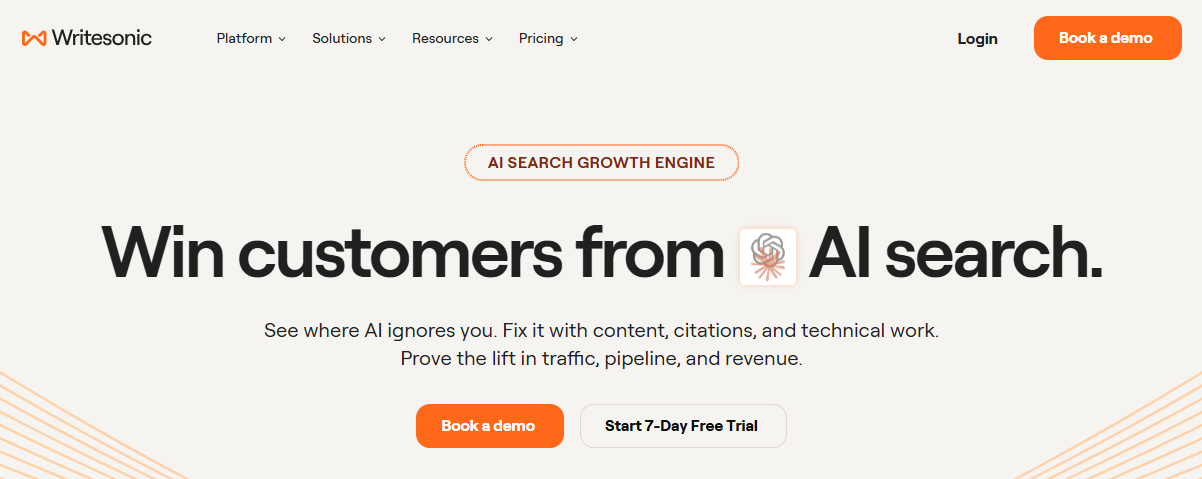
Writesonic is a content platform with AI visibility tracking built in, and its pricing page lists Starter at $79 a month billed annually for ChatGPT, Gemini and AI Overviews, with sentiment analysis starting at Growth. It suits a team that would rather buy one subscription for writing and tracking than two tools.
The product page was not available for review, so this profile covers what the plan table shows and nothing beyond it. Capabilities that Writesonic markets elsewhere are not described here. The plan table says Starter tracks 50 answers daily but does not say whether you can read the full answer text, so check that in the trial.
Writesonic's pricing page bills annually and scales prompts with the plan. Starter tracks 50 prompts and 50 answers daily, Basic tracks 100 prompts, and Growth tracks 200 prompts and adds sentiment analysis. Enterprise is custom and covers all eight platforms.
| Plan | Price Per Month (Billed Annually) | Prompts | Platforms And Features |
|---|---|---|---|
| Starter | $79 | 50 | ChatGPT, Gemini and AI Overviews |
| Basic | $199 | 100 | Not listed |
| Growth | $399 | 200 | Sentiment analysis |
| Enterprise | Custom | Custom | All eight platforms |
Strengths
- Low entry point: Starter at $79 a month billed annually is the cheapest way into this suite.
- Clear prompt ladder: 50, 100 and 200 prompts across the three self-serve plans make capacity easy to plan.
- Sentiment at Growth: Sentiment analysis arrives at $399 a month, so tone tracking has a defined price.
- Full coverage at the top: Enterprise covers all eight platforms.
Trade-Offs
- Three engines at Starter: ChatGPT, Gemini and AI Overviews only, so Perplexity and Copilot sit higher up or are not listed.
- Sentiment costs more: Tone analysis needs Growth, which is five times the Starter price.
- Capabilities unreviewed: The product page was not available, so features beyond the plan table are unconfirmed.
Key Capabilities
- Tracking: Daily prompt and answer tracking on Starter.
- Scale: 50, 100 and 200 prompts across Starter, Basic and Growth.
- Analysis: Sentiment analysis from Growth.
- Coverage: All eight platforms on Enterprise.
Good Fit
- Content-led teams: Groups that write and want their tracking inside the same subscription.
- Small starting programmes: Teams comfortable with 50 prompts and three engines.
Not A Fit
- Teams that need sentiment on a budget: Growth is the first plan that includes it.
- Buyers who need a full feature review: Only the plan table could be read.
The limitation that matters most is that the plan table is all that could be verified, so check the product page yourself before you rely on anything it markets.
#7 — If You're Building Instead of Buying: cloro
Best for: Engineering teams and agencies that need mention data inside their own product or client reporting, rather than a login someone checks weekly.
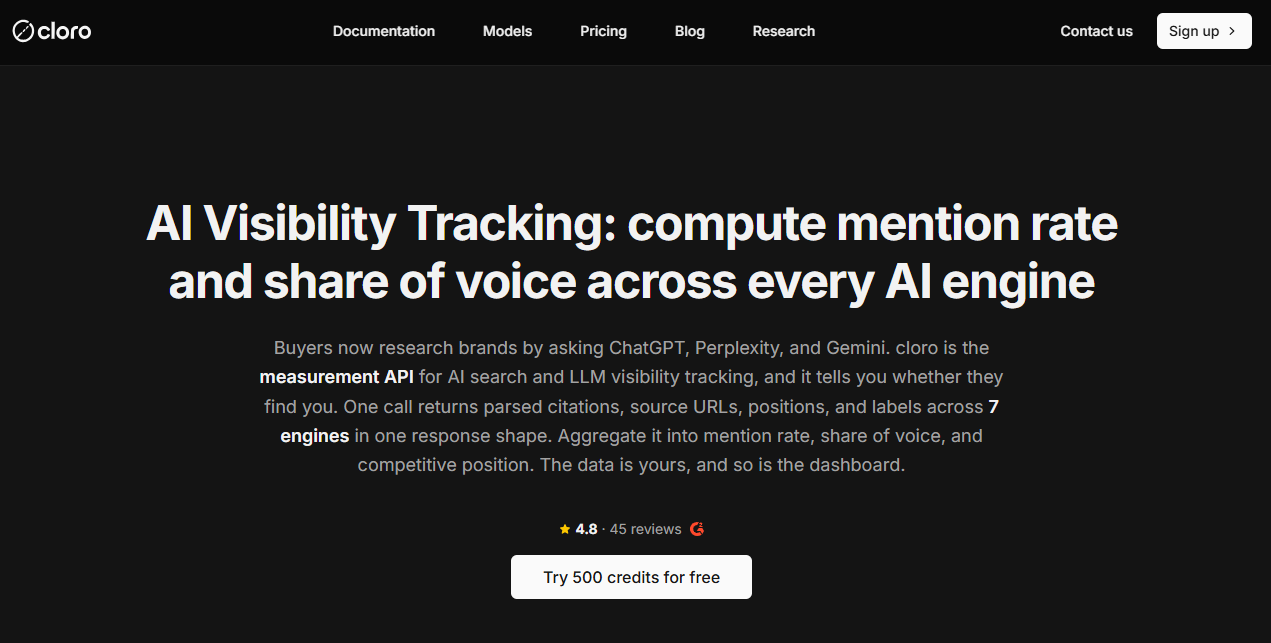
Every tool above sells the same shape, i.e., prompts in, dashboard out. That is the right buy for most teams. It is the wrong buy for two groups this page's decision tree already identifies — the agency whose deliverable is a white-labelled client report, and the product team that wants AI visibility as a feature inside software they sell. Both end up paying per seat for a UI they then screenshot or rebuild. cloro is the layer underneath that, i.e., a REST API that submits any prompt to any surface and returns the answer with its cited sources parsed out, as JSON.
- AI engine coverage. ChatGPT, Perplexity, Gemini, Microsoft Copilot, Grok, Google AI Overview and Google AI Mode, plus Google Search and Google News for the rank side of the same query. One request shape across all of them, so adding a surface is a parameter change rather than a new integration. It does not cover Claude or Bing.
- What comes back. The full answer text plus the source URLs that surface actually cited, with citation positions. That is the raw material behind a mention rate or a share-of-voice number, rather than the number itself. You decide what counts as a mention, which matters more than it sounds: the reliability test earlier on this page is a set of rules you can only apply if you hold the underlying answers.
- Pricing structure. Credit-based, billed only on success, from one pool shared across every surface. A blocked or empty request costs nothing. Free tier at 500 credits a month, then Lite $30, Hobby $100 for 250,000 credits, Starter $250 for 650,000, Growth $500 for 1,350,000, Business $1,000 for 2,800,000, and self-serve Enterprise from $2,000.
- What that costs in practice. A ChatGPT answer is 7 credits, Perplexity 3, Gemini 4, AI Mode 4, Copilot 5. Tracking 100 prompts daily across those five engines is about 2,300 credits a day, roughly 69,000 a month, which sits inside the $100 Hobby tier. Compare that with per-seat dashboard pricing at the same prompt volume before assuming the API is the expensive option.
- Scheduling and scale. Requests run sync or async with webhook delivery, so a nightly batch across thousands of prompts does not compete with interactive traffic. Geo-targeting is city-level via Google's canonical location names or a pre-encoded uule, which matters if mentions differ by market.
- Agent access. An official hosted MCP server, so Claude or Cursor can query the data directly during analysis rather than through an export.
- Who runs on it. Ahrefs, BrightEdge, and Michelin.
When cloro Is a Good Fit
You have an engineer. Your output is a warehouse table, a client-facing report you control, or a feature in your own product. You track enough prompts that per-seat pricing has started to hurt, or you need mention logic the dashboards do not expose, such as counting only mentions above a citation position or scoring sentiment with your own model. Agencies running many clients tend to hit all three at once.
When cloro Is Not a Good Fit
You want to open a tab and see a chart this week. There is no dashboard, no visibility score, no alerting and no content recommendations, and building those is your job. Plans are monthly rather than pay-as-you-go, so a very low-volume or spiky workload is cheaper metered elsewhere. Claude and Bing are not covered. If any of that is a dealbreaker, one of the six tools above is the better answer, and Otterly or Peec are where a small team should start.
| Plan | Price Per Month | Credits Per Month |
|---|---|---|
| Free | $0 | 500 |
| Lite | $30 | 37,500 |
| Hobby | $100 | 250,000 |
| Starter | $250 | 650,000 |
| Growth | $500 | 1,350,000 |
| Business | $1,000 | 2,800,000 |
| Enterprise | $2,000 to $5,000+ | 5.87M to 16.39M, annual contract above $5,000 |
📋 Get Listed / Advertise
We update this guide monthly. Want your tool featured? Contact: [email protected].
What AI Visibility Tracking Is: Mentions, Citations And Recommendations
AI visibility tracking measures how often a brand appears in AI answers, how the answer positions it, whether the answer cites it and how sentiment reads. An AI visibility tool does that by running a library of prompts on a schedule and recording what each engine says.
Three different things hide inside the word "mention", and a report that blurs them is a report nobody should trust.
- Mention: A mention is a brand name appearing in the answer text. It is useful for awareness and for share-of-answer calculations, but it is noisy. A line like "avoid Brand X for enterprise deployments" registers as presence and carries negative value.
- Citation: A citation is the page an answer attributes its information to. It matters when your goal is traffic and authority, because it shows which source earned the place. If citations are your main question, see the tools with citation tracking comparison.
- Recommendation: A recommendation is the answer framing your brand as a suggested option, with language like "best for" or "top pick". It is the highest-value outcome for pipeline, and the next question after classification is where in the answer it sits, which the tools that track mention prominence page covers.
Use a three-field tag on every tracked prompt so the classification is written down instead of remembered.
- Presence: Mentioned or not mentioned.
- Attribution: Cited on your site, cited on a third party, or no citation.
- Intent framing: Recommended, neutral or negative.
That gives you sentences a board will believe. For example, "We are mentioned in 42% of prompts but cited in only 8%, so we need better source coverage." Or "We are recommended in decision-stage prompts but missing in awareness prompts, so we need category education pages." The numbers there are illustrations of the shape, not benchmarks.
Teams that track mentions only get fooled in three ways. The model lists you in a long roll-up with no endorsement, so the count rises while the pipeline does not. You are mentioned in a negative context, which a presence count scores as a win. And you are "mentioned" because your own prompt contained your brand name. Fixing those is what the next section is for.
The TRM Reliability Test: How To Stop False Mentions Inflating Your Numbers
Most dashboards over-count. Three things cause it, and a tool that hides the answer text cannot tell you which one you are looking at.
- Name collision: Your brand shares a name with a person, a feature, a place or another company, so every appearance of the word counts as yours.
- Category term mistaken for the brand: Your brand name matches a common product category word, and the answer uses it as a plain noun.
- Prompted recall: Your prompt contains your brand name, so the answer mentions it by definition. That measures the prompt, not your visibility.
The collision problem is real. Two companies named Brandscope have been confused by Google AI, which attributes one company's content to the other. Run the five steps below on any tool in this guide.
Step 1: Write Entity Rules
A mention counts only when it meets a rule you wrote down before you looked at the numbers. Build an entity definition for your brand and keep it in the same file as the prompt list.
- Brand name variants: Full name, shortened name and common misspellings.
- Domains: Your canonical domain and key product subdomains.
- Product anchors: Two to five products or features that should appear alongside a true mention.
- Competitor list: The closest alternatives in the same consideration set.
Count a mention as true when your domain is cited, or when a product anchor appears in the same paragraph, or when the answer clearly states your category position. Tools that show the context window make this far easier. If you want the manual version first, audit your brand's visibility in LLMs before you buy anything.
Step 2: Label The Context Window
Label every tracked mention as recommended, neutral or negative by reading the sentence around it. Recommended means "best for", "top pick" or "use X". Neutral means listed among options with no evaluation. Negative means avoid, risky or not recommended. You do not need perfect sentiment scoring. A simple manual rubric applied to your top 50 prompts is enough for a baseline you can defend.
Step 3: Validate The Citation
Count a mention as owned presence only when the answer cites a domain you own. Then check what the answer cites when it is not you.
- Whose page: Is the cited domain yours or a third party?
- What kind of source: If it is a third party, is it a review site, a directory, a forum or a news source?
- Is it current: Is the cited page accurate today?
When the answer cites someone else's page, closing that gap is the work of our Answer Engine Optimization service.
Step 4: Clean Up The Prompts
Run two prompt sets. Canonical prompts are stable and repeated every week, and they map to high-intent "best tool" and "alternatives" queries. Variants keep the same intent with different wording, which tells you whether a result holds across wordings or is a one-phrasing fluke.
- Best tool: "Best tool for X" against "top platform for X".
- Comparison: "Compare X vs Y" against "alternatives to X".
- Segment: "For enterprise" against "for startups".
Keep your own brand name out of every prompt you use for presence metrics.
Step 5: Report Four Metrics
Once reliability is under control, report four numbers.
- Share of Answer: The percentage of tracked prompts where your brand is recommended or mentioned.
- Citation rate: The percentage of prompts where your domain is cited.
- Mention quality: A weighted score where recommended beats neutral beats negative.
- Prominence: Whether you appear early or buried, when the tool supports it.
What One Published Panel Found
The only measured evidence this guide can offer is a vendor's own panel, and it should be read that way. In a published panel of 17,430 engine-query observations from June 24 to September 22, 2026, 5.2 percent of no-retrieval control observations (151 of 2,894) were flagged as owned-presence wins, and 147 of those 151 (97.4 percent) rested only on co-occurrence. A phrase guard added on September 11, 2026 cut the control-arm win rate from 6.0 percent to 0.7 percent.
It is a single vendor's self-published panel, so read it as proof the problem is real, not as a rate you can apply to your own data. The same audit points to three controls worth borrowing. Count a mention only when the answer cites a domain you own. Exclude branded queries from presence metrics. Run a control arm, which means asking a tool-less model the same questions and seeing how often it appears to "win" with no retrieval at all.
A phrase guard needs a new rule for every new phrasing, so the audit also lists structural alternatives. Those are alias detection, entity disambiguation against a knowledge-graph identity, and measuring precision and recall on a human-labelled gold set.
How AI Visibility Tools Collect Results: Prompts, Engines And Variance
Most tools use prompt-based monitoring. They run a library of prompts on a schedule across several engines and record the answers. Some also group results by keyword or topic, but underneath they still convert that into prompts, because AI answers do not behave like a classic results page.
Prompt-based monitoring matches how buyers ask questions and gives you share-of-answer figures that mean more than keyword ranks. Its weakness is phrasing sensitivity, which is why you need canonical prompts plus variants, and why a prompt variation testing tools comparison is worth reading before you commit. Keyword-style grouping is easier to map onto an SEO team's topic clusters, but a keyword can generate many different question forms, so it is harder to read as a business outcome.
Two tools disagree on the same prompt because answers vary by run, location and wording, and each tool collects with its own engines and method. Neither tool is wrong. Use canonical prompts plus variants, and treat every count as an estimate.
Engine coverage differs, and vendors describe it inconsistently, so confirm it on the vendor page before buying.
- OtterlyAI: OtterlyAI's homepage names six engines, from ChatGPT to Copilot, with a Claude API in the dashboard.
- SE Visible: SE Visible's homepage names ChatGPT, Gemini, Perplexity, AI Mode and AI Overviews, with Claude to be added.
- Ahrefs Brand Radar: Ahrefs' Brand Radar page names six engines, with Claude on custom prompts.
- cloro: cloro's use-case page names seven surfaces but marks Grok as unavailable, and it does not cover Claude or Bing.
Engine-specific follow-ups exist when one engine matters most to you. See tracking Google AI Overviews for Google, and monitoring ChatGPT answers over time for ChatGPT.
How often should you measure? Match the cadence to the decision. SE Visible's homepage says it refreshes daily, Ahrefs' Brand Radar page says custom prompts run daily, weekly or monthly per platform, and cloro's use-case page says it has no built-in scheduler. A monthly board report does not need daily data. A content change you are testing does.
How AI Visibility Tracking Differs From SEO Rank Tracking And Social Listening
SEO rank tracking reports a position for a keyword on a results page. AI visibility tracking reports whether a brand appears in a generated answer, how the answer frames it and which sources it cites, often with no click at all.
Social listening and media monitoring crawl published content. AI answers are not published pages. They are generated on request, so a social listening platform cannot run prompts against AI engines, cannot capture the answer text and cannot tell you whether an answer recommended or warned against your brand.
- SEO rank tracking: Answers where you rank for a keyword.
- AI visibility tracking: Answers whether, how and with what sources you appear in a generated answer.
- Social listening: Answers what people publish about you across social channels, forums, news and reviews.
A team needs both when buyers research across social channels and AI engines before they buy. If your buyers start in an AI engine and social presence does not drive pipeline, AI tracking alone covers the gap. Traditional monitoring tools have their own comparisons, so this page leaves them there.
Competitor Tracking And Share Of Answer
Yes, the tools track competitors alongside your brand, and a count without competitors means nothing. If your share rises while the whole category rises, you gained nothing. If it falls, you cannot say who took your place. OtterlyAI's homepage lists mentions against competitors, and Ahrefs' Brand Radar page lists AI share of voice, so both put the rival next to you by design.
Build a structured competitor set instead of adding names at random.
- Core competitors: Three to five close alternatives that appear in the same answers.
- Adjacent competitors: Three to five tools buyers consider even if the category differs.
- Aspirational brands: One to three big names that get recommended often.
Then track three metrics per prompt cluster.
- Share of Answer: The percentage of prompts where each brand appears.
- Recommendation rate: The percentage of prompts where each brand is framed positively.
- Displacement prompts: Prompts where a competitor appears and you do not.
Share of Answer is prompt-based, the percentage of tracked prompts where a brand is present and ideally recommended in the generated response. Share of Voice usually refers to keyword or results-page visibility. Some vendors use "share of voice" for their AI metric, so check how each calculates it. For the method itself, see competitor benchmarking in AI search.
Competitor tracking multiplies false positives, because names overlap, answers invent tool lists, and a prompt that names a rival forces that rival into the answer. Apply the reliability test to rivals as well. Confirm the entity, confirm the context, and drop mentions that exist only because the prompt contained the name.
How To Choose An AI Visibility Tool
Judge every tool on the same short list of criteria, and write down the answer for each before you look at a demo.
- Answer text and context: Open a tracked mention and read the full answer. If the tool only shows a count or a score, you cannot validate anything.
- Engine coverage: List the engines your buyers use and check each against the vendor page. If the page does not name it, assume it is not there.
- Prompt capacity at the price: Divide the plan price by the prompts included. If 25 canonical prompts plus variants do not fit, the real price is the next tier.
- Citation depth: Check for the cited domain and URL, not only a citation count.
- Exports and integrations: Peec AI's homepage lists CSV, a Looker Studio connector, a REST API and MCP, SE Visible's homepage lists CSV export and an API, and OtterlyAI's homepage lists an API and MCP but no CSV. If a tool cannot export, you cannot audit it.
- Refresh cadence: Match it to the decision. Daily data for a monthly report is waste, and monthly data for a live test is useless.
- Action path: Ask what the tool tells you to do next. A dashboard that stops at the count leaves the work with you.
Then pick by situation.
- Lightweight and affordable: OtterlyAI, with the 15-prompt cap in mind.
- Marketing-team dashboards: Peec AI, if you can get a price.
- Standalone sentiment and sources: SE Visible.
- SEO and AI in one stack: Semrush, where the AI plans start at Starter.
- Index research plus your own prompts: Ahrefs Brand Radar.
- Content plus visibility: Writesonic, with sentiment from Growth.
- Your own data pipeline: Cloro, if you have an engineer.
Agencies running many clients have extra needs, covered in the guide to tools for multi-client management.
Watch for red flags. Walk away from claims to track every prompt, guaranteed first-place results, opaque scores, no exports, and monitoring with no path to action.
Tracking is the easy half. If you want the fixes owned as well as the reporting, the GEO + SEO Growth Programme puts tracking, content and citation work under one plan, so each number leads to a change on your site.
Run A 25-Prompt, 30-Minute Trial Before You Commit
A trial beats a demo, because a demo shows the best case. This is TRM's method, and it takes about half an hour.
- Write 25 prompts. Ten "best tools for" prompts, ten "alternatives to" prompts, and five head-to-head comparisons.
- Track your brand and three competitors. Do not add more on a first pass.
- Pull 50 results. Take them from the tool as it ships, without cleaning them first.
- Check true entity matches. Count how many mentions are actually your brand.
- Check context. Confirm you can see the text around each mention.
- Check citations. Confirm they are captured wherever the answer gave one.
- Check export. Pull the dataset out and open it.
If you can produce a clean share-of-answer chart from that baseline without hours of cleanup, the tool is dependable. At low cost, dependable means four things. The tool schedules prompts so results repeat, covers at least your top two or three engines, shows the answer context, and exports.
There are free routes for the trial. cloro's pricing page lists a free tier of 500 credits a month. Profound's own pricing page offers Profound's free trial of 50 unique prompts run daily for seven days on ChatGPT, Gemini and AI Overviews. Neither is a full programme, but both are enough to run the 25-prompt test.
Keep costs under control while you scale.
- Start small: 25 to 50 prompts, not 200.
- Limit variants: Use them only for your top 10 intents.
- Limit rivals: Track three to five competitors at first.
- Sample weekly: Check 20 results every week, validate accuracy, then widen coverage.
What To Do When AI Assistants Repeat Wrong Or Outdated Information
Treat this as a reputation and distribution problem, not only an SEO one. Five steps cover it.
- Document the claim. Write down the exact wrong statement, the engine involved, the prompt that triggered it and the source the answer cited, if any. You are working out whether it came from a cited page, a widely repeated third-party claim or model memory.
- Publish one source of truth. Build a clear, current page that states the correct facts, such as pricing, security and limitations, with questions phrased the way people ask them.
- Fix the sources engines repeat. Update old review pages, directories, stale comparison posts and forum threads where you can. Engines often borrow from what the web repeats most, not from what is most accurate. Earned coverage and corrections sit with the PR and mention strategy guide, so this page does not repeat them.
- Make entity signals consistent. Use the same product naming across your site, docs and profiles, and keep an About page that says what you do and who you serve. Our LLM SEO work on entity consistency covers how models read a site.
- Track correction prompts weekly. Add a cluster such as "Is Brand X free?" and "Does Brand X support a feature?" and watch until the wrong claim disappears and citations move to your source page.
Not being cited at all is a different problem. Find which sources the engines cite for your prompts, then close the gap with a citation gap analysis. SE Visible's homepage says it reports citations with top-cited domains and URLs, which gives you a starting list.
FAQs
What Is An AI Visibility Tool?
How Is AI Visibility Different From Traditional SEO?
Can An AI Visibility Tool Guarantee That My Brand Gets Cited?
How Often Should AI Visibility Be Measured?
Why Do Two Tools Show Different Results For The Same Prompts?
How Many Prompts Do I Need To Track Brand Mentions Reliably?
Is There A Free Way To Start?
Which Tool Suits A Small Budget?
Do I Need A Dedicated Tool, Or Can I Just Ask ChatGPT Myself?
Can These Tools Track Google AI Overviews?
Are Share Of Answer And Share Of Voice The Same?
If you have a shortlist and want a second opinion before you commit, book a thirty-minute call. We take it, and you leave knowing which tool and which first 25 prompts we would start with.
📑 Disclosure!
Some links in this article are affiliate links. If you sign up through them, The Rank Masters may earn a commission at no additional cost to you. This does not influence which tools we recommend or what we say about them.