

If you’re trying to monitor 1,000+ prompts, you’re no longer “testing prompts”, you’re running an enterprise measurement program. You need bulk operations, a tagging taxonomy, governance/permissions, reliable multi-engine coverage, and reporting that doesn’t collapse under variance.
A strong default shortlist for large-scale monitoring is: Profound, Conductor, Peec AI, OtterlyAI, and Promptmonitor (each supports prompt-based monitoring, but differs in how enterprise-ready the workflow is). Profound and Conductor skew more enterprise; Peec and Otterly tend to be faster to operationalize; Promptmonitor is often a straightforward “define prompts, run tests, track results” option.
📋 Get Listed / Advertisement
We update this guide monthly. Want your tool featured? Contact: [email protected].
Best 5 AI Visibility Tools for Large-Scale Monitoring (Quick Comparison)
| Tool | Best for | Scale strengths (1,000+ prompts) | Notes on deployment |
|---|---|---|---|
| Profound | Enterprise AI-answer analytics | Deep analytics, enterprise workflows, strong insights orientation | Typically enterprise-led rollout |
| Conductor | Enterprise SEO + AI visibility in one platform | Topic + prompt drilling, competitive share, workflow integration, “AI Search Performance” focus | Enterprise platform motion |
| Peec AI | Marketing teams operationalizing prompt programs | Prompt setup + monitoring emphasis, marketing-friendly workflow | Usually quick to stand up |
| OtterlyAI | Multi-engine prompt tracking + visibility reporting | Tracks across major AI engines; explains how trackers work; supports ongoing monitoring | Strong “get started” path |
| Promptmonitor | Straightforward prompt testing + monitoring | Runs test prompts you define; positioned as GEO tool; good for repeatable checks | Often simpler setup |
📋 Get Listed / Advertisement
We update this guide monthly. Want your tool featured? Contact: [email protected].
▶️ Explore
1. Profound

What it does
Profound positions itself as a platform to track and improve brand visibility in AI search, helping teams see how AI systems talk about your brand and where your brand appears in AI-generated answers.
Why enterprise teams use it
At scale, teams don’t just want “rankings.” They want answer analysis, citation/source intelligence, and reporting that can support quarterly positioning and product messaging are strongly oriented toward that analytics + decisioning layer.
What it’s good for at 1,000+ prompts
- Program-level visibility: “How are AI answers evolving around our category?”
- Source/citation intelligence: What domains/pages get referenced in AI answers.
- Executive reporting: Summarizing changes in visibility without scrolling through 1,000 rows.
When it’s a good fit
- You’re an enterprise brand that needs reporting rigor (and the budget to match).
- You care as much about analysis and insights as you do about raw monitoring.
- You want to make AI visibility an always-on channel with clear ownership.
When it’s not a good fit
- You mainly need a lightweight “run prompts, export results, done” tracker.
- Your org can’t support enterprise rollout (stakeholders, procurement, governance).
How to use it at scale
- Start with prompt clusters (topic + intent) rather than dumping 1,000 “random” prompts.
- Define a taxonomy (see the Scale Test section) so the output can be segmented.
- Establish a cadence (weekly/biweekly), then adjust for volatility after you measure variance.
Key capabilities
- Multi-engine coverage you actually need (ChatGPT/Perplexity/AIO, etc.)
- Segmentation (tags/topics/regions)
- Exports + APIs (so you can own your data)
- Permissions/auditability (who can change what)
Pricing
Profound pricing starts at $99 per month.
Free tier?
Profound doesn’t list a permanent free tier, but its pricing page indicates you can “try for free.
Downsides / limitations
Profound can be overkill if your main requirement is bulk prompt ops and light reporting, and your stakeholders don’t need deeper analysis.
2. Conductor

What it does
Conductor’s AI Search Performance positioning is explicit: track AI visibility across major AI engines (e.g., ChatGPT, Perplexity, Google AI Overviews/AI Mode), analyze sentiment tied to sources, benchmark market share, and integrate insights into workflows.
Why enterprise teams use it
If you already run enterprise SEO programs, Conductor’s pitch is attractive because it connects AI visibility to broader organic performance and workflows, so AI visibility doesn’t become a silo.
What it’s good for at 1,000+ prompts
- Topic-level reporting (so you don’t manage 1,000 prompts one-by-one).
- Competitive market share views for exec and category strategy.
- Governance + enterprise controls (validate permissions/SSO in demo).
- Workflow integration (turn insights into content actions).
When it’s a good fit
- You need enterprise-grade monitoring that plays well with the existing SEO + analytics stack.
- You want topic + prompt views and strong stakeholder reporting.
When it’s not a good fit
- You want a purely lightweight tracker without enterprise platform complexity.
- You’re not ready for a cross-team rollout.
How to use it at scale
- Use Conductor’s own best practice framing: choose topics strategically, balance branded/unbranded prompts, and track on a cadence so you’re measuring real trends (not random swings).
- Build “boards” (or equivalent reporting views) for each stakeholder: SEO, brand, product marketing, exec.
Key capabilities
- Prompt drill-down vs topic grouping
- Competitive share reporting
- AI bot crawling reports (useful for diagnosing visibility issues)
- Data integrity approach
Pricing
Conductor’s pricing is not publicly listed; it’s provided by quote based on your configuration and plan.
Free tier?
Conductor doesn’t advertise a free tier, but it does offer a free trial (listed as 3 weeks).
Downsides / limitations
The biggest risk is organizational, not technical: if nobody owns the taxonomy, cadence, and reporting routine, the program becomes an expensive dashboard.
3. Peec AI
What it does
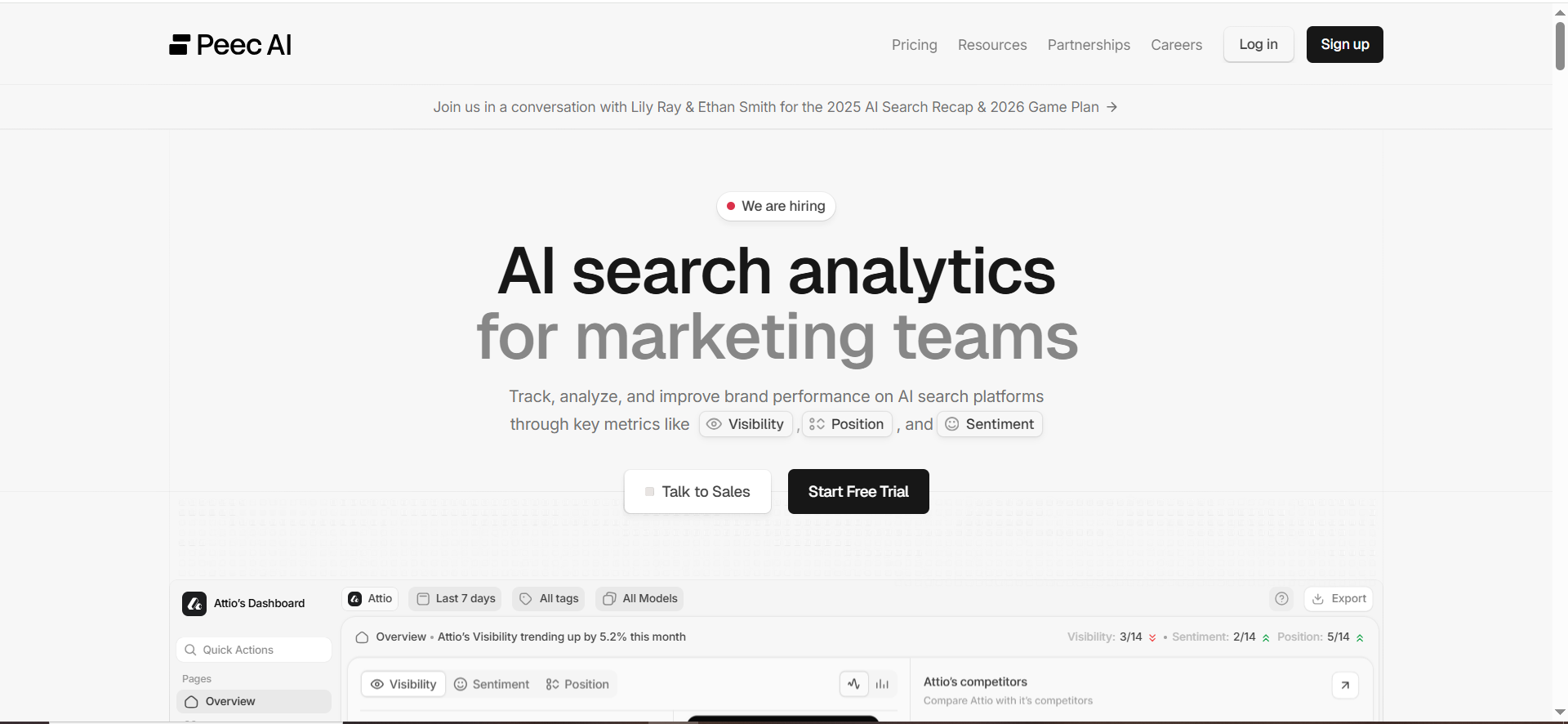
Peec positions itself as AI search analytics for marketing teams: identify prompts, monitor rankings/visibility, and act on changes before competitors do.
Why teams use it
Peec tends to resonate when teams want something that feels like a marketing analytics product, not a research project. If you’re scaling prompts, that “operational feel” matters.
What it’s good for at 1,000+ prompts
- Building and maintaining a large prompt library with clear organization (validate bulk ops).
- Reporting to marketing stakeholders without over-complicating the UX.
- Fast time-to-value: stand it up, start learning, iterate.
When it’s a good fit
- You’re a marketing/SEO team that needs repeatable monitoring and clean reporting.
- You want a system your team will actually use weekly.
When it’s not a good fit
- You need deeply customized governance, complex data models, or heavy API pipelines.
- You want highly technical model observability.
How to use it at scale
- Implement a taxonomy up front: engine, country, intent, funnel stage, product line, competitor set.
- Roll out in “prompt packs” by business line, don’t drop 1,000 prompts on day one.
Key capabilities
- Bulk upload/edit, tagging, filtering, exports
- Multi-engine coverage relevant to your market
- Alerting and scheduled reports
Pricing
Peec AI’s pricing starts at €89/month, and Enterprise pricing is custom.
Free tier?
Peec AI doesn’t list a permanent free tier, but it does offer a “Start for free” option.
Downsides / limitations
If your enterprise requires deep auditability and complex permissions, confirm whether Peec meets those requirements before you commit.
4. OtterlyAI
What it does
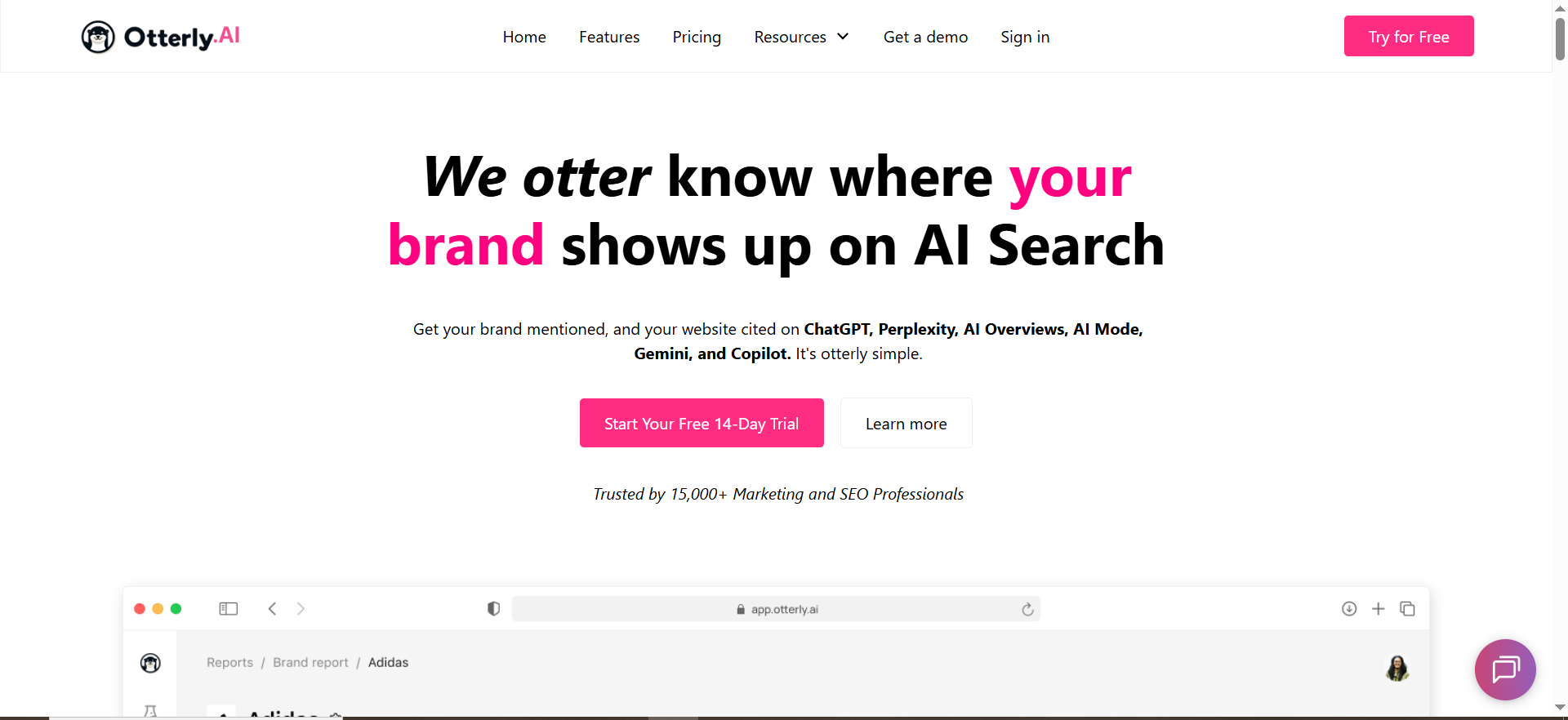
Otterly explains the core mechanic clearly: AI visibility trackers send prompts to AI search engines (ChatGPT, Perplexity, Google AI Overviews, etc.), analyze the responses, and detect mentions/citations/source links.
Why teams use it
Otterly has strong “make this understandable” energy, useful when you’re introducing AI visibility tracking to non-SEO stakeholders. It also emphasizes ongoing monitoring (e.g., weekly tracking in its own guidance).
What it’s good for at 1,000+ prompts
- Multi-engine monitoring programs where you want a straightforward monitoring loop.
- Teams that need a clear story around “how the measurement works,” so adoption is easier.
When it’s a good fit
- You need multi-engine coverage + a pragmatic monitoring workflow.
- You want to get moving quickly and iterate.
When it’s not a good fit
- You require enterprise-grade governance features (permissions, audit logs, strict controls), validate carefully.
- You need complex programmatic integrations.
How to use it at scale
- Start with a representative sample (200–300 prompts), prove signal, then scale to 1,000+.
- Run prompts on a fixed cadence; watch volatility; then tune frequency per prompt cluster.
Key capabilities
- Engines covered + how results differ by engine
- Competitor benchmarking and exports
- Prompt discovery tooling (if included)
Pricing
OtterlyAI’s pricing starts at $29/month.
Free tier?
OtterlyAI offers a free tier, and it also offers a 14-day free trial.
Downsides / limitations
At a large scale, the limiting factor is often bulk operations + governance. Validate whether you can manage 1,000 prompts without spreadsheet gymnastics.
5. Promptmonitor
What it does
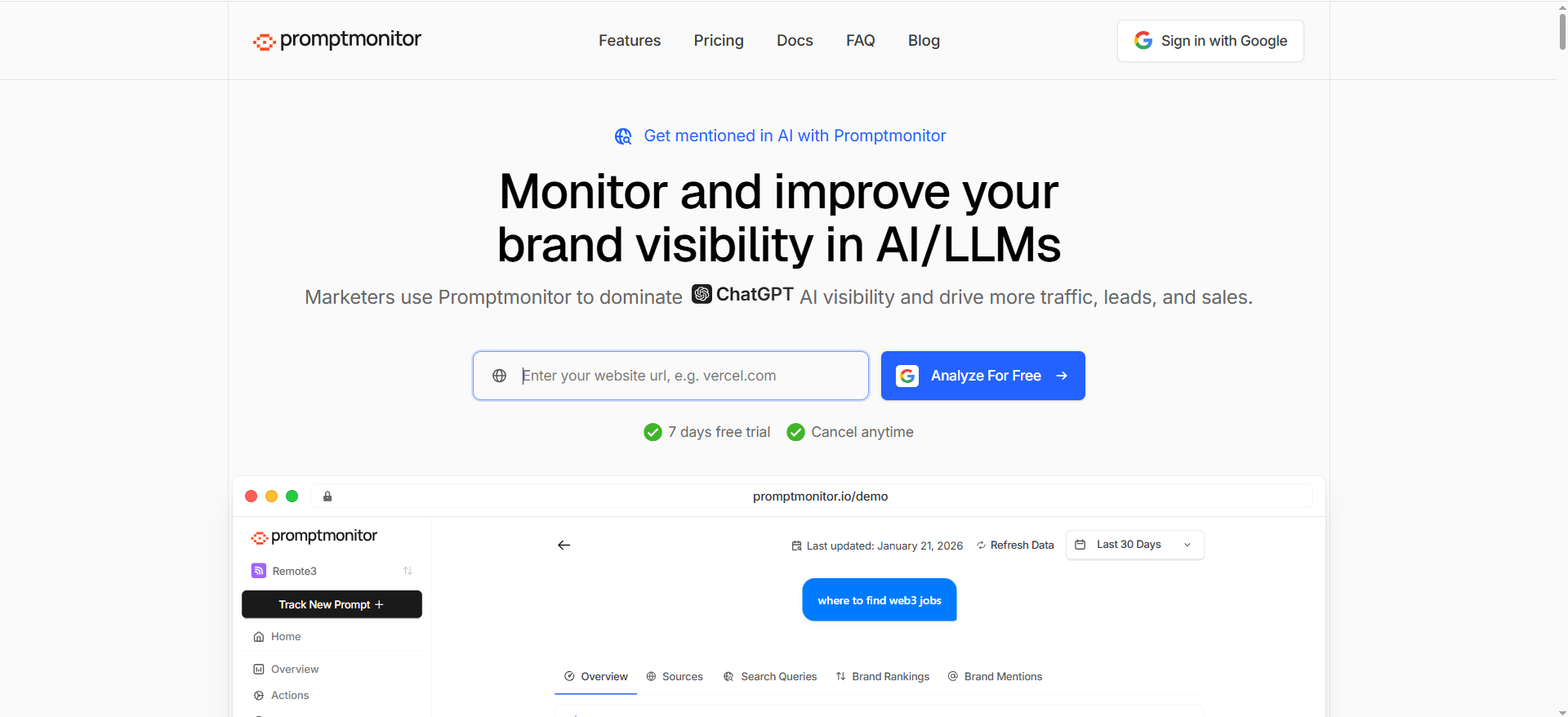
PromptMonitor explicitly states a key constraint: it cannot see what individual users type in private AI chats, instead it runs test prompts that you define and checks how AI assistants respond.
That’s exactly what you want for an enterprise program: repeatable test prompts, run on a cadence, stored and comparable over time.
Why teams use it
Because it’s a direct, uncomplicated framing: define prompts → run monitoring → track mentions/citations/insights. It’s positioned as a GEO tool for getting mentioned in AI answers and search results.
What it’s good for at 1,000+ prompts
- Straightforward “monitoring at scale” programs.
- Teams that want a simpler tool and are okay building their own reporting layers via exports.
When it’s a good fit
- You want clarity, repeatability, and quick setup.
- You have internal analytics resources to own reporting if needed.
When it’s not a good fit
- You want a deeply integrated enterprise SEO platform with governance, workflow, and cross-channel attribution built in.
- You need advanced topic modeling and complex stakeholder dashboards out-of-the-box.
How to use it at scale
- Treat your prompt library like a dataset: enforce naming conventions, tags, and change control.
- Implement “prompt freezes” (e.g., only modify prompt packs monthly) so trends remain comparable.
Key capabilities
- Bulk prompt management (upload/edit/delete)
- Tagging + segmentation
- Exports/API access
- Multi-model coverage + repeat runs (variance handling)
Pricing
Promptmonitor’s pricing starts at $29/month.
Free tier
Promptmonitor offers a $0/month Agency plan, and paid plans include a 7-day free trial.
Downsides / limitations
The more “simple” the product, the more discipline you need in your process, especially for taxonomy, governance, and reporting.
Best AI visibility tools for 1,000+ prompts
When you cross 1,000 prompts, you’re no longer “tracking prompts”, you’re running a measurement system. The best AI visibility tools for this level of scale share a few non-negotiable traits:
What the best tools do differently at 1,000+ prompts
- Bulk operations: Import/export at scale, bulk tag/edit, bulk archive, and version control so your prompt set doesn’t turn into chaos.
- Strong segmentation: You can slice results by brand vs non-brand, product line, region, persona, funnel stage, and competitor set, without rebuilding dashboards every week.
- Governance + permissions:Clear roles (view/edit/admin), approvals or change controls, SSO, and audit logs.
- Repeatability features: Scheduling, consistent run settings, stable prompt packs, and the ability to re-run prompts to handle answer volatility.
- Exportability: Clean exports (CSV/API) so you can build your own BI reporting and keep historical data reliable.
Best-fit picks
- Profound: A strong option if you want enterprise-grade visibility plus deeper answer/citation analysis, and you need insights beyond a simple tracker.
- Conductor: A good fit if your organization wants AI visibility tied into enterprise SEO workflows, competitive reporting, and stakeholder dashboards.
- Peec AI: Often attractive for marketing teams who need to operationalize a large prompt program quickly.
- OtterlyAI: Useful if you want multi-engine tracking with clear reporting and a “get started” path for ongoing monitoring.
- Promptmonitor: A straightforward monitoring approach where you define prompts, run them repeatedly, and track changes over time.
How to choose quickly:
If you need enterprise governance + exec reporting, start with Profound/Conductor. If you need fast operational rollout, evaluate Peec/Otterly. If you want simple prompt-based monitoring with repeat runs and exports, evaluate PromptMonitor.
What “large-scale monitoring” really means (beyond “more prompts”)
Most teams hear “1,000 prompts” and think: “We just need a tool that can store 1,000 rows.” That’s not the hard part.
Large-scale monitoring is a systems problem:
- Governance: Who can add/edit prompts? Who approves taxonomy changes? Who owns QA?
- Repeatability: Can you run prompts on a stable cadence and compare results without chaos?
- Variance control: LLM answers vary; you need repeat runs, averaging, and/or sampling.
- Segmentation: If you can’t slice by product line, region, intent, persona, and competitor set, 1,000 prompts becomes noise.
- Executive reporting: Your CMO doesn’t want 1,000 prompts; they want “what changed, why it matters, and what we’ll do next.”
Also, remember what “AI visibility” is: it’s how your content/offerings appear in AI-powered search experiences (ChatGPT, Perplexity, Google AI Overviews, etc.); it’s about influencing the conversation, not just ranking links.
Scale-first evaluation criteria (the “Scale Test” checklist)
Your Excel “ideal angle” for this piece is essentially the right evaluation lens: a “Scale test” (large prompt sets + governance), with emphasis on scale, performance, bulk ops, permissions. (From the attached sheet row for this topic.)
Here’s the checklist I’d use to evaluate any vendor for 1,000+ prompts:
1) Bulk operations:
- Bulk upload (CSV) + bulk edit tags
- Bulk delete / archive
- Bulk move between prompt packs (e.g., “Q1 baseline”, “Q2 expansion”)
- Programmatic access (API) if your library is truly huge
2) Taxonomy + segmentation
At minimum, you want tags for:
- Engine (ChatGPT / Perplexity / Google AIO / etc.)
- Geo / language
- Intent (informational / commercial / comparison / “best”)
- Persona (C-suite, practitioner, developer)
- Business line
- Competitor set
- Priority tier (Tier 1 exec KPIs vs long tail)
3) Governance + permissions
At 1,000+ prompts, treat prompts like configuration:
- Role-based access (viewer/editor/admin)
- Approval workflow or at least auditability
- SSO/SAML (often required)
- Audit logs (who changed prompts/tags/cadence)
4) Variance handling
Ask vendors:
- Do you run each prompt multiple times and average?
- Can you set different cadences for different prompt packs?
- Can you annotate known changes (product launches, algorithm shifts)?
5) Output you can actually use
- Exports (CSV) and/or APIs
- Dashboards by stakeholder
- Alerting (threshold-based)
- Change detection (what changed since last run)
6) Coverage you actually need
More engines isn’t always better, unless your customers truly use them. But if you're an enterprise, you generally want broad coverage to avoid blind spots.
How to build a 1,000+ prompt program (workflows, governance, cadence)
Step 1: Don’t start at 1,000
Start at 200–300 prompts as a baseline. Prove:
- The data is stable enough to interpret
- Your taxonomy works
- Stakeholders read the dashboardThen expand.
Step 2: Build “prompt packs”
Instead of a giant list, make packs like:
- “Category discovery (unbranded) – US”
- “Competitor comparisons – UK”
- “Product use cases – Enterprise IT”
- “Implementation queries – Dev persona”Each pack gets: owner, cadence, tags, success metric.
Step 3: Establish cadence rules
A sensible default:
- Tier 1 prompts: weekly
- Tier 2 prompts: biweekly
- Tier 3 prompts: monthlyThen tune based on volatility.
Conductor’s guidance on tracking strategy emphasizes cadence and thoughtful topic selection (not ad hoc tracking).
Step 4: Define “what counts”
Pick 3–5 program KPIs:
- Mention rate (brand included?)
- Citation rate (your domain cited?)
- Competitor inclusion rate
- Share-of-answer / share-of-voice (if available)
- Sentiment/positioning (where relevant)
Step 5: Reporting rhythm
- Weekly: operator review (SEO/content/growth)
- Monthly: stakeholder summary (marketing leadership)
- Quarterly: exec narrative (what changed, why, what next)
Step 6: Change control
If teams constantly edit prompts, the trendline lies.
Implement:
- Monthly “prompt update window”
- Versioning (“Q1 baseline”, “Q2 baseline”)
- Notes/annotations on changes
Metrics that matter at scale (and why)
Mentions vs citations aren’t the same
- Mention: your brand appears in the answer
- Citation: your site (or a specific URL) is referenced as a source
Some tools focus on prompts and mentions; others emphasize citations/source intelligence. Otterly’s explanation captures the typical flow: prompts are run, answers analyzed for mentions/citations and source links.
“Share” metrics are executive-friendly (but easy to mislead)
Execs love “share of voice.” The danger: if you only track branded prompts, share looks inflated. Balance branded vs unbranded, and treat prompt selection as part of the measurement design.
Variance is the silent killer
LLM answers can shift:
- between runs
- between regions
- between model updates
- based on phrasingSo your monitoring system needs repeatability and smart sampling.
Common failure modes (and how to avoid them)
Failure mode 1: “We tracked 1,000 prompts… and learned nothing.”
Cause: no taxonomy, no segmentation, no KPI framing.
Fix: prompt packs + tags + stakeholder dashboards.
Failure mode 2: “The dashboard moves, but we don’t know what changed.”
Cause: you aren’t capturing deltas and source changes.
Fix: require change logs + exportable diffs + alerts for major drops.
Failure mode 3: “We can’t trust the data.”
Cause: cadence inconsistency, prompt edits, variance not handled.
Fix: prompt freezes, repeat runs/averages, documented cadence rules.
Failure mode 4: “It’s owned by nobody.”
Cause: AI visibility sits between SEO, brand, PR, product marketing.
Fix: name an owner, create a reporting rhythm, tie it to business decisions.
How often should you run prompts to reduce variance?
AI answers change. Even when your content hasn’t changed, outputs can vary due to:
- model updates,
- retrieval/citation shifts,
- regional differences,
- prompt phrasing sensitivity,
- or randomness in generation.
That means frequency isn’t just about “more data”, it’s about reducing noise and producing trends you can trust.
A practical cadence for 1,000+ prompts
Use a tiered cadence based on business importance:
- Tier 1 (Exec-critical prompts): run weekly
- Your brand/category head terms, “best X” prompts, high-converting product prompts, top competitor comparisons.
- Tier 2 (Core category + mid-funnel prompts): run biweekly
- Use cases, evaluation prompts, solution comparisons, “alternatives” type prompts.
- Tier 3 (Long-tail / exploratory): run monthly
- Narrow edge cases, niche workflows, “how-to” prompts with low business impact.
The variance-reduction rule (simple + workable)
For your most important prompts, don’t rely on a single run.
Do 3 runs per prompt per engine in a short window (e.g., same day or within 48 hours), then:
- take the majority outcome (e.g., brand mentioned 2/3 times), and/or
- average a score (if your tool provides one).
This helps filter out one-off hallucinations or random exclusions.
When to increase frequency
Run more often when:
- you launched a big piece of content (or a product),
- you see sudden drops in brand/citation presence,
- the AI engine is clearly changing behavior in your category,
- or you’re in a highly volatile space (finance, health, breaking news).
When to decrease frequency
Run less often when:
- prompts are stable,
- you’re not actively changing content,
- the business doesn’t act on weekly changes for that prompt set.
Bottom line: Frequency should match decision velocity. If nobody changes anything weekly, don’t run everything weekly, just the Tier 1 prompts.
Permissions, SSO, and audit logs for AI monitoring
At 1,000+ prompts, AI visibility becomes a system of record (or it should). That means governance features aren’t “nice to have”, they prevent data corruption and reporting drift.
Why these controls matter
- Permissions protect prompt libraries from accidental edits and “dashboard wars.”
- SSO ensures secure access and makes it easy to manage access as people join/leave.
- Audit logs provide traceability: Who changed the prompt? When? What changed?
What to require (minimum enterprise baseline)
1) Role-based access control (RBAC)
At minimum, you want:
- Viewer: can see dashboards and results only
- Editor: can create/edit prompts within assigned packs
- Admin: can change global settings, cadence rules, permissions
2) SSO (SAML/OIDC)
Look for:
- SAML support for Okta/Azure AD/Google Workspace (enterprise requirement)
- Forced SSO login (no password bypass)
- Group-based provisioning (optional but ideal)
3) Audit logs (activity tracking)
Your audit log should capture:
- prompt created/edited/deleted
- tag/taxonomy changes
- cadence/run setting changes
- user role changes
- export activity (optional but valuable)
Practical governance approach
Even with SSO + logs, your process matters. A good pattern:
- allow most users to be viewers
- restrict editing to prompt owners
- set a scheduled “prompt update window” (weekly or monthly)
- require change notes for Tier 1 prompts
This prevents “measurement drift” where a trending chart changes simply because someone edited prompts mid-quarter.
How to govern prompt libraries across regions/products
If your company has multiple products, markets, or teams, your prompt library will explode unless you build governance into the structure.
The core problem
Without structure, teams will:
- duplicate prompts across regions,
- change phrasing (breaking comparability),
- tag inconsistently,
- and measure different things under the same label.
A governance model that works at scale
1) Use a standard taxonomy (global tags)
Define a mandatory tag set that every prompt must have, such as:
- Region / Market (US, UK, EU, APAC, etc.)
- Language
- Product line
- Persona
- Intent (informational, comparison, best, how-to)
- Funnel stage (awareness, consideration, decision)
- Priority tier (Tier 1/2/3)
Make these required fields on creation (or enforce through process).
2) Use prompt packs as “operational units”
Organize prompts into packs like:
- “Product A – US – Consideration”
- “Product B – EU – Decision”
- “Global brand reputation prompts”Each pack has:
- an owner,
- a cadence,
- a goal (metrics),
- and a change in policy.
3) Create a global + local ownership structure
- The global owner maintains the taxonomy and definitions.
- Regional/product owners manage their packs and are accountable for updates and actions.
This mirrors how enterprise SEO is often run: central standards, distributed execution.
4) Version control your prompt library
Use versions like:
- “Q1 Baseline”
- “Q2 Baseline”
- “Launch Pack – July”Only update Tier 1 prompts during defined windows to keep trendlines valid.
5) Standardize prompt phrasing rules
Tiny differences in wording can change AI answers.Create a prompt style guide:
- consistent structure (“What are the best X for Y?”)
- avoid biasing language
- include constraints consistently (region, budget, size, industry)
The big win
Good governance means you can compare:
- Region vs region
- Product vs product
- Quarter vs quarter…without wondering whether the dataset itself changed.
Does PromptMonitor support multi-model testing?
PromptMonitor's core positioning is prompt-based monitoring: you define the prompts and it runs test prompts (not private user chats). Whether it supports multi-model testing (e.g., comparing different models or engines side-by-side) depends on its current feature set and how it defines “engines/models” in the platform.
How to evaluate this in a demo
Ask these exact questions:
- Which AI engines/models can you run the same prompt against?(e.g., ChatGPT variants, Perplexity, Google AI Overviews, etc.)
- Can I run the same prompt pack across multiple engines in one workflow?Or do you duplicate packs per engine?
- Do you normalize scoring across engines/models?If not, can you still compare trends fairly?
- Can I schedule different cadences per model/engine?(Useful when one engine is more volatile.)
- Can I export raw responses per engine/model?Critical if you want to run your own NLP analysis, QA checks, or BI reporting.
What “multi-model testing” usually means in practice
Teams typically want one of these:
- Cross-engine monitoring: same prompt → different engines (ChatGPT vs Perplexity vs Google AIO)
- Cross-model monitoring: same prompt → different model versions (where supported)
- Prompt variant testing: prompt A vs prompt B to see sensitivity
If Promptmonitor supports these, it should let you:
- run the same prompt pack across selected engines/models,
- compare mention/citation rates side-by-side,
- and preserve historical results per engine/model.
If it doesn’t fully support it
You can still approximate multi-model testing by:
- creating separate packs per engine/model,
- keeping prompts identical via a controlled import,
- and using exports to compare outcomes externally.
Bottom line: treat multi-model testing as a “must-verify feature.” Ask for a live walkthrough using one prompt pack across multiple engines/models and confirm you can export raw results per run.
Can these tools see what real users type into ChatGPT or other LLMs?
Can these tools see what real users type into ChatGPT or other LLMs?
How many prompts do we actually need?
Which tool is best if we want enterprise SEO + AI visibility together?
Which tool is best if we want a simpler “define prompts, monitor answers” setup?
Which tools are easiest for marketing teams to operationalize fast?
What AI engines should we monitor?
How often should we re-run prompts?
📋 Get Listed / Advertisement
We update this guide monthly. Want your tool featured? Contact: [email protected].


