
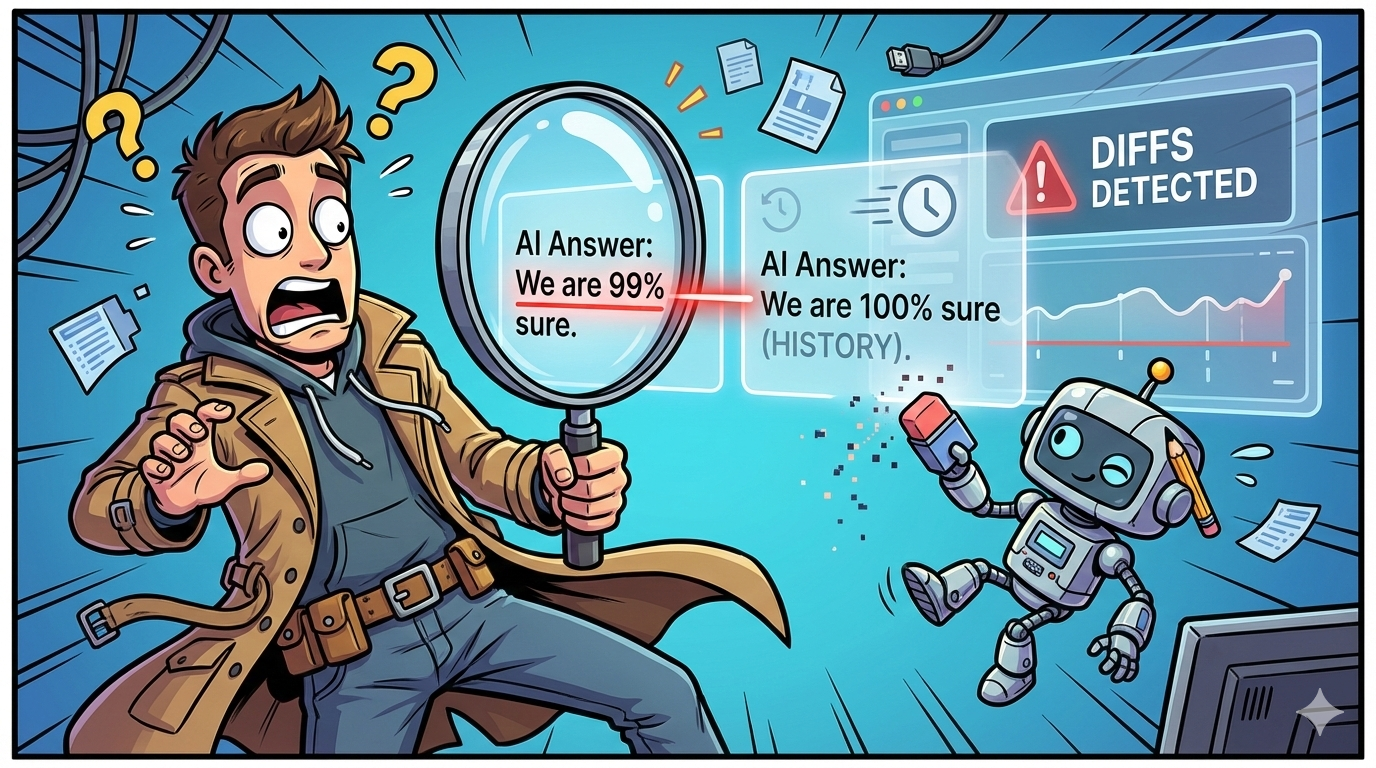
AI answers change. Sometimes they change for good reasons (a new source got indexed, a competitor published something better, the model improved). Other times they change in ways that quietly hurt you: your brand disappears from a “best tools” list, a citation shifts to a competitor, or the answer starts repeating outdated facts about your product.
If you’re responsible for AI visibility (GEO/AEO), you can’t manage what you can’t reproduce, and you can’t improve what you can’t diff.
This guide is built around one “killer feature” that matters more than people realize: diff view + history for AI answers (so you can detect, explain, and act on answer drift). It’s written for commercial investigation intent, meaning you want a shortlist first, then the deeper framework.
- Best overall for ongoing monitoring + alerts + broad engine coverage: OtterlyAI (strong “mentions change over time” monitoring and multi-engine tracking; transparent entry pricing).
- Best for clean prompt tracking + team collaboration + fast time-to-value: Peec AI (prompt-based setup, daily runs, and simple workflows).
- Best for enterprise “answer intelligence” depth: Profound (built for larger orgs; enterprise packaging and broader programs).
- Best value for SMBs that still want multi-model monitoring: Promptmonitor (published low starting price, daily refresh, multi-model coverage).
- Best for enterprise SEO orgs who want AI visibility inside their wider workflows: Conductor (strong guidance around AI prompt tracking strategy; fits enterprise operational environments).
📋 Get Listed / Advertisement
We update this guide monthly. Want your tool featured? Contact: [email protected].
Best Tools for Answer Change Detection (Quick Comparison)
| Tool | Best for | Answer change detection strength | Starting price |
|---|---|---|---|
| OtterlyAI | Teams who want ongoing monitoring + alerts across e visibility shifts + change alerts emphasis | $29/mo (Lite) | $29/mo (Lite) |
| Peec AI | Prompt tracking programs with simple workflows and reporting | Good: daily prompt runs + prompt organization (history depends on plan/workflow) | €89/mo (Starter) |
| Profound | Enterprise “answer engine insights” programs | Strong (enterprise): deeper analysis + enterprise packaging; pricing is customized per their pricing page | Custom |
| Promptmonitor | SMBs that want low-cost, multi-model tracking | Good: daily refresh + multi-model coverage; practical “answer monitoring” at low cost | $29/mo (Starter) |
| Conductor | Enterprise SEO orgs integrating AI visibility into existing processes | Good–Strong: scaled prompt strategy + enterprise workflow fit (pricing typically quote-based) | Quote-based (varies) |
📋 Get Listed / Advertisement
We update this guide monthly. Want your tool featured? Contact: [email protected].
▶️ Explore
1. OtterlyAI
What it does
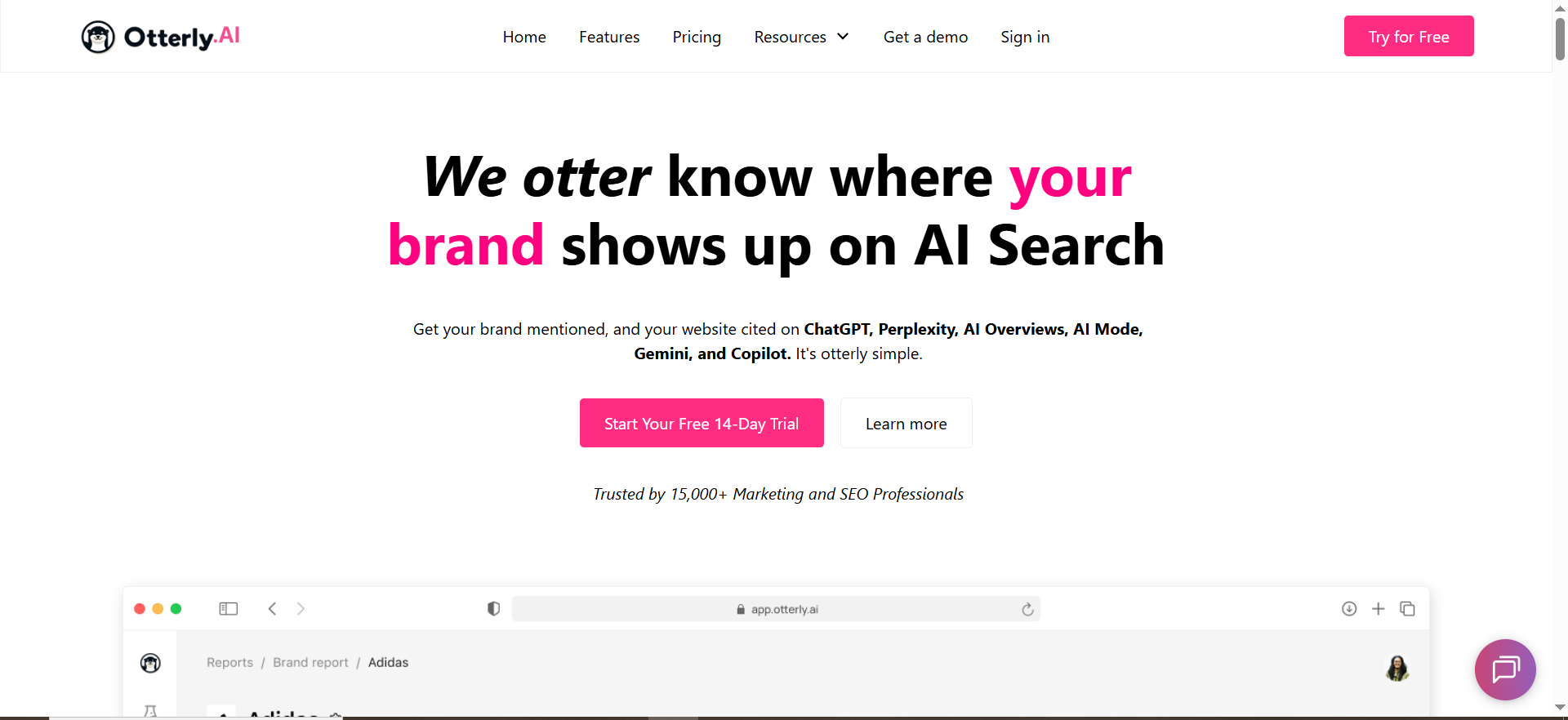
OtterlyAI positions itself as an AI search monitoring / AI visibility tracker that monitors brand visibility across major AI answer experiences and tracks how mentions shift over time.
Why teams use it
If your main pain is “answers change and we don’t know why,” you want a system that’s built for ongoing monitoring and alerts, not sporadic spot checks. OtterlyAI emphasizes tracking visibility shifts over time and alerts when mentions change.
What it’s good for
- Ongoing monitoring across multiple AI experiences (useful for “answer drift” detection).
- Teams that want transparent entry pricing and defined prompt limits (easier budgeting).
- Multi-country monitoring setups (helpful when “the answer changed” is actually a geo artifact).
When it’s a good fit
Choose OtterlyAI if:
- you want scheduled monitoring and a time series of visibility,
- you’re running a program (not a one-off audit),
- you need to show stakeholders “here’s the trend; here’s the week it changed.”
When it’s not a good fit
OtterlyAI may be less ideal if:
- you only need a single-engine spot check,
- your org requires deeply customized enterprise procurement workflows (you might learn enterprise platforms first).
How to use it
- Define 25–100 “money prompts” (the ones that lead to trials, demos, or category comparisons).
- Set a baseline week (run daily; keep the first 7 days as your baseline set).
- Tag prompts by intent (buying vs research vs troubleshooting).
- Alert on “meaningful changes”: mention removed, competitor added, citation swap, “top pick” reordering.
- Annotate releases: whenever you ship content or PR, mark the date so answer changes can be correlated.
Key capabilities
OtterlyAI describes monitoring brand mentions and comparing against competitors, with dashboards that show trends over time and visibility shifts.
Pricing
OtterlyAI’s pricing starts at $29/month on the Lite plan (monthly billing), or about $25/month with annual billing.
Free tier?
OtterlyAI doesn’t offer a free tier, but it does offer a free trial for new users.
Downsides / limitations
- As with any tracker, diffs can still be noisy if you don’t control for prompt randomness (use repeat runs and thresholds).
- Multi-engine coverage sometimes includes add-ons for certain platforms (e.g., AI Mode / Gemini add-ons are listed).
2. Peec AI
What it does
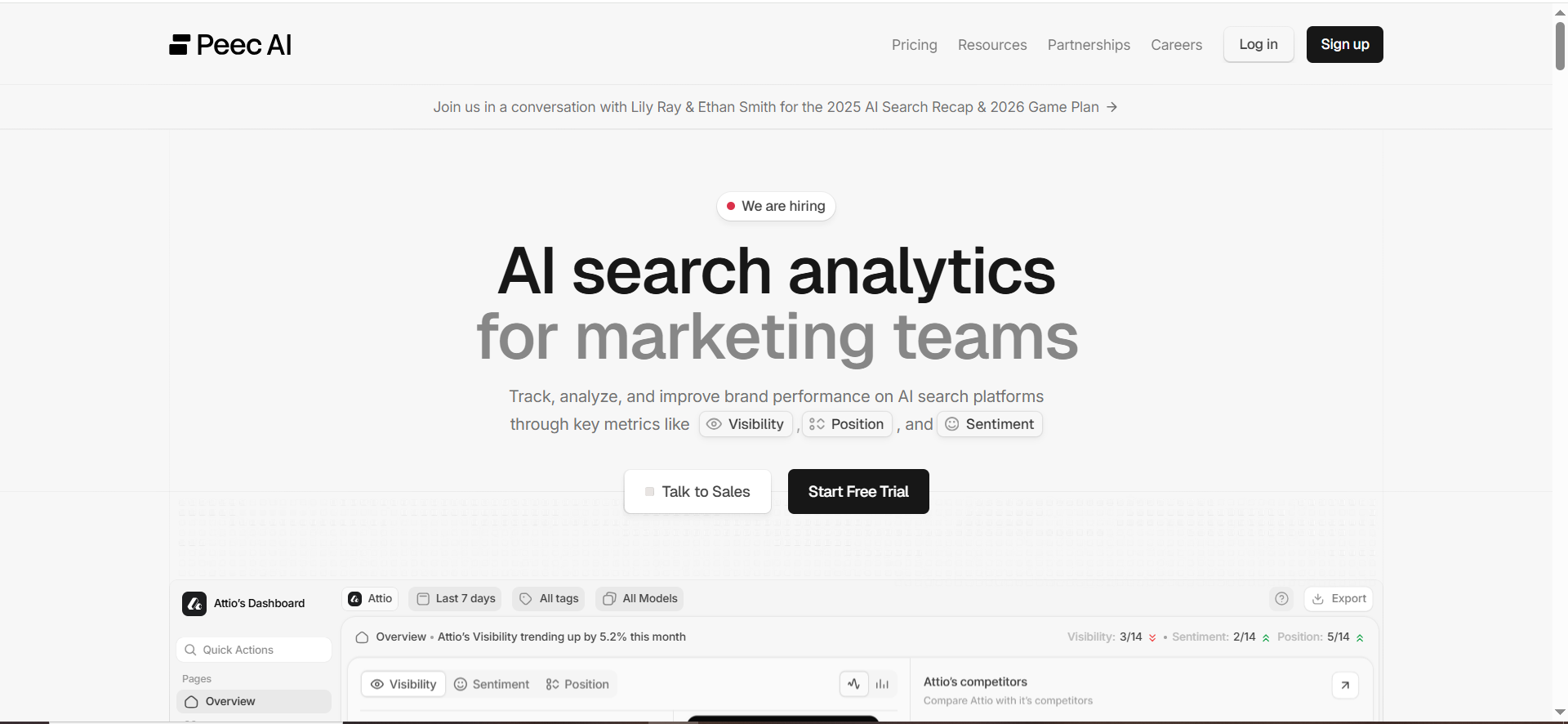
Peec AI is an AI search analytics platform oriented around identifying and organizing prompts and monitoring performance over time.
Why teams use it
Peec’s value is often in the workflow simplicity: prompts are “the foundation,” and the product is built around setting up prompts and tracking outcomes.
What it’s good for
- Teams building a prompt library and monitoring it daily (great foundation for answer change detection).
- Multi-country tracking at the starter tier (Peec pricing page highlights unlimited countries).
- Programs where you need quick reporting and low friction adoption.
When it’s a good fit
Choose Peec AI if:
- you’re starting a formal prompt tracking program,
- you want a clean UI and team collaboration,
- your main need is consistent tracking across a manageable set of prompts.
When it’s not a good fit
Peec may be less ideal if:
- you need deeply customizable diff logic and alert routing (varies by workflow),
- you want the lowest possible entry price (Peec is positioned above $29/mo tools).
How to use it
- Build a prompt taxonomy (category prompts, competitor prompts, “best X” prompts, pricing prompts).
- Run prompts daily and store the timeline.
- Define “diff events” (e.g., your brand drops out; competitor becomes top recommendation; citations change).
- Use the timeline as your evidence trail when you update content or run PR.
Key capabilities
Peec’s pricing page highlights daily prompt runs across models, analysis volume, and access to major engines (ChatGPT, Perplexity, and AI Overviews/AIO referenced on the page).
Pricing
Peec AI’s pricing starts at €89/month on the Starter plan.
Free tier?
Peec AI doesn’t clearly list a free tier; its pricing page says “Start for free,” but it doesn’t specify whether that’s a free tier or a time-limited trial.
Downsides / limitations
- If your organization needs very advanced diff classification (semantic vs cosmetic changes), you may need a stronger “diff-first” workflow layered on top of the prompt history.
- Price scales as prompt volume grows (prompt-based pricing is explicit).
3. Profound

What it does
Profound positions itself around “Answer Engine Insights”, understanding how AI is talking about your brand, tracking presence, analyzing responses, and uncovering citations/sources.
Why teams use it
Enterprise teams choose platforms like Profound when the program is bigger than “monitor a few prompts”, they want centralized answer intelligence, deeper analysis, and broader internal use.
What it’s good for
- Enterprise AI visibility programs that require deeper “answer intelligence” and citations/sources analysis.
- Organizations who want broader workflows and multiple stakeholders using the same system.
When it’s a good fit
Choose Profound if:
- you’re an enterprise brand doing AI visibility across multiple product lines/regions,
- you need richer analysis and reporting,
- you want a platform explicitly built around understanding AI narratives (not just rankings).
When it’s not a good fit
Profound may be less ideal if:
- you want transparent self-serve pricing for small teams, or
- you’re early and still validating whether AI visibility tracking is worth resourcing.
How to use it
A practical way enterprise teams use answer intelligence tools:
- Establish baseline answers for your top product categories.
- Track citations and sources per category.
- Alert on “narrative drift” (sentiment change, misinformation, competitor substitution).
- Route issues to PR, SEO, and product marketing with evidence.
Key capabilities
Profound emphasizes tracking presence, analyzing AI responses, uncovering citations, and taking action based on insights.
Pricing
Profound’s pricing starts at $99 per month.
Free tier?
Profound doesn’t list a free tier or free trial; it offers a demo.
Downsides / limitations
- Enterprise sales cycles and procurement can slow down time-to-value.
- If your main need is lightweight daily diffs for a small prompt set, you might not need an enterprise platform.
4. Promptmonitor
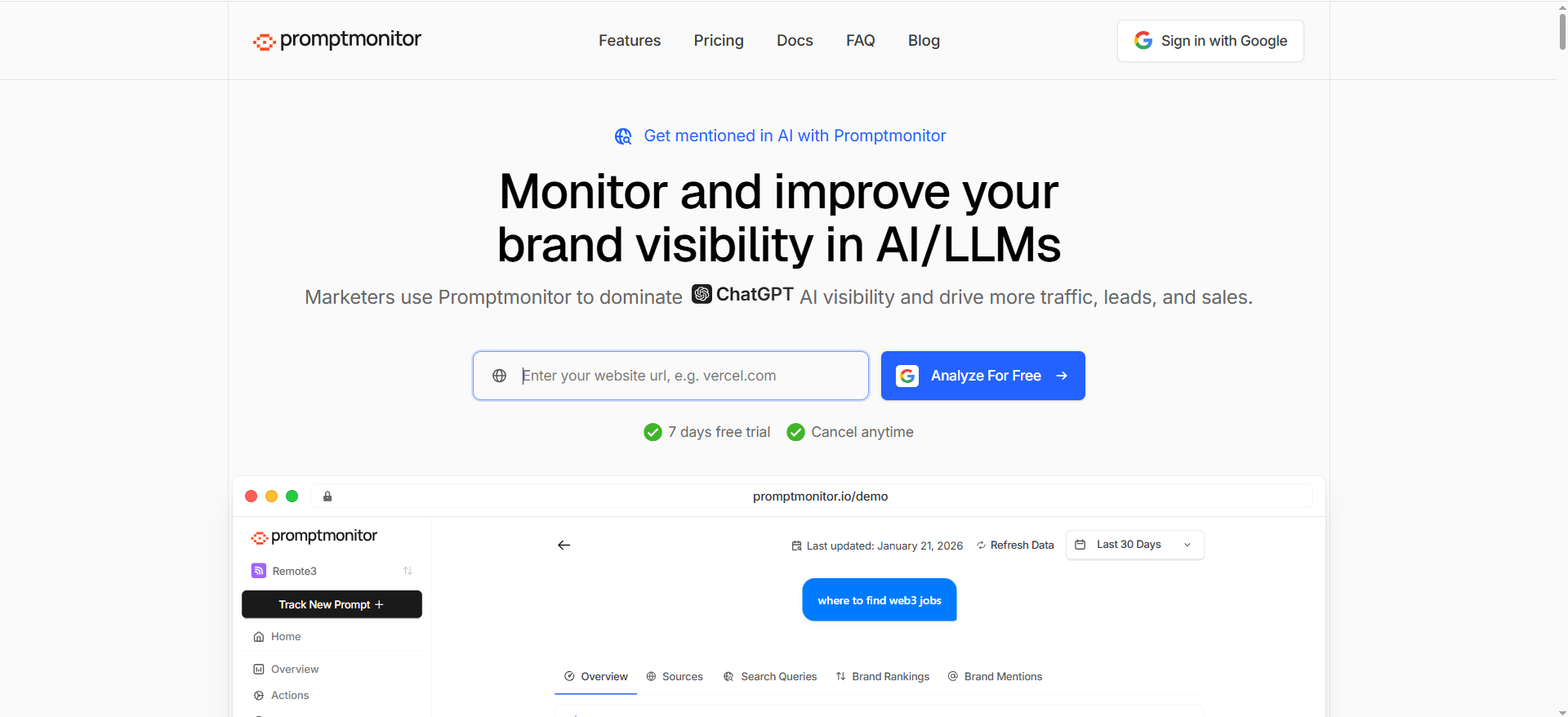
Note: there are similarly named products (e.g., “Prompt Monitor” vs “Promptmonitor”). Below refers to Promptmonitor.io, which publishes pricing and multi-model coverage.
What it does
PromptMonitor positions itself as a GEO tool that tracks brand visibility across multiple models with daily refresh and includes reporting/export features.
Why teams use it
It’s the “get started fast” option: low starting price, multi-model coverage, and enough monitoring to build an answer change detection habit without a large budget.
What it’s good for
- SMBs and startups that still need history (daily refresh) and basic monitoring across multiple models.
- Teams who want published pricing and predictable scaling.
- Practical workflows where “diffs” can be handled via exports + internal annotation if needed.
When it’s a good fit
Choose Promptmonitor if:
- your budget is tight, but you need daily monitoring and multi-model coverage,
- you’re proving ROI before upgrading to enterprise platforms,
- you want a simple place to start building your prompt baseline library.
When it’s not a good fit
Promptmonitor may be less ideal if:
- you require heavy enterprise governance features,
- you need custom integrations and deep workflow automation out of the box.
How to use it
- Start with 25 prompts: 10 category prompts, 10 competitor prompts, 5 brand reputation prompts.
- Run daily refresh.
- Export weekly and store snapshots (even a simple versioned doc repository works).
- Add a volatility label: “stable,” “mild drift,” “high drift.”
Key capabilities
Promptmonitor’s site lists: daily refresh, multi-model coverage (ChatGPT, Claude, Gemini, DeepSeek, Grok, Perplexity), CSV export, and plan-based prompt counts.
Pricing
Promptmonitor’s pricing starts at $29/month on the Starter plan.
Free tier?
Promptmonitor doesn’t offer a free tier, but it offers a 7-day free trial.
Downsides / limitations
- At low tiers, you may need to build more of the “diff intelligence” (classification, routing, stakeholder reporting) internally.
- As your prompt library grows, you’ll want stronger triage and alert logic to avoid noise.
5. Conductor

What it does
Conductor publishes extensive guidance on AI prompt tracking and AI visibility strategy, including how to generate prompts and how to set up tracking for AI search visibility.
Why teams use it
Enterprise SEO teams often want AI visibility inside the same operational ecosystem as traditional SEO workflows. Conductor’s positioning and guidance suggests an enterprise-grade approach to prompt strategy at scale.
What it’s good for
- Large prompt programs where coverage matters: “brainstorming a few dozen prompts isn’t sustainable,” so you need scaled prompt generation and tracking strategy.
- Enterprises that want AI visibility tied into broader analytics and SEO operations.
When it’s a good fit
Choose Conductor if:
- you’re already an enterprise SEO organization,
- you want a scaled prompt strategy, not just a prompt list,
- you care about process, governance, and repeatability.
When it’s not a good fit
Conductor may be less ideal if:
- you want the cheapest way to get daily answer diffs,
- you don’t need enterprise platform depth.
How to use it
- Build a scaled prompt universe (thousands of prompts across categories/personas).
- Track a representative set daily/weekly (sampling strategy).
- Use “diff events” to trigger investigations: citation loss, competitor substitution, narrative drift.
Key capabilities
Conductor’s resources describe scaled prompt generation rooted in your site data and a structured approach to AI prompt tracking strategy.
Pricing
Conductor’s pricing is not publicly listed; Conductor says it doesn’t publish list prices and provides pricing by quote.
Free tier?
Conductor doesn’t offer a free tier, but it does offer a free trial (3 weeks) and a demo.
Downsides / limitations
- Overkill if you just need a lightweight diff + history workflow for a small prompt set.
- Enterprise onboarding takes coordination, make sure you have clear owners for triage and actions.
What “Answer Change Detection” actually means (and why it’s hard)
Most “AI visibility” tools start as a way to answer: “Do we show up?”
Answer change detection is the grown-up version: “Did the answer change, how exactly did it change, and what should we do now?”
Diffs vs. history vs. volatility scoring
Think of answer change detection as three layers:
- History (snapshots): a timeline of saved answers (the “what happened”).
- Diffs (comparisons): a structured, highlightable view of changes between snapshots: (the “what changed”).
- Volatility (signals): a score or alerting logic that decides which changes look at first”).
If your tool only has (1), you still end up manually comparing screenshots. If it has (1)+(2) but no (3), you drown in noise. The best setups give you all three: history + diff UX + smart alerting.
Why answers change (even if you did nothing)
AI answers shift for reasons you can’t control, and reasons you can influence:
- Model updates and sampling changes (the assistant itself changes).
- Retrieval changes (different sources get pulled in).
- Indexing and freshness (new pages appear; old pages decay).
- Citation swaps (the answer stays similar, but the sources change).
- Geo & localization (different results by country)
- Competitive publishing (a competitor ships a new “definitive guide” and becomes the cited source).
- Prompt phrasing sensitivity (small wording changes yield different “top picks”).
That’s why the “diff view” angle is so powerful: it turns a vague complaint (“AI stopped mentioning us”) into an evidence-backed change log.
The evaluation checklist: what to look for in a tool
Below is the checklist we use when the goal is diffs + history (not just a dashboard screenshot).
1) Capture quality: can you reproduce the answer?
If you can’t reproduce the conditions, your diffs are questionable.
Look for:
- Multi-engine coverage (ChatGPT, Perplexity, AI Overviews, etc.).
- Consistent scheduling (daily/weekly) + repeat runs (to reduce randomness).
- Geo controls (country/region segmentation).
- Model selection (where applicable).
- Evidence retention (saved responses over time).
Example: OtterlyAI describes sending prompts to AI engines and compiling trends over time.
PromptMonitor emphasizes daily refresh plus multi-model coverage.
2) Diff UX: does it show what changed in a way humans can scan?
A good diff UI:
- highlights additions/removals (not just “different”),
- groups changes by prompt/topic/competitor,
- lets you export (for tickets and stakeholder reporting)
- separates “cosmetic” from “meaningful” changes.
3) Alerts & triage: can you route changes to the right owner?
Alerting isn’t just “send me an email.” It’s:
- thresholds (e.g., mention removed, competitor added, citation swapped),
- anomaly detection (sudden volatility spike),
- routing (SEO vs PR vs product marketing),
- annotation (“we shipped a pricing page update here”).
4) Evidence: citations, URLs, and provenance
The most actionable diffs aren’t “the answer changed.” They’re:
- “Our pricing page stopped being cited,”
- “Competitor X replaced us as #2 recommendation,”
- “A new third-party listicle became the top citation.”
Tools that highlight citations and sources (where available) are much more useful for making fixes. Profound explicitly positions itself around understanding how AI talks about your brand and uncovering citations/sources.
Reporting: How to explain “answer drift” to stakeholders
Use a three-part scorecard:
- Coverage: % of tracked prompts where you appear at all
- Quality: where you appear (top pick vs footnote) and what the answer says
- Stability: volatility over time (how often meaningful changes occur)
Then attach:
- Top 5 wins (new mentions/citations)
- Top 5 losses (removed mentions, citation swaps)
- Top 3 recommended actions
And always keep evidence: the before/after snapshots and the diff.
Common pitfalls (and how to avoid false alarms)
- Treating randomness as drift
- Fix: repeat runs, baseline week, thresholds.
- Not tracking geo separately
- Fix: segment prompts by country/region where possible (many tools highlight multi-country support).
- Tracking too many prompts too early
- Fix: start with 25–50 “money prompts,” then expand.
- No owner for triage
- Fix: define who owns what (SEO for citations, PR for misinformation, product marketing for messaging).
- Only tracking branded prompts
- Fix: unbranded prompts are where AI recommendations happen (the category prompts matter most).
What is the answer to change detection for AI visibility?
Answer change detection is the process of capturing AI answers on a schedule, saving them as versioned snapshots, and then comparing those snapshots to identify meaningful changes, not just “the wording is slightly different.”
In practice, it’s three things working together:
- History (snapshots): A record of what the AI answered on each run (e.g., Jan 1 vs Jan 15).
- Diffs (comparisons): A way to see what changed between two snapshots (added/removed text, reordered recommendations, changed citations).
- Volatility + alerts: Rules or scoring that decide which changes matter enough to notify you (e.g., brand removed, competitor added, citation swapped).
Why it matters: AI answers are now a “front door” to discovery. If you’re optimizing for AI visibility (GEO/AEO), you need to know when:
- your brand stops appearing,
- your category positioning changes (“best for enterprises” → “best for SMBs”),
- citations shift away from your site,
- a competitor becomes the default recommendation.
The goal isn’t perfection, it’s early detection + evidence so you can respond quickly and measure whether fixes worked.
How do I track answer changes across countries and languages?
Tracking across geos/languages is where most teams get false alarms. A “change” might be real… or it might just be different local sources and different retrieval behavior.
Here’s a reliable approach:
1) Segment your prompts by market
Create separate prompt sets for:
- Country/region (US, UK, DE, PK, etc.)
- Language (English, German, Urdu, etc.)
- Audience intent (buyer vs research vs support)
Don’t reuse a single English prompt for all markets. Local phrasing matters.
2) Standardize prompts with localized intent, not literal translation
Instead of translating word-for-word, translate the intent and common local phrasing.
Example:
- English: “best AI visibility tools with change detection”
- German intent phrasing might prefer “Tools zur Überwachung von KI-Antworten” (monitoring AI answers)
3) Use stable prompt templates
For each market:
- keep the core template consistent,
- vary only the part you’re testing (brand, category, constraint).
Template example:
- “What are the best [category] tools for [use case]? Provide 5 options with pros/cons and sources.”
4) Run repeated samples to reduce randomness
Even in the same geo, outputs vary.
- Run the same prompt multiple times (e.g., 3 runs/day) and use:
- “majority outcome” (2 of 3 runs include your brand)
- or average ranking/mention frequency
5) Track geo-specific sources and citations separately
A common insight: you didn’t “lose visibility”, you lost it in one market because local sources shifted.
So treat “citation drift” per market as its own signal:
- UK citations ≠ US citations
- Language-specific sources have different authority signals
6) Report changes in a market-aware way
Don’t say: “We disappeared from answers.”Say: “We dropped out in Germany (DE) for buyer prompts, while the US remained stable.”
That framing saves credibility internally and speeds up action.
What’s the best way to store answer history and evidence for compliance?
If compliance, legal review, or brand risk is involved, you need more than “a dashboard screenshot.” You need auditability: what was shown, when, where, and under what conditions.
What to store (minimum viable “audit record”)
For every prompt run, store:
- Prompt metadata
- prompt text
- engine (ChatGPT/Perplexity/AI Overviews/etc.)
- date/time
- geo + language
- device context if relevant
- model/version (if available)
- run ID
- Answer snapshot
- raw answer text (copyable)
- structured extraction (brands mentioned, order/rank, claims, key entities)
- Citations / sources
- cited URLs (where shown)
- source titles/domains
- citation order
- Evidence capture
- screenshot or HTML snapshot (best for audit trails)
- any API response logs if you’re using APIs
- Diff record
- the “before/after” comparison
- classification label: “brand removed”, “citation swapped”, “claim changed”, etc.
- assigned owner + status (“triaged”, “in progress”, “resolved”)
Where to store it
Option A: Tool-native history + exports
Use the tool’s timeline/history as primary, export weekly/monthly to your own storage for long retention.
Option B: Versioned repository approach (strong for compliance)
- store snapshots as JSON/HTML + screenshots
- use version control concepts (date folders, immutable logs)
- keep a changelog file per prompt
Option C: Central evidence vault
- shared drive / S3 / GCS bucket
- strict naming conventions and retention rules
- access controls + audit logs
Retention + governance tips
- keep immutable snapshots (don’t overwrite)
- define retention periods (e.g., 12–24 months)
- store in a system with access logs if it’s compliance-driven
- keep a “release log” (content updates, PR announcements) to correlate with answer changes
The key is: you want to be able to answer, confidently: “On Jan 12, in the UK, this is what the AI said, and here’s proof.”
Which tool has the best diff UI?
A “best diff UI” depends on what you mean by “diff.”
There are two types:
1) Text-first diffs
Best when:
- you need to spot exact phrasing changes,
- you’re tracking claims (“pricing”, “data retention”, “security”),
- you want clean exports for tickets.
Look for:
- highlight additions/removals
- side-by-side snapshot view
- “group changes by type” (claim vs citation vs rank)
- fast filtering (only show “meaningful” changes)
2) Narrative / visibility-first diffs
Best when:
- you care most about whether you appear and how you’re positioned,
- you’re tracking “best tools” lists and recommendation order,
- you need alerts for competitive changes.
Look for:
- mention tracking over time
- competitor substitution alerts
- volatility spikes per prompt group
- dashboards that show “what changed this week”
How to choose quickly:
- If your biggest pain is compliance/claims, prioritize text-first diff UX (clear highlighting, exports, snapshot evidence).
- If your biggest pain is visibility loss, prioritize monitoring-first diff UX (alerts, trends, mention/rank deltas).
Practical recommendation: shortlist 2 tools and test them with the same 10 prompts for 7 days. The “best diff UI” becomes obvious when you’re triaging real drift.
How do I connect answer changes to content actions (updates, PR, technical)?
This is where answer change detection becomes ROI.
Use a simple “change → cause → fix” workflow.
Step 1: Classify the change
Tag each diff event as one of:
- Visibility change: brand appears/disappears
- Rank/order change: moved up/down in recommendations
- Citation change: sources swapped
- Claim change: incorrect/outdated statement appears
- Sentiment change: tone becomes negative or uncertain
Step 2: Diagnose likely cause
A quick cause map:
A) Citation changed → likely content/authority issue
- competitor published a stronger page
- your page lost freshness
- your page became harder to crawl/parse
- AI prefers different sources in that market
B) Claim changed → likely consistency issue
- different pages contradict each other
- outdated third-party sources got picked up
- your positioning isn’t clearly stated in authoritative places
C) Rank/order change → likely comparative clarity issue
- your differentiator isn’t explicit
- competitor’s comparison content is clearer
- prompts are pulling listicles, not vendor pages
Step 3: Pick the fix type
Content actions (most common)
Do these when:
- citations moved away from your site,
- the AI summary is missing your key differentiator,
- your product category positioning is unclear.
High-impact content moves:
- upgrade your “best for X” pages with clearer structure (H2 comparisons, bullet pros/cons, FAQs)
- add first-party comparison pages (X vs Y, alternatives)
- add crisp definitions and evidence (stats, quotes, specs) near the top
PR actions (when the issue is trust/narrative)
Do these when:
- the AI repeats negative claims or outdated incidents,
- third-party sources dominate your brand narrative.
PR moves:
- publish clarifications on authoritative domains
- update Wikipedia/knowledge panels where appropriate (carefully, per guidelines)
- secure credible third-party reviews and citations
Technical actions (when the issue is crawlability/retrieval)
Do these when:
- your pages are not being cited despite being the best source,
- you suspect indexing/availability problems.
Technical checklist:
- ensure indexability (robots, no index, canonicals)
- improve page performance and rendering
- add structured data where relevant
- reduce thin/duplicate pages that confuse retrieval
Step 4: Close the loop with “annotation + measurement”
Every time you take an action:
- log the date and what changed (content update, PR placement, technical fix)
- watch the next 7–14 days of runs for:
- mention recovery,
- citation recovery,
- volatility reduction.
That’s how you prove impact: “Answer drift was detected → we shipped X → answer stabilized and we recovered citations.”
FAQs
What is “answer change detection” in AI visibility?
How often should I run prompts?
Why do AI answers change when my website doesn't change?
Important as answer text changes?
Which tool should I pick if I only have the budget for one?
Do I need one tool for tracking and another for fixing?
Final recommendation: which tool to pick by use case
- You want monitoring + alerts + multi-engine tracking with clear entry pricing: OtterlyAI
- You want a clean prompt tracking program and fast adoption by a marketing team: Peec AI
- You’re an enterprise team building a serious “answer intelligence” program: Profound
- You want the lowest-friction starting point for daily multi-model monitoring: Promptmonitor
- You’re an enterprise SEO org that wants AI visibility inside broader workflows: Conductor
📋 Get Listed / Advertisement
We update this guide monthly. Want your tool featured? Contact: [email protected].


