

AI visibility tools are exploding for one reason: buyers increasingly ask ChatGPT, Perplexity, and Google’s AI experiences what to buy, then follow the recommendations without clicking ten blue links. The operational problem isn’t “Can I see my AI visibility?” It’s: “Can I pipe this into my stack?” If your data lives only inside a vendor dashboard, your team can’t govern it, join it to conversion and revenue outcomes, or trigger action when visibility drops.
This guide compares AI visibility platforms that support exports (CSV/XLSX) and/or APIs, so you can push AI mention/citation/share-of-voice data into BI tools, warehouses, Slack alerts, and RevOps workflows.
- Best for teams that want CSV + an enterprise API: Peec AI (CSV + API docs; API is beta/enterprise).
- Best for enterprise-grade data + CSV export + API/SDKs: Profound (CSV export for Answer Engine Insights + API docs/SDKs).
- Best for organizations already running SEO programs who want AI search reporting + export + “data API” story: Conductor AI Search Performance (exports + data/API positioning).
- Best budget-friendly option with explicit CSV export: Promptmonitor (pricing includes “Export to CSV”; changelog notes CSV export features).
- Best for teams that want AI visibility tracking inside a broader SEO platform: SE Ranking (AI visibility reporting plus traditional SEO workflows, with export/reporting options that fit a CSV export-focused tool comparison).
📋 Get Listed / Advertisement
We update this guide monthly. Want your tool featured? Contact our team: [email protected].
Best AI Visibility Tools with CSV Export + API Access (Quick Comparison)
| Tool | Best for | Export options | API access |
|---|---|---|---|
| Peec AI | Analysts/ops teams building custom reporting | CSV exports | API (beta; enterprise-limited per docs) |
| Profound | Enterprise GEO programs + deep analysis | CSV export for Answer Engine Insights | API + SDKs (docs) |
| Conductor | SEO orgs wanting AI search visibility integrated | XLSX export in product UI | “Data API” positioning in Conductor materials |
| Promptmonitor | SMBs/agencies needing affordable tracking | “Export to CSV” in plan features; CSV export updates in changelog | Not clearly documented publicly (verify in sales/docs) |
| SE Ranking | SEO teams/agencies adding AI visibility tracking to existing SEO workflows | Reporting/export options for AI visibility and SEO reports | API is available for SE Ranking project and platform data. SEO and GEO API included in all plans |
What “CSV Export + API Access” actually means for AI visibility
Most teams buy an AI visibility tool for “insights,” then immediately hit a wall: executives want a weekly report, RevOps wants attribution, and the SEO team wants alerts when a competitor starts getting cited.
To avoid buying a dashboard you can’t operationalize, split “export” into three layers:
The 3 export layers: UI export, scheduled export, API
- UI export (manual CSV/XLSX download). Good for ad-hoc analysis, quick audits, and sharing snapshots. Tools like Conductor document UI export to XLSX in their product UI.
- Scheduled export (automation without coding). Good for predictable weekly stakeholder reporting. Some tools emphasize email reports and export convenience (Promptmonitor’s plans list weekly email reports plus CSV export).
- API access (programmatic). This is what technical buyers and RevOps want: authenticate, pull raw data, transform, and load it into your warehouse/BI. Peec’s docs describe a customer API (beta, enterprise-limited). Profound provides API docs and SDKs (Python/TypeScript).
Minimum viable schema for AI visibility data
If your tool can export or expose these fields, you can build almost any reporting layer:
- Prompt metadata: prompt_id, prompt_text, intent_tag, topic_tag, brand_tag
- Run metadata: run_id, timestamp, engine/model, location/market, device/context
- Outcome metrics: mention_present (bool), mention_position/rank (if available), share_of_voice bucket, sentiment/tone (if available).
- Evidence: response_text snippet, citation URLs, cited_domains, “source type” (publisher, forum, docs).
- Comparatives: competitor_mentioned (list), competitor_position
- Operational: run_cost/credits, failure_reason, retries, rate limits
If your export is missing timestamps or citations, it’s hard to measure drift, and impossible to build a governance loop.
How to choose a tool if your real question is: “Can I pipe this into my stack?”
Here’s a practical decision tree:
A simple decision tree
Step 1: Do you need programmatic automation (warehouse/BI/alerts)?
- Yes → prioritize API-first options (or at least documented APIs), like Peec’s API (enterprise beta) or Profound’s API/SDKs.
- No → CSV/XLSX export may be enough (Promptmonitor CSV export, Conductor XLSX export).
Step 2: Who is the primary buyer/user?
- RevOps / Analytics: wants raw tables + stable IDs + API keys (often owned under business functions).
- SEO / Content: wants prompts, topics, citations, and action loops.
- Leadership: wants a clean weekly scorecard plus “what changed?” explanation.
Step 3: What’s your operating model?
- In-house teams: care about governance, reliability, and integration.
- Agencies: care about exporting, client-ready dashboards, and multi-project structure, especially when working with a SaaS SEO agency model.
Questions to ask vendors
Use these in demos:
- “Can I export raw prompt runs with timestamps and engine/model metadata?”
- “Do exports include citations/source URLs, not just mention counts?”
- “Is there a documented API? What endpoints exist? What’s the rate limit?”
- “Is API access included in my plan, or enterprise-only?” (Peec docs explicitly say enterprise-limited currently.)
- “Can I tag prompts and filter exports by tag/topic/location?”
- “What happens when an engine changes UI or API behavior, how do you handle drift?”
- “Can I export at the project and prompt level (not just aggregate dashboards)?”
“Do you support AI Overviews / AI Mode visibility reporting?” (Conductor positions itself around AI search performance across major AI experiences.).
📋 Get Listed / Advertisement
We update this guide monthly. Want your tool featured? ? Contact our team: [email protected].
1. Peec AI
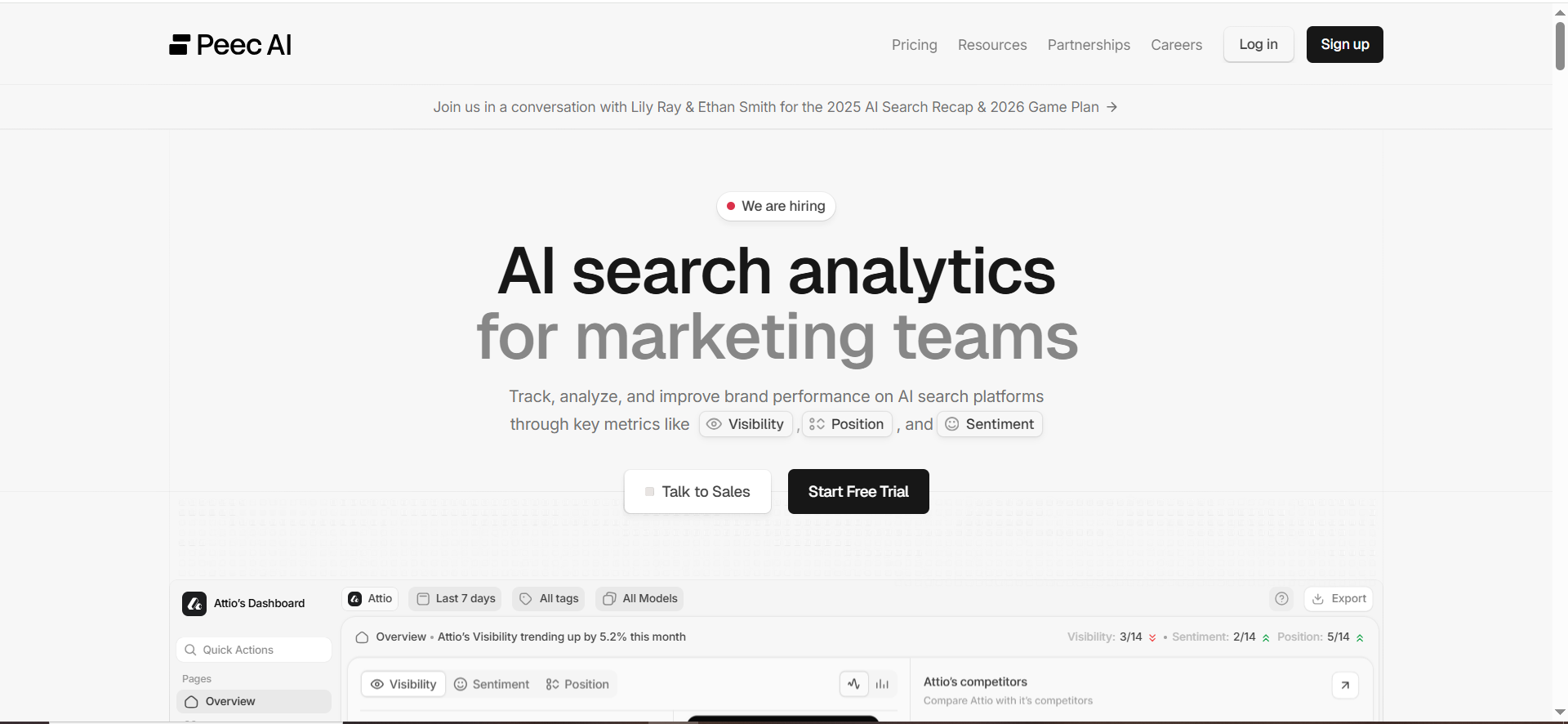
Peec positions itself as AI search analytics for marketing teams and highlights both CSV exports and an API integration path for tracking brand visibility in AI search.
What it does
Peec AI monitors how your brand appears across AI platforms and provides reporting features like exports and connectors (e.g., Looker Studio community connector), plus an API mention on its site.
Why teams use it
Because it can move beyond “a visibility dashboard” into data you can reuse, exported CSV for analysis and a documented customer API for programmatic workflows (with plan limitations).
What it’s good for
- Building a weekly/monthly reporting pipeline (marketing + leadership)
- Joining AI visibility metrics with web analytics and pipeline data
- Creating custom dashboards in BI tools using exported or pulled data
When it’s a good fit
- You have an analytics function (RevOps, BI, data analyst) that needs raw tables
- You want API-driven automation (alerts, ETL jobs, warehouse integration)
- You can live with “API is beta / enterprise-limited” if that matches your org size
When it’s not a good fit
- You need guaranteed API access on a low-budget plan (verify plan eligibility first)
- You don’t have anyone to operationalize exports into dashboards/alerts (you might be better with a simpler “dashboard-only” workflow)
How to use it
- Start with 25–50 prompts: branded + category + competitor + “best” queries, then refine using structuring AI-era AEO content principles.
- Tag prompts by intent (buying vs research) and funnel stage
- Export weekly CSV (or pull via API if available to you)
- Build a Looker/Power BI page with: visibility trend, top gaining/losing prompts, top cited domains, competitor SOV
- Trigger an alert if top prompts drop for 2 consecutive runs
Key capabilities
- CSV exports emphasized on the product site
- API documentation exists; docs describe API as beta and limited to Enterprise customers
Pricing
Peec AI’s pricing starts at €89/month, and its Enterprise plan is custom-priced.
Free tier?
Peec AI doesn’t offer a free tier, but it does offer a free trial (“Start for free”).
Downsides / limitations
- API is described as beta and limited to Enterprise customers (so don’t assume it’s included).
2. Profound

Profound is a GEO/AI visibility platform that explicitly states you can export raw data to CSV and also provides API documentation and SDKs.
What it does
Profound tracks brand visibility in AI-generated answers and includes a feature set around “Answer Engine Insights,” with visibility measurement and citations.
Why teams use it
Because it’s built for programs that need:
- consistent monitoring across multiple AI experiences,
- exportable raw data, and
- an integration surface (API/SDK) to bring visibility metrics into internal systems.
What it’s good for
- Enterprise-scale AI visibility programs (multiple business lines, markets, teams)
- Analysts who want to model AI visibility changes over time
- Joining AI visibility with content performance, PR, and competitive intelligence
When it’s a good fit
- You need CSV exports for raw analysis (Profound states you can export raw data from Answer Engine Insights to CSV).
- You need an API/SDK approach for integration (Profound docs include REST API intro + SDKs).
- You run governance-heavy workflows (security, approvals, multi-team alignment)
When it’s not a good fit
- You’re early-stage and only need lightweight exports
- You don’t plan to operationalize the data beyond the dashboard (you may not use the platform’s depth)
How to use it
- Build an entity map: brand + competitors + product categories + “money prompts” using an LLM brand visibility audit approach.
- Track prompts by topic clusters (e.g., “best {category} software”, “{category} pricing”, “{category} alternatives”)
- Export raw CSV weekly for QA and trend analysis, and validate coverage with a B2B SaaS content audit checklist.
- Use API for:
- loading prompt-run rows into your warehouse
- enriching with CRM and pipeline data
- powering internal alerts (drop in “recommendation rate” for high-intent prompts)
Key capabilities
- CSV export: Profound’s Answer Engine Insights page says raw data can be exported into CSV.
- API + SDKs: Profound provides API docs and SDKs for Python and JS/TS.
- GEO guide content also references Profound's API and CSV exports in workflows.
Pricing
Profound’s pricing starts at $99 per month.
Free tier?
Profound doesn’t offer a free tier, but it does offer a demo.
Downsides / limitations
- Enterprise orientation may mean heavier onboarding and higher cost (verify with vendor)
3. Conductor

Conductor positions AI Search Performance as a way to track visibility across AI search experiences and provides export guidance (XLSX export) plus public “API vs scraping” thought leadership referencing a data API concept.
What it does
Conductor’s AI Search Performance pages describe tracking AI visibility and insights across AI experiences (e.g., ChatGPT, Perplexity, Google AI experiences).
Why teams use it
- It can fit into existing SEO/content workflows (especially if Conductor is already your platform)
- It supports exporting tracked topics/prompts via XLSX from the UI per Conductor support documentation
- Conductor emphasizes an “API-first” / data integrity narrative in its academy content
What it’s good for
- SEO orgs that want AI visibility reporting connected to broader organic performance
- Topic-level AI visibility programs (vs one-off prompt experiments)
- Teams that need easy exports for stakeholder reporting
When it’s a good fit
- You already use Conductor and want AI visibility integrated with your workflows
- XLSX export is sufficient for your initial reporting needs
- You want an “enterprise data” story and vendor support around how the data is collected
When it’s not a good fit
- You want a lightweight, low-cost tool specifically for prompt runs
- You need a clearly documented public API surface for your own ETL immediately (validate your specific Conductor plan and available APIs)
How to use it
- Define topics and prompts that match revenue-driving queries
- Export topic/prompt tables (XLSX) into your reporting system weekly/monthly
- Normalize exports into a consistent schema (topic_id, prompt_id, engine, date, visibility metric) using a programmatic SEO approach.
- Use exports to:
- show topic-level share of voice
- prioritize content updates where AI citations are drifting away from you
- brief content and PR teams on “what sources AI is citing”
Key capabilities
- UI export to XLSX for tracked topics and prompts
- Conductor academy content discusses API vs scraping and references Conductor’s data API framing
Pricing
Conductor’s pricing is not publicly listed; it’s value-based and tied to a usage model of AI Response Credits.
Free tier?
Conductor doesn’t offer a free tier, but it does offer a 3-week free trial.
Downsides / limitations
- Export is XLSX (fine), but you still need an internal pipeline to operationalize it
- API details depend on plan and may not be fully public, verify in sales/security review
4. Promptmonitor
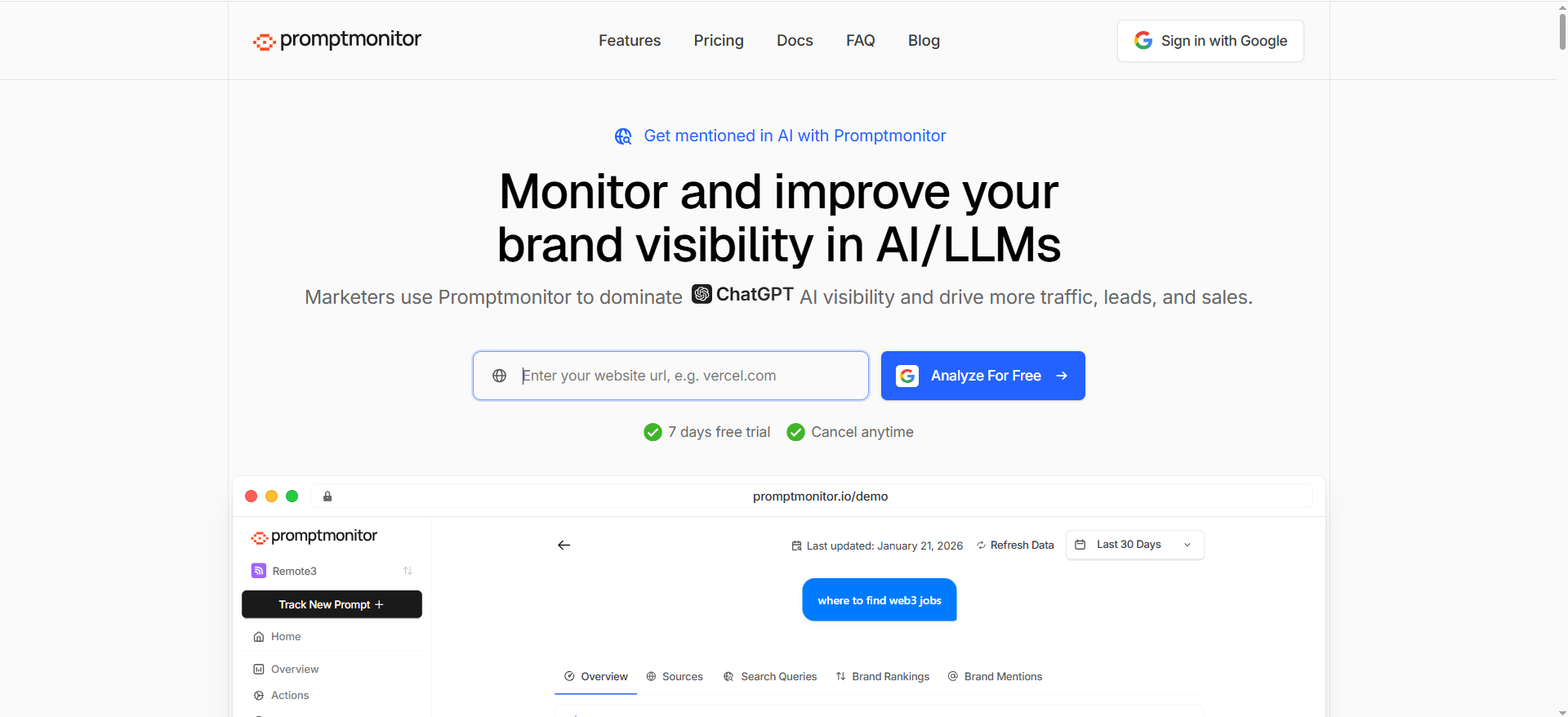
Promptmonitor focuses on tracking visibility across AI platforms and is explicit about CSV export in its plan features; its changelog also references export improvements.
What it does
PromptMonitor tracks brand visibility across AI platforms and provides monitoring and optimization features.
Why teams use it
- It’s approachable for SMBs and startups
- It includes “Export to CSV” in plan features (useful if you want to build your own reporting)
What it’s good for
- Quick setup prompt monitoring
- Exporting prompt/source data to CSV for your own analysis
- Lightweight, “get moving fast” AI visibility programs
When it’s a good fit
- You need CSV exports but don’t necessarily need a full API
- You want to validate whether AI visibility tracking is valuable before upgrading into a heavier enterprise platform
When it’s not a good fit
- Your workflow requires guaranteed programmatic API pulls into a warehouse (not clearly documented publicly, verify)
How to use it
- Start with 25 prompts that map to your top product category + competitor comparisons
- Export CSV weekly
- In Sheets/BI, compute:
- presence rate per prompt
- top citation domains (if exported)
- “prompts with largest visibility drop” week over week
- Feed those outputs into an editorial backlog: refresh pages, add comparisons, improve “citable” assets
Key capabilities
- “Export to CSV” appears in pricing/plan feature lists
- Changelog references exporting prompt sources to CSV
Pricing
Promptmonitor has a $0/month Agency Plan, and its paid plans start at $29/month.
Free tier?
Promptmonitor offers a free tier ($0/month Agency Plan) and a 7-day free trial for paid plans.
Downsides / limitations
- API access is not clearly documented in the public sources above, treat it as “unknown” until confirmed in sales/docs.
5. SE Ranking
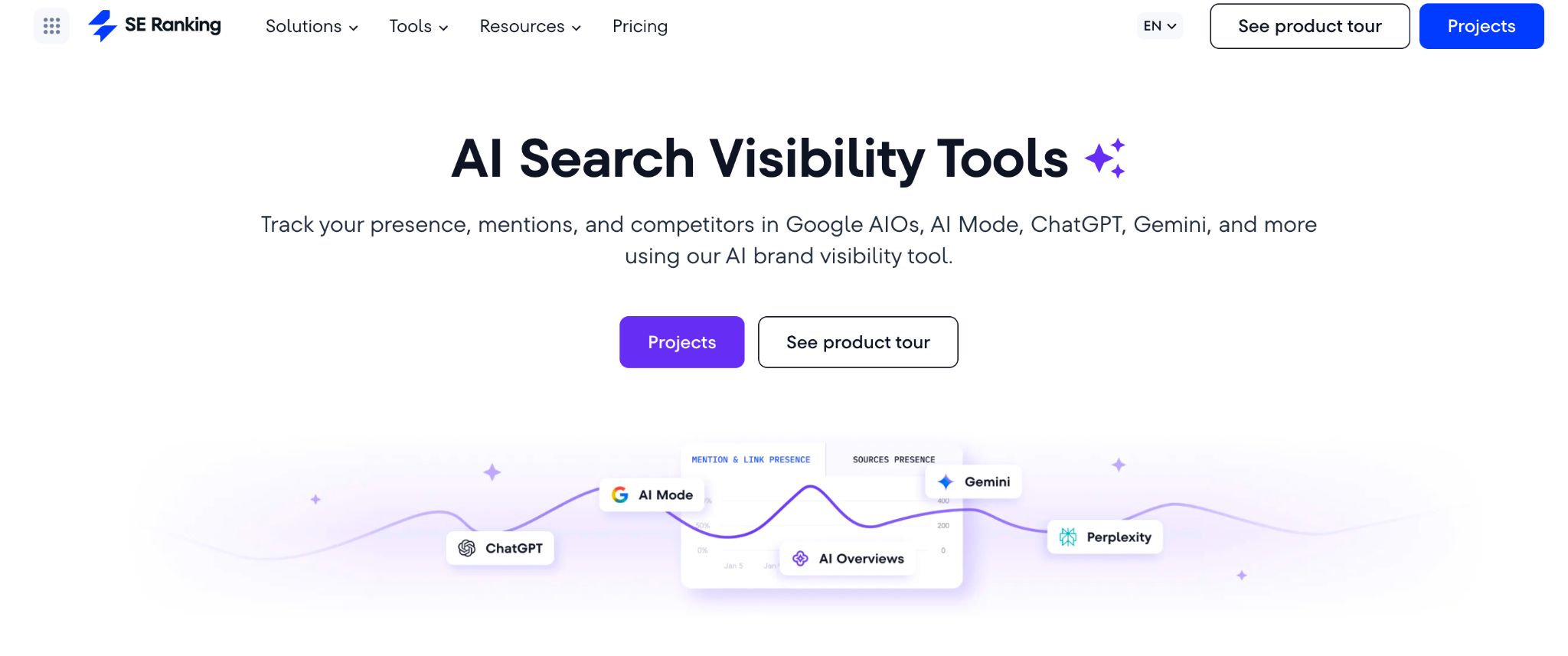
SE Ranking is an SEO and GEO platform that treats AI visibility as a part of a broader ecosystem. It connects signals such as search performance, traffic, LLM presence, and social analytics, and helps you identify connections among them to better understand the brand’s digital footprint.
What it does
SE Ranking monitors brand mentions, citations, and competitor presence in AI answers, with prompt-level data, placement tracking, historical trends, and citation source identification. Its AI Search API exposes the same visibility data programmatically for integration into external systems.
Why teams use it
Because AI visibility that lives in a silo is hard to analyze and even harder to connect to outcomes. SE Ranking gives teams a structured path to pull mention and citation data alongside organic ranks, traffic, and social signals, so reporting reflects what’s actually happening across channels, not just in one.
What it's good for
- Building BI dashboards that combine AI mention frequency, citation sources, and organic rankings in one model
- Tracking competitor AI presence across AI platforms and spotting gaps
- Automating SEO and GEO workflows across multiple client projects
When it's a good fit
- You need daily AI visibility data (not just monthly snapshots) at the project and prompt level
- Your BI setup uses Data Studio. SE Ranking has pre-built connectors that support data blending
- Your team uses n8n or Make.com for automation. Both have native SE Ranking connectors covering AI Search
When it's not a good fit
- You only need dashboard-level monitoring before committing to a more comprehensive stack
- You prefer first-party SDKs; SE Ranking’s integration path is REST + Postman collection, no SDK
How to use it
- Set up AI Result Tracker projects; Start with tracking 20–40 prompts, distributed across journey stages (awareness, consideration, brand evaluation)
- Use AI Competitor Research to benchmark competitor AI presence by platform and identify citation gaps
- Export data in CSV or pull via the AI Search API: brand mentions, citation URLs, position data, and prompt-level insights
- Join with organic rank data from SE Ranking and traffic data from GA4 integrations to build a combined view
- Use Data Studio connector for stakeholder dashboards without maintaining a custom pipeline or native n8n/Make.com connectors to build custom scenarios or alerts
Key capabilities
- Comprehensive SEO and GEO suite with GA4 integrations and access to social analytics via Planable
- CSV data export and API access across projects and tools
- MCP server to query SE Ranking data from AI assistants without manual exports
- Integrations with Data Studio, n8n, Make.com, and more
Pricing
API is included in every plan starting from $129/month. Minimum deposit for pay-as-you-go is $50, credits don’t expire.
Free tier?
No free tier, but a 14-day free trial includes 100K API credits and full endpoint access.
Downsides / limitations
- Designed as an integrated SEO + AI search suite. Teams wanting a minimal standalone AI visibility tool without the broader platform may find the scope larger than needed
Integration playbook: From “cool report” to “operational system”
A tool is only as valuable as the decisions it drives. The SOP standard for these posts is clear: answer fast, compare clearly, then provide a usable path to action, including CTAs and scannable structure.
Below is how high-performing teams turn exports/APIs into an operating system.
Dashboards (Looker/Power BI), alerts (Slack), tickets (Jira), and warehouse
Recommended architecture (simple → advanced):
- Starter (CSV-only):
- Weekly CSV export
- A Google Sheet that computes “top changes”
- A Looker Studio dashboard built on the Sheet
- A manual “top 10 actions” list every Monday
- Growth (hybrid):
- CSV export + scheduled stakeholder emails
- BI dashboard + a lightweight alert (e.g., Slack message when a metric drops)
- A content brief template that pulls: prompt, missing citations, competitor cited domains
- Enterprise (API-first):
- API pulls into a warehouse (Snowflake/BigQuery)
- dbt transforms into canonical tables (prompt_runs, citations, entities)
- BI dashboards by persona (SEO, RevOps, exec)
- Automated alerts:
- “Competitor overtook us on 5 high-intent prompts”
- “Our cited domain share declined 20% in 14 days”
- Jira ticket creation with owners, due dates, and linked evidence
Which AI visibility tools offer true CSV export (raw data) vs. summary screenshots?
“CSV export” is only useful if it’s row-level raw data you can filter, join, and aggregate yourself (prompt runs, timestamps, engines, citations), not just a chart dumped into a file.”
What “true raw export” looks like
A true raw export typically includes rows like:
- prompt / query ID + prompt text
- engine/model (ChatGPT, Perplexity, Google AI Overviews, etc.)
- timestamp / run date
- brand mention status (yes/no), position (if supported)
- citations / source URLs (ideally as a list or normalized rows)
- competitor mentions (optional but valuable)
Profound is unusually explicit here: it states you can export the raw data from Answer Engine Insights into a CSV file.
Examples (based on public documentation)
- Profound → explicitly “raw data… into a CSV file” for Answer Engine Insights.
- PromptMonitor → plan features list “Export to CSV” (good for analysis, but confirm what fields are included by requesting a sample export).
- Conductor → support docs describe exporting tracked topics/prompts via Download XLSX (this is a real export path; verify whether it includes row-level citations/mentions or mainly aggregated views).
Red flags that you’re getting “summary export,” not raw export
- Export only works at a dashboard level (“export report”), not per prompt-run
- No timestamps / run IDs (you can’t measure drift or volatility)
- Citations aren’t included (or only appear in the UI)
- You can’t export at the prompt level, only overall “visibility score”
The fastest vendor test (ask for this in demo)
Ask them to email a sample export with:
- 10 prompts × 7 days × 2 engines
- citations included
- timestamps includedIf they can’t provide that quickly, you’re probably buying a dashboard, not an operational dataset.
Do any tools provide an API, and is it included or enterprise-only?
There are two different “API” realities in this category:
- Publicly documented APIs/SDKs (you can integrate yourself)
- “We can send data” / “we have an API” (but it’s gated, beta, or enterprise-only)
Tools with clear API documentation (publicly visible)
- Profound publishes API documentation and SDK info (Python + JS/TS) and references “raw data access” among API examples.
Tools that have an API but may be gated (enterprise-only / beta)
- Peec: their docs indicate a Customer API that is beta and limited to Enterprise customers (so don’t assume API access on lower plans).
Tools with exports but no API (or API not available)
- OtterlyAI: their help documentation states they do not currently offer an API (as of Aug 2025).
What “enterprise-only API” usually means (so you can plan around it)
If the API is enterprise-only, expect:
- contract/security review + SSO/SAML
- rate limits and usage quotas
- access limited to certain endpoints (reports vs raw prompt runs)
- data retention terms and compliance requirements
Buying advice: how to avoid API surprises
In the contract/demonstration phase, ask these 5 questions:
- “Which plan includes API access?” (and get it in writing)
- “Which endpoints are included?” (raw prompt runs? citations?)
- “What are rate limits?”
- “Do you support backfills?” (pulling historical data)
- “Do you provide SDKs or example ETL code?” (Profound explicitly does.)
How do tools differ in data collection accuracy (API-first vs UI-based monitoring)?
Accuracy in AI visibility tracking is less about “who has the prettiest dashboard” and more about how data is collected and normalized, and whether the methodology holds up as engines change.
Two broad approaches
1) API-first monitoring (preferred when available)
This means the vendor uses sanctioned APIs or structured data feeds wherever possible, and relies less on brittle UI scraping. Vendors argue this is more compliant, scalable, and reliable than UI scraping.
Conductor’s “Scraping vs API” guidance emphasizes that UI scraping can be risky and unreliable, while APIs tend to be a more stable path for monitoring.
Benefits
- more stable over time (UIs change constantly)
- better metadata (timestamps, IDs, consistent fields)
- easier to reproduce (less “it looked different on my machine”)
Tradeoffs
- some AI experiences don’t expose the data you want via API
- vendors may still need hybrid collection; ask what’s API vs not
2) UI-based monitoring / scraping (common, but riskier)
UI scraping means automating the user interface to capture outputs. Multiple industry writeups warn that scraping can be unreliable because UI changes break collectors and results can vary by session/context.
Benefits
- can cover platforms with no official API access
- faster to add “new engines” when they appear
Tradeoffs
- more volatility (layout changes, anti-bot measures, personalization)
- harder to reproduce results consistently
- higher likelihood of missing citations or mis-parsing answers
The real accuracy question: “Does this match what users see?”
Even “API-first” can be misleading if it doesn’t represent user reality (location, personalization, context). Profound, for example, notes its responses come from a RAG-based search approach across platforms like ChatGPT, Perplexity, Copilot, and Google AI Overviews, so it’s important to understand how closely that approach mirrors a real user prompt session.
How to evaluate accuracy in a vendor demo (simple checklist)
Ask for these, and you’ll immediately see who’s solid:
- Reproducibility test: Can you rerun the same prompt and get consistent parsing + citations?
- Citation fidelity: Do they capture the actual cited URLs/domains (not just “you were mentioned”)?
- Context controls: Can you set location, language, device/context, model version?
- Drift reporting: Do they show volatility over time (how often answers/citations change)?
Collection transparency: What’s collected via API vs UI automation? (Conductor’s guidance is a good starting framework for this conversation.)
FAQs
What’s the difference between “CSV export” and “raw data export”?
Which tools clearly document both CSV export and API access?
Does OtterlyAI have an API?
Can Conductors export AI Search Performance data?
What should I export if I want to connect AI visibility to revenue?
How often should I refresh prompt runs?
What’s the fastest way to get value in week one?
Is “API-first data collection” always better?
Final next step
If you’re choosing between tools, don’t start with “features.” Start with the workflow you need:
- If you need programmatic integration, shortlist tools with documented APIs (and confirm plan eligibility).
If you need fast reporting, prioritize clean CSV/XLSX exports and build a simple dashboard first.
📋 Get Listed / Advertisement
We update this guide monthly. Want your tool featured? ? Contact our team: [email protected].


