

TL;DR — the best tools (by use case)
If you need to monitor the same prompt across multiple countries (US/UK/global), you want an AI visibility tracking tool that supports (1) multi-engine prompt runs, (2) location or country segmentation, and (3) dashboards/exports so you can compare markets without drowning in screenshots.
- Best for enterprise SEO + integrated workflows: Conductor (strong guidance on AI prompt tracking strategy; pricing is typically quote-based).
- Best value for broad model coverage + low entry price: Promptmonitor (clear, published pricing and multi-model positioning).
- Best for marketing teams who want prompt tracking + easy reporting: Peec AI (explicit daily prompt runs and “unlimited countries” on pricing page).
- Best if you want location variation + multilingual prompt testing: RankPrompt (explicitly claims location-based variation + multilingual prompt testing in its own content; transparent pricing tiers).
Best for a lightweight start + “visibility score” style workflows: Akii (free tier with credits; paid plans available).
📋 Get Listed / Advertise
We update this guide monthly. Want your tool featured? Contact: [email protected].
Best 5+ Tools for Location-Based Prompt Monitoring (Quick Comparison)
| Tool | Best for | Geo / country monitoring strength | Pricing transparency |
|---|---|---|---|
| Conductor | Enterprise SEO + AI prompt strategy | Strong for structured prompt tracking programs; enterprise workflows | Quote-based (official support page) |
| Promptmonitor | Budget-to-mid teams needing broad monitoring | Designed for AI visibility tracking; published tiers | Published tiers on site |
| Peec AI | Marketing teams + fast dashboards | Pricing page calls out “Unlimited countries” + daily prompt runs | Published tiers on site |
| RankPrompt | Agencies/consultants + location variation | Claims location-based variation + multilingual prompt tests | Published tiers on site |
| Akii | Simple setup + visibility scoring | Focuses on “visibility and trust gaps”; has free credits | Published pricing page |
| Otterly | Simple AI search visibility tracking | Tracks visibility across major AI search engines; supports location-based monitoring | Published tiers on site |
Tool #1 — Conductor

What it does
Conductor positions AI prompt tracking as a structured program: choosing topics, balancing branded/unbranded prompts, selecting engines, and building a repeatable tracking strategy.
Why teams use it
If you already run a mature SEO program, Conductor is often used to unify workflows, traditional search reporting plus newer AI visibility workflows, so you can operationalize tracking rather than treat it like a one-off experiment as part of a mature SEO program. Their own materials emphasize prompt selection and repeatable tracking strategy as the core.
What it’s good for (geo monitoring)
Location-based monitoring becomes powerful when you’re answering questions like:
- “Do we get recommended in the US but not the UK?”
- “Are we cited differently in English UK vs English US?”
- “Which competitors show up in one country but not another?”
Conductor’s strength here is less about “fun dashboards” and more about helping teams build a defensible monitoring system—prompt sets, engines, cadence, and reporting that can survive leadership scrutiny through an AI visibility platform buyer guide.
When it’s a good fit
- You’re an enterprise brand with multiple markets and stakeholders
- You need an auditable program (repeatable runs, consistent prompts, stable reporting)
- You care about connecting AI visibility to broader search performance
When it’s not a good fit
- You want a cheap tool just to test a handful of prompts
- You don’t have time to design a real prompt framework and reporting cadence
How to use it for “same prompt, 5 countries”
A practical way to adapt Conductor-style prompt tracking to geo monitoring:
- Pick 25–50 prompts across 3 buckets: “best X”, “X for Y industry”, and “alternatives to X”, using keyword research best practices for SaaS to keep intent coverage clean.
- Clone the prompt set into country segments (US, UK, CA, AU, DE for example) as part of a broader AI search visibility strategy.
- Control variables: keep prompt wording identical unless you’re intentionally testing local terms (more on that later).
- Run on the same schedule so comparisons are fair (e.g., daily or 3x/week).
- Report deltas: “Mention rate + citations + competitor overlap” by country.
This aligns with Conductor’s own emphasis on selecting the right engines and building a strategy that reflects real conversations.
Key capabilities (what to check during evaluation)
- Can you segment reporting by country/market?
- Does it support the engines you care about?
- Can you export the raw outputs for audit trails (critical when stakeholders question AI volatility) using AI search visibility audit tools?
Free tier?
Not typically positioned as a self-serve “free plan” product in the way smaller AI visibility tools are; expect a sales-led motion.
Downsides / limitations
- Quote-based pricing can be a barrier for smaller teams.
- Enterprise platforms can be “too much tool” if you only need lightweight geo testing.
Tool #2 — Promptmonitor
What it does
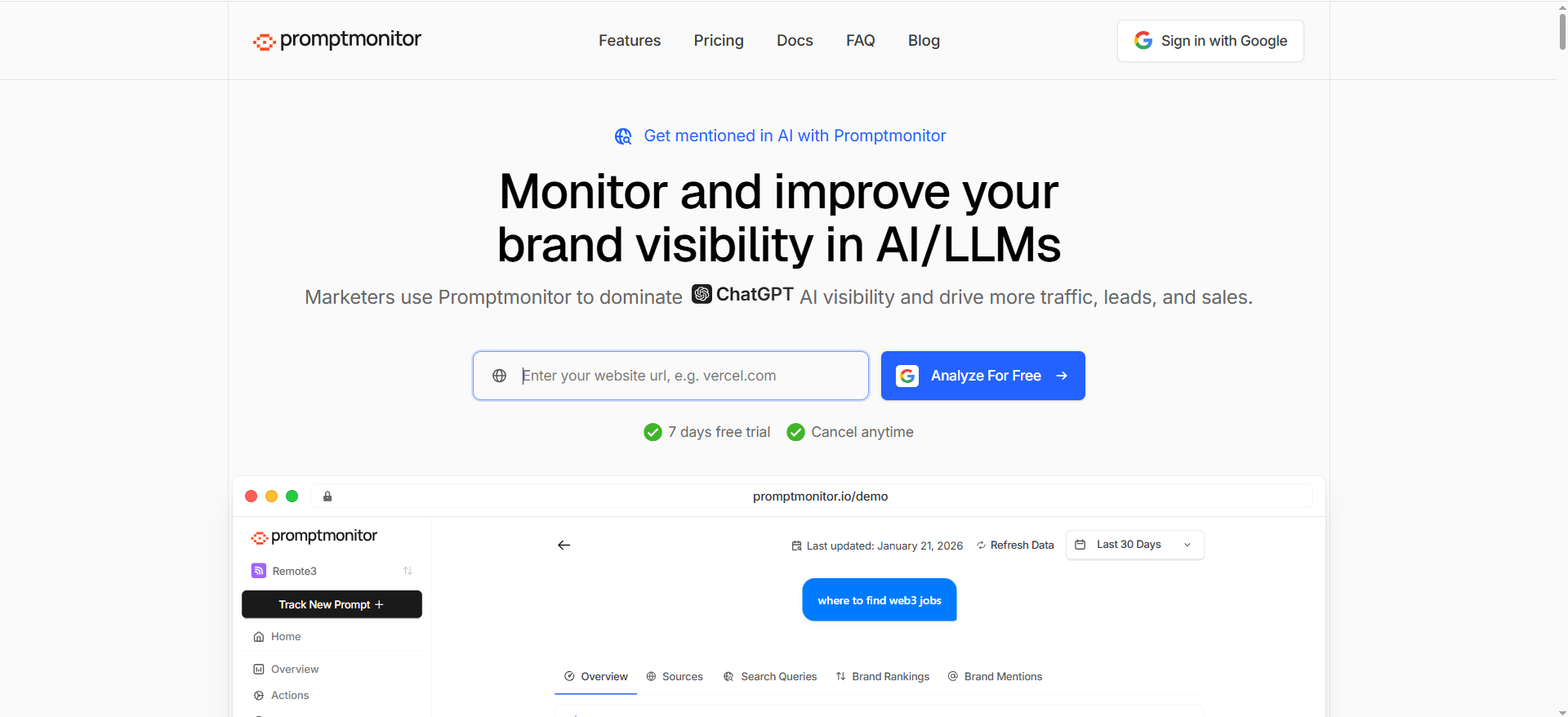
Promptmonitor markets itself as an AI visibility / GEO tool, and third-party coverage describes it as tracking across AI platforms with an “AI Visibility Score” concept and multi-platform coverage.
Why teams use it
Two reasons show up repeatedly in how Promptmonitor is discussed:
- Affordability + entry point (published low-cost tiers).
- A product framing around visibility scoring + monitoring across models, which helps teams that don’t want to design everything from scratch.
What it’s good for (geo monitoring)
Promptmonitor is a strong pick if you want to run a geo monitoring program without paying enterprise prices:
- Compare prompt outputs across multiple markets
- Track mention rate shifts week-over-week
- Move fast on fixes (content updates, PR/authority, listings) when a market underperforms
When it’s a good fit
- You need published pricing and a fast start
- You want tracking that’s easy to explain (“here’s our visibility score and mention coverage”)
- You expect to expand the number of prompts/countries over time
When it’s not a good fit
- You need deeply customized enterprise governance, procurement, and integrations
- You want a platform that also owns your full traditional SEO stack
How to use it for “same prompt, 5 countries”
- Create a master prompt list (start with 30).
- Duplicate into country workspaces/projects (US/UK/Global + priority markets).
- Run daily/weekly; store “notable changes” as annotations (product launches, PR hits, content releases).
- Maintain two views:
- Same prompt, different country (pure geo effect)
- Localized prompt variants (UK spelling, local terms)
Key capabilities
Based on the product site pricing table, Promptmonitor plans vary by projects, prompt limits, responses/month, refresh cadence, and it emphasizes multi-model tracking in its own positioning.
Free tier?
Promptmonitor advertises a trial (“Try free for 7 days” appears on its pricing section).
Downsides / limitations
- Lower-cost tools can be less “enterprise-friendly” for procurement and custom integrations.
- Always validate how the tool simulates location (country vs city; language; engine differences) during onboarding—especially if you’re doing an audit of brand visibility in LLMs.
Tool #3 — Peec AI
What it does
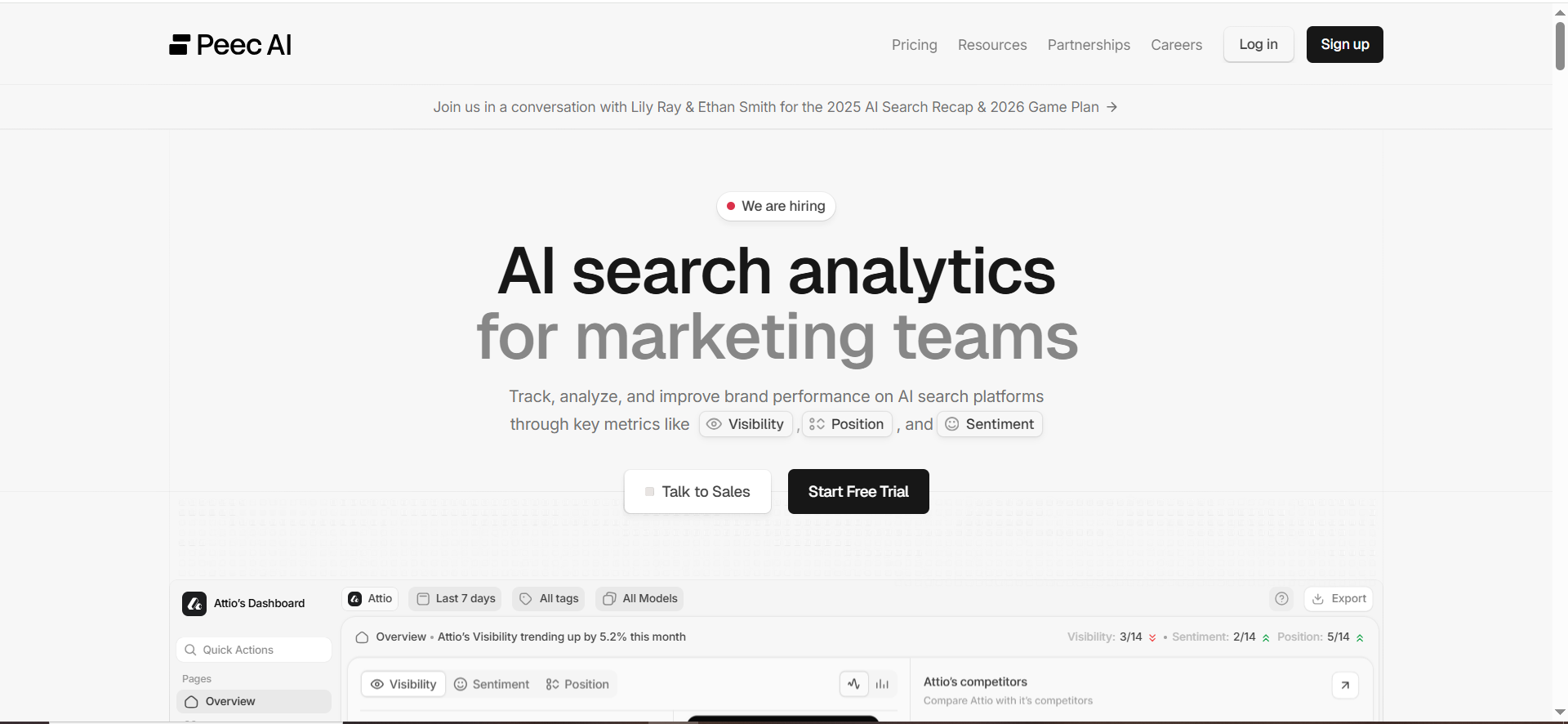
Peec AI positions itself as “AI search analytics” for marketing teams—helping you identify prompts, monitor rankings/visibility, and act on changes.
Why teams use it
Peec is built for teams who want:
- A prompt setup workflow (“Prompts are the foundation… set up prompts”)
- Clear reporting that can be shared with stakeholders (Zapier highlights a “Pitch Workspaces” reporting angle)
What it’s good for (geo monitoring)
Peec’s pricing page is unusually explicit about the geo angle: it calls out “Unlimited countries” and that prompts run across models on a daily interval (plan-dependent).That makes it a natural fit for the “US/UK/global” monitoring problem.
When it’s a good fit
- You’re a marketing team that needs dashboards and stakeholder-ready outputs
- You want to track a moderate number of prompts but compare many markets
- You want a self-serve product with transparent plans
When it’s not a good fit
- You need heavy customization, complex governance, or deep enterprise integrations
- You want the lowest-cost entry point possible
How to use it for “same prompt, 5 countries”
A clean Peec workflow:
- Create a Prompt Set: “Core Commercial” (e.g., “best {category}”, “{category} for {industry}”, “{competitor} alternatives”).
- Add Competitors per prompt set (global competitors + local players in UK).
- Enable country comparisons: US vs UK vs “Global English” vs two priority markets.
- Schedule a weekly review:
- “Where do we disappear?”
- “Where do citations change?”
- “Which competitors dominate market X?”
- Turn findings into two backlogs:
- Content backlog (local landing pages, comparisons, glossary pages)
- Authority backlog (local PR, listings, partner pages, citations)
Key capabilities
Peec pricing describes prompt limits, “AI answers analyzed per month,” and the “unlimited countries” construct (which is directly relevant to geo monitoring).
Free tier?
Peec pricing page includes “Start for free” language for its entry tier.
Downsides / limitations
- If your exec team demands a strict audit trail for every run, validate exportability and storage.
- Confirm which engines/models are included in your plan and how frequently prompts are run.
Tool #4 — RankPrompt
What it does
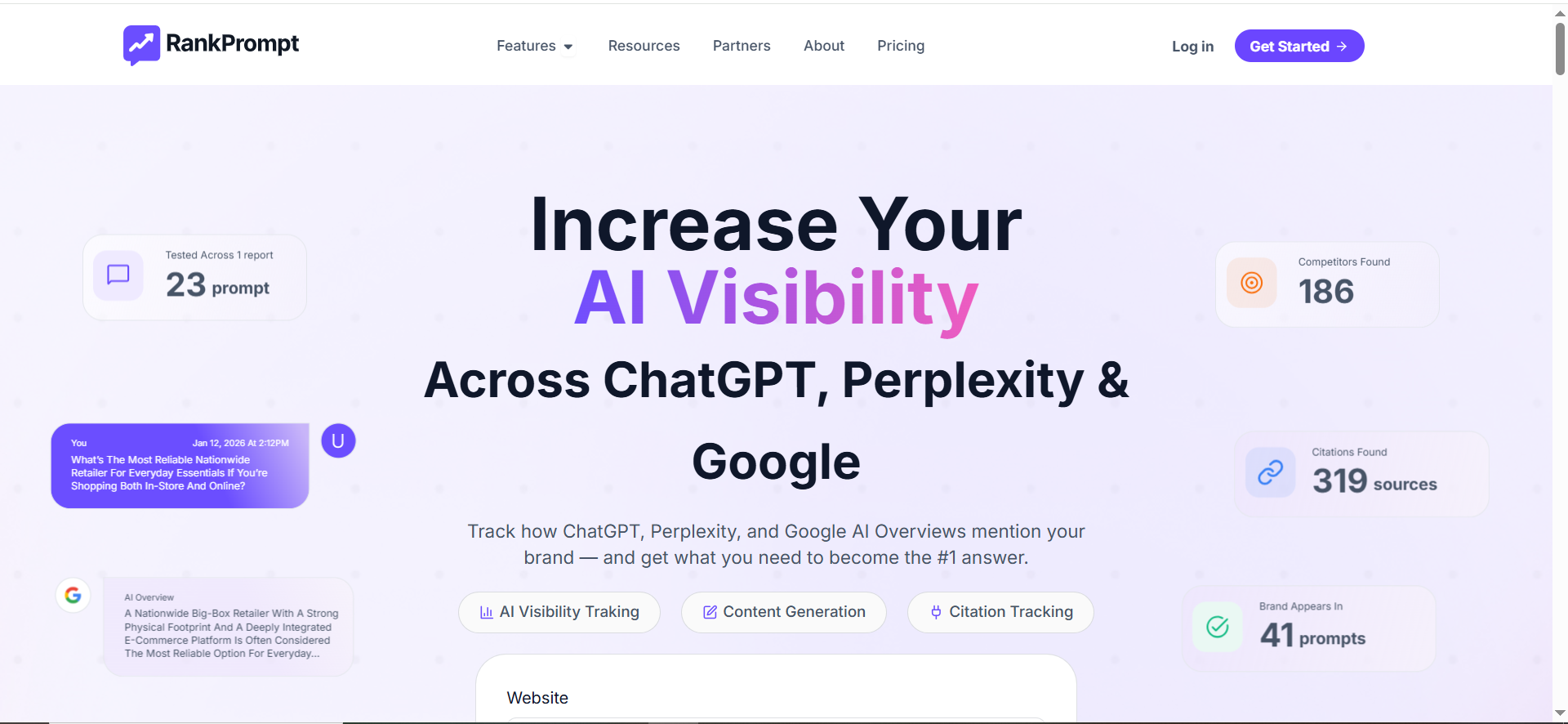
RankPrompt describes itself as a platform to measure and track visibility across AI tools/LLMs (ChatGPT, Gemini, Copilot, Grok, etc.) and to benchmark versus competitors.
Why teams use it
RankPrompt’s messaging is simple: scan prompts, see where you stand, benchmark competitors, and get recommendations. That’s especially attractive to agencies/consultants who need repeatable reporting across clients.
What it’s good for (geo monitoring)
RankPrompt explicitly claims support for location-based variation and multilingual prompt testing (in its own “best AI SEO tools” content).
That matters because geo monitoring is usually inseparable from language/local phrasing in real life.
When it’s a good fit
- You’re monitoring multiple markets and expect language variation
- You’re an agency or consultant producing recurring reports
- You want transparent, self-serve pricing
When it’s not a good fit
- You need enterprise procurement, complex permissions, or deep BI integrations
- You want a tool that also manages full-stack SEO workflows
How to use it for “same prompt, 5 countries”
Build two prompt layers:
Layer A — Same prompt, different country
- “Best payroll software” run in US, UK, AU, CA, DE (English/German variants)
Layer B — Localized variants (controlled)
- UK: “Best payroll software for SMEs”
- US: “Best payroll software for small business”
- Then compare (A) geo effect vs (B) language effect.
Because RankPrompt claims location variation + multilingual testing, it’s well-suited to this dual-layer approach.
Key capabilities
- Prompt scanning + competitor benchmarking (core positioning)
- Location-based and multilingual testing (claimed)
Free tier?
RankPrompt pricing ecosystem includes free/trial-style positioning in third-party summaries; validate current offer directly during signup if that matters.
Downsides / limitations
- Claims like “location-based variation support” should be validated in your specific target markets and engines.
- Always check whether your required engines/models are included and how “location” is implemented.
Tool #5 — Akii
What it does
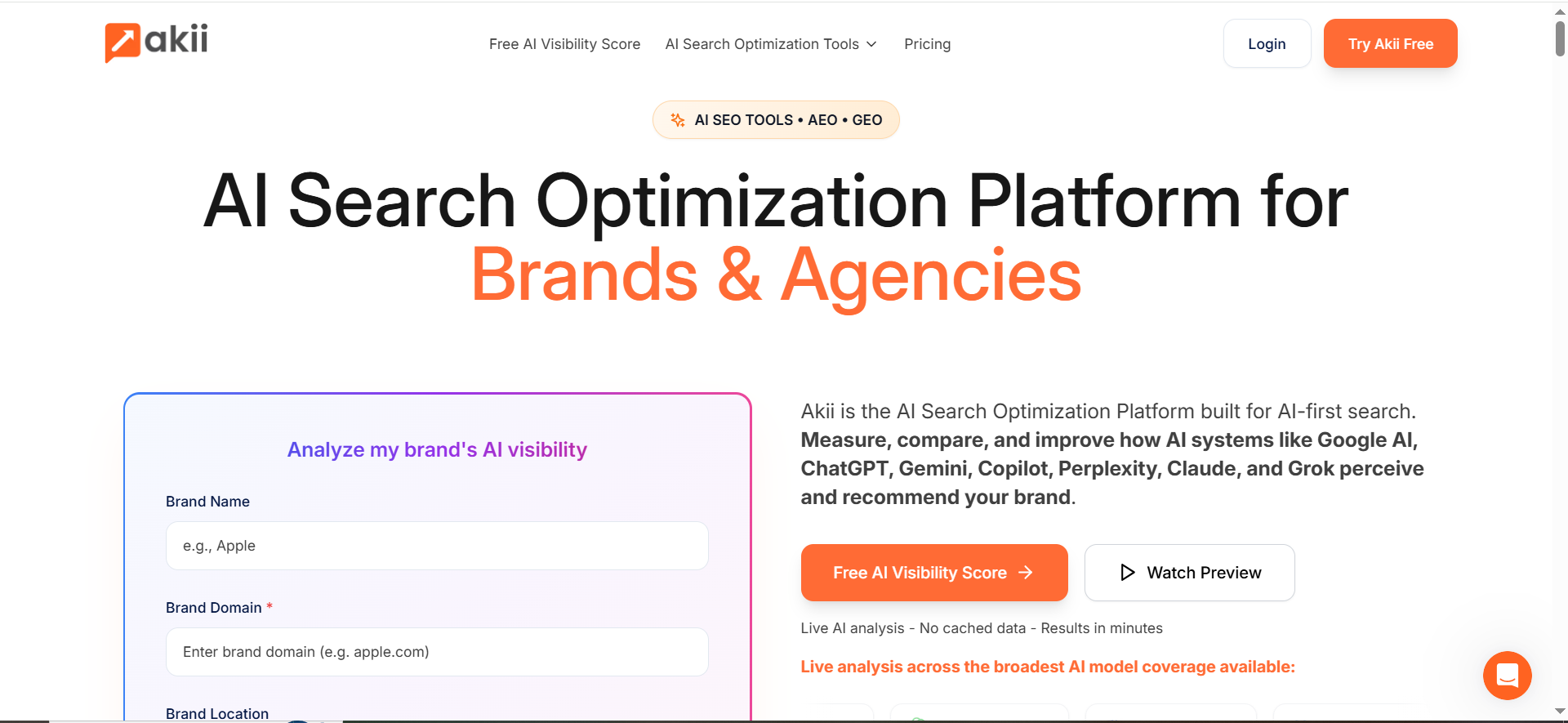
Akii positions itself as an AI search optimization platform that scans major AI models, identifies “visibility and trust gaps,” and provides actions to improve recommendations.
Why teams use it
A lot of teams don’t want raw outputs—they want a prioritized action list. Akii’s positioning is explicitly about turning visibility gaps into clear actions, which can reduce analysis paralysis.
What it’s good for (geo monitoring)
Geo monitoring is ultimately about answering: “Where are we invisible, and what should we do first?”
Akii can be a fit when you want:
- A faster read on gaps by market
- A score-style KPI stakeholders can track
- A tool you can start with cheaply and expand later
When it’s a good fit
- You want a free/low-friction start, then scale
- You need guidance on what to fix (not only what happened)
- You’re building a new AI visibility program and need a simple KPI
When it’s not a good fit
- You need a highly customizable enterprise data model on day one
- You require deep, automated BI pipelines immediately
How to use it for “same prompt, 5 countries”
- Start with 10 prompts in one category and run US/UK + 2 markets.
- Identify “trust gap” patterns (missing citations, wrong category association, competitors recommended instead).
- Build an action backlog per market (local landing pages, local proof points, local citations/partners).
- Expand prompt coverage once the workflow is stable.
Key capabilities
Akii emphasizes scanning major AI models and surfacing gaps/actions in its positioning.
Free tier?
Yes! Free plan with monthly credits is highlighted on the pricing page.
Downsides / limitations
- As with any scoring approach, you’ll want to validate underlying data and ensure exports/auditability meet your needs.
- Confirm that “location” comparisons map to your real go-to-market regions (US/UK/global isn’t always enough).
Tool #6 — OtterlyAI
What it does
OtterlyAI is a dedicated Generative Engine Optimization (GEO) platform that tracks brand visibility across major AI engines like ChatGPT, Perplexity, and Google Gemini. It provides deep analytics on brand mentions, coverage percentages, and average citation positions to help marketers understand their presence in AI-driven search.
Why teams use it
Marketing teams use OtterlyAI to move beyond manual prompting and guesswork. By automating hundreds of daily prompt runs, teams can identify exactly where their brand is being cited—and where competitors are gaining an edge—allowing for data-backed optimization of their AI visibility strategy.
What it’s good for (GEO monitoring)
Otterly excels at location-based insights by allowing users to segment prompt results by specific regions. This is essential for global brands that need to verify if their local offices or products are being recommended in specific territories like the US, UK, or EU, ensuring consistent regional visibility.
When it’s a good fit
- You need granular data on brand citations and position tracking over time.
- You want to monitor the impact of your content on AI engine responses across different countries.
- You are looking for a platform built specifically for GEO workflows rather than a general SEO tool.
When it’s not a good fit
- You only need basic keyword tracking for traditional search engines.
- You are looking for an all-in-one content creation suite rather than a specialized monitoring dashboard.
How to use OtterlyAI for “same prompt, 5 countries”
A practical way to use OtterlyAI for geo-based prompt monitoring is to keep the prompt set consistent and compare how AI engines respond across markets.
Start with 25 to 50 prompts across common intent buckets, such as “best X,” “X for Y industry,” and “alternatives to X.” Then run the same prompts across five target countries, for example the US, UK, Canada, Australia, and Germany.
Keep the wording identical unless you are intentionally testing local language or regional terms. This makes the comparison cleaner because you can see whether visibility changes because of location, not because the prompt changed.
Track the main differences by country, including brand mention rate, citation frequency, average position, competitor overlap, and whether the recommended sources change by region.
Key capabilities to check during evaluation
Check whether OtterlyAI supports the countries and AI engines that matter most to your market. For GEO monitoring, the key question is not just whether it tracks AI visibility, but whether it can show how that visibility changes by location.
Look for country-level reporting, prompt grouping, competitor tracking, citation analysis, and historical trend views. It is also useful to check whether you can export results, since AI responses can change often and stakeholders may ask for proof behind visibility changes.
Free tier?
OtterlyAI offers a free trial, with paid plans starting at $29/month. This makes it more accessible than enterprise-only platforms, especially for small teams, agencies, and marketers testing GEO monitoring for the first time.
What “location-based prompt monitoring” actually means (and why it matters)
Why AI answers vary by country
AI answers can vary by geography because engines/models incorporate different context signals (regional availability, local entities, local sources, sometimes user context). Industry commentary now commonly calls out geographic performance as a core dimension for GEO tracking, visibility differs by market, so you need location-based analysis.
What to track (the metrics that actually move decisions)
If you’re building a monitoring dashboard, track these per country:
- Presence / mention rate: “Were we mentioned at all?”
- Position / prominence: “Were we recommended early vs buried?”
- Citations: “Were we cited as a source (and which URLs/domains)?”
- Competitor overlap: “Which competitors dominate market X?”
- Stability: “Does the answer change day to day?”
This mirrors how many AI-visibility tools talk about monitoring prompts, mentions, citations, and competitive benchmarking, especially in AI visibility solutions for content optimization teams.
The TRM framework: “Same prompt, 5 countries” comparison system
This is the simplest operational system I’ve found for multi-market prompt monitoring because it separates signal from noise in AI search visibility reporting.
Step 1 — Build a prompt set that matches intent (not keywords)
Start with commercial investigation prompts (your spreadsheet’s intent for this topic), because that’s where recommendations directly influence pipeline (exactly what Answer Engine Optimization is trying to win).
Use 3 prompt buckets:
- Category picks: “Best {category} for {audience}”
- Alternatives: “{brand} alternatives”
- Use-case fits: “Best {category} for {industry} in {country}”
Keep the first bucket country-neutral so you can see geo differences cleanly, then map those deltas to best SEO strategies for AI visibility.
Step 2 — Choose your 5 “countries” (US/UK/Global + 2)
A pragmatic starter set:
- US (largest data + competition in many categories)
- UK (often meaningfully different sources/brands)
- “Global English” (baseline)
- One priority expansion market (e.g., CA or AU)
- One non-English/region-specific market (e.g., DE or FR)
Step 3 — Decide engines/models
Pick 2–4 engines your buyers actually use (don’t overdo it at first), and sanity-check your coverage against the best LLMs for business growth.
Step 4 — Set cadence + volatility controls
AI answers can be volatile, so anchor your reporting in evergreen content visibility instead of day-to-day noise. A practical cadence:
- Daily for your top 10 revenue prompts
- 2–3x/week for the rest
- Weekly executive rollup
Also: run prompts multiple times and use averages where the tool supports it (some trackers emphasize multi-run averaging).
Step 5 — Build a “country dashboard” stakeholders can understand
Minimum viable dashboard:
- Country (columns)
- Mention rate (%)
- “Top cited domains”
- “Top competitors mentioned”
- 3 screenshots/examples of major changes (optional)
📋 Get Listed / Advertise
We update this guide monthly. Want your tool featured? Contact: [email protected].
How to choose the right tool (decision checklist)
Use this as your buying checklist, especially for geo monitoring:
1) Geo targeting depth
- Country-level: required
- City/state/province: nice-to-have (depends on business)
- Language + locale variants (en-US vs en-GB): highly valuable for US/UK
2) “Country dashboards” that don’t collapse under scale
Your spreadsheet’s angle is literally a “same prompt, 5 countries” comparison, so your tool must make side-by-side views easy (or at least exportable) into leadership dashboards.
3) Engine coverage that matches your market
If you only track one engine, you’ll overfit to a single model’s quirks, so validate coverage during trials using best AI search engines as your reference set.
4) Repeatability + audit trail
You need to answer: “Is this change real, or volatility?”
Exports, run histories, and stable prompt sets are non-negotiable for stakeholder trust, especially if you’re using AI search visibility audit tools to document changes.
5) Collaboration + alerts
Multi-market monitoring becomes a team sport: local marketers, SEO, PR, product, so align updates with PR + brand messaging for AI visibility.
Common pitfalls (and how to avoid false conclusions)
- Mixing geo effects with language effects
- Fix: keep a “pure geo” set (exact same prompt), plus a separate “localized language” set, then operationalize it with a consistent AEO content structure.
- Reading too much into one day
- Fix: use weekly averages and look for persistent patterns.
- Assuming “Global” equals “US”
- Global baselines can mask regional differences; always break out US vs UK explicitly as part of AISO vs SEO vs AEO vs GEO reporting.
- Not tracking competitors by market
- Local competitors can dominate a market even when your global competitors don’t show up.
- No action loop
- If monitoring doesn’t create content/authority work, it becomes a vanity dashboard. Tie insights to an execution backlog.
How do AI answers change by country (US vs UK vs EU vs APAC)?
AI answers change by country for the same reason “normal” search changes by country: different sources, different products, different laws, and different user intent signals. With AI answer engines, the differences often show up in a few predictable ways:
1) Different recommended brands and “defaults”
- US answers may default to US-first brands, pricing, and compliance assumptions.
- UK/EU answers may surface brands with stronger EU/UK distribution, EU-centric regulations, and local comparisons.
- APAC can diverge dramatically when the model leans on regional directories, local marketplaces, or country-specific service availability.
2) Different sources and citations
Location shifts which publishers, directories, and “trusted” domains get cited. Some engines explicitly support region filtering or user-location filtering (meaning the engine is designed to localize results when given location context). For example, Perplexity’s documentation describes user location filtering with country/city/region inputs.
3) Different terminology and intent mapping
Even when language is “English,” the intent is not:
- UK “solicitor” vs US “attorney”
- UK “holiday” vs US “vacation”
- UK “small business” phrasing differs from “SMB”/“mid-market” usage patterns in other regions
4) Different regulatory and policy assumptions
Especially in finance/health/data/privacy categories, the answer can change because the system tries (sometimes imperfectly) to align with local rules, availability, and compliance language.
Practical takeaway: For GEO reporting, don’t just compare “rank.” Compare:
- Mention rate (present/absent)
- Top 3 competitors shown
- Top cited domains/URLs
- Answer framing (e.g., “best for SMEs” vs “best for enterprise”)
What’s the difference between geo prompt monitoring and normal prompt tracking?
Normal prompt tracking answers: “When we ask this prompt, do we show up?”
Geo prompt monitoring answers: “When we ask the same prompt, do we show up in each location (US/UK/EU/APAC), and how does the answer change?”
The key differences (what changes in your workflow)
1) You’re tracking comparative deltas, not a single output
- Normal: one prompt → one baseline result
- Geo: one prompt → multiple baselines (US vs UK vs DE vs AU etc.)
2) You need two prompt layers
- Layer A (Geo-only control): exact same wording across countries (to isolate geo effect)
- Layer B (Localized reality): localized wording per market (to reflect real user behavior)
3) Your reporting changes
Normal prompt tracking can be “one dashboard.” Geo monitoring needs:
- Country-by-country views
- Cross-country variance metrics (e.g., “US mentions us 60% of runs; UK 15%”)
- Localization notes (spelling, compliance phrasing, product availability)
Which AI engines support location-aware results (and how should I choose engines)?
Not all engines expose geo controls in the same way. Some can be explicitly “told” a location, some infer it from context, and some support hard filters in APIs.
Engines most directly “location-aware” (explicit controls)
If you need repeatable geo testing, the cleanest route is engines that support structured location parameters.
Perplexity’s docs describe user location filtering using latitude/longitude + country code + city/region fields.
Engines that are localized via product settings / environment
Some experiences are localized via:
- account region / language
- device/browser location
- IP-based detection
- Google products, for instance, expose region and language behaviors in settings/support flows (region/language settings are a known control point for localized outputs).
How to choose engines (simple decision rule)
Pick 2–4 engines based on where your buyers actually ask:
- Audience reality: Which tools do your customers use in the US? In the UK?
- Citation behavior: Do you need citations/links or just mentions? (Some engines are far better for auditable citations.)
- Geo controllability: Can you set country/city reliably (or is it “best effort”)? Perplexity explicitly supports location fields, which helps with repeatability.
- Volatility tolerance: If outputs change daily, you’ll need higher run frequency and averaging.
Practical setup tip: Choose:
- One citation-heavy engine (better for “what sources are we losing?”)
- One mainstream assistant (better for “what do buyers hear
- One Google ecosystem input (better for “what does the web+AI layer do in our markets?”)
Can I monitor city-level vs country-level differences?
Yes, but do it with clear expectations:
Country-level is usually reliable
Country-level targeting is typically much more stable than city-level targeting because location inference (often via IP) is more accurate at country level than city level.
MaxMind (a major IP geolocation provider) states its products identify users at the country level with ~99.8% accuracy, while city-level accuracy is materially lower (they cite ~66% for US cities within a 50km radius).
City-level is useful, but you must control noise
City-level differences are most valuable for:
- Local services (dentists, plumbers, law firms)
- Retail / multi-location brands
- “Near me” prompts
- Regulated services with local licensing
How to decide: city vs country
Use this rule:
- If your product/service is bought nationally → start with country-level
- If purchase intent is local → add city-level (top 5–10 cities per country)
How to implement city-level monitoring without chaos
- Use fixed city lists (e.g., London, Manchester, Birmingham; NYC, LA, Chicago)
- Run multiple repeats per city and average (city signals are noisier)
- Keep a control country run in parallel (to detect platform-wide shifts)
How do I build a prompt set that represents local intent and terminology?
A global prompt set fails when it:
- uses US-only language in the UK
- ignores local compliance concerns
- misses local competitors and category terms
Build it in 4 steps
Step 1: Start with a “geo-control” prompt set (exact same wording)
Create 20–50 prompts that are intentionally country-neutral, like:
- “Best [category] software for SMBs”
- “Top alternatives to [competitor]”
- “How to choose a [category] platform”
This isolates geo effect.
Step 2: Add localized variants (market reality prompts)
For each market, localize:
- spelling (optimise vs optimize)
- terminology (SME vs small business)
- legal/compliance language (GDPR, VAT, etc.)
- units/currency references where relevant
Step 3: Add “local proof” prompts
These prompts force AI engines to look for market-specific credibility signals:
- “Best [category] tools in the UK for GDPR compliance”
- “Best [category] for UK charities / NHS suppliers”
- “Best [category] providers in Sydney / Toronto / Berlin”
Step 4: Validate with a quick “prompt interview”
Ask 3–5 people per region (sales, support, local marketer):
- “What would you type if you needed this today?”
- “What do you call this category?”
- “Who are the local competitors we always hear about?”
Bonus: Keep prompt sets structured
Tag each prompt by:
- funnel stage (commercial / consideration / informational)
- market (US/UK/DE etc.)
- intent type (best list / alternatives / how-to)
- entity focus (brand vs non-brand)
That structure is what makes geo monitoring reportable.
How do I track competitors in each region?
Geo competitor tracking is different from “global competitor tracking” because local competitors often dominate AI answers in-region, so measure this with share-of-voice in AI answers by country.
The minimum viable competitor model (per country)
For each country, track 3 groups:
- Global competitors (same everywhere)
- Regional competitors (strong across EU, or across APAC)
- Local specialists (UK-only, DE-only, etc.)
What to measure (don’t stop at “they appeared”)
Track competitors by:
- share of mentions (how often each competitor is named)
- share of top positions (how often they’re in the first 1–3 recommendations
- citation overlap (which sources “power” their recommendations)
- attribute association (“best for SMEs,” “best for compliance,” “best for price”)
A practical workflow
- Build a prompt list per category
- Run prompts per country weekly/daily
- Export results and compute:
- competitor mention frequency
- “top-3 appearances”
- common cited domains by country
Action loop: When a competitor dominates a market, check:
- do they have stronger local landing pages?
- stronger local partnerships/listings?
- stronger local PR signals?
How do I avoid personalization bias when testing locations?
Personalization bias is one of the biggest reasons geo testing produces false conclusions, so it helps to understand AI personalization in marketing before you interpret “country vs city” swings.
Where bias sneaks in
- Logged-in sessions (account history)
- Stored cookies
- Device/browser location services
- IP/VPN inconsistency
- Time-of-day and freshness (news, trends)
- Randomness/temperature in model outputs
Controls that actually help (practical checklist)
1) Use clean environments
- Incognito/private windows
- Separate browser profiles per market
- Clear cookies between runs
2) Standardize network and location input
- Use a consistent method for location simulation (country/city parameters if supported; otherwise consistent VPN endpoints)
- If the platform supports structured location fields (e.g., Perplexity location fields), use them for repeatability.
3) Run repeats and average
- 3 runs per prompt per location is a good start
- Flag “high volatility prompts” and monitor more frequently
4) Keep a control group
Always run:
- one “Global English baseline”
- one “US baseline” in every test batch. If both shift at once, it may be a platform-wide change (not a geo change).
5) Document every variable
In your monitoring sheet/dashboard, store:
- date/time
- engine/model
- location setting method
- prompt text version
- any major brand/content/PR changes that week
Reality check on city-level “bias”
If your geo method relies on IP location, remember city-level accuracy can be significantly lower than country-level (MaxMind explicitly quantifies this gap).
So treat city-level results as directional, not absolute (unless you have strong location controls).


