
- If you want AI video + voice cloning in one workflow, start with Synthesia or HeyGen for team-friendly production and fast output.
- If your priority is best-in-class voice quality and control, ElevenLabs is the strongest voice engine (pair it with your editor if needed).
- If you need creator-style editing with voice cloning inside the editor, choose Descript (Overdub).
- If you want a simple browser-based video editor with AI voice features, VEED is an easy, lightweight option.
- If you want the most natural-sounding voice cloning available, Fish Audio delivers the highest expressiveness and finest emotion control as a dedicated voice engine.
📋 Get Listed / Advertisement
We update this guide monthly. Want your tool featured? Contact: [email protected].
Best AI Video Tools With Voice Cloning
| Tool | Best for | Voice cloning strength | Notes |
|---|---|---|---|
| Synthesia | L&D + marketing teams making lots of videos | Strong (workflow-first) | Great for repeatable, scalable video production |
| Fish Audio | Narration-heavy videos, multilingual voiceovers, character-style content | Strong (voice engine) | Best when voice quality and language flexibility matter most; usually paired with a separate video editor rather than used as an all-in-one video platform |
| Descript (Overdub) | Editing-heavy teams, podcasts → video, voice replacement | Solid (editor-integrated) | Best when you want voice cloning inside your editor |
| ElevenLabs | Highest-quality voice realism + control | Best-in-class (voice engine) | Often paired with another video editor |
| VEED | Lightweight browser video editing + AI voice features | Good (simple workflows) | Best for quick edits and small teams |
📋 Get Listed / Advertisement
We update this guide monthly. Want your tool featured? Contact: [email protected].
1. Synthesia
What it does
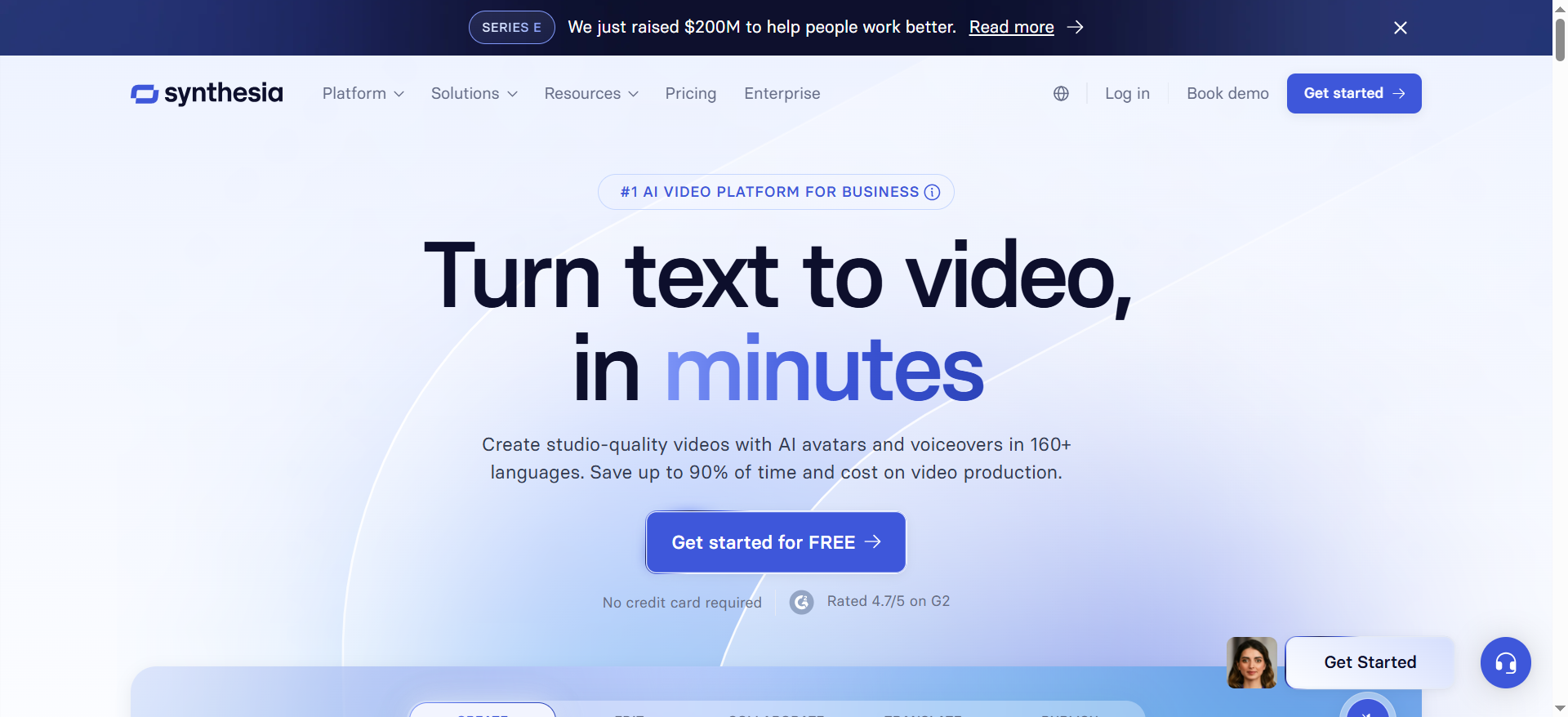
Synthesia is a team-focused AI video platform designed for creating videos quickly using templates, brand kits, and streamlined production workflows.
Why teams use it
Teams use Synthesia when they need consistent output at scale, training, enablement, product education, and internal comms, without heavy editing overhead.
What it’s good for
- Repeatable video templates for teams
- Fast production for training and explainers
- Consistent narration across many videos
When it’s a good fit
Pick Synthesia if your team wants an end-to-end workflow where video creation and voice workflows are standardized and easy to hand off across contributors.
When it’s not a good fit
If you need advanced cinematic editing, complex motion graphics, or deep audio engineering controls, you may prefer a dedicated video editor plus a specialized voice engine.
How to use it
- Choose a template and set your brand kit
- Add your script and generate narration / voice
- Assemble scenes, add captions and visuals
- Export and reuse the structure as a template
Key capabilities
- Team workflows and reusable templates
- Fast iteration for repeatable content
- Outputs designed for business teams
Downsides / limitations
- Less flexibility than pro-grade editors
- Voice controls may feel “workflow-first” vs audio-engine-first
2. Fish Audio
What it does
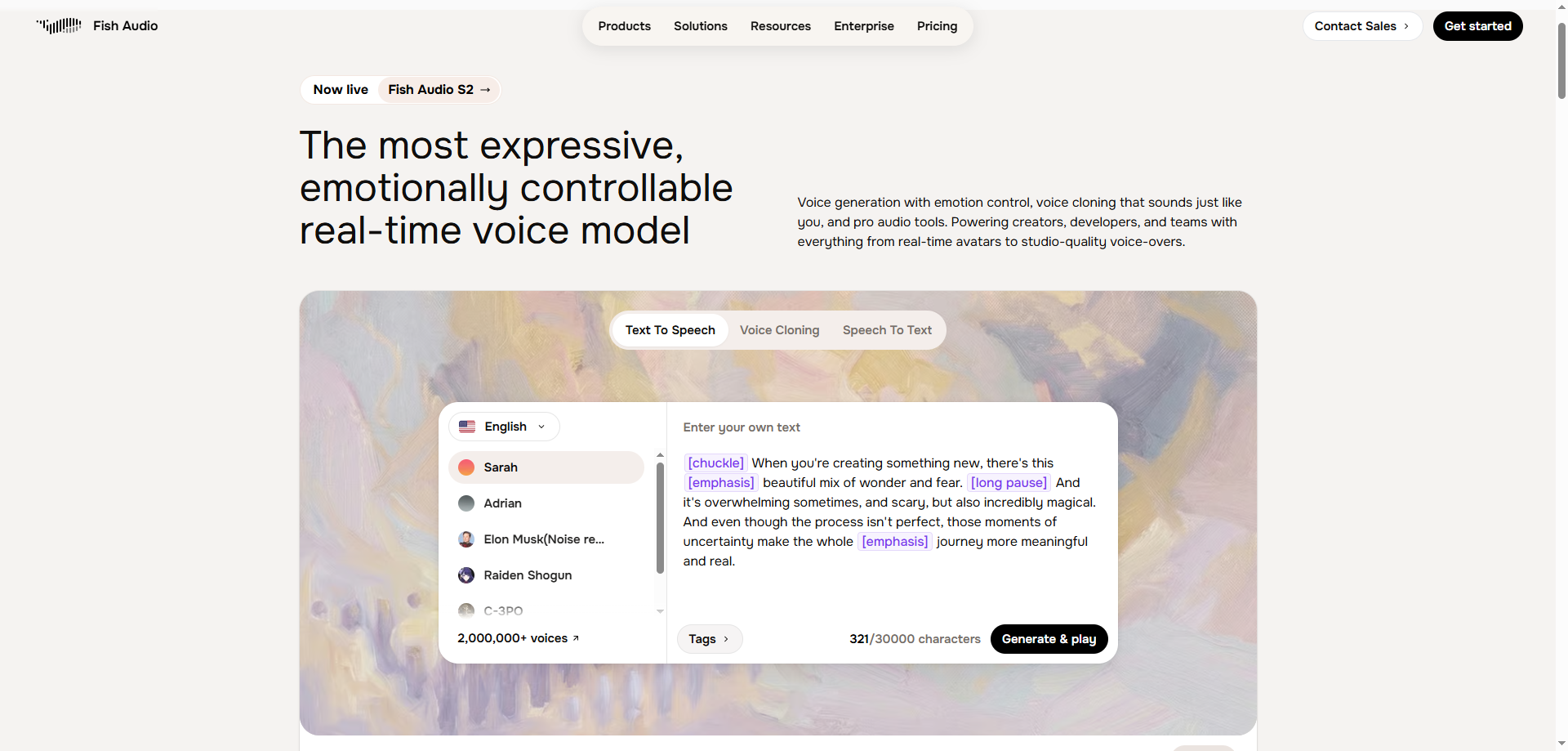
Fish Audio's S2 model is a dedicated voice AI platform built for state-of-the-art voice cloning and TTS. It clones any voice from a 15-second sample and delivers the most natural, expressive output on the market — ranked #1 based on ELO benchmarks, outperforming ElevenLabs and every major alternative in both naturalness and delivery control.
Why teams use it
Teams choose Fish Audio when voice quality is non-negotiable in their video production pipeline. Unlike black-box tools, Fish Audio gives precise control over how every line sounds — emotional tone, speaking rate, and expressiveness are all independently adjustable, making it much better than competitors for projects where the voice needs to carry a performance.
What it's good for
- Dubbing and localization (80+ languages, cross-lingual cloning from a 15-second sample)
- Fine-grained emotional delivery for marketing videos, product explainers, and training content
- High-volume voice generation via API (~$15/1M characters, roughly 10x less than ElevenLabs)
When it's a good fit
Pick Fish Audio when voice quality and expressiveness are the top priority, and you're pairing it with your existing video editor (Premiere, DaVinci, Descript). Especially strong for dubbing, long-form narration, and any content where the voice needs to carry an emotional performance.
When it's not a good fit
If you need an all-in-one platform with avatar creation, templates, and team video workflows baked in, Synthesia or HeyGen is the better fit for end-to-end production. Use Fish Audio as your dedicated voice engine for the highest-quality audio layer.
How to use it
- Create or clone a voice from a 15-second clean audio sample
- Write your script; add emotion tags ([excited], [calm], [whispering]) for precise line-by-line delivery
- Generate narration and export WAV/MP3
- Drop into your video editor for final production
Key capabilities
- State-of-the-art voice cloning from 15-second samples, ranked #1 on ELO benchmarks
- Emotion tags and adjustable speaking rate for full, granular delivery control
- 2M+ community voice models
- S2 model: 200ms TTFA, optimized for production workflows
- API-ready at ~$15/1M characters (roughly 10x less than ElevenLabs)
Quick Comparison: Fish Audio vs. ElevenLabs
| Features | Fish Audio | ElevenLabs |
|---|---|---|
| Voice naturalness | #1 (ELO benchmarks) | Strong |
| Expressiveness | Fine-grained emotion tags | Good |
| Delivery controllability | Speed, emotion, tone — all adjustable | Moderate |
| Cross-lingual cloning | Yes (15s sample, 80+ languages) | Yes (limited languages) |
| API pricing per 1M characters | ~$15 | ~$165 (roughly 11x more) |
Downsides / limitations
- Not an end-to-end video production platform — pairs best with your existing video editor
- Commercial use of the open-weights S2 model requires a paid license; consent rules apply to all cloned voices
3. Descript (Overdub)
What it does
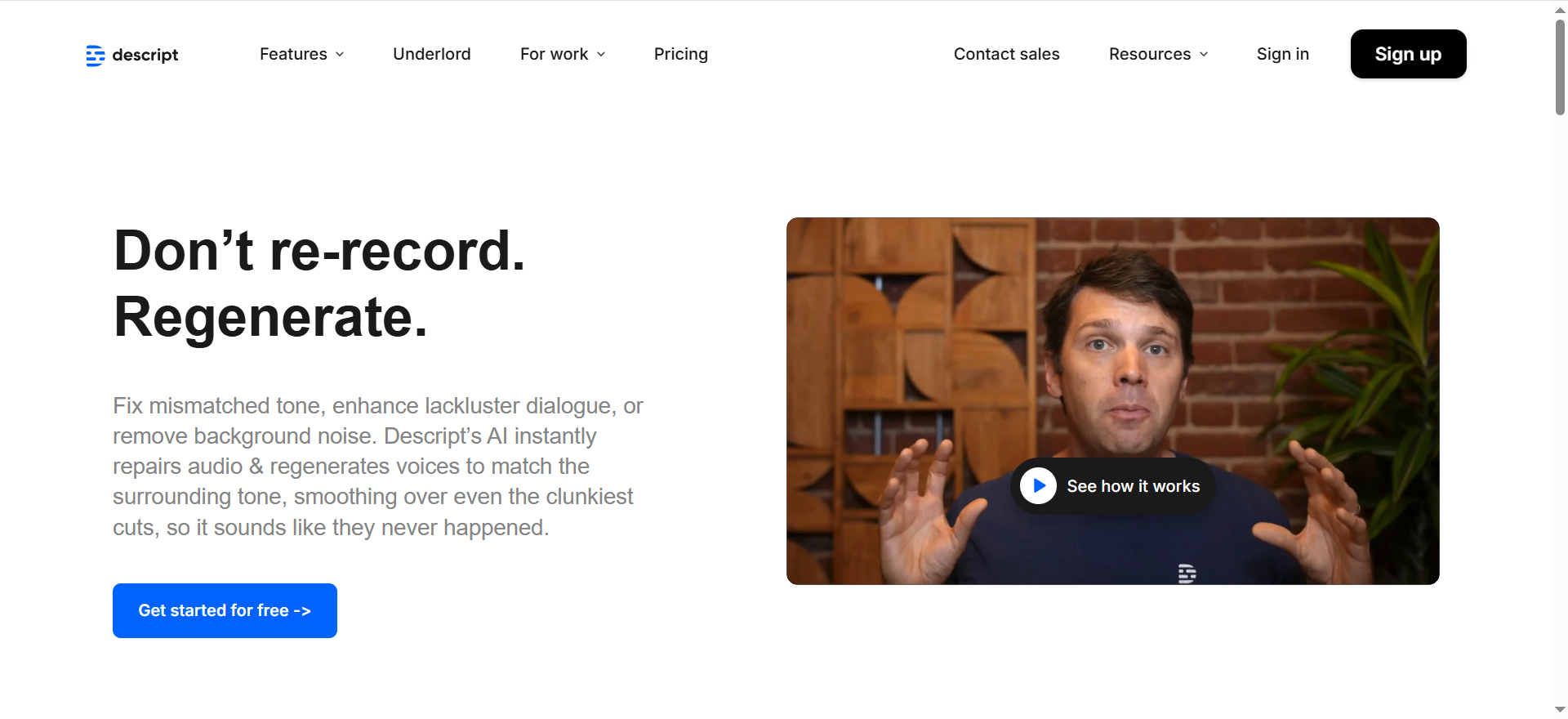
Descript is an editor-first platform that lets teams edit audio/video like a document. Overdub enables voice cloning / voice replacement inside the editing workflow.
Why teams use it
It’s popular with creators and teams who do lots of editing and want voice fixes without re-recording.
What it’s good for
- Editing-heavy workflows (voice replacement, fixes)
- Repurposing content (podcast → clips → video)
- Quick revisions without a studio session
When it’s a good fit
If you already edit a lot and want voice cloning baked into your editing tool, Descript is the most direct option in this list.
When it’s not a good fit
If you need the absolute best voice realism and control, a dedicated voice platform may perform better.
How to use it
- Import or record content
- Generate transcript and edit text-first
- Use Overdub for fixes and replacements
- Export for your publishing workflow
Key capabilities
- Text-based audio/video editing
- Voice correction workflows
- Great for revision cycles
Downsides / limitations
- Not always the top for pure voice realism
- Best value shows up when editing is the bottleneck
4. ElevenLabs
What it does
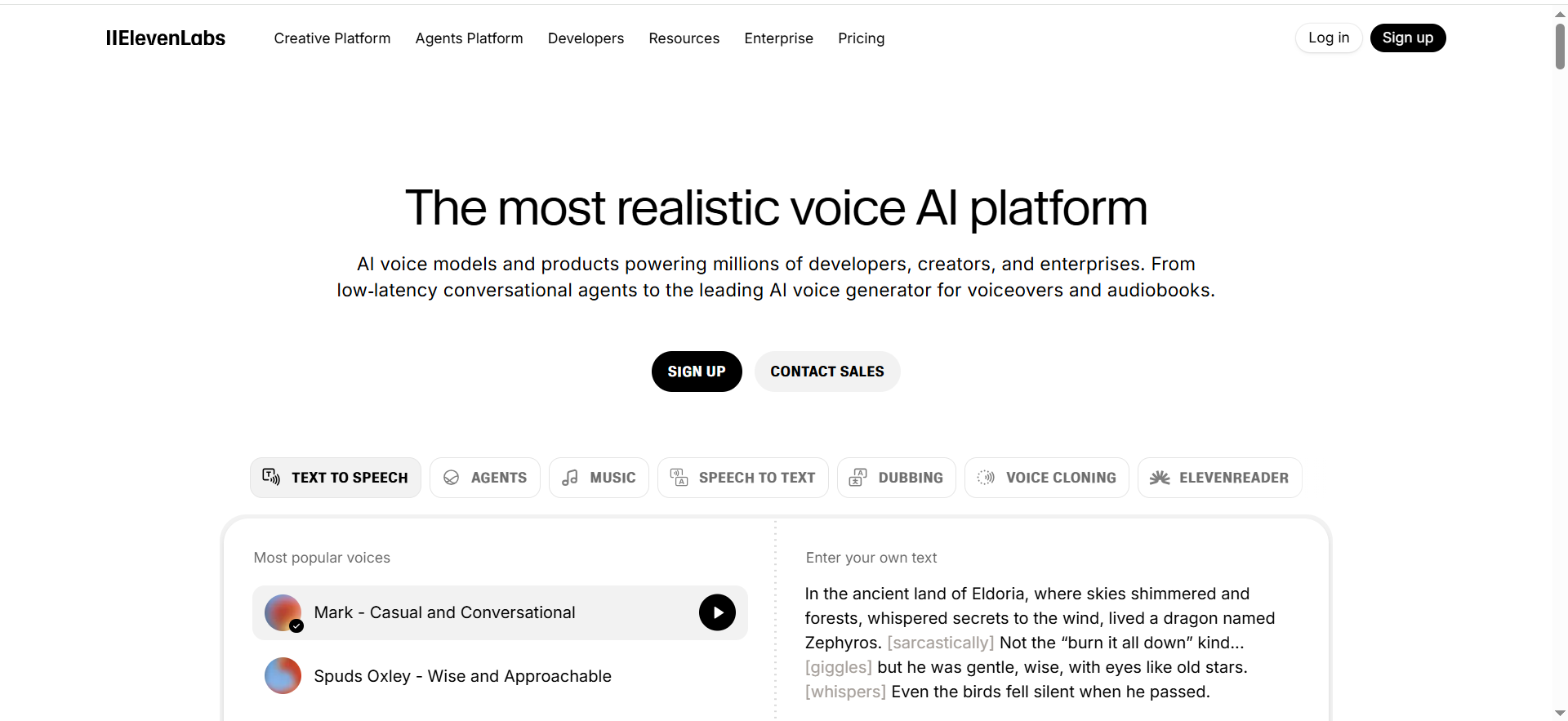
ElevenLabs is a dedicated voice AI platform known for high-quality text-to-speech and voice cloning with strong controls.
Why teams use it
Teams choose ElevenLabs when voice quality is the primary differentiator, narration, product voiceovers, and multilingual voice workflows.
What it’s good for
- Best-in-class voice realism
- Fine control over tone and delivery
- Scaling consistent narration across projects
When it’s a good fit
If voice quality is your top priority and you’re willing to pair it with your preferred editor, ElevenLabs is the strongest “voice engine” option.
When it’s not a good fit
If you want one single tool that handles video production end-to-end with templates and business workflows, consider Synthesia or HeyGen instead.
How to use it
- Create or clone a voice (with consent)
- Generate narration from scripts
- Export audio files
- Drop into your video editor and produce variants
Key capabilities
- High-quality voice generation
- Strong voice cloning options
- Useful for multilingual narration workflows
Downsides / limitations
- Not a full video editor by itself
- Requires workflow integration for video production
5. VEED
What it does
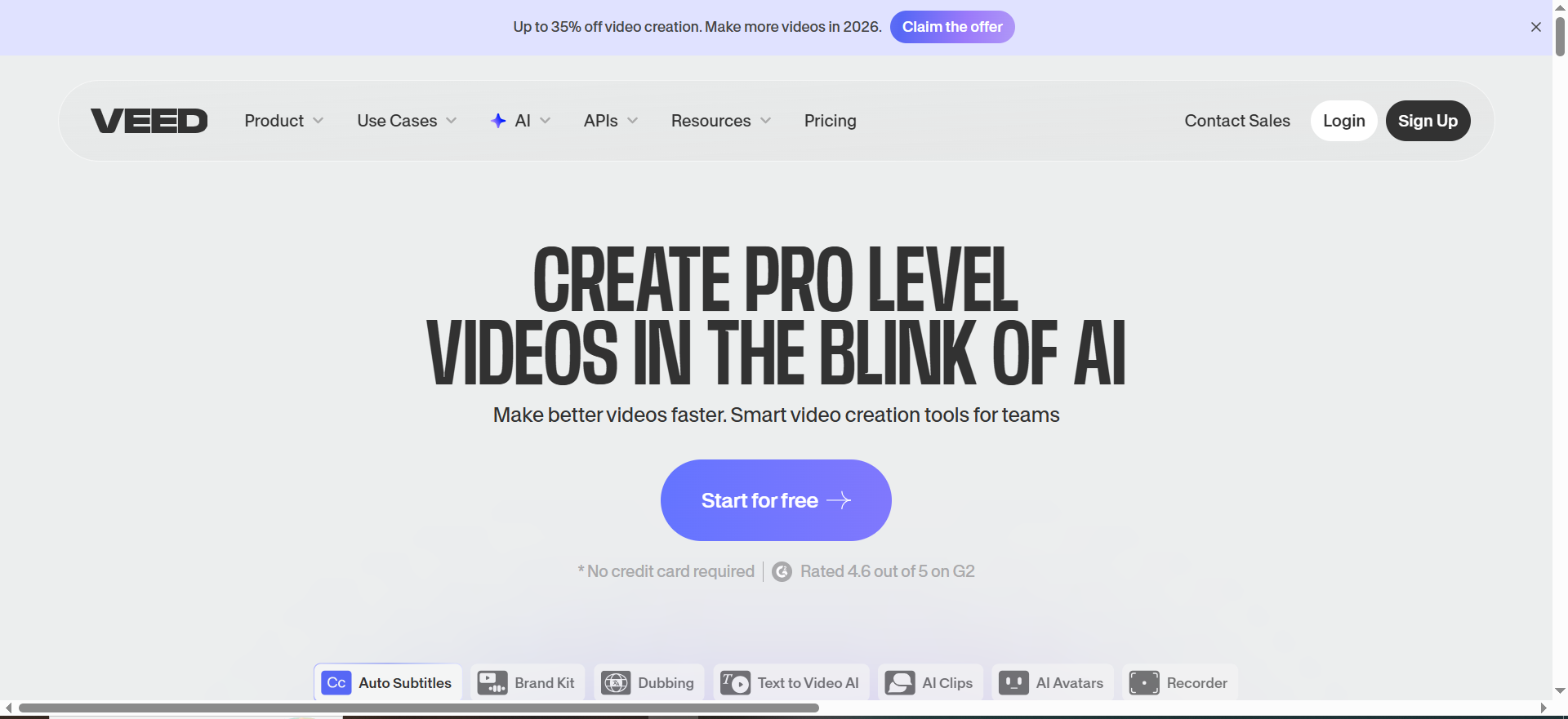
VEED is a browser-based video editor with AI features that help teams create and edit content quickly, including AI voice capabilities.
Why teams use it
It’s used by small teams that want fast editing, captions, and quick outputs without complex tooling.
What it’s good for
- Quick edits and social content
- Lightweight browser workflows
- Captions and fast export
When it’s a good fit
If you want a simple editor and your voice needs are “good enough” for fast marketing content, VEED fits well.
When it’s not a good fit
If you need advanced governance controls or top-tier voice realism, choose a specialized voice solution or a heavier platform.
How to use it
- Upload footage or build from templates
- Add AI voice / narration
- Add captions and trims
- Export and publish
Key capabilities
- Browser-based editing
- Fast captioning and publishing workflows
- Easy for non-technical users
Downsides / limitations
- Less robust for complex production pipelines
- Voice quality may not match specialist tools
How to define “best” voice cloning for your team
Before you pick a tool, decide what “best” means for your use case using a clear buyer-guide approach. Most teams choose the wrong tool because they optimize for a demo-quality voice, then discover workflow and governance issues later.
Voice realism & consistency
Test a 20–30 second script with brand terms and a couple of emotional shifts (excitement, neutral, serious). The best tools sound natural across the whole read, not just the first sentence.
Control & directing (pace, pronunciation, emotion)
Look for practical controls: pacing, emphasis, pauses, pronunciation dictionaries, and consistency across multiple takes. If your team makes product videos, pronunciation controls matter more than you think.
Video workflow fit (timeline, captions, exports, avatars)
Ask: does the tool match how you work today? If your team needs templates, brand kits, captions, and quick variants, choose a tool optimized for repeatable production.
Multilingual dubbing quality
If you localize, don’t just check “languages supported.” Test the top 2–3 languages you ship and evaluate accent quality, timing, and lip sync (if avatars are involved).
Governance & safeguards (consent, access, audit trail)
Voice cloning creates real risk. Require: explicit consent, role-based access, and a clear policy for who can create or export cloned voices. For larger teams, auditing and restrictions are non-negotiable.
FAQs
What’s the difference between voice cloning and text-to-speech?
Do I need consent to clone a voice?
Which tool should I pick if I want the most realistic voice?
Can these tools keep a consistent brand voice across many videos?
What safeguards should teams require before adopting voice cloning?
📋 Get Listed / Advertisement
We update this guide monthly. Want your tool featured? Contact: [email protected].


