
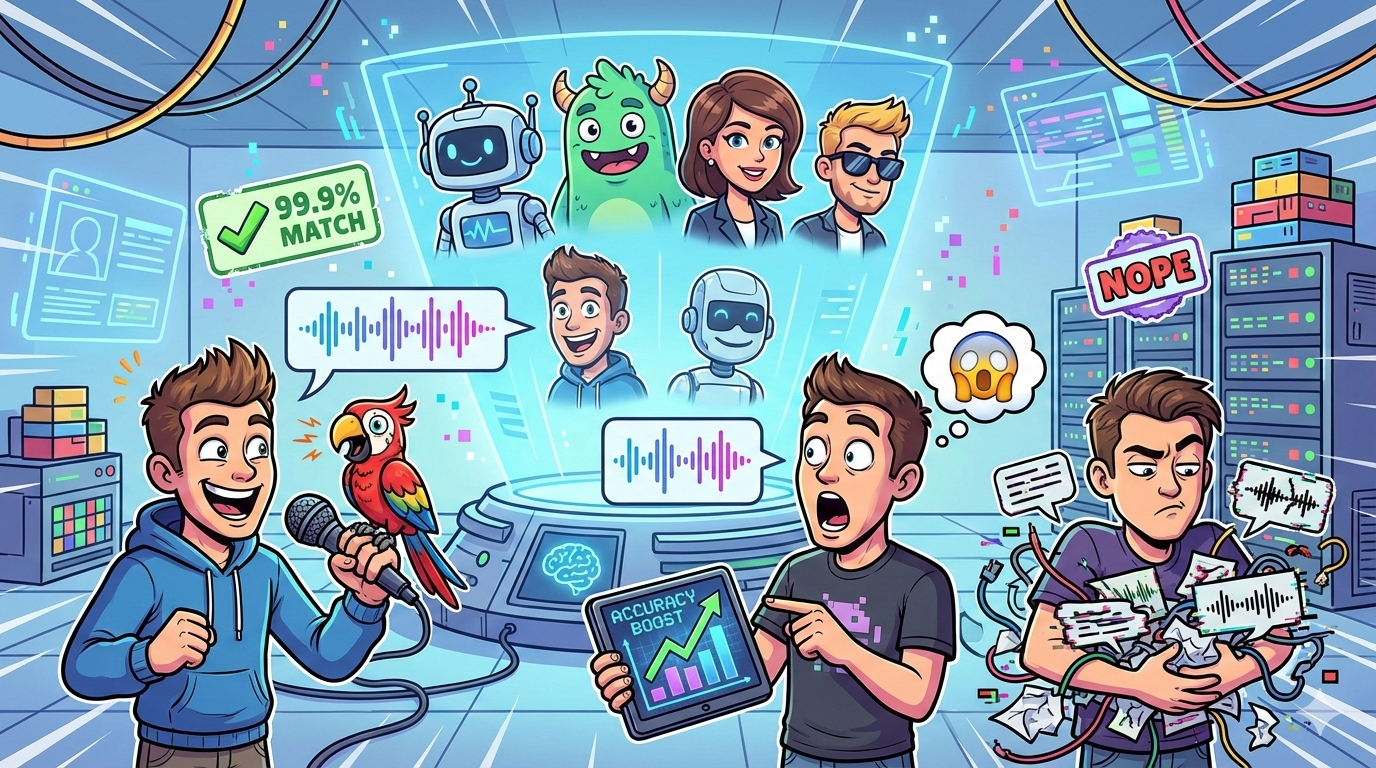
If voice cloning accuracy is your top priority, start your pilot with Synthesia (best overall governance + consistent output for teams), then compare it head-to-head with HeyGen for faster iteration and creator-style workflows.If you need a consent-forward approach or flexible identity workflows, test D-ID. For enablement/L&D teams producing repeatable internal videos, Colossyan is often the easiest to operationalize. If you want a more programmable setup (especially API-first workflows), shortlist DeepBrain AI (AI Studios).
📋 Get Listed / Advertisement
We update this guide monthly. Want your tool featured? Contact: [email protected].
Best AI Avatar Services for Voice Cloning Accuracy (Quick Comparison)
| Tool | Best for |
|---|---|
| Synthesia | Governance-heavy teams (compliance, brand safety) |
| HeyGen | Fast “good enough” clones for frequent SaaS updates |
| D-ID | Consent-forward workflows + flexible identity options |
| Colossyan | Enablement/L&D videos with fast cloning |
| DeepBrain AI (AI Studios) | API-driven cloning in a programmable video stack |
📋 Get Listed / Advertisement
We update this guide monthly. Want your tool featured? Contact: [email protected]
1. Synthesia
What it does
An AI avatar video platform built for teams that need reliable workflows, approvals, and enterprise-friendly controls, often a strong fit when brand and compliance matter.
Why teams use it
- Consistent output across repeatable video types (product updates, internal training, onboarding)
- Team collaboration + governance patterns that reduce “random creator chaos”
What it’s good for
- Recurring SaaS update videos, onboarding series, enablement libraries
- Organizations that need approvals, auditability, and predictable production
When it’s a good fit
- You have multiple stakeholders reviewing scripts, voice, and brand tone
- You need “boring but dependable” production at scale
When it’s not a good fit
- You want highly experimental creator-style effects
- You need maximum flexibility in bring-your-own pipelines and custom voice stacks
How to use it
- Create a short “benchmark” project (one script, one avatar, one voice clone).
- Run the test kit twice and compare drift.
- Create a brand voice guide: pronunciation list, pacing rules, do/don’t phrases
- Lock a standard template: intro, CTA, lower-third styling, outro
Key capabilities
- Team workflows, approvals, templates, repeatability
- Strong “enterprise posture” (useful for governance-heavy orgs)
Pricing
Synthesia’s pricing starts at $29/month.
Free tier?
Synthesia offers a free tier that includes 10 minutes of video per month.
Downsides / limitations
- May feel less “creator-flexible” than tools optimized for social-first workflows
- Voice quality depends heavily on your training sample quality and script style consistency
2. HeyGen
What it does
An avatar video tool optimized for speed and iteration, often chosen when teams need to publish frequently and keep turnaround low.
Why teams use it
- Fast production cycles for marketing and growth teams
- Strong “ship it weekly” workflows for announcements and updates
What it’s good for
- Weekly/monthly product updates, launch recaps, lightweight explainers
- Teams that value speed and output volume alongside good voice quality
When it’s a good fit
- You want quick “good enough” voice cloning with minimal friction
- You need to create lots of variations and test messaging
When it’s not a good fit
- You require strict governance, advanced approvals, or complex legal workflows
- You need high-stakes “CEO voice” content where any artifact is unacceptable
How to use it
- Start with your clean 60–90s training audio.
- Use a single “benchmark script” to compare your first 3–5 renders.
- Build a pronunciation dictionary (product + competitor terms).
- Standardize scripts so the voice stays consistent across episodes.
Key capabilities
- Speed, iteration, and frequent publishing workflows
- Practical for growth teams producing ongoing content
Pricing
HeyGen’s pricing starts at $29/month for the Creator plan.
Free tier?
HeyGen offers a free tier that lets you generate up to 3 videos per month (no credit card required).
Downsides / limitations
- Fast workflows can encourage “publish before QA”, build a checklist to avoid drift.
- Voice consistency can suffer if scripts vary wildly in pacing and emotion
3. D-ID
What it does
An avatar/AI video platform often used for identity-forward workflows, with a strong emphasis on responsible usage patterns in many customer setups.
Why teams use it
- Flexible approaches to identity and voice workflows
- Useful when you need clearer consent-forward operational patterns
What it’s good for
- Teams prioritizing consent documentation and responsible deployment
- Projects that need flexible avatar/voice experimentation without heavy production overhead
When it’s a good fit
- You need a clear consent process and internal governance
- You want flexible workflows that can support different voice approaches
When it’s not a good fit
- You need maximum realism for premium, customer-facing “flagship voice” content
- You want a single end-to-end platform that handles everything at enterprise scale
How to use it
- Run the test kit twice and score realism + artifacts.
- Add a consent/rights checklist to every project folder.
- Standardize your audio cleanup step before training (noise reduction, leveling).
Key capabilities
- Flexible workflows that can fit different internal processes
- Good option when responsible-use patterns are a key requirement
Pricing
D-ID’s pricing starts at $4.70/month on its Lite plan when billed annually ($56/year).
Free tier?
D-ID doesn’t offer a free tier, but it does offer a 14-day free trial.
Downsides / limitations
- Voice quality can be sensitive to training audio quality
- Might require more process discipline (QA + audio prep) to get consistently strong results
4. Colossyan
What it does
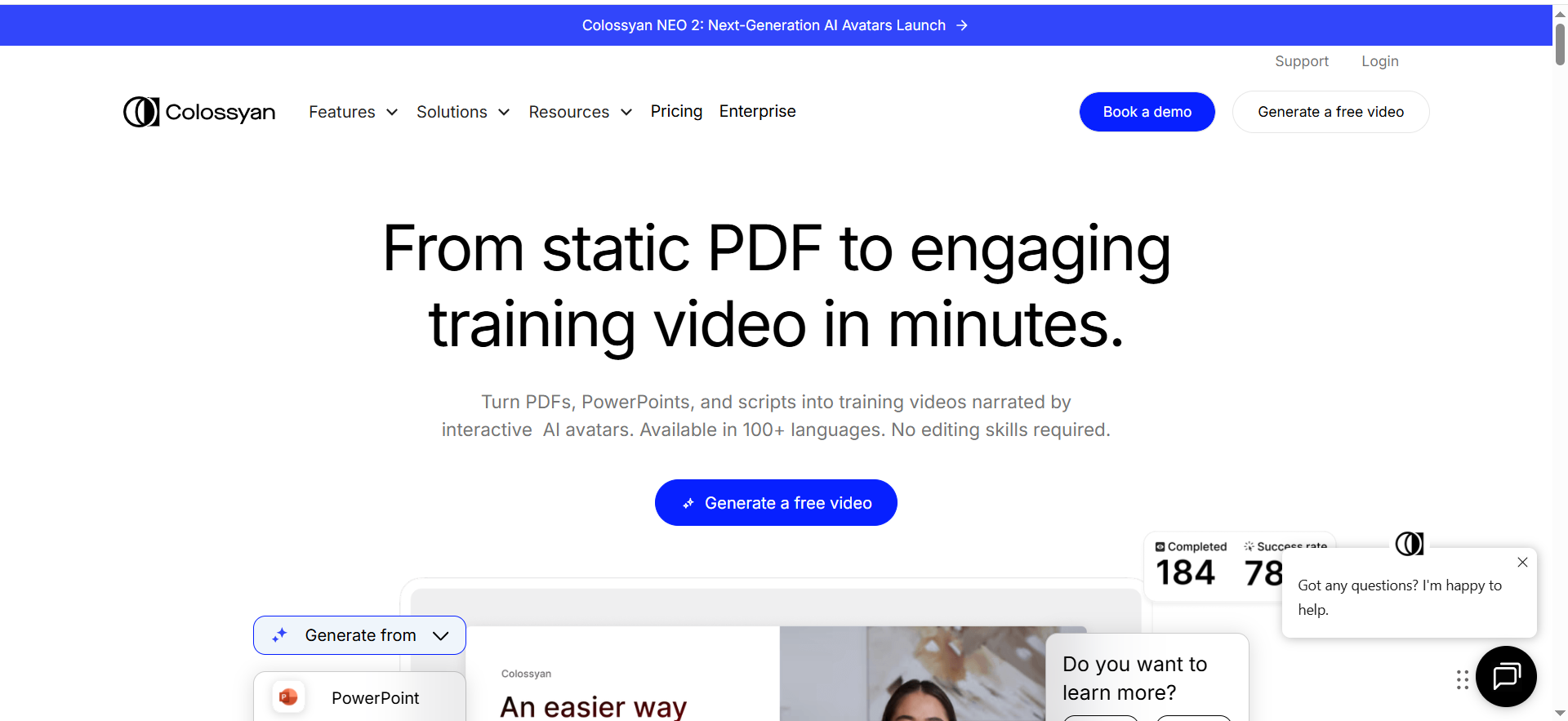
An AI video/avatar platform commonly adopted by enablement, training, and internal comms teams who need scalable, repeatable production.
Why teams use it
- Operational simplicity for training libraries
- Good fit for structured content (modules, lessons, internal docs → videos)
What it’s good for
- Enablement, L&D, onboarding, internal training at scale
- Template-driven production where consistency matters
When it’s a good fit
- You produce repeatable training content (same structure, new modules)
- You want a stable workflow that non-technical teams can run
When it’s not a good fit
- You need maximal cinematic realism or advanced creator effects
- You require complex API-first automation from day one
How to use it
- Create one training template (intro → lesson → recap).
- Record a clean training sample and benchmark script.
- Build a QA checklist for pronunciation and artifacts (especially acronyms).
Key capabilities
- Templates and structured training workflows
- Good for repeatable internal content engines
Pricing
Colossyan’s pricing starts at $19/month.
Free tier?
Colossyan doesn’t offer a free tier, but it does offer a free trial.
Downsides / limitations
- Can be less “marketing-flexible” if you want highly customized creative styles
- Voice realism may require more iteration for customer-facing flagship content
5. DeepBrain AI (AI Studios)
What it does
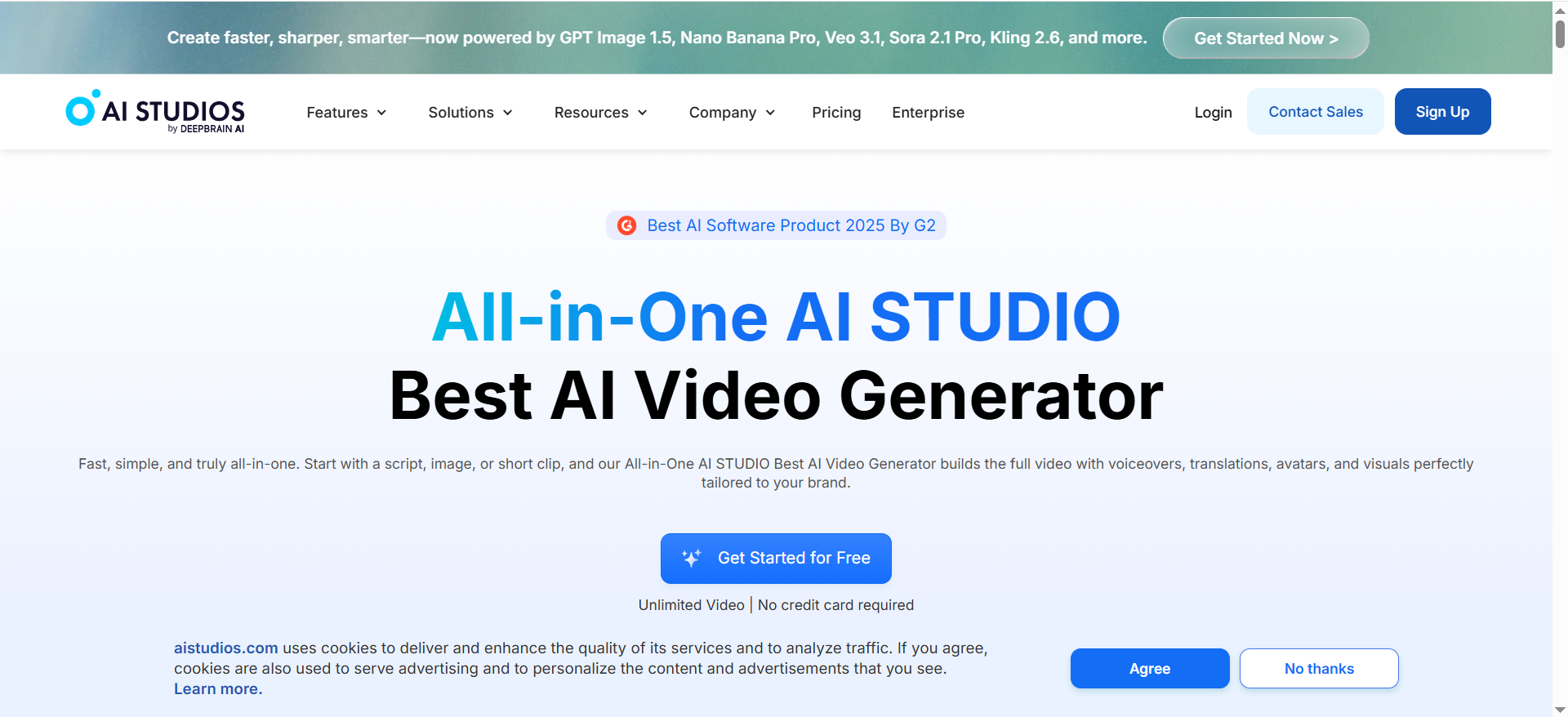
A platform that can work well when you want a more programmable or scalable approach, especially if you care about integrating avatar video into broader systems.
Why teams use it
- Useful in stacks where automation matters (repeatable pipelines, integrations)
- Fits teams thinking beyond one-off videos into ongoing content systems
What it’s good for
- Programmatic video generation (templates + repeatable variants)
- Teams planning integration-heavy workflows
When it’s a good fit
- You want to scale production with templates and operational controls
- You need to connect video generation into internal workflows
When it’s not a good fit
- You only need a few videos a month and prefer the simplest UI
- You need best-in-class voice realism above everything else
How to use it
- Build a template for your recurring video type (release notes, feature demo).
- Plug in the same benchmark script and score two renders for drift.
- Add review steps: script → voice check → final export.
Key capabilities
- Workflow fit for scalable, repeatable video production
- Often aligns with integration-first thinking
Pricing
AI Studios’ pricing starts at $24/month (Personal plan), and enterprise pricing is available by quote.
Free tier?
AI Studios offers a free tier (Free plan).
Downsides / limitations
- Voice realism may not lead the category, benchmark it before committing
- Integration-heavy setups require process ownership (someone must run QA and governance)
FAQs
What actually determines “voice cloning accuracy”?
How much audio do you need for a good clone?
Why does my clone sound “robotic” at the end of sentences?
Is voice cloning safe/legal for brands?
Can I bring my own voice engine and still use an avatar platform?
Which tool should I choose if I publish weekly product updates?
📋 Get Listed / Advertisement
We update this guide monthly. Want your tool featured? Contact: [email protected].


