
- If you want the most realistic creator-style voiceovers, start with ElevenLabs.
- If you’re shipping in-product voice or an agent and want a dev-first API, OpenAI Text-to-Speech is a strong pick.
- For enterprise-grade reliability and predictable scaling, Amazon Polly is a safe default.
- If you want natural-sounding voice cloning at a lower cost per character, this AI voice generator is worth a look.
- If you want a fast, template-driven studio workflow for marketing, Murf is an easy on-ramp.
📋 Get Listed / Advertisement
We update this guide monthly. Want your tool featured? Contact: [email protected].
Best AI Voice Generators (Quick Comparison)
| Tool | Best for | Free option? | Why it’s a top pick |
|---|---|---|---|
| ElevenLabs | Premium creator voice + brand voices | Yes (plan-dependent) | High realism + strong creator workflow |
| Open AI TTS (Audio API) | Dev-first TTS + streaming in apps/agents | No (paid API) | Streaming-ready API + simple integration |
| Amazon Polly | Enterprise reliability on AWS | Yes (varies by account/limits) | Predictable character-based costs + scale |
| Fish Audio | Natural voice cloning + affordable API | Yes (7 min/month) | High-fidelity cloning from a short sample + budget-friendly per-character pricing |
| Murf | Marketing voiceovers + templates (plus API) | Yes (trial/limits vary) | Studio speed + practical team workflow |
📋 Get Listed / Advertisement
We update this guide monthly. Want your tool featured? Contact: [email protected].
1. ElevenLabs
What it does
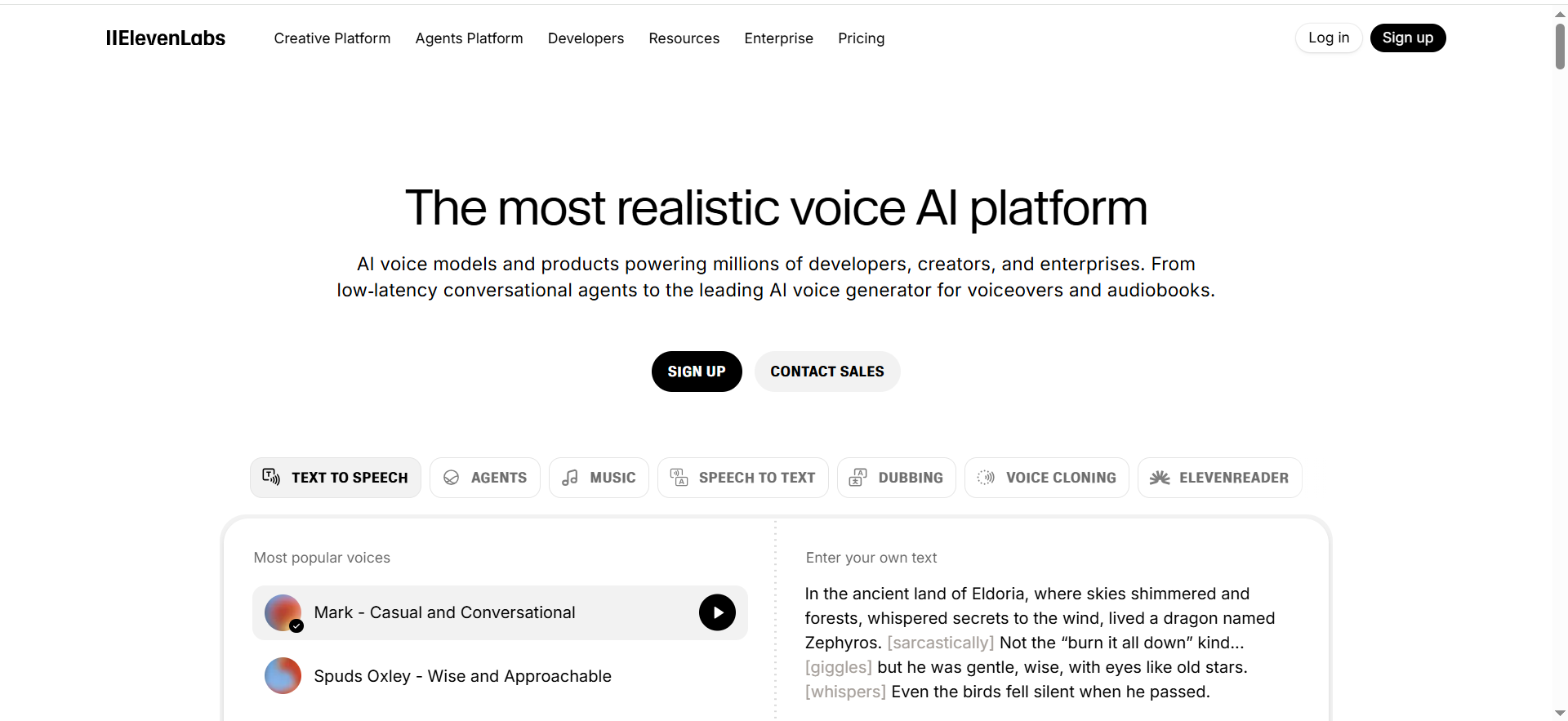
Generates high-quality speech from text, with a creator-first workflow geared toward realistic voiceovers and consistent “brand voice” output.
Why teams use it
It reduces recording time, speeds iteration on scripts, and helps maintain a consistent voice across campaigns and channels when paired with the right marketing automation tools.
What it’s good for
- Marketing voiceovers (ads, landing videos, explainers)
- Consistent brand narration across content
- Optional API automation for pipelines
- Voice cloning (only with clear consent + governance)
When it’s a good fit
- You need premium, marketing-grade output
- You iterate frequently and care about “sounds human”
When it’s not a good fit
- You only need “good enough” bulk narration at the lowest unit cost
- You have strict cloud-only procurement requirements (you may prefer AWS/GCP-first)
How to use it
- Run a 10–20 script bake-off and pick 2–3 voices, then track outcomes in your marketing analytics stack
- Create a pronunciation list (product names, acronyms) and reuse it
- Standardize exports (format + loudness target) for consistency
Key capabilities
- Natural prosody and expressive delivery
- Voice libraries and brand-voice consistency
- Automation via API (where applicable)
Pricing
ElevenLabs’ pricing starts at $5/month.
Free tier?
ElevenLabs offers a free tier (Free plan).
Downsides / limitations
- Costs can rise with high-volume generation
- Voice cloning requires strict consent, access control, and disclosure policies
2. Open AI Text-to-Speech (Audio API)
What it does
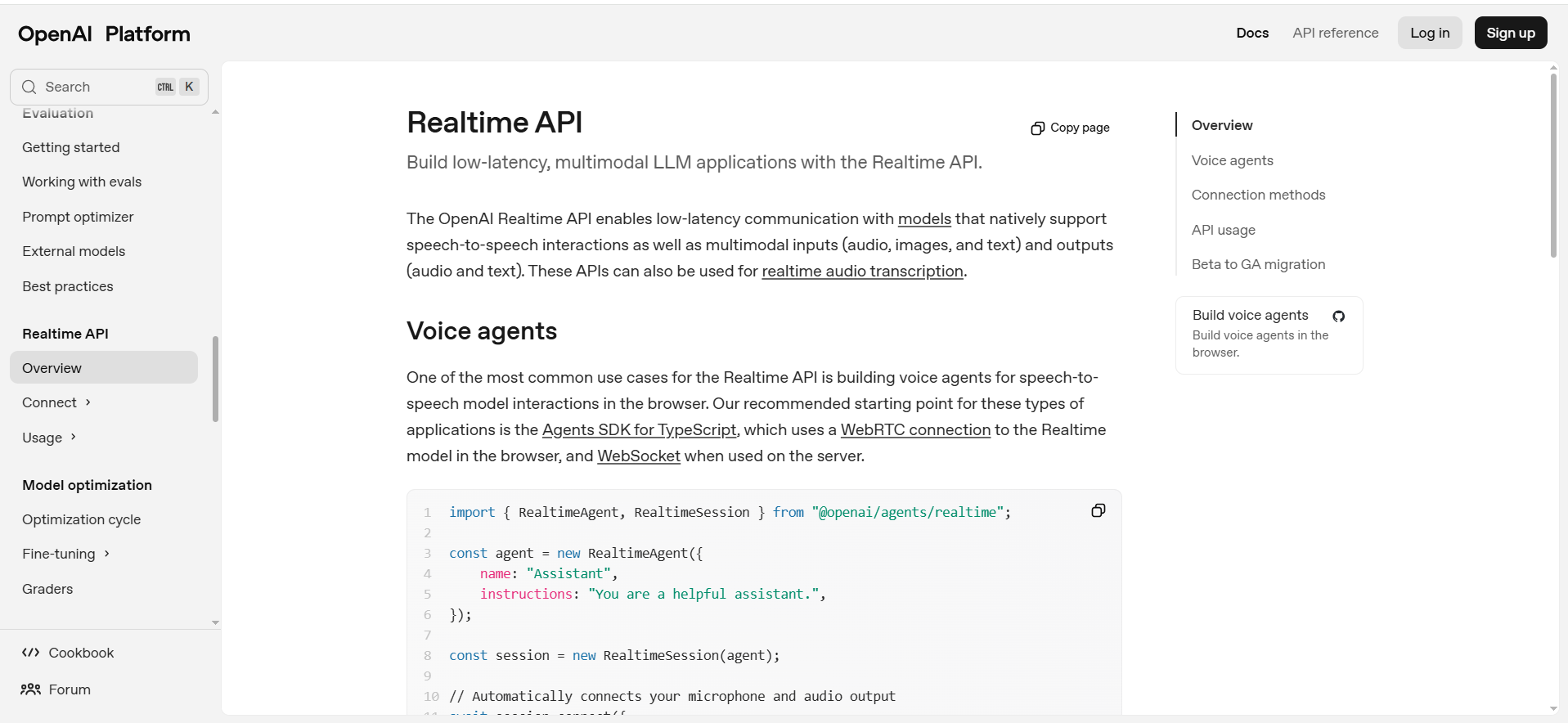
Developer-friendly text-to-speech for apps and workflows, with options suited to product use cases and streaming-like experiences.
Why teams use it
It’s fast to integrate and fits product/agent scenarios where you need reliable generation from code.
What it’s good for
- In-app voice experiences and assistants
- Automation pipelines that generate speech at scale
- Latency-sensitive use cases (validate in your environment)
When it’s a good fit
- You’re embedding TTS into a product or workflow
- Streaming/latency and integration speed matter
When it’s not a good fit
- You mainly want a creator studio editor with templates and team collaboration
How to use it
- Prototype with 10 representative scripts and measure latency + quality
- Define a voice policy (allowed uses, disclosure, cloning rules)
- Add QA checks for mispronunciation and pacing before shipping
Key capabilities
- API-first workflow
- Suitable for product and automation use
- Consistent output when you standardize inputs
Pricing
OpenAI’s Audio API pricing starts at $20 per 1M audio output tokens on gpt-audio-mini. Pricing varies by model and is billed per token.
Free tier?
OpenAI’s Audio API doesn’t offer a free tier; usage is pay-as-you-go.
Downsides / limitations
- Requires internal guardrails for voice use + disclosure
- For cinematic marketing narration, creator-first studios may still win
3. Amazon Polly
What it does
AWS text-to-speech service designed for reliability at scale, with SSML controls for pronunciation and delivery.
Why teams use it
Teams that already run on AWS use Polly for predictable ops, governance, and large-scale generation.
What it’s good for
- Bulk narration at scale (batch jobs)
- IVR, notifications, operational voice use cases
- SSML-controlled speech for consistency
When it’s a good fit
- You’re already on AWS and want tight IAM/billing integration
- You need stable unit economics and scale
When it’s not a good fit
- Your primary KPI is maximum expressiveness for marketing creative
How to use it
- Choose the right engine/voice type based on quality vs cost
- Use SSML for acronyms, numbers, and emphasis
- Monitor character usage to prevent cost surprises, especially if you’re working within a Series A SaaS content marketing budget
Key capabilities
- SSML support
- Enterprise reliability and AWS integration
- Character-based billing model
Pricing
Amazon Polly’s pricing starts at $4.00 per 1M characters for Standard voices (Neural voices start at $16.00 per 1M characters).
Free tier?
Amazon Polly offers a free tier for the first 12 months (including 5M Standard characters/month and 1M Neural characters/month).
Downsides / limitations
- Output can be “very good” but less expressive than premium creator-first tools for ads
4. Fish Audio
What it does
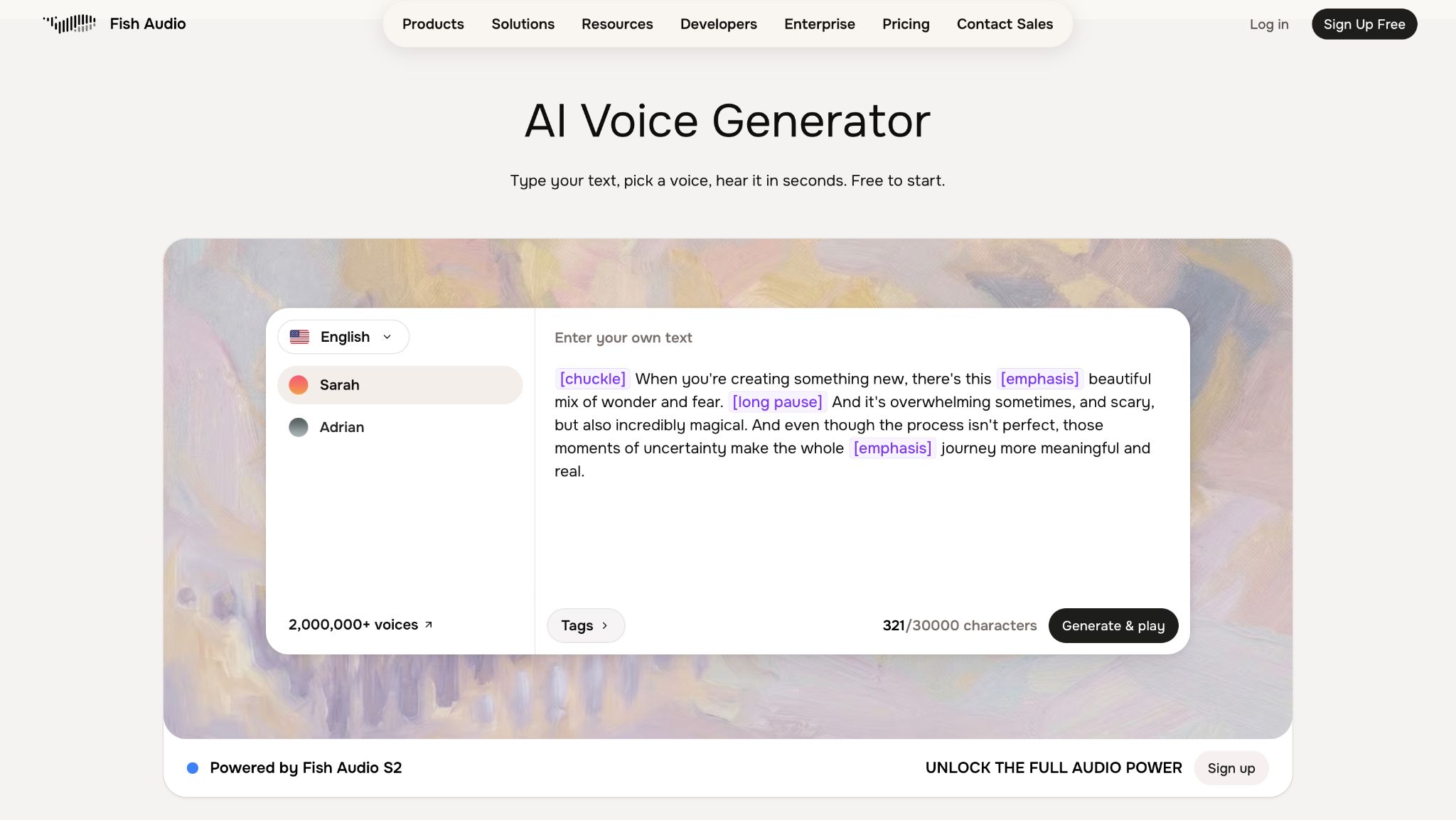
Generates natural-sounding speech from text and clones voices from a short reference sample, with fine-grained emotion tags for expressive delivery.
Why teams use it
Wide voice library and cloning at a lower per-character API cost than some alternatives, while keeping delivery expressive.
What it's good for
- Marketing voiceovers and narration where budget matters
- Cloning a consistent voice from a short reference clip
- Multilingual content from a single source voice
When it's a good fit
You want emotion controls (e.g. excited, whispering) rather than one flat tone, and are comparing API pricing across TTS vendors.
When it's not a good fit
You need the open-weight model for commercial use without securing a license first.
How to use it
- Upload a short reference sample to create a voice profile
- Add emotion tags to your script for the desired tone
- Generate takes and standardize exports (format + loudness) for consistency
Key capabilities
Voice cloning from a 15-second sample, emotion/delivery tags, 80+ languages with cross-lingual generation, API access.
Pricing
Plans start at $11/month for Plus; API pricing runs about $15 per 1M characters.
Free tier?
Yes, 7 minutes/month.
Downsides
Commercial use of the open-weight model requires a paid license; free tier best for testing.
5. Murf
What it does
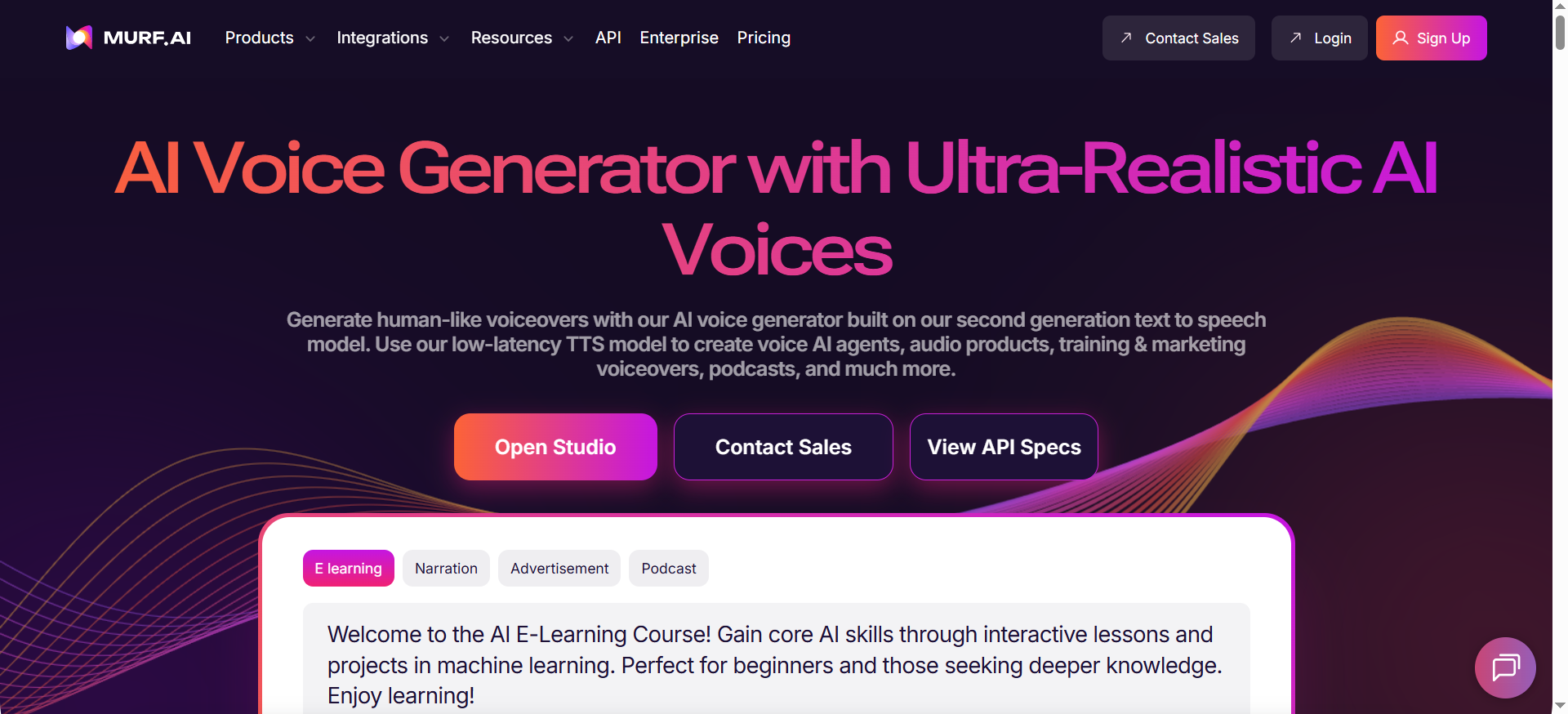
A studio-style voiceover tool designed for fast marketing production, often with templates and team workflow features (and API options for some plans).
Why teams use it
It’s an easy on-ramp for marketing teams that need speed, repeatability, and a guided editor.
What it’s good for
- Marketing voiceovers (demos, training, social, ads)
- Template-driven production workflows
- Optional API path for teams that need automation later
When it’s a good fit
- You need publish-speed for marketing voiceovers
- You want a browser studio UX and collaboration
When it’s not a good fit
- You need strict cloud governance with IAM-first procurement (AWS/GCP may be simpler)
- You require ultra-low-latency product voice (validate performance)
How to use it
- Choose 2–3 voices and create a “brand voice spec” (pace, tone, pronunciation)
- Write scripts in short, clear sentences to reduce rework, especially if you’re drafting with AI content generator tools for SaaS
- Export consistently (format + loudness target) per channel
Key capabilities
- Studio workflow optimized for marketing output
- Repeatable templates and settings
- Practical team collaboration patterns
Pricing
Murf’s pricing starts at $19/month (billed annually).
Free tier?
Murf offers a free tier (Free plan).
Downsides / limitations
- Not always the best fit for deeply engineered product voice stacks
- Must confirm commercial rights and plan restrictions carefully
How we ranked tools (rubric + testing notes)
We focused on what buyers typically mean by “best” for this query, use a similar comparison approach when you compare AI SEO tools
- Voice quality/prosody
- Languages/accents
- Commercial rights clarity
- Controls (SSML/pronunciation)
- API/streaming
- Scaling economics
To evaluate fairly, run the same 10–20 scripts through each tool and score: mispronunciations, pacing, artifacts, and total edit time, then document findings with AI content audit tools (GA4 + GSC)
How to choose (2-tool stack + decision guide)
Most SaaS teams end up with a two-layer stack, pressure test that stack against your broader digital marketing toolset:
- Studio layer (marketing speed): ElevenLabs, Murf, or Fish Audio (for expressive cloning on a budget)
- API layer (product reliability): OpenAI TTS, or Amazon Polly
Decision shortcuts:
- If the output is marketing: prioritize realism + workflow speed, and borrow process ideas from the best AI marketing tools for content marketing.
- If the output is product: prioritize API reliability, latency, governance, and predictable costs, use this lens like a platform buyer guide.
FAQs
Are AI voice generators legal for commercial use?
Which AI voice generator sounds most human in 2026?
Do these tools support SSML?
What’s the best “studio + API” setup for a SaaS company?
Can I clone a voice for my brand?
How should I test before choosing?
📋 Get Listed / Advertisement
We update this guide monthly. Want your tool featured? Contact: [email protected].


