

If you want the safest default for marketing-grade voice that also scales into automation, start with ElevenLabs. If your team needs a script-first studio workflow, pick Murf. If you prioritize consistent, corporate narration for teams, choose WellSaid Labs. If you need SSML-heavy control and predictable unit costs in an AWS stack, use Amazon Polly.
📋 Get Listed / Advertisement
We update this guide monthly. Want your tool featured? Contact: [email protected]
The best voice over AI tools (quick picks)
- Best overall (quality + workflow + API path): ElevenLabs
- Best marketing studio for teams (scripts, timing, exports): Murf AI
- Best consistent team narration (training, enablement): WellSaid Labs
- Best natural-sounding voice cloning on a budget: Fish Audio
- Best SSML control + predictable enterprise scaling (AWS): Amazon Polly
Voice over AI tools (quick comparison)
📋 Get Listed / Advertisement
We update this guide monthly. Want your tool featured? Contact: [email protected]
| Tool | Best for | Key strengths | Watch-outs |
|---|---|---|---|
| ElevenLabs | Marketing VO + automation | Natural delivery, strong controls, API-friendly | Validate licensing terms and required controls for your plan/model |
| Murf AI | Studio workflow teams | Script-first editor, collaboration, fast exports | Some controls may be UI-driven; test pronunciation edge cases |
| WellSaid Labs | Consistent corporate narration | Team collaboration, consistent voice quality, clear business positioning | Less suited to highly expressive character performance |
| Fish Audio | Budget-friendly voice cloning + narration | Natural-sounding cloning from a short sample, expressive delivery, affordable API pricing | Commercial use of the open-weight model requires a paid license |
| Amazon Polly | Enterprise SSML at scale | Mature SSML, predictable unit costs, AWS integration | Expressiveness varies by voice; may feel less “studio” out of the box |
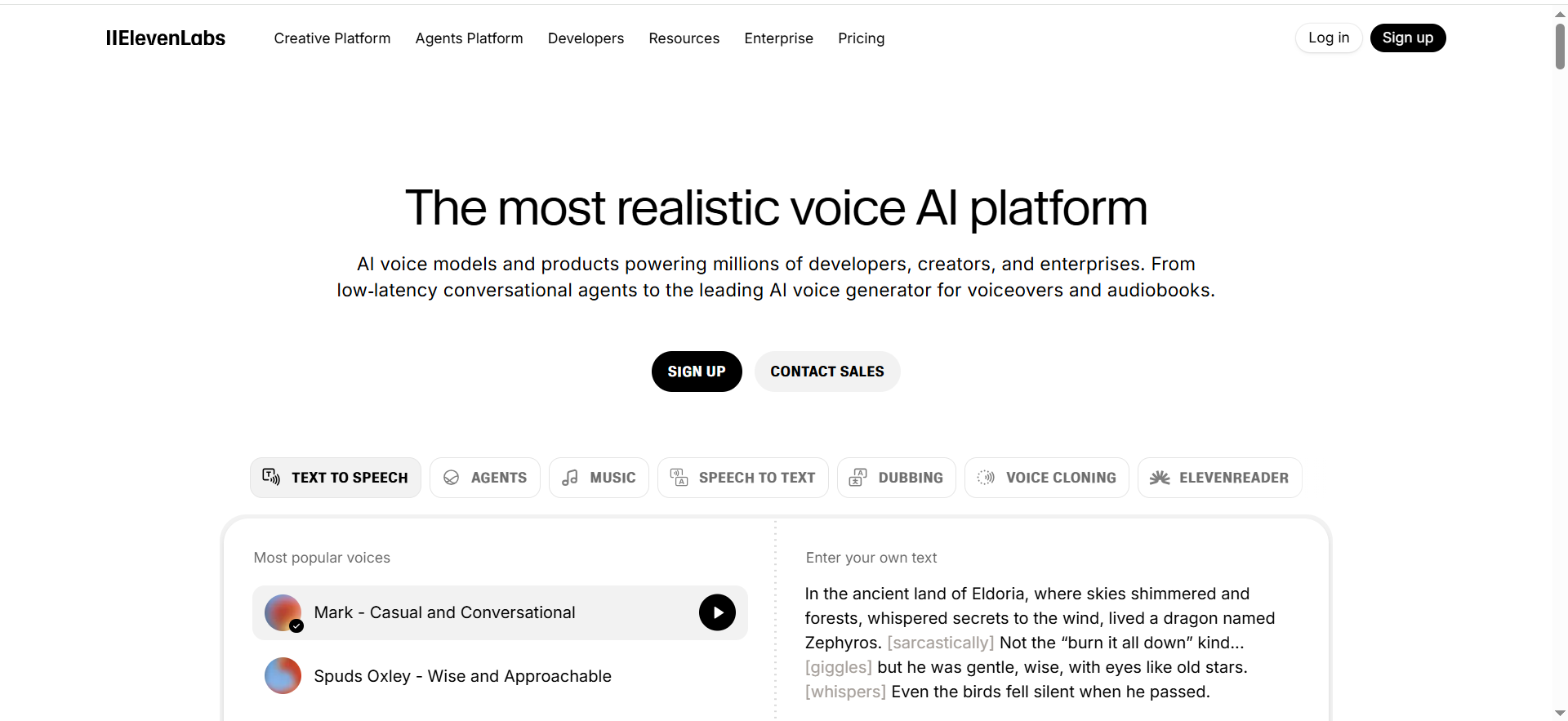
1. ElevenLabs
What it does
A voice over AI platform focused on natural-sounding speech with strong control and a clear path from UI generation to API automation.
Why teams use it
Teams use it as a default when they want a voice that sounds human enough for ads and product videos, and they may later need automation for scale.
What it’s good for
- Marketing voiceovers (ads, product walkthroughs, explainer narration)
- Fast iteration when scripts change weekly
- Localization workflows where you need consistent delivery
When it’s a good fit
- You want one vendor to standardize for marketing VO
- You may need API-based generation later
- You can run a short pilot to validate voice, controls, and rights
When it’s not a good fit
- You need deep SSML tag coverage as a hard requirement
- You only want character-billed economics inside an existing hyperscaler contract
How to use it
- Pick 1–3 approved brand voices (Narrator, Product, Story)
- Create a pronunciation list (product names, acronyms, competitor names)
- Generate 2–3 takes per script (neutral, faster, warmer)
- QA for mispronunciations and pacing, then export a final WAV/MP3
- If automating, template inputs and log outputs for review
Key capabilities
- Natural prosody and style variety
- Pronunciation and pacing controls (varies by model)
- UI workflows plus API options
- Reusable presets for consistency
Pricing
ElevenLabs’ pricing starts at $5/month for its Starter plan.
Free tier?
ElevenLabs offers a free tier (Free plan).
Downsides / limitations
- Controls can vary by model and voice; verify your must-have controls during the pilot
- Licensing terms differ by plan and region; get legal review for ad use at scale
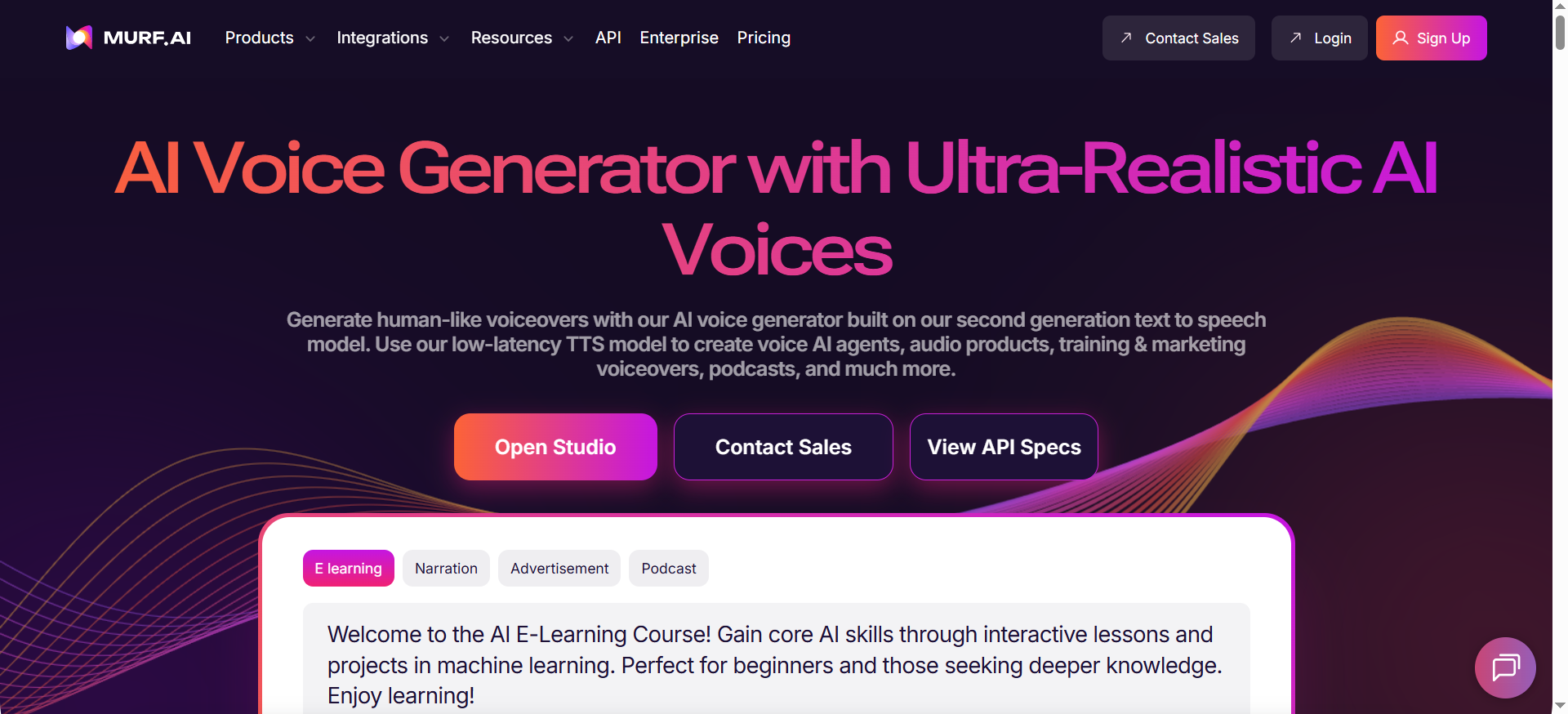
2. Murf AI
What it does
A script-first voiceover studio designed for marketing and enablement teams that need fast edits, timing control, and export-ready outputs.
Why teams use it
Most VO work is editing and iteration. Murf wins when your team needs a production workbench rather than just raw TTS.
What it’s good for
- Enablement and training narration
- Explainers and onboarding videos
- Teams that want a UI studio more than an API-first tool
When it’s a good fit
- Stakeholders iterate in the editor
- You want repeatable export settings and quick revisions
- You can standardize a small set of voices and presets
When it’s not a good fit
- You need low-latency streaming audio inside a product
- You require phoneme-level or SSML-heavy control for every asset
How to use it
- Import your script with an AI content generator and mark speaker changes
- Set pacing by sentence and add intentional pauses at transitions
- Lock the voice and preset for the campaign
- Export audio and keep script + audio versions together
- Maintain a shared pronunciation list across the team
Key capabilities
- Studio UI for scripts, timing, and exports
- Collaboration features
- Fast iteration for changing scripts
- Export formats suited to video workflows
Pricing
Murf’s pricing starts at $19/month for its Creator plan.
Free tier?
Murf offers a free tier (Free plan).
Downsides / limitations
- If you need SSML-first workflows, a cloud TTS may fit better
- Voice quality depends on which voice you standardize, test 2–3 and pick one
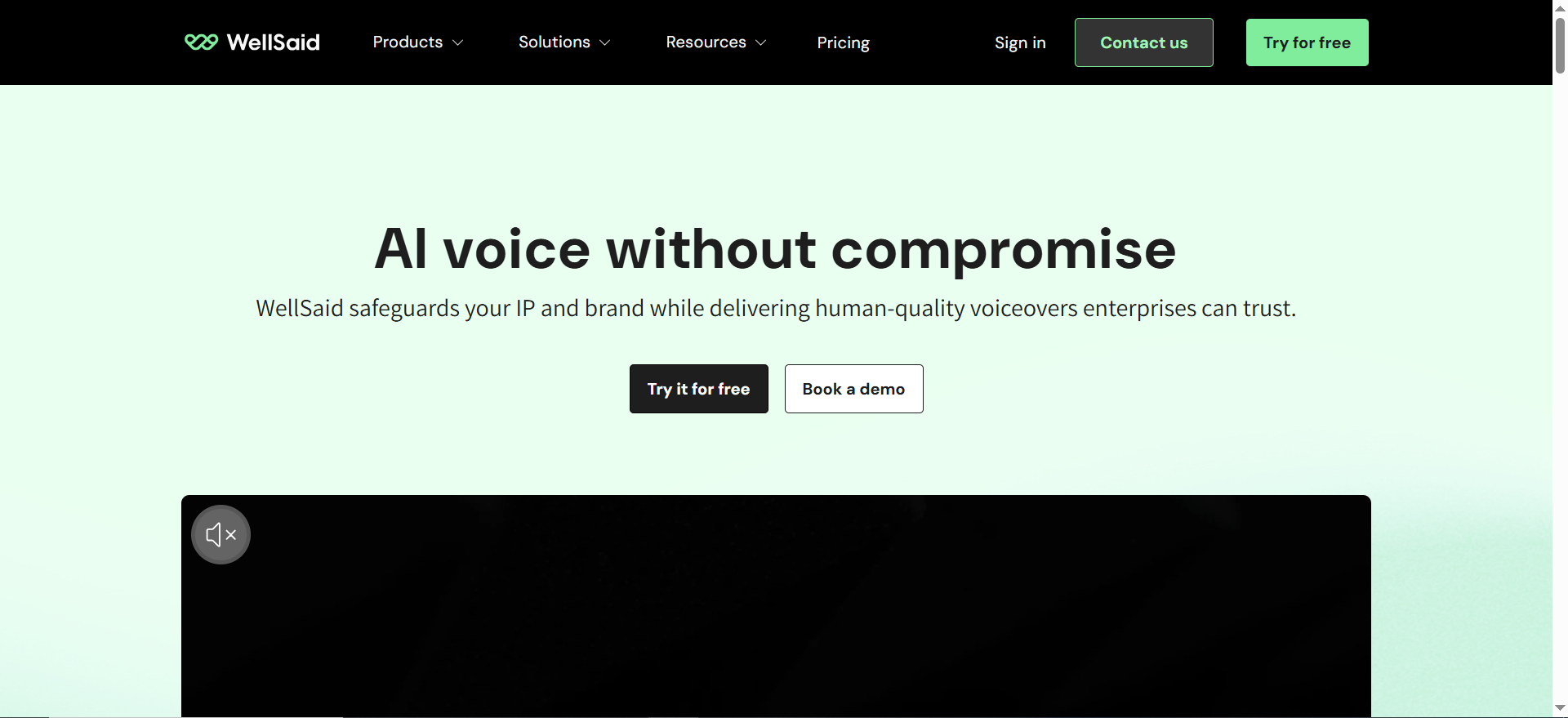
3. WellSaid Labs
What it does
A team-focused voice over AI platform often chosen for consistent, studio-style narration and collaboration in business contexts.
Why teams use it
If you care about consistency and a stable corporate tone across many assets, this category of tool is a strong fit.
What it’s good for
- Training modules and enablement
- Product marketing narration where tone must stay consistent
- Teams that need collaboration and review workflows
When it’s a good fit
- You want a stable narration sound
- Multiple stakeholders need review/approval
- Commercial use clarity is a priority
When it’s not a good fit
- You need highly expressive character voices
- You want one tool that also covers full video editing
How to use it
- Choose one primary narrator voice and publish it as the default
- Create a glossary for pronunciation (terms and acronyms)
- Define pacing targets (e.g., words per minute) and stick to them
- Run a quick QA pass before export (mispronunciations, tone drift)
- Document where/how audio will be used for social media (ads, YouTube, LMS)
Key capabilities
- Consistent narration quality for teams
- Collaboration and review workflows
- Pronunciation/controls (vendor-specific)
- Exports suited to training and marketing
Pricing
WellSaid Labs’ paid plans start at $50/user/month (billed annually), and enterprise pricing is custom/quote-based.
Free tier?
WellSaid Labs doesn’t offer a free tier, but it does offer a free trial.
Downsides / limitations
- Less suited to extreme emotional range
- If you need SSML-first workflows, verify your exact tag support
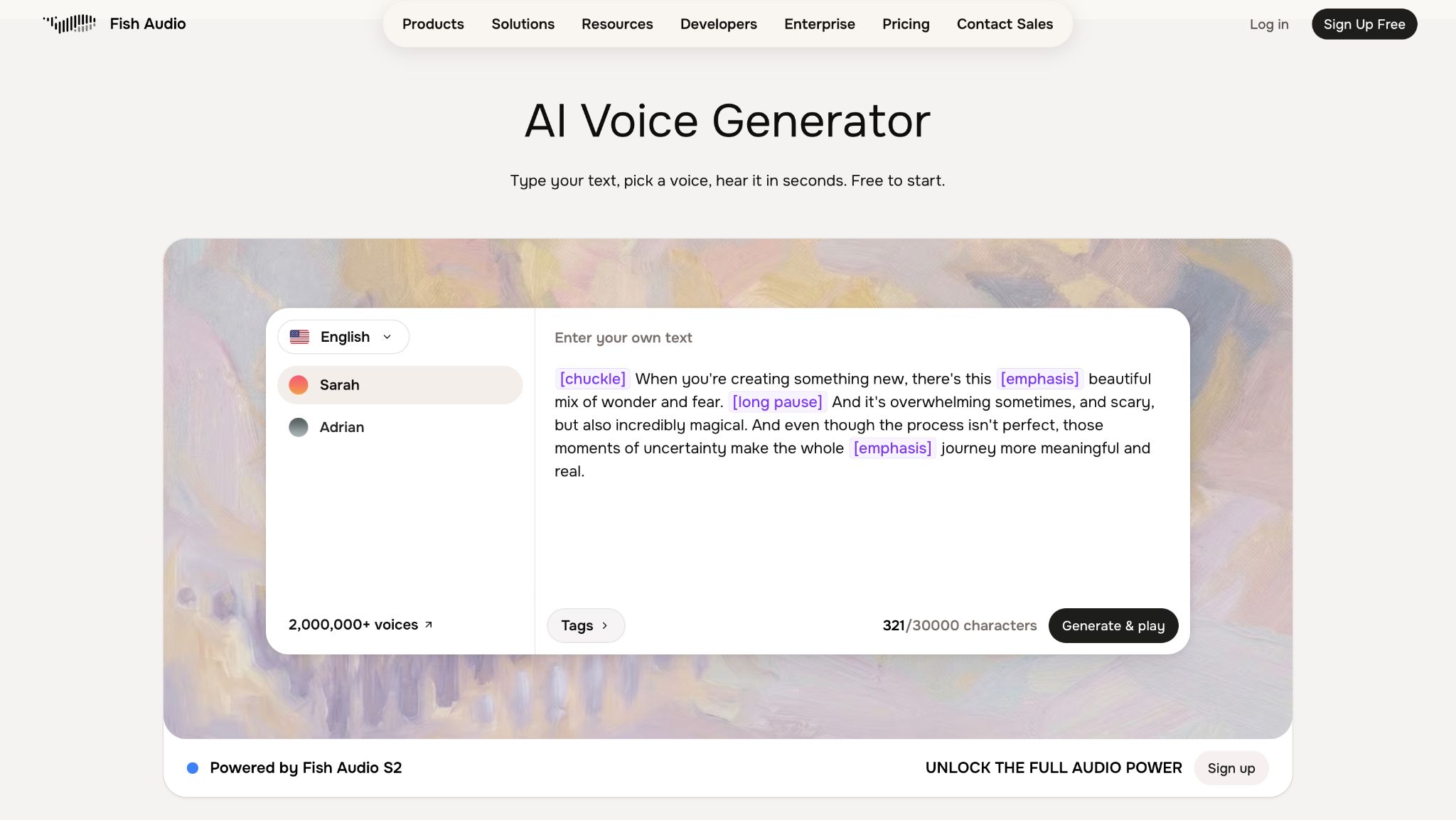
4. Fish Audio
What it does
A voice over AI platform built around natural-sounding voice cloning, generating expressive narration from a short reference sample alongside standard text-to-speech.
Why teams use it
Teams pick it up when they want a wide range of expressive, natural voices without the higher per-character costs of some enterprise APIs.
What it's good for
- Marketing and explainer voiceovers on a tighter budget
- Cloning a narrator's voice from a short reference sample
- Multilingual voice over generated from a single reference voice
When it's a good fit
You want emotion-tag controls for delivery rather than one flat tone, and you're comparing per-character API pricing across vendors.
When it's not a good fit
You need enterprise compliance tooling baked into the base plan, or plan to use the open-weight model commercially without a license.
How to use it
- Record or select a short reference sample (about 15 seconds) for cloning
- Add emotion tags to the script for the tone you want
- Generate a few takes and compare pacing and delivery
- Export the final track and reuse the voice profile for future episodes
Key capabilities
Voice cloning from a short reference sample, emotion/delivery tags, 80+ language support with cross-lingual generation, API access for automation.
Pricing
Plans start at $11/month for Plus (200 minutes), with Pro at $75/month; API access runs about $15 per 1M characters.
Free tier?
Yes, 7 minutes of generation per month.
Downsides / limitations
Commercial use of the open-weight model requires a paid license; free tier minutes are limited.
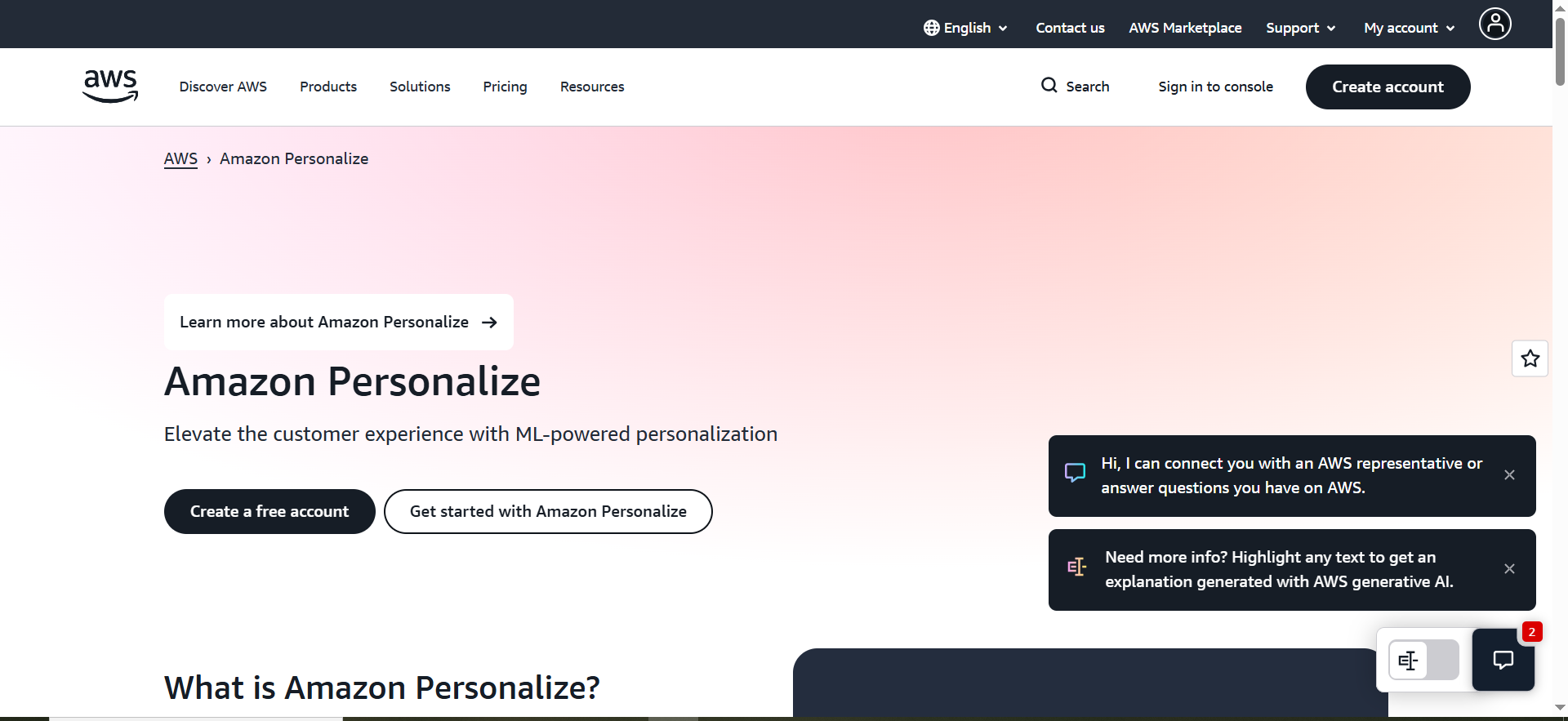
5. Amazon Polly
What it does
A cloud text-to-speech service designed for production workloads with mature SSML support and predictable, character-based pricing.
Why teams use it
AWS-first teams choose it for governance, unit economics, and integration when voice is generated at scale or embedded in workflows.
What it’s good for
- High-volume narration with predictable unit costs
- SSML-heavy pronunciation and pacing control
- AWS-native deployments and compliance workflows
When it’s a good fit
- You already run on AWS and want a single procurement path
- You need SSML as a primary interface
- You can invest in basic pipeline/QA work
When it’s not a good fit
- You want an all-in-one studio UI for marketing collaboration
- You need the most human, emotionally rich performance for brand ads
How to use it
- Define SSML standards (breaks, emphasis, say-as, pronunciation)
- Build a shared SSML snippet library for product names and numbers
- Generate a pilot batch and measure error rate (mispronunciations per minute)
- Add QA: mispronunciations, tone, pacing, loudness consistency, and artifacts.
- Store source script + SSML + audio output together for traceability
Key capabilities
- Mature SSML and integration ecosystem
- Predictable character-based billing
- Integrates into AWS pipelines
- Suitable for batch and automation
Pricing
Amazon Polly is usage-based, starting at $4.00 per 1M characters for Standard voices (Neural voices start at $16.00 per 1M characters).
Free tier?
Amazon Polly offers a free tier for the first 12 months, including 5M characters/month for Standard voices (with smaller free allowances for other voice types).
Downsides / limitations
- Voice quality varies by voice; test several to find a brand fit
- More implementation work than studio tools (SSML, pipeline, QA)
Decision framework (which tool type you need)
- If you ship marketing assets weekly: prioritize workflow speed + rights clarity (ElevenLabs / Murf / WellSaid).
- If voice is embedded in a product or pipeline: prioritize API/SSML and reliability (often Polly).
- If pronunciation errors are expensive: prioritize SSML/glossary tooling and QA.
- If you want natural-sounding cloning at a lower per-character cost: consider Fish Audio.
Recommended setups (Starter / Pro / Enterprise)
Starter
- Primary generator: ElevenLabs, Murf AI, or Fish Audio
- Process: 1 voice per role + shared pronunciation list + versioned exports
- Use case: demos, onboarding videos, paid social where scripts change often
Pro
- Primary generator: ElevenLabs (default) + Murf (studio workflow)
- Controls: shared lexicon + weekly QA + approved voices list
- Use case: consistent VO across campaigns and light localization
Enterprise
- Infrastructure TTS: Amazon Polly (SSML + predictable unit costs)
- Brand layer: WellSaid (if you need a branded voice)
- Governance: role-based access, audit trail, consent records
Implementation mini-playbook (7 steps)
- Define your top 3 VO use cases and monthly volume (minutes + languages).
- Standardize 2–3 voices and publish them as approved presets.
- Create a pronunciation bank (product names, acronyms, competitor names).
- Write scripts for TTS: short sentences, clear punctuation, and follow SEO copy writing best practices when spelling out acronyms on first mention.
- Add QA: mispronunciations, tone, pacing, loudness consistency, and artifacts.
- Version everything: script + settings + export (one “final” file rule) using a documented content audit process.
- Decide your interface: UI-only for marketing, API/SSML for scale and integration.
Assets (tables/templates you can copy)
Voiceover pilot checklist
| Test item | How to test | Pass criteria | Notes |
|---|---|---|---|
| Pronunciation | Run a script with 10 hard terms | 0–1 errors per minute | Add to glossary |
| Pacing/pauses | Test transitions + numbers | Natural cadence | Use pause controls/SSML |
| Consistency | Generate 3 takes, same settings | Tone stays consistent | Lock presets |
| Rights | Review plan terms for channels | Explicitly covers use | Save a copy of terms |
| Workflow | 2 stakeholders review | Edits are fast | Define approvals |
Pronunciation bank template
| Term | Preferred pronunciation | Example sentence | Applies to |
|---|---|---|---|
| Your product name | Spelling or phonetic hint | “Try [Product] to…” | All assets |
| Key acronym | Spell-out or say-as | “Customer Acquisition Cost” | Training + ads |
| Competitor name | Phonetic hint | “Compared to…” | Comparison pages |
| Region name | Local pronunciation | “Available in…” | Localization |
FAQs
Is AI voiceover legal for commercial use?
Can I use AI voiceovers in ads (Meta/YouTube/LinkedIn)?
Do I need SSML for marketing voiceovers?
How do I make AI voices sound more human?
Which tool is best for multilingual voiceovers?
Can I clone a voice for brand use?
📋 Get Listed / Advertisement
We update this guide monthly. Want your tool featured? Contact: [email protected].


