

Pick by the reason you are leaving. Ghost for fees, beehiiv for paid-subscriber tooling, Kit for a creator business, Buttondown for a minimal editor, MailerLite for a simple site alongside email. Substack's 10 percent platform fee is the baseline every pick is measured against.
This holds if you earn, or plan to earn, from paid subscriptions. A free-only newsletter has little fee to escape, so the case for moving is weaker.
Moving costs time. beehiiv's own migration guide says video and podcast posts, comments, categories and photo galleries do not carry over from Substack, and staying on Substack for discovery can beat leaving.
If your newsletter also feeds a SaaS content programme, our SaaS content marketing team builds the comparison pages and listicles that bring readers in. Read what the work involves.
📋 Get Listed / Advertise
We update this guide monthly. Want your tool featured? Contact: [email protected].
Substack Alternatives At A Glance
Most "best of" lists give you a feature grid and leave the decision to you. This table does the opposite. Each platform is matched to one reason for leaving, with the entry price and the fee on paid subscriptions beside it.
| Platform | Best For | Entry Price | Fee On Paid Subscriptions | Free Tier |
|---|---|---|---|---|
| Ghost | Cutting platform fees and owning the site | Starter $18/mo billed yearly | 0% platform fee, processor fees apply | Not covered here |
| beehiiv | Paid tiers, ads and growth tooling | Lite $49/mo billed yearly | 0% take rate on Lite and above | Up to 2,500 subscribers |
| Kit | Running a creator business | Creator $33/mo or $390/yr | 3.5% plus 30 cents on all plans | Up to 10,000 subscribers |
| Buttondown | A minimal editor | Base $0 to 100 subscribers, +$9/mo add-on for paid | Not covered here | Up to 100 subscribers |
| MailerLite | Email plus a simple site on a small budget | Comfort from $12/mo | No subscription commission listed on the pricing page | Up to 250 subscribers |
Ghost is the pick for writers cutting platform fees, beehiiv is the pick for writers who want paid-subscriber tooling, Kit is the pick for writers running a creator business, Buttondown is the pick for writers who want a minimal editor, and MailerLite is the pick for writers who want a simple site alongside email.
1. Ghost: Best For Writers Who Want To Own The Site And Cut Platform Fees
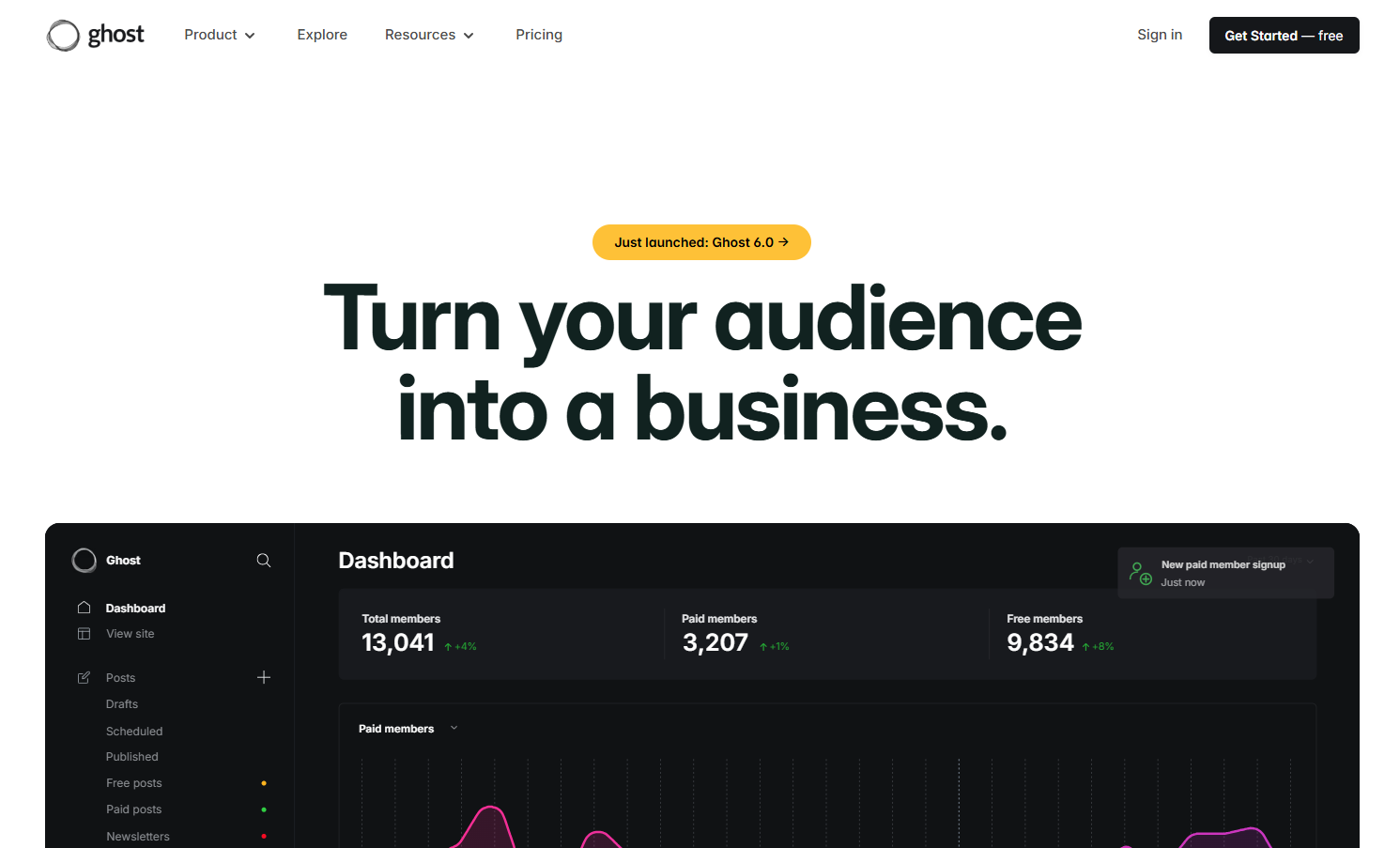
Ghost is the pick when the fee is the reason you are leaving. Ghost's pricing page shows the Publisher plan at $29 a month on yearly billing with a 0% platform fee on paid subscriptions, and says payment processor fees still apply. So the platform stops taking a cut of what readers pay you, and only the processor does.
It suits writers who treat the newsletter as a business and want a site they control, on their own domain. It is a poor fit if you want to hit send tomorrow with nothing to set up. Moving here means rebuilding your archive and site pages, and that takes real hours.
| Plan | Price | Billing | Includes |
|---|---|---|---|
| Starter | $18/mo | Yearly | 1,000 members, newsletter, custom domain, no paid subscriptions |
| Publisher | $29/mo | Yearly | Paid subscriptions, 3 premium tiers |
| Business | $199/mo | Yearly | Details on the pricing page |
Those figures come from Ghost's pricing page as of October 2026, and the free tier is not covered here.
Strengths:
- A 0% platform fee on paid subscriptions, so your platform cost does not climb as your paid list grows.
- A flat plan price, which makes the monthly bill easy to predict.
- Three premium tiers on Publisher, enough to sell a basic and a supporter level.
- A custom domain on the entry plan, so the archive lives on an address you own.
Trade-offs:
- Starter allows no paid subscriptions, so charging readers means starting on Publisher.
- The flat price is owed in a month when readers pay you nothing.
- Processor fees still apply, so the saving is the platform cut only.
- You rebuild the archive and site yourself.
Key capabilities:
- Newsletter sending on Starter.
- Custom domain on Starter.
- Paid subscriptions on Publisher.
- Three premium tiers on Publisher.
Good fit:
- Writers whose paid revenue sits above the break-even worked out in the fee section below.
- Writers who want the site and the newsletter under one domain.
Not a fit:
- Free-only newsletters with no plan to charge.
- Writers who want no setup work at all.
The limit that matters most is the Starter plan, which stops at 1,000 members and allows no paid subscriptions, so a writer who wants to charge has to start on Publisher.
2. Beehiiv: Best For Paid Tiers, Ads And Growth Tooling
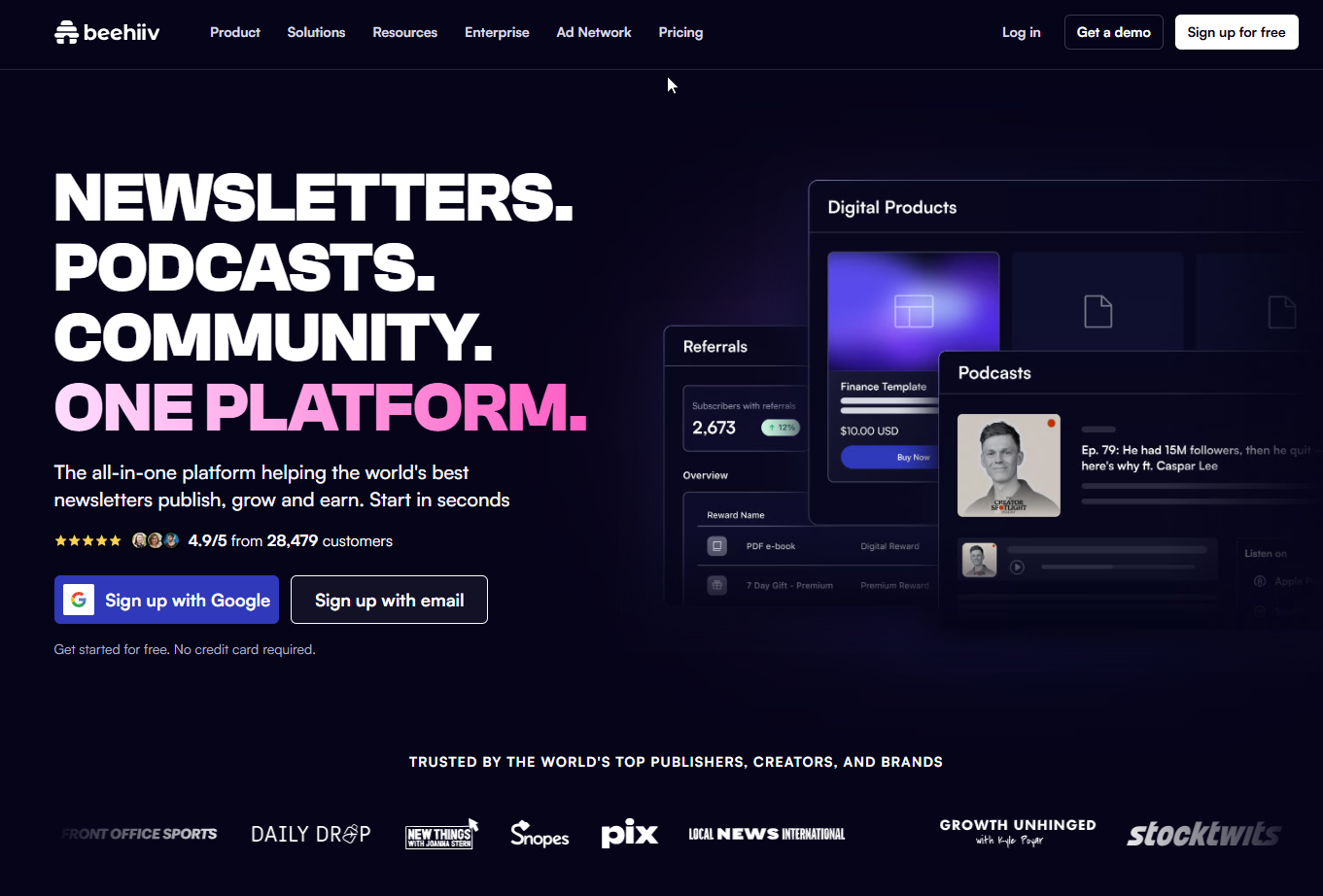
beehiiv is the pick when you want paid-subscriber tooling without a revenue share. beehiiv's pricing page shows Lite at $49 a month on yearly billing with a 0% take rate on paid subscriptions, and the same 0% applies on plans above it.
It suits writers who already have a paid list, or a plan to build one, and who also want ad monetisation and automations in the same tool. It is more than you need if you send a plain weekly letter to a few hundred friends.
| Plan | Price | Billing | Includes |
|---|---|---|---|
| Free | $0 | None | Up to 2,500 subscribers, 1 seat, 1 publication |
| Lite | $49/mo | Yearly | Up to 100,000 subscribers, paid subscriptions, ad monetisation, automations |
| Pro | $95/mo | Yearly | Up to 250,000 subscribers, removes beehiiv branding |
The prices above are the yearly-billing figures on beehiiv's pricing page as of October 2026, and the page shows no monthly prices.
Strengths:
- A 0% take rate on Lite and above, so a growing paid list does not cost you a larger cut.
- Paid subscriptions, ad monetisation and automations all sit on the Lite plan.
- A 100,000-subscriber ceiling on Lite, which gives a small list years of room.
- A free plan up to 2,500 subscribers for testing before you commit.
Trade-offs:
- Lite costs more per month than Ghost's Publisher, so the break-even revenue is higher.
- Removing beehiiv branding means stepping up to Pro.
- Video and podcast posts, comments, categories and photo galleries do not migrate from Substack and must be rebuilt, according to beehiiv's migration guide.
Key capabilities:
- Paid subscriptions on Lite.
- Ad monetisation on Lite.
- Automations on Lite.
- One seat and one publication on the Free plan.
Good fit:
- Writers who want ads and paid tiers in one tool.
- Writers with a list large enough that the monthly plan price is small next to paid revenue.
Not a fit:
- Writers with little paid revenue, who are better served by a cheaper flat plan.
- Writers whose archive is mostly video or podcast posts, which have to be rebuilt by hand.
The limit that matters most is the migration gap, because the content types that do not move are exactly the ones a media-heavy Substack has to rebuild.
3. Kit: Best For Writers Running A Creator Business
Kit is the pick when the newsletter is one product among several. Kit's pricing page shows a Free plan for up to 10,000 subscribers and a 3.5% plus 30 cents fee on digital products and subscriptions on every plan.
Be plain about that fee. It is per transaction and it is not zero. On a $10 subscription, 3.5% plus 30 cents comes to 65 cents before anything else. There is no flat-price break-even with Kit, because the cost grows with what you sell.
It suits writers who sell digital products, courses or paid subscriptions and want the email list to sit under all of it. It is a weaker fit if all you do is send one free letter, since the creator tooling goes unused.
| Plan | Price | Billing | Includes |
|---|---|---|---|
| Free | $0 | None | Up to 10,000 subscribers, 1 user, Kit branding |
| Creator | $33/mo or $390/yr | Monthly or yearly | Paid Recommendations at a 23.5% fee |
| Pro | $50/mo promo or $593 first year | Monthly promo or first year | First-year promotional pricing, Paid Recommendations at a 23.5% fee |
Those figures come from Kit's pricing page as of October 2026, which also lists a 14-day free trial with no card and refunds within 30 days.
Strengths:
- A free plan that stretches to 10,000 subscribers, the largest free allowance in this guide.
- A 14-day free trial with no card needed.
- Refunds within 30 days.
- One list that serves a newsletter and digital products together.
Trade-offs:
- The transaction fee applies on every plan, so paying more for a plan does not remove it.
- Paid Recommendations carry a 23.5% fee on Creator and Pro.
- The Free plan carries Kit branding and one user.
- Cost rises with sales, so a large paid list can end up costing more than a flat-price plan.
Key capabilities:
- Digital products and subscriptions on every plan.
- Paid Recommendations on Creator and Pro.
- A free plan up to 10,000 subscribers.
Good fit:
- Writers selling products, courses or memberships beside the newsletter.
- Writers with a big free list who want to start at no plan cost.
Not a fit:
- Writers whose paid subscription revenue is large and steady, where a flat fee wins.
- Writers who want to avoid per-transaction fees entirely.
The limit that matters most is the per-transaction fee, which never goes away and makes Kit the wrong pick for a fee-driven switch.
4. Buttondown: Best For A Minimal Editor With Paid Tiers As An Add-On
Buttondown is the pick when you want less tool, not more. Buttondown's pricing page shows a free Base tier for up to 100 subscribers, with a +$9 a month add-on that unlocks paid subscriptions.
The pricing is built as a base plus add-ons, so you only pay for the extras you switch on. That suits a writer who wants to add features one at a time.
It is a weaker choice if you want sponsorships, multiple newsletters or automations without paying for the +$29 a month add-on, and the add-ons stack from there.
| Tier | Price | Billing | Includes |
|---|---|---|---|
| Base, up to 100 subscribers | $0 | None | Not covered here |
| Base, above 100 subscribers | Pricing on request | Pricing on request | Pricing on request |
| Add-on | +$9/mo | Monthly | Paid subscriptions, tagging, analytics, RSS-to-email |
| Add-on | +$29/mo | Monthly | Sponsorships, multiple newsletters, automations |
| Add-on | +$79/mo | Monthly | Whitelabeling and teams |
Those figures come from Buttondown's pricing page as of October 2026.
Strengths:
- A free tier for the first 100 subscribers.
- Paid subscriptions, tagging and analytics bundled into a single small add-on.
- RSS-to-email in the same add-on, useful if your writing already lives on a feed.
- Add-ons you can take or leave, so the bill follows what you use.
Trade-offs:
- The base price above 100 subscribers is Pricing on request, so you cannot forecast cost from the page alone.
- Sponsorships, multiple newsletters and automations sit behind a higher add-on.
- Whitelabeling and teams sit behind the top add-on.
Key capabilities:
- Paid subscriptions through the +$9 a month add-on.
- Tagging and analytics through the same add-on.
- Sponsorships, multiple newsletters and automations through the +$29 a month add-on.
Good fit:
- Writers who want a plain editor and little else.
- Writers starting small who will add features one at a time.
Not a fit:
- Writers who need sponsorships, multiple newsletters or automations without the +$29 a month add-on.
- Writers who need a firm monthly price before they commit.
The limit that matters most is forecasting, because the base price beyond 100 subscribers is Pricing on request.
5. MailerLite: Best For Email Plus A Simple Site On A Small Budget
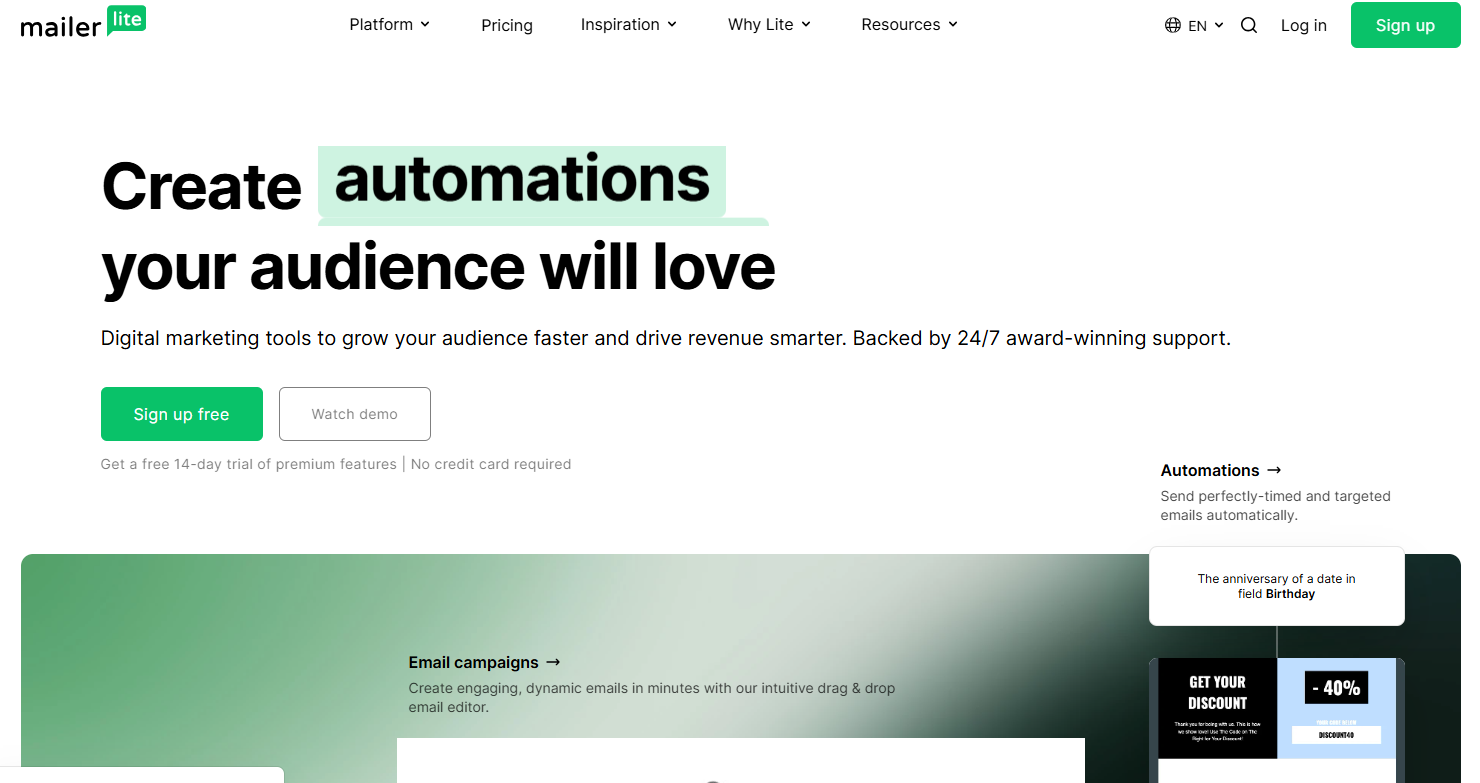
MailerLite is the pick when you want a newsletter and a basic website for the least money. MailerLite's pricing page shows a Free plan for 250 subscribers and 2,500 emails a month, and a Comfort plan from $12 a month that includes 10 sites and 5 digital products.
On subscription fees, say only what the page says. The pricing page mentions no subscription commission. That is not the same as a promise that none exists, so confirm the payment terms before you move paid readers over.
It suits a writer whose newsletter is small, who wants a landing page and a couple of digital products on the same login, and who has no appetite for a large monthly bill.
| Plan | Price | Billing | Includes |
|---|---|---|---|
| Free | $0 | None | 250 subscribers, 2,500 emails a month, 2 seats |
| Comfort | From $12/mo | Per pricing page | 3 seats, 10 sites, 5 digital products |
| Power | From $25/mo | Per pricing page | Higher tier above Comfort, details on the pricing page |
Those figures come from MailerLite's pricing page as of October 2026.
Strengths:
- A Comfort plan from $12 a month that includes sites and digital products.
- A free plan that works for a first test.
- More seats than a solo writer needs, which helps once an editor joins.
Trade-offs:
- The free tier is small, at 250 subscribers and 2,500 emails a month.
- The pricing page is silent on subscription commission, so you have to check the terms.
- Digital products are capped at 5 on Comfort.
Key capabilities:
- 10 sites on Comfort.
- 5 digital products on Comfort.
- 3 seats on Comfort and 2 on Free.
Good fit:
- Small newsletters that want a site on the same account.
- Writers testing a paid product on a small budget.
Not a fit:
- Writers with a large list and heavy paid revenue, who should check commission terms first.
- Writers who want a deep paid-subscriber toolkit as the main draw.
The limit that matters most is the unanswered commission question, since the pricing page lists none but does not say none applies.
📋 Get Listed / Advertise
We update this guide monthly. Want your tool featured? Contact: [email protected].
What Substack Actually Costs You: The Fee Math
Substack's own FAQ lists a 10 percent platform fee on paid subscriptions, Stripe's 2.9 percent plus 30 cents per transaction, and a further 0.5 percent recurring fee.
Processor fees are paid on every platform that takes cards, so they cancel out when you compare. What differs is the platform cut. A flat monthly price beats a percentage once your paid revenue is large enough, and you can find that point with one line of arithmetic.
- Formula: Platform monthly price divided by 0.10 gives the monthly paid revenue where a flat price breaks even with a 10 percent cut.
- Ghost Publisher: Ghost Publisher at $29 a month divided by 0.10 is $290 in monthly paid revenue.
- beehiiv Lite: beehiiv Lite at $49 a month divided by 0.10 is $490 in monthly paid revenue.
Now run it on real numbers. Say your paid subscribers bring in $1,000 a month.
- Substack platform fee: $100, which is 10 percent of $1,000.
- Ghost Publisher: $29, per Ghost's pricing page.
- beehiiv Lite: $49, per beehiiv's pricing page.
At that level Ghost Publisher saves you $71 a month and beehiiv Lite saves you $51 a month on the platform line. Below $290 a month in paid revenue, Substack's cut is the smaller number and leaving for a fee reason makes no sense. Both flat prices above are on yearly billing, so a month-to-month plan would shift the break-even.
Two platforms break this pattern. beehiiv's pricing page lists a 0% take rate on Lite and above, which is why Lite's cost is its plan price alone. Kit works differently. Kit's pricing page lists 3.5% plus 30 cents on digital products and subscriptions on all plans, so Kit has no break-even of this kind. Its cost scales with every sale instead of flattening out.
Which Substack Alternative Should You Pick? One Choice For Each Reason
Here is the decision rule in one table. Find your reason for leaving, take the pick beside it, and read the cost of moving before you commit.
| Reason For Leaving | Pick | Cost Of Moving |
|---|---|---|
| Fees and payouts | Ghost | Rebuild the site and archive pages, and confirm paid subscriber steps first |
| Paid-subscriber tooling | beehiiv | Video and podcast posts, comments, categories and photo galleries must be rebuilt |
| Running a creator business | Kit | A 3.5% plus 30 cents fee stays on every sale, on every plan |
| A minimal tool | Buttondown | Paid subscriptions need the +$9/mo add-on, and the base price above 100 subscribers is Pricing on request |
| A simple site plus email | MailerLite | Rebuild the archive as site pages and confirm payment terms |
Each pair reads as one sentence, so you can lift any row on its own.
- Fees and payouts: Pick Ghost, whose Publisher plan costs $29 a month with a 0% platform fee, and budget the time to rebuild the site and archive.
- Paid-subscriber tooling: Pick beehiiv, whose Lite plan costs $49 a month on yearly billing with a 0% take rate, and plan to rebuild the content types that do not migrate.
- Running a creator business: Pick Kit, whose Creator plan is $33 a month, and accept the 3.5% plus 30 cents fee on every transaction.
- A minimal tool: Pick Buttondown, where paid subscriptions need the +$9 a month add-on, and accept that the base price beyond 100 subscribers is Pricing on request.
- A simple site plus email: Pick MailerLite, whose Comfort plan starts at $12 a month, and confirm the payment terms before moving paid readers.
Now the honest counterpoint. Leaving is not always the better call. Substack is where some readers find you, and a mirror setup, with the main newsletter on a new platform and a Substack presence kept for discovery, can beat a clean break. If most of your growth comes from Substack's own network, test the move on a copy of your list before you cut the old setup. If your growth comes from search and your own site, leaving costs you little.
If the newsletter feeds a software company, the bigger question is the rest of the funnel. Our guide to alternatives to traditional SEO for B2B SaaS leads covers what else can bring readers in.
Once the platform is chosen, the next question is whether search and AI answers send readers to your archive. The GEO + SEO Growth Programme covers that work, so read how it runs.
How To Move A Newsletter Off Substack Step By Step
Follow the steps in order, and leave time to check the result.
- Export the subscriber CSV. Open the Subscribers tab in Substack and export the list, as beehiiv's migration guide describes.
- Confirm opt-in. Check that the people on the list agreed to receive email from you before you import them anywhere.
- Import the file. Upload the CSV to the new platform and map the columns by hand. The same guide says original start dates need manual handling too.
- Rebuild the archive. Recreate old posts, starting with the ones that still bring in readers. AI drafting tools can speed the rewrite, and our list of Jasper alternatives covers the options.
- Announce the move. Tell readers what changes, when the first email from the new address lands, and what they need to do, if anything.
Steps for platforms other than beehiiv follow the same general pattern, so check each vendor's own import page before you start, since the details differ.
What Does Not Migrate, And Moving Paid Subscribers And Email Deliverability
beehiiv's migration guide says video and podcast posts, comments, categories and photo galleries do not migrate from Substack and must be rebuilt. That list is your work plan.
The rebuilt archive is also an SEO job. Old posts that ranked on Substack can lose their footing when the address changes, so each page needs a fresh look. Our guides to Surfer SEO alternatives and Clearscope alternatives cover tools that help with that. To see whether the moved archive gets cited in AI answers, read AI visibility platforms compared, and if you want help with the rebuilt site, our generative engine optimization work covers it.
Two things sit outside the CSV, and both are general practice, not vendor rules.
Paid subscribers. Paid subscriptions are tied to the payment account, so confirm the new platform's own import steps before you announce anything. Do not tell readers their paid plan will carry over until you have seen it work.
Email deliverability. Authenticate the sending domain on the new platform and send to your most engaged readers first. Widen the audience once those first sends land well.
A short checklist before you press send.
- Confirm how paid subscribers will move.
- Authenticate the sending domain.
- Send a small test to engaged readers.
- Check that links and images in rebuilt posts work.
- Keep the old setup running until the first full send is clean.
How We Chose These Platforms
Five platforms made the list because each answers one clear reason for leaving. The criteria were few and plain.
- Fees from vendor pages: Every price and fee in this guide comes from the platform's own pricing page.
- Free-tier limits: Each free plan is judged by what it caps, whether subscribers, emails or seats.
- Paid-subscription support: Each platform has to let you charge readers, on some plan.
- Site and archive control: Each platform is judged by how much of the site and archive you own.
Medium, Patreon, WordPress, Wix and Mighty Networks are not ranked. They are different kinds of product, or no vendor pricing was read for them, and a ranking built on guesses would mislead you. For a wider view by list size, see our guide to the best newsletter platforms. If you plan the archive as a content asset, our MarketMuse alternatives guide covers content-planning tools.
FAQs
Is There A Free Substack Alternative?
Which Substack Alternative Has No Platform Fee On Paid Subscriptions?
Can I Take My Subscriber List With Me When I Leave Substack?
Will My Paid Subscribers Move Automatically?
Is Ghost Cheaper Than Substack?
What Does Kit Charge On Paid Products And Subscriptions?
Which Alternative Handles Video And Podcast Posts?
Should I Keep A Substack Account For Discovery After I Move?
Does Moving Platforms Hurt Email Deliverability?
Which Substack Alternative Is Best For A Simple Website Plus Newsletter?
If you would rather talk through where your newsletter fits in your content and search plan, book a thirty-minute call. One of the founders takes it, and you leave knowing what to fix first.