

If you’re searching for Semrush competitors, the best “alternative” depends on what you use Semrush for: keyword research, backlinks, rank tracking, reporting, competitive intel, or content workflows, so it helps to align your choice with an AI search visibility strategy. Some tools are true replacements. Others are better as specialized add-ons.
This guide helps you choose quickly, then goes deeper on tradeoffs so you can decide whether to replace Semrush, complement it, or switch to a different category of tool like answer engine optimization. You’ll get quick picks, a comparison table, and detailed reviews with honest tradeoffs so you can choose confidently.
Use this if you want the fastest short list without reading everything.
- Best for backlink + competitive SEO research: Ahrefs
- Strongest choice if your main job is link analysis and SEO competitor research.
- Best for beginners and in-house teams who want simpler UX: Moz Pro
- Solid fundamentals without feeling overwhelming.
- Best for traffic intelligence and market benchmarking: Similarweb
- Great when you need broader market visibility beyond classic SEO toolsets.
- Best desktop-based SEO toolkit (one-time/annual style): SEO PowerSuite
- Useful if you prefer installed software workflows over a full SaaS suite.
- Best for agency reporting + client-friendly dashboards: Raven Tools
- A solid choice if your priority is packaging results for clients.
TL;DR
- Pick Ahrefs if you want the strongest SEO research + backlink/competitor workflows.
- Pick Moz Pro if you want a simpler, easier-to-adopt SEO platform for day-to-day fundamentals.
- Pick Similarweb if your main need is market and traffic intelligence (benchmarking beyond classic SEO tooling).
- Pick SEO PowerSuite if you prefer a desktop-first toolkit and different pricing/workflow model than SaaS suites.
- Pick Raven Tools if you’re agency-side and reporting/client deliverables are the priority.
Editorial Note / Updates
We update this guide monthly. It’s based on editorial analysis using public product information, demos/trials where available, and practitioner feedback.
Best Semrush Competitors (Quick Comparison)
| Tool | Best For | Strength vs Semrush | Tradeoff vs Semrush |
|---|---|---|---|
| Ahrefs | Backlink analysis, SEO competitor research | Strong backlink index, powerful SEO research workflows | Less of an all-in-one marketing suite |
| Moz Pro | Beginners and in-house teams | Easier learning curve, strong core SEO workflows | Less breadth than Semrush in some advanced areas |
| Similarweb | Market intelligence and traffic benchmarking | Strong audience/traffic intelligence angle | Different product focus, may not replace full SEO workflows alone |
| Different product focus, may not replace full SEO workflows alone | Desktop-first users, one-time license buyers | Broad toolkit with desktop workflows | Different UX model than SaaS-first platforms |
| Raven Tools | Agency reporting and audits | Reporting and client workflow support | Less likely to fully replace Semrush research depth |
Before You Pick: Limits That Usually Decide the Purchase
Most teams don’t switch tools because of features, so it helps to treat the move as an operations decision and compare limits using AI visibility tracking tools and GEO services.
Check these before you commit:
- Seats: who needs access and what permissions you need
- Tracked keywords/projects: what your workflow requires monthly
- Exports/reporting: PDF/CSV limits, white-label needs, scheduled reports
- Credits/quotas: any credit-based caps on research, audits, or reports
- Integrations/API: whether your reporting stack depends on them
If two tools look similar, the one that fits your seat + limit reality usually wins.
1) Ahrefs
What it is
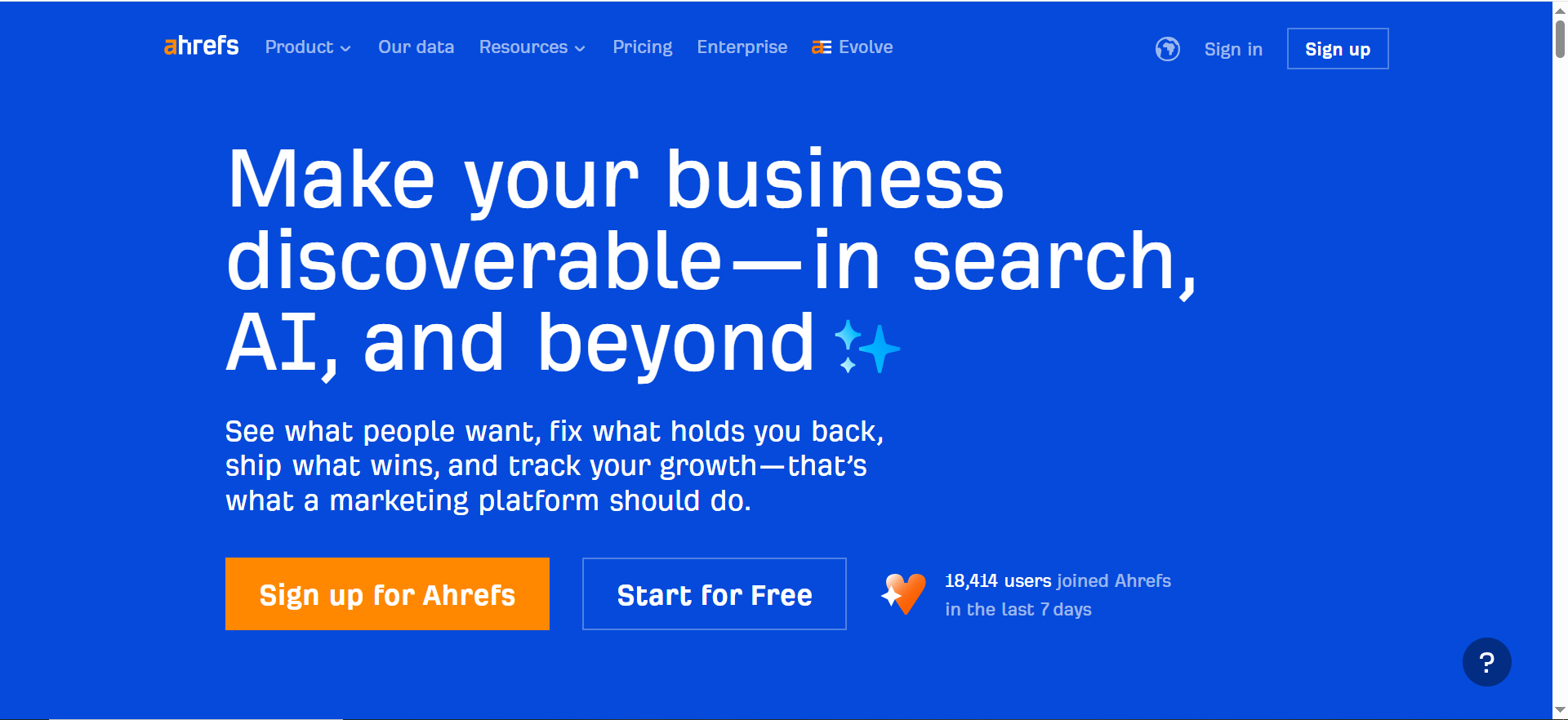
Ahrefs is one of the most common Semrush competitors and usually the first tool teams compare. It is especially strong for SEO research, backlink analysis, and competitor discovery.
Why teams choose it over Semrush
Ahrefs is often preferred by SEO-focused teams that care deeply about:
- Link opportunities
- Competitor content gaps
- SERP/keyword opportunity research
- Historical SEO research workflows
- Fast, repeatable competitive analysis
In plain terms, if your team spends most of its time answering “Why is a competitor outranking us?” Ahrefs often feels like the sharper tool.
Where it is a strong fit
- SEO agencies
- In-house SEO managers
- Content/SEO strategists
- Teams doing link building or digital PR
- Teams prioritizing SEO over PPC/social breadth
Where it is not a perfect fit
- Teams that want a single platform for SEO + PPC + social + local + broader marketing ops
- Teams that need Semrush-specific workflows already embedded in reporting/processes
- Beginners who want the easiest possible learning curve
Key strengths vs Semrush
- Strong reputation for backlink and SEO competitor research
- Powerful workflows for discovering content opportunities
- Often a favorite among SEO practitioners who want deep research first
Tradeoffs vs Semrush
- May feel narrower if your team uses Semrush’s wider marketing toolkit
- Depending on your workflow, you may still need other tools for PPC, local, or broader market intelligence
Pricing
Ahrefs’ pricing starts at $129/month (Lite plan).
Free tier?
Ahrefs does offer a free tier via Ahrefs Webmaster Tools (limited access for verified sites), but it doesn’t advertise a time-bound free trial.
Practical buying advice
Choose Ahrefs over Semrush if your primary job is SEO research and competitive SEO execution, not full-channel marketing management.
2) Moz Pro
What it is
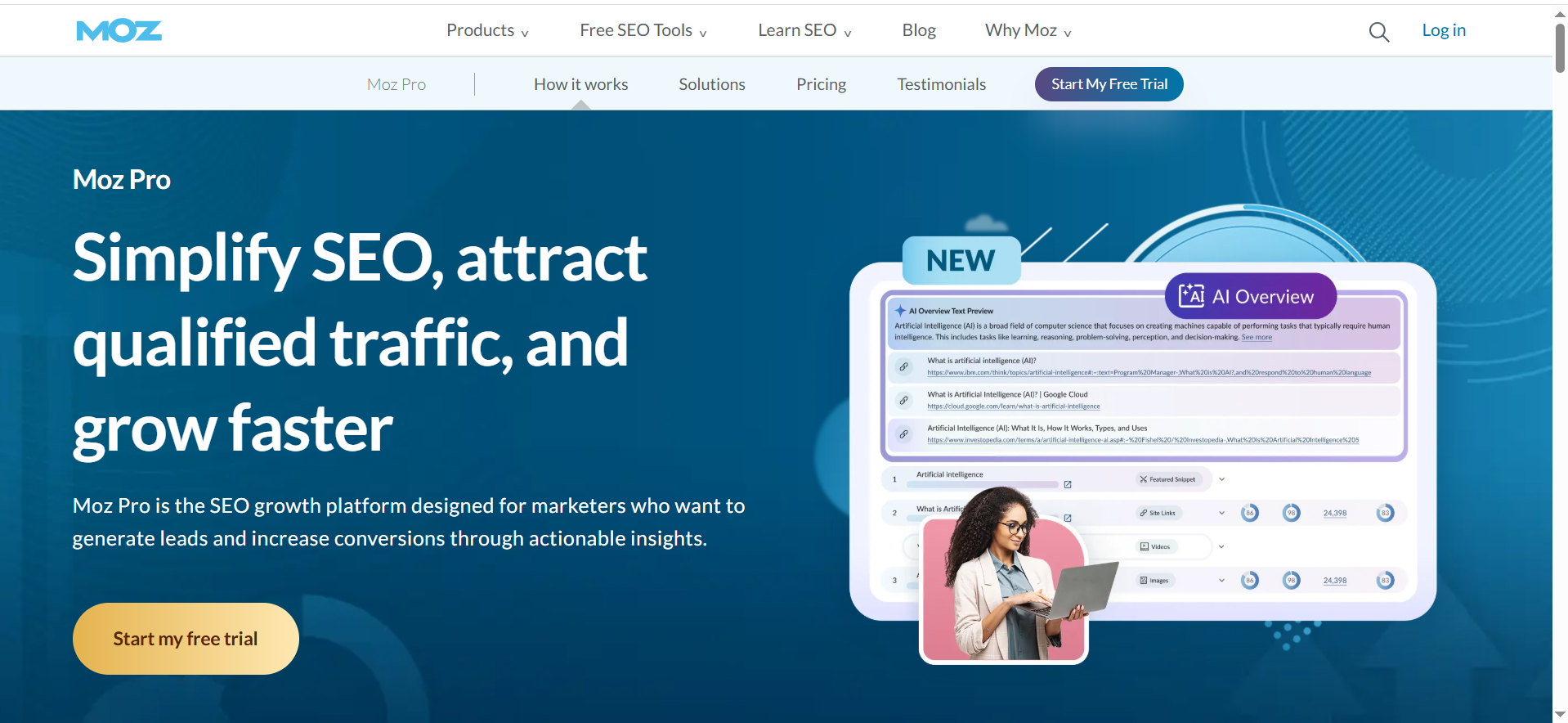
Moz Pro is a long-standing SEO platform and one of the best-known alternatives for teams that want solid SEO fundamentals with a relatively approachable learning curve.
Why teams choose it
Moz Pro is often chosen by teams that want:
- Keyword research
- Rank tracking
- Site audits
- Link data
- A more straightforward interface and onboarding experience
Moz has long been popular with marketers who are learning SEO or building an in-house process for the first time.
Where it is a strong fit
- In-house marketing teams without a dedicated SEO specialist
- Content leads who need keyword and optimization workflows
- Teams that prioritize usability and training over maximum feature breadth
Where it is not a perfect fit
- Teams that need a Semrush-like all-in-one marketing stack
- Power users focused on advanced competitor or backlink workflows all day
- Large enterprise SEO programs with more complex governance needs
Key strengths vs Semrush
- Friendly onboarding for many teams
- Solid core SEO workflows
- Good option when you need less platform sprawl and more focus
Tradeoffs vs Semrush
- Narrower overall suite compared to Semrush
- May not match Semrush’s breadth across adjacent marketing functions
Pricing
Pricing is not publicly listed in a verifiable way via Moz pages from my web sources; multiple third-party sources list Moz Pro starting at $49/month.
Free tier?
Moz Pro doesn’t offer a free tier, but third-party sources commonly report a free trial.
Practical buying advice
Choose Moz Pro if your team needs a reliable, easier-to-adopt SEO platform and your workflow is not heavily dependent on advanced PPC or broad marketing intelligence features.
3) Similarweb
What it is
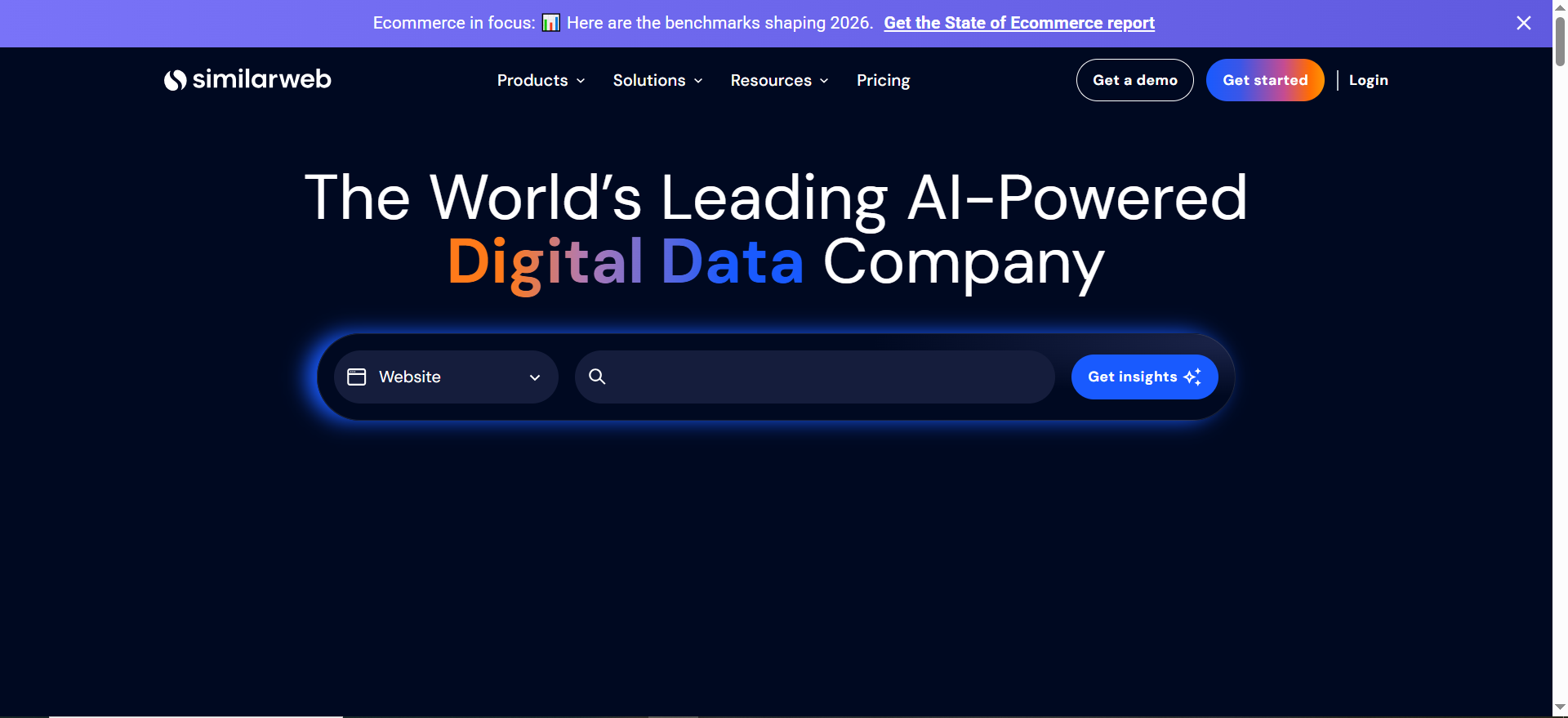
Similarweb is often mentioned in Semrush comparisons, but it is important to understand that it is not always a direct one-to-one replacement. It is especially strong for traffic intelligence, market analysis, and competitive benchmarking.
Why teams choose it
Teams choose Similarweb when they want answers to questions like:
- How big is this market/category?
- Which channels drive competitor traffic?
- How is competitor demand shifting?
- Which sites are gaining share in a category?
- How do traffic patterns compare over time?
This is a different decision from “Which tool should I use for day-to-day SEO execution?”
Where it is a strong fit
- Growth and strategy teams
- Market intelligence and category planning
- Enterprise teams doing competitor benchmarking
- Leadership teams that want executive-level market views
Where it is not a perfect fit
- Teams looking for a full Semrush replacement for SEO operations
- Small teams focused only on rank tracking and keyword execution
- Buyers who primarily need technical SEO workflows
Key strengths vs Semrush
- Stronger market/traffic intelligence lens for many use cases
- Useful for strategic competitor benchmarking and category sizing
Tradeoffs vs Semrush
- May need to be paired with another SEO tool for execution
- Different product focus means it can complement Semrush rather than replace it
Pricing
Similarweb’s premium pricing isn’t publicly listed as a standard rate; it’s offered via custom packages through sales.
Free tier?
Similarweb does offer free tier access to limited data on its site, and it also offers a free trial and demos.
Practical buying advice
Choose Similarweb if your real need is market intelligence and traffic benchmarking, not just SEO task execution. Many teams pair it with an SEO suite instead of replacing one with the other.
📋 Get Listed / Advertisement
We update this guide monthly. Want your tool featured? Contact: [email protected].
4) SEO PowerSuite
What it is
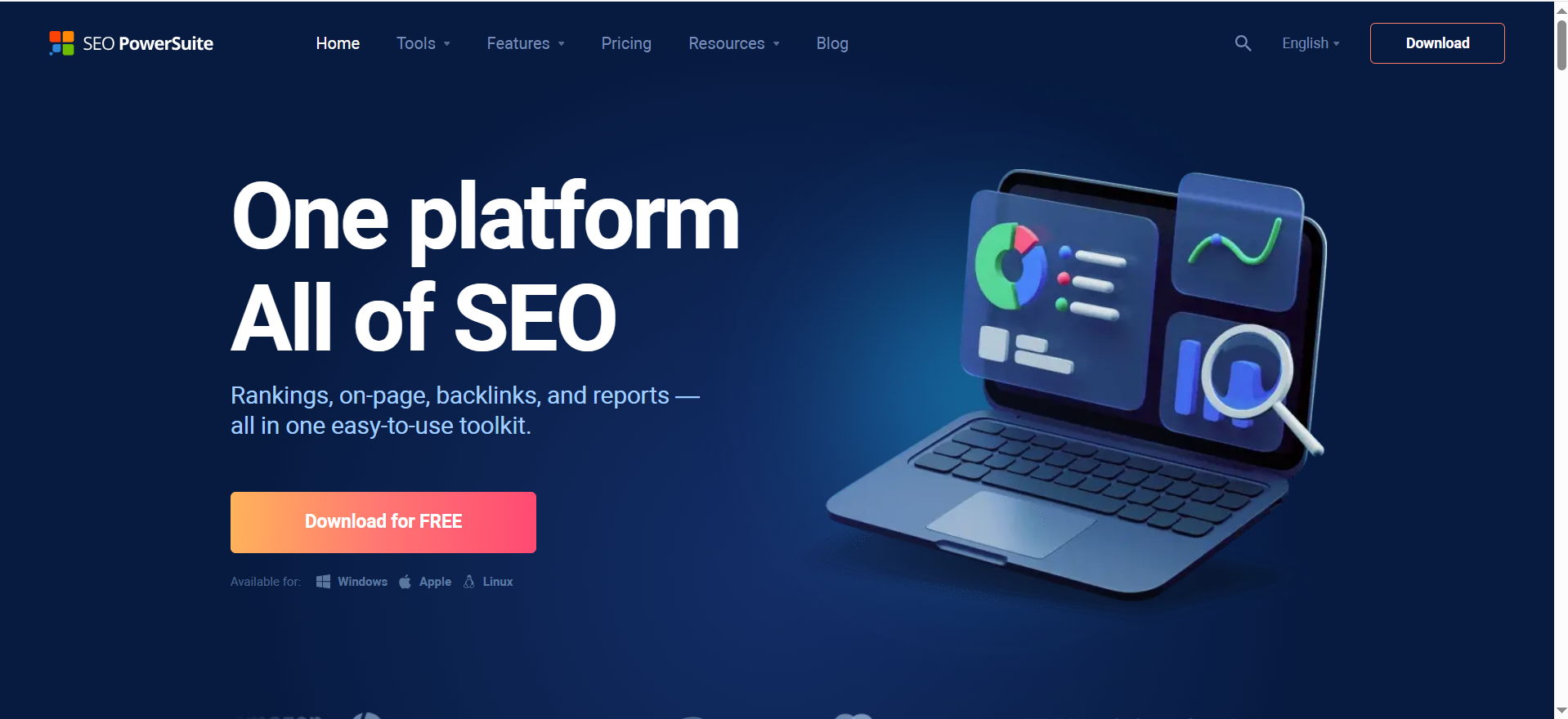
SEO PowerSuite is a desktop-oriented SEO toolkit with a broad set of SEO functions, often considered by users who prefer desktop workflows or different licensing economics.
Why teams choose it
Users typically choose SEO PowerSuite for:
- Broad SEO tasks
- Desktop-first work
- Alternate cost structures
- Technical users comfortable with more hands-on workflows
Where it is a strong fit
- Consultants and technical users
- Teams comfortable with desktop tools
- Buyers looking for alternatives to SaaS-heavy pricing models
Where it is not a perfect fit
- Teams that need modern collaborative SaaS workflows
- Organizations relying on shared browser-based dashboards and approvals
- Users who want the smoothest onboarding experience
Key strengths vs Semrush
- Broad coverage
- Different workflow and cost model
- Useful for users who prefer desktop control
Tradeoffs vs Semrush
- Different UX and collaboration model
- May not fit modern multi-user marketing teams as well
Pricing
SEO PowerSuite’s pricing starts at $60/month (Professional plan).
Free tier?
SEO PowerSuite does offer a free tier (free edition download).
Practical buying advice
SEO PowerSuite can be a good fit if you are intentionally choosing a desktop workflow and do not need Semrush-style cloud collaboration.
5) Raven Tools
What it is
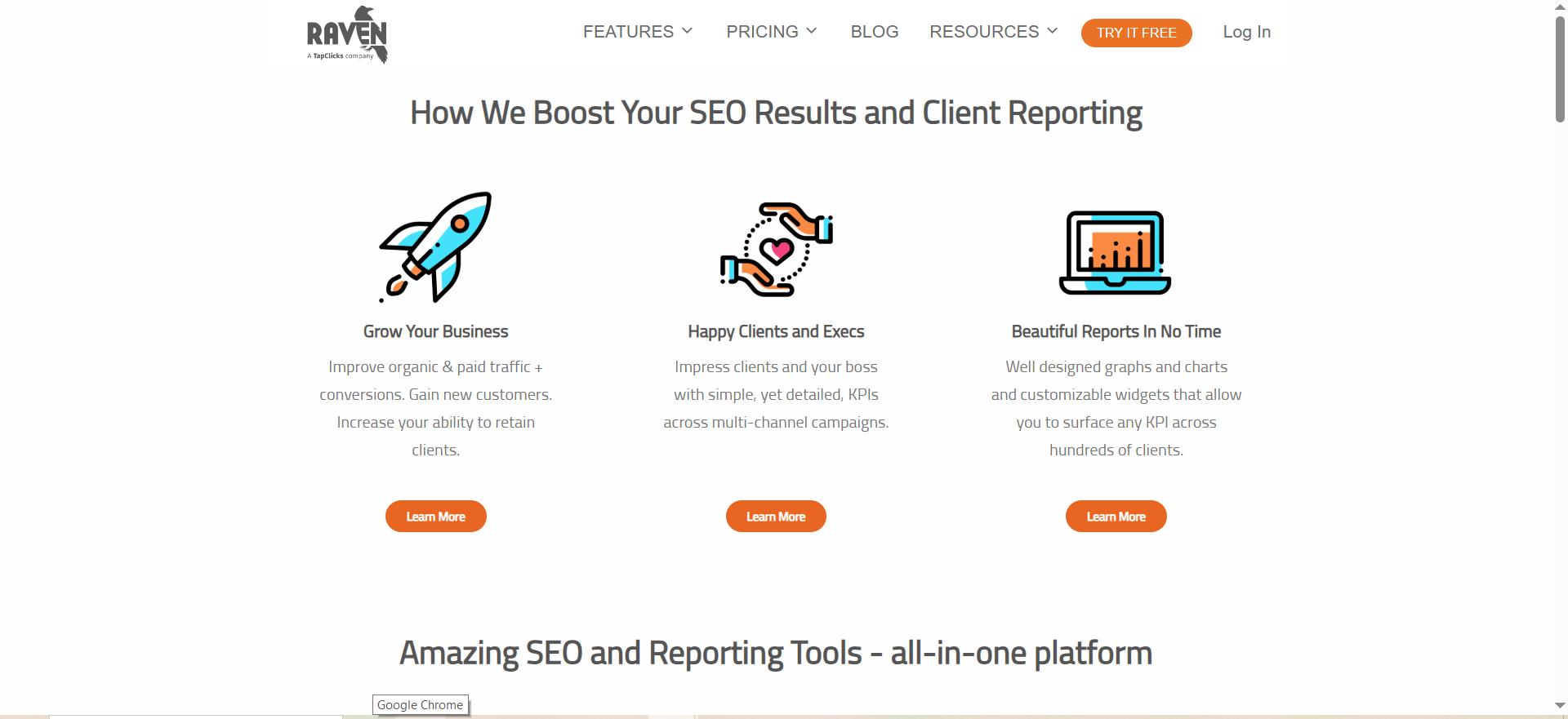
Raven Tools is often considered by agencies that value reporting, audits, and client-facing workflow efficiency.
Why teams choose it
Agency teams may choose Raven Tools when they prioritize:
- Reporting
- Auditing
- Client deliverables
- Workflow consistency across accounts
Where it is a strong fit
- Agencies
- Consultants
- Teams serving many clients with standardized reporting needs
Where it is not a perfect fit
- Teams looking for the deepest competitor SEO research engine
- Enterprise organizations needing advanced SEO platform governance
- Users wanting a single platform for every marketing function
Key strengths vs Semrush
- Agency-friendly reporting orientation
- Good fit for recurring client deliverables
Tradeoffs vs Semrush
- Less likely to replace Semrush fully for broad research + execution needs
- Some teams may still pair it with another research-heavy SEO tool
Pricing
Raven Tools’ pricing starts at $49/month (Small Biz plan).
Free tier?
Raven Tools doesn’t offer a free tier, but it does offer a free 7-day trial.
Practical buying advice
Raven Tools is strongest as an agency workflow/reporting choice, not necessarily as a one-to-one replacement in every SEO research use case.
Best Semrush Alternatives by Use Case
This is the section most readers actually need when they are ready to buy.
Best for backlink analysis and SEO competitor research
Ahrefs
If your team’s core motion is understanding competitor SEO performance, identifying link opportunities, and reverse-engineering what is working in search, Ahrefs is usually the first tool to test. It is one of the most common “I switched from Semrush” choices for SEO specialists.
Best for budget-conscious all-in-one SEO workflows
SE Ranking or Serpstat
If your team wants broad SEO functionality but Semrush pricing feels heavy, these are strong options to evaluate first. They tend to make the most sense for growing teams, SMBs, and agencies balancing coverage with cost.
Best for beginners and small teams
Moz Pro, Mangools, or Ubersuggest (depending on budget and complexity)
If your team is still building SEO discipline, simplicity matters more than feature count. Buying a complex platform too early usually increases cost without improving execution.
Best for market intelligence and traffic benchmarking
Similarweb
If your leadership team keeps asking category and competitor share questions, Similarweb is often a stronger strategic fit than a pure SEO suite, so it’s worth cross-checking with website traffic analysis tools.
Best for PPC competitor intelligence overlap
SpyFu
If SEO and paid search live together in your team and competitor ad history matters, SpyFu can be a very practical option.
Best for enterprise SEO operations
BrightEdge or Conductor
If your decision is driven by governance, enterprise workflows, support, and operational consistency at scale, these tools belong on your shortlist before you compare line-item features.
Semrush vs Competitors (Feature-by-Feature Differences)
This section helps you avoid a common mistake: assuming all “SEO tools” solve the same problem the same way.
Keyword research
Most Semrush competitors offer keyword research. The real differences are in:
- Data depth
- Workflow speed
- Clustering/topic support
- SERP context
- Export/reporting convenience
- How well keyword research connects to content execution
What to watch for when replacing Semrush:
If your team uses keyword research inside a broader Semrush workflow (projects, tracking, content planning, reporting), you need to test the end-to-end flow, not just the keyword database.
Competitor analysis
“Competitor analysis” can mean very different things:
- SEO competitor analysis (keywords, rankings, pages, backlinks)
- PPC competitor analysis (ads, paid keywords, copy)
- Traffic/market intelligence (channels, market share, audience)
- Content competitor analysis (topics, gaps, formats, authority patterns)
Semrush is broad across several of these. Competitors may be better in one lane but weaker in others. That is why many teams end up combining tools.
Rank tracking
Rank tracking comparisons often come down to:
- Number of keywords tracked
- Update frequency
- Local/mobile/device options
- Competitor tracking support
- Reporting and dashboards
- White-labeling
- Project/account organization
For agencies and in-house ops teams, rank tracking comparisons often come down to reporting, dashboards, white-labeling, and project organization, which is why many teams also evaluate marketing analytics tool.
Technical SEO
Most mainstream competitors offer site audits. The important difference is not just “Does it crawl?” but:
- How understandable the issues are
- Whether prioritization is useful
- How teams collaborate on fixes
- Integration with existing dev/content workflows
- How easy it is to rerun and report improvements
A tool can have a strong crawler but weak operational workflow. That gap becomes obvious once implementation begins.
Content workflows
Semrush includes content-related capabilities, but teams vary in how much they rely on them. If your content program is mature, you may care more about:
- Briefing workflows
- Entity/topic coverage
- Editorial operations
- Content refresh tracking
- Integration with writers and CMS workflows
In many organizations, content workflow decisions are made separately from pure SEO tooling. That can change which “competitor” is best.
Reporting and exports
This is where tool decisions often get made late and painfully.
Ask these questions early:
- Can stakeholders get what they need without a paid seat?
- Are reports easy to customize?
- Can agencies white-label?
- Are exports clean and automation-friendly?
- Can you reproduce your current executive dashboard?
A tool can win the trial on research and still fail the purchase because reporting is weak for your organization.
Local SEO and listings
Some teams use Semrush for local SEO and listing-related workflows. If that matters, test it explicitly. Many alternatives are excellent SEO tools but not strong local operations tools.
API / integrations
For advanced teams, the API and integration layer can be the deciding factor. If you feed data into dashboards, client reporting systems, or internal analytics workflows, test integration capability before making a switch with the right SEO reporting software.
Do not assume parity just because the feature pages look similar.
Migration Checklist (If You’re Switching from Semrush)
Switching tools is not just a subscription decision. It is an operations decision.
What to audit before canceling
Before you cancel Semrush, list everything your team currently uses it for:
- Keyword research
- Rank tracking
- Competitor monitoring
- Site audits
- Backlink checks
- Reporting exports
- Scheduled reports
- Client dashboards
- Local listings
- PPC research
- Content workflows
Then label each one:
- Must replace
- Nice to have
- Can drop
This simple exercise prevents overbuying and helps you choose whether one tool or two tools is the better replacement.
What to rebuild first
Rebuild the workflows that affect recurring reporting and execution first:
- Rank tracking
- Scheduled reports
- Core competitor monitoring
- Site audits
- Keyword planning workflow
Why this order? Because reporting gaps and execution interruptions create internal friction fast. You can tolerate some research workflow changes for a few weeks. You usually cannot tolerate broken reporting cycles.
How to avoid data/reporting gaps
- Run Semrush and the new tool in parallel for 2 to 6 weeks
- Document metric definitions (some numbers will differ)
- Reset stakeholder expectations on benchmark continuity
- Keep a migration note in reports explaining methodology changes
- Avoid overreacting to metric deltas during the transition
A common mistake is assuming both tools will report identical values. They will not. What matters is consistency within the new system and clear communication during the changeover.
Can You Replace Semrush with Free Tools?
You can replace parts of Semrush with free tools, but it’s hard to replace the full workflow efficiently. Many teams use:
- Google Search Console for query/page performance and validation
- GA4 for engagement and conversion outcomes
- Google Keyword Planner for directional keyword ideas
- A lightweight crawler can cover basic technical checks, but for deeper auditing workflows most teams compare dedicated site audit tools
Free stacks can work early, but they usually increase manual effort, so it helps to compare options like best free SEO tools. Most teams eventually add a paid platform for scalable keyword research, competitor analysis, and consistent rank tracking.
Pricing (Simple Positioning)
Pricing changes often, so use this as a quick guide and confirm details on official pricing pages.
- Budget: best for solo users and small teams who need the basics
- Mid-tier: best for in-house teams and agencies that need reporting and ongoing tracking
- Premium: best for teams that rely on competitor research daily and want deeper datasets
- Quote-based (Enterprise): best for governance, integrations, and multi-team workflows
Tip: the real cost is rarely the base plan. It’s usually seats + limits + add-ons + switching time.
A quick note on how to read this guide
I am evaluating “competitor” in three ways because that is how real buying decisions happen.
- Direct replacements (similar all-in-one SEO suites)
- Partial replacements (best-in-class tools for one workflow)
- Complementary tools (you may keep Semrush but add one of these)
That distinction matters. A team moving off Semrush entirely has a different decision than a team that just wants better backlink analysis or better market intelligence.
Use-Case Matrix: Which Semrush Competitor Fits Your Team?
| If you’re… | Shortlist these tools | Why this fit usually works |
|---|---|---|
| SaaS / Growth team | Ahrefs, SE Ranking, Similarweb | Ahrefs for deep competitor + link research, SE Ranking for tracking + reporting, Similarweb for market and channel context |
| Agency (multi-client reporting) | SE Ranking, Serpstat, Raven Tools | Better client workflows and recurring reporting; easier to scale projects and deliverables across accounts |
| Local business / local SEO | SE Ranking, Moz Pro | Practical rank tracking and easier workflows; local intent keywords benefit from simple tracking + reporting cadence |
| Enterprise SEO ops | BrightEdge, Conductor | Governance, support, stakeholder reporting, and cross-team workflows matter more than “feature count” |
| Solo creator / small team | Mangools, Ubersuggest, Moz Pro | Faster learning curve and simpler execution when you don’t need enterprise-level depth |
| PPC-heavy competitor research | SpyFu | Strong overlap with competitor ad history and paid keyword insights when SEO + PPC decisions are connected |
How to Choose a Semrush Competitor
A lot of comparison posts fail because they dump feature lists without helping you make a decision. The fastest way to choose a Semrush competitor is to define the job you are hiring the tool to do.
What to Look For in a Semrush Alternative
Data and accuracy
- Does it cover the countries/regions you care about?
- Can you segment by device and location?
- Does it provide keyword and competitor data you can actually act on?
Rank tracking
- Daily vs weekly tracking options
- SERP feature tracking (snippets, local pack, etc.)
- Tagging, segmentation, and shareable views
Competitor research and backlinks
- Backlink discovery + quality indicators
- Competitor gap analysis (keywords/content)
- Historical data (useful for diagnosing drops)
Reporting and workflows
- Scheduled reports and templates
- Exports that don’t feel limited (CSV/PDF/API)
- Client-ready dashboards (if you’re an agency)
Integrations and collaboration
- Seats, permissions, and team workflows
- API availability
- Integrations with Looker Studio, Sheets, Slack, etc.
Pricing and scale
- How pricing changes as you add seats/projects
- Limits that matter (tracked keywords, projects, exports)
- Whether the tool still makes sense at your next growth stage
How to Run Competitor Analysis in 30 Minutes (Simple Workflow)
If you want a practical way to evaluate any Semrush competitor, use the same quick test:
- Pick 5 competitor domains (direct business competitors, not only SEO competitors)
- Pull 20 keywords you care about (mix of brand + non-brand, high intent + informational)
- Check keyword gaps (what competitors rank for that you don’t)
- Review top pages for those gaps (format, intent match, SERP features present)
- Check links to the top competitor pages (only for 3–5 important pages)
- Create a shortlist: pick the tool that makes this workflow fastest for your team
- Validate impact in Search Console after publishing improvements, and if you’re reporting these changes to stakeholders you can map them into real-time dashboards using AI visibility reporting workflows
This workflow makes tool comparisons fair because you’re testing the same tasks in each platform.
Replace vs complement Semrush
Start here because it changes your criteria completely.
You want to replace Semrush if:
- You are cutting software spend
- Your team only uses a small subset of Semrush features
- Another tool better matches your core SEO workflow
- Semrush reporting, limits, or seat model no longer fit your team
You want to complement Semrush if:
- You still like Semrush for broad visibility, but need deeper capability in one area
- You need stronger backlink research, market intelligence, or enterprise workflows
- Different teams need different tools (SEO, content, paid, analytics)
A common mistake is trying to force one platform to do everything, and in practice many high-performing teams build a stack that includes specialized tooling like SEO automation tools
- Semrush (broad SEO + PPC workflows)
- Ahrefs (deeper link and competitor SEO research)
- GA4 / Search Console / Looker Studio (performance and reporting)
- A content optimization or editorial workflow tool (if content production is a major motion)
Your primary use case
Pick one primary use case before comparing vendors, and if you’re research-led start with a solid SaaS keyword research workflow. If you pick five, you will overbuy.
Most buyers fall into one of these buckets:
- Keyword research and content planning
- Backlink analysis and link building
- Rank tracking and reporting
- Competitor SEO/PPC intelligence
- Technical SEO audits
- Enterprise SEO ops and governance
- Market/traffic intelligence for category strategy
When you know your primary use case, the “best competitor” becomes much more obvious, especially if you’re choosing between vendor ecosystems like Ahrefs alternatives.
Team size and workflow maturity
The best tool for a solo founder is usually not the best tool for a multi-brand enterprise team.
- Solo / freelancer / creator: prioritize simplicity and price
- Small in-house team: prioritize all-in-one breadth and fast onboarding
- Agency: prioritize reporting, projects, client segmentation, exports, and cost per seat
- Enterprise: prioritize governance, integrations, support, scalability, and process consistency
If your team is still building basic SEO habits, you usually do not need the most advanced platform, and starting with SEO tools for small businesses can be a smarter first step. You need the tool that your team will actually use every week.
Data depth vs usability
Some tools win on raw research depth. Others win on workflow speed and usability.
A practical rule:
- If your team includes experienced SEOs who live in competitor research all day, you will likely value data depth more.
- If SEO is one responsibility among many, you will likely value usability and speed more.
Do not underestimate this, and if you want your content to hold up under quality signals, follow Google’s emphasis on experience and evidence.
Budget and seat economics
Most teams compare sticker prices and stop thereMost teams compare sticker prices and stop there, so it helps to sanity-check total cost against your pricing expectations. That is a mistake. The real cost is:
Total cost = base plan + seats + add-ons + overages + switching time, which is why reviewing pricing structure before you trial tools saves headaches later.
You also need to ask:
- How many people truly need full access?
- Do stakeholders need seats or just reports?
- Do you need API access?
- Do you need white-label reports?
- Will you hit tracking/project limits quickly?
Sometimes a cheaper tool becomes more expensive once you add team members or required add-ons, so if you’re evaluating platforms as a buyer it helps to use an AI visibility platform buyer guide mindset for comparing limits and scale.
What Semrush Does Well (and Why Teams Look for Alternatives)
To choose a competitor well, you need to understand why Semrush is hard to replace completely, and part of that comes down to citation and answer visibility across AI systems, so it helps to learn how to get cited in AI answers.
Why Semrush is hard to replace fully
Semrush is popular because it combines multiple workflows in one platform, so if you’re building a broader stack compare it against SEO tools for SaaS
- Keyword research
- Competitor analysis
- Rank tracking
- Site audit
- Backlink analysis
- Content tools
- PPC/ads intelligence
- Reporting
- Local SEO features (for some plans/use cases)
That breadth is the reason many teams start with it. You can get a lot done without stitching together several separate tools.
Common reasons teams switch
That said, teams usually look for Semrush competitors for one of these reasons:
1) Cost vs actual usage
They are paying for an all-in-one platform but only using 20 to 30 percent of it.
2) Better depth in a specific workflow
For example, a team may prefer another tool for backlink research, competitor SEO discovery, or enterprise content ops.
3) Team fit and UX
Some teams want a simpler interface. Others want a more advanced one.
4) Reporting or operational constraints
Agencies and larger in-house teams often care about exports, project limits, seats, white-labeling, and collaboration workflows more than feature count, which is why many evaluate a dedicated SaaS SEO agency approach alongside tooling.
5) Strategic shift
A company may move from broad SEO growth to a tighter focus, such as:
- Local SEO
- Programmatic SEO
- Enterprise governance
- Market intelligence
- AI visibility measurement and brand monitoring
In that case, a more specialized tool can make more sense than a broad suite, especially if you’re prioritizing brand visibility in AI search.
Common Buying Mistakes to Avoid
1) Buying by brand familiarity only
The most famous tool is not always the best fit for your team’s workflow.
2) Comparing feature lists without testing real workflows
A feature checklist cannot show whether a tool fits your weekly process.
3) Ignoring seat economics
The plan price is only part of the real cost.
4) Trying to replace Semrush with one tool when you really need two
Sometimes the best move is:
- one SEO execution tool
- one market intelligence or reporting tool
That can still be cheaper and more effective than forcing a single platform to do everything.
5) Choosing a power tool your team will not use
Adoption matters more than theoretical capability.
6) Canceling too early
Always run a short overlap period if reporting continuity matters.
Final Recommendation
If you are choosing among Semrush competitors, start with this decision tree:
- Need deeper SEO competitor and backlink research? → Ahrefs
- Need a lower-cost all-in-one SEO platform? → SE Ranking or Serpstat
- Need an easier tool for a smaller team? → Moz Pro, Mangools, or Ubersuggest
- Need market/traffic intelligence and strategic competitor benchmarking? → Similarweb
- Need PPC-heavy competitor insights? → SpyFu
- Need enterprise SEO operations and governance? → BrightEdge or Conductor
If you are unsure, do not ask “Which tool is best?” Ask:
- What is our main workflow?
- What are we overpaying for now?
- What must not break during the switch?
- Who on the team will use this every week?
That framing usually gets you to the right choice faster than any comparison table.
📋 Get Listed / Advertisement
We update this guide monthly. Want your tool featured? Contact: [email protected].
What is the best Semrush alternative for keyword research?
If keyword research is your main reason for using Semrush, the “best alternative” depends on what you mean by keyword research:
- Discovery and expansion (finding lots of relevant queries and variations)
- Prioritization (deciding what to write/optimize first)
- Intent + SERP understanding (knowing what Google rewards for a query)
- Workflow (clustering, brief creation, exporting to content ops)
Best picks (practical, not theoretical)
Ahrefs is usually the strongest Semrush competitor for keyword research when you want research depth plus strong competitor-driven discovery. It is excellent for:
- Finding what already ranks for competitors
- Identifying content gaps
- Expanding keyword sets fast
- Understanding ranking pages and SERP landscape
SE Ranking is often the best value alternative for keyword research when you need a solid keyword workflow inside a broader SEO platform, but Semrush cost feels heavy. It tends to work well for:
- Small and mid-size teams that want keyword research + tracking + reporting together
- Agencies managing multiple projects without premium suite pricing
Moz Pro is a strong choice for teams that want keyword research that is easy to use and easier to operationalize for non-specialists. It is often a better fit when:
- SEO is not the only job of the person using the tool
- You want less complexity and more clarity
How to choose fast
Pick based on what you need most:
- Deep competitor-led keyword discovery → Ahrefs
- Balanced keyword research + broader SEO ops at better value → SE Ranking
- Simple, teachable keyword workflow for teams → Moz Pro
What is the best Semrush alternative for backlink analysis?
If you are specifically replacing Semrush because you want stronger backlink workflows, the shortlist becomes very clear.
Best overall: Ahrefs
Ahrefs is the most common choice when backlinks are the main reason you are switching. Teams like it because it is built around:
- Link discovery and competitive link analysis
- Identifying who links to competitors (and why)
- Finding link gap opportunities
- Tracking link growth over time
For link building and digital PR teams, Ahrefs often feels like the tool that gets used daily.
Strong alternatives depending on your needs
Moz Pro can be a good option for smaller teams who want backlink insights without living in link analysis all day.
SEO PowerSuite can work for technical users who want hands-on workflows and broader SEO tooling in a different format.
How to choose fast
- Your SEO growth depends on links → Ahrefs
- You want “good enough backlinks” with easier UX → Moz Pro
- You prefer desktop-heavy or technical control → SEO PowerSuite
Which Semrush competitor is cheaper for small businesses?
If you are a small business, “cheaper” should mean lower total cost and lower operational overhead, not just a lower sticker price.
Most common lower-cost Semrush alternatives for SMBs
SE Ranking: Often the best combination of affordability + breadth. If you need keyword research, rank tracking, basic site audits, and reporting in one place, it usually gives strong ROI for the spend.
Serpstat: A practical “all-in-one on a budget” option if you want breadth without paying for a premium suite.
Mangools: Great if your SEO needs are simple and you want an easy interface with less complexity.
Ubersuggest: Often the easiest entry point if the budget is extremely tight and you are still learning SEO basics.
The SMB decision rule
- If you want an all-in-one replacement that will still scale a bit → SE Ranking or Serpstat
- If you want simplicity and ease-of-use over depth → Mangools
- If you want the lowest barrier to entry and accept limits → Ubersuggest
Also, keep in mind: small businesses often do better with a cheaper tool + strong fundamentals (Search Console, GA4, consistent content updates) than with an expensive suite used inconsistently.
Which Semrush alternative is best for agencies?
Agencies evaluate tools differently. Your priorities are usually:
- Client segmentation (multiple projects)
- Reporting speed and quality
- White-label or client-ready exports
- Cost per seat
- Scalability across accounts
Best agency-friendly picks
SE Ranking is often one of the best Semrush alternatives for agencies because it balances:
- Multi-client workflow management
- Practical reporting
- Strong value relative to all-in-one suites
Raven Tools is often considered when reporting and audits are the center of your service delivery. If your agency sells recurring reports, audits, and visibility improvements, Raven can support that operationally.
Ahrefs is best when your agency differentiates on strategy, competitive research, and link building. Many agencies use Ahrefs for research and pair it with another reporting-focused tool.
Agency decision rule
- Reporting + multi-client operations are your core → SE Ranking or Raven Tools
- Competitive research and links are your differentiator → Ahrefs (often paired with something else)
- You want a broad suite at lower cost than Semrush → Serpstat (depending on your services)
Which tool is closest to Semrush in features?
Semrush is broad. The closest tool “in features” usually means: keyword research, competitor research, rank tracking, site audits, backlinks, reporting, and a reasonably unified platform experience.
Closest “suite-style” competitors
SE Ranking and Serpstat are commonly the closest alternatives if your goal is to keep an all-in-one SEO suite feel without paying for Semrush.
Moz Pro is also suite-like, but it tends to be “closest” for teams who only need core SEO workflows (and do not rely heavily on Semrush’s broader PPC/marketing modules).
The reality check
If you rely on Semrush for SEO + PPC intelligence + content tooling + reporting, you might not find a perfect single-tool replacement at a lower price. Many teams end up with:
- A suite-style tool (SE Ranking / Serpstat / Moz Pro)
- Plus one specialist tool if needed (Ahrefs for links, Similarweb for market intelligence)
Can I replace Semrush with multiple cheaper tools?
Yes, and many teams do. The key is doing it intentionally so you do not create tool sprawl or reporting chaos.
When replacing Semrush with multiple tools works best
- You only use 2 to 3 Semrush modules regularly
- You want best-in-class performance for one motion (links, rank tracking, reporting)
- You are willing to stitch together workflow and reporting
Common “stack” replacements (examples)
Stack A: Budget-focused all-in-one + specialist
- SE Ranking (keyword research, rank tracking, audits, reports)
- Ahrefs (backlinks + deeper competitor SEO research)This often gives you strong coverage while still controlling cost compared to keeping Semrush for everything.
Stack B: Beginner/SMB minimal stack
- Mangools or Ubersuggest (basic keyword research and tracking)
- Google Search Console + GA4 (free performance data)This works when you are early-stage and need simple execution, not heavy competitive intelligence.
Stack C: Agency reporting stack
- SE Ranking (multi-client tracking + reporting)
- A specialist research tool if needed (Ahrefs for links)This supports client deliverables and lets you choose a research engine based on service focus.
What you might lose by splitting tools
- One unified dashboard for everything
- One consistent data source for all reporting
- Fewer integrations to manage
The “don’t regret it later” rule
If reporting continuity matters, run both setups in parallel for a short period and standardize:
- Which tool is the source of truth for rank tracking
- How you define KPIs in reports
- How you explain inevitable metric differences to stakeholders
FAQs
What is the best Semrush competitor overall?
Which Semrush alternative is best for small businesses?
Is Ahrefs better than Semrush?
Which Semrush competitor is best if I care most about backlinks?
Which Semrush competitor is best for agencies managing many clients?
Which Semrush competitor is best for enterprise teams?
Treat keyword volume and difficulty as directional, not absolute. Tools use different panels, clickstream sources, and models. The best approach is comparing relative opportunity (topic clusters + SERP intent) and validating results in Google Search Console after publishing.
Do these tools have limits or “credits” that change the real cost?
Should I replace Semrush completely or use a second tool alongside it?
How long should I run both tools during migration?
Can rank trackers measure AI Overviews directly?
You can replace parts of Semrush with free tools, but not all of it efficiently. For example, teams often use Google Search Console, GA4, and free browser tools for specific tasks, but they still need a paid platform for scalable keyword research, competitor analysis, or rank tracking. Free stacks can work early on, but they usually increase manual effort.
Which Semrush competitor is best for agencies?
Which Semrush competitor is best for enterprise teams?
Should I switch from Semrush or use a second tool alongside it?
How long should I run both tools during migration?
📋 Get Listed / Advertisement
We update this guide monthly. Want your tool featured? Contact: [email protected].


