

For most enterprise SaaS marketing orgs, the best “AI stack” is not 20 tools, it’s 3–5 governed tools that map cleanly to core jobs: (1) drafting + internal enablement, (2) brand-safe writing quality, (3) ABM intent + account insights, (4) attribution + revenue reporting, and (5) localization. Start with the quick comparison, then use the governance checklist to avoid data/brand risk and make rollout measurable.
📋 Get Listed / Advertisement
We update this guide monthly. Want your tool featured? Contact: [email protected].
Best AI Tools for Enterprise SaaS Marketing (Quick Comparison)
| Tool | Best for | Controls to verify | Pricing signal |
|---|---|---|---|
| ChatGPT Enterprise / Business | Governed genAI drafting + enablement | SSO/SCIM, RBAC, audit logs, admin analytics, data retention/model-training terms | Business per-seat; Enterprise via sales |
| Grammarly Enterprise | Brand-safe writing quality at scale | SSO/SCIM, admin controls, style rules, domain/brand terminology | Enterprise via sales |
| 6sense | ABM + intent + account insights | Data sources, identity resolution, permissions, integrations (CRM/MAP), reporting | Enterprise via sales |
| Dreamdata | B2B attribution + pipeline/revenue reporting | Data model, connectors, governance, data retention, role-based access | Typically tiered by volume/connectors |
| Lokalise | Localization workflows + translation management | Access controls, glossary/termbase, workflow approvals, integrations | Tiered by seats/projects/usage |
📋 Get Listed / Advertisement
We update this guide monthly. Want your tool featured? Contact: [email protected]
1. ChatGPT Enterprise / ChatGPT Business
What it does
A general-purpose genAI workspace used to draft marketing assets, summarize research, generate variants, build internal playbooks, and standardize prompt-based workflows across teams.
Why teams use it
Because it’s the fastest way to scale first drafts and iteration, as long as you wrap it in governance: approved prompts, review steps, and rules for substantiating claims.
What it’s good for
- Landing pages, email sequences, ad variants,webinar abstracts
- Competitive matrices and positioning drafts (with human verification)
- Internal enablement: messaging guides, FAQ docs, call scripts
- Repurposing: webinar → blog → social → nurture
When it’s a good fit
- You want a single “drafting layer” used across many teams
- You can enforce a review + evidence step before publish
- You need repeatable prompt templates (e.g., per product line)
When it’s not a good fit
- You need strict brand enforcement without process
- You want built-in ABM intent, attribution, or localization workflows (use specialized tools)
How to use it
- Publish approved prompt templates (landing page, ABM ad, webinar abstract, case study outline).
- Generate drafts inside templates (change one variable per iteration).
- Add a claims check step: replace vague claims with proof (links, metrics, citations) or remove them.
- Move the final copy into your CMS/MAP workflow for publishing and measurement.
- Track speed + outcomes: time-to-first-draft, review cycles, conversion lift.
Key capabilities
- Reusable prompt templates + internal enablement patterns
- Drafting, rewriting, summarization, ideation at scale
- Team workspace controls to support standardized usage
Pricing
ChatGPT Business costs $30/seat/month (or $25/seat/month billed annually), and ChatGPT Enterprise pricing is not publicly listed; it’s available by quote.
Free tier?
ChatGPT Business/Enterprise doesn’t offer a free tier, but ChatGPT does have a free plan for individuals.
Downsides / limitations
- Without tight workflow,outputs drift (voice, claims, compliance)
- “Good copy” ≠ “true copy”: you still need substantiation and review
- ROI is hard to prove unless you instrument workflow metrics
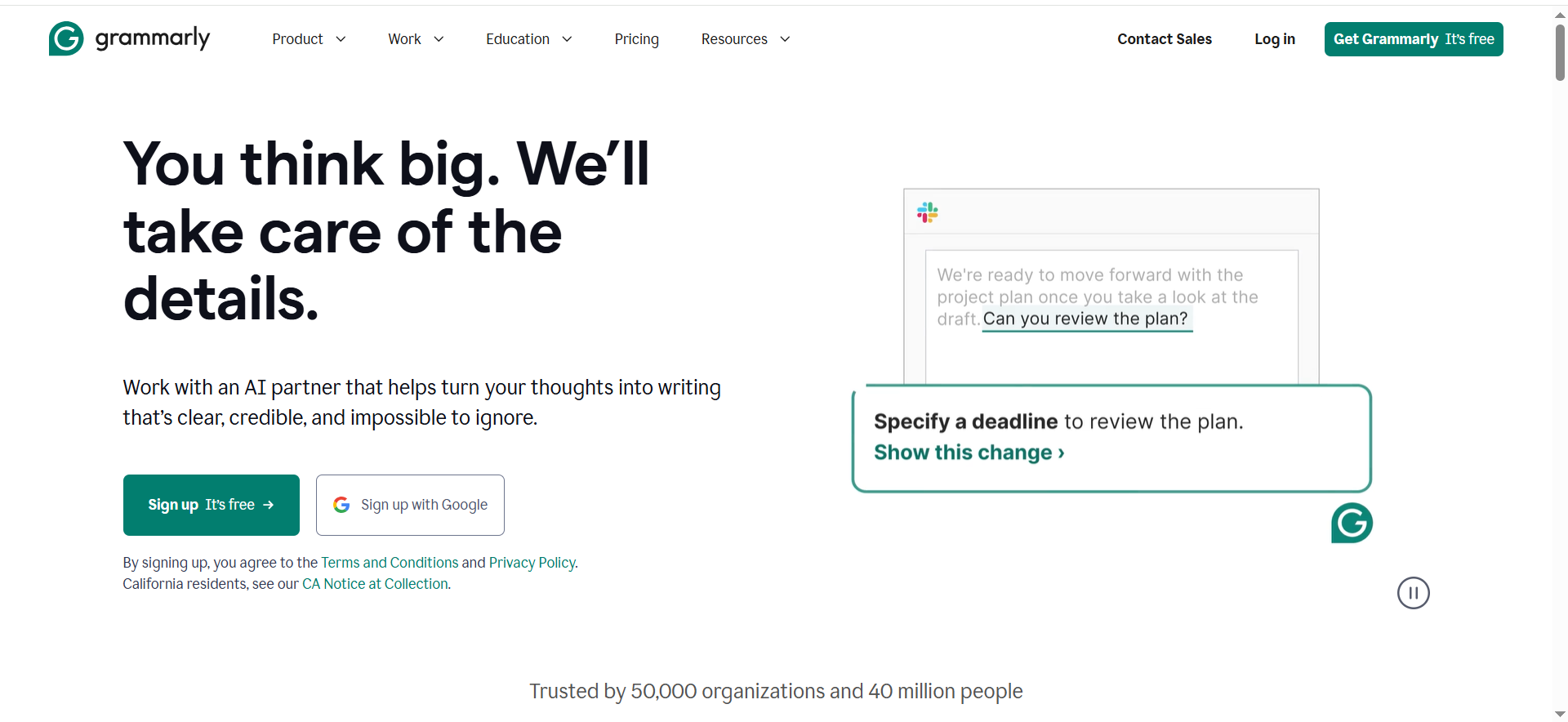
2. Grammarly Enterprise
What it does
An enterprise writing assistant that helps teams produce clear, consistent, on-brand writing across docs, email, and collaboration tools, especially useful when many stakeholders touch copy.
Why teams use it
Because it reduces the time spent on “polish” work (tone, clarity, consistency) and helps keep language aligned to brand rules, particularly across large or distributed teams.
What it’s good for
- Tightening executive messaging and customer-facing copy
- Enforcing terminology and style guidelines
- Reducing review cycles caused by unclear writing
- Standardizing tone across regional teams
When it’s a good fit
- You have many writers/editors and lots of approvals
- Your biggest bottleneck is quality + consistency, not ideation
- You need brand and terminology enforcement across surfaces
When it’s not a good fit
- You primarily need net-new drafting and research synthesis (genAI workspace helps more)
- You expect it to replace editorial judgment for positioning or compliance
How to use it
- Create a brand style guide: tone, banned phrases, preferred terminology.
- Add product glossary entries (features, acronyms, names) and common corrections.
- Make it part of definition-of-done for: emails, landing pages, nurture, support docs.
- Pair with a human editor for final approval on regulated claims.
Key capabilities
- Style + tone consistency, clarity improvements
- Brand/terminology rules (admin-managed)
- Integrations across common writing surfaces
Pricing
Grammarly Enterprise pricing is not publicly listed; it’s available by quote.
Free tier?
Grammarly Enterprise doesn’t offer a free tier, but Grammarly does offer a free plan for individuals.
Downsides / limitations
- Improves writing quality; it doesn’t replace strategy or proof
- Over-reliance can homogenize voice if guidelines aren’t thoughtfully set
- Needs ongoing admin ownership to stay aligned with brand updates
3. 6sense
What it does
An ABM + intent platform that helps enterprise teams identify in-market accounts, route insights to sales, and prioritize campaigns based on buying signals and account engagement.
Why teams use it
Because enterprise revenue teams need a shared view of which accounts to pursue now, and how marketing + sales actions are influencing the pipeline.
What it’s good for
- Account prioritization and segmenting target lists
- Intent + engagement-based campaign orchestration
- Improving SDR focus and aligning with sales plays
- Account-level reporting for ABM programs
When it’s a good fit
- Your GTM motion is strongly account-based
- Sales wants account insights embedded in CRM workflows
- You have budget and ops support to manage routing + governance
When it’s not a good fit
- You’re mostly PLG or inbound-led and don’t run ABM plays
- You can’t support integration + operational maintenance
- You don’t have agreement on target accounts and definitions
How to use it
- Define target account tiers (T1/T2/T3) and who owns the list.
- Set signal thresholds for “in-market” and route to CRM with clear plays.
- Run ABM campaigns by tier: ads, email, content syndication, events.
- Align on KPIs: meetings created, opportunities influenced, pipeline/revenue.
Key capabilities
- Account identification + intent insights
- Orchestration and account-based measurement
- CRM + MAP integrations for workflows
Pricing
6sense pricing is not publicly listed; it’s available by quote.
Free tier?
6sense offers a free tier for Sales Intelligence that includes 50 data credits per month.
Downsides / limitations
- Value depends heavily on data quality, routing, and adoption
- Can become expensive “shelfware” without tight ABM ops
- Account-level attribution still requires solid measurement foundations
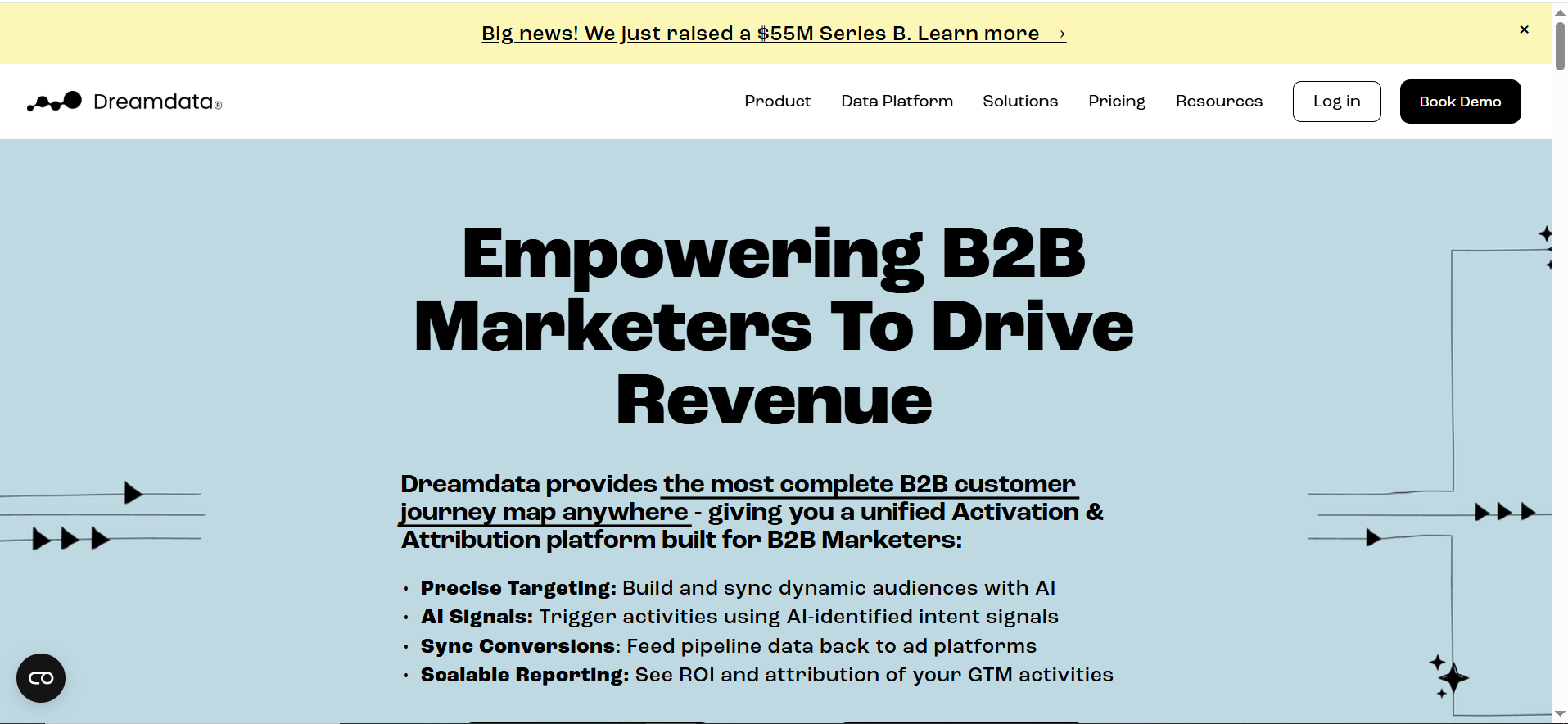
4. Dreamdata
What it does
A B2B attribution and revenue reporting platform that connects marketing and sales touchpoints to help teams understand what influences pipeline and revenue.
Why teams use it
Because enterprise teams need to answer: “What’s working?” across channels, long cycles, and multi-stakeholder buying committees, without relying on last-click.
What it’s good for
- Multi-touch attribution and journey reporting
- Pipeline and revenue dashboards by channel/campaign
- Aligning marketing + RevOps on definitions and measurement
- Diagnosing funnel bottlenecks (handoff, velocity, conversion)
When it’s a good fit
- You have multiple channels and long sales cycles
- You need shared dashboards for exec reporting
- You have the internal support to connect and validate data sources
When it’s not a good fit
- Your data hygiene is poor (inconsistent campaign tracking, broken UTMs)
- You expect instant truth without data governance
- Your motion is simple and last-click is “good enough”
How to use it
- Connect data sources (CRM, MAP, ad platforms) and audit tracking standards.
- Align on attribution model(s) used for decisions (don’t pick 10).
- Build dashboards for: pipeline influenced, revenue influenced, CAC signals.
- Use insights to shift spend and improve conversion points.
Key capabilities
- Touchpoint stitching and journey views
- Revenue/pipeline reporting with governance features
- Dashboards that support recurring decision cycles
Pricing
Dreamdata offers a Free plan at $0/month, and its paid plans are custom-priced by quote.
Free tier?
Dreamdata offers a free tier, and it also offers a guided free trial.
Downsides / limitations
- “Attribution truth” depends on your data definitions and discipline
- Implementation requires RevOps partnership
- Teams can misinterpret dashboards without strong measurement culture
5. Lokalise
What it does
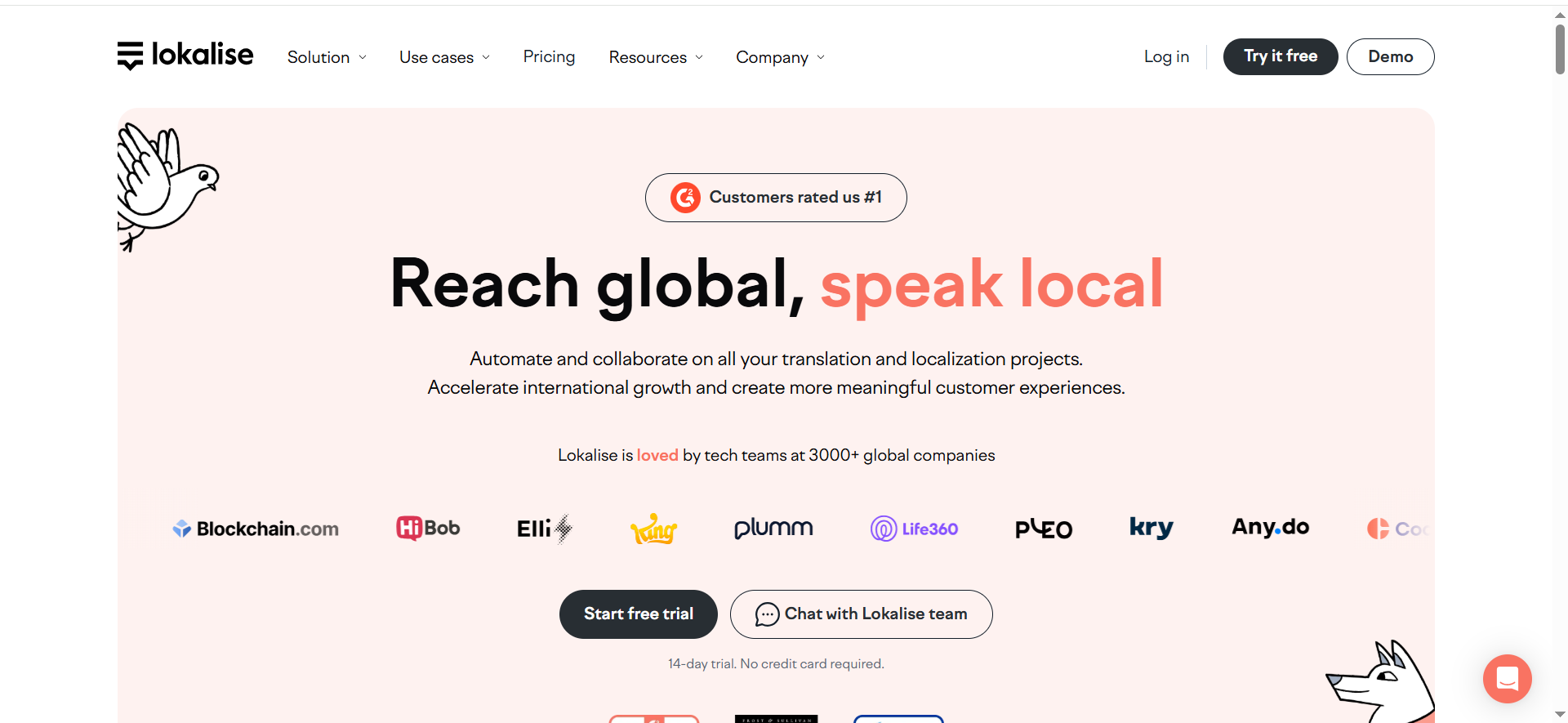
A localization management platform (translation management) that helps SaaS teams maintain multilingual websites/apps with workflows for translation, review, and approvals, plus glossaries/termbases.
Why teams use it
Because enterprise SaaS marketing needs speed and consistency across regions, without letting translation become a chaotic spreadsheet process.
What it’s good for
- Website and product localization workflows
- Glossary + terminology enforcement across languages
- Managing reviewers, approvals, and version control
- Coordinating vendors or internal translators
When it’s a good fit
- You ship in multiple regions and need repeatable localization workflows
- You have brand terms that must be consistent globally
- You need approvals and auditability
When it’s not a good fit
- You only translate occasionally and can handle it manually
- You don’t have internal ownership for localization operations
How to use it
- Define your glossary/termbase (product terms, feature names, brand voice rules).
- Set workflow stages: translate → review → approve → publish.
- Integrate with your CMS/repo so updates flow automatically.
- Track turnaround time and quality (review cycles, error rates).
Key capabilities
- Glossary/termbase, workflow approvals, collaboration
- Integrations to reduce manual copy/paste
- Role-based access and project management
Pricing
Lokalise’s pricing starts at $144/month (Explorer plan).
Free tier?
Lokalise offers a free tier, and it also offers a 14-day free trial.
Downsides / limitations
- Needs process ownership (otherwise becomes another tool)
- Quality still depends on translators/reviewers and strong terminology rules
- Integrations take effort to get right
Enterprise evaluation checklist (governance-first)
| Checklist item | What to ask | Evidence to request |
|---|---|---|
| Data handling defaults | Do prompts/outputs train models by default? Retention period? Opt-in/out in contract? | DPA, retention policy, sub-processor list, written defaults |
| Identity & access | SSO/SCIM? RBAC granularity? Audit logs export? | SSO/SCIM docs, RBAC matrix, audit log sample |
| Admin visibility | Can admins see usage, policy violations, and adoption by team? | Admin dashboard screenshots, reporting spec |
| Policy controls | Can we set banned terms, brand rules, and required review steps? | Policy configuration docs, demo workflow |
| Integrations | CRM/MAP/CMS/Slack? Webhooks/APIs? | Integration list, reference architectures |
| Compliance posture | SOC2/ISO? Data residency needs? | Audit reports, compliance documentation |
How to choose the right 5-tool stack (decision framework)
Rule #1: One tool per “job.”
If two tools do the same job, pick the one with stronger governance and easier adoption.
Rule #2: Start where your bottleneck is.
- If speed is the bottleneck: start with genAI drafting + a safe workflow.
- If quality/consistency is the bottleneck: add brand-safe writing controls.
- If targeting is the bottleneck: add ABM/intent.
- If budget decisions are the bottleneck: add attribution/reporting.
- If global growth is the bottleneck: add localization workflows.
Rule #3: Make rollout measurable.
Instrument both:
- Efficiency: time-to-first-draft, review cycles, throughput per writer/editor
- Impact: conversion rate lift, meetings created, pipeline influenced, revenue influenced
Rule #4: Don’t buy 10 tools to avoid the process.
Most enterprise marketing teams perform best with 3–5 governed tools and a standard workflow:
brief → draft → review → publish → measure.
FAQs
Do we need both ChatGPT Enterprise and Grammarly Enterprise?
How do we prevent hallucinated claims in AI-generated marketing copy?
Which tool matters most for ABM: intent, ads, or CRM integration?
What’s the minimum governance checklist procurement should require?
How many AI tools should an enterprise SaaS marketing team use?
How should we measure success after rollout?
📋 Get Listed / Advertisement
We update this guide monthly. Want your tool featured? Contact: [email protected].


