Pick the assistant that matches how your team sells, not the one with the longest feature list. Dialpad suits call-heavy teams, Apollo suits outbound prospecting, HubSpot Sales Hub suits teams whose problem is CRM upkeep, and Gong suits enterprise coaching. The match matters more than any single feature.
This holds for B2B teams of roughly five to fifty reps choosing one assistant to support reps, not to replace them.
Every price and feature below comes from the vendor's own page, so confirm current plans before buying, and expect several vendors to publish no price at all.
If you sell one of these tools and want a page like this to carry your category, our team builds comparison and listicle pages for SaaS companies. See how SaaS Content Marketing works.
📋 Get Listed / Advertise
We update this guide monthly. Want your tool featured? Contact: [email protected].
AI Sales Assistants At A Glance
| Tool And Motion | Best For | Standout Capability | Entry Price As Published | CRM Fit |
|---|---|---|---|---|
| Dialpad, call-heavy and inbound teams | Reps who live on the phone | Live Coach Cards during the call | $39 per user (Sell Essentials) | Native Salesforce, HubSpot and Zoho integrations |
| Apollo, outbound prospecting-heavy teams | Reps building lists and sending sequences | Free plan with no time limit | Free plan, paid plans Pricing on request | Advanced CRM integrations on Professional |
| HubSpot Sales Hub, CRM-centred teams | Teams already running HubSpot | Call transcription inside the CRM | Free for up to 2 users, Professional $90 per seat per month billed annually | Is the CRM |
| Gong, enterprise coaching teams | Larger teams coaching from real conversations | Records and transcribes calls, meetings and email | Pricing on request | Updates CRM fields |
AI sales agents and cold-calling dialers are out of scope here, and the agents section further down points to where autonomous tools are covered.
The rule is short. Call-heavy goes to Dialpad, and outbound goes to Apollo. CRM upkeep goes to HubSpot, and enterprise coaching goes to Gong.
1. Dialpad: Best For Call-Heavy Teams
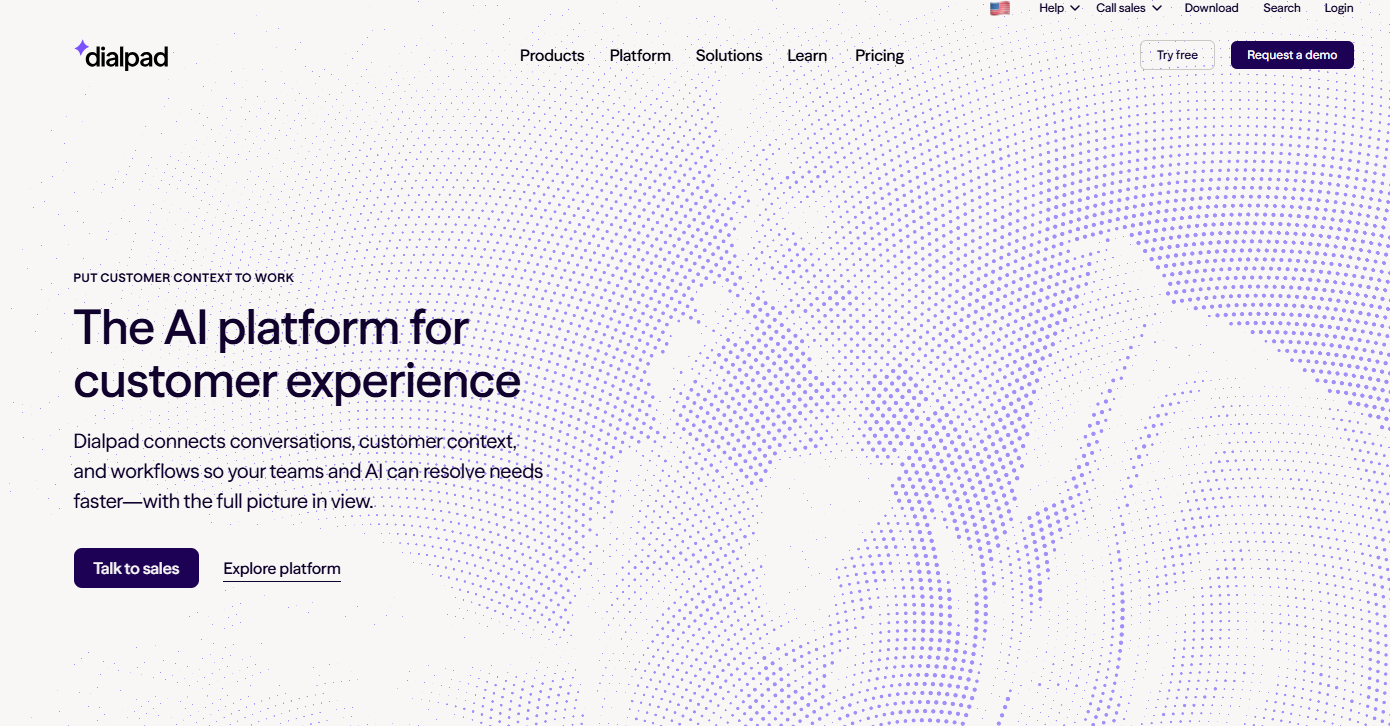
Dialpad is the pick for inbound and call-heavy teams because its AI coaches the rep during the call, through Live Coach Cards, instead of only summarising it afterwards.
What it does: Dialpad's AI sales assistant page lists AI Live Coach Cards, AI Recaps, AI Playbooks, AI scorecards, live sentiment analysis and advanced analytics. In plain terms, it listens to the conversation, nudges the rep while it happens, writes the recap when it ends and scores the call against a playbook.
Who it is for: Teams where most of the revenue work happens on a call and where managers cannot sit in on enough of them. If your reps spend the day in conversation and your CRM notes are thin, this is the motion it fits.
Pricing: Dialpad's pricing page lists three Sell plans, and the tiers matter because the coaching features are gated.
| Plan | Price | Billing Basis | What It Includes |
|---|---|---|---|
| Sell Essentials | $39 per user | Not stated on the page | AI transcripts, recaps, PII redaction |
| Sell Advanced | $59 per user | Not stated on the page | Adds Live Coach |
| Sell Premium | $79 per user | Not stated on the page | Adds Quality Management with playbooks and scorecards |
Those figures come from Dialpad's pricing page, which does not say whether they reflect annual or monthly billing, so ask before you budget.
Strengths:
- Coaching happens while the call is live, which is when a rep can still change the outcome.
- Playbooks and scorecards give managers a consistent way to review calls without listening to all of them.
- Native integrations with Salesforce, HubSpot and Zoho keep recaps close to the CRM record.
- The entry tier at $39 per user is the lowest published paid price among the four tools.
Trade-offs:
- Live Coach starts on Sell Advanced, so the Essentials tier gives you transcripts and recaps without in-call coaching.
- Playbooks and scorecards need Sell Premium at $79 per user.
- The billing basis is not stated on the pricing page.
- It is built around calls, so it does little for list building or outbound sequencing.
Key capabilities:
- AI Live Coach Cards
- AI Recaps
- AI Playbooks
- AI scorecards
- Live sentiment analysis
- Native CRM integrations with Salesforce, HubSpot and Zoho
Good fit:
- Inbound and call-heavy sales teams
- Managers who want repeatable call reviews
- Teams already on Salesforce, HubSpot or Zoho
Not a fit:
- Outbound teams whose day is list building and email sequences
- Buyers who want full coaching features at the entry price
Biggest limitation: The pages we reviewed publish no outcome statistics, so the case for Dialpad rests on features and price, not proven results.
2. Apollo: Best For Outbound Prospecting-Heavy Teams
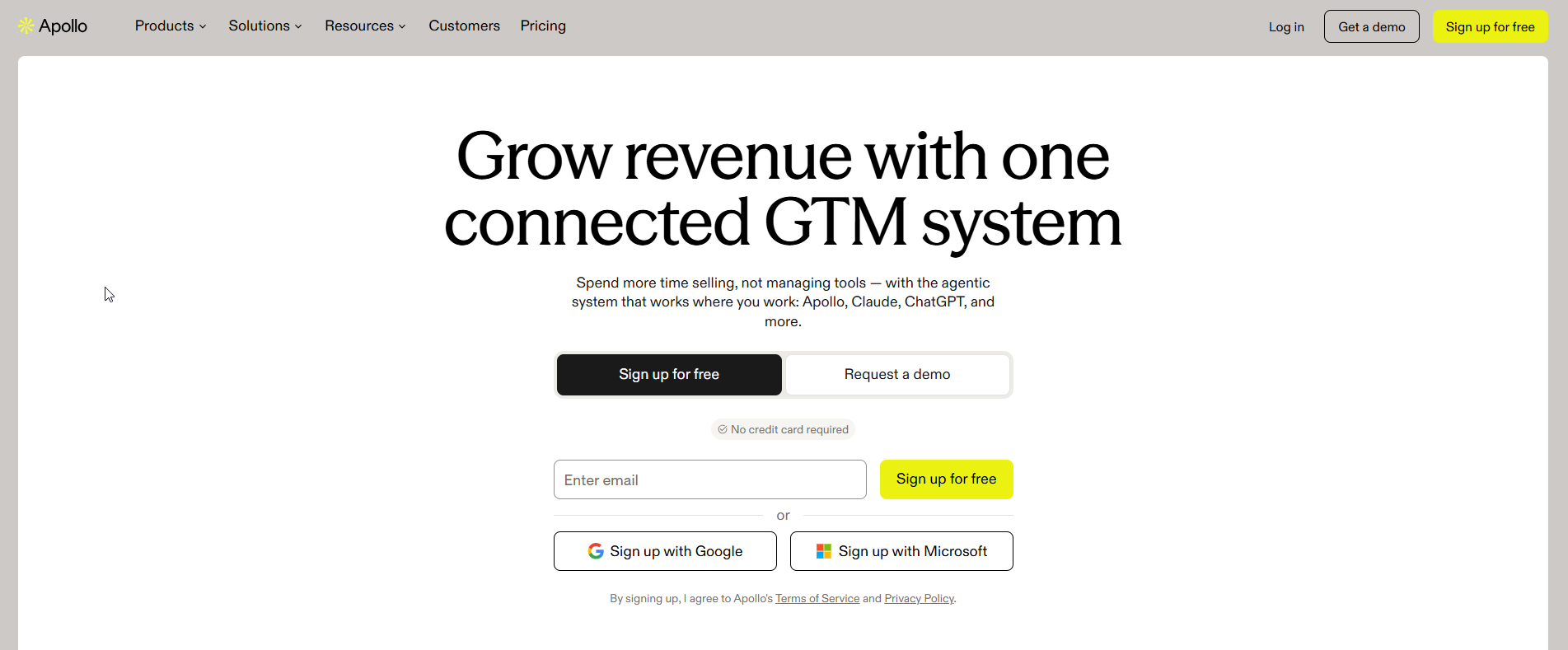
Apollo is the pick for reps who spend the day building lists and sending sequences, and its Free plan stays free with no time limit, which makes it the easiest of the four to try.
What it does: Apollo's pricing page describes plans built around outbound work. Basic is for individual sellers doing regular outbound, with email sequencing and core integrations. Professional adds higher credit limits, AI features, call recording and advanced CRM integrations. The idea is one place to find prospects and contact them.
Who it is for: Sellers and SDR-style reps whose pipeline depends on volume. If your week is lists, sequences and replies, Apollo matches that rhythm. Teams comparing the wider field can start with our guide to AI prospecting software, and teams whose weak point is data quality should read about AI lead enrichment tools.
Pricing: Apollo lists four plans, and only the Free plan is priced.
| Plan | Price | Billing Basis | What It Includes |
|---|---|---|---|
| Free | Free | Not applicable | Stays free with no time limit |
| Basic | Pricing on request | Not listed | Email sequencing and core integrations for individual sellers doing regular outbound |
| Professional | Pricing on request | Not listed | Higher credit limits, AI features, call recording and advanced CRM integrations |
| Custom | Pricing on request | Not listed | Priced through sales |
All of this is from Apollo's pricing page, where the paid plans read Pricing on request.
Free tier: Apollo's Free plan has no time limit, so a rep can test the workflow before anyone signs a contract.
Strengths:
- A permanent free plan lowers the cost of testing.
- Sequencing sits on the Basic plan, so a small team can start outbound without the top tier.
- Professional bundles AI features, call recording and advanced CRM integrations in one plan.
- A Custom tier exists for larger teams that need a negotiated deal.
Trade-offs:
- No paid price is published, so you cannot budget until you talk to sales.
- Paid plans are priced on request, so the AI included at each tier is a question for sales.
- Call recording and the AI features sit on Professional, not on Basic.
- Its centre of gravity is outbound, so it is a weaker match for teams coached mostly from inbound calls.
Key capabilities:
- Free plan with no time limit
- Email sequencing for individual sellers
- Higher credit limits on Professional
- AI features and call recording on Professional
- Advanced CRM integrations on Professional
Good fit:
- Outbound-heavy teams that live in sequences
- Small teams that want to test before paying
- Reps who need prospecting and outreach in the same tool
Not a fit:
- Teams that need a published price before a first call
- Teams whose main problem is coaching inbound calls
Biggest limitation: Apollo's paid plans carry no published price, so the AI you get at each tier is a question for the vendor.
3. HubSpot Sales Hub: Best For CRM-Centred Teams
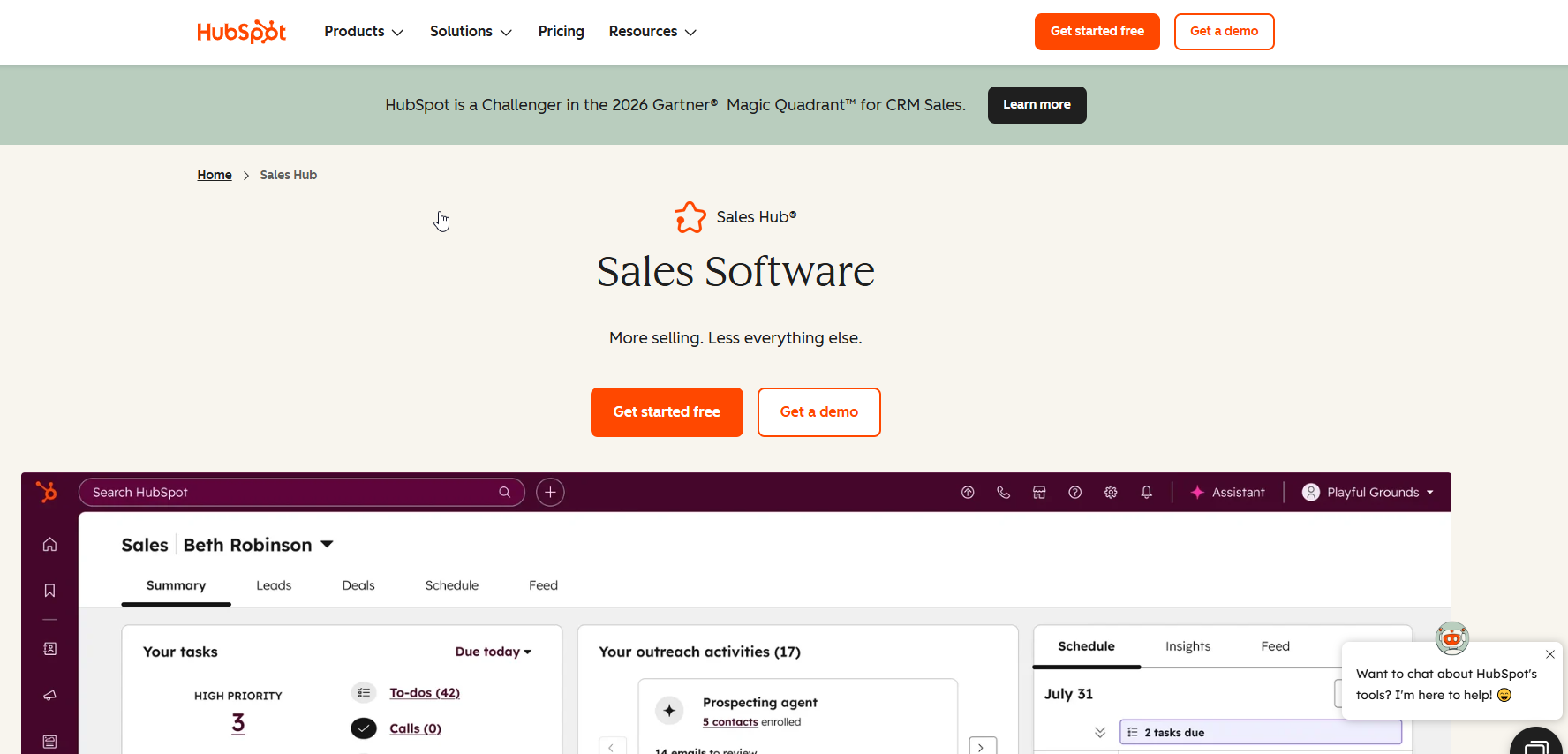
HubSpot Sales Hub is the pick for teams whose pain is CRM upkeep and who already run HubSpot, and call transcription starts on Professional, with conversation intelligence on Enterprise.
What it does: HubSpot's pricing page ties calling minutes and call-transcription hours to each tier, so calls, transcripts and records live in the same product as the CRM. That removes a sync step between the calling tool and the CRM.
Who it is for: Teams already on HubSpot who want AI help without adding a separate system. If a second tool sounds like a second place for data to go stale, this is the answer. Teams weighing what comes next can read about AI lead scoring tools and AI lead qualification tools.
Pricing: HubSpot's Sales Hub page lists a Free plan and two paid tiers relevant here, with one-time onboarding fees on top.
| Plan | Price | Billing Basis | What It Includes |
|---|---|---|---|
| Free | Free for up to 2 users | Not applicable | Entry plan for two users |
| Professional | $90 per seat per month annually, $100 monthly | Per seat, annual or monthly | 3,000 calling minutes and 750 hours of call transcription per account per month. One-time onboarding fee of $1,500 |
| Enterprise | $150 per seat per month | Per seat | 12,000 calling minutes, 1,500 hours of call transcription per account per month and conversation intelligence with tracked terms. One-time onboarding fee of $3,500 |
The figures are from HubSpot's Sales Hub pricing page.
Free tier: HubSpot Sales Hub is free for up to 2 users.
Strengths:
- The assistant and the CRM are one product, so there is no integration to maintain.
- Calling minutes and transcription hours are published for each paid tier.
- Enterprise adds conversation intelligence with tracked terms for coaching.
- A Free plan lets two users try the product.
Trade-offs:
- One-time onboarding fees of $1,500 for Professional and $3,500 for Enterprise add to the first-year cost.
- Conversation intelligence is gated to Enterprise at $150 per seat per month.
- Pricing is per seat, so cost climbs with headcount.
- It is worth most to teams already on HubSpot and far less to those on another CRM.
Key capabilities:
- Call transcription hours by tier
- Calling minutes by tier
- Conversation intelligence with tracked terms on Enterprise
- A Free plan for up to 2 users
Good fit:
- Teams already on HubSpot
- RevOps leads who want fewer systems to maintain
- Teams ready to pay for onboarding
Not a fit:
- Teams on Salesforce or another CRM
- Buyers who want conversation intelligence without paying the Enterprise price
Biggest limitation: Real conversation coaching needs Enterprise, so the cost of the full feature set is the seat price plus a $3,500 onboarding fee.
4. Gong: Best For Enterprise Coaching Teams
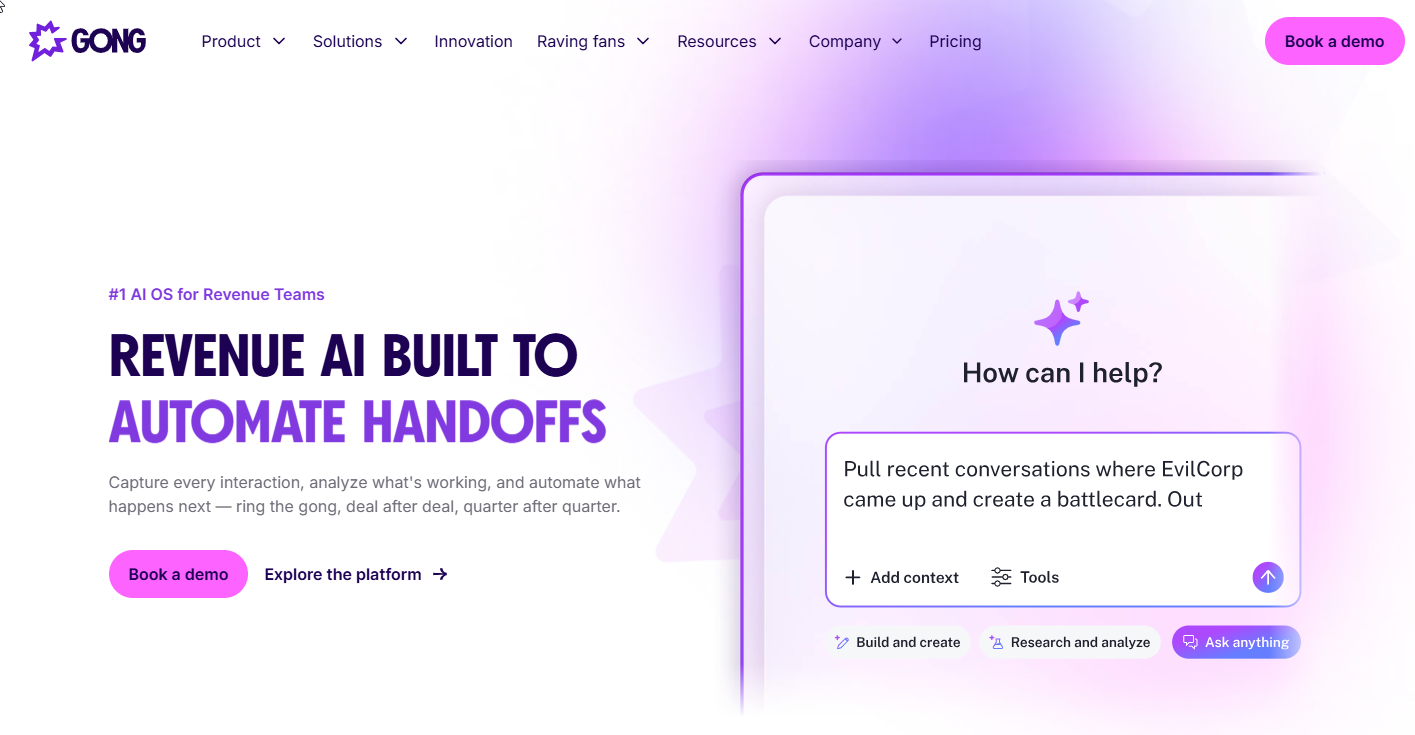
Gong is the pick for larger teams that coach from real conversations, and its product page says it automatically records and transcribes every sales call, meeting and email.
What it does: Gong's product page says its AI agents generate summaries, update CRM fields and suggest follow-ups. It also supports coaching from real conversations, and Gong Forecast offers pipeline predictions and deal risk assessment. That makes it a record of what buyers actually said, with coaching and forecasting built on top.
Who it is for: Sales organisations with enough managers and enough calls that coaching from real conversations is a weekly job. If forecast accuracy and deal risk are board-level topics, the forecasting side is part of the case.
Pricing: Gong publishes no price.
| Plan | Price | Billing Basis | What It Includes |
|---|---|---|---|
| Gong | Pricing on request | Not listed | Recording and transcription, AI summaries, CRM field updates, coaching, Forecast |
The Gong product page says to contact the vendor about trial options, so a trial is a conversation with sales and not a signup form.
Strengths:
- It records and transcribes calls, meetings and email, so the record is broader than phone calls.
- AI summaries, CRM field updates and suggested follow-ups take admin off the rep.
- Coaching works from real conversations instead of role-play.
- Gong Forecast adds pipeline predictions and deal risk assessment for leaders.
Trade-offs:
- No price is published, so budget cannot be compared before a sales call.
- A trial has to be arranged with the vendor.
- The breadth suits larger teams and may be more than a five-rep team needs.
- We leave out Gong's self-reported performance numbers because they are vendor marketing without a dated source.
Key capabilities:
- Automatic recording and transcription of calls, meetings and email
- AI summaries
- CRM field updates
- Suggested follow-ups
- Coaching from real conversations
- Gong Forecast pipeline predictions and deal risk assessment
Good fit:
- Larger sales teams with dedicated managers and coaches
- Leaders who want forecasting and deal risk in the same tool
- Teams that will run a vendor-led evaluation
Not a fit:
- Small teams that need to see a price before talking to sales
- Buyers who want a self-serve free plan
Biggest limitation: There is no public price, so you cannot compare Gong's cost with the other three until you have a quote.
📋 Get Listed / Advertise
We update this guide monthly. Want your tool featured? Contact: [email protected].
What Is An AI Sales Assistant?
An AI sales assistant is software that takes repetitive rep work, such as CRM logging, research, drafting outreach and scheduling follow-ups, off the rep so the rep can spend more time with buyers. The test of a good one is simple. It should remove work from the rep's day without adding a review job for the manager.
The tools in this category fall into a few jobs.
- Call notes and coaching: Recording calls, writing summaries and guiding reps during or after the conversation.
- CRM hygiene: Logging activity and updating fields so records stay current without manual entry.
- Prospecting and outreach: Finding prospects, building lists and sending sequences.
- Forecasting: Predicting pipeline outcomes and flagging deals at risk.
Each job has its own trade-off. Coaching tools need calls to coach from, CRM tools need clean records to start with, prospecting tools need volume to pay back, and forecasting tools need enough deals to see a pattern. No single product is best at all four, which is why the choice starts with your motion. For the full stack beyond assistants, see our guide to the best AI sales tools.
AI Sales Assistant Vs AI Sales Agent: Where The Line Sits
An AI sales assistant supports a human rep, who stays in control of the conversation and decides what gets sent. An AI sales agent acts on its own, mostly on outbound prospecting, and the human reviews results after the fact.
The trade-off is control against volume. Assistants keep a person in the loop, so quality is easier to protect and volume is capped by the rep's time. Agents lift the cap and give up some of the control, so a bad message reaches hundreds of prospects before anyone reads it. An assistant fails more slowly, because a rep sees each draft first.
Here is the decision test. If the work you want removed is note-taking, CRM entry and follow-up, you want an assistant. If the work you want removed is the first touch to hundreds of prospects, you want an agent. Readers who want autonomy should look at our guides to the best AI sales agents and the best AI SDR agents.
Cold-calling dialers are a separate category again. They place calls at volume, which is a different job from supporting a rep who is already on one, so they are outside this list.
What The Research Says About AI In Sales
Start with how common this has become. Salesforce's 2026 State of Sales report, which surveyed 4,050 sales professionals in 22 countries between August and September 2025, found that 87 percent of sales organisations use some form of AI.
The same survey puts a number on the problem these tools are meant to solve. The same report says the average seller spends 40 percent of their time selling, which leaves most of the week for everything else.
Gartner links AI use to results. In a survey of 227 chief sales officers reported in a May 2026 press release, Gartner found that sales organisations providing AI-enabled next best actions are 2.6 times more likely to achieve commercial growth.
Then there is the cost of too many tools. A Gartner page on sellers and technology says 49 percent of sellers feel overwhelmed by the number of technologies they must use, though the page does not state when that was surveyed.
Take that last figure as the argument for this article's structure. If nearly half of sellers already feel buried by software, the answer is not to stack all four tools. It is to pick the one that fits your motion and make it work.
How To Choose By Sales Motion
Start with the motion, because it decides which tool is worth a trial. Each step below names the motion, the question that identifies it and the tool it points to.
- Call-heavy and inbound teams. Ask whether most of your revenue work happens on a call that nobody reviews. If yes, choose Dialpad.
- Outbound prospecting-heavy teams. Ask whether your reps spend more time building lists and sending sequences than talking. If yes, choose Apollo. Our guide to AI tools for outbound prospecting covers the wider field.
- CRM-hygiene-heavy teams. Ask whether stale records are costing you forecast accuracy and whether you already run HubSpot. If yes, choose HubSpot Sales Hub.
- Enterprise coaching-heavy teams. Ask whether managers coach from real conversations and need forecasting and deal risk in the same place. If yes, choose Gong.
Involve the right people before you pick. Include a sales leader, the reps who will use the tool and RevOps, because each sees a different failure.
Then judge your shortlist on five criteria.
- Workflow integration: Does it fit where reps already work?
- Data governance: Where does data go and who can see it?
- Output accuracy: Is it accurate on your own CRM data?
- Total cost of ownership: Include seats, onboarding fees and add-on tiers.
- Adoption simplicity: Will reps use it without a training programme?
Buyers choosing between tools now ask AI engines for the shortlist first, so a product needs to be named in AI answers and in search results. The GEO + SEO Growth Programme is how we work on that for SaaS vendors.
The Two-Week Test For Choosing Between Your Top Two
This test is TRM's own method for settling a close call, and it carries no statistics. It screens two finalists. A 30 to 60 day pilot with a control group is the longer follow-up once one tool is ahead.
- Day 1, Pick The Group. Choose a small group of reps that includes one sceptic. A tool that wins over the sceptic will win over the room. Pass if the group is agreed and the sceptic is on it.
- Days 1 To 5, Run Tool A. The group uses the first tool on its normal calls or lists. Pass if every rep has used it on real work, not demo data.
- Day 7, Score Week One. Review real recordings and real objections. Score accuracy, relevance, tone and edit time for each output. Pass if the notes or drafts are usable with light edits.
- Days 8 To 12, Run Tool B. Use the same group and the same calls or lists, so the comparison is fair. Pass on the same measures as week one.
- Keep Human Approval On. Throughout both weeks, drafts and CRM changes are approved by a person before they are saved. Pass if no unapproved change reaches the CRM.
- Day 14, Compare And Decide. Put the two scores side by side. Pick the tool with higher accuracy and lower edit time. If it is close, pick the one the sceptic prefers.
Two weeks is enough to see whether a tool is useful and not enough to prove it raises quota. That is the job of the longer pilot, where one group uses the tool and a matched group does not.
How Much Does An AI Sales Assistant Cost?
Cost depends on whether the vendor publishes a price at all. Of the four tools here, two do not.
| Tool | Entry Price As Published | Billing Note |
|---|---|---|
| Dialpad | $39 per user (Sell Essentials) | Billing option not stated |
| Apollo | Free plan, paid plans Pricing on request | Paid plans Pricing on request |
| HubSpot Sales Hub | Free for up to 2 users, Professional $90 per seat per month | Annual, $100 monthly |
| Gong | Pricing on request | No price published |
Dialpad's Sell plans run $39, $59 and $79 per user, and the page does not say which billing option those reflect. On HubSpot's own pricing page, HubSpot Sales Hub Professional costs $90 per seat per month billed annually or $100 monthly, and Enterprise is $150 per seat per month. HubSpot also charges one-time onboarding fees of $1,500 for Professional and $3,500 for Enterprise.
Apollo and Gong are the two that list Pricing on request for paid plans. Apollo's pricing page lists a Free plan, and Gong lists no price. Billing basis varies across the four, so compare total cost per rep per year, onboarding fees included, once you have quotes. For HubSpot Professional, that means the seat price times twelve plus the one-time onboarding fee in year one. For Dialpad, it means the plan price times twelve once you have confirmed the billing basis. Put the same headcount on every line, because per-seat pricing punishes the larger team the most.
How We Evaluated These Tools
We chose four tools to represent four sales motions, so the list answers a decision and not a ranking contest. Every price and feature comes from the vendor's own page. Where a vendor publishes nothing, the article says so, and we left out self-reported performance claims that lack a dated source. We judged each tool on the same attributes, which are what it does, who it suits, what it costs, where it is strong and where it is weak. That keeps a tool with a long feature page from beating one that fits your motion better.
Many AI sales assistant roundups are written by the vendors they rank, and they often rank the author's own product first. That is why this guide rests on vendor pages you can check and says plainly what those pages leave out.
If you sell software and want your product to show up when buyers ask AI engines about this topic, our work on Generative Engine Optimization and Answer Engine Optimization is built for that.
FAQs
Do AI Sales Assistants Replace Human Reps?
Is There A Free AI Sales Assistant?
Can One Tool Cover Calls And Outbound Prospecting?
How Do I Know Whether An AI Sales Assistant Is Working?
How Long Should A Pilot Run?
What Should I Ask Vendors About Data And Governance?
Which AI Sales Assistants Work With Salesforce And HubSpot?
Do I Need An AI Sales Assistant If I Already Have A CRM?
What Does An AI Sales Assistant Need Access To?
If you would rather talk through your own shortlist or your own category page, book a thirty-minute call. One of the founders takes it, and you leave knowing what we would fix first.