

TL;DR
If your sales team is still working leads in the order they came in, or relying on gut feel to decide who gets a call first, you already know the problem. Reps burn hours on contacts who were never going to buy, while high-intent prospects sit untouched long enough to go cold or sign with a competitor.
AI lead scoring fixes this by using machine learning to rank every lead by how likely they are to convert, based on fit signals, behavioral patterns, and intent data your team would never catch manually. The result is a prioritized pipeline where reps spend time on the leads that actually matter.
In this guide, we compare five AI lead scoring tools purpose-built for B2B revenue teams: Pecan AI for no-code predictive modeling, Breadcrumbs for flexible multi-model scoring, Correlated for product-led growth pipelines, Factors for account-based engagement scoring, and Actively AI for always-on outbound intelligence. Each tool takes a different approach to the same problem, so the right pick depends on your GTM motion, data maturity, and where your pipeline breaks down.
Best AI Lead Scoring Tools in 2026 (Quick Comparison)
| Tool | Best For | Scoring Approach | Starting Price |
|---|---|---|---|
| Pecan AI | Data-rich teams wanting ML without data scientists | Predictive ML trained on historical data | Custom pricing |
| Breadcrumbs | Mid-market teams wanting flexible, testable models | Multi-model ML with A/B testing | Free tier available; paid plans on request |
| Correlated | PLG SaaS companies scoring product-qualified leads | PQL/PQA scoring with ML + intent signals | Custom pricing |
| Factors | ABM teams scoring accounts by engagement signals | Account-level scoring from web, ads, and intent | $399/mo (Basic) |
| Actively AI | Outbound sales teams needing always-on AI agents | Per-Account Agents with predictive analytics | Custom pricing |
1. Pecan AI
What It Does
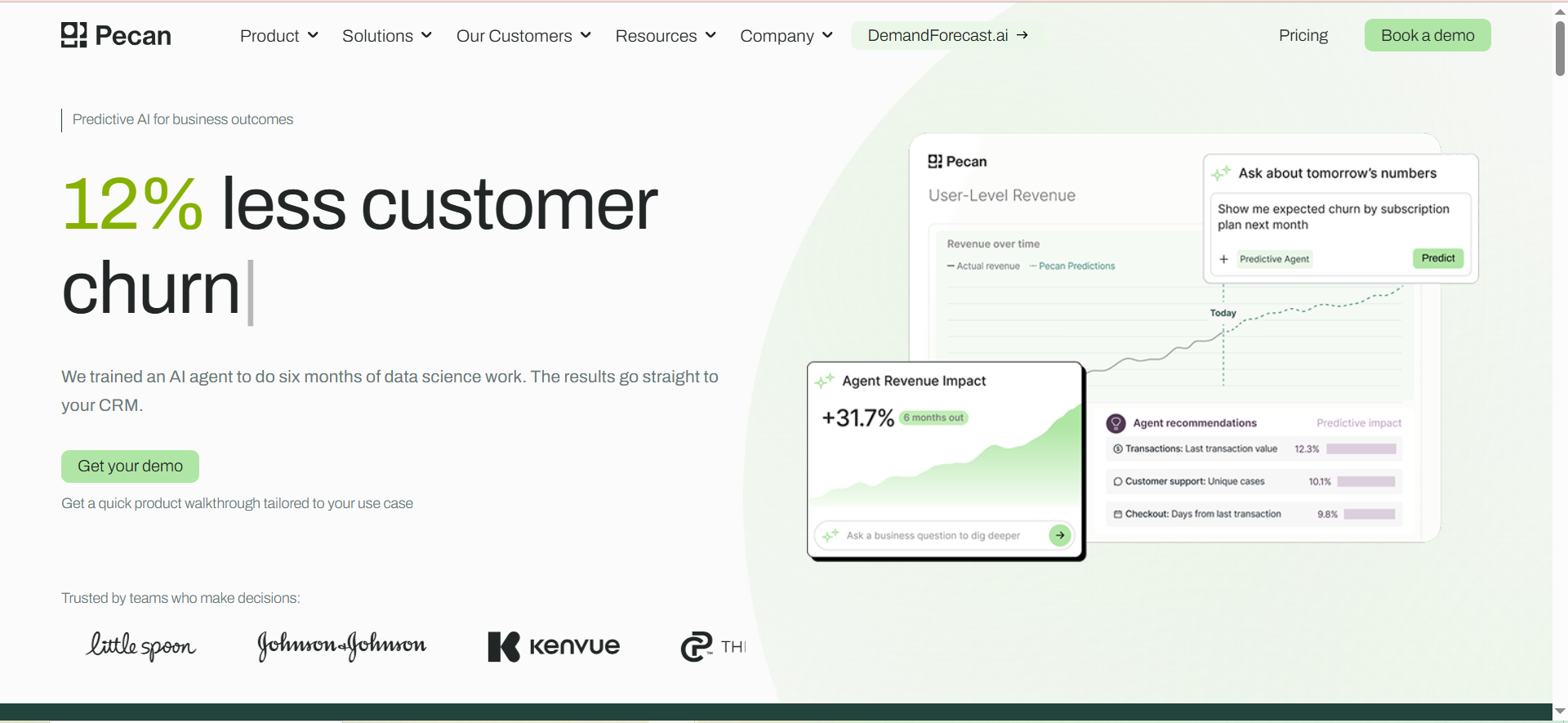
Pecan AI is a predictive analytics platform that brings machine learning to lead scoring without requiring a data science team. The platform trains ML models on your historical lead data — things like lead source, demographic information, website interactions, email engagement, and past sales outcomes — to identify which combinations of signals most reliably predict conversion. Once trained, it generates a score for each new lead indicating conversion likelihood, and pushes those scores directly into your CRM.
Why Teams Use It
Revenue teams choose Pecan when they have solid historical data but lack the data science resources to build and maintain predictive models. The no-code interface means a business intelligence analyst or RevOps manager can independently train ML models and deliver predictive insights without filing tickets with a data team. Models that would traditionally take months to build can be operational in days.
What It Is Good For
Pecan excels at finding subtle signal combinations that humans miss entirely. For example, the model might surface that leads from webinars who ask a pricing question within two weeks convert at a significantly higher rate, especially when they come from mid-size companies. These multi-variable patterns are invisible to rules-based scoring but can dramatically improve pipeline efficiency.
The platform also handles demand forecasting, churn prediction, and lifetime value modeling, so teams can use a single platform for multiple predictive use cases beyond lead scoring.
When It Is a Good Fit
Pecan is a strong fit when your team has at least 500 historical leads and 50 closed deals to train the initial model, you want ML-powered scoring without hiring data scientists, your data lives in a CRM or data warehouse that Pecan can connect to, and you need transparent, explainable models where you can see exactly how each variable contributed to each score.
When It Is Not a Good Fit
Pecan is not ideal if you are a very early-stage startup with minimal historical data (fewer than 500 leads), you primarily need product-usage scoring for a PLG motion (Correlated is better suited for that), or you need a free or very low-cost solution since Pecan uses custom enterprise pricing.
How to Use It
Connect your data sources (Salesforce, HubSpot, BigQuery, or other warehouses). Define the outcome you want to predict (lead-to-customer conversion, for example). Pecan's predictive agent translates your question into a validated ML model and pushes scores back into your CRM. You can then set up alerts and workflows based on score thresholds.
Key Capabilities
Pecan's core capabilities include no-code ML model building with an intuitive interface, predictive lead scoring with real-time behavioral tracking and firmographic data, direct CRM score push (a Pecan Score field that updates automatically in Salesforce or HubSpot), full model transparency showing how each variable contributes to each score, support for multiple predictive use cases (churn, LTV, demand forecasting) on a single platform, and a Predictive Co-Pilot that lets analysts ask questions in natural language.
Pricing
Pecan AI uses custom pricing based on data volume and use cases. You need to contact their sales team for a quote. Pricing is not publicly listed.
Free Tier
No. Pecan does not offer a free plan.
Downsides and Limitations
Custom pricing with no public transparency makes it harder to budget without a sales call. The platform requires meaningful historical data to produce accurate models, so teams with thin datasets will see weaker results. It is also primarily a predictive platform rather than a lead scoring specialist, which means the scoring workflow may feel less purpose-built compared to tools designed exclusively for lead qualification.
2. Breadcrumbs
What It Does
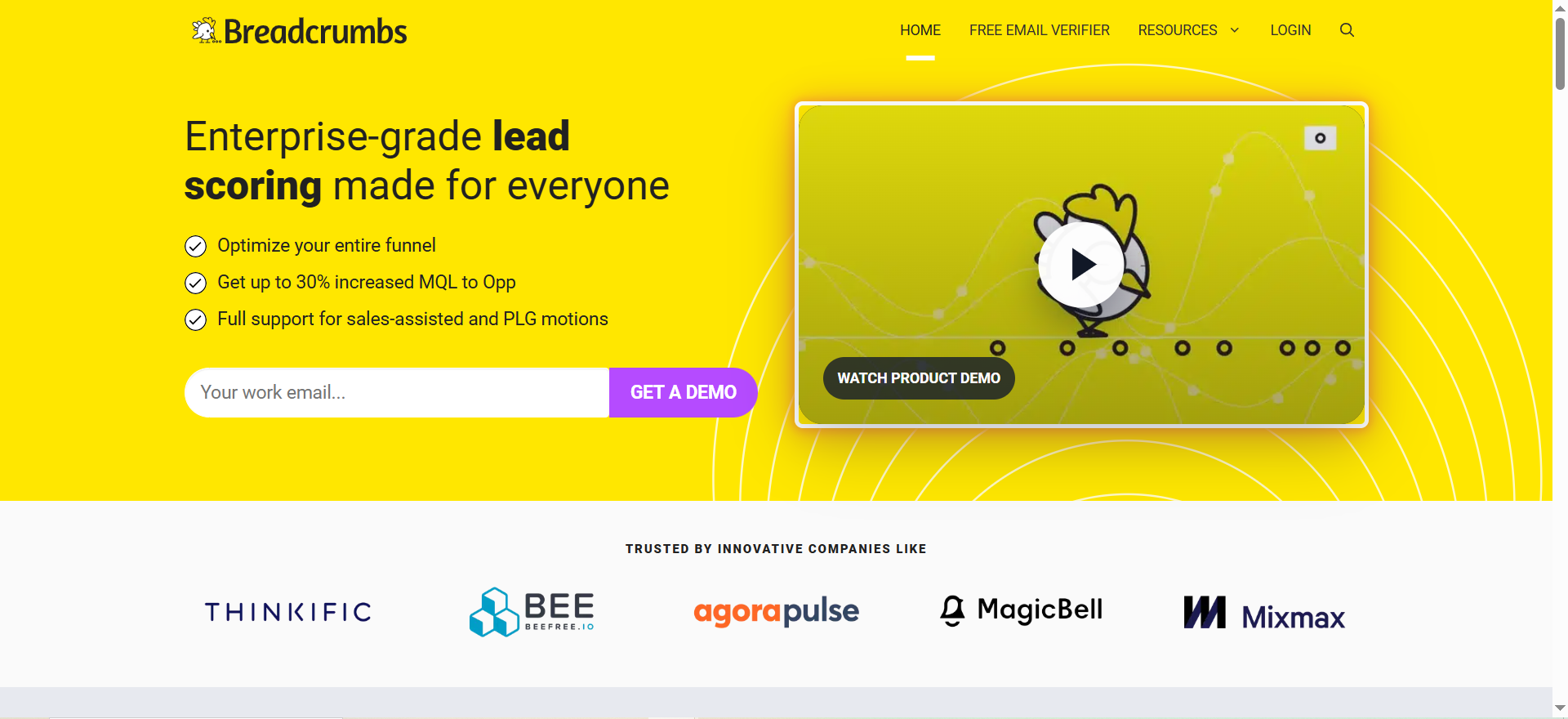
Breadcrumbs is an enterprise-grade lead scoring platform that uses machine learning to create custom scoring algorithms tailored to your specific sales process and customer data. Unlike one-size-fits-all scoring tools, Breadcrumbs lets you build multiple scoring models for different objectives — acquisition, upsell, cross-sell, retention, and adoption — and A/B test them natively to find which model drives better outcomes.
Why Teams Use It
Teams choose Breadcrumbs when they need scoring that adapts to multiple lifecycle stages, not just top-of-funnel lead qualification. The platform lets you create compound or multivariate scoring rules in an intuitive UI without technical skills, and it evaluates both contact-level and account-level information as part of a single score using five different score elements.
What It Is Good For
Breadcrumbs stands out for its time-based scoring variables. It creates dynamic scores that identify the moment demand is present, using granular variables including recency, frequency, scoring interval, and decay rate. This means a lead who visited your pricing page three times this week scores higher than one who visited once two months ago, and the score adjusts automatically as behaviors age.
The A/B testing capability is also a differentiator. Instead of guessing whether your scoring model is optimal, you can run two models side by side and measure which one produces better sales outcomes.
When It Is a Good Fit
Breadcrumbs works well when you need to score leads across multiple objectives (not just acquisition), you want to A/B test scoring models to improve accuracy over time, your team uses HubSpot, Salesforce, Marketo, or Pardot as a core CRM or MAP, and you need dynamic scoring that accounts for behavioral recency and frequency.
When It Is Not a Good Fit
Breadcrumbs may not be the best choice if you need product-usage-based PQL scoring (Correlated handles this better), you need deep account-level de-anonymization and intent data (Factors is more focused here), or you want an all-in-one outbound platform with built-in messaging (Actively AI covers this).
Note: Breadcrumbs was acquired by MadKudu in October 2024, and MadKudu was subsequently acquired by HG Insights in 2025. The Breadcrumbs platform has been integrated into the MadKudu/HG Insights ecosystem, so standalone availability, pricing, and the product roadmap may have changed since this review was written.
How to Use It
Connect your CRM or marketing automation platform. Define your scoring objectives (acquisition, expansion, retention). Build scoring models using the no-code interface, selecting which firmographic, technographic, and behavioral signals matter for each objective. Set time-based decay rules. Deploy models and A/B test them against each other.
Key Capabilities
Breadcrumbs offers ML-powered custom scoring algorithms, multi-objective models (acquisition, upsell, retention, adoption), native A/B testing of scoring models, dynamic scoring with recency, frequency, and decay rate variables, combined contact and account scoring in a single evaluation, no-code model builder requiring no technical skills, and integrations with HubSpot, Salesforce, Marketo, and Pardot.
Pricing
Breadcrumbs offers a free plan with basic lead scoring features and limited integrations. Paid plans provide more advanced scoring capabilities and integrations. Specific paid plan pricing is available on request.
Free Tier
Yes. Breadcrumbs offers a free plan with basic scoring functionality and limited integrations.
Downsides and Limitations
The acquisition by MadKudu introduces uncertainty about long-term product direction and standalone availability. Free plan limitations may push growing teams to paid tiers quickly. The platform is narrowly focused on scoring, so teams wanting a broader sales engagement or ABM platform will need to pair it with other tools.
3. Correlated
What It Does
Correlated is a revenue expansion platform purpose-built for product-led growth (PLG) companies. It uses proprietary machine learning models to identify product-qualified leads (PQLs) and product-qualified accounts (PQAs) based on in-product behavior, usage patterns, and lifecycle stage. Instead of scoring leads on demographic or firmographic data alone, Correlated watches how users actually interact with your product and surfaces the ones showing real buying signals.
Why Teams Use It
PLG companies choose Correlated because traditional lead scoring tools miss the most important signal they have: product usage data. When a free-tier user invites three teammates, hits a usage ceiling, or visits the pricing page after spending time in advanced features, those behaviors are far more predictive of conversion than job title or company size. Correlated captures these signals and turns them into actionable scores and workflows.
What It Is Good For
Correlated excels at identifying the exact moment a product user shifts from exploring to seriously considering a purchase. Its PQL scoring models are fully customizable at each stage in the customer journey — conversion, expansion, onboarding, and retention — so you can surface different types of opportunities for different teams.
The platform also provides real-time intent triggers. When a user visits a pricing page, downloads documentation, or reads a high-value blog post, Correlated can combine that behavior with its ML-generated scores and instantly push the opportunity to sales via Salesforce, Outreach, Salesloft, HubSpot, Marketo, or Slack. Teams looking for CRM-native prospecting solutions can benefit from this tight integration.
When It Is a Good Fit
Correlated fits well when your company runs a product-led growth motion with a free tier or freemium model, you have product usage data in a CRM, CDP, or data warehouse, your sales team needs to know which free users are ready for a sales conversation, and you want to score across multiple lifecycle stages (conversion, expansion, retention).
When It Is Not a Good Fit
Correlated is not ideal if your GTM motion is primarily outbound or sales-led with no free product (Pecan AI or Actively AI serve these models better), you need deep account-level de-anonymization of anonymous website visitors (Factors covers this), or your team does not have product usage data available in a connectable data source.
How to Use It
Sync your product data from your CRM, CDP, or data warehouse using Correlated's no-code data onboarding (custom SQL is also supported). Define your PQL and PQA criteria for each lifecycle stage. Correlated's ML models analyze your data and generate scores. Configure workflow automations to push scored leads into your sales tools.
Key Capabilities
Correlated provides PQL and PQA scoring with proprietary ML models, customizable scoring at each lifecycle stage (conversion, expansion, onboarding, retention), no-code data onboarding from CRM, CDP, or data warehouse, real-time intent triggers based on product behavior, transparent models showing which attributes define your best customers, and workflow automation pushing scored leads to Salesforce, Outreach, Salesloft, HubSpot, Marketo, and Slack.
Pricing
Correlated uses custom pricing. Contact their sales team for a quote.
Free Tier
No. Correlated does not offer a free plan.
Downsides and Limitations
The platform is tightly focused on PLG motions, which means it adds limited value for sales-led or outbound-first teams. Custom pricing without public transparency requires a sales conversation before you can evaluate budget fit. Teams without clean product usage data in a connectable source will face a longer setup process.
4. Factors
What It Does
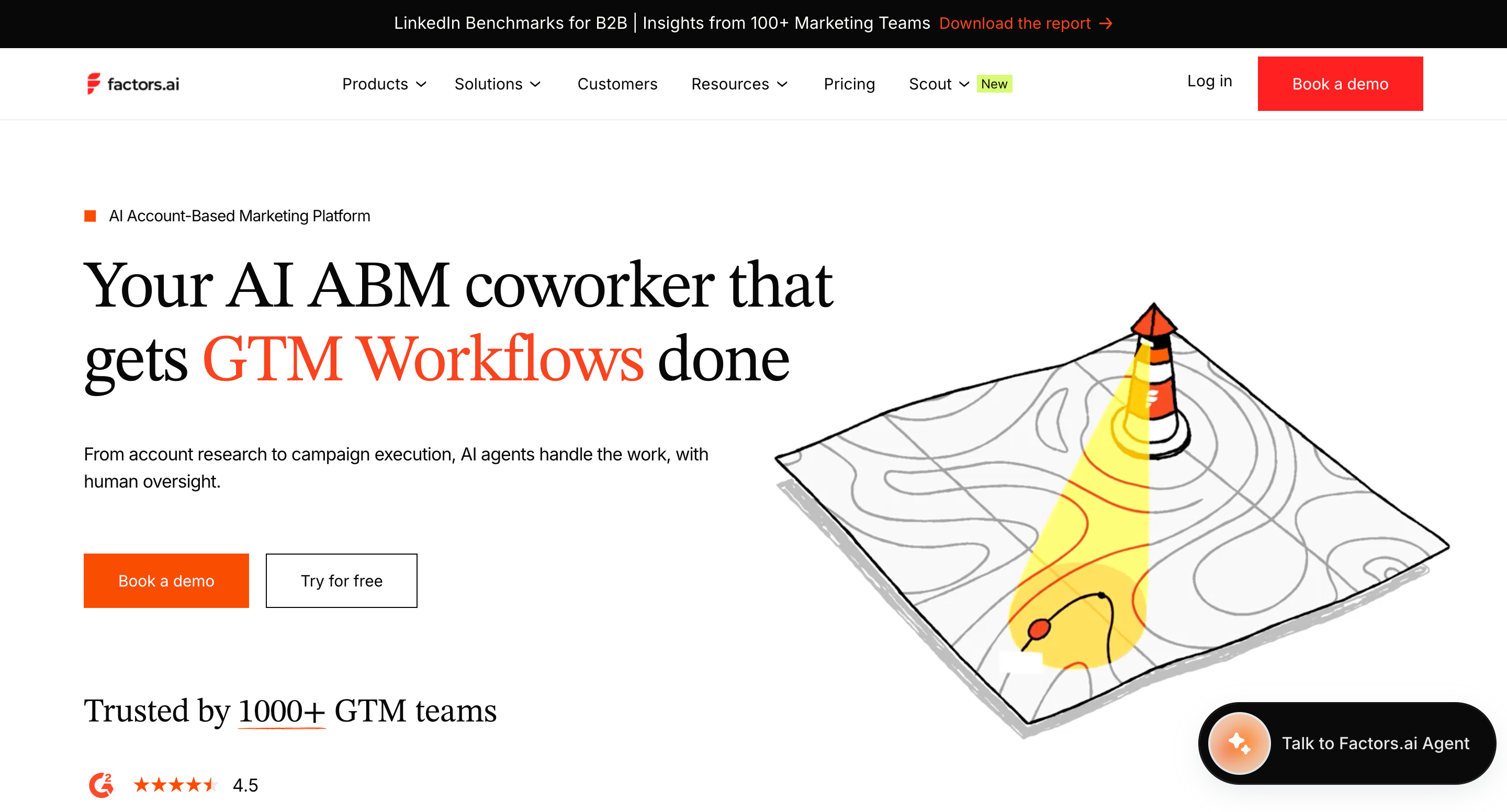
Factors is an AI-powered account-based marketing (ABM) platform that scores accounts based on real engagement signals. Instead of scoring individual leads, Factors watches account-level behavior across your website, content, ads, and third-party intent sources, then produces a live ranked list of accounts showing the most buying activity. The platform de-anonymizes more than 75% of visiting companies, so you know which accounts are on your site even before they fill out a form.
Why Teams Use It
ABM teams choose Factors because traditional lead scoring misses the account-level picture. A single lead filling out a form tells you one person is interested. Factors shows you that five people from that same account visited your pricing page, clicked a LinkedIn ad, and downloaded a case study this week — a far stronger buying signal that justifies immediate outreach.
What It Is Good For
Factors excels at connecting multiple engagement signals into a single account score. SDRs can pull up a full account timeline before outreach and see every page visited, every ad impression, and every content piece consumed. This context turns generic cold outreach into informed, relevant conversations.
The LinkedIn AdPilot integration is a particularly strong feature. Factors connects account signals to LinkedIn Campaign Manager, automatically pushing high-intent account lists to LinkedIn for retargeting. This closes the loop between intent identification and ad activation without manual list building.
When It Is a Good Fit
Factors fits well when your GTM strategy is account-based rather than lead-based, you need to identify and score anonymous website visitors at the account level, your team uses LinkedIn ads and wants automated retargeting based on intent signals, you want real-time alerts in Slack or Microsoft Teams when target accounts show activity, and you need a tool that works at the account level rather than the contact level.
When It Is Not a Good Fit
Factors is not ideal if your sales motion is contact-level rather than account-level (Breadcrumbs or Pecan AI handle contact scoring better), you run a PLG motion and need product-usage scoring (Correlated is purpose-built for this), or you need outbound messaging capabilities built into the scoring platform (Actively AI includes this).
How to Use It
Install the Factors tracking snippet on your website. Upload your target account list. Factors begins de-anonymizing visitors and tracking engagement across your site, content, and ads. Build custom scoring rules based on page visits, ad interactions, and content consumption. Set up real-time alerts to Slack or Teams when scored accounts cross your threshold. Optionally connect LinkedIn AdPilot to push high-intent accounts to LinkedIn Campaign Manager.
Key Capabilities
Factors offers account-level engagement scoring from website, content, ads, and third-party intent, de-anonymization of more than 75% of visiting companies, full account timeline for SDR outreach preparation, LinkedIn AdPilot for automated high-intent retargeting, real-time alerts to Slack and Microsoft Teams, custom segment and score building, and multi-touch attribution and analytics alongside scoring.
Pricing
Factors offers a free plan covering up to 200 accounts per month with basic identification features. The Basic plan starts at $399 per month and covers 3,000 accounts with core identification and intent signals. The Growth plan is $999 per month and increases to 8,000+ accounts with AI natural language queries and deeper analytics. Add-ons include LinkedIn AdPilot at $1,000 per month and Interest Groups at $750 per month.
Free Tier
Yes. Factors offers a free plan with up to 200 accounts per month and basic account identification, though it is not sufficient for production ABM workflows with meaningful traffic volumes.
Downsides and Limitations
Account-level scoring does not replace contact-level scoring, so teams that need individual lead prioritization will need to pair Factors with another tool. Published pricing was recently removed from the website for paid tiers, requiring a demo call. Add-on costs (LinkedIn AdPilot at $1,000/month, Interest Groups at $750/month) can increase the total investment significantly. The free tier is too limited for any team beyond the evaluation stage.
5. Actively AI
What It Does
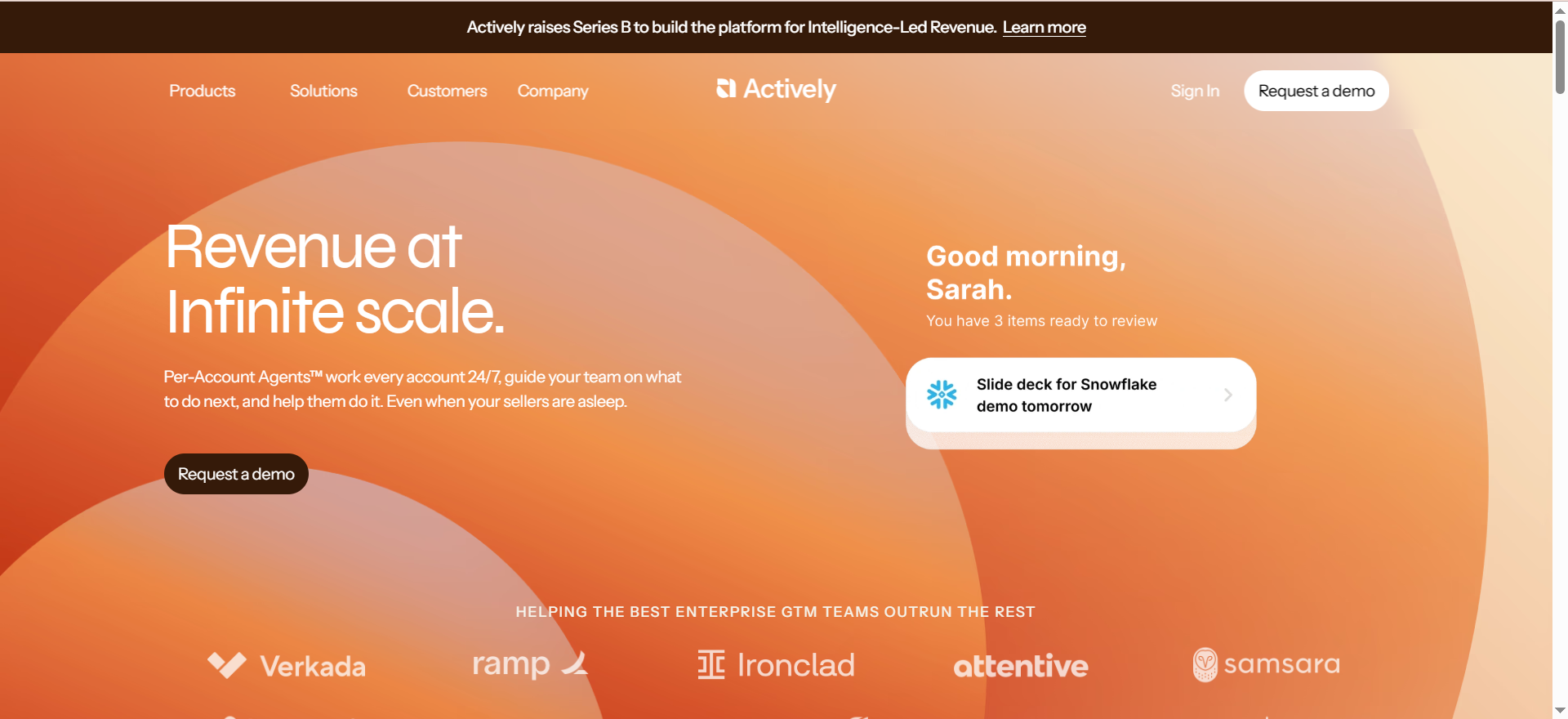
Actively AI is a sales intelligence platform that uses AI agents to optimize outbound sales strategies. Its signature capability is Per-Account Agents, which are AI agents that work every account 24/7, analyzing extensive data to guide sales teams on whom to target, when to reach out, and what messaging to use. The platform combines predictive lead scoring with automated outreach assistance in a single workflow.
Why Teams Use It
Outbound sales teams choose Actively AI when they want more than a score — they want an AI that tells reps exactly what to do next. While most lead scoring tools stop at generating a number, Actively AI's Per-Account Agents go further by guiding SDRs on the next best action for each account and helping them craft creative, data-driven outreach. This makes it closer to an AI-powered sales co-pilot than a traditional scoring tool.
What It Is Good For
Actively AI stands out for combining scoring with action. The platform uses past data to score each prospect and then gives SDRs tools to act on those scores immediately — from suggested messaging to recommended timing. This collapsed workflow means less context-switching between a scoring dashboard and an outreach tool.
The always-on nature of Per-Account Agents is also a differentiator. These agents monitor accounts continuously, even when reps are offline, and surface new opportunities or changes in account behavior that warrant follow-up.
When It Is a Good Fit
Actively AI fits well when your sales motion is primarily outbound and you need AI to help reps prioritize and act, you want scoring and outreach guidance combined in one platform rather than stitching separate tools together, your SDRs struggle with knowing when and how to engage accounts, and you need 24/7 account monitoring without adding headcount.
When It Is Not a Good Fit
Actively AI is not ideal if your GTM motion is product-led and you need PQL scoring (Correlated is better suited), you need deep predictive ML models trained on historical data with full transparency (Pecan AI provides this), you are looking for a free or low-cost scoring solution since Actively AI uses custom enterprise pricing, or your primary need is account-level de-anonymization and ABM engagement scoring (Factors covers this more deeply).
How to Use It
Connect Actively AI to your CRM and sales ecosystem. The platform ingests your historical account and prospect data to build predictive models. Per-Account Agents begin monitoring each account, scoring prospects, and generating recommended next actions. SDRs receive guided outreach suggestions with data-driven messaging.
Key Capabilities
Actively AI provides Per-Account Agents that work every account 24/7, predictive scoring using historical data analysis, automated messaging with customized data-driven communication, next-best-action guidance for SDRs, continuous account monitoring even when sellers are offline, and integration with existing sales ecosystems and CRMs.
Pricing
Actively AI uses custom pricing tailored to the needs of the business. Contact their sales team for a quote.
Free Tier
No. Actively AI does not offer a free plan.
Downsides and Limitations
Custom pricing with no public transparency makes it difficult to evaluate cost without a sales conversation. The platform is heavily focused on outbound sales, so inbound-heavy or PLG teams may find limited value. As a newer platform (recently raised Series B), the product is still evolving, and some enterprise integrations or advanced features may be less mature than established competitors.
What Is AI Lead Scoring and Why Does It Matter?
AI lead scoring uses machine learning algorithms to analyze historical lead data and identify which combinations of signals most reliably predict conversion. Unlike rules-based scoring, where a marketing team manually assigns point values (for example, +10 for an email open, +20 for a demo request), AI scoring learns from your actual outcomes and weights signals dynamically based on what actually drove past conversions. This approach is part of a broader shift toward AI-powered digital marketing across the B2B stack.
This matters because rules-based scoring is essentially a frozen snapshot. It reflects what your team believed about buyer behavior when they built the model. As your ICP shifts, new channels emerge, or buyer behaviors change, the model drifts silently out of alignment. AI scoring adapts continuously, reweighting signals as new data comes in.
The performance difference is measurable. AI-driven lead scoring delivers conversion rate improvements of 40-60% compared to traditional manual scoring, and companies using lead scoring report significantly higher ROI on lead generation compared to those without it.
How Does Predictive Lead Scoring Work?
Predictive lead scoring follows a specific process. First, the platform ingests your historical data — lead source, demographics, website interactions, email engagement, product usage, and sales outcomes. It then trains a machine learning model to find patterns that distinguish leads who converted from those who did not.
The model identifies multi-variable patterns that are invisible to human analysis. For example, it might find that leads from a specific industry, with more than 50 employees, who viewed the pricing page and attended a webinar within a 14-day window, convert at three times the average rate. This kind of deep prospect research would take hours for a human analyst to replicate.
Once trained, the model generates a probability score for each new lead, typically on a 0-100 scale. This score updates in real time as the lead takes new actions or new data becomes available. The score is then pushed to your CRM, where it can trigger alerts, route leads to specific reps, or activate outreach sequences.
The minimum data requirements are important to understand. For basic accuracy, most platforms need at least 500 historical leads and 50 closed deals. For high accuracy (80%+), aim for 1,000+ leads and 12 months of data.
AI Lead Scoring vs Rules-Based Scoring: Which Approach Is Right?
Rules-based scoring uses fixed if-then conditions. If a lead visits three pages and submits a form, they are marked as qualified. This approach is simple, fast to set up, and fully transparent — you know exactly why every lead received its score.
AI scoring uses machine learning to analyze thousands of data points and predict conversion probability automatically. The model adapts over time and discovers patterns humans cannot see.
The practical difference is this: rules-based scoring works well when your data volume is low, your ICP is stable, and your team wants full manual control over scoring logic. AI scoring outperforms rules-based when you have sufficient historical data, your market is evolving, and you want the model to find patterns you have not thought of yet.
Most modern teams find that the best approach is a hybrid. Use rules-based logic for hard disqualification filters — wrong industry, wrong company size, wrong geography — and layer AI scoring on top for prioritization within the qualified pool. The two approaches complement each other rather than competing, especially when paired with marketing automation tools that act on score changes in real time.
How Much Data Do You Need for AI Lead Scoring?
The answer depends on the accuracy level you need. For a basic model that outperforms random sorting, most platforms can work with 500 leads and 50 closed deals. This gives the algorithm enough positive and negative examples to start finding patterns.
For a high-accuracy model (80%+ precision), you typically need 1,000 or more leads and 12 months of behavioral data. The longer your data history, the more seasonal patterns and buying cycle variations the model can learn.
Data quality matters as much as data quantity. Inconsistent CRM hygiene, duplicate records, and missing fields degrade model accuracy regardless of volume. Before investing in an AI scoring tool, audit your data for completeness and consistency.
Teams with very thin datasets (under 500 leads) should start with rules-based scoring and switch to AI once they have enough historical data to train a reliable model.
Can AI Lead Scoring Work With My CRM?
Yes, virtually all modern AI lead scoring tools integrate with major CRMs. Salesforce and HubSpot are universally supported across every tool in this guide. Most tools also integrate with marketing automation platforms like Marketo and Pardot, sales engagement tools like Outreach and Salesloft, and data warehouses like BigQuery and Snowflake.
The typical integration pattern involves the scoring tool reading data from your CRM and other sources, running it through the ML model, and writing scores back to the CRM as a custom field. This means reps see scores directly in their existing workflow without switching to a separate tool.
When evaluating CRM integration, check for three things: bi-directional data sync (not just one-way reads), real-time score updates (not just batch updates overnight), and the ability to trigger CRM workflows based on score changes (so you can automate routing, alerts, and sequences).
What Are the Key Metrics to Evaluate Lead Scoring Tools?
When comparing lead scoring tools, focus on these evaluation criteria rather than feature checklists.
Conversion lift measures how much better your conversion rate becomes after implementing the tool compared to your baseline. Any tool should demonstrate measurable improvement within 60-90 days.
Score accuracy assesses how reliably high-scoring leads actually convert. Request historical backtesting data from vendors during evaluation.
Time-to-value tracks how quickly the tool produces usable scores after setup. Some tools need weeks of data ingestion and model training, while others score leads within hours of connecting.
CRM adoption measures whether your reps actually use the scores. A perfectly accurate model that reps ignore is worthless. Look for tools that embed scores directly in the CRM interface and trigger actionable workflows.
Model transparency indicates whether you can understand why a lead received its score. Black-box models create trust issues with sales teams. Tools that show which signals contributed to each score build higher rep adoption.
Calibration and decay track how scores adjust as leads age. A lead who was hot three months ago but has gone silent should see their score decay. Tools with built-in recency and decay variables handle this automatically.
How to Implement AI Lead Scoring for B2B SaaS
Implementation follows a predictable pattern across most tools. Start by auditing your existing data. Map your CRM fields, identify which signals are reliably populated, and clean up any obvious data quality issues.
Next, define your scoring objective clearly. Are you scoring for initial conversion (MQL to SQL), expansion (upsell opportunity), or retention (churn risk)? Each objective may need a different model.
Connect your data sources and let the platform ingest historical data. Most tools need at least a few weeks of data to train an initial model. During this period, do not change your existing scoring or routing — you want a clean baseline to measure improvement against.
Once scores are available, run a parallel period where reps see AI scores alongside your existing scoring. This builds trust and lets you validate accuracy before switching workflows. After validation, update your CRM workflows to route, alert, and sequence based on AI scores — including automated follow-up sequences triggered by score thresholds.
Finally, schedule regular model reviews. Even AI models drift over time as your market and ICP evolve. Quarterly reviews of score distribution, conversion rates by score band, and signal weights will keep the model sharp.
What Is a Product-Qualified Lead (PQL)?
A product-qualified lead is a prospect who has demonstrated buying intent through their actual product usage rather than through traditional marketing engagement like form fills or content downloads. PQLs are most relevant for product-led growth (PLG) companies that offer a free tier, freemium model, or free trial.
PQL signals include actions like inviting additional team members, hitting usage limits, using advanced features, exporting data, visiting upgrade or pricing pages, or spending significant time in the product during a compressed timeframe.
PQL scoring tools like Correlated specialize in monitoring these in-product behaviors and combining them with ML models trained on your historical conversion data. The result is a score that tells sales exactly which free users are showing the same patterns as your past paying customers.
PQL scoring is fundamentally different from MQL scoring. MQLs are based on marketing engagement (content downloads, webinar attendance, email clicks), while PQLs are based on product engagement. For PLG companies, PQLs typically convert at two to five times the rate of MQLs because the lead has already experienced value from the product. Teams focused on improving these conversion rates should also explore AI-powered CRO tools that complement lead scoring with on-site optimization.
How Does Account-Based Lead Scoring Differ From Contact-Level Scoring?
Contact-level scoring evaluates individual leads. Each person in your database gets a score based on their personal attributes (job title, company size, industry) and behaviors (email opens, page visits, content downloads).
Account-based scoring evaluates entire companies. Instead of asking whether this individual is likely to buy, account scoring asks whether this company is showing buying signals. This is a fundamentally different lens that matters for B2B sales, where purchase decisions are made by buying committees, not individuals.
Account-based tools like Factors aggregate signals across all contacts and anonymous visitors from the same company. Five people from one account visiting your pricing page in the same week is a stronger signal than one person visiting five times — but contact-level scoring treats these identically. Pairing account scoring with B2B data providers strengthens this approach by enriching account profiles with firmographic detail.
The tradeoff is that account-level scoring tells you which companies to pursue but does not tell you which person within that company to contact first. Teams running a full ABM strategy often pair account-level scoring with contact-level scoring to get both the company-level signal and the individual-level prioritization.
What Is the ROI of AI Lead Scoring?
Companies using lead scoring report significantly better returns on their lead generation investment. The data points from industry studies are consistent: organizations using lead scoring achieve meaningfully higher ROI on lead generation compared to those without it.
AI-specific scoring improves on those numbers further. Machine learning models deliver conversion rate improvements of 40-60% over rules-based scoring, primarily by reducing the time reps spend on low-probability leads and increasing the time spent on high-probability ones.
The ROI calculation for your team depends on three variables: your current conversion rate, your average deal size, and how many hours your reps currently waste on unqualified leads. Even a modest improvement in rep efficiency — especially when reps use SDR prospecting tools alongside scoring — when multiplied across a full sales team over a year, typically justifies the cost of any AI scoring tool in this guide.
For example, if your team generates 1,000 leads per month and your current conversion rate is 5%, improving scoring accuracy enough to lift conversion to 6% adds 120 additional closed deals per year. At a $10,000 average deal size, that is $1.2 million in incremental revenue.



