

If you’re a B2B startup, the “best” AI prospecting tool usually isn’t a single tool. It’s a lean combo that helps you (1) find the right accounts, (2) enrich them with useful context, (3) send tight, relevant outreach, and (4) learn fast without burning your domain or your list.
For most Seed to Series A teams, Apollo is the fastest all-in-one starting point for data + outbound, Clay is the best “power layer” for enrichment and personalization at scale, Instantly is a strong choice when outbound email volume is your main lever, HubSpot Starter is the cleanest CRM foundation when you want to tie outreach to pipeline reporting, and Lemlist is great for personalized multichannel sequences when you’re optimizing for replies, not just sends.
📋 Get Listed / Advertisement
We update this guide monthly, and if you want your tool featured, use our contact page: [email protected].
Best AI Prospecting Tools for B2B Startups (Quick Comparison)
| Tool | Best for | Key strengths | Starting price (public) |
|---|---|---|---|
| Apollo | One tool to start outbound | Lead database, sequencing, basic enrichment | Pricing varies by plan |
| Clay | Enrichment + personalization workflows | Multi-source enrichment, scraping, AI-assisted message drafting | Paid plans start at $149/month |
| Instantly | High-volume cold email | Sending infrastructure, warmup, deliverability features | Pricing varies by plan |
| HubSpot Starter | CRM foundation + simple sales motion | Easy CRM setup, strong ecosystem, startup-friendly plans | Typically $15–$20/seat depending on offer/plan |
| Lemlist | Personalization + multichannel sequences | Personalization features, sequencing, multichannel options | Plans from $63/user/month |
📋 Get Listed / Advertisement
We update this guide monthly, and if you want your tool featured, use our contact page: [email protected].
1. Apollo
What it does
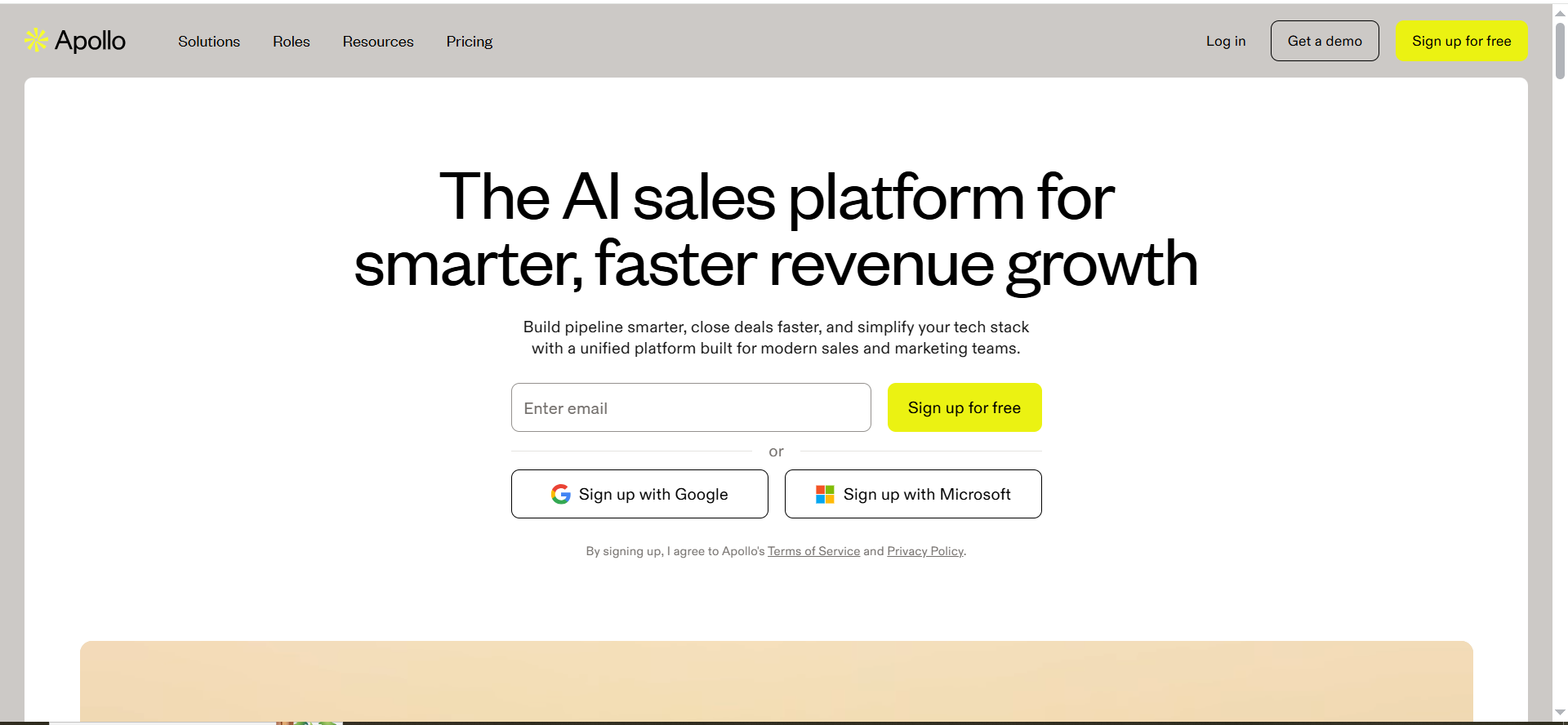
Apollo is a sales platform that combines prospect data with outbound workflows. In practice, startups use it to build lists, enrich contacts, and run sequences without stitches.
Why startups use it
Early-stage teams typically don’t have time for complex tooling. Apollo is appealing because it compresses “find people + contact them” into one workflow, which matters when the founder is still doing discovery calls and doesn’t want an ops project.
What it’s good for
- Building initial target lists fast (especially when you’re still refining ICP)
- Running basic outbound sequences without heavy setup
- Getting enough signal to learn what messaging and segments work
When it’s a good fit
- You’re at 0–2 sellers and need a fast start
- You want a single place to prospect and sequence
- You can accept “good enough” enrichment early, then upgrade later
When it’s not a good fit
- Your motion depends heavily on niche data (industry-specific fields Apollo doesn’t cover)
- You need complex workflows, multi-provider enrichment, or deep scraping (Clay tends to win there)
- You’re already locked into another engagement platform and only need data
How to use it
- Define an ICP hypothesis (industry, company size, tech stack, geography, job titles).
- Build two lists: a “tight list” (high confidence) and a “learning list” (broader).
- Write one sequence per list with a single point of view (don’t mix offers yet), and keep it aligned with your brand messaging.
- Track replies by segment, not just overall reply rate, because your first goal is insight, not scale, and that’s the same logic behind B2B SaaS benchmarks.
Key capabilities
- Filtering and list building
- Basic enrichment and exporting
- Sequencing and activity tracking
Pricing
Apollo’s pricing starts at $49 per user per month (billed annually). Pricing varies by plan and billing cadence.
Free tier?
Apollo offers a free tier. It also offers a free trial of paid features.
Downsides / limitations
- Any “all-in-one” tool makes tradeoffs: data quality can vary by niche, and you may outgrow sequence sophistication
- If your differentiation relies on deep personalization, you’ll likely add a workflow layer later
2. Clay
What it does
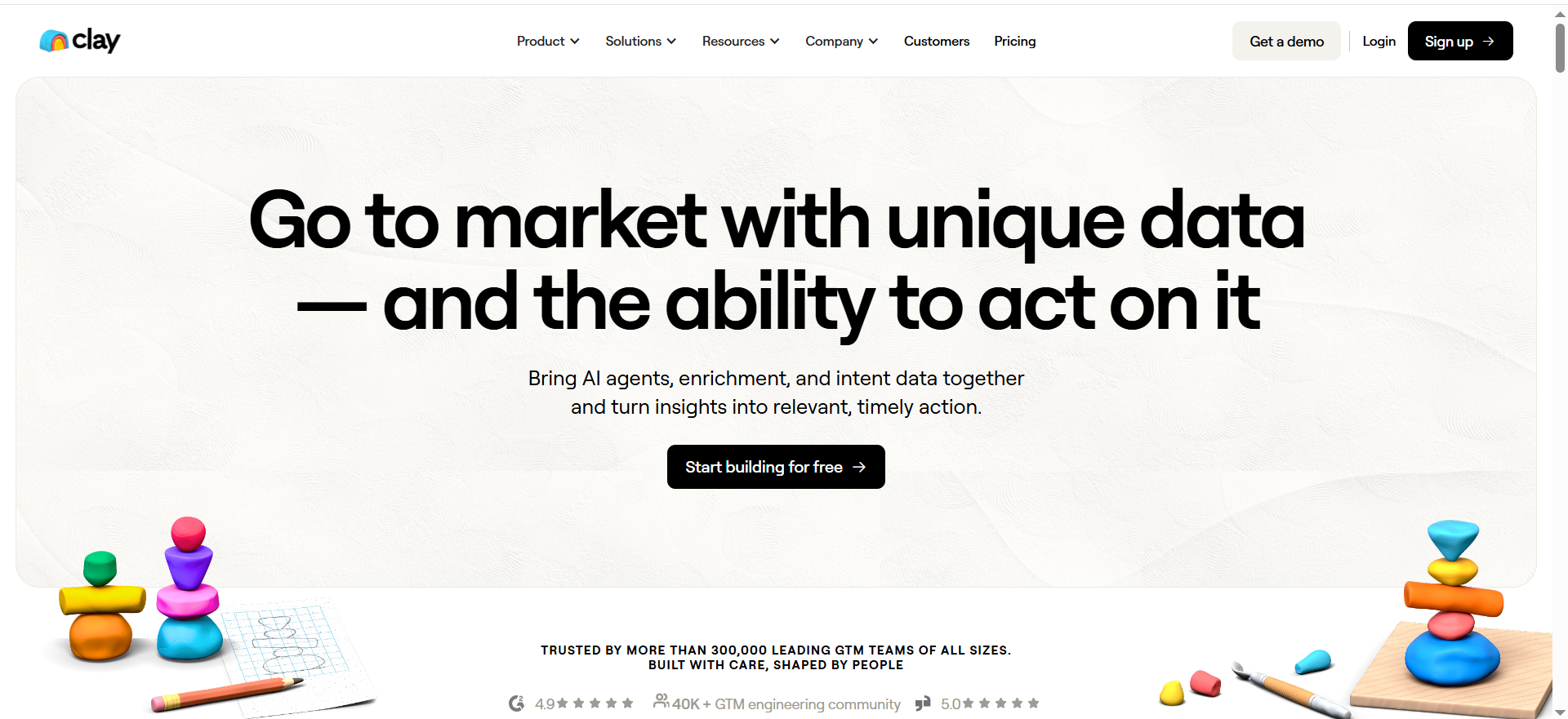
Clay is a workflow engine for go-to-market data. You bring a list (or build one), then enrich it using many providers, scrape the web, and generate personalized outputs using AI. It’s less “a database” and more “a system to assemble your perfect dataset.”
Why startups use it
Clay shines when your ICP is narrow or your messaging depends on context, which is exactly where AI tools for digital marketing can add leverage. Instead of blasting generic sequences, you can pull signals like funding, hiring, tech stack, recent posts, case studies, competitor tools, and then generate a message that actually sounds informed.
What it’s good for
- Multi-provider enrichment (emails, phones, firmographics, technographics)
- Personalization at scale (but still relevant)
- Turning messy prospecting into repeatable workflows
When it’s a good fit
- You already have some ICP clarity and want to scale quality outreach
- You’re doing account-based targeting and need more context per account
- You want to reduce “manual research time per lead”
When it’s not a good fit
- You want a simple all-in-one tool with minimal setup
- You’re not ready to think in workflows (Clay rewards structured processes)
- You have almost no outbound volume and only need a tiny dataset
How to use it
- Start with a small list (100–300 accounts).
- Enrich for only the fields your messaging needs (avoid enrichment addiction).
- Add one personalization token that’s genuinely specific (example: “hiring for X,” “uses Y tool,” “recent launch”), and treat it like a personalization workflow.
- Export to your sender/CRM and run a small test.
- Iterate the workflow based on reply quality.
Key capabilities
- Access to many data providers in one place
- Web scraping and research-like enrichments
- AI message drafting based on enriched fields
Pricing
Clay’s paid plans start at $149/month.
Free tier?
Clay offers a free tier, and it also offers a 14-day free trial of its Pro plan.
Downsides / limitations
- You can spend more than you expect if you enrich too much, too often
- It’s powerful, but you need a clear workflow to get ROI
- Outputs are only as good as your inputs: messy ICP = messy results
3. Instantly
What it does
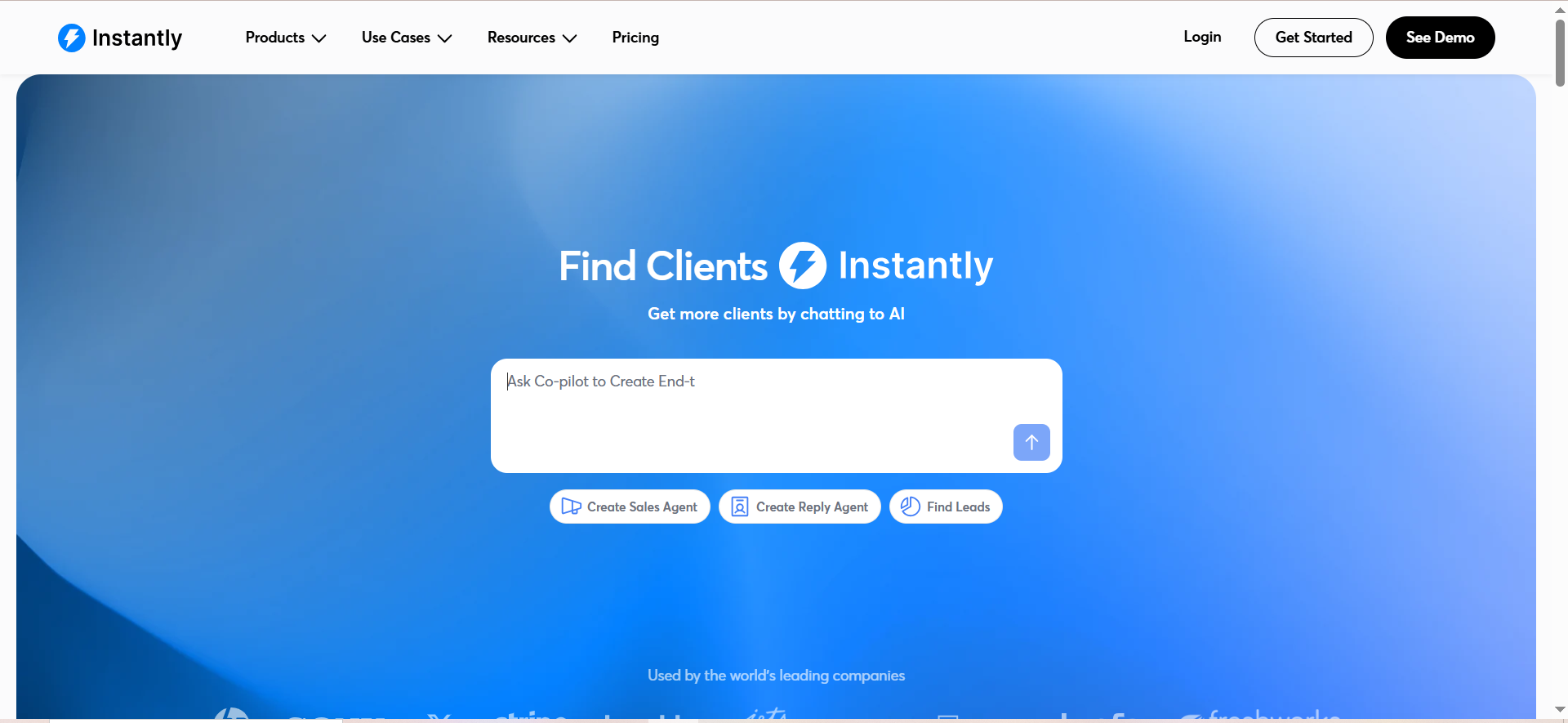
Instantly is built for outbound sending, warmup, and scaling email campaigns, and it sits neatly alongside other AI email marketing tools. If your main growth lever is “send consistent, controlled outbound email,” Instantly is designed for that world.
Why startups use it
When you don’t have a big sales team, you want leverage. Instantly aims to provide leverage by helping you run volume while protecting deliverability through infrastructure and sending features.
What it’s good for
- Cold email at meaningful volume
- Managing multiple inboxes and warmup workflows
- Running consistent sequences without needing an enterprise engagement platform
When it’s a good fit
- You have a repeatable offer and a defined ICP
- You want to push outbound volume while keeping guardrails
- You’re okay pairing it with a separate data/enrichment tool
When it’s not a good fit
- Your biggest bottleneck is targeting and research (Clay/Apollo solve that better)
- You need CRM-grade pipeline reporting tied to revenue (HubSpot is better as the core)
How to use it
- Start with low daily volume per inbox.
- Keep the copy short and specific, and do a quick proofread before you send
- Segment hard: your deliverability is linked to relevance, not just “warmup.”
- Track replies and positive reply rate, not open rate, and keep lightweight reporting so you can see what’s working fast.
Key capabilities
Instantly publishes a pricing page and highlights sending infrastructure concepts (deliverability-related systems).
Pricing
Instantly’s pricing starts at $37.60/month for its Growth plan. Pricing varies by plan and billing.
Free tier?
Instantly doesn’t clearly list a permanent free tier, but it does offer a free trial (“start for free”).
Downsides / limitations
- It won’t magically fix a weak list or vague positioning
- If your domain setup, segmentation, and copy are sloppy, volume accelerates the wrong thing
4. HubSpot Starter
What it does
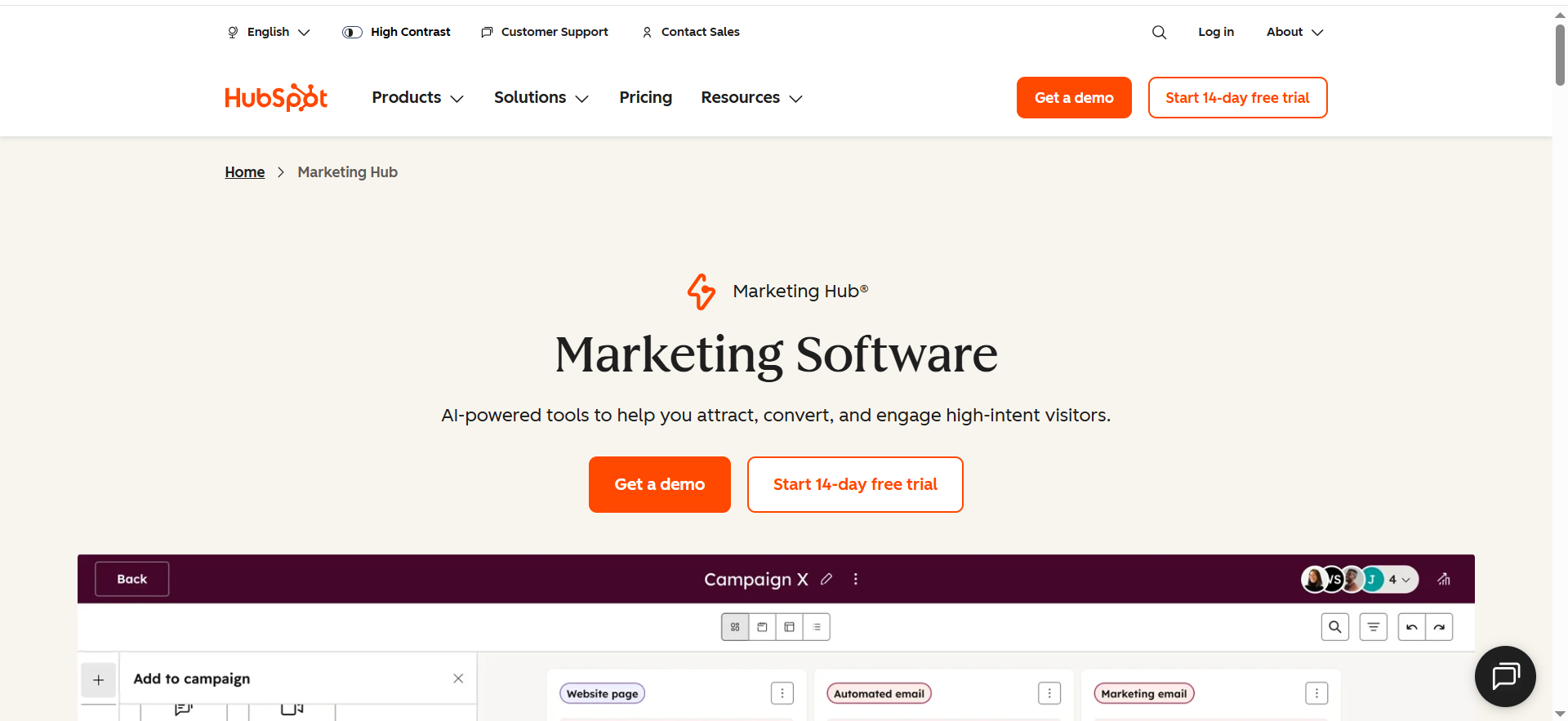
HubSpot Starter is a lightweight way to get a real CRM foundation in place, and if you’re also working on conversion, it fits nicely alongside CRO and product-led content. Even if you don’t use HubSpot for outbound sending, it’s a clean “source of truth” for contacts, companies, deals, and basic automation.
Why startups use it
Startups often delay CRM setup until it hurts. HubSpot is popular because it’s easy for non-ops people to use, scales into more advanced features later, and has a huge integration ecosystem.
What it’s good for
- Keeping your pipeline clean (and visible to everyone)
- Tracking lifecycle stages, deal stages, and basic attribution
- Building repeatable sales hygiene (tasks, follow-ups, templates)
When it’s a good fit
- You want reporting tied to pipeline, not just reply counts
- You’re moving from “founder-led sales” to a small team
- You need a reliable place for notes, stages, and handoffs
When it’s not a good fit
- You want an outbound engine first and CRM second (start with Apollo/Instantly, then add CRM)
- You’re doing extremely simple sales and can’t commit to process yet
How to use it
- Create one pipeline with a small number of stages.
- Define what “Qualified” means in one sentence.
- Require two fields on every qualified deal: ICP segment + pain.
- Build one dashboard: meetings booked, opps created, opps won.
Key capabilities
HubSpot maintains a public sales pricing page and starter product information.
Pricing
HubSpot’s Starter Customer Platform is $20 per seat per month, or $15 per seat per month with an annual commitment.
Free tier?
HubSpot offers free CRM tools (a free tier).
Downsides / limitations
- Costs can rise as you add hubs, seats, and advanced features
- If you don’t enforce simple hygiene, any CRM becomes a messy database
5. Lemlist
What it does
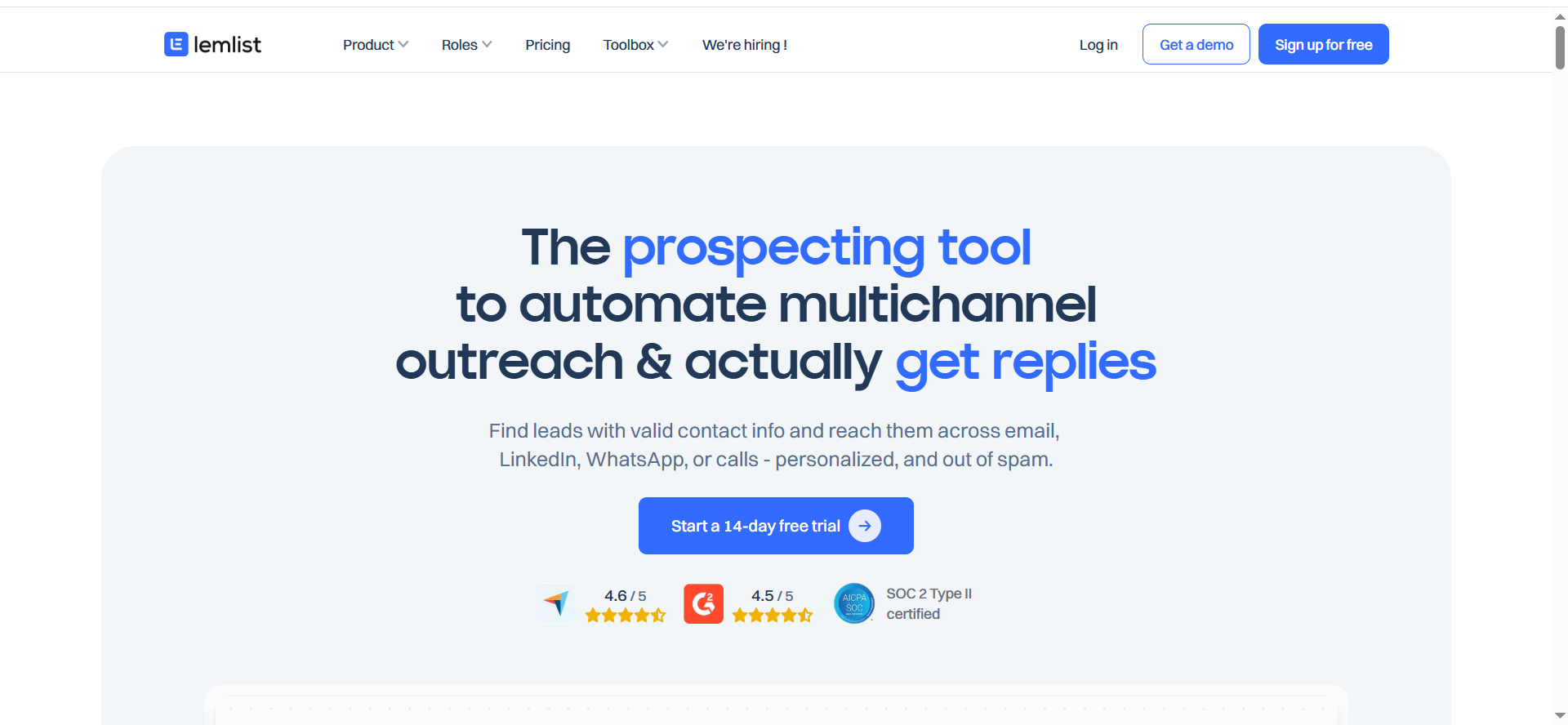
Lemlist is a sales engagement platform focused on personalization and multichannel outreach. It’s commonly used for cold email sequences, personalization tokens, and adding channels beyond email when needed.
Why startups use it
If your list is small but valuable, personalization matters more than scale. Lemlist is often chosen when a startup wants fewer sends but better replies, using personalization and structured multichannel follow-ups, which is a common pattern in small business AI marketing stacks.
What it’s good for
- Personalized outbound sequences
- Multichannel experimentation (where supported)
- Teams that care about “quality per account,” not “sends per day”
When it’s a good fit
- You have a defined ICP and good leads
- Your offer benefits from examples, proof, and personalized context
- You want a strong sequencing tool without enterprise complexity
When it’s not a good fit
- Your top constraint is data acquisition (you may pair with Apollo/Clay anyway)
- You’re optimizing for high-volume sending at the lowest cost
- You need deeper CRM and revenue reporting inside the same platform
How to use it
- Pick one personalization angle per segment (don’t overfit).
- Build a short sequence with a clear CTA (yes/no question works well early).
- Personalize the first line using a real signal (recent hire, new product page, funding, competitor tool).
- Track positive replies and meetings, not just overall reply rate.
Key capabilities
- Sequencing and follow-ups
- Personalization and multichannel capabilities (plan-dependent)
Pricing
Lemlist’s Email Pro plan pricing starts at $63 per user per month. Pricing varies by plan.
Free tier?
Lemlist offers a 14-day free trial, and then a freemium tier with limited access (no campaign sending).
Downsides / limitations
- Per-seat pricing can add up as you grow
- If you rely on built-in lead databases/credits, your cost-per-lead can be higher than using a dedicated enrichment layer first
What “AI prospecting” actually means (and what it doesn’t)
AI prospecting is not “press a button and meetings appear. For a B2B startup, it usually means three things:
- Better targeting means using data signals to avoid wasting touches on the wrong accounts.
- Faster research: reducing the minutes spent per prospect finding basic context.
- Higher relevance at scale means generating first drafts of outreach that reference real details, so humans can quickly approve and send, which is where AI marketing use cases actually pay off.
What it does not mean: replacing positioning, because if your ICP is vague or your offer is fuzzy, AI tools will help you send more bad messages, faster.
The startup prospecting framework: ICP → list → enrich → message → learn
If you want a “lean outbound stack” that fits a seed-stage budget, build around this loop (or book a call if you want help picking a setup that matches your stage).
1) ICP (your constraint)
Early-stage teams often start with industry + company size + job title, but your ICP needs at least one “why now” trigger to work.
- New funding
- Hiring for a role related to your product
- Tech stack change
- New product launch
- Compliance or regulation shift
- Clear evidence they do the job your product improves
2) List (your raw material)
Your goal is not a huge list; your goal is a list where you can plausibly explain “why them” and “why now,” which is easier when you follow solid keyword research best practices for SaaS.
Start with 200–500 accounts (if you want a faster path to traction, borrow a few SaaS blog lead-gen quick fixes).
3) Enrich (your relevance)
Enrichment is only valuable if it changes what you say or who you prioritize (treat it like decision-grade analysis, not trivia). Good enrichment fields are:
- Role seniority and team size (does this person actually own the problem?)
- Tools used (do they have the stack that creates the pain you solve?) is one of the enrichment fields that matters, and it pairs well with a lightweight competitive analysis pass.
- Trigger events (what just changed?)
- Use-case clues (job posts, pages, customer stories, integrations)
4) Message (your hypothesis)
Write outreach like a test: one segment, one angle, one clear ask, then iterate, using solid copywriting best practices so the message still sounds human.
5) Learn (your compounding advantage)
Pipe your learnings back into your ICP definition and keep it operational by treating it like a repeatable workflow. The best startups get good at narrowing faster than anyone else.
How to choose the right tool mix (without paying twice)
The excel angle for this topic is a lean outbound stack for early-stage SaaS with “affordable AI tools, CRM-lite, enrichment, automation.” Here’s a simple way to choose.
Step A: Pick your “home base”
You need one place that holds your truth about leads and deals.
- If you care about pipeline reporting and future scale: HubSpot Starter
- If you want to keep everything inside the outbound tool at first: Apollo (then add a CRM later)
Step B: Decide where personalization lives
- If personalization is “nice to have”: keep it light inside your sender (Apollo/Instantly/Lemlist)
- If personalization is how you win: add Clay as your workflow layer
Step C: Choose your sending motion
- If you want a straightforward outbound engine: Instantly
- If you want personalization-forward sequences: Lemlist
- If you want “good enough” without more tools: Apollo
Step D: Protect your budget with a rule
Only buy a tool if it improves one of these metrics within 30 days:
- Qualified replies per 100 sends
- Meetings booked per week
- Cost per meeting booked
- Time saved per lead researched
- Pipeline created per month
If a tool doesn’t move a metric, it’s entertainment.
A lean outbound stack for Seed/Series A teams (recommended setups)
Below are three practical stacks that match typical startup stages. None are “perfect.” They’re designed to be easy to run.
Stack 1: The fastest “start outbound tomorrow” setup
- Apollo as data + sequencing
- Optional: HubSpot Starter once you have consistent meetings
Best when: you need speed and simplicity more than perfect personalization.
Stack 2: The personalization-and-quality setup
- Clay for enrichment + personalization workflows
- Lemlist for personalized sequences
- HubSpot Starter as your CRM base
Best when: your market is narrow, deal sizes are meaningful, and relevance beats volume.
Stack 3: The volume-with-guardrails setup
- Clay or Apollo for targeting and data
- Instantly for sending and warmup
- HubSpot Starter for pipeline reporting
Best when: you have a clear offer and want to push more outbound volume carefully.
Common mistakes, compliance, and deliverability basics
Mistake 1: Buying tools before you have a point of view
Tools don’t create positioning, so decide who you help and why you win first (this is the same idea behind building real author expertise in a SaaS blog).
Mistake 2: Over-enriching and under-testing
It’s tempting to add 40 data fields, so don’t, and instead add what changes decisions and copy (think of it like content pruning, but for your data layer).
Mistake 3: Letting AI write your voice without guardrails
Use AI to draft, then edit into a simple human message, and keep it consistent with your broader content marketing voice.
- One insight
- One reason it matters
- One clear ask
Mistake 4: Scaling volume before relevance
If you can’t get qualified replies from a small list, more volume magnifies the problem, so fix the system before you scale and treat it like CRO for your outbound.
Compliance and risk notes (non-legal)
Cold outreach is subject to rules that vary by region and use case (CAN-SPAM, GDPR/UK GDPR, and others), so keep your process clean and aligned with your privacy policy. Reduce risk by:
- Using accurate sender identity and honest subject lines
- Including a clear opt-out
- Avoiding sensitive personal data
- Keeping records of sources and suppression lists
If you sell into regulated industries, talk to counsel about your specific process.
What are the best AI prospecting tools for startups on a budget?
If you’re watching burn and still need pipeline, the “best” budget setup is usually the one that covers data + targeting, sending, and a place to track outcomes without paying for the same capability twice (if you’re weighing channels, see blog vs paid ads for SaaS growth).
The 3 budget-friendly approaches that actually work
1) One-tool starter (lowest operational overhead)
- Apollo as your database + list building + sequencing.
- Why it works: you can start fast without stitching tools together.
- Tradeoff: personalization depth and niche enrichment can be limited compared to a Clay-style workflow layer.
Apollo also supports syncing with HubSpot (and notes you can only connect one CRM at a time).
2) “Cheap sender + smarter data” (best cost control as you scale)
- Instantly for sending + warmup + deliverability workflows.
- Pair with Apollo (for leads) or Clay (for enrichment and personalization) depending on your needs.
- Why it works: you control costs by separating “send infrastructure” from “data spend.”
Instantly documents HubSpot/Salesforce logging via OutboundSync and also has Salesforce integration pages.
3) “Personalization on a budget” (small list, higher win rate)
- Clay to enrich a smaller list with better signals and generate first-draft personalization.
- Lemlist to run personalized sequences (especially if you value replies over raw sends).
- Why it works: you keep volume low, relevance high.
Clay’s HubSpot integration docs describe importing/creating/updating HubSpot objects, which is helpful if you want your CRM to stay clean.
A simple “budget scoring” rule (use this before you buy anything)
For each tool, answer these in plain numbers:
- Cost per month (including seats + credits)
- Hours saved per week
- Meetings created per month
- Cost per meeting = monthly tool cost ÷ meetings attributed to the tool
If you can’t attribute meetings (even roughly) in 2–4 weeks, it’s not “budget-friendly,” it’s just another subscription (sanity-check your spend against a real budget).
My practical picks for most Seed/Series A teams
- Best all-in-one on a budget: Apollo
- Best “power layer” if you need real personalization: Clay (but keep your workflows tight so credits don’t balloon)
- Best budget sender when you want volume: Instantly
- Best personalization-first sending: Lemlist
- Best CRM foundation without overbuilding: HubSpot Starter (then scale up later)
Which tools work best with HubSpot/Salesforce later?
If you know you’ll end up on HubSpot or Salesforce, the main thing you want is clean sync behavior:
- Can you push enriched fields into CRM objects?
- Can you log outbound activities (sent, replied, status changes) back into the CRM?
- Can the CRM remain the system of record (so reporting doesn’t break later)?
Here’s how the tools in your list typically fit that future-proofing goal.
Apollo + HubSpot/Salesforce
Apollo provides CRM integrations and a HubSpot integration guide focused on syncing contacts/accounts/deals, plus guidance that you can only connect one CRM at a time. That matters if you plan migrations.
Best when: you want one platform to prospect now, then sync into a CRM for lifecycle tracking.
Clay + HubSpot (and Salesforce path)
Clay’s HubSpot integration documentation says you can import, create, update, and manage HubSpot objects directly in Clay. That’s exactly what you want if Clay is your enrichment layer but HubSpot is your source of truth.
Best when: your team cares about enrichment quality and personalization and you want those fields to land cleanly in CRM.
Instantly + HubSpot/Salesforce
Instantly’s help content describes logging Instantly activity into HubSpot and Salesforce via OutboundSync (sends, replies, lead status changes, etc.). This is useful because outbound events are what you’ll later need for attribution and rep coaching.
Best when: you’re scaling email sending and want activity visibility inside CRM.
Lemlist + HubSpot/Salesforce
Lemlist has documentation for integrating with HubSpot and for connecting Salesforce to import leads (plus broader CRM integration resources).
Best when: you want personalization-heavy sequencing now, but still want CRM connectivity later.
A “don’t regret it later” integration checklist
Before you commit, test these in a small pilot:
- Field mapping: can you map your must-have properties (ICP segment, persona, trigger, last touch)?
- Deduping: what happens if the same contact enters twice?
- Activity logging: do sends/replies appear where your team actually works (timeline, tasks, sequences)?
- Ownership rules: who owns a lead when it syncs?
- Unsubscribes/blocklists: can you prevent re-mailing people you shouldn’t contact?
If a tool can’t pass (1) and (3), it’s usually painful at Series A.
How should a startup evaluate tools: Demo vs pilot vs proof?
A lot of startups buy prospecting tools like they buy headphones: quick demo, “sounds good,” ship it. Outbound tools punish that approach because the costs show up later in messy data, deliverability issues, and duplicated workflows (if you’re aligning your team on terms like these, your SEO glossary helps keep definitions consistent).
Here’s a simple way to evaluate tools that keeps you honest.
1) Demo: “Does it solve my exact job?”
Goal: confirm capability fit in 30–45 minutes.
What to bring into the demo:
- Your ICP (2–3 segments)
- 10 target accounts you actually want
- One real outbound sequence you’ve used (even if it’s bad)
Pass/fail questions:
- Can I build the list I need without hacks?
- Can I enrich the fields that change my message?
- Can I export/sync cleanly into my CRM?
- Does the UI match how we’ll work weekly?
Rule: demos are for fit, not for decision-making.
2) Pilot: “Will this produce meetings with our reality?”
Goal: measure outcomes with your data, your copy, your domain, and your constraints.
Pilot setup (tight and fair):
- 2–3 weeks
- One ICP segment
- 200–500 leads
- One sequence
- One channel (email first)
Success metrics (pick 2–3):
- Positive reply rate (not total reply rate)
- Meetings booked per 100 contacts
- Time saved per lead (research + prep)
- Data accuracy rate (spot check 30 contacts)
Rule: if it can’t move a real metric in a controlled pilot, it won’t magically work later.
3) Proof: “Is it ROI-positive and scalable without chaos?”
Goal: decide whether to standardize and roll it out.
What “proof” looks like:
- You have a repeatable workflow (list → enrich → send → log → learn)
- You can explain cost drivers (seats vs credits vs data exports)
- You have basic governance: naming conventions, fields, dedupe rules, suppression/unsub rules
A good proof decision template
- Keep if: it improves meetings or time-saved enough to justify cost and it doesn’t break your CRM hygiene.
- Kill if: it’s “nice” but not measurable, or it creates messy sync and duplicated work.
- Pause if: the tool is fine but your ICP/offer isn’t stable yet.
A fast decision framework (so you don’t overthink it)
- If you’re still figuring out ICP: favor simplicity (Apollo-style all-in-one).
- If you’re confident in ICP and want higher reply quality: favor workflow + enrichment (Clay).
- If you’re scaling volume: favor sending + logging infrastructure (Instantly) with clean CRM sync.
FAQs
What are the best AI prospecting tools for a Seed-stage B2B startup?
Do I need Clay if I already have Apollo?
Should a startup start with a CRM or an outbound tool?
Is “AI-written outreach” safe to use?
What’s the biggest lever for better reply rates: tools or targeting?
How do I avoid paying for overlapping tools?
When should I upgrade from “CRM-lite” to a full CRM motion?
📋 Get Listed / Advertisement
We update this guide monthly, and if you want your tool featured, use our contact page: [email protected].


