

If you want the best AI tools for CRO in 2026, pick a simple 4-layer stack: (1) behavior intel (replays/heatmaps), (2) experimentation, (3) product analytics, and (4) VoC synthesis (customer insights).
📋 Get Listed / Advertisement
We update this guide monthly. Want your tool featured? Contact: [email protected].
Best AI Tools for CRO (Quick Comparison)
| Tool | Best for | AI superpower | Free tier / pricing signal |
|---|---|---|---|
| Hotjar | Qual + quant CRO layer (replays + heatmaps + surveys) | AI summaries of feedback + survey generation | Free plan available; pricing scales with sessions |
| Microsoft Clarity | Free session replay + heatmaps at scale | Automatic “rage clicks,” dead clicks, quick insights | Free |
| Convert Experiences (Convert.com) | A/B testing with strong privacy + control | A/B testing with strong privacy + control | Paid; pricing tied to testing/traffic needs |
| Mixpanel | Product analytics to find drop-offs and power experiments | AI-assisted insights and anomaly detection workflows | Free tier; paid scales with data + users |
| Dovetail | Turning interviews, support tickets, and feedback into CRO insights | AI tagging + summaries for VoC and research | Free tier; paid by seats/usage |
Quick picks by job-to-be-done
- “Where are users getting stuck?” → Hotjar or Clarity
- “Which variant actually wins?” → Convert Experiences
- “Which funnel step is leaking revenue?” → Mixpanel
- “What should we test next (based on customers)?” → Dovetail
📋 Get Listed / Advertisement
We update this guide monthly. Want your tool featured? Contact: [email protected].
1. Hotjar
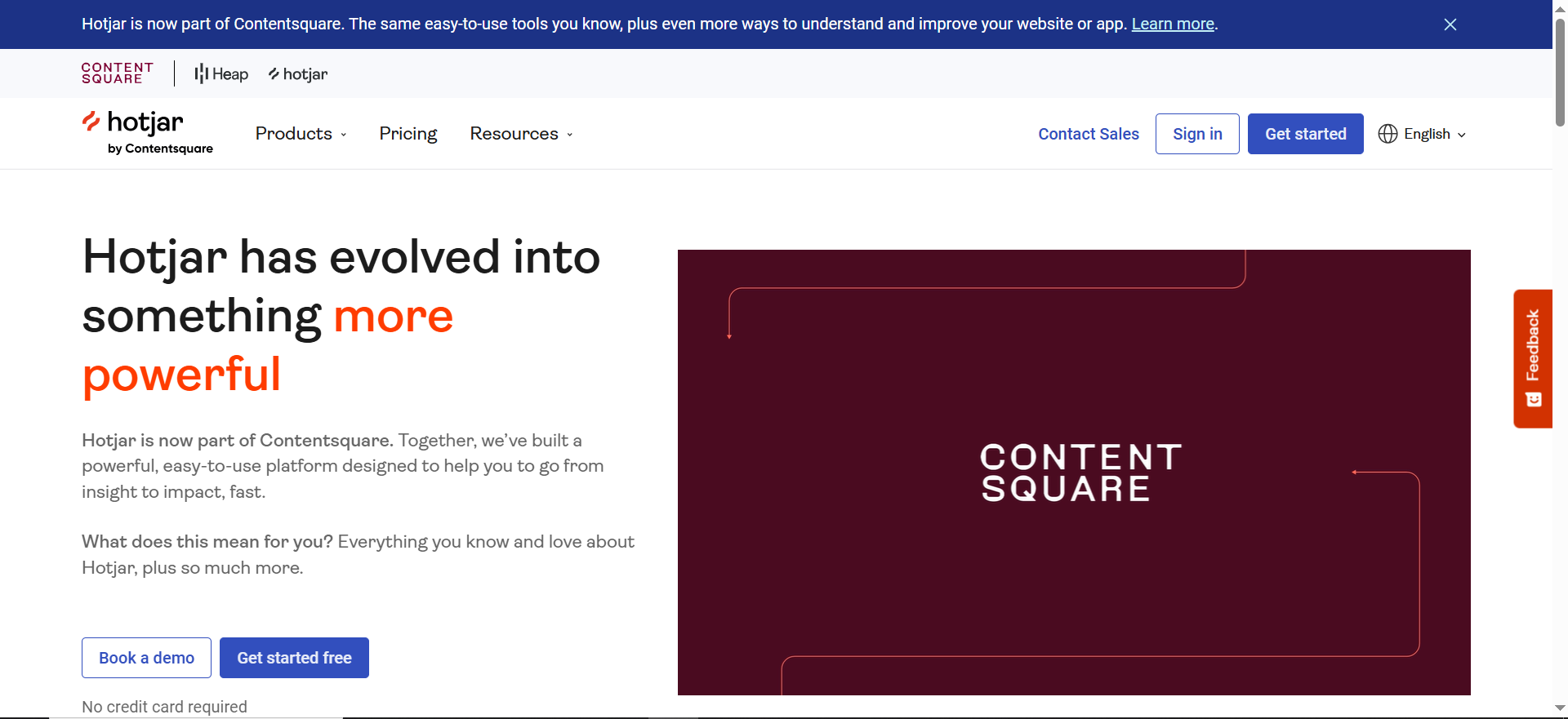
Best for: CRO teams who want behavior + feedback in one place (replays, heatmaps, surveys) and fast insight summaries.
What it does
Hotjar combines session recordings, heatmaps, and feedback tools (surveys, polls, widgets) so you can spot friction and collect “why” data.
Why teams use it
Because you can go from “conversion dropped” to “here’s what users are doing + saying” quickly,without stitching 5 tools together.
What it’s good for
- Identifying friction on key pages (pricing, checkout, onboarding)
- Collecting VoC with in-product surveys
- Turning qualitative patterns into test hypotheses
When it’s a good fit
- You need both watch + ask (replays + surveys)
- Your team wants a lightweight research loop
- You run monthly testing and need quick input for hypotheses
When it’s not a good fit
- You need enterprise-grade journey analytics and governance in one platform
- You want a full experimentation suite (this is not an A/B testing platform)
How to use it
Create a “Leak Hunt” view for your top revenue journey → watch 20–30 replays from high-intent segments → add a 1-question survey on the problem step → summarize patterns → write 3 hypotheses to test.
Key capabilities
Recordings, heatmaps, feedback widgets, survey/poll builder, AI survey generation, AI summaries/sentiment reporting, integrations.
Pricing
Hotjar’s paid pricing starts at $49/month (Growth plan).
Free tier?
Hotjar offers a free tier (Free plan).
Downsides / limitations
Costs can rise with high traffic and longer retention. Not a full experimentation platform, pair with an A/B testing tool if needed.
2. Microsoft Clarity
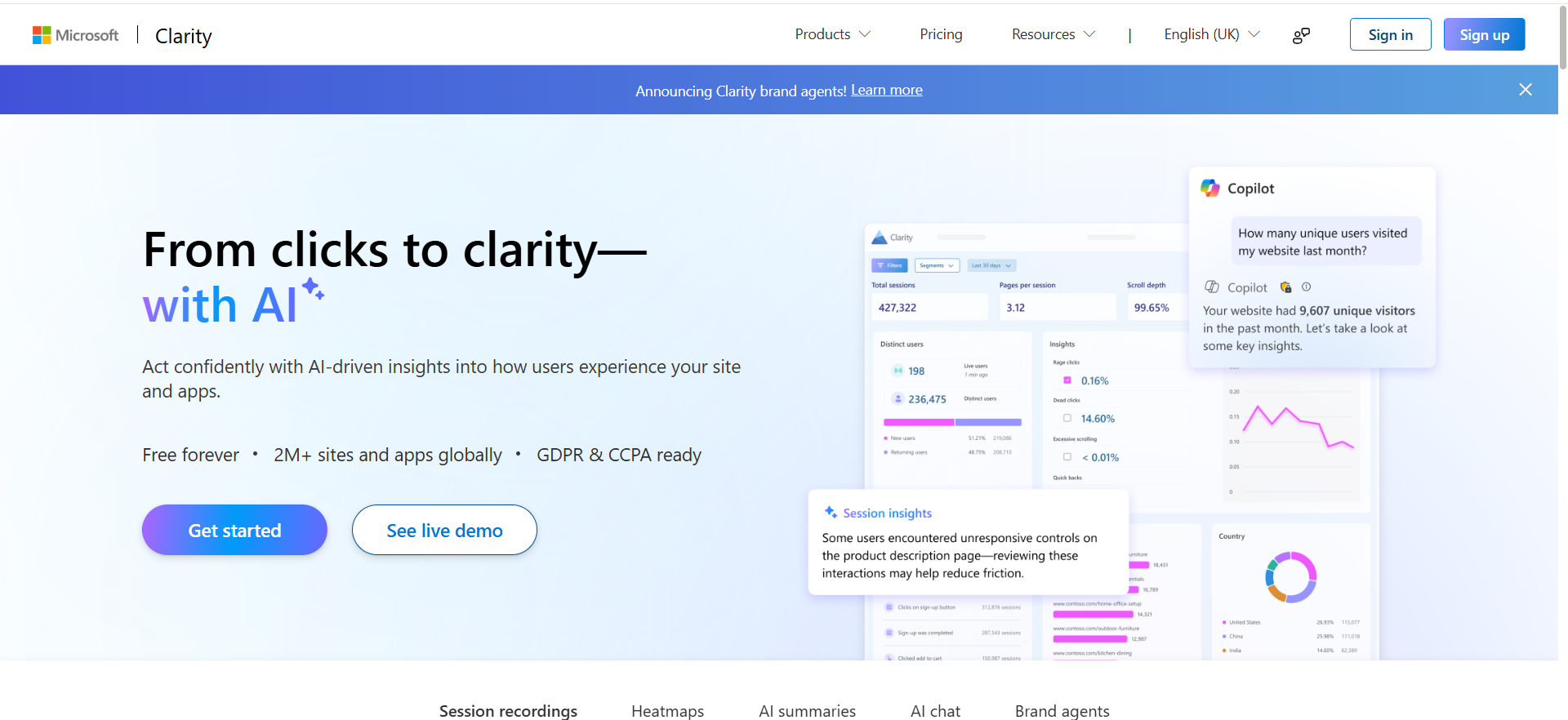
Best for: Anyone who wants free session recordings + heatmaps at scale (especially early-stage teams).
What it does
Clarity provides always-on session recordings, heatmaps, and click insights to spot UX friction.
Why teams use it
It’s free, easy to install, and strong enough to answer: “What’s breaking the conversion path?”
What it’s good for
- Finding rage clicks, dead clicks, and confusion quickly
- Reviewing behavior on high-intent pages
- Lightweight UX audits before you test
When it’s a good fit
- You want a reliable replay/heatmap baseline without budget
- You’re early-stage and need quick wins
- You need recordings for debugging CRO issues
When it’s not a good fit
- You need surveys, advanced research workflows, or deep segmentation
- You want a unified platform for experimentation + analytics
How to use it
Install Clarity → create filters for “high-intent sessions” (pricing, checkout, demo) → review rage/dead clicks weekly → log findings into a test backlog.
Key capabilities
Session recordings, heatmaps, click insights, rage click detection, dead click detection, basic filtering and segmentation.
Pricing
Microsoft Clarity is free.
Free tier?
Microsoft Clarity offers a free tier (it’s free forever).
Downsides / limitations
It’s not a full research stack, no built-in survey engine like Hotjar.
3. Convert Experiences (Convert.com)
Best for: Teams who want an A/B testing platform with strong control, privacy options, and solid experimentation fundamentals.
What it does
Convert Experiences helps you run experiments: split tests, targeting, goals, and result analysis, so you can validate what actually improves conversions.
Why teams use it
Because CRO teams need a dependable testing layer with governance and clean measurement. “AI” doesn’t matter if the experiment design is bad.
What it’s good for
- Testing messaging, layouts, flows, and offers
- Running experiments on high-value pages (pricing, signup, onboarding)
- Governance: keeping tests organized and measurable
When it’s a good fit
- You’re serious about experimentation discipline
- You want a clean tool focused on testing (not an all-in-one)
- You have enough traffic to run valid tests
When it’s not a good fit
- You’re extremely low traffic (you may need qualitative research first)
- You need advanced journey analytics in the same tool
How to use it
Start with 1 conversion event (signup/demo) → define a single primary metric → run 2–4 week tests with guardrails → document learnings and roll out winners.
Key capabilities
A/B testing, multivariate options, targeting/segmentation, goals, reporting, QA tools, experimentation governance.
Pricing
Convert Experiences’ pricing starts at $399/month, and Enterprise pricing is available by quote.
Free tier?
Convert Experiences doesn’t offer a free tier, but it does offer a 15-day free trial.
Downsides / limitations
Experimentation requires traffic and discipline; AI-assisted insights don’t replace good hypotheses, clean tracking, or sample-size awareness.
4. Mixpanel
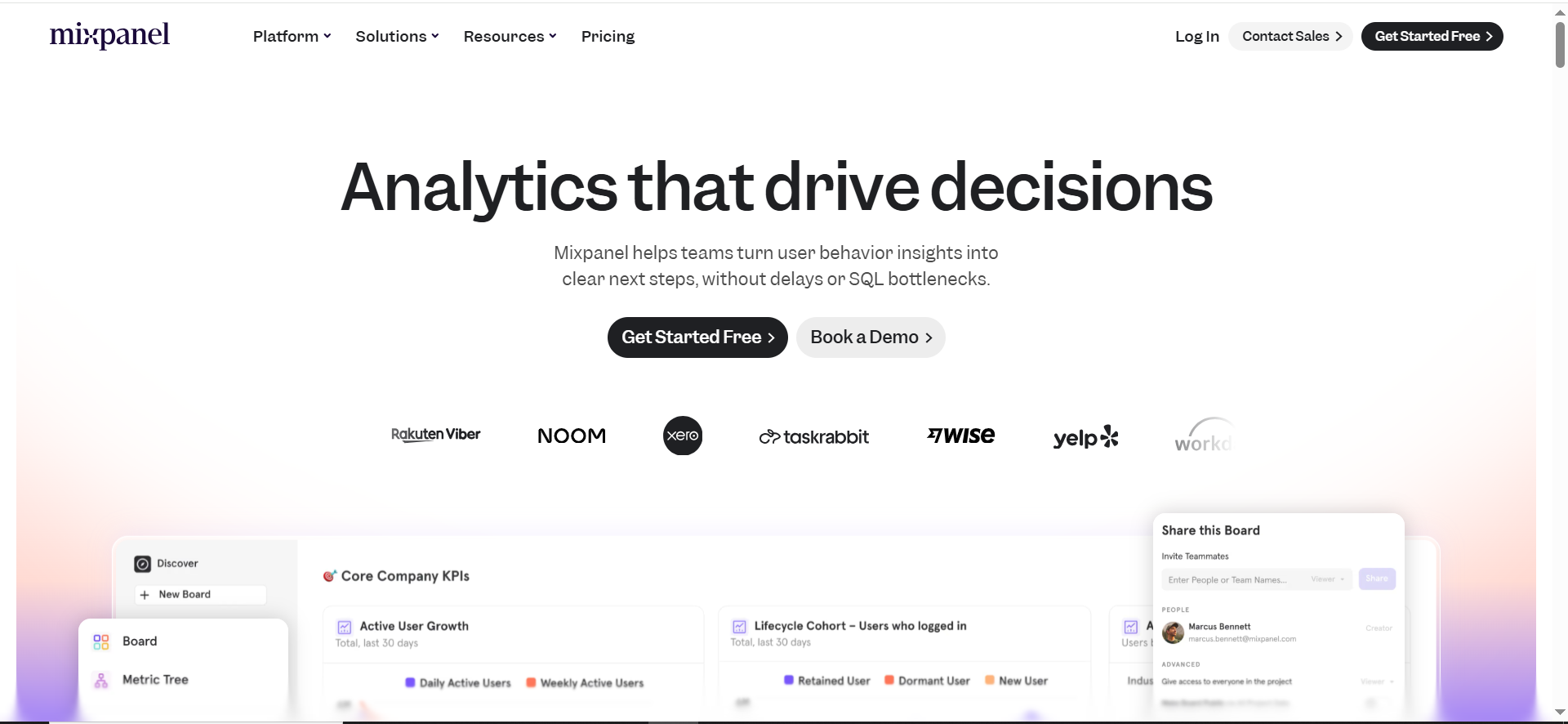
Best for: Teams who need product analytics to find where users drop off and what behaviors correlate with conversion.
What it does
Mixpanel helps you analyze funnels, retention, cohorts, and paths, so you can see which steps leak and which behaviors drive revenue outcomes.
Why teams use it
Because CRO isn’t just landing pages, product activation and usage patterns can be the biggest conversion lever in B2B SaaS.
What it’s good for
- Funnel analysis: where signups/demos die
- Cohorts: which segments convert best
- Event-driven insights to pick smarter tests
When it’s a good fit
- You have an event schema (or can build one)
- You want product-level conversion optimization
- You need reporting that ties behavior to outcomes
When it’s not a good fit
- You want purely qualitative insights (replays/interviews)
- Your data instrumentation is messy and you can’t fix it soon
How to use it
Define your “north star funnel” → clean the event schema → monitor drop-offs weekly → use insights to create experiment hypotheses → track test impact by cohort.
Key capabilities
Funnels, cohorts, retention, paths, segmentation, dashboards, anomaly detection workflows, integrations.
Pricing
Mixpanel’s pricing starts at $0, then it charges $0.28 per 1,000 events after the first 1M monthly events.
Free tier?
Mixpanel offers a free tier that includes 1M monthly events.
Downsides / limitations
Great analytics still depend on clean event tracking. If your instrumentation is wrong, the insights will be wrong, AI won’t save that.
5. Dovetail
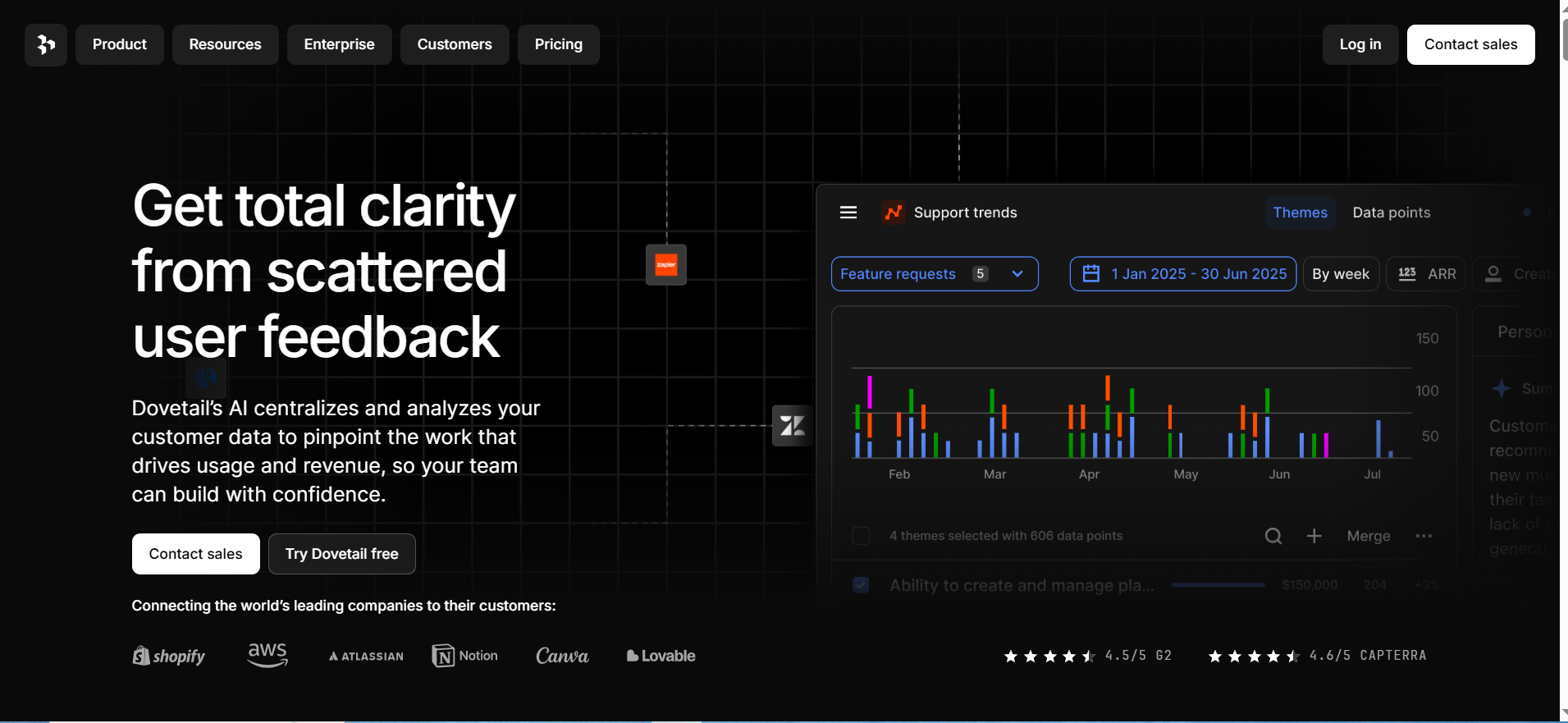
Best for: Teams who need to turn customer conversations and feedback into CRO priorities (messaging, objections, friction, feature requests).
What it does
Dovetail centralizes research and feedback (interviews, tickets, notes) and helps you tag, summarize, and synthesize themes.
Why teams use it
Because CRO teams often drown in qualitative data. AI helps summarize patterns,but you still need structure to make it actionable.
What it’s good for
- Turning interviews into test ideas
- Summarizing support tickets into recurring objections
- Creating a “VoC engine” that feeds your CRO backlog
When it’s a good fit
- You run interviews or collect a lot of customer feedback
- You need a repeatable synthesis workflow
- You want messaging/testing priorities grounded in real language
When it’s not a good fit
- You need a testing platform or analytics tool (this isn’t that)
- You want a fully automated solution with no human review
How to use it
Collect 10–20 recent customer inputs → tag themes (objections, confusion, missing proof) → generate a weekly summary → translate top themes into 3 tests (headline, proof, flow).
Key capabilities
Research repository, tagging/coding, AI summarization, theme clustering, clips/highlights, collaboration.
Pricing
Dovetail’s pricing starts at $15/user/month (billed annually).
Free tier?
Dovetail offers a free tier, and it also offers a 7-day free trial.
Downsides / limitations
You still need good inputs. If research is sparse or biased, the synthesis will be too.
How to choose the best AI tool for CRO (Stack + checklist)
The 4-layer CRO stack (what to buy first)
- Behavior intel (replays + heatmaps): Clarity or Hotjar
- Experimentation (testing + governance): Convert Experiences
- Product analytics (funnels + cohorts): Mixpanel
- VoC synthesis (research ops): Dovetail
Rule of thumb:
- Early-stage: start with Clarity + one analytics tool
- Growth: add A/B testing and VoC
- Enterprise: add governance, privacy, deeper journey analytics
Evaluation checklist (copy/paste)
| Area | What to check | Why it matters |
|---|---|---|
| Measurement integrity | Event tracking, goals, attribution alignment | Avoid false wins / bad rollouts |
| Segmentation | Can you filter by intent, cohort, plan, channel? | CRO is segment-specific |
| AI outputs | Summaries, insights, “why” explanations | Saves time, not truth |
| Governance | Naming, approvals, audit logs | Prevents messy experimentation |
| Privacy | Consent, masking, retention controls | Compliance + trust |
| Integrations | Analytics, CRM, warehouse, CDP | Makes it operational |
Common pitfalls (false positives, privacy, attribution)
- False positives: AI can highlight patterns that aren’t statistically meaningful. Always validate with proper experiment design or additional evidence.
- Attribution confusion: CRO wins disappear if goals aren’t tied to revenue or the true conversion event.
- Privacy gaps: Ensure masking, retention controls, and consent workflows match your compliance requirements.
FAQs
What are the best AI tools for CRO in 2026?
What’s the best CRO tool for heatmaps + session replay?
What’s the best A/B testing tool for B2B SaaS teams?
What’s the best product analytics tool to find conversion drop-offs?
What tool helps analyze customer feedback with AI for messaging/CRO?
How do I choose a CRO tech stack without buying too many tools?
Which CRO tools have free tiers, and what are the limits?
Do AI CRO tools replace a CRO strategist or researcher?
How do I connect CRO tools to attribution and revenue outcomes?
How do I avoid false positives and bad experiments with AI-assisted insights?
What privacy, consent, and data-masking features should CRO tools have?
Do experimentation tools hurt SEO or cause cloaking issues?
How many CRO tools do I need to run a serious program (and which layers matter)?
What’s a simple weekly CRO workflow using AI summaries?
📋 Get Listed / Advertisement
We update this guide monthly. Want your tool featured? Contact: [email protected].


