
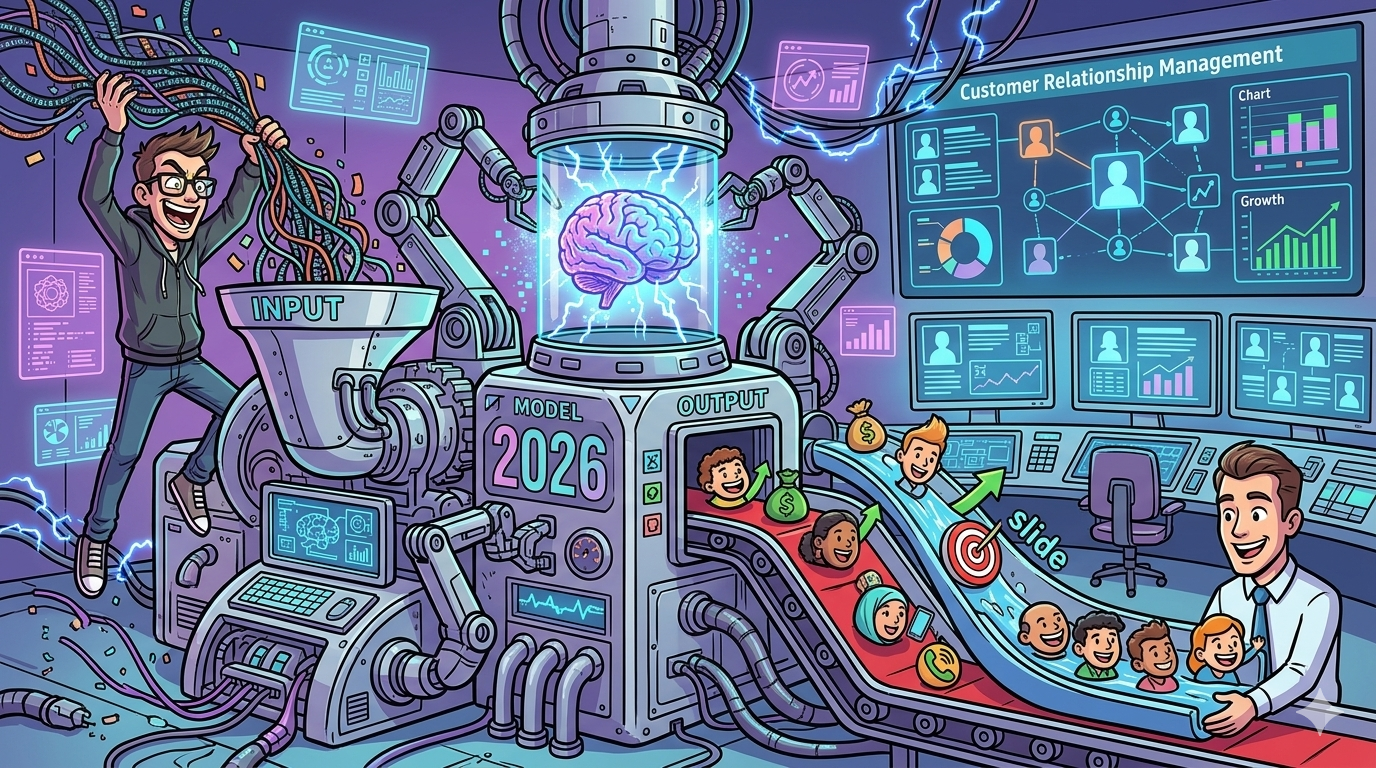
If you want a CRM that actively helps you prospect, not just track deals, start with HubSpot Sales Hub with Breeze for teams that want AI-guided prospecting and workflows inside an easy UI. For enterprise-grade scoring and deep customization, Salesforce Einstein is the strongest bet (especially if your org already lives in Salesforce). If you want a simpler, pipeline-first CRM with practical recommendations, it is a solid option. For value and flexibility, Zoho CRM with Zia is hard to beat. And if you want a modern CRM that blends sales + support context with an AI copilot, Freshsales with Freddy AI is worth a close look, especially if you’re also thinking about product-led CRO content.
📋 Get Listed / Advertisement
WWe update this guide monthly, so if you want your tool featured, book a call. Contact: [email protected].
Best CRM with Built-in AI Prospecting Tools (Quick Comparison)
| CRM | Best for | Built-in AI prospecting strengths | Watch-outs |
|---|---|---|---|
| HubSpot (Breeze) | SMB → mid-market teams that want fast rollout | AI prospecting assistance, workflow support, in-CRM guidance ([HubSpot][1]) | Costs can rise as you add seats, hubs, and automation |
| Salesforce (Einstein) | Enterprise teams with complex GTM + governance needs | Predictive lead scoring, deep customization, strong admin controls ([Salesforce][2]) | Heavier setup/admin effort; outcomes depend on clean, consistent data |
| Pipedrive (AI Sales Assistant) | Sales-led teams that want simplicity and rep adoption | Next-best actions, deal prioritization, pipeline coaching prompts ([Pipedrive][3]) | Less extensible than full “platform” CRMs for large orgs |
| Zoho CRM (Zia) | Budget-conscious teams that still need flexibility | AI scoring, signals, prioritization flows, automation hooks ([Zoho][4]) | Can feel fragmented if you’re not using the wider Zoho suite |
| Freshsales (Freddy AI) | Growing teams that want sales + support context in one place | AI copilot features, automation support, unified customer view ([TechRadar][5]) | Some AI capabilities may depend on plan/add-ons |
📋 Get Listed / Advertisement
We update this guide monthly, so if you want your tool featured, book a call. Contact: [email protected].
1. HubSpot Sales Hub (Breeze AI)
What it does
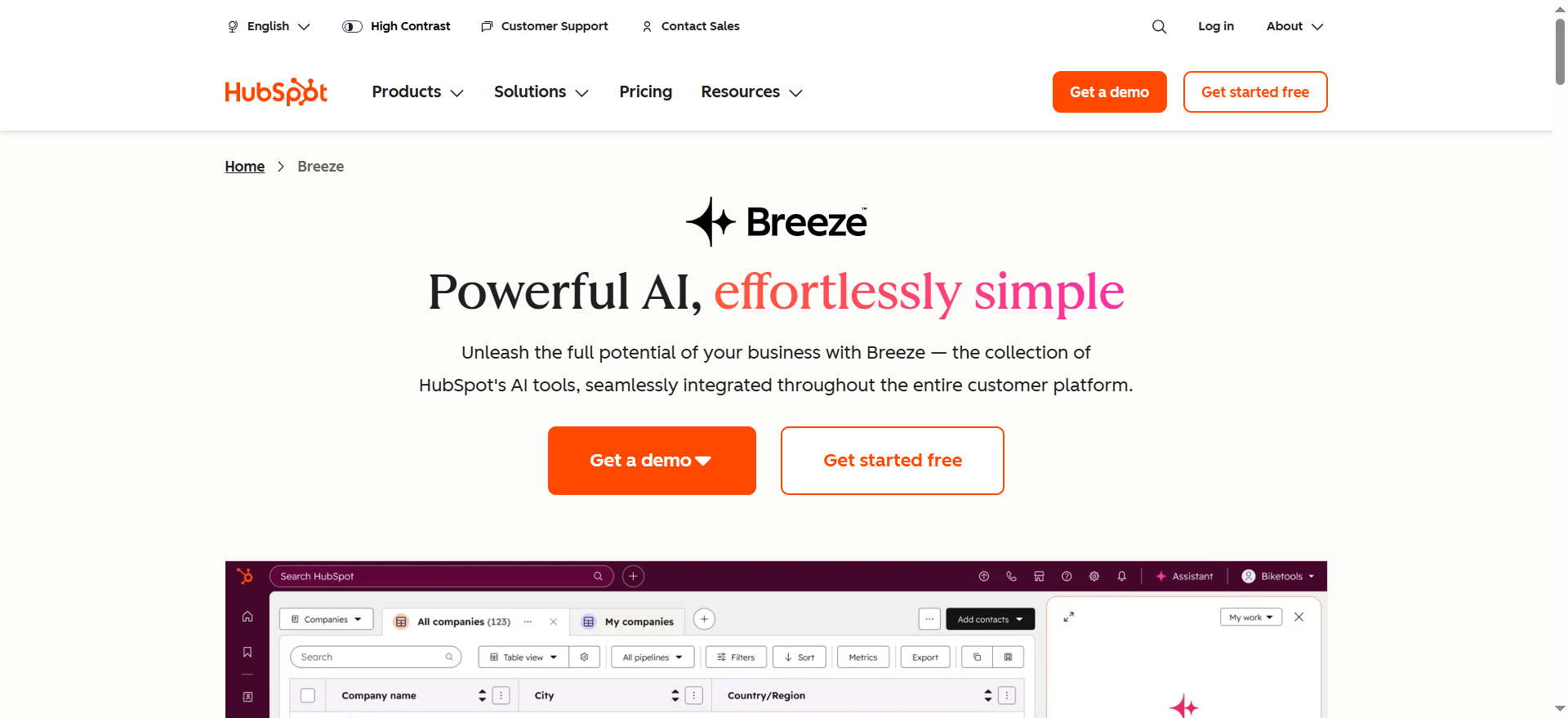
HubSpot’s Sales Hub is a CRM built around pipeline execution, email/calling workflows, and reporting, with Breeze as the AI layer that helps reps do prospecting work faster inside the platform. HubSpot positions Breeze as an AI that uses CRM context to assist with tasks like prep, content, and operational workflows.
Why teams use it
Most teams pick HubSpot for one simple reason: adoption, and that same adoption-first mindset is what makes SaaS content marketing compound over time. Reps actually use it. AI only helps if your team lives in the CRM daily. HubSpot’s UX and “all-in-one” approach makes it easier to get consistent logging, which then improves AI usefulness (scoring, recommendations, and automation outcomes).
What it’s good for
- Inbound + outbound teams that want a single place for prospecting, qualification, sequences, and handoffs
- Teams that need AI help with research, messaging, and follow-ups without stitching together five tools tend to benefit from pairing CRM workflows with strong AI email marketing tooling
- RevOps teams that want faster time-to-value and fewer custom objects before they see results
When it’s a good fit
- You want “good enough” AI prospecting plus strong workflow automation
- You’re scaling SDRs and need consistent activity tracking
- You want marketing and sales data in the same system (so signals aren’t lost between tools)
When it’s not a good fit
- You’re a global enterprise with heavy governance requirements and a deep Salesforce investment
- You need highly custom forecasting models and complex object relationships
How to use it
- Define ICP + lead stages clearly (don’t let everyone invent their own meanings) using shared definitions from our SEO glossary.
- Set up tracked buying signals (email engagement, meetings booked, key page visits, form submissions).
- Use AI assistance for personalization at scale, but keep guardrails: require reps to validate key claims before sending, and lean on proven SEO copywriting best practices for tighter messaging.
- Automate routing: hot leads go to the right owner fast, cold leads go into nurture sequences, which is easier to scale when you already have solid marketing automation foundations.
Key capabilities
HubSpot specifically promotes a Breeze prospecting agent focused on AI-powered lead generation and personalized outreach, plus broader Breeze assistants/agents across the suite.
Pricing
HubSpot Sales Hub pricing starts at $20/month per seat (Starter), and higher tiers start at $100/month per seat (Professional) and $150/month per seat (Enterprise).
Free tier?
HubSpot offers a free tier ($0/month).
Downsides / limitations
- AI outputs are only as strong as your CRM data hygiene, so it’s worth using a structured content audit checklist to keep your inputs clean.
- It’s easy to “over-automate” early and create spammy outreach if governance is weak
- Scaling costs can surprise teams that start small and add multiple hubs later, so it helps to sanity-check pricing early.
2. Salesforce Sales Cloud (Einstein)
What it does
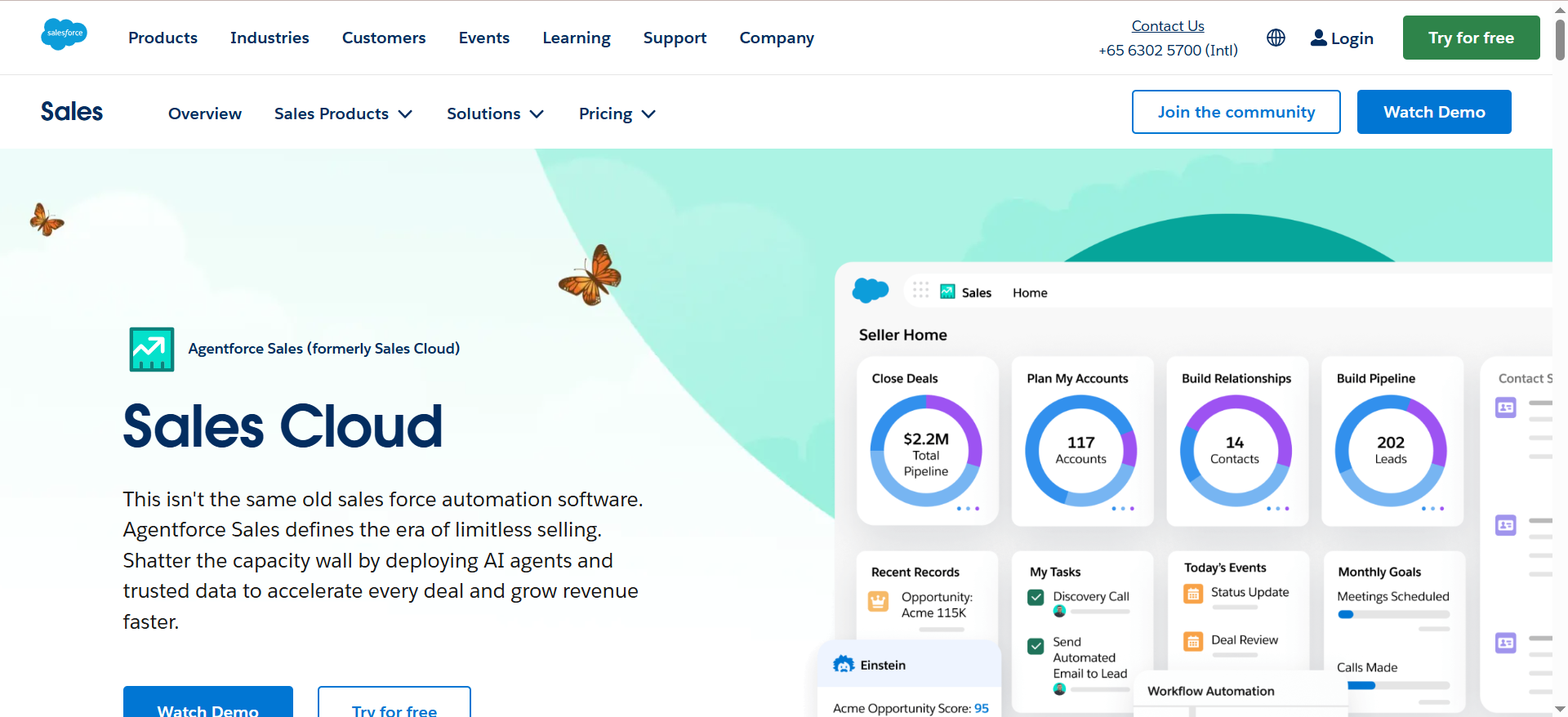
Salesforce is the enterprise CRM standard, and Einstein is its AI layer, particularly known for predictive scoring and insights that help teams prioritize leads and opportunities.
Why teams use it
If you have complex GTM motion, multiple business units, complicated security needs, and lots of historical data, Salesforce can become the source of truth, which is where a solid B2B SaaS content benchmark approach helps you standardize inputs and outcomes. Einstein then leverages that structure to help teams focus.
What it’s good for
- Large teams that need deeply controlled processes
- Orgs with enough conversion history to make predictive scoring meaningful
- Companies that want AI prioritization embedded into their existing Salesforce workflows
When it’s a good fit
- You already have Salesforce admins and a mature RevOps function
- You need custom objects, complex routing, and strict permissioning
- You want lead scoring that’s less “rules-only” and more predictive
When it’s not a good fit
- You need speed and simplicity more than configurability
- You don’t have the resources to maintain Salesforce and keep data clean
How to use it
Start with a narrow pilot, and treat it like a controlled rollout you can measure with the right SEO reporting software
- Decide which leads you want scored (all leads vs specific segments).
- Enable Einstein Lead Scoring and choose which leads/fields matter in scoring and which milestones define “conversion.”
- Build a simple workflow: high scores route fast, mid scores go to SDR, low scores enter nurture.
- Review performance monthly and adjust definitions (not the model every week).
Key capabilities
Einstein Lead Scoring uses machine learning and historical conversion data to generate lead scores and insights, positioned as faster and more effective than purely rules-based scoring.
Pricing
Salesforce’s sales plans start at $25/user/month (Starter Suite), and higher tiers include $100/user/month (Pro Suite) and $175/user/month (Enterprise).
Free tier?
Salesforce doesn’t offer a free tier, but it does offer a free 30-day trial.
Downsides / limitations
- Implementation overhead is real, especially if your objects and lifecycle stages are messy
- Predictive scoring can be misunderstood: it doesn’t magically fix weak ICP definition or bad lead sources, so it helps to pressure-test positioning and brand messaging before you blame the model.
- Adoption can lag if the UI feels heavy for reps
3. Pipedrive (AI Sales Assistant)
What it does
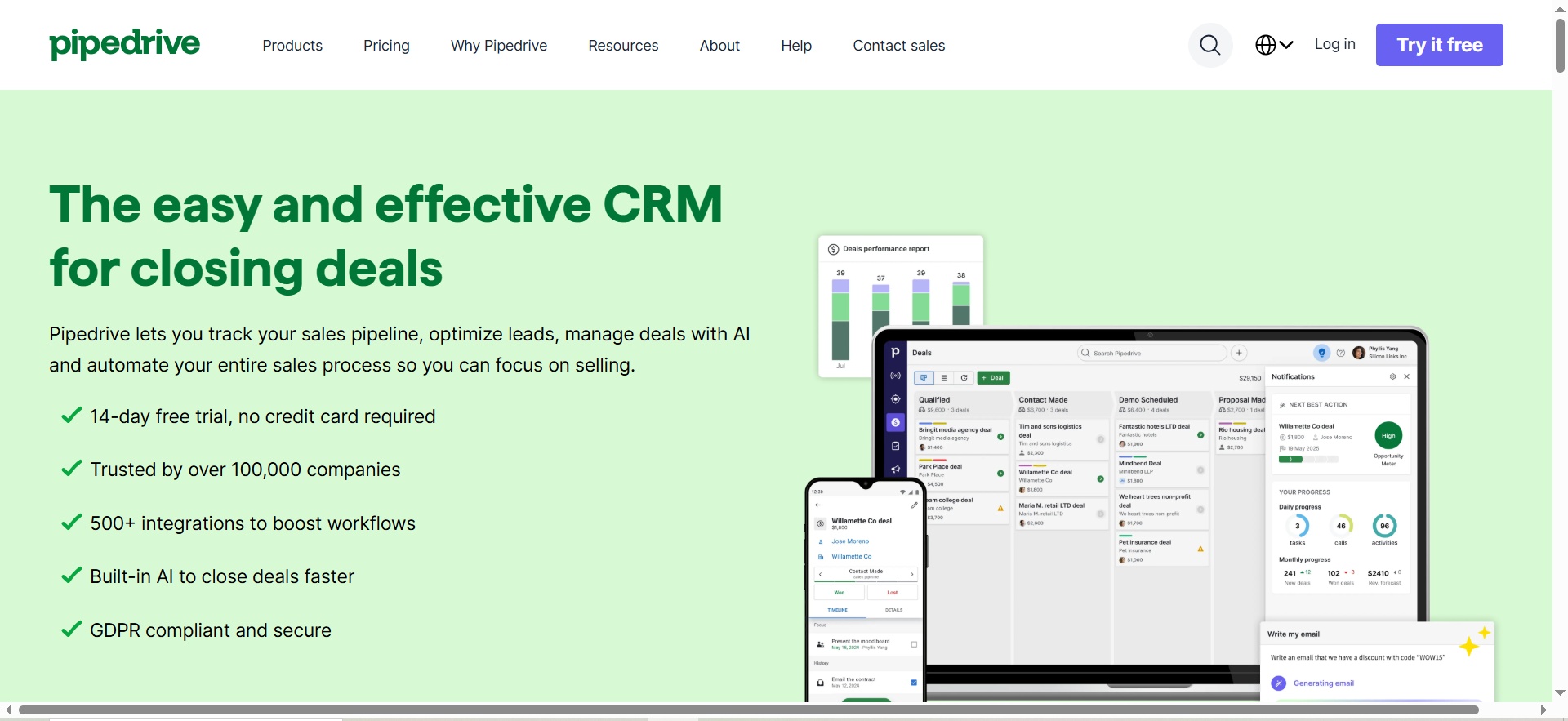
Pipedrive is a sales-focused CRM designed to keep pipelines moving. Its AI Sales Assistant is built to prompt actions, highlight priorities, and answer questions about your pipeline status.
Why teams use it
Teams choose Pipedrive when they want a CRM that feels like a daily sales cockpit. The AI layer is less about “massive enterprise modeling” and more about practical guidance that helps reps keep momentum.
What it’s good for
- SDR/AE teams that want lightweight structure
- Managers who want consistent pipeline hygiene
- Teams who want AI nudges and prioritization without complex admin work
When it’s a good fit
- You’re sales-led and care about pipeline velocity
- You want a CRM that’s simple to deploy and train
- You want AI reminders, deal prioritization, and assistant insights inside your workflow
When it’s not a good fit
- You need a full enterprise platform with deep cross-functional governance
- You need very advanced, multi-object lifecycle modeling
How to use it
- Define pipeline stages and exit criteria (no “vibes-based” stages), using the same clarity you’d apply in a SaaS blog ROI timeline plan.
- Have reps log activities consistently (calls, emails, meetings).
- Use AI assistant recommendations to surface stuck deals, next steps, and priorities.
- Review assistant insights in weekly pipeline reviews to build trust.
Key capabilities
Pipedrive’s AI Sales Assistant highlights features like prioritization, performance comparisons, and AI-driven recommendations and notifications to focus on the best deals and next actions, which is the same mindset behind strong lead generation.
Pricing
Pipedrive’s pricing starts at $14/seat/month (billed annually).
Free tier?
Pipedrive doesn’t offer a free tier, but it does offer a free 14-day trial.
Downsides / limitations
- Built-in AI is more “assistant” than “full prospecting agent”
- If you need sophisticated scoring and advanced governance, you may outgrow it
- You’ll still likely pair it with enrichment and sequencing tools as you scale
4. Zoho CRM (Zia)
What it does
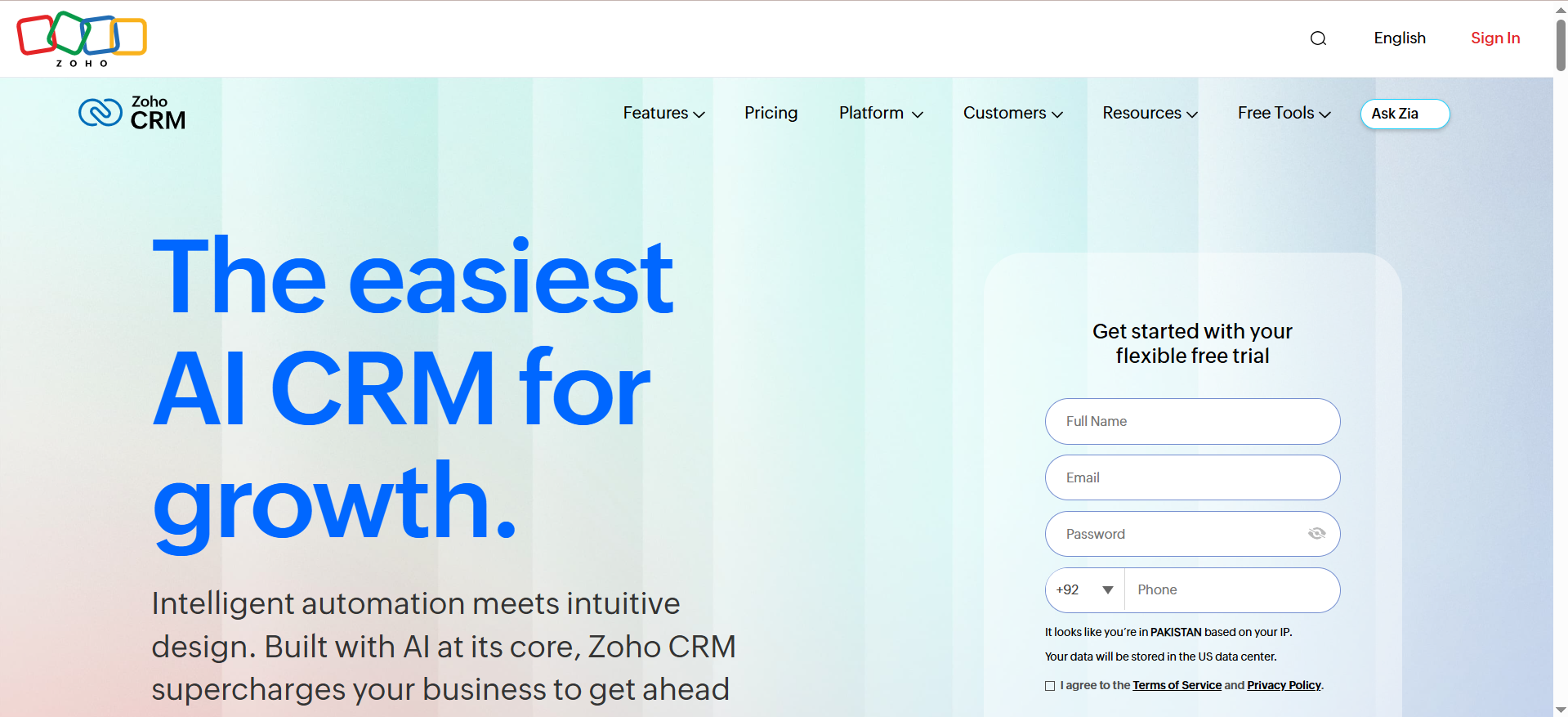
Zoho CRM is a full-featured CRM option, and Zia is Zoho’s AI assistant layer used for scoring, predictions, and prioritization.
Why teams use it
Zoho often wins on value and flexibility, especially for SMBs and mid-market teams that want solid capabilities without enterprise CRM costs, which is why teams also compare tools using our AI SEO tools comparison guide.
What it’s good for
- Teams needing configurable automation and scoring on a budget
- Orgs already using Zoho apps (Desk, Campaigns, etc.)
- Teams that want AI scoring and prioritization built into the CRM
When it’s a good fit
- You need a robust CRM plus AI scoring, but you want controlled spend
- You’re comfortable setting up modules and automation thoughtfully
- You want to run bulk actions and workflows based on AI scoring outputs
When it’s not a good fit
- You need best-in-class enterprise ecosystem integrations everywhere
- You want minimal configuration and instant “out of the box” maturity
How to use it
- Start by defining lead stages and what a “sales-ready lead” means.
- Configure Zia scoring rules and decide what actions happen at score thresholds.
- Use smart filters to segment high-priority leads and trigger plays (tasks, emails, assignments).
- Review score distributions monthly to catch drift (too many “high scores” usually means your scoring is too loose).
Key capabilities
Zoho highlights Zia scores and explains that Zia analyzes record info, signals, related data, and integrations to prioritize likelihood of conversion. The knowledge base also describes filtering and bulk actions based on scoring rules.
Pricing
Zoho CRM’s paid pricing starts at ₹800/user/month (billed annually) for the Standard plan (pricing varies by region/currency).
Free tier?
Zoho CRM offers a free tier for up to 3 users, and it also offers a free trial for paid editions.
Downsides / limitations
- To get the best results, you need clear process design (Zoho’s flexibility can be a trap)
- If your stack is not Zoho-centric, you may spend more time integrating
- AI effectiveness still depends on clean data and consistent usage
5. Freshsales (Freddy AI)
What it does
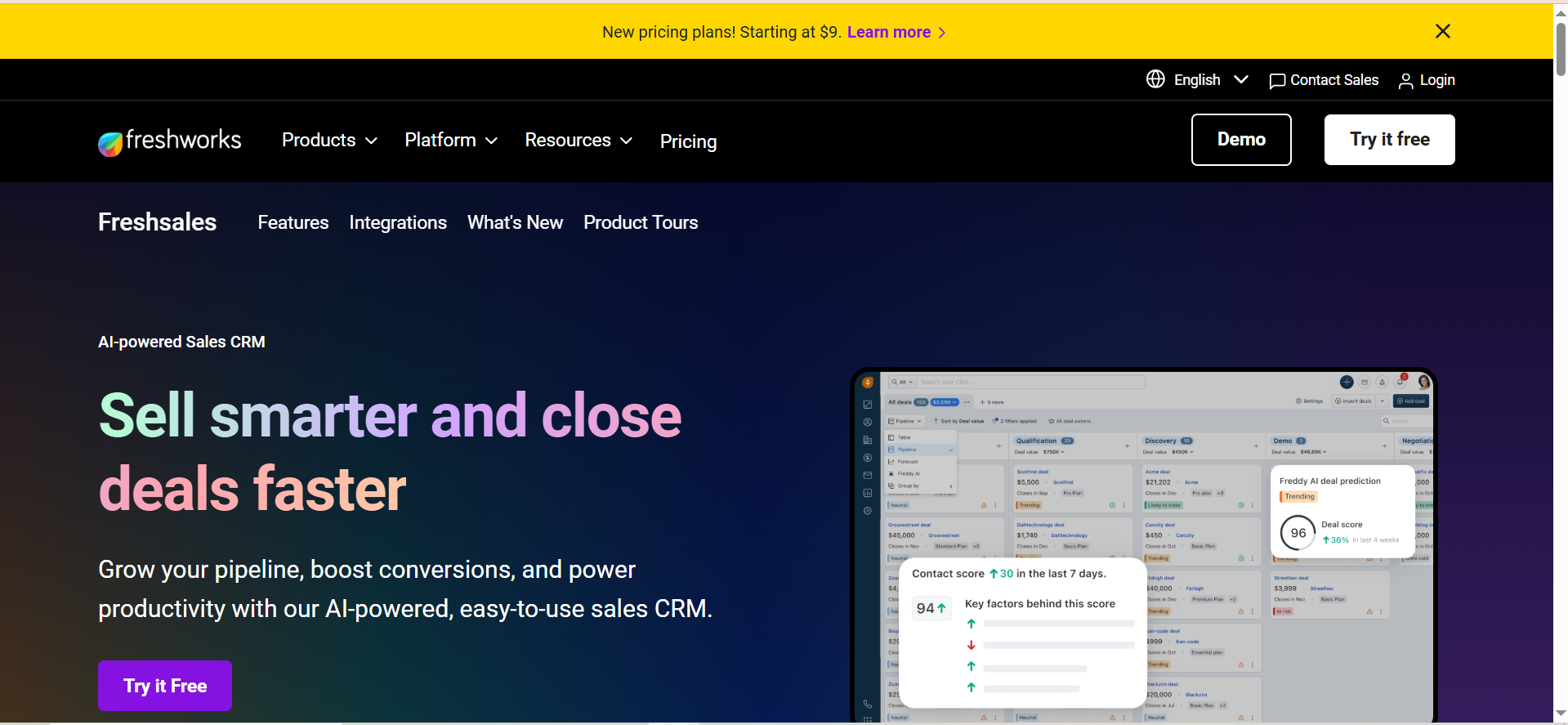
Freshsales is a CRM in the Freshworks suite. It’s positioned as sales-centric and increasingly focused on “AI + automation” with Freddy AI.
Why teams use it
Freshsales is attractive when you want modern usability, fast onboarding, and a CRM that can connect sales context with customer/support context (helpful for timing outreach and avoiding awkward calls).
What it’s good for
- Growth-stage teams who want a clean UI and quick ramp
- Teams who want AI guidance and automation without enterprise CRM overhead
- Orgs that value sales + support visibility in one place
When it’s a good fit
- You want AI copilot support for common workflows (importing, automation, guidance)
- You want unified customer context so reps can prospect and follow up more intelligently
- You want a CRM that’s scalable but not as heavy as Salesforce
When it’s not a good fit
- You need the deepest ecosystem and customization possible
- You require a very large marketplace of native integrations
How to use it
- Set up a clean data import and field mapping early (avoid junk-in from day one).
- Define lifecycle stages and lead routing rules.
- Enable Freddy AI features where they help reps: data management, next steps, and sequence guidance.
- If you use Freshdesk or other Freshworks products, connect them so sales has real-time context.
Key capabilities
Recent coverage notes Freshsales has emphasized Freddy AI copilot, automation, and a unified customer data approach, including improvements in onboarding and intelligent workflows.
Pricing
Freshsales pricing starts at $9/user/month (billed annually) for the Growth plan.
Free tier?
Freshsales offers a free tier ($0 for up to 3 users) and also offers a 21-day free trial for paid plans.
Downsides / limitations
- Advanced AI may be gated behind add-ons or higher plans
- Integrations may not be as extensive as more established CRM ecosystems (though API/Zapier can help)
What “Built-in AI Prospecting” Actually Means in a CRM
A lot of vendors use “AI” to mean “we added a chat box,” which is why it helps to understand what AI in marketing actually means before you buy. For prospecting, you want something more specific. In practice, “built-in AI prospecting” usually includes 4 capabilities:
1) Prioritization (scoring + ranking)
This is the core: “who should I work next?”
- Predictive lead scoring (based on historical conversions and patterns) is a common approach.
- The best setups combine predictive signals with business rules, so you can align with your ICP and GTM strategy.
2) Signal detection (intent-ish behavior)
This can be:
- engagement signals (opens, clicks, replies)
- website behavior
- pipeline movement patterns
- product usage (for PLG motions)
HubSpot explicitly talks about monitoring buying signals as part of its AI prospecting agent pitch.
3) Recommended actions (next-best steps)
The CRM should translate signals into action like ‘Call this lead’ or ‘Follow up on this deal,’ which is why teams evaluating calling workflows also look at voice AI CRM integration solutions.
4) Automation (routing + sequences + workflow triggers)
AI without automation becomes a dashboard nobody checks. The real win happens when:
- High-intent leads get routed instantly
- Follow-ups are triggered automatically
- Reps get prompts inside the workflow they already use, and if you’re trying to make those prompts feel truly relevant, start with a focused set of personalization use cases
How to Choose the Right AI Prospecting CRM (Checklist + Scoring)
Use this as a decision checklist: the goal is to reduce “demo theatre” and focus on what will matter in month 2.
Step 1: Clarify your prospecting motion
Pick the dominant motion:
- Inbound-led (forms, content, demo requests)
- Outbound-led (lists, sequences, cold outreach)
- Hybrid
- PLG-assisted (product signals + sales follow-up)
Why it matters: AI scoring behaves very differently depending on whether you have strong inbound intent signals or mostly cold data.
Step 2: Make sure the “AI” has something to learn from
Ask: “What data will the model use?”
- Historical conversions? (Salesforce Einstein emphasizes this for scoring.)
- Engagement signals and integrated data? (Zoho positions Zia scoring around record + signals + integrations.)
If your data is thin, you can still benefit, but expect to lean more on rules plus lightweight recommendations until you build history, which is why teams often start by tightening inputs with AI content auditing software.
Step 3: Evaluate built-in prospecting features
Use a simple scorecard (1–5):
- Lead scoring quality and explainability
- Buying-signal monitoring
- Next-best actions and prompts
- Workflow automation triggers
- Rep UX and adoption likelihood
- Admin overhead
- Reporting and attribution support
Step 4: Look for “trust builders”
Your reps will ignore AI if it feels random, which is why it helps to build trust with clear evidence and a plan to get cited in AI answers. Ask vendors:
- Can we see why a lead is scored high?
- Can we tune which fields/signals matter?
- Can we run controlled experiments (team A uses scoring, team B doesn’t)?
Step 5: Don’t forget total stack fit
Even with “built-in AI,” most teams still use:
- enrichment and data providers
- sequencing tools
- call recording/enablement
- scheduling tools
- analytics
The best CRM choice is the one that reduces friction across the stack, not the one with the flashiest AI slide.
Common Pitfalls (and how to avoid them)
Pitfall 1: “AI will fix our lead quality”
AI can prioritize and it won’t turn bad-fit leads into buyers, so fix lead sources and ICP targeting first with a clearer AI marketing use-case strategy.
Pitfall 2: Too many automations too early
Start with the smallest useful set of workflows, then expand once you’ve proven what works, similar to how teams roll out SEO automation tools. Over-automation leads to noisy sequences and rep distrust, so keep your rollout tight and avoid the same mistakes outlined in this content pruning guide.
Pitfall 3: No governance for outreach personalization
If AI is generating messaging, set rules:
- required human review for high-risk claims
- banned phrases and compliance checks
- strict segmentation (don’t mass-send “personalized” emails)
Pitfall 4: You never revisit scoring performance
Scoring drifts, markets change, and lead sources change, so make performance review part of your monthly cadence and keep an eye on shifts with AI brand mention tracking tools.
Which CRM has the best built-in AI for lead scoring?
If you define “best” as the most mature predictive scoring at enterprise scale, Salesforce is usually the top pick because Einstein Lead Scoring is built around your historical conversion data and can segment scoring by lead segments.
That said, “best” changes depending on your company stage and data maturity:
- Enterprise / complex GTM: Salesforce (Einstein)
- Strong when you have lots of lead history and well-defined conversion milestones.
- Salesforce explicitly notes scoring becomes more meaningful with more data, and it has minimum data requirements (for example, their FAQ calls out needing a base volume of recent leads for meaningful scoring).
- Growth teams that want speed + adoption: HubSpot
- HubSpot is strong when you want scoring to combine fit + engagement and you want the team actually using the system daily. HubSpot also positions lead scoring as using multiple data points to prioritize prospects.
- Value + flexibility: Zoho (Zia Scores)
- Zoho’s Zia Scores is an AI-based scoring method that takes into account record information and lets you configure scoring for modules based on your business requirements.
Practical recommendation:
- If you’re Enterprise and already on Salesforce, start there.
- If you’re Growth and you want “good scoring + fast rollout,” HubSpot or Zoho can be a better ROI faster.
Which CRM can monitor buying signals and suggest next actions?
You’re looking for two things at once:
- Buying-signal monitoring (behavior changes, engagement, intent-ish activity)
- Next-best action recommendations (what the rep should do next)
Here are the strongest “built-in” fits from your shortlist:
- HubSpot (Breeze Prospecting Agent): HubSpot explicitly says its prospecting agent can monitor buying signals and deliver timed outreach.
- Pipedrive (AI Sales Assistant): Pipedrive focuses heavily on recommendations and prompts (deal reminders, follow-up reminders, pipeline guidance).
- Zoho (SalesSignals + Zia): Zoho’s SalesSignals is designed to centralize multichannel notifications so you can react quickly, which is basically “signal monitoring,” then Zia/Zia Scores helps prioritize.
- Freshsales (Freddy AI): Recent coverage notes Freddy AI Copilot can suggest “next best actions” and supports more proactive workflows.
How to choose quickly
- If you want the most explicit “AI prospecting agent + buying signals” story: HubSpot.
- If you want the most rep-friendly “what should I do today?” guidance: Pipedrive.
- If you want signal feeds across channels as a core feature: Zoho SalesSignals.
How accurate is AI lead scoring, and what data does it need?
Accuracy depends less on “how smart the AI is” and more on data quality + the definition of success.
What data AI lead scoring typically needs
To produce stable scores, AI scoring needs enough historical examples of converted and non-converted leads, which is why teams often start by cleaning and consolidating data with a SaaS content audit fix sprint.
- A clear conversion event (what counts as “good”: SQL, opportunity created, closed-won, etc.)
- Enough historical examples of converted and non-converted leads
- Consistent fields that correlate with conversion (source, industry, company size, engagement, etc.)
Salesforce’s documentation is blunt about the fact that more lead data produces more meaningful scores, and they publish data requirements and minimum thresholds for scoring to work well.
Zoho similarly frames Zia Scores as considering “all the information related to a record,” which implies you’ll get better outputs when your CRM has complete, consistent records.
How to think about “accuracy” in the real world
Instead of asking “Is it accurate?”, ask whether scoring improves speed-to-lead and meetings booked, then validate it with a simple rollout test using a CRO measurement approach.
- Do high-score leads convert at a meaningfully higher rate than low-score leads?
- Does scoring improve speed-to-lead and meetings booked?
- Does it reduce wasted touches on bad-fit leads?
Quick sanity checks
- If you switched lead sources recently, scoring may “learn” old patterns that no longer apply, which is why it helps to sanity-check changes using this EEAT after SGE guide.
- If reps don’t log activity consistently, the model won’t see reliable engagement signals.
- If conversion definitions vary team-to-team, scores won’t match reality.
Which CRM is best for SMB vs enterprise?
Best for SMB (and growth-stage SaaS)
HubSpot, Pipedrive, Zoho, and Freshsales can all work, but pick based on what you value:
- Fastest adoption + strong built-in workflows: HubSpot (plus Breeze positioning around prospecting automation)
- Simplest daily sales cockpit: Pipedrive (AI assistant prompts + pipeline hygiene)
- Best value for feature depth: Zoho (Zia + SalesSignals + strong integrations with Workspace/365)
- Strong “modern CRM” feel with AI copilot emphasis: Freshsales (Freddy AI Copilot + multichannel)
Best for enterprise
Salesforce (Einstein) is the usual answer when you need:
- Governance, permissions, complex objects
- Deep customization
- Predictive lead scoring built on big historical datasets
A simple rule:
- If you have admins + process maturity, Salesforce scales best.
- If you need speed + adoption, don’t underestimate HubSpot or Freshsales for teams that struggle with heavy CRM overhead.
Do these CRMs support multichannel sequences (email, calls, social)?
Most do, but “support” can mean two different things:
- Native multichannel actions inside the CRM (email + calls + SMS/WhatsApp, etc.)
- A cadence/to-do list that coordinates channels (email step, call task, LinkedIn task) even if the social action happens outside
Here’s how your shortlist lines up:
- HubSpot Sequences: sequences send timed emails and can automatically create tasks (so you can build email + call/task cadences).
- Salesforce Sales Engagement: Salesforce markets unifying activities like emails, phone calls, social touches, and tasks into a single workflow/to-do list.
- Zoho SalesSignals: built around multichannel interaction tracking and notifications, which supports multichannel follow-up behavior.
- Freshsales: Freshworks lists built-in chat/email/phone and “multichannel engagement” (email, SMS, WhatsApp) on pricing pages, and recent reporting mentions “advanced multichannel sequences.”
- Pipedrive: strong for email + activity prompts; multichannel sequencing often depends on how you configure activities and integrations, but the assistant is designed to push next steps.
What to ask in demos (to avoid surprises)
- Can we create a cadence with email + call + LinkedIn step in one view?
- Are “social touches” actual in-app actions or just tasks/reminders?
- Can the cadence pivot based on engagement (reply, click, etc.)?
What’s the best CRM if we already use Microsoft 365 / Google Workspace?
If your team lives in Gmail/Google Calendar or Outlook/Teams, prioritize CRMs that offer native inbox + calendar syncing and “work from inbox” tooling.
Strong options from your shortlist
- HubSpot: HubSpot supports Gmail via a Chrome extension and supports Outlook via an Office 365 add-in, so reps can access sales tools directly from their inbox.
- Salesforce: Salesforce supports syncing Microsoft or Google accounts through Einstein Activity Capture, including a Google Workspace Marketplace connection.
- Zoho: Zoho has dedicated Microsoft 365 integration and also positions Zoho CRM as a preferred CRM for Google Workspace with marketplace integration.
- Freshsales: Freshworks support docs show connecting Gmail and Microsoft 365 mailboxes (with one-way or two-way sync options).
- Pipedrive: Pipedrive’s AI email assistant page explicitly mentions syncing with Gmail and Outlook.
Simple pick guide
- If you want the deepest enterprise calendar/email capture with governance: Salesforce.
- If you want reps living in an inbox with quick setup: HubSpot.
- If you want strong integration at a value price: Zoho.
Do I need separate intent data tools, or can CRM AI handle it?
CRM AI can help with prioritization and next actions, but most CRMs are not full substitutes for dedicated intent data vendors.
A good mental model:
What CRM AI can usually handle well
- Scoring based on your first-party data (form fills, email engagement, meetings, lifecycle stages)
- Noticing behavior changes inside your systems (site activity if tracked, pipeline activity, sales touch patterns)
- Routing and recommended actions based on those signals
Example: HubSpot’s prospecting agent pitch includes monitoring buying signals and using CRM/web context to help outreach.Zoho’s SalesSignals emphasizes tracking interactions across channels and surfacing notifications centrally.
What dedicated intent tools are usually better at
- Third-party intent (research behavior across the web, publisher networks, etc.)
- Broader contact/account discovery + enrichment at scale
- More advanced account-level intent modeling across many sources
Practical recommendation
- Start with CRM-native signals + scoring + routing first (you need this foundation anyway).
- Add intent tooling when:
- outbound lists are large and you need better prioritization, or
- you’re moving upmarket and need account-level insights, or
- your inbound volume is low and you need external signals to create timing advantages.
FAQs
What’s the difference between AI lead scoring and rules-based scoring?
Which CRM has the strongest built-in predictive scoring?
Do I still need prospecting tools like Apollo/ZoomInfo/Clay if my CRM has AI?
What does an “AI prospecting agent” actually do?
How do I know if AI scoring is working?
What’s the easiest AI prospecting CRM to roll out fast?
Are AI copilot features the same as AI prospecting?
📋 Get Listed / Advertisement
We update this guide monthly, so if you want your tool featured, book a call. Contact: [email protected].


