Most teams should buy one AI sales tool for the stage where deals leak, not a suite. Apollo.io suits prospecting and outreach, HubSpot Sales Hub suits teams on HubSpot's CRM, Zapier suits handoffs between tools, and Gong suits call review and coaching. Buy by stage, then add the next tool.
That holds when you can name the one stage costing you the most deals and your CRM can pass data to whatever you add.
It does not cover cold-calling dialers or roleplay practice tools, which are separate buying decisions this page routes you to rather than ranks.
If you sell one of these tools rather than buy one, our SaaS content marketing work covers the listicles and comparison pages buyers read before they shortlist. It is a quiet option if you are only here to buy.
📋 Get Listed / Advertise
We update this guide monthly. Want your tool featured? Contact: [email protected].
Best AI Sales Tools At A Glance
Four tools, one per stage of the sales process.
| Tool | Sales stage | Best for | Pricing published |
|---|---|---|---|
| Apollo.io | Prospecting and outreach | Teams that need contact data and email sequencing in one place | Free plan; check the vendor page for paid amounts |
| HubSpot Sales Hub | CRM and AI prospecting | Teams already running HubSpot's CRM | Free CRM; check the vendor page for paid amounts |
| Zapier | Automation and handoffs | Teams that need their CRM, enrichment and outreach tools to talk to each other | Free plan; Professional from $19.99/month |
| Gong | Calls, forecasting and coaching | Teams with enough recorded calls to review and coach on | Quote-based, no amounts given |
1. Apollo.io: Best For Prospecting And Outreach
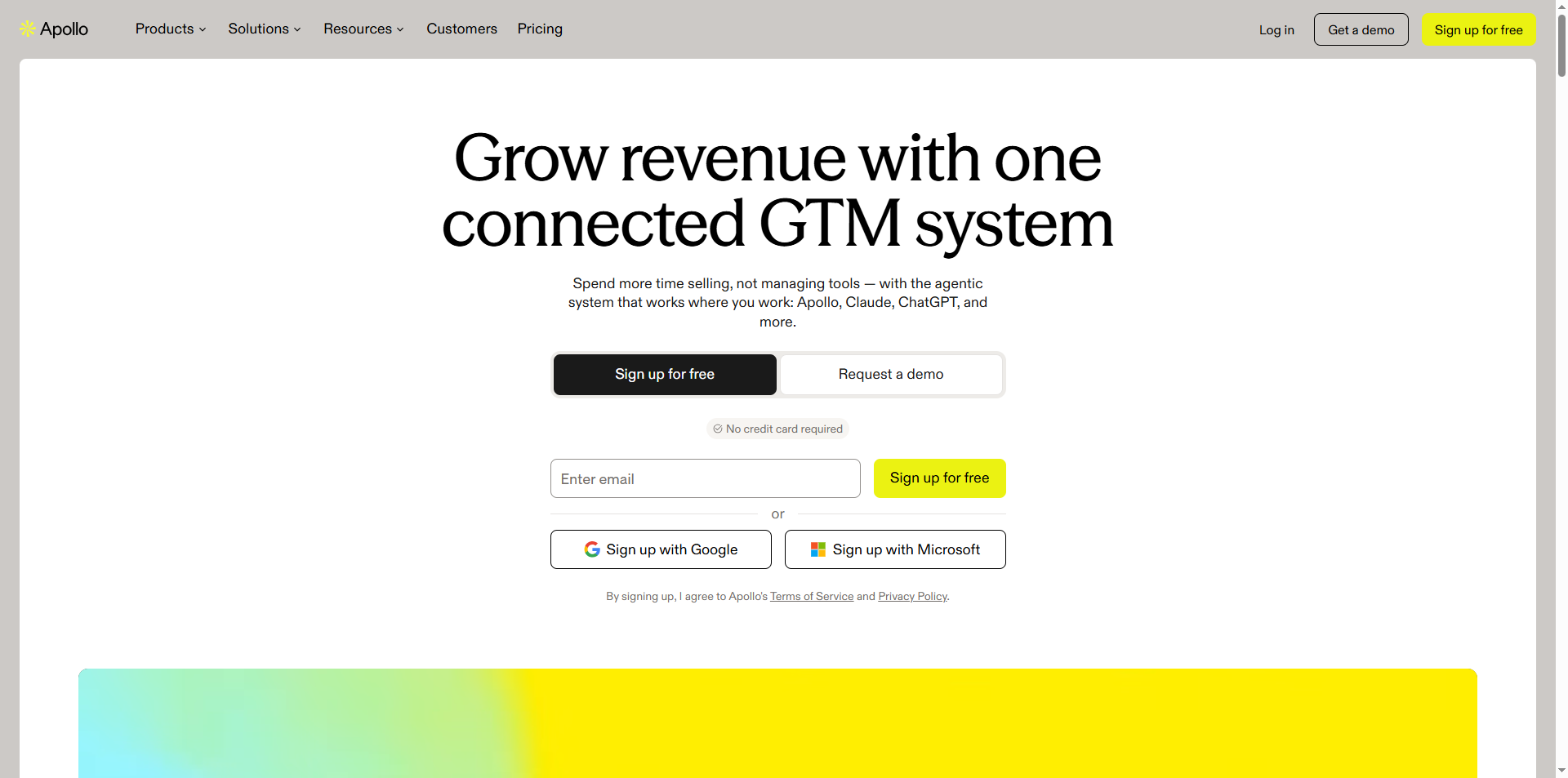
What it does: Apollo.io is a prospecting and outreach platform that puts contact data and email sequencing in one product. Apollo.io states a database of 240M+ contacts and 30M+ accounts, plus 200+ integrations. It also describes background agents for account research, lead prioritisation, outreach writing and meeting booking, with no limits stated on the page.
Who it is for: Apollo.io suits a small-to-mid SaaS sales team that is short on pipeline and wants one tool to find people and write to them. A founder doing their own outbound can start on the free plan. A team that has already outgrown spreadsheets and a separate list-building tool can consolidate. If you want the narrower comparison after this profile, read our guide to AI tools for outbound prospecting. If contact data is your main worry, our roundup of B2B sales intelligence tools puts data first.
Pricing: Apollo.io's pricing page lists four plans. Pricing is per user, billed monthly or annually with an annual discount, and data credits are pooled across the team and expire each cycle. Check the page for current amounts, as none are quoted here.
| Plan | Price | Billing basis | What it includes |
|---|---|---|---|
| Free | Free | Not applicable | Built for founders and early-stage teams, with a Gmail-only email connection |
| Basic | See vendor page | Per user, monthly or annual | Email sequencing and core integrations |
| Professional | See vendor page | Per user, monthly or annual | Higher credit limits, AI features, call recording and advanced CRM integrations |
| Custom | See vendor page | Contact for price | SSO, advanced security and dedicated support |
Strengths:
- One tool for data and sending: You find the contact and start the sequence without exporting a list between products.
- A free entry point: A founder or a two-person team can test the workflow before paying anything.
- Wide integration list: With 200+ integrations stated, the odds are good that your CRM and Slack are covered.
- Agents for the grunt work: Account research, lead prioritisation and outreach writing are the steps that eat a rep's morning.
Trade-offs:
- Credits expire each cycle: Pooled credits that reset mean a quiet month wastes what you paid for.
- Gmail-only on the free plan: If your team sends from another mailbox, you are on a paid plan from day one.
- Paid amounts need a separate check: You will need to confirm current plan amounts on the vendor page before you budget.
- Call recording sits on the Professional plan: Teams that want calls and outreach in one tool pay for the higher tier.
Key capabilities:
- Contact and account database with 240M+ contacts and 30M+ accounts
- Email sequencing from the Basic plan up
- Background agents for research, prioritisation, outreach writing and meeting booking
- 200+ integrations, with advanced CRM integrations on Professional
- Call recording and AI features on Professional
Good fit:
- Founders and early-stage teams that need to build a first outbound list
- SDR teams that want data and sequencing under one login
- Teams replacing a patchwork of list tools and a separate sending tool
Not a fit:
- Teams whose problem is closing, not finding leads
- Buyers who have not yet confirmed per-seat costs against their budget
- Teams that want call coaching as the main feature
The limitation that matters most is credit pooling. Credits are shared across the team and expire each cycle, so one heavy user can burn through the allowance for everyone.
2. HubSpot Sales Hub: Best For Teams Already On HubSpot
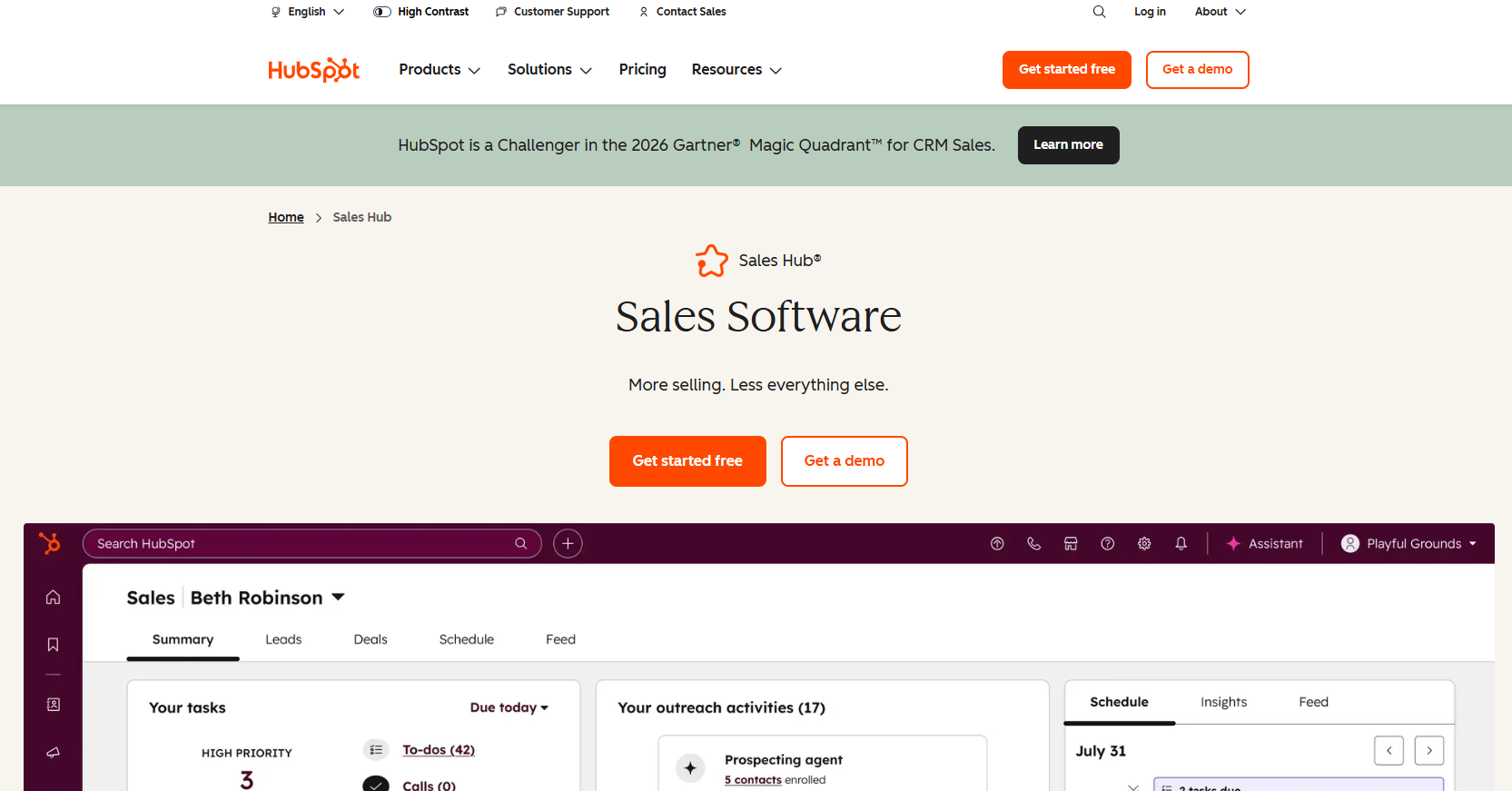
What it does: HubSpot Sales Hub adds sales tooling and AI on top of HubSpot's CRM. HubSpot's pricing page lists a free HubSpot CRM, a Starter Customer Platform pitched at startups and small businesses, and an Enterprise Customer Platform for larger teams. It also lists an AI prospecting agent that identifies and engages high-value leads.
Who it is for: HubSpot Sales Hub suits a team whose contacts, deals and email history already live in HubSpot. The AI sits next to the data it needs, so there is nothing to sync. A team on another CRM gets less from it, because the free CRM is the entry point and the AI features build on it.
Credits and Agent Hub: HubSpot's AI products page says Agent Hub is included in Starter, Professional and Enterprise editions, while many AI features and agents run on HubSpot Credits, which you buy in packs or pay as you go. That changes how you budget. You are not just paying for a seat. You are paying for how much the AI does.
Pricing: The free CRM is the entry point with no cost. Check HubSpot's pricing page for current paid amounts.
| Plan | Price | Billing basis | What it includes |
|---|---|---|---|
| Free HubSpot CRM | Free | Not applicable | The free CRM entry point |
| Starter Customer Platform | See vendor page | Edition plus credits | Pitched at startups and small businesses, with Agent Hub included |
| Professional | See vendor page | Edition plus credits | Agent Hub included |
| Enterprise Customer Platform | See vendor page | Edition plus credits | Built for larger teams, with Agent Hub included |
Strengths:
- Free CRM to start: You can put your pipeline in one place before you buy any AI.
- AI prospecting agent: It identifies and engages high-value leads inside the system your reps already use.
- Agent Hub across editions: Starter, Professional and Enterprise all include it, so you are not forced up a tier to try agents.
- No sync to maintain: CRM, AI and outreach share one record of each contact.
Trade-offs:
- Credit-based AI: Many AI features run on credits, so usage drives the bill.
- Paid amounts need a separate check: Confirm current amounts on the vendor page before you work out a total.
- Best value needs HubSpot as your CRM: A team on another system pays twice, once in migration and once in licences.
- Less depth on one stage: A suite spreads its effort across the whole process.
Key capabilities:
- Free HubSpot CRM
- AI prospecting agent that identifies and engages high-value leads
- Agent Hub in Starter, Professional and Enterprise editions
- HubSpot Credits for AI features and agents, bought in packs or pay-as-you-go
Good fit:
- Startups and small businesses already on HubSpot's free CRM
- Teams that want AI prospecting without adding a separate vendor
- Sales leaders who prefer one record of every customer conversation
Not a fit:
- Teams on Salesforce or another CRM with no plan to move
- Buyers who want a fixed monthly total with no usage element
- Teams that need the deepest possible data on a single stage
The limitation that matters most is the credit model. Because many AI features run on credits, a busy month costs more than a quiet one.
3. Zapier: Best For Connecting Your Sales Stack
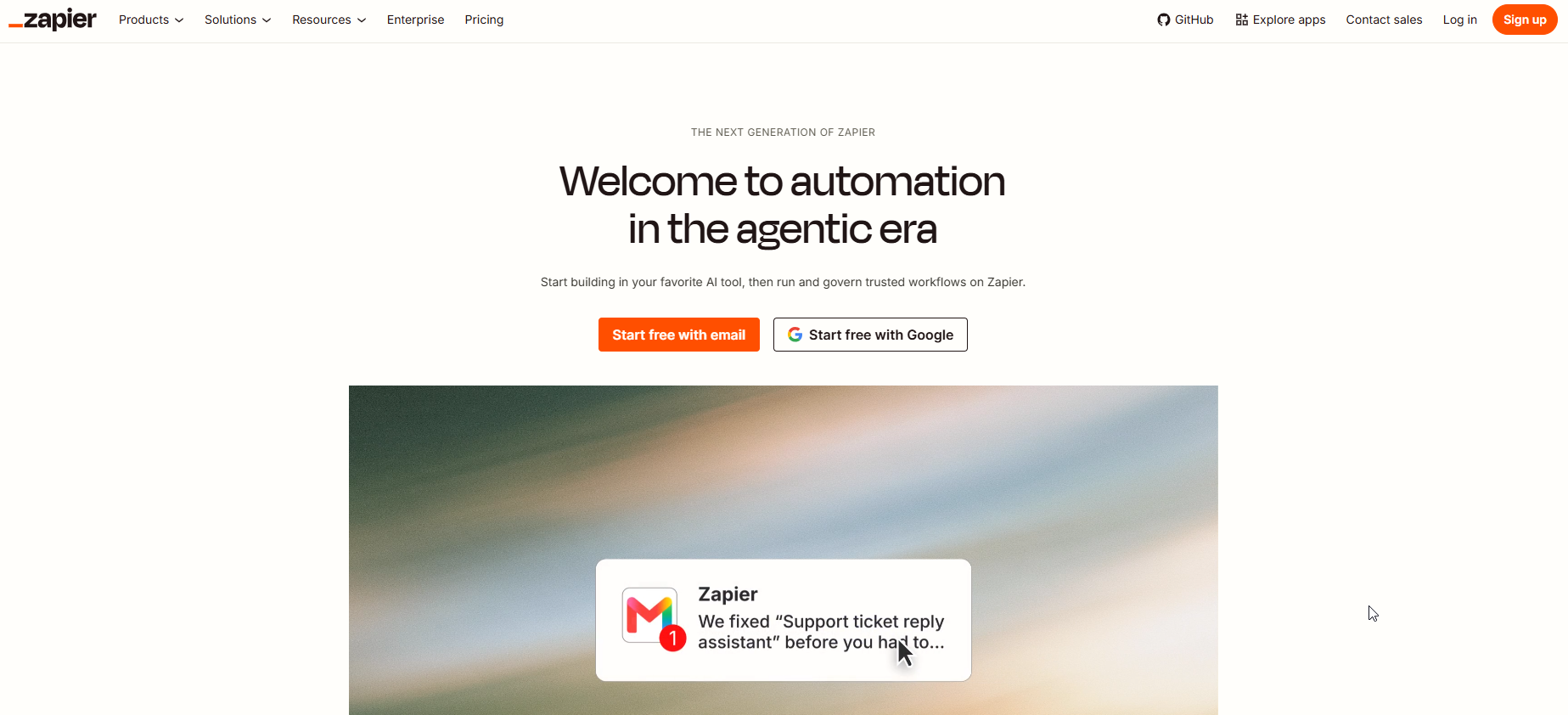
What it does: Zapier moves data between the tools a sales team already owns. A new lead in your CRM can trigger enrichment, then a message in your outreach tool, then a task for the rep. Zapier's pricing page shows plans for Zaps, Agents and Chatbots.
Who it is for: Zapier suits a team with three or four sales tools that do not talk to each other. It is also the right answer when none of the four stage tools covers a handoff you need. A rep copying fields between tabs is a Zapier job. If your tools already share data natively, you do not need it yet.
Pricing: Zapier's pricing page states that Free is $0/month with unlimited Zaps, two-step Zaps and 100 tasks/month. Professional is from $19.99/month with multi-step Zaps, unlimited premium apps, webhooks and AI fields. Team is from $69/month for 25 users with shared Zaps and folders, SAML SSO and priority support. Enterprise is contact-for-pricing. Yearly billing saves 33%. The Agents plan is Free at $0 with up to 400 activities/month, or Pro at $400 billed annually (about $33.33/month) with up to 1,500 activities/month. The Chatbots plan is Free at $0 for 2 chatbots, Pro at $160/year or Advanced at $800/year.
| Plan | Price | Billing basis | What it includes |
|---|---|---|---|
| Free | $0/month | Monthly | Unlimited Zaps, two-step Zaps and 100 tasks/month |
| Professional | From $19.99/month | Monthly, yearly billing saves 33% | Multi-step Zaps, unlimited premium apps, webhooks and AI fields |
| Team | From $69/month | Monthly, covers 25 users | Shared Zaps and folders, SAML SSO and priority support |
| Enterprise | Contact for pricing | Quote | Pricing on request |
| Agents Free | $0 | Not applicable | Up to 400 activities/month |
| Agents Pro | $400 billed annually (about $33.33/month) | Annual | Up to 1,500 activities/month |
Strengths:
- Cheap to test: The free plan costs $0 and the first paid step starts from $19.99/month.
- Multi-step flows: Professional adds multi-step Zaps, so one trigger can fire several actions.
- Team controls: Team adds shared Zaps and folders, plus SAML SSO.
- Published prices: Every tier except Enterprise has an amount you can plan around.
Trade-offs:
- It is plumbing, not a sales tool: Zapier does not find leads, write emails or review calls.
- Task limits: The free plan stops at 100 tasks/month, so a busy pipeline outgrows it quickly.
- Someone has to build and own the flows: An unowned automation breaks quietly.
- Agents are capped by activities: 400 on Free and 1,500 on Pro per month.
Key capabilities:
- Zaps that connect a CRM, an enrichment tool and an outreach tool
- Multi-step Zaps, webhooks and AI fields from Professional
- Agents plan with up to 400 or 1,500 activities/month
- Chatbots plan from Free, with Pro and Advanced yearly options
Good fit:
- Teams stitching together a CRM, enrichment and outreach
- Ops-minded sales leaders who can own a few automations
- Small teams that want to start free
Not a fit:
- Teams that need a tool to do the sales work itself
- Teams with no one to maintain the flows
- Buyers who need a single product that covers a stage end to end
The limitation that matters most is ownership. Zapier does exactly what you build, so a flow that nobody maintains turns into a silent gap in your pipeline.
4. Gong: Best For Call Review And Coaching
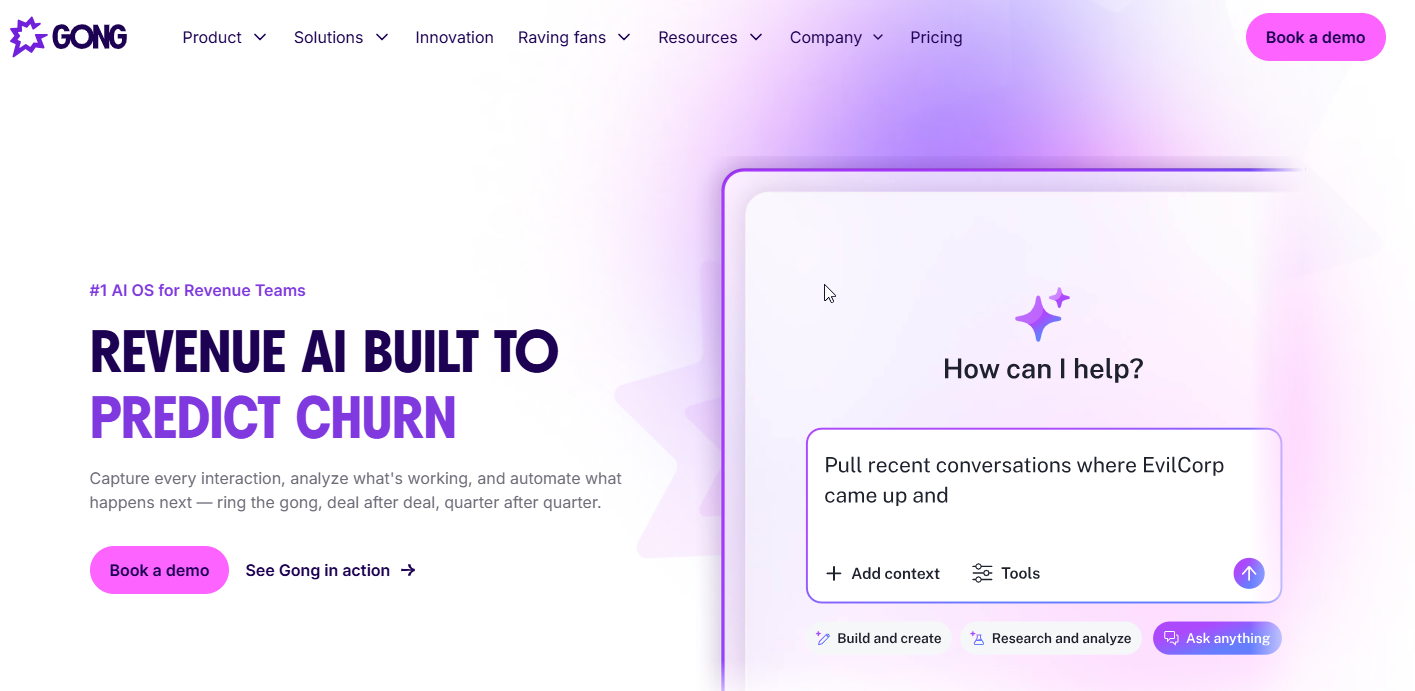
What it does: Gong is a conversation intelligence platform for reviewing sales calls and coaching reps. Gong's platform page says it uses AI to spot high-impact opportunities and flag risks in the pipeline and forecast. It also describes onboarding and coaching that copies successful techniques across the team, and a two-way CRM sync with Salesforce.
Who it is for: Gong suits a sales leader whose team has enough recorded calls to learn from, and whose deals are lost in the conversation rather than in the funnel. It fits a team on Salesforce best, since the sync runs both ways. If you ask whether you need Gong and Apollo, the answer is that they cover different stages. Apollo.io fills the top of the pipeline. Gong works on what reps say once a buyer is on the line.
Pricing: Gong's pricing page is quote-based. It publishes no plan prices, per-user rates or seat minimums, so no figures are given here.
| Plan | Price | Billing basis | What it includes |
|---|---|---|---|
| Gong platform | Pricing on request | Quote-based | Pipeline and forecast AI, onboarding and coaching, two-way Salesforce sync |
Strengths:
- Pipeline and forecast signals: AI flags opportunities and risks so a manager sees where to look.
- Coaching that spreads: Onboarding and coaching copies what top reps do across the team.
- Two-way Salesforce sync: Call insight flows back to the CRM record.
- Focused on one job: It does call review and coaching rather than spreading across the process.
Trade-offs:
- No published price: You cannot budget until you have talked to sales.
- Value depends on call volume: A team with few calls has little to review.
- Needs managers who coach: The tool surfaces the call, and a person still has to act on it.
- Does not fill your pipeline: It improves conversations you already have.
Key capabilities:
- Pipeline and forecasting AI that flags risks and high-impact opportunities
- Onboarding and coaching that copies successful techniques across the team
- Two-way CRM sync with Salesforce
Good fit:
- Sales leaders with a team on Salesforce and a steady flow of recorded calls
- Managers who want coaching based on real conversations
- Teams that lose deals mid-funnel and cannot say why
Not a fit:
- Teams with few calls to review
- Buyers who need a public price before a demo
- Teams that need leads before they need coaching
The limitation that matters most is that Gong works on conversations you already have. It does nothing for a team that has too few of them.
📋 Get Listed / Advertise
We update this guide monthly. Want your tool featured? Contact: [email protected].
Which AI Sales Tool For Which Stage Of The Sales Process
Find the stage where deals leak, then buy for that stage. The table below gives the first purchase for each stage.
| Stage | Rule |
|---|---|
| Prospecting and data | If deals leak before you have enough qualified leads, buy a prospecting and data tool first. Apollo.io is the pick here. |
| Enrichment | If your records are thin, buy an enrichment tool first, then your sequences have something to personalise with. |
| Qualification and scoring | If reps waste time on poor-fit leads, buy a qualification or scoring tool first. |
| Outreach | If you have leads but few replies, buy an outreach and sequencing tool first. Apollo.io covers this too. |
| Calls and coaching | If deals stall after the first call, buy Gong first. |
| CRM and automation | If data does not move between tools, buy Zapier first. If you are on HubSpot, start with HubSpot Sales Hub. |
Prospecting and data: Start with Apollo.io if you need leads and a way to write to them. For more options, read our guide to AI prospecting tools for B2B startups.
Enrichment, qualification and scoring: These are the steps between a name and a sales conversation. Our guides cover AI lead enrichment tools, AI lead qualification tools and AI lead scoring tools. Account research comes before outreach in the stage order, and our guide to account research tools for sales teams covers it.
Outreach: Reply rates set the bar. Instantly's 2026 benchmark puts the average cold email reply rate at 3.43%. The page states no sample size, so read that as one benchmark and not an industry standard. If your sequences land well below it, fix the message or the list before you buy another tool.
Calls and coaching: Gong is the pick when reps are talking to buyers and losing deals. Test any coaching tool on real calls, not demos.
Automation: Zapier fits when the problem is handoffs. A lead lands in one tool and nobody sees it in the next. If your CRM is HubSpot, check HubSpot Sales Hub first, since its AI works on the CRM data already there.
Cold calling and roleplay: Cold-calling dialers and roleplay practice tools are separate buying decisions. This page does not rank them.
Salesforce's State of Sales survey found that 87% of sales organisations use some form of AI, based on 2025 fieldwork with 4,050 respondents. In the same survey, sales teams expect AI agents to cut prospect research time by 34%. Plenty of teams already use AI, so using it is not the edge. Buying it for the right stage is.
If you run a SaaS product and want to be on lists like this one, the GEO + SEO Growth Programme is how we handle it. It covers search and AI answers in one plan.
AI Sales Assistant Or AI Sales Agent: Which One Do You Need?
An AI sales assistant supports a human rep inside an existing workflow.
An AI SDR or agent runs a workflow step itself until handoff.
The removal test: If taking the AI away stops the task, it is an agent. If a human simply repeats the step, it is an assistant.
Use that test on any demo. Ask what happens on Monday morning if the tool is switched off. If the pipeline stops, you have bought an agent and you need to trust it with a step. If your reps do the same work a bit slower, you have bought an assistant and the risk is low.
An assistant suits stages where a human judgement call matters, such as drafting a first line for a rep to edit, or summarising an account before a call. An agent suits steps that are repetitive and rule-bound, such as researching accounts or booking meetings. A coaching tool is neither. It sits beside the rep and shows a manager what happened on the call.
So which one do you need? Start with an assistant if your team is small and you are not sure which step to hand over. Move to an agent once you can describe the step in a few sentences and name who reviews the output. If you want to compare agents head to head, our guide to the best AI SDR agents does that.
How To Choose AI Sales Tools
Ask these five questions before you sign anything.
- CRM integration: Connect the tool to your CRM in a trial. If data does not flow both ways without a manual export, move on.
- Fit with your sales process: Map the tool to the stage where deals leak. If it needs you to change how reps work, price in the training.
- Ease of use for reps: Have two reps run a real task without help. If they avoid the tool in week two, no feature will save it.
- Data privacy and security: Read the vendor's data-privacy policy and check where call recordings and contact data are stored.
- ROI beyond cost savings: Ask what the tool changes in pipeline, win rate or ramp time, not just hours saved.
Then pilot one tool. Give it to a small group, set one success metric, and teach the workflow before you roll it out. Test real-time call coaching on real calls, not demos. Add the next tool only when the first one has moved its number.
If you are on the vendor side of these lists, our work on generative engine optimization covers how buyers find tools like yours in AI answers.
What AI Sales Tools Cost In 2026
Four vendors, four different levels of detail. Apollo.io's pricing page names Free, Basic, Professional and Custom plans billed per user so check it for current amounts. HubSpot's sales pricing page offers a free CRM, and you should check it for paid amounts. Zapier's pricing page publishes its prices, with Professional from $19.99/month and Team from $69/month for 25 users. Gong's pricing page is quote-based.
Before you budget, ask each vendor for these on a demo.
- Seat minimums: Ask whether there is a minimum number of seats, since Gong's page states none.
- Credit rules: Ask how many credits your usage will consume. Apollo.io pools credits across the team and they expire each cycle, and many HubSpot AI features run on HubSpot Credits.
- Annual discounts: Ask what you save by paying yearly. Zapier states a 33% saving on yearly billing.
- Add-ons: Ask what sits outside the plan, such as call recording on Apollo.io's Professional plan.
When Not To Buy An AI Sales Tool
Do not buy an AI sales tool when you cannot name the stage costing you deals, your CRM holds nothing worth reading, you have too few calls to review, or nobody owns the tool.
No clear bottleneck: If you cannot say where deals leak, a new tool just adds noise. Find the costliest step first.
No CRM data worth reading: AI that reads a messy CRM gives you messy answers. Clean the records before you buy.
Too few calls to review: Coaching software needs conversations. If your reps hold a handful of calls a month, a manager can listen to them directly.
No owner: Every tool needs a person who runs the pilot and reports the number. Without one, the licence goes unused.
FAQs
What Are AI Sales Tools?
Who Are AI Sales Tools For?
How Are AI Sales Tools Different From CRMs And Sales Engagement Platforms?
How Is AI Used In Sales?
Do AI SDRs Actually Work?
Will AI Replace B2B Sales Reps?
Do I Need Gong And Apollo?
How Do I Measure Whether Sales Automation Works?
What Are The Main Limitations Of AI Sales Tools?
If you want a second opinion on which stage to fix first, or you sell sales software and want to be on pages like this, book a thirty-minute call. A founder takes it, and you leave knowing what we would do first.