The best AI video translator for most finished talking-head videos is Vozo, because it includes lip-sync on every plan, while HeyGen suits teams that want a free trial first. Screen recordings and voiceover-led demos rarely need lip-sync at all, so a cheaper voice-only dub is usually the better buy.
This holds when you are dubbing footage you already have into one or a few languages and the speaker's mouth is visible on screen. If no face is shown, rank tools on price and editing controls instead.
Plan limits and prices change often, so confirm the current terms on the vendor's page and run one of your own clips before paying.
If your video library is bigger than one clip, the dubbing tool is only half the job. Our SaaS content marketing team builds the pages and programme that put localized video in front of the right buyers.
📋 Get Listed / Advertise
We update this guide monthly. Want your tool featured? Contact: [email protected].
AI Video Translators At A Glance
Five tools made the list. Each one dubs video you already have, and each one is judged on what its own pricing and feature pages say. The table gives the entry paid plan, the lip-sync status in the vendor's own words, the language count the vendor states and the longest video on that entry plan. Where the pages we read give no value, the cell reads "Not published".
| Tool | Best For | Entry Paid Plan | Lip-Sync Status | Languages Stated | Longest Video On Entry Plan |
|---|---|---|---|---|---|
| Vozo | Lip-sync on every plan | Creator, $29/mo | Included on all plans | 111 source and 165 target (pricing page) | 60 min |
| HeyGen | Talking heads and free trials | Creator, $29/mo | Limited trial on Free plan, confirm paid tiers | 175+ (translate page) | 30 min |
| Synthesia | Training and team dubbing | Starter, $29/mo | Listed on translator page, confirm per plan | 140+ (translator page) | Not published |
| Maestra | Subtitles and dubbing in one editor | Basic, $39/mo | Add-on at $2/min on Business plan | 125+ (translator page) | Not published |
| Adobe Firefly | Short clips in Adobe workflows | Standard, $9.99/mo | Confirm on Adobe's Dub with AI page | 15+ (translate-video page) | 6 min |
HeyGen and Synthesia also have free plans, and Vozo has a free trial of 20 AI points. Adobe's plans start at US$9.99 a month and Maestra's at $39. The sections below give each tool a full profile, and the rule for choosing between them comes right after.
1. Vozo: Best For Lip-Sync On Every Plan
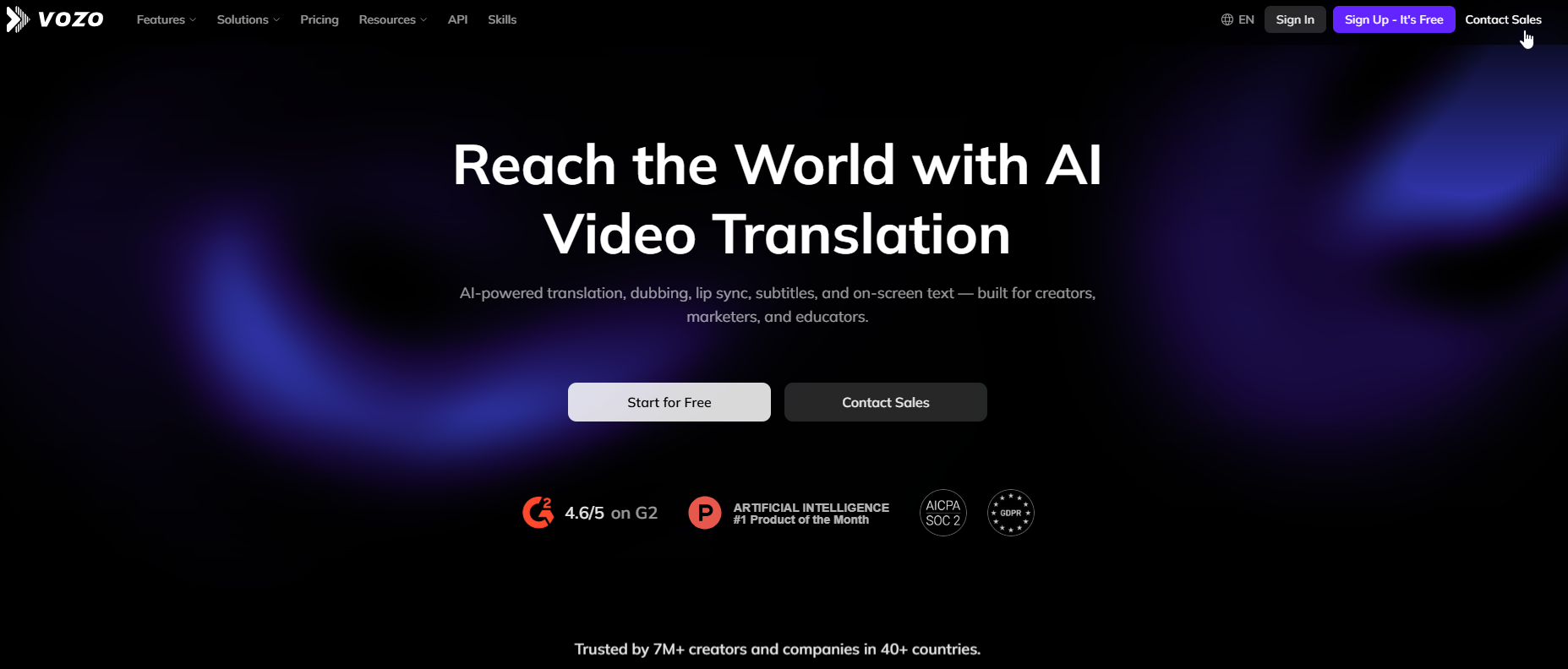
Vozo is the pick when the speaker's face is on screen and you do not want lip-sync priced as an extra. Vozo's Creator plan costs $29 a month and caps video length at 60 minutes, which is the limit that matters most before you commit.
What it does: Vozo translates and dubs video with voice cloning and lip-sync. Its video translator page also lists a proofreading editor, a team workspace and upload of SRT, ASS and VTT subtitle files. Pricing page figures put language coverage at 111 source and 165 target languages for translate and dub, with an AI voice library covering 80 text-to-speech languages.
Who it is for: Creators and small video teams dubbing talking-head content, where the viewer can see the mouth. If you also care about how the cloned voice behaves, our guide to AI video software with voice cloning covers that criterion in depth.
| Plan | Price | Billing | Includes |
|---|---|---|---|
| Free | $0 | Trial | 20 trial AI points |
| Creator | $29/mo | Monthly | 1 seat, 2 concurrent tasks, 150 AI points, 60 min max video length |
| Studio | $99/mo | Monthly | 3 seats, 6 concurrent tasks, 600 AI points, 120 min max video length |
| Enterprise | Custom | Contact sales | Human review add-on and SLA |
Vozo's pricing page states that lip-sync is realistic, goes up to 4K, and is included on all plans, with voice cloning alongside it. Billing is monthly and you can cancel anytime. The free tier is a trial of 20 AI points, and the page does not say how many minutes that buys, so run a short test.
Strengths
- Lip-sync in the plan price: No add-on line to budget for, which keeps the cost of a talking-head dub predictable.
- Wide language list: Vozo states 165 target languages on its pricing page.
- Editing step: A proofreading editor and subtitle file upload let you fix the transcript before export.
- Team room to grow: The Studio plan adds seats and six concurrent tasks for a shared workspace.
Trade-offs
- Task and point caps: Creator allows two concurrent tasks and 150 AI points, so a batch of long videos queues up.
- Length ceilings: The 60 and 120 minute limits are per plan, so a long webinar needs Studio.
- Credit unit is opaque: The page does not state how many AI points one minute of dubbing uses, so you cannot convert points to minutes without a test.
- Human review costs more: It sits in the Enterprise tier only.
Key capabilities
- Voice cloning on every plan.
- Lip-sync up to 4K.
- Proofreading editor before export.
- SRT, ASS and VTT upload.
- Team workspace with seats.
Good fit
- Talking-head videos with one clear speaker.
- Teams that want lip-sync without a separate line item.
- Creators who want to edit the transcript before they pay for a full dub.
Not a fit
- Anyone who needs a fixed per-minute price, because AI points are not converted to minutes on the page.
- Teams that need human review without an Enterprise contract.
The limitation to plan around is the cap on concurrent tasks and AI points per plan, which decides how fast a backlog clears.
2. HeyGen: Best For Talking-Head Videos And Free Trials
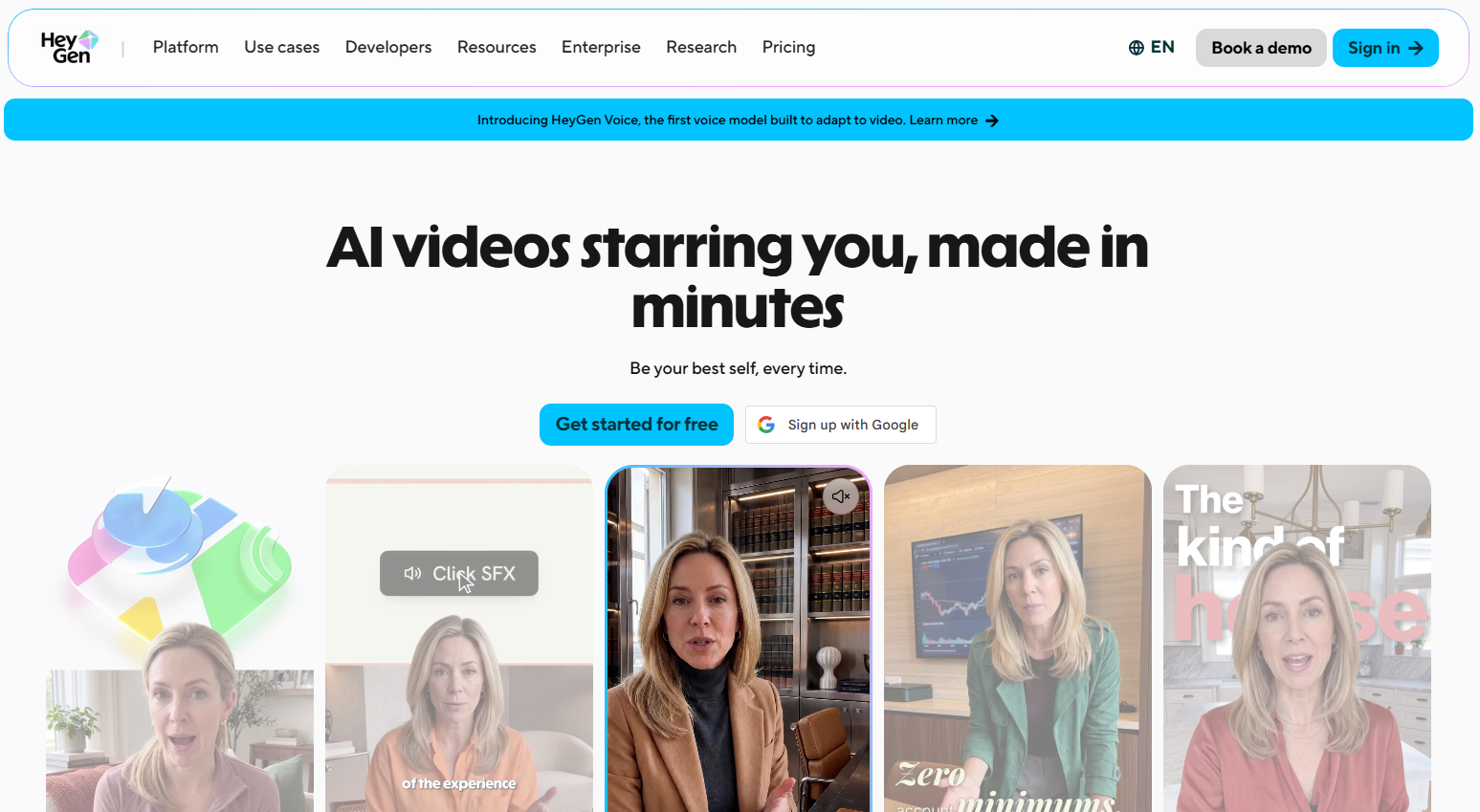
HeyGen is the safest place to start if you want to see a dub on your own face before you spend anything. HeyGen's Free plan allows 3 videos a month with a one-minute translation maximum, and the cheapest paid plan, Creator at $29 a month, raises the translation cap to 30 minutes.
What it does: HeyGen's translate page says its video translator works across 175+ languages and dialects. It also lets avatars speak those languages. HeyGen builds avatar videos too, and if that is what you want, start with our guide to multilingual AI avatar services instead of this page.
Who it is for: Marketers and creators with finished talking-head clips who want a free test before choosing.
| Plan | Price | Billing | Includes |
|---|---|---|---|
| Free | $0 | Monthly | 1 seat, 3 videos per month, 1 min translation max, 1 voice clone |
| Creator | $29/mo ($24/mo annual) | Monthly or annual | 600 credits, 30 min translation max, 1080p, 175+ dialects |
| Pro | $49/mo | Monthly | 1,000 credits, 30 min max, 4K, fastest translation |
| Business | $149/mo | Monthly | 1,500 credits, 60 min max, extra seats $20/seat/mo |
| Enterprise | Custom | Contact sales | No max length, unlimited voice cloning |
On the Free plan, HeyGen includes limited trial access to lip-sync only. Check which paid tier includes full lip-sync before you buy, and test it on your own clip first.
Strengths
- A real free test: Three videos and one voice clone cost nothing, which is enough to judge the output on your face.
- Cheap entry to long translations: Creator gives you a 30 minute translation cap at $29 a month.
- Resolution steps: 1080p on Creator and 4K on Pro let you match the delivery format.
- Business length: The 60 minute cap on Business covers long recorded sessions.
Trade-offs
- One-minute free cap: A free test only fits a very short clip.
- Plan-level lip-sync is unclear: Check which paid tier includes full lip-sync before buying.
- Credits, not minutes: The page does not give a credits-per-minute conversion for translation.
- Scope drift: The product is also an avatar platform, so the pricing page mixes features you may not need.
Key capabilities
- 175+ languages and dialects.
- Voice cloning, with one clone on Free and unlimited on Enterprise.
- 1080p to 4K output by plan.
- Extra seats on Business at $20 a seat per month.
Good fit
- Talking-head clips under one minute for a first test.
- Teams that want to compare a dub on their own face before paying.
- Marketers with clips under 30 minutes.
Not a fit
- Teams that need to know in advance which plan includes full lip-sync.
- Anyone who needs credit-to-minute maths on the pricing page.
The limitation that matters most is that plan-level lip-sync is unclear, and the free plan is a one-minute test only.
3. Synthesia: Best For Training And Team Dubbing
Synthesia suits training and internal content where a team wants a generous free allowance and a clear way to work out what a plan buys. Synthesia's Basic plan is $0 with 500 credits a month and a 10 minute free dubbing allowance, and the output is watermarked.
What it does: Synthesia's video translator page lists translation into 140+ languages, keeping each speaker's voice, lip-sync, and editing translations before publishing. It documents a dubbing project creation endpoint in its API, which matters if you want to script dubbing across a library.
Who it is for: Training teams, internal comms groups and small video teams that already work with Synthesia, or that want an API route to dubbing.
| Plan | Price | Billing | Includes |
|---|---|---|---|
| Basic | $0 | Monthly | 500 credits per month, 10 min free dubbing allowance, watermarked |
| Starter | $29/mo | Monthly | 1,250 credits, up to 16 min dubbing on top of the free allowance, downloads |
| Pro | $89/mo | Monthly | 6,000 credits, up to 78 min dubbing on top of the free allowance |
| Enterprise | Custom | Contact sales | Custom terms |
The credit model is simple once you have the one number that matters. Dubbing costs about 76 credits per minute on Synthesia, so 1,250 credits on Starter works out to roughly 16 minutes and 6,000 credits on Pro to roughly 78 minutes. That matches the plan table. Yearly billing saves up to four months according to the pricing page, though the yearly prices are not shown there.
Strengths
- A checkable credit rule: One stated conversion lets you work out what any plan buys.
- A free dubbing allowance: Ten free minutes on Basic is the largest free dubbing allowance in this group.
- API route: A documented dubbing endpoint lets a technical team automate batches.
- Edit before publishing: The translator page lists editing translations before you publish.
Trade-offs
- Watermark on Basic: Free output is watermarked, so it works as a test and not as a deliverable.
- Plan-level lip-sync unclear: Lip-sync and voice cloning are not clearly shown per plan on the pricing page, so confirm per plan.
- Maximum length not published: The pricing page shows allowances in minutes, not a longest video.
- Yearly price hidden: The yearly prices are not shown.
Key capabilities
- 140+ languages on the translator page.
- Speaker voice kept, per the translator page.
- Translation editing before publish.
- API endpoint for dubbing projects.
Good fit
- Training and onboarding video in several languages.
- Teams that want to script dubbing through an API.
- Buyers who want to size a plan with simple arithmetic.
Not a fit
- Anyone who needs lip-sync guaranteed on a specific plan without asking sales.
- Teams that need a stated maximum video length.
The limitation is that lip-sync and voice cloning are not shown per plan, so this section says to confirm per plan rather than asserting either.
4. Maestra: Best For Subtitles And Dubbing In One Editor
Maestra suits teams that want subtitles and dubbing in the same editor and are happy to pay for lip-sync as a separate line. Maestra's Business plan carries a lip-sync add-on at $2 per minute, which makes the cost of lip-sync visible apart from the dub itself.
What it does: Maestra's video translator page lists 125+ languages, subtitles and dubbing in one editor, cloned voice with lip sync, and API and team features.
Who it is for: Teams that publish the same video with subtitles in some markets and a dub in others, and want one tool to handle both.
| Plan | Price | Billing | Includes |
|---|---|---|---|
| Basic | $39/mo | Monthly | 120 min voiceover |
| Premium | $79/mo | Monthly | 300 min translation or 100 min pro voices and voice cloning |
| Business | $159/mo | Monthly | 600 min translation or 200 min pro voices and cloning, lip-sync add-on $2/min |
| Business Plus | $359/mo | Monthly | 1,500 min translation or 500 min pro voices and cloning |
These are the prices as listed on the pricing page. The page metadata on Maestra's pricing page carries an update date of January 2024, so confirm the figures before you buy. Voiceover minutes are the nearest listed line to a dubbing allowance.
Strengths
- Subtitles and dubbing together: One editor covers both deliverables.
- Visible lip-sync cost: The $2 per minute add-on is a separate line, so you pay for lip-sync only on the minutes that need it.
- Large minute pools on higher plans: Business Plus lists 1,500 minutes of translation.
- Team and API features: The translator page lists both.
Trade-offs
- Lip-sync on one plan: The add-on appears on Business only.
- Old page date: The pricing page metadata shows an update date of January 2024.
- Dubbing minutes unclear: Voiceover minutes are the nearest listed line, so the dub allowance has to be inferred.
- Higher entry price: Basic at $39 a month is dearer than the other entry plans, and it lists voiceover only.
Key capabilities
- 125+ languages.
- Subtitles and dubbing in one editor.
- Cloned voice with lip-sync.
- API and team features.
Good fit
- Teams that need both subtitles and a dub.
- Buyers who want lip-sync priced per minute and used sparingly.
- Teams with a mixed library where only some clips show a face.
Not a fit
- Anyone who wants lip-sync on every plan.
- Buyers who cannot confirm stale pricing before purchase.
The limitation that matters most is that lip-sync is a paid add-on on the Business plan only.
5. Adobe Firefly Translate Video: Best For Short Clips In Adobe Workflows
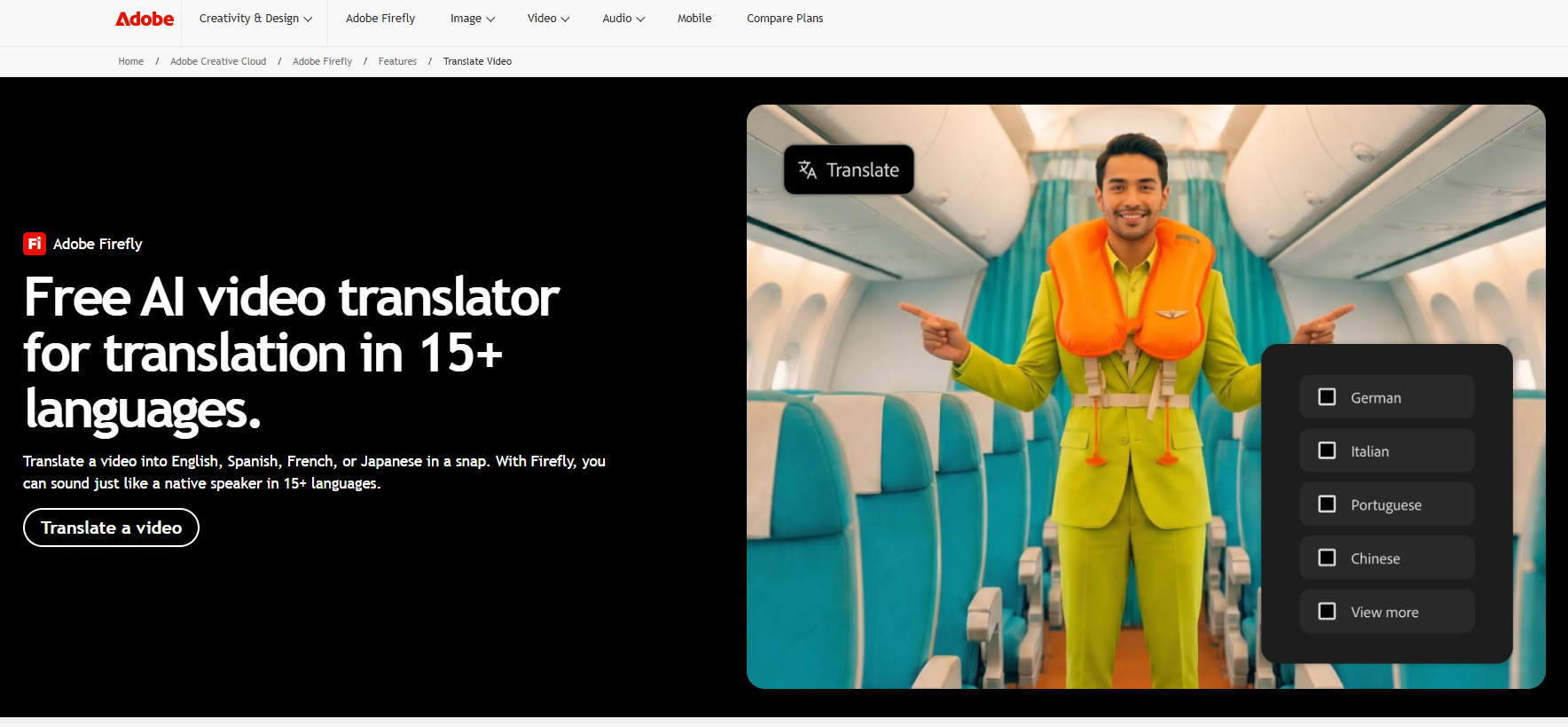
Adobe Firefly suits short clips for people who already live in Adobe tools. The Standard plan is US$9.99 a month and translates audio or video up to 6 minutes, the lowest entry price and the shortest cap in this group.
What it does: Adobe's translate-video page advertises translation in 15+ languages with natural voices and enterprise features. The language count is the smallest here, and it is stated on the tool page title.
Who it is for: Designers, social teams and marketers who produce short clips and want dubbing inside the Adobe account they already pay for.
| Plan | Price | Billing | Translation Length |
|---|---|---|---|
| Standard | US$9.99/mo | Monthly | Up to 6 min |
| Pro | US$19.99/mo | Monthly | Up to 13 min |
| Pro Plus | US$34.97/mo promo, regularly US$49.99 | Monthly | Up to 33 min |
| Premium | US$139.91/mo promo, regularly US$199.99 | Monthly | Up to 166 min |
The pricing page shows both a promo and a regular price for the top two plans, and the promo carries an end date with no year, so work from the regular price. The plan table gives translation length per plan. Confirm lip-sync and voice cloning on Adobe's Dub with AI page before you buy.
Strengths
- Lowest entry price: US$9.99 a month undercuts every other entry plan here.
- Clear length ladder: Minute caps of 6, 13, 33 and 166 map to plan names with no credit maths.
- Adobe fit: A natural next step for teams already inside the Adobe account.
- Enterprise features: The tool page advertises them.
Trade-offs
- Short caps: Six minutes on Standard rules out webinars and long demos.
- Few languages: 15+ is a fraction of the other four tools.
- Lip-sync not in the plan table: The plan table lists translation length only.
- Promo pricing: Top plans show promo and regular prices that differ by up to US$60.
Key capabilities
- 15+ languages.
- Natural voices, per the tool page.
- Translation by plan from 6 to 166 minutes.
- Enterprise features.
Good fit
- Short social and ad clips.
- Adobe-first teams that want one invoice.
- Buyers who want the cheapest entry point.
Not a fit
- Anyone who needs lip-sync confirmed as a plan feature.
- Teams dubbing into many languages.
The limitation is that the plan table lists translation length only, not lip-sync, voice cloning or export as plan features, so none of those can be assumed.
📋 Get Listed / Advertise
We update this guide monthly. Want your tool featured? Contact: [email protected].
How To Choose An AI Video Translator By Source Video Type
Feature lists do not choose a tool for you. The footage does. Three cases cover almost every library, and each one has a different answer on lip-sync.
In Perso.ai's explainer, a competing vendor names four cases where lip-sync is a must-have. Those are on-camera main formats, brand voices tied to a real person, performance ads and multi-speaker video. The same explainer says it can be skipped for screen recordings, demos, slides, animation and voiceover-led content with no visible mouth movement. The rule below follows that split, and each recommendation is tied to a plan fact on the vendor's page.
- Talking head with one speaker: Needs lip-sync, because viewers can see the mouth and a mismatch is obvious. Prioritise lip-sync that is included in the plan price and a transcript editor. Shortlist Vozo, which includes lip-sync on all plans, and HeyGen, which gives a limited lip-sync trial on its free plan.
- Screen recording or voiceover-led demo: Skip lip-sync, because no mouth is visible. Prioritise price, length limits and editing controls. Shortlist Adobe Firefly for short clips at US$9.99 a month, or Maestra, where you pay the $2 per minute lip-sync add-on only if you need it.
- Multi-speaker clip: Needs lip-sync, and speaker separation matters more than anything else. Prioritise how many speakers the tool handles, which none of the five pages in our research states. Shortlist Vozo and Synthesia, then test your own clip with two voices before you pay.
| Video Type | Lip-Sync | Prioritise | Shortlist | Plan Fact |
|---|---|---|---|---|
| Talking head, one speaker | Needs it | Lip-sync in plan, transcript editing | Vozo, HeyGen | Vozo includes lip-sync on all plans |
| Screen recording or demo | Skip it | Price, length limits | Adobe Firefly, Maestra | Adobe Standard is US$9.99/mo for up to 6 min |
| Multi-speaker clip | Needs it | Speaker separation, editing | Vozo, Synthesia | Synthesia lists lip-sync, confirm per plan |
This page could not verify how well each tool separates speakers, so that column stays a test result you collect yourself.
Once you have chosen a tool, the next question is whether the translated videos bring in pipeline. Our GEO + SEO Growth Programme tracks that for you, and you see the reporting every month.
When Lip-Sync Is Worth Paying For Versus Voice-Only Dubbing
Pay for lip-sync when a face is on camera and viewers can see the mismatch, or when several people speak. Skip it for screen recordings, slides and voiceover-heavy demos, where nobody is looking at a mouth.
That is the whole rule, and the price differences make it easy to apply. Vozo includes lip-sync in the plan price, so for Vozo the question is only whether the plan fits your length. Maestra charges extra, so you can work out the cost. HeyGen shows lip-sync only as a limited trial on its free plan, so you cannot price it from the page at all.
Here is the arithmetic on the one tool that prices lip-sync as a separate line. Maestra's lip-sync add-on is $2 per minute, and you should substitute your own video length for the example below.
- Monthly video length: 10 minutes
- Lip-sync add-on: 10 minutes at $2 per minute is $20 a month
- Business plan: $159 a month
- Monthly total with lip-sync: $159 plus $20 is $179
- Same plan without lip-sync: $159, so lip-sync is about 13% on top of the plan price
At 60 minutes a month the add-on becomes $120, which is close to the cost of the plan itself. That is why the add-on suits occasional face-on-camera clips and not a whole library. If most of your library has no visible mouth, you are paying for lip-sync you cannot see.
Believability matters here too. In our view, a lip-sync that is close but not right can make a clip look worse than a clean voice-only dub, and our guide on how to make AI video look less fake covers what viewers notice first.
Dubbing Vs Subtitles Vs Voiceover: What Each One Means
Three terms get mixed up, and the choice between them changes the price and the tool.
- Dubbing: Dubbing replaces the original spoken audio with a translated voice track.
- Voiceover: Voiceover lays a translated voice over the original audio, so the viewer can still hear the first language underneath.
- Subtitles: Subtitles show translated text and leave the audio alone.
AI video translation typically transcribes the speech, translates it, generates a voice in the target language and can then adjust mouth movement to match, with an editing step before export. Lip-sync is that last adjustment, which is why it only matters when the mouth is visible. If you only need the voice and no video, the best AI voice translators are a better place to start, and this page stays on dubbing finished video.
Pricing And Length Limits Side By Side
Credit systems differ. Vozo uses AI points, HeyGen and Synthesia use credits, and Maestra and Adobe use minutes. The table converts to minutes only where the vendor states the conversion, which means Synthesia, where 76 credits equal one dubbing minute. Anywhere else the cell shows the vendor's own unit or "Not published".
| Tool | Plan | Price Per Month | Allowance Unit | Longest Video | Lip-Sync | Source Page |
|---|---|---|---|---|---|---|
| Vozo | Creator | $29 | 150 AI points | 60 min | Included | vozo.ai/pricing |
| Vozo | Studio | $99 | 600 AI points | 120 min | Included | vozo.ai/pricing |
| HeyGen | Free | $0 | 3 videos | 1 min translation | Limited trial | heygen.com/pricing |
| HeyGen | Creator | $29 | 600 credits | 30 min | Not a separate row | heygen.com/pricing |
| HeyGen | Business | $149 | 1,500 credits | 60 min | Not a separate row | heygen.com/pricing |
| Synthesia | Basic | $0 | 500 credits, 10 free dubbing min | Not published | Confirm per plan | synthesia.io/pricing |
| Synthesia | Starter | $29 | 1,250 credits, about 16 dubbing min | Not published | Confirm per plan | synthesia.io/pricing |
| Maestra | Basic | $39 | 120 voiceover min | Not published | Not offered | maestra.ai/pricing |
| Maestra | Business | $159 | 600 translation min | Not published | Add-on $2/min | maestra.ai/pricing |
| Adobe Firefly | Standard | US$9.99 | Up to 6 min | 6 min | Not listed | adobe.com/products/firefly/plans.html |
| Adobe Firefly | Pro | US$19.99 | Up to 13 min | 13 min | Not listed | adobe.com/products/firefly/plans.html |
Read the table by unit before price. A $29 plan from three different vendors buys three different things, and only Synthesia tells you what 1,250 credits is worth in dubbing minutes. If you need to compare on equal footing, run the same ten minutes of footage through each tool on a trial and see how much of the allowance it uses.
How We Evaluated These Tools
Five criteria decided who made the list and how each tool is described.
- Languages supported: The count the vendor states on its own pages, noted as a count and not as quality.
- Lip-sync availability: Whether the vendor lists lip-sync, and on which plan.
- Voice cloning: Whether the vendor lists a cloned voice that keeps the original speaker.
- Editing and export controls: Whether you can edit the transcript or translation before export.
- Pricing model and limits: Price per plan, billing basis and the longest video or minute allowance.
The tools were chosen from the vendors ranking for the head term that dub existing video. Pricing was read from each vendor's own pricing page. No tool was hands-on tested for this page, so the profiles describe what the vendors publish and not how the output sounds or looks. That is why the test protocol below exists.
Left out on purpose were avatar generators, voice-only translators and subtitle-only tools, because they answer a different question. Smartcat is not profiled because it publishes no dubbing price or confirmed lip-sync on the pages checked. If you are weighing dubbing against the rest of your tooling, our guide to AI marketing tools for content marketing puts video in the wider stack.
How To Test A Tool With Your Own Footage Before You Pay
A demo reel tells you nothing about your footage. Spend an hour on this protocol before you buy anything.
- Pick one clip: Choose a clip of 60 to 90 seconds that matches the hardest case in your library, such as a close-up with fast speech or two speakers.
- Check the free limits: HeyGen's free plan caps translation at one minute, Synthesia gives 10 free dubbing minutes and Vozo gives 20 trial AI points, so trim the clip to fit the tool you are testing.
- Run two or three tools: Use the free tier or trial on each so the comparison is like for like.
- Listen for names: Check how the product and brand names are pronounced, since these are the words viewers notice.
- Compare timing: Check the dubbed track against the original so the pace and pauses still match.
- Watch the mouth: On close-ups, check the mouth match frame by frame where lip-sync is on.
- Try the editor: Confirm you can change the transcript before export.
- Look for watermarks: Check whether free output is watermarked, because Synthesia's Basic plan is.
- Score on one sheet: Rate each tool on the same five lines so the result is not a feeling.
When the sheet is done, pick the tool with the highest score on your hardest clip and buy the entry plan for one month. If your team is also building a content workflow around the dubbed video, our guide to AI content generator tools for SaaS is the next step.
Choosing Target Languages Before You Dub
Pick languages by audience demand, not by the biggest language count on a vendor page. A tool with 165 target languages is no use if your buyers search in three of them.
Stated counts also differ by vendor and by page. HeyGen says 175+ on its own page, and a March 2026 comparison lists HeyGen at 175 languages, in line with that, while the same table lists other tools at different counts. So language counts vary by source, and the number on a landing page is a ceiling, not a promise that every language is equally good.
Before you pay for a dub, check search demand in each target country with Semrush keyword research, which lets you compare the same topic across country databases so you dub into the languages your buyers actually search in. Start with the two or three markets where demand is clearest, and add more once the first dubs have traffic.
Getting Translated Videos Found In Search And AI Answers
A dubbed video earns little if the page around it is thin. Publish the translated transcript or subtitles as text on an indexable page for each language, and keep titles and descriptions in the target language. Text on the page is what search engines and AI answers can read.
Our guide on AI SEO tools with an agile workflow covers a process for turning localized content into rank-ready pages. For visibility in AI answers, see Generative Engine Optimization, and for being cited as the answer, see Answer Engine Optimization.
FAQs
What Is The Best AI Video Translator?
Is There A Free AI Tool To Translate Video?
What Is The Difference Between Voiceover And Dubbing?
How Is AI Video Translation Different From Subtitles?
Does The Dubbed Voice Sound Like The Original Speaker?
Can I Edit Translations Generated By AI?
How Many Speakers Can An AI Video Translator Handle In One Video?
Is My Video Kept Confidential When I Upload It?
Is There An API For AI Video Dubbing?
Where Does AI Video Translation Fall Short?
If you want help turning dubbed video into rankings and AI citations, book a thirty-minute call. One of the founders takes it, and you leave knowing what we would fix first.
📑 Disclosure!
Some links in this article are affiliate links. If you sign up through them, The Rank Masters may earn a commission at no additional cost to you. This does not influence which tools we recommend or what we say about them.