
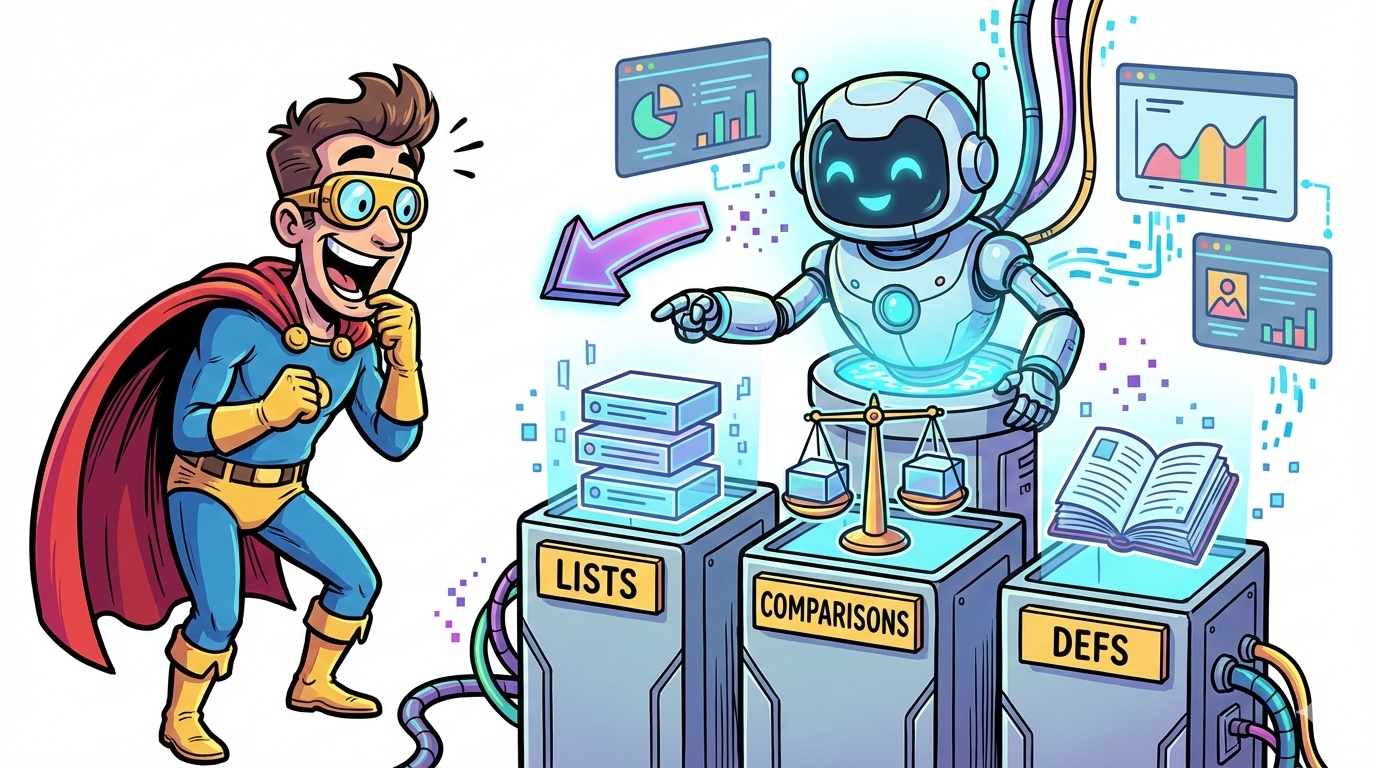
If you want to win AI citations, don’t just track whether your content formats** AI engines extract from answers. The best AI visibility tools help you (1) monitor prompts across engines, (2) see what sources and page sections get cited, and (3) turn that into actionable format guidance, especially for lists, comparison tables, and definition blocks.In this guide, we compare Profound, OtterlyAI, Conductor, Akii, and Promptmonitor and show a repeatable workflow to publish “format-winner” content that’s easier for AI systems to understand and cite.
📋 Get Listed / Advertisement
We update this guide monthly. Want your tool featured? Contact: [email protected].
Best 5 AI Visibility Tools for (Quick Comparison)
| Tool | Best for | Format guidance strength | Pricing signal |
|---|---|---|---|
| Profound | Enterprise AI visibility + citation insights | Strong for “what got cited” + page-level performance insights | Enterprise / custom pricing |
| OtterlyAI | Fast, self-serve tracking across key engines | Strong for prompt tracking + visibility trends (great for format testing) | Starts around $29/mo |
| Conductor | Unified SEO + AEO workflows for enterprise teams | Strong explicit content guidance + AI visibility measurement | Enterprise (demo-led) |
| Akii | “Trust gap” diagnosis + multi-model visibility | Strong for identifying why AI doesn’t recommend you (then shaping formats) | Starter tier listed ($49/mo shown) |
| Promptmonitor | Budget-friendly monitoring + source outreach workflow | Strong for tracking + seeing sources AI used (useful for format reverse-engineering) | Starter tier listed ($29/mo shown) |
1. Profound

What it does
Profound positions itself as a platform to help brands improve visibility in AI-generated answers, tracking presence, analyzing what AI says, and uncovering citations and content performance signals.
Why teams use it
If you’re operating at enterprise scale, Profound is attractive because it’s built around AI answer visibility (not just classic SEO), including visibility tracking and insights into which sources drive AI answers.
What it’s good for
Profound is particularly useful when your question is:
- “Which of our pages are being referenced in AI answers?”
- “What sections on those pages are likely being extracted?” (You infer this by correlating cited URLs to on-page structure.)
- “Do our list blocks or definition blocks show up more often than narrative paragraphs?”
This is how Profound turns into a format recommender: it helps you see which pages repeatedly “win citations,” then you reverse-engineer the format pattern on those winners.
When it’s a good fit
- You’re an enterprise B2B SaaS or multi-product company that needs AI visibility reporting that executives will actually read.
- You want to connect AI visibility → content actions (update pages that already earn citations).
- You need a system to monitor “share of voice” in AI answers over time.
When it’s not a good fit
- You’re early-stage and primarily need a lightweight prompt tracker with a low monthly cost.
- You need a fully self-serve product without sales involvement (Profound emphasizes enterprise access).
How to use it to find “format winners”
Here’s a practical workflow you can run monthly (and repeat):
- Pick 10–20 prompts in one cluster (e.g., “best AI visibility tools”, “GEO tools”, “answer engine optimization tools.
- Track which prompts lead to your site being cited/mentioned.
- For prompts where you don’t appear, note the competitor pages that do.
- Open those competitor pages and label the dominant format:
- Listicle with scannable bullets?
- Comparison table near the top?
- Definition block + glossary section?
- Build a “format map” (by prompt intent): commercial investigation prompts tend to reward quick comparisons and best-for lists. (This matches the SOP’s requirement to put the shortlist early for “best tools” intent.)
- Update your pages by inserting the missing format module (templates provided later).
Key capabilities
- AI visibility tracking across answer engines
- Citation/source insights (“which sites drive AI answers”)
- Content performance tracking signals (useful to identify “winning pages” to model)
Pricing
Profound’s pricing starts at $99 per month.
Free tier
Profound doesn’t offer a free tier; you can request a demo.
Downsides / limitations
- Enterprise orientation may be overkill for teams who mainly want inexpensive prompt monitoring.
- As with all AI visibility tools, you still need a human workflow to translate “visibility dnges (use the playbook below).
2. OtterlyAI
What it does
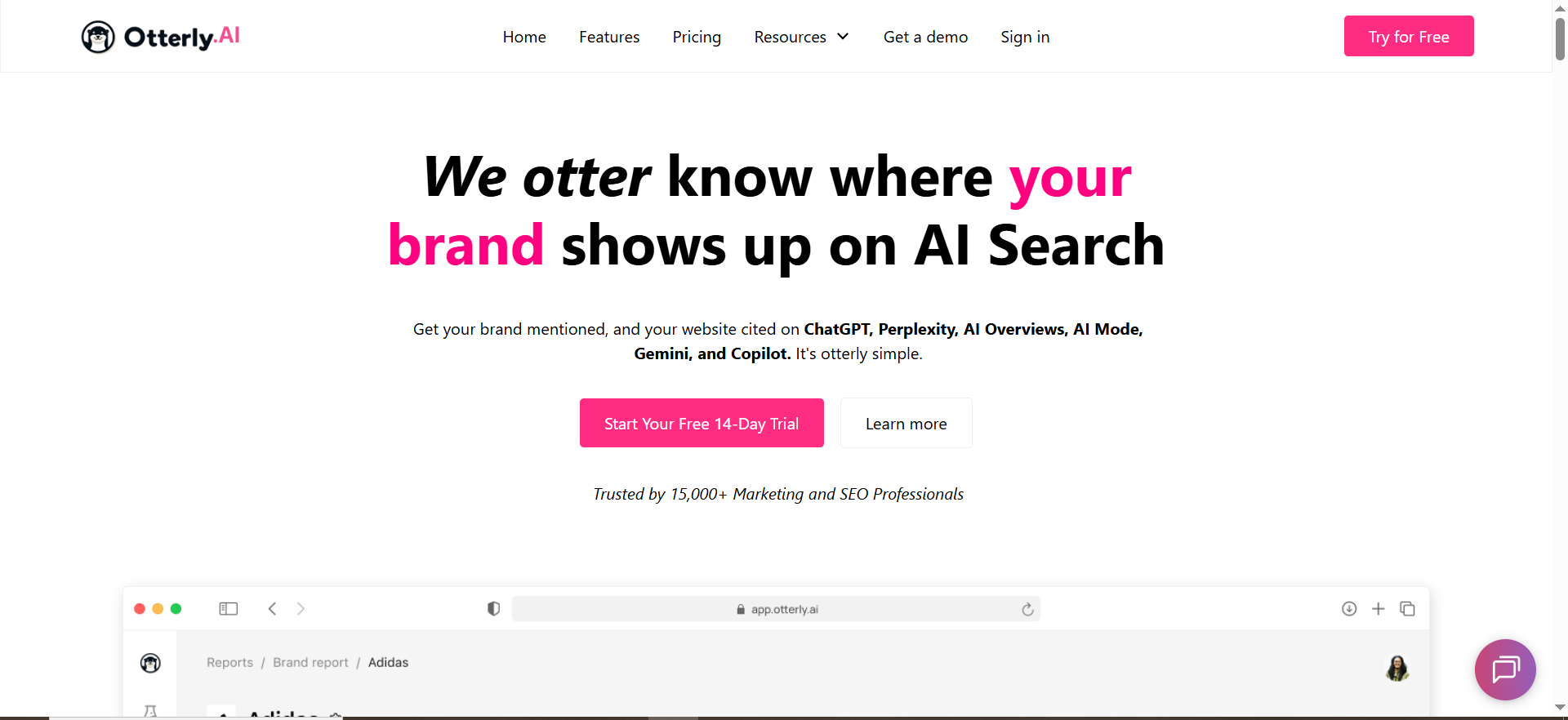
OtterlyAI markets itself as an AI search monitoring / AI visibility tracker that monitors presence across AI engines and LLMs.
Why teams use it
OtterlyAI is popular because it’s relatively fast to deploy and built around monitoring prompts across multiple AI platforms.
What it’s good for
OtterlyAI is excellent for format experiments because you can:
- Track the same prompt cluster over time, then correlate changes in your pages to changes in mentions/citations.
- Run “before/after” tests: add a comparison table near the top and see if citations improve.
In other words: OtterlyAI helps you answer “did this format change work?”, which is exactly what you need to recommend formats with confidence.
When it’s a good fit
- You’re a growth-stage SaaS team that needs measurable progress without enterprise procurement cycles.
- You want to run weekly experiments across prompts and engines.
- You want a tool that supports a broader set of AI engines and prompt tracking workflows.
When it’s not a good fit
- You need deep, integrated enterprise SEO workflows in the same platform (OtterlyAI is more focused on AI visibility tracking).
- You want sophisticated editorial workflows and approval systems (that’s more Conductor territory).
How to use it to find “format winners”
Use this simple “format bake-off” process:
- Choose one topic: e.g., “AI visibility tools”.
- Publish (or update) three pages, each optimized for a different extractable format:
- A best list page (bullets + “best for” sections)
- A comparison page (table + pros/cons blocks)
- A definitions hub (glossary + short definitions + FAQ)
- Track the same prompt cluster across engines for 2–4 weeks.
- Identify which page format gets cited most often per engine.
- Double down: create more pages in the winning format for that engine and intent.
Key capabilities
- AI visibility monitoring and tracking across AI systems
- Integration footprint in SEO ecosystems (e.g., listed in Semrush App Center)
- Pricing transparency and add-ons that imply active product investment
Pricing
OtterlyAI’s Lite plan starts at $29/month.
Free tier
OtterlyAI doesn’t offer a free tier, but it does offer a free trial.
Downsides / limitations
- Like most trackers, it can tell you what happened; your team still needs a repeatable workflow to turn that into “format guidance.” (Keep reading, this is where most teams fail.)
3. Conductor

What it does
Conductor positions itself as a unified platform to win visibility in AI answers and traditional search, combining AEO and SEO capabilities.
Why teams use it
Conductor is often chosen by enterprise teams because it blends:
- Classic SEO intelligence
- AI visibility measurement
- And content guidance (recommendations for crafting better-performing content).
What it’s good for
Conductor is the strongest pick in this list if you want a tool to explicitly help you decide:
- Which sections to add, revise, or expand (and why)
- How to prioritize high-impact optimizations based on competitive benchmarks
- How to align on-page structure with “AI search” requirements (structured headings, scannable blocks, etc.)
If your organization needs a tool that can say: “Create a comparison table for this topic because your competitors’ pages that win citations all have one,” Conductor is built closest to that “content guidance” promise.
When it’s a good fit
- You’re an enterprise marketing org that wants AEO + SEO + content workflows in one platform.
- You need reporting, integrations, and repeatable governance.
- You have multiple stakeholders and want a “system of record” for search-driven content.
When it’s not a good fit
- You want the cheapest tool to run prompt tracking, Conductor is typically enterprise-priced and demo-led.
- You want a GEO-only specialist product and already have a full SEO platform.
How to use it to find “format winners”
- Start with Conductor’s AI visibility measurement to see where you appear in AI answers.
- Identify clusters where you’re absent.
- Use content guidance to prioritize the pages most likely to win with the fewest changes.
- Apply the format modules (list, comparison, definitions) and re-measure.
Key capabilities
- AI answer visibility tracking + broader search intelligence
- Content guidance recommendations backed by competitive benchmarking
- Education and conceptual frameworks around AI search and AEO
Pricing
Conductor’s pricing is not publicly listed; it’s available by quote based on your configuration.
Free tier
Conductor doesn’t offer a free tier, but it does offer a free trial and a demo.
Downsides / limitations
- If you only need lightweight prompt tracking, Conductor may be heavier than necessary.
- Enterprise platforms can make “small, fast experiments” harder unless you intentionally design agile workflows.
4. Akii
What it does
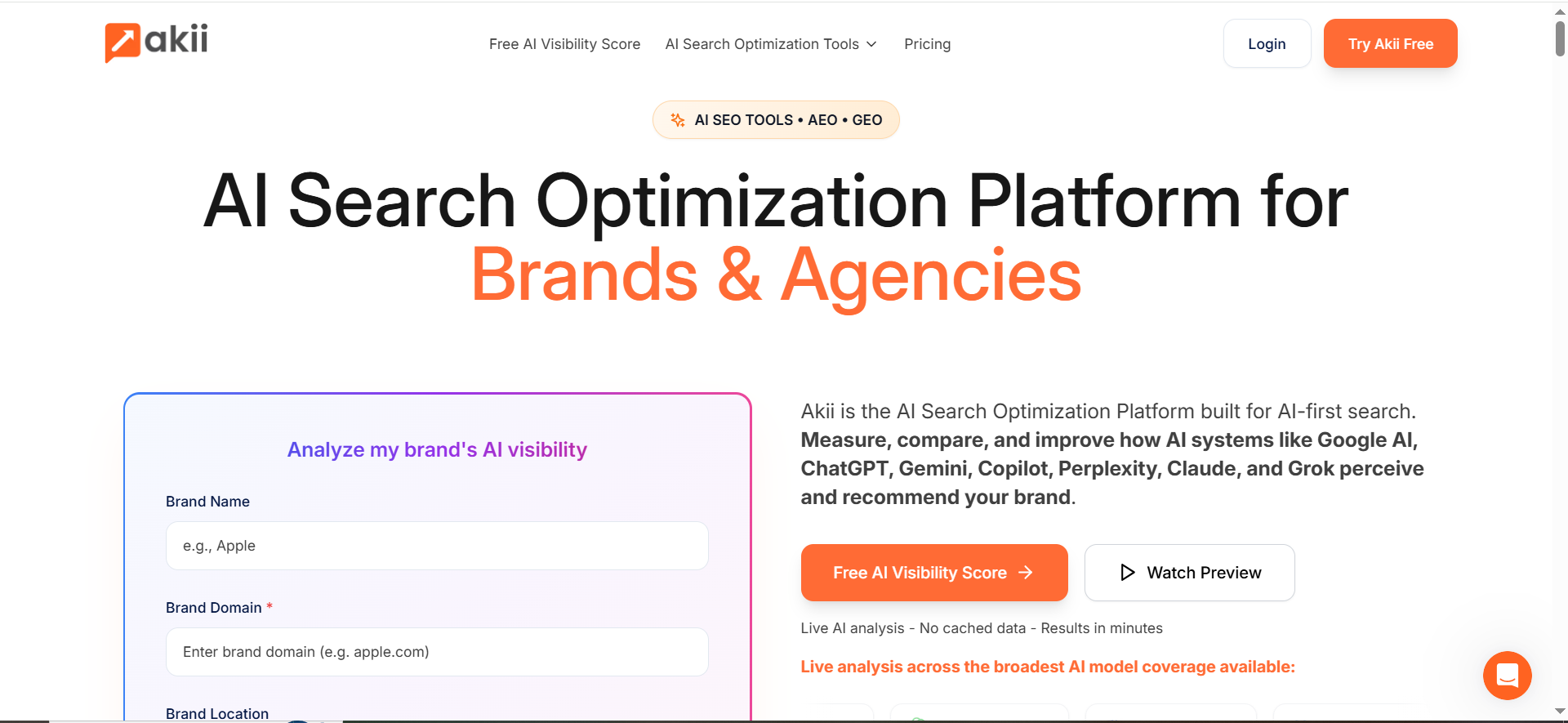
Akii positions itself as an AI search optimization platform that scans major AI models, identifies visibility and trust gaps, and provides actions to improve recommendations.
Why teams use it
Many teams struggle with a painful question: “Why won’t AI recommend us?”
Akii’s messaging focuses on exposing those gaps, useful when you’re not just optimizing pages, but trying to become a “trusted entity” in AI answers.
What it’s good for
Akii shines when format alone isn’t enough. Example: you publish a perfect comparison table, but AI still doesn’t cite you because:
- Your site lacks clear entity signals
- Your claims aren’t supported or consistent
- Your topical authority footprint is weak
Akii’s “trust gap” framing helps you decide whether you should:
- Add definition modules to clarify entities
- Add evidence modules (sources, benchmarks, citations)
- Build a glossary hub to strengthen topical coverage (definitions are especially useful here)
When it’s a good fit
- You need multi-model coverage and want to diagnose systemic visibility issues.
- You’re building a long-term AI visibility moat (not just one-off content wins).
- You want a structured approach to becoming more “recommendable.”
When it’s not a good fit
- Your main goal is cheap prompt tracking without broader optimization layers.
- You prefer a pure enterprise suite (Akii positions itself for brands & agencies with scalable plans).
How to use it to find “format winners”
- Identify prompts where competitors are recommended but you’re not.
- For each prompt, label the dominant format in the cited sources: list / comparison / definitions.
- Use Akii’s diagnostics to decide whether your fix is:
- Format fix (add table, list blocks, definitions)
- Trust fix (add proof, improve entity clarity, expand topical coverage)
- Re-test after updating.
Key capabilities
- Live AI analysis across multiple models and recommendations to improve visibility
- An entry product (“AI visibility score” positioning) suggests quick start for evaluation
Pricing
Akii’s Starter plan starts at $49/month.
Free tier
Akii doesn’t offer a free tier, but it does offer a 14-day free trial.
Downsides / limitations
- As with all optimization platforms, outputs are only as good as your implementation discipline.
- You’ll still need a content ops system to roll format changes into production.
5. Promptmonitor
What it does
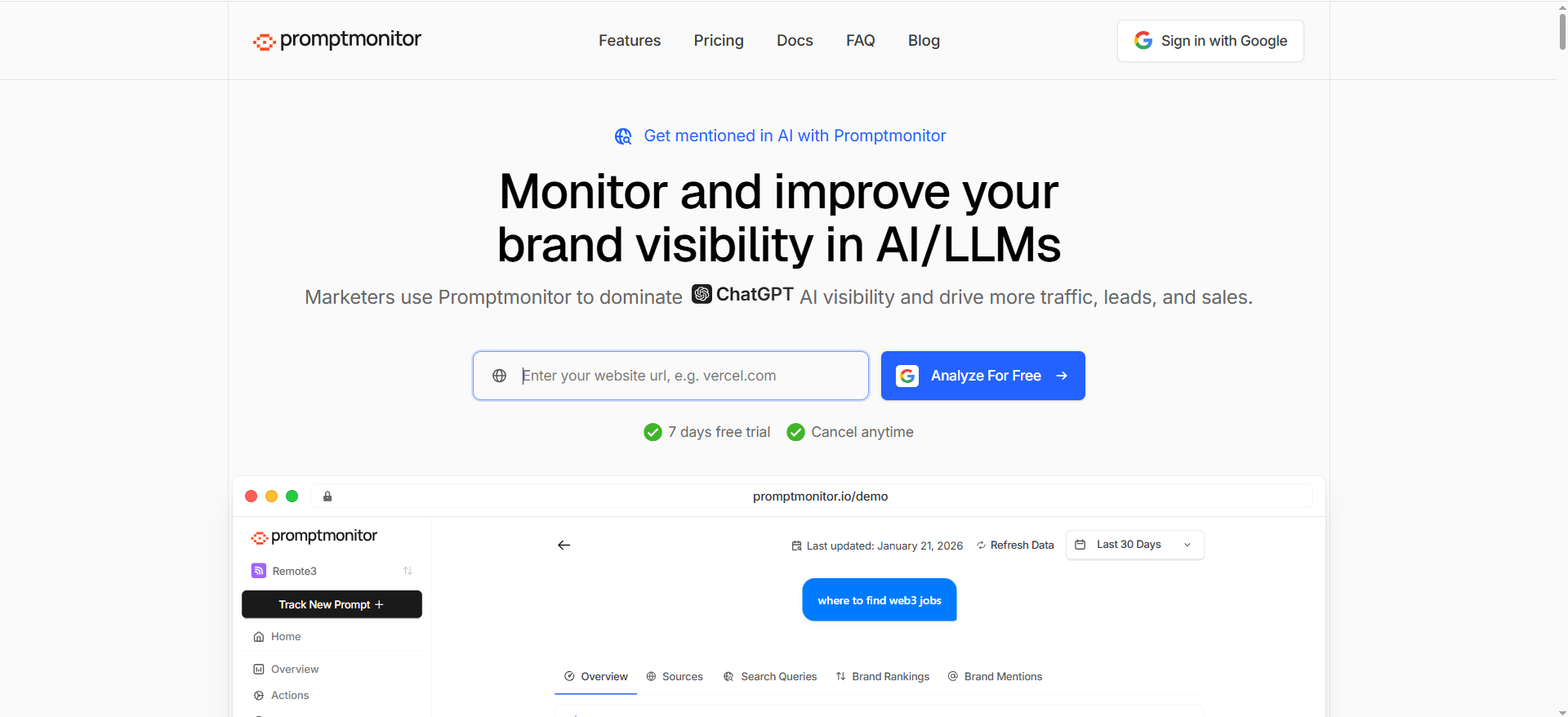
PromptMonitor positions itself as a tool to track and optimize visibility across AI/LLMs like ChatGPT, Perplexity, and others, emphasizing prompt monitoring and visibility outcomes.
Why teams use it
PromptMonitor is appealing because it pairs monitoring with practical “what now” steps, like showing sources AI used (useful for outreach and for reverse-engineering what formats win).
What it’s good for
Promptmonitor becomes a format recommender when you use it to answer:
- “Which publishers / pages is AI pulling from?”
- “What structure do those pages share?” (e.g., tables, bullet lists, glossary blocks)
- “Which formats can we replicate with better clarity and better coverage?”
It also includes “AI search bot and crawler analytics” messaging on its pricing/features pages, helpful when you care about AI discoverability signals.
When it’s a good fit
- You’re a small team that wants strong value at a low starting price.
- You want to combine monitoring with “source discovery” workflows.
- You want a tool that supports multiple engines without enterprise pricing.
When it’s not a good fit
- You need deep enterprise workflow integration and classic SEO platform breadth (Conductor is stronger there).
- You need a dedicated “content guidance” suite rather than inference-based format guidance.
How to use it to find “format winners”
- Create a project around one product category / topic.
- Track 25–50 prompts (one cluster).
- For each prompt, export the “winning answer sources.”
- Code (or manually tag) each source by dominant format:
- Listicle
- Comparison table
- Definition-led / glossary page
- Count which format appears most often in citations by engine.
- Build new content in the top format and re-test.
Key capabilities
- Multi-engine prompt monitoring and visibility focus
- Published pricing tiers and plan details
- Documentation that supports operational usage
Pricing
Promptmonitor’s Starter plan starts at $29/month.
Free tier
Promptmonitor doesn’t offer a free tier, but it does offer a 7-day free trial.
Downsides / limitations
- Some “format recommendation” work remains manual (tagging and pattern analysis).
You should expect normal AI output variance; design your tracking to look at trends, not single runs.
📋 Get Listed / Advertisement
We update this guide monthly. Want your tool featured? Contact: [email protected].
The playbook: Turn AI visibility data into format recommendations (the “Format Winners” method)
Most teams buy an AI visibility tool… then stop at screenshots.
To actually get ROI, you need a repeatable content production loop that converts monitoring data into:
- A format decision (list vs comparison vs definitions)
- A content brief
- A publish/update cycle
- A re-test routine
This is basically the SOP workflow: use a semantic outline + query fan-out + modular content so the page is easy for both search engines and LLMs to understand and cite.
Step 1: Build a prompt cluster (query fan-out)
Query fan-out expands a core query into related questions and modifiers so you cover the topic fully.
Example cluster (for this article’s topic):
- “best AI visibility tools”
- “GEO tools” / “AEO tools”
- “tools to track Google AI Overviews citations”
- “tools to track Perplexity citations”
- “how to get cited in AI answers”
Your gate is 10–20 fan-out queries captured.
Step 2: Run a “format bake-off” across engines
For each prompt cluster, you’re trying to answer:
“What format consistently wins citations for this intent?”
Make three content assets (or retrofit existing pages) so each one is dominated by a different format:
- List asset: Best-for bullets + scannable subsections
- Comparison asset: Table near the top + pros/cons + “when it’s a fit”
- Definitions asset: Short definitions + mini-glossary + FAQ schema candidate blocks
Then track performance by engine.
Step 3: Extract what AI cites
This is where AI Overviews and citation-based engines matter. Google explicitly frames AI experiences as showing links and sources in results.Perplexity emphasizes numbered citations that link to sources.
Your tool should help you identify:
- Which URLs were cited
- Whether citations skew to one format type
- Whether your pages are structured to be extractable (clear headings, short answer blocks, lists/tables near top)
Step 4: Map “format winners by engine”
A practical, evidence-based map looks like this:
- Citation-heavy engines (e.g., Perplexity): Reward pages with clean structure and sourceable claims (definitions + references + comparisons). Reviews (Google):** Google’s guidance emphasizes new AI search experiences and link inclusion, and SEO fundamentals still apply.
- Chat-based assistants: Often synthesize, but when citations are present, you still benefit from scannable, modular blocks that can be lifted cleanly.
Important: Don’t treat this as a universal truth. Treat it as a hypothesis you validate by tracking outcomes.
Step 5: Operationalize it with modular content blocks
The SOP calls out modular content as reusable sections like “Who it is for,” “Pricing,” and “Pros/Cons.”
That’s perfect for format optimizer modules without rewriting the whole article.
Your “format modules” are:
- List module (extractable bullets)
- Comparison module (extractable titions module** (extractable “term = meaning” lines + examples)
The 3 formats AI prefers (and why they work)
Here’s the simple truth: AI systems need content that is easy to parse, chunk, and quote.
That’s why your SOP emphasizes headings, descriptive subheads, and lists for scanability, plus comparison tables near the top.
1) Lists that get extracted
Lists win because they’re already “answer-shaped.”
What works best:
- A short “best X for Y” bullet list
- Each bullet has a concrete qualifier
- The list is close to the top (after TL;DR) so it’s easy to find generic bullets with no discriminators.Good list: bullets that encode decision logic.
2) Comparisons that get cited
Comparison tables turn ambiguity into structure.
What works best:
- A table with ≤4 columns (also matches the SOP example)
- Immediately followed by short “when it’s a fit / not a fit” blocks
- Consistent labeling (“Best for,” “Not for,” “Strength,” “Limitation”)
3) Definitions that become the answer
Definition blocks are “extractable truth units.”
AEO guidance commonly stresses formatting content so answer engines can readily surface it in AI-era AEO content.
And Google’s AI search guidance still centers on making content understandable and useful, definitions do exactly that.
What works best:
- 1–2 sentence definition
- Example
- “Related terms” list (mini-glossary)
Templates you can copy/paste (lists, comparisons, definitions)
Template A: AI-Preferred List (Best-for bullets)
H2: Best [X] for [Outcome] (Quick Picks)
- [Tool/Option] — Best for [specific use case] because [one reason].
- [Tool/Option] — Best for [specific use case] because [one reason].
- [Tool/Option] — Best for [specific use case] because [one reason].
H3: How we picked
- Coverage (engines, prompts, regionAbility to test formats and measure outcomes
- Workflow fit
Template B: AI-Preferred Comparison (≤4 columns)
[X] Tools Compared (Table)
| Option | Best for | Key strength | Main limitation |
|---|---|---|---|
| A | |||
| B |
Then add:
- When to choose A
- When not to choose A
- Repeat for each.
Template C: AI-Preferred Definitions + Mini-Glossary
Definitions
- AI visibility: The measure of how often (and how prominently) your brand/content appears in AI-generated answers across platforms.
- Mention: When an AI system references your brand or product name in its answer (may not include a link).
- Citation: When an AI system includes a link or source reference backing a claim.
- AEO (Answer Engine Optimization): Creating/formatting content so answer engines can understand and surface it, especially when you align AISO vs SEO/AEO/GEO.
Template D: “Format Brief” for writers (what to build this week)
Goal: Win citations for prompt cluster: [cluster name]
Secondary module: FAQ (≥5)
Evidence hooks: table near top, definitions block, internal links, sources to cite
Required page sections:
- TL;DR (3–6 sentences)
- Quick comparison (table ≤4 cols)
- Tool/module sections (consistent H3s)
- FAQs (≥5)
Do lists outperform long narrative paragraphs in AI answers?
Yes, most of the time, for “answerable” queries, lists tend to outperform long narrative paragraphs for AI visibility because they’re easier for systems to scan, chunk, and extract into a direct answer, especially with a strong AI search visibility strategy. But narrative still wins when the query needs reasoning, nuance, or story.
Why lists often win in AI answers
AI answer systems commonly synthesize content into compact blocks. Lists work well because they already resemble “answer-shaped” chunks:
- Discrete units (each bullet can map to one claim/option)
- Clear hierarchy (especially when paired with H2/H3s)
- Low ambiguity (“Best for X because Y” is easy to reuse)
Google’s own guidance on AI in Search emphasizes that AI experiences show links and sources in different ways and are an evolution of Search, meaning clarity and structure still matter for being included as a source.
Perplexity explicitly uses numbered citations linking to sources, which encourages content that’s easy to extract and cite cleanly.
When narrative paragraphs beat lists
Narrative can outperform lists when the user intent is:
- “Explain how / why” (mechanisms, context, deep expertise)
- High-stakes topics that need evidence and caveats
- Complex comparisons where trade-offs matter more than options
Best practice: Don’t choose one. Use a hybrid layout:
- Short list for the answer
- Narrative for proof + nuance
- Table/FAQ for reinforcement
The “AI-friendly list” pattern (copy/paste)
Use bullets that encode decision logic:
- [Option] — Best for [specific use case] because [one concrete reason].
- [Option] — Best for [specific use case] because [one concrete reason].
- [Option] — Best for [specific use case] because [one concrete reason].
Then add a 2–4 sentence paragraph under each option with:
- “What it does”
- “Who it’s for”
- “Limitations”
How to test whether lists are winning for your topic
Run a simple format experiment:
- Pick 10–20 prompts in one cluster
- Create two versions of the same page section:
- Version A: “Quick picks” list near the top
- Version B: narrative-only intro
- Track changes in mentions + citations across engines for 2–4 weeks
- Keep what improves citation/visibility share
Do comparison tables increase citations in AI Overviews?
They can, especially for “best tools / alternatives / vs” intent, because tables compress decision criteria into a structured, extractable format. But tables don’t automatically earn citations: the page still needs credibility and clear supporting text.
Google’s Search Central guidance notes AI Overviews display links in various ways and surface a wider range of sources, reinforcing that being a clear, useful source matters, not just having a table.
Why tables can help (when they help)
Comparison tables are strong when:
- The query implies selection (“best”, “top”, “compare”, “vs”)
- Users want criteria-based decisions quickly
- The page can support each table claim with short text below it
Tables are also easy for systems to:
- identify columns as “attributes”
- extract row-level facts (“Best for”, “Limitations”)
- reuse in summaries
When tables don’t help (or can hurt)
Avoid or revise tables if:
- They’re too wide (8+ columns)
- They’re filled with marketing adjectives (“powerful”, “best-in-class”) without specifics
- They lack supporting explanation underneath
- Rows are inconsistent (different criteria per row)
AI Overviews table format that tends to work best
| Tool | Best for | Key strength | Main limitation |
|---|---|---|---|
| X | [use case] | [specific capability] | [specific capability] |
| Y | [use case] | [specific capability] | [specific capability] |
| Z | [use case] | [specific capability] | [specific capability] |
Then immediately follow with short “fit” blocks:
- When to choose X
- When not to choose X
- Proof points (sources, benchmarks, screenshots, methodology)
How to measure “table impact” in AI Overviews
Track before vs after on a single cluster:
- Add/refresh the table (tight columns + specific claims)
- Add supporting text for each row
- Re-run prompt tracking weekly
- Measure:
- citation rate (how often your URL is cited)
- share of voice (how often your brand is included)
- which section gets cited (if your tool can infer page sections)
What pages should you optimize first (money pages vs definitions vs comparisons)?
Optimize in this order for most B2B SaaS teams trying to win AI citations:
- Definition / glossary hub pages (build trust + entity clarity)
- Comparison pages (capture “choose between options” intent)
- Money pages (convert, but harder to cite if overly promotional)
This aligns with how answer engines behave: they prefer sources that are explanatory and referenceable. AEO is explicitly about creating/formatting content so answer engines can understand and surface it.
Why definitions often come first
Definition pages:
- Match informational prompts (“What is X?”)
- Build topical authority and clarify entities
- Create reusable “truth blocks” that AI can lift cleanly
Also, they naturally support internal linking into comparisons and product pages.
Why comparisons come next
Comparisons win commercial investigation prompts:
- “X vs Y”
- “best tools for…”
- “alternatives to…”
They’re more citable than money pages because they feel helpful rather than purely promotional.
Why money pages are often last (but still important)
Money pages can get cited when:
- They include clear specs, pricing info, integrations, use cases
- They have neutral explainer blocks (definitions + FAQs + “how it works”)
But if they read like sales copy, they’re less likely to be used as a “source of truth.”
A simple prioritization table (use this to pick your first 10 pages)
| Page type | Best for | AI-citation likelihood | Primary upgrade |
|---|---|---|---|
| Definitions / glossary | “What is…” prompts | High | 1–2 sentence defs + examples + FAQ |
| Comparisons | “best/vs/alternatives” | High | Table near top + pros/cons + criteria |
| Money pages | branded/product intent | Medium | Add neutral blocks + specs + FAQs |
Practical “first sprint” plan (2 weeks)
- Week 1: Publish/refresh 5–10 definition pages (core category terms + pain points)
- Week 2: Publish/refresh 3–5 comparison pages (top competitors + “best for” lists + table)
- Then retrofit top 3 money pages with:
- a “What it is” definition block
- a short comparison module (“How we differ”)
- FAQ section
If you want, paste your site’s top 10 URLs (or your sitemap priorities), and I’ll map them into this order with the exact format modules (list vs table vs definitions) to add to each.
FAQs
What is an AI visibility tool?
What’s the difference between a mention and a citation?
Do lists really help you get cited in AI answers?
Are comparison tables better than listicles?
How do I optimize for Google AI Overviews?
Do I need a schema for AEO?
Which tool should I pick if I’m a small team?
📋 Get Listed / Advertisement
We update this guide monthly. Want your tool featured? Contact: [email protected].


